
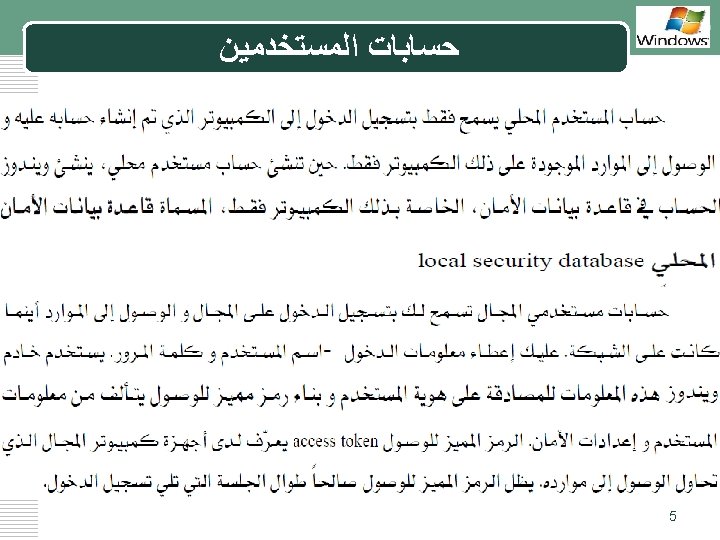
LOGO Local user accounts stored on local computer

- Slides: 36
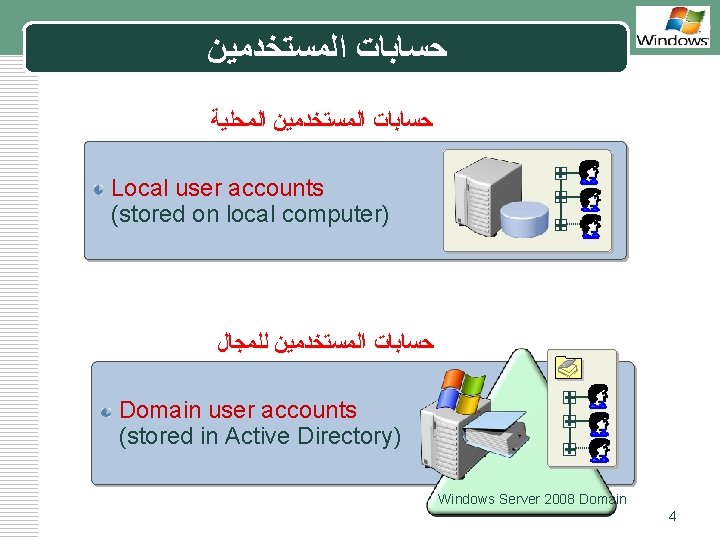
ﺣﺴﺎﺑﺎﺕ ﺍﻟﻤﺴﺘﺨﺪﻣﻴﻦ LOGO ﺣﺴﺎﺑﺎﺕ ﺍﻟﻤﺴﺘﺨﺪﻣﻴﻦ ﺍﻟﻤﺤﻠﻴﺔ Local user accounts (stored on local computer) ﺣﺴﺎﺑﺎﺕ ﺍﻟﻤﺴﺘﺨﺪﻣﻴﻦ ﻟﻠﻤﺠﺎﻝ Domain user accounts (stored in Active Directory) Windows Server 2008 Domain 4
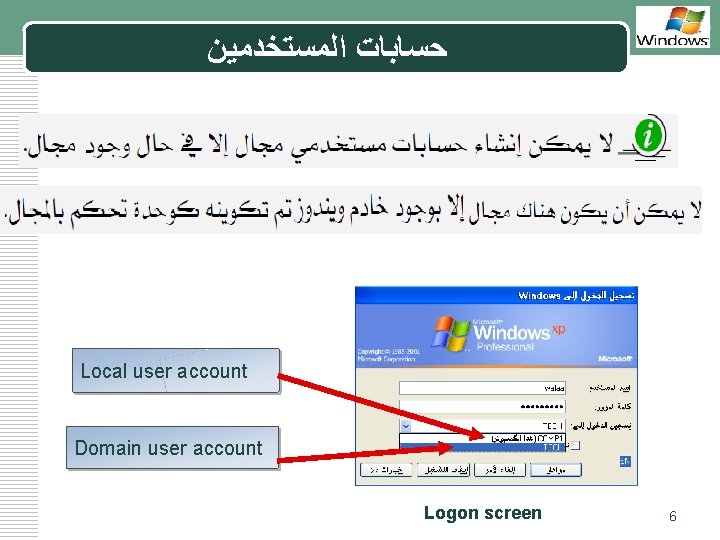
ﺣﺴﺎﺑﺎﺕ ﺍﻟﻤﺴﺘﺨﺪﻣﻴﻦ LOGO Local user account Domain user account Logon screen 6
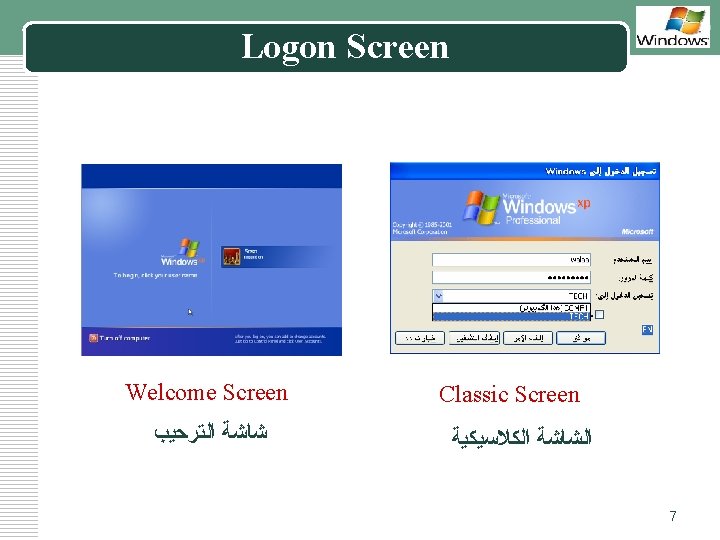
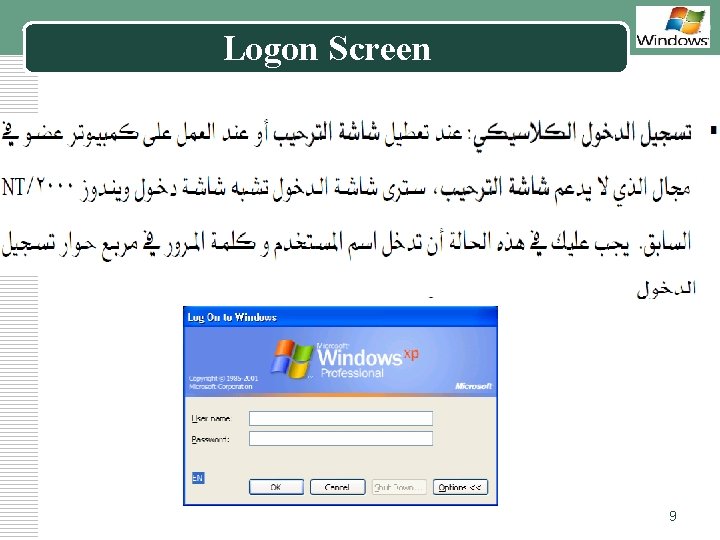
LOGO Logon Screen Welcome Screen ﺷﺎﺷﺔ ﺍﻟﺘﺮﺣﻴﺐ Classic Screen ﺍﻟﺸﺎﺷﺔ ﺍﻟﻜﻼﺳﻴﻜﻴﺔ 7
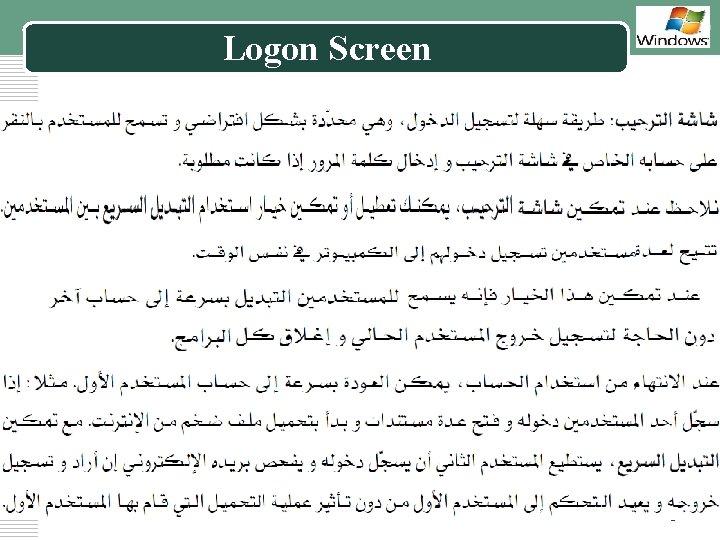
Logon Screen LOGO 8
Logon Screen LOGO 9
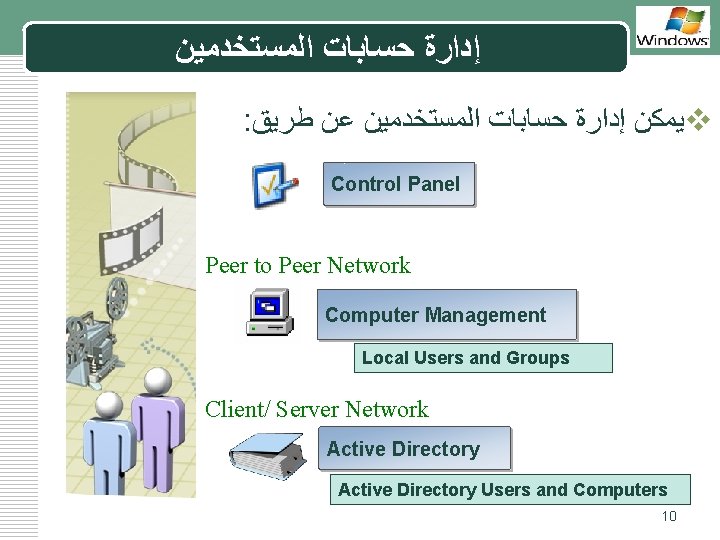
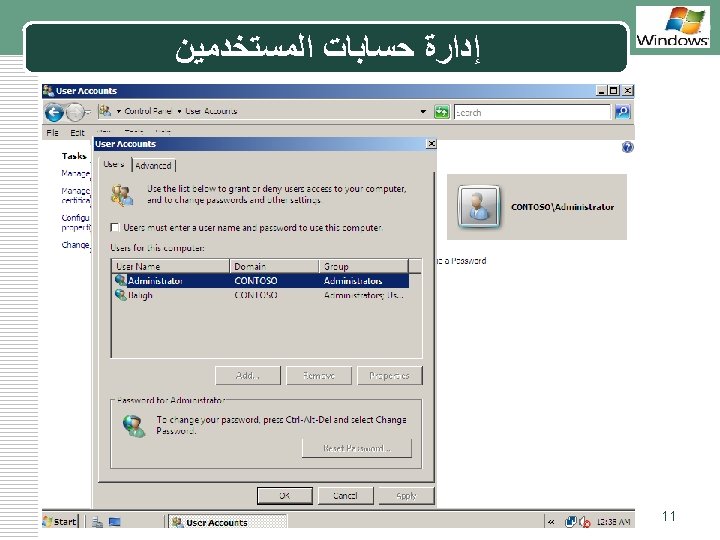
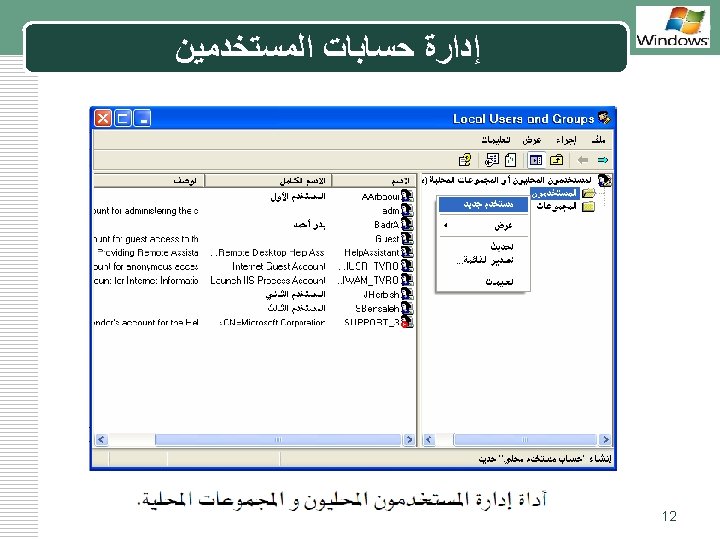
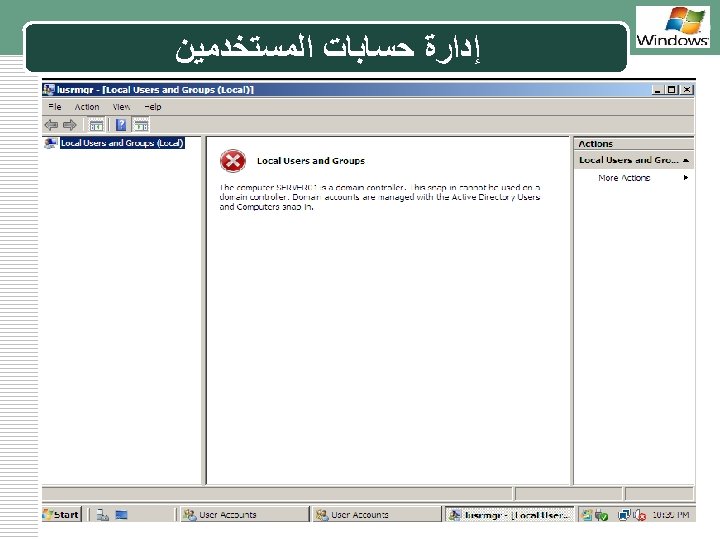
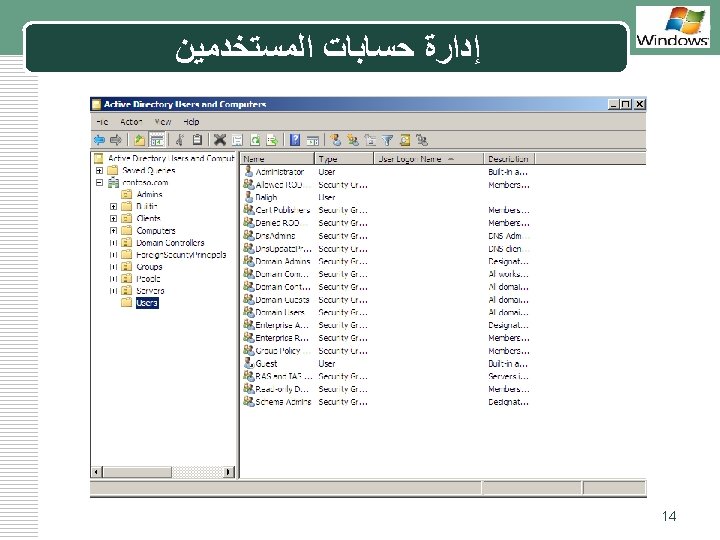
ﺇﺩﺍﺭﺓ ﺣﺴﺎﺑﺎﺕ ﺍﻟﻤﺴﺘﺨﺪﻣﻴﻦ LOGO : ﻳﻤﻜﻦ ﺇﺩﺍﺭﺓ ﺣﺴﺎﺑﺎﺕ ﺍﻟﻤﺴﺘﺨﺪﻣﻴﻦ ﻋﻦ ﻃﺮﻳﻖ v Control Panel Peer to Peer Network Computer Management Local Users and Groups Client/ Server Network Active Directory Users and Computers 10
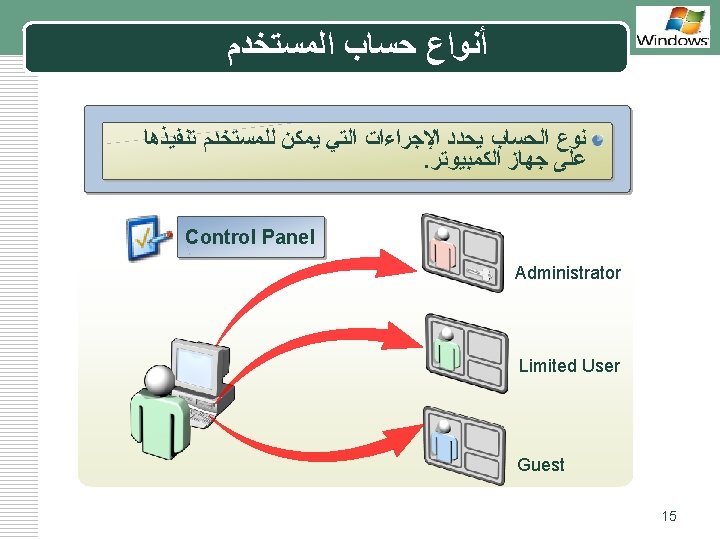
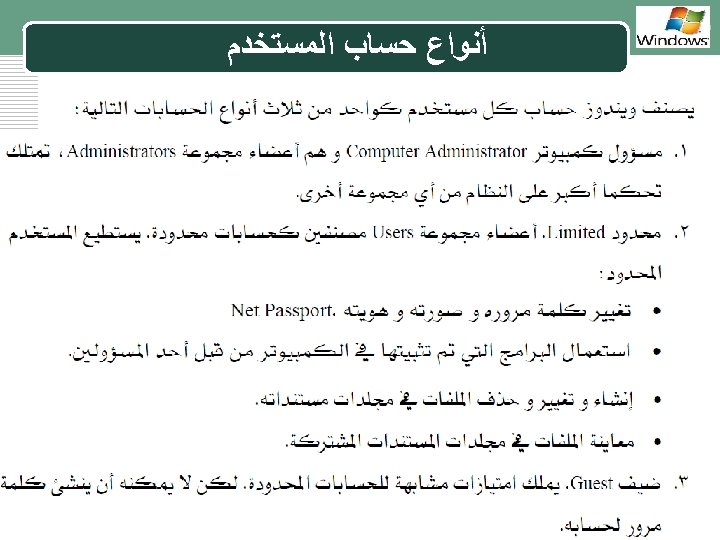
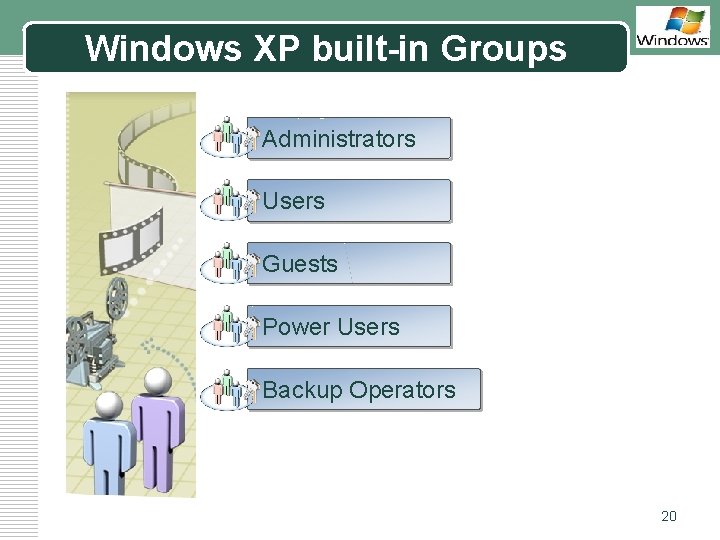
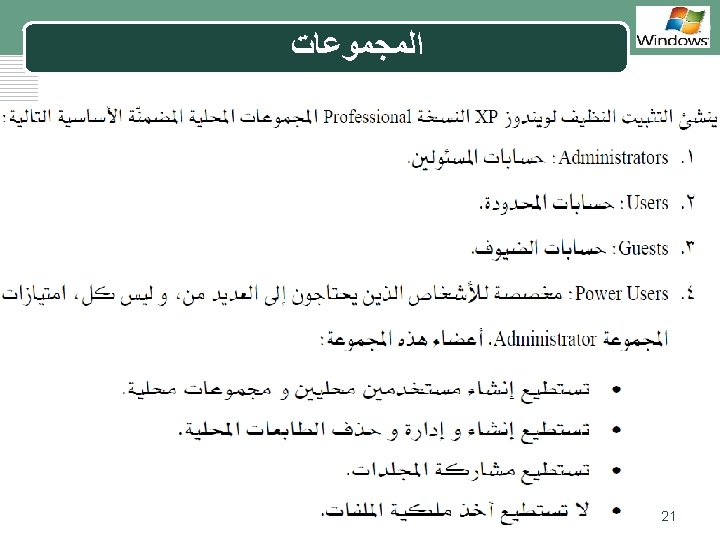
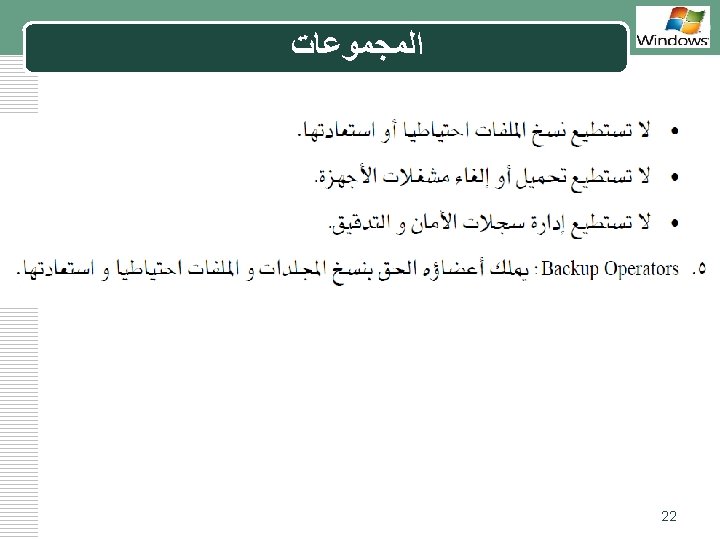
Windows XP built-in Groups LOGO Administrators Users Guests Power Users Backup Operators 20
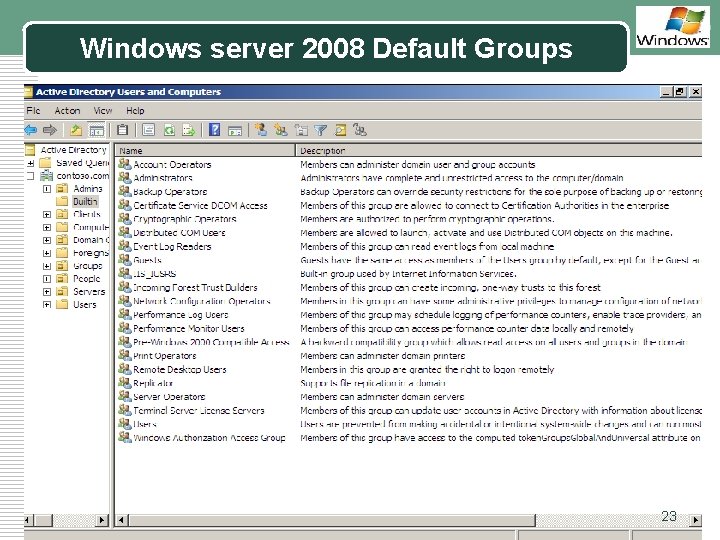
Windows server 2008 Default Groups LOGO 23
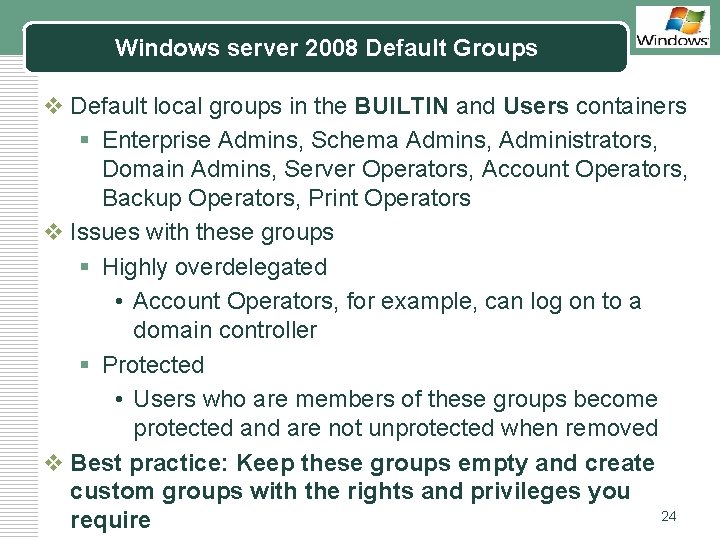
Windows server 2008 Default Groups LOGO v Default local groups in the BUILTIN and Users containers § Enterprise Admins, Schema Admins, Administrators, Domain Admins, Server Operators, Account Operators, Backup Operators, Print Operators v Issues with these groups § Highly overdelegated • Account Operators, for example, can log on to a domain controller § Protected • Users who are members of these groups become protected and are not unprotected when removed v Best practice: Keep these groups empty and create custom groups with the rights and privileges you 24 require
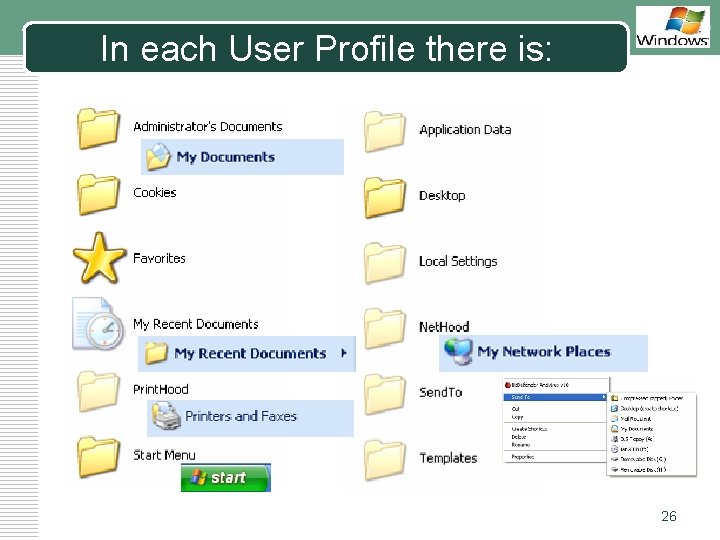
In each User Profile there is: LOGO 26
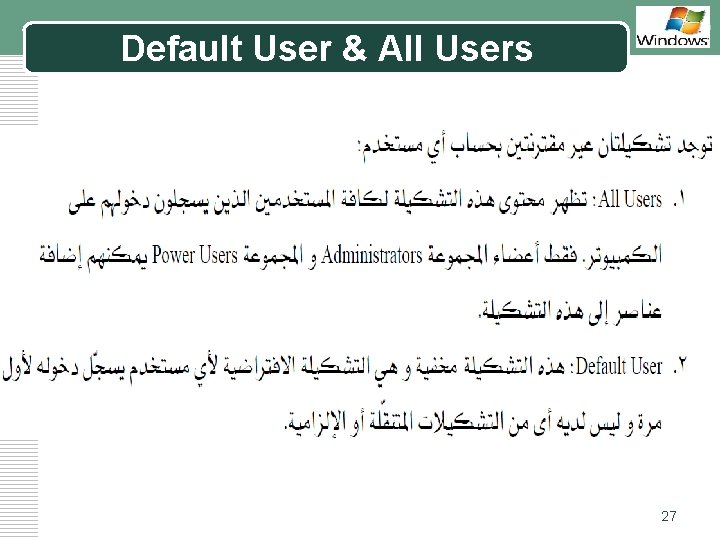
Default User & All Users LOGO 27
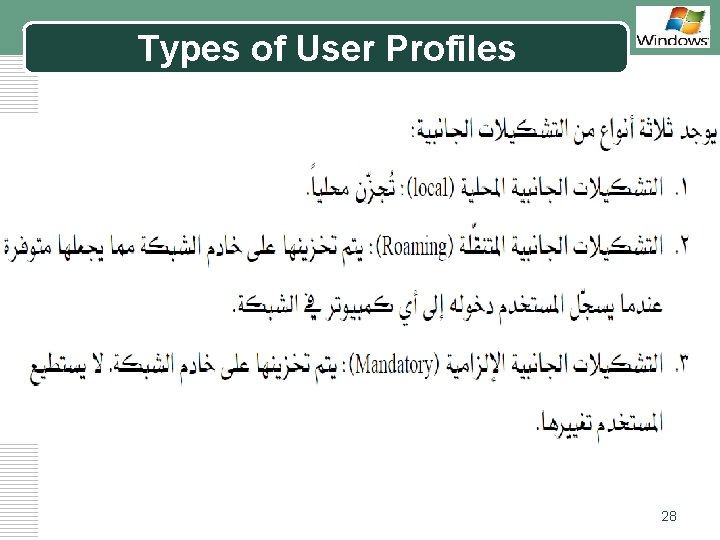
Types of User Profiles LOGO 28
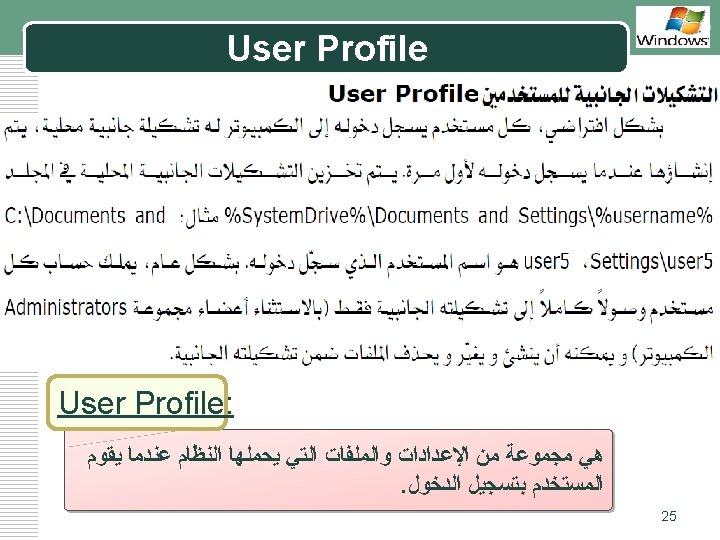
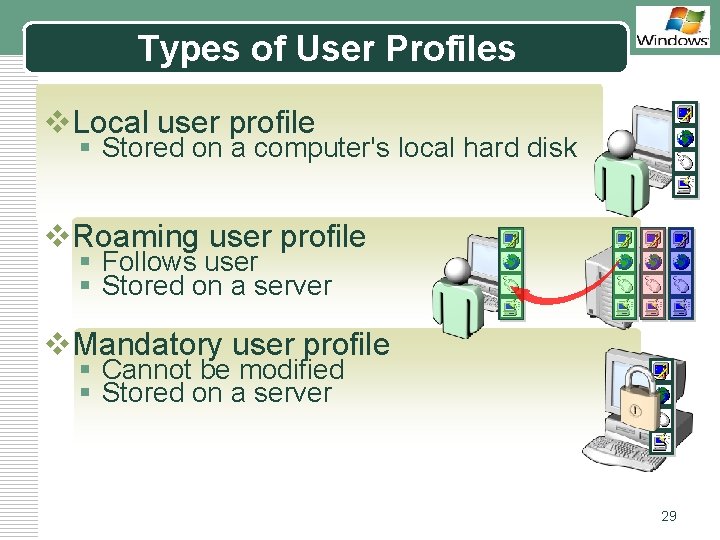
Types of User Profiles LOGO v. Local user profile § Stored on a computer's local hard disk v. Roaming user profile § Follows user § Stored on a server v. Mandatory user profile § Cannot be modified § Stored on a server 29
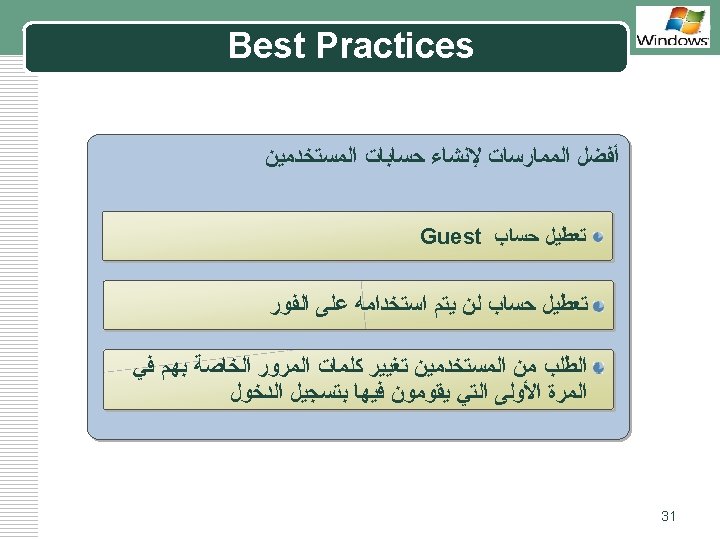
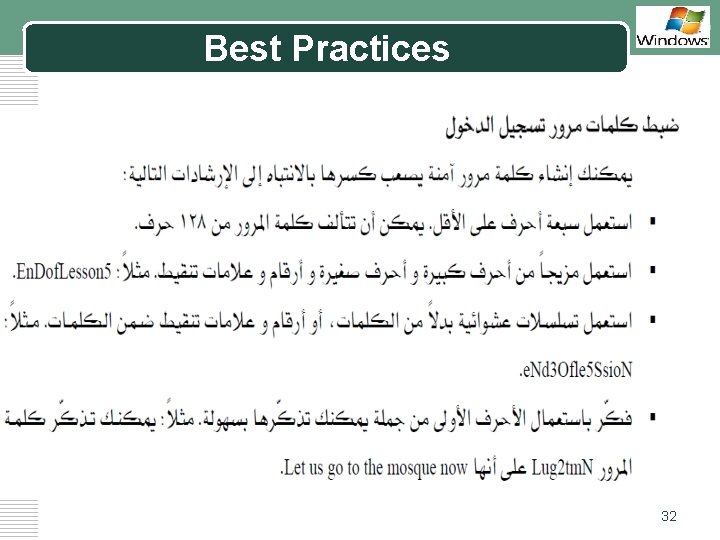
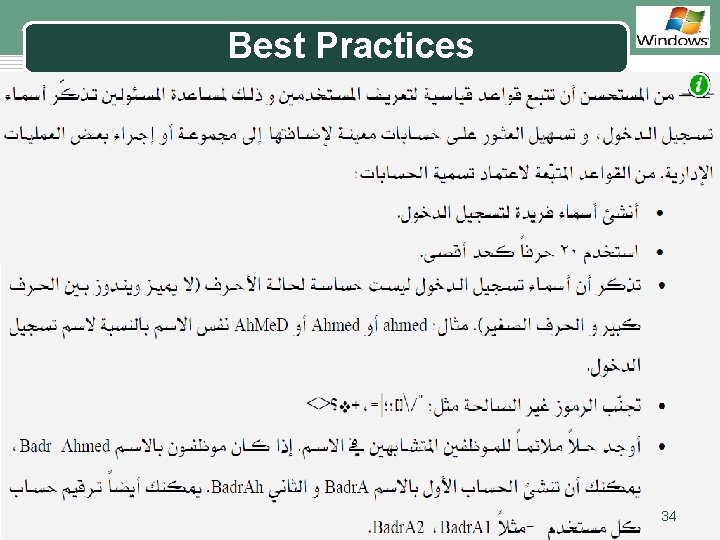
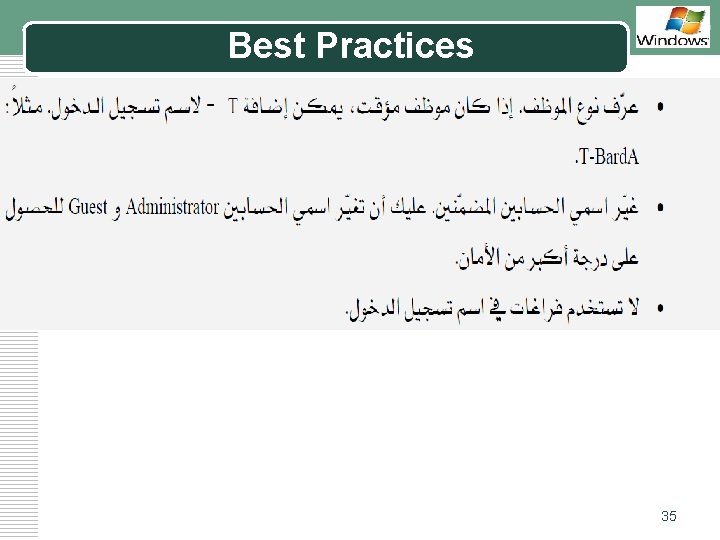
Best Practices LOGO 32
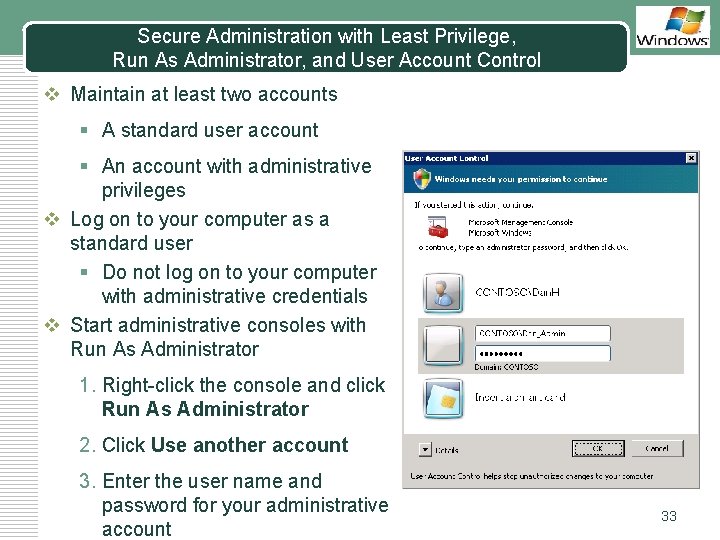
Secure Administration with Least Privilege, Run As Administrator, and User Account Control LOGO v Maintain at least two accounts § A standard user account § An account with administrative privileges v Log on to your computer as a standard user § Do not log on to your computer with administrative credentials v Start administrative consoles with Run As Administrator 1. Right-click the console and click Run As Administrator 2. Click Use another account 3. Enter the user name and password for your administrative account 33
Best Practices LOGO 34
Best Practices LOGO 35