
Literature Searching for Clinical Researchers November 2019 Seona

Literature Searching for Clinical Researchers November 2019 Seona Hamilton Subject Specialist Librarian NHSGGC Library Network seona. hamilton@ggc. scot. nhs. uk
Learning Outcomes By the end of the course participants will: • Be aware of information sources and techniques used to identify relevant literature • Recognise the importance of formulating an answerable question and planning your search in advance • Identify the relevant search terms for each area of your search • Construct a comprehensive search strategy using a combination of database-specific controlled vocabulary, free text search strings and Boolean logic • Use database specific limits and search filters to refine your search and identify the most relevant literature
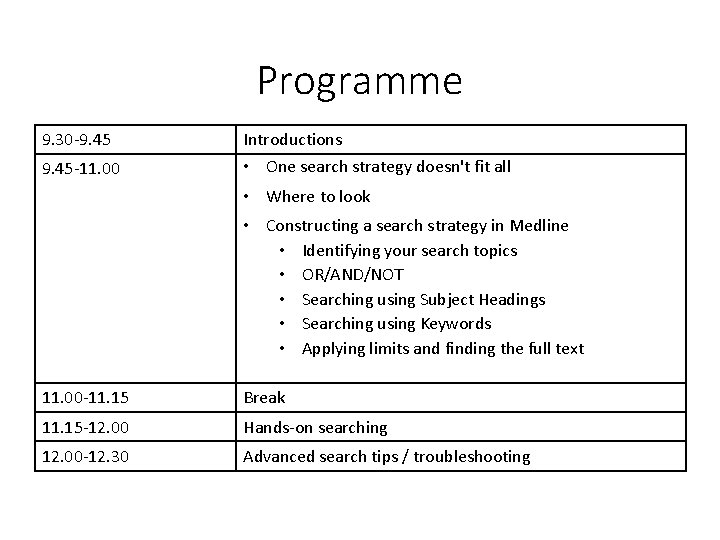
Programme 9. 30 -9. 45 Introductions 9. 45 -11. 00 • One search strategy doesn't fit all • Where to look • Constructing a search strategy in Medline • Identifying your search topics • OR/AND/NOT • Searching using Subject Headings • Searching using Keywords • Applying limits and finding the full text 11. 00 -11. 15 Break 11. 15 -12. 00 Hands-on searching 12. 00 -12. 30 Advanced search tips / troubleshooting
Getting to know you • What's your experience of literature searching so far? • What search questions are your currently working on (or will be in future)? • What do you find most challenging about searching? • What do you hope to gain from this session?

Quiz! www. kahoot. it
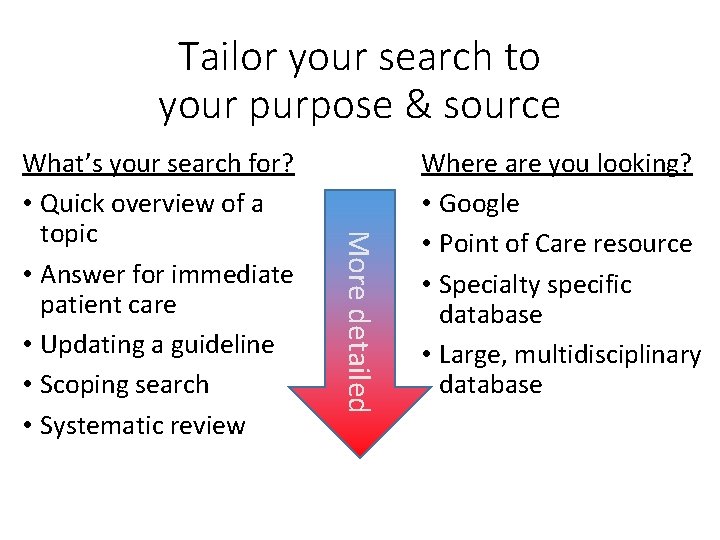
Tailor your search to your purpose & source More detailed What’s your search for? • Quick overview of a topic • Answer for immediate patient care • Updating a guideline • Scoping search • Systematic review Where are you looking? • Google • Point of Care resource • Specialty specific database • Large, multidisciplinary database
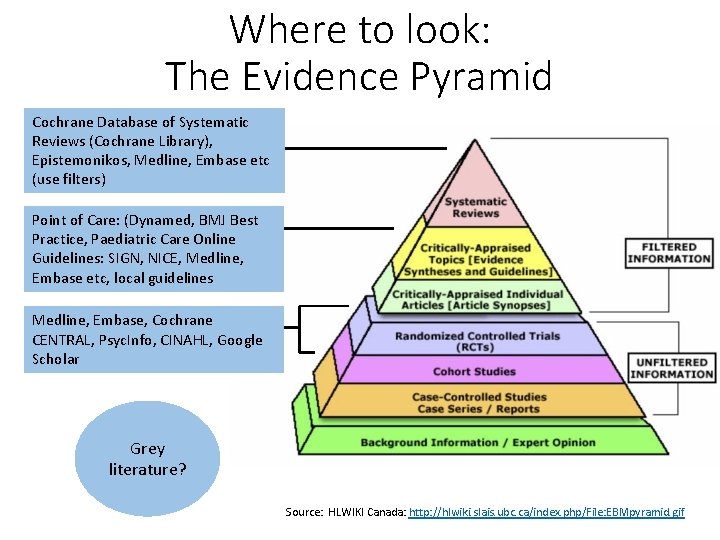
Where to look: The Evidence Pyramid Cochrane Database of Systematic Reviews (Cochrane Library), Medline, Epistemonikos, Medline, Embase etc (use filters) Point of Care: (Dynamed, BMJ Best Practice, Paediatric Care Online Guidelines: SIGN, NICE, Medline, Embase etc, local guidelines Medline, Embase, Cochrane CENTRAL, Psyc. Info, CINAHL, Google Scholar Grey literature? Source: HLWIKI Canada: http: //hlwiki. slais. ubc. ca/index. php/File: EBMpyramid. gif
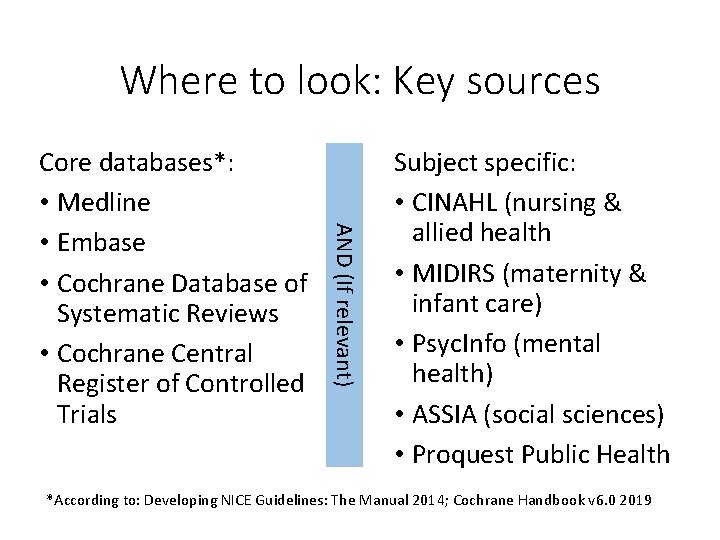
Where to look: Key sources AND (If relevant) Core databases*: • Medline • Embase • Cochrane Database of Systematic Reviews • Cochrane Central Register of Controlled Trials Subject specific: • CINAHL (nursing & allied health • MIDIRS (maternity & infant care) • Psyc. Info (mental health) • ASSIA (social sciences) • Proquest Public Health *According to: Developing NICE Guidelines: The Manual 2014; Cochrane Handbook v 6. 0 2019
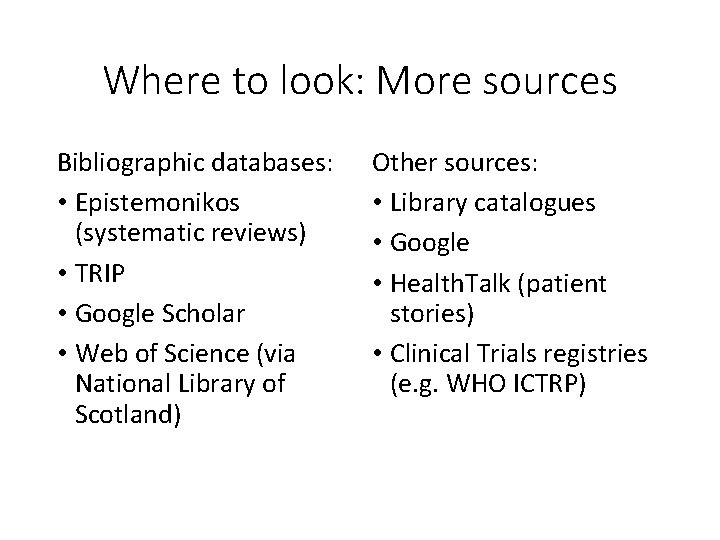
Where to look: More sources Bibliographic databases: • Epistemonikos (systematic reviews) • TRIP • Google Scholar • Web of Science (via National Library of Scotland) Other sources: • Library catalogues • Google • Health. Talk (patient stories) • Clinical Trials registries (e. g. WHO ICTRP)

Quiz! www. kahoot. it
Constructing a search strategy in Medline
Question “Is vitamin D supplementation associated with reduced risk of Type 1 diabetes in children? ” Search purpose: literature overview Search sources?
Before you go near a computer… What is your question? : “Is vitamin D supplementation associated with reduced risk of Type 1 diabetes in children? ” What are the individual topics that make up your search question? • Database search is built up of several searches on one subject at a time
“Is vitamin D supplementation associated with reduced risk of Type 1 diabetes in children? ” • Vitamin D • Type 1 diabetes • Children
Search or Screen? • Some topics are tricky to define adequately and may be better left out until you're screening your results e. g. • • • Treatment Diagnosis Incidence • This depends on how thorough your search needs to be. • You might also consider using a filter
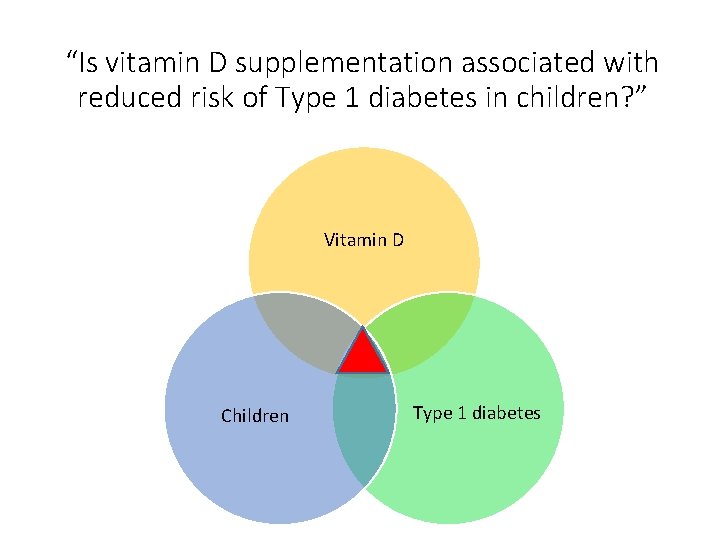
“Is vitamin D supplementation associated with reduced risk of Type 1 diabetes in children? ” Vitamin D Children Type 1 diabetes
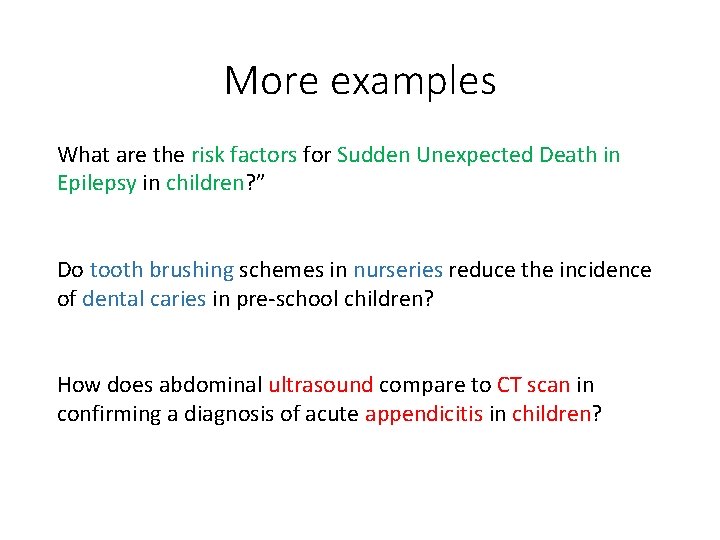
More examples What are the risk factors for Sudden Unexpected Death in Epilepsy in children? ” Do tooth brushing schemes in nurseries reduce the incidence of dental caries in pre-school children? How does abdominal ultrasound compare to CT scan in confirming a diagnosis of acute appendicitis in children?
More examples What are the risk factors for Sudden Unexpected Death in Epilepsy in children? ” Do tooth brushing schemes in nurseries reduce the incidence of dental caries in pre-school children? How does abdominal ultrasound compare to CT scan in confirming a diagnosis of acute appendicitis in children?
More examples What are the risk factors for Sudden Unexpected Death in Epilepsy in children? ” Do tooth brushing schemes in nurseries reduce the incidence of dental caries in pre-school children? How does abdominal ultrasound compare to CT scan in confirming a diagnosis of acute appendicitis in children?
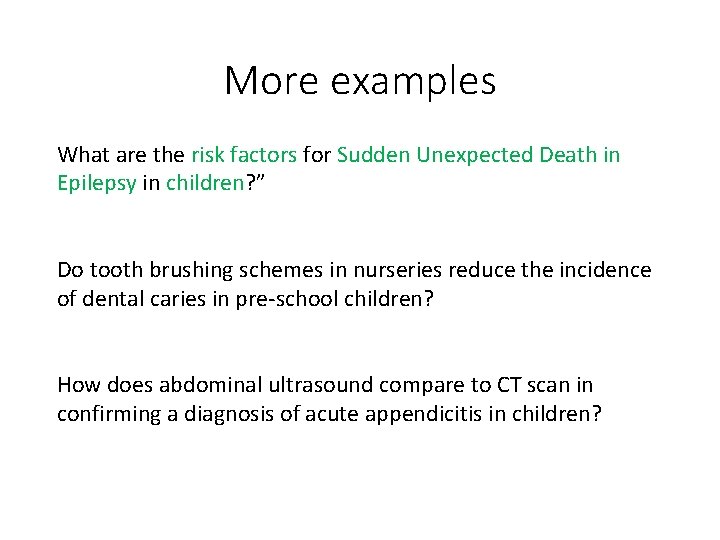
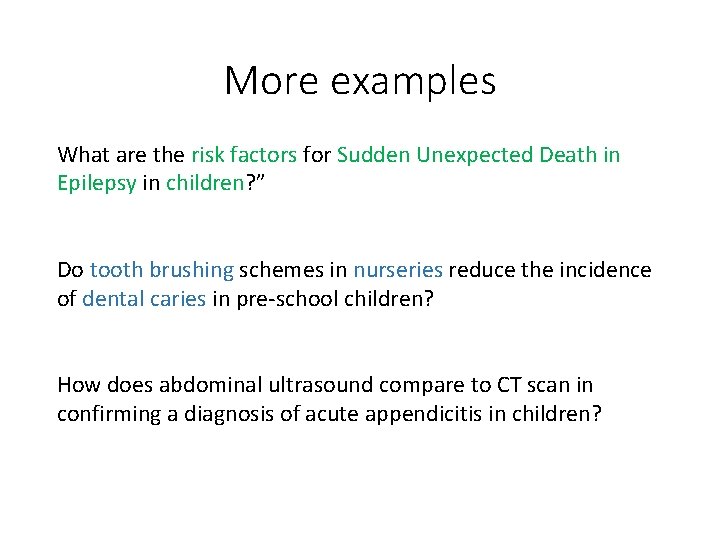
More examples What are the risk factors for Sudden Unexpected Death in Epilepsy in children? ” Do tooth brushing schemes in nurseries reduce the incidence of dental caries in pre-school children? How does abdominal ultrasound compare to CT scan in confirming a diagnosis of acute appendicitis in children?
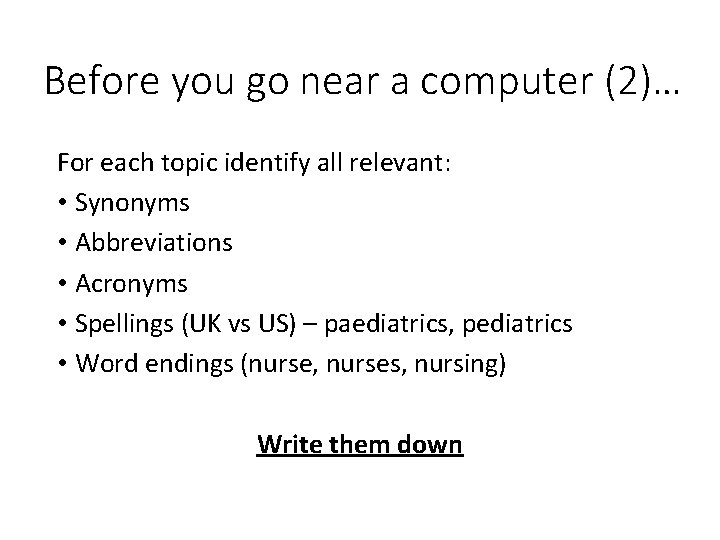
Before you go near a computer (2)… For each topic identify all relevant: • Synonyms • Abbreviations • Acronyms • Spellings (UK vs US) – paediatrics, pediatrics • Word endings (nurse, nurses, nursing) Write them down
Vitamin D Search terms?
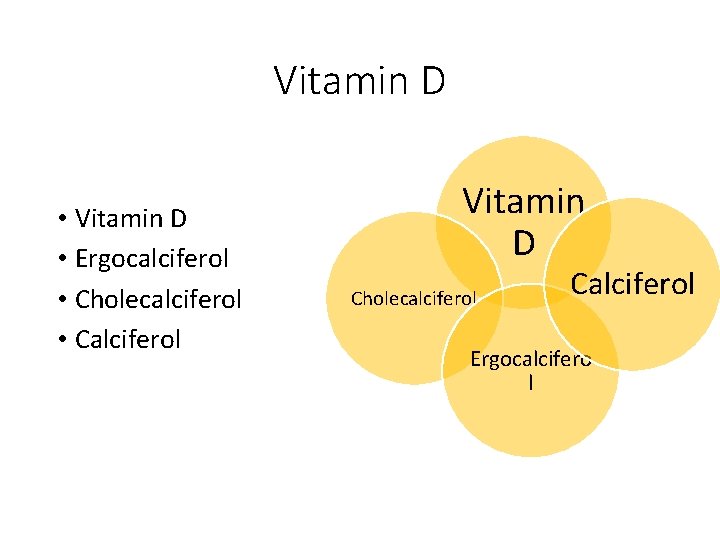
Vitamin D • Ergocalciferol • Cholecalciferol • Calciferol Vitamin D Cholecalciferol Calciferol Ergocalcifero l
Children Search terms?
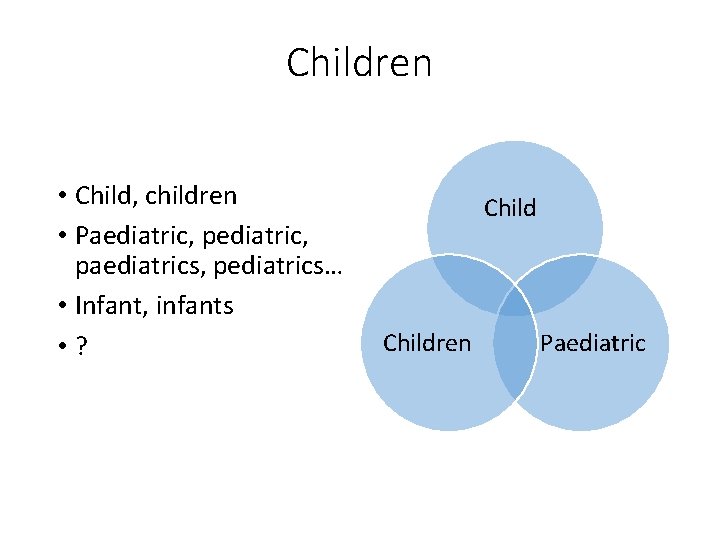
Children • Child, children • Paediatric, pediatric, paediatrics, pediatrics… • Infant, infants • ? Children Paediatric
Type 1 diabetes Search terms?
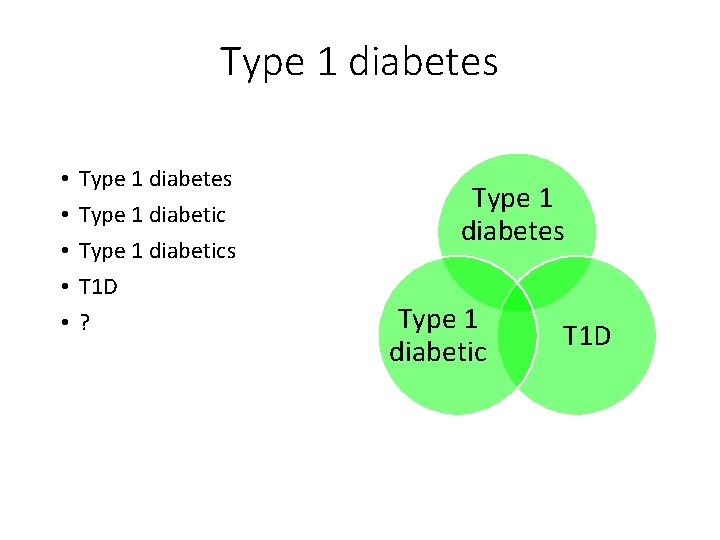
Type 1 diabetes • • • Type 1 diabetes Type 1 diabetics T 1 D ? Type 1 diabetes Type 1 diabetic T 1 D
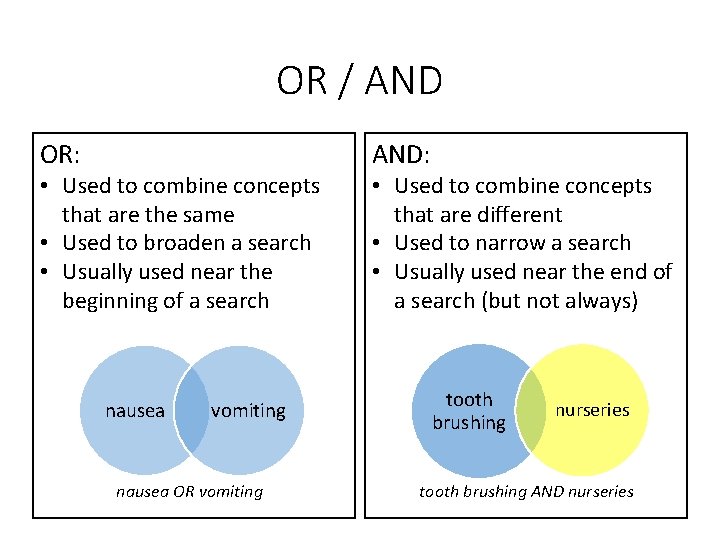
OR / AND OR: • Used to combine concepts that are the same • Used to broaden a search • Usually used near the beginning of a search nausea vomiting nausea OR vomiting AND: • Used to combine concepts that are different • Used to narrow a search • Usually used near the end of a search (but not always) tooth brushing nurseries tooth brushing AND nurseries
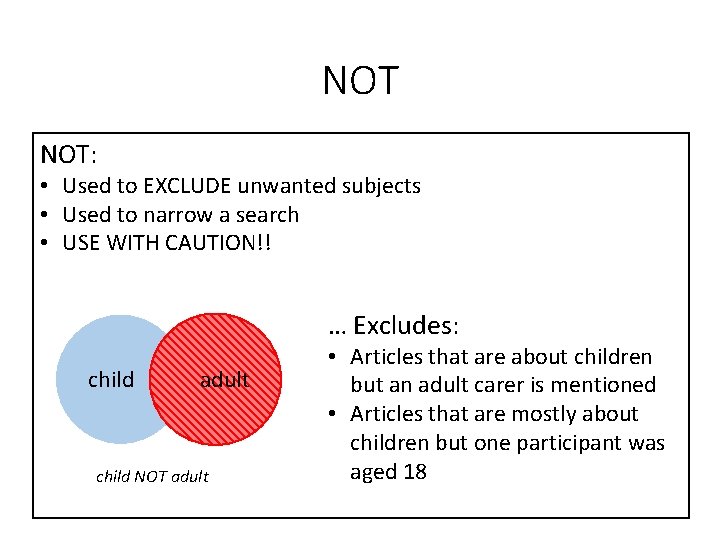
NOT NOT: • Used to EXCLUDE unwanted subjects • Used to narrow a search • USE WITH CAUTION!! … Excludes: child adult child NOT adult • Articles that are about children but an adult carer is mentioned • Articles that are mostly about children but one participant was aged 18

Quiz! www. kahoot. it
Accessing OVID Medline • Why not Pub. Med? • Access using your NHS Scotland Athens Password via the Knowledge Network www. knowledge. scot. nhs. uk • OVID supplies the search interface not the content • Search ONE database at a time
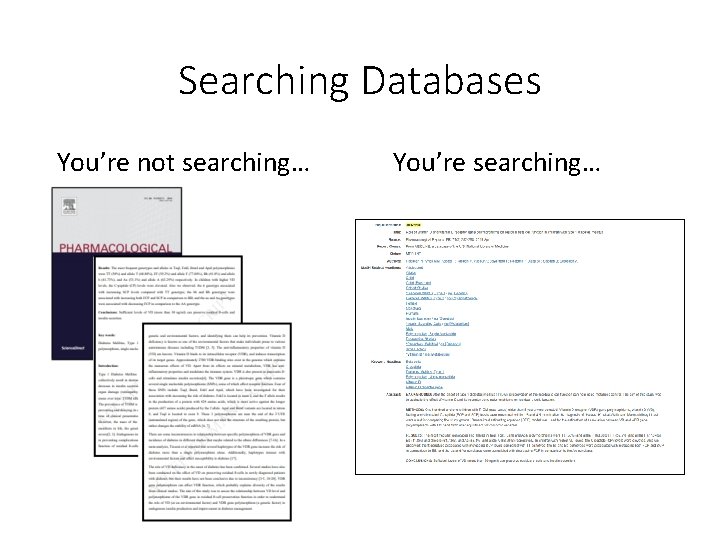
Searching Databases You’re not searching… You’re searching…
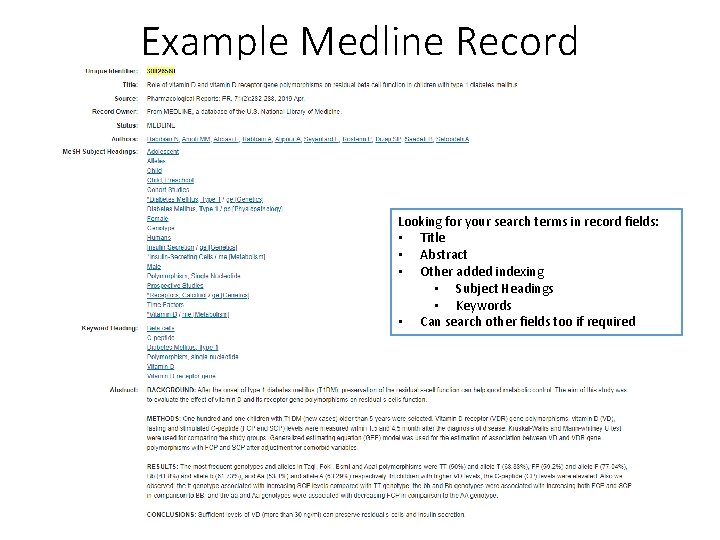
Example Medline Record Looking for your search terms in record fields: • Title • Abstract • Other added indexing • Subject Headings • Keywords • Can search other fields too if required
Subject Headings • Each Medline record contains a list of relevant Subject Headings • Medline Subject Heading Scheme – MESH • MESH terms describe the content of each article using controlled vocabulary (single, consistent term no matter what language the author used) • MESH terms are arranged in a hierarchy (“tree”) of broad and then narrower terms
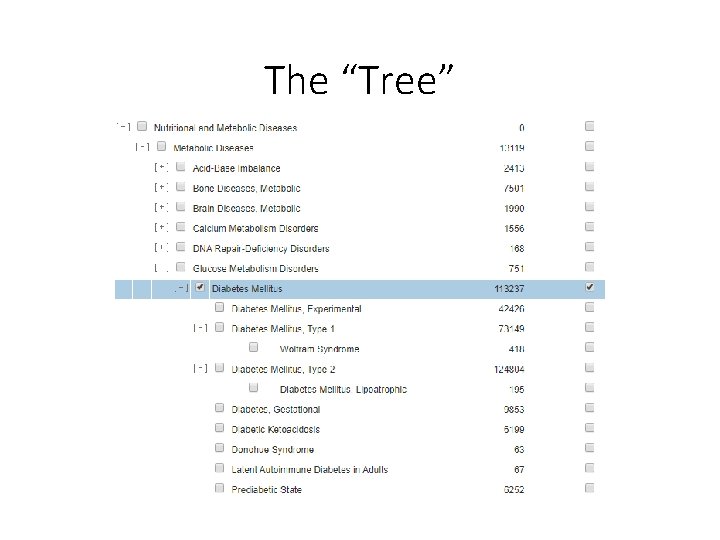
The “Tree”
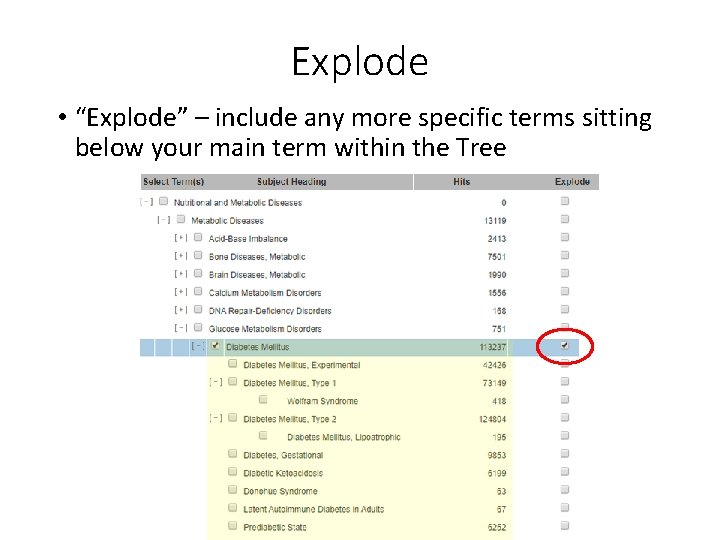
Explode • “Explode” – include any more specific terms sitting below your main term within the Tree
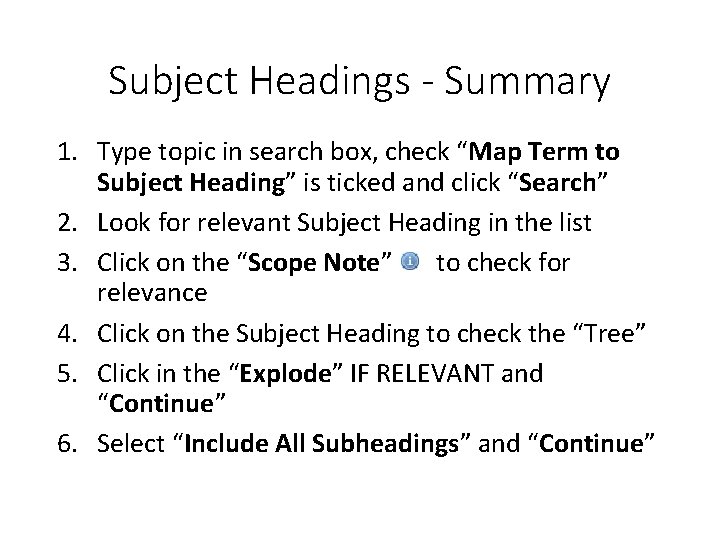
Subject Headings - Summary 1. Type topic in search box, check “Map Term to Subject Heading” is ticked and click “Search” 2. Look for relevant Subject Heading in the list 3. Click on the “Scope Note” to check for relevance 4. Click on the Subject Heading to check the “Tree” 5. Click in the “Explode” IF RELEVANT and “Continue” 6. Select “Include All Subheadings” and “Continue”
Practical Exercise Look for a relevant subject heading for the following topics and decide whether you would “explode” the subject heading or not: • Learning disabilities • Heart attack • Emergency Department
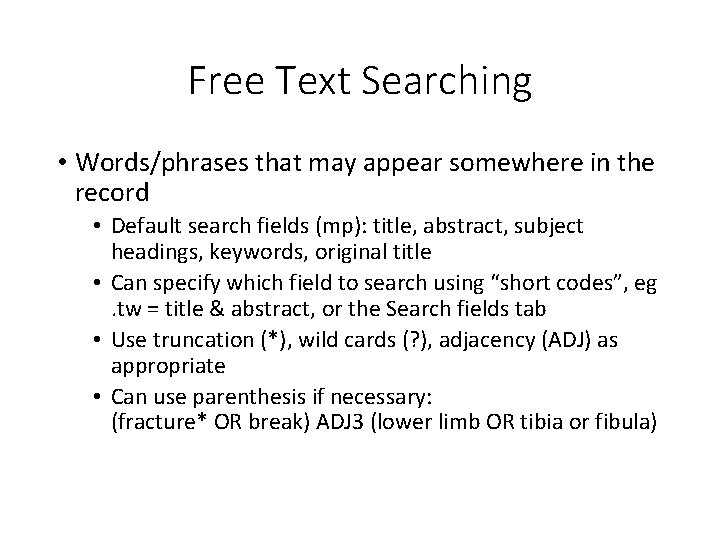
Free Text Searching • Words/phrases that may appear somewhere in the record • Default search fields (mp): title, abstract, subject headings, keywords, original title • Can specify which field to search using “short codes”, eg . tw = title & abstract, or the Search fields tab • Use truncation (*), wild cards (? ), adjacency (ADJ) as appropriate • Can use parenthesis if necessary: (fracture* OR break) ADJ 3 (lower limb OR tibia or fibula)
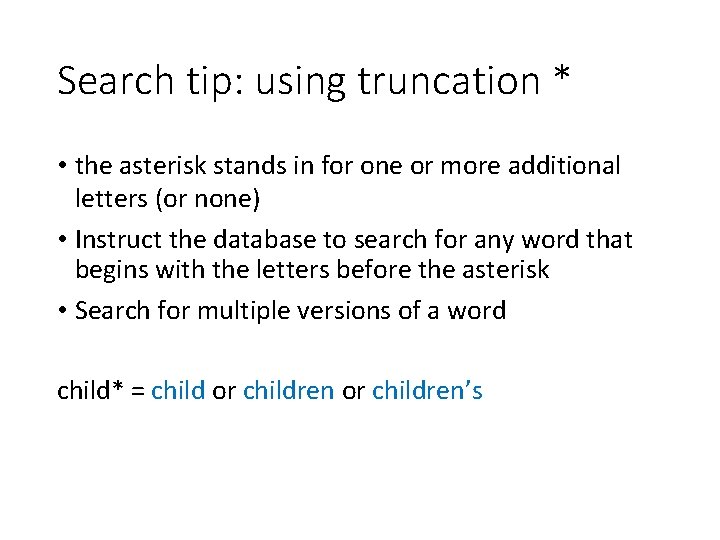
Search tip: using truncation * • the asterisk stands in for one or more additional letters (or none) • Instruct the database to search for any word that begins with the letters before the asterisk • Search for multiple versions of a word child* = child or children’s
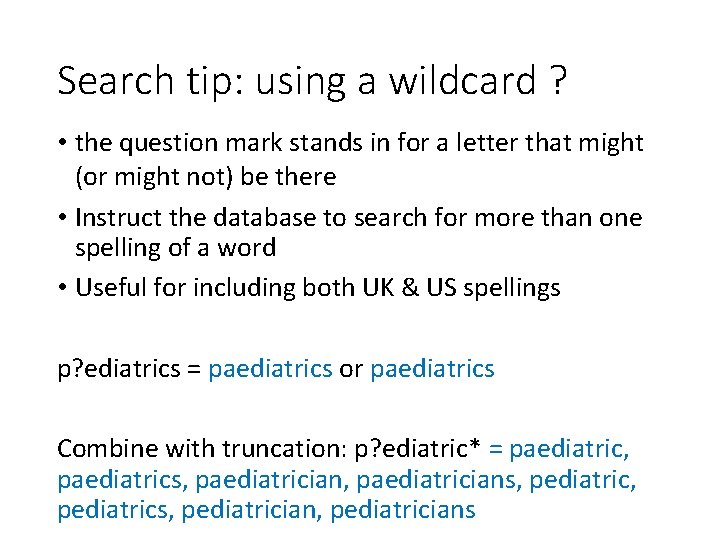
Search tip: using a wildcard ? • the question mark stands in for a letter that might (or might not) be there • Instruct the database to search for more than one spelling of a word • Useful for including both UK & US spellings p? ediatrics = paediatrics or paediatrics Combine with truncation: p? ediatric* = paediatric, paediatrics, paediatricians, pediatric, pediatrics, pediatricians
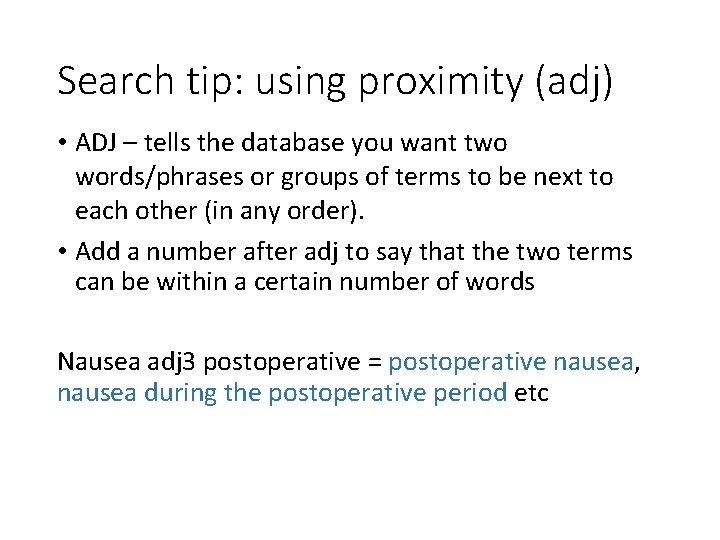
Search tip: using proximity (adj) • ADJ – tells the database you want two words/phrases or groups of terms to be next to each other (in any order). • Add a number after adj to say that the two terms can be within a certain number of words Nausea adj 3 postoperative = postoperative nausea, nausea during the postoperative period etc
Practical Exercise Use truncation (*), wildcard (? ), and/or proximity (adj) to create keyword searches for the following topics • Children aged 0 -10 years • Orthopaedic footwear • Breast cancer
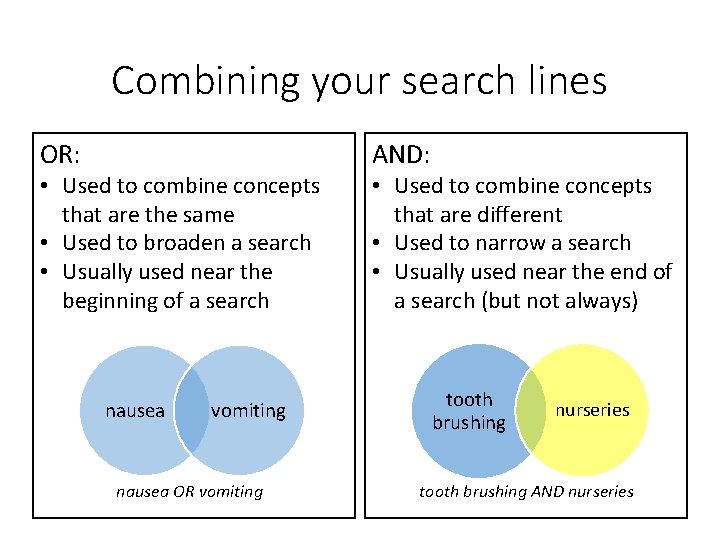
Combining your search lines OR: • Used to combine concepts that are the same • Used to broaden a search • Usually used near the beginning of a search nausea vomiting nausea OR vomiting AND: • Used to combine concepts that are different • Used to narrow a search • Usually used near the end of a search (but not always) tooth brushing nurseries tooth brushing AND nurseries
Limiting your results • Standard Limits available: • • Publication year English Language Review articles [! careful] Full Text [X Do Not Use]
Finding the Full Text • Look for the “Get it for me” link to search the Knowledge Network for full text availability • Always look for the Athens login option • No full text? No problem – use the Document Delivery Option • Can’t access the full text? – ask a Librarian
And finally… • Saving you search strategy • Set up your OVID personal account • Save as a Permanent search or an Alert • Saving your results • Email, print or save selected references • Export to bibliographic management software such as Endnote or Refworks • Use the OVID “My Projects” option to save selected results in your OVID account • Running your search in another database • Remember to check Subject Headings • Different search interfaces may use different symbols for search tools such as adjacency – use help options
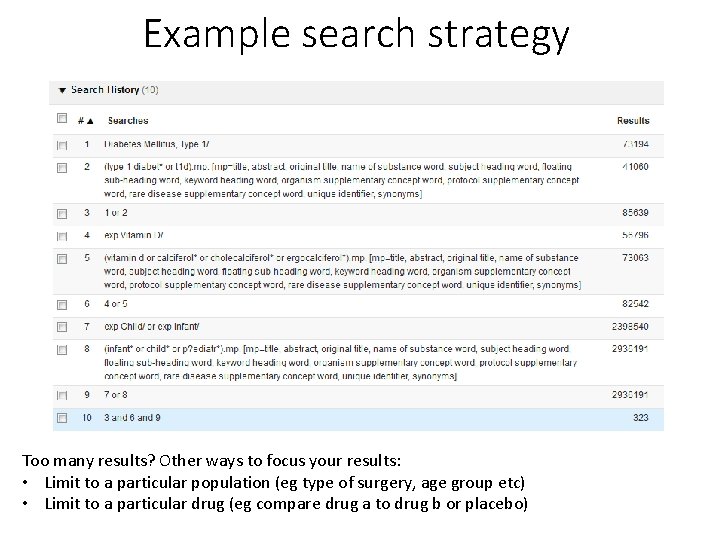
Example search strategy Too many results? Other ways to focus your results: • Limit to a particular population (eg type of surgery, age group etc) • Limit to a particular drug (eg compare drug a to drug b or placebo)
Practice search questions 1. What are the risk factors for Sudden Unexpected Death in Epilepsy in children? 2. Do tooth brushing schemes in nurseries reduce the incidence of dental caries in pre-school children? 3. How does abdominal ultrasound compare to CT scan in confirming a diagnosis of acute appendicitis in children?
Advanced Search Techniques
Advanced search tips • Parentheses • Field codes • Focus • Subheadings • Filters • Translating a search into another database
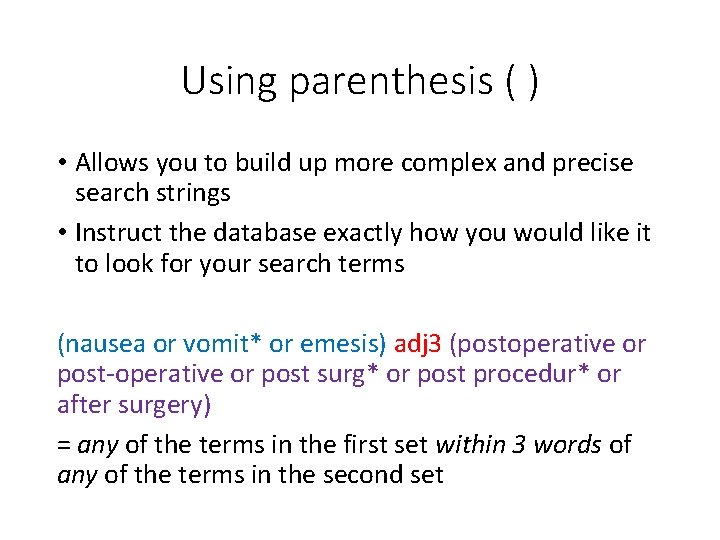
Using parenthesis ( ) • Allows you to build up more complex and precise search strings • Instruct the database exactly how you would like it to look for your search terms (nausea or vomit* or emesis) adj 3 (postoperative or post-operative or post surg* or post procedur* or after surgery) = any of the terms in the first set within 3 words of any of the terms in the second set
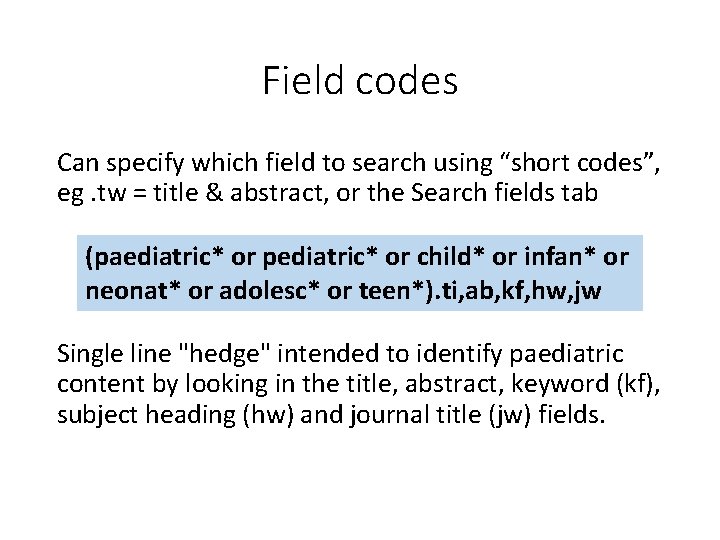
Field codes Can specify which field to search using “short codes”, eg. tw = title & abstract, or the Search fields tab (paediatric* or pediatric* or child* or infan* or neonat* or adolesc* or teen*). ti, ab, kf, hw, jw Single line "hedge" intended to identify paediatric content by looking in the title, abstract, keyword (kf), subject heading (hw) and journal title (jw) fields.
Focus “Focus” – Only include articles where your subject heading was considered the “Main Focus” • You can “Explode” and “Focus” at the same time – all narrower terms will be included, but only articles where one of the terms was considered the main focus. CAUTION: • Some Subject Headings should never be the "focus": age, sex (check tags) - do not use for these
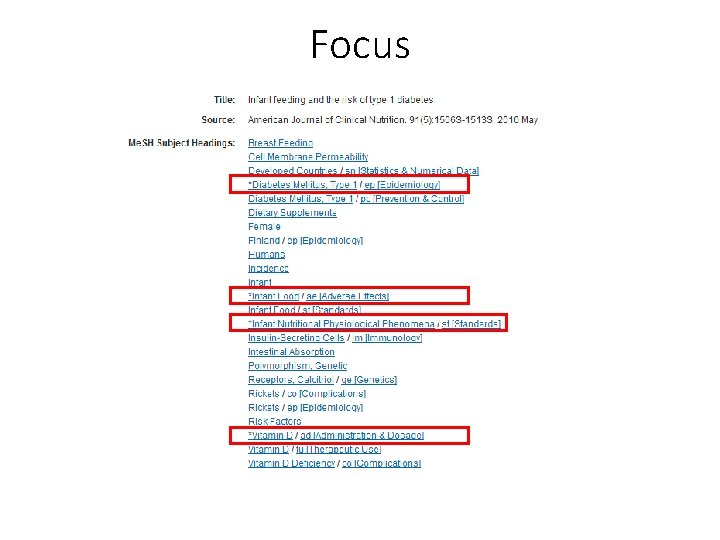
Focus
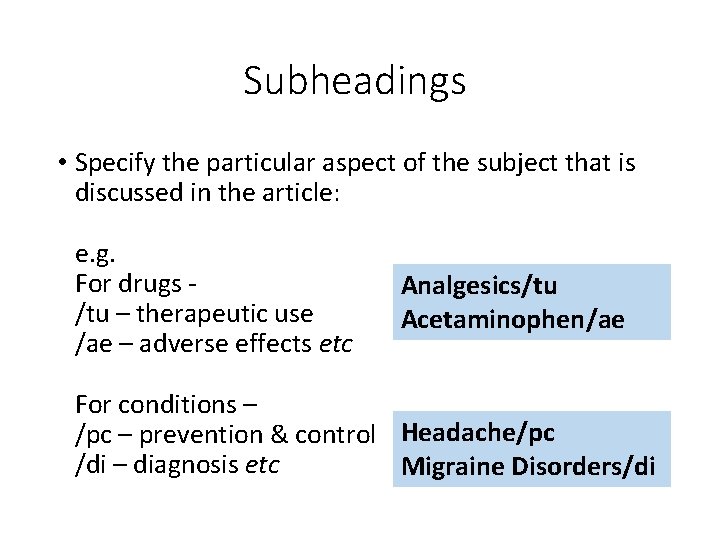
Subheadings • Specify the particular aspect of the subject that is discussed in the article: e. g. For drugs - /tu – therapeutic use /ae – adverse effects etc Analgesics/tu Acetaminophen/ae For conditions – /pc – prevention & control Headache/pc /di – diagnosis etc Migraine Disorders/di
Subheadings CAUTION: • If an article discusses your topic in very broad terms often no subheadings will be used • You may miss references that you would consider relevant
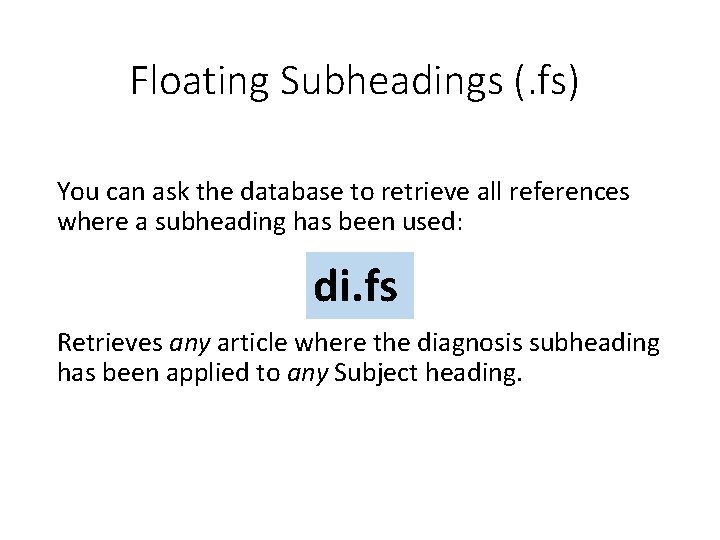
Floating Subheadings (. fs) You can ask the database to retrieve all references where a subheading has been used: di. fs Retrieves any article where the diagnosis subheading has been applied to any Subject heading.
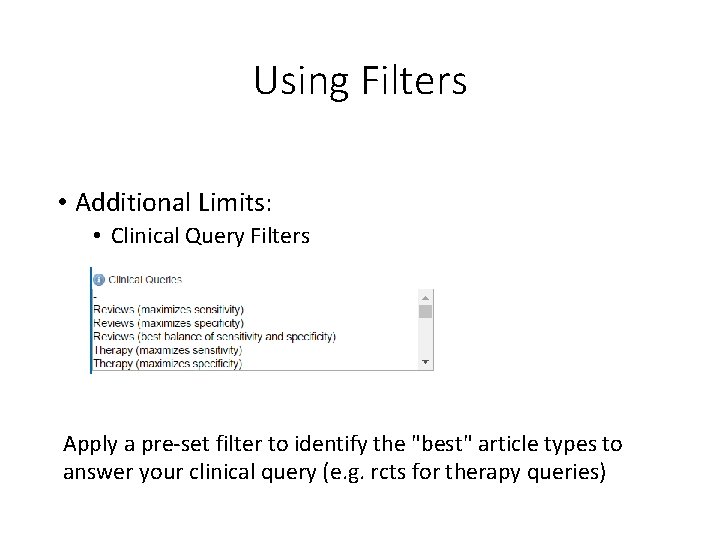
Using Filters • Additional Limits: • Clinical Query Filters Apply a pre-set filter to identify the "best" article types to answer your clinical query (e. g. rcts for therapy queries)
Using Filters are database-specific search strategies that have been developed to identify specific types of evidence and (ideally) tested for sensitivity/precision. • Filters can be found in the literature and on websites: • SIGN 50 • Mc. Masters Hedges project https: //hiru. mcmaster. ca/hiru/HIRU_Hedges_home. asp x • ISSG Search Filters Resource https: //sites. google. com/a/york. ac. uk/issg-search-filters -resource/ https: //www. quest. scot. nhs. uk/hc/en-gb/articles/360001763938 -Using-filters-to-limitto-specific-study-types-when-searching-bibliographic-databases
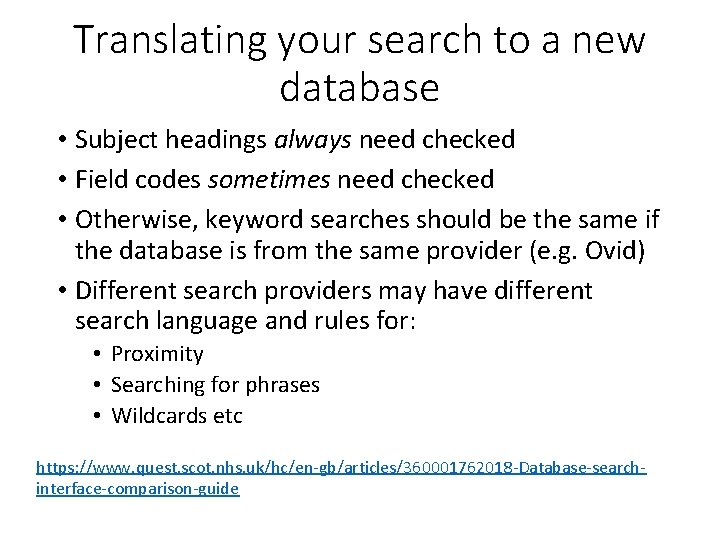
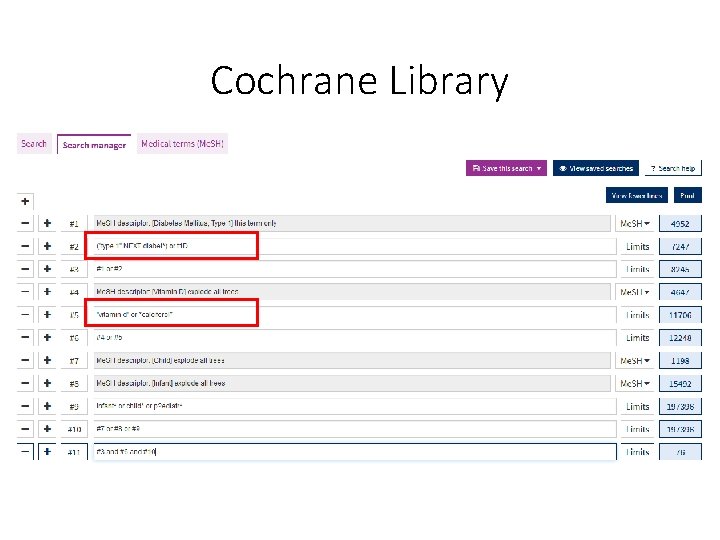
Translating your search to a new database • Subject headings always need checked • Field codes sometimes need checked • Otherwise, keyword searches should be the same if the database is from the same provider (e. g. Ovid) • Different search providers may have different search language and rules for: • Proximity • Searching for phrases • Wildcards etc https: //www. quest. scot. nhs. uk/hc/en-gb/articles/360001762018 -Database-searchinterface-comparison-guide
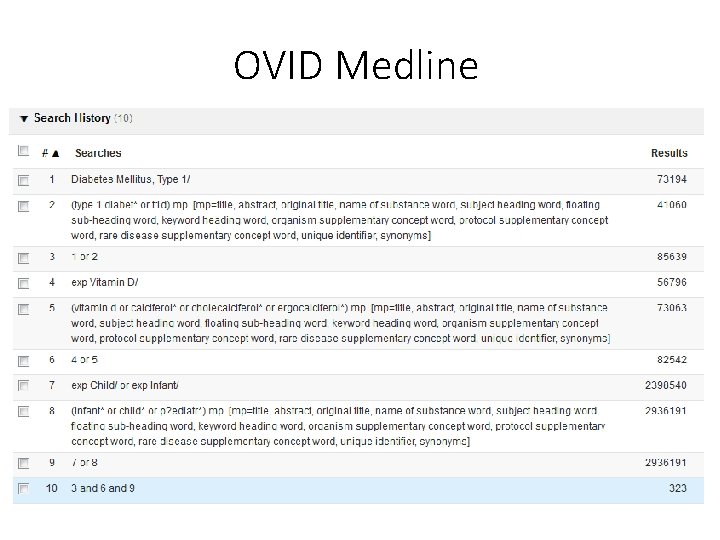
OVID Medline
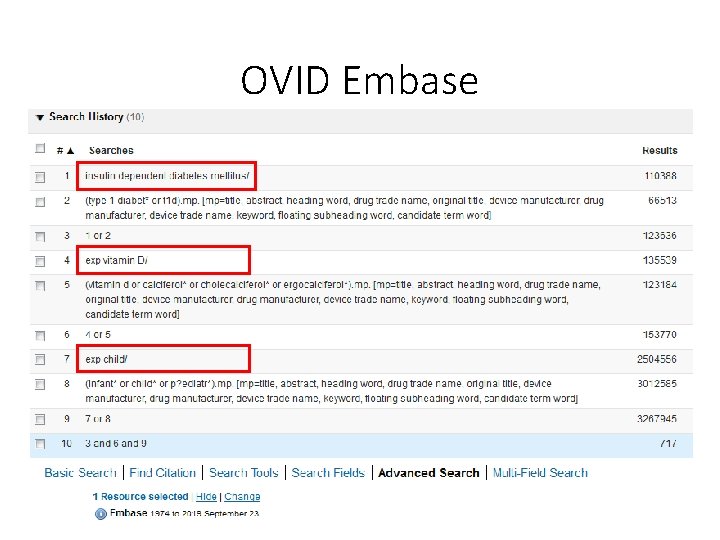
OVID Embase
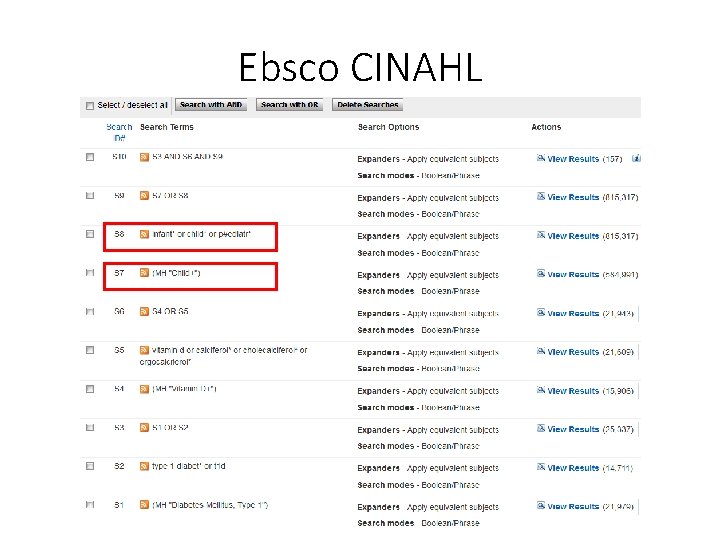
Ebsco CINAHL
Cochrane Library
- Slides: 65