
Lists Views Describing tables Kris Pepper Where are
Lists, Views, Describing tables Kris Pepper
Where are we • Finishing up integrity, sets and lists, and now adding in views and describe. • Finishing homework 3. • Starting final project.
LIST • Compare two lists of similar attributes IN >ANY >SOME >ALL
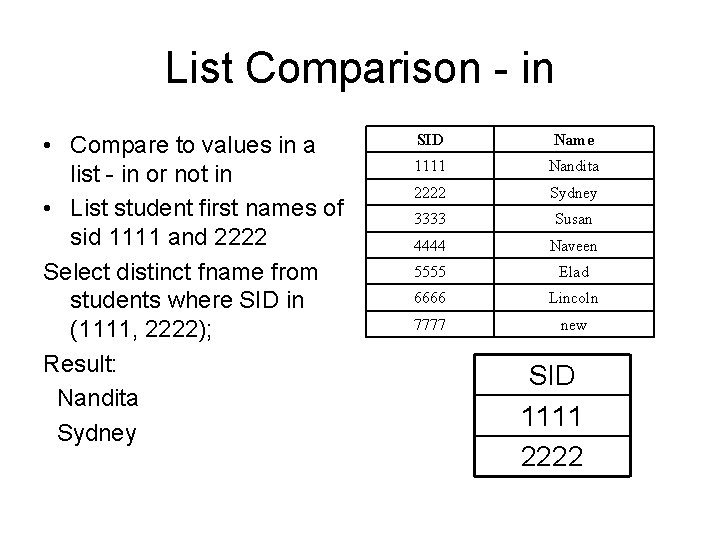
List Comparison - in • Compare to values in a list - in or not in • List student first names of sid 1111 and 2222 Select distinct fname from students where SID in (1111, 2222); Result: Nandita Sydney SID Name 1111 Nandita 2222 Sydney 3333 Susan 4444 Naveen 5555 Elad 6666 Lincoln 7777 new SID 1111 2222
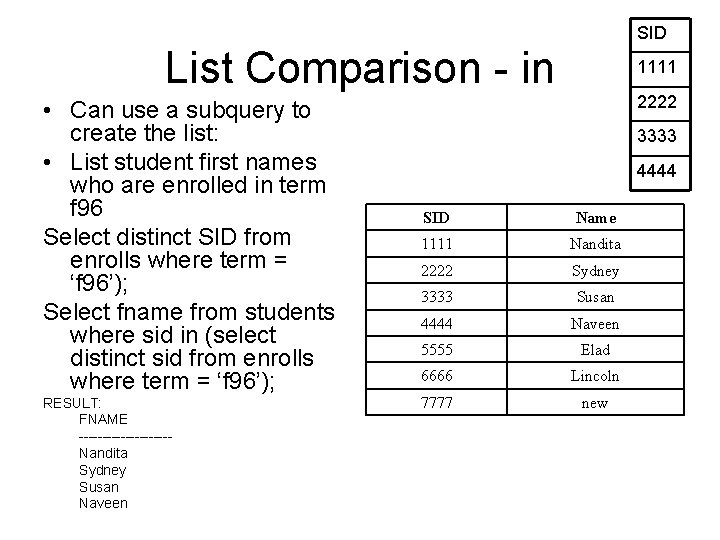
SID List Comparison - in • Can use a subquery to create the list: • List student first names who are enrolled in term f 96 Select distinct SID from enrolls where term = ‘f 96’); Select fname from students where sid in (select distinct sid from enrolls where term = ‘f 96’); RESULT: FNAME ----------Nandita Sydney Susan Naveen 1111 2222 3333 4444 SID Name 1111 Nandita 2222 Sydney 3333 Susan 4444 Naveen 5555 Elad 6666 Lincoln 7777 new
Try One List first names of students in course 1030, 1031 or 1035 Steps: 1: write the base query on students ending with IN (a list of SIDS in the course). 2: write a query of enrolls listing sids in these courses.
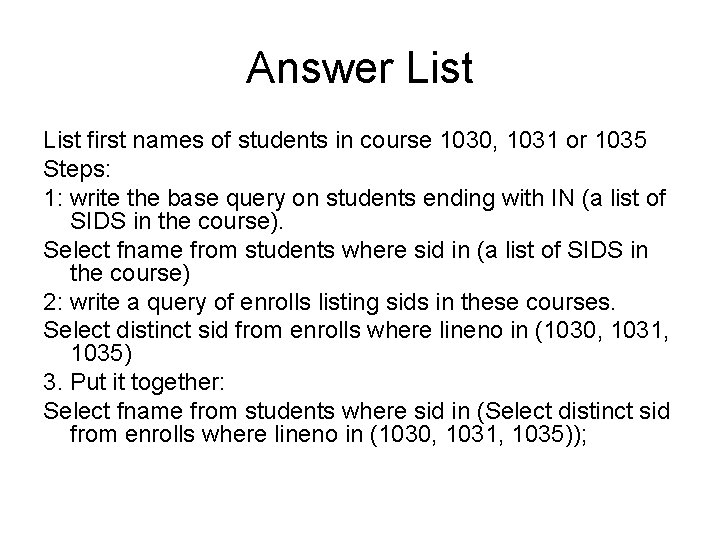
Answer List first names of students in course 1030, 1031 or 1035 Steps: 1: write the base query on students ending with IN (a list of SIDS in the course). Select fname from students where sid in (a list of SIDS in the course) 2: write a query of enrolls listing sids in these courses. Select distinct sid from enrolls where lineno in (1030, 1031, 1035) 3. Put it together: Select fname from students where sid in (Select distinct sid from enrolls where lineno in (1030, 1031, 1035));
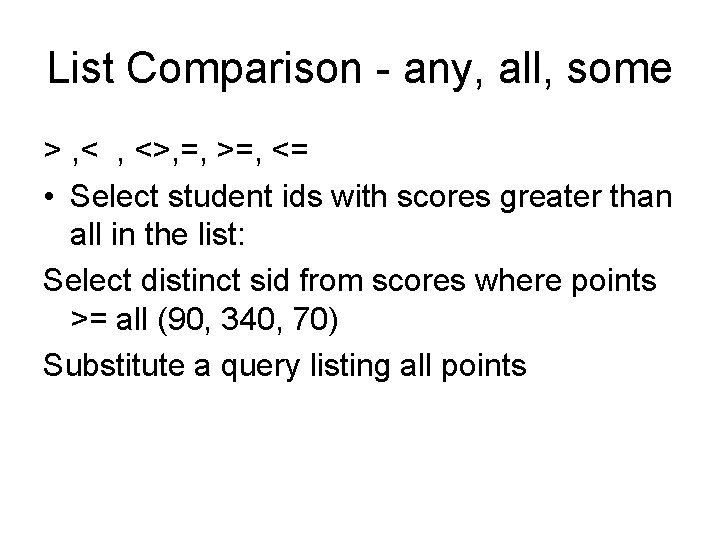
List Comparison - any, all, some > , <>, =, >=, <= • Select student ids with scores greater than all in the list: Select distinct sid from scores where points >= all (90, 340, 70) Substitute a query listing all points
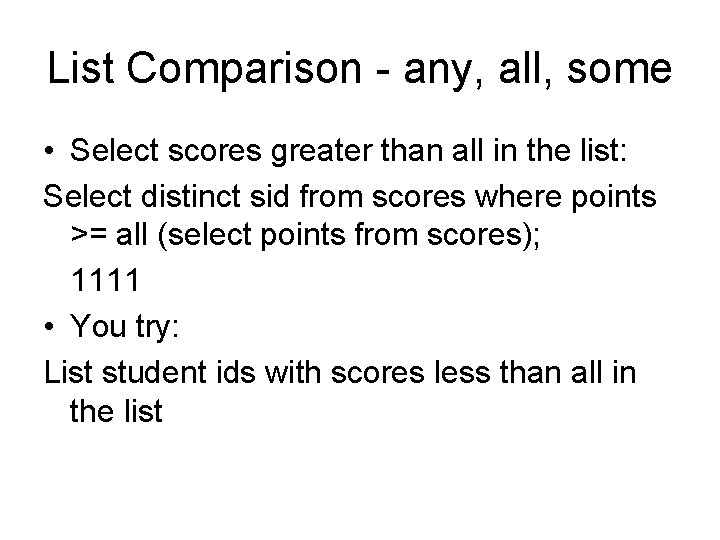
List Comparison - any, all, some • Select scores greater than all in the list: Select distinct sid from scores where points >= all (select points from scores); 1111 • You try: List student ids with scores less than all in the list
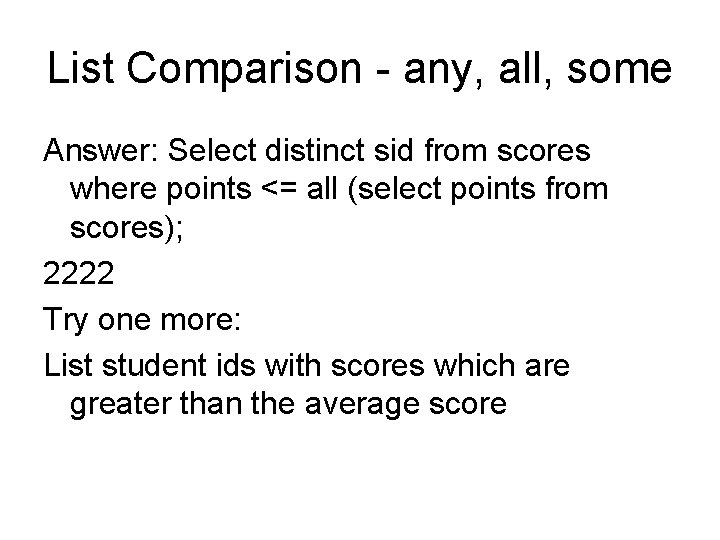
List Comparison - any, all, some Answer: Select distinct sid from scores where points <= all (select points from scores); 2222 Try one more: List student ids with scores which are greater than the average score
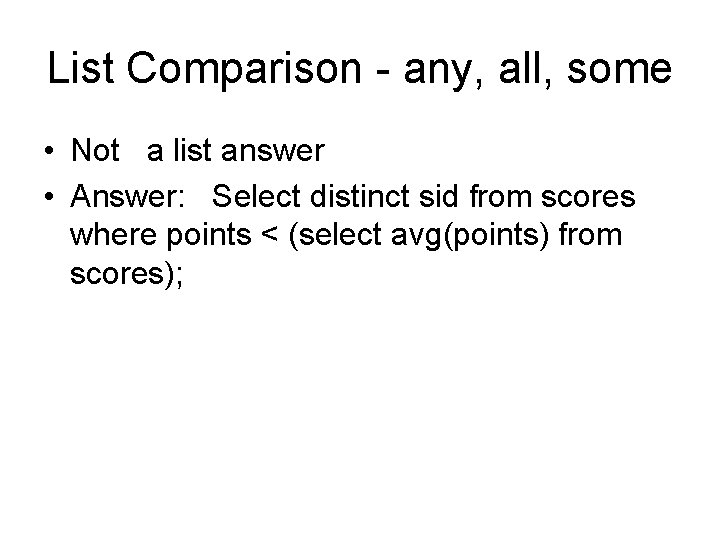
List Comparison - any, all, some • Not a list answer • Answer: Select distinct sid from scores where points < (select avg(points) from scores);
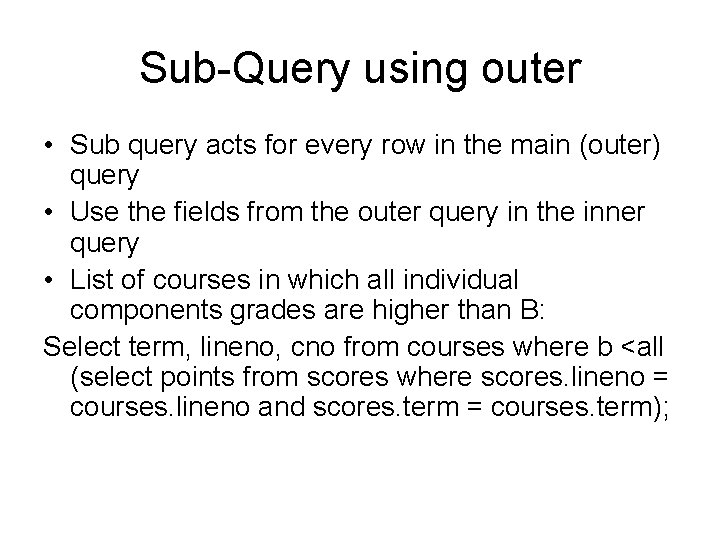
Sub-Query using outer • Sub query acts for every row in the main (outer) query • Use the fields from the outer query in the inner query • List of courses in which all individual components grades are higher than B: Select term, lineno, cno from courses where b <all (select points from scores where scores. lineno = courses. lineno and scores. term = courses. term);
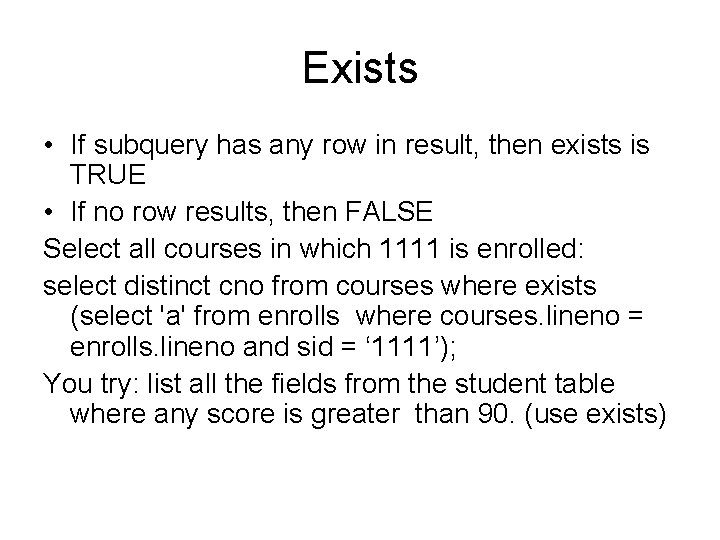
Exists • If subquery has any row in result, then exists is TRUE • If no row results, then FALSE Select all courses in which 1111 is enrolled: select distinct cno from courses where exists (select 'a' from enrolls where courses. lineno = enrolls. lineno and sid = ‘ 1111’); You try: list all the fields from the student table where any score is greater than 90. (use exists)
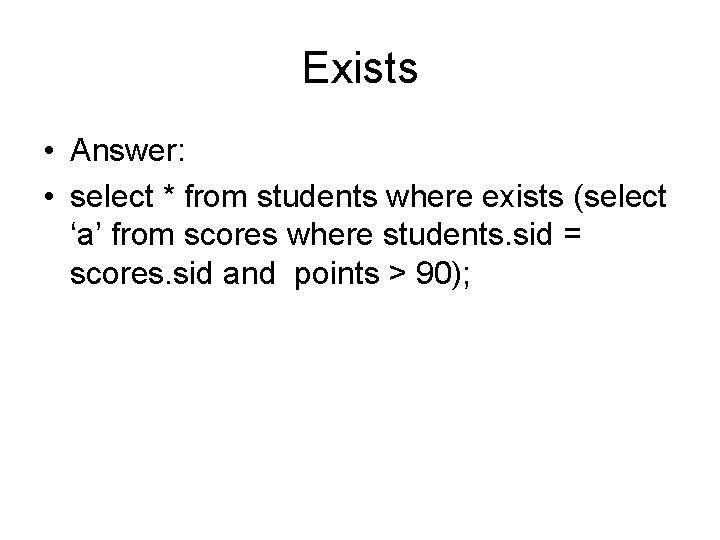
Exists • Answer: • select * from students where exists (select ‘a’ from scores where students. sid = scores. sid and points > 90);
Important Stuff • Database checks integrity • Subqueries help make lists for where conditions • In, All, Some, Any • Exists
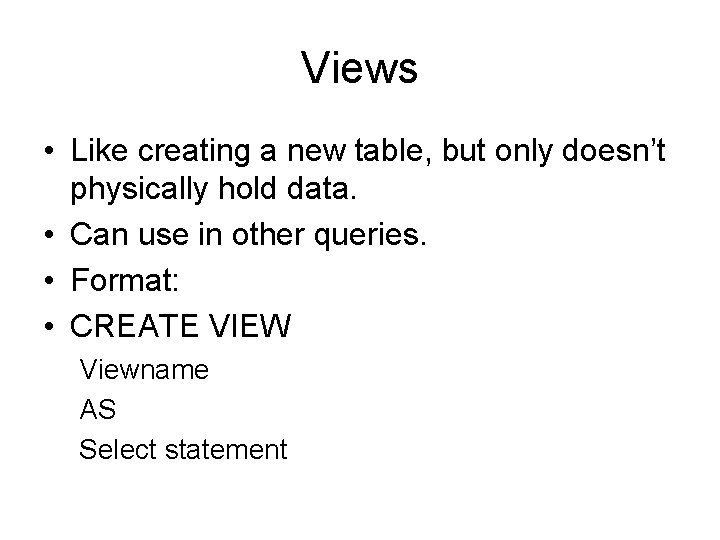
Views • Like creating a new table, but only doesn’t physically hold data. • Can use in other queries. • Format: • CREATE VIEW Viewname AS Select statement
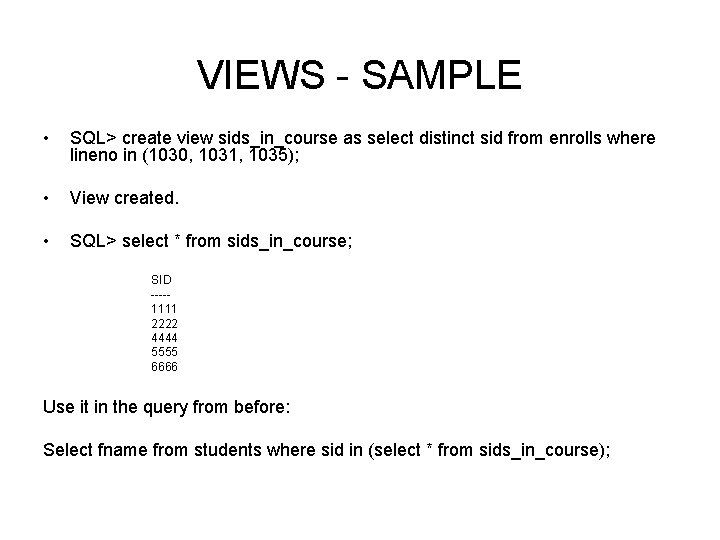
VIEWS - SAMPLE • SQL> create view sids_in_course as select distinct sid from enrolls where lineno in (1030, 1031, 1035); • View created. • SQL> select * from sids_in_course; SID ----1111 2222 4444 5555 6666 Use it in the query from before: Select fname from students where sid in (select * from sids_in_course);
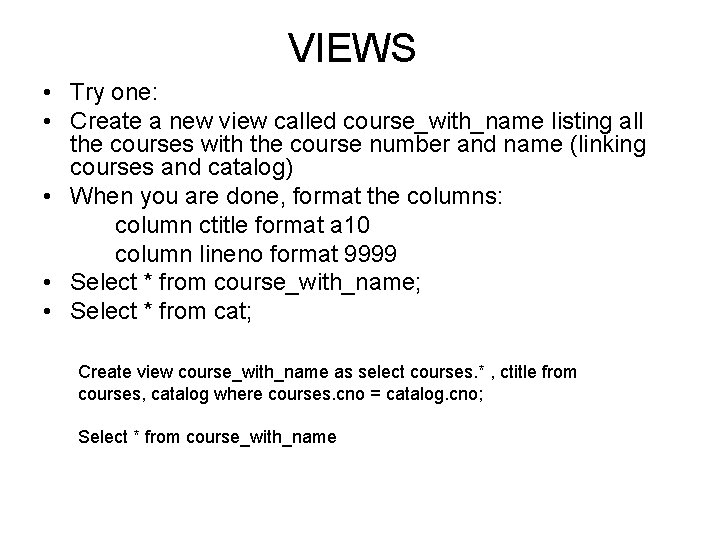
VIEWS • Try one: • Create a new view called course_with_name listing all the courses with the course number and name (linking courses and catalog) • When you are done, format the columns: column ctitle format a 10 column lineno format 9999 • Select * from course_with_name; • Select * from cat; Create view course_with_name as select courses. * , ctitle from courses, catalog where courses. cno = catalog. cno; Select * from course_with_name
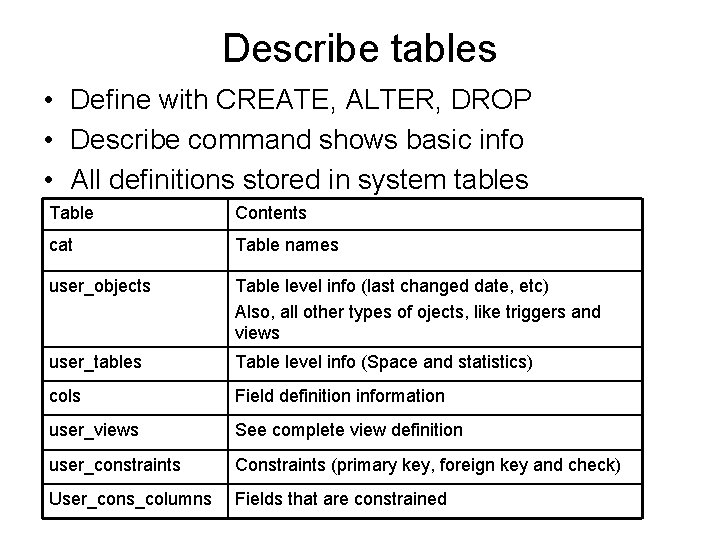
Describe tables • Define with CREATE, ALTER, DROP • Describe command shows basic info • All definitions stored in system tables Table Contents cat Table names user_objects Table level info (last changed date, etc) Also, all other types of ojects, like triggers and views user_tables Table level info (Space and statistics) cols Field definition information user_views See complete view definition user_constraints Constraints (primary key, foreign key and check) User_cons_columns Fields that are constrained
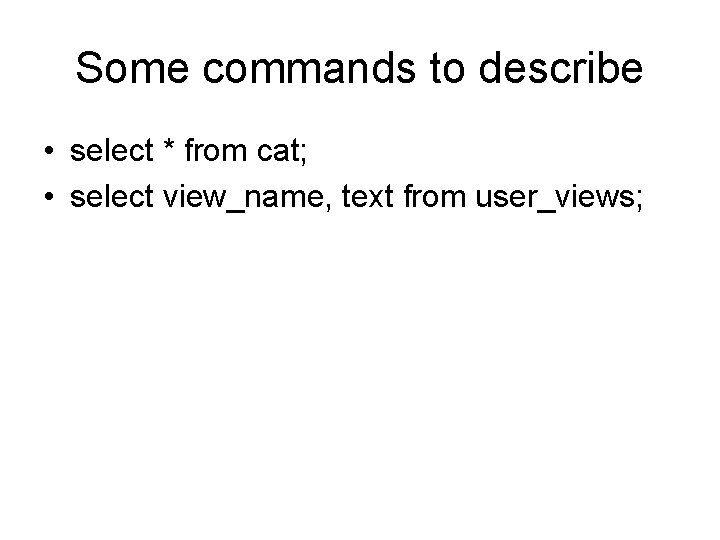
Some commands to describe • select * from cat; • select view_name, text from user_views;
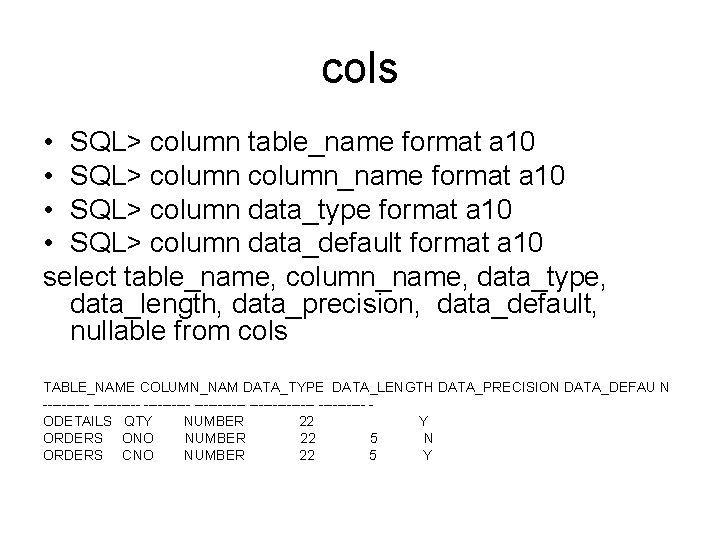
cols • SQL> column table_name format a 10 • SQL> column_name format a 10 • SQL> column data_type format a 10 • SQL> column data_default format a 10 select table_name, column_name, data_type, data_length, data_precision, data_default, nullable from cols TABLE_NAME COLUMN_NAM DATA_TYPE DATA_LENGTH DATA_PRECISION DATA_DEFAU N ----------- ------- ODETAILS QTY NUMBER 22 Y ORDERS ONO NUMBER 22 5 N ORDERS CNO NUMBER 22 5 Y
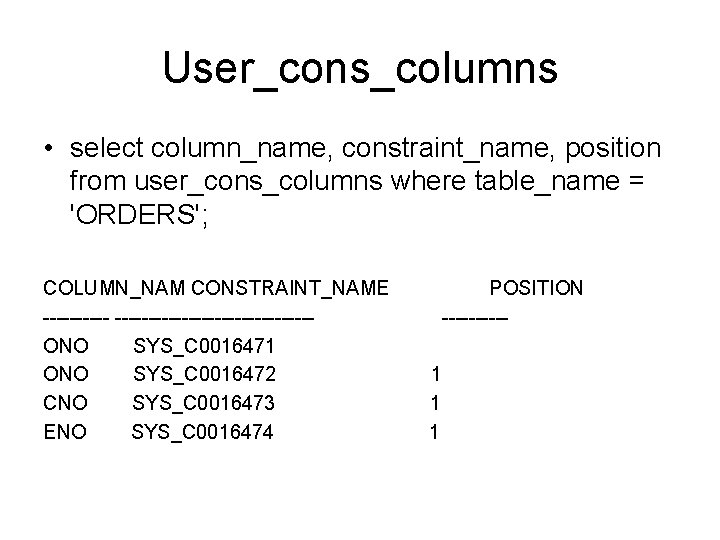
User_cons_columns • select column_name, constraint_name, position from user_cons_columns where table_name = 'ORDERS'; COLUMN_NAM CONSTRAINT_NAME --------------------ONO SYS_C 0016471 ONO SYS_C 0016472 CNO SYS_C 0016473 ENO SYS_C 0016474 POSITION -----1 1 1
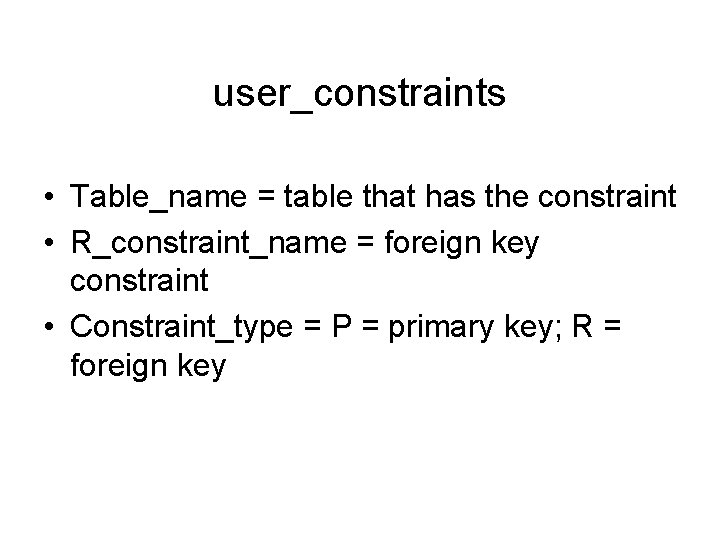
user_constraints • Table_name = table that has the constraint • R_constraint_name = foreign key constraint • Constraint_type = P = primary key; R = foreign key
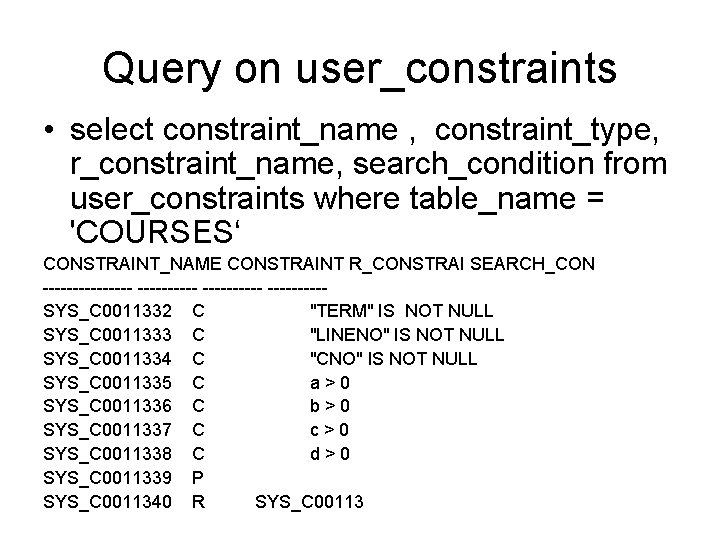
Query on user_constraints • select constraint_name , constraint_type, r_constraint_name, search_condition from user_constraints where table_name = 'COURSES‘ CONSTRAINT_NAME CONSTRAINT R_CONSTRAI SEARCH_CON ---------- -----SYS_C 0011332 C "TERM" IS NOT NULL SYS_C 0011333 C "LINENO" IS NOT NULL SYS_C 0011334 C "CNO" IS NOT NULL SYS_C 0011335 C a>0 SYS_C 0011336 C b>0 SYS_C 0011337 C c>0 SYS_C 0011338 C d>0 SYS_C 0011339 P SYS_C 0011340 R SYS_C 00113
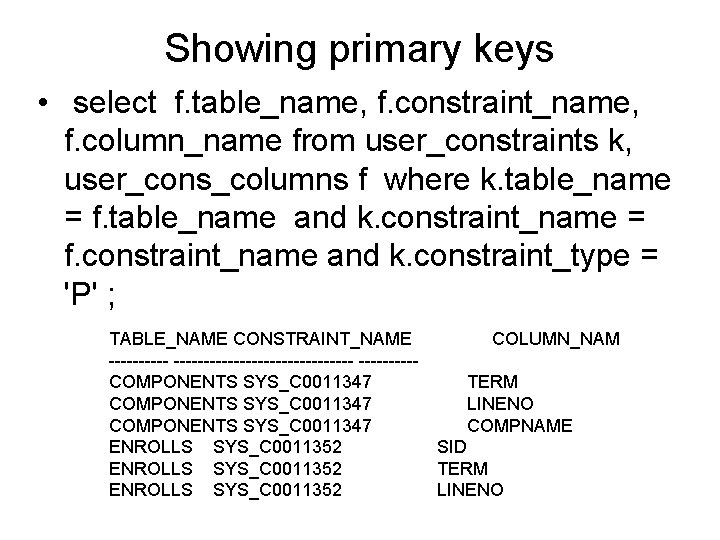
Showing primary keys • select f. table_name, f. constraint_name, f. column_name from user_constraints k, user_cons_columns f where k. table_name = f. table_name and k. constraint_name = f. constraint_name and k. constraint_type = 'P' ; TABLE_NAME CONSTRAINT_NAME COLUMN_NAM --------------------COMPONENTS SYS_C 0011347 TERM COMPONENTS SYS_C 0011347 LINENO COMPONENTS SYS_C 0011347 COMPNAME ENROLLS SYS_C 0011352 SID ENROLLS SYS_C 0011352 TERM ENROLLS SYS_C 0011352 LINENO
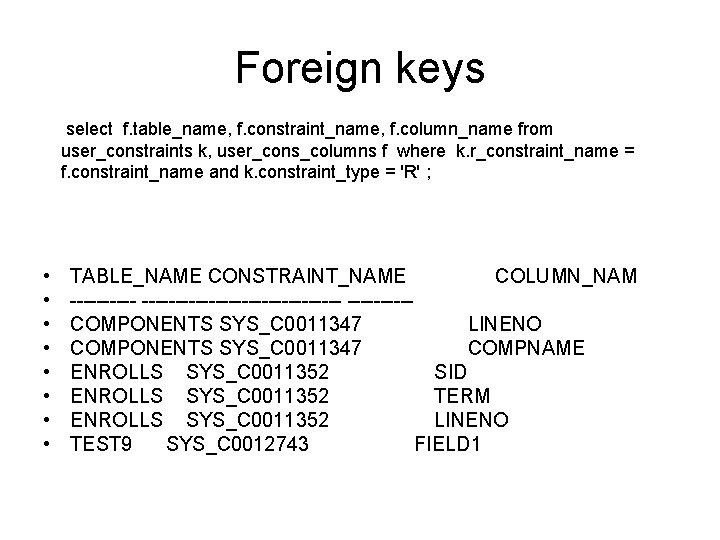
Foreign keys select f. table_name, f. constraint_name, f. column_name from user_constraints k, user_cons_columns f where k. r_constraint_name = f. constraint_name and k. constraint_type = 'R' ; • • TABLE_NAME CONSTRAINT_NAME COLUMN_NAM --------------------COMPONENTS SYS_C 0011347 LINENO COMPONENTS SYS_C 0011347 COMPNAME ENROLLS SYS_C 0011352 SID ENROLLS SYS_C 0011352 TERM ENROLLS SYS_C 0011352 LINENO TEST 9 SYS_C 0012743 FIELD 1
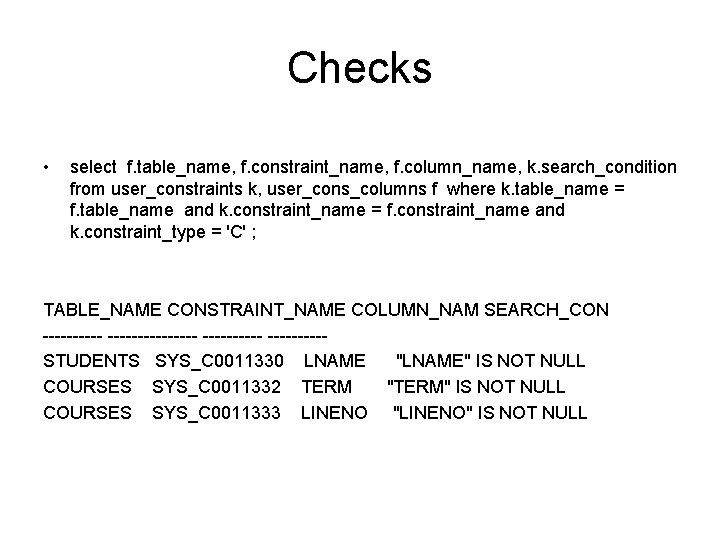
Checks • select f. table_name, f. constraint_name, f. column_name, k. search_condition from user_constraints k, user_cons_columns f where k. table_name = f. table_name and k. constraint_name = f. constraint_name and k. constraint_type = 'C' ; TABLE_NAME CONSTRAINT_NAME COLUMN_NAM SEARCH_CON ---------------STUDENTS SYS_C 0011330 LNAME "LNAME" IS NOT NULL COURSES SYS_C 0011332 TERM "TERM" IS NOT NULL COURSES SYS_C 0011333 LINENO "LINENO" IS NOT NULL
Important Stuff • Database checks integrity • Subqueries help make lists for where conditions • In, All, Some, Any • Exists • Views remain • Data dictionary can be queried
- Slides: 28