
Linux Review nd 2 Half COMS W 4118


- Slides: 72
Linux Review nd (2 Half) COMS W 4118 Spring 2008
Interrupts in Linux COMS W 4118 Spring 2008
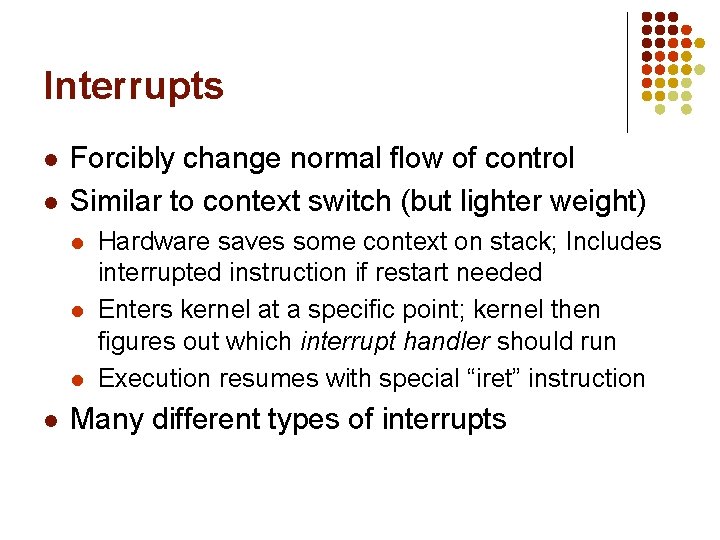
Interrupts l l Forcibly change normal flow of control Similar to context switch (but lighter weight) l l Hardware saves some context on stack; Includes interrupted instruction if restart needed Enters kernel at a specific point; kernel then figures out which interrupt handler should run Execution resumes with special “iret” instruction Many different types of interrupts
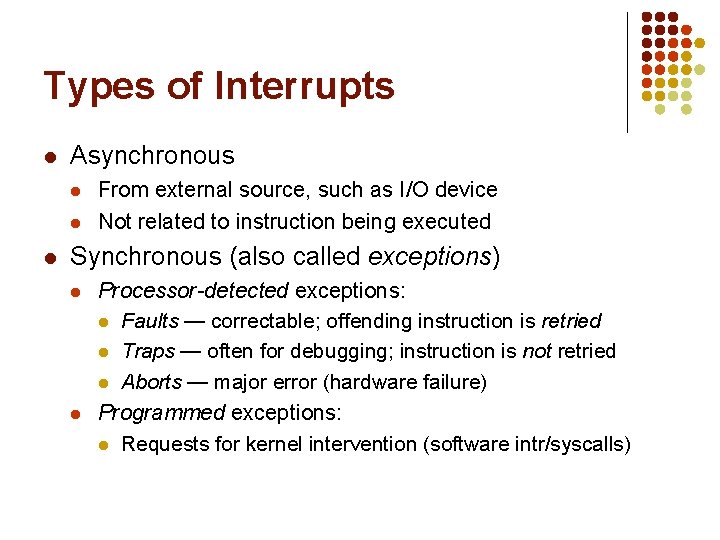
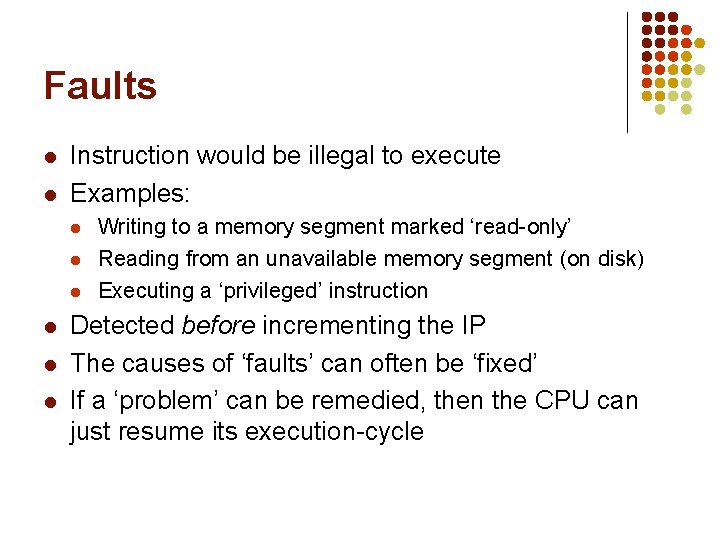
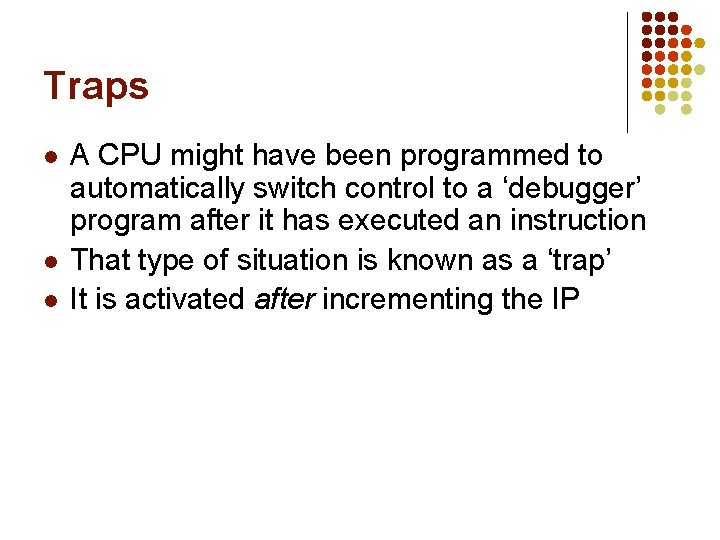
Types of Interrupts l Asynchronous l l l From external source, such as I/O device Not related to instruction being executed Synchronous (also called exceptions) l l Processor-detected exceptions: l Faults — correctable; offending instruction is retried l Traps — often for debugging; instruction is not retried l Aborts — major error (hardware failure) Programmed exceptions: l Requests for kernel intervention (software intr/syscalls)
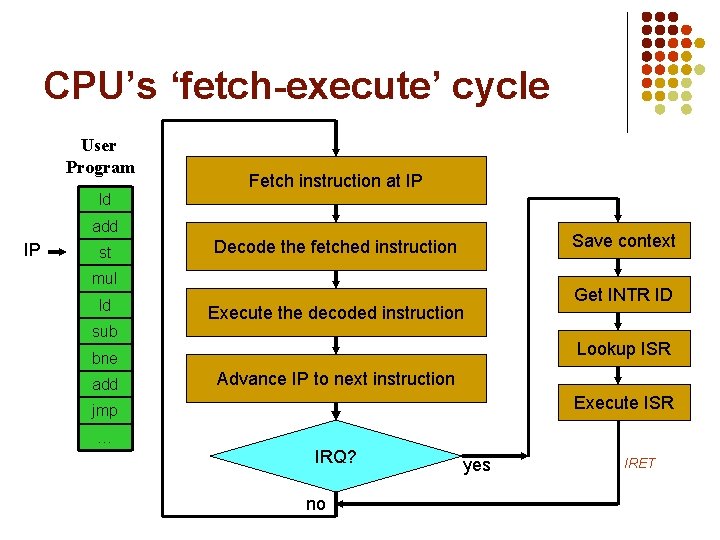
CPU’s ‘fetch-execute’ cycle User Program Fetch instruction at IP ld add IP st Save context Decode the fetched instruction mul ld Execute the decoded instruction sub Lookup ISR bne add Get INTR ID Advance IP to next instruction Execute ISR jmp … IRQ? no yes IRET
Faults l l Instruction would be illegal to execute Examples: l l l Writing to a memory segment marked ‘read-only’ Reading from an unavailable memory segment (on disk) Executing a ‘privileged’ instruction Detected before incrementing the IP The causes of ‘faults’ can often be ‘fixed’ If a ‘problem’ can be remedied, then the CPU can just resume its execution-cycle
Traps l l l A CPU might have been programmed to automatically switch control to a ‘debugger’ program after it has executed an instruction That type of situation is known as a ‘trap’ It is activated after incrementing the IP
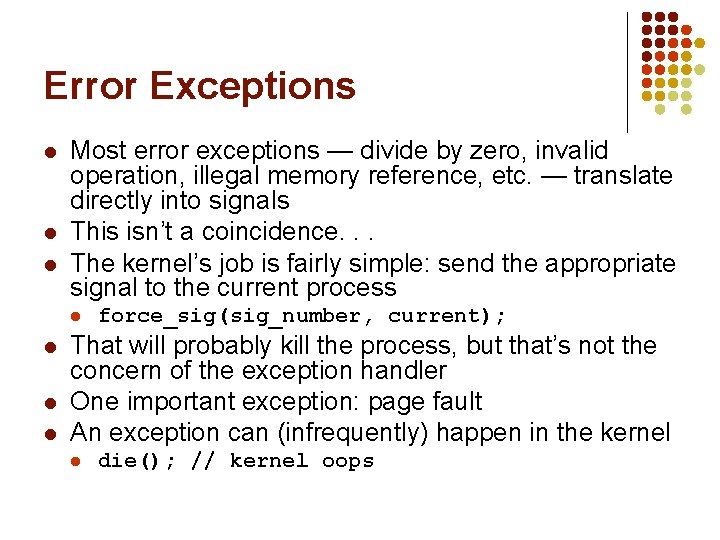
Error Exceptions l l l Most error exceptions — divide by zero, invalid operation, illegal memory reference, etc. — translate directly into signals This isn’t a coincidence. . . The kernel’s job is fairly simple: send the appropriate signal to the current process l l force_sig(sig_number, current); That will probably kill the process, but that’s not the concern of the exception handler One important exception: page fault An exception can (infrequently) happen in the kernel l die(); // kernel oops
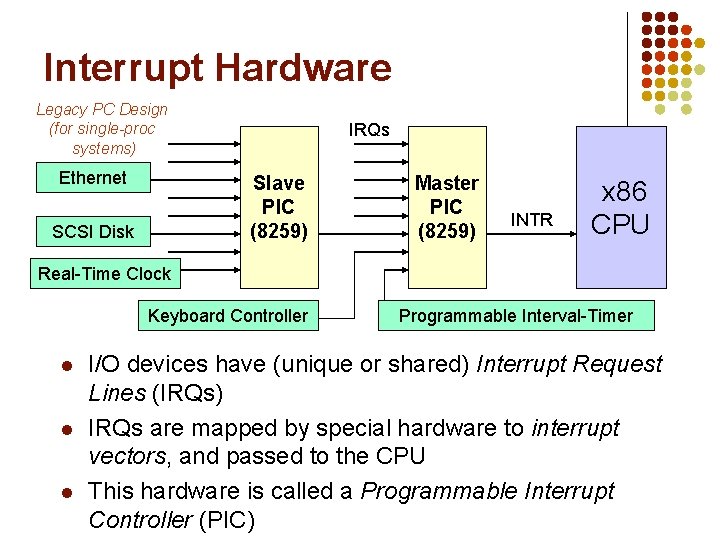
Interrupt Hardware Legacy PC Design (for single-proc systems) Ethernet IRQs Slave PIC (8259) SCSI Disk Master PIC (8259) INTR x 86 CPU Real-Time Clock Keyboard Controller l l l Programmable Interval-Timer I/O devices have (unique or shared) Interrupt Request Lines (IRQs) IRQs are mapped by special hardware to interrupt vectors, and passed to the CPU This hardware is called a Programmable Interrupt Controller (PIC)
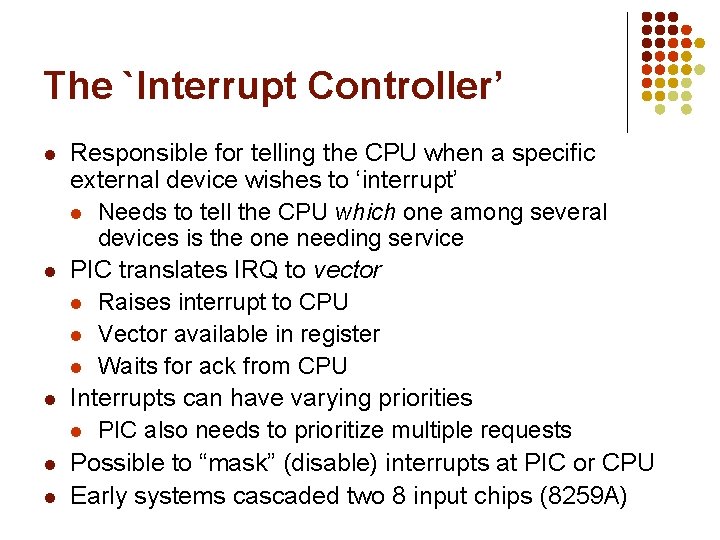
The `Interrupt Controller’ l l l Responsible for telling the CPU when a specific external device wishes to ‘interrupt’ l Needs to tell the CPU which one among several devices is the one needing service PIC translates IRQ to vector l Raises interrupt to CPU l Vector available in register l Waits for ack from CPU Interrupts can have varying priorities l PIC also needs to prioritize multiple requests Possible to “mask” (disable) interrupts at PIC or CPU Early systems cascaded two 8 input chips (8259 A)
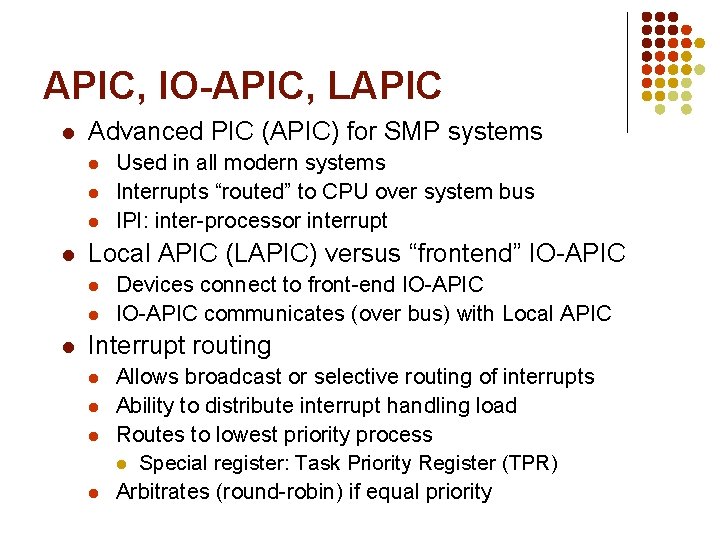
APIC, IO-APIC, LAPIC l Advanced PIC (APIC) for SMP systems l l Local APIC (LAPIC) versus “frontend” IO-APIC l l l Used in all modern systems Interrupts “routed” to CPU over system bus IPI: inter-processor interrupt Devices connect to front-end IO-APIC communicates (over bus) with Local APIC Interrupt routing l l Allows broadcast or selective routing of interrupts Ability to distribute interrupt handling load Routes to lowest priority process l Special register: Task Priority Register (TPR) Arbitrates (round-robin) if equal priority
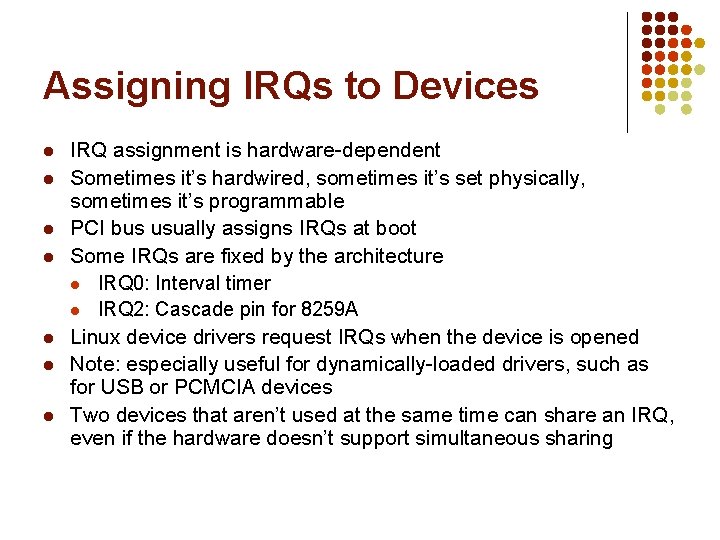
Assigning IRQs to Devices l l l l IRQ assignment is hardware-dependent Sometimes it’s hardwired, sometimes it’s set physically, sometimes it’s programmable PCI bus usually assigns IRQs at boot Some IRQs are fixed by the architecture l IRQ 0: Interval timer l IRQ 2: Cascade pin for 8259 A Linux device drivers request IRQs when the device is opened Note: especially useful for dynamically-loaded drivers, such as for USB or PCMCIA devices Two devices that aren’t used at the same time can share an IRQ, even if the hardware doesn’t support simultaneous sharing
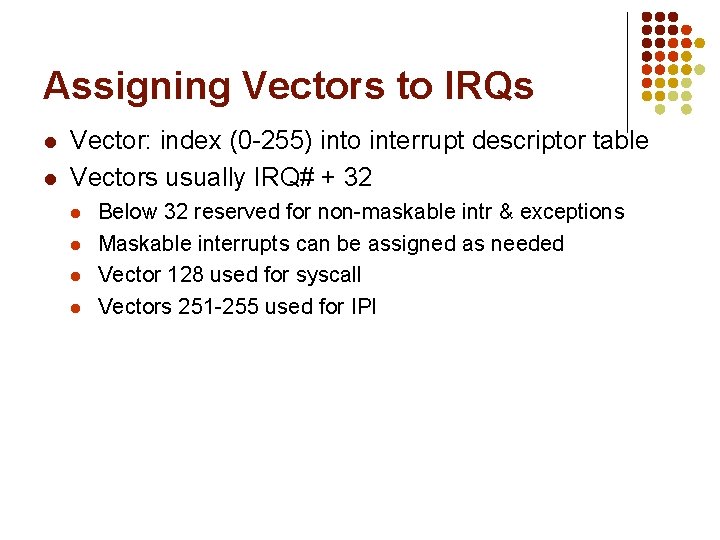
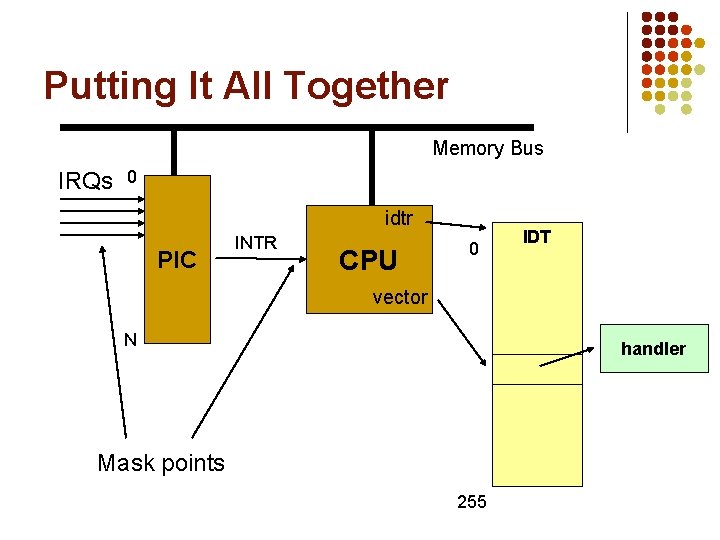
Assigning Vectors to IRQs l l Vector: index (0 -255) into interrupt descriptor table Vectors usually IRQ# + 32 l l Below 32 reserved for non-maskable intr & exceptions Maskable interrupts can be assigned as needed Vector 128 used for syscall Vectors 251 -255 used for IPI
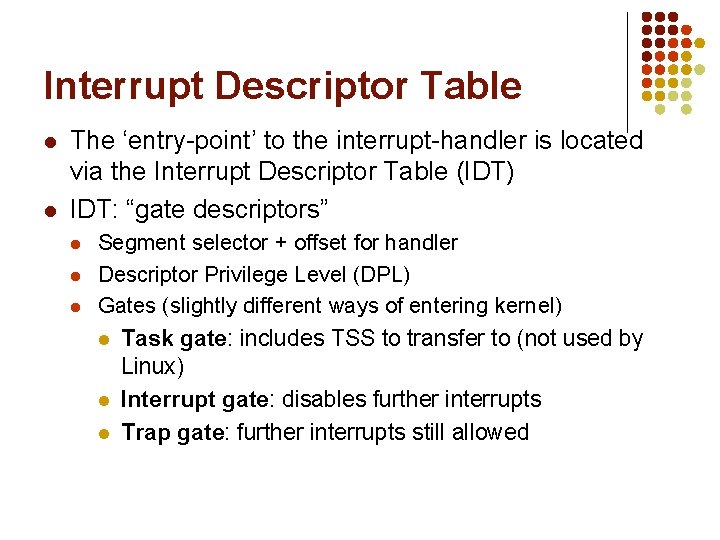
Interrupt Descriptor Table l l The ‘entry-point’ to the interrupt-handler is located via the Interrupt Descriptor Table (IDT) IDT: “gate descriptors” l l l Segment selector + offset for handler Descriptor Privilege Level (DPL) Gates (slightly different ways of entering kernel) l Task gate: includes TSS to transfer to (not used by Linux) l l Interrupt gate: disables further interrupts Trap gate: further interrupts still allowed
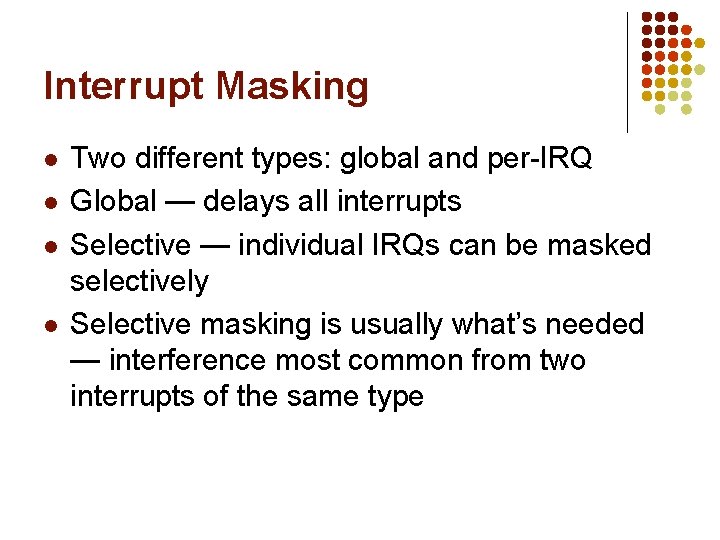
Interrupt Masking l l Two different types: global and per-IRQ Global — delays all interrupts Selective — individual IRQs can be masked selectively Selective masking is usually what’s needed — interference most common from two interrupts of the same type
Putting It All Together Memory Bus IRQs 0 idtr PIC INTR CPU 0 IDT vector N handler Mask points 255
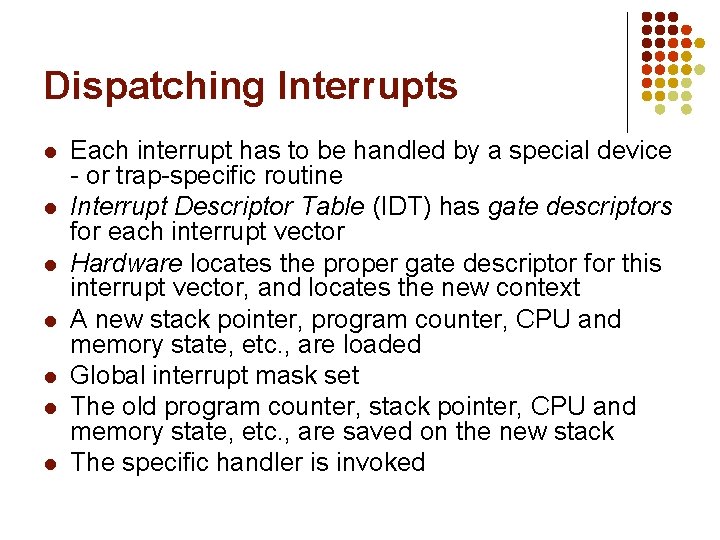
Dispatching Interrupts l l l l Each interrupt has to be handled by a special device - or trap-specific routine Interrupt Descriptor Table (IDT) has gate descriptors for each interrupt vector Hardware locates the proper gate descriptor for this interrupt vector, and locates the new context A new stack pointer, program counter, CPU and memory state, etc. , are loaded Global interrupt mask set The old program counter, stack pointer, CPU and memory state, etc. , are saved on the new stack The specific handler is invoked
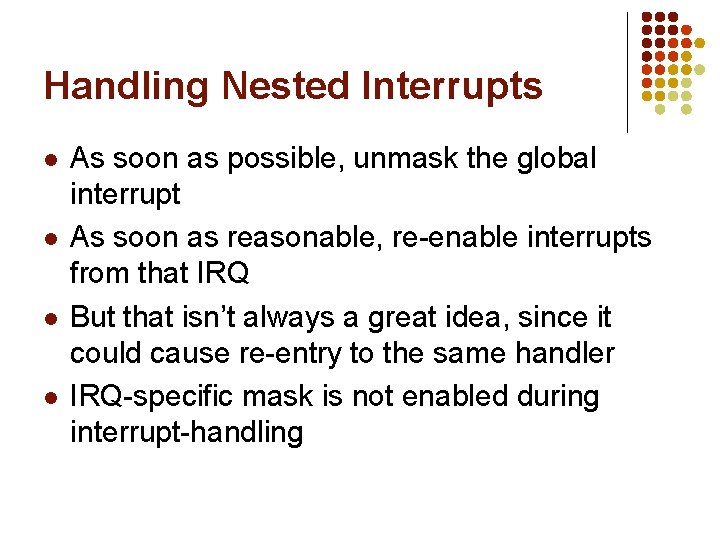
Handling Nested Interrupts l l As soon as possible, unmask the global interrupt As soon as reasonable, re-enable interrupts from that IRQ But that isn’t always a great idea, since it could cause re-entry to the same handler IRQ-specific mask is not enabled during interrupt-handling
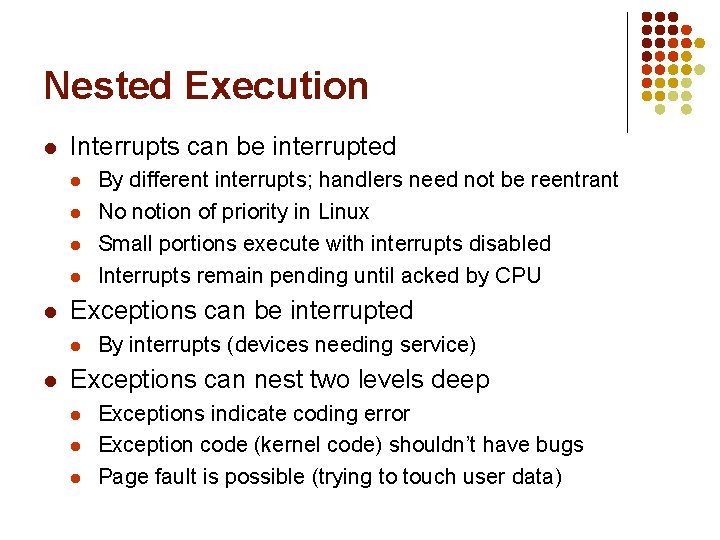
Nested Execution l Interrupts can be interrupted l l l Exceptions can be interrupted l l By different interrupts; handlers need not be reentrant No notion of priority in Linux Small portions execute with interrupts disabled Interrupts remain pending until acked by CPU By interrupts (devices needing service) Exceptions can nest two levels deep l l l Exceptions indicate coding error Exception code (kernel code) shouldn’t have bugs Page fault is possible (trying to touch user data)
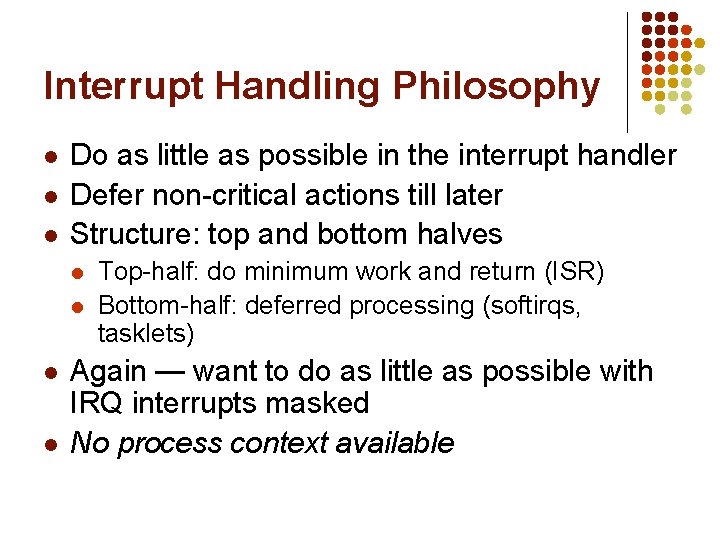
Interrupt Handling Philosophy l l l Do as little as possible in the interrupt handler Defer non-critical actions till later Structure: top and bottom halves l l Top-half: do minimum work and return (ISR) Bottom-half: deferred processing (softirqs, tasklets) Again — want to do as little as possible with IRQ interrupts masked No process context available
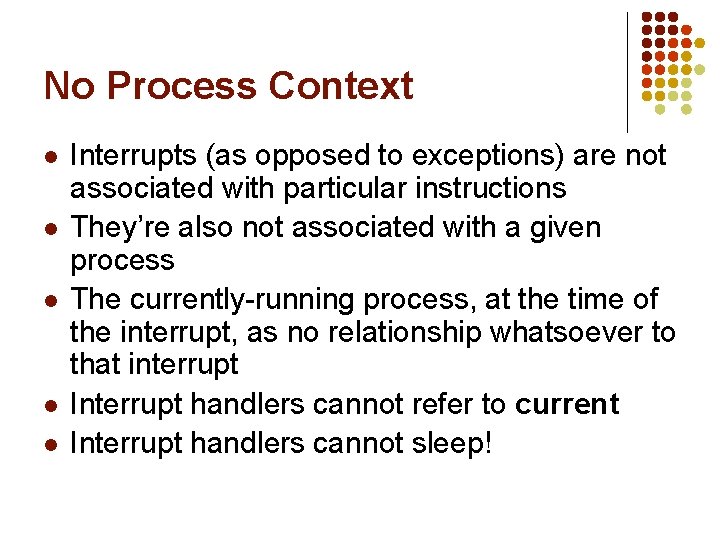
No Process Context l l l Interrupts (as opposed to exceptions) are not associated with particular instructions They’re also not associated with a given process The currently-running process, at the time of the interrupt, as no relationship whatsoever to that interrupt Interrupt handlers cannot refer to current Interrupt handlers cannot sleep!
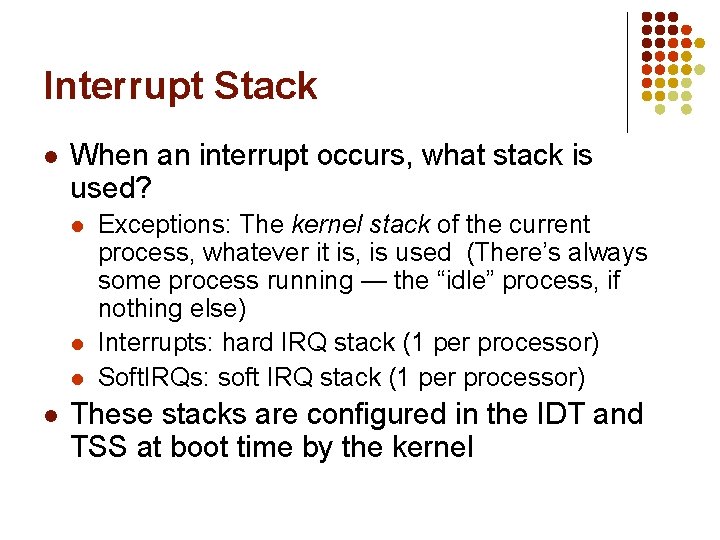
Interrupt Stack l When an interrupt occurs, what stack is used? l l Exceptions: The kernel stack of the current process, whatever it is, is used (There’s always some process running — the “idle” process, if nothing else) Interrupts: hard IRQ stack (1 per processor) Soft. IRQs: soft IRQ stack (1 per processor) These stacks are configured in the IDT and TSS at boot time by the kernel
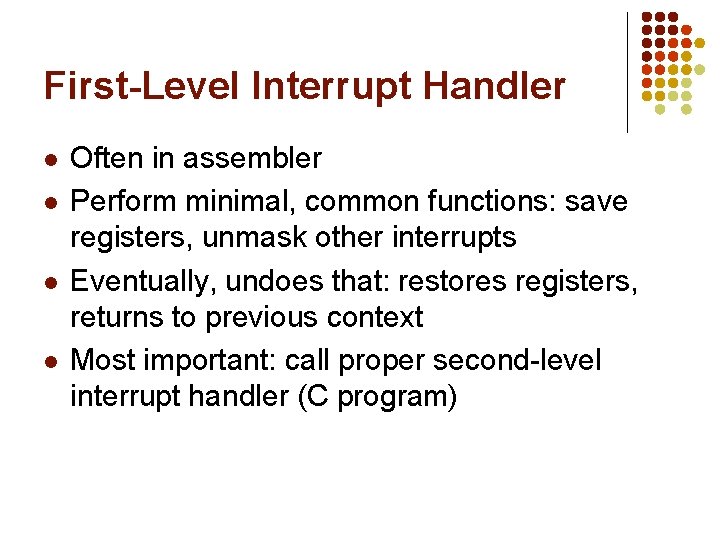
First-Level Interrupt Handler l l Often in assembler Perform minimal, common functions: save registers, unmask other interrupts Eventually, undoes that: restores registers, returns to previous context Most important: call proper second-level interrupt handler (C program)
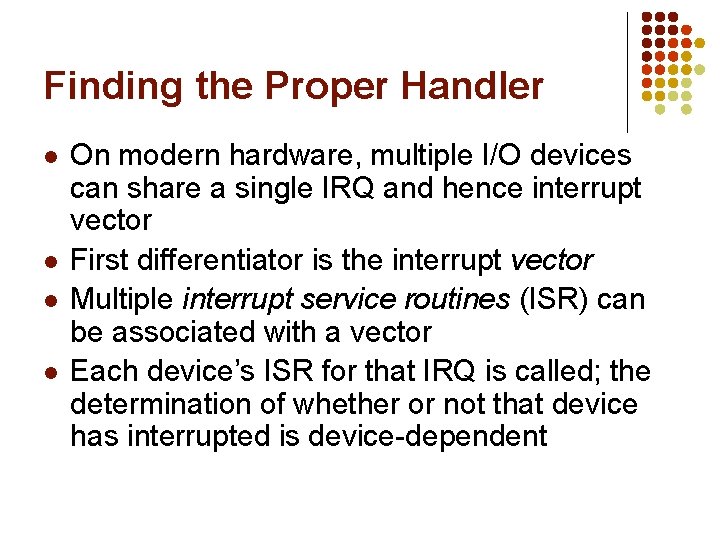
Finding the Proper Handler l l On modern hardware, multiple I/O devices can share a single IRQ and hence interrupt vector First differentiator is the interrupt vector Multiple interrupt service routines (ISR) can be associated with a vector Each device’s ISR for that IRQ is called; the determination of whether or not that device has interrupted is device-dependent
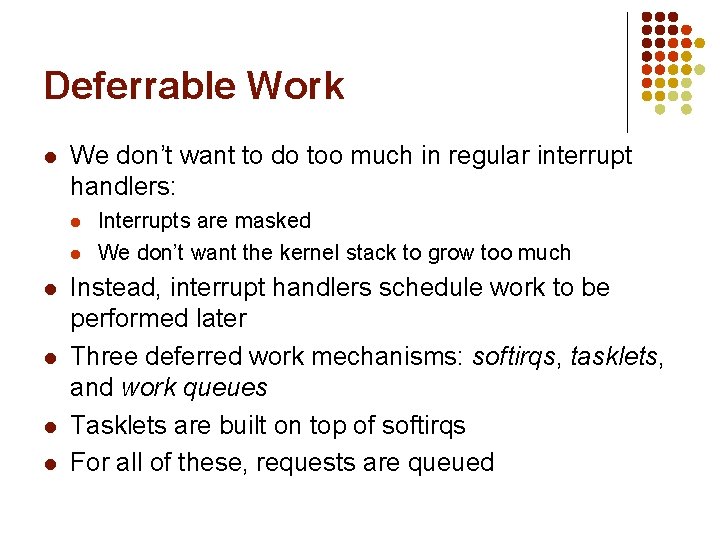
Deferrable Work l We don’t want to do too much in regular interrupt handlers: l l l Interrupts are masked We don’t want the kernel stack to grow too much Instead, interrupt handlers schedule work to be performed later Three deferred work mechanisms: softirqs, tasklets, and work queues Tasklets are built on top of softirqs For all of these, requests are queued
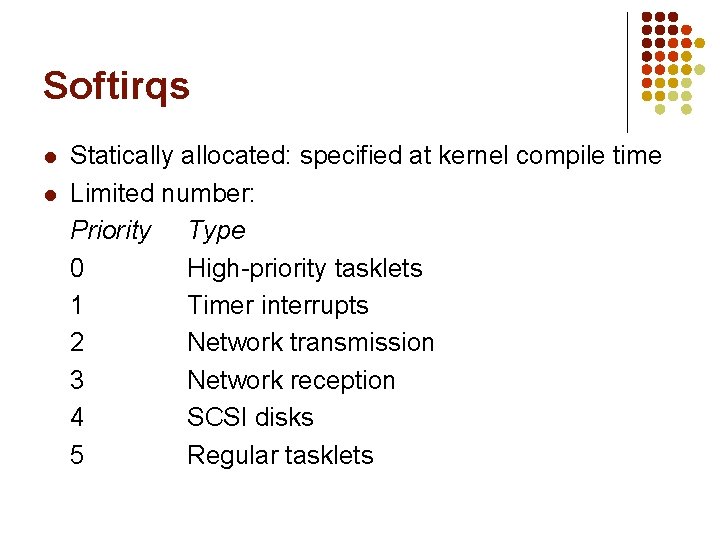
Softirqs l l Statically allocated: specified at kernel compile time Limited number: Priority Type 0 High-priority tasklets 1 Timer interrupts 2 Network transmission 3 Network reception 4 SCSI disks 5 Regular tasklets
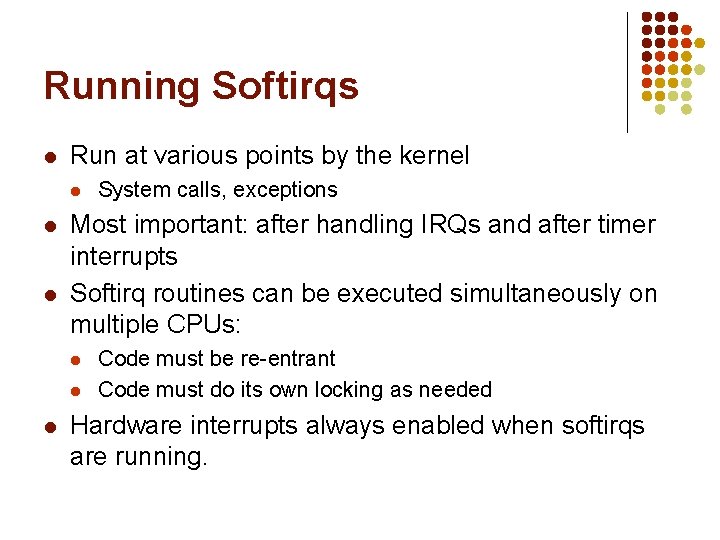
Running Softirqs l Run at various points by the kernel l Most important: after handling IRQs and after timer interrupts Softirq routines can be executed simultaneously on multiple CPUs: l l l System calls, exceptions Code must be re-entrant Code must do its own locking as needed Hardware interrupts always enabled when softirqs are running.
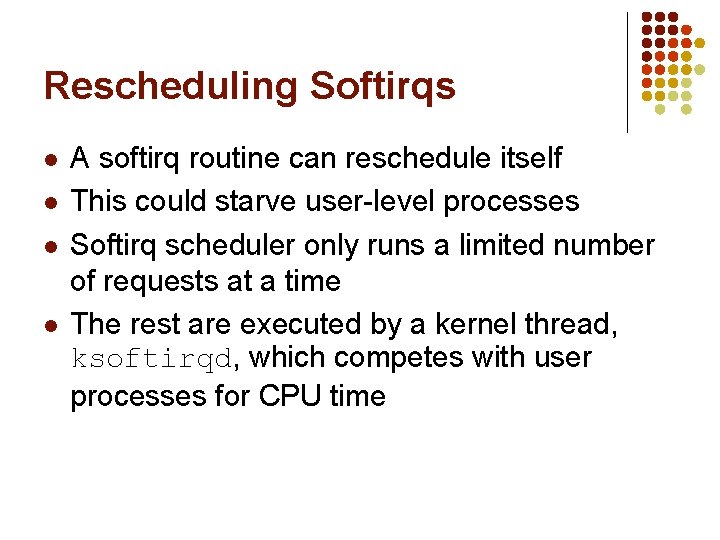
Rescheduling Softirqs l l A softirq routine can reschedule itself This could starve user-level processes Softirq scheduler only runs a limited number of requests at a time The rest are executed by a kernel thread, ksoftirqd, which competes with user processes for CPU time
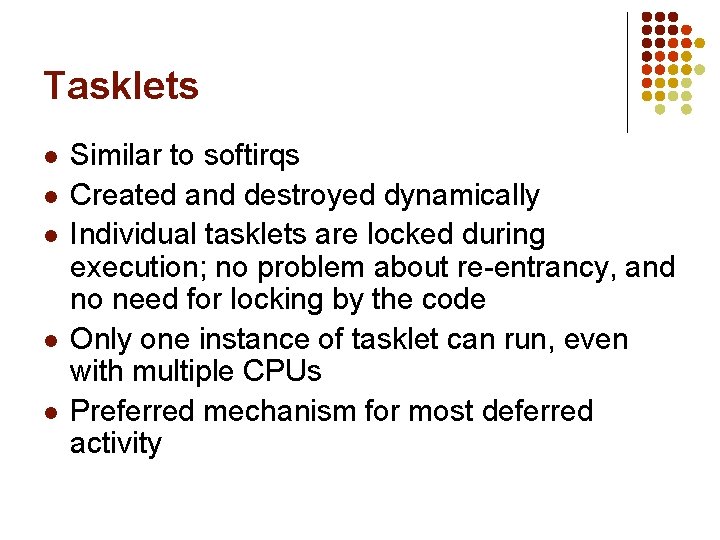
Tasklets l l l Similar to softirqs Created and destroyed dynamically Individual tasklets are locked during execution; no problem about re-entrancy, and no need for locking by the code Only one instance of tasklet can run, even with multiple CPUs Preferred mechanism for most deferred activity
Work Queues l l Always run by kernel threads Softirqs and tasklets run in an interrupt context; work queues have a process context Because they have a process context, they can sleep However, they’re kernel-only; there is no user mode associated with it
Synchronization in Linux COMS W 4118 Spring 2008
Linux Synch Primitives l Memory barriers l l Atomic operations l l Local, global Spin locks l l memory bus lock, read-modify-write ops Interrupt/softirq disabling/enabling l l avoids compiler, cpu instruction re-ordering general, read/write, big reader Semaphores l general, read/write
Choosing Synch Primitives l Avoid synch if possible! (clever instruction ordering) l l l Use atomics or rw spinlocks if possible Use semaphores if you need to sleep l l l Example: inserting in linked list (needs barrier still) Can’t sleep in interrupt context Don’t sleep holding a spinlock! Complicated matrix of choices for protecting data structures accessed by deferred functions
Architectural Dependence l l The implementation of the synchronization primitives is extremely architecture dependent. This is because only the hardware can guarantee atomicity of an operation. Each architecture must provide a mechanism for doing an operation that can examine and modify a storage location atomically. Some architectures do not guarantee atomicity, but inform whether the operation attempted was atomic.
Barriers: Definition l l l Barriers are used to prevent a processor and/or the compiler from reordering instruction execution and memory modification. Barriers are instructions to hardware and/or compiler to complete all pending accesses before issuing any more l read memory barrier – acts on read requests l write memory barrier – acts on write requests Intel – l certain instructions act as barriers: lock, iret, control regs l rmb – asm volatile("lock; addl $0, 0(%%esp)": : : "memory") l l add 0 to top of stack with lock prefix wmb – Intel never re-orders writes, just for compiler
Atomic Operations l Many instructions not atomic in hardware (smp) l l l Compiler may not generate atomic code l l Read-modify-write instructions: inc, test-and-set, swap unaligned memory access even i++ is not necessarily atomic! If the data that must be protected is a single word, atomic operations can be used. These functions examine and modify the word atomically. The atomic data type is atomic_t. Intel implementation l lock prefix byte 0 xf 0 – locks memory bus
Serializing with Interrupts l l l Basic primitive in original UNIX Doesn’t protect against other CPUs Intel: “interrupts enabled bit” l l cli to clear (disable), sti to set (enable) Enabling is often wrong; need to restore l l local_irq_save() local_irq_restore()
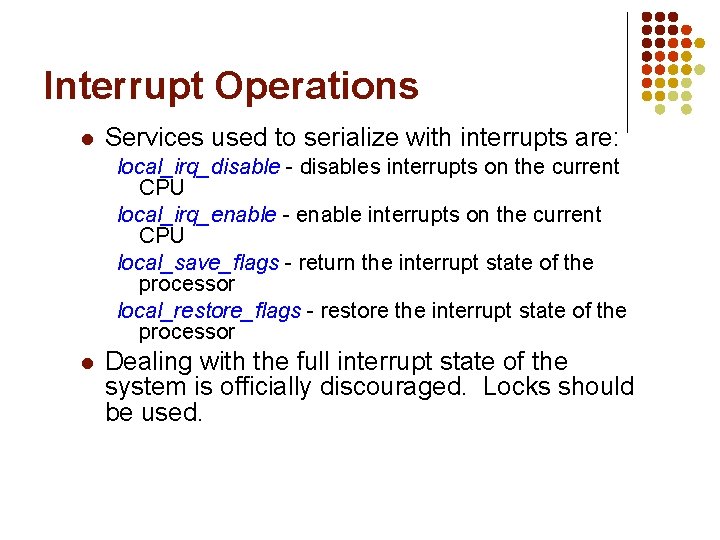
Interrupt Operations l Services used to serialize with interrupts are: local_irq_disable - disables interrupts on the current CPU local_irq_enable - enable interrupts on the current CPU local_save_flags - return the interrupt state of the processor local_restore_flags - restore the interrupt state of the processor l Dealing with the full interrupt state of the system is officially discouraged. Locks should be used.
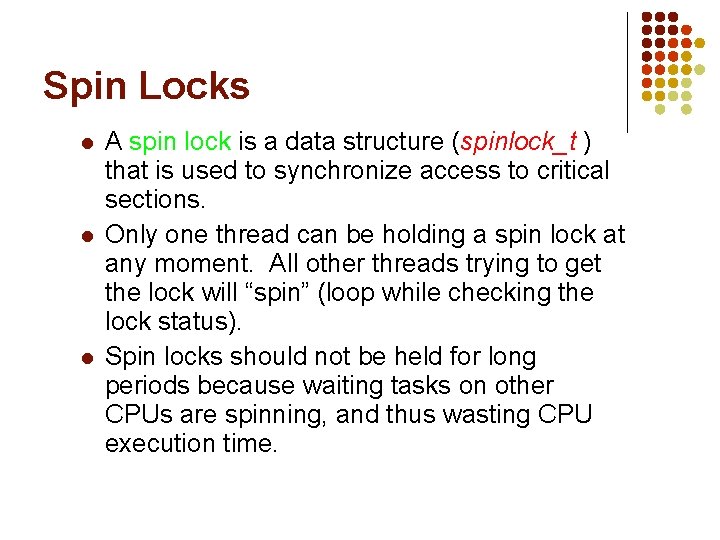
Spin Locks l l l A spin lock is a data structure (spinlock_t ) that is used to synchronize access to critical sections. Only one thread can be holding a spin lock at any moment. All other threads trying to get the lock will “spin” (loop while checking the lock status). Spin locks should not be held for long periods because waiting tasks on other CPUs are spinning, and thus wasting CPU execution time.
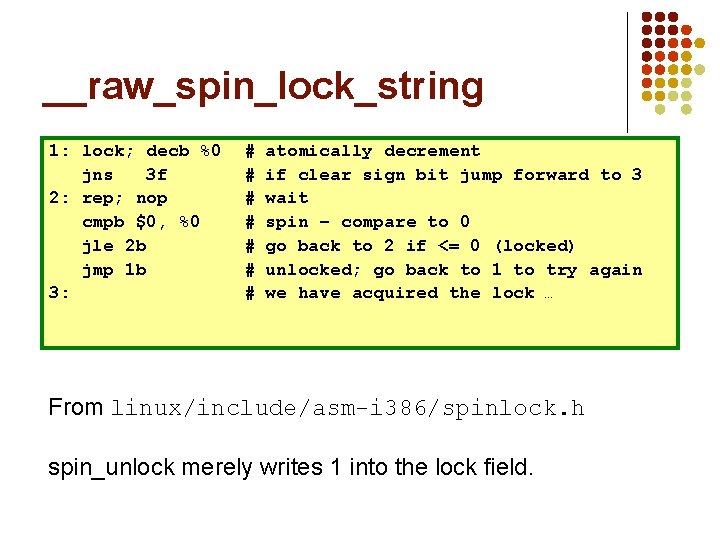
__raw_spin_lock_string 1: lock; decb %0 jns 3 f 2: rep; nop cmpb $0, %0 jle 2 b jmp 1 b 3: # # # # atomically decrement if clear sign bit jump forward to 3 wait spin – compare to 0 go back to 2 if <= 0 (locked) unlocked; go back to 1 to try again we have acquired the lock … From linux/include/asm-i 386/spinlock. h spin_unlock merely writes 1 into the lock field.
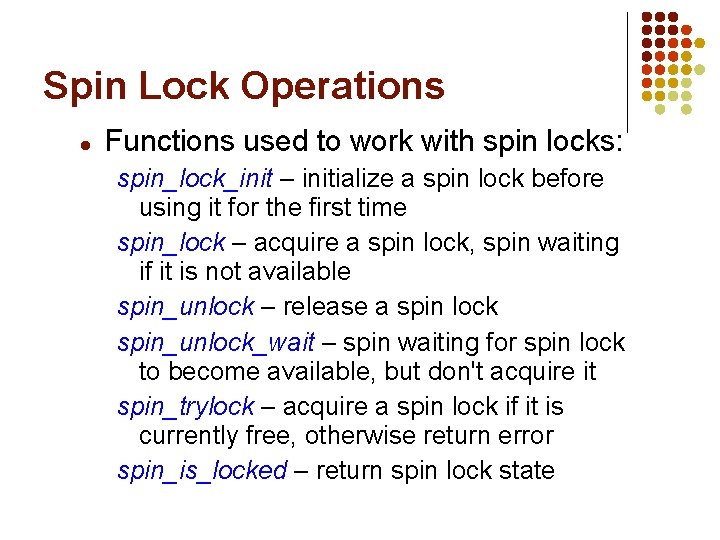
Spin Lock Operations l Functions used to work with spin locks: spin_lock_init – initialize a spin lock before using it for the first time spin_lock – acquire a spin lock, spin waiting if it is not available spin_unlock – release a spin lock spin_unlock_wait – spin waiting for spin lock to become available, but don't acquire it spin_trylock – acquire a spin lock if it is currently free, otherwise return error spin_is_locked – return spin lock state
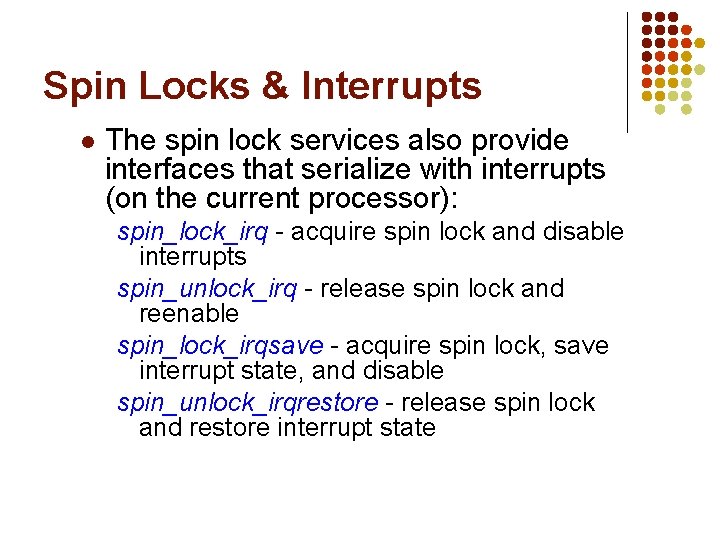
Spin Locks & Interrupts l The spin lock services also provide interfaces that serialize with interrupts (on the current processor): spin_lock_irq - acquire spin lock and disable interrupts spin_unlock_irq - release spin lock and reenable spin_lock_irqsave - acquire spin lock, save interrupt state, and disable spin_unlock_irqrestore - release spin lock and restore interrupt state
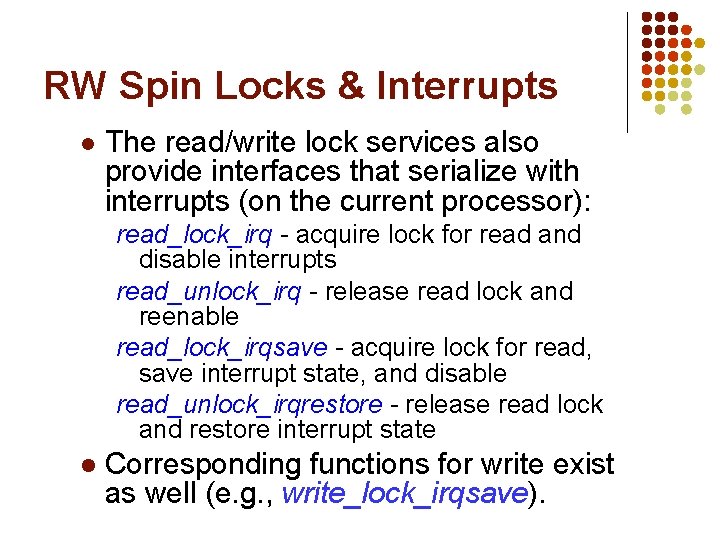
RW Spin Locks & Interrupts l The read/write lock services also provide interfaces that serialize with interrupts (on the current processor): read_lock_irq - acquire lock for read and disable interrupts read_unlock_irq - release read lock and reenable read_lock_irqsave - acquire lock for read, save interrupt state, and disable read_unlock_irqrestore - release read lock and restore interrupt state l Corresponding functions for write exist as well (e. g. , write_lock_irqsave).
The Big Reader Lock l l Reader optimized RW spinlock suffers cache contention l l Per-CPU, cache-aligned lock arrays l l One for reader portion, another for writer portion To read: set bit in reader array, spin on writer l l On lock and unlock because of write to rwlock_t Acquire when writer lock free; very fast! To write: set bit and scan ALL reader bits l Acquire when reader bits all free; very slow!
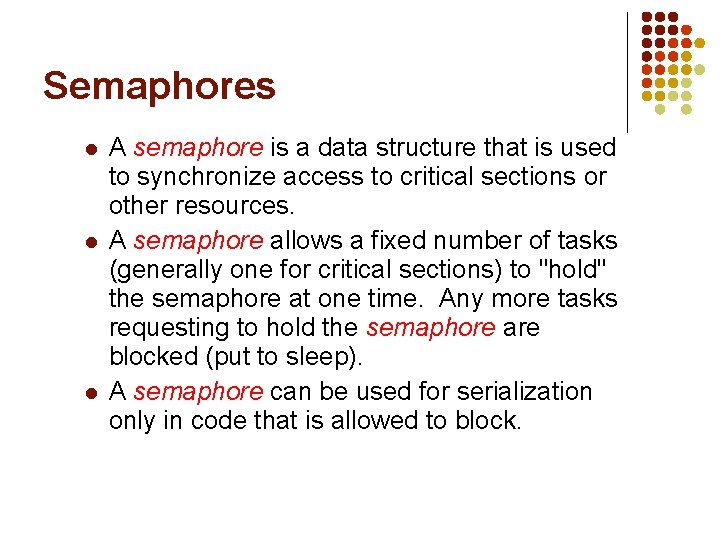
Semaphores l l l A semaphore is a data structure that is used to synchronize access to critical sections or other resources. A semaphore allows a fixed number of tasks (generally one for critical sections) to "hold" the semaphore at one time. Any more tasks requesting to hold the semaphore are blocked (put to sleep). A semaphore can be used for serialization only in code that is allowed to block.
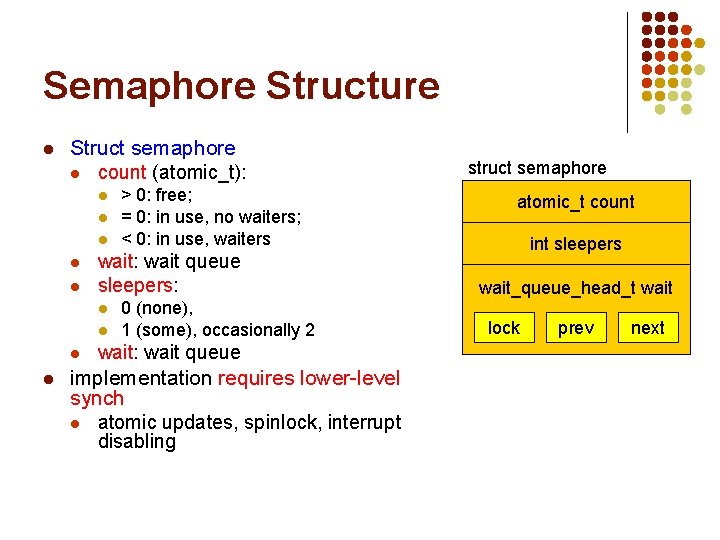
Semaphore Structure l Struct semaphore l count (atomic_t): l l l wait: wait queue sleepers: l l > 0: free; = 0: in use, no waiters; < 0: in use, waiters 0 (none), 1 (some), occasionally 2 wait: wait queue implementation requires lower-level synch l atomic updates, spinlock, interrupt disabling struct semaphore atomic_t count int sleepers wait_queue_head_t wait lock prev next
Semaphores l optimized assembly code for normal case (down()) l l up() is easy l l atomically decrement; continue contended down() is really complex! l l l atomically increment; wake_up() if necessary uncontended down() is easy l l C code for slower “contended” case (__down()) basically increment sleepers and sleep loop because of potentially concurrent ups/downs still in down() path when lock is acquired
RW Semaphores l l l A rw_semaphore is a semaphore that allows either one writer or any number of readers (but not both at the same time) to hold it. Any writer requesting to hold the rw_semaphore is blocked when there are readers holding it. A rw_semaphore can be used for serialization only in code that is allowed to block. Both types of semaphores are the only synchronization objects that should be held when blocking. Writers will not starve: once a writer arrives, readers queue behind it Increases concurrency; introduced in 2. 4
Mutexes A mutex is a data structure that is also used to synchronize access to critical sections or other resources, introduced in 2. 6. 16. l Why? (Documentation/mutex-design. txt) l l l simpler (lighter weight) tighter code slightly faster, better scalability no fastpath tradeoffs debug support – strict checking of adhering to semantics
Linux Virtual File System (VFS) and Ext 2 COMS W 4118 Spring 2008
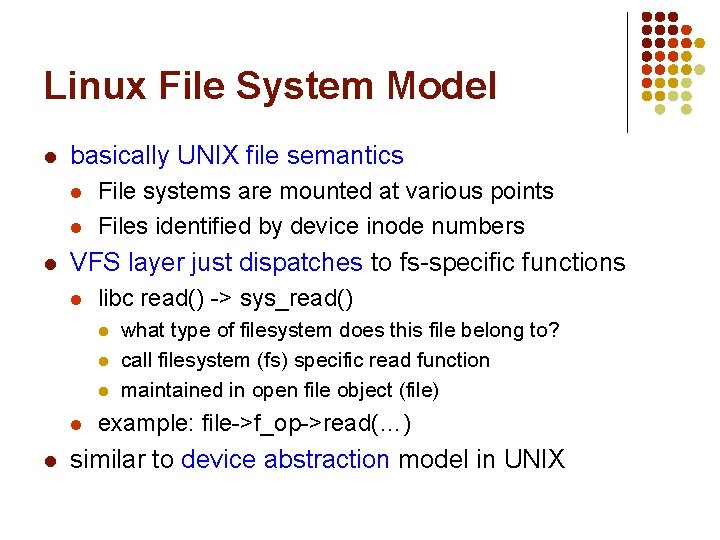
Linux File System Model l basically UNIX file semantics l l l File systems are mounted at various points Files identified by device inode numbers VFS layer just dispatches to fs-specific functions l libc read() -> sys_read() l l l what type of filesystem does this file belong to? call filesystem (fs) specific read function maintained in open file object (file) example: file->f_op->read(…) similar to device abstraction model in UNIX
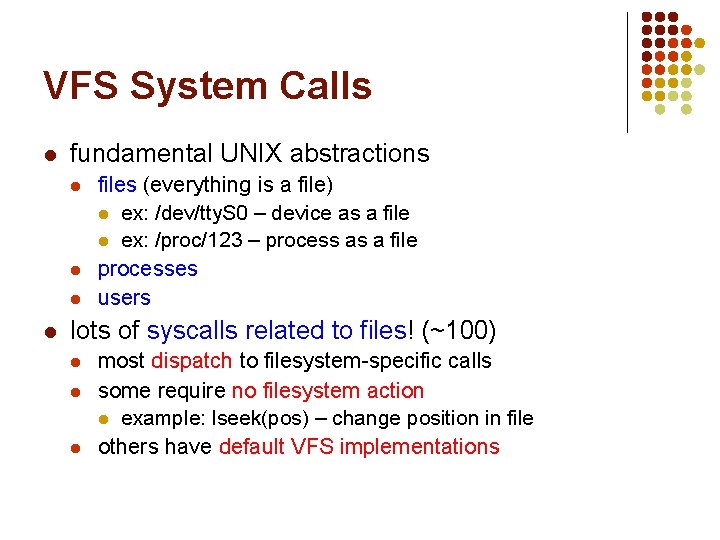
VFS System Calls l fundamental UNIX abstractions l l files (everything is a file) l ex: /dev/tty. S 0 – device as a file l ex: /proc/123 – process as a file processes users lots of syscalls related to files! (~100) l l l most dispatch to filesystem-specific calls some require no filesystem action l example: lseek(pos) – change position in file others have default VFS implementations
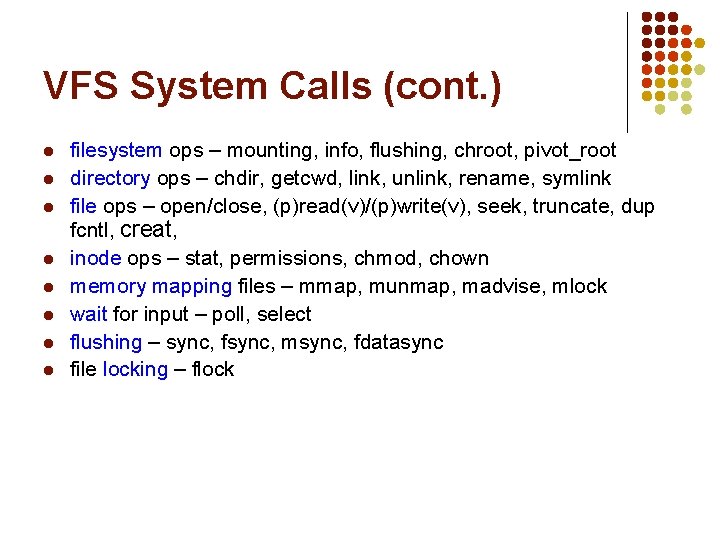
VFS System Calls (cont. ) l l l l filesystem ops – mounting, info, flushing, chroot, pivot_root directory ops – chdir, getcwd, link, unlink, rename, symlink file ops – open/close, (p)read(v)/(p)write(v), seek, truncate, dup fcntl, creat, inode ops – stat, permissions, chmod, chown memory mapping files – mmap, munmap, madvise, mlock wait for input – poll, select flushing – sync, fsync, msync, fdatasync file locking – flock
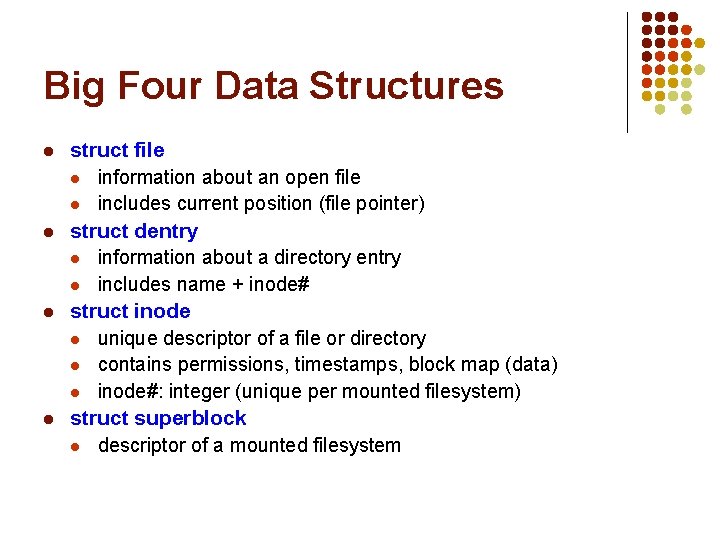
Big Four Data Structures l l struct file l information about an open file l includes current position (file pointer) struct dentry l information about a directory entry l includes name + inode# struct inode l unique descriptor of a file or directory l contains permissions, timestamps, block map (data) l inode#: integer (unique per mounted filesystem) struct superblock l descriptor of a mounted filesystem
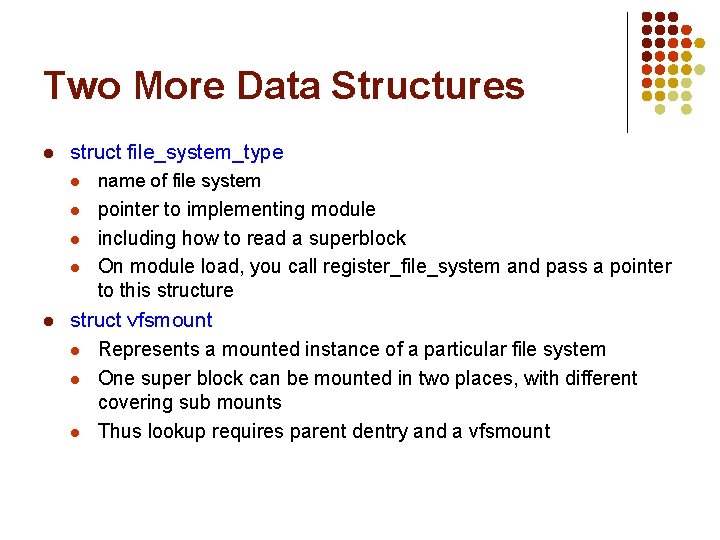
Two More Data Structures l struct file_system_type l name of file system l pointer to implementing module including how to read a superblock On module load, you call register_file_system and pass a pointer to this structure l l l struct vfsmount l Represents a mounted instance of a particular file system l One super block can be mounted in two places, with different covering sub mounts l Thus lookup requires parent dentry and a vfsmount
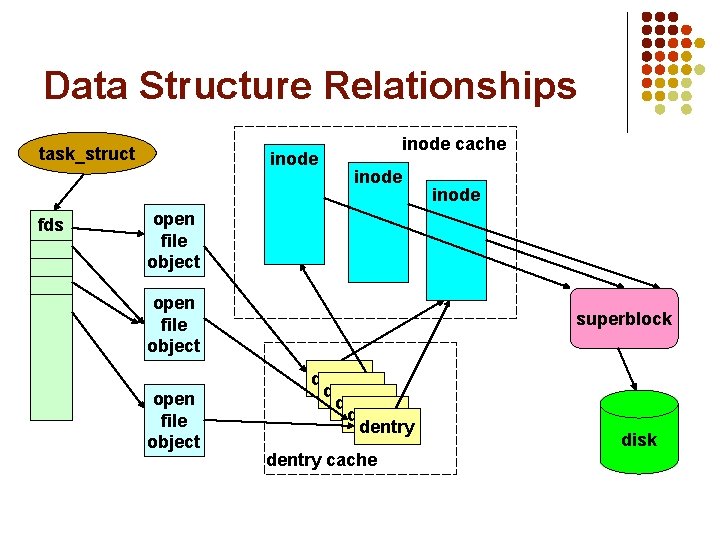
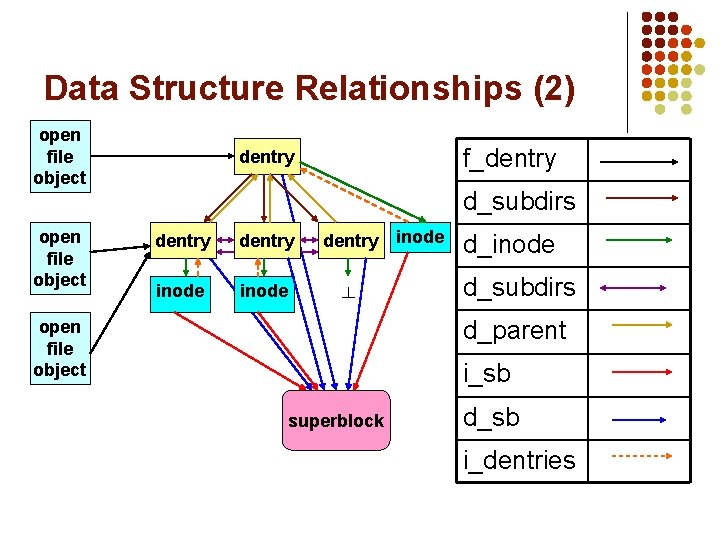
Data Structure Relationships task_struct fds inode cache inode open file object superblock dentry dentry cache disk
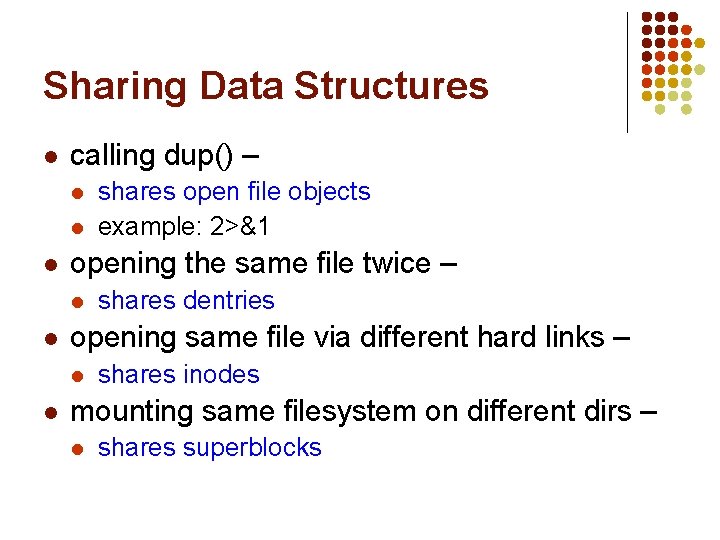
Sharing Data Structures l calling dup() – l l l opening the same file twice – l l shares dentries opening same file via different hard links – l l shares open file objects example: 2>&1 shares inodes mounting same filesystem on different dirs – l shares superblocks
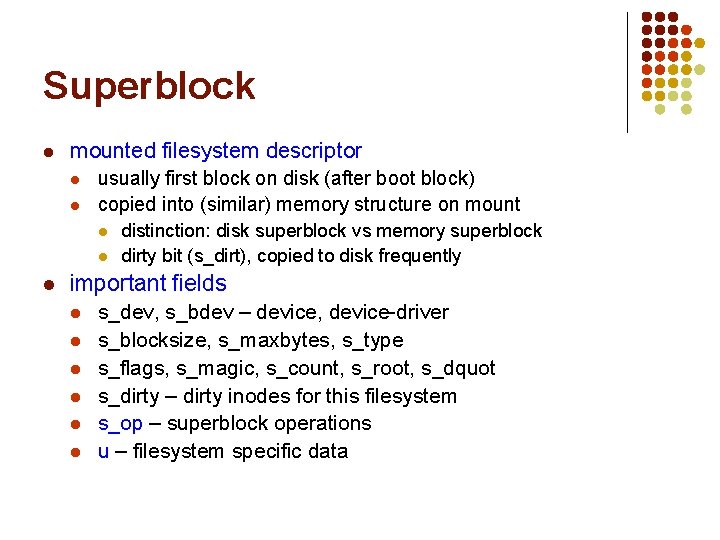
Superblock l mounted filesystem descriptor l l usually first block on disk (after boot block) copied into (similar) memory structure on mount l l l distinction: disk superblock vs memory superblock dirty bit (s_dirt), copied to disk frequently important fields l l l s_dev, s_bdev – device, device-driver s_blocksize, s_maxbytes, s_type s_flags, s_magic, s_count, s_root, s_dquot s_dirty – dirty inodes for this filesystem s_op – superblock operations u – filesystem specific data
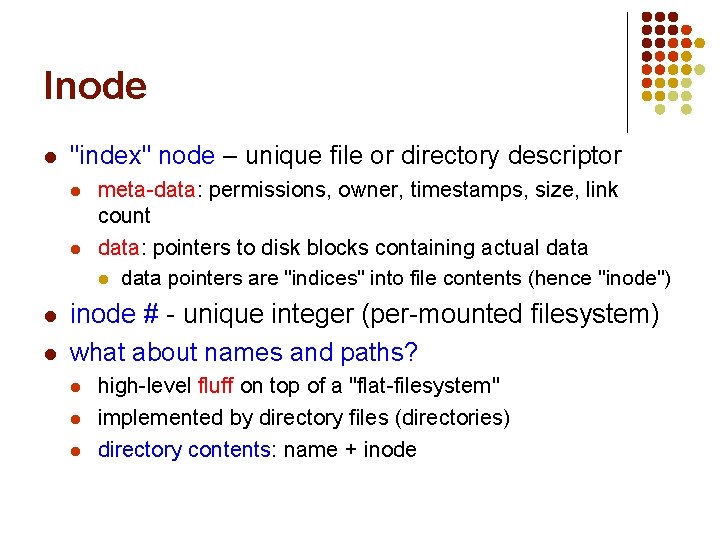
Inode l "index" node – unique file or directory descriptor l l meta-data: permissions, owner, timestamps, size, link count data: pointers to disk blocks containing actual data pointers are "indices" into file contents (hence "inode") inode # - unique integer (per-mounted filesystem) what about names and paths? l l l high-level fluff on top of a "flat-filesystem" implemented by directory files (directories) directory contents: name + inode
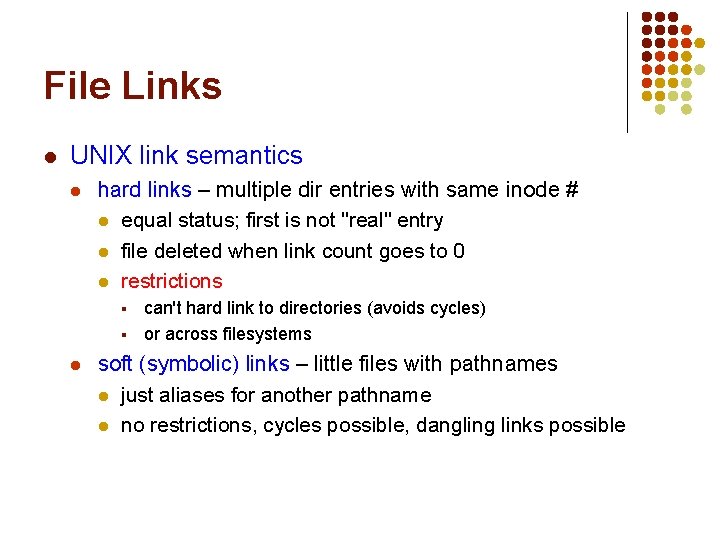
File Links l UNIX link semantics l hard links – multiple dir entries with same inode # l equal status; first is not "real" entry l file deleted when link count goes to 0 l restrictions § § l can't hard link to directories (avoids cycles) or across filesystems soft (symbolic) links – little files with pathnames l just aliases for another pathname l no restrictions, cycles possible, dangling links possible
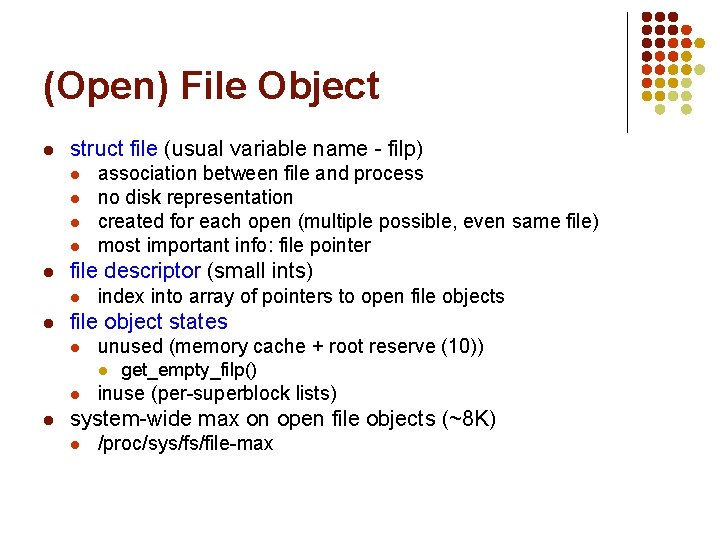
(Open) File Object l struct file (usual variable name - filp) l l l file descriptor (small ints) l l association between file and process no disk representation created for each open (multiple possible, even same file) most important info: file pointer index into array of pointers to open file objects file object states l unused (memory cache + root reserve (10)) l l l get_empty_filp() inuse (per-superblock lists) system-wide max on open file objects (~8 K) l /proc/sys/fs/file-max
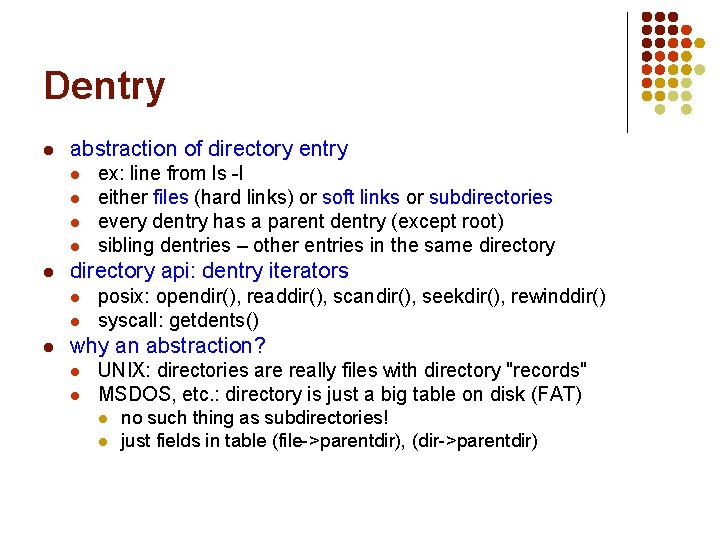
Dentry l abstraction of directory entry l l l directory api: dentry iterators l l l ex: line from ls -l either files (hard links) or soft links or subdirectories every dentry has a parent dentry (except root) sibling dentries – other entries in the same directory posix: opendir(), readdir(), scandir(), seekdir(), rewinddir() syscall: getdents() why an abstraction? l l UNIX: directories are really files with directory "records" MSDOS, etc. : directory is just a big table on disk (FAT) l l no such thing as subdirectories! just fields in table (file->parentdir), (dir->parentdir)
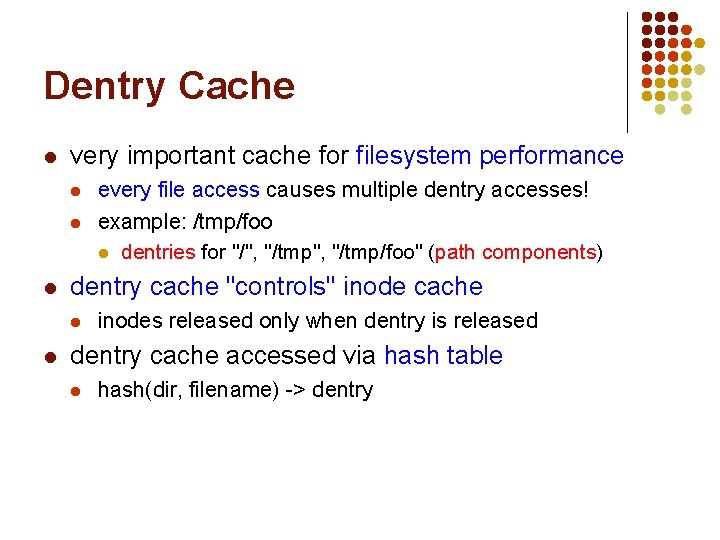
Dentry Cache l very important cache for filesystem performance l l l dentry cache "controls" inode cache l l every file access causes multiple dentry accesses! example: /tmp/foo l dentries for "/", "/tmp/foo" (path components) inodes released only when dentry is released dentry cache accessed via hash table l hash(dir, filename) -> dentry
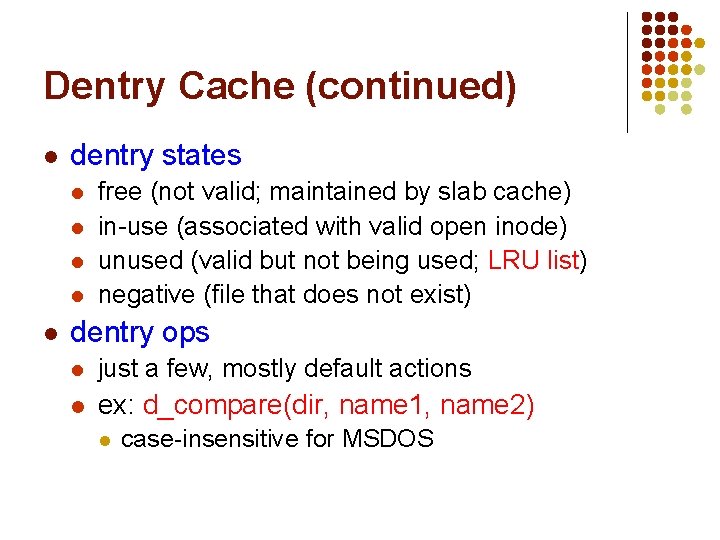
Dentry Cache (continued) l dentry states l l l free (not valid; maintained by slab cache) in-use (associated with valid open inode) unused (valid but not being used; LRU list) negative (file that does not exist) dentry ops l just a few, mostly default actions l ex: d_compare(dir, name 1, name 2) l case-insensitive for MSDOS
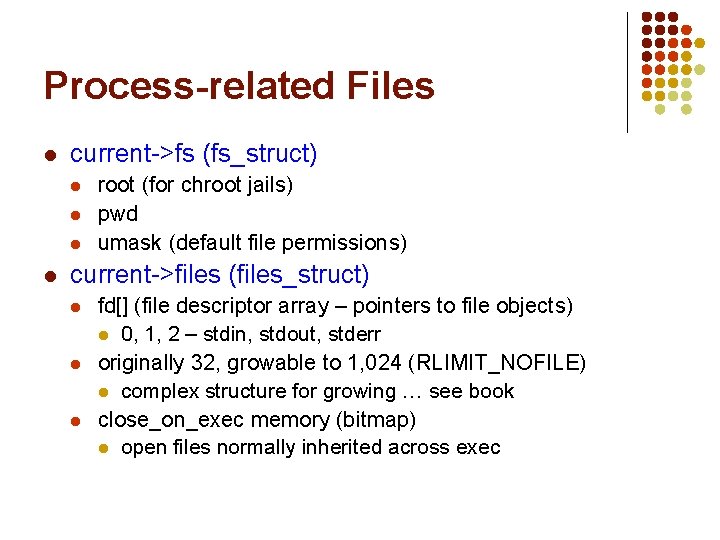
Process-related Files l current->fs (fs_struct) l l root (for chroot jails) pwd umask (default file permissions) current->files (files_struct) l l l fd[] (file descriptor array – pointers to file objects) l 0, 1, 2 – stdin, stdout, stderr originally 32, growable to 1, 024 (RLIMIT_NOFILE) l complex structure for growing … see book close_on_exec memory (bitmap) l open files normally inherited across exec
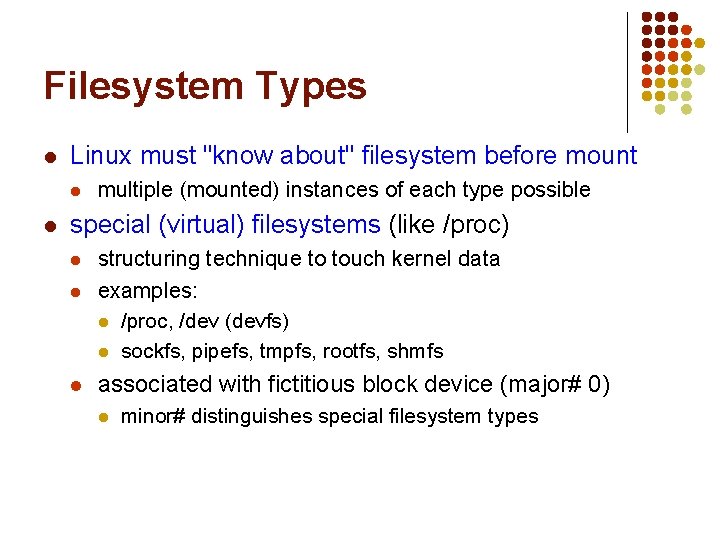
Filesystem Types l Linux must "know about" filesystem before mount l l multiple (mounted) instances of each type possible special (virtual) filesystems (like /proc) l l l structuring technique to touch kernel data examples: l /proc, /dev (devfs) l sockfs, pipefs, tmpfs, rootfs, shmfs associated with fictitious block device (major# 0) l minor# distinguishes special filesystem types
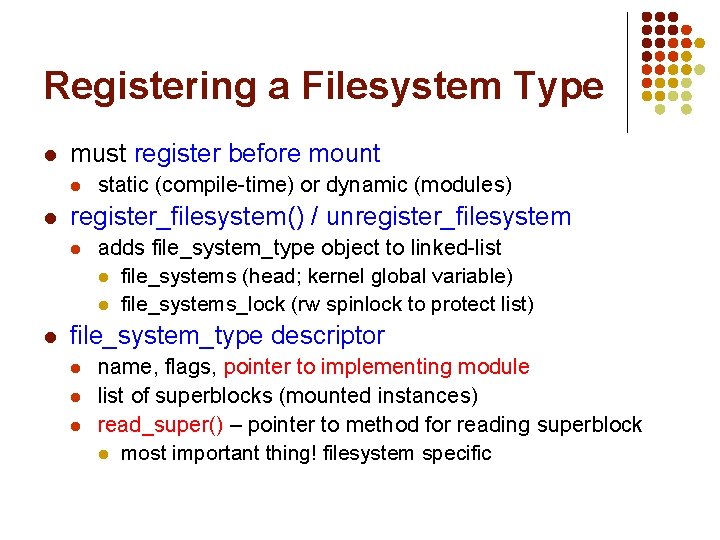
Registering a Filesystem Type l must register before mount l l register_filesystem() / unregister_filesystem l l static (compile-time) or dynamic (modules) adds file_system_type object to linked-list l file_systems (head; kernel global variable) l file_systems_lock (rw spinlock to protect list) file_system_type descriptor l l l name, flags, pointer to implementing module list of superblocks (mounted instances) read_super() – pointer to method for reading superblock l most important thing! filesystem specific
Data Structure Relationships (2) open file object f_dentry d_subdirs dentry inode ┴ d_inode d_subdirs d_parent open file object i_sb superblock d_sb i_dentries
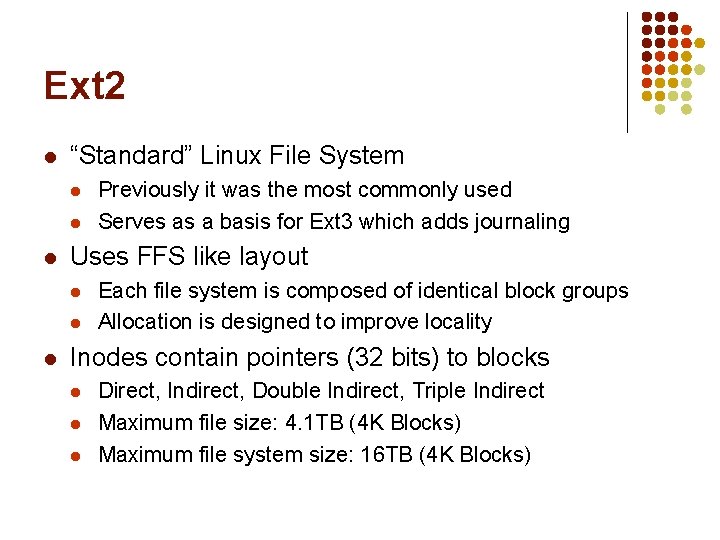
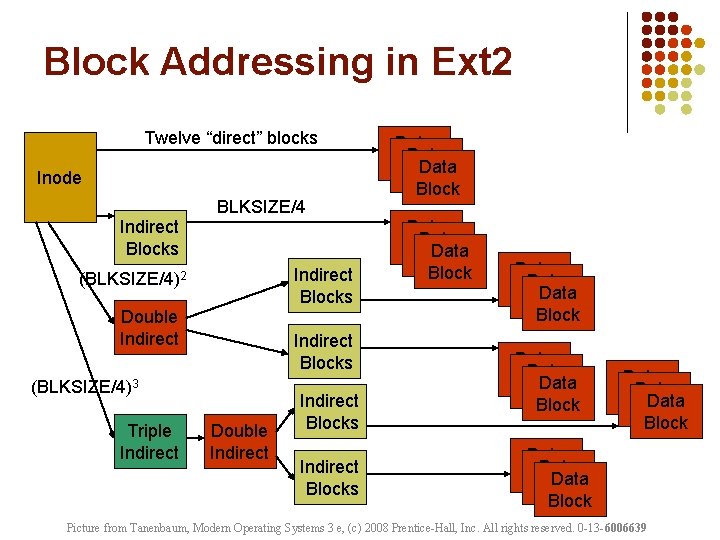
Ext 2 l “Standard” Linux File System l l l Uses FFS like layout l l l Previously it was the most commonly used Serves as a basis for Ext 3 which adds journaling Each file system is composed of identical block groups Allocation is designed to improve locality Inodes contain pointers (32 bits) to blocks l l l Direct, Indirect, Double Indirect, Triple Indirect Maximum file size: 4. 1 TB (4 K Blocks) Maximum file system size: 16 TB (4 K Blocks)
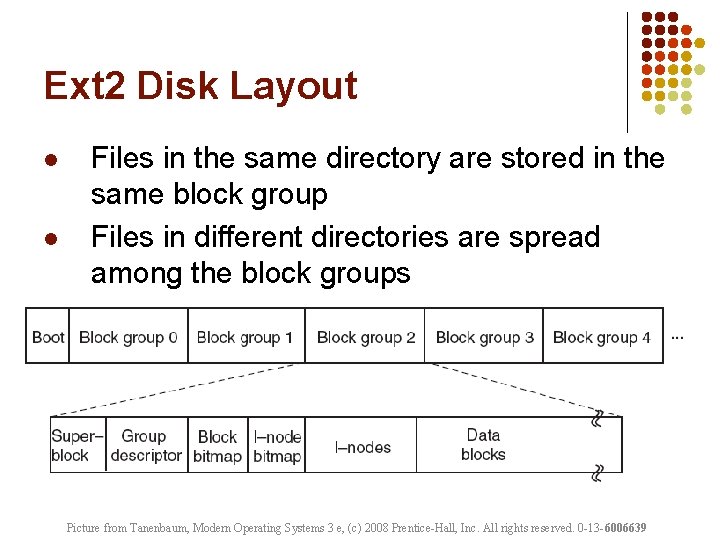
Ext 2 Disk Layout l l Files in the same directory are stored in the same block group Files in different directories are spread among the block groups Picture from Tanenbaum, Modern Operating Systems 3 e, (c) 2008 Prentice-Hall, Inc. All rights reserved. 0 -13 -6006639
Block Addressing in Ext 2 Twelve “direct” blocks Inode Indirect Blocks BLKSIZE/4 Indirect Blocks (BLKSIZE/4)2 Double Indirect Blocks (BLKSIZE/4)3 Triple Indirect Double Indirect Blocks Data Data Block Data Block Block Data Block Data Block Picture from Tanenbaum, Modern Operating Systems 3 e, (c) 2008 Prentice-Hall, Inc. All rights reserved. 0 -13 -6006639
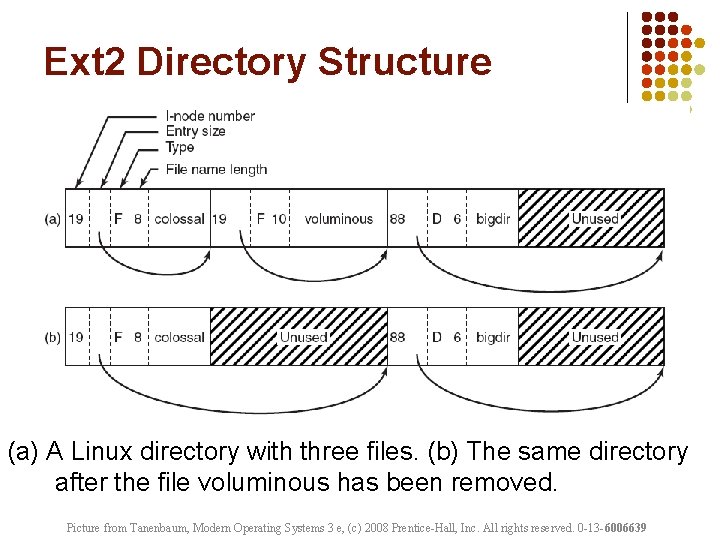
Ext 2 Directory Structure (a) A Linux directory with three files. (b) The same directory after the file voluminous has been removed. Picture from Tanenbaum, Modern Operating Systems 3 e, (c) 2008 Prentice-Hall, Inc. All rights reserved. 0 -13 -6006639