
Linux Overview Tux Official Mascot of Linux Kernel
- Slides: 29
Linux Overview Tux Official Mascot of Linux Kernel Linux Overview 1
Brief History of GNU/Linux • 1985 Free Software Foundation (FSF) founded by Richard Stallman. Along with other programmers creates the tools needed to make a UNIX compatible OS • 1985 Professor Andy Tannenbaum creates a UNIX like operating system based on System V Unix for the IBM PC & PC/AT computers. It is called Minix. • 1989 Richard Stallman releases GPL and GNU software but lacks a free kernel. • 1991 Building on the concepts in Minix, Linus Torvalds (Finnish college student) develops Linux along with help from other users on the web. Linux Overview 2
What Linux is • Strictly speaking Linux refers to the kernel • GNU/Linux more accurately describes the Operating System. Linux Kernel combined with GNU utilities and libraries • Distribution – GNU/Linux bundled with other applications. Examples Red Hat Linux, Debian, Ubuntu, Suse, Knoppix, etc. • Distributions can be compiled and maintained by an individual or corporation. Can be small (single floppy disk) or span several CD/DVDs. • www. distrowatch. com for more information Linux Overview 3
Open Source Software • Open Source Software (OSS) generally refers to software for which the source code is available and which the licensing scheme permits the user to modify it and redistribute it in modified or unmodified form. GNU copyleft 1 • Nobody should be restricted by the software they use. There are four freedoms that every user should have: • the freedom to use the software for any purpose, • the freedom to change the software to suit your needs, • the freedom to share the software with your friends and neighbors, and • the freedom to share the changes you make. • When a program offers users all of these freedoms, we call it free software. 1 www. gnu. org Linux Overview 4
Linux Distributions • • • Red Hat (Enterprise) Linux is probably the largest commercial Linux vendor. Focus on stability and long term support. Red Hat sponsors a community version (Fedora) which undergoes a more rapid development cycle. KNOPPIX – The first Live CD version. The OS can be booted from, and run completely off the CD. KNOPPIX is based on Debian Linux. Many vendors now offer Live versions. No installation necessary. Ubuntu based on Debian Linux. Ubuntu claims to be most popular desktop version. Many applications and excellent “update mechanism” contribute to its sucess. Revenue is created by selling technical support. Puppy – This distribution is small enough to be loaded entirely in RAM. This frees up the CD/DVD drive for other uses. Configuration can be saved to a file between reboots. Recovery Is Possible (RIP) good for data recovery of corrupted media or backup. Tools such as ddrescue allows copying media sector by sector. Can repair NTFS or FAT partitions. Linux Overview 5
Applications • Samba is a free implementation of the Server Message Block (SMB) protocol used by Microsoft Windows network file system. Allows sharing files, print services, and can even act as a domain controller. • Apache is the most popular HTTP server software on the internet. • Rsync allows synchronizing directories/files locally or across a network. Suited for low bandwidth as only changes get propagated across network. Linux Overview 6
Other Open Source Software • • The GIMP - Adobe Photoshop clone Open Office - Office suite Mozilla Firefox - Web browser Mozilla - Thunderbird E-mail Client VLC - Media player Audacity - Digital audio editor My. SQL – Database Ghostscript - Postscript interpreter Linux Overview 7
Possible Uses • Various tools permit user to recover data, repair/modify partitions, backup and clone various types of media. “DD type” tools allow copying a storage device by blocks/sectors. This allows duplicating a device without “knowing the filesystem”. • Linux can natively communicate with DECNET protocol. This allows a Linux PC to act as an End Node in a VMS cluster. Other DECNET tools allow additional inter-connectivity between the two OSs. • With Samba and Ghostscript a Linux PC can be a Windows PDF print server. Giving individuals the ability to create PDF files without buying Adobe Acrobat or installing additional applications on each computer. Linux Overview 8
Who uses it • NSA created Security Enhanced Linux (SELinux) to develop better allow the control of dynamic security policies. The architecture they created has been mainstreamed into Linux and ported to other operating systems including Solaris, and Free BSD. • IBM, HP, and Sun contribute heavily to Linux and OSS • Even Microsoft’s position on OSS has softened and they are now contributing code to various projects. Linux Overview 9
Misc Information • The Linux Documentation Project provide HOWTOs and Guides to accomplish many Linux specific tasks. • Linux runs on a wide range of processors from embedded devices such as cell phones to supercomputers employing Linux clusters. One estimate from Forbes. com estimates that 60% of the worlds top 500 computers runs Linux. • The availability of the OS source code allows it to be customized and tailored to users needs. Linux Overview 10
Linux Basic Commands 02/06/09
The pwd command • ‘pwd’ command prints the absolute path to current working directory. • $ pwd /home/rajesh 02/06/09
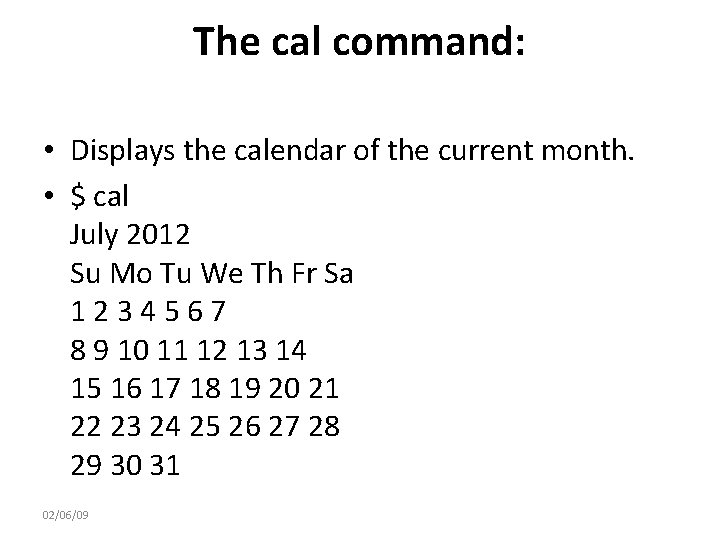
The cal command: • Displays the calendar of the current month. • $ cal July 2012 Su Mo Tu We Th Fr Sa 1234567 8 9 10 11 12 13 14 15 16 17 18 19 20 21 22 23 24 25 26 27 28 29 30 31 02/06/09
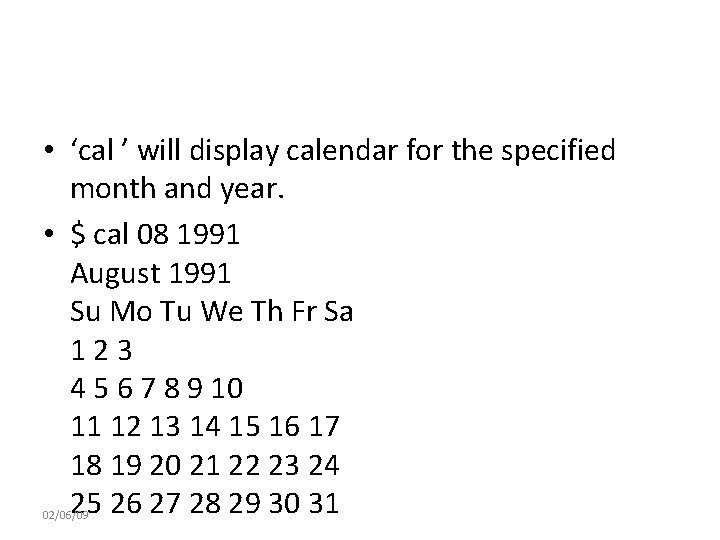
• ‘cal ’ will display calendar for the specified month and year. • $ cal 08 1991 August 1991 Su Mo Tu We Th Fr Sa 123 4 5 6 7 8 9 10 11 12 13 14 15 16 17 18 19 20 21 22 23 24 25 26 27 28 29 30 31 02/06/09
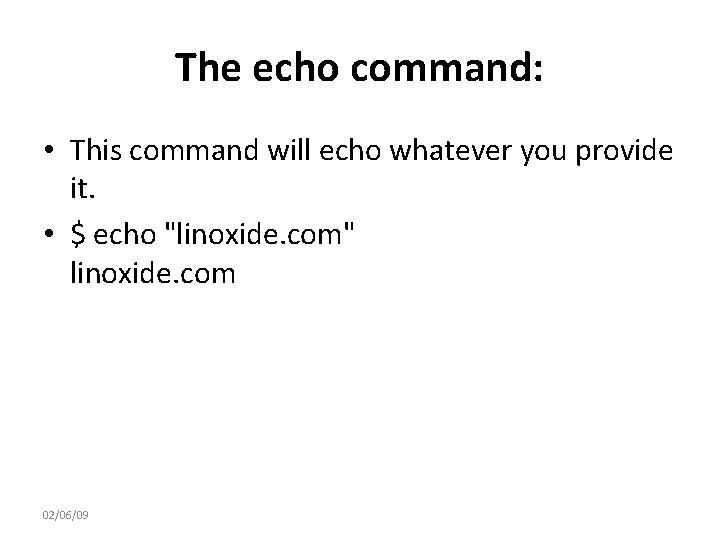
The echo command: • This command will echo whatever you provide it. • $ echo "linoxide. com" linoxide. com 02/06/09
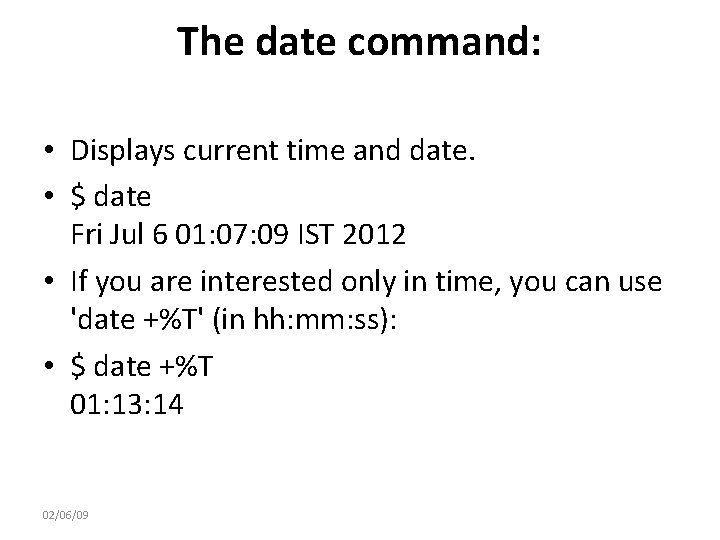
The date command: • Displays current time and date. • $ date Fri Jul 6 01: 07: 09 IST 2012 • If you are interested only in time, you can use 'date +%T' (in hh: mm: ss): • $ date +%T 01: 13: 14 02/06/09
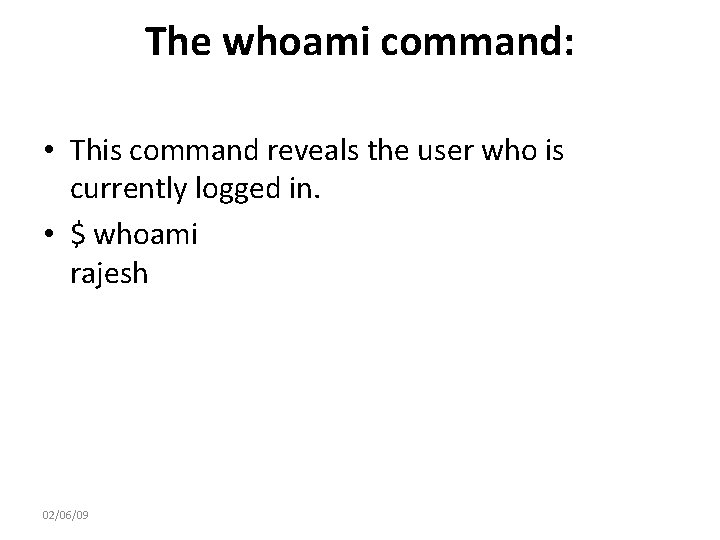
The whoami command: • This command reveals the user who is currently logged in. • $ whoami rajesh 02/06/09
The clear command: • This command clears the screen. 02/06/09
cat command • The 'cat' command is actually a concatenator, but can be used to view the contents of a file. 02/06/09
head command • Displays the first few lines of a file. By default, the ‘head’ command displays the first 10 lines of a file. But with -n option, the number of lines to be viewed can be specified. 02/06/09
tail command • Similar to ‘head’; the ‘tail’ command shows the last 10 lines by default, and -n option is available as well. 02/06/09
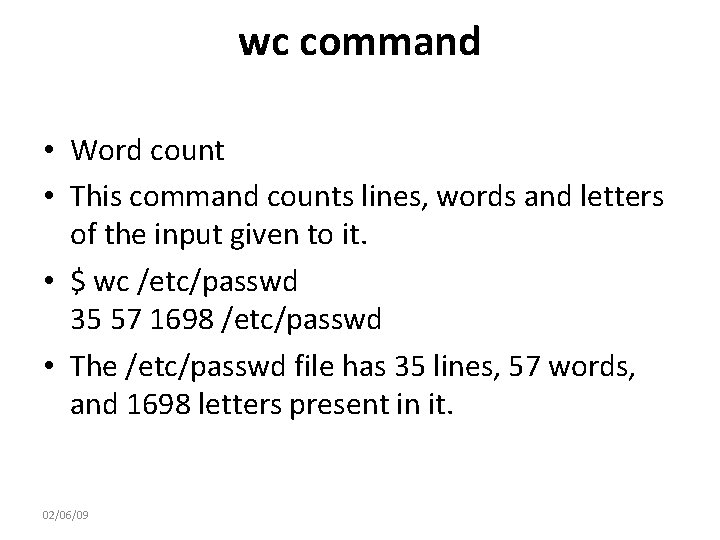
wc command • Word count • This command counts lines, words and letters of the input given to it. • $ wc /etc/passwd 35 57 1698 /etc/passwd • The /etc/passwd file has 35 lines, 57 words, and 1698 letters present in it. 02/06/09
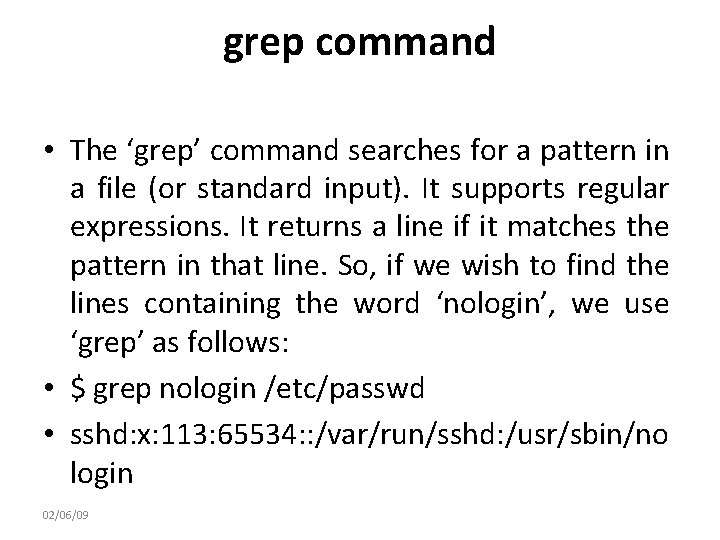
grep command • The ‘grep’ command searches for a pattern in a file (or standard input). It supports regular expressions. It returns a line if it matches the pattern in that line. So, if we wish to find the lines containing the word ‘nologin’, we use ‘grep’ as follows: • $ grep nologin /etc/passwd • sshd: x: 113: 65534: : /var/run/sshd: /usr/sbin/no login 02/06/09
passwd command • To change your password with 'passwd' command. 02/06/09
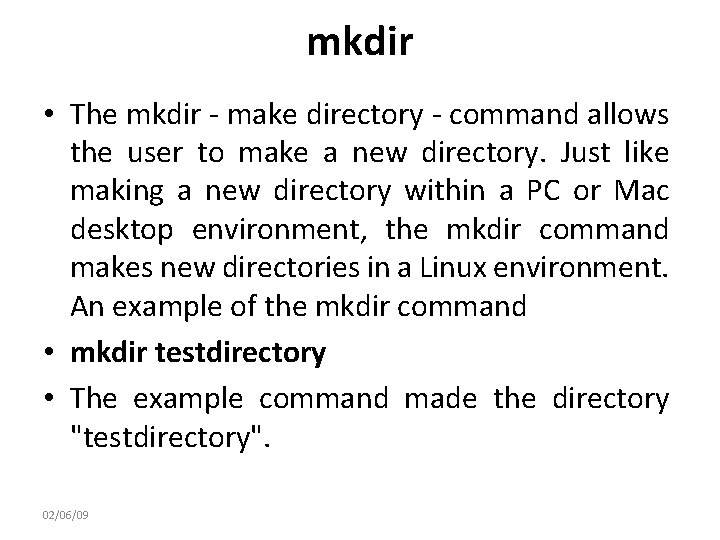
mkdir • The mkdir - make directory - command allows the user to make a new directory. Just like making a new directory within a PC or Mac desktop environment, the mkdir command makes new directories in a Linux environment. An example of the mkdir command • mkdir testdirectory • The example command made the directory "testdirectory". 02/06/09
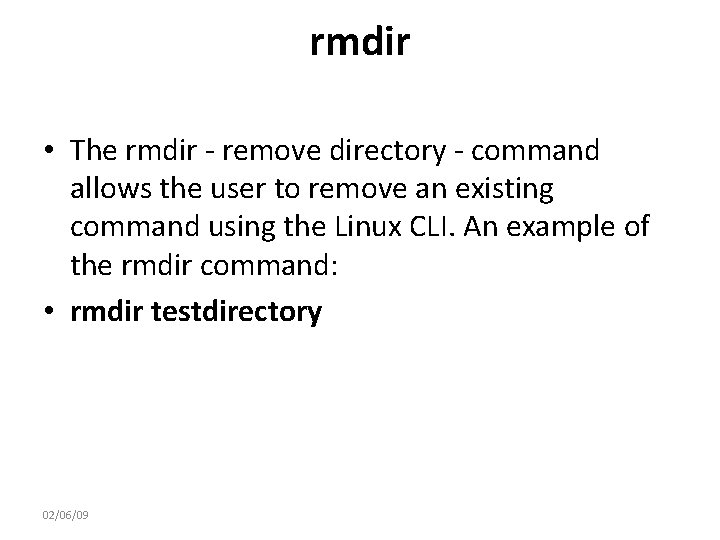
rmdir • The rmdir - remove directory - command allows the user to remove an existing command using the Linux CLI. An example of the rmdir command: • rmdir testdirectory 02/06/09
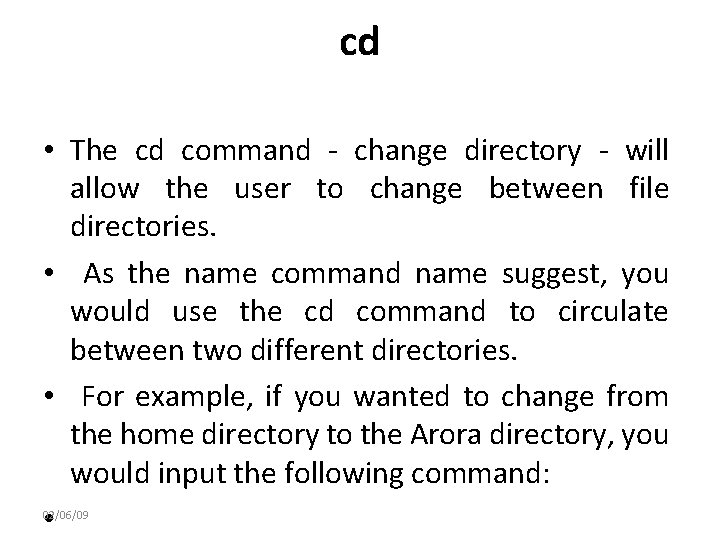
cd • The cd command - change directory - will allow the user to change between file directories. • As the name command name suggest, you would use the cd command to circulate between two different directories. • For example, if you wanted to change from the home directory to the Arora directory, you would input the following command: • 02/06/09
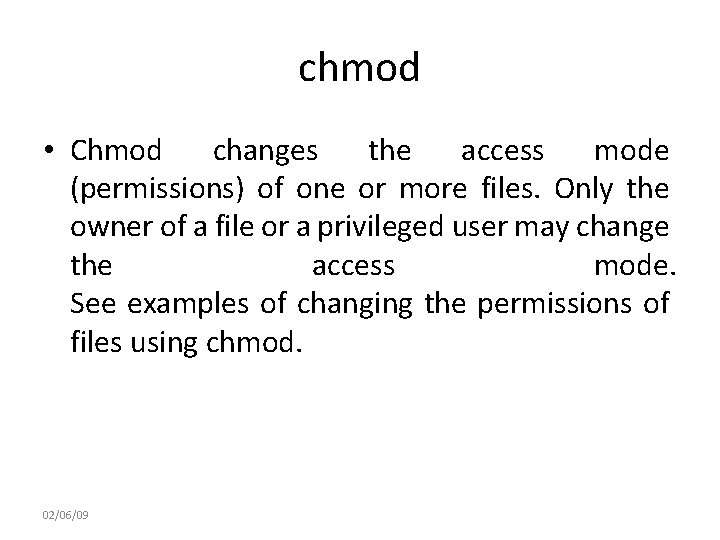
chmod • Chmod changes the access mode (permissions) of one or more files. Only the owner of a file or a privileged user may change the access mode. See examples of changing the permissions of files using chmod. 02/06/09
ping • Ping allows a user to verify that a particular IP address exists and can accept requests. Ping can be used to test connectivity and determine response time, as well as to ensure that a host computer the user is trying to reach is actually operating. 02/06/09