
Linux Operations and Administration Chapter One Introduction to
- Slides: 31
Linux Operations and Administration Chapter One Introduction to the Linux Operating System
Before we begin • Linux – What it be? – Learn why? Linux Operations and Administration 2
Objectives • Summarize the functions of an operating system • Identify key historical points in the development of Linux • Explain the components of the Linux architecture and features of the operating system Linux Operations and Administration 3
Overview of Operating System Functions • Linux – Practical alternative to more costly Windows and Macintosh operating systems – Includes: • • • Graphical desktop Web browser E-mail Sound and video Any other feature that Windows has to offer Linux Operations and Administration 4
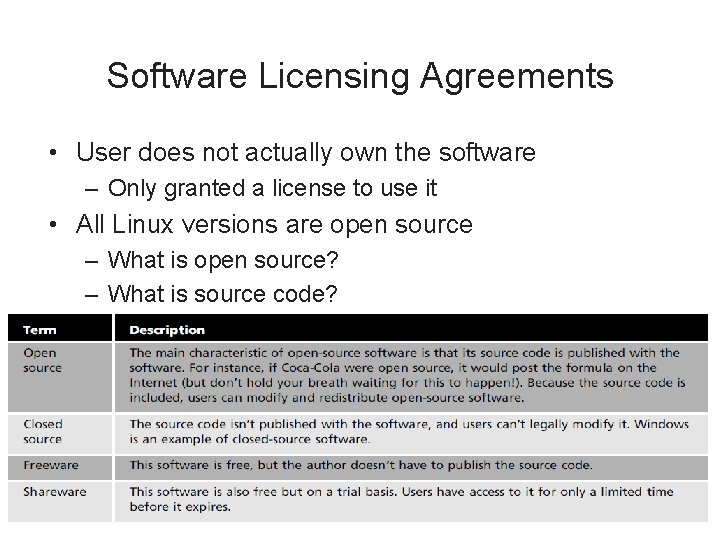
Software Licensing Agreements • User does not actually own the software – Only granted a license to use it • All Linux versions are open source – What is open source? – What is source code? Linux Operations and Administration 5
Software Licensing Agreements (cont’d. ) • Activity 1 -1: Reviewing Licensing Agreements – Examine the licensing agreement of an application of your choice and compare it with the GPL Linux Operations and Administration 6
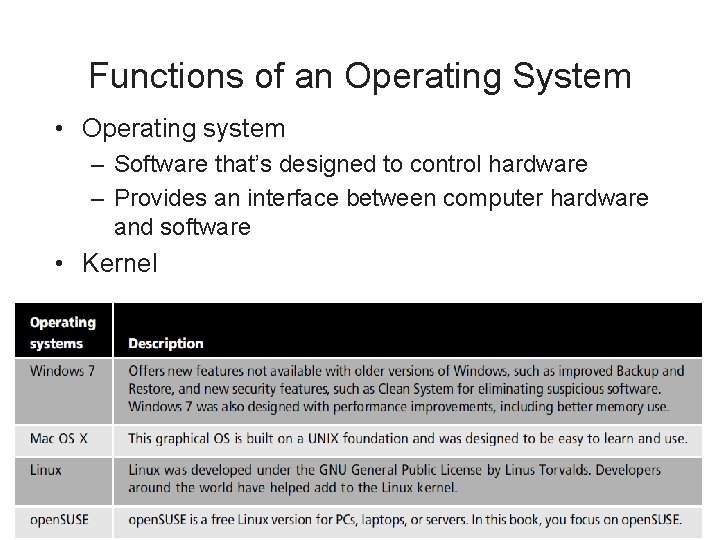
Functions of an Operating System • Operating system – Software that’s designed to control hardware – Provides an interface between computer hardware and software • Kernel Linux Operations and Administration 7
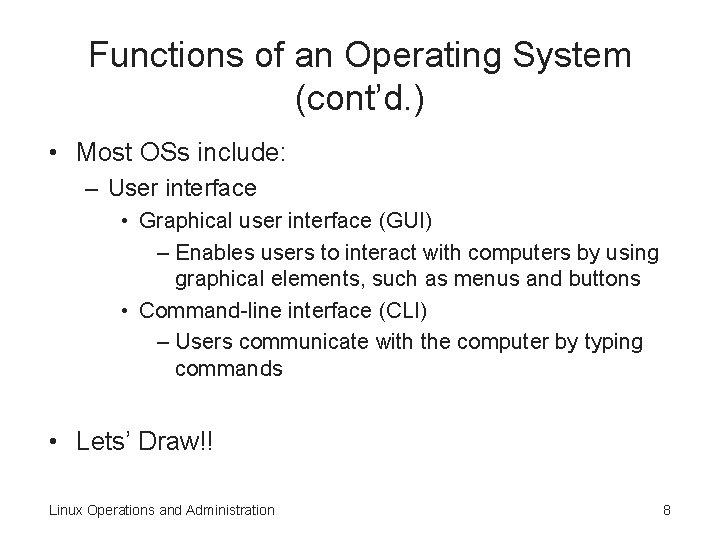
Functions of an Operating System (cont’d. ) • Most OSs include: – User interface • Graphical user interface (GUI) – Enables users to interact with computers by using graphical elements, such as menus and buttons • Command-line interface (CLI) – Users communicate with the computer by typing commands • Lets’ Draw!! Linux Operations and Administration 8
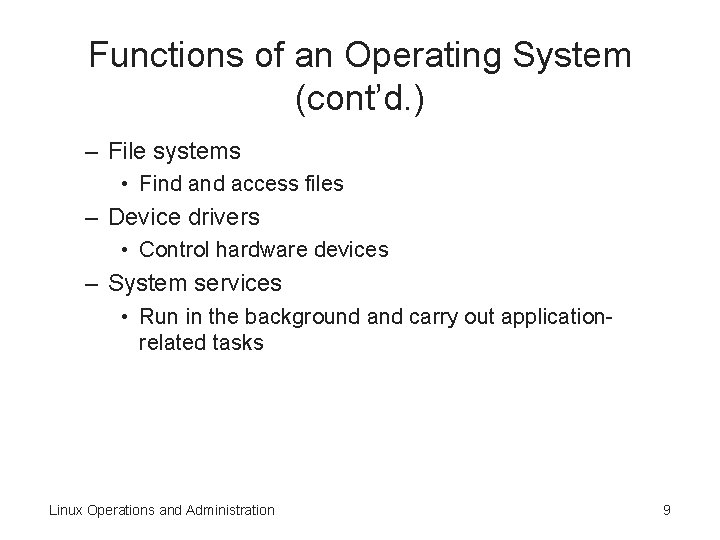
Functions of an Operating System (cont’d. ) – File systems • Find access files – Device drivers • Control hardware devices – System services • Run in the background and carry out applicationrelated tasks Linux Operations and Administration 9
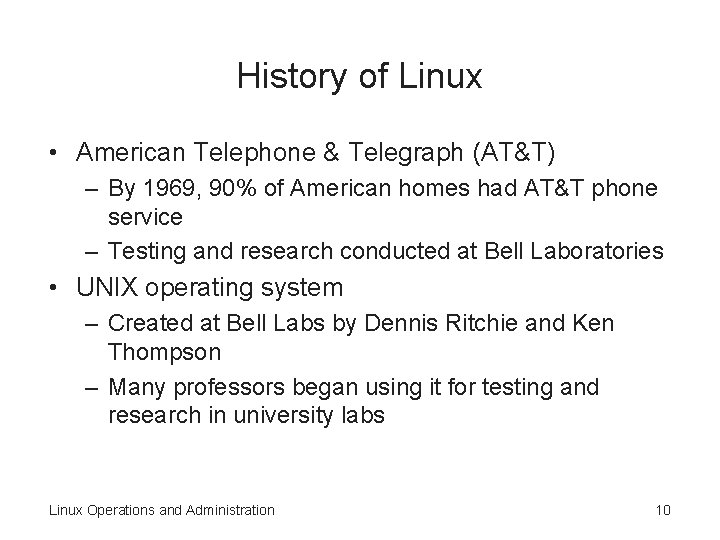
History of Linux • American Telephone & Telegraph (AT&T) – By 1969, 90% of American homes had AT&T phone service – Testing and research conducted at Bell Laboratories • UNIX operating system – Created at Bell Labs by Dennis Ritchie and Ken Thompson – Many professors began using it for testing and research in university labs Linux Operations and Administration 10
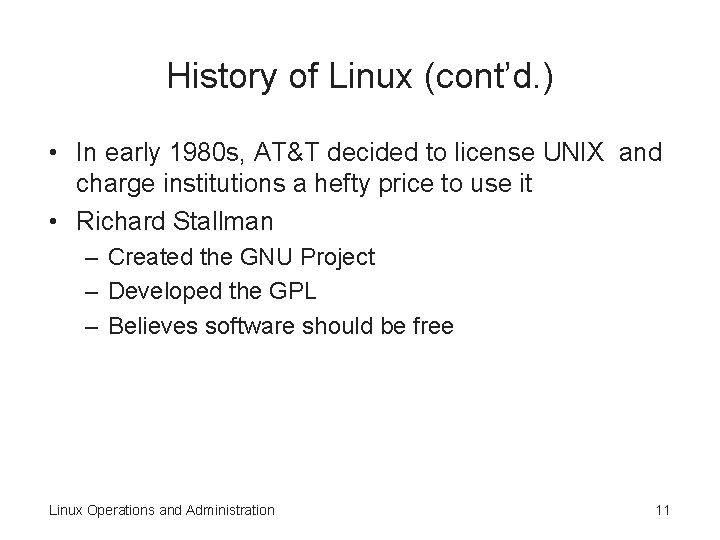
History of Linux (cont’d. ) • In early 1980 s, AT&T decided to license UNIX and charge institutions a hefty price to use it • Richard Stallman – Created the GNU Project – Developed the GPL – Believes software should be free Linux Operations and Administration 11
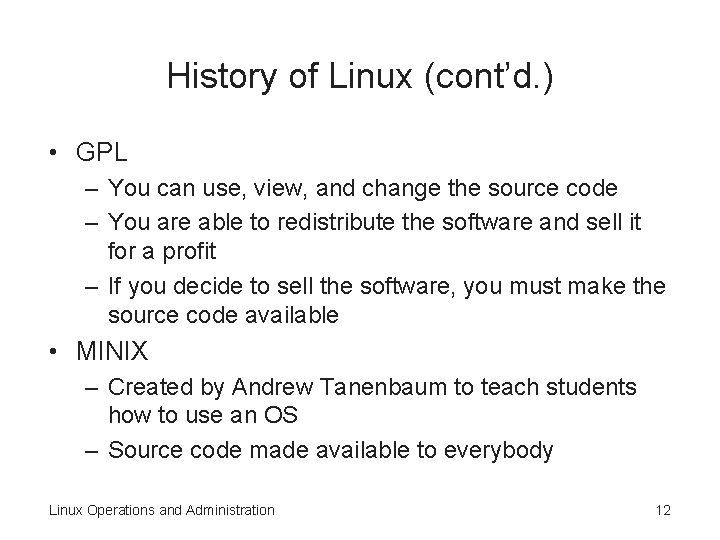
History of Linux (cont’d. ) • GPL – You can use, view, and change the source code – You are able to redistribute the software and sell it for a profit – If you decide to sell the software, you must make the source code available • MINIX – Created by Andrew Tanenbaum to teach students how to use an OS – Source code made available to everybody Linux Operations and Administration 12
History of Linux (cont’d. ) • Linus Torvalds – Created his own kernel in 1991 – Called the Linux kernel – Licensed through the GPL • Many different versions (distributions) – – – Red Hat (www. redhat. com) Ubuntu (www. ubuntu. com) Debian (www. debian. org) PCLinux. OS (http: //pclinuxos. com) Free. BSD (www. freebsd. org) open. SUSE (www. novell. com/linux) Linux Operations and Administration 13
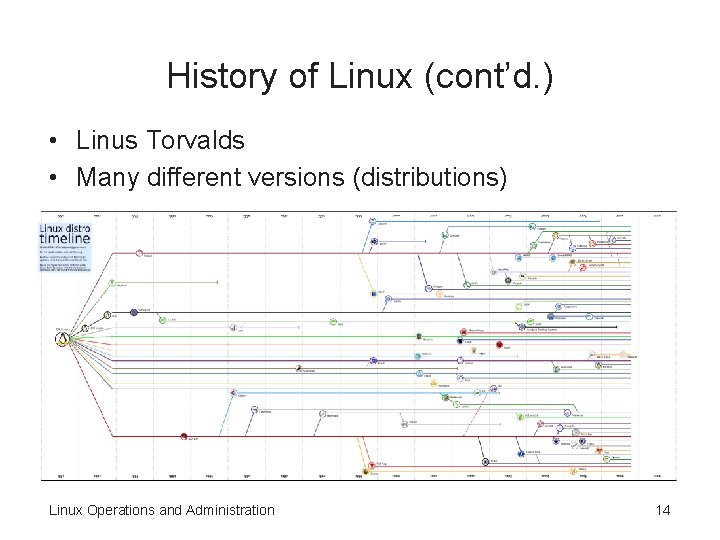
History of Linux (cont’d. ) • Linus Torvalds • Many different versions (distributions) Linux Operations and Administration 14
Overview of SUSE • Developed in Germany in 1992 – By Hubert Mantel, Burchard Steinbild, Roland Dyroff, and Thomas Fehr • Acronym for “Software und System Entwicklung” – Software and System Development • Top Linux seller in Europe • Sold to Novell for $210 million Linux Operations and Administration 15
Overview of SUSE (cont’d. ) • Open. SUSE – Comes with the Linux kernel and the latest versions of two desktop environments KDE and GNOME • Yet another Setup Tool (Ya. ST) – Configuration tool that enables administrators to install and manage software Linux Operations and Administration 16
Linux Architecture • Modular system – All components are separate from one another – Makes it possible for different teams to develop components that don’t affect one another • Linux distribution – Consists of all the Linux components put together and released as one OS Linux Operations and Administration 17
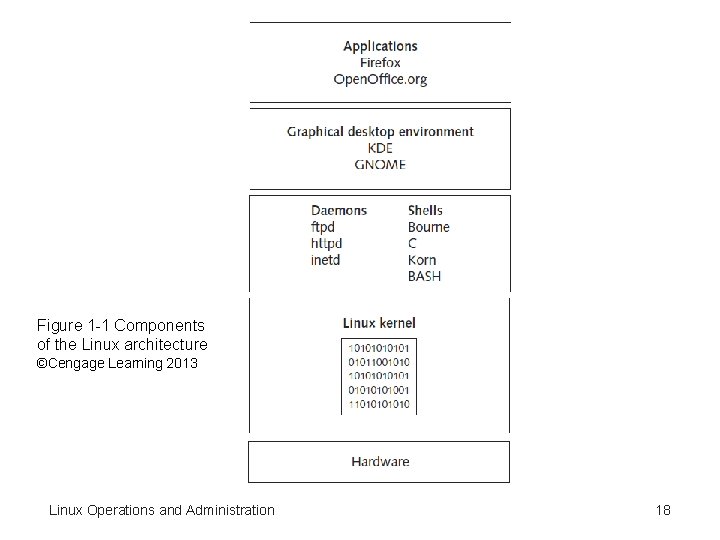
Figure 1 -1 Components of the Linux architecture ©Cengage Learning 2013 Linux Operations and Administration 18
Linux Architecture (cont’d. ) • Kernel – Core of the OS – Manages hardware, such as disk drives and memory • Shell – Interface that accepts and translates user input so that the kernel can process it • Daemons – Programs that run in the background independently of the user – Called services in Windows Linux Operations and Administration 19
Linux Architecture (cont’d. ) • Applications – Programs that require an OS to run – Give users a specific function, such as wordprocessing programs, media players, etc. Linux Operations and Administration 20
Kernel • Linux kernel – Licensed under the GPL – Allows public access to the source code • Resource manager – Manages processes and memory – Can perform multiple processes at the same time • Process – Program the kernel launches into memory for the purpose of performing specific tasks Linux Operations and Administration 21
Kernel (cont’d. ) • Random access memory (RAM) – Storage space where a computer reads and writes data – Considered “volatile” storage • Data stored there is erased when the computer shuts down • Demand paging – Load only needed sections of a program into RAM Linux Operations and Administration 22
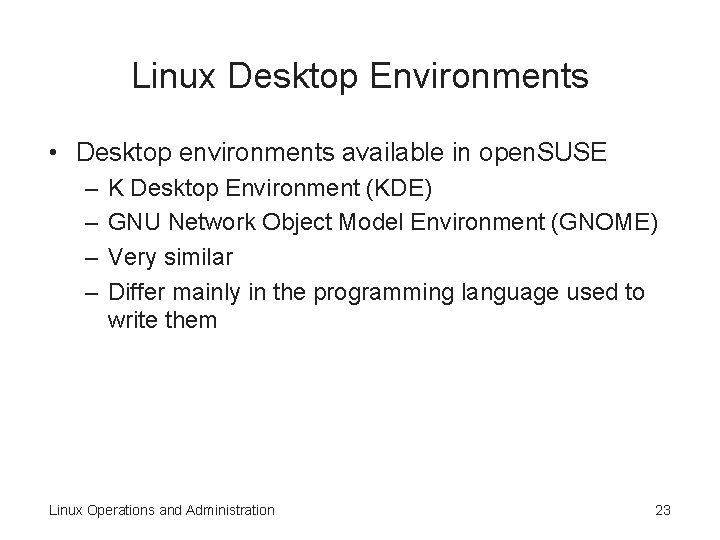
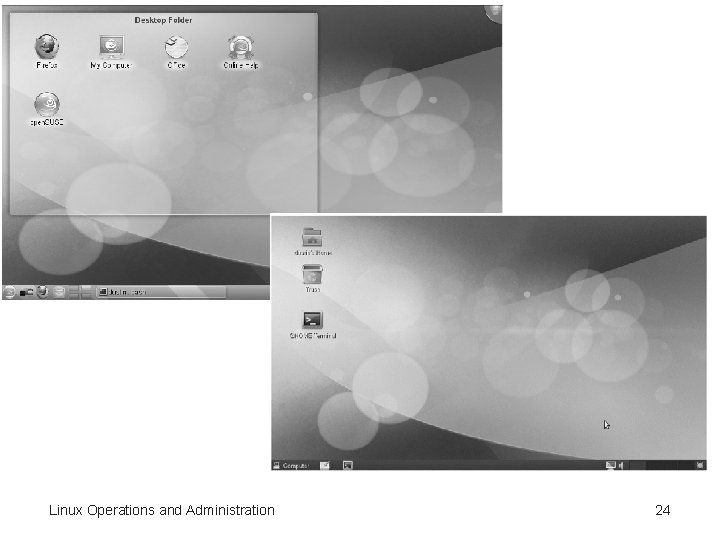
Linux Desktop Environments • Desktop environments available in open. SUSE – – K Desktop Environment (KDE) GNU Network Object Model Environment (GNOME) Very similar Differ mainly in the programming language used to write them Linux Operations and Administration 23
Linux Operations and Administration 24
Linux File Structure • Organized in a hierarchical, treelike structure • Top level – Root directory – Indicated with the / symbol • Everything in Linux is considered a file – Device files – “Regular” files – Directory files Linux Operations and Administration 25
Linux File Structure (cont’d. ) • Device file – Special file stored in the /dev directory – Represents a hardware device on the system • Regular files – Files containing data • Directory file – Like a folder in Windows – Can contain files and other directories Linux Operations and Administration 26
Features of Linux • Multiuser – Enables multiple users to log on to a single computer at the same time • Multitasking – Multiple processes can run simultaneously • Preemptive multitasking – Scheduler decides when a process stops and another process starts Linux Operations and Administration 27
Features of Linux (cont’d. ) • Networking connectivity – Uses Transmission Control Protocol/Internet Protocol (TCP/IP) • Internationally accepted set of rules for connecting computers to the Internet and most other networks • Security – Login and password authentication – File ownership and permissions – Firewall for protecting network resources from users outside the network Linux Operations and Administration 28
Command Shells Available in Linux • Shell – Command-line interface between users and the kernel • Used by administrators for more advanced configuration tasks Linux Operations and Administration 29
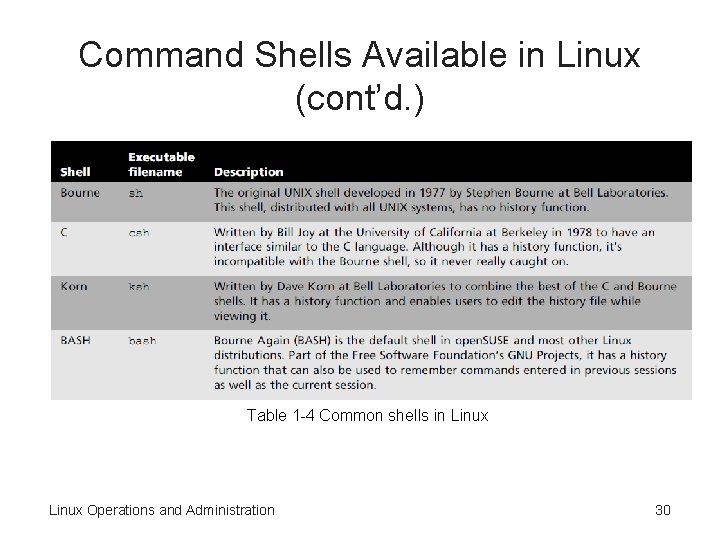
Command Shells Available in Linux (cont’d. ) Table 1 -4 Common shells in Linux Operations and Administration 30
What terms should you know? Linux Operations and Administration 31