
Linux lab 3 Prepared By Eng Amr Abdel
Linux lab 3 Prepared By: Eng. Amr Abdel. Fatah
Who Command w command • who command simply return user name, date, time and host information. • who command is similar to w command. Unlike w command who doesn’t print what users are doing. • Lets illustrate and see the different between who and w commands.
Who command • Who command Options -b : Displays last system reboot date and time. -r : Shows current runlet. -a, –all : Displays all information in cumulatively.
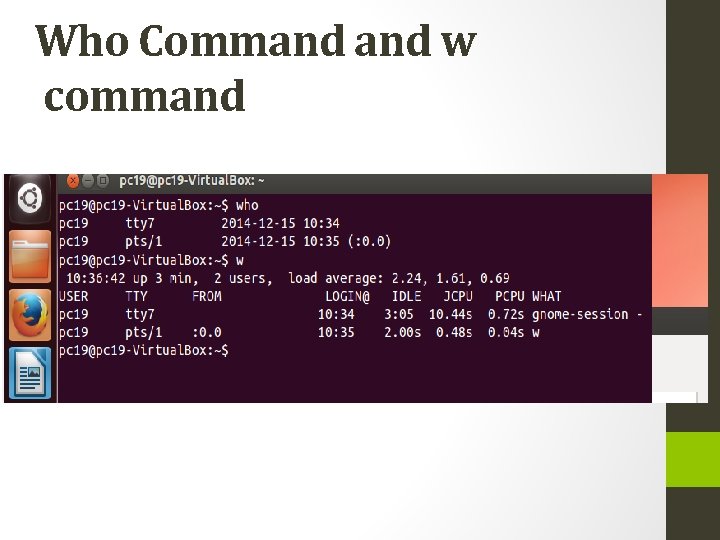
Who Command w command
Who Command w command • A tty is a native terminal device, the backend is either hardware or kernel emulated. • A pty (pseudo terminal device) is a terminal device which is emulated by an other program (example: xterm, screen, or ssh are such programs). A pts is the slave part of a pty. • (More info can be found in man pty. )
Who Command w command • Short résumé: • A pty is created by a process through posix_openpt() (which usually opens the special device /dev/ptmx), and is constituted by a pair of bidirectional character devices: • The master part, which is the file descriptor obtained by this process through this call, is used to emulate a terminal. After some initialization, the second part can be unlocked with unlockpt(), and the master is used to receive or send characters to this second part (slave). • The slave part, which is anchored in the filesystem as /dev/pts/x (the real name can be obtained by the master through ptsname() ) behaves like a native terminal device (/dev/ttyx). In most cases, a shell is started that uses it as a controlling terminal.
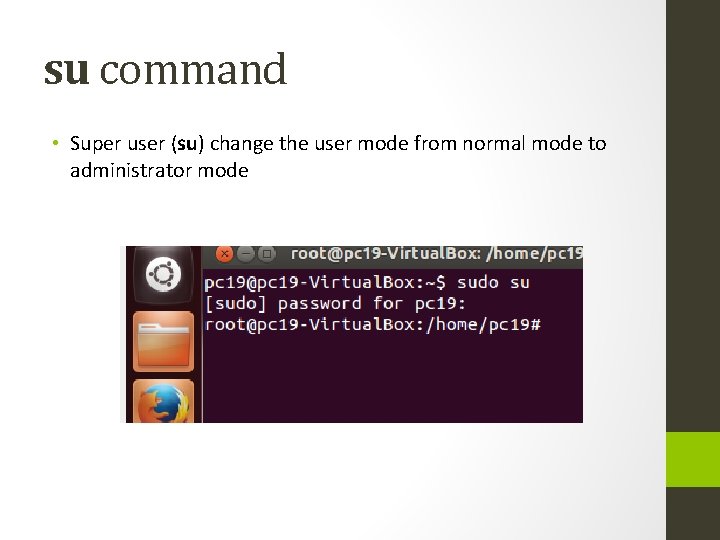
su command • Super user (su) change the user mode from normal mode to administrator mode
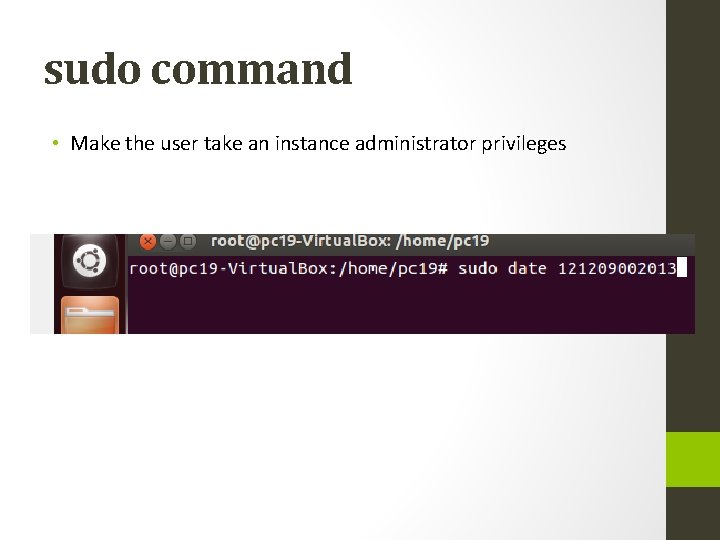
sudo command • Make the user take an instance administrator privileges
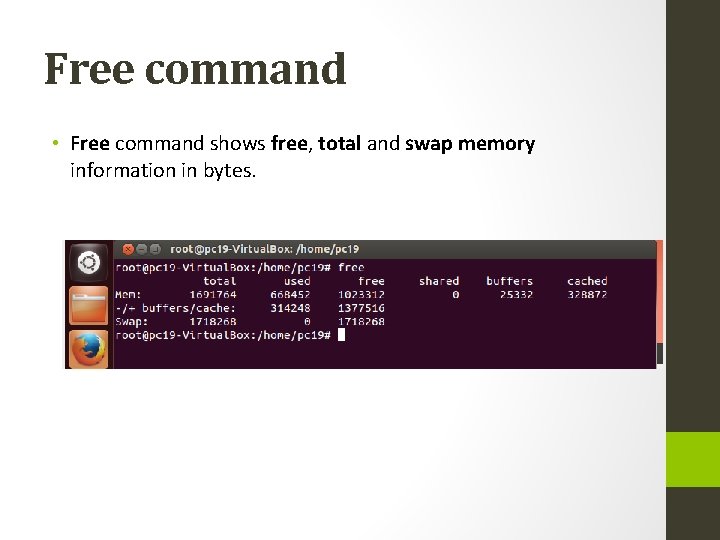
Free command • Free command shows free, total and swap memory information in bytes.

Uptime command • In Linux uptime command shows since how long your system is running and the number of users are currently logged in and also displays load average for 1, 5 and 15 minutes intervals.
Top Command • top command displays processor activity of your system and also displays tasks managed by kernel in real-time. It’ll show processor and memory are being used. Use top command with ‘u‘ option this will display specific User process details as shown below. Press ‘O‘ (uppercase letter) to sort as per desired by you. Press ‘q‘ to quit from top screen.
Tar Command • tar command is used to compress files and folders in Linux. For example the below command will create a archive for /home directory with file name as archive-name. tar.
- Slides: 12