
Linux Kernel Development Chapter 18 Debugging Okkyun Ha

Linux Kernel Development Chapter 18. Debugging Ok-kyun Ha Dept. of Information Science
Contents o o o o o Bug in the Kernel printk() Oops Asserting Bugs and Dumping Information Magic Sys. Rq Key The Saga of a Kernel Debugger Poking and Probing the System Binary Searching to Find the Culprit Change When All Else Fails: The Community
Bugs in the Kernel o as varied as bugs in user-space applications - from clearly incorrect code to synchronization error - manifest themselves as everything from poor performance to incorrect behavior to corrupt data o not unlike that any other large software project o the kernel have unique issues - timing constraints and race conditions - consequence of allowing multiple threads of execution inside the kernel 3

printk() o The Robustness of printk() - callable from just about anywhere in the kernel at any time - called from interrupt or process context - called while a lock is held - called simultaneously on multiple processors o The Nonrobustness of printk() - unusable before a certain point in the kernel boot process, prior to console initialization 4
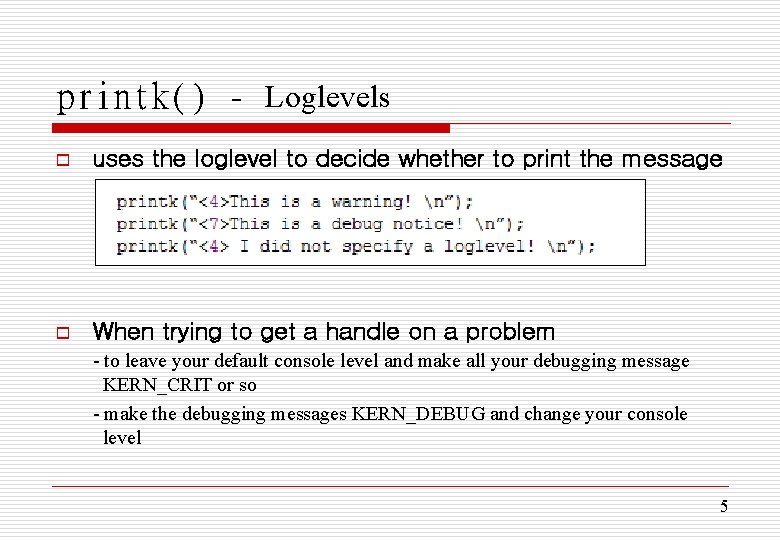
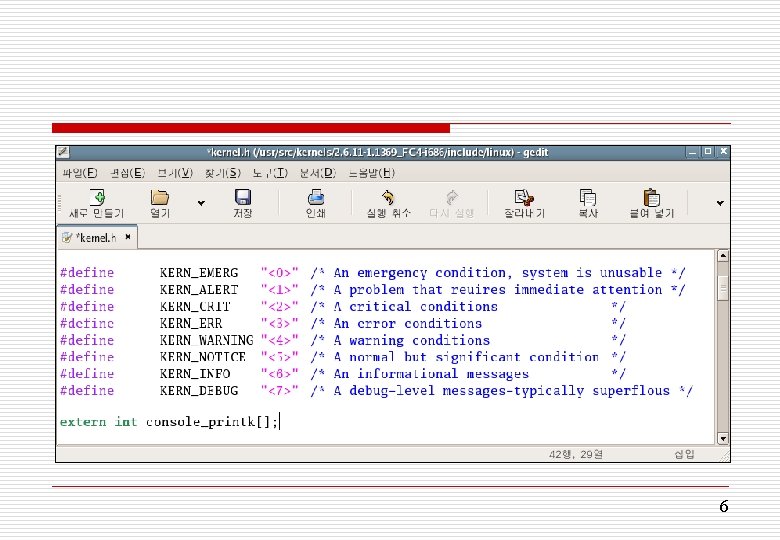
printk() - Loglevels o uses the loglevel to decide whether to print the message o When trying to get a handle on a problem - to leave your default console level and make all your debugging message KERN_CRIT or so - make the debugging messages KERN_DEBUG and change your console level 5
6
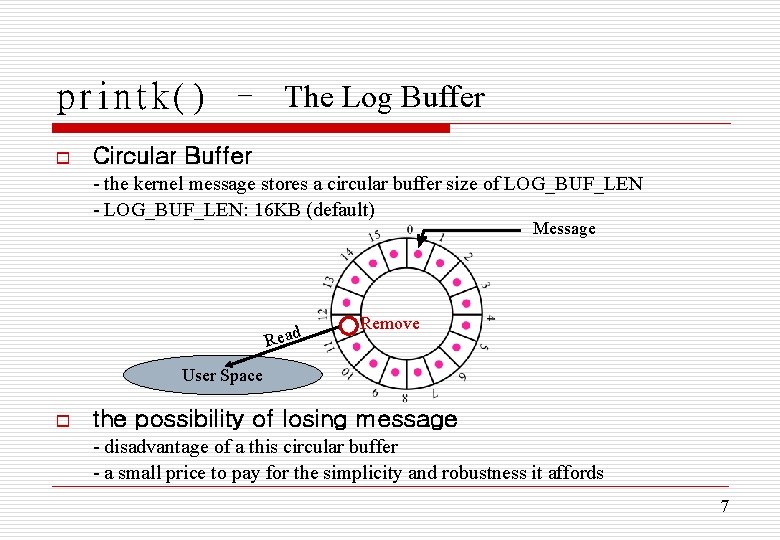
printk() – The Log Buffer o Circular Buffer - the kernel message stores a circular buffer size of LOG_BUF_LEN - LOG_BUF_LEN: 16 KB (default) Message Read Remove User Space o the possibility of losing message - disadvantage of a this circular buffer - a small price to pay for the simplicity and robustness it affords 7
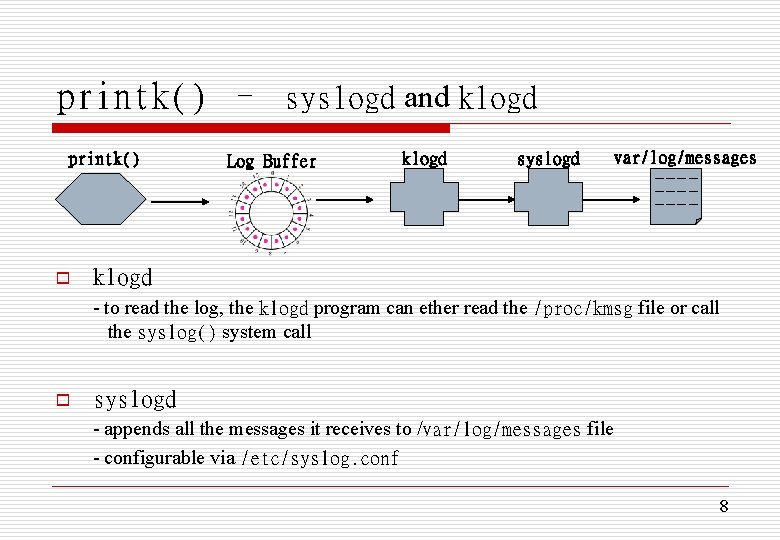
printk() – syslogd and klogd printk() o Log Buffer klogd syslogd var/log/messages ----- klogd - to read the log, the klogd program can ether read the /proc/kmsg file or call the syslog() system call o syslogd - appends all the messages it receives to /var/log/messages file - configurable via /etc/syslog. conf 8
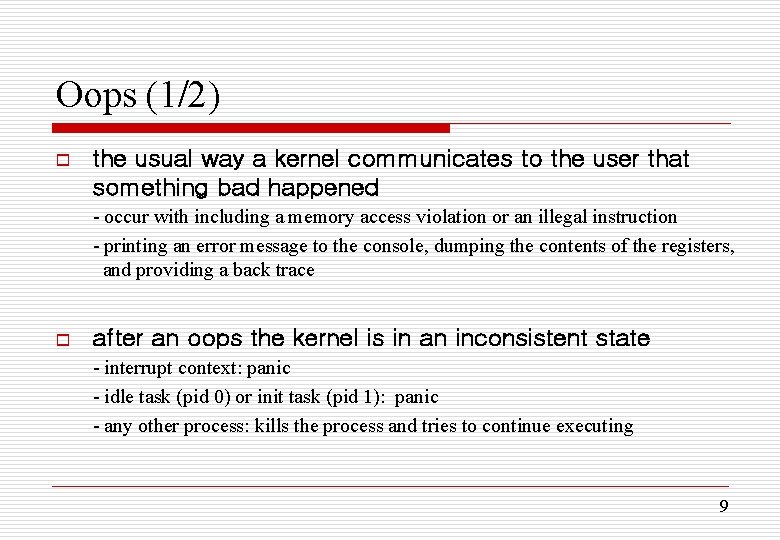
Oops (1/2) o the usual way a kernel communicates to the user that something bad happened - occur with including a memory access violation or an illegal instruction - printing an error message to the console, dumping the contents of the registers, and providing a back trace o after an oops the kernel is in an inconsistent state - interrupt context: panic - idle task (pid 0) or init task (pid 1): panic - any other process: kills the process and tries to continue executing 9
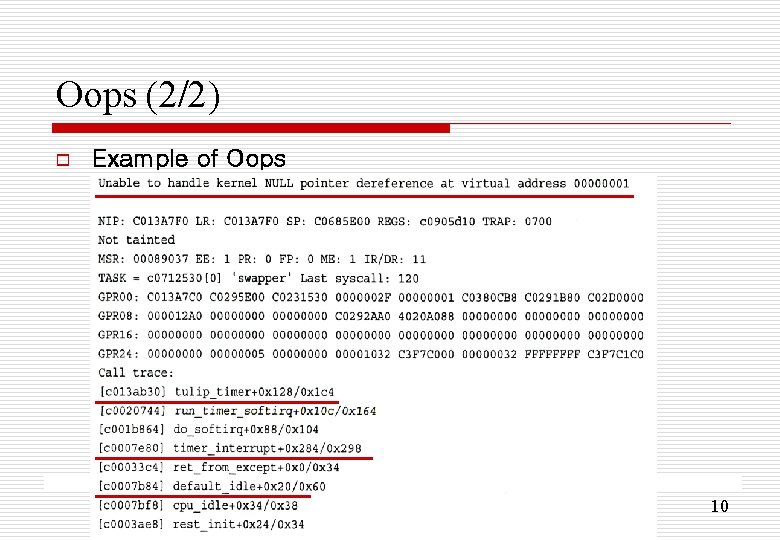
Oops (2/2) o Example of Oops 10
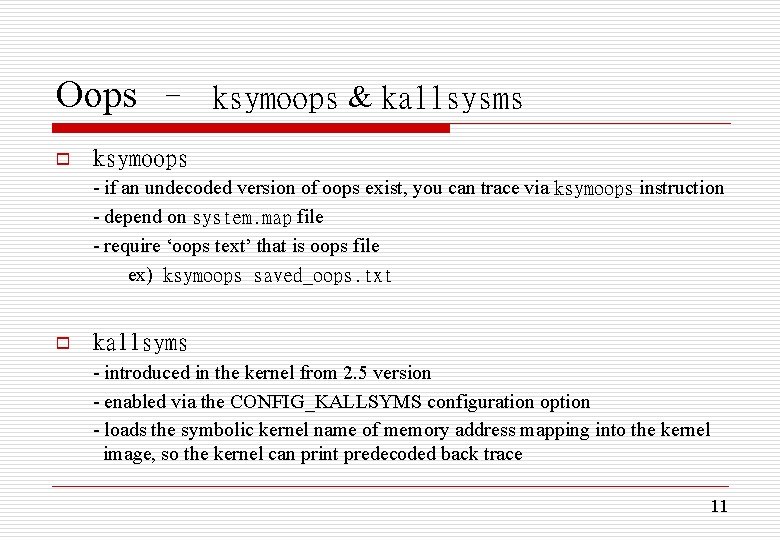
Oops – ksymoops & kallsysms o ksymoops - if an undecoded version of oops exist, you can trace via ksymoops instruction - depend on system. map file - require ‘oops text’ that is oops file ex) ksymoops saved_oops. txt o kallsyms - introduced in the kernel from 2. 5 version - enabled via the CONFIG_KALLSYMS configuration option - loads the symbolic kernel name of memory address mapping into the kernel image, so the kernel can print predecoded back trace 11
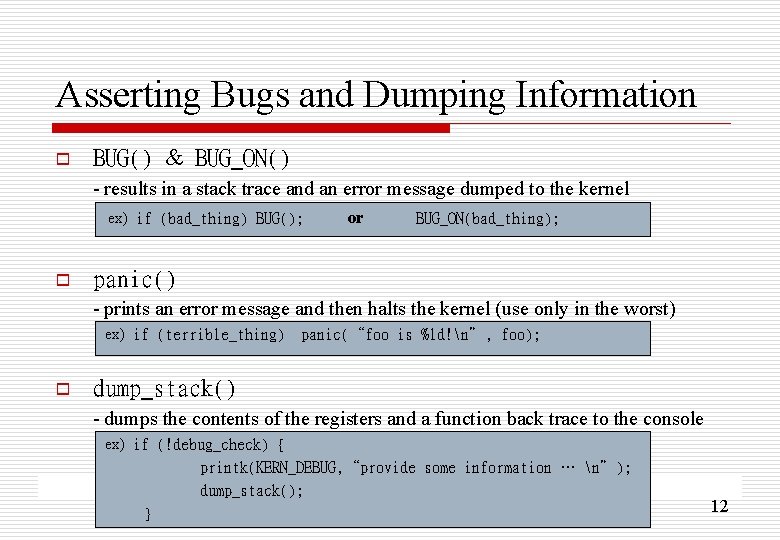
Asserting Bugs and Dumping Information o BUG() & BUG_ON() - results in a stack trace and an error message dumped to the kernel ex) if (bad_thing) BUG(); o or BUG_ON(bad_thing); panic() - prints an error message and then halts the kernel (use only in the worst) ex) if (terrible_thing) o panic(“foo is %ld!n”, foo); dump_stack() - dumps the contents of the registers and a function back trace to the console ex) if (!debug_check) { printk(KERN_DEBUG, “provide some information … n”); dump_stack(); } 12
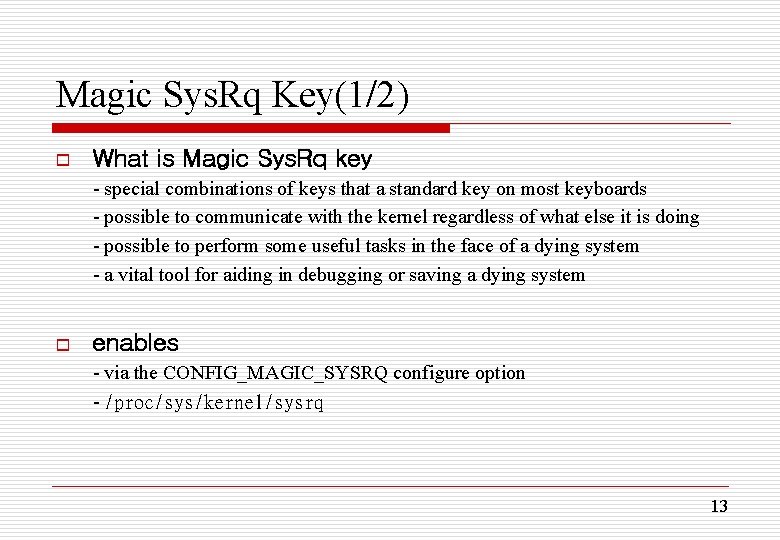
Magic Sys. Rq Key(1/2) o What is Magic Sys. Rq key - special combinations of keys that a standard key on most keyboards - possible to communicate with the kernel regardless of what else it is doing - possible to perform some useful tasks in the face of a dying system - a vital tool for aiding in debugging or saving a dying system o enables - via the CONFIG_MAGIC_SYSRQ configure option - /proc/sys/kernel/sysrq 13
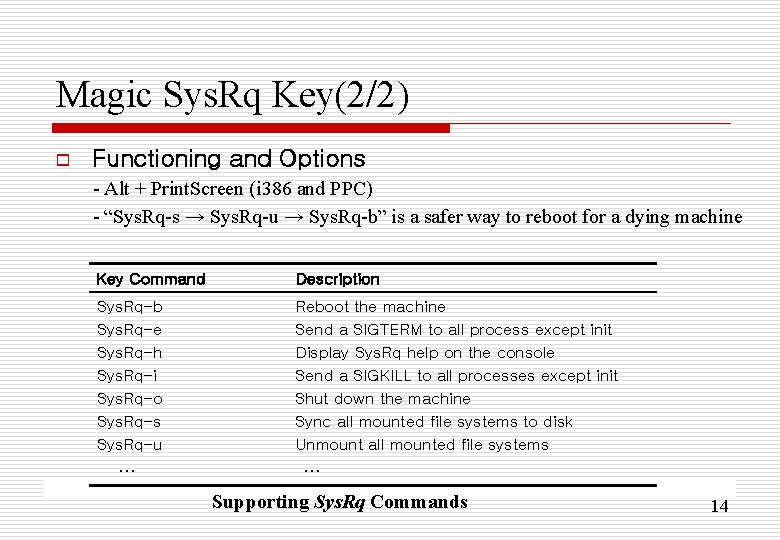
Magic Sys. Rq Key(2/2) o Functioning and Options - Alt + Print. Screen (i 386 and PPC) - “Sys. Rq-s → Sys. Rq-u → Sys. Rq-b” is a safer way to reboot for a dying machine Key Command Description Sys. Rq-b Sys. Rq-e Sys. Rq-h Sys. Rq-i Sys. Rq-o Sys. Rq-s Sys. Rq-u Reboot the machine Send a SIGTERM to all process except init Display Sys. Rq help on the console Send a SIGKILL to all processes except init Shut down the machine Sync all mounted file systems to disk Unmount all mounted file systems … … Supporting Sys. Rq Commands 14
The Saga of a Kernel Debugger (1/2) o gdb - can use the standard GNU debugger glimpse inside a running kernel - can to print the value of a variable and to disassemble a function - can dump the contents of structures and follow pointers - unable to single-step through kernel code or set breakpoints - can not modify kernel data or data structures o kgdb - executed gdb at the kernel debugging mode - a patch that enable gdb to fully debug the kernel remotely over a serial line - maintain the kgdb patch for various architectures and kernel releases 15
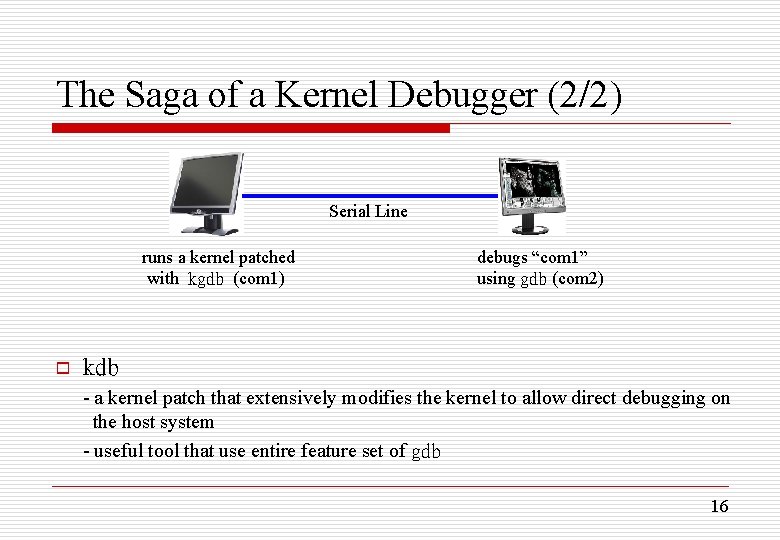
The Saga of a Kernel Debugger (2/2) Serial Line runs a kernel patched with kgdb (com 1) o debugs “com 1” using gdb (com 2) kdb - a kernel patch that extensively modifies the kernel to allow direct debugging on the host system - useful tool that use entire feature set of gdb 16
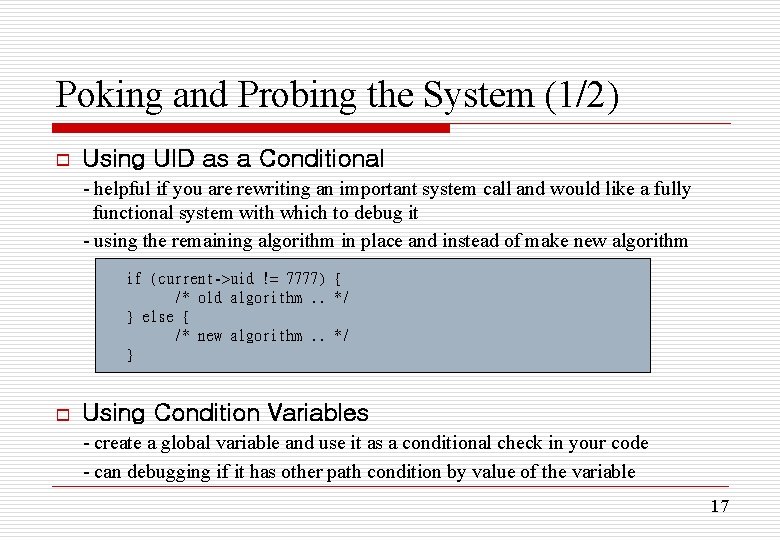
Poking and Probing the System (1/2) o Using UID as a Conditional - helpful if you are rewriting an important system call and would like a fully functional system with which to debug it - using the remaining algorithm in place and instead of make new algorithm if (current->uid != 7777) { /* old algorithm. . */ } else { /* new algorithm. . */ } o Using Condition Variables - create a global variable and use it as a conditional check in your code - can debugging if it has other path condition by value of the variable 17
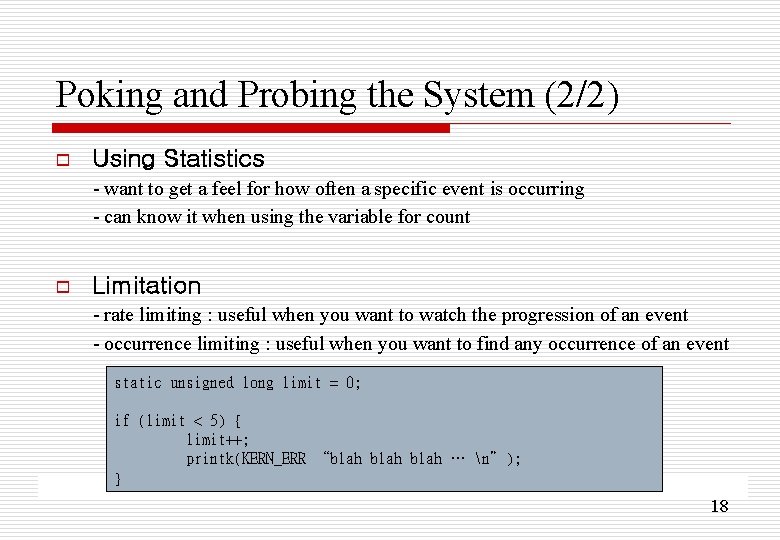
Poking and Probing the System (2/2) o Using Statistics - want to get a feel for how often a specific event is occurring - can know it when using the variable for count o Limitation - rate limiting : useful when you want to watch the progression of an event - occurrence limiting : useful when you want to find any occurrence of an event static unsigned long prev_jiffy limit = 0; = jiffies; /* rate limiting */ if (limit (time_after(jiffies, < 5) { prev_jiffy + 2*HZ)) { prev_jiffy = jiffies; limit++; printk(KERN_ERR “blah … n”); } 18
ETC o Binary Searching to Find the Culprit Change - useful to know when a bug was introduced into the kernel source - can know the changes that occurred to cause the bug, if you run the binary searching to each kernel version o When All Else Fails: The Community - can always elicit the help of the other developers in the kernel community 19
- Slides: 19