
Link Plus Version 2 An Essential Central Cancer




- Slides: 21
Link Plus Version 2: An Essential Central Cancer Registry Linkage Tool Kathleen Thoburn, David Gu (CDC/NPCR Contractors), Tom Rawson, Joe Rogers, CDC NAACCR 2008 Annual Conference Denver, Colorado June 10, 2008 "The findings and conclusions in this report are those of the author(s) and do not necessarily represent the official position of the Centers for Disease Control and Prevention/the Agency for Chronic Disease. "
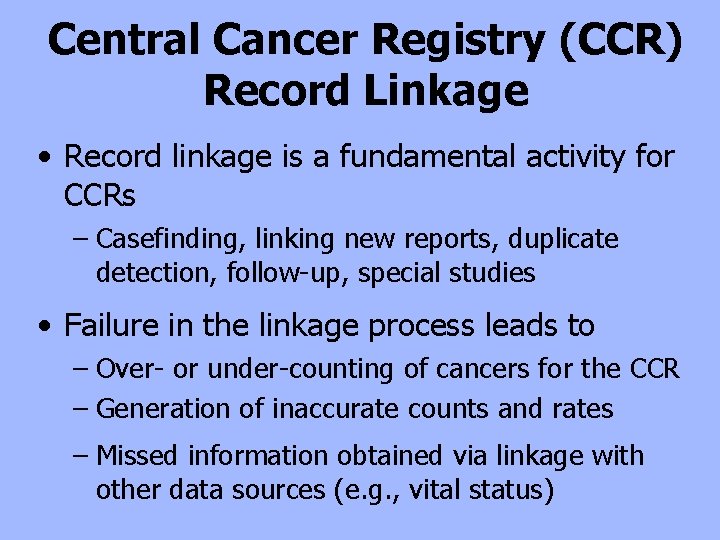
Central Cancer Registry (CCR) Record Linkage • Record linkage is a fundamental activity for CCRs – Casefinding, linking new reports, duplicate detection, follow-up, special studies • Failure in the linkage process leads to – Over- or under-counting of cancers for the CCR – Generation of inaccurate counts and rates – Missed information obtained via linkage with other data sources (e. g. , vital status)
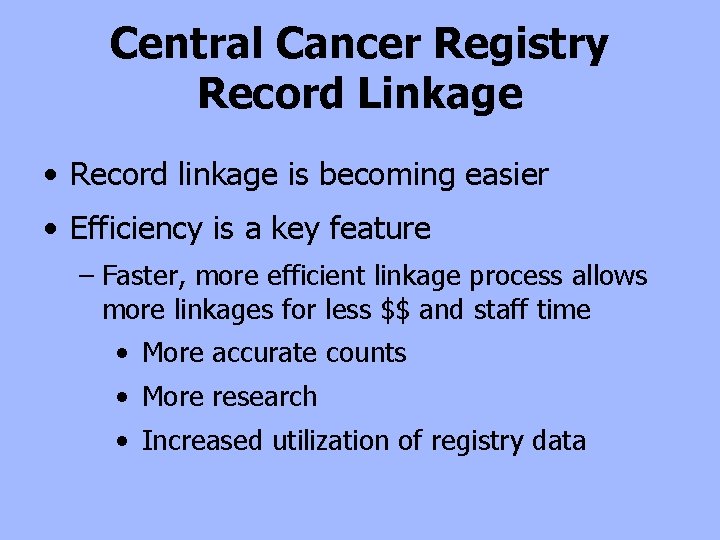
Central Cancer Registry Record Linkage • Record linkage is becoming easier • Efficiency is a key feature – Faster, more efficient linkage process allows more linkages for less $$ and staff time • More accurate counts • More research • Increased utilization of registry data
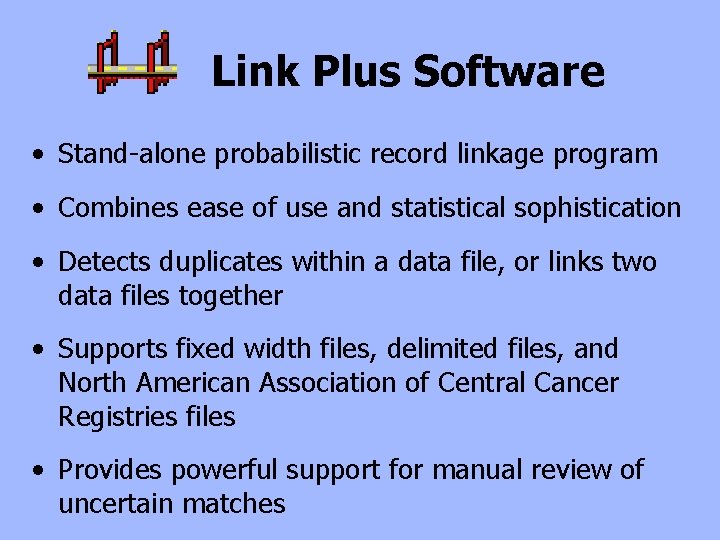
Link Plus Software • Stand-alone probabilistic record linkage program • Combines ease of use and statistical sophistication • Detects duplicates within a data file, or links two data files together • Supports fixed width files, delimited files, and North American Association of Central Cancer Registries files • Provides powerful support for manual review of uncertain matches
Link Plus Is Free $0. 00
Link Plus Is Easy To Use • Designed especially for cancer registry work – HOWEVER, can be used with any data • Mathematics largely hidden from user • Practical default values supplied for many tasks • Familiar Windows interface • Includes Help and test examples
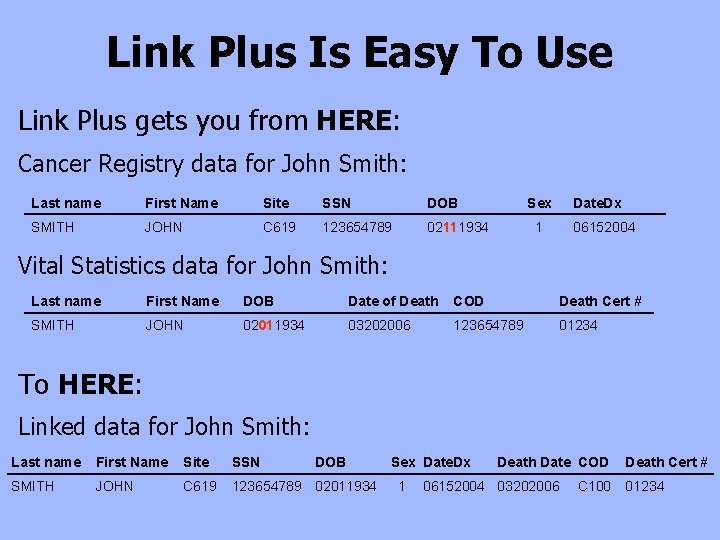
Link Plus Is Easy To Use Link Plus gets you from HERE: Cancer Registry data for John Smith: Last name First Name Site SSN DOB SMITH JOHN C 619 123654789 02111934 Sex Date. Dx 1 06152004 Vital Statistics data for John Smith: Last name First Name DOB Date of Death COD Death Cert # SMITH JOHN 02011934 03202006 123654789 01234 To HERE: Linked data for John Smith: Last name First Name Site SSN DOB SMITH JOHN C 619 123654789 02011934 Sex Date. Dx 1 Death Date COD 06152004 03202006 C 100 Death Cert # 01234
Link Plus Is Easy To Use Without having to go HERE:
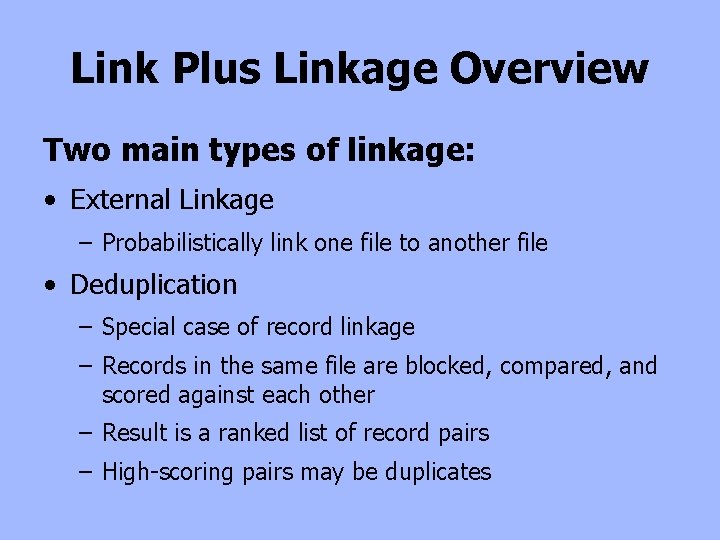
Link Plus Linkage Overview Two main types of linkage: • External Linkage – Probabilistically link one file to another file • Deduplication – Special case of record linkage – Records in the same file are blocked, compared, and scored against each other – Result is a ranked list of record pairs – High-scoring pairs may be duplicates
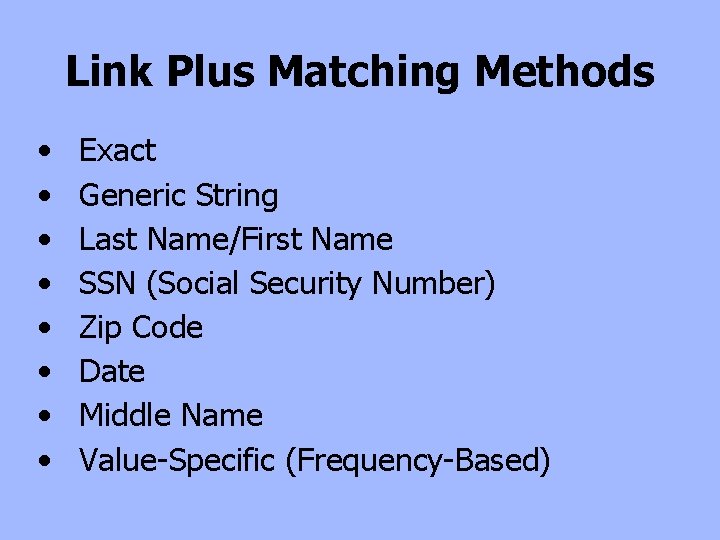
Link Plus Matching Methods • • Exact Generic String Last Name/First Name SSN (Social Security Number) Zip Code Date Middle Name Value-Specific (Frequency-Based)
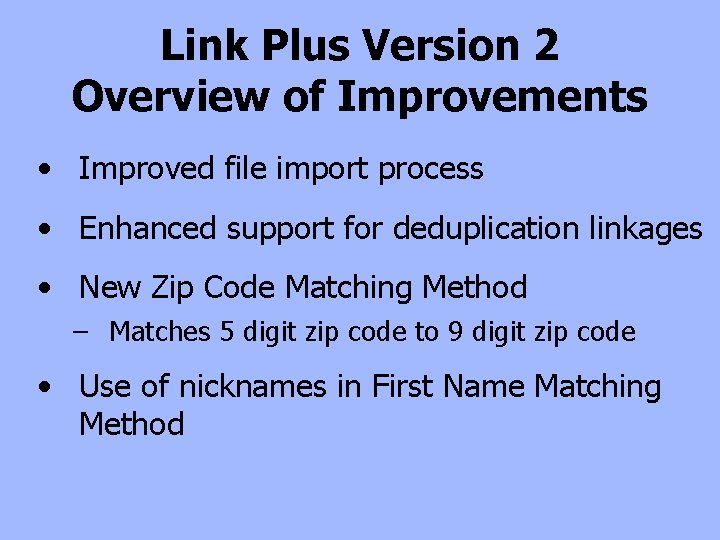
Link Plus Version 2 Overview of Improvements • Improved file import process • Enhanced support for deduplication linkages • New Zip Code Matching Method – Matches 5 digit zip code to 9 digit zip code • Use of nicknames in First Name Matching Method
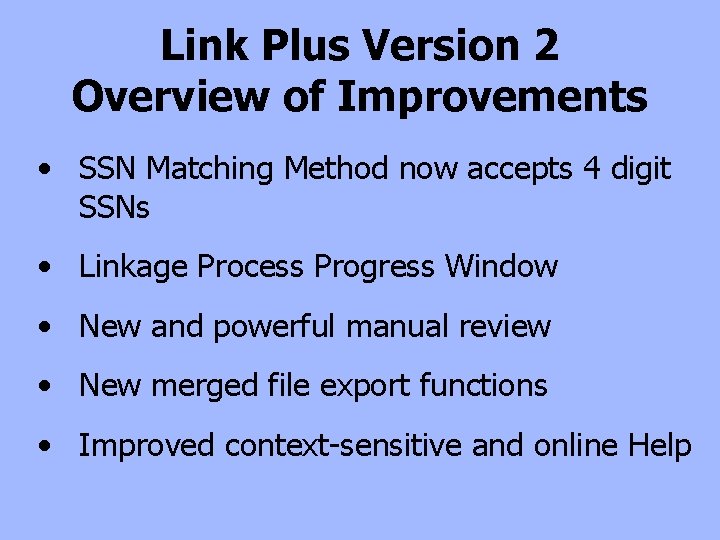
Link Plus Version 2 Overview of Improvements • SSN Matching Method now accepts 4 digit SSNs • Linkage Process Progress Window • New and powerful manual review • New merged file export functions • Improved context-sensitive and online Help
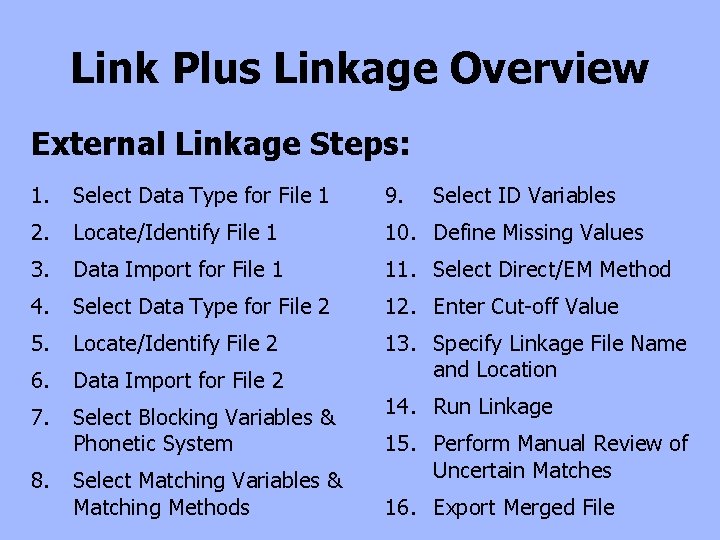
Link Plus Linkage Overview External Linkage Steps: 1. Select Data Type for File 1 9. 2. Locate/Identify File 1 10. Define Missing Values 3. Data Import for File 1 11. Select Direct/EM Method 4. Select Data Type for File 2 12. Enter Cut-off Value 5. Locate/Identify File 2 6. Data Import for File 2 13. Specify Linkage File Name and Location 7. Select Blocking Variables & Phonetic System 8. Select Matching Variables & Matching Methods Select ID Variables 14. Run Linkage 15. Perform Manual Review of Uncertain Matches 16. Export Merged File
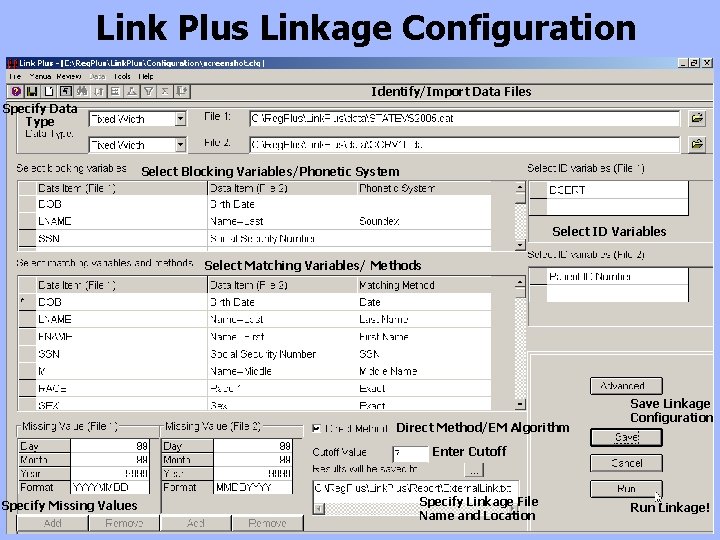
Link Plus Linkage Configuration Identify/Import Data Files Specify Data Type Select Blocking Variables/Phonetic System Select ID Variables Select Matching Variables/ Methods Direct Method/EM Algorithm Save Linkage Configuration Enter Cutoff Specify Missing Values Specify Linkage File Name and Location Run Linkage!
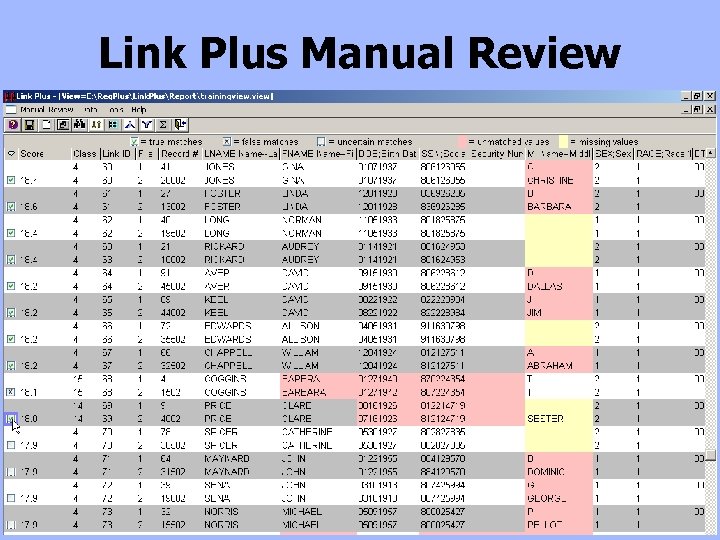
Link Plus Manual Review
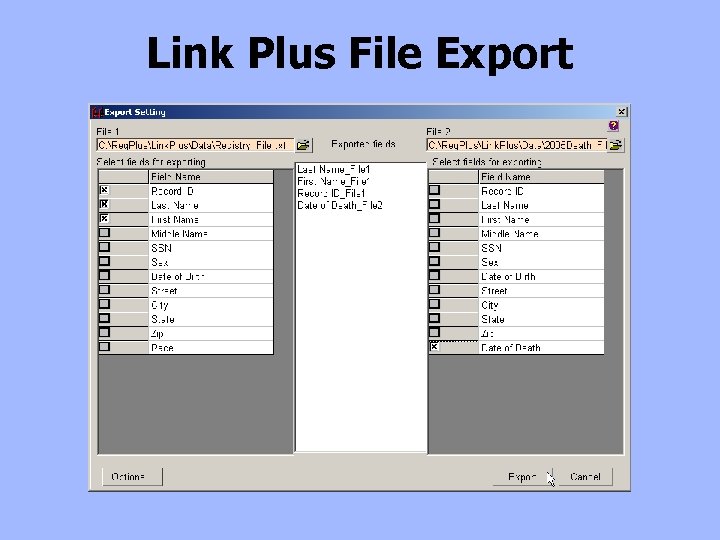
Link Plus File Export
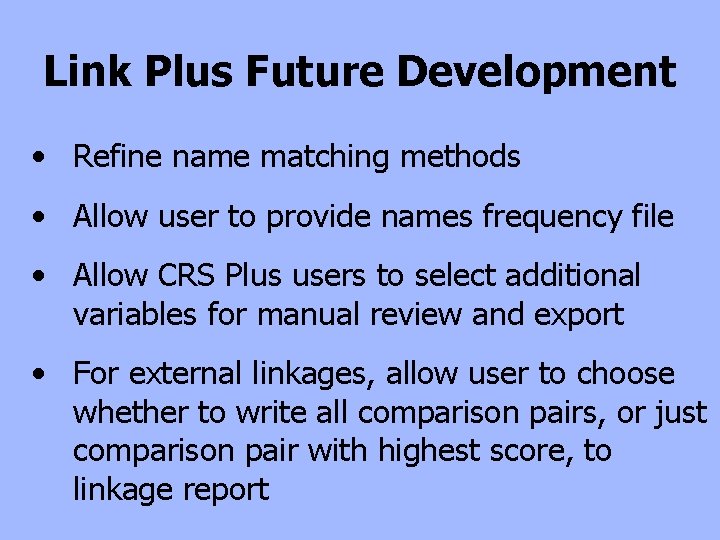
Link Plus Future Development • Refine name matching methods • Allow user to provide names frequency file • Allow CRS Plus users to select additional variables for manual review and export • For external linkages, allow user to choose whether to write all comparison pairs, or just comparison pair with highest score, to linkage report
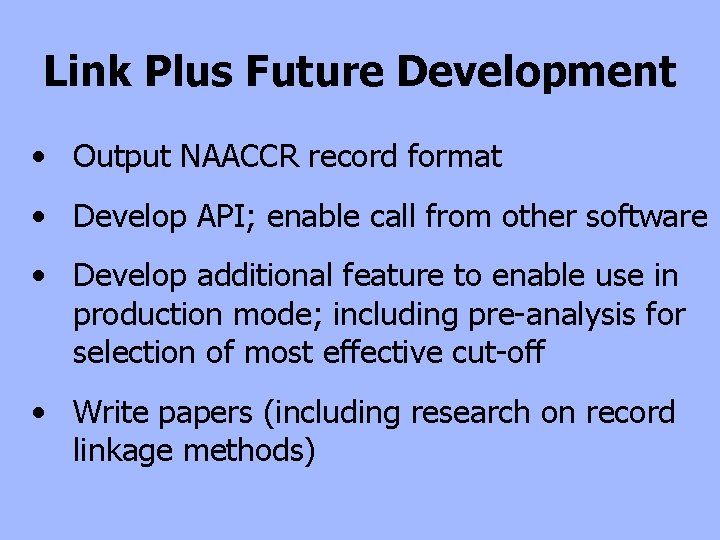
Link Plus Future Development • Output NAACCR record format • Develop API; enable call from other software • Develop additional feature to enable use in production mode; including pre-analysis for selection of most effective cut-off • Write papers (including research on record linkage methods)
CDC–NPCR Link Plus Contacts Kathleen K. Thoburn, CDC/NPCR Contractor E-mail: kthoburn@cdc. gov David Gu, CDC/NPCR Contractor E-mail: dgu@cdc. gov Tom Rawson, CDC Computer Programmer
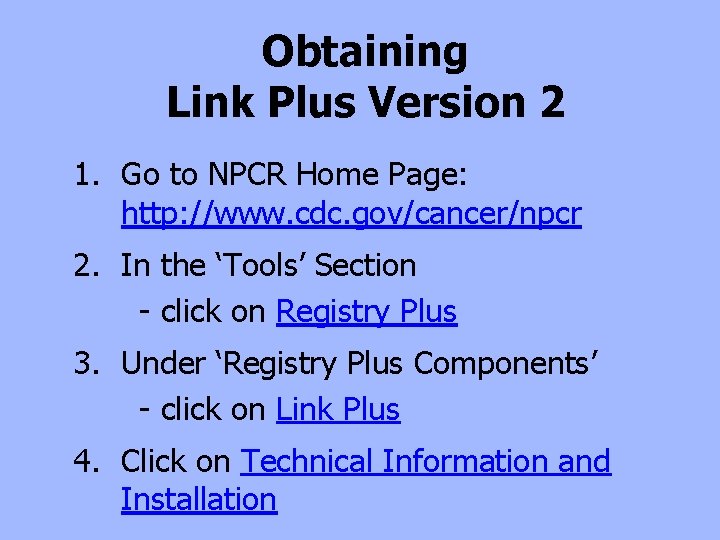
Obtaining Link Plus Version 2 1. Go to NPCR Home Page: http: //www. cdc. gov/cancer/npcr 2. In the ‘Tools’ Section - click on Registry Plus 3. Under ‘Registry Plus Components’ - click on Link Plus 4. Click on Technical Information and Installation
Link Plus Version 2 Linkage Demonstration