
Light Part Two How does light bend Lenses
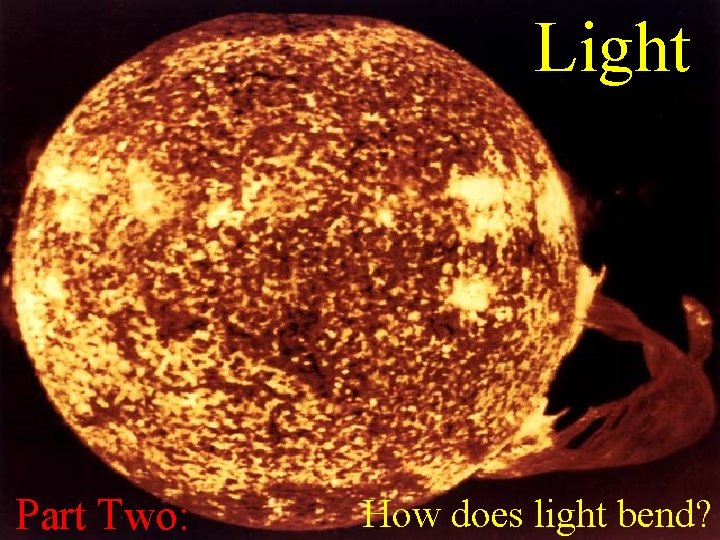
Light Part Two: How does light bend?
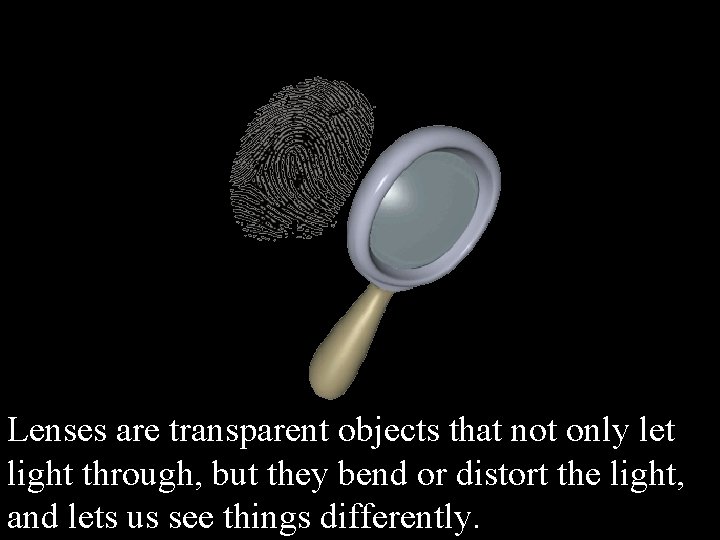
Lenses are transparent objects that not only let light through, but they bend or distort the light, and lets us see things differently.
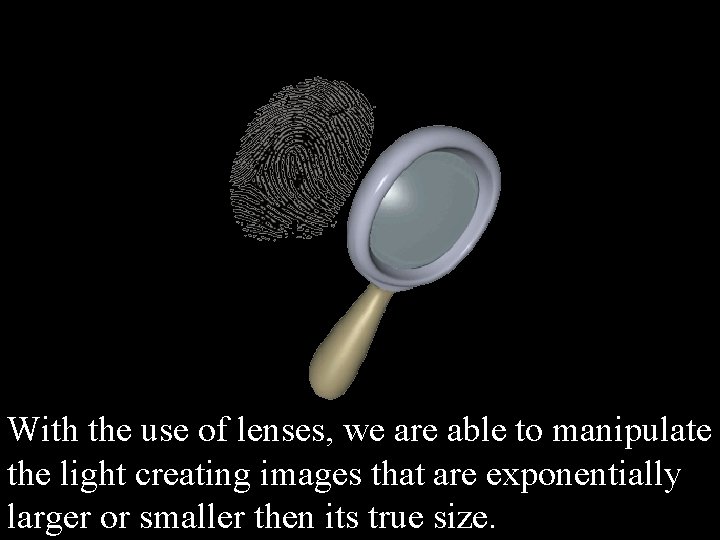
With the use of lenses, we are able to manipulate the light creating images that are exponentially larger or smaller then its true size.
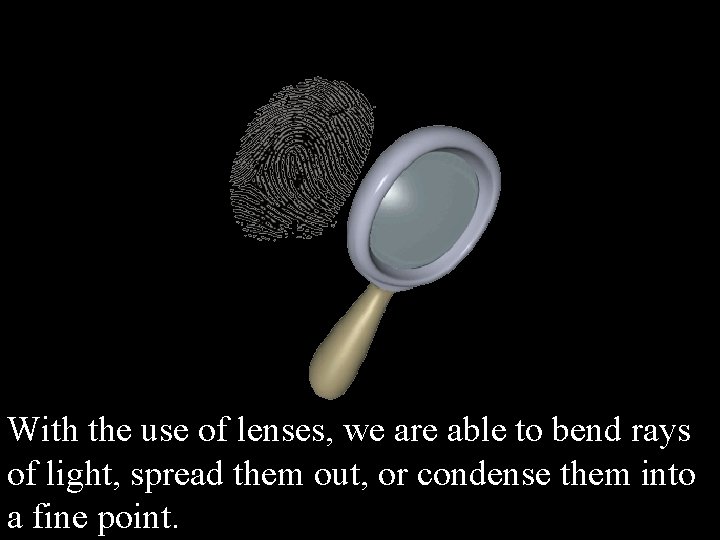
With the use of lenses, we are able to bend rays of light, spread them out, or condense them into a fine point.
Excuse me for interrupting Human Teacher. But I don’t think the Kids! The computer is in charge now! children have what you Why don’t youthesitslightest down foridea a minute andarelettalking me haveabout… a try…
KID NO!INTHE OTHER RED SHIRT! ONE! HEY YOU!! YEA YOU!
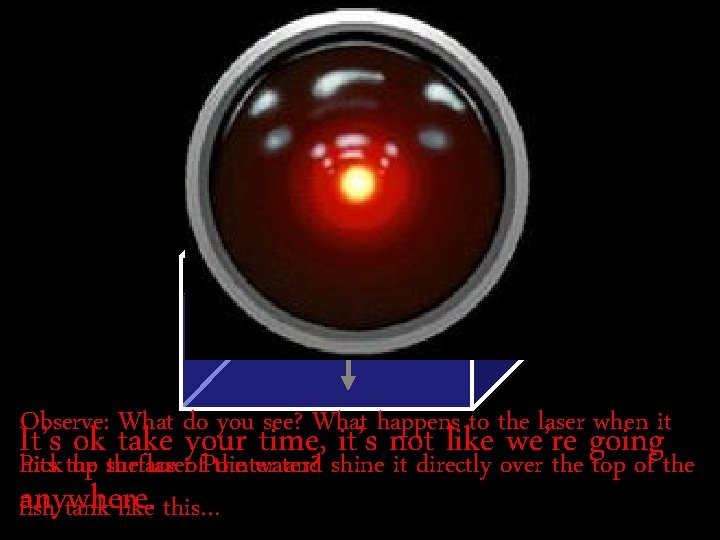
Observe: What do you see? What happens to the laser when it It’s ok take your time, it’s not like we’re going hits the water? Pick up surface the laserof. Pointer and shine it directly over the top of the anywhere. fish tank like this…
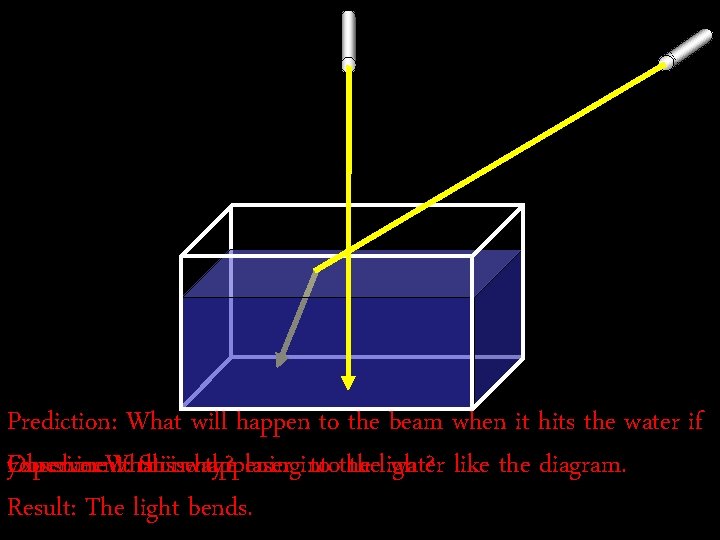
Prediction: What will happen to the beam when it hits the water if you shine. What it this Observe: Experiment: Shine isway? happening the laser into to thelight? water like the diagram. Result: The light bends.
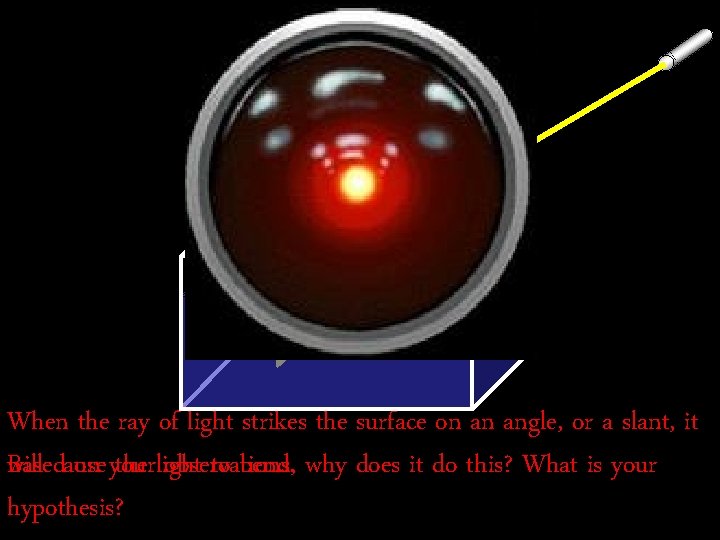
When the ray of light strikes the surface on an angle, or a slant, it will cause the light to bend. why does it do this? What is your Based on your observations, hypothesis?
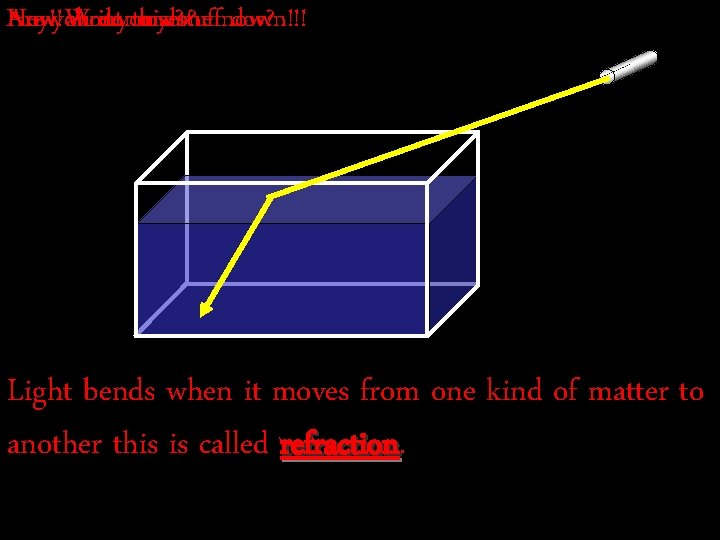
Hey!you Are How Now! Write about Aredone you now? thisyet? done stuffnow? down!!! Light bends when it moves from one kind of matter to another this is called refraction
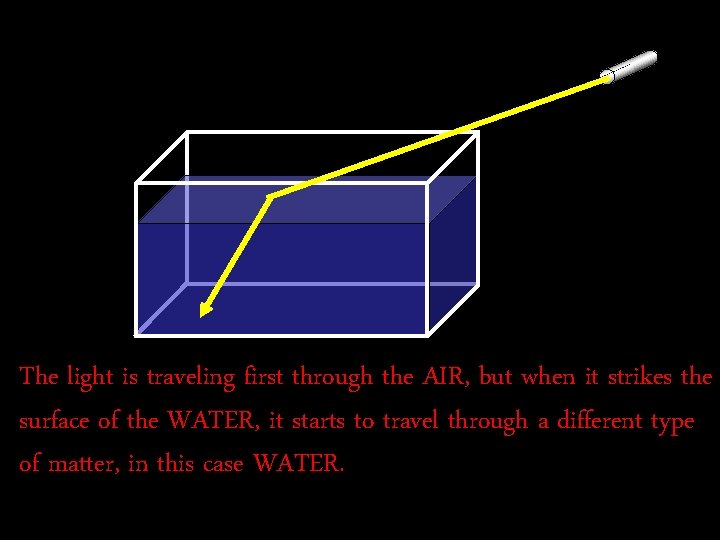
The light is traveling first through the AIR, but when it strikes the surface of the WATER, it starts to travel through a different type of matter, in this case WATER.
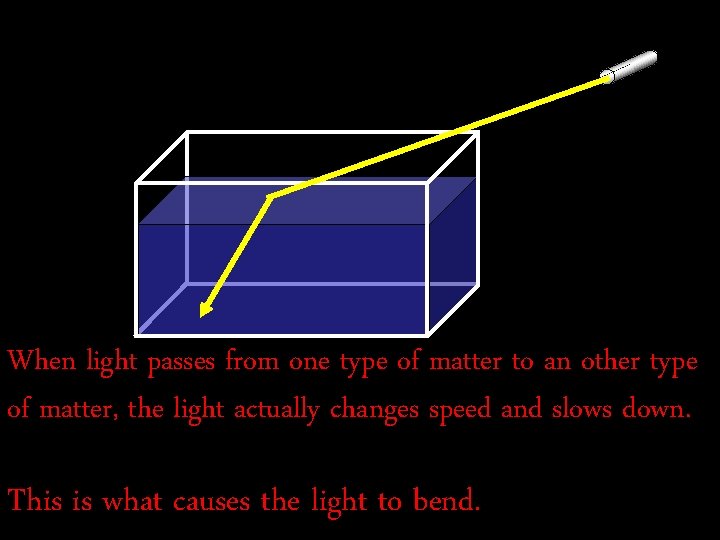
When light passes from one type of matter to an other type of matter, the light actually changes speed and slows down. This is what causes the light to bend.
You now. Child… Humanthanks for Greatmay job teach Human Teacher… Iyour am help. logging off now.
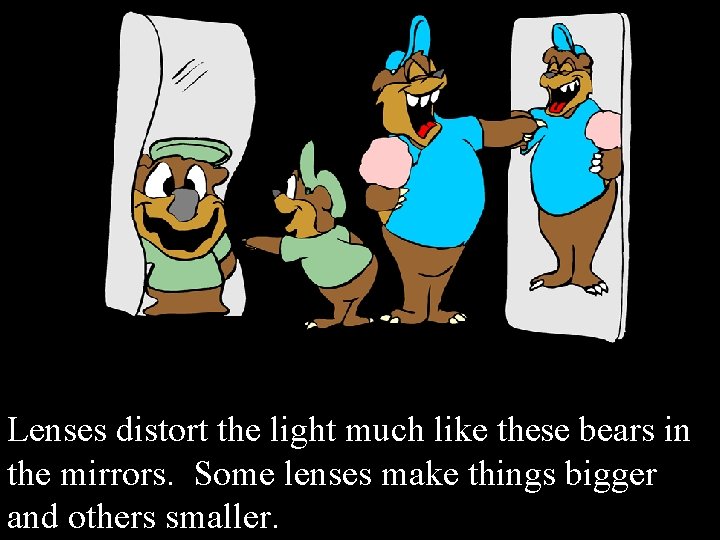
Lenses distort the light much like these bears in the mirrors. Some lenses make things bigger and others smaller.
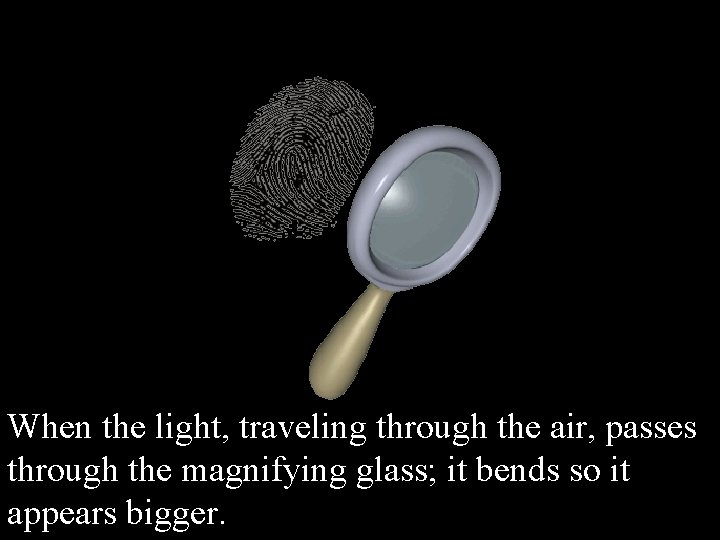
When the light, traveling through the air, passes through the magnifying glass; it bends so it appears bigger.
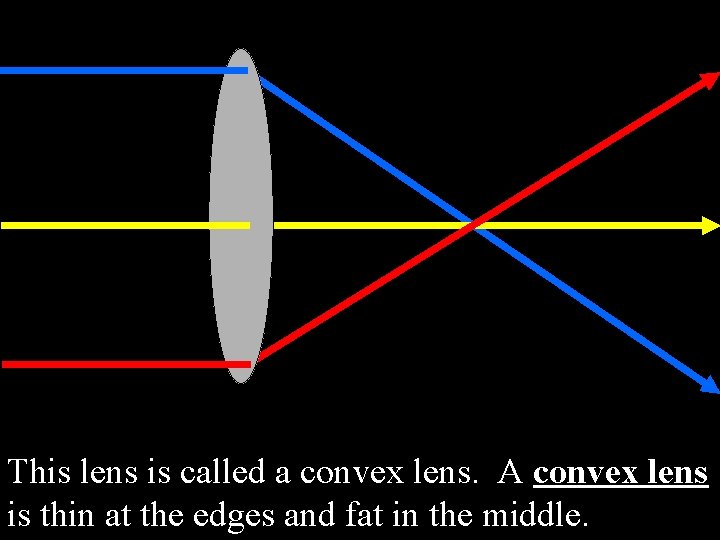
This lens is called a convex lens. A convex lens is thin at the edges and fat in the middle.
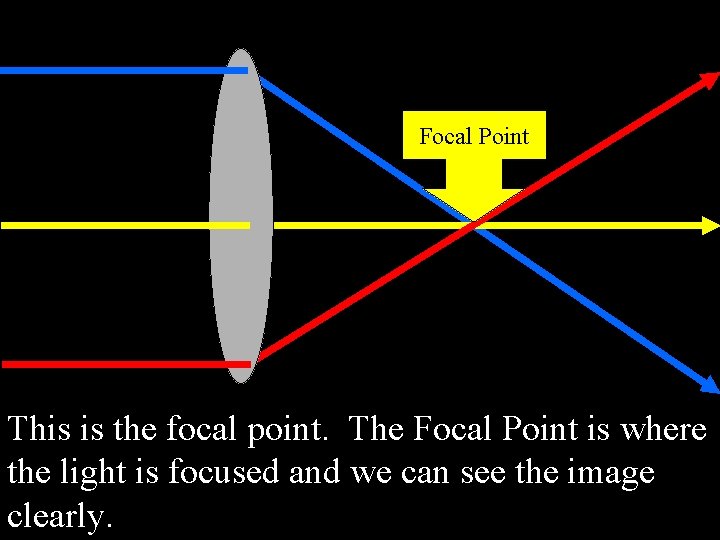
Focal Point This is the focal point. The Focal Point is where the light is focused and we can see the image clearly.
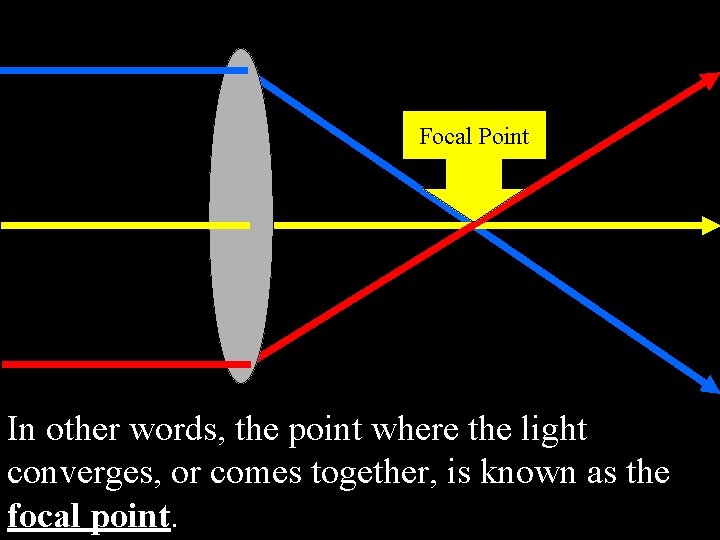
Focal Point In other words, the point where the light converges, or comes together, is known as the focal point.
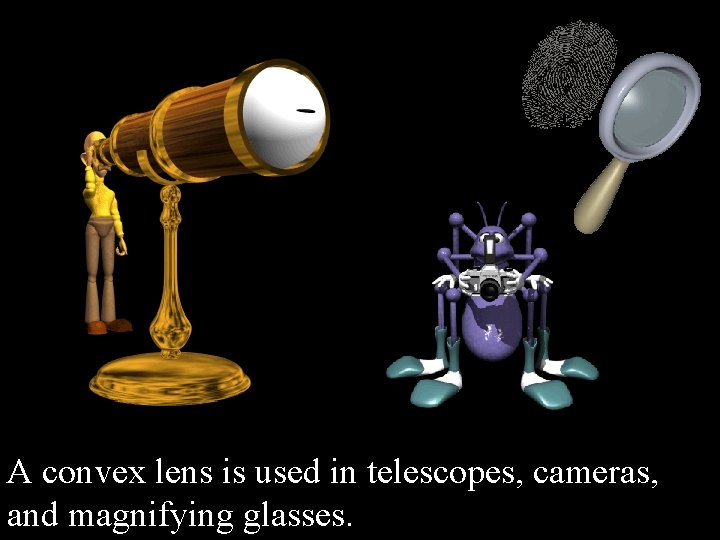
A convex lens is used in telescopes, cameras, and magnifying glasses.
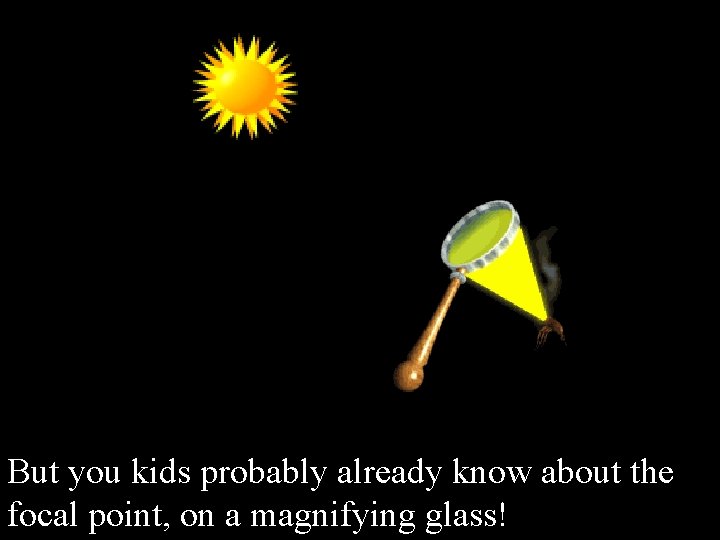
But you kids probably already know about the focal point, on a magnifying glass!
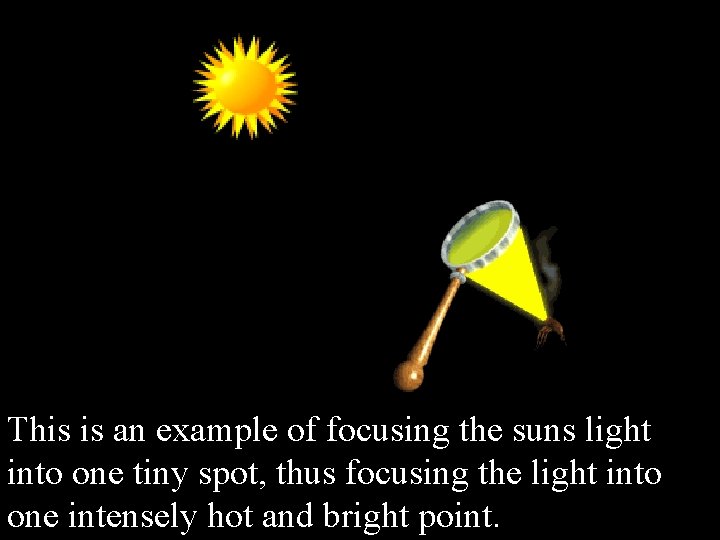
This is an example of focusing the suns light into one tiny spot, thus focusing the light into one intensely hot and bright point.
Oh and boys… lay off the Barbie Dolls!
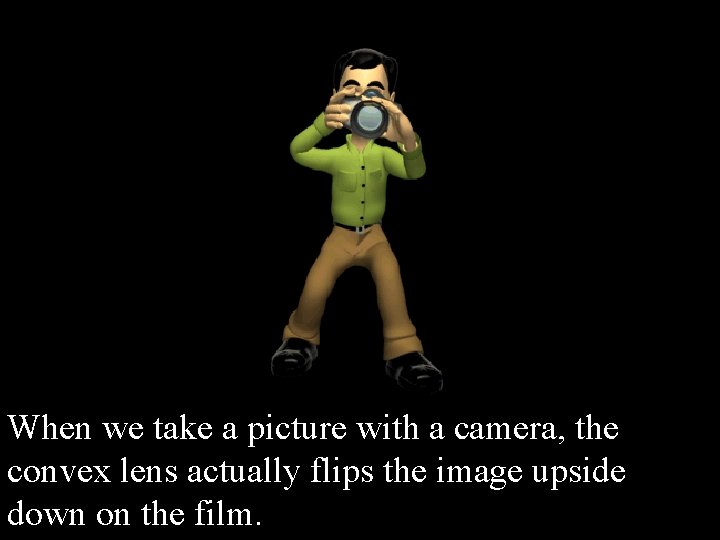
When we take a picture with a camera, the convex lens actually flips the image upside down on the film.
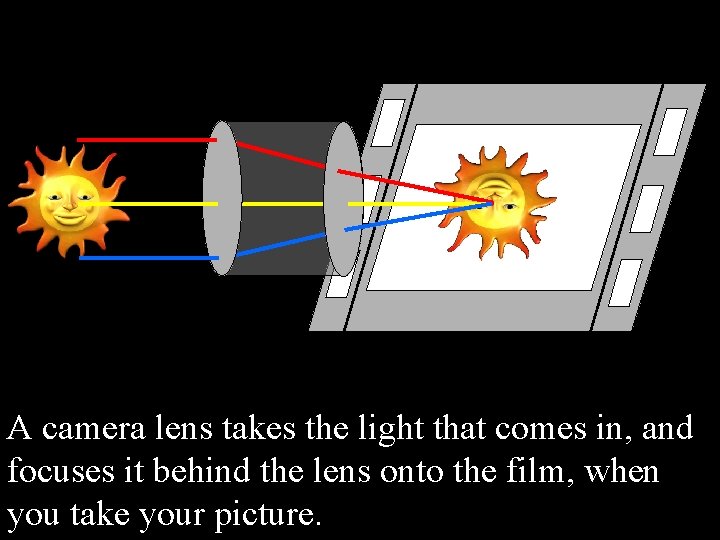
A camera lens takes the light that comes in, and focuses it behind the lens onto the film, when you take your picture.
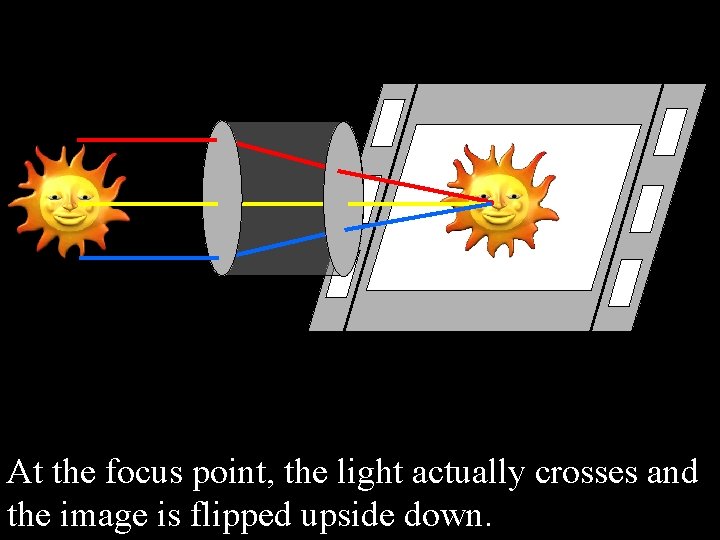
At the focus point, the light actually crosses and the image is flipped upside down.
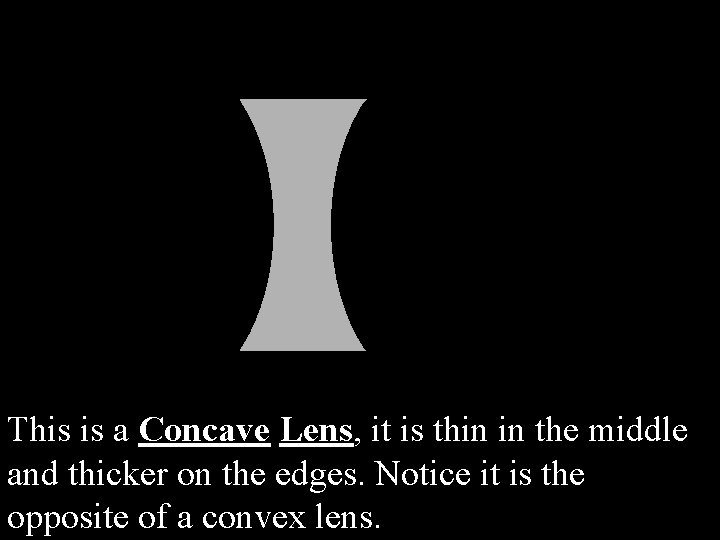
This is a Concave Lens, it is thin in the middle and thicker on the edges. Notice it is the opposite of a convex lens.
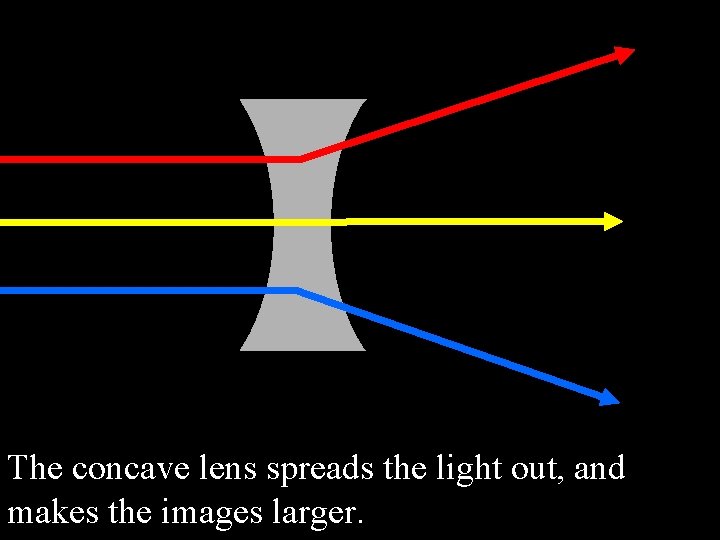
The concave lens spreads the light out, and makes the images larger.
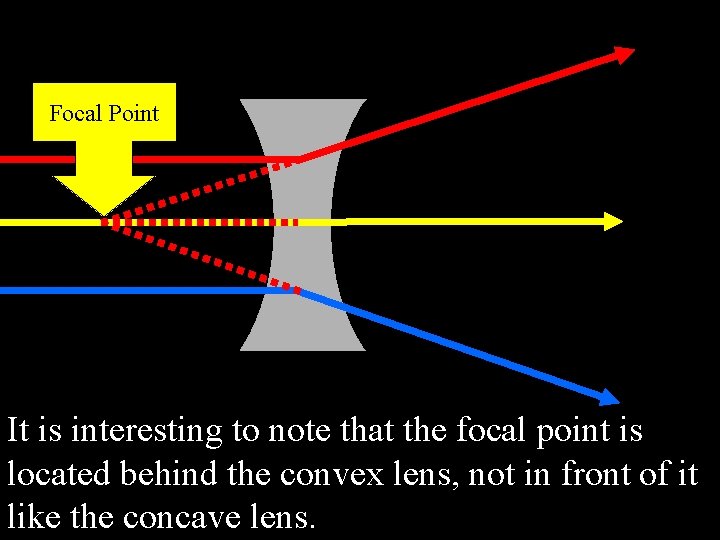
Focal Point It is interesting to note that the focal point is located behind the convex lens, not in front of it like the concave lens.
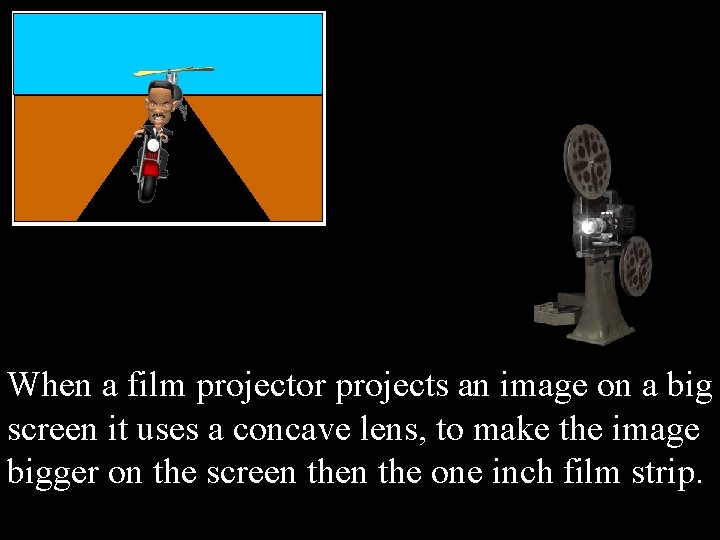
When a film projector projects an image on a big screen it uses a concave lens, to make the image bigger on the screen the one inch film strip.
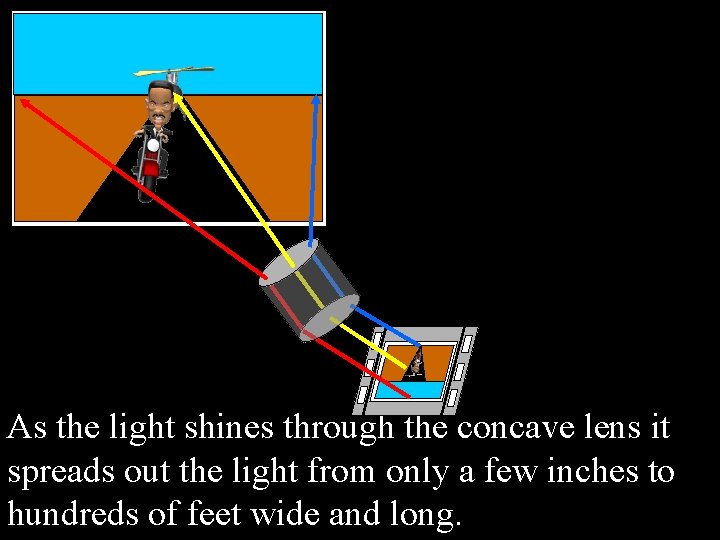
As the light shines through the concave lens it spreads out the light from only a few inches to hundreds of feet wide and long.
Quiz Time Pages E 100 – 107 & The 5 ILet’s don’t think we need any read a little instead… Questions quizzes do you? on 107
Images from www. animationfactory. com Bought and Paid for I am not a salesman and do not get commission, I do how ever endorse this site and their graphics. I would not be able to make a good Power Point with out them. It is worth every penny.
Teacher Lecture Notes This power point is set up to let the computer take control and conduct an experiment during the lecture. You will need the following equipment: a laser pointer, and a small fish tank, critter cage, or large clear bowl, a critter cage works best and you should have them in your science storage areas. Fill the tank to about 4/5 full of water, add a mug of black coffee to cloud up the water. This will aid in being able to see the laser in the water. Watch the slide show a couple of times and practice the pacing of the experiment. The computer will talk on its own and stop when the student needs to do something. You will need to either click the mouse or tap the keyboard to start the next step. I simply sit down next to the computer when it tells me to, and hold the mouse under my arm. It looks like I am doing nothing, and the computer is in charge. The kids hang on every word, I have not had any problems with off task behavior from students They have all been captivated, and I have some very “off task” students. It might take a little prompting from you to pick the volunteer if more then one student is standing up. A good follow up activity is to allow the students to experiment with the two lens.
Usage Information This Power Point has been designed to correlate with the Fourth Grade Georgia Professional Standards or GPS for the 2006 – 2007 School year and beyond. Any Teacher using this Power Point for educational purposes may do so with out worry of monetary reimbursement, and with my full blessing. (We have to buy enough stuff already ) I would appreciate that the credit be given to any and all participants in the making of this power point. I hope you use them well and enjoy them with your students. If you have any suggestions or comments regarding this or any of my Power Point Presentations please email me at David. Eichler@Cobbk 12. org. Anyone using this Power Point outside of the classroom, for personal gain, or profit will need to get my personal approval, in writing. I have put 100’s of hours into the production of these presentations over the years. I have created them for the students in our classrooms, not fortune, or fame. I hope that you do not take advantage of this work for personal gain. Please do not make changes to this Power Point other then the correction of a grammatical, or punctuation error.
- Slides: 35