
Life Support Training Center Strive to save life
- Slides: 21
Life Support Training Center “Strive to save life”
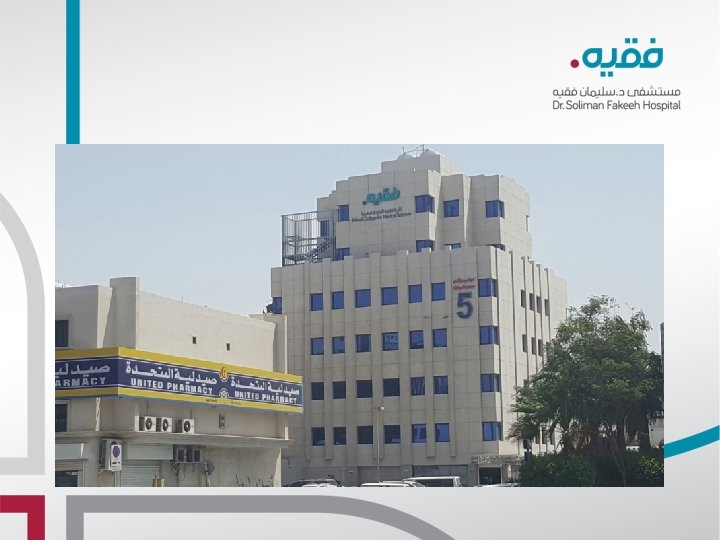
LOCATION / CONTACT INFO § FOURTH FLOOR (4 th Floor) § BUILDING 5 § FCMS-MALE COLLEGE § Email: lstc@fakeeh. care Mobile : 059 325 9053 059 325 9416
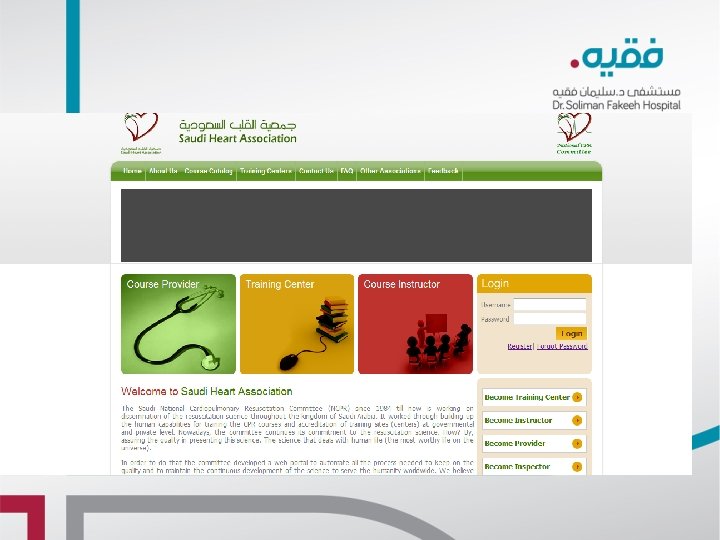
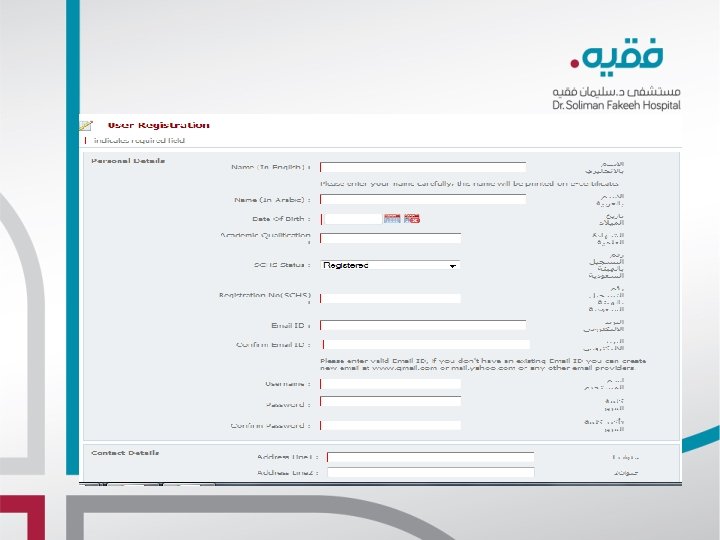
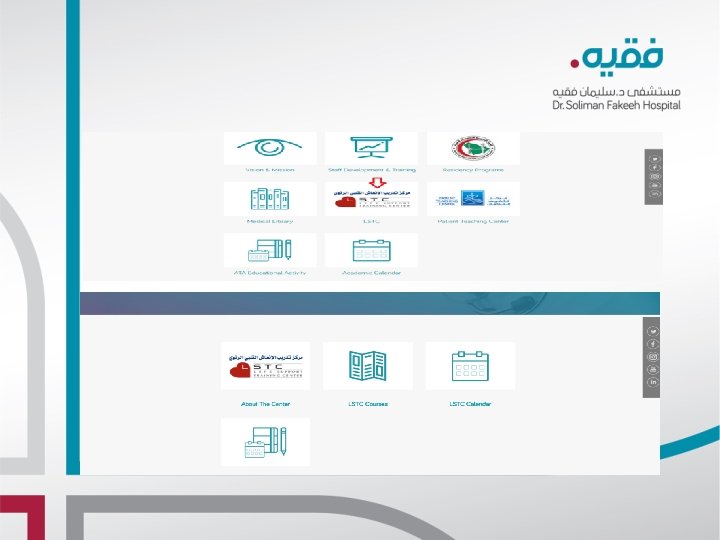
REGISTRATION PROCESS ØWeb link http//: ksacpr. org. sa or www. ksacpr. org. sa ØRegistration Form DSFH webpage under LSTC icon –Hyperlink register ØSHA registration guidelines DSFH webpage under LSTC–Hyperlink
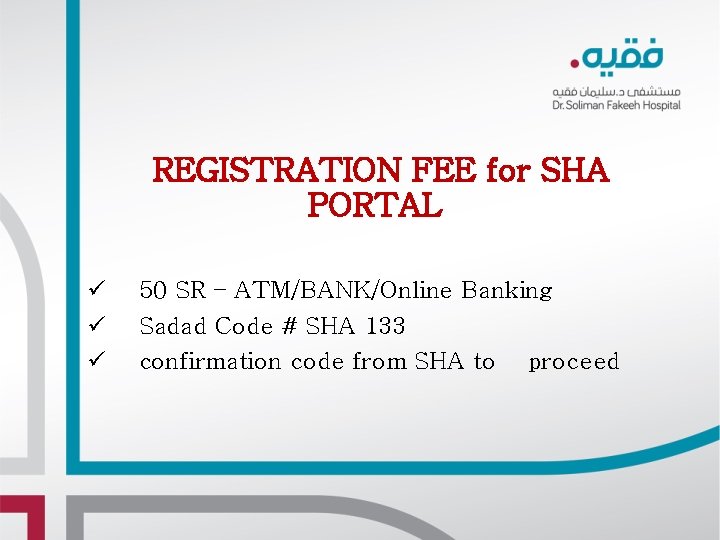
REGISTRATION FEE for SHA PORTAL ü ü ü 50 SR – ATM/BANK/Online Banking Sadad Code # SHA 133 confirmation code from SHA to proceed
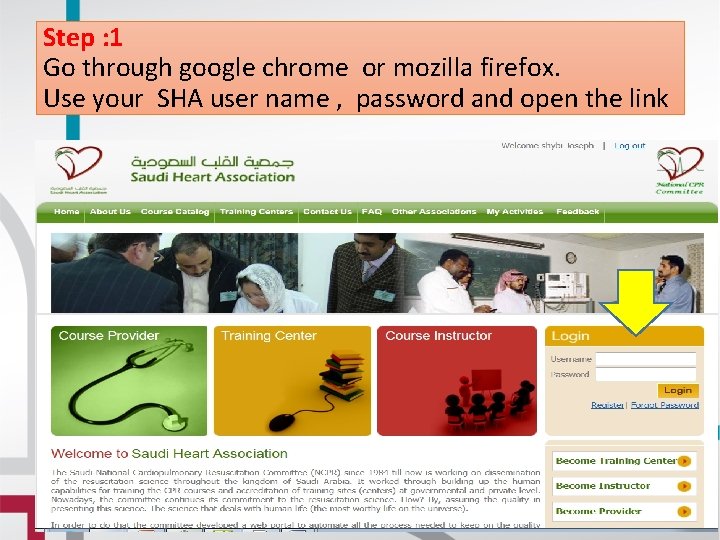
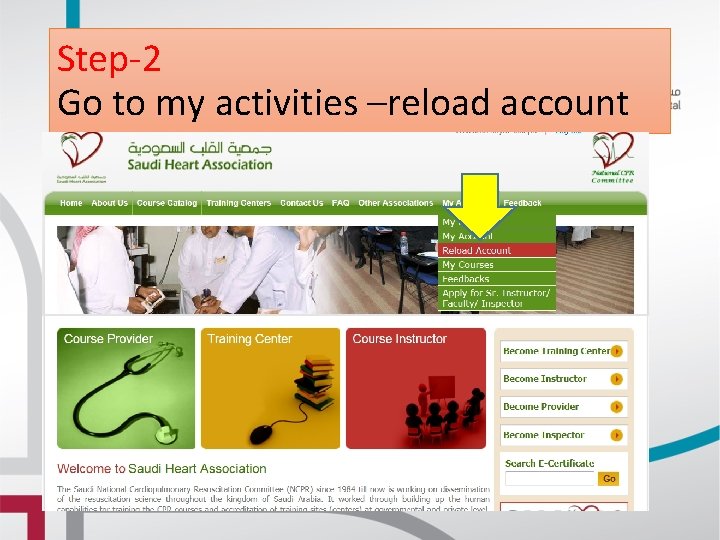
Step : 1 Go through google chrome or mozilla firefox. Use your SHA user name , password and open the link
Step-2 Go to my activities –reload account
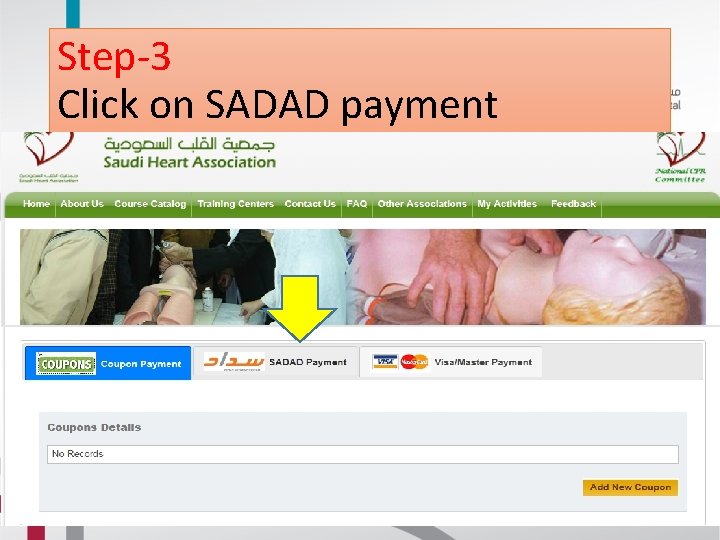
Step-3 Click on SADAD payment
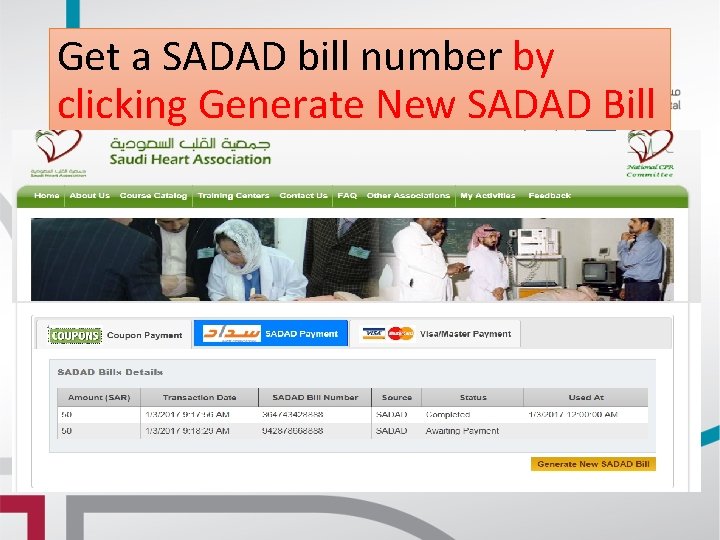
Get a SADAD bill number by clicking Generate New SADAD Bill
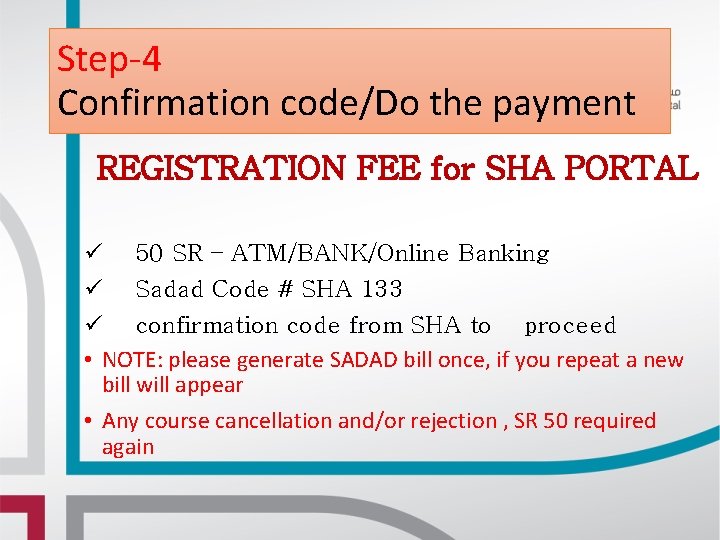
Step-4 Confirmation code/Do the payment REGISTRATION FEE for SHA PORTAL ü 50 SR – ATM/BANK/Online Banking ü Sadad Code # SHA 133 ü confirmation code from SHA to proceed • NOTE: please generate SADAD bill once, if you repeat a new bill will appear • Any course cancellation and/or rejection , SR 50 required again
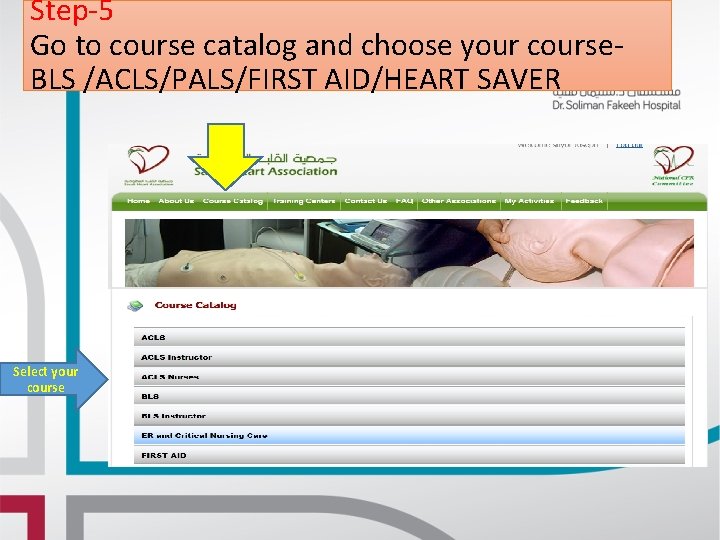
Step-5 Go to course catalog and choose your course. BLS /ACLS/PALS/FIRST AID/HEART SAVER Select your course
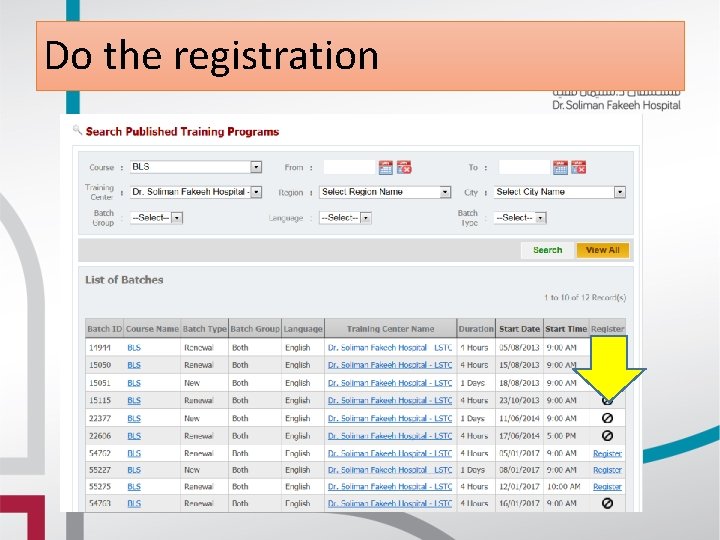
Do the registration
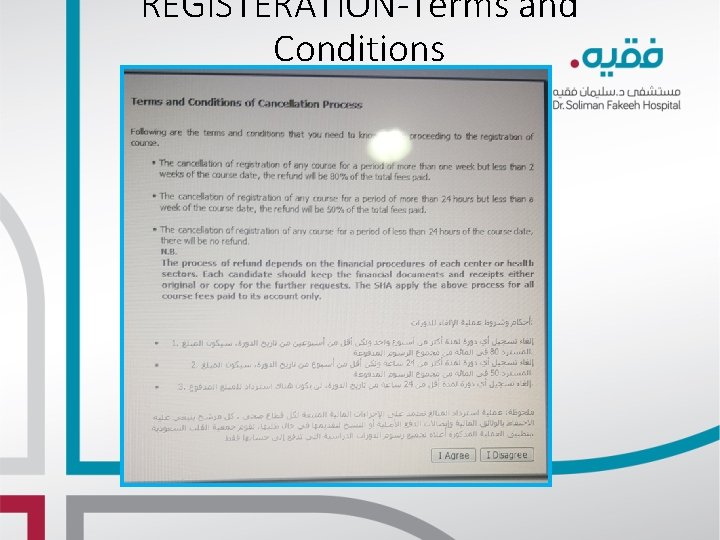
REGISTERATION-Terms and Conditions
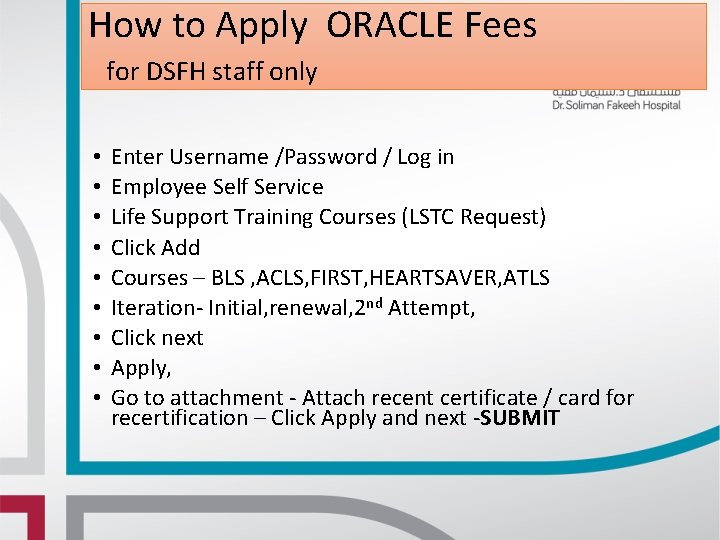
How to Apply ORACLE Fees for DSFH staff only • • • Enter Username /Password / Log in Employee Self Service Life Support Training Courses (LSTC Request) Click Add Courses – BLS , ACLS, FIRST, HEARTSAVER, ATLS Iteration- Initial, renewal, 2 nd Attempt, Click next Apply, Go to attachment - Attach recent certificate / card for recertification – Click Apply and next -SUBMIT
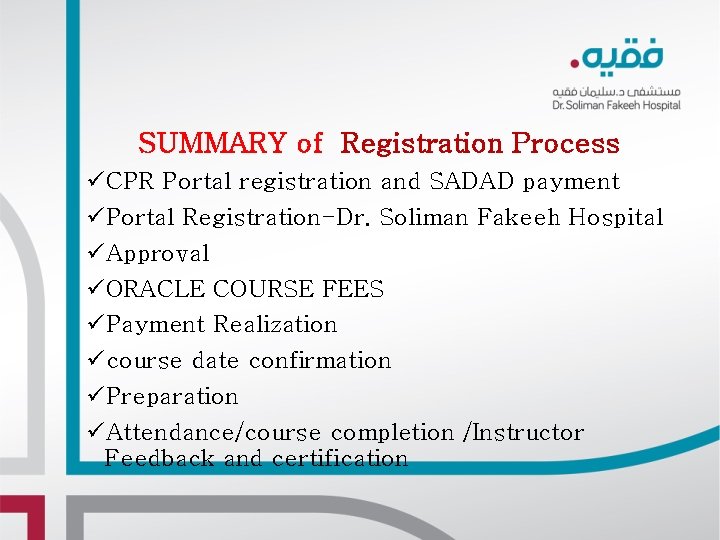
SUMMARY of Registration Process üCPR Portal registration and SADAD payment üPortal Registration-Dr. Soliman Fakeeh Hospital üApproval üORACLE COURSE FEES üPayment Realization ücourse date confirmation üPreparation üAttendance/course completion /Instructor Feedback and certification
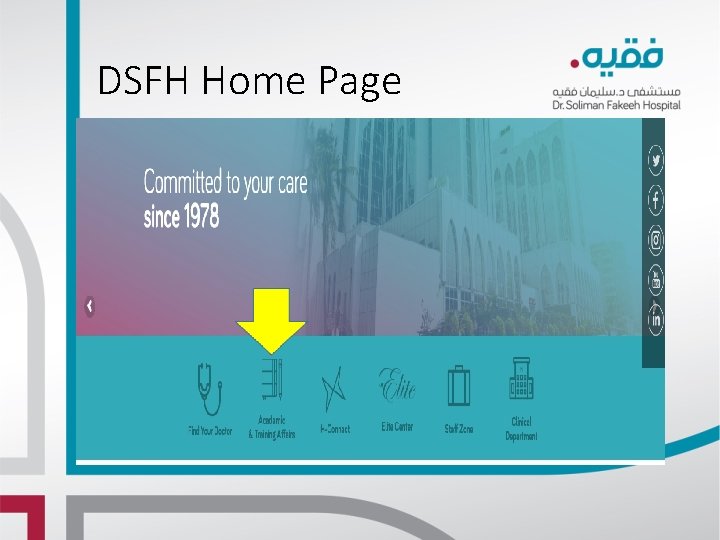
DSFH Home Page
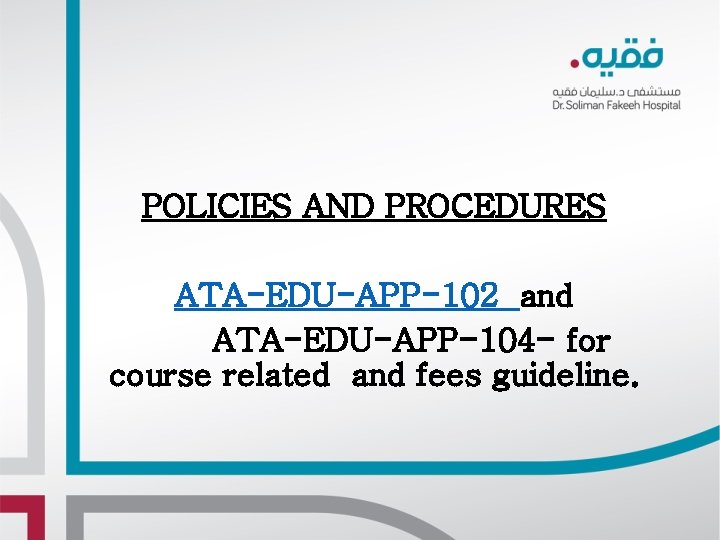
POLICIES AND PROCEDURES ATA-EDU-APP-102 and ATA-EDU-APP-104 - for course related and fees guideline.
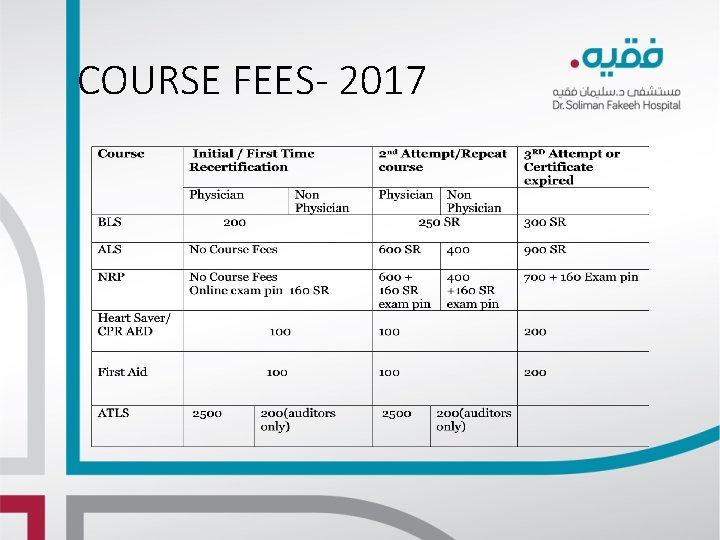
COURSE FEES- 2017