
LIBRARY FOR STUDIES Albertas Olechnoviius Head Librarian olexmruni
LIBRARY FOR STUDIES Albertas Olechnovičius Head Librarian olex@mruni. eu MRU Library Vilnius, 2017
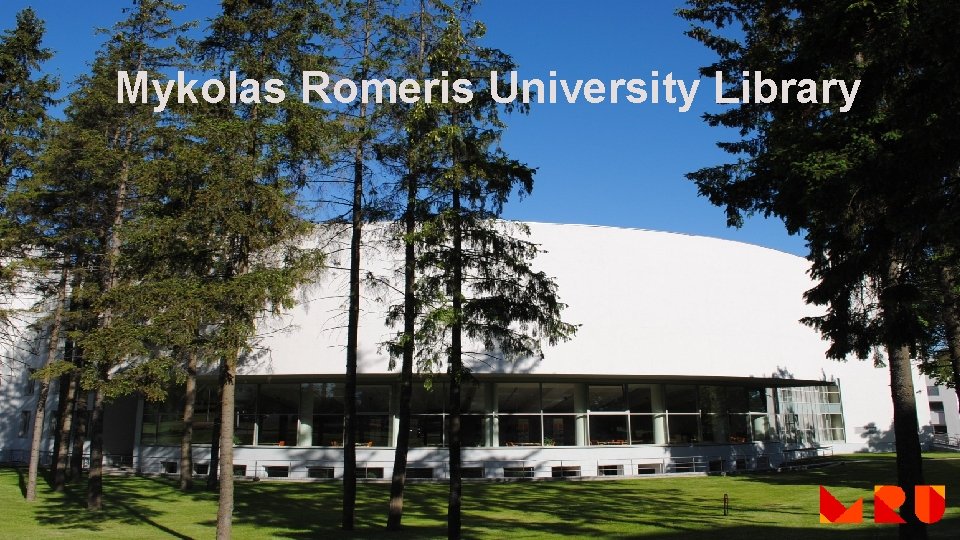
Mykolas Romeris University Library
The main information
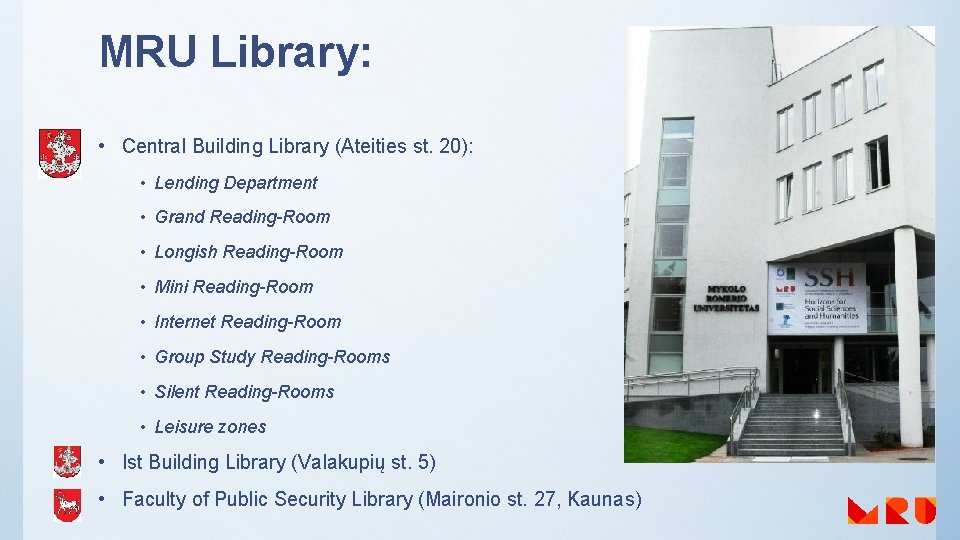
MRU Library: • Central Building Library (Ateities st. 20): • Lending Department • Grand Reading-Room • Longish Reading-Room • Mini Reading-Room • Internet Reading-Room • Group Study Reading-Rooms • Silent Reading-Rooms • Leisure zones • Ist Building Library (Valakupių st. 5) • Faculty of Public Security Library (Maironio st. 27, Kaunas)
Library Working Hours Central Building Library 24/7: • Main working hours 8: 00 – 20: 00 • Night hours I-IV, VII 19: 00 – 3: 00 Ist Building Library: check here Some Reading-rooms are open shortly. Library working hours change on the eve of holidays and holidays. On some days Library is having the cleaning day. No services are provided during this time. Information about the working hours: http: //www. mruni. eu/en/university/library/darbo_laikas/
Using the Library during the Night hours Readers work on their own. No consultations are provided • Users are allowed to enter the Library with Student‘s ID • Show your ID to the administrator when entering the Library during the Night hours
We ask you: • To leave big bags, coats, jackets, etc. at the cloakroom and in the locker-rooms • To keep silence in the Library and do not disturb the others • To set your cell phones to silent mode and not to speak in the Readingrooms • Not to carry food and drinks to the Library in open capacity
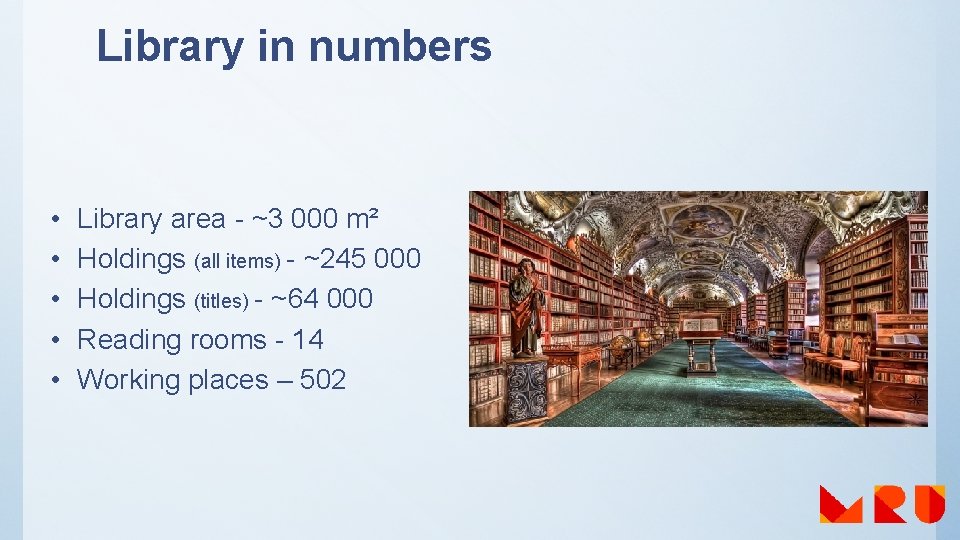
Library in numbers • • • Library area - ~3 000 m² Holdings (all items) - ~245 000 Holdings (titles) - ~64 000 Reading rooms - 14 Working places – 502
Equipment • Computerized working places – 129 • Book-drop (for returning taken publications) • Self check-in machines (for borrowing publications) • • • Interactive boards Printers Copiers Scanners Wi-Fi „Bored at work" by John Mc. Stravick is licensed under CC BY 2. 0
Logging in to the Library computers If you want to log in to Mykolas Romeris university computers, you must have your MRU e-mail activated! Login name: your MRU e-mail login name Password: your MRU e-mail password Domain: STUD
Wi-Fi MRU Eduroam Login name: MRU e-mail login name Login name: MRU e-mail (full) Password: MRU e-mail password Domain: STUDENT
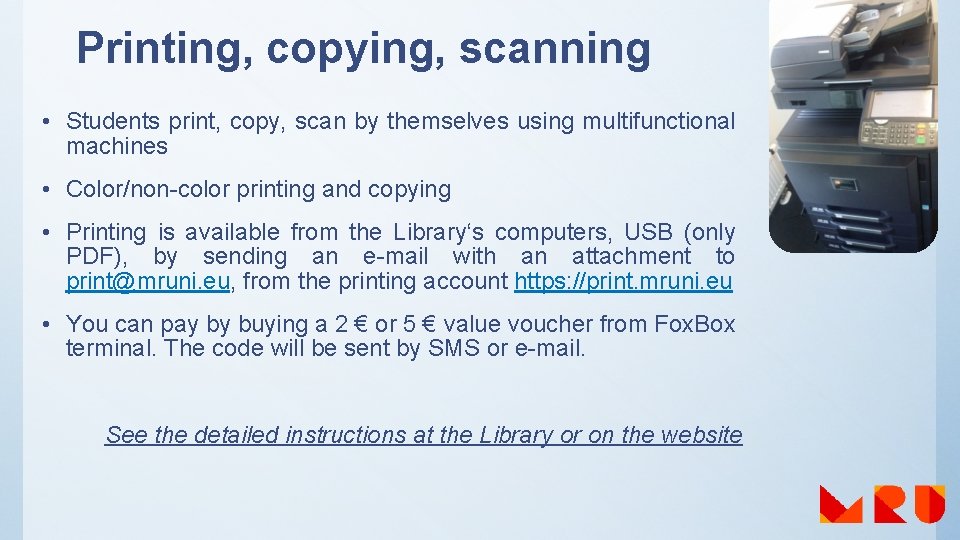
Printing, copying, scanning • Students print, copy, scan by themselves using multifunctional machines • Color/non-color printing and copying • Printing is available from the Library‘s computers, USB (only PDF), by sending an e-mail with an attachment to print@mruni. eu, from the printing account https: //print. mruni. eu • You can pay by buying a 2 € or 5 € value voucher from Fox. Box terminal. The code will be sent by SMS or e-mail. See the detailed instructions at the Library or on the website
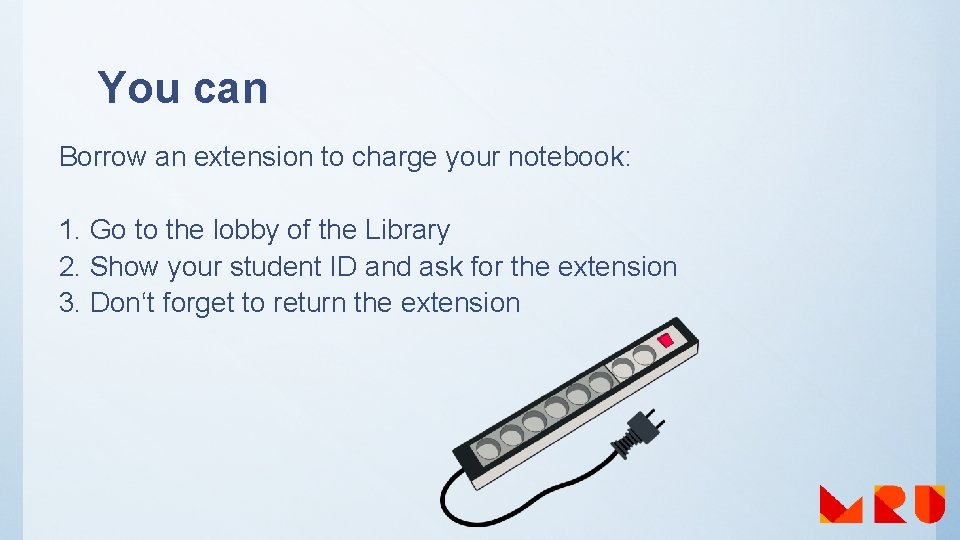
You can Borrow an extension to charge your notebook: 1. Go to the lobby of the Library 2. Show your student ID and ask for the extension 3. Don‘t forget to return the extension
We have BUREAU of FINDINGS Your left things are kept by the administrator of the Library
Resources and Services
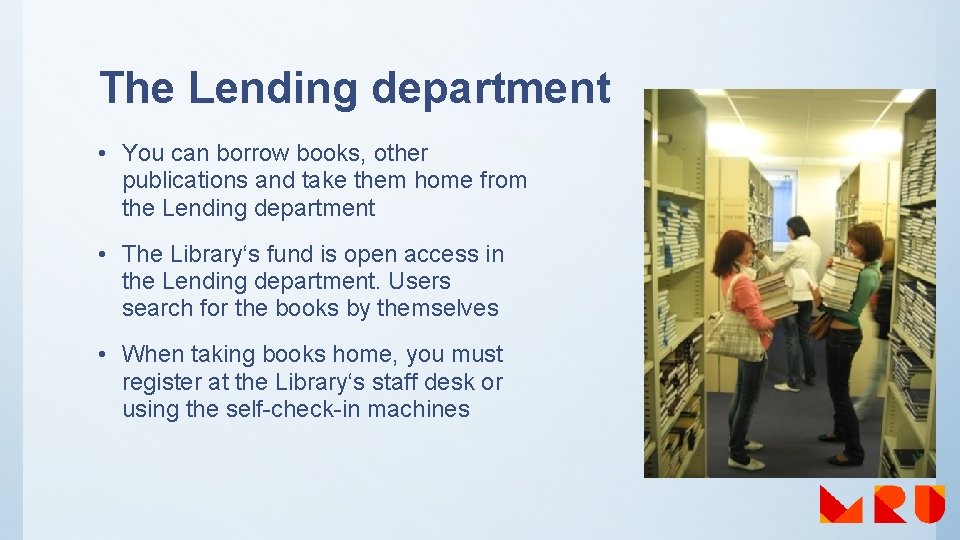
The Lending department • You can borrow books, other publications and take them home from the Lending department • The Library‘s fund is open access in the Lending department. Users search for the books by themselves • When taking books home, you must register at the Library‘s staff desk or using the self-check-in machines
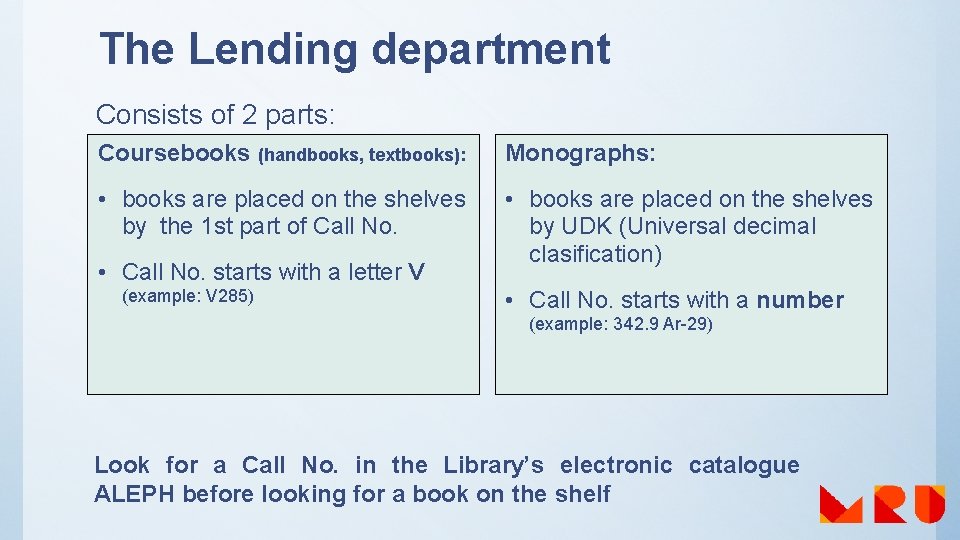
The Lending department Consists of 2 parts: Coursebooks (handbooks, textbooks): Monographs: • books are placed on the shelves by the 1 st part of Call No. • books are placed on the shelves by UDK (Universal decimal clasification) • Call No. starts with a letter V (example: V 285) • Call No. starts with a number (example: 342. 9 Ar-29) Look for a Call No. in the Library’s electronic catalogue ALEPH before looking for a book on the shelf
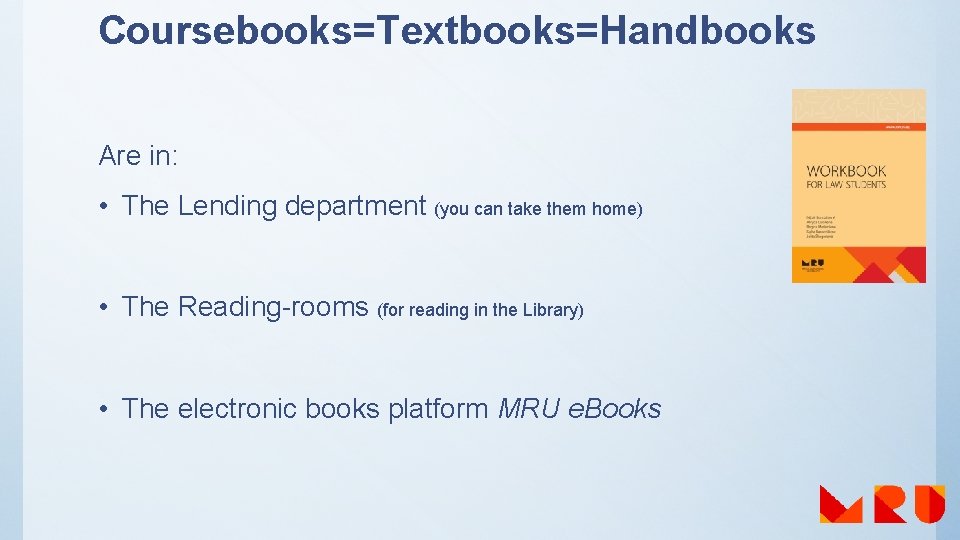
Coursebooks=Textbooks=Handbooks Are in: • The Lending department (you can take them home) • The Reading-rooms (for reading in the Library) • The electronic books platform MRU e. Books
The Lending department: users‘ service • You need a document for borrowing books. Give it to the Library‘s employee at the Lending department, when taking books home: ü Student ID ü Personal ID You‘re welcome to use the self-check-in machine when borrowing books • Bachelor students can borrow 20 books, master students – 30 • If a reader doesn’t return 3 or more books on time, lending of other books is blocked automatically
The Lending department: users‘ service • The date of publication‘s return is in the check of a lending or you can see this information in your Library’s electronic catalogue account • Library‘s information is sent to students‘ MRU e-mail boxes • If a book is lost or damaged, the user must compensate a loss according to MRU Senate‘s documents
Fee for the overdue books • Fines for overdue books are started to calculate from the next day, when the returning term of the book has expired: Øif the book is checked out until the end of the semester, the fine is 0, 05 EUR for each working day that the book is overdue Øif the book is checked out shorter than the semester, the fine is 0, 10 EUR for each working day that the book is overdue • The fee counting ends only when the book is returned. In order to avoid misunderstandings, please pay the fine and bring the receipt to the Library employee at the Lending Department • If the fee for the overdue books exceeds the amount of 10 EUR, further borrowing of books is blocked • Information about the books taken from the Library and fees is at http: //mru. library. lt by logging in to the system
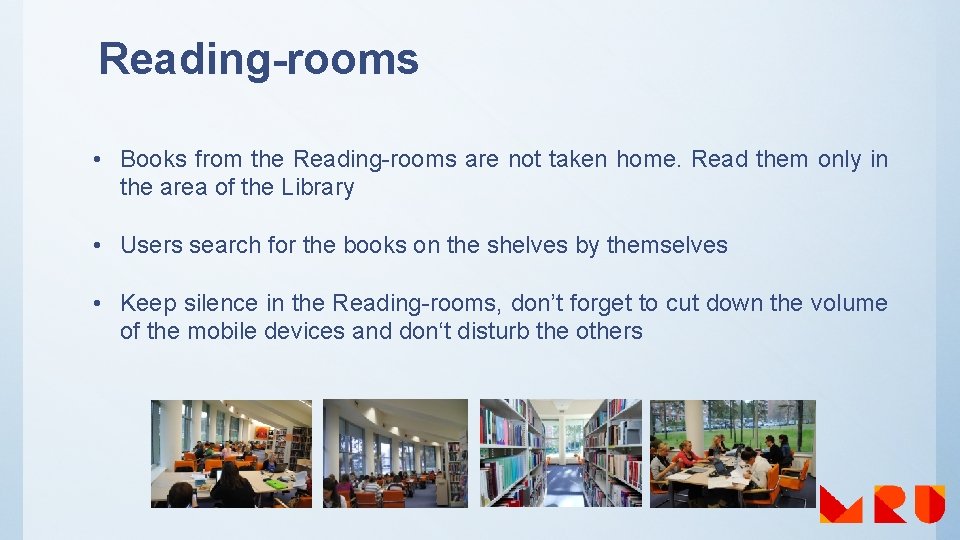
Reading-rooms • Books from the Reading-rooms are not taken home. Read them only in the area of the Library • Users search for the books on the shelves by themselves • Keep silence in the Reading-rooms, don’t forget to cut down the volume of the mobile devices and don‘t disturb the others
Remember! Books could be taken home only from the Lending department and Repository. Don’t take books home from the Reading-rooms. Those books can only be used in the area of the Library.
Information sources
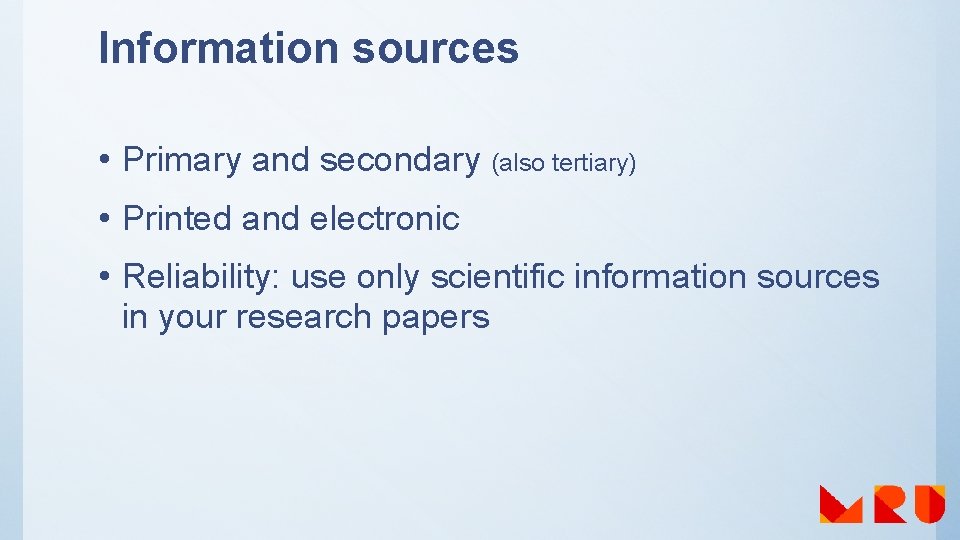
Information sources • Primary and secondary (also tertiary) • Printed and electronic • Reliability: use only scientific information sources in your research papers
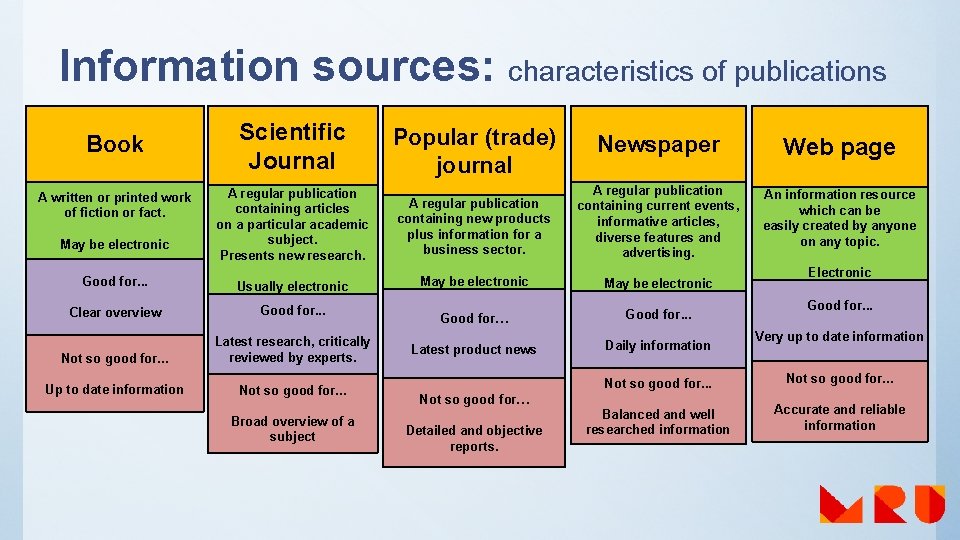
Information sources: characteristics of publications Book A written or printed work of fiction or fact. May be electronic Good for. . . Clear overview Not so good for. . . Up to date information Scientific Journal Popular (trade) journal Newspaper Web page A regular publication containing articles on a particular academic subject. Presents new research. Usually electronic A regular publication containing new products plus information for a business sector. May be electronic A regular publication containing current events, informative articles, diverse features and advertising. May be electronic An information resource which can be easily created by anyone on any topic. Electronic Good for. . . Latest research, critically reviewed by experts. Good for… Latest product news Good for. . . Daily information Not so good for. . . Broad overview of a subject Not so good for… Detailed and objective reports. Not so good for. . . Balanced and well researched information Good for. . . Very up to date information Not so good for. . . Accurate and reliable information
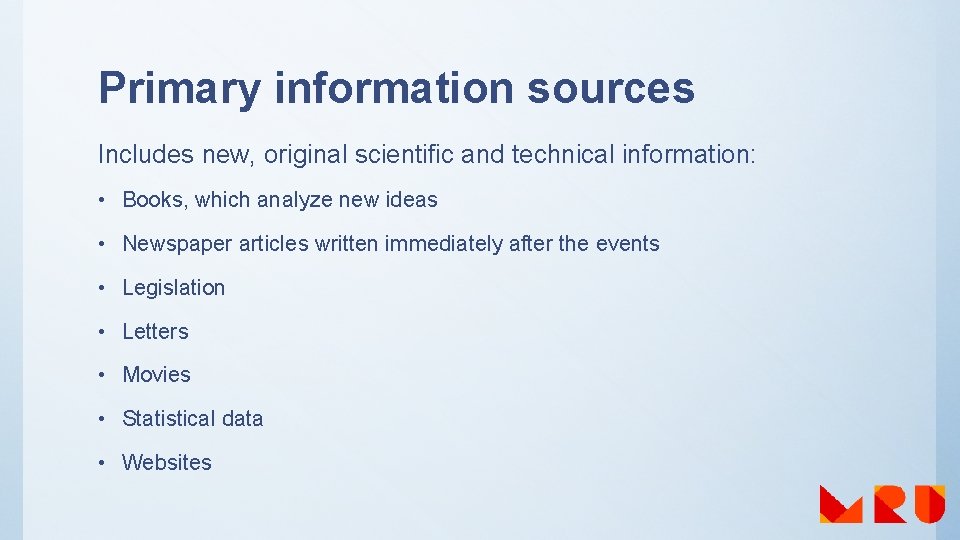
Primary information sources Includes new, original scientific and technical information: • Books, which analyze new ideas • Newspaper articles written immediately after the events • Legislation • Letters • Movies • Statistical data • Websites
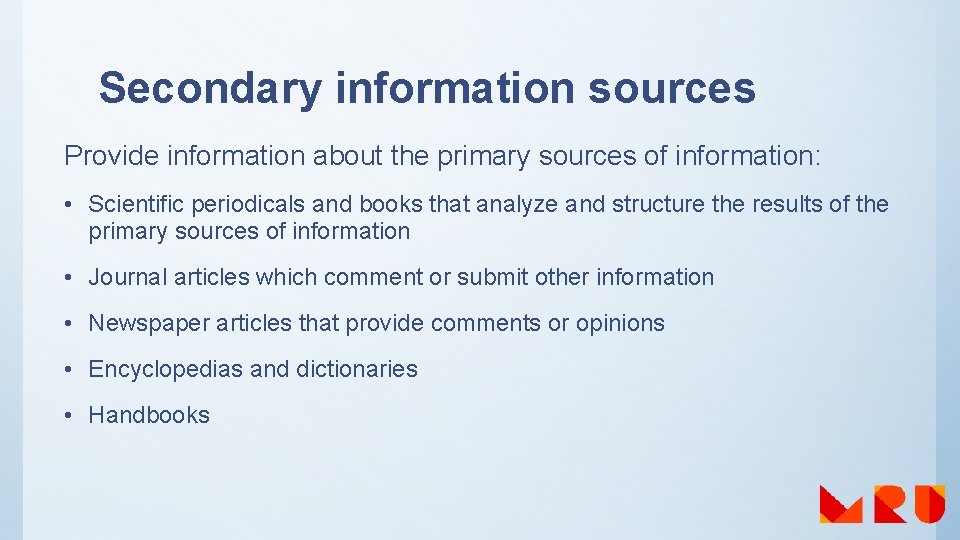
Secondary information sources Provide information about the primary sources of information: • Scientific periodicals and books that analyze and structure the results of the primary sources of information • Journal articles which comment or submit other information • Newspaper articles that provide comments or opinions • Encyclopedias and dictionaries • Handbooks
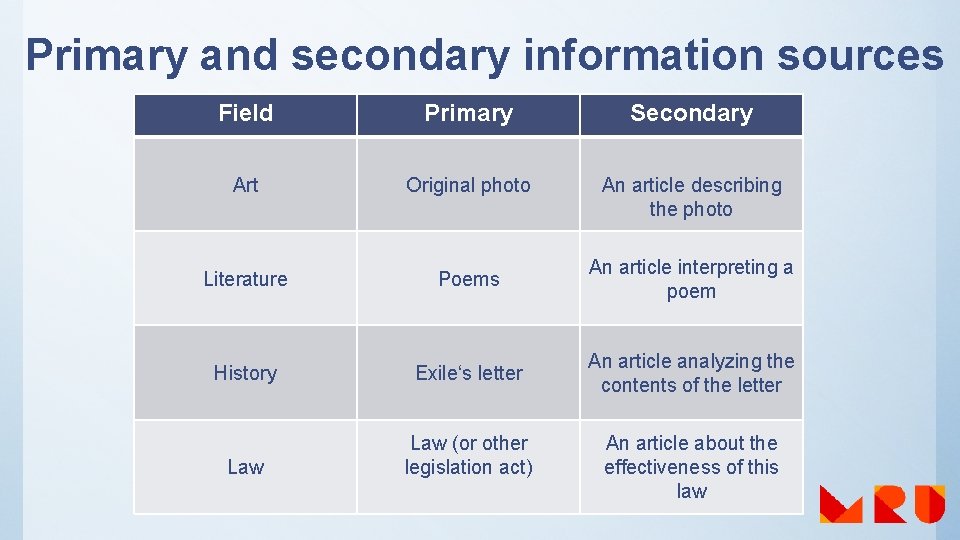
Primary and secondary information sources Field Primary Secondary Art Original photo An article describing the photo Literature Poems An article interpreting a poem History Exile‘s letter An article analyzing the contents of the letter Law (or other legislation act) An article about the effectiveness of this law
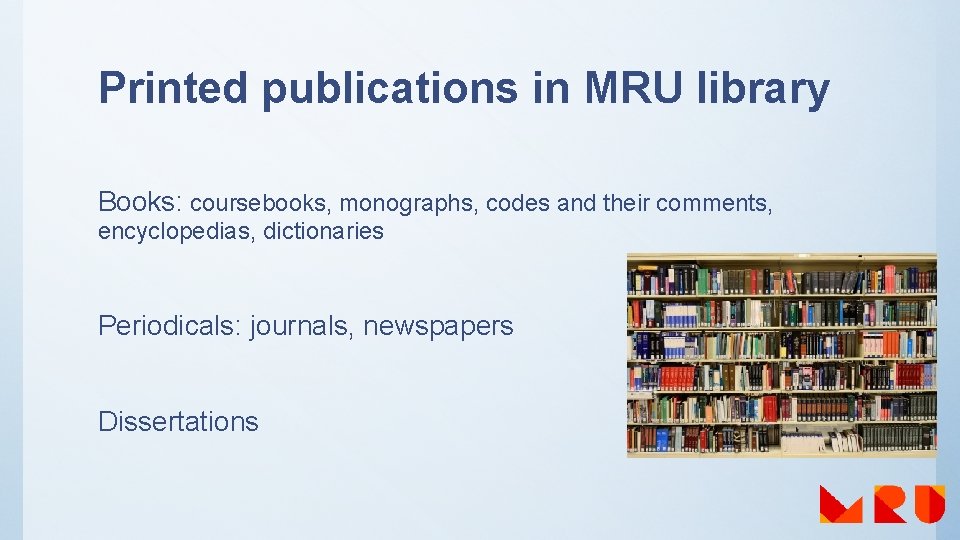
Printed publications in MRU library Books: coursebooks, monographs, codes and their comments, encyclopedias, dictionaries Periodicals: journals, newspapers Dissertations
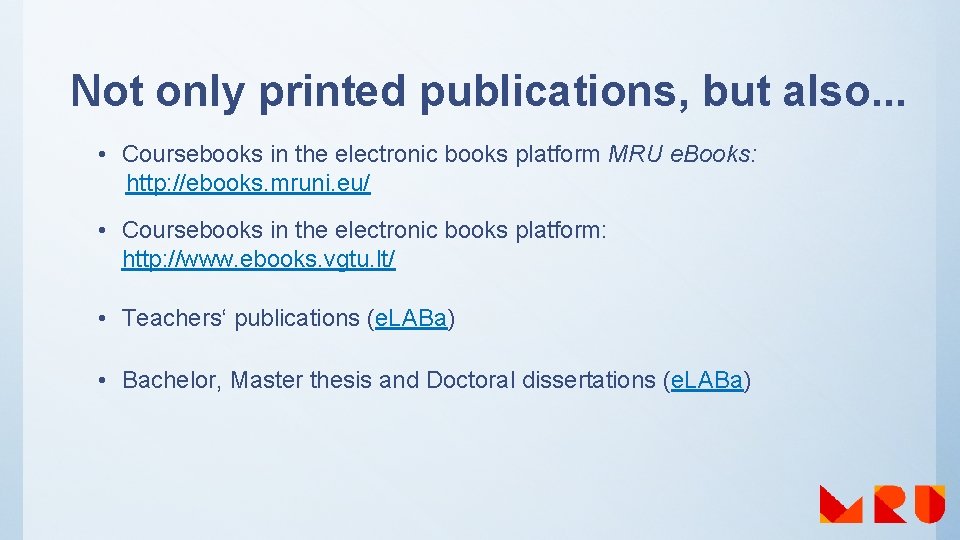
Not only printed publications, but also. . . • Coursebooks in the electronic books platform MRU e. Books: http: //ebooks. mruni. eu/ • Coursebooks in the electronic books platform: http: //www. ebooks. vgtu. lt/ • Teachers‘ publications (e. LABa) • Bachelor, Master thesis and Doctoral dissertations (e. LABa)
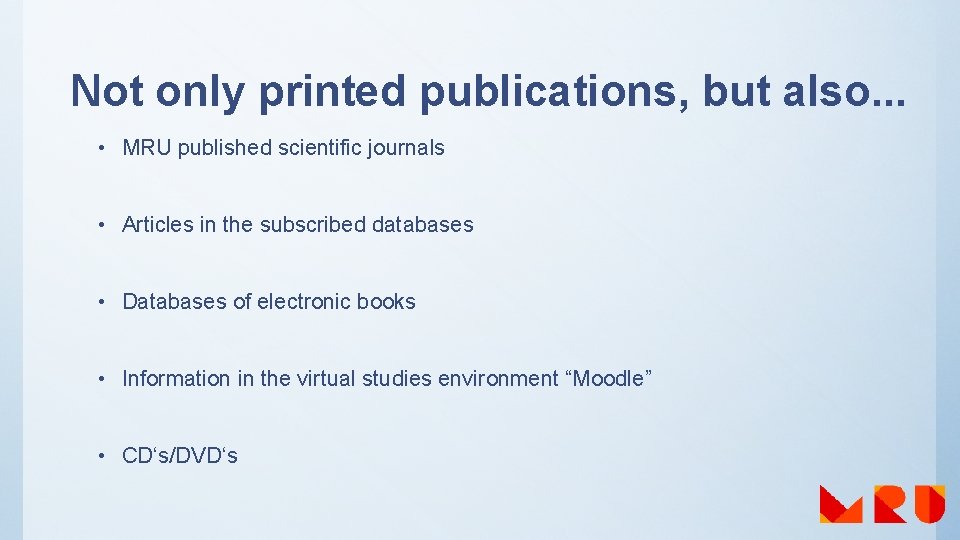
Not only printed publications, but also. . . • MRU published scientific journals • Articles in the subscribed databases • Databases of electronic books • Information in the virtual studies environment “Moodle” • CD‘s/DVD‘s
Searching for the Library materials
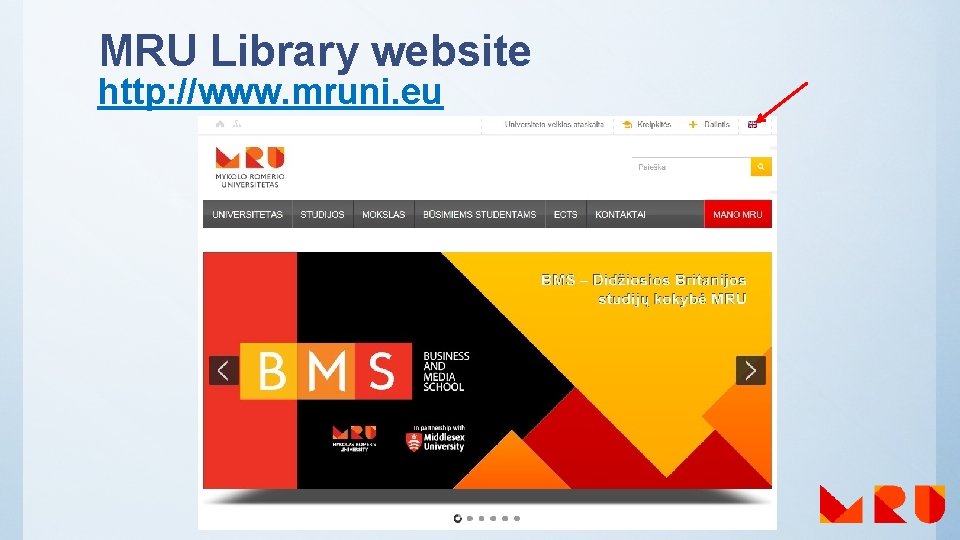
MRU Library website http: //www. mruni. eu
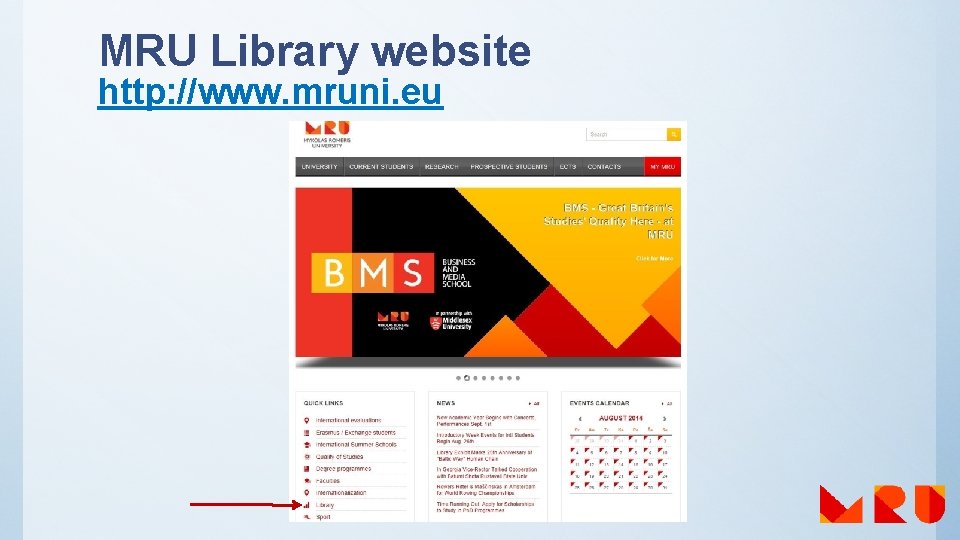
MRU Library website http: //www. mruni. eu
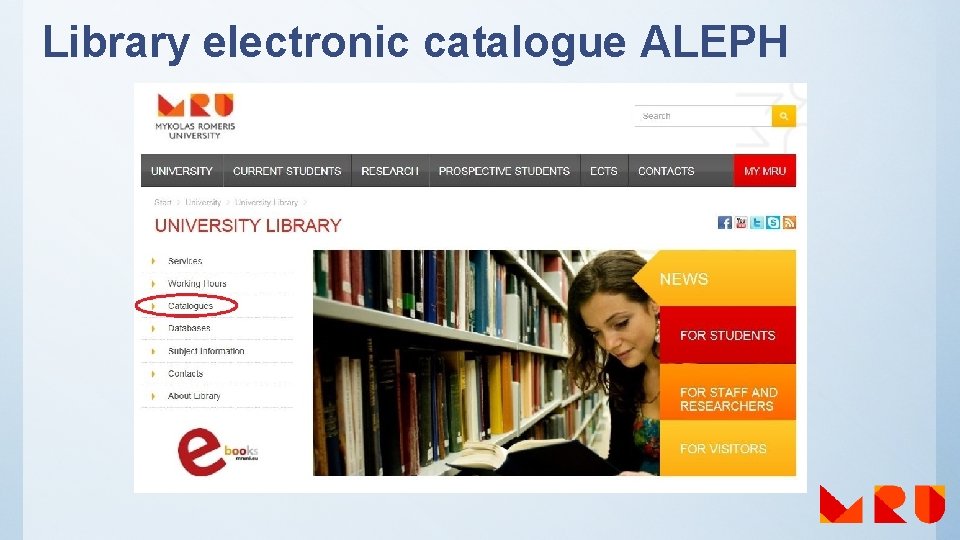
Library electronic catalogue ALEPH
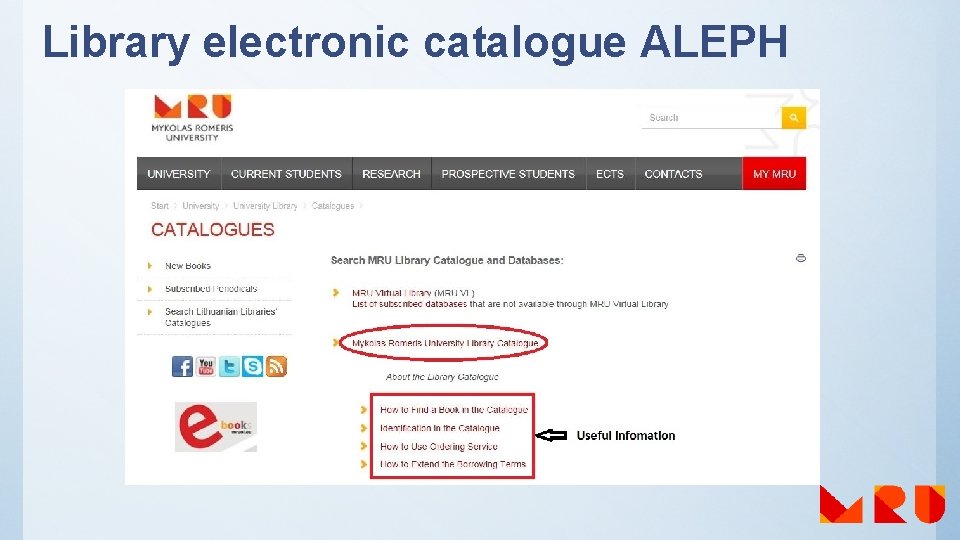
Library electronic catalogue ALEPH
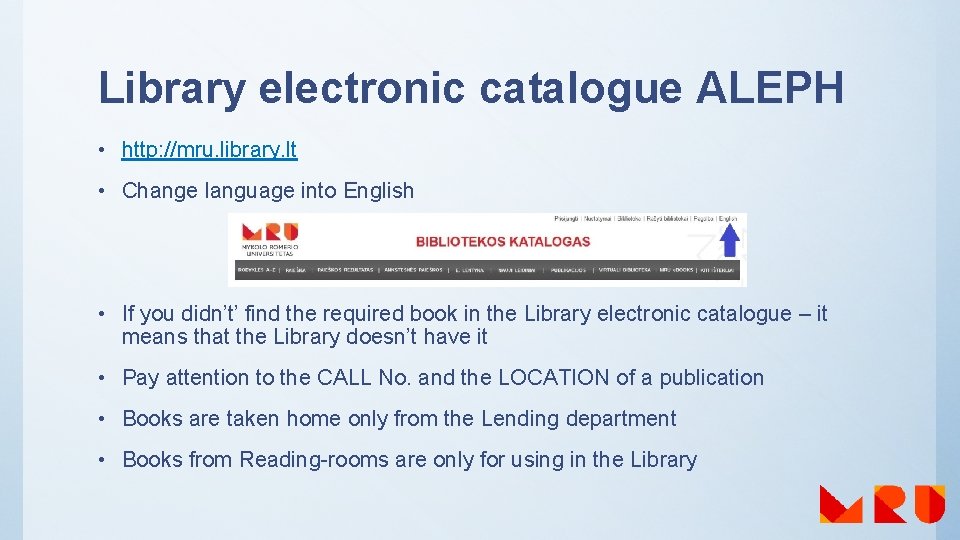
Library electronic catalogue ALEPH • http: //mru. library. lt • Change language into English • If you didn’t’ find the required book in the Library electronic catalogue – it means that the Library doesn’t have it • Pay attention to the CALL No. and the LOCATION of a publication • Books are taken home only from the Lending department • Books from Reading-rooms are only for using in the Library
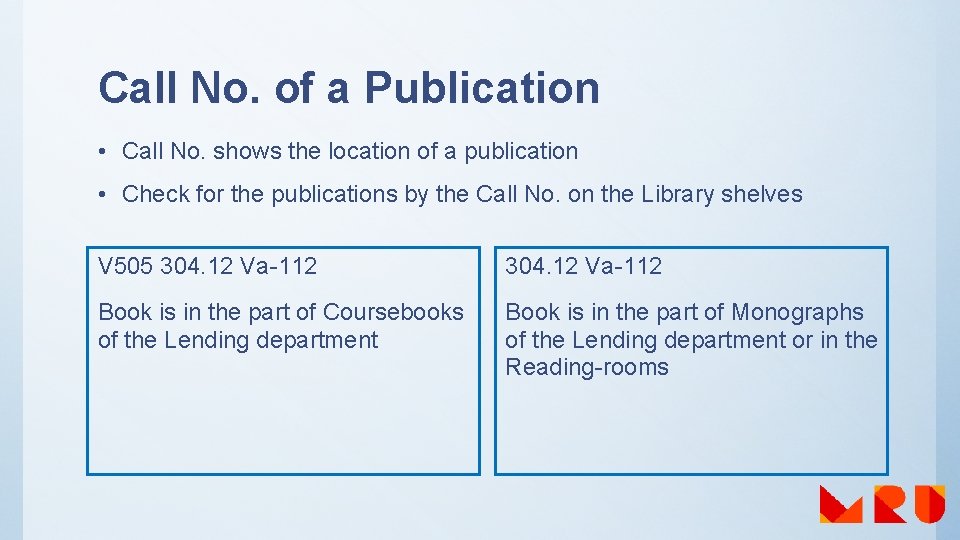
Call No. of a Publication • Call No. shows the location of a publication • Check for the publications by the Call No. on the Library shelves V 505 304. 12 Va-112 Book is in the part of Coursebooks of the Lending department Book is in the part of Monographs of the Lending department or in the Reading-rooms
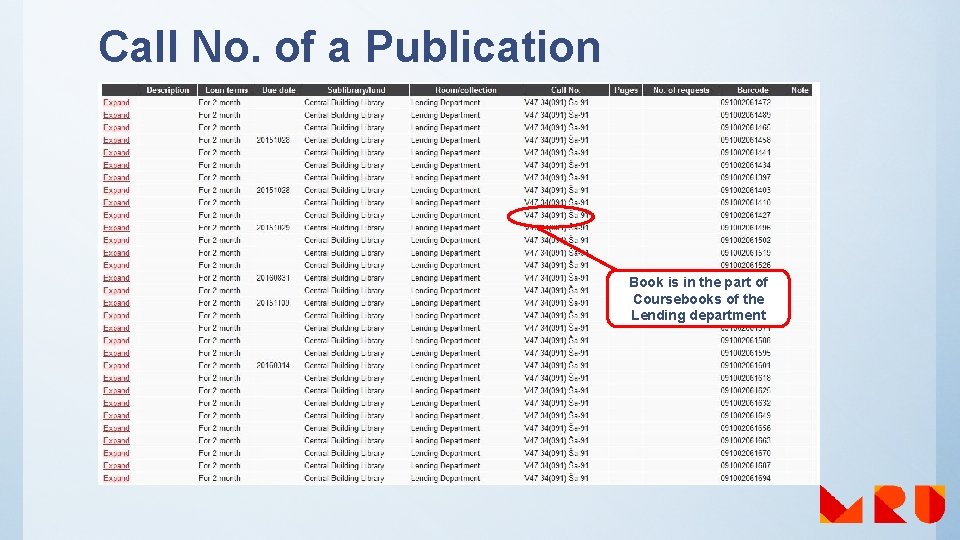
Call No. of a Publication Book is in the part of Coursebooks of the Lending department
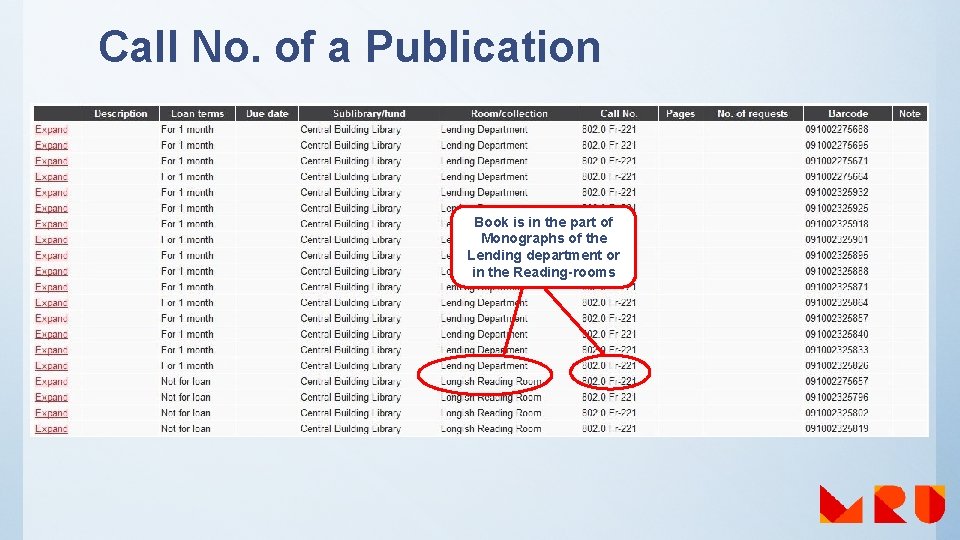
Call No. of a Publication Book is in the part of Monographs of the Lending department or in the Reading-rooms
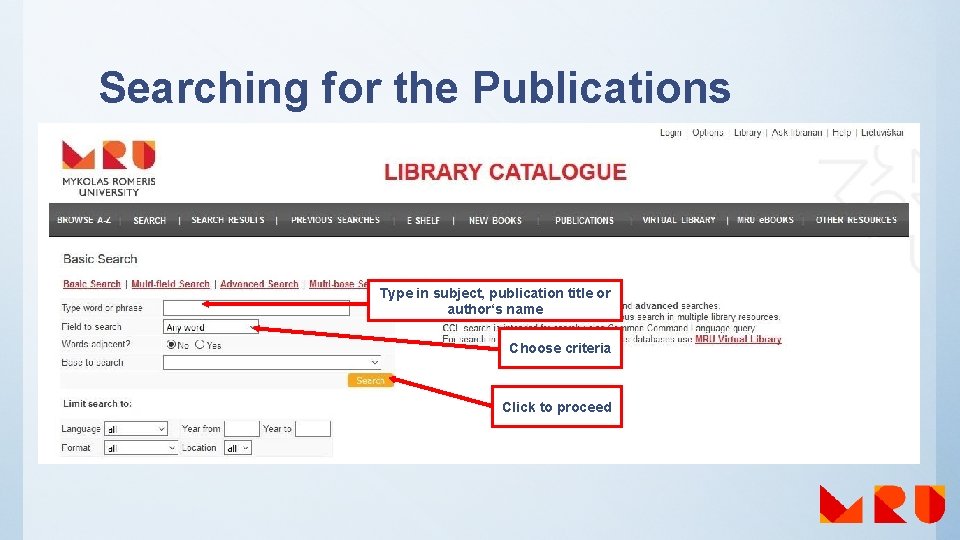
Searching for the Publications Type in subject, publication title or author‘s name Choose criteria Click to proceed
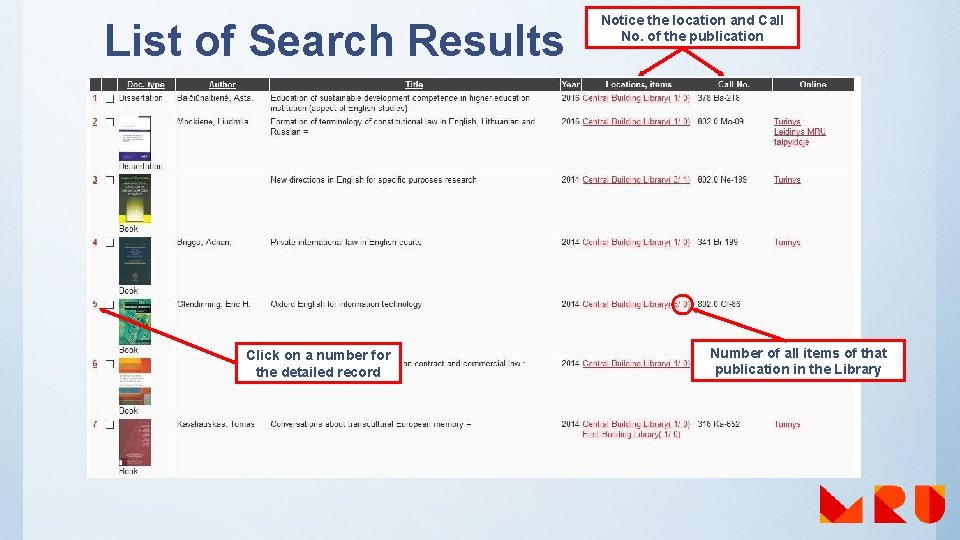
List of Search Results Click on a number for the detailed record Notice the location and Call No. of the publication Number of all items of that publication in the Library
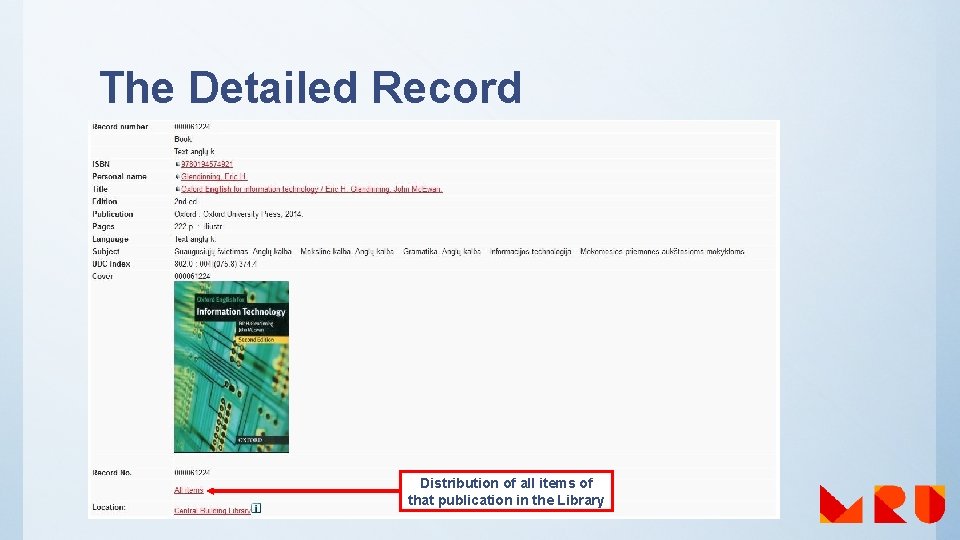
The Detailed Record Distribution of all items of that publication in the Library
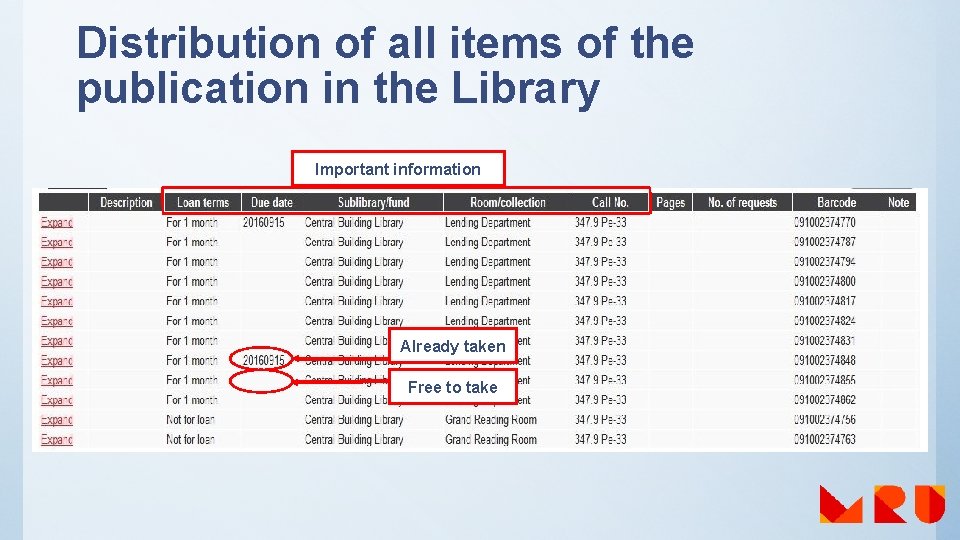
Distribution of all items of the publication in the Library Important information Already taken Free to take
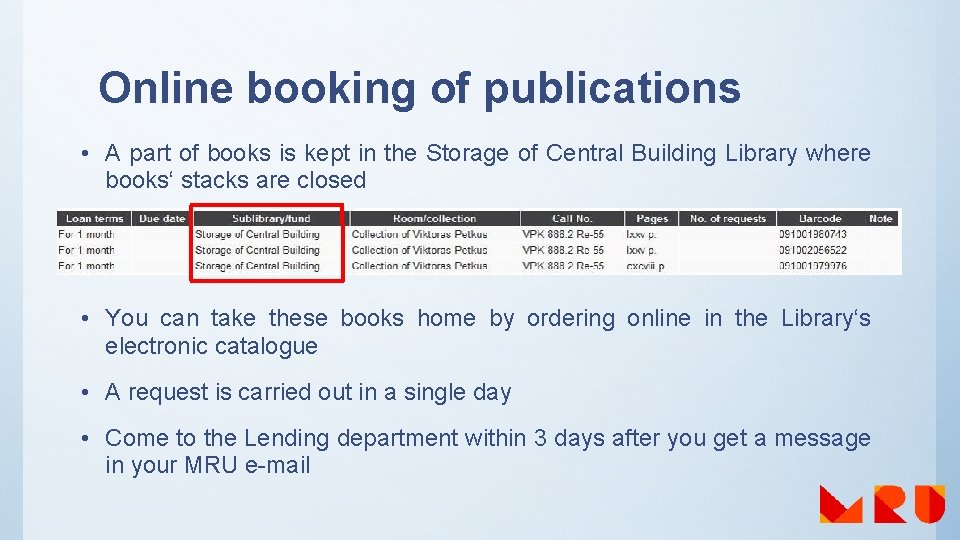
Online booking of publications • A part of books is kept in the Storage of Central Building Library where books‘ stacks are closed • You can take these books home by ordering online in the Library‘s electronic catalogue • A request is carried out in a single day • Come to the Lending department within 3 days after you get a message in your MRU e-mail
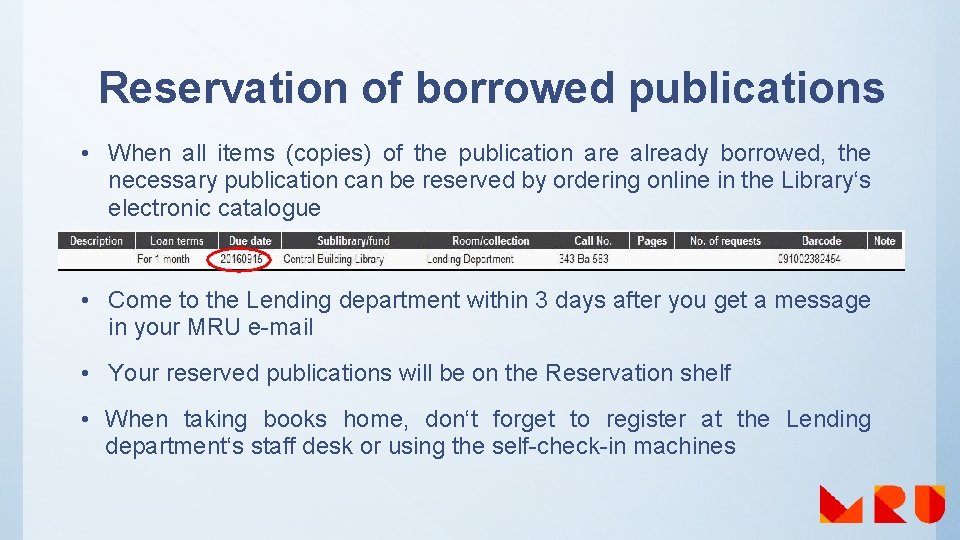
Reservation of borrowed publications • When all items (copies) of the publication are already borrowed, the necessary publication can be reserved by ordering online in the Library‘s electronic catalogue • Come to the Lending department within 3 days after you get a message in your MRU e-mail • Your reserved publications will be on the Reservation shelf • When taking books home, don‘t forget to register at the Lending department‘s staff desk or using the self-check-in machines
Information about the User in the Library‘s electronic catalogue • Every student has a personal account in the Library‘s electronic catalogue ALEPH • Log in with MRU e-mail‘s login name and password • Personal information: loans, loan history, returning terms, cash transactions • Don‘ forget to log out
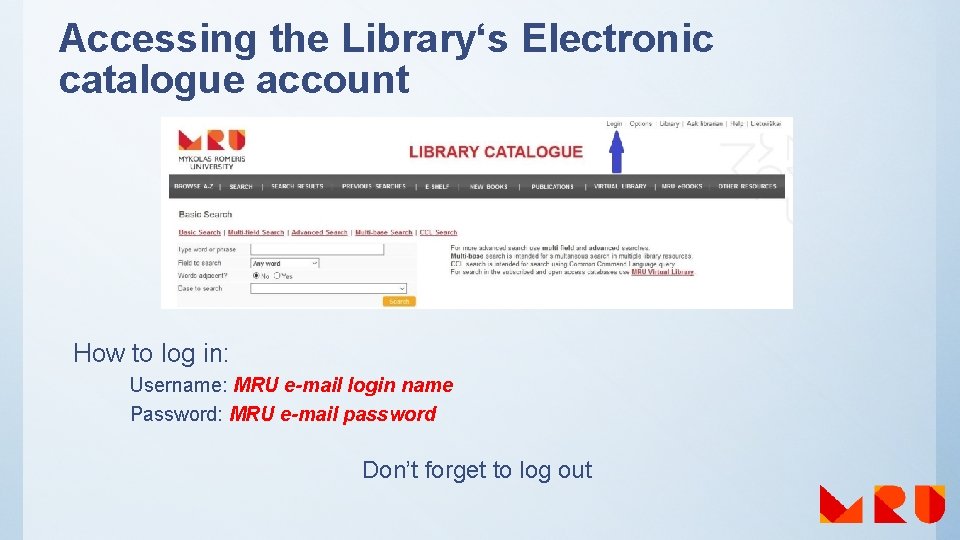
Accessing the Library‘s Electronic catalogue account How to log in: Username: MRU e-mail login name Password: MRU e-mail password Don’t forget to log out
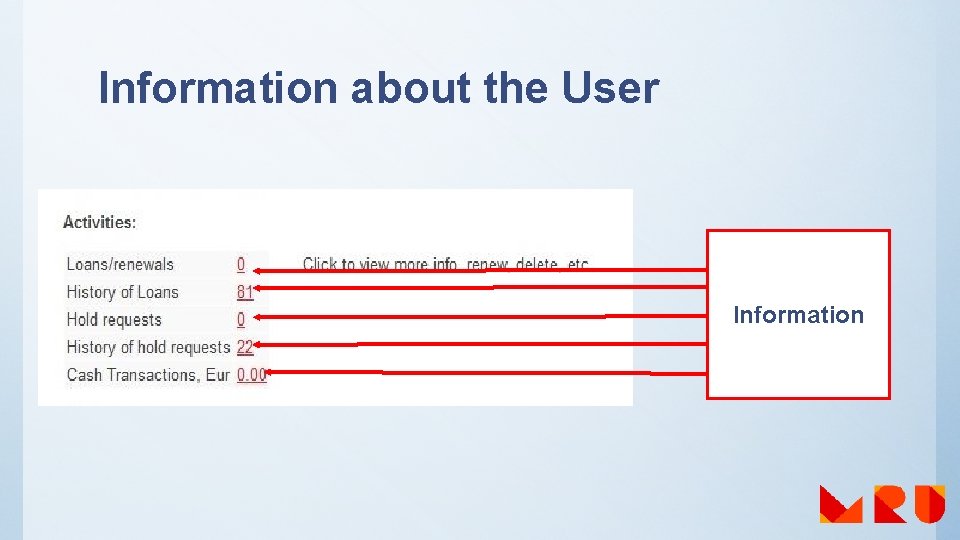
Information about the User Information
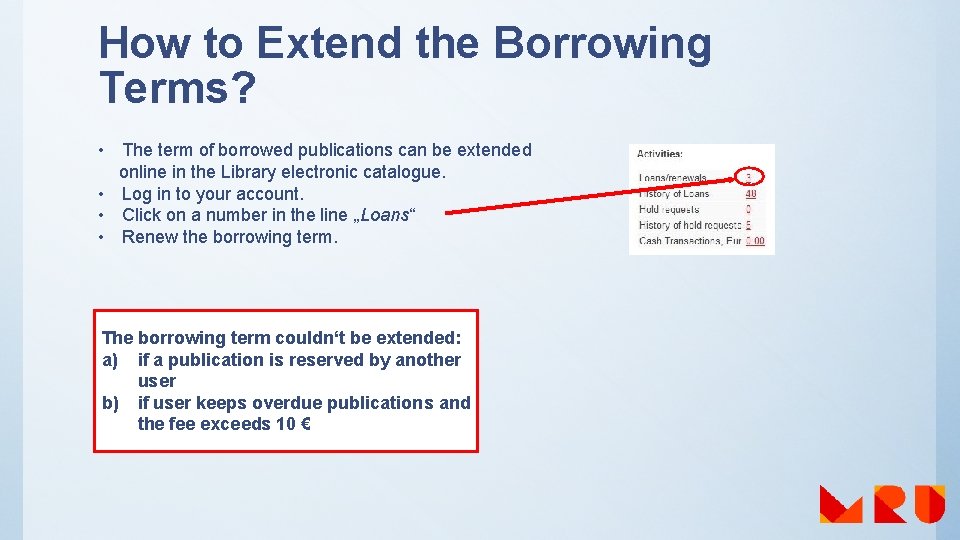
How to Extend the Borrowing Terms? • The term of borrowed publications can be extended online in the Library electronic catalogue. • Log in to your account. • Click on a number in the line „Loans“ • Renew the borrowing term. The borrowing term couldn‘t be extended: a) if a publication is reserved by another user b) if user keeps overdue publications and the fee exceeds 10 €
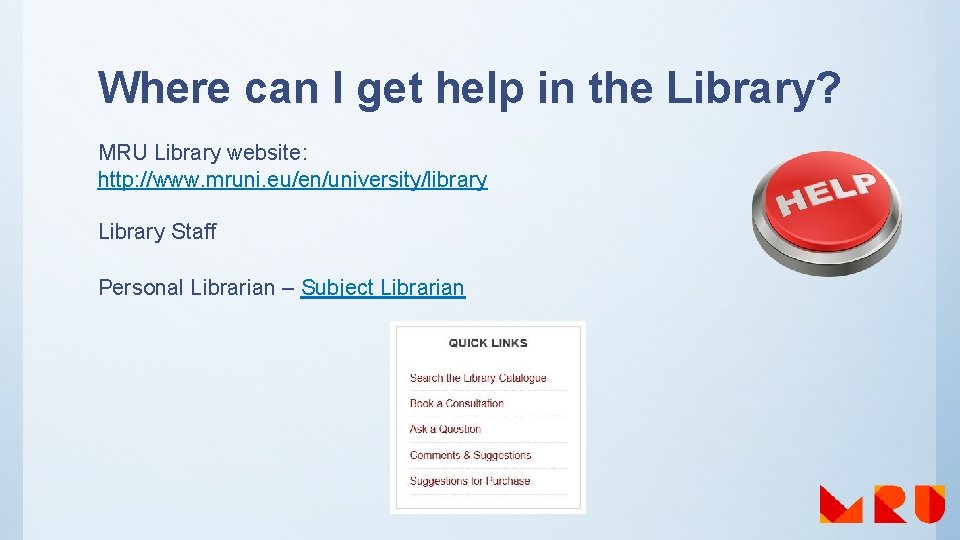
Where can I get help in the Library? MRU Library website: http: //www. mruni. eu/en/university/library Library Staff Personal Librarian – Subject Librarian
Services of Subject Librarians ü Information search strategy ü Reference list (paid service) ü Training (could be held by students’ or lecturer‘s request) ü Individual consultation – the best alternative ü Remote consultation using Skype: Skype name: mrubiblioskype
Contact us Skype: mru. biblioteka mrubiblioskype Facebook: https: //www. facebook. com/MRULibrary? fref=ts Twitter: https: //twitter. com/MRU_Library Query form: http: //www. mruni. eu/en/university/library/ask_a_question/ask_ by_email/
Practice 1. Log in to your MRU library electronic catalogue ALEPH user account 2. In MRU library electronic catalogue ALEPH: a) find a book b) see the Call No. c) discover the locations and collections, where all items of that book are Oxenden, C. (2011). New English file: upper-intermediate: workbook. Oxford: Oxford University Press. 3. Find a book and see it’s table of contents in database MRU e. Books: Norvaišas, S. , et al. (2011). Networked Business Informatics studies. Vilnius: Mykolas Romeris University Press.

Good luck!
- Slides: 56