
LIBRARY AND INFORMATION CENTRE OF LITHUANIAN UNIVERSITY OF
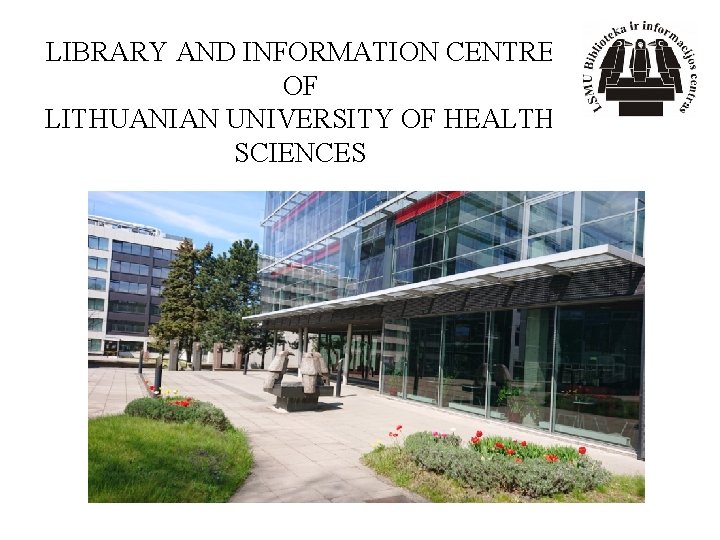
LIBRARY AND INFORMATION CENTRE OF LITHUANIAN UNIVERSITY OF HEALTH SCIENCES
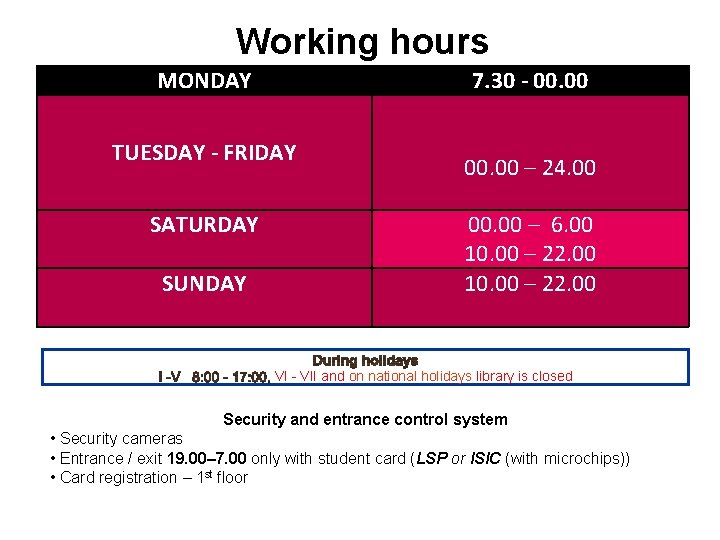
Working hours MONDAY TUESDAY - FRIDAY SATURDAY SUNDAY 7. 30 - 00. 00 – 24. 00 00. 00 – 6. 00 10. 00 – 22. 00 VI - VII and on national holidays library is closed Security and entrance control system • Security cameras • Entrance / exit 19. 00– 7. 00 only with student card (LSP or ISIC (with microchips)) • Card registration – 1 st floor
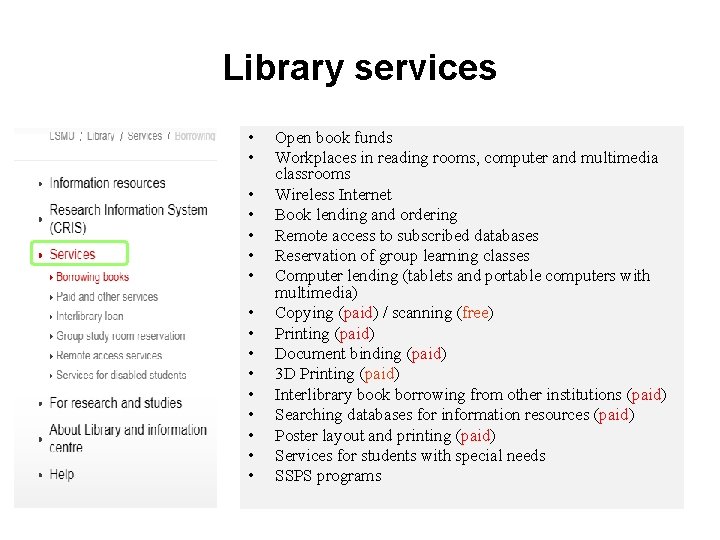
Library services • • • • Open book funds Workplaces in reading rooms, computer and multimedia classrooms Wireless Internet Book lending and ordering Remote access to subscribed databases Reservation of group learning classes Computer lending (tablets and portable computers with multimedia) Copying (paid) / scanning (free) Printing (paid) Document binding (paid) 3 D Printing (paid) Interlibrary book borrowing from other institutions (paid) Searching databases for information resources (paid) Poster layout and printing (paid) Services for students with special needs SSPS programs
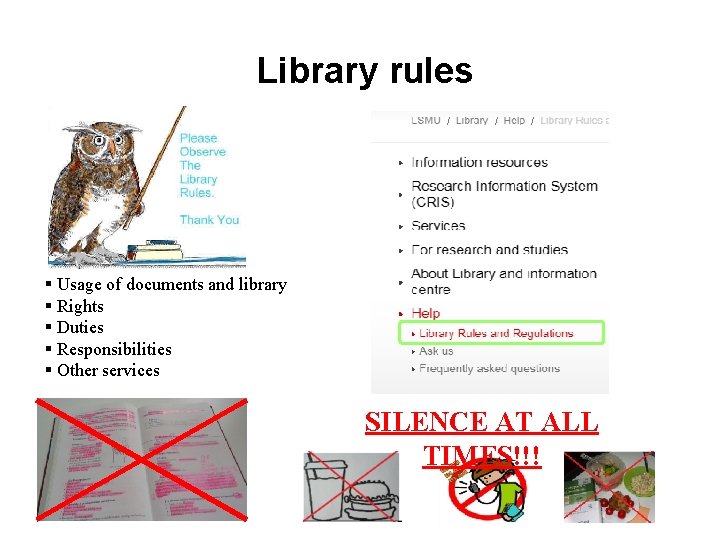
Library rules § Usage of documents and library § Rights § Duties § Responsibilities § Other services SILENCE AT ALL TIMES!!!
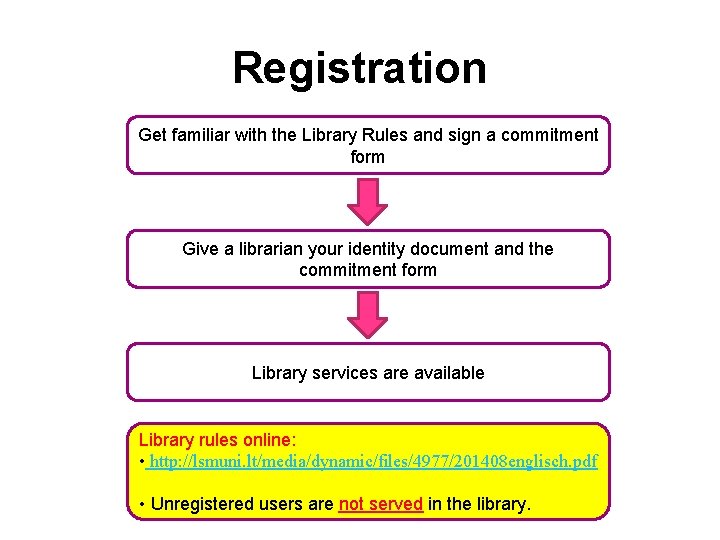
Registration Get familiar with the Library Rules and sign a commitment form Give a librarian your identity document and the commitment form Library services are available Library rules online: • http: //lsmuni. lt/media/dynamic/files/4977/201408 englisch. pdf • Unregistered users are not served in the library.
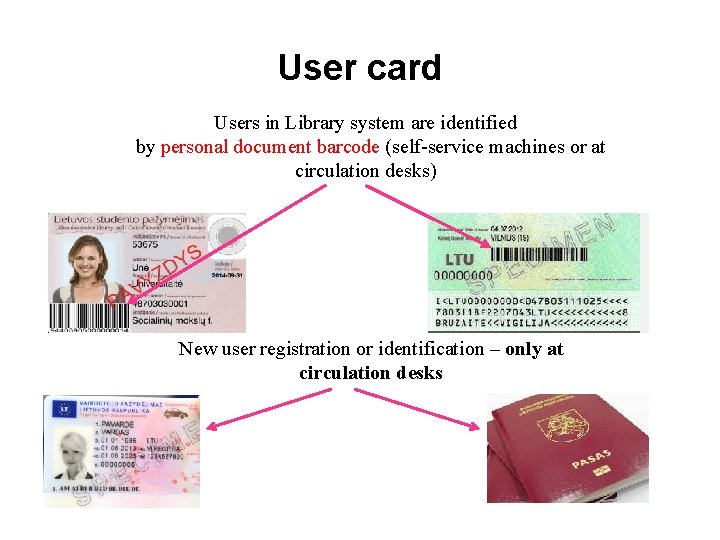
User card Users in Library system are identified by personal document barcode (self-service machines or at circulation desks) New user registration or identification – only at circulation desks
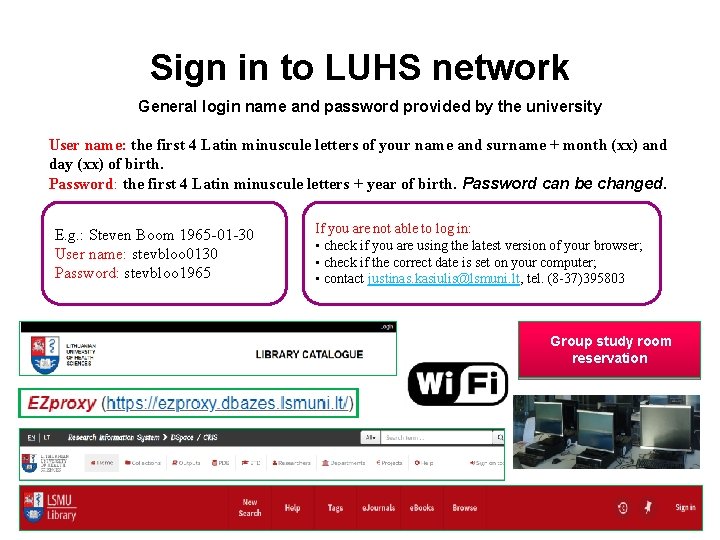
Sign in to LUHS network General login name and password provided by the university User name: the first 4 Latin minuscule letters of your name and surname + month (xx) and day (xx) of birth. Password: the first 4 Latin minuscule letters + year of birth. Password can be changed. E. g. : Steven Boom 1965 -01 -30 User name: stevbloo 0130 Password: stevbloo 1965 If you are not able to log in: • check if you are using the latest version of your browser; • check if the correct date is set on your computer; • contact justinas. kasiulis@lsmuni. lt, tel. (8 -37)395803 Group study room reservation
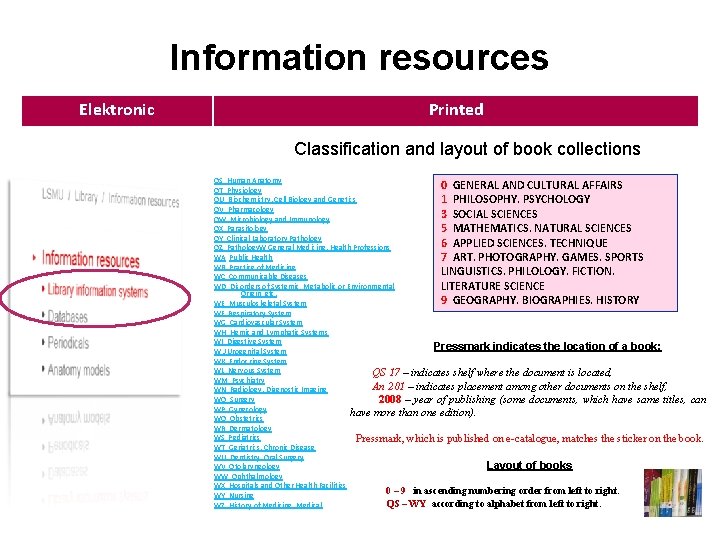
Information resources Elektronic Printed Classification and layout of book collections QS Human Anatomy 0 GENERAL AND CULTURAL AFFAIRS QT Physiology QU Biochemistry. Cell Biology and Genetics 1 PHILOSOPHY. PSYCHOLOGY QV Pharmacology 3 SOCIAL SCIENCES QW Microbiology and Immunology QX Parasitology 5 MATHEMATICS. NATURAL SCIENCES QY Clinical Laboratory Pathology 6 APPLIED SCIENCES. TECHNIQUE QZ Pathology. W General Medicine. Health Professions WA Public Health 7 ART. PHOTOGRAPHY. GAMES. SPORTS WB Practice of Medicine LINGUISTICS. PHILOLOGY. FICTION. WC Communicable Diseases WD Disorders of Systemic, Metabolic or Environmental LITERATURE SCIENCE Origin, etc. 9 GEOGRAPHY. BIOGRAPHIES. HISTORY WE Musculoskeletal System WF Respiratory System WG Cardiovascular System WH Hemic and Lymphatic Systems WI Digestive System Pressmark indicates the location of a book: W J Urogenital System WK Endocrine System WL Nervous System QS 17 – indicates shelf where the document is located, WM Psychiatry An 201 – indicates placement among other documents on the shelf, WN Radiology. Diagnostic Imaging WO Surgery 2008 – year of publishing (some documents, which have same titles, can WP Gynecology have more than one edition). WQ Obstetrics WR Dermatology WS Pediatrics Pressmark, which is published on e-catalogue, matches the sticker on the book. WT Geriatrics. Chronic Disease WU Dentistry. Oral Surgery Layout of books WV Otolaryngology WW Ophthalmology WX Hospitals and Other Health Facilities 0 – 9 in ascending numbering order from left to right. WY Nursing QS – WY according to alphabet from left to right. WZ History of Medicine. Medical
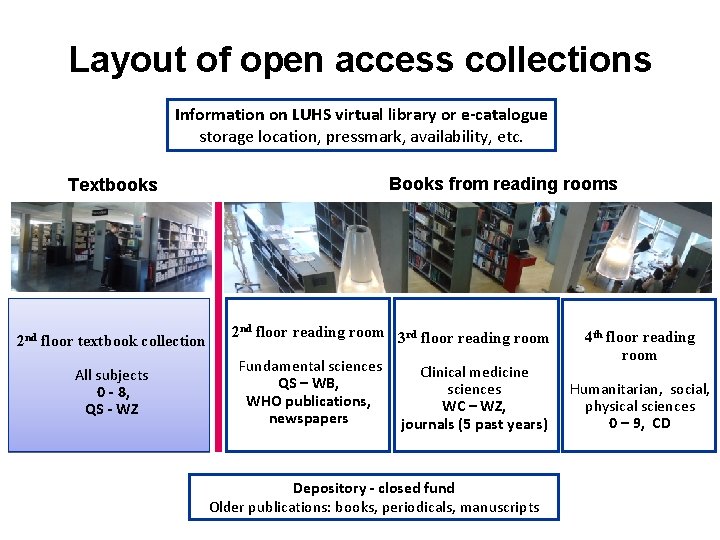
Layout of open access collections Information on LUHS virtual library or e-catalogue storage location, pressmark, availability, etc. Books from reading rooms Textbooks 2 nd floor textbook collection All subjects 0 - 8, QS - WZ 2 nd floor reading room 3 rd floor reading room Fundamental sciences QS – WB, WHO publications, newspapers Clinical medicine sciences WC – WZ, journals (5 past years) Depository - closed fund Older publications: books, periodicals, manuscripts 4 th floor reading room Humanitarian, social, physical sciences 0 – 9, CD
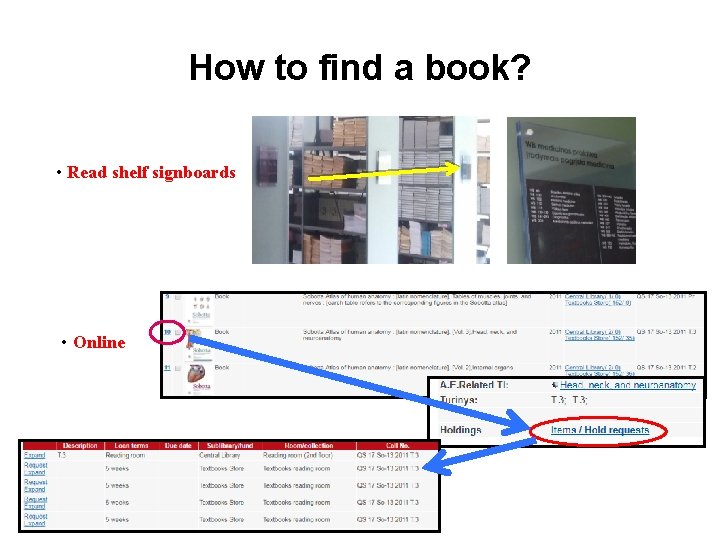
How to find a book? • Read shelf signboards • Online
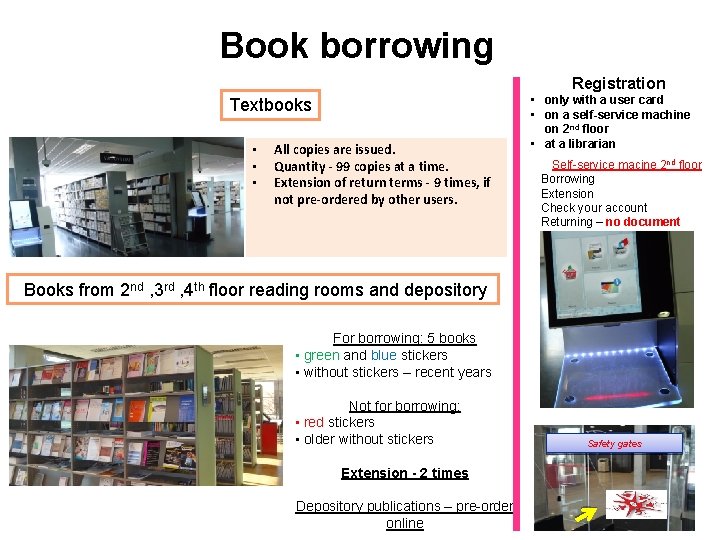
Book borrowing Registration Textbooks • • • All copies are issued. Quantity - 99 copies at a time. Extension of return terms - 9 times, if not pre-ordered by other users. • only with a user card • on a self-service machine on 2 nd floor • at a librarian Self-service macine 2 nd floor Borrowing Extension Check your account Returning – no document Books from 2 nd , 3 rd , 4 th floor reading rooms and depository For borrowing: 5 books • green and blue stickers • without stickers – recent years Not for borrowing: • red stickers • older without stickers Extension - 2 times Depository publications – pre-order online Safety gates
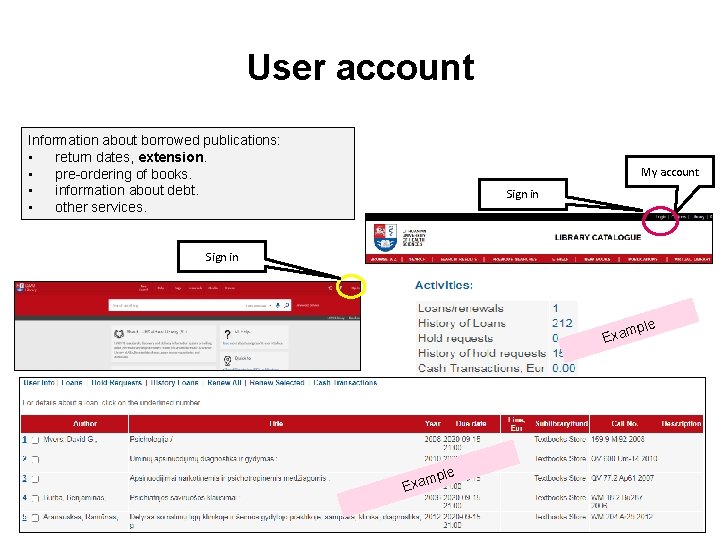
User account Information about borrowed publications: • return dates, extension. • pre-ordering of books. • information about debt. • other services. My account Sign in mple Exa
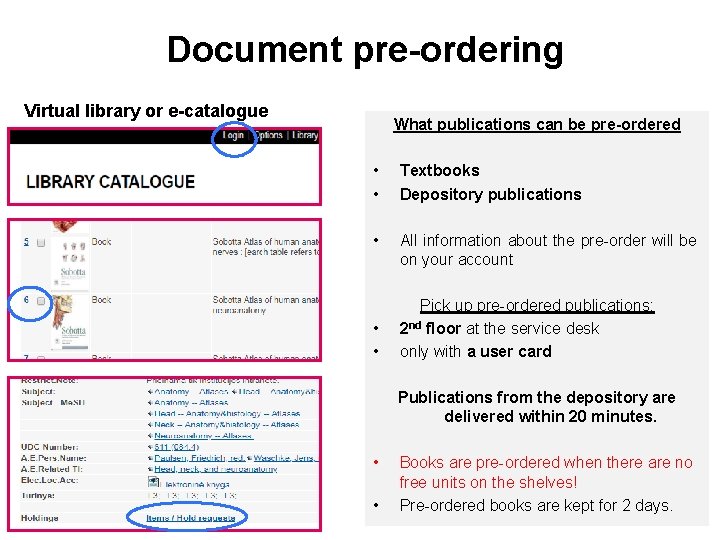
Document pre-ordering Virtual library or e-catalogue What publications can be pre-ordered • • Textbooks Depository publications • All information about the pre-order will be on your account • • Pick up pre-ordered publications: 2 nd floor at the service desk only with a user card Publications from the depository are delivered within 20 minutes. • • Books are pre-ordered when there are no free units on the shelves! Pre-ordered books are kept for 2 days.
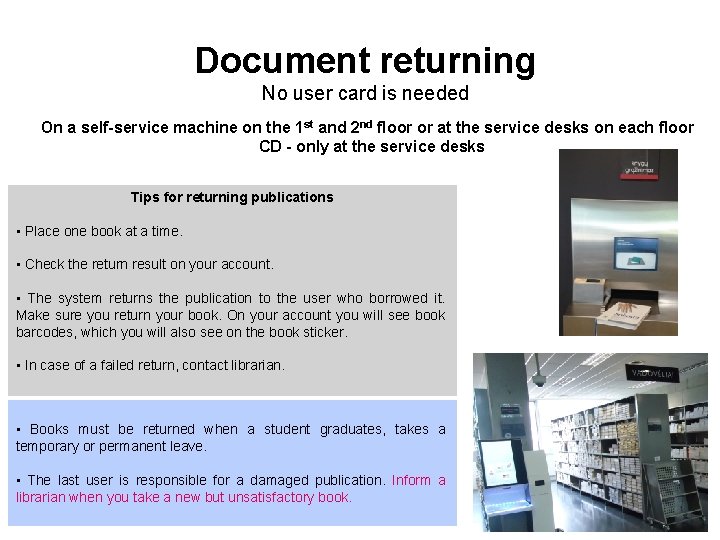
Document returning No user card is needed On a self-service machine on the 1 st and 2 nd floor or at the service desks on each floor CD - only at the service desks Tips for returning publications • Place one book at a time. • Check the return result on your account. • The system returns the publication to the user who borrowed it. Make sure you return your book. On your account you will see book barcodes, which you will also see on the book sticker. • In case of a failed return, contact librarian. • Books must be returned when a student graduates, takes a temporary or permanent leave. • The last user is responsible for a damaged publication. Inform a librarian when you take a new but unsatisfactory book.
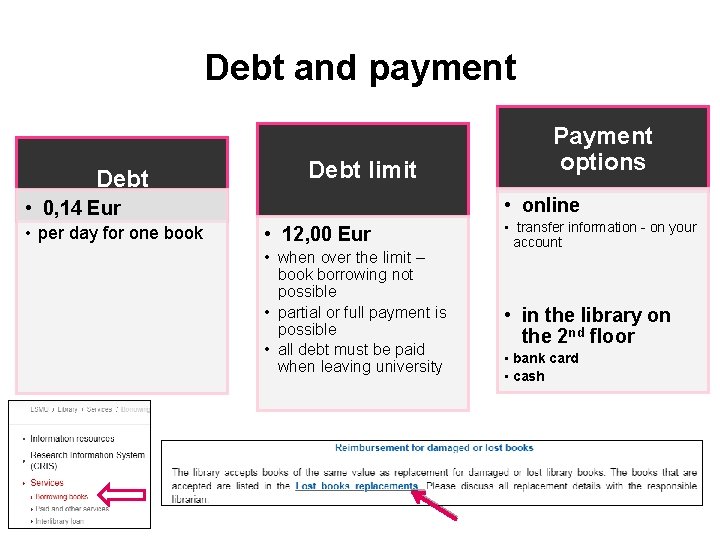
Debt and payment Debt limit • online • 0, 14 Eur • per day for one book Payment options • 12, 00 Eur • when over the limit – book borrowing not possible • partial or full payment is possible • all debt must be paid when leaving university • transfer information - on your account • in the library on the 2 nd floor • bank card • cash
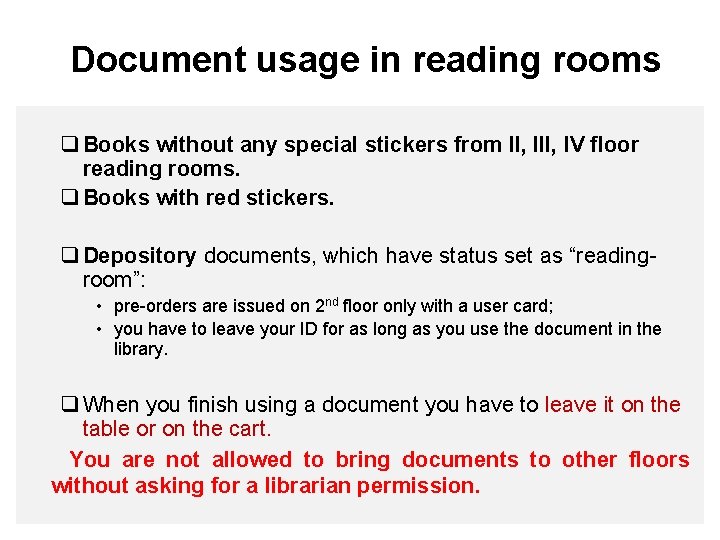
Document usage in reading rooms q Books without any special stickers from II, IV floor reading rooms. q Books with red stickers. q Depository documents, which have status set as “readingroom”: • pre-orders are issued on 2 nd floor only with a user card; • you have to leave your ID for as long as you use the document in the library. q When you finish using a document you have to leave it on the table or on the cart. You are not allowed to bring documents to other floors without asking for a librarian permission.
Reminder about delay to return books (sent once a week) Letters are sent to your university e-mail E. g. : vardas. pavardė@stud. lsmuni. lt Letters can be redirected to your favorite e-mail. Note: Reminders are only an additional way to keep track of return dates. Track the return dates of your borrowed books on your account!
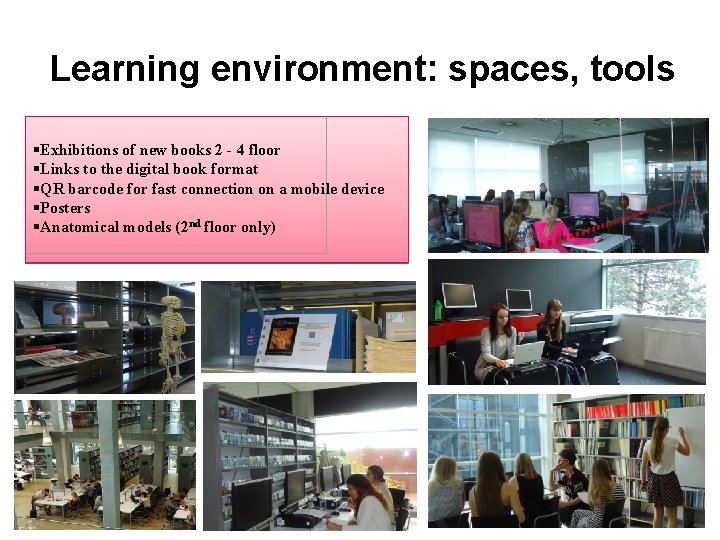
Learning environment: spaces, tools §Exhibitions of new books 2 - 4 floor §Links to the digital book format §QR barcode for fast connection on a mobile device §Posters §Anatomical models (2 nd floor only)
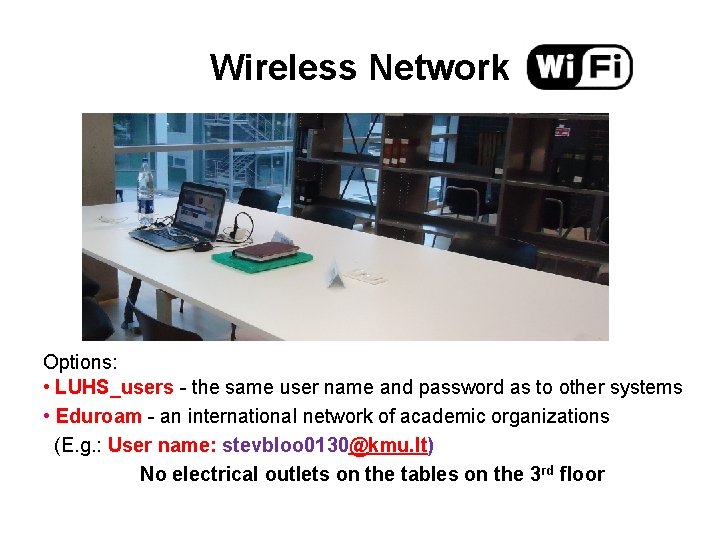
Wireless Network Options: • LUHS_users - the same user name and password as to other systems • Eduroam - an international network of academic organizations (E. g. : User name: stevbloo 0130@kmu. lt) No electrical outlets on the tables on the 3 rd floor
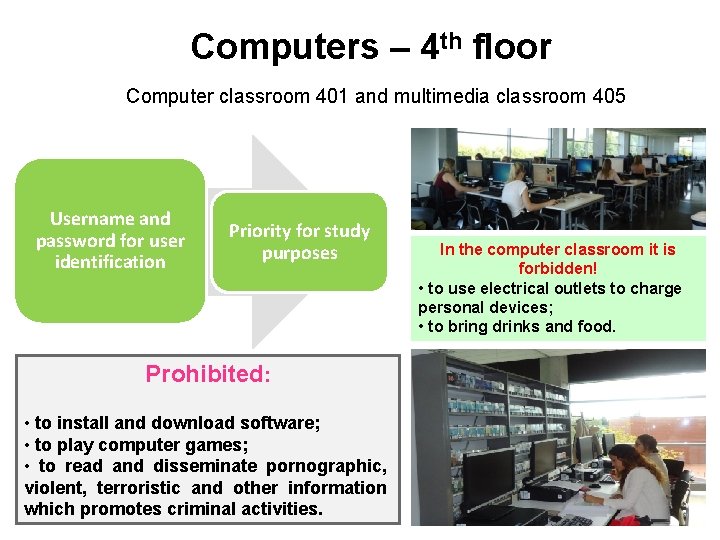
Computers – 4 th floor Computer classroom 401 and multimedia classroom 405 Username and password for user identification Priority for study purposes Prohibited: • to install and download software; • to play computer games; • to read and disseminate pornographic, violent, terroristic and other information which promotes criminal activities. In the computer classroom it is forbidden! • to use electrical outlets to charge personal devices; • to bring drinks and food.
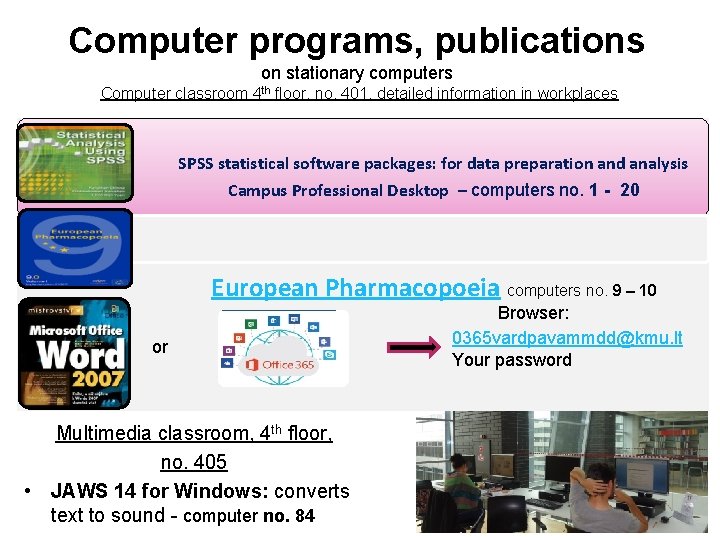
Computer programs, publications on stationary computers Computer classroom 4 th floor, no. 401, detailed information in workplaces SPSS statistical software packages: for data preparation and analysis Campus Professional Desktop – computers no. 1 - 20 European Pharmacopoeia computers no. 9 – 10 or Multimedia classroom, 4 th floor, no. 405 • JAWS 14 for Windows: converts text to sound - computer no. 84 Browser: 0365 vardpavammdd@kmu. lt Your password
Space for individual work § 2, 3, 4 floor. 300 seats in the reading rooms. Tables on 2 nd and 4 th floor have electrical outlets. § 2 floor. Space with mobile furniture - 10 seats. § 4 floor. Computerized workstations 56 - no. 401 and 8 - no. 405 multimedia classroom with a collection of CDs and DVDs. § 4 floor. 3 group learning classes, booked in advance. § Means for visitors with special needs (hearing and sight), ask librarian. For personal belongings - lockers 1 st floor, For outerwear - hangers (in all reading rooms)
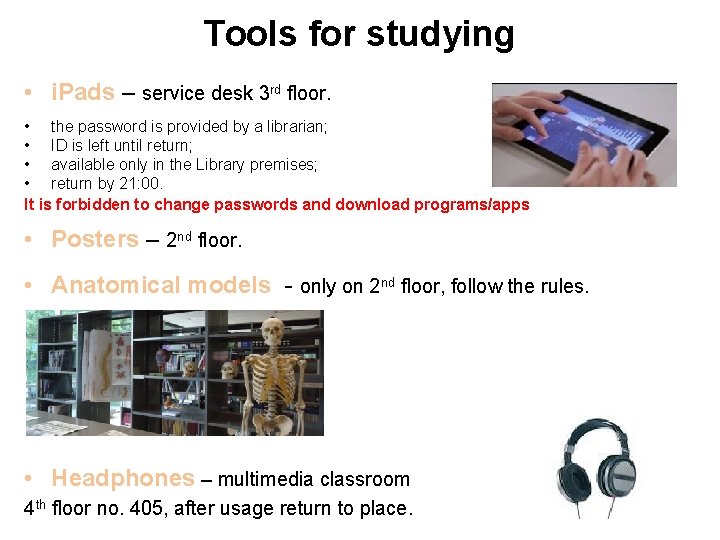
Tools for studying • i. Pads – service desk 3 rd floor. • the password is provided by a librarian; • ID is left until return; • available only in the Library premises; • return by 21: 00. It is forbidden to change passwords and download programs/apps • Posters – 2 nd floor. • Anatomical models - only on 2 nd floor, follow the rules. • Headphones – multimedia classroom 4 th floor no. 405, after usage return to place.
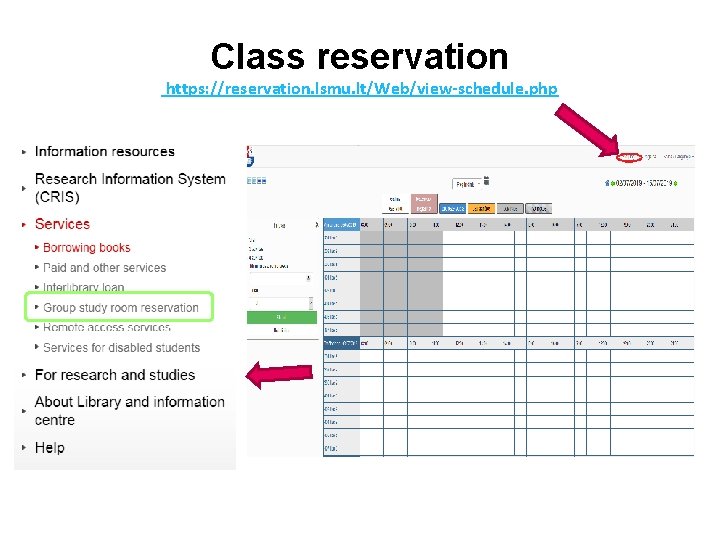
Class reservation https: //reservation. lsmu. lt/Web/view-schedule. php
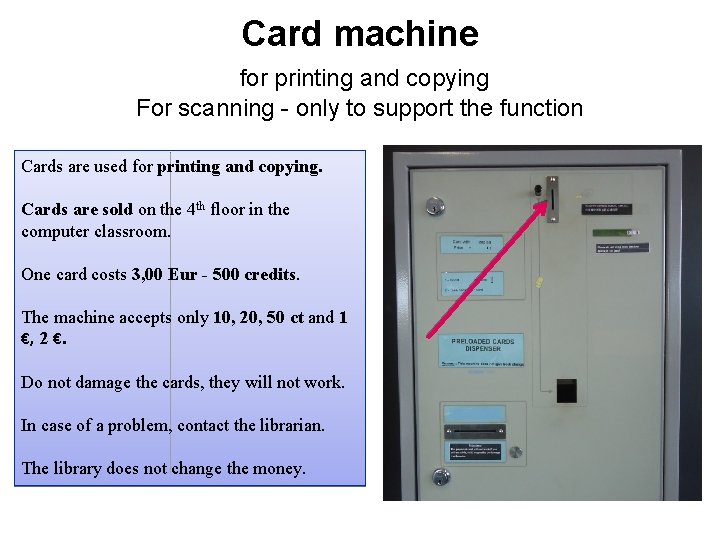
Card machine for printing and copying For scanning - only to support the function Cards are used for printing and copying. Cards are sold on the 4 th floor in the computer classroom. One card costs 3, 00 Eur - 500 credits. The machine accepts only 10, 20, 50 ct and 1 €, 2 €. Do not damage the cards, they will not work. In case of a problem, contact the librarian. The library does not change the money.
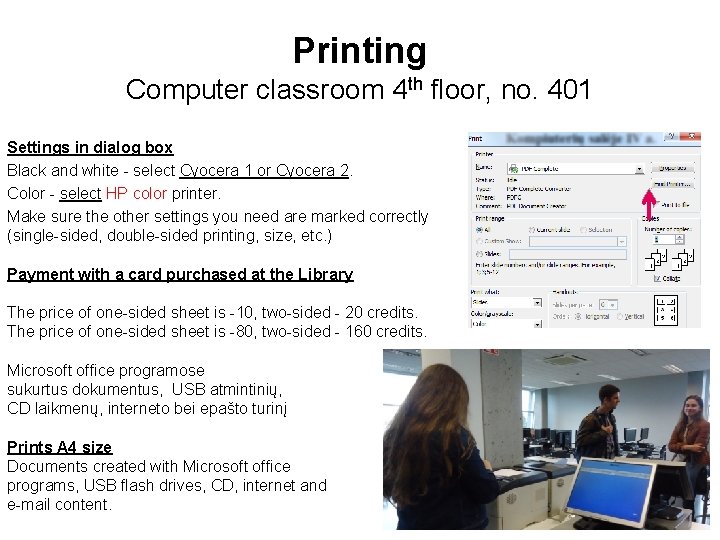
Printing Computer classroom 4 th floor, no. 401 Settings in dialog box Black and white - select Cyocera 1 or Cyocera 2. Color - select HP color printer. Make sure the other settings you need are marked correctly (single-sided, double-sided printing, size, etc. ) Payment with a card purchased at the Library The price of one-sided sheet is -10, two-sided - 20 credits. The price of one-sided sheet is -80, two-sided - 160 credits. Microsoft office programose sukurtus dokumentus, USB atmintinių, CD laikmenų, interneto bei epašto turinį Prints A 4 size Documents created with Microsoft office programs, USB flash drives, CD, internet and e-mail content.
3 D printing Information Systems Department, 1 st floor, room no. 105 3 D printing price calculation formula ax+e: a – the amount of model and support material (g); x – the price of model material and support material (Eur/g. ); e – the printer amortization charge – 0, 90 Eur per hour; Payment – on the 2 nd floor. The price of 1 g of 3 D base and support material – 0, 40 Eur. A printed object cannot be bigger than 29, 5 x 16, 5 cm. For quality of a model and a printed object is responsible the person who sent the order. Send 3 D models (*. stl format) to an email: andrius. rebzdys@lsmuni. lt
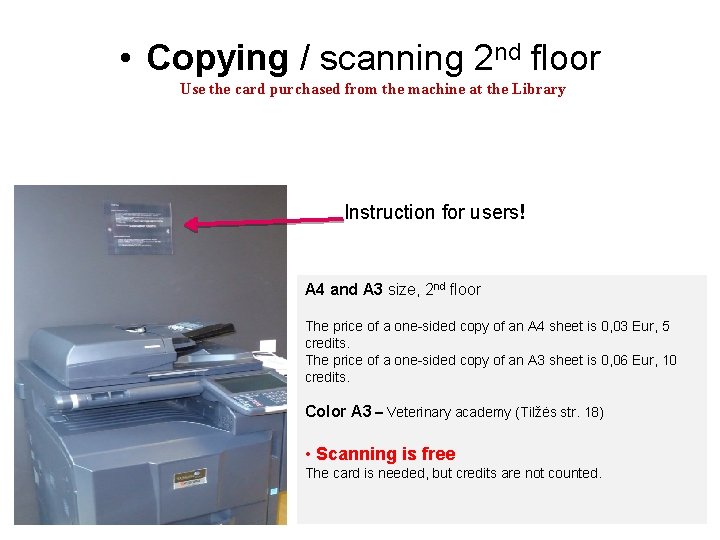
• Copying / scanning 2 nd floor Use the card purchased from the machine at the Library Instruction for users! A 4 and A 3 size, 2 nd floor The price of a one-sided copy of an A 4 sheet is 0, 03 Eur, 5 credits. The price of a one-sided copy of an A 3 sheet is 0, 06 Eur, 10 credits. Color A 3 – Veterinary academy (Tilžės str. 18) • Scanning is free The card is needed, but credits are not counted.
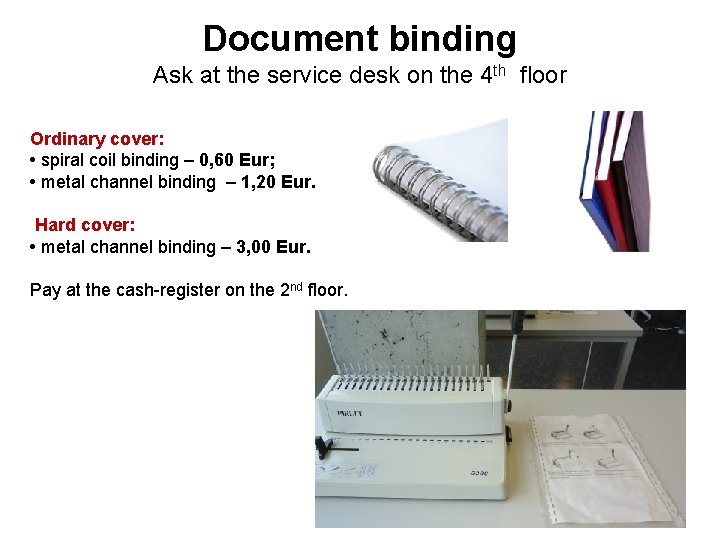
Document binding Ask at the service desk on the 4 th floor Ordinary cover: • spiral coil binding – 0, 60 Eur; • metal channel binding – 1, 20 Eur. Hard cover: • metal channel binding – 3, 00 Eur. Pay at the cash-register on the 2 nd floor.
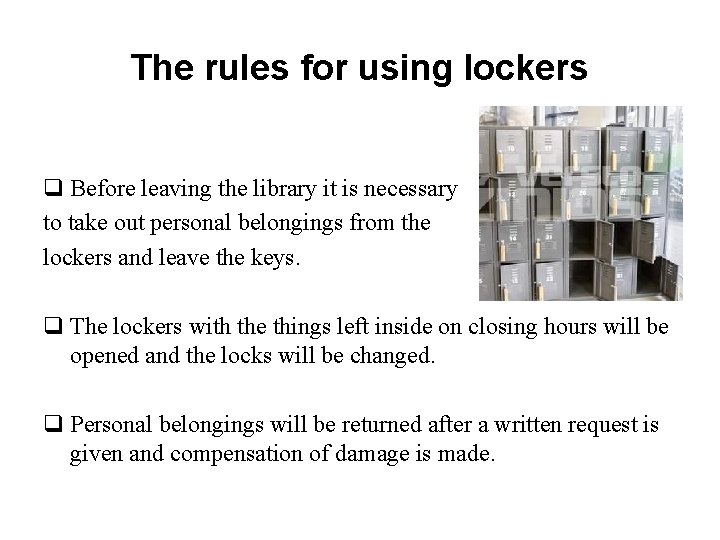
The rules for using lockers q Before leaving the library it is necessary to take out personal belongings from the lockers and leave the keys. q The lockers with the things left inside on closing hours will be opened and the locks will be changed. q Personal belongings will be returned after a written request is given and compensation of damage is made.
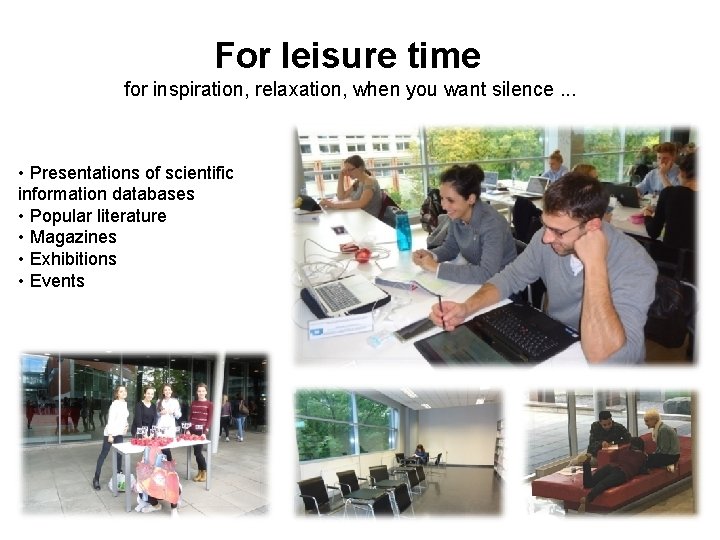
For leisure time for inspiration, relaxation, when you want silence. . . • Presentations of scientific information databases • Popular literature • Magazines • Exhibitions • Events
Thank you for your attention!
- Slides: 32