
Library Academic Support Helping you get the best

Library Academic Support Helping you get the best from the Library, its collections, resources and services Finding Academic Literature
Finding Academic Literature (CSE) One of the first tasks a research student has to undertake is producing a literature review. This session will help by providing a brief introduction to library resources and services. Today will cover: • • Search skills and why you need them Literature databases and cited reference searching Getting the full-text Alerts and/or saved searches Keeping up to date Journal impact factors Brief Introduction to reference management software 2
Aims • To get you started with your literature review. • To introduce you to a range of information resources at Edinburgh. • Getting to know the literature/information landscape for your topic/area. • To highlight the tools available to help you find information at Edinburgh, and beyond. • To introduce techniques that will enable you to make effective use of the resources available to retrieve and manage information for your research. 3
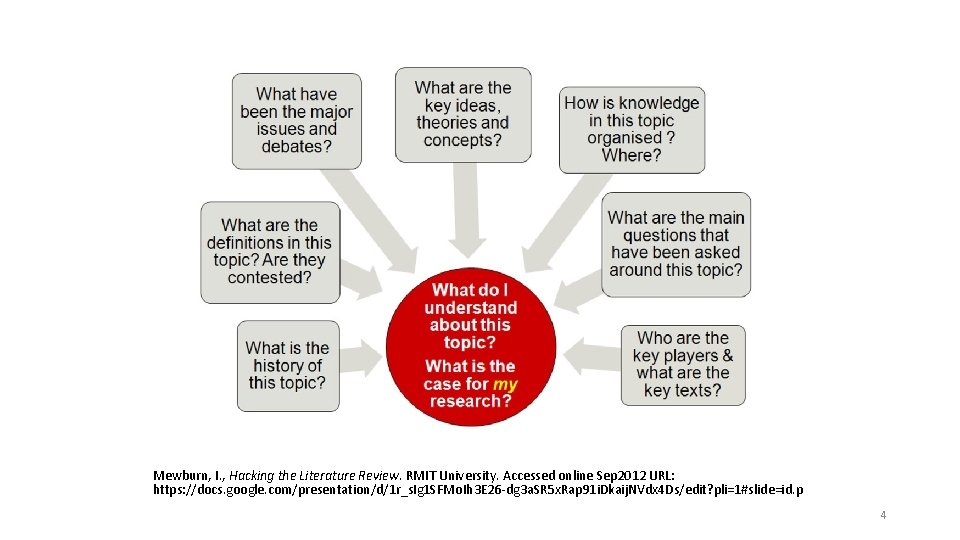
Mewburn, I. , Hacking the Literature Review. RMIT University. Accessed online Sep 2012 URL: https: //docs. google. com/presentation/d/1 r_s. Ig 1 SFMo. Ih 3 E 26 -dg 3 a. SR 5 x. Rap 91 i. Dkaij. NVdx 4 Ds/edit? pli=1#slide=id. p 4
Getting started Frame your research question This will help you clarify what you want to find out and help you achieve. Identify the principal concepts • These will form the keywords for your search Expand your search terms by considering • Synonyms, related terms, antonyms, homonyms • Variant terminology: farmers markets (UK) & greenmarkets (US) • Variant spelling: behaviour(UK), behavior (US); paediatric (UK), padiatric (US) • Variations in terminology over time • Abbreviations: Royal Anthropological Institute/RAI • Variation in word endings Apply search limits for greater focus and relevance • e. g. time, language, geography 5
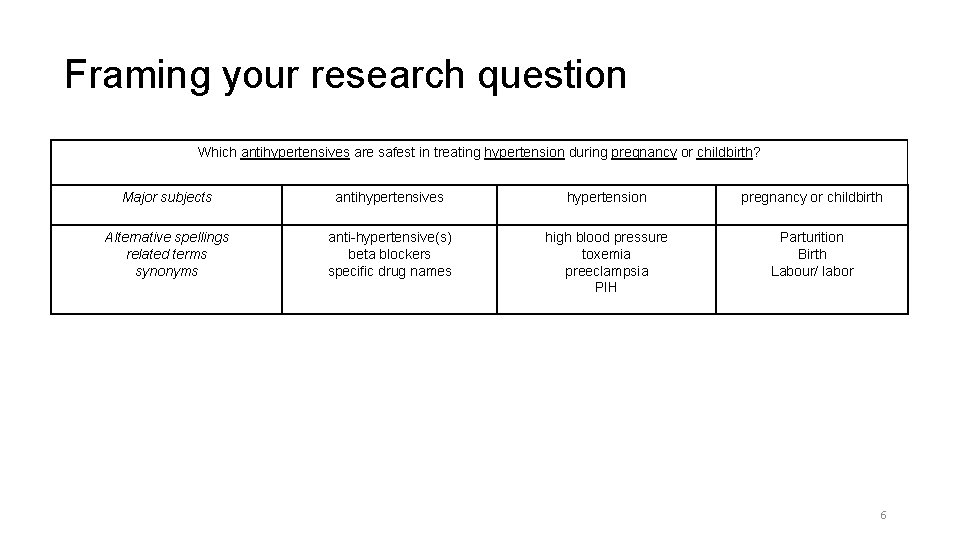
Framing your research question Which antihypertensives are safest in treating hypertension during pregnancy or childbirth? Major subjects antihypertensives hypertension pregnancy or childbirth Alternative spellings related terms synonyms anti-hypertensive(s) beta blockers specific drug names high blood pressure toxemia preeclampsia PIH Parturition Birth Labour/ labor 6
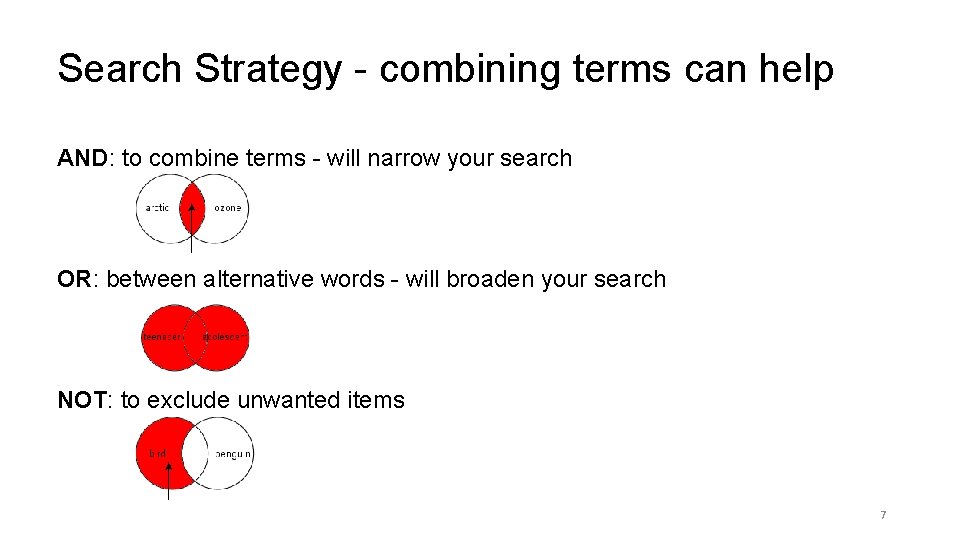
Search Strategy - combining terms can help AND: to combine terms - will narrow your search OR: between alternative words - will broaden your search NOT: to exclude unwanted items 7

Some more ways to improve your search Truncation: allows you to search for variations climat* = climate, climatic optic* for optic, optics or optical Phrase: helps retrieve more relevant results “soil organic matter” “North Sea” 8
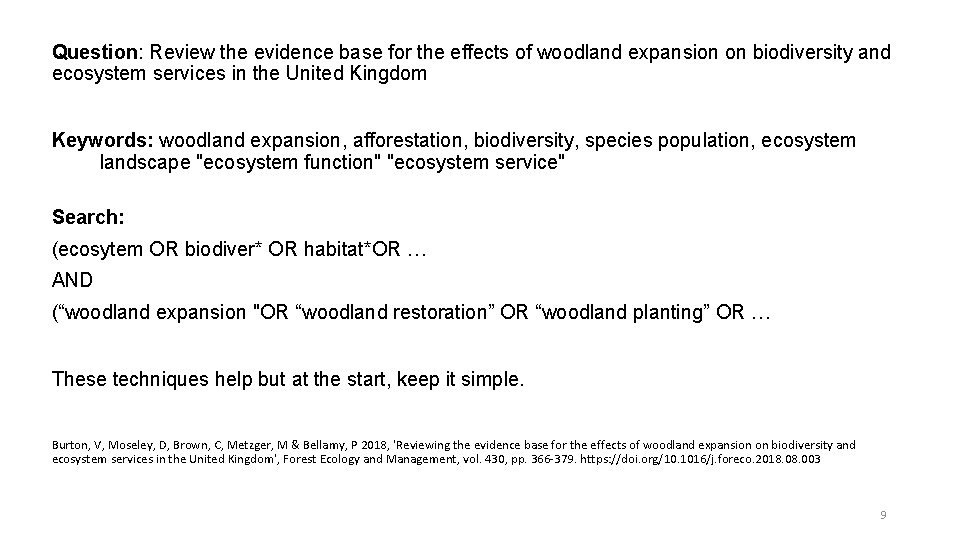
Question: Review the evidence base for the effects of woodland expansion on biodiversity and ecosystem services in the United Kingdom Keywords: woodland expansion, afforestation, biodiversity, species population, ecosystem landscape "ecosystem function" "ecosystem service" Search: (ecosytem OR biodiver* OR habitat*OR … AND (“woodland expansion "OR “woodland restoration” OR “woodland planting” OR … These techniques help but at the start, keep it simple. Burton, V, Moseley, D, Brown, C, Metzger, M & Bellamy, P 2018, 'Reviewing the evidence base for the effects of woodland expansion on biodiversity and ecosystem services in the United Kingdom', Forest Ecology and Management, vol. 430, pp. 366 -379. https: //doi. org/10. 1016/j. foreco. 2018. 003 9
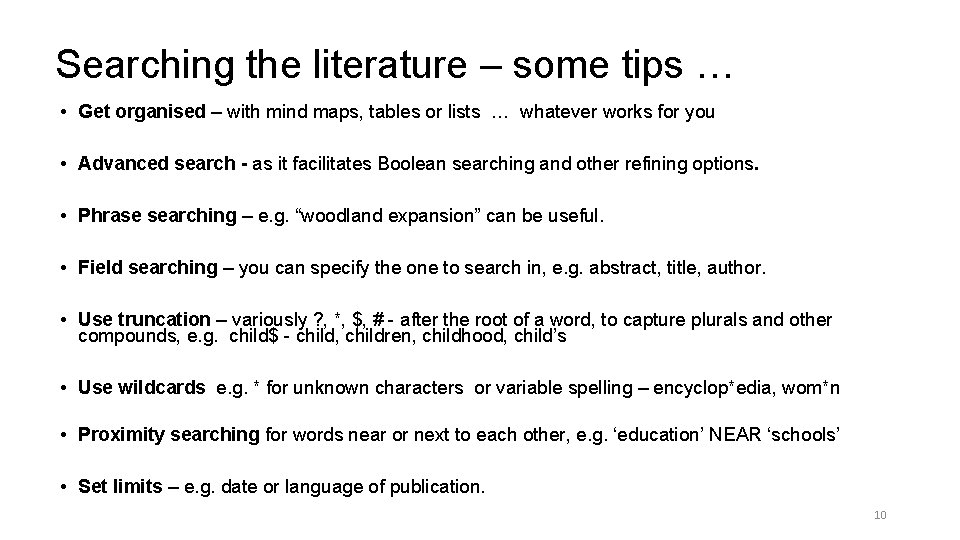
Searching the literature – some tips … • Get organised – with mind maps, tables or lists … whatever works for you • Advanced search - as it facilitates Boolean searching and other refining options. • Phrase searching – e. g. “woodland expansion” can be useful. • Field searching – you can specify the one to search in, e. g. abstract, title, author. • Use truncation – variously ? , *, $, # - after the root of a word, to capture plurals and other compounds, e. g. child$ - child, children, childhood, child’s • Use wildcards e. g. * for unknown characters or variable spelling – encyclop*edia, wom*n • Proximity searching for words near or next to each other, e. g. ‘education’ NEAR ‘schools’ • Set limits – e. g. date or language of publication. 10
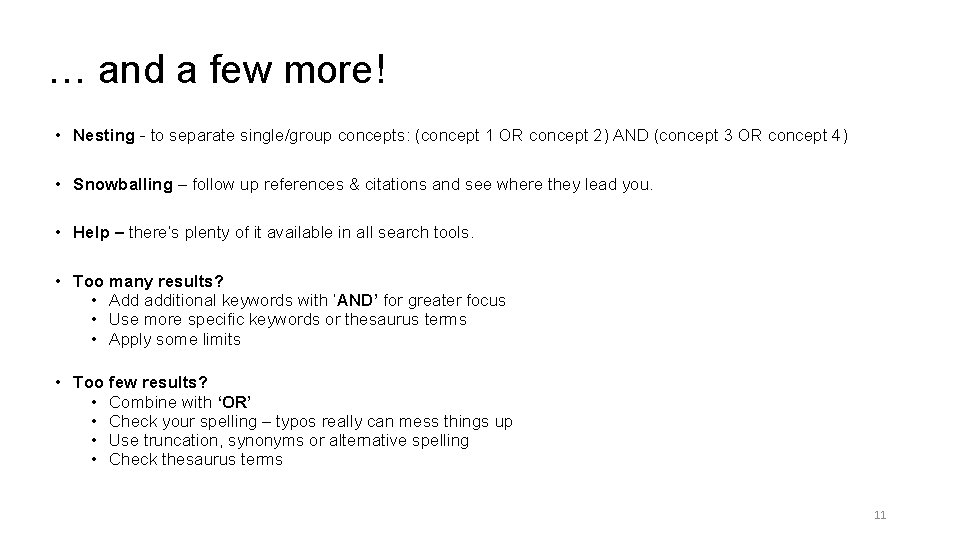
… and a few more! • Nesting - to separate single/group concepts: (concept 1 OR concept 2) AND (concept 3 OR concept 4) • Snowballing – follow up references & citations and see where they lead you. • Help – there’s plenty of it available in all search tools. • Too many results? • Add additional keywords with ‘AND’ for greater focus • Use more specific keywords or thesaurus terms • Apply some limits • Too few results? • Combine with ‘OR’ • Check your spelling – typos really can mess things up • Use truncation, synonyms or alternative spelling • Check thesaurus terms 11

Exercise 1. Your research question. • Identify the concepts. • Set the scope. Possible sources? 12
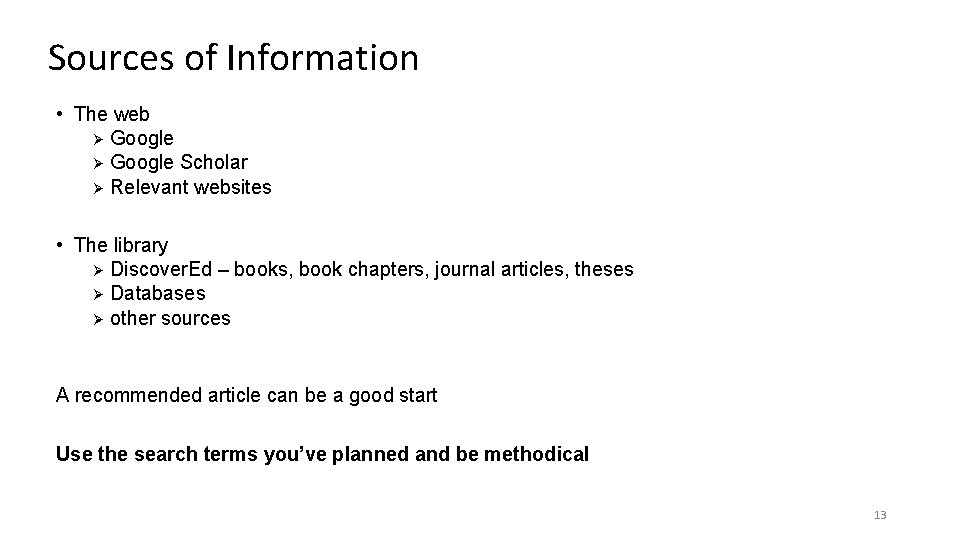
Sources of Information • The web Ø Google Scholar Ø Relevant websites • The library Ø Discover. Ed – books, book chapters, journal articles, theses Ø Databases Ø other sources A recommended article can be a good start Use the search terms you’ve planned and be methodical 13
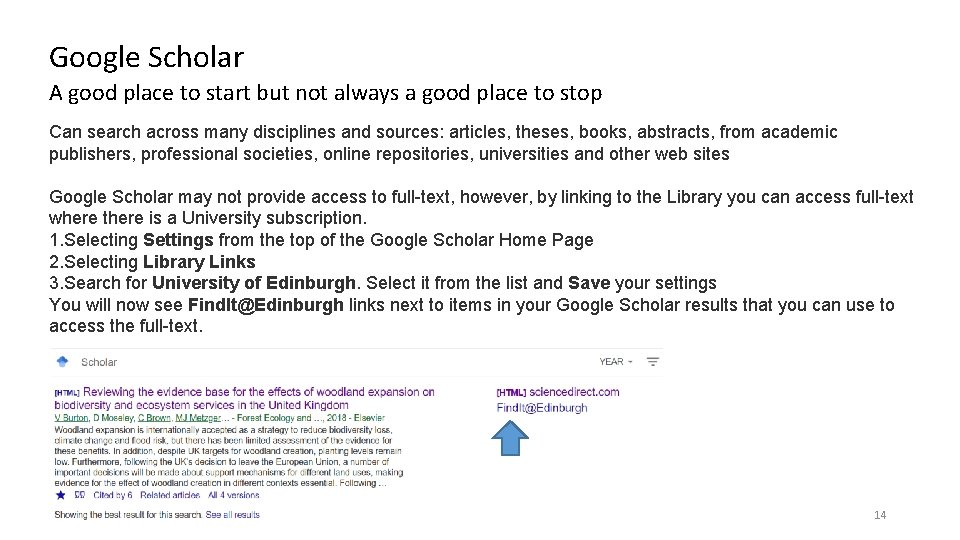
Google Scholar A good place to start but not always a good place to stop Can search across many disciplines and sources: articles, theses, books, abstracts, from academic publishers, professional societies, online repositories, universities and other web sites Google Scholar may not provide access to full-text, however, by linking to the Library you can access full-text where there is a University subscription. 1. Selecting Settings from the top of the Google Scholar Home Page 2. Selecting Library Links 3. Search for University of Edinburgh. Select it from the list and Save your settings You will now see Find. It@Edinburgh links next to items in your Google Scholar results that you can use to access the full-text. 14
Exercise 1. Your research question. 2. Google Scholar. Modify preferences to show ‘findit@edinburgh’ and ‘import into’ 3. Try your search terms in Google Scholar 15
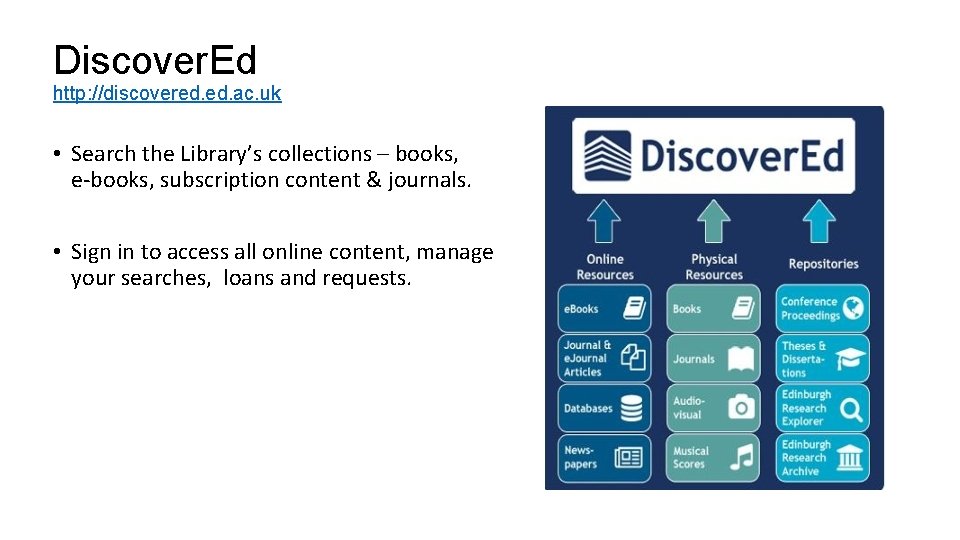
Discover. Ed http: //discovered. ac. uk • Search the Library’s collections – books, e-books, subscription content & journals. • Sign in to access all online content, manage your searches, loans and requests.
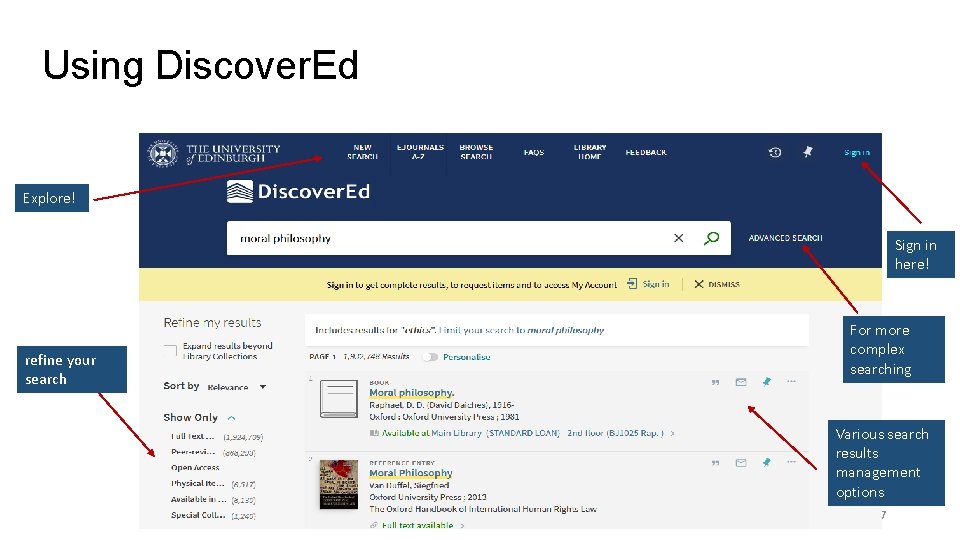
Using Discover. Ed Explore! Sign in here! refine your search For more complex searching Various search results management options 17
Exercise 1. What search terms are relevant to your research? 2. Google Scholar. Modify preferences to show ‘findit@edinburgh’ and ‘import into’ 3. Try your search terms in Google Scholar 4. Try your search terms in Discover. Ed 18
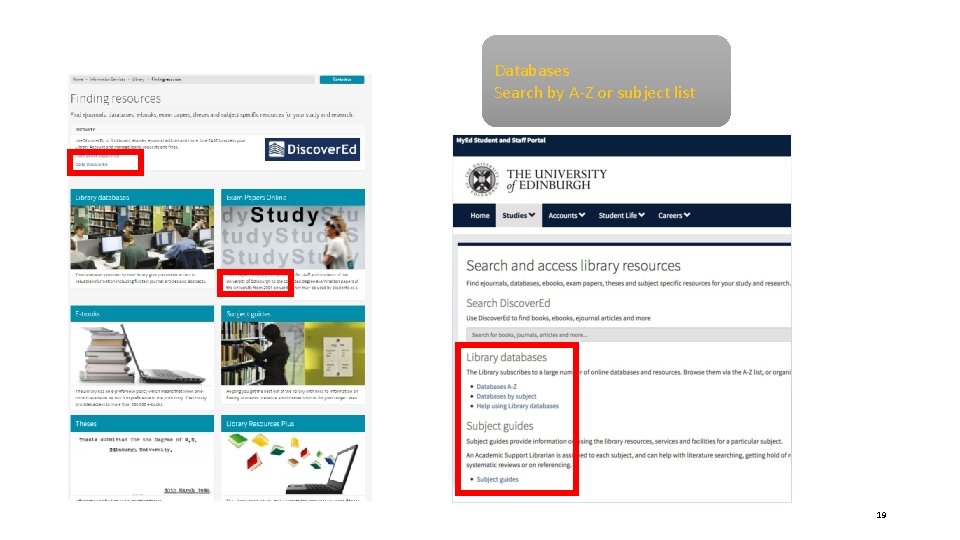
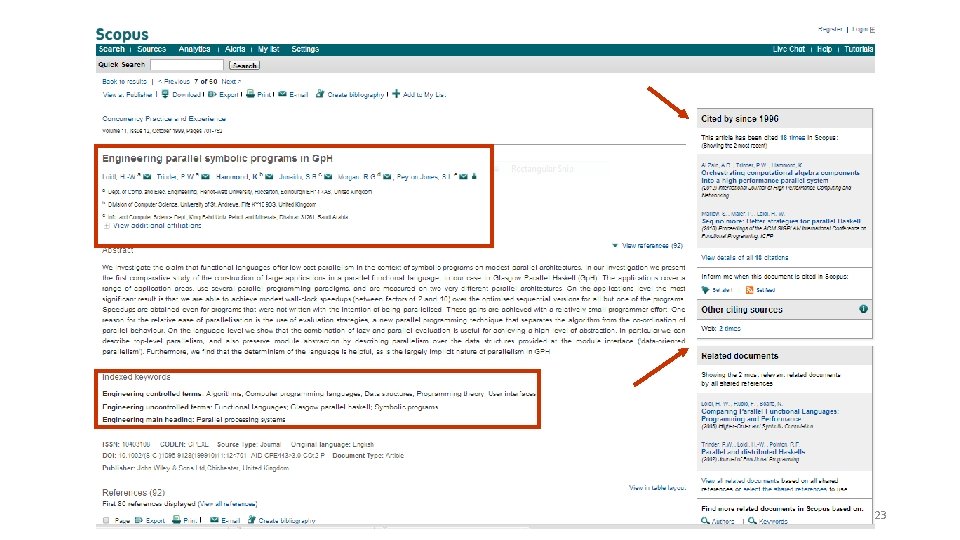
Databases Search by A-Z or subject list 19
Bibliographic databases • Can find articles and full-text not found via Discover. Ed or Google Scholar • Search details of millions of articles to find what publications exist about a topic - even if not held in our library • Can be subject specific – although you may need to use more than one • Can use sophisticated searches 20
Subject Specific Bibliographic Databases Subject database lists, or A-Z General • Web of Science Core Collection (Science Citation Index , Conference Proceedings) • Scopus Subject Guides will provide more https: //edinburgh-uk. libguides. com/ 21
Subject Specific Bibliographic Databases • Subject database lists, or A-Z • Web of Science Core Collection (Science Citation Index , Conference Proceedings) • Scopus • • • Agricola (agriculture) Biosis (biology, environmental) Compendex, Inspec (engineering, informatics, physics) Geo. Science World (mineralogy journals not elsewhere) Scifinder (chemistry) Sociological abstracts Subject Guides will provide more https: //edinburgh-uk. libguides. com/ 22
23
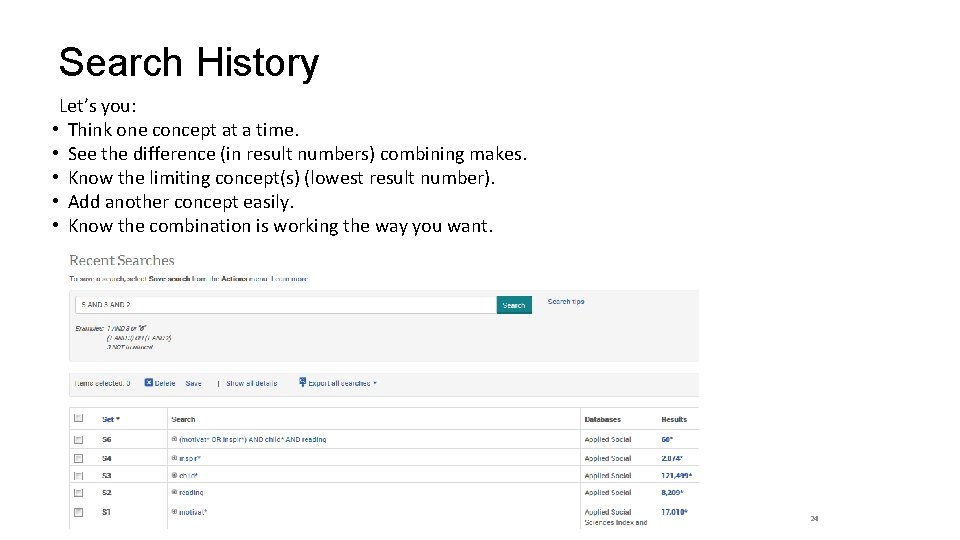
Search History Let’s you: • Think one concept at a time. • See the difference (in result numbers) combining makes. • Know the limiting concept(s) (lowest result number). • Add another concept easily. • Know the combination is working the way you want. 24
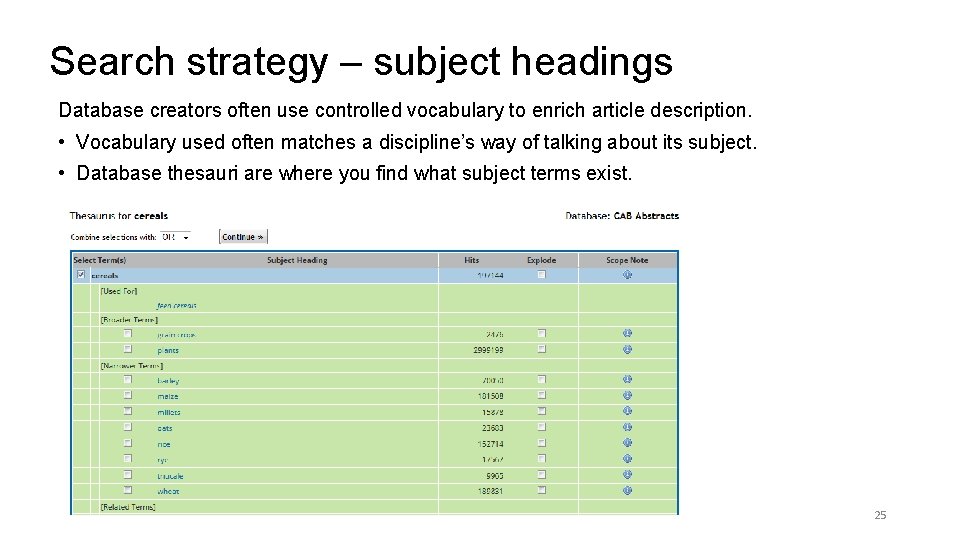
Search strategy – subject headings Database creators often use controlled vocabulary to enrich article description. • Vocabulary used often matches a discipline’s way of talking about its subject. • Database thesauri are where you find what subject terms exist. 25
Thesis Check Sources: • Pro. Quest Dissertations and Theses Global – worldwide, many full-text. • Edinburgh Research Archive (Uo. Edinburgh theses under electronic deposit mandate) www. era. lib. ed. ac. uk • Discover. Ed – print and electronic copies of Uo. Edinburgh theses
Keeping up to date Email alerts of relevant results from bibliographic databases Saved searches to re-run on bibliographic databases Table of Contents alerts from journal publisher sites and ZETOC JCR (on Web of Knowledge) for highest impact factor journals Copyright Get permission before you use something in work which will be published or made publically available. Somebasic information at www. ed. ac. uk/is/copyright Managing your own copyright at: www. ed. ac. uk/information-services/research-support/publish-research/scholarlycommunications/copyright
Exercise 1. What search terms are relevant to your research? 2. Google Scholar. Modify preferences to show ‘findit@edinburgh’ and ‘import into’ 3. Try your search terms in Google Scholar 4. Try your search terms in Discover. Ed 5. Try your search terms in a relevant database 28
Exercise 1. What search terms are relevant to your research? 2. Google Scholar. Modify preferences to show ‘findit@edinburgh’ and ‘import into’ 3. Try your search terms in Google Scholar 4. Try your search terms in Discover. Ed 5. Try your search terms in a Web of Science 6. Create an alert for a search (or journal) 29
More Resources … News & media Search multiple newspaper sources include local UK and international : Factiva, Nexis http: //edinburgh-uk. libguides. com/newspapers-magazines Business Data Wide range of company, financial and market data. http: //edinburgh-uk. libguides. com/business Economic and social data https: //www. ed. ac. uk/information-services/research-support/research-dataservice/during/discover-and-re-use-data Geospatial http: //digimap. edina. ac. uk/ If you can’t find something you need, please get in-touch. 30
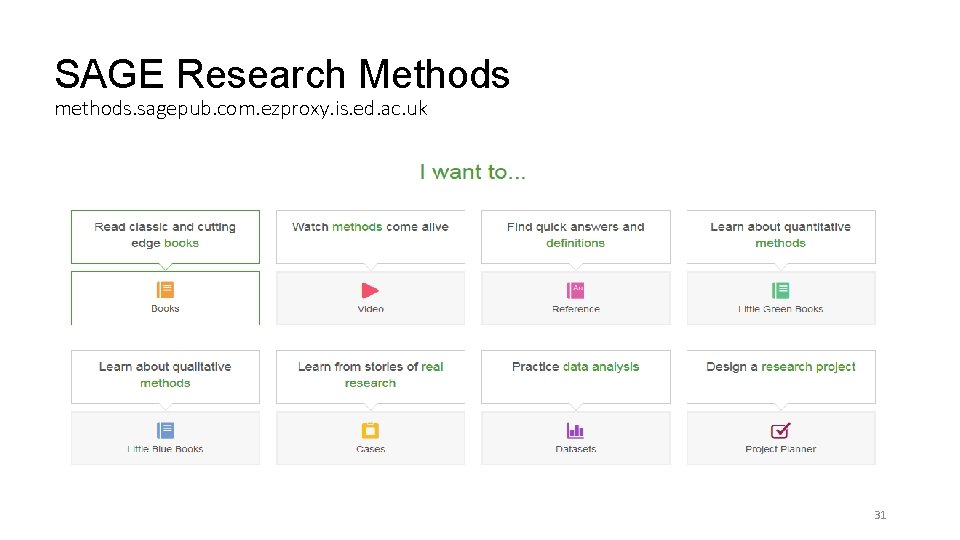
SAGE Research Methods methods. sagepub. com. ezproxy. is. ed. ac. uk 31
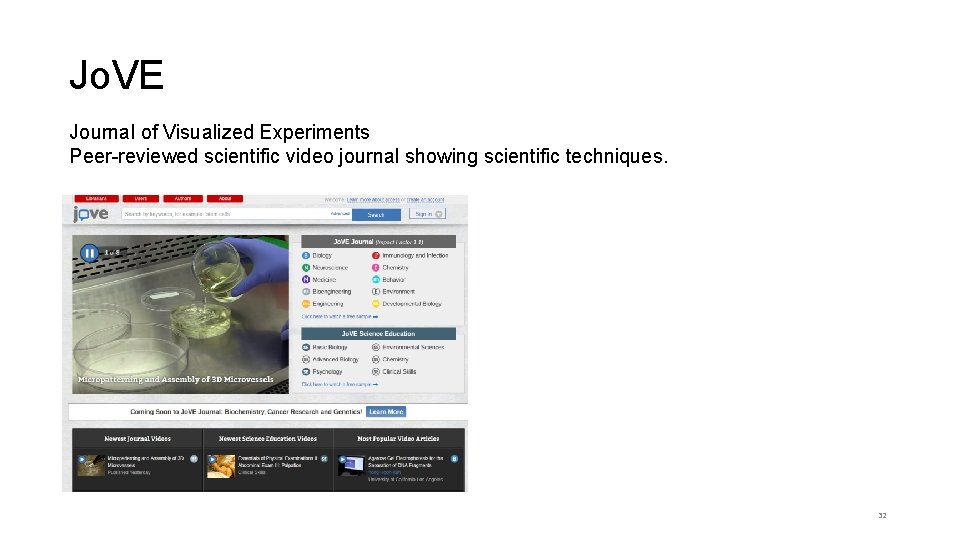
Jo. VE Journal of Visualized Experiments Peer-reviewed scientific video journal showing scientific techniques. 32

What if we don’t have what you need? Document Delivery (Inter-Library Loans) www. ed. ac. uk/is/ILL You can request books, book chapters or journal articles not held in Uo. E Library. https: //www. ed. ac. uk/files/atoms/files/guide_for_requesting_interlibrary_loans. pdf Request a Book www. ed. ac. uk/is/rab Suggest new purchases for the Library. Journal subscription Contact your Academic Support Librarian – via Ed. Help or directly.
Managing your references Reference management software can save you time • Use it to construct and manage a database of references • Automatically build bibliographies in Word Endnote, Mendeley, Zotero (all free) http: //www. docs. is. ed. ac. uk/mvm/Biblio. Managers. Table. pdf https: //edinburgh-uk. libguides. com/referencing 34
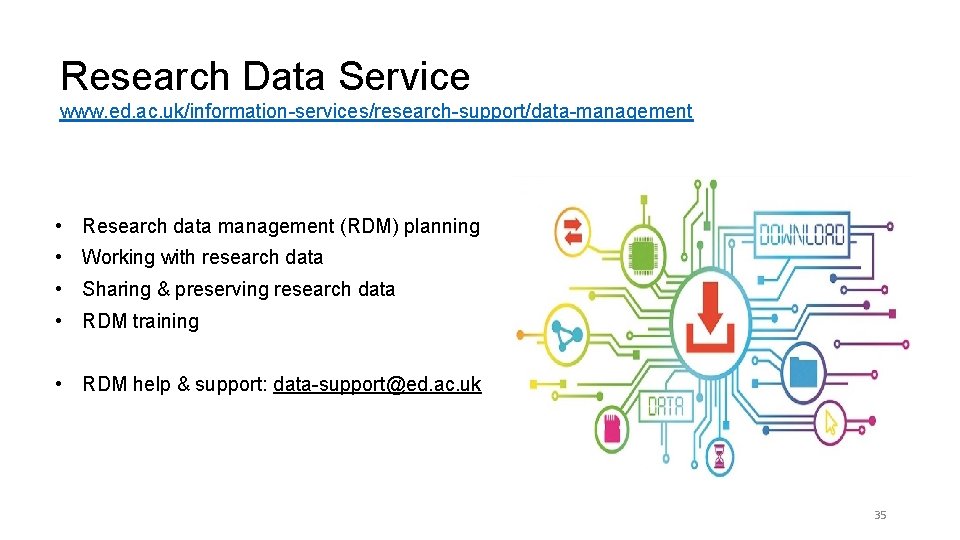
Research Data Service www. ed. ac. uk/information-services/research-support/data-management • Research data management (RDM) planning • Working with research data • Sharing & preserving research data • RDM training • RDM help & support: data-support@ed. ac. uk 35

Help is always available IS Helpline www. ed. ac. uk/is/helpline Academic Support Librarians www. ed. ac. uk/is/asl

Thank you
- Slides: 37