
Leveraging PSSDiagSQLDiag for Efficient Troubleshooting Trevor Barkhouse Escalation

Leveraging PSSDiag/SQLDiag for Efficient Troubleshooting Trevor Barkhouse Escalation DBA – Terremark Worldwide, Inc.
About Me • I am a database administrator on the escalations team at Terremark Worldwide, Inc. , supporting over 700 SQL Server instances • My primary interests are automation, performance, and troubleshooting • Contact information: • tbarkhouse@terremark. com • http: //SQLServer. Sleuth. com • http: //twitter. com/SQLServer. Sleuth
Agenda • • Troubleshooting methodology Data collection tools Analysis tools and methods Application of these techniques

Why Do You Need a “Troubleshooting Methodology? ” • Troubleshooting is a skill of its own (separate from the technologies involved) • Troubleshooting is “an art and a science” • A disciplined approach to problem solving improves the process: • Results are more consistent and predictable • Detours down unproductive paths are reduced
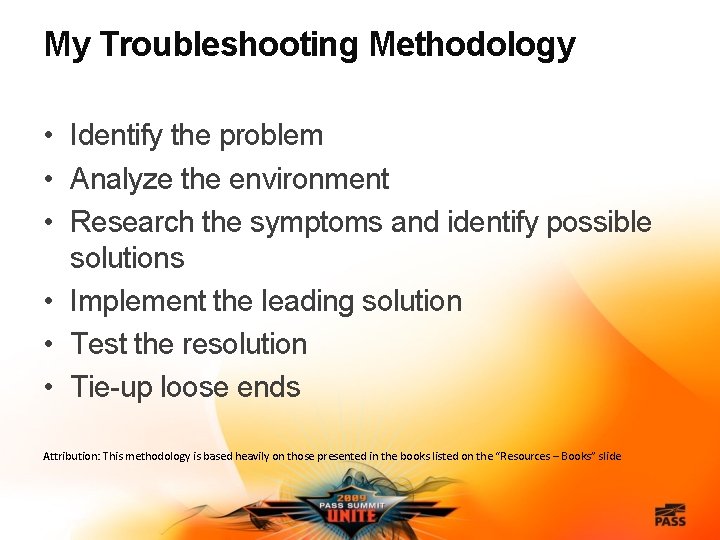
My Troubleshooting Methodology • Identify the problem • Analyze the environment • Research the symptoms and identify possible solutions • Implement the leading solution • Test the resolution • Tie-up loose ends Attribution: This methodology is based heavily on those presented in the books listed on the “Resources – Books” slide
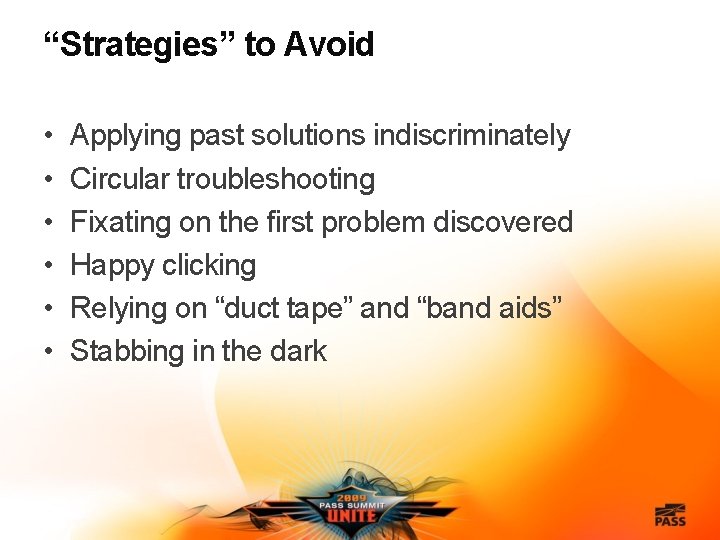
“Strategies” to Avoid • • • Applying past solutions indiscriminately Circular troubleshooting Fixating on the first problem discovered Happy clicking Relying on “duct tape” and “band aids” Stabbing in the dark
Automating Data Collection • The key to efficient and effective troubleshooting is having good diagnostic data • The data should be collected automatically • As an “accidental” or “involuntary” DBA, I came up with some very primitive ways to collect diagnostic data • Over the course of my career, I developed better ways of collecting the data
Microsoft’s Free Support Tools • The Microsoft Customer Service and Support (CSS) and Premier Field Engineering (PFE) teams have the same need for data collection tools • They’re a lot like us, just at a larger scale • Microsoft engineers have implemented their own tools • The tools were shared internally, refined, and eventually released to the public

Enter PSSDiag and SQLDiag • Utilities designed for collecting diagnostic data for troubleshooting • Extremely flexible and configurable • Can collect a variety of data: • • • Operating system configuration information Performance counter data SQL Trace data The output of queries and T-SQL commands Anything else that can be scripted
Evolution of the Tools • This diagram only refers to the public versions of the tools • One should use PSSDiag (download from MSKB article 830232) with SQL Server 2000
Demonstrations – Diagnostic Data Collection
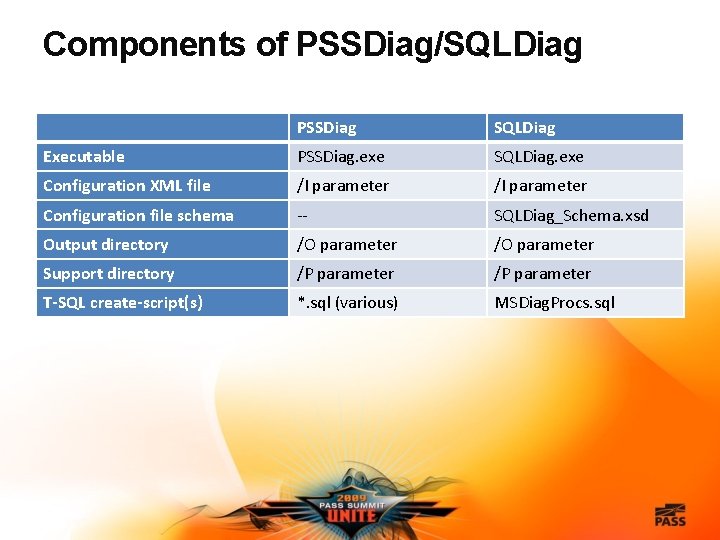
Components of PSSDiag/SQLDiag PSSDiag SQLDiag Executable PSSDiag. exe SQLDiag. exe Configuration XML file /I parameter Configuration file schema -- SQLDiag_Schema. xsd Output directory /O parameter Support directory /P parameter T-SQL create-script(s) *. sql (various) MSDiag. Procs. sql
Analyzing the Collected Data • So, you’ve collected all of this data… now what? • Except for the smallest problems, you’ll need to automate the analysis of the data too • Fortunately the Microsoft CSS and PFE teams have again shared a variety of tools that serve this purpose
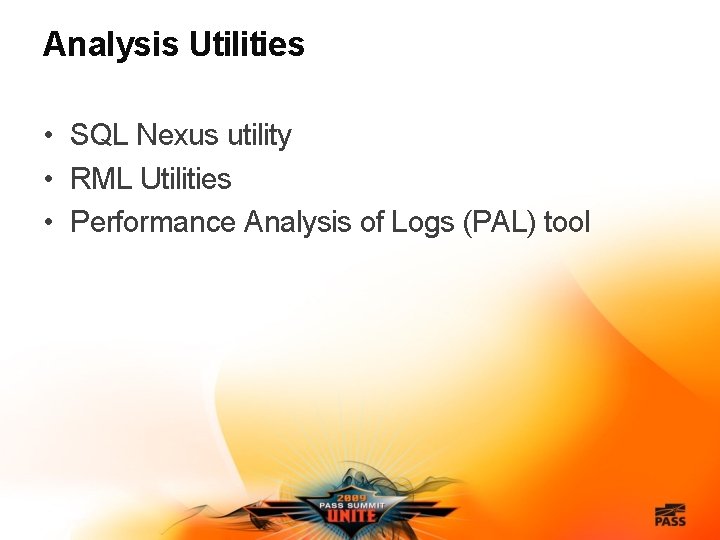
Analysis Utilities • SQL Nexus utility • RML Utilities • Performance Analysis of Logs (PAL) tool
Demonstrations – Diagnostic Data Analysis
Employing the Tools Proactively • Comparison data • System baselines are extremely valuable • Simply having a data collection from a “healthy” server can help immensely • Consider retaining/archiving all data collections • Preconfigured configuration files • Less time is needed to start data collection after a problem occurs
Resources – Books Delaney, Kalen et al. Inside Microsoft SQL Server 2005: Query Tuning and Optimization. Redmond, WA: Microsoft Press, 2008. Henderson, Ken et al. SQL Server 2005 Practical Troubleshooting: The Database Engine. Boston, MA: Addison-Wesley, 2006. Northrup, Tony et al. Microsoft Windows Server 2003 Troubleshooting Guide. Redmond, WA: Microsoft Press, 2005. Wolf, Chris. Troubleshooting Microsoft Technologies: The Ultimate Administrator’s Repair Manual. Boston, MA: Addison-Wesley, 2003. Attribution: My troubleshooting methodology is primarily derived from the latter two books
Resources – Tool Downloads (Microsoft) • General • • • Log Parser Microsoft Product Support Reports Performance Analysis of Logs (PAL) Tool Sysinternals tools Windows Power. Shell • SQL Server specific • PSSDiag • RML Utilities • SQL Nexus Tool
Resources – Tool Downloads (Non-Microsoft) • 7 -Zip • Clear. Trace
Resources – Creators’ Insights on the Microsoft CSS/PFE Tools • “Internal SQL Server Diagnostics Tools, Part 1: PSSDiag” • Ken Henderson explains how to use PSSDiag (which went on to become SQLDiag for SQL Server 2005 and later versions), including the GUI configuration utility (Diag. Config. exe) • “Random thoughts on my trip to the conference” • • “RML Utilities for Microsoft SQL Server Released” • • Ken Henderson provides background on the SQL Nexus utility The CSS SQL Escalation Services team announces the debut of the RML Utilities “The Need for a Performance Analysis of Logs Tool” • Clint Huffman discusses the motivation for developing the PAL tool
Resources – Troubleshooting Papers • “Advanced Troubleshooting with Extended Events” • “How To Diagnose and Correct Errors 17883, 17884, 17887, and 17888” • “Plan Caching in SQL Server 2008” • “SQL Server 2005 Waits and Queues” • “Statistics Used by the Query Optimizer in Microsoft SQL Server 2008” • “Top SQL Server 2005 Performance Issues for OLTP Applications” • “Troubleshooting Performance Problems in SQL Server 2005” • “Troubleshooting Performance Problems in SQL Server 2008”
Complete the Evaluation Form & Win! • You could win a Dell Mini Netbook – every day – just for handing in your completed form! Each session form is another chance to win! Pick up your Evaluation Form: • Within each presentation room • At the PASS Booth near registration area Drop off your completed Form: • Near the exit of each presentation room • At the PASS Booth near registration area Sponsored by Dell

Thank you for attending this session and the 2009 PASS Summit in Seattle
- Slides: 23