
Leveraging Microsoft Teams to Accelerate Team Collaboration By
Leveraging Microsoft Teams to Accelerate Team Collaboration By: Dave Feldman @bostonmusicdave

Custom Master Pages Introduction
David Feldman Custom Master Pages @bostonmusicdave https: //www. linkedin. com/in/bostonmusicdave@gmail. com

THE WORLD HAS CHANGED
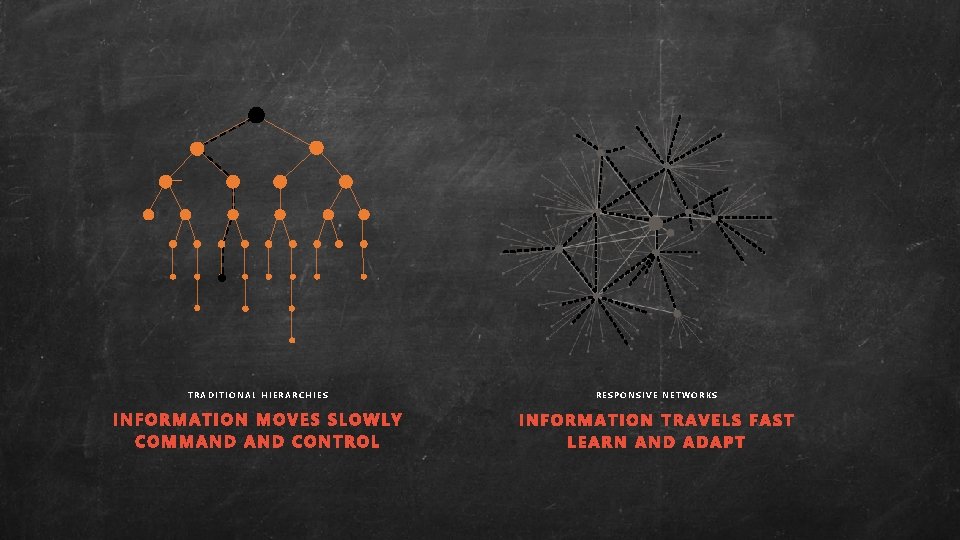
TRADITIONAL HIERARCHIES RESPONSIVE NETWORKS
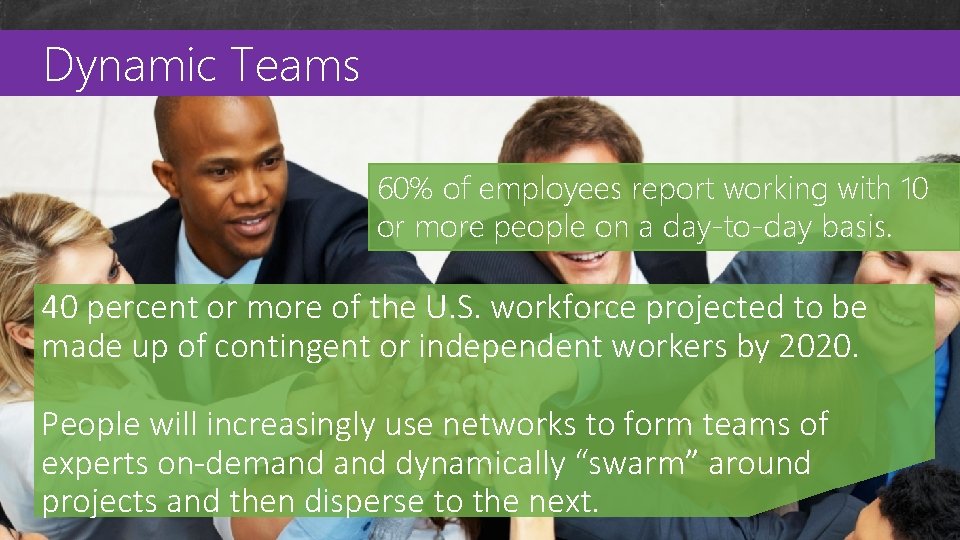
Dynamic Teams Custom Master Pages 60% of employees report working with 10 or more people on a day-to-day basis. 40 percent or more of the U. S. workforce projected to be made up of contingent or independent workers by 2020. People will increasingly use networks to form teams of experts on-demand dynamically “swarm” around projects and then disperse to the next.
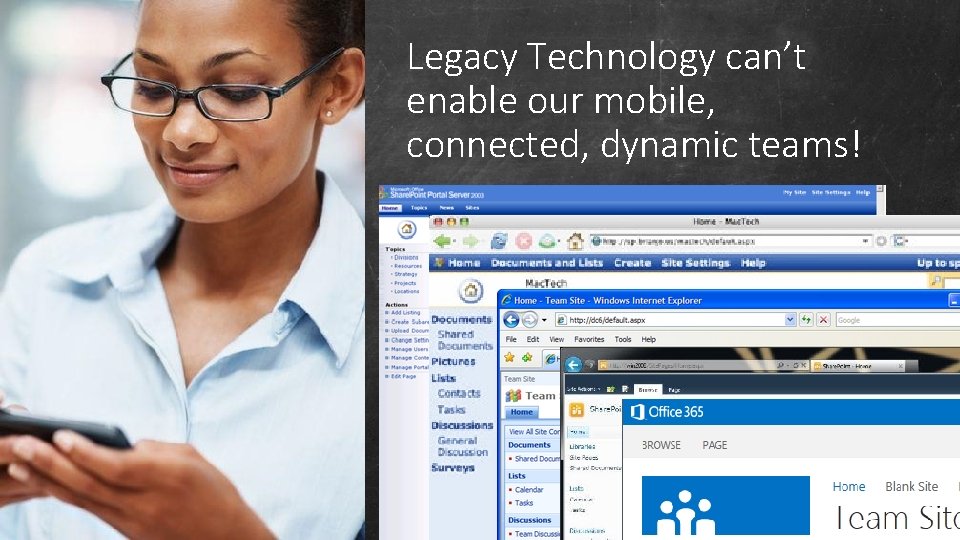
Legacy Technology can’t enable our mobile, connected, dynamic teams!
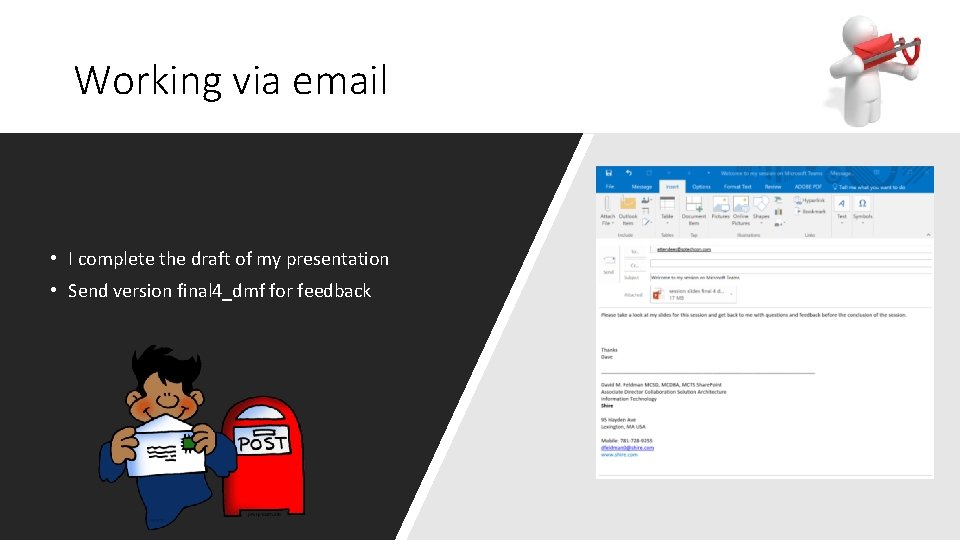
Working via email • I complete the draft of my presentation • Send version final 4_dmf for feedback
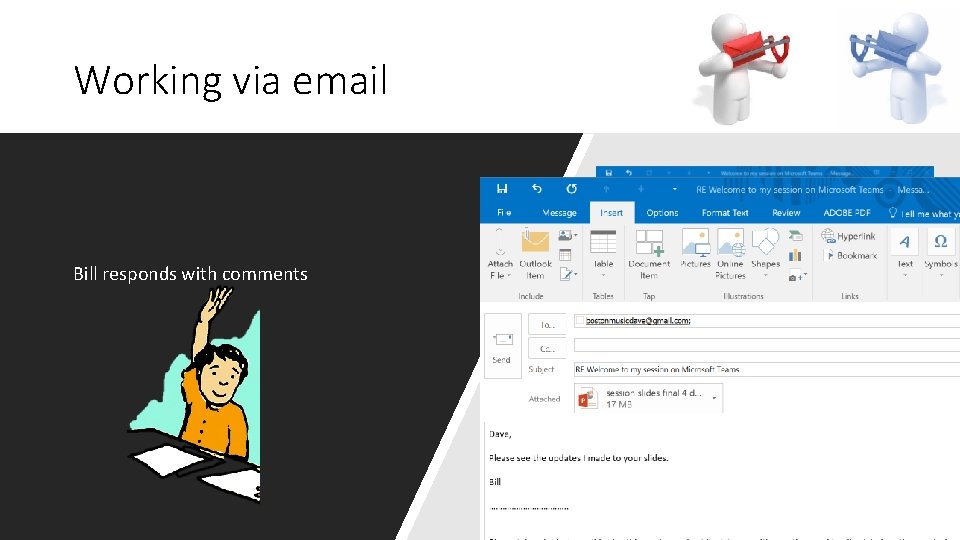
Working via email Bill responds with comments
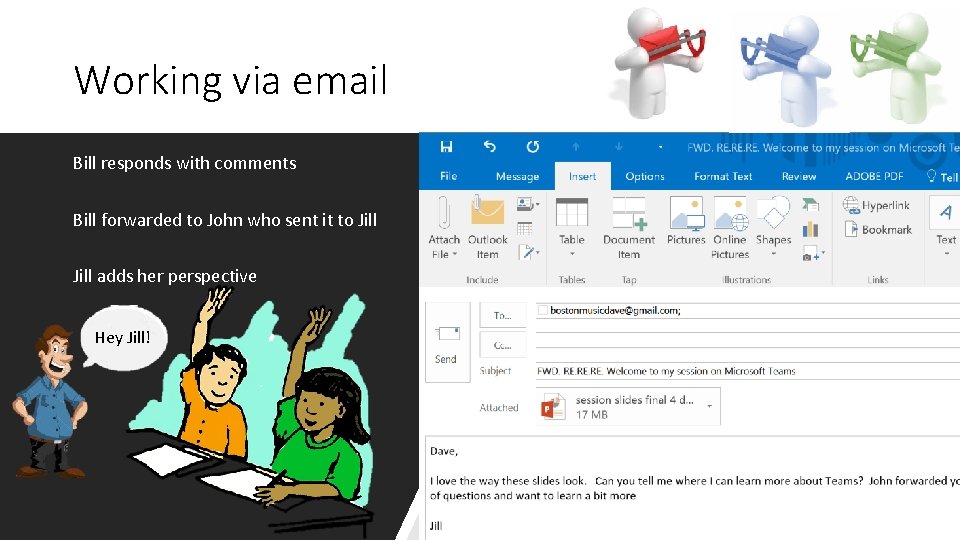
Working via email Bill responds with comments Bill forwarded to John who sent it to Jill adds her perspective Hey Jill!
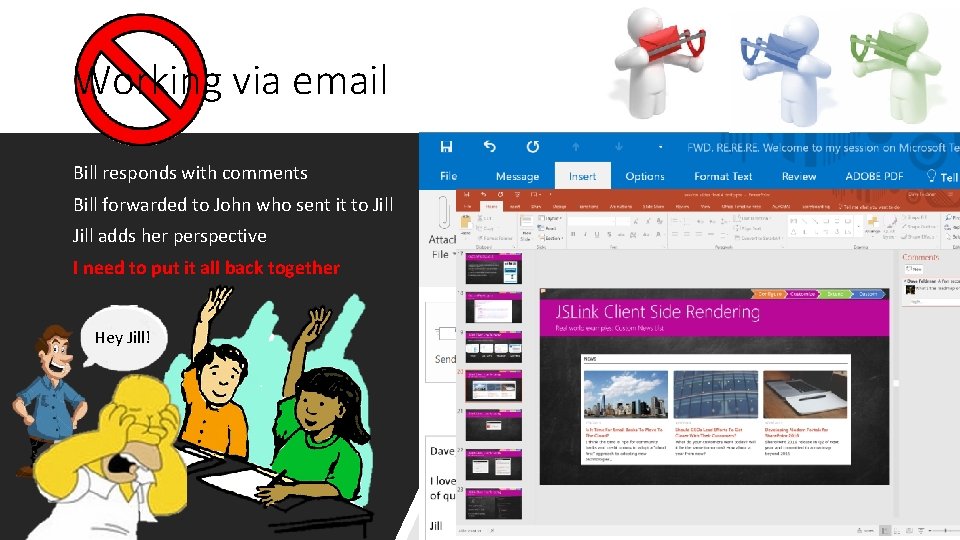
Working via email Bill responds with comments Bill forwarded to John who sent it to Jill adds her perspective I need to put it all back together Hey Jill!
Custom Master Pages Challenges with working in Email • • • Email overload Missed Messages Forgotten teammates Lack of context for new team members No versioning of files Conversation is scattered with other topics
Custom Master Pages Share. Point can improve this! • • Single copy of the file All comments in the one file Co-Authoring Versioning Still Challenged with • • • Email overload Missed Messages Forgotten teammates Lack of context for new team members Conversation is scattered with other topics
Challenges Collaborating?
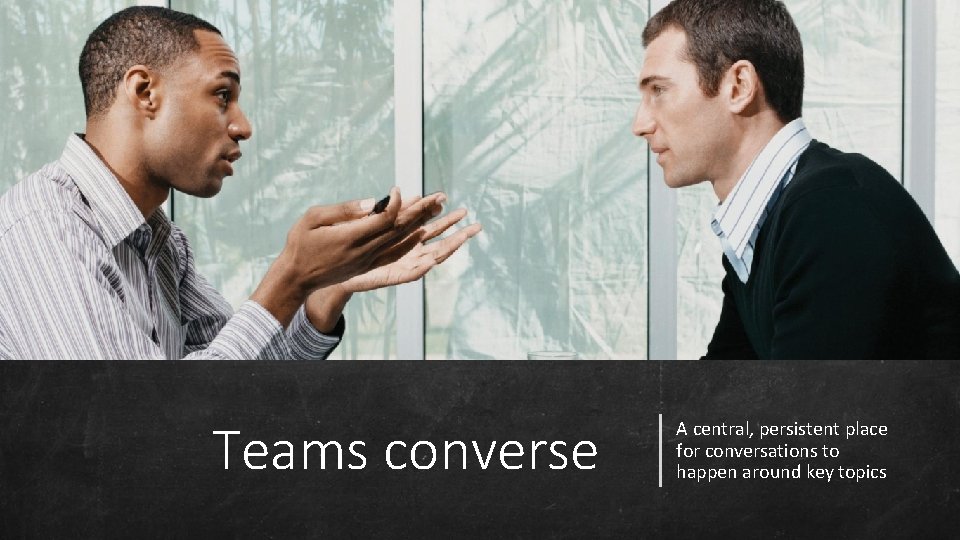
Teams converse A central, persistent place for conversations to happen around key topics
Teams co-author documents
Teams stay informed
Teams accomplish tasks

We are moving from a world where computing power was scarce to a place where it now is almost limitless, and where the true scarce commodity is increasingly human attention. -Satya Nadella
Teams is Microsoft’s answer to Slack
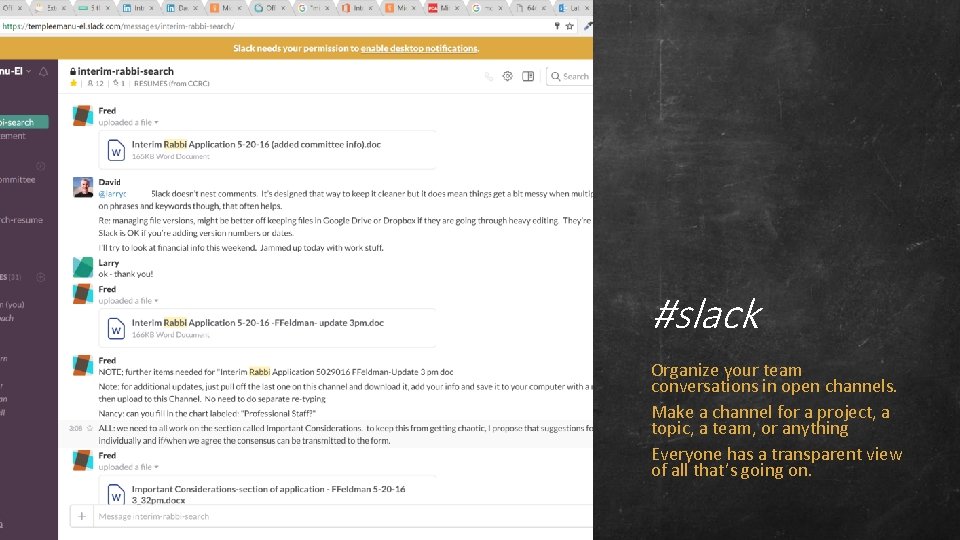
#slack Organize your team conversations in open channels. Make a channel for a project, a topic, a team, or anything Everyone has a transparent view of all that’s going on.
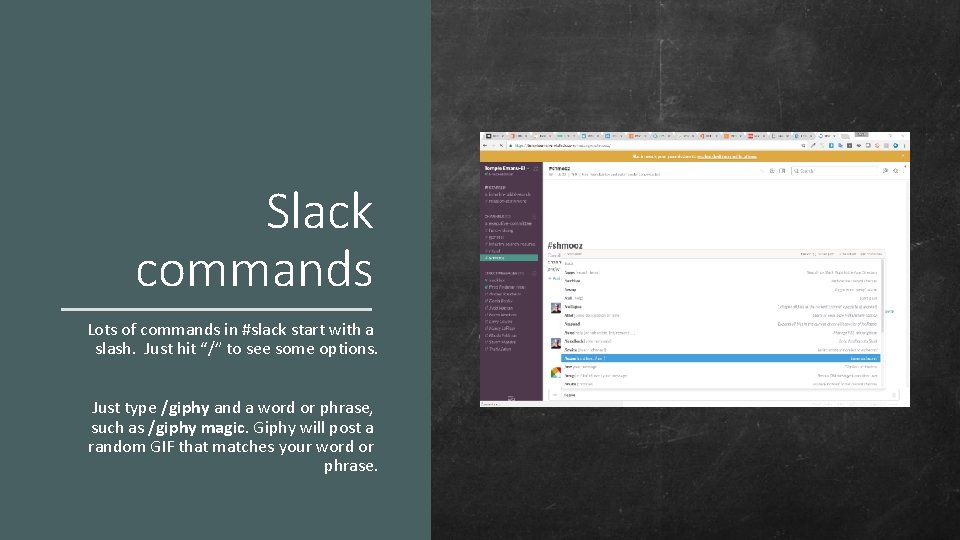
Slack commands Lots of commands in #slack start with a slash. Just hit “/” to see some options. Just type /giphy and a word or phrase, such as /giphy magic. Giphy will post a random GIF that matches your word or phrase.
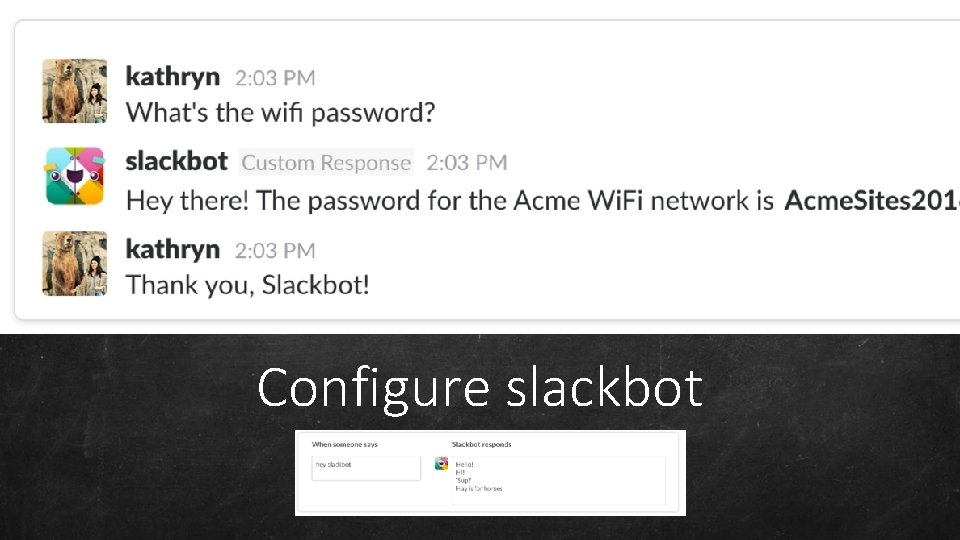
Configure slackbot
Best features: • Much easier to mange communication on small teams • One place to look for current state conversations Notes about #slack The Challenges: • Doesn’t nest comments; channels get cluttered • Files are uploaded and shared inline in the conversation • Files are not versioned, name the files with unique version information • No concept of folders or way to organize info within a channel • Heavy reliance on external services like google apps for file based collaboration
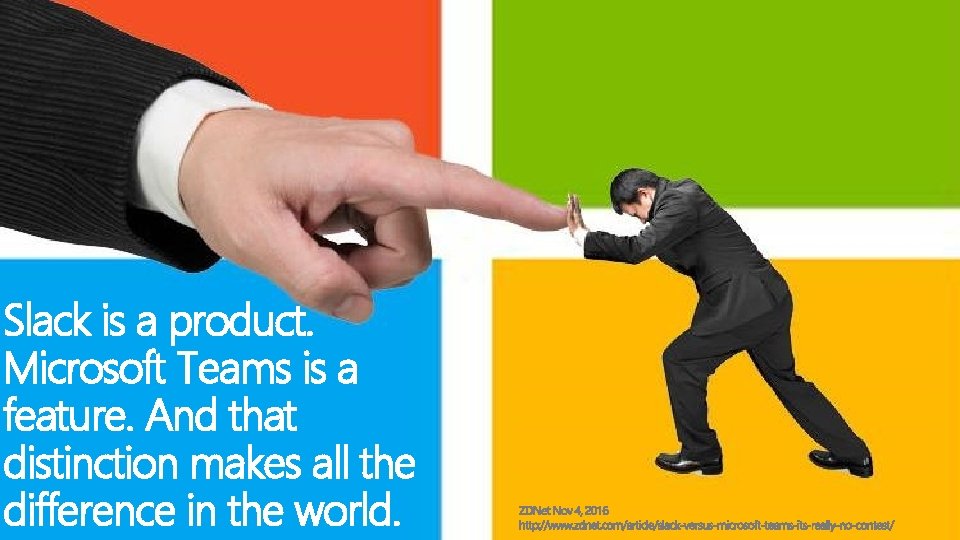
Slack is a product. Microsoft Teams is a feature. And that distinction makes all the difference in the world.
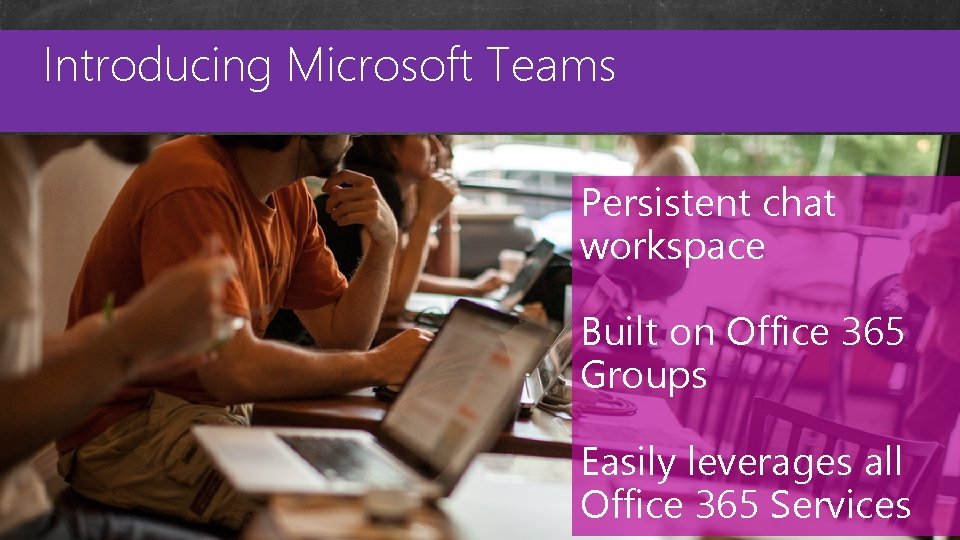
Introducing Microsoft Teams Custom Master Pages Persistent chat workspace Built on Office 365 Groups Easily leverages all Office 365 Services
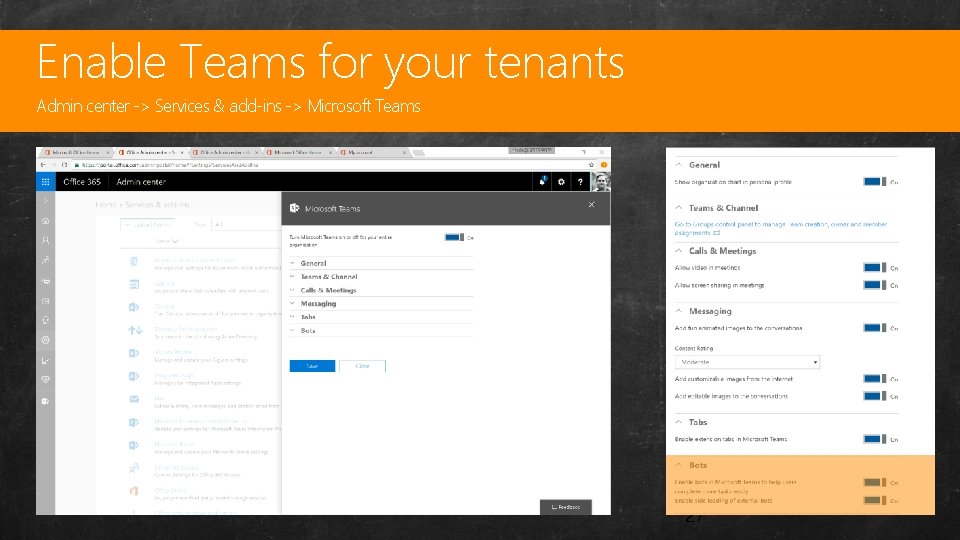
Enable Teams for your tenants Custom Admin center -> Services & add-ins -> Microsoft Teams Master Pages 27
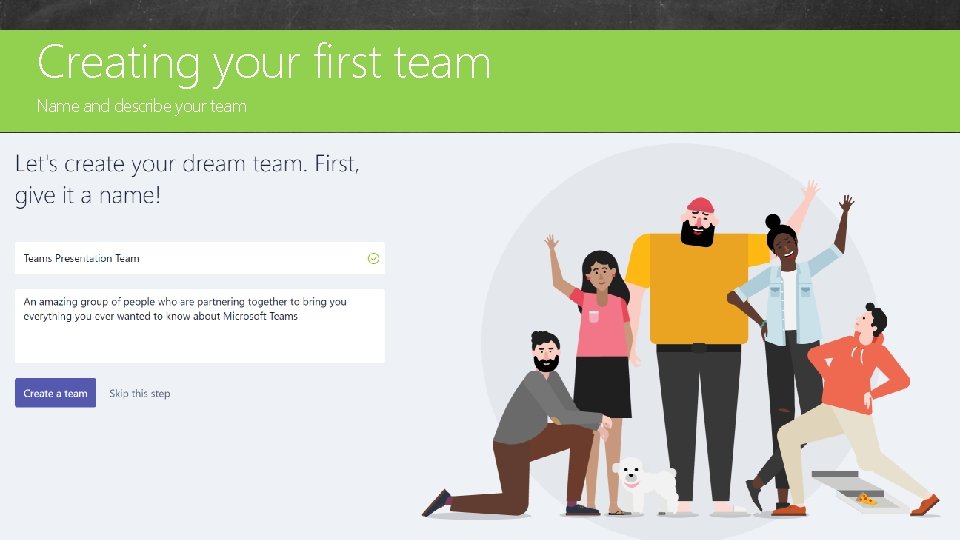
Creating your first team Custom Name and describe your team Master Pages 28
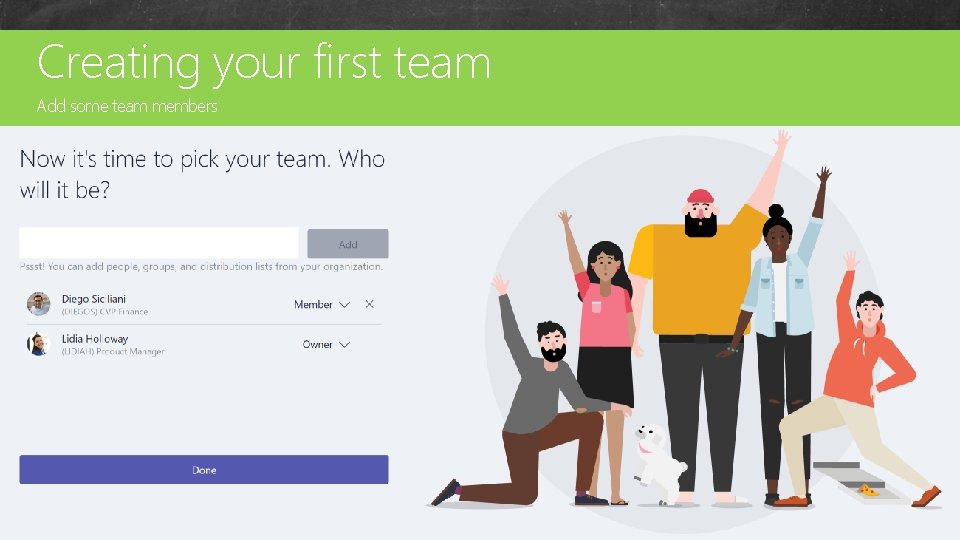
Creating your first team Custom Add some team members Master Pages 29
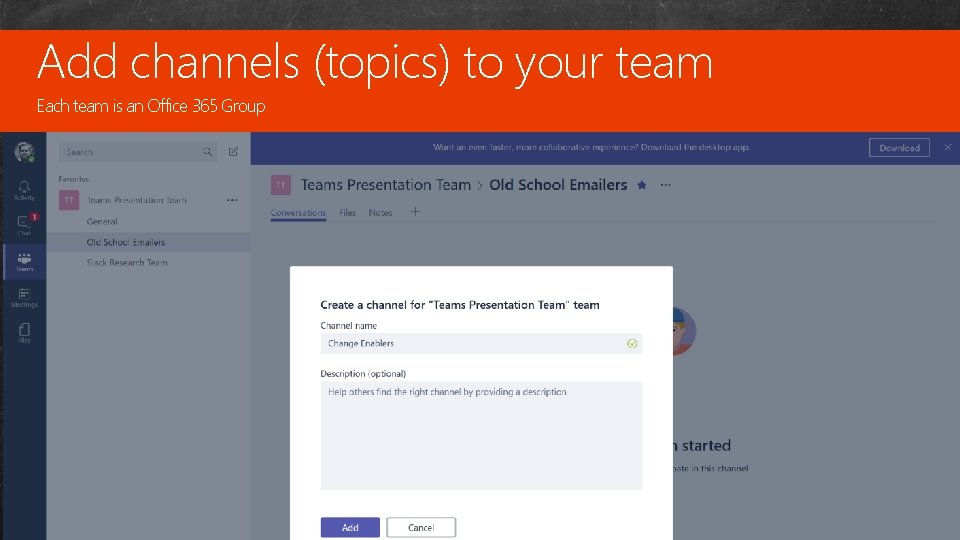
Add channels (topics) to your team Custom Each team is an Office 365 Group Master Pages 30
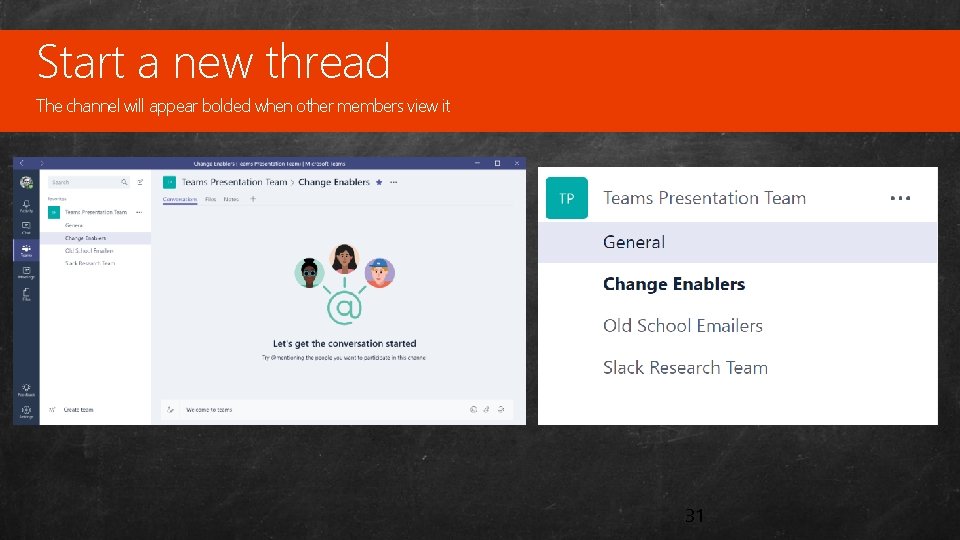
Start a new thread Custom The channel will appear bolded when other members view it Master Pages 31
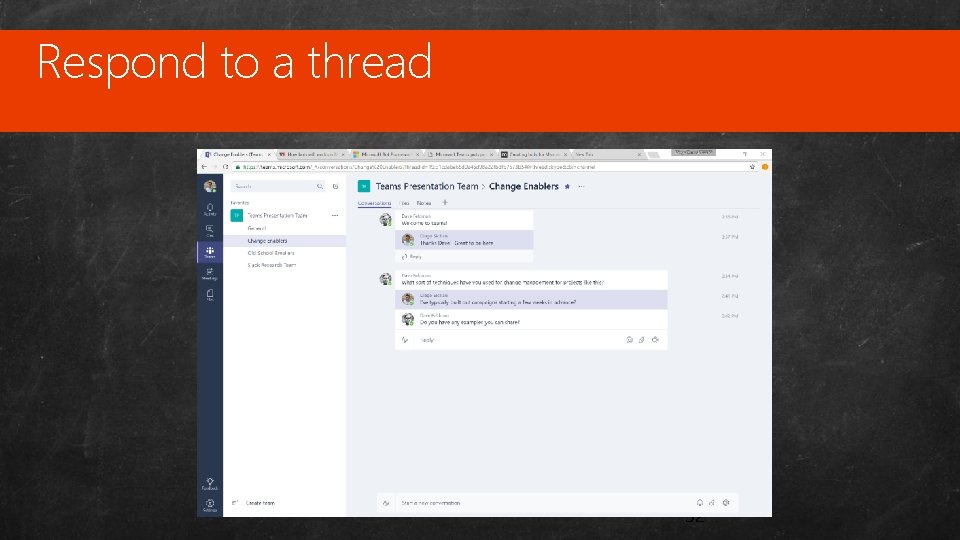
Respond to a thread Custom Master Pages 32
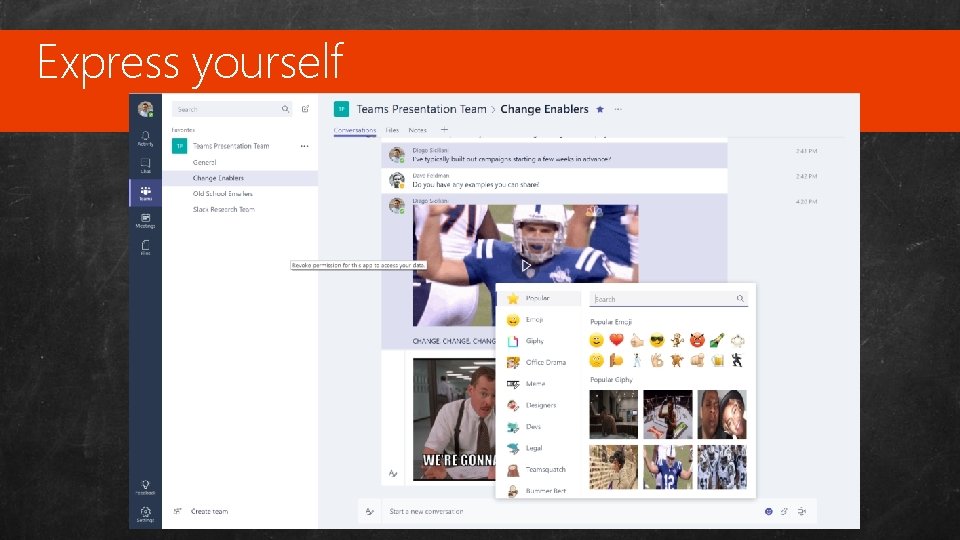
Express yourself Custom Master Pages 33
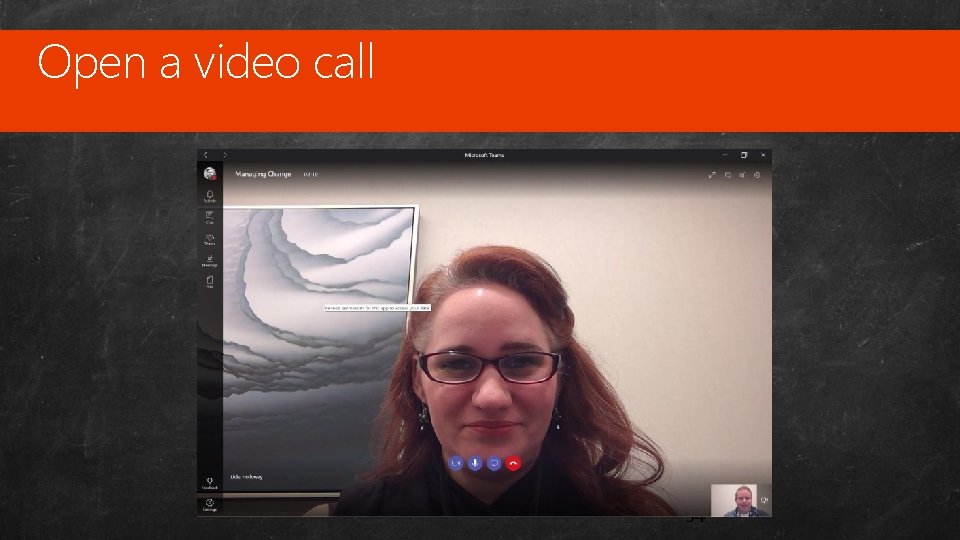
Open a video call Custom Master Pages 34
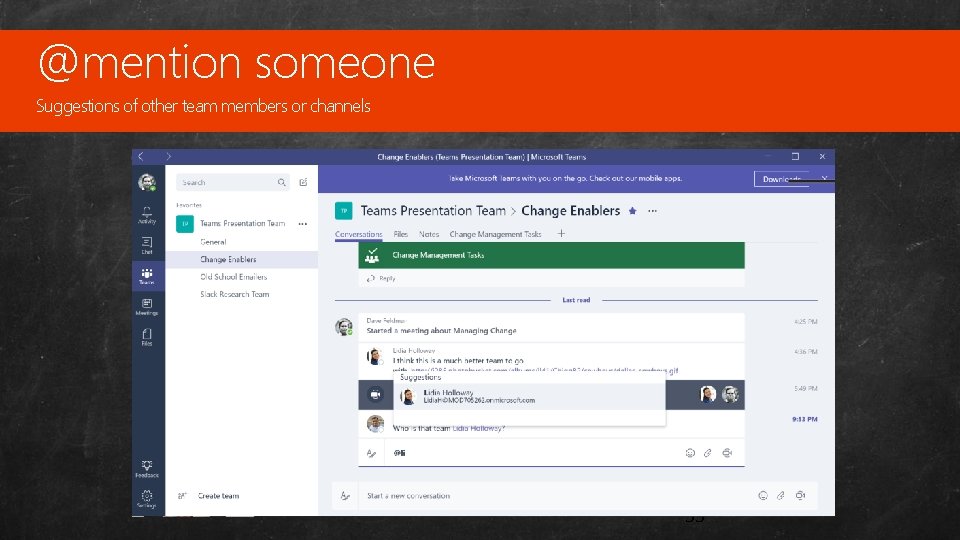
@mention someone Custom Suggestions of other team members or channels Master Pages 35
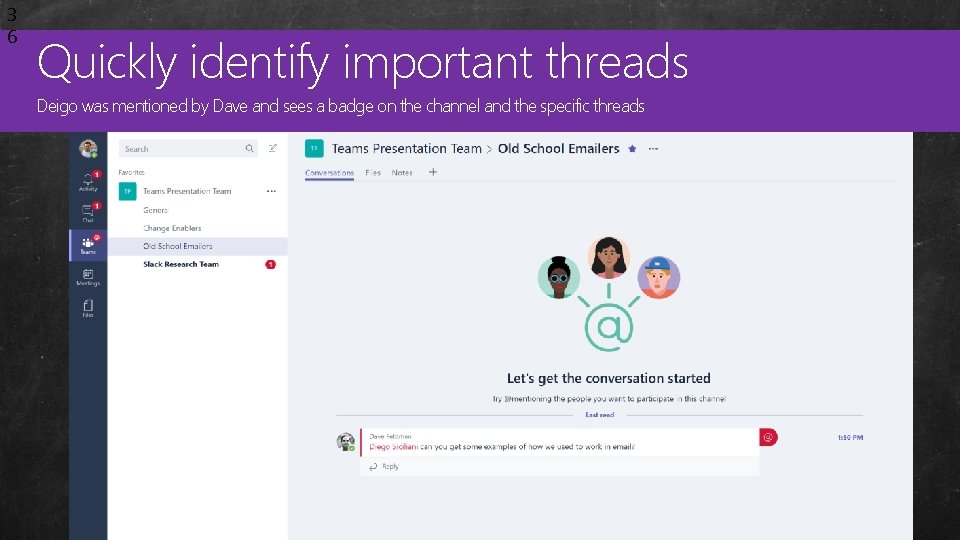
3 6 Quickly identify important threads Custom Deigo was mentioned by Dave and sees a badge on the channel and the specific threads Master Pages
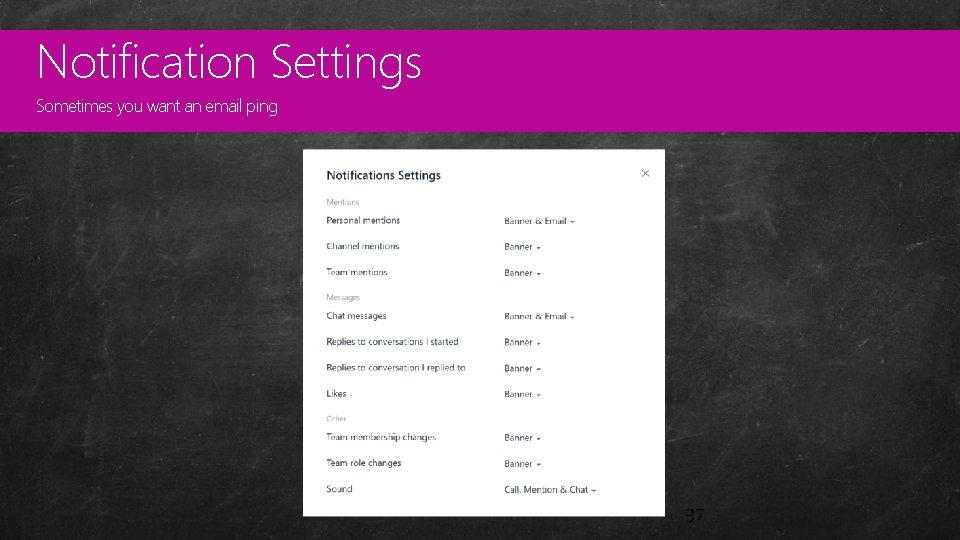
Notification Settings Custom Sometimes you want an email ping Master Pages 37
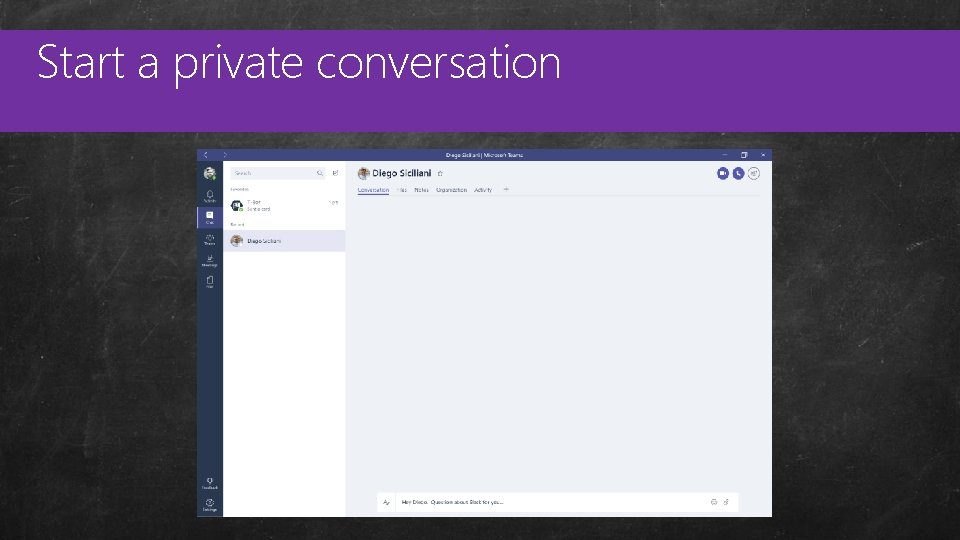
Start a private conversation Custom Master Pages
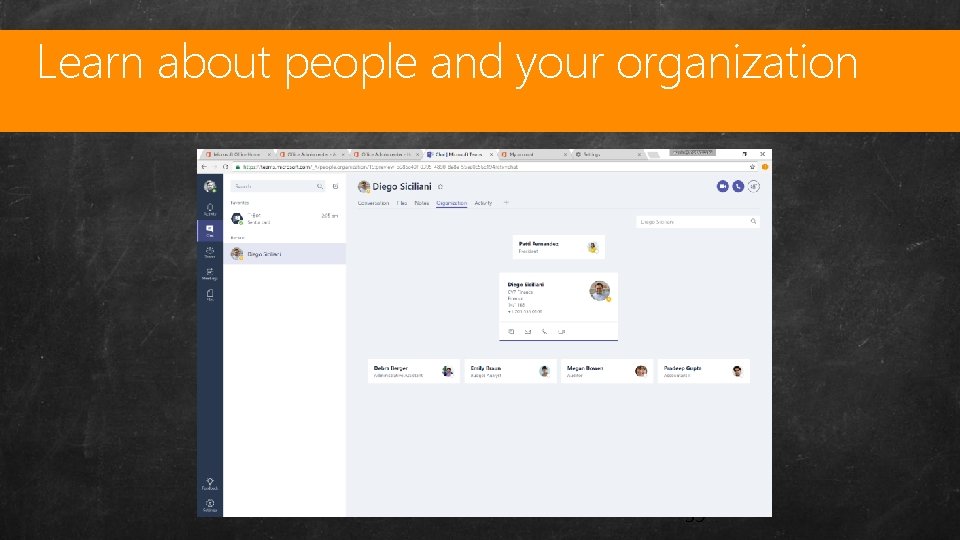
Learn about people and your organization Custom Master Pages 39
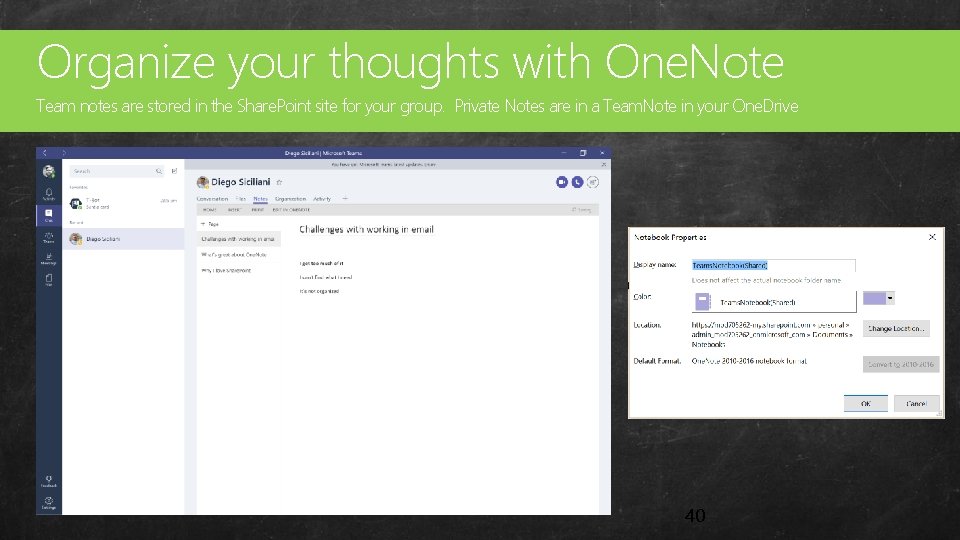
Organize your thoughts with One. Note Custom Team notes are stored in the Share. Point site for your group. Private Notes are in a Team. Note in your One. Drive Master Pages 40
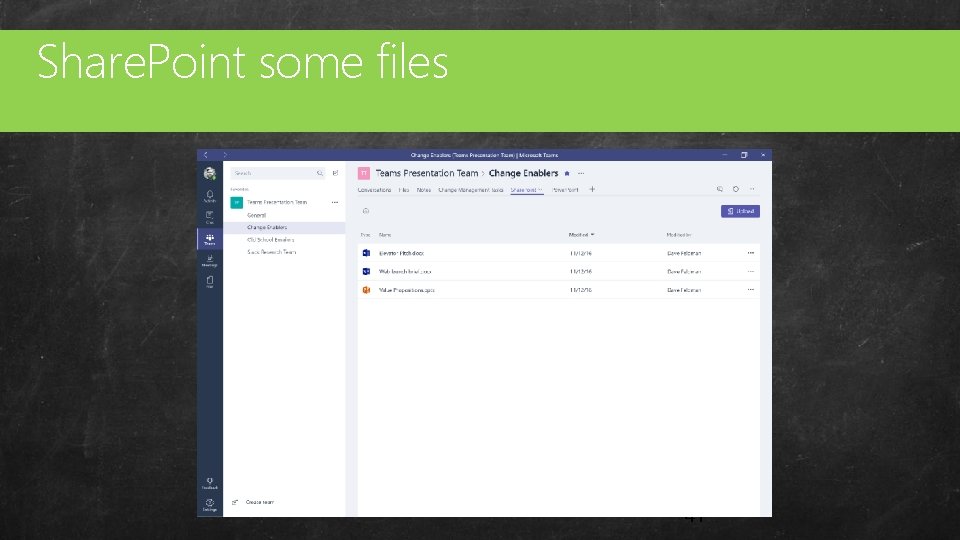
Share. Point some files Custom Master Pages 41
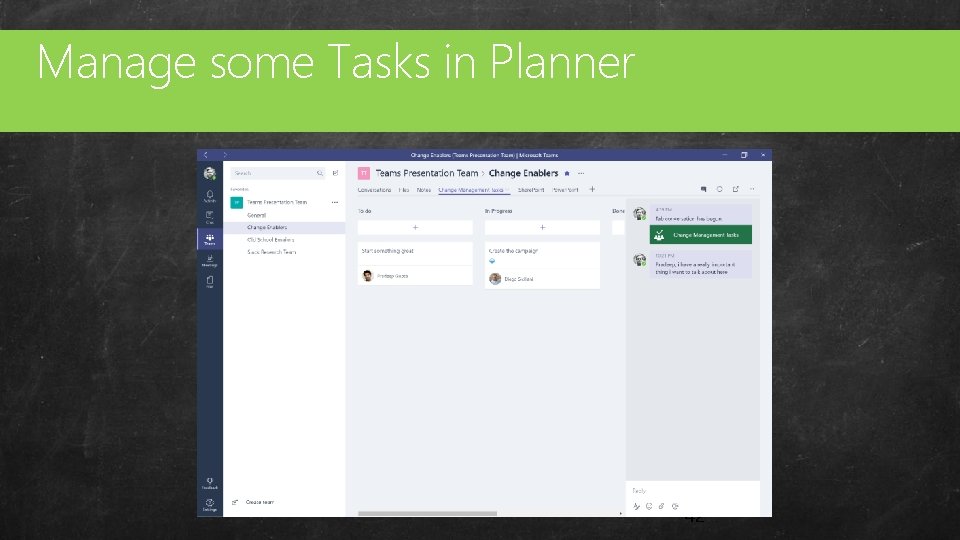
Manage some Tasks in Planner Custom Master Pages 42
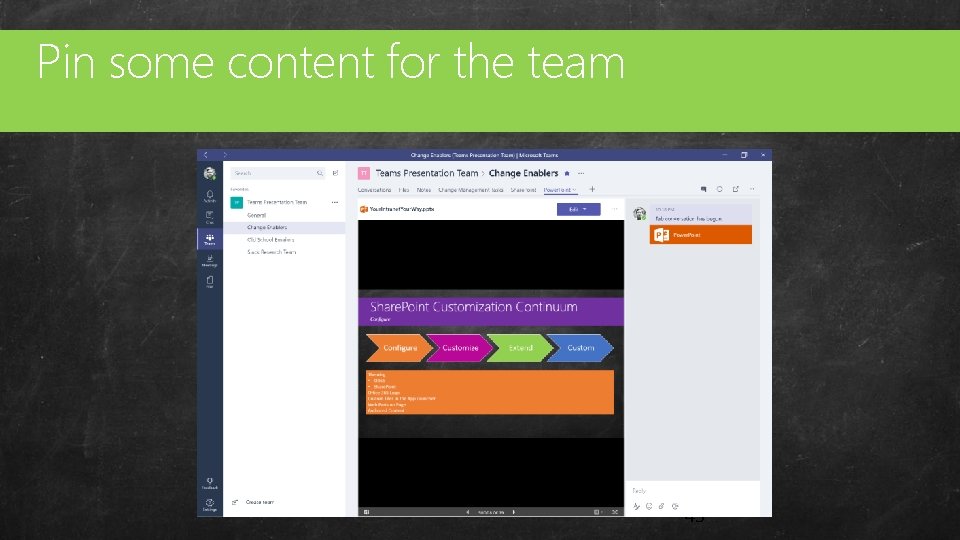
Pin some content for the team Custom Master Pages 43
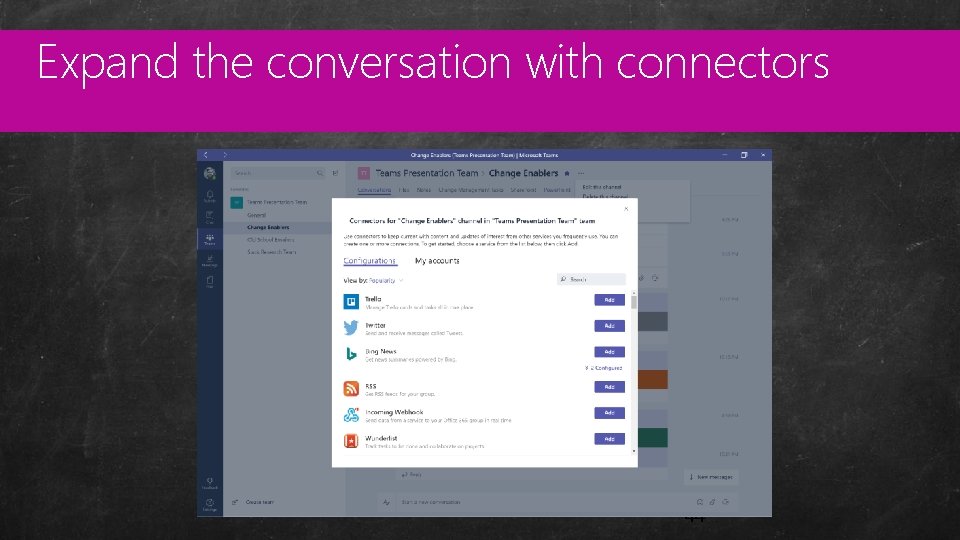
Expand the conversation with connectors Custom Master Pages 44
Consider making your own tabs Custom Master Pages • Teams add tabs to channels. A channel is a specific topic or purpose that the team has. • For example, the Planner tab for a channel contains a single plan. The Power BI tab maps to a specific report. • Tabs have a content page, a configuration page, and a manifest 45
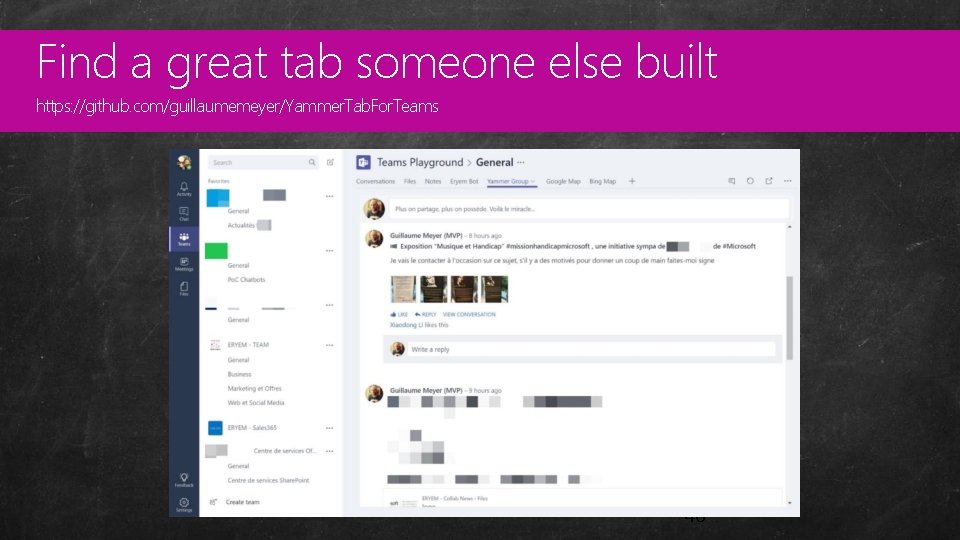
Find a great tab someone else built Custom https: //github. com/guillaumemeyer/Yammer. Tab. For. Teams Master Pages 46
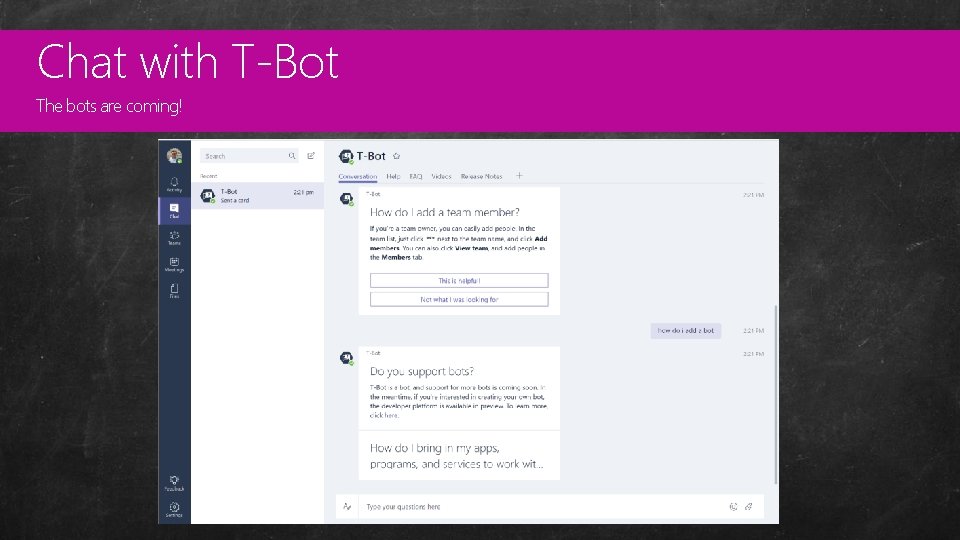
Chat with T-Bot Custom The bots are coming! Master Pages 47
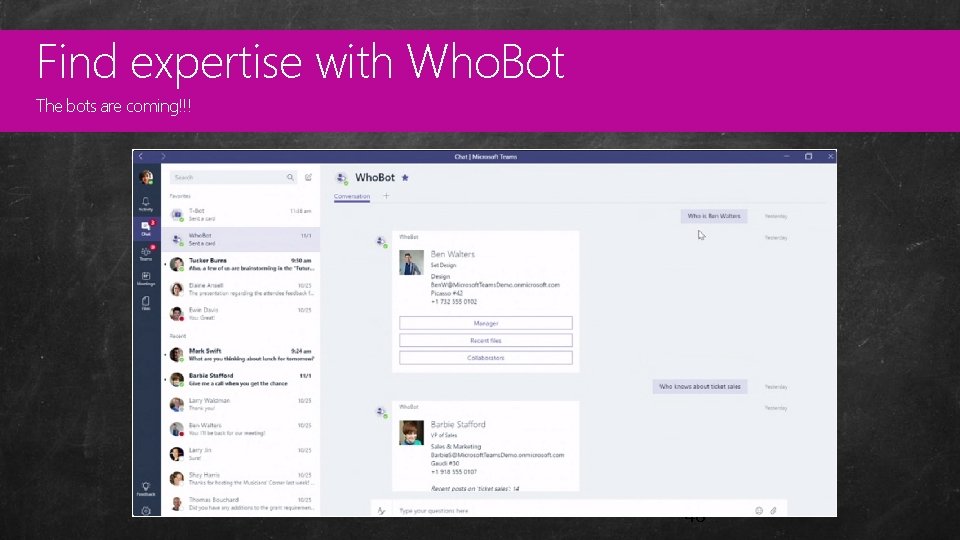
Find expertise with Who. Bot Custom The bots are coming!!! Master Pages 48
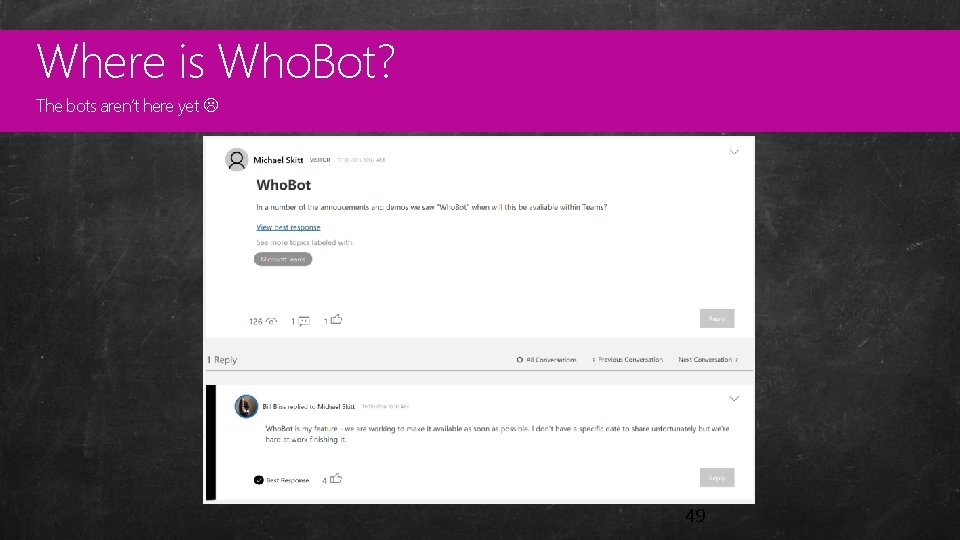
Where is Who. Bot? Custom The bots aren’t here yet Master Pages 49
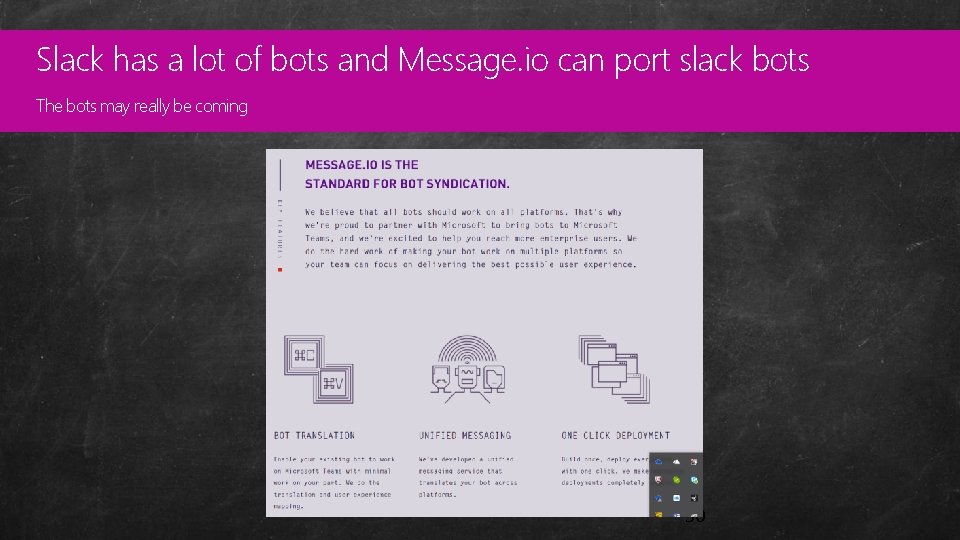
Slack has a lot of bots and Message. io can port slack bots Custom The bots may really be coming Master Pages 50
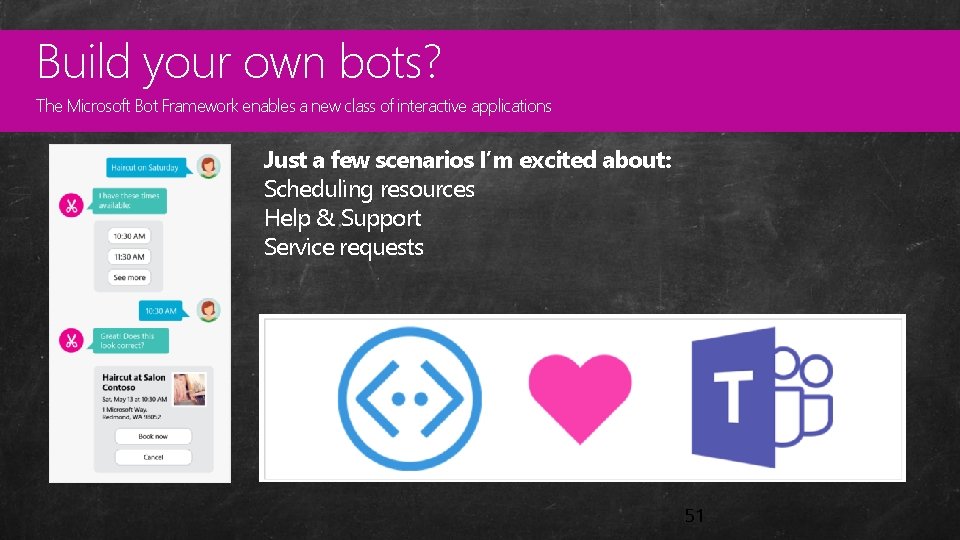
Build your own bots? Custom The Microsoft Bot Framework enables a new class of interactive applications Master Pages Just a few scenarios I’m excited about: Scheduling resources Help & Support Service requests 51
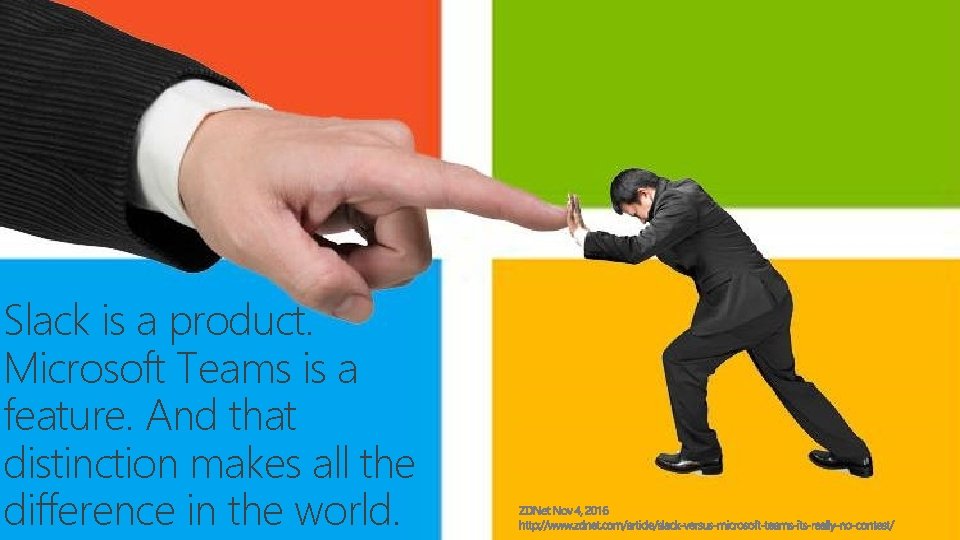
Slack is a product. Microsoft Teams is a feature. And that distinction makes all the difference in the world.
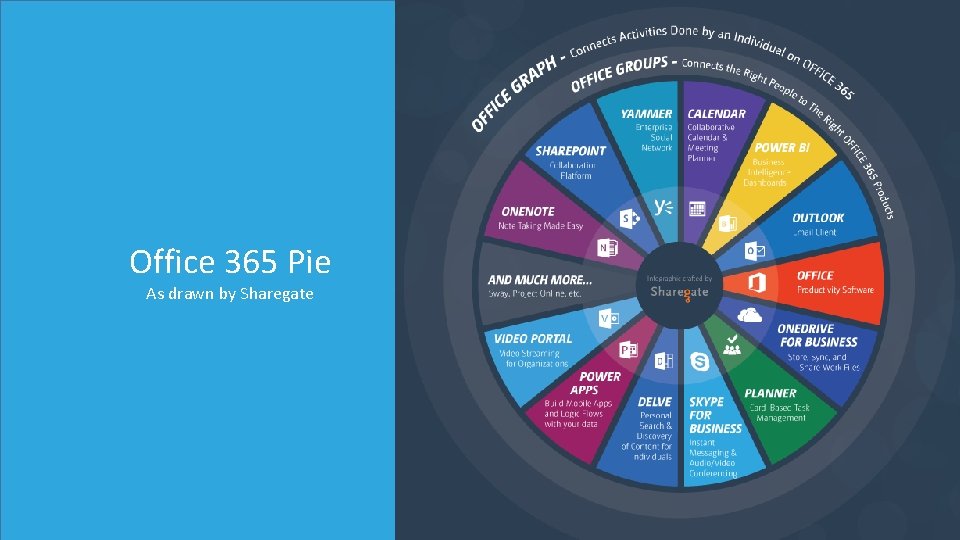
Custom Master Pages Office 365 Pie As drawn by Sharegate
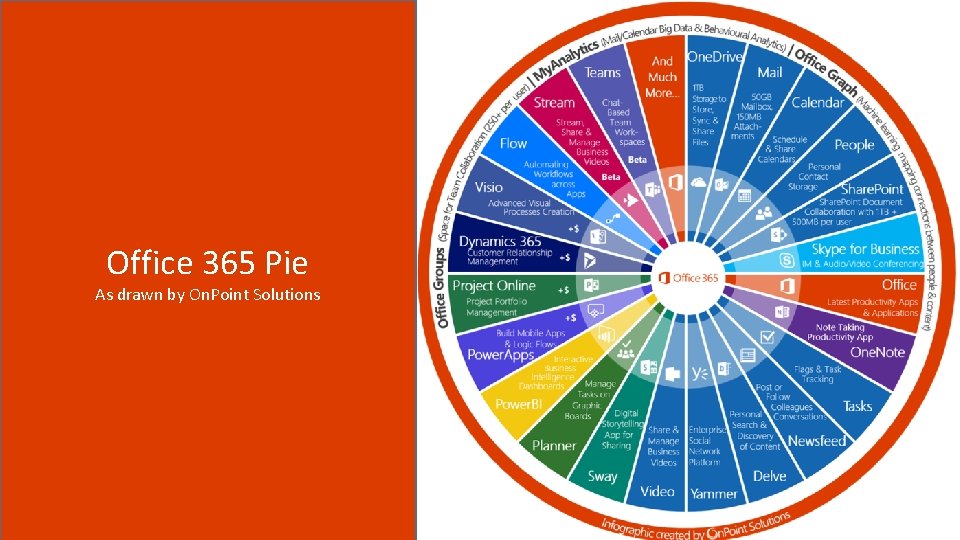
Custom Master Pages Office 365 Pie As drawn by On. Point Solutions
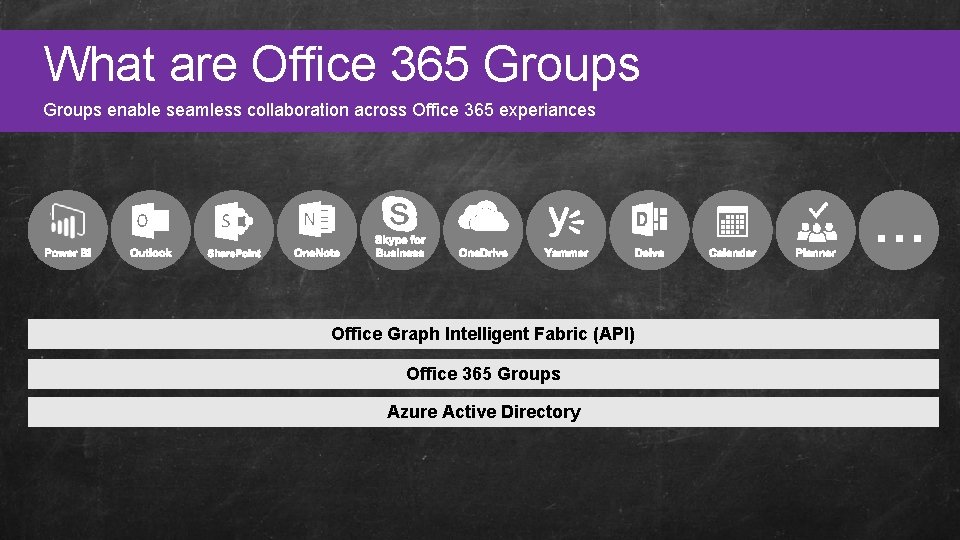
What Custom are Office 365 Groups Master Pages Groups enable seamless collaboration across Office 365 experiances Office Graph Intelligent Fabric (API) Office 365 Groups Azure Active Directory

Custom Master Pages Putting all the pieces together
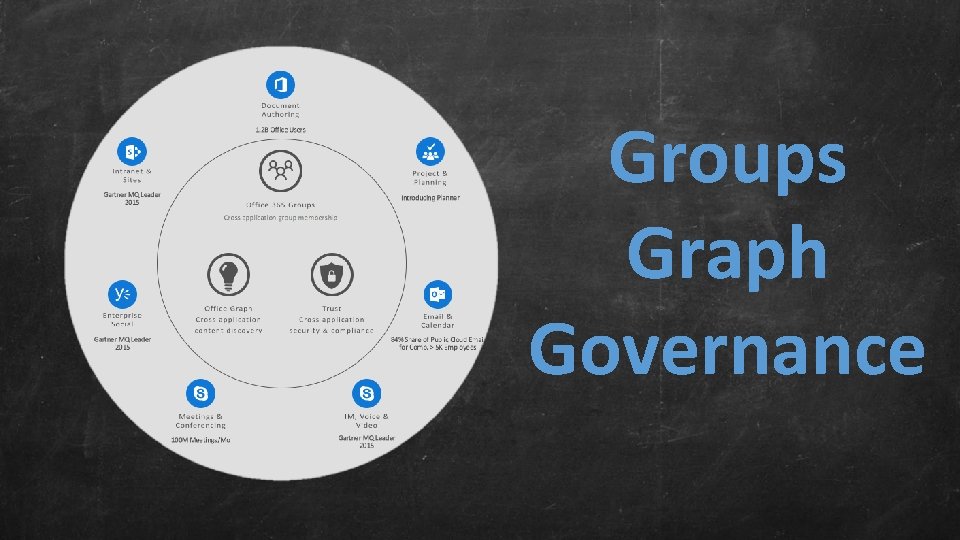
Groups Graph Governance
- Slides: 57