
Lets Learn Power Point THE MORE YOU KNOW
- Slides: 22
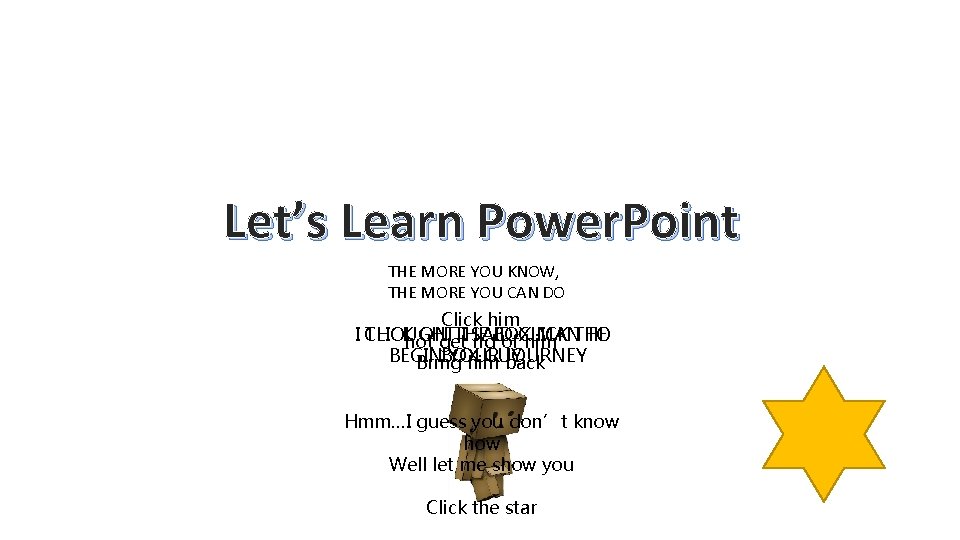
Let’s Learn Power. Point THE MORE YOU KNOW, THE MORE YOU CAN DO Click him I CLICK THOUGHT ON THE I SAID MANTHE TO not get rid. BOX of. CLICK him BEGIN BOX YOUR GUY JOURNEY Bring him back Hmm…I guess you don’t know how Well let me show you Click the star
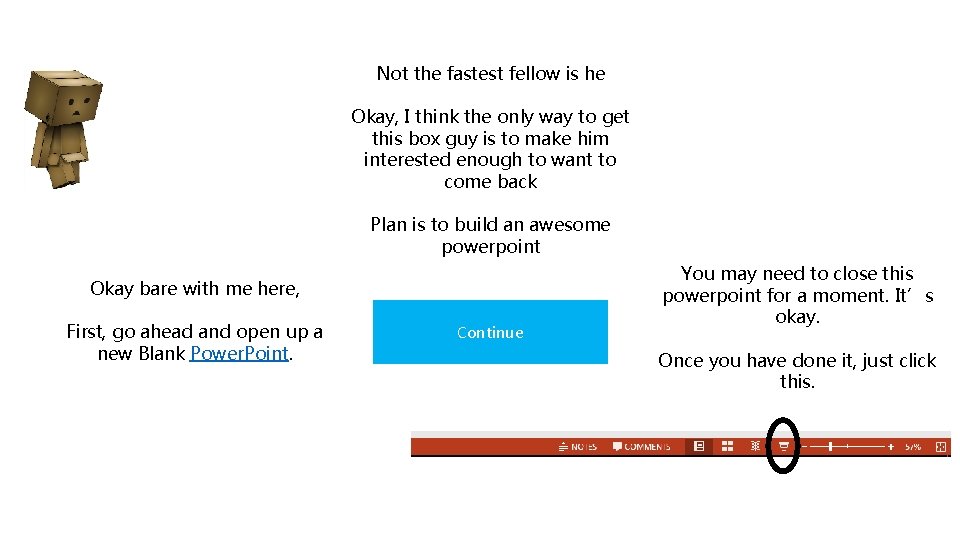
Not the fastest fellow is he Okay, I think the only way to get this box guy is to make him interested enough to want to come back Plan is to build an awesome powerpoint Okay bare with me here, First, go ahead and open up a new Blank Power. Point. Continue You may need to close this powerpoint for a moment. It’s okay. Once you have done it, just click this.
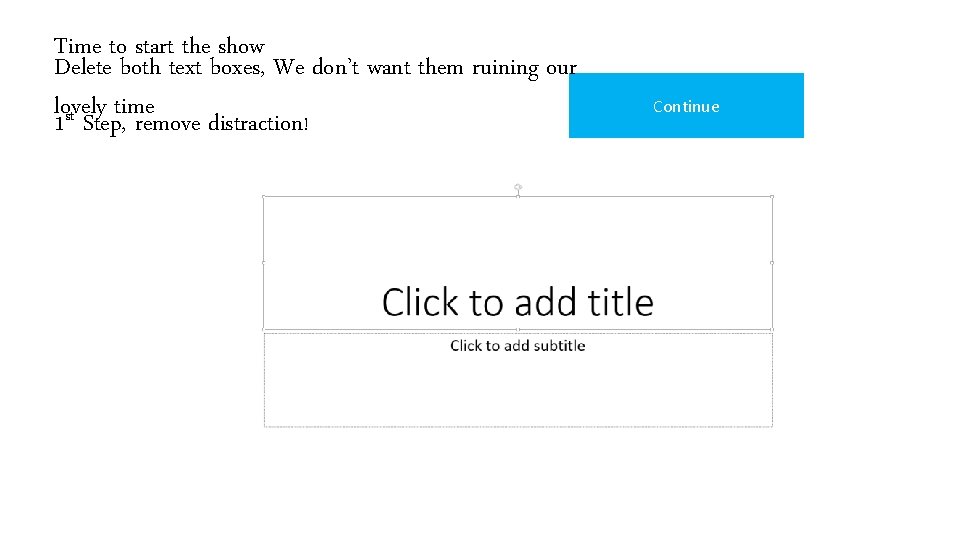
Time to start the show Delete both text boxes, We don’t want them ruining our lovely time st 1 Step, remove distraction! Continue
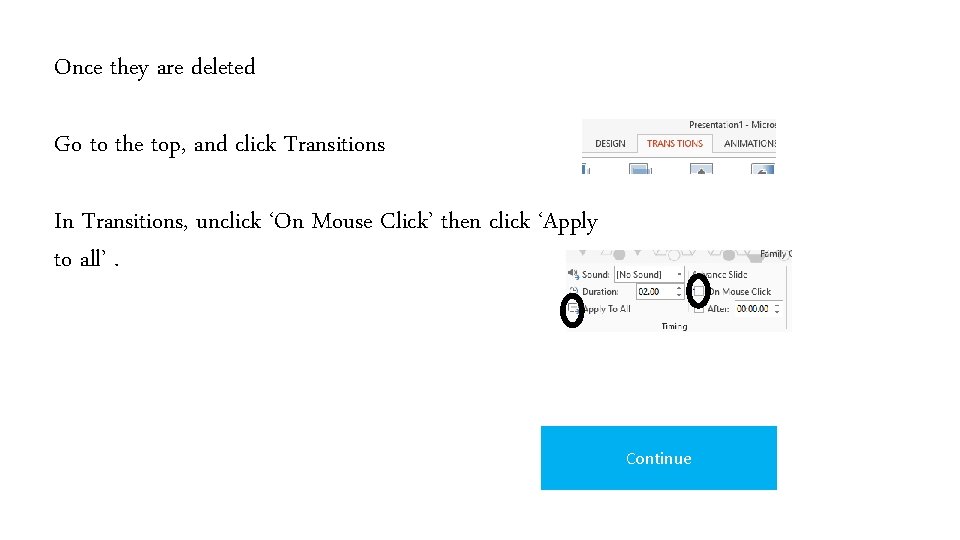
Once they are deleted Go to the top, and click Transitions In Transitions, unclick ‘On Mouse Click’ then click ‘Apply to all’. Continue
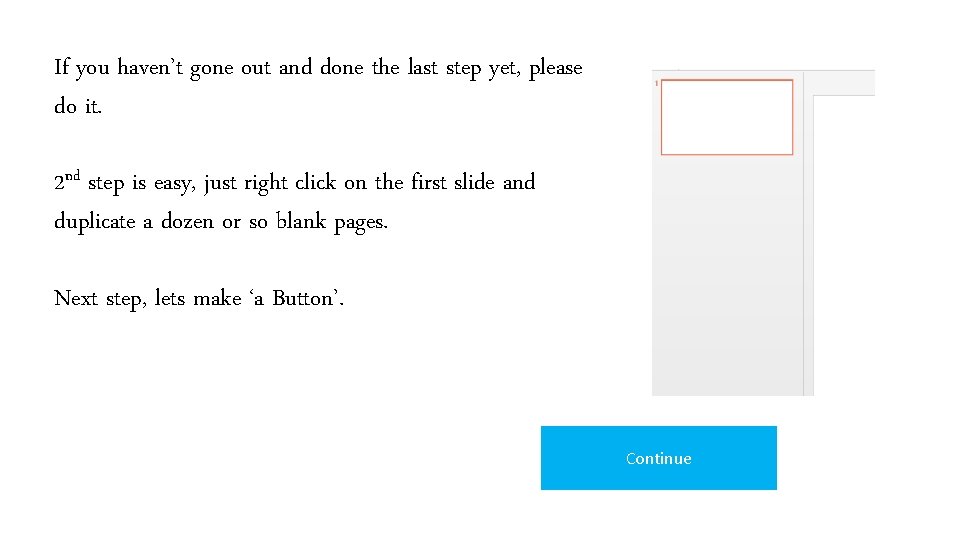
If you haven’t gone out and done the last step yet, please do it. 2 nd step is easy, just right click on the first slide and duplicate a dozen or so blank pages. Next step, lets make ‘a Button’. Continue
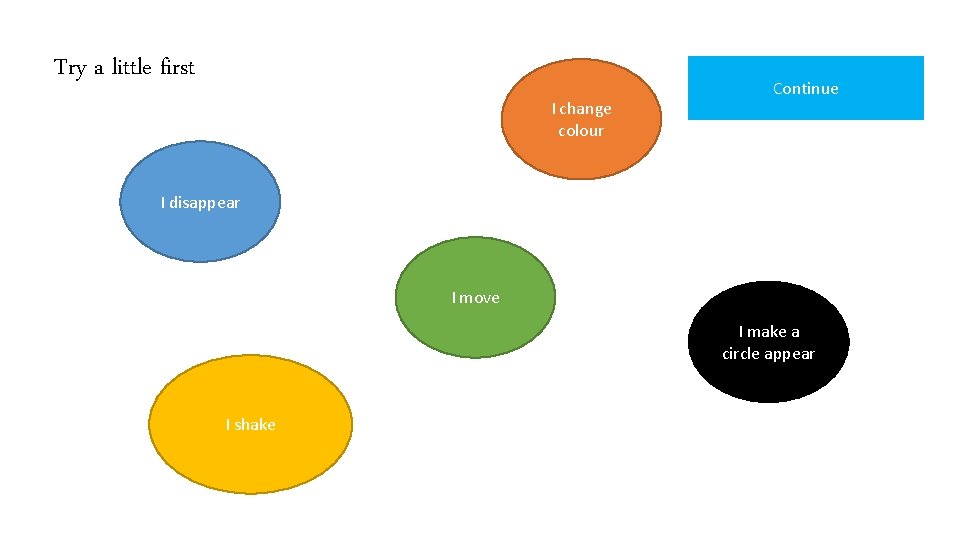
Try a little first I change colour Continue I disappear I move I make a circle appear I shake
Now you see if you can make the same thing in your Power. Point If you cannot get it, hit continue and I’ll give a few tips Exit Continue
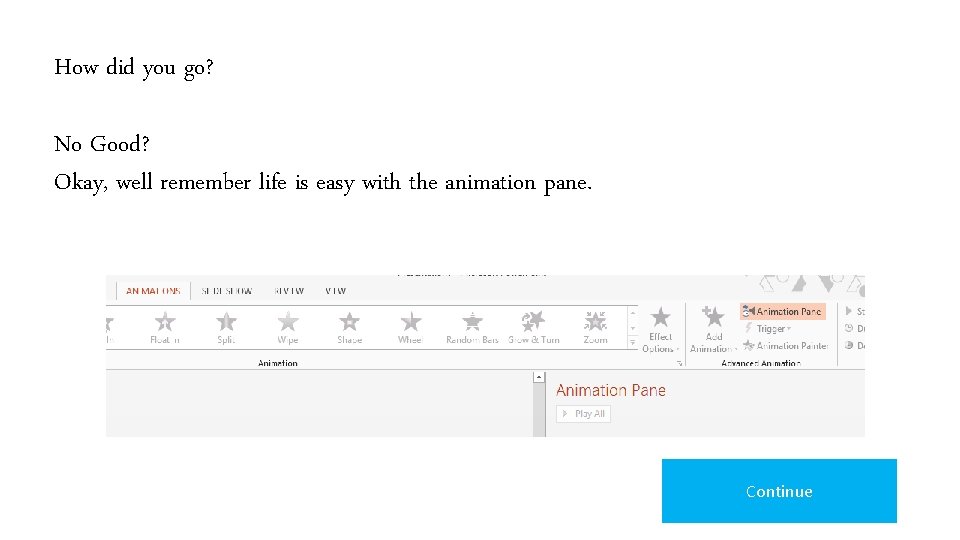
How did you go? No Good? Okay, well remember life is easy with the animation pane. Continue
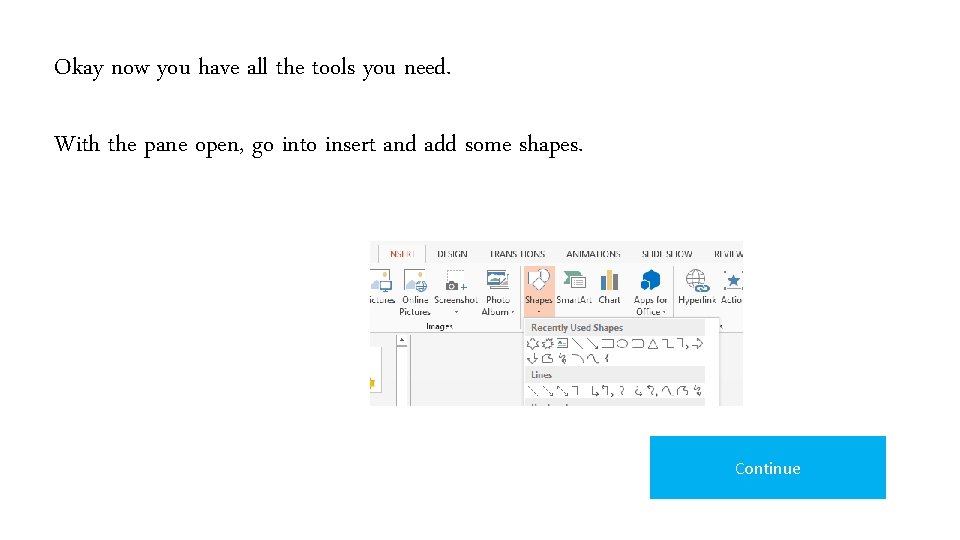
Okay now you have all the tools you need. With the pane open, go into insert and add some shapes. Continue
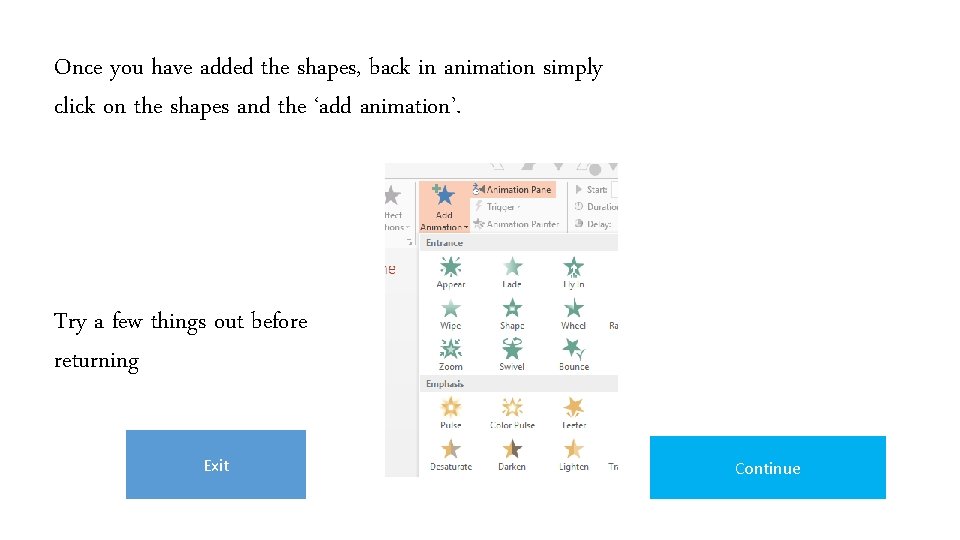
Once you have added the shapes, back in animation simply click on the shapes and the ‘add animation’. Try a few things out before returning Exit Continue
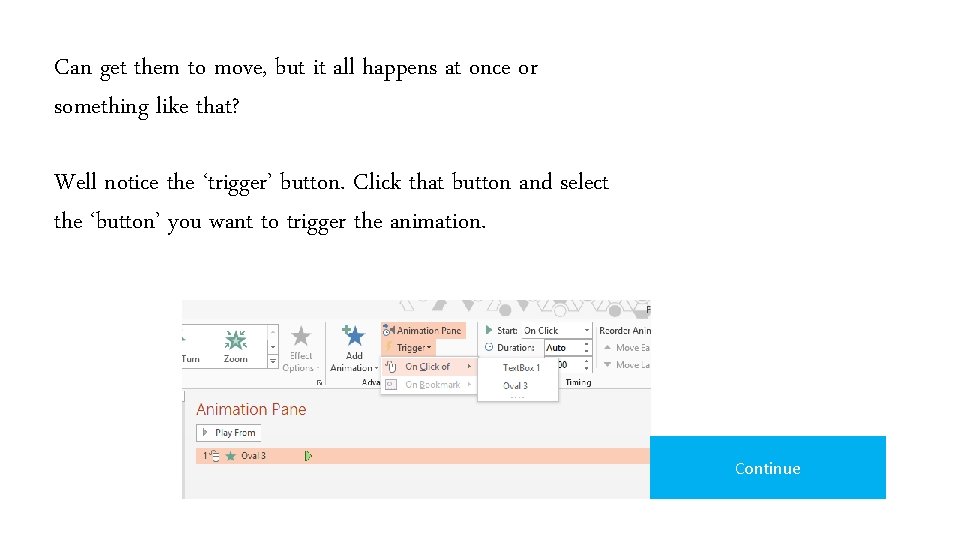
Can get them to move, but it all happens at once or something like that? Well notice the ‘trigger’ button. Click that button and select the ‘button’ you want to trigger the animation. Continue
There is more to keep in mind, such as - Start on Click - With Previous - After Previous They will be more important later. When you think you have done it, only then click Continue Exit Continue
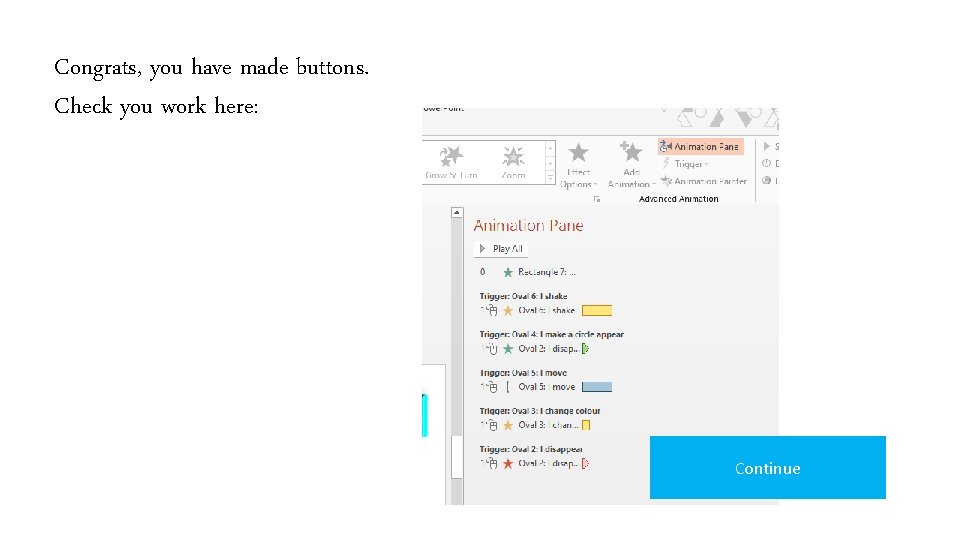
Congrats, you have made buttons. Check you work here: Continue
Impressive, but I need more than that to play a game. Continue
Well, looks like he needs more. So lets make a continue button. Yes, like the one you have been clicking. Continue
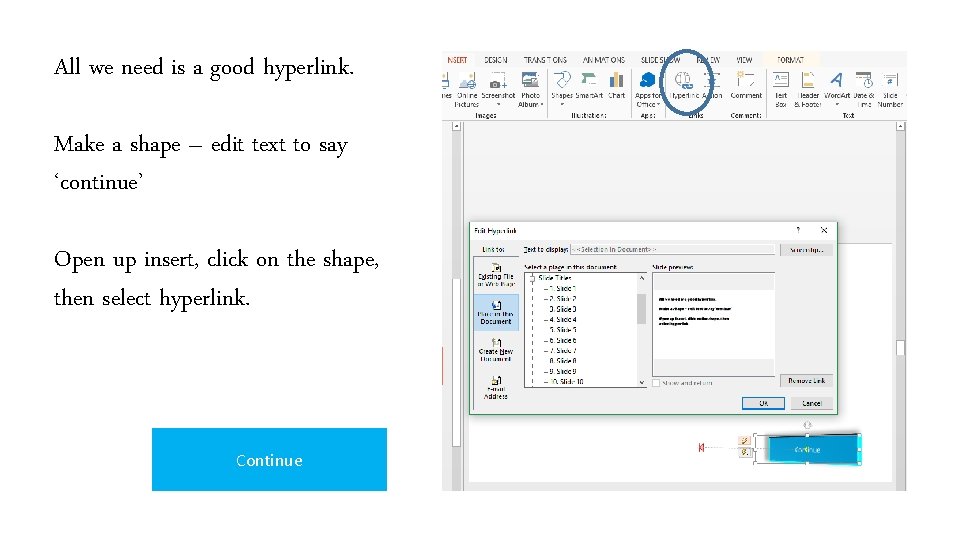
All we need is a good hyperlink. Make a shape – edit text to say ‘continue’ Open up insert, click on the shape, then select hyperlink. Continue
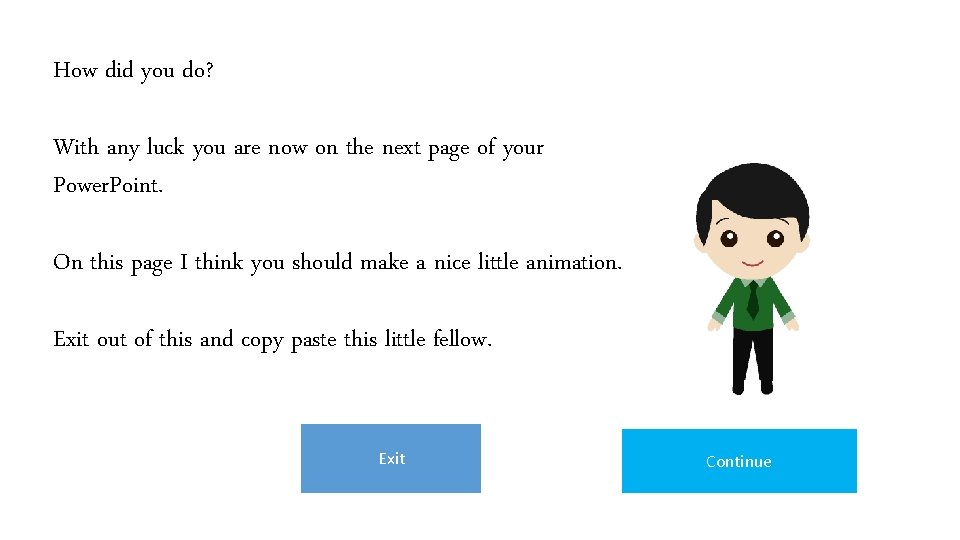
How did you do? With any luck you are now on the next page of your Power. Point. On this page I think you should make a nice little animation. Exit out of this and copy paste this little fellow. Exit Continue
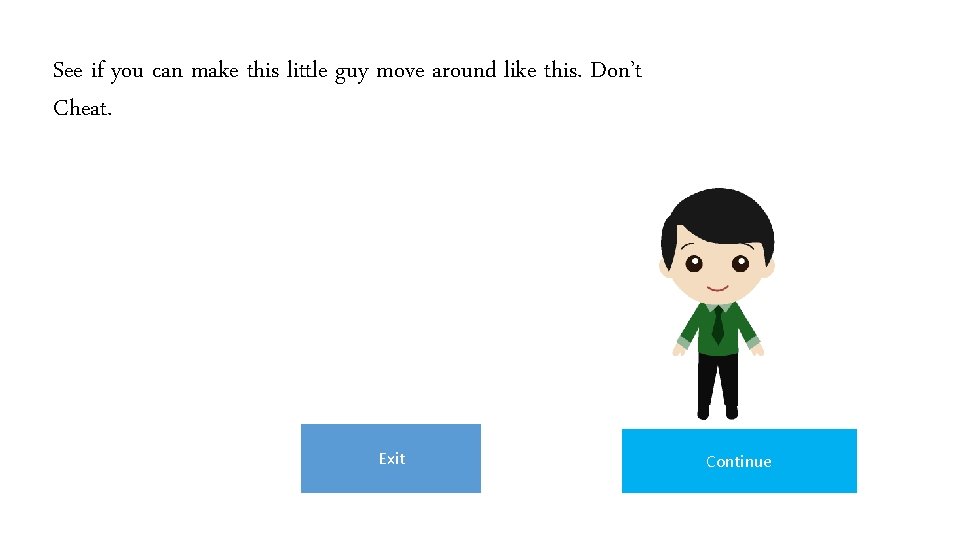
See if you can make this little guy move around like this. Don’t Cheat. Exit Continue
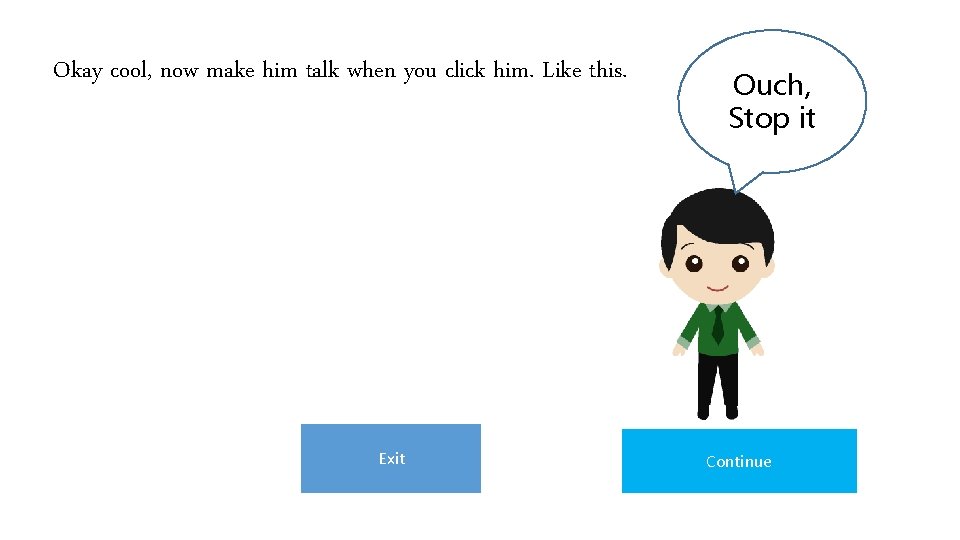
Okay cool, now make him talk when you click him. Like this. Exit Ouch, Stop it Continue
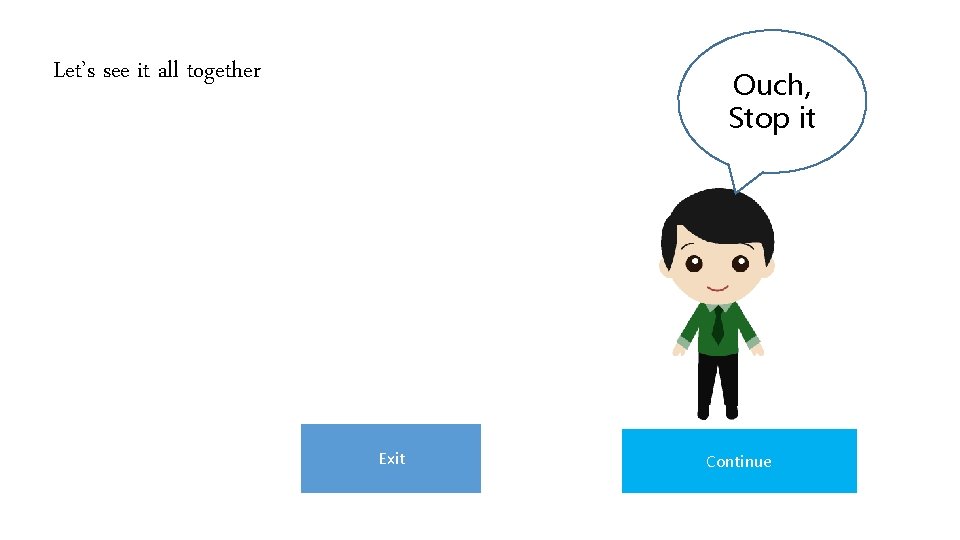
Let’s see it all together Ouch, Stop it Exit Continue
That was a little tougher. Well you have proven to me that you can make buttons and animations when you are told to. . . Continue
That was a little tougher. Ithink you should try out a few things on your own before we go any further. Exit