
Lesson One What is Power Chart When a

- Slides: 5
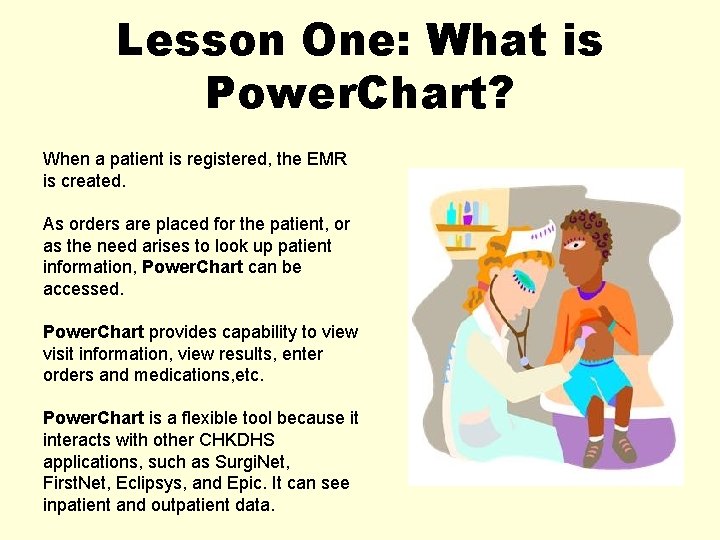
Lesson One: What is Power. Chart? When a patient is registered, the EMR is created. As orders are placed for the patient, or as the need arises to look up patient information, Power. Chart can be accessed. Power. Chart provides capability to view visit information, view results, enter orders and medications, etc. Power. Chart is a flexible tool because it interacts with other CHKDHS applications, such as Surgi. Net, First. Net, Eclipsys, and Epic. It can see inpatient and outpatient data.
Lesson One: What is Power. Chart? Some benefits of using Power. Chart include: • • Real time clinical information Easy access to patient’s chart Quickly accessible historical results Customizable views
Lesson One: What is Power. Chart? Security in Power. Chart Your username and password make up your electronic signature. As you access records in our systems, you are identified by your username and password. Security ensures that patient information remains confidential by tracking your interactions with patient records.
Lesson One: What is Power. Chart? Occasionally, downtime will occur with our applications. Downtime is any period of system unavailability. • Scheduled downtime occurs for routine system maintenance. • Unscheduled downtime occurs for cases when unplanned changes need to occur. When downtime occurs, consult with your manager or education coordinator for correct downtime procedures.
To blast off to Lesson Two, click the e. Ki. Ds icon below.