
LESSON Gr 9 SOCRATES Definition Adobe Dreamweaver is
LESSON Gr. 9 SOCRATES
Definition • Adobe Dreamweaver is the HTML editor application of Adobe. • It works well with graphics such as Adobe Photoshop and Fireworks. • It makes web design and development easier to do whether for a beginner or a second user.
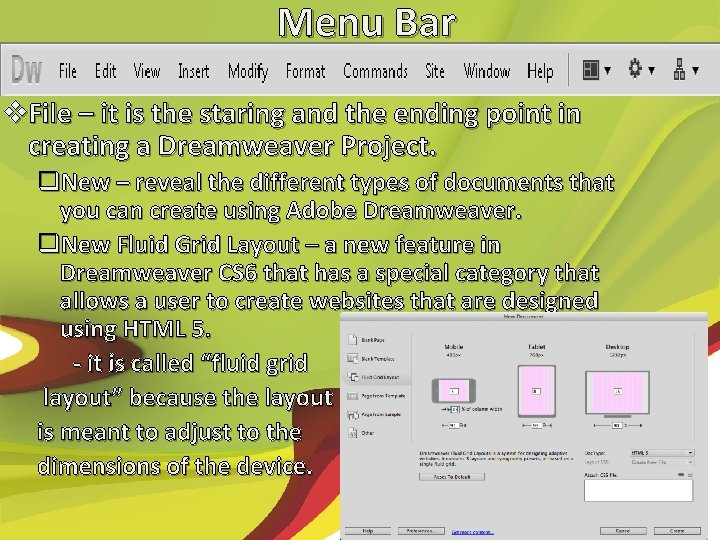
Menu Bar v. File – it is the staring and the ending point in creating a Dreamweaver Project. q. New – reveal the different types of documents that you can create using Adobe Dreamweaver. q. New Fluid Grid Layout – a new feature in Dreamweaver CS 6 that has a special category that allows a user to create websites that are designed using HTML 5. - it is called “fluid grid layout” because the layout is meant to adjust to the dimensions of the device.
q. Open and Close - Open allows you to open an existing web document for editing on Dreamweaver. - Open Recent display a list of up to 10 files that you recently worked on - Close exits the current document being edited. - Close All exits all open documents.
q. Save Document - Save preserves the current settings of the documents you are editing. - Save As allows you to save a document in a different format or file name. - Save All is much like Save except that it preserves the current settings of all open files. - Save All Related Files – will save not just the document you are editing, but also the files that are associated with the open document. - Save as template is a special feature. While still in an HTML document, a file saved in this format will have an extension. dwt. - Revert allows you to go back to the previously saved version.
q. Preview, Check and Validate - Preview in Browser allows you to view your document in any of the browser installed in your computer. - Check Page corrects errors that may be found in your document.
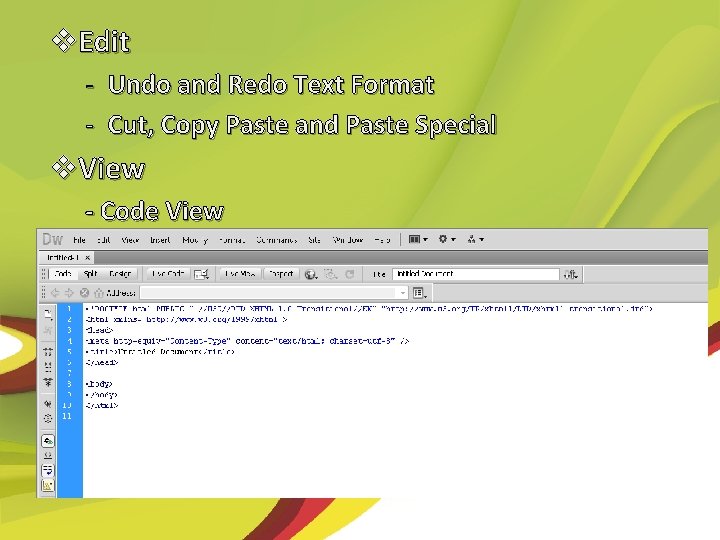
v. Edit - Undo and Redo Text Format - Cut, Copy Paste and Paste Special v. View - Code View
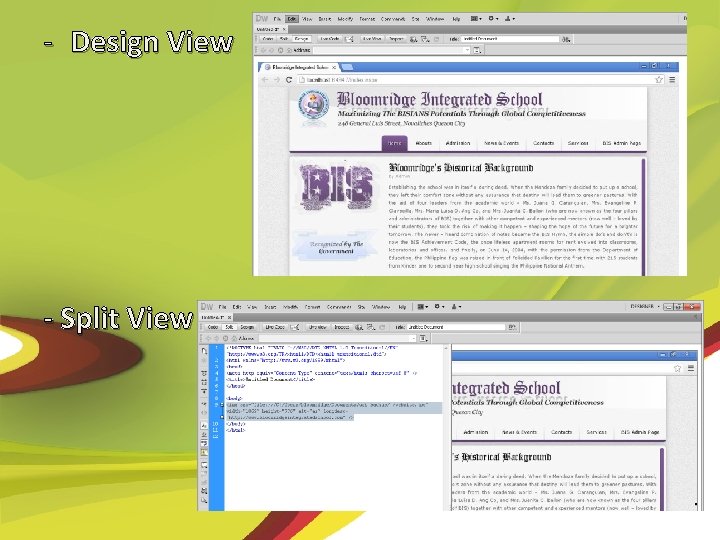
- Design View - Split View
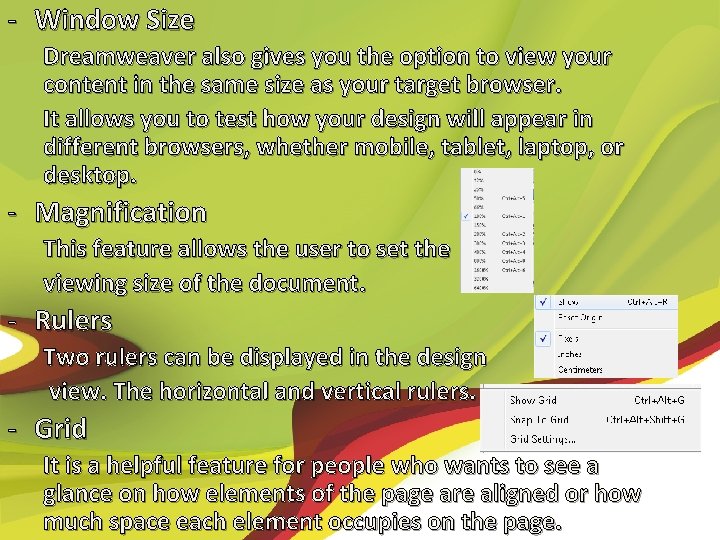
- Window Size Dreamweaver also gives you the option to view your content in the same size as your target browser. It allows you to test how your design will appear in different browsers, whether mobile, tablet, laptop, or desktop. - Magnification This feature allows the user to set the viewing size of the document. - Rulers Two rulers can be displayed in the design view. The horizontal and vertical rulers. - Grid It is a helpful feature for people who wants to see a glance on how elements of the page are aligned or how much space each element occupies on the page.
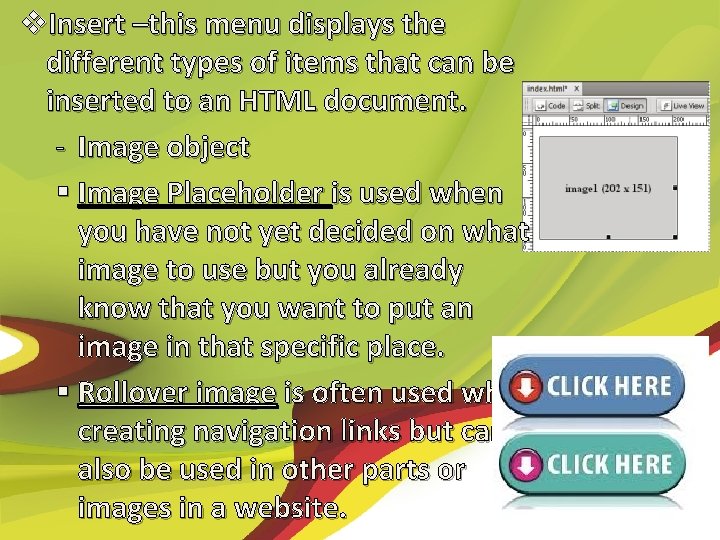
v. Insert –this menu displays the different types of items that can be inserted to an HTML document. - Image object § Image Placeholder is used when you have not yet decided on what image to use but you already know that you want to put an image in that specific place. § Rollover image is often used when creating navigation links but can also be used in other parts or images in a website.
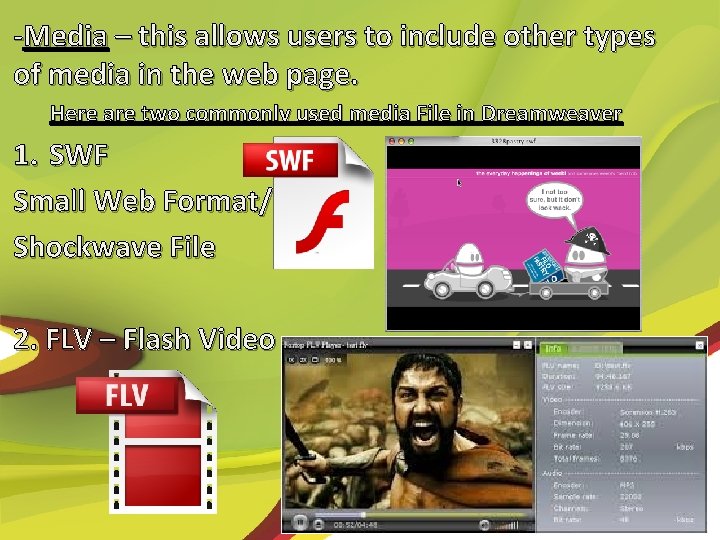
-Media – this allows users to include other types of media in the web page. Here are two commonly used media File in Dreamweaver 1. SWF Small Web Format/ Shockwave File 2. FLV – Flash Video
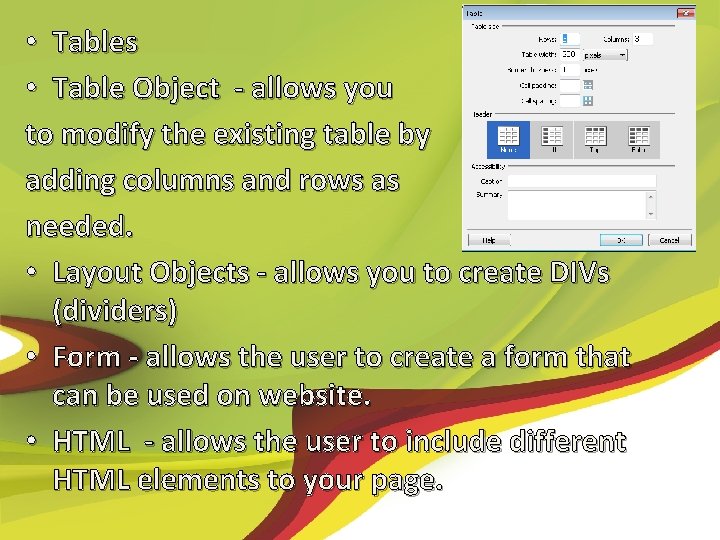
• Tables • Table Object - allows you to modify the existing table by adding columns and rows as needed. • Layout Objects - allows you to create DIVs (dividers) • Form - allows the user to create a form that can be used on website. • HTML - allows the user to include different HTML elements to your page.
v. Modify - This allows the user to modify the different parts and properties of your website. 1. Page Properties – this allows the user to modify the appearance, links, and headings of the website. 2. Selection Properties – it displays the properties panel at the bottom of the page. 3. CSS Styles – this displays the CSS Styles Panel on the right side of the screen.
4. Font Families - it allows user to specify what fonts are to be used in the website. 5. Web Fonts – this allows the user to apply web fonts to the website. 6. Library Items – this makes changes to the library items used in the website. 7. Templates – this modifies the document by applying a template to the current website.
v. Format - This section allows user to format paragraphs. § Indent § Outdent § Paragraph Format § Align § List § Style
v. Commands -Check Spelling -Apply Source Formatting -Clean Up XHTML -Clean Up Word HTML
Classic Interface - Dreamweaver has developed several interfaces to suit different types of users. - App Developer Plus - Business Catalyst - Coder Plus - Designer Compact Dual Screen Fluid Layouts Mobile Applications
End of discussion… #cssombrito
- Slides: 18