
Lesson 7 Arrays Why arrays To group distinct
![Referencing values Let's have the declaration: int age [6]; It creates an array of](https://slidetodoc.com/presentation_image_h2/fd273e0025ce76dbd820a97eb17af171/image-5.jpg "Referencing values Let's have the declaration: int age [6]; It creates an array of")
![Sending arrays to functions int find (int array[], int size) { int i, largest,](https://slidetodoc.com/presentation_image_h2/fd273e0025ce76dbd820a97eb17af171/image-15.jpg "Sending arrays to functions int find (int array[], int size) { int i, largest,")
![A Simple 2 D Program #include <stdio. h> int main (void) { int matrix[5][5];](https://slidetodoc.com/presentation_image_h2/fd273e0025ce76dbd820a97eb17af171/image-42.jpg "A Simple 2 D Program #include <stdio. h> int main (void) { int matrix[5][5];")
- Slides: 49
Lesson #7 Arrays
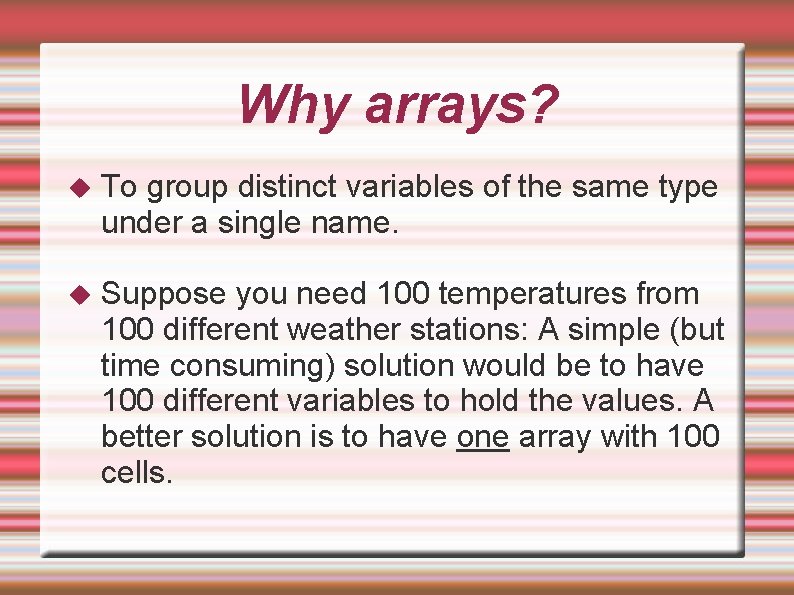
Why arrays? To group distinct variables of the same type under a single name. Suppose you need 100 temperatures from 100 different weather stations: A simple (but time consuming) solution would be to have 100 different variables to hold the values. A better solution is to have one array with 100 cells.
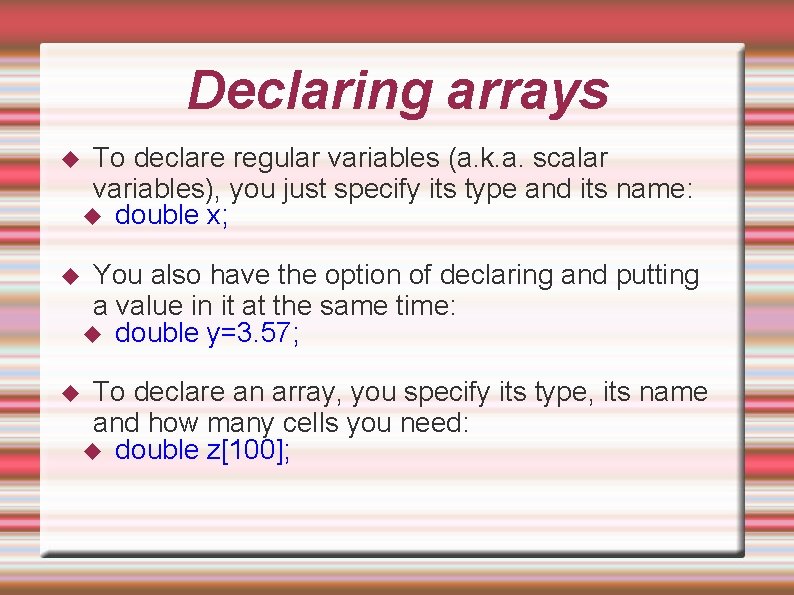
Declaring arrays To declare regular variables (a. k. a. scalar variables), you just specify its type and its name: double x; You also have the option of declaring and putting a value in it at the same time: double y=3. 57; To declare an array, you specify its type, its name and how many cells you need: double z[100];
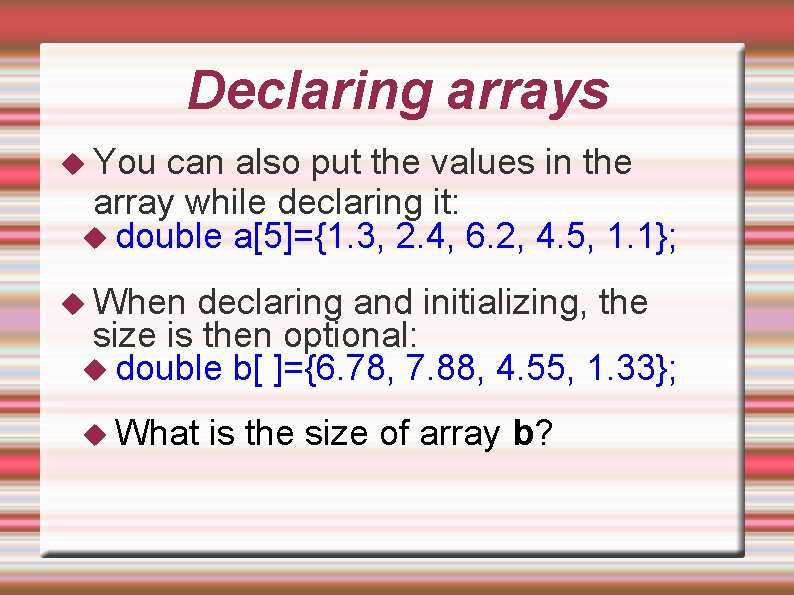
Declaring arrays You can also put the values in the array while declaring it: double a[5]={1. 3, 2. 4, 6. 2, 4. 5, 1. 1}; When declaring and initializing, the size is then optional: double b[ ]={6. 78, 7. 88, 4. 55, 1. 33}; What is the size of array b?
Referencing values Let's have the declaration: int age [6]; It creates an array of integers that looks like this: age Each cell can be referenced by a number. Numbering always starts at zero. 0 age 1 2 3 4 5
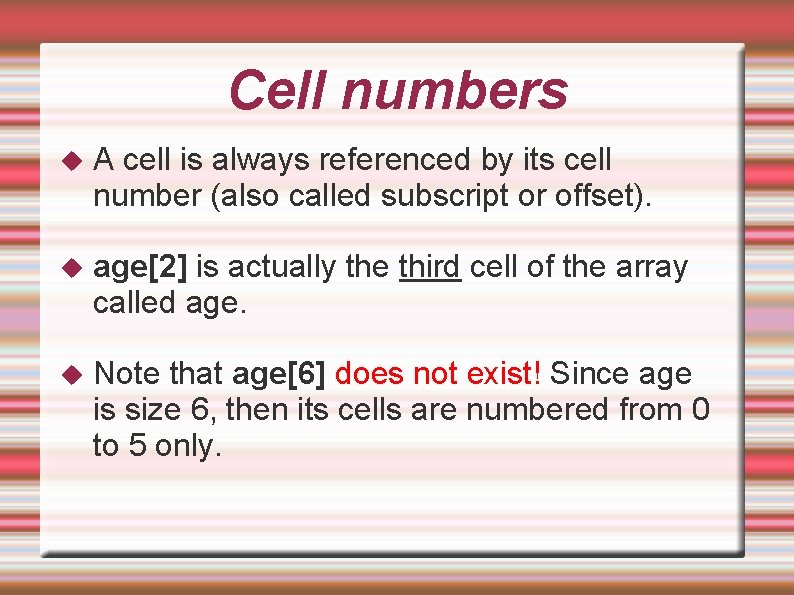
Cell numbers A cell is always referenced by its cell number (also called subscript or offset). age[2] is actually the third cell of the array called age. Note that age[6] does not exist! Since age is size 6, then its cells are numbered from 0 to 5 only.
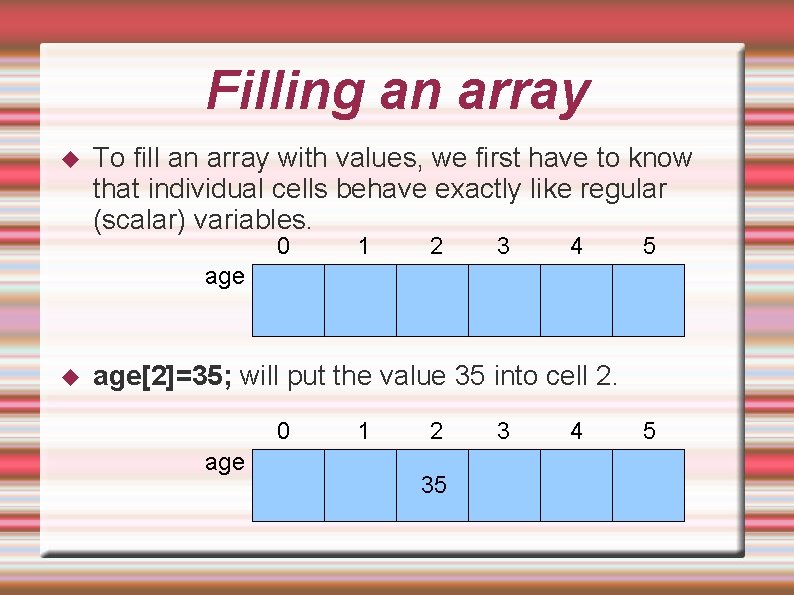
Filling an array To fill an array with values, we first have to know that individual cells behave exactly like regular (scalar) variables. 0 1 2 3 4 5 age[2]=35; will put the value 35 into cell 2. 0 age 1 2 35 3 4 5
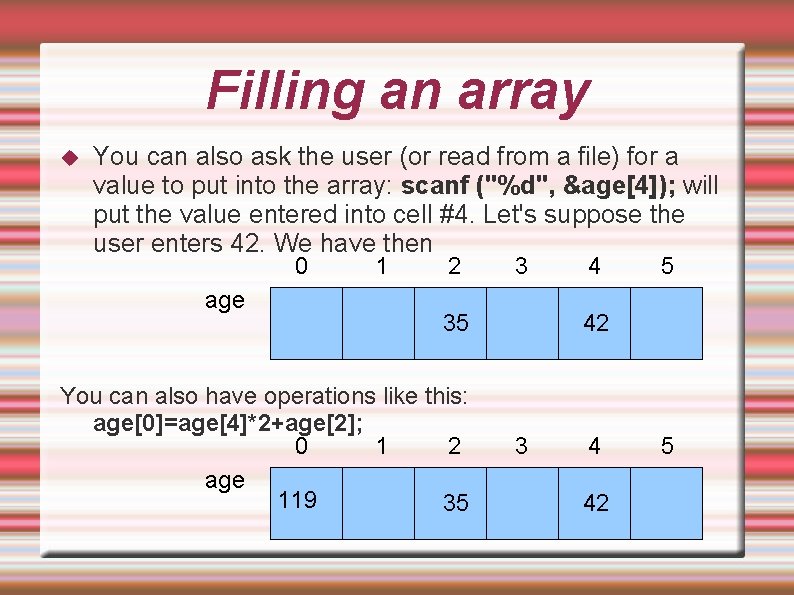
Filling an array You can also ask the user (or read from a file) for a value to put into the array: scanf ("%d", &age[4]); will put the value entered into cell #4. Let's suppose the user enters 42. We have then 0 age 1 2 3 35 You can also have operations like this: age[0]=age[4]*2+age[2]; 0 1 2 age 119 35 4 5 42 3 4 42 5
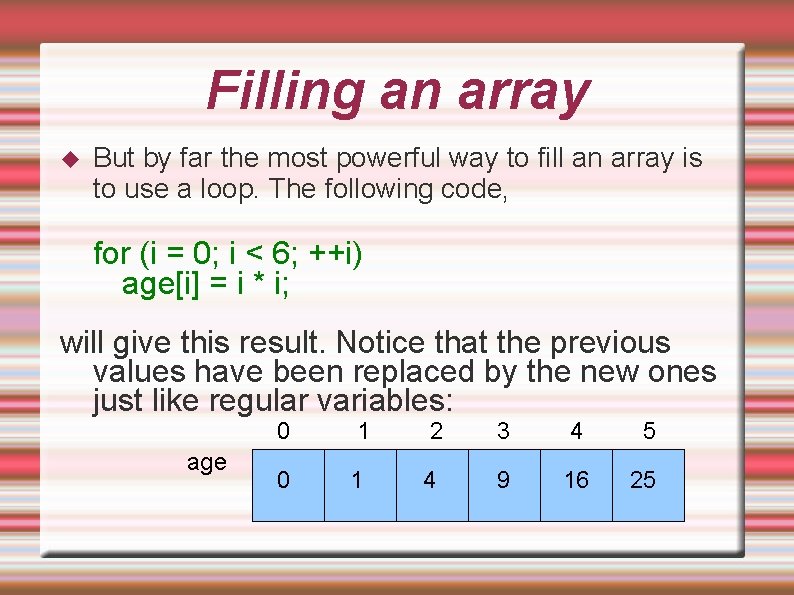
Filling an array But by far the most powerful way to fill an array is to use a loop. The following code, for (i = 0; i < 6; ++i) age[i] = i * i; will give this result. Notice that the previous values have been replaced by the new ones just like regular variables: age 0 1 2 3 4 5 0 1 4 9 16 25
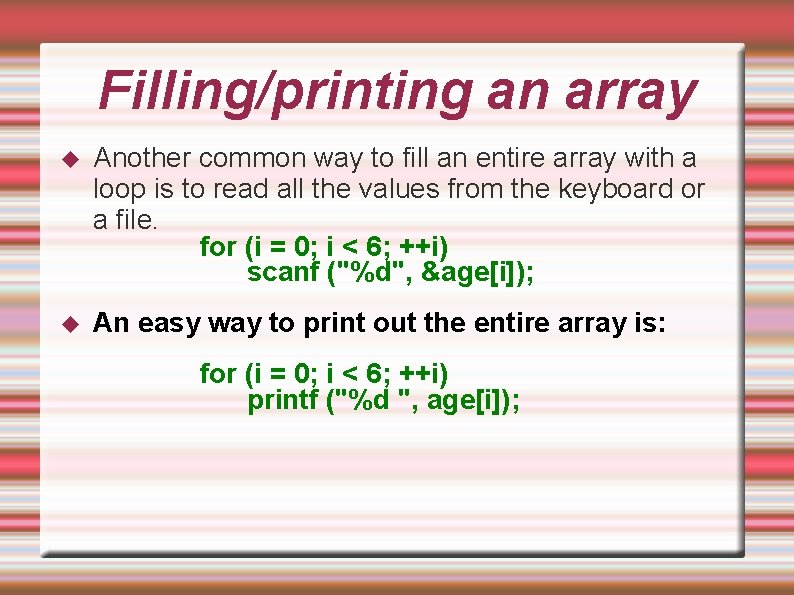
Filling/printing an array Another common way to fill an entire array with a loop is to read all the values from the keyboard or a file. for (i = 0; i < 6; ++i) scanf ("%d", &age[i]); An easy way to print out the entire array is: for (i = 0; i < 6; ++i) printf ("%d ", age[i]);
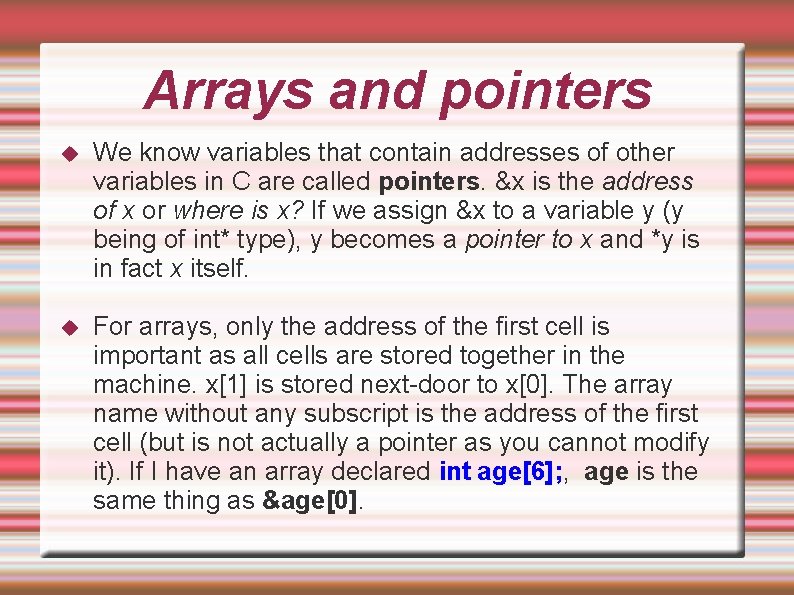
Arrays and pointers We know variables that contain addresses of other variables in C are called pointers. &x is the address of x or where is x? If we assign &x to a variable y (y being of int* type), y becomes a pointer to x and *y is in fact x itself. For arrays, only the address of the first cell is important as all cells are stored together in the machine. x[1] is stored next-door to x[0]. The array name without any subscript is the address of the first cell (but is not actually a pointer as you cannot modify it). If I have an array declared int age[6]; , age is the same thing as &age[0].
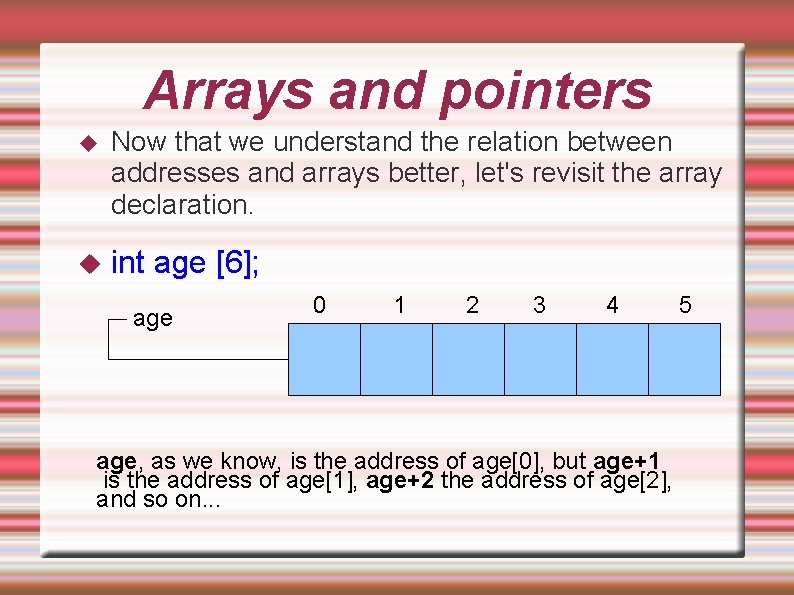
Arrays and pointers Now that we understand the relation between addresses and arrays better, let's revisit the array declaration. int age [6]; age 0 1 2 3 4 age, as we know, is the address of age[0], but age+1 is the address of age[1], age+2 the address of age[2], and so on. . . 5
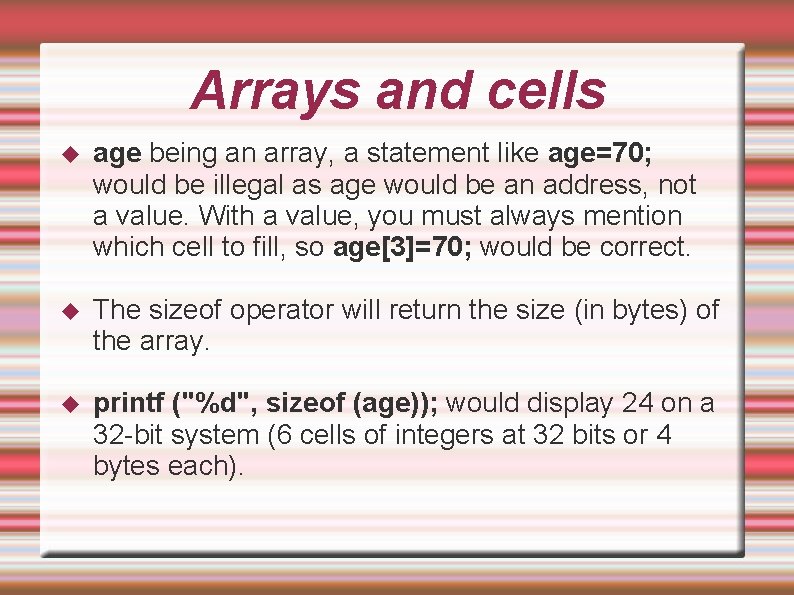
Arrays and cells age being an array, a statement like age=70; would be illegal as age would be an address, not a value. With a value, you must always mention which cell to fill, so age[3]=70; would be correct. The sizeof operator will return the size (in bytes) of the array. printf ("%d", sizeof (age)); would display 24 on a 32 -bit system (6 cells of integers at 32 bits or 4 bytes each).
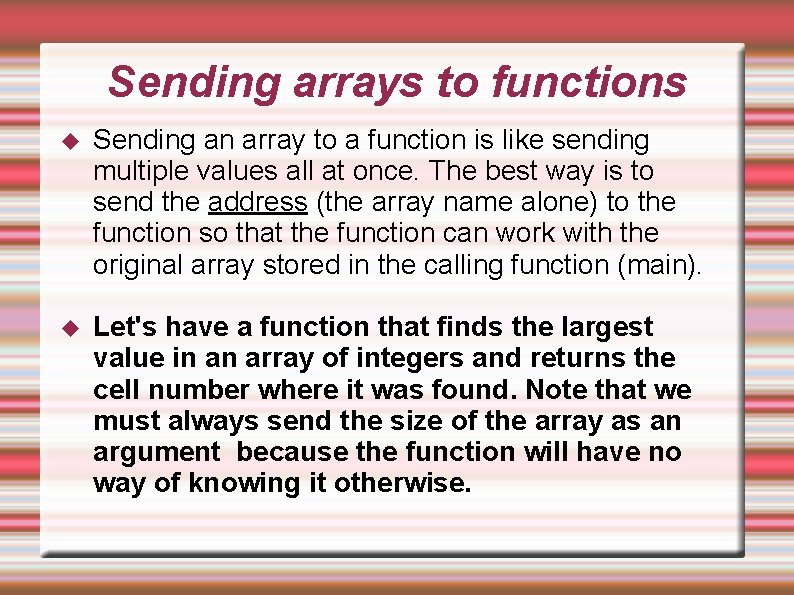
Sending arrays to functions Sending an array to a function is like sending multiple values all at once. The best way is to send the address (the array name alone) to the function so that the function can work with the original array stored in the calling function (main). Let's have a function that finds the largest value in an array of integers and returns the cell number where it was found. Note that we must always send the size of the array as an argument because the function will have no way of knowing it otherwise.
Sending arrays to functions int find (int array[], int size) { int i, largest, where; largest = array [0]; for (i=0; i<size; ++i) if (array[i]>largest) { largest = array[i]; where = i; } return (where); } *** There is something missing in this program, can you find out what?
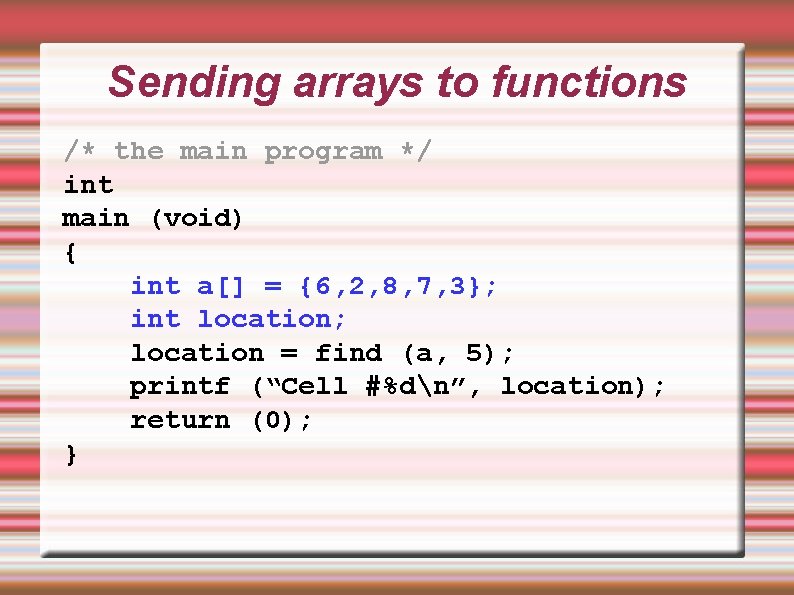
Sending arrays to functions /* the main program */ int main (void) { int a[] = {6, 2, 8, 7, 3}; int location; location = find (a, 5); printf (“Cell #%dn”, location); return (0); }
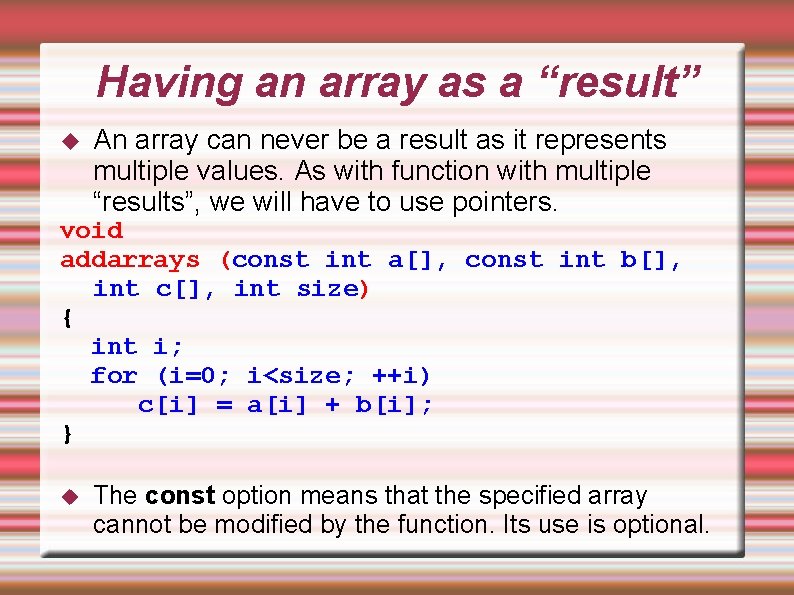
Having an array as a “result” An array can never be a result as it represents multiple values. As with function with multiple “results”, we will have to use pointers. void addarrays (const int a[], const int b[], int c[], int size) { int i; for (i=0; i<size; ++i) c[i] = a[i] + b[i]; } The const option means that the specified array cannot be modified by the function. Its use is optional.
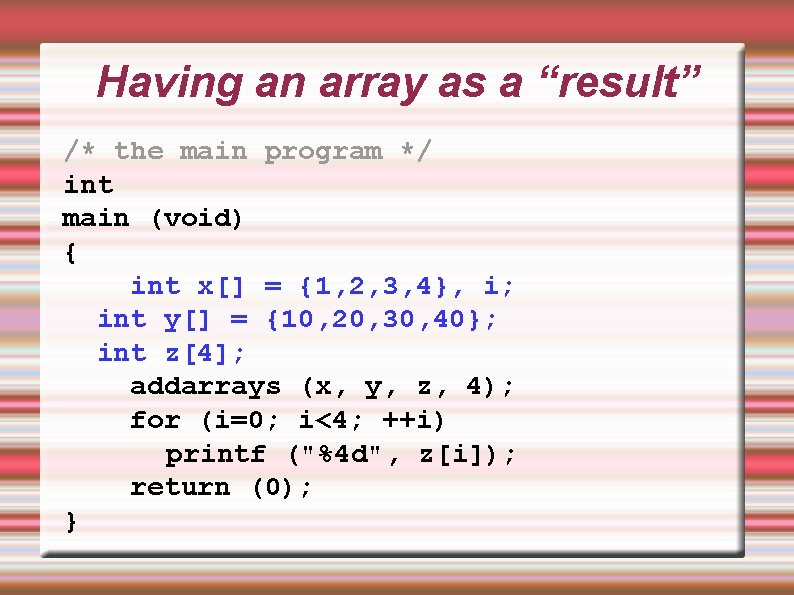
Having an array as a “result” /* the main program */ int main (void) { int x[] = {1, 2, 3, 4}, i; int y[] = {10, 20, 30, 40}; int z[4]; addarrays (x, y, z, 4); for (i=0; i<4; ++i) printf ("%4 d", z[i]); return (0); }
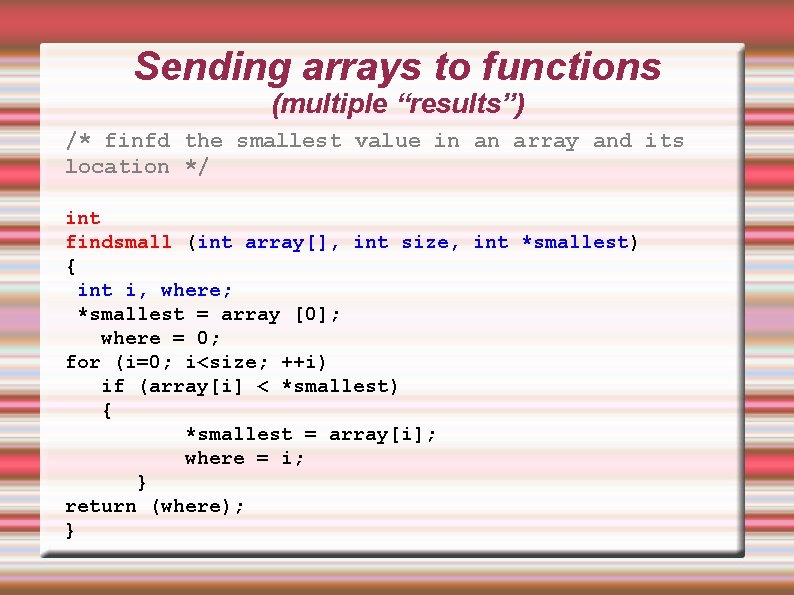
Sending arrays to functions (multiple “results”) /* finfd the smallest value in an array and its location */ int findsmall (int array[], int size, int *smallest) { int i, where; *smallest = array [0]; where = 0; for (i=0; i<size; ++i) if (array[i] < *smallest) { *smallest = array[i]; where = i; } return (where); }
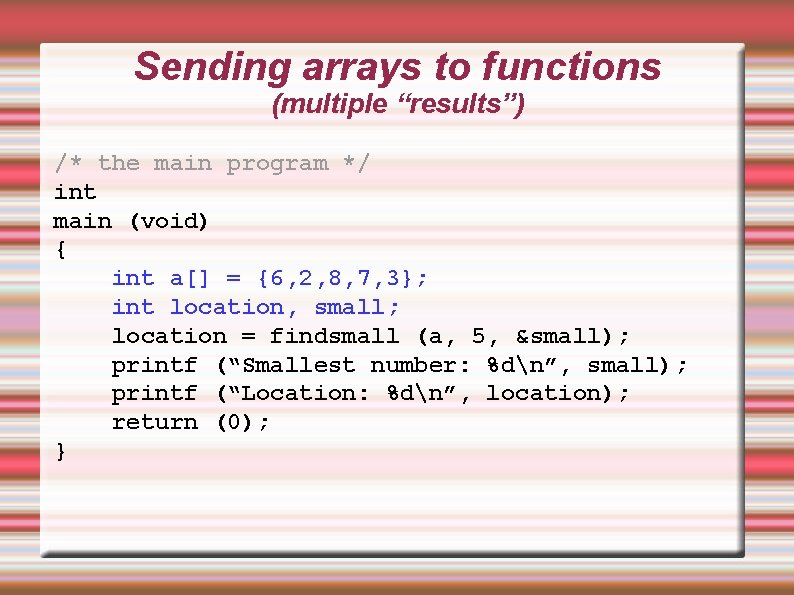
Sending arrays to functions (multiple “results”) /* the main program */ int main (void) { int a[] = {6, 2, 8, 7, 3}; int location, small; location = findsmall (a, 5, &small); printf (“Smallest number: %dn”, small); printf (“Location: %dn”, location); return (0); }
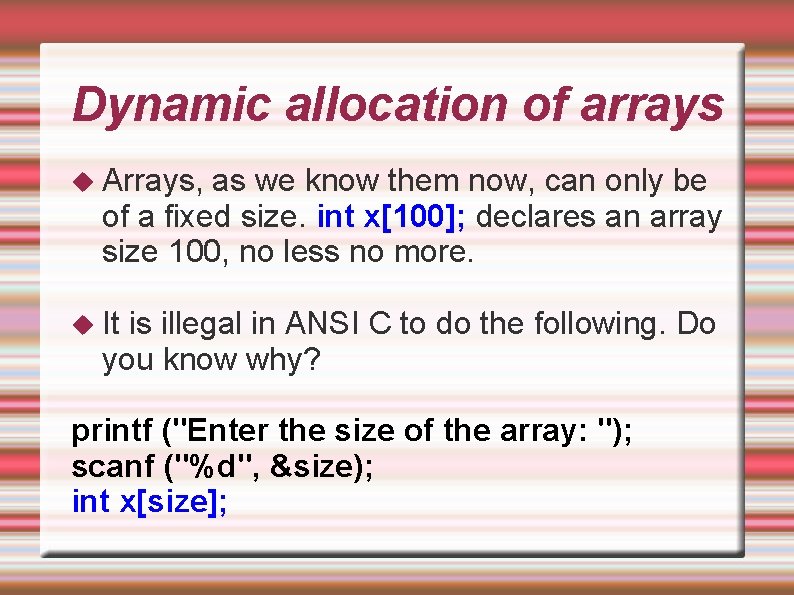
Dynamic allocation of arrays Arrays, as we know them now, can only be of a fixed size. int x[100]; declares an array size 100, no less no more. It is illegal in ANSI C to do the following. Do you know why? printf ("Enter the size of the array: "); scanf ("%d", &size); int x[size];
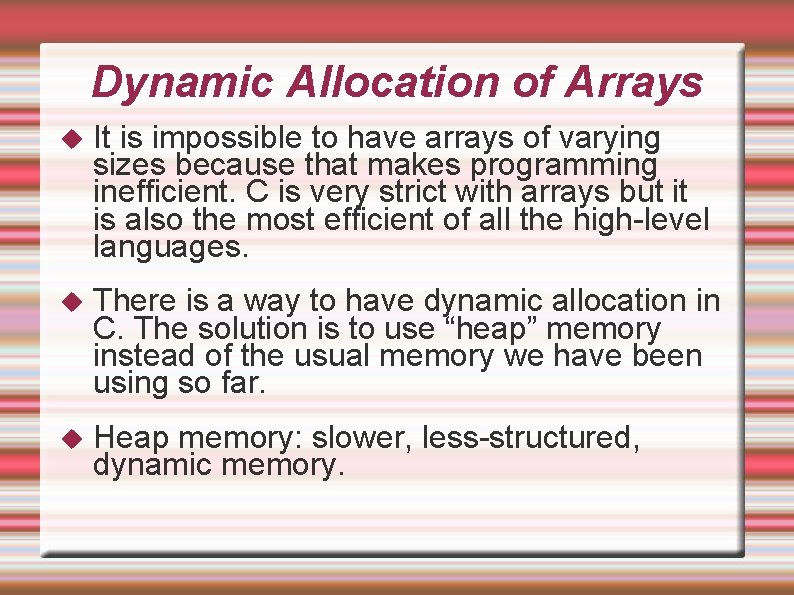
Dynamic Allocation of Arrays It is impossible to have arrays of varying sizes because that makes programming inefficient. C is very strict with arrays but it is also the most efficient of all the high-level languages. There is a way to have dynamic allocation in C. The solution is to use “heap” memory instead of the usual memory we have been using so far. Heap memory: slower, less-structured, dynamic memory.
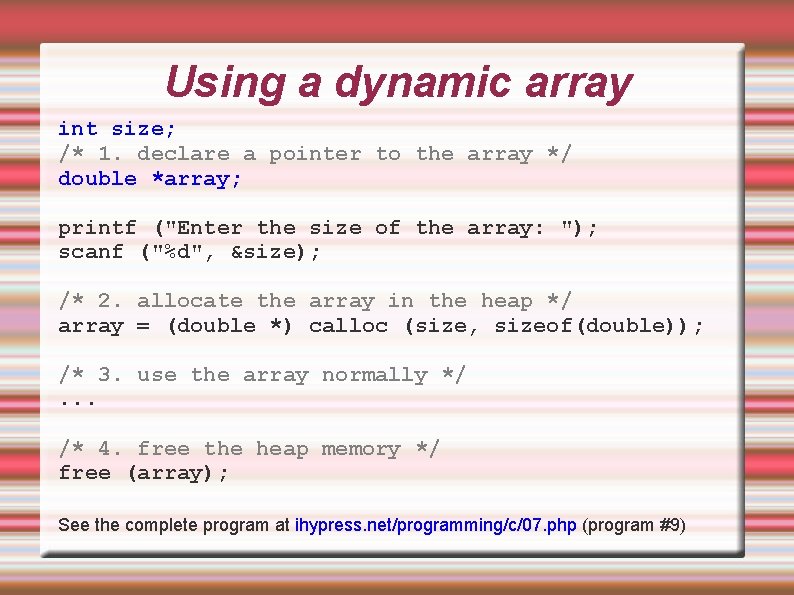
Using a dynamic array int size; /* 1. declare a pointer to the array */ double *array; printf ("Enter the size of the array: "); scanf ("%d", &size); /* 2. allocate the array in the heap */ array = (double *) calloc (size, sizeof(double)); /* 3. use the array normally */. . . /* 4. free the heap memory */ free (array); See the complete program at ihypress. net/programming/c/07. php (program #9)
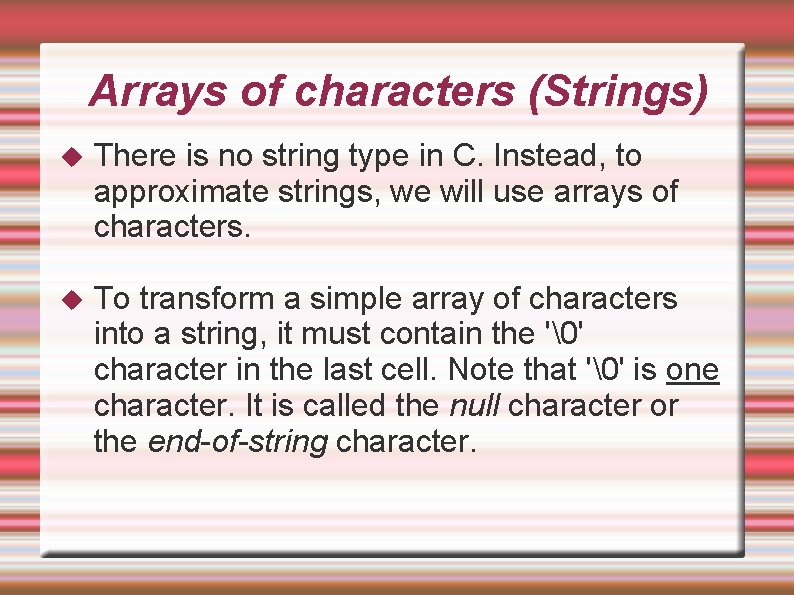
Arrays of characters (Strings) There is no string type in C. Instead, to approximate strings, we will use arrays of characters. To transform a simple array of characters into a string, it must contain the '' character in the last cell. Note that '' is one character. It is called the null character or the end-of-string character.
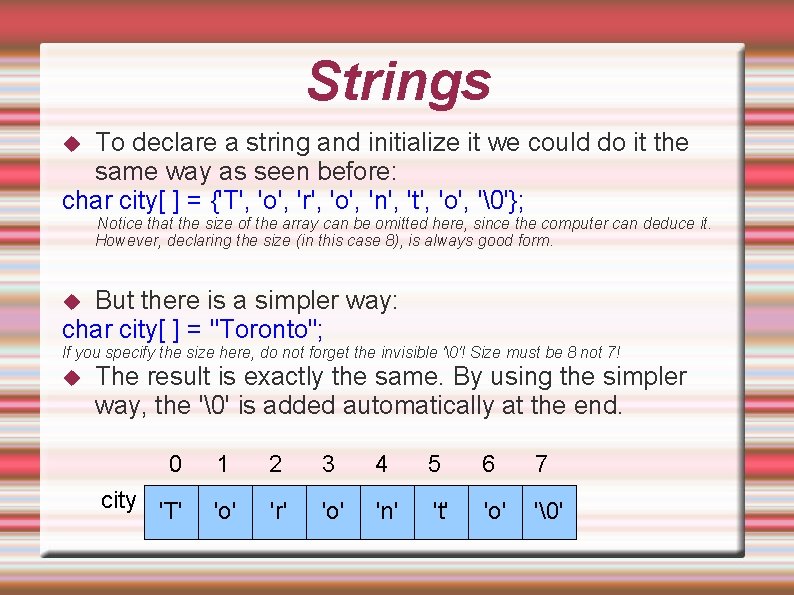
Strings To declare a string and initialize it we could do it the same way as seen before: char city[ ] = {'T', 'o', 'r', 'o', 'n', 't', 'o', ''}; Notice that the size of the array can be omitted here, since the computer can deduce it. However, declaring the size (in this case 8), is always good form. But there is a simpler way: char city[ ] = "Toronto"; If you specify the size here, do not forget the invisible ''! Size must be 8 not 7! The result is exactly the same. By using the simpler way, the '' is added automatically at the end. 0 1 2 3 4 5 6 7 city 'T' 'o' 'r' 'o' 'n' 't' 'o' ''
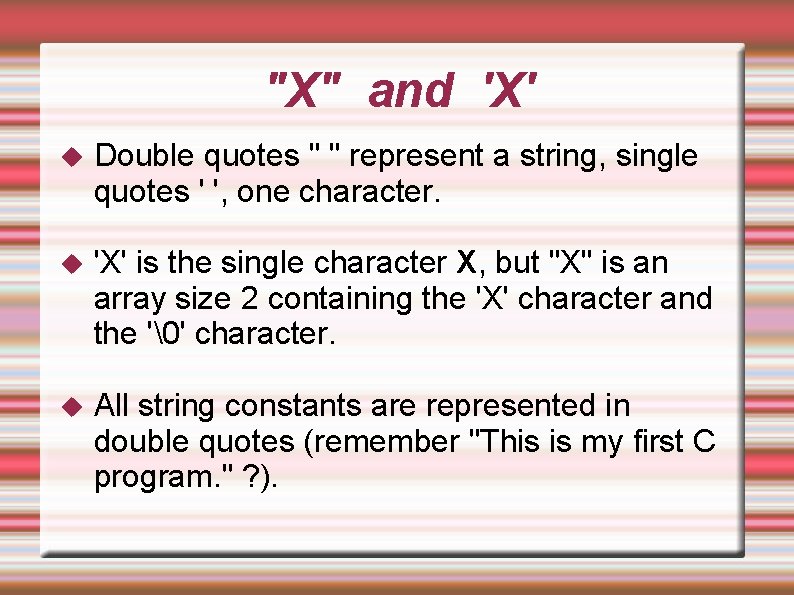
"X" and 'X' Double quotes " " represent a string, single quotes ' ', one character. 'X' is the single character X, but "X" is an array size 2 containing the 'X' character and the '' character. All string constants are represented in double quotes (remember "This is my first C program. " ? ).
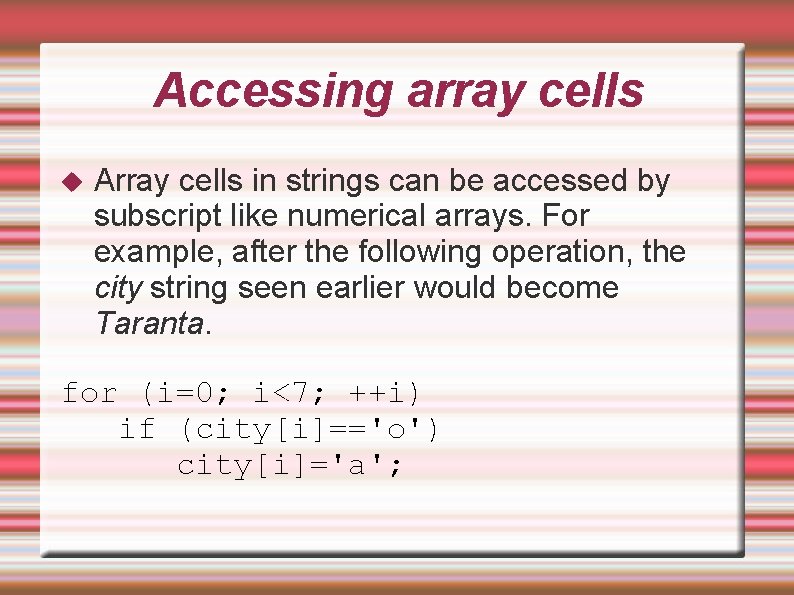
Accessing array cells Array cells in strings can be accessed by subscript like numerical arrays. For example, after the following operation, the city string seen earlier would become Taranta. for (i=0; i<7; ++i) if (city[i]=='o') city[i]='a';
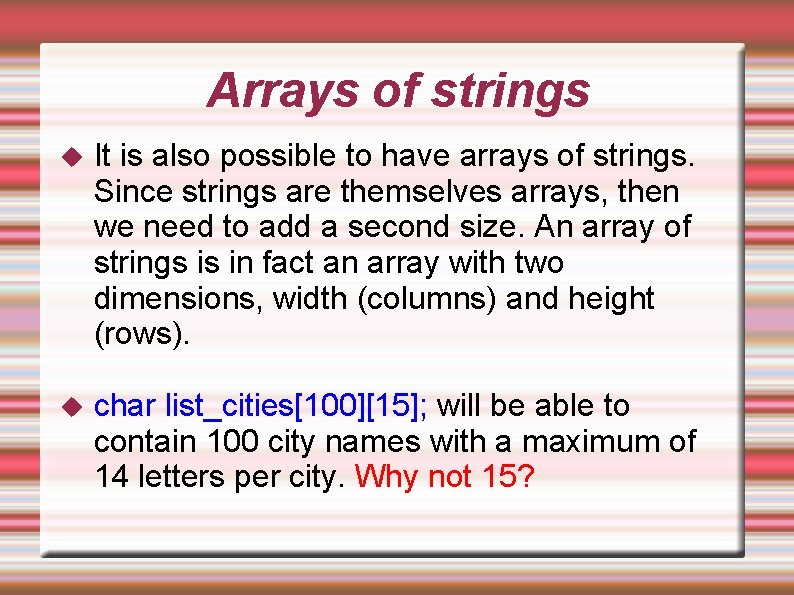
Arrays of strings It is also possible to have arrays of strings. Since strings are themselves arrays, then we need to add a second size. An array of strings is in fact an array with two dimensions, width (columns) and height (rows). char list_cities[100][15]; will be able to contain 100 city names with a maximum of 14 letters per city. Why not 15?
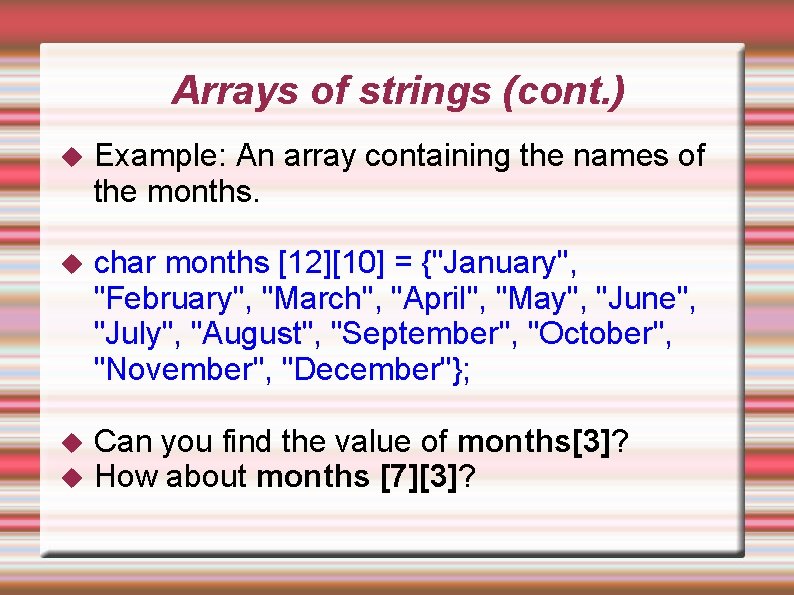
Arrays of strings (cont. ) Example: An array containing the names of the months. char months [12][10] = {"January", "February", "March", "April", "May", "June", "July", "August", "September", "October", "November", "December"}; Can you find the value of months[3]? How about months [7][3]?
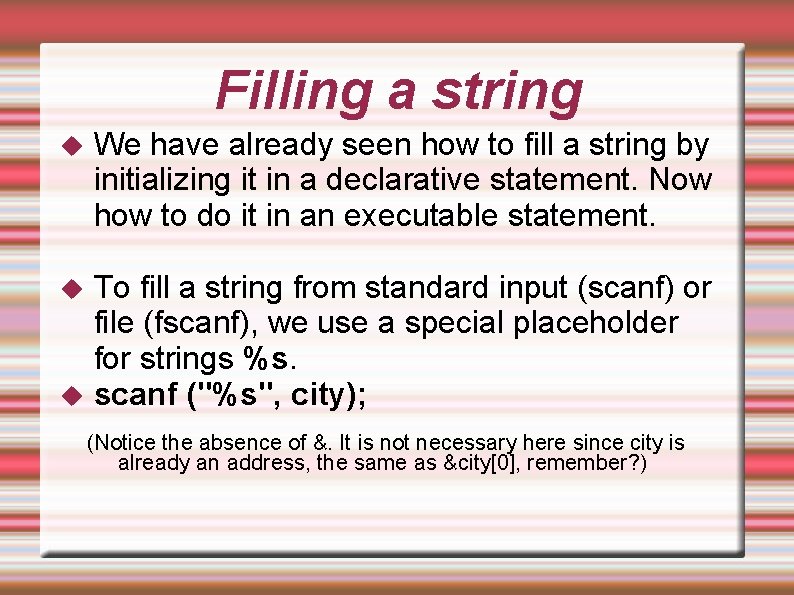
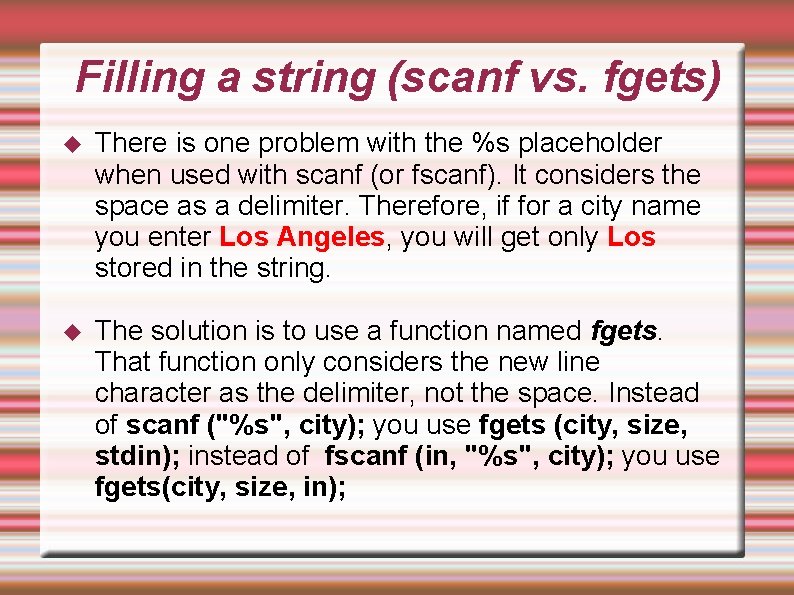
Filling a string We have already seen how to fill a string by initializing it in a declarative statement. Now how to do it in an executable statement. To fill a string from standard input (scanf) or file (fscanf), we use a special placeholder for strings %s. scanf ("%s", city); (Notice the absence of &. It is not necessary here since city is already an address, the same as &city[0], remember? )
Filling a string (scanf vs. fgets) There is one problem with the %s placeholder when used with scanf (or fscanf). It considers the space as a delimiter. Therefore, if for a city name you enter Los Angeles, you will get only Los stored in the string. The solution is to use a function named fgets. That function only considers the new line character as the delimiter, not the space. Instead of scanf ("%s", city); you use fgets (city, size, stdin); instead of fscanf (in, "%s", city); you use fgets(city, size, in);
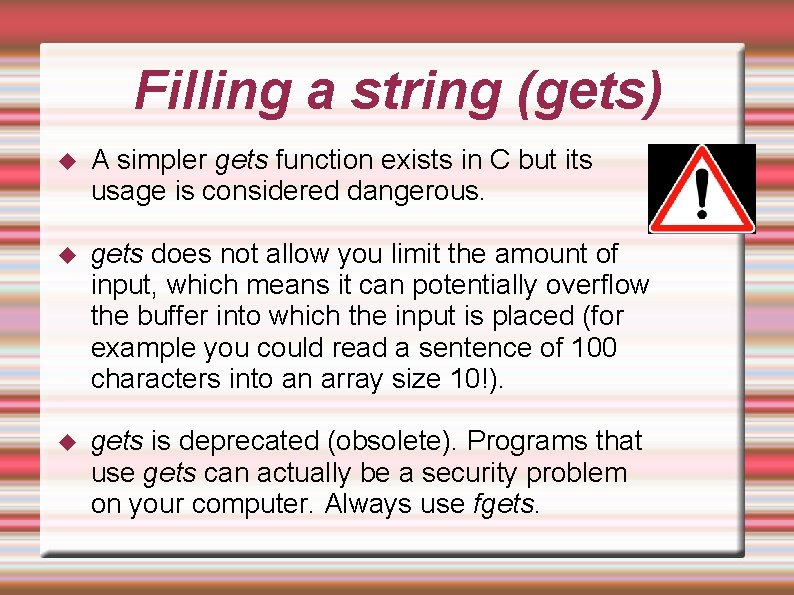
Filling a string (gets) A simpler gets function exists in C but its usage is considered dangerous. gets does not allow you limit the amount of input, which means it can potentially overflow the buffer into which the input is placed (for example you could read a sentence of 100 characters into an array size 10!). gets is deprecated (obsolete). Programs that use gets can actually be a security problem on your computer. Always use fgets.
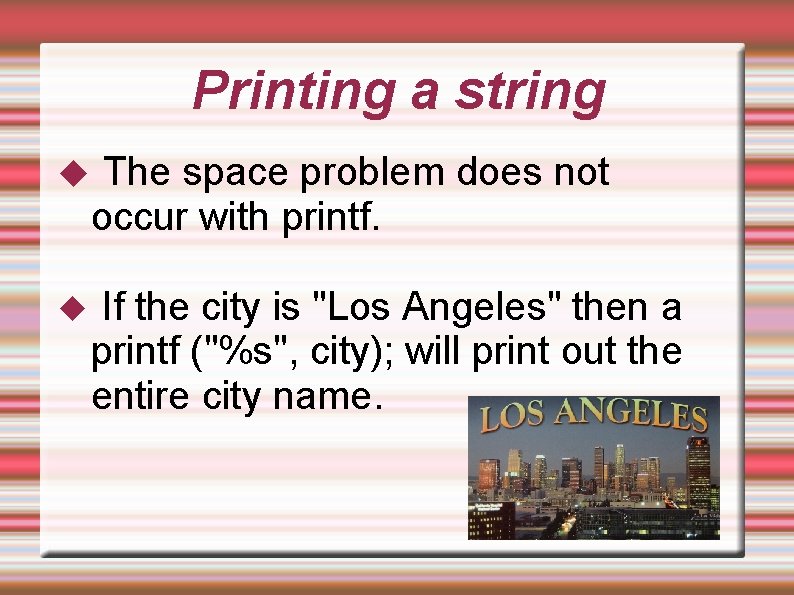
Printing a string The space problem does not occur with printf. If the city is "Los Angeles" then a printf ("%s", city); will print out the entire city name.
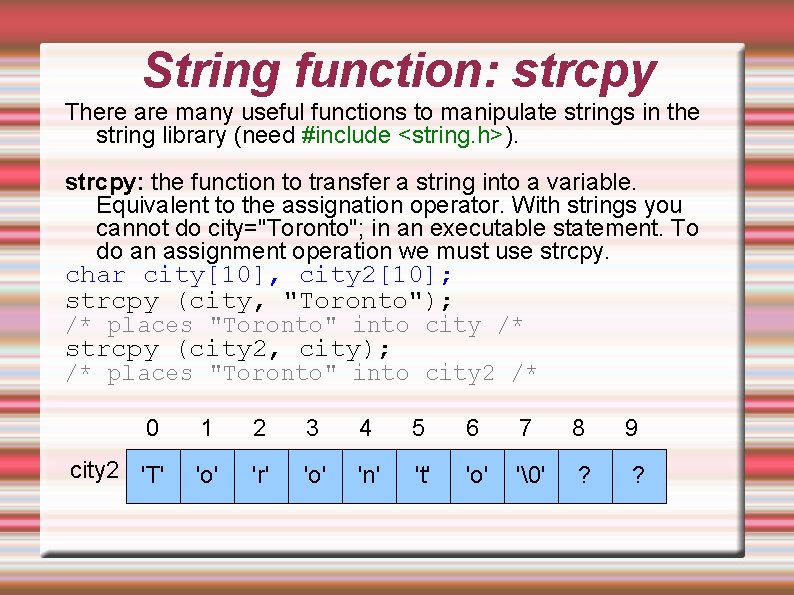
String function: strcpy There are many useful functions to manipulate strings in the string library (need #include <string. h>). strcpy: the function to transfer a string into a variable. Equivalent to the assignation operator. With strings you cannot do city="Toronto"; in an executable statement. To do an assignment operation we must use strcpy. char city[10], city 2[10]; strcpy (city, "Toronto"); /* places "Toronto" into city /* strcpy (city 2, city); /* places "Toronto" into city 2 /* 0 1 2 3 4 5 6 7 8 9 city 2 'T' 'o' 'r' 'o' 'n' 't' 'o' '' ? ?
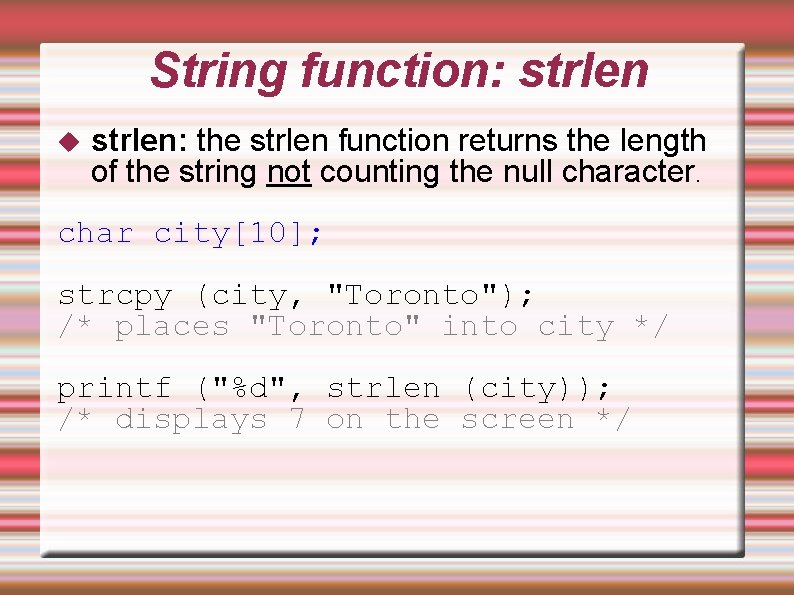
String function: strlen: the strlen function returns the length of the string not counting the null character. char city[10]; strcpy (city, "Toronto"); /* places "Toronto" into city */ printf ("%d", strlen (city)); /* displays 7 on the screen */
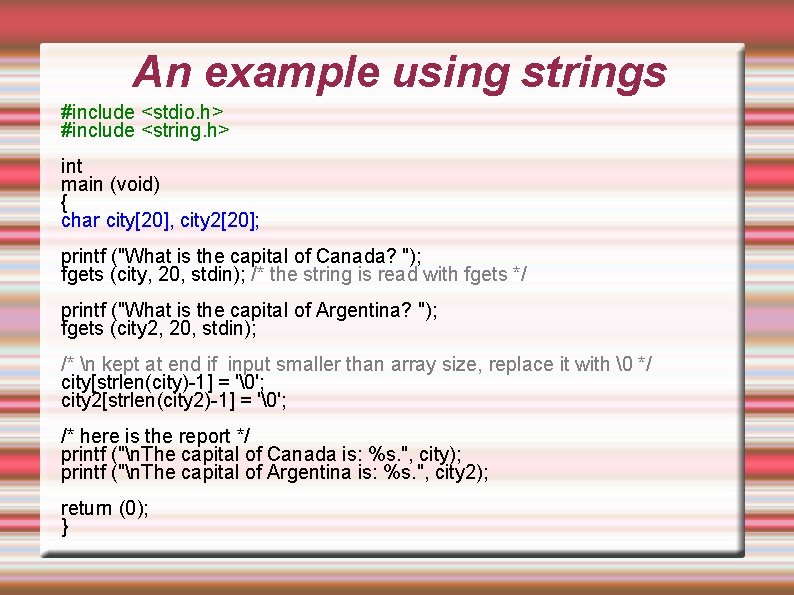
An example using strings #include <stdio. h> #include <string. h> int main (void) { char city[20], city 2[20]; printf ("What is the capital of Canada? "); fgets (city, 20, stdin); /* the string is read with fgets */ printf ("What is the capital of Argentina? "); fgets (city 2, 20, stdin); /* n kept at end if input smaller than array size, replace it with */ city[strlen(city)-1] = ''; city 2[strlen(city 2)-1] = ''; /* here is the report */ printf ("n. The capital of Canada is: %s. ", city); printf ("n. The capital of Argentina is: %s. ", city 2); return (0); }
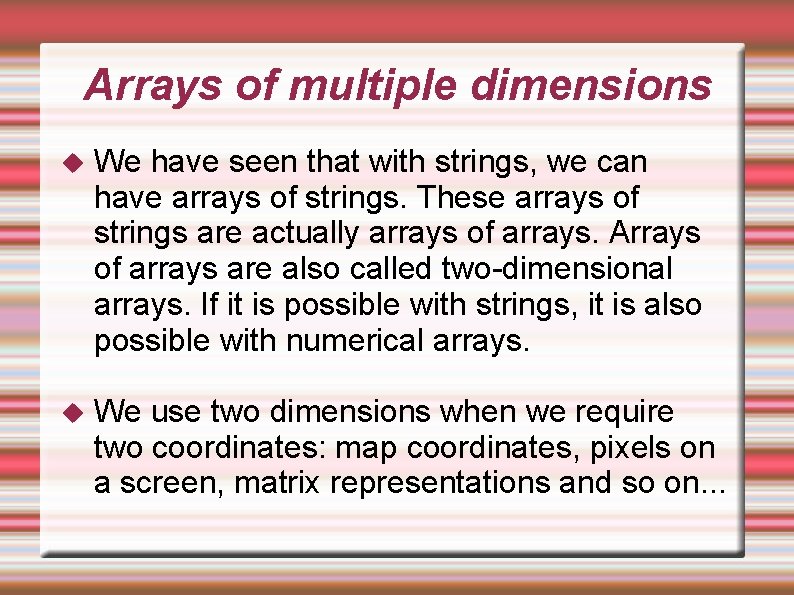
Arrays of multiple dimensions We have seen that with strings, we can have arrays of strings. These arrays of strings are actually arrays of arrays. Arrays of arrays are also called two-dimensional arrays. If it is possible with strings, it is also possible with numerical arrays. We use two dimensions when we require two coordinates: map coordinates, pixels on a screen, matrix representations and so on. . .
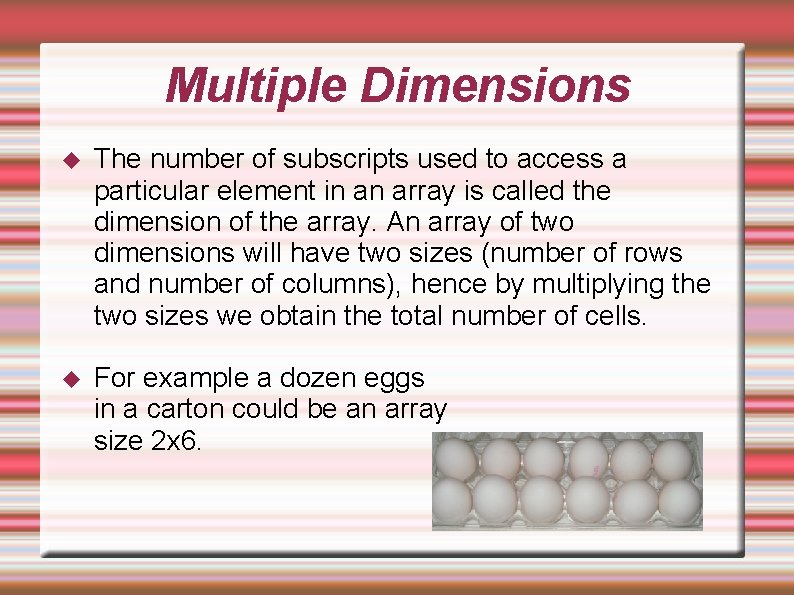
Multiple Dimensions The number of subscripts used to access a particular element in an array is called the dimension of the array. An array of two dimensions will have two sizes (number of rows and number of columns), hence by multiplying the two sizes we obtain the total number of cells. For example a dozen eggs in a carton could be an array size 2 x 6.
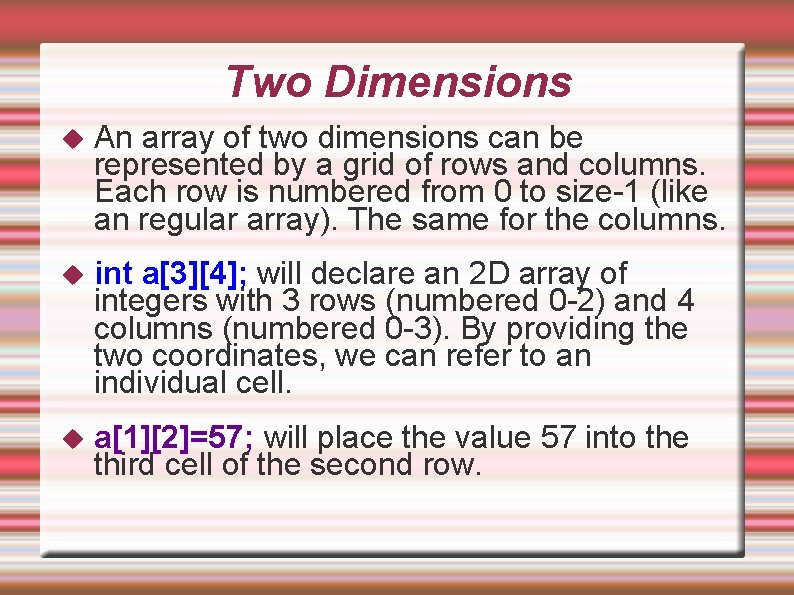
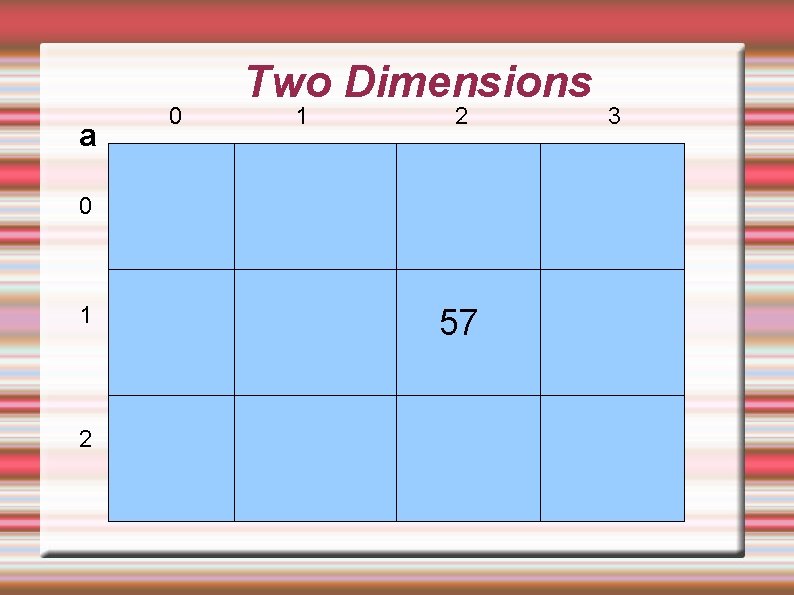
Two Dimensions An array of two dimensions can be represented by a grid of rows and columns. Each row is numbered from 0 to size-1 (like an regular array). The same for the columns. int a[3][4]; will declare an 2 D array of integers with 3 rows (numbered 0 -2) and 4 columns (numbered 0 -3). By providing the two coordinates, we can refer to an individual cell. a[1][2]=57; will place the value 57 into the third cell of the second row.
a 0 Two Dimensions 1 2 0 1 2 57 3
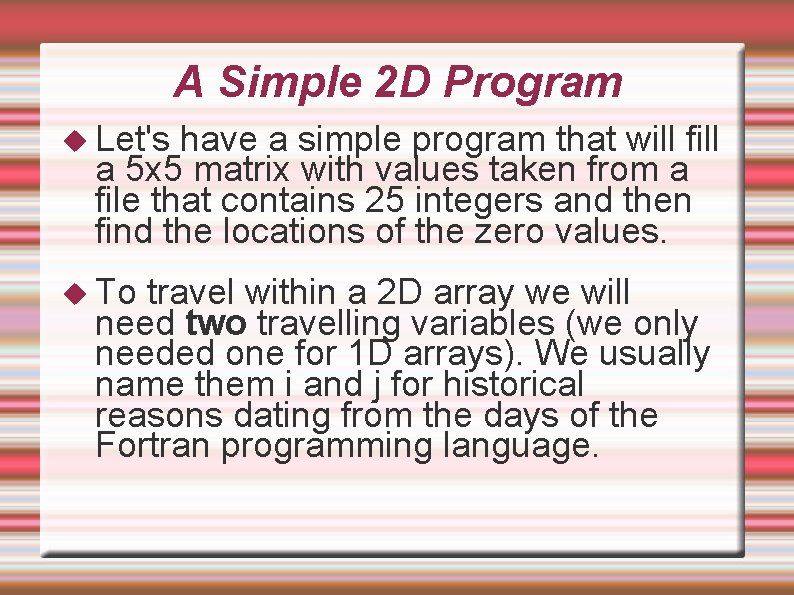
A Simple 2 D Program Let's have a simple program that will fill a 5 x 5 matrix with values taken from a file that contains 25 integers and then find the locations of the zero values. To travel within a 2 D array we will need two travelling variables (we only needed one for 1 D arrays). We usually name them i and j for historical reasons dating from the days of the Fortran programming language.
A Simple 2 D Program #include <stdio. h> int main (void) { int matrix[5][5]; int i, j; FILE *in; in=fopen("data 2. dat", "r"); for (i=0; i<5; ++i) for (j=0; j<5; ++j) fscanf (in, "%d", &matrix[i][j]); fclose(in); /* the matrix is filled */
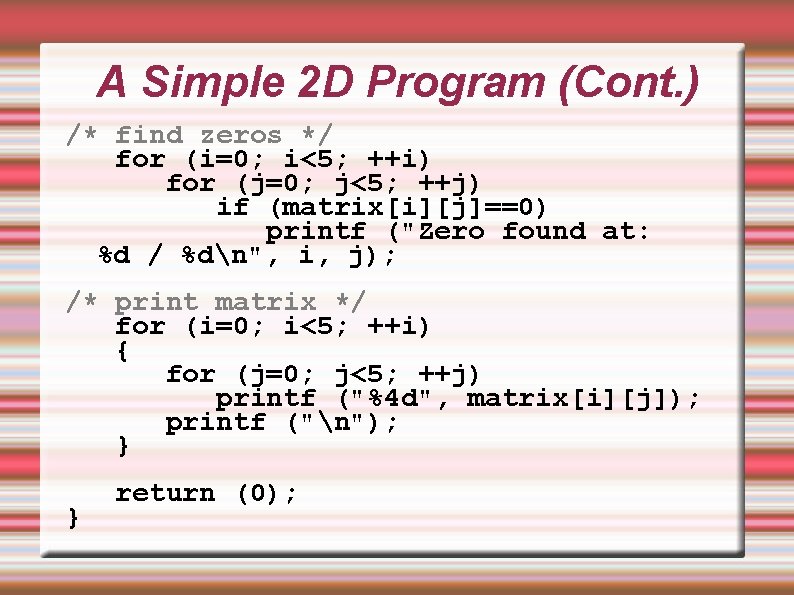
A Simple 2 D Program (Cont. ) /* find zeros */ for (i=0; i<5; ++i) for (j=0; j<5; ++j) if (matrix[i][j]==0) printf ("Zero found at: %d / %dn", i, j); /* print matrix */ for (i=0; i<5; ++i) { for (j=0; j<5; ++j) printf ("%4 d", matrix[i][j]); printf ("n"); } } return (0);
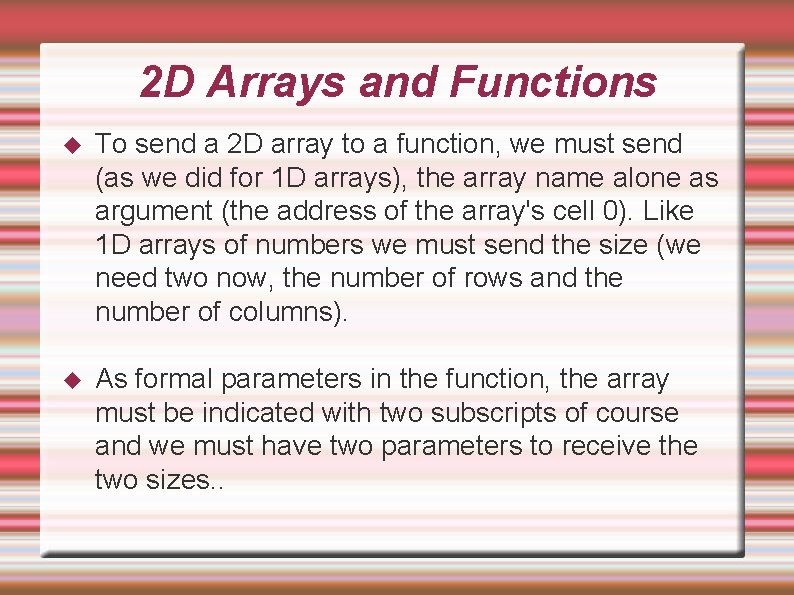
2 D Arrays and Functions To send a 2 D array to a function, we must send (as we did for 1 D arrays), the array name alone as argument (the address of the array's cell 0). Like 1 D arrays of numbers we must send the size (we need two now, the number of rows and the number of columns). As formal parameters in the function, the array must be indicated with two subscripts of course and we must have two parameters to receive the two sizes. .
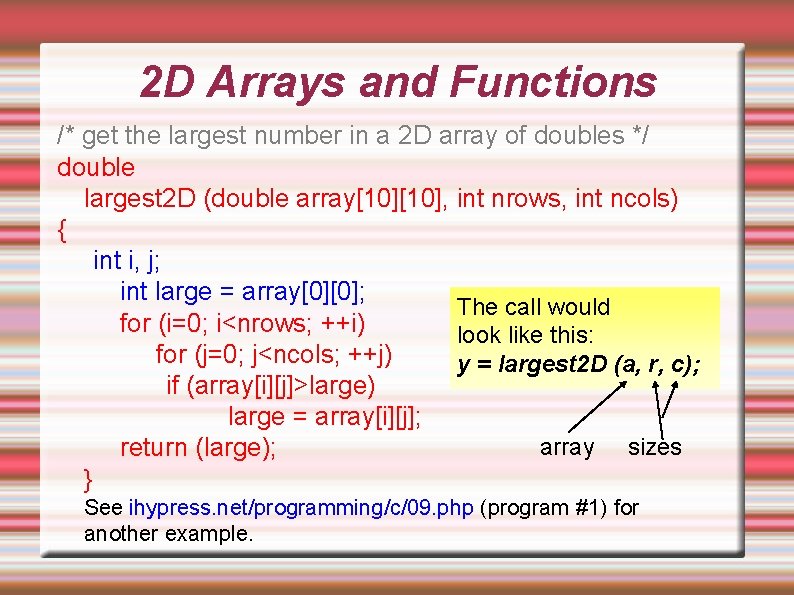
2 D Arrays and Functions /* get the largest number in a 2 D array of doubles */ double largest 2 D (double array[10], int nrows, int ncols) { int i, j; int large = array[0][0]; The call would for (i=0; i<nrows; ++i) look like this: for (j=0; j<ncols; ++j) y = largest 2 D (a, r, c); if (array[i][j]>large) large = array[i][j]; array sizes return (large); } See ihypress. net/programming/c/09. php (program #1) for another example.
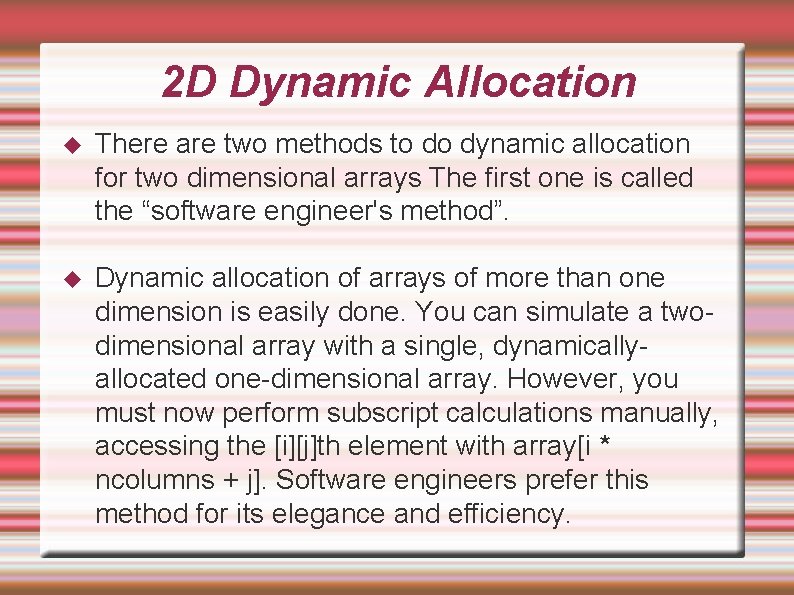
2 D Dynamic Allocation There are two methods to do dynamic allocation for two dimensional arrays The first one is called the “software engineer's method”. Dynamic allocation of arrays of more than one dimension is easily done. You can simulate a twodimensional array with a single, dynamicallyallocated one-dimensional array. However, you must now perform subscript calculations manually, accessing the [i][j]th element with array[i * ncolumns + j]. Software engineers prefer this method for its elegance and efficiency.
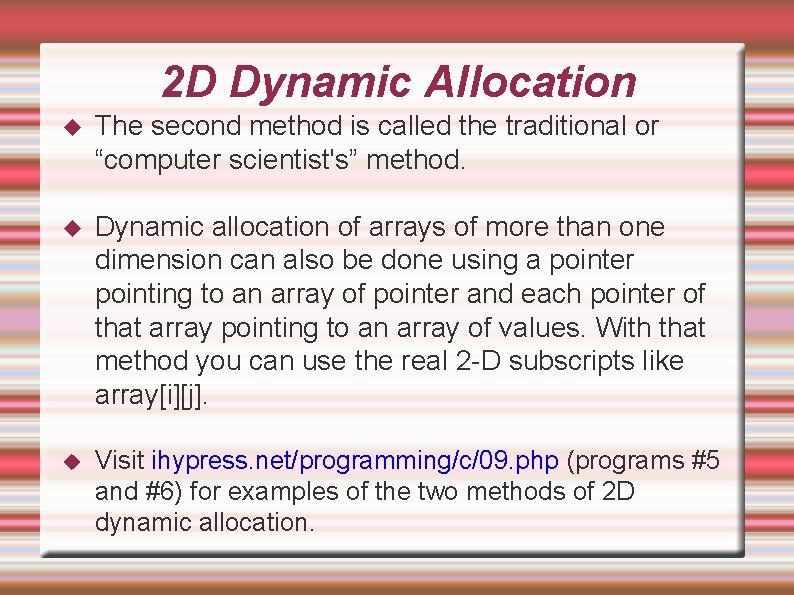
2 D Dynamic Allocation The second method is called the traditional or “computer scientist's” method. Dynamic allocation of arrays of more than one dimension can also be done using a pointer pointing to an array of pointer and each pointer of that array pointing to an array of values. With that method you can use the real 2 -D subscripts like array[i][j]. Visit ihypress. net/programming/c/09. php (programs #5 and #6) for examples of the two methods of 2 D dynamic allocation.
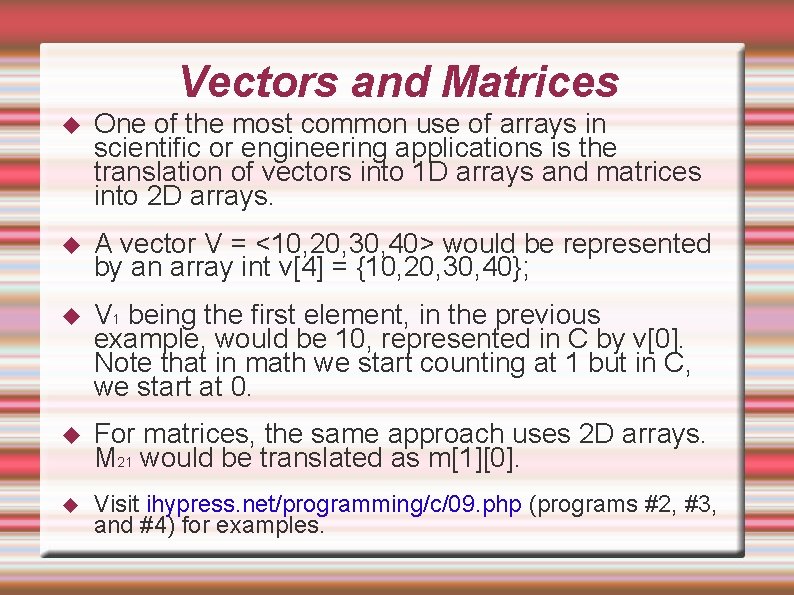
Vectors and Matrices One of the most common use of arrays in scientific or engineering applications is the translation of vectors into 1 D arrays and matrices into 2 D arrays. A vector V = <10, 20, 30, 40> would be represented by an array int v[4] = {10, 20, 30, 40}; V 1 being the first element, in the previous example, would be 10, represented in C by v[0]. Note that in math we start counting at 1 but in C, we start at 0. For matrices, the same approach uses 2 D arrays. M 21 would be translated as m[1][0]. Visit ihypress. net/programming/c/09. php (programs #2, #3, and #4) for examples.
End of lesson