
Lesson 30 Computer Safety and Ethics Computer Literacy
- Slides: 22
Lesson 30 Computer Safety and Ethics Computer Literacy BASICS: A Comprehensive Guide to IC 3, 3 rd Edition Morrison / Wells
Objectives l Lesson 30 l l 2 Explain how to maintain a safe working environment and use computer equipment in a way that prevents personal injury Identify injuries that can result from the use of computers for long periods of time Identify software threats and risks to data Understand methods you can use to prevent data loss Identify various security measures Morrison / Wells CLB: A Comp Guide to IC 3 3 E
Objectives (continued) l l Lesson 30 l l l 3 Identify the principles regarding when information can or cannot be considered personal Identify the risks associated with electronic commerce Understand how computer use can affect your privacy and personal security Identify how to stay informed about changes and advancements in technology Understand how to be a responsible user of computers Morrison / Wells CLB: A Comp Guide to IC 3 3 E
Vocabulary l l l Lesson 30 l l l 4 browser hijacking brute force attacks hacking hardware firewall keylogger private key public key repetitive strain injury (RSI) Morrison / Wells l l l Secure Sockets Layer (SSL) sniffer spyware strong password Transport Layer Security (TLS) CLB: A Comp Guide to IC 3 3 E
Introduction Lesson 30 l 5 As a computer user, you have certain responsibilities that govern your use of technology, including the following guidelines and policies, exercising ethical conduct online, and maintaining a safe work environment. Morrison / Wells CLB: A Comp Guide to IC 3 3 E
Maintaining a Safe Computing Environment l Lesson 30 l 6 l Make sure you use a computer in a way that supports your comfort, health, and safety. Pay attention to your posture, lighting, and activity level. Review product safety guidelines provided with your computer and any electronic devices. Morrison / Wells CLB: A Comp Guide to IC 3 3 E
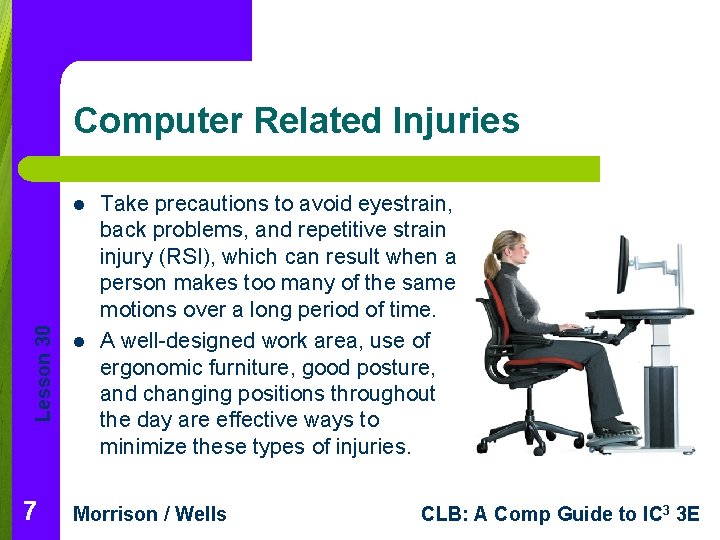
Computer Related Injuries Lesson 30 l 7 l Take precautions to avoid eyestrain, back problems, and repetitive strain injury (RSI), which can result when a person makes too many of the same motions over a long period of time. A well-designed work area, use of ergonomic furniture, good posture, and changing positions throughout the day are effective ways to minimize these types of injuries. Morrison / Wells CLB: A Comp Guide to IC 3 3 E
Security Risks l Lesson 30 l l 8 Wireless networks create serious risks if it is not properly secured. Using Network Protection: Password-protect your wireless network and turn on some form of encryption. Computer Hacking: Use firewalls to prevent hackers from invading computers. Morrison / Wells CLB: A Comp Guide to IC 3 3 E
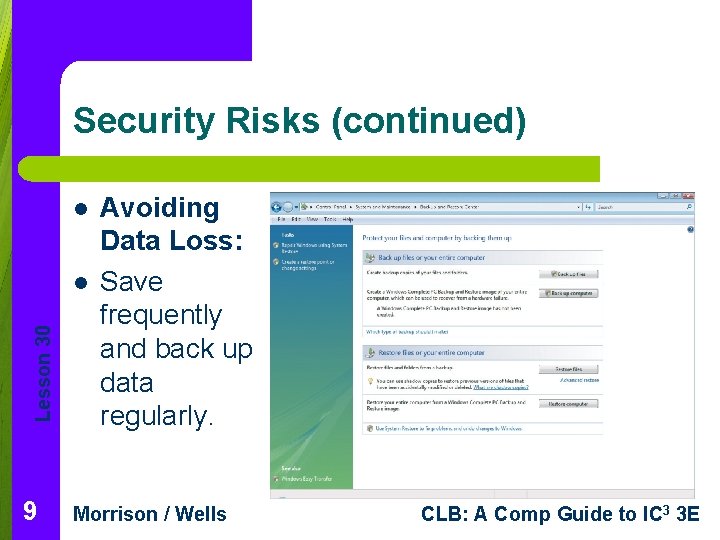
Security Risks (continued) l Lesson 30 l 9 Avoiding Data Loss: Save frequently and back up data regularly. Morrison / Wells CLB: A Comp Guide to IC 3 3 E
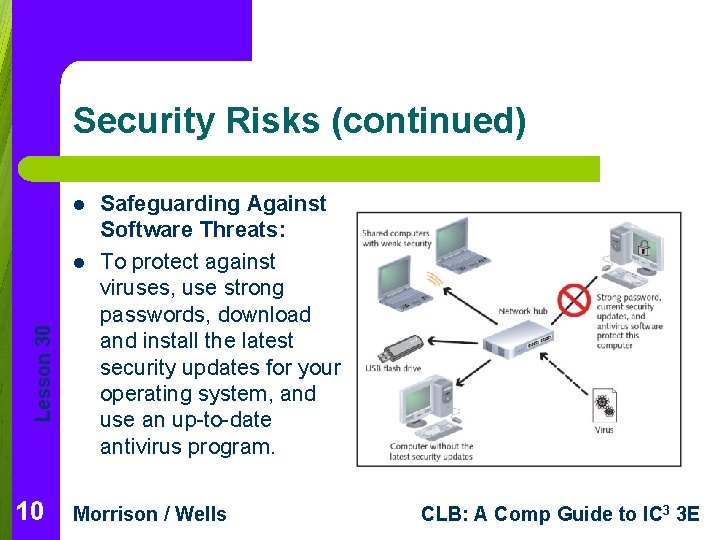
Security Risks (continued) l Lesson 30 l 10 Safeguarding Against Software Threats: To protect against viruses, use strong passwords, download and install the latest security updates for your operating system, and use an up-to-date antivirus program. Morrison / Wells CLB: A Comp Guide to IC 3 3 E
Access Restrictions Lesson 30 l 11 l l System administrators and users often restrict access to files, storage devices, various computers, networks, the Internet, or specific Internet sites to protect data and other users. Firewalls do not protect data from employees. When using software to monitor computer usage, protecting users should be balanced with preserving privacy. Morrison / Wells CLB: A Comp Guide to IC 3 3 E
Private Property—But Not Yours Lesson 30 l 12 l Generally, any information gathered from a company’s computer system is company property and not an individual worker’s personal property. Many organizations have computer network usage policies that provide guidelines for using the organization’s systems ethically, professionally, and legally. Morrison / Wells CLB: A Comp Guide to IC 3 3 E
E-Commerce Issues l Lesson 30 l l Before providing personal or credit card information on an e-commerce site, verify that the site is secure. TSL and SSL technology enables encryption of sensitive information by establishing a private communication channel. To protect private information: – – – 13 Use a secure browser Check privacy policies Keep personal information private Morrison / Wells CLB: A Comp Guide to IC 3 3 E
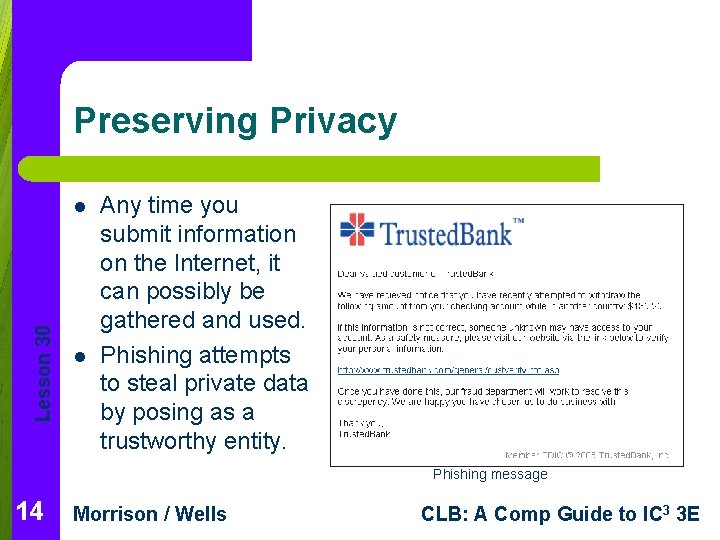
Preserving Privacy Lesson 30 l l Any time you submit information on the Internet, it can possibly be gathered and used. Phishing attempts to steal private data by posing as a trustworthy entity. Phishing message 14 Morrison / Wells CLB: A Comp Guide to IC 3 3 E
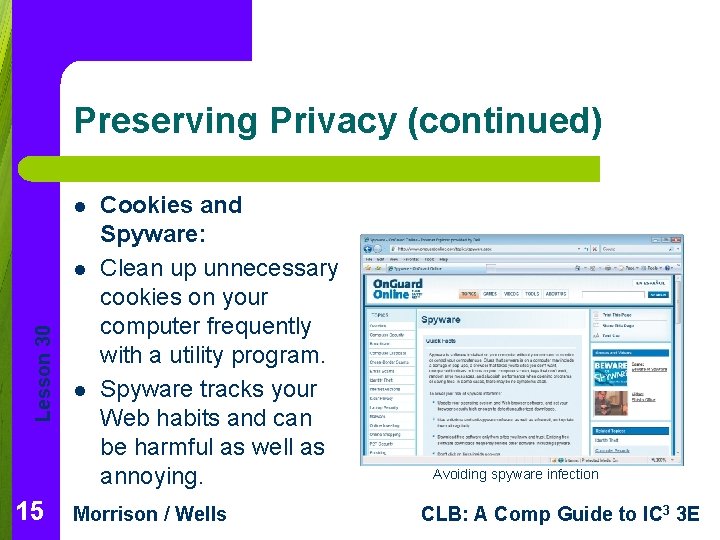
Preserving Privacy (continued) l Lesson 30 l 15 l Cookies and Spyware: Clean up unnecessary cookies on your computer frequently with a utility program. Spyware tracks your Web habits and can be harmful as well as annoying. Morrison / Wells Avoiding spyware infection CLB: A Comp Guide to IC 3 3 E
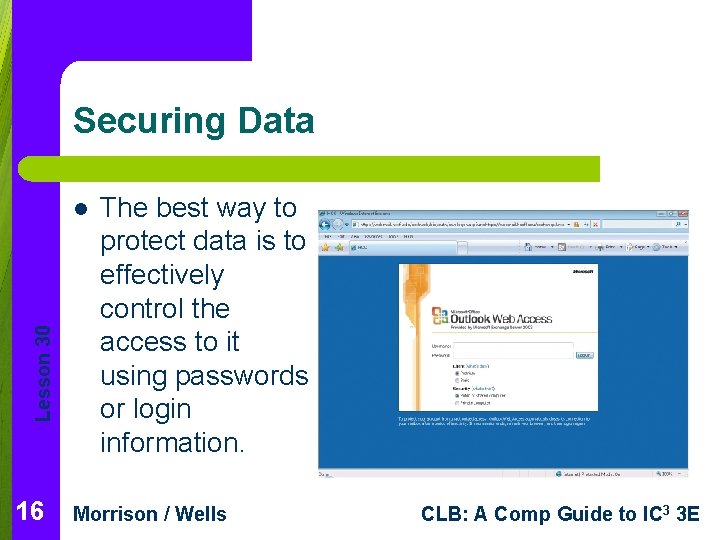
Securing Data Lesson 30 l 16 The best way to protect data is to effectively control the access to it using passwords or login information. Morrison / Wells CLB: A Comp Guide to IC 3 3 E
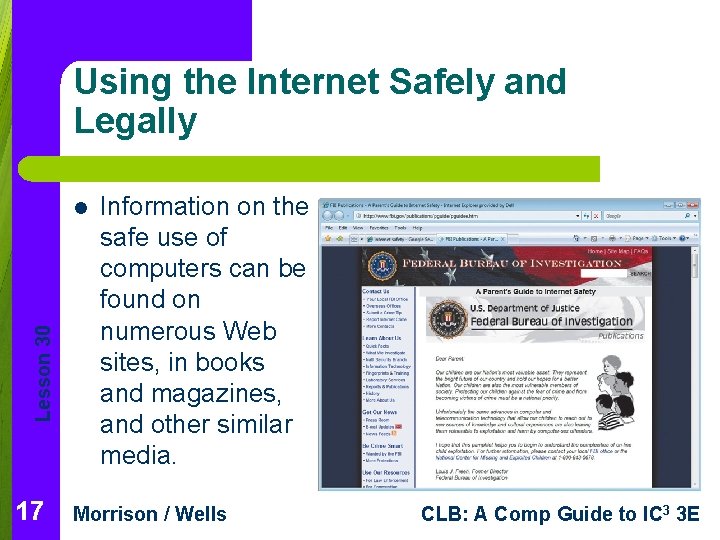
Using the Internet Safely and Legally Lesson 30 l 17 Information on the safe use of computers can be found on numerous Web sites, in books and magazines, and other similar media. Morrison / Wells CLB: A Comp Guide to IC 3 3 E
Technology Changes and Individual Responsibilities l Lesson 30 l 18 l It is your responsibility to stay informed about changes and advancements in computer technology, product upgrades, and virus threats. Be a responsible computer user by recycling products such as paper and ink cartridges and donating unneeded computer hardware. Consider volunteering to help others learn to use computers effectively. Morrison / Wells CLB: A Comp Guide to IC 3 3 E
Lesson 30 Summary 19 In this lesson, you learned: l Make sure you use a computer in a way that supports your comfort, health, and safety. When you use a computer, take precautions to avoid chronic physical maladies such as repetitive motion injuries, eyestrain, and back problems that can arise over time. Ergonomic design, which adapts equipment and the workplace to fit the worker, can help to prevent repetitive strain injuries. Morrison / Wells CLB: A Comp Guide to IC 3 3 E
Summary (continued) l Lesson 30 l 20 l When setting up your wireless network, your first step should be to change the default password to protect access to the network. Computer hacking involves invading someone else’s computer, usually for personal gain or the satisfaction of defeating a security system. To avoid data loss, you can use techniques and devices for preventing power interruptions. You can also devise and follow a regular procedure for backing up your data. Morrison / Wells CLB: A Comp Guide to IC 3 3 E
Summary (continued) Lesson 30 l 21 l A virus is a program that has been written, usually by a hacker, to corrupt data on a computer. The virus is attached to a file and spreads from one file to another once the program is executed. To protect your computer against virus damage, use up-to-date antivirus software, download and install security updates for your operating system, and avoid opening files sent via e-mail from people you do not know. System administrators and users often restrict access to files, storage devices, various computers, networks, the Internet, or specific Internet sites. Morrison / Wells CLB: A Comp Guide to IC 3 3 E
Summary (continued) l Lesson 30 l 22 l If you work for a company that provides you with email services, the information you send is available to the company and is the company’s property. TSL and SSL technology enables encryption of sensitive information by establishing a private communication channel. Data transmitted through this channel is encrypted during transmission. Nearly all schools, government agencies, companies, libraries, and other similar institutions have written policies and guidelines regarding Internet usage. Morrison / Wells CLB: A Comp Guide to IC 3 3 E