
Lesson 2 Prototyping Outlines What is prototyping Hifi
- Slides: 26
Lesson 2 Prototyping
Outlines › What is prototyping › Hi-fi prototype vs. Lo-fi prototype › Types of prototypes › Advantages vs. Disadvantages › Tools
Prototyping › Information-gathering technique › User reactions, suggestions, innovations, and revision plans › Designer & user
Prototyping › Partial representation of a system design › Demonstrate a concept › Prototypes are always interactive
Hi-Fi Prototype › Similar look and feel to the final product › Not have the functionality › Example: purchase functionality, but have a effect
Hi-Fi Prototype › Useful for an evaluation of the main design elements: § § § Content Visuals Interactivity Functionality Media › Can measured how fast a person can learn the system
Hi-Fi Prototype › Beware: it looks so realistic that the client will regard it as real. Any typos will be treated seriously and will distract from the main purpose. › Beware: It is possible to prototype systems that cannot be produced using today's technology.
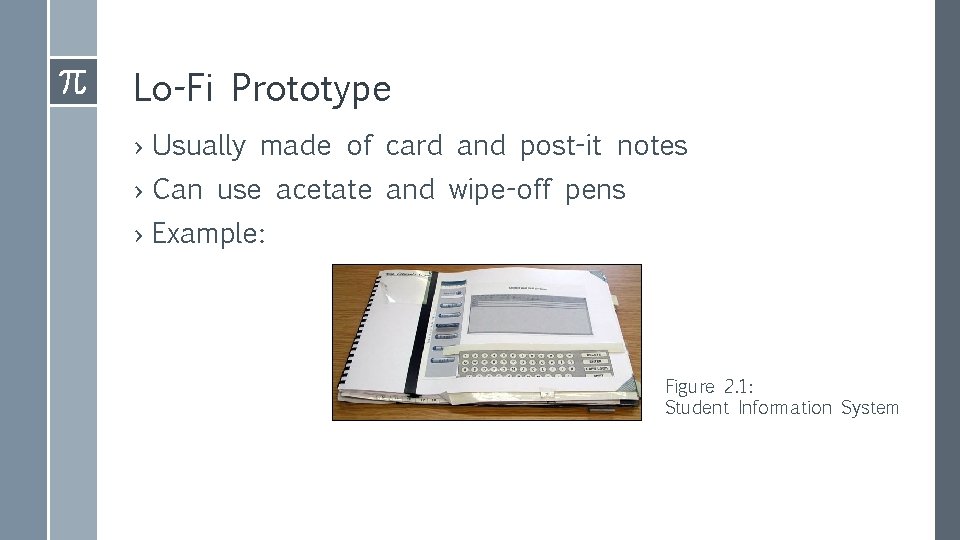
Lo-Fi Prototype › Usually made of card and post-it notes › Can use acetate and wipe-off pens › Example: Figure 2. 1: Student Information System
Lo-Fi Prototype › Different screens on different pages of the binder › Simulated pop-up keyboard › Acetate panel for adding comments
Lo-Fi Prototype › Robustness: It needs to be strong enough for use › Scope: Keep it simple so users can follow the story › Instructions: Too little and they get lost. Too much and they obey without thinking › Flexibility: Invite users to redesign the mock-up so as to sidestep problems encountered
Prototyping: Initial user reactions › Three types: q User suggestions q Innovations q Revision plans
Types of Prototyping › Patched-up prototype. › Non-operational scale model. › First-of-a-series. › Prototype that contains only some of the essential system features
Patched-up prototype › Working with all the features but is inefficient. › Users can interact with the system. › Storage and retrieval of data may be inefficient. › May contain only basic features
Non-operational scale model › A nonoperational scale mode is one that is not operational, except for certain features to be tested › Prototype input and output
First-of-a-series › Pilot system is created. › Prototype is an operation model. › Useful when many installations of the same information system are planned. › An example is a system to be installed in one location, tested and modified as necessary, and later implemented in other locations.
Selected Feature Prototype › An operational model includes some, but not all, of the final system features. › With the acceptance of these features, later essential features are added. › Some menu items are available. › System is built in modules. › These are part of the actual system.
Prototype Dev. Guidlines › Work in manageable modules. › Build the prototype rapidly. › Modify the prototype in successive iterations. › Stress the user interface.
Disadvantages of Prototype › Managing the prototyping process is difficult because of its rapid, iterative nature. › Incomplete prototypes may be regarded as complete systems.
Advantages of Prototype › Potential for changing the system early in its development › Opportunity to stop development on an unworkable system › Possibility of developing a system that closely addresses users needs and expectations
Prototype Evaluation › The user’s role is honest involvement. › Three ways the user is involved: q Experimenting with the prototype. q Giving open reactions to the prototype. q Suggesting additions to and/or deletions from the prototype.
Prototype Tools › In. Vision › Framer › Marvel › Origami
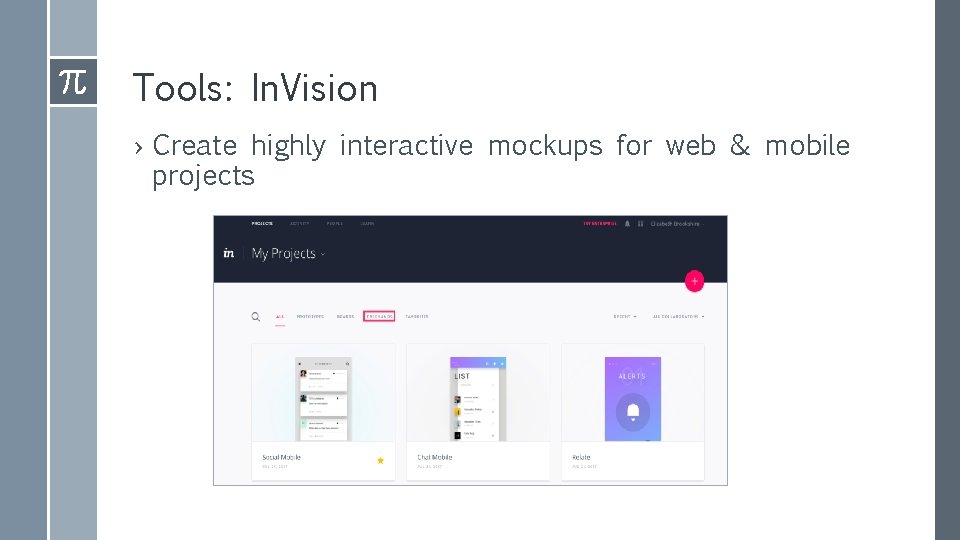
Tools: In. Vision › Create highly interactive mockups for web & mobile projects
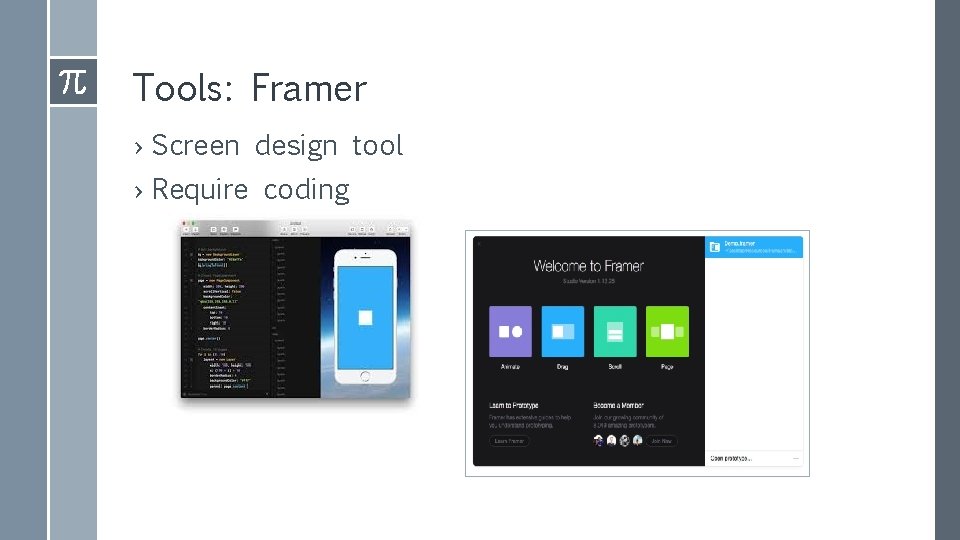
Tools: Framer › Screen design tool › Require coding
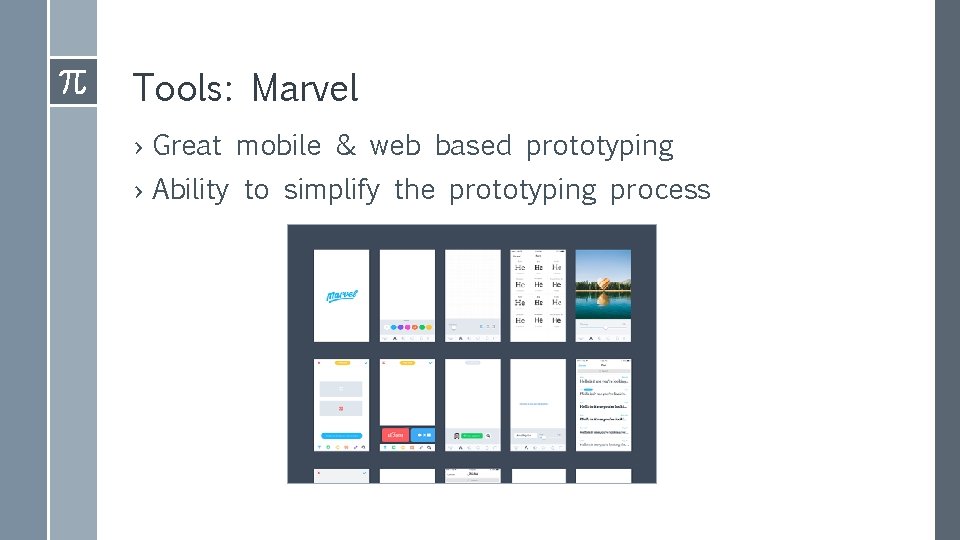
Tools: Marvel › Great mobile & web based prototyping › Ability to simplify the prototyping process
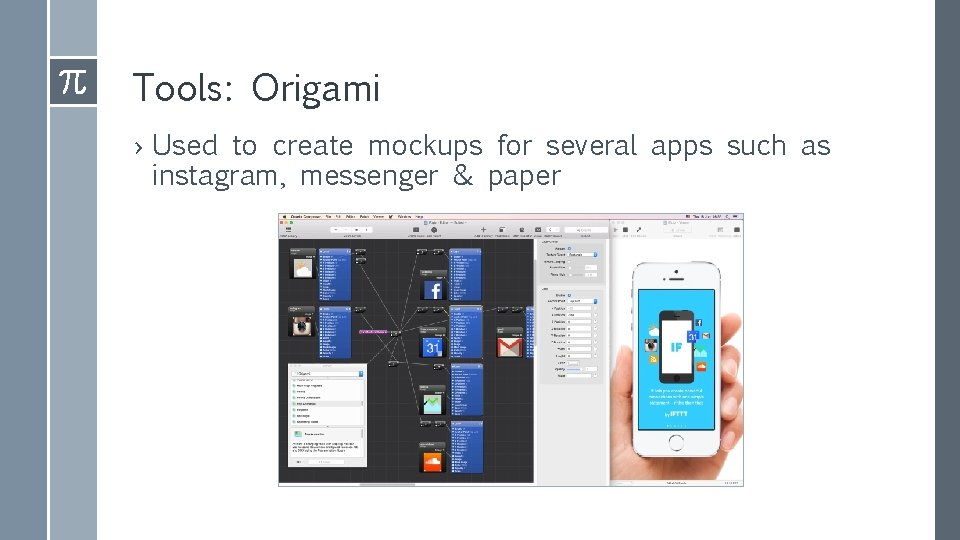
Tools: Origami › Used to create mockups for several apps such as instagram, messenger & paper