
Lesson 2 Control structures File IO reading and
- Slides: 24
Lesson 2. • Control structures • File IO - reading and writing • Subroutines • Modules • Bio. Perl
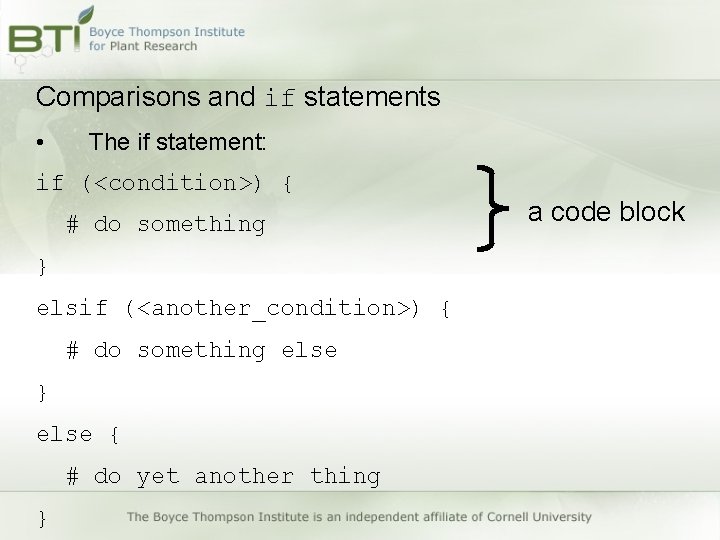
Comparisons and if statements • The if statement: if (<condition>) { # do something } elsif (<another_condition>) { # do something else } else { # do yet another thing } a code block
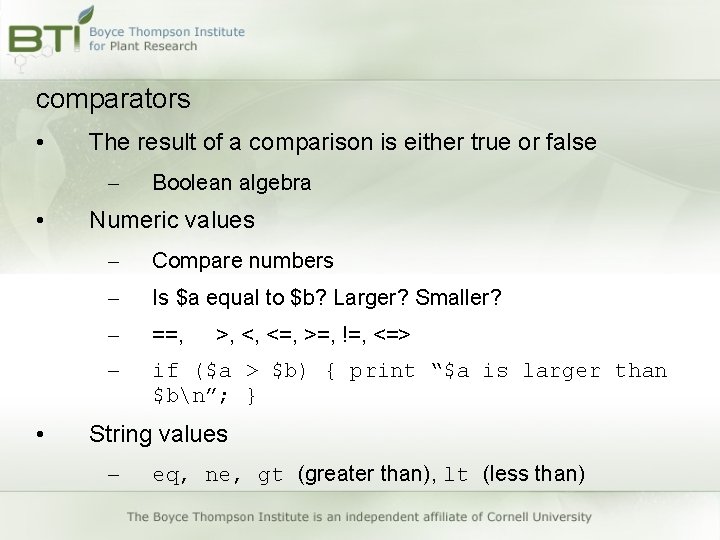
comparators • The result of a comparison is either true or false – • • Boolean algebra Numeric values – Compare numbers – Is $a equal to $b? Larger? Smaller? – ==, – if ($a > $b) { print “$a is larger than $bn”; } >, <, <=, >=, !=, <=> String values – eq, ne, gt (greater than), lt (less than)
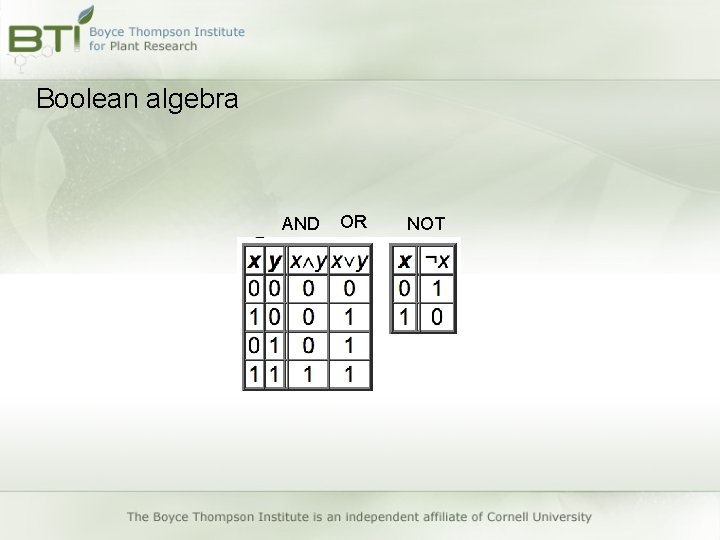
Boolean algebra AND OR NOT
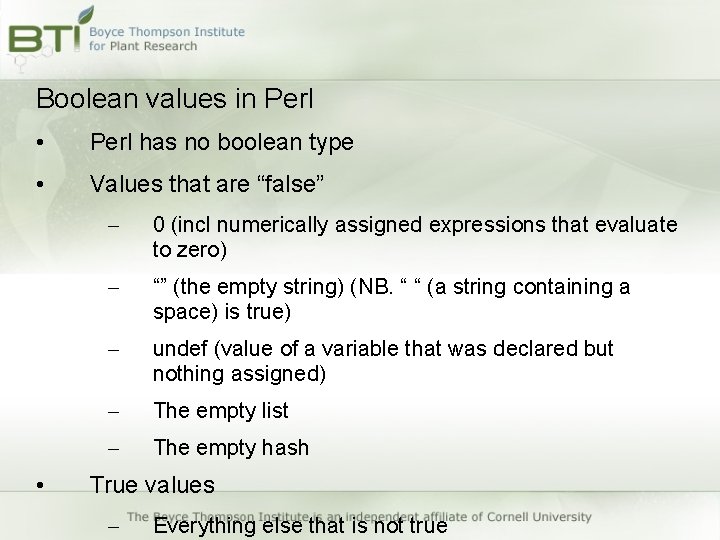
Boolean values in Perl • Perl has no boolean type • Values that are “false” • – 0 (incl numerically assigned expressions that evaluate to zero) – “” (the empty string) (NB. “ “ (a string containing a space) is true) – undef (value of a variable that was declared but nothing assigned) – The empty list – The empty hash True values – Everything else that is not true
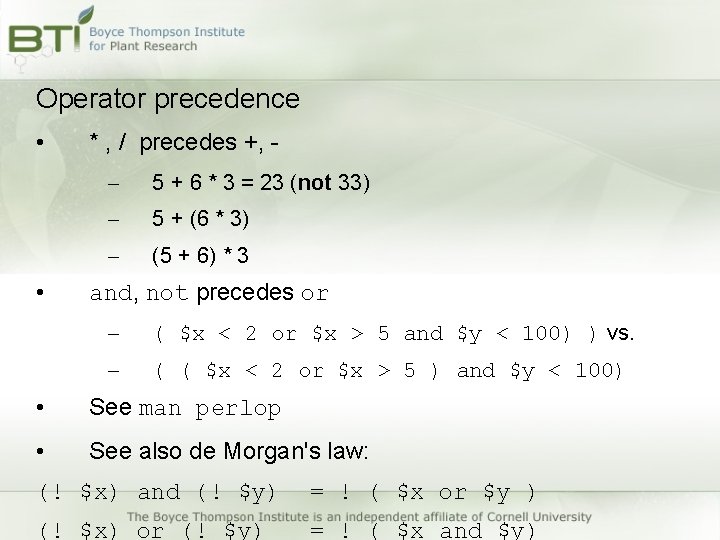
Operator precedence • • * , / precedes +, – 5 + 6 * 3 = 23 (not 33) – 5 + (6 * 3) – (5 + 6) * 3 and, not precedes or – ( $x < 2 or $x > 5 and $y < 100) ) vs. – ( ( $x < 2 or $x > 5 ) and $y < 100) • See man perlop • See also de Morgan's law: (! $x) and (! $y) = ! ( $x or $y ) (! $x) or (! $y) = ! ( $x and $y)
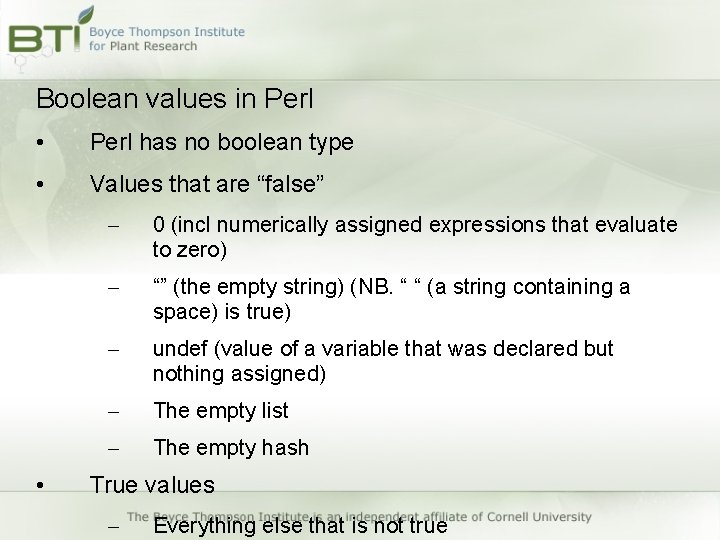
Boolean values in Perl • Perl has no boolean type • Values that are “false” • – 0 (incl numerically assigned expressions that evaluate to zero) – “” (the empty string) (NB. “ “ (a string containing a space) is true) – undef (value of a variable that was declared but nothing assigned) – The empty list – The empty hash True values – Everything else that is not true
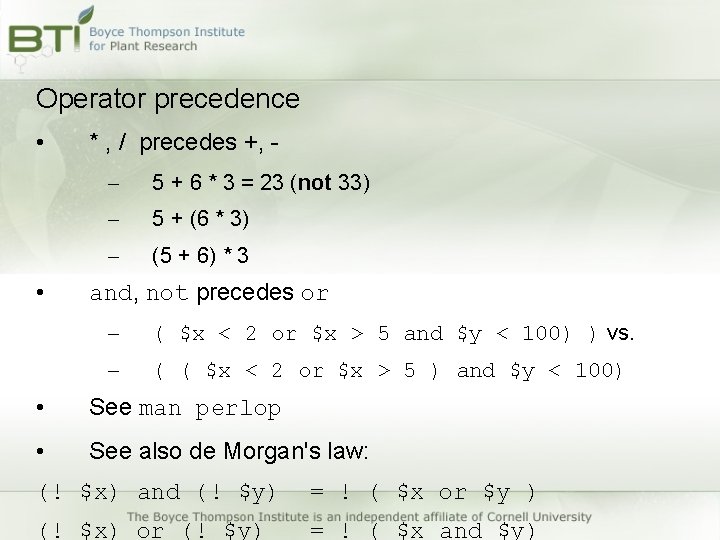
Operator precedence • • * , / precedes +, – 5 + 6 * 3 = 23 (not 33) – 5 + (6 * 3) – (5 + 6) * 3 and, not precedes or – ( $x < 2 or $x > 5 and $y < 100) ) vs. – ( ( $x < 2 or $x > 5 ) and $y < 100) • See man perlop • See also de Morgan's law: (! $x) and (! $y) = ! ( $x or $y ) (! $x) or (! $y) = ! ( $x and $y)
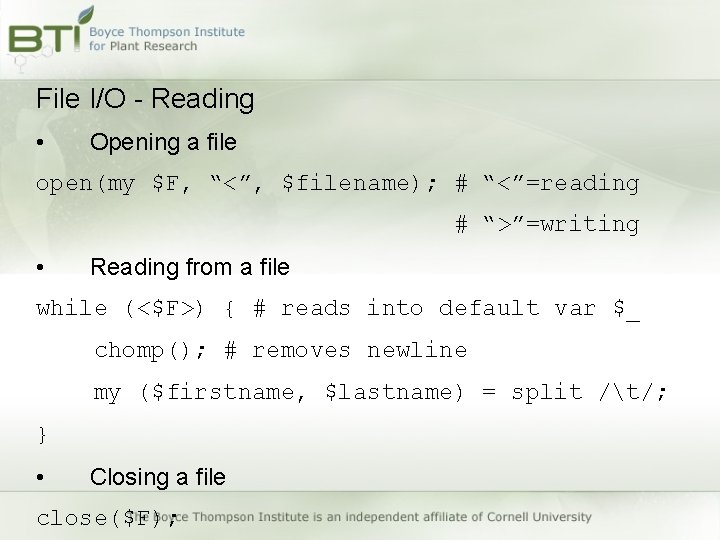
File I/O - Reading • Opening a file open(my $F, “<”, $filename); # “<”=reading # “>”=writing • Reading from a file while (<$F>) { # reads into default var $_ chomp(); # removes newline my ($firstname, $lastname) = split /t/; } • Closing a file close($F);
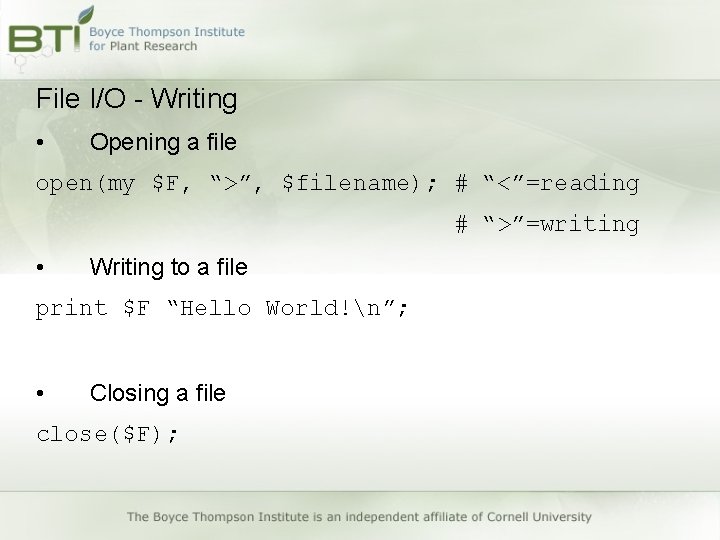
File I/O - Writing • Opening a file open(my $F, “>”, $filename); # “<”=reading # “>”=writing • Writing to a file print $F “Hello World!n”; • Closing a file close($F);
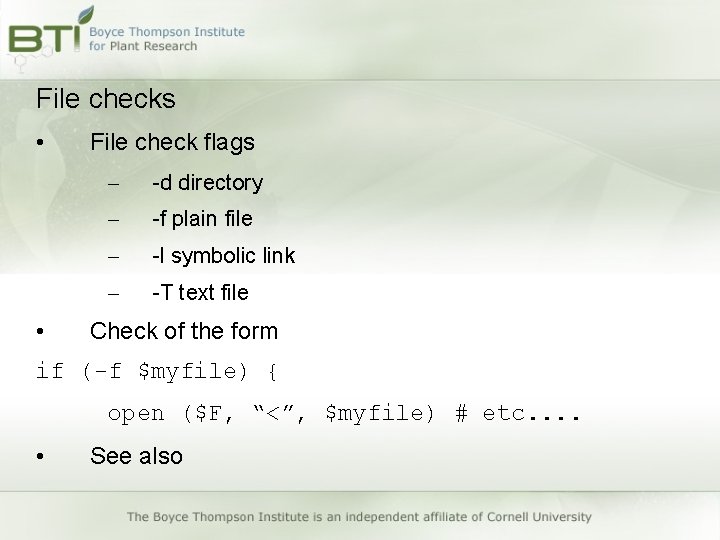
File checks • • File check flags – -d directory – -f plain file – -l symbolic link – -T text file Check of the form if (-f $myfile) { open ($F, “<”, $myfile) # etc. . • See also
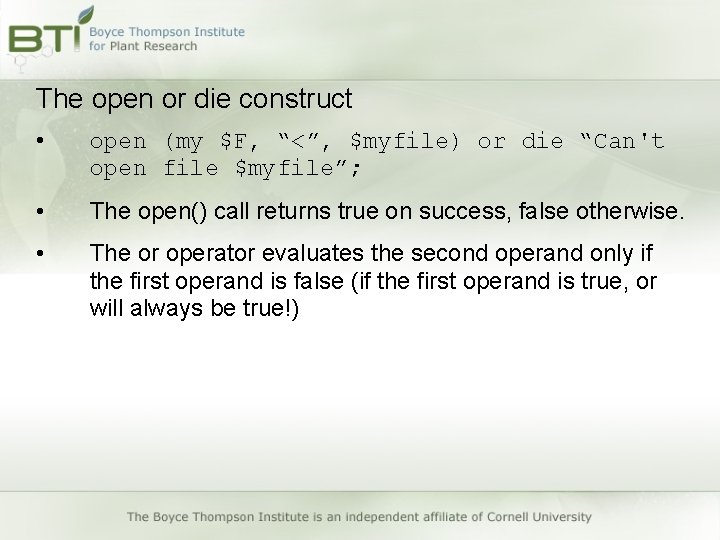
The open or die construct • open (my $F, “<”, $myfile) or die “Can't open file $myfile”; • The open() call returns true on success, false otherwise. • The or operator evaluates the second operand only if the first operand is false (if the first operand is true, or will always be true!)
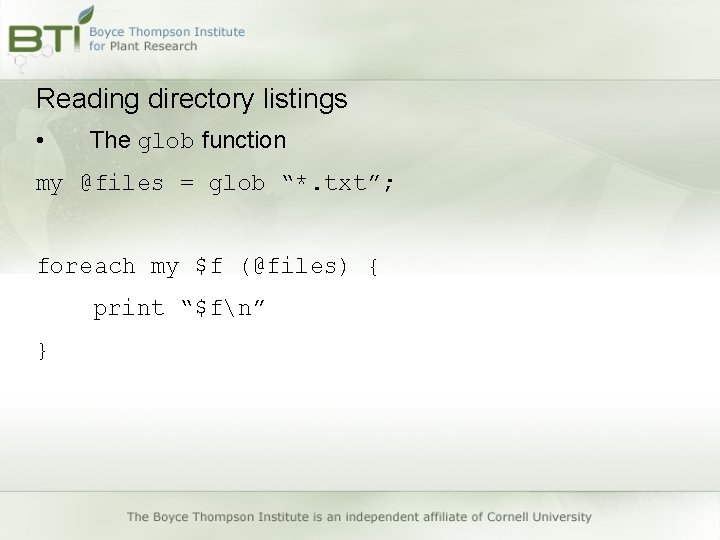
Reading directory listings • The glob function my @files = glob “*. txt”; foreach my $f (@files) { print “$fn” }
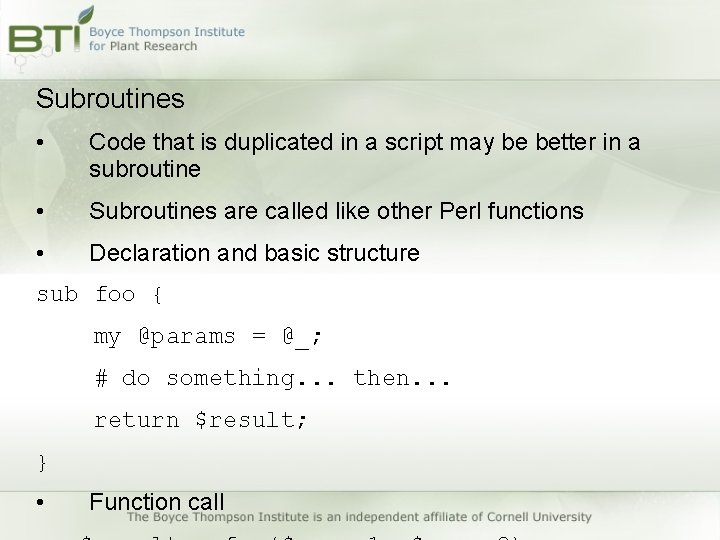
Subroutines • Code that is duplicated in a script may be better in a subroutine • Subroutines are called like other Perl functions • Declaration and basic structure sub foo { my @params = @_; # do something. . . then. . . return $result; } • Function call
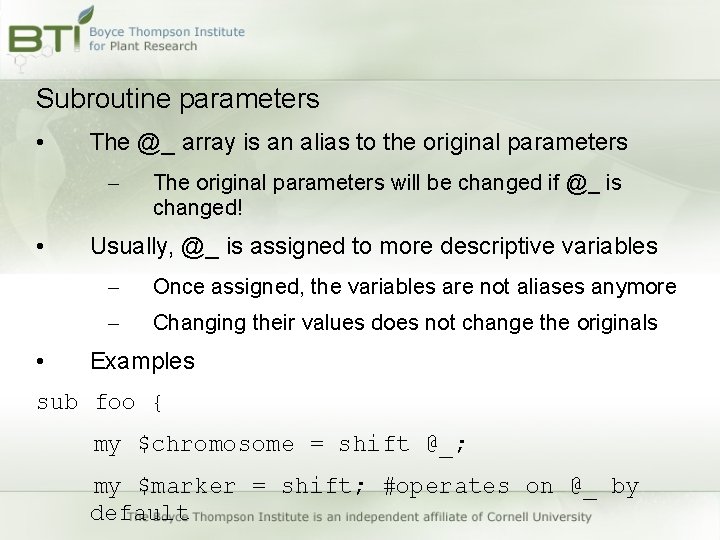
Subroutine parameters • The @_ array is an alias to the original parameters – • • The original parameters will be changed if @_ is changed! Usually, @_ is assigned to more descriptive variables – Once assigned, the variables are not aliases anymore – Changing their values does not change the originals Examples sub foo { my $chromosome = shift @_; my $marker = shift; #operates on @_ by default
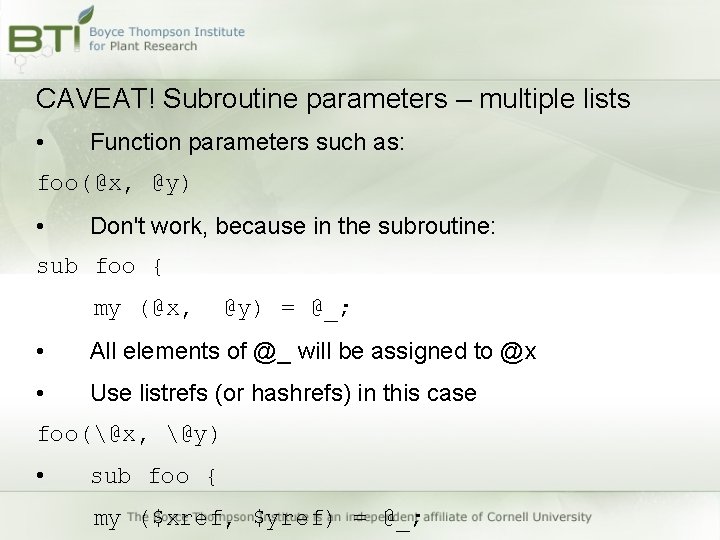
CAVEAT! Subroutine parameters – multiple lists • Function parameters such as: foo(@x, @y) • Don't work, because in the subroutine: sub foo { my (@x, @y) = @_; • All elements of @_ will be assigned to @x • Use listrefs (or hashrefs) in this case foo(@x, @y) • sub foo { my ($xref, $yref) = @_;
Subroutine return values • Subroutines that return values are sometimes called functions • It is better for a function to return a value than to change the function parameters • Return values can be scalars, lists, or hashes. • Be careful with returning multiple lists or hashes. – Need to return listrefs or hashrefs!
Modules • Create re-usable code that scripts can load and use • A module is a namespace • Subroutines that are used from different scripts are better placed into modules – Easier to maintain – Documention – Bug fixes
Modules Declaration package Foo; Notes about naming: • Package names should be uppercase • Often, package names are in Camel. Case Mapping to filesystem: package Foo should be a file called Foo. pm package Foo: : Bar is in Foo/Bar. pm Using modules use Foo: : Bar;
@INC is like $PATH for modules • • How does Perl know where to look for modules? – Perl looks in the current directory – Perl looks in the order of directories given in @INC – @INC is populated by Perl at startup Changing @INC – List of paths given in the environment variable $PERL 5 LIB is pre-pended to @INC
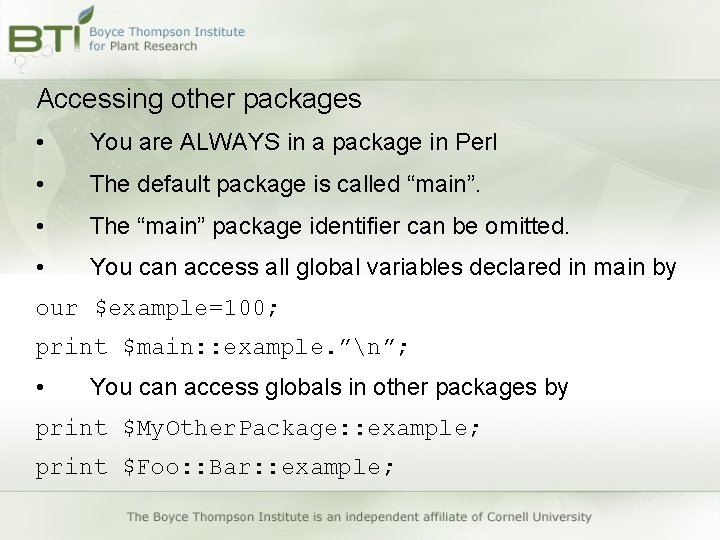
Accessing other packages • You are ALWAYS in a package in Perl • The default package is called “main”. • The “main” package identifier can be omitted. • You can access all global variables declared in main by our $example=100; print $main: : example. ”n”; • You can access globals in other packages by print $My. Other. Package: : example; print $Foo: : Bar: : example;
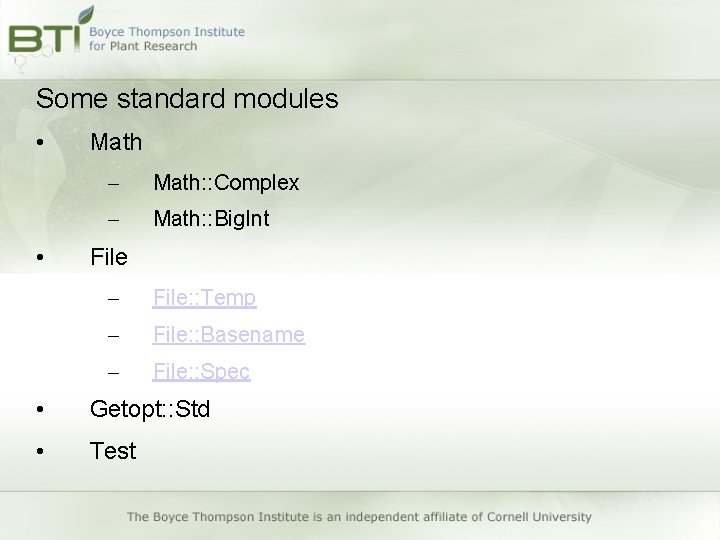
Some standard modules • • Math – Math: : Complex – Math: : Big. Int File – File: : Temp – File: : Basename – File: : Spec • Getopt: : Std • Test
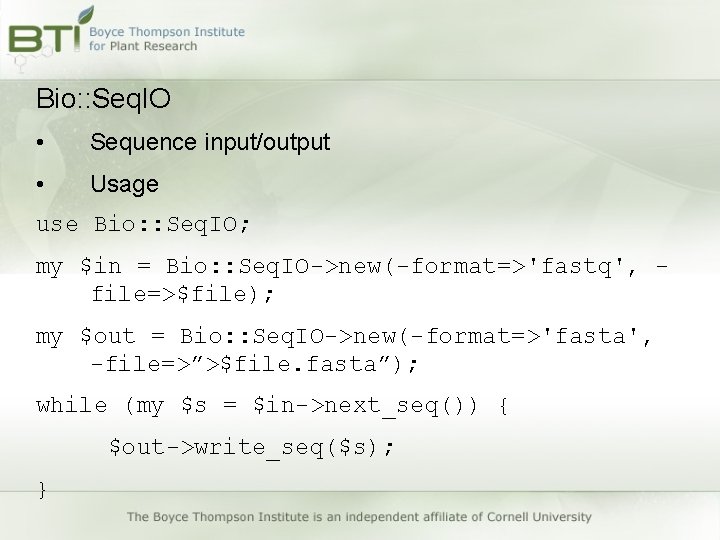
Bio: : Seq. IO • Sequence input/output • Usage use Bio: : Seq. IO; my $in = Bio: : Seq. IO->new(-format=>'fastq', file=>$file); my $out = Bio: : Seq. IO->new(-format=>'fasta', -file=>”>$file. fasta”); while (my $s = $in->next_seq()) { $out->write_seq($s); }
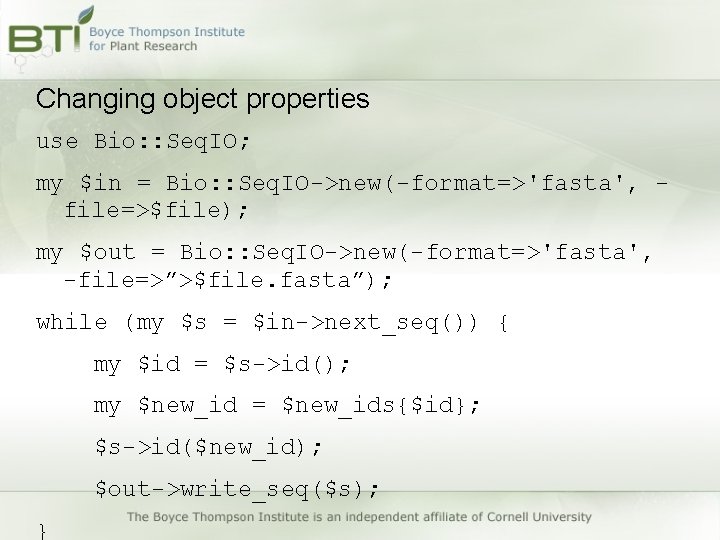
Changing object properties use Bio: : Seq. IO; my $in = Bio: : Seq. IO->new(-format=>'fasta', file=>$file); my $out = Bio: : Seq. IO->new(-format=>'fasta', -file=>”>$file. fasta”); while (my $s = $in->next_seq()) { my $id = $s->id(); my $new_id = $new_ids{$id}; $s->id($new_id); $out->write_seq($s); }