
Lesson 1 Multimedia Concept Topics Multimedia Multimedia Concept
- Slides: 21
Lesson 1 Multimedia Concept & Topics • • • Multimedia Multimedia Concept Computing Classification Topics Driving Forces Applications • Course Outline
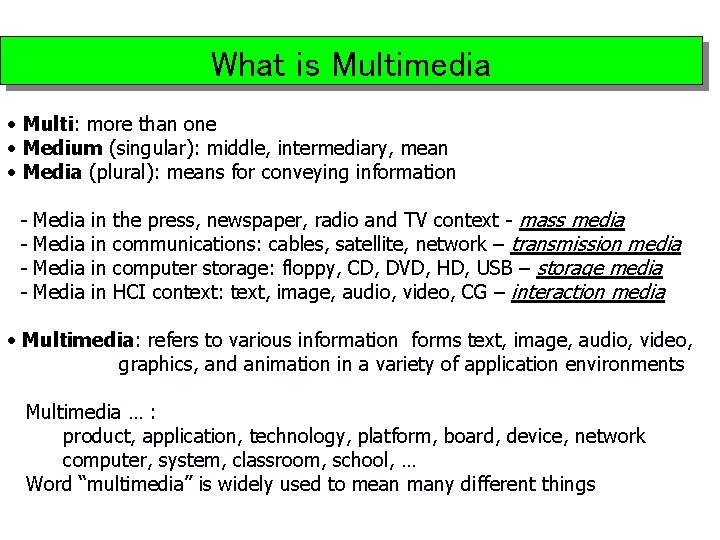
What is Multimedia • Multi: more than one • Medium (singular): middle, intermediary, mean • Media (plural): means for conveying information - Media in in the press, newspaper, radio and TV context - mass media communications: cables, satellite, network – transmission media computer storage: floppy, CD, DVD, HD, USB – storage media HCI context: text, image, audio, video, CG – interaction media • Multimedia: refers to various information forms text, image, audio, video, graphics, and animation in a variety of application environments Multimedia … : product, application, technology, platform, board, device, network computer, system, classroom, school, … Word “multimedia” is widely used to mean many different things
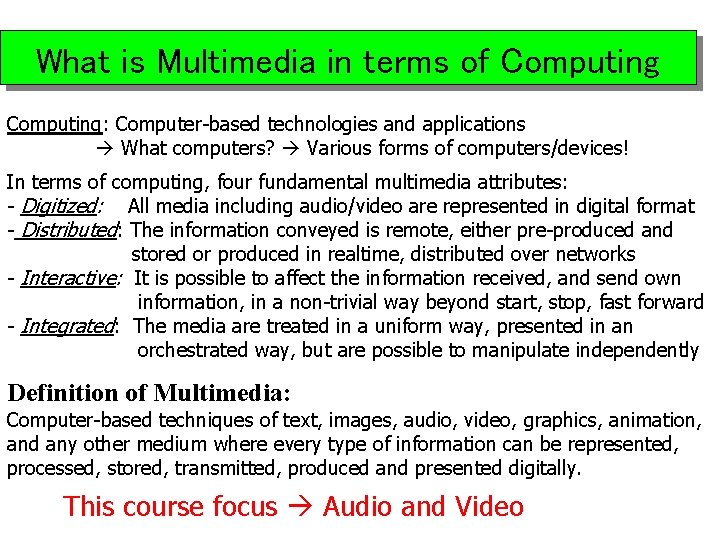
What is Multimedia in terms of Computing: Computer-based technologies and applications What computers? Various forms of computers/devices! In terms of computing, four fundamental multimedia attributes: - Digitized: All media including audio/video are represented in digital format - Distributed: The information conveyed is remote, either pre-produced and stored or produced in realtime, distributed over networks - Interactive: It is possible to affect the information received, and send own information, in a non-trivial way beyond start, stop, fast forward - Integrated: The media are treated in a uniform way, presented in an orchestrated way, but are possible to manipulate independently Definition of Multimedia: Computer-based techniques of text, images, audio, video, graphics, animation, and any other medium where every type of information can be represented, processed, stored, transmitted, produced and presented digitally. This course focus Audio and Video
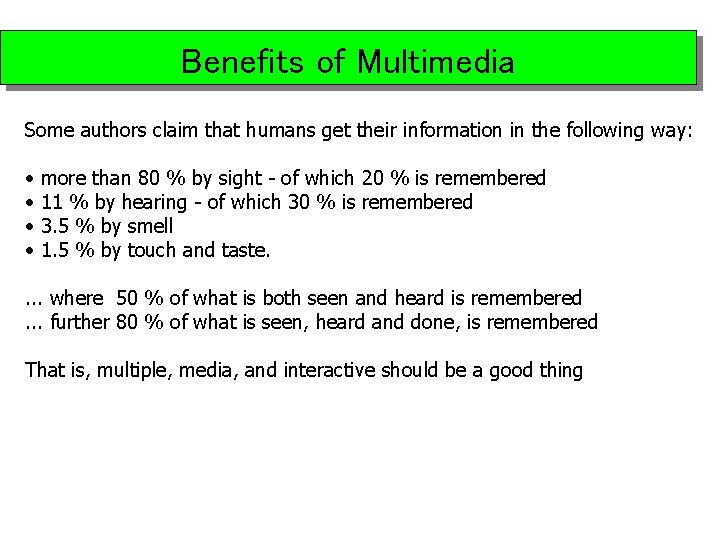
Benefits of Multimedia Some authors claim that humans get their information in the following way: • • more than 80 % by sight - of which 20 % is remembered 11 % by hearing - of which 30 % is remembered 3. 5 % by smell 1. 5 % by touch and taste. . where 50 % of what is both seen and heard is remembered. . . further 80 % of what is seen, heard and done, is remembered That is, multiple, media, and interactive should be a good thing
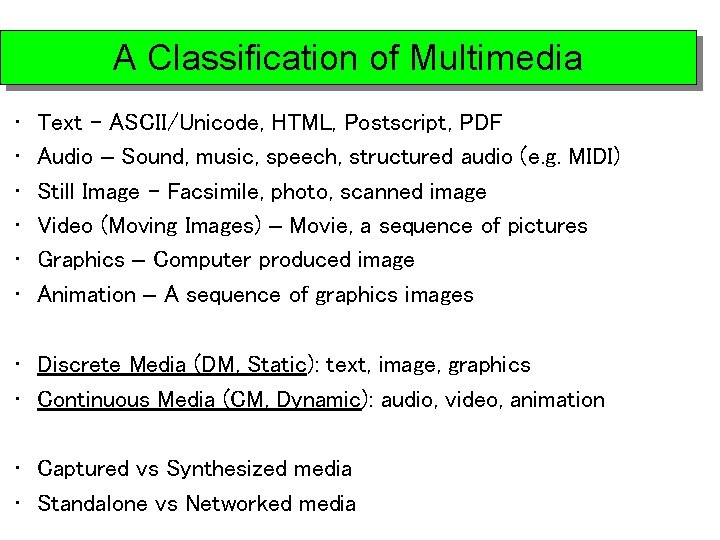
A Classification of Multimedia • • • Text - ASCII/Unicode, HTML, Postscript, PDF Audio – Sound, music, speech, structured audio (e. g. MIDI) Still Image - Facsimile, photo, scanned image Video (Moving Images) – Movie, a sequence of pictures Graphics – Computer produced image Animation – A sequence of graphics images • Discrete Media (DM, Static): text, image, graphics • Continuous Media (CM, Dynamic): audio, video, animation • Captured vs Synthesized media • Standalone vs Networked media
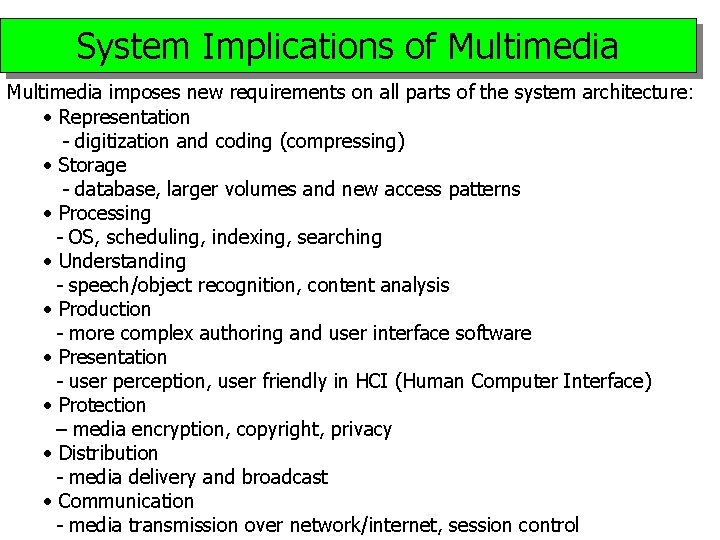
System Implications of Multimedia imposes new requirements on all parts of the system architecture : • Representation - digitization and coding (compressing) • Storage - database, larger volumes and new access patterns • Processing - OS, scheduling, indexing, searching • Understanding - speech/object recognition, content analysis • Production - more complex authoring and user interface software • Presentation - user perception, user friendly in HCI (Human Computer Interface) • Protection – media encryption, copyright, privacy • Distribution - media delivery and broadcast • Communication - media transmission over network/internet, session control
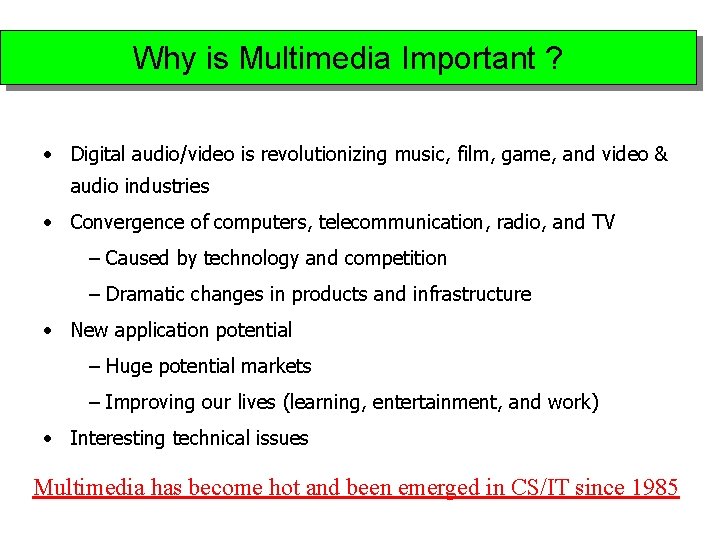
Why is Multimedia Important ? • Digital audio/video is revolutionizing music, film, game, and video & audio industries • Convergence of computers, telecommunication, radio, and TV – Caused by technology and competition – Dramatic changes in products and infrastructure • New application potential – Huge potential markets – Improving our lives (learning, entertainment, and work) • Interesting technical issues Multimedia has become hot and been emerged in CS/IT since 1985
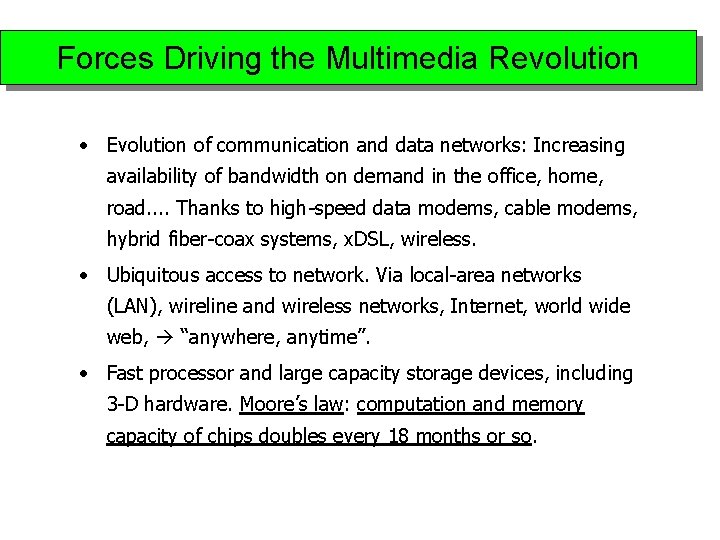
Forces Driving the Multimedia Revolution • Evolution of communication and data networks: Increasing availability of bandwidth on demand in the office, home, road. . Thanks to high-speed data modems, cable modems, hybrid fiber-coax systems, x. DSL, wireless. • Ubiquitous access to network. Via local-area networks (LAN), wireline and wireless networks, Internet, world wide web, “anywhere, anytime”. • Fast processor and large capacity storage devices, including 3 -D hardware. Moore’s law: computation and memory capacity of chips doubles every 18 months or so.
Forces Driving the Multimedia Revolution (Cont…) • New algorithms and data structures. Compression techniques, graphics, computer vision, speech understanding. . . • Smart terminals such as digital phones, screen phones, multimedia PC’s, web-TV, personal digital assistants, etc. , accessing and interacting the network with wired and wireless connections. • And of foremost importance, the digitization of virtually any device : cameras, video capture and playback devices, handwriting terminals, sound capture, etc. , together with plug-and-play standards; and the digitization of text/audio/video documents and libraries that allows better communications, storage, and fast access and browsing.
Technological Aspects • Techniques for compressing and coding the various media: models, algorithms, forms, standards, etc. • Communications aspects: downloading and streaming techniques, synchronization, layering of signals, issues involved in the definition of Qo. S (quality of service. ) • Techniques for accessing multimedia signals by providing tools that match user to the machine: “natural” spoken language queries, media conversion tools and multimodal user interface (speech recognition, lip reading, face tracking, OCR, . . ), agents that monitor the multimedia sessions and provide assistance in all phases of access and utilization. • Techniques for organizing, storing and retrieving multimedia, for searching and browsing individual multimedia documents and libraries.
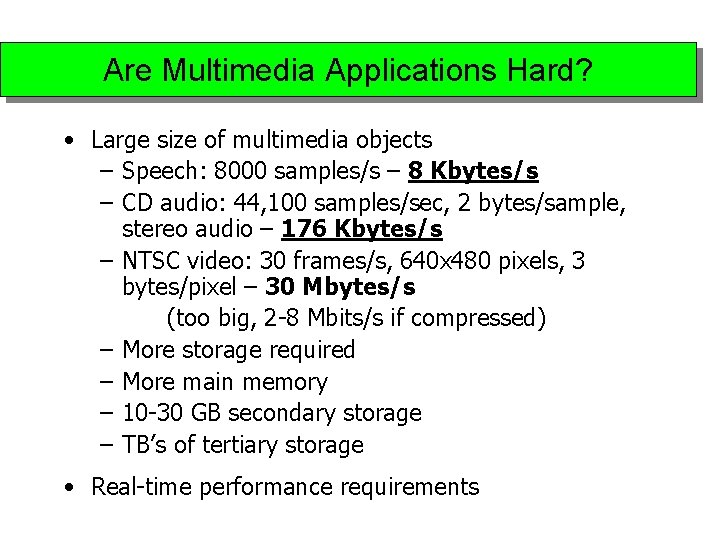
Are Multimedia Applications Hard? • Large size of multimedia objects – Speech: 8000 samples/s – 8 Kbytes/s – CD audio: 44, 100 samples/sec, 2 bytes/sample, stereo audio – 176 Kbytes/s – NTSC video: 30 frames/s, 640 x 480 pixels, 3 bytes/pixel – 30 Mbytes/s (too big, 2 -8 Mbits/s if compressed) – More storage required – More main memory – 10 -30 GB secondary storage – TB’s of tertiary storage • Real-time performance requirements
Are Multimedia Applications Hard? (Cont…) • Higher data rates – Fast I/O subsystem (SCSI, fiber channel, HIPPI) • E. g. , Ultra SCSI 2 – 80 Mbytes/s – High speed backplane (PCI or faster) – Faster network (1 -25 Mbs per video stream) • 1 -4 Gbits/s network • Hardware CODEC, modified CPU (? ), and modified frame buffer/graphics subsystem Essentially, new hardware and software Further, audio/image/video “content” processing
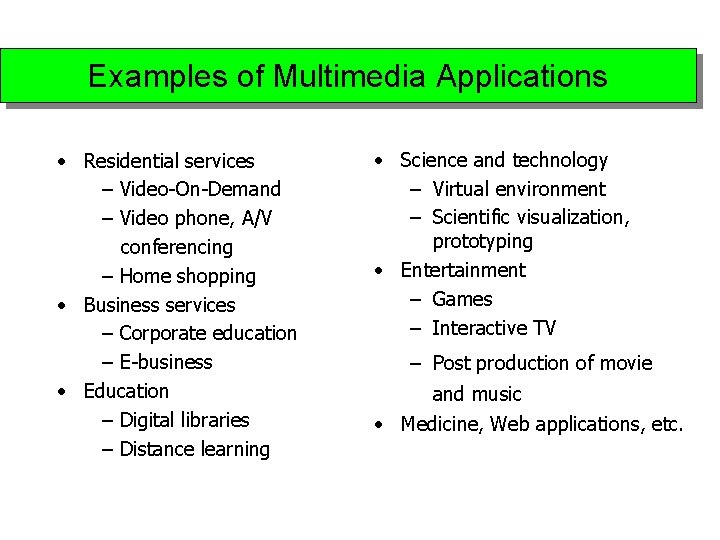
Examples of Multimedia Applications • Residential services – Video-On-Demand – Video phone, A/V conferencing – Home shopping • Business services – Corporate education – E-business • Education – Digital libraries – Distance learning • Science and technology – Virtual environment – Scientific visualization, prototyping • Entertainment – Games – Interactive TV – Post production of movie and music • Medicine, Web applications, etc.
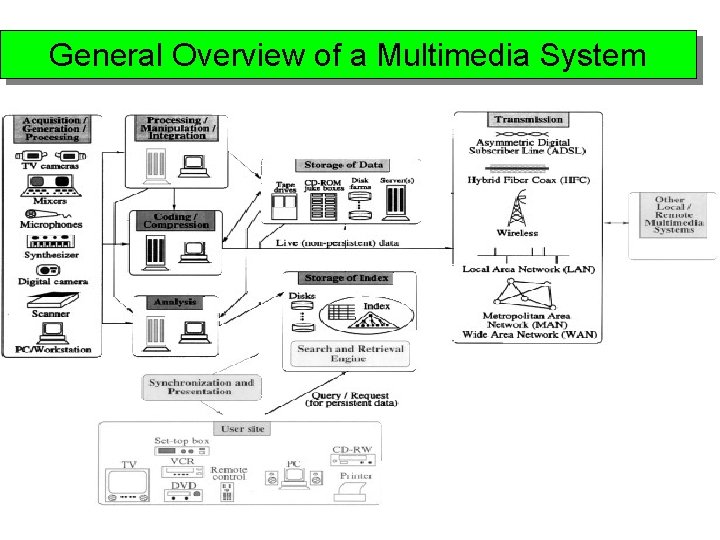
General Overview of a Multimedia System
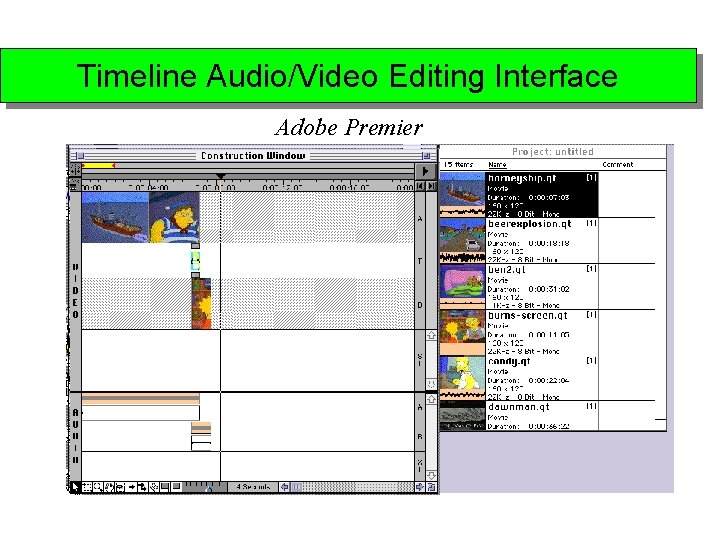
Timeline Audio/Video Editing Interface Adobe Premier
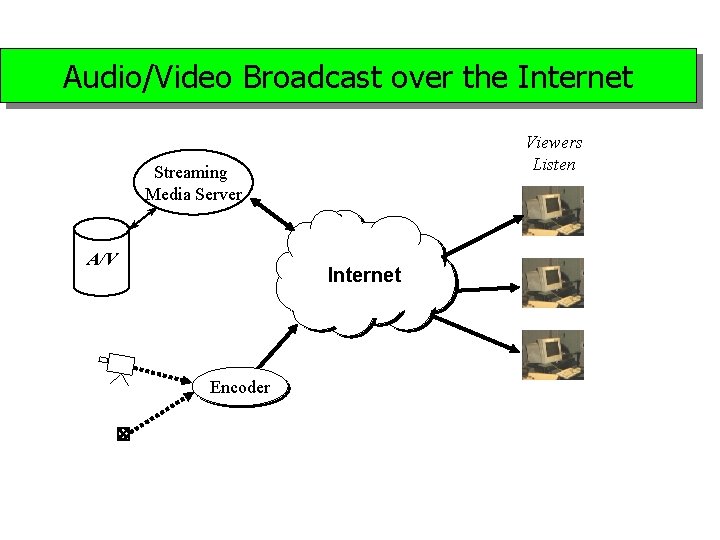
Audio/Video Broadcast over the Internet Viewers Listen Streaming Media Server A/V Internet Encoder
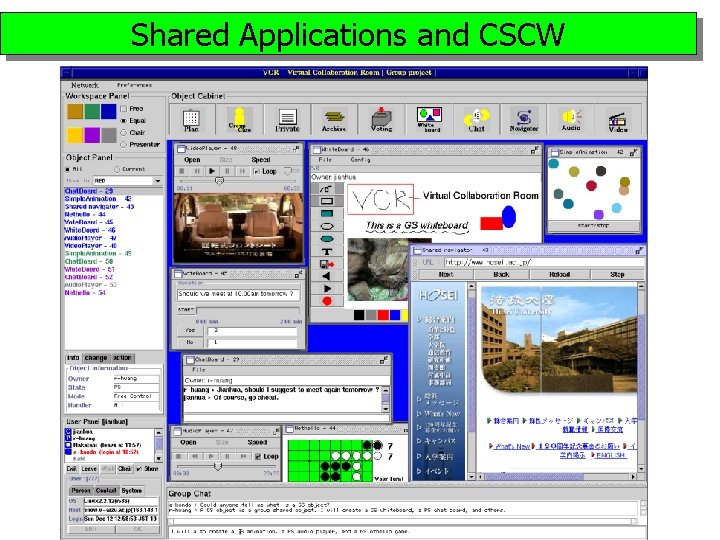
Shared Applications and CSCW
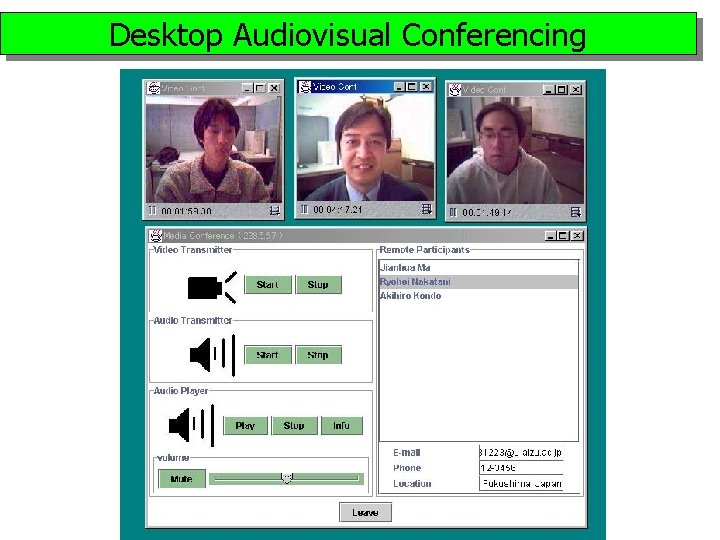
Desktop Audiovisual Conferencing
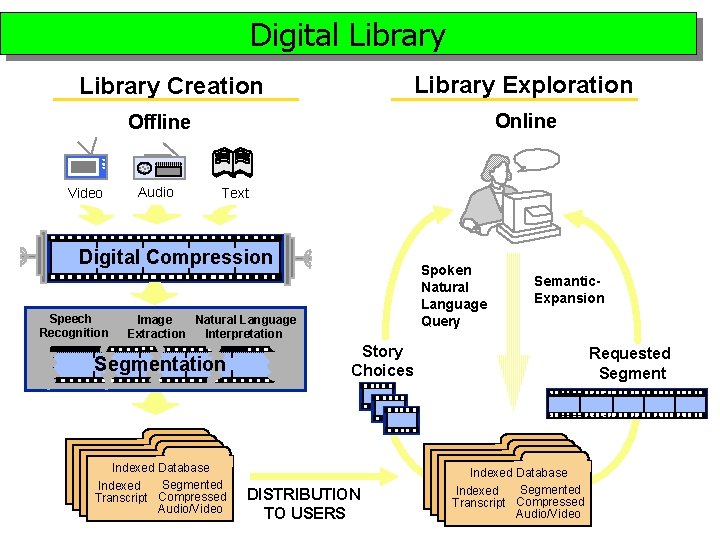
Digital Library Exploration Library Creation Online Offline Video Audio Text Digital Compression Speech Recognition Spoken Natural Language Query Image Natural Language Extraction Interpretation Segmentation Indexed Database Segmented Indexed Transcript Compressed Audio/Video Semantic. Expansion Story Choices DISTRIBUTION TO USERS Requested Segment Indexed Database Segmented Indexed Transcript Compressed Audio/Video
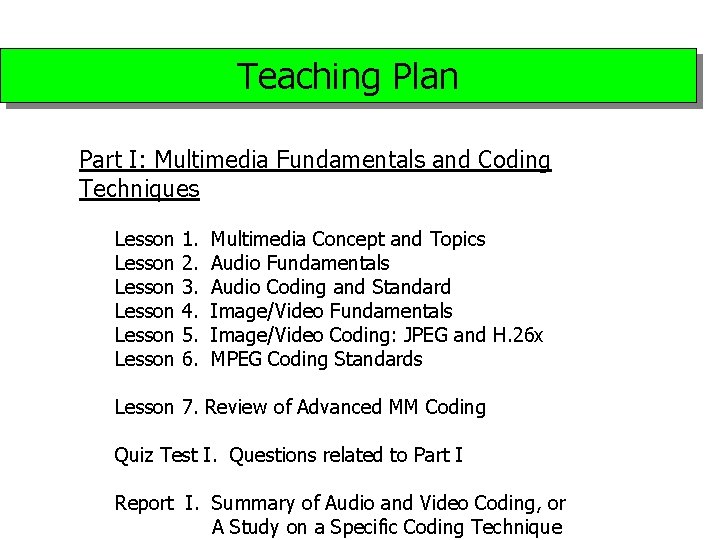
Teaching Plan Part I: Multimedia Fundamentals and Coding Techniques Lesson Lesson 1. 2. 3. 4. 5. 6. Multimedia Concept and Topics Audio Fundamentals Audio Coding and Standard Image/Video Fundamentals Image/Video Coding: JPEG and H. 26 x MPEG Coding Standards Lesson 7. Review of Advanced MM Coding Quiz Test I. Questions related to Part I Report I. Summary of Audio and Video Coding, or A Study on a Specific Coding Technique
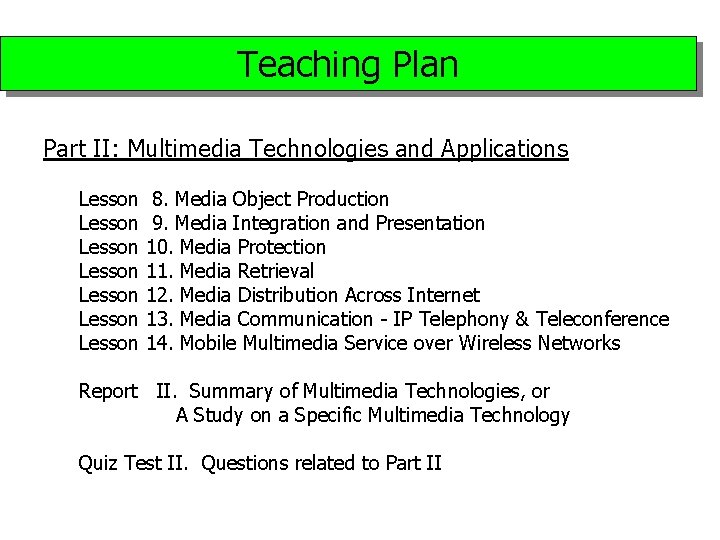
Teaching Plan Part II: Multimedia Technologies and Applications Lesson Lesson 8. Media Object Production 9. Media Integration and Presentation 10. Media Protection 11. Media Retrieval 12. Media Distribution Across Internet 13. Media Communication - IP Telephony & Teleconference 14. Mobile Multimedia Service over Wireless Networks Report II. Summary of Multimedia Technologies, or A Study on a Specific Multimedia Technology Quiz Test II. Questions related to Part II