
Lesson 1 Introduction Computing Binary Programming Basics COMPUTER
Lesson 1 Introduction – Computing - Binary – Programming Basics
COMPUTER SCIENCE Lesson 1 � Starter Inspiration: The potential of Computing – The Future! Apps! � � � Computing and IT – the difference We use them every day but what is a computer? Transistors (the past) and Chips (the amazing present) Communicating with computers – how do we talk to metal? The Binary Language – Language of 1 s and 0 s Binary Worksheet Task Communication Method 1: Low Level Languages Communication Method 2: High Level Languages Examples of High Level Languages Scratch as a Visual Language for application development Scratch Task � Plenary: (AFL) Turn to a partner and discuss one thing you’ve learned (and enjoyed) this lesson. Are you the next Bill Gates!?
At the end You should know. . . �Difference between Computing and ICT �Why Binary? �Speaking in Binary (converting a number into a binary digit) �Scratch – basic interface use
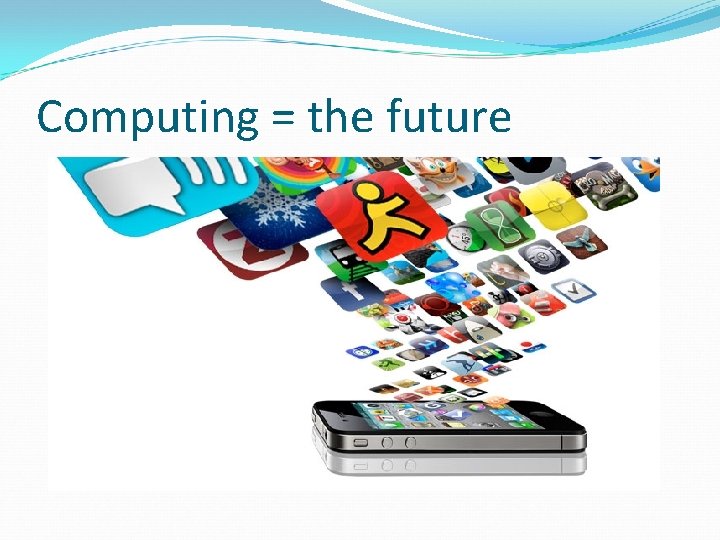
Computing = the future
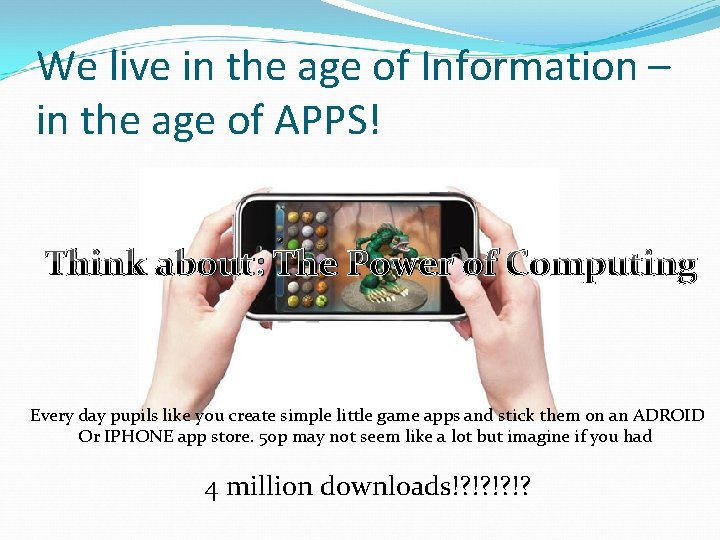
We live in the age of Information – in the age of APPS! Think about: The Power of Computing Every day pupils like you create simple little game apps and stick them on an ADROID Or IPHONE app store. 50 p may not seem like a lot but imagine if you had 4 million downloads!? !?
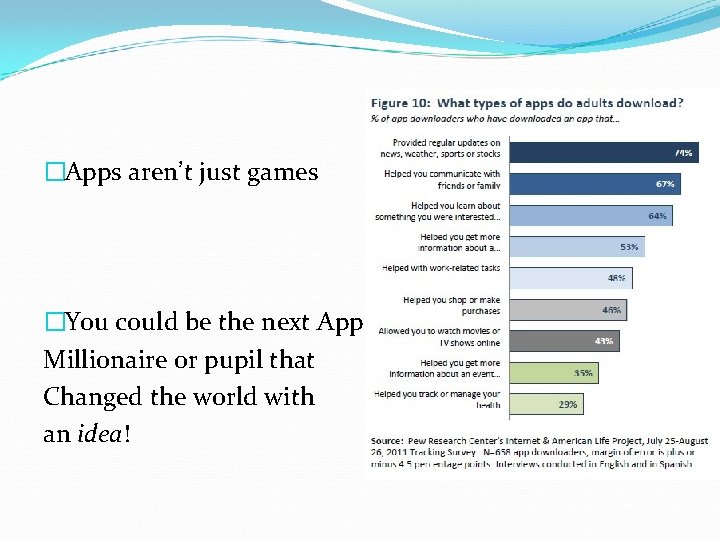
�Apps aren’t just games �You could be the next App Millionaire or pupil that Changed the world with an idea!
Loads of different app stores
So what is computing �ICT and COMPUTING �ICT = use of applications �COMPUTING = CREATING THEM! �ICT = we use excel, Power. Point, flash, internet browsers, games �COMPUTING = we MAKE Them!
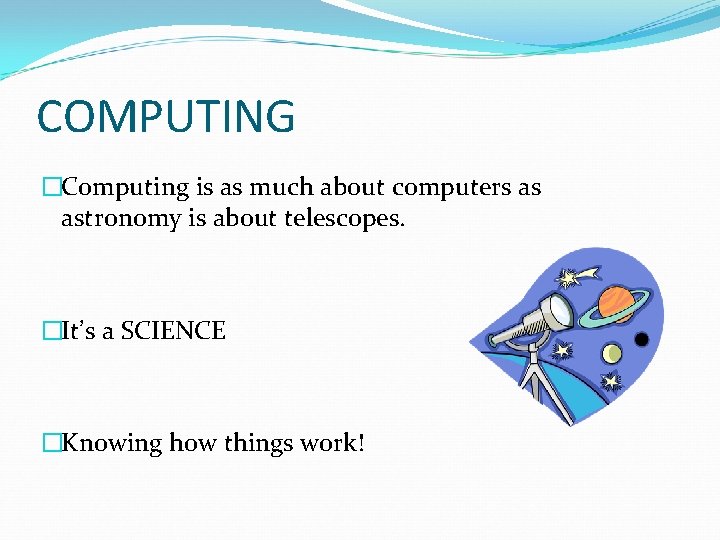
COMPUTING �Computing is as much about computers as astronomy is about telescopes. �It’s a SCIENCE �Knowing how things work!
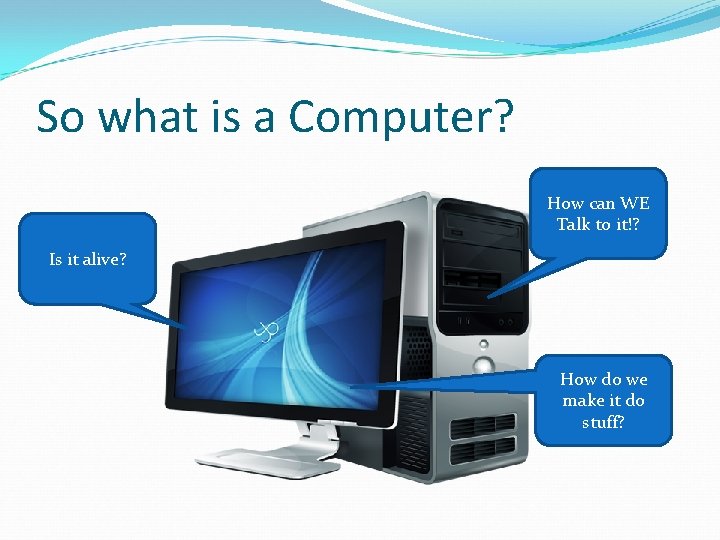
So what is a Computer? How can WE Talk to it!? Is it alive? How do we make it do stuff?
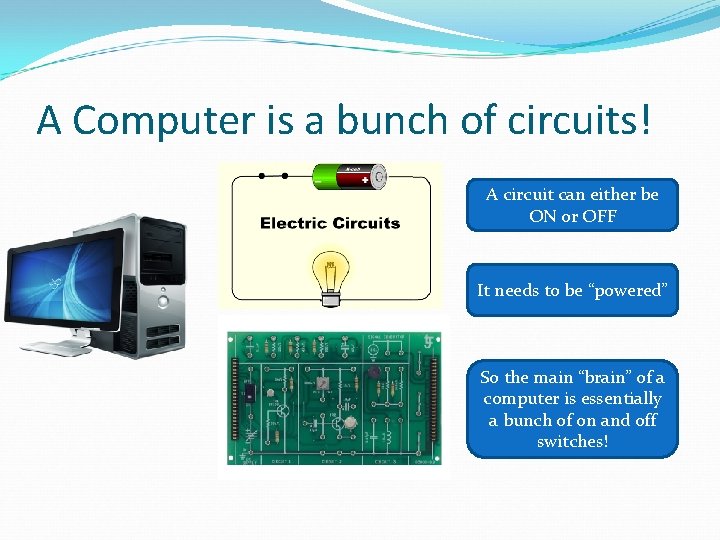
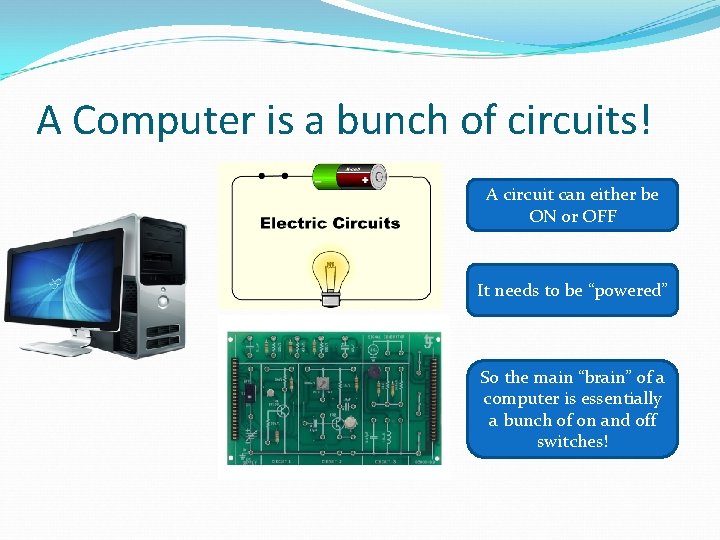
A Computer is a bunch of circuits! A circuit can either be ON or OFF It needs to be “powered” So the main “brain” of a computer is essentially a bunch of on and off switches!
A Computer is a bunch of circuits! A circuit can either be ON or OFF It needs to be “powered” So the main “brain” of a computer is essentially a bunch of on and off switches!
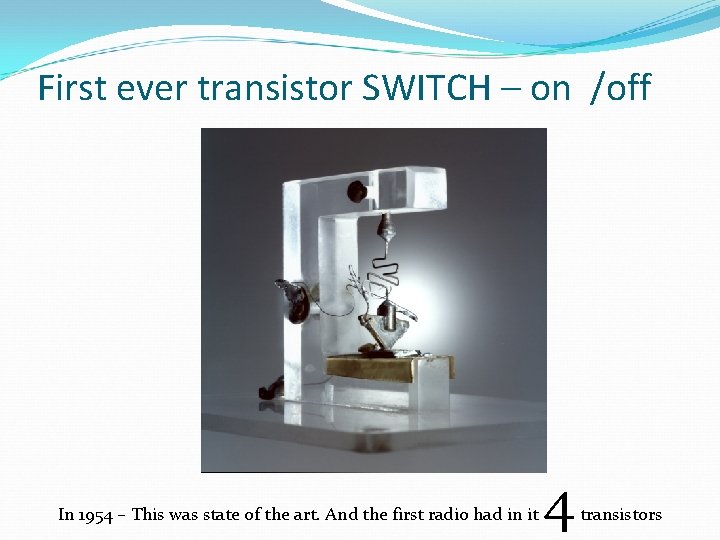
First ever transistor SWITCH – on /off In 1954 – This was state of the art. And the first radio had in it 4 transistors
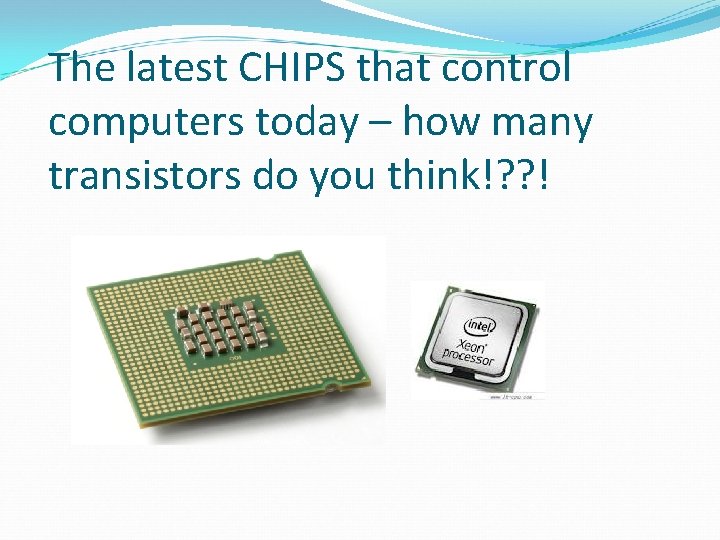
The latest CHIPS that control computers today – how many transistors do you think!? ? !
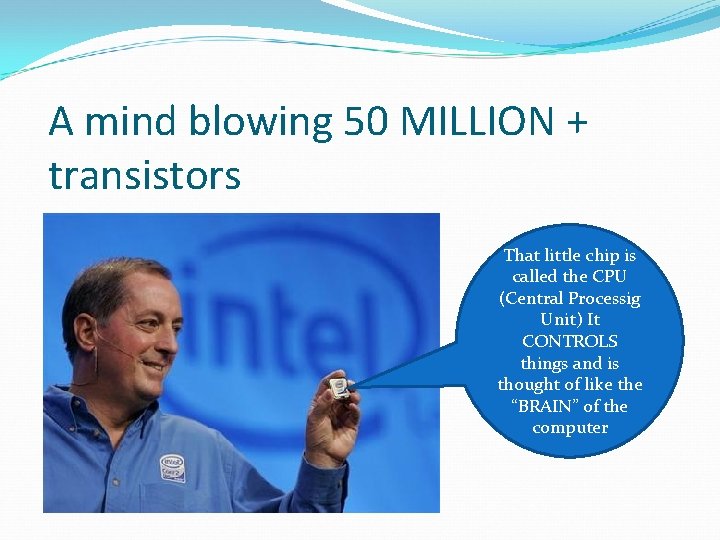
A mind blowing 50 MILLION + transistors That little chip is called the CPU (Central Processig Unit) It CONTROLS things and is thought of like the “BRAIN” of the computer
So how do we humans communicate with these on off switches? !? !? ! • All they understand is • ON • OFF
So how do we humans communicate with these on off switches? !? !? ! • All they understand is • ON • OFF
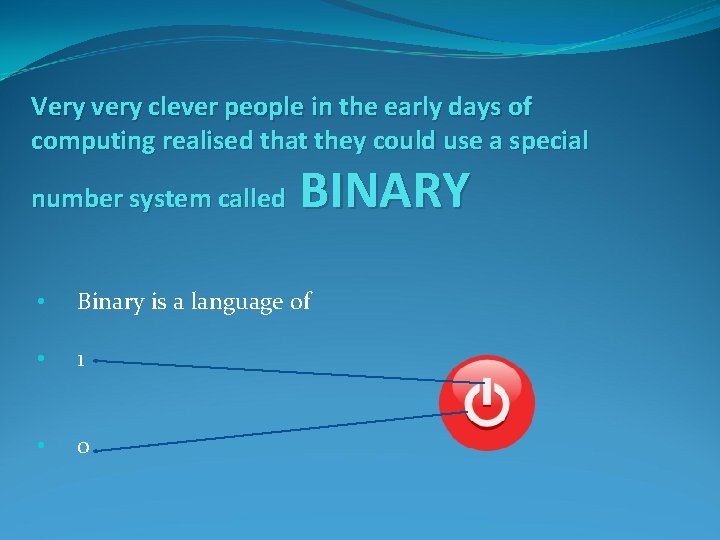
Very very clever people in the early days of computing realised that they could use a special number system called BINARY • Binary is a language of • 1 • 0
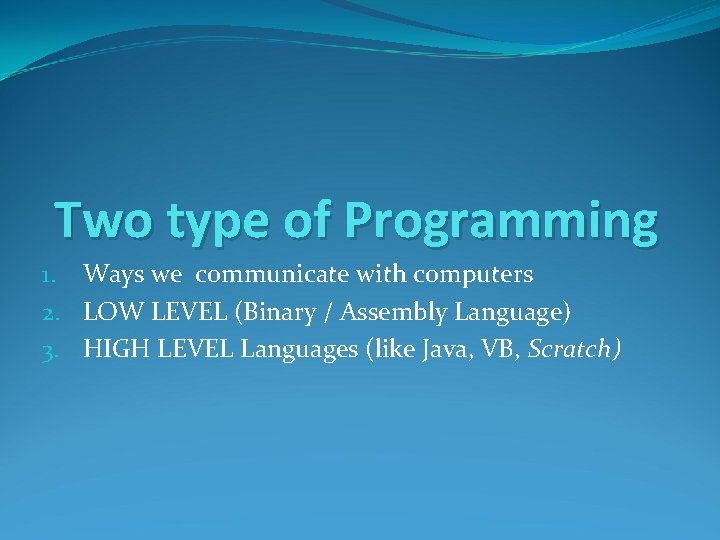
Two type of Programming 1. Ways we communicate with computers 2. LOW LEVEL (Binary / Assembly Language) 3. HIGH LEVEL Languages (like Java, VB, Scratch)
SO remember Circuits can be – ON or OFF � 1 0 �BINARY �BASE 2 Language �It has two digits 1 and 0 and that’s all!!! �Now we need to know how to write a number like 12 or 16 in the BINARY language (1 s and 0 s) so a computer can store and understand it.
SO remember Circuits can be – ON or OFF � 1 0 �BINARY �BASE 2 Language �It has two digits 1 and 0 and that’s all!!! �Now we need to know how to write a number like 12 or 16 in the BINARY language (1 s and 0 s) so a computer can store and understand it.
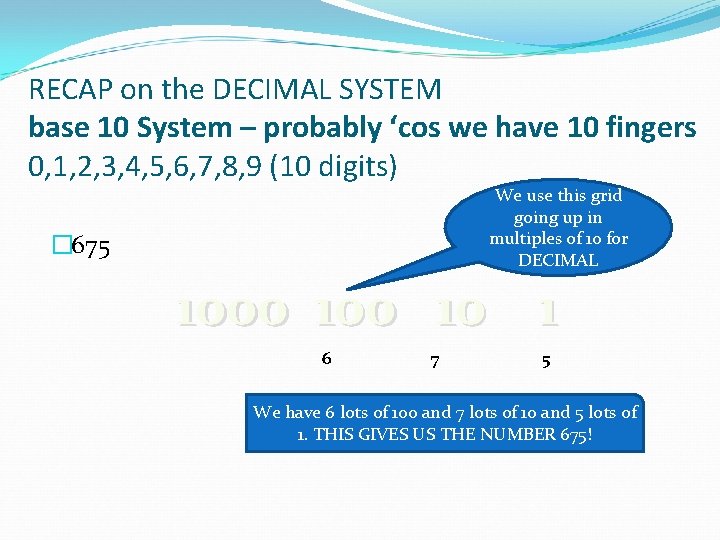
RECAP on the DECIMAL SYSTEM base 10 System – probably ‘cos we have 10 fingers 0, 1, 2, 3, 4, 5, 6, 7, 8, 9 (10 digits) We use this grid going up in multiples of 10 for DECIMAL � 675 1000 10 1 6 7 5 We have 6 lots of 100 and 7 lots of 10 and 5 lots of 1. THIS GIVES US THE NUMBER 675!
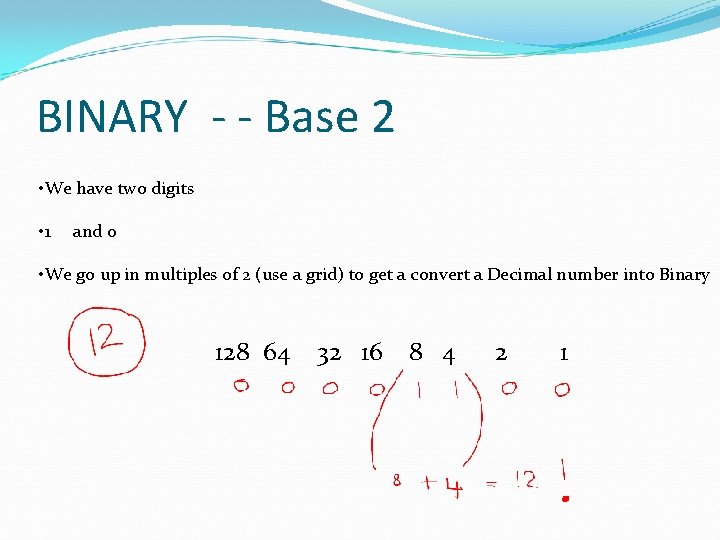
BINARY - - Base 2 • We have two digits • 1 and 0 • We go up in multiples of 2 (use a grid) to get a convert a Decimal number into Binary 128 64 32 16 8 4 2 1
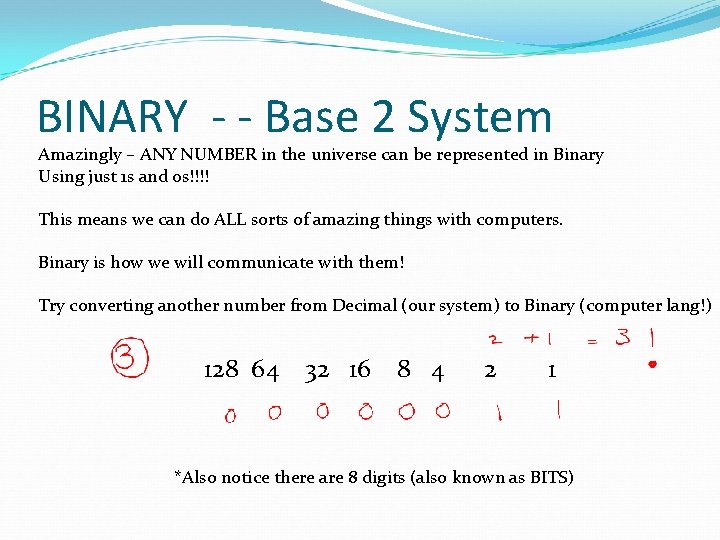
BINARY - - Base 2 System Amazingly – ANY NUMBER in the universe can be represented in Binary Using just 1 s and 0 s!!!! This means we can do ALL sorts of amazing things with computers. Binary is how we will communicate with them! Try converting another number from Decimal (our system) to Binary (computer lang!) 128 64 32 16 8 4 2 1 *Also notice there are 8 digits (also known as BITS)
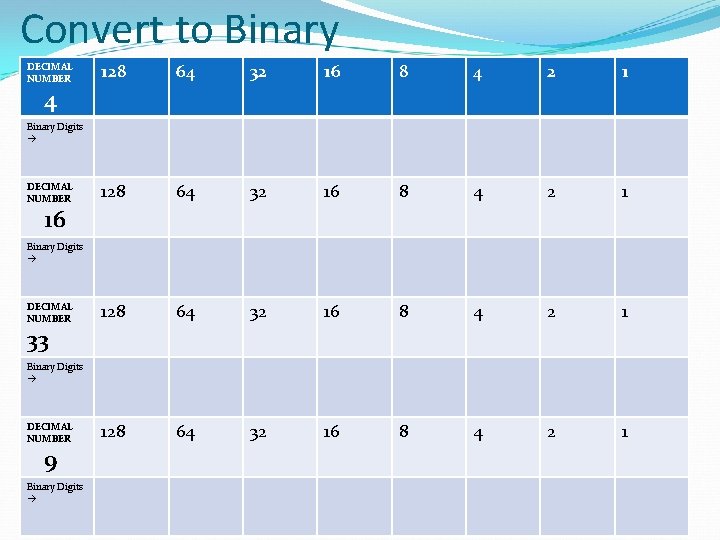
Convert to Binary DECIMAL NUMBER 128 64 32 16 8 4 2 1 4 Binary Digits DECIMAL NUMBER 16 Binary Digits DECIMAL NUMBER 33 Binary Digits DECIMAL NUMBER 9 Binary Digits
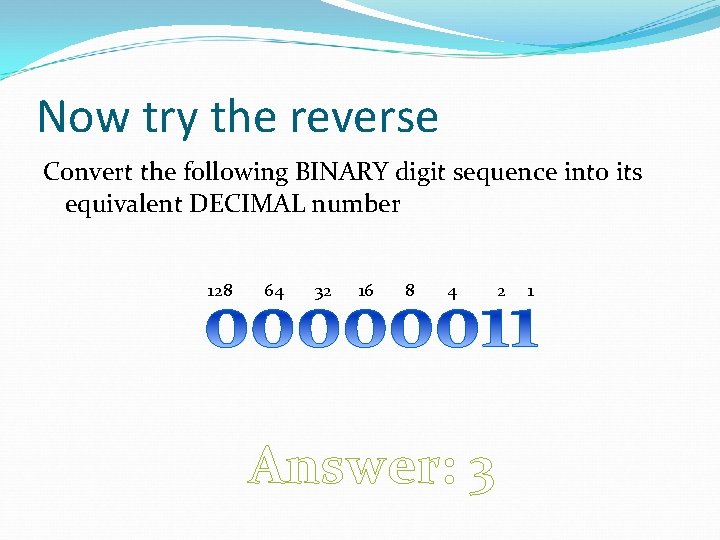
Now try the reverse Convert the following BINARY digit sequence into its equivalent DECIMAL number 128 64 32 16 8 4 Answer: 3 2 1
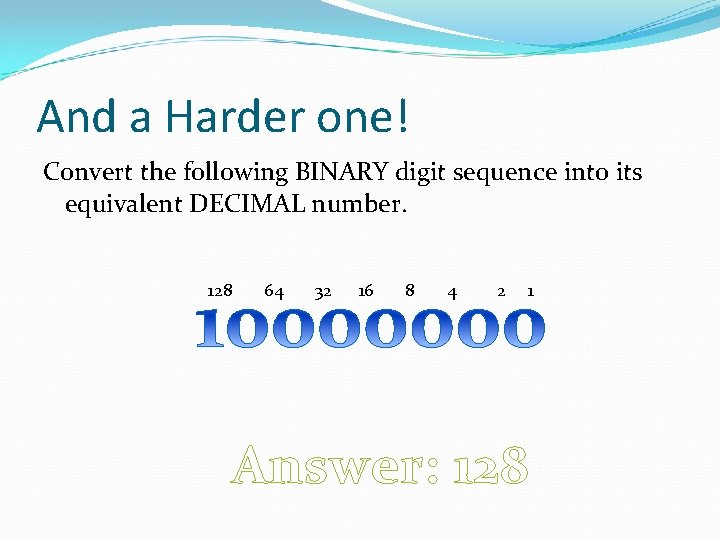
And a Harder one! Convert the following BINARY digit sequence into its equivalent DECIMAL number. 128 64 32 16 8 4 2 1 Answer: 128
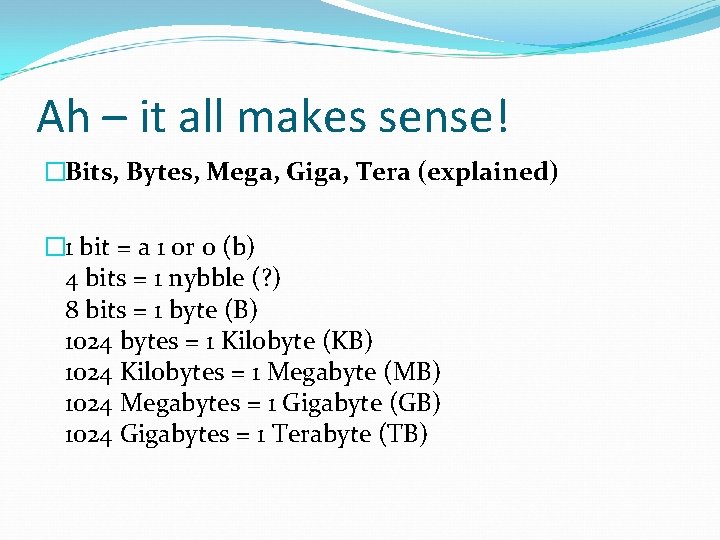
Ah – it all makes sense! �Bits, Bytes, Mega, Giga, Tera (explained) � 1 bit = a 1 or 0 (b) 4 bits = 1 nybble (? ) 8 bits = 1 byte (B) 1024 bytes = 1 Kilobyte (KB) 1024 Kilobytes = 1 Megabyte (MB) 1024 Megabytes = 1 Gigabyte (GB) 1024 Gigabytes = 1 Terabyte (TB)
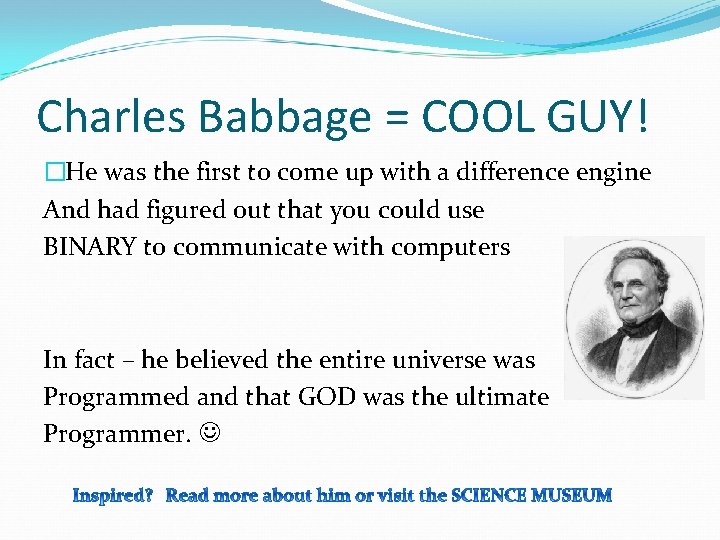
Charles Babbage = COOL GUY! �He was the first to come up with a difference engine And had figured out that you could use BINARY to communicate with computers In fact – he believed the entire universe was Programmed and that GOD was the ultimate Programmer.
heh
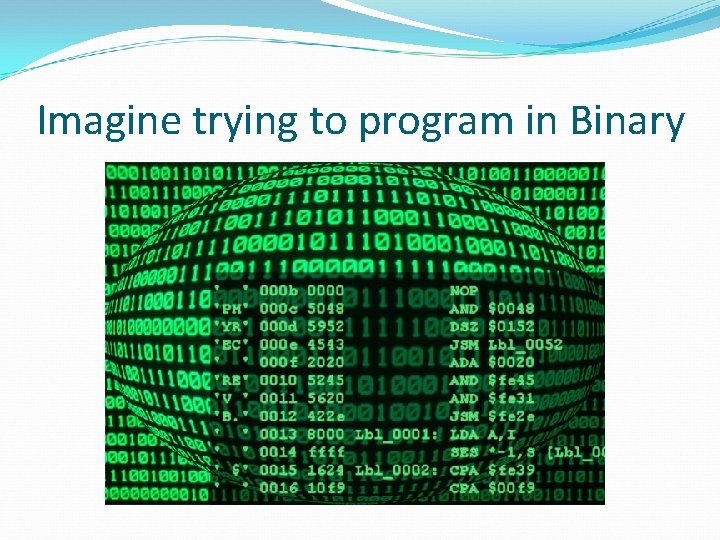
Imagine trying to program in Binary
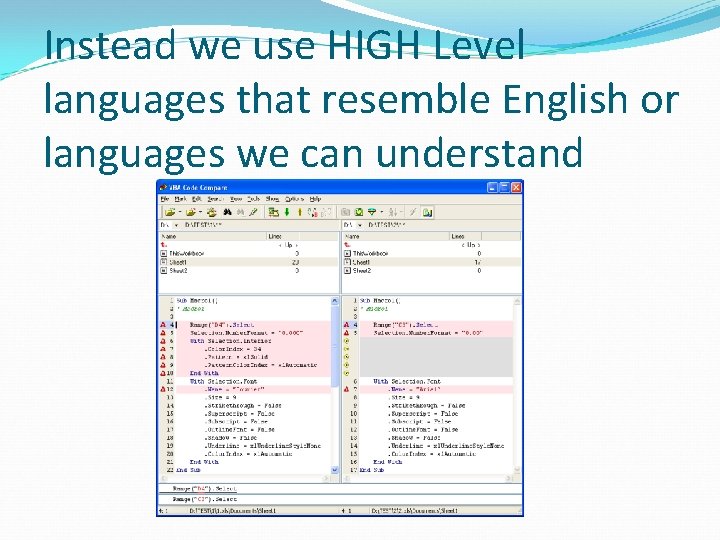
Instead we use HIGH Level languages that resemble English or languages we can understand
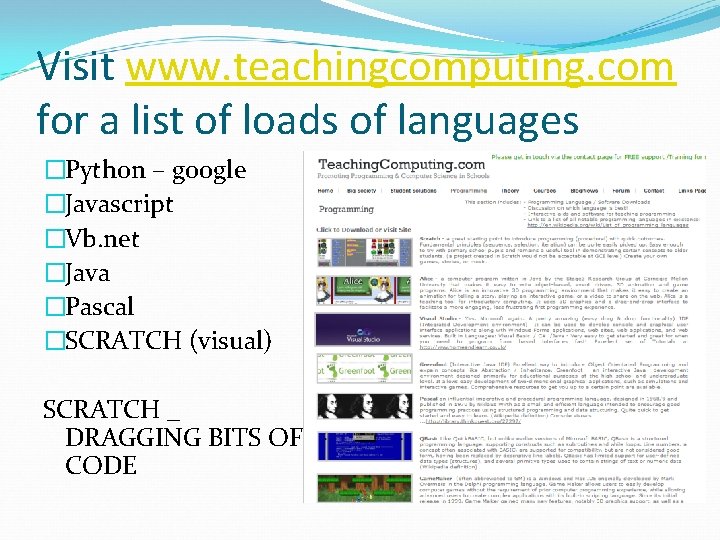
Visit www. teachingcomputing. com for a list of loads of languages �Python – google �Javascript �Vb. net �Java �Pascal �SCRATCH (visual) SCRATCH _ DRAGGING BITS OF CODE
We’re first going to look at SCRATCH �Remember APPS? �Well, in Scratch you can create your own games and applications quite easily �SCRATCH was developed by MIT to help young geniuses like yourself LEARN how to program by dragging and dropping instructions.
SCRATCH PROGRAMMING TASK �Use the two introductory power points to follow instructions EXACTLY and make a SRPITE (Cat) move about the screen using key arrows (These are included as part of the pack or can be downloaded online (FREE) from Scratch MIT) -Powerpoint Do-it-yourself TUTORIAL resources �SCRATCH #1 INTRODUCTION �SCRATCH #2 CONTROLLING MOVEMENT �Your time starts now. . .
HOW OUR BRAINS WORK �Algorithms – inbuilt �Algorithm – sequence of instructions which performs a meaningful task �SCRATCH – putting As together using programming constructs
Plenary – What have you learned? �Difference between Computing and ICT �Why Binary? �Speaking in Binary (converting a number into a binary digit) �Scratch – basic interface use Discuss all the amazing things you have learned with a partner and be prepared to feed it back to the class.
Homework extension activity �Do some BINARY conversions – teach your parent or a friend what you learned! �Download Scratch if possible. (it’s free) scratch. mit. edu/
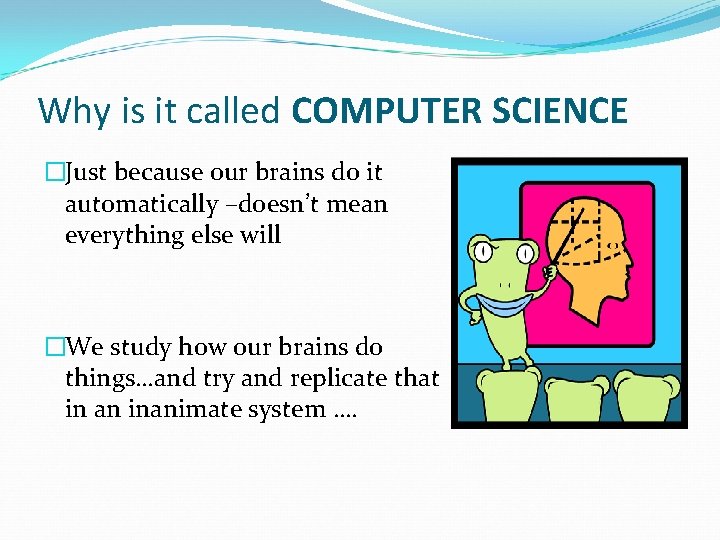
Why is it called COMPUTER SCIENCE �Just because our brains do it automatically –doesn’t mean everything else will �We study how our brains do things…and try and replicate that in an inanimate system ….
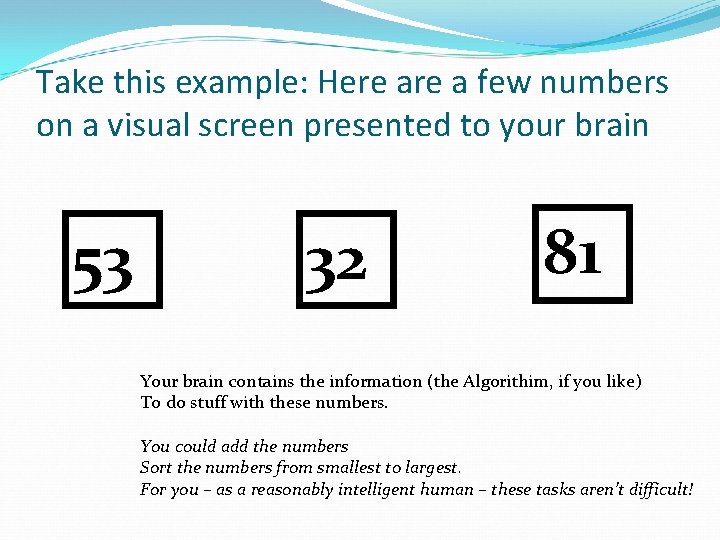
Take this example: Here a few numbers on a visual screen presented to your brain 53 32 81 Your brain contains the information (the Algorithim, if you like) To do stuff with these numbers. You could add the numbers Sort the numbers from smallest to largest. For you – as a reasonably intelligent human – these tasks aren’t difficult!
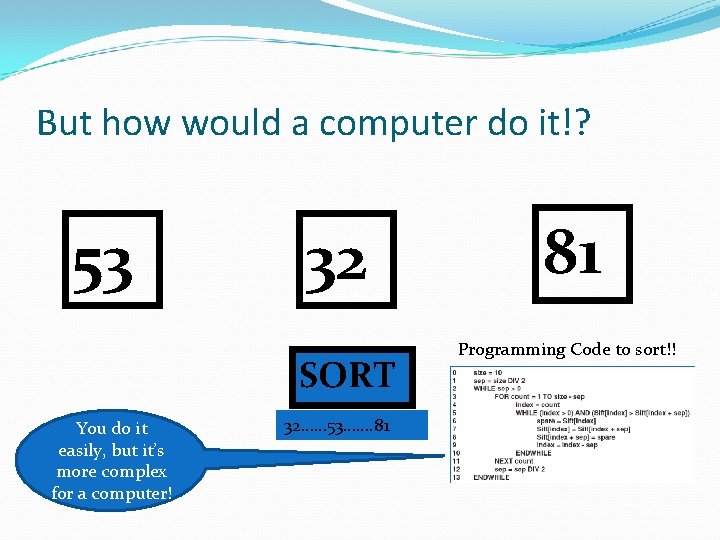
But how would a computer do it!? 53 32 SORT You do it easily, but it’s more complex for a computer! 32…… 53……. 81 81 Programming Code to sort!!
So consider how our brains work! �Some parts of computer science … �… is about copying the way the brain works �It’s about: making a system –a computer –that can do what our brains do! �Artificial Intelligence is a hot research topic at the moment.
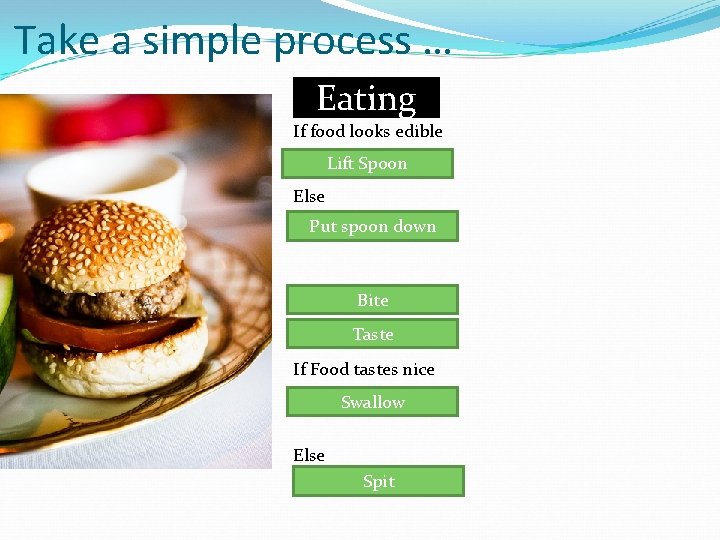
Take a simple process … Eating If food looks edible Lift Spoon Else Put spoon down Bite Taste If Food tastes nice Swallow Else Spit
DISCUSSION: What’s one thing you have learned or enjoyed in this lesson? �And … are you the next Bill Gates?
Coming Next: �An Introduction to Programming �What is Programming? �How our brains work (Theory and inspiration) �Algorithms = sequences of instructions �INTRODUCING the 3 main programming constructs �Using the SEQUENCE and SELECTION (IF) programming constructs �Using Scratch to program using Sequence and IF
- Slides: 45