
Lesson 1 Intro to Animation Overview of CG
- Slides: 32
Lesson 1: Intro to Animation • Overview of CG Animation Production Process • Overview of Different Tasks in CG Anim. • Maya Terminology • Introduction to the Maya Interface • Overview of Maya’s Internal Architecture
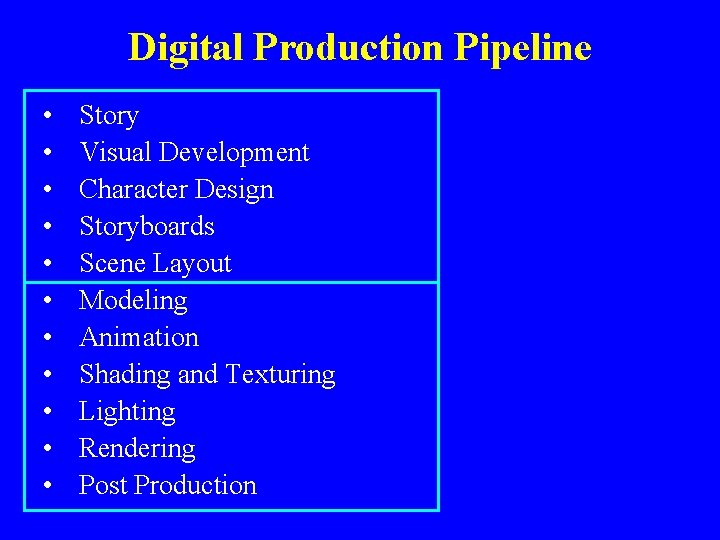
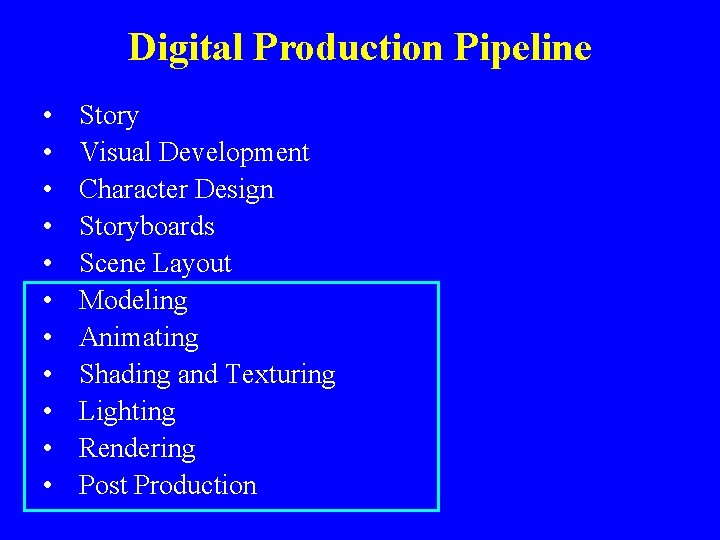
Digital Production Pipeline • • • Story Visual Development Character Design Storyboards Scene Layout Modeling Animation Shading and Texturing Lighting Rendering Post Production
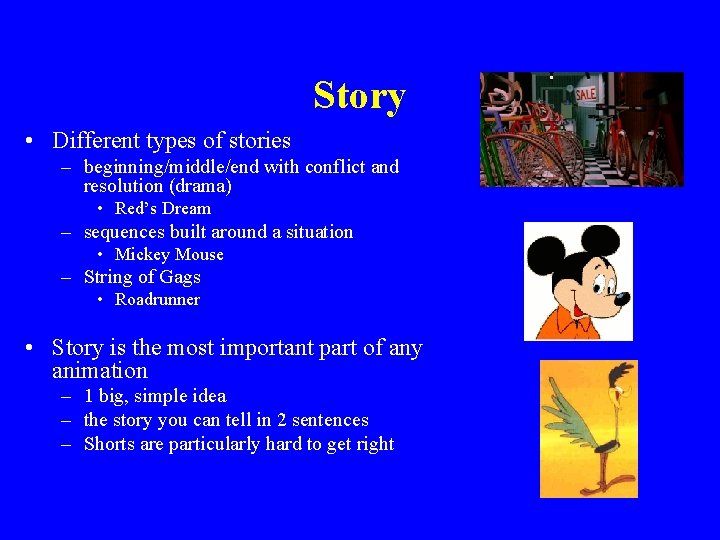
Story • Different types of stories – beginning/middle/end with conflict and resolution (drama) • Red’s Dream – sequences built around a situation • Mickey Mouse – String of Gags • Roadrunner • Story is the most important part of any animation – 1 big, simple idea – the story you can tell in 2 sentences – Shorts are particularly hard to get right
Visual Development • What look will your scenes have? • Who are the characters and how do they look? • Develop style • Includes the creation of characters, environments (desert, swamp), props, etc. • Involves painters, sculptors, illustrators, etc. • Lots of drawings pasted up on the wall!
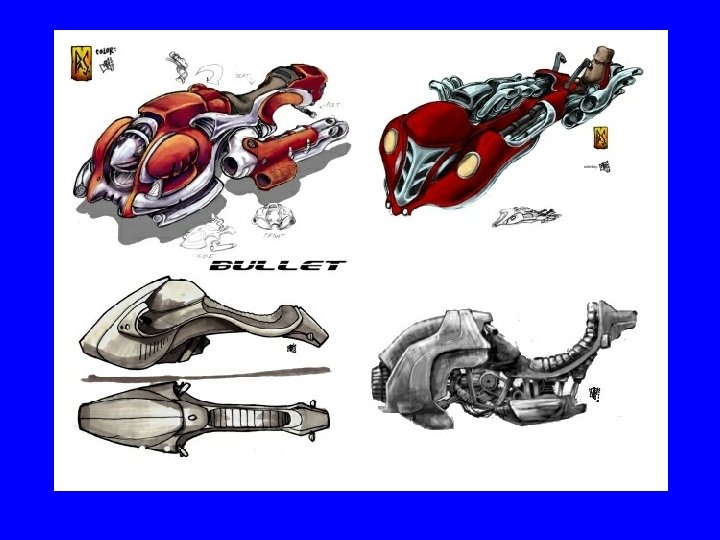
Character Design • After story come characters • Consists mostly of drawings, or sculptures – body poses – facial expressions – key features from multiple points of view • Note the lack of computers at this stage!
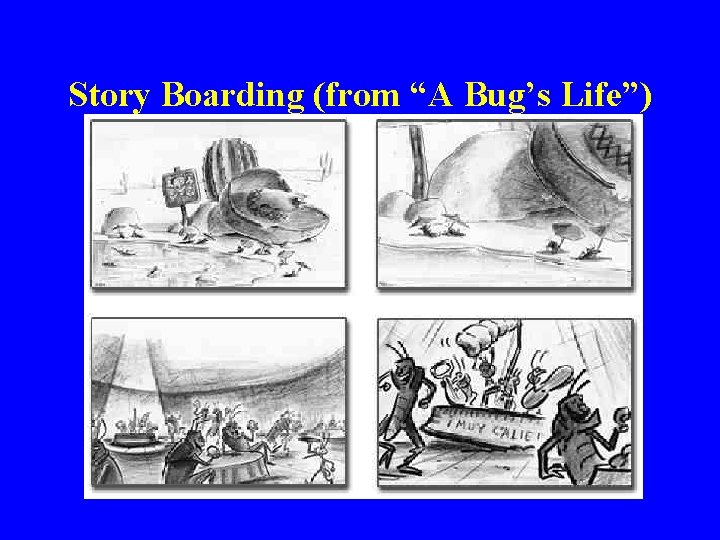
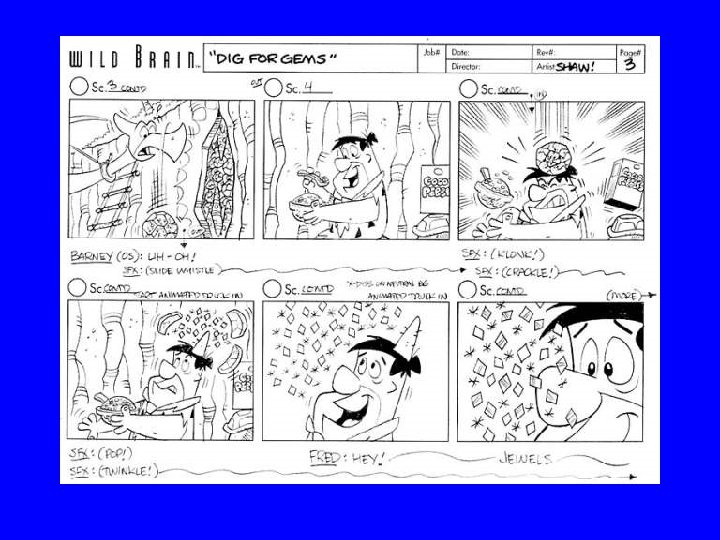
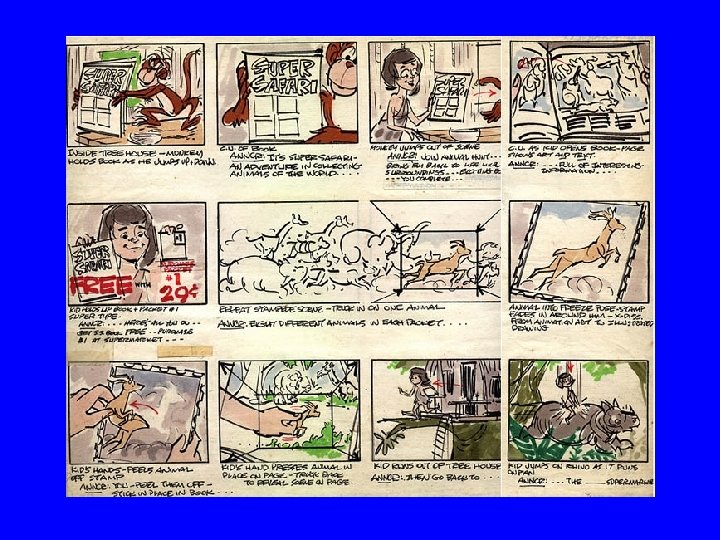
Storyboards • The film in outline form – specify the key scenes – specify the camera moves and edits – specify character gross motion • Typically paper and pencil sketches on individual • Sheets taped on a wall • Still not very many computers…
Story Boarding (from “A Bug’s Life”)
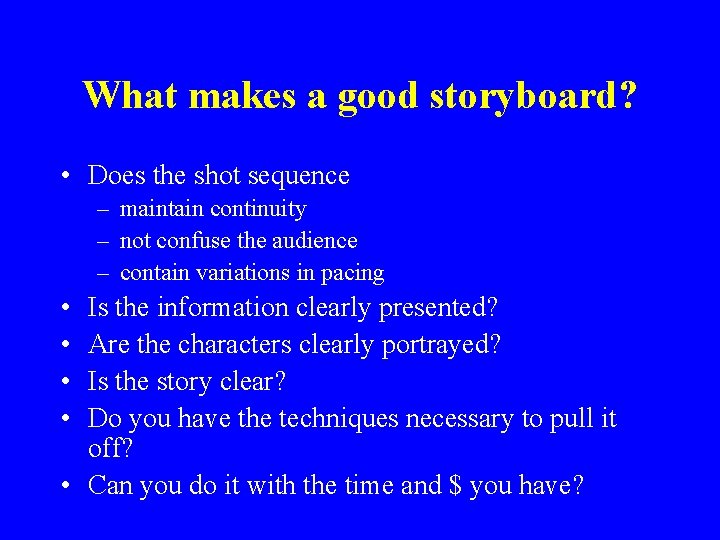
What makes a good storyboard? • Does the shot sequence – maintain continuity – not confuse the audience – contain variations in pacing • • Is the information clearly presented? Are the characters clearly portrayed? Is the story clear? Do you have the techniques necessary to pull it off? • Can you do it with the time and $ you have?
Scene Layout • Design the scenes • for example, build the room with an understanding of the camera pan • create colors, textures, props • keep in mind camera and character motion within the scene • use placeholder geometry and start to design camera moves
Digital Production Pipeline • • • Story Visual Development Character Design Storyboards Scene Layout Modeling Animating Shading and Texturing Lighting Rendering Post Production
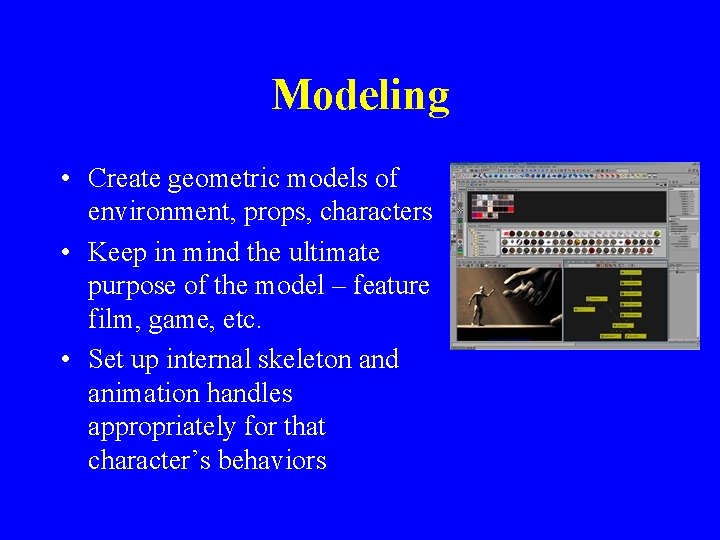
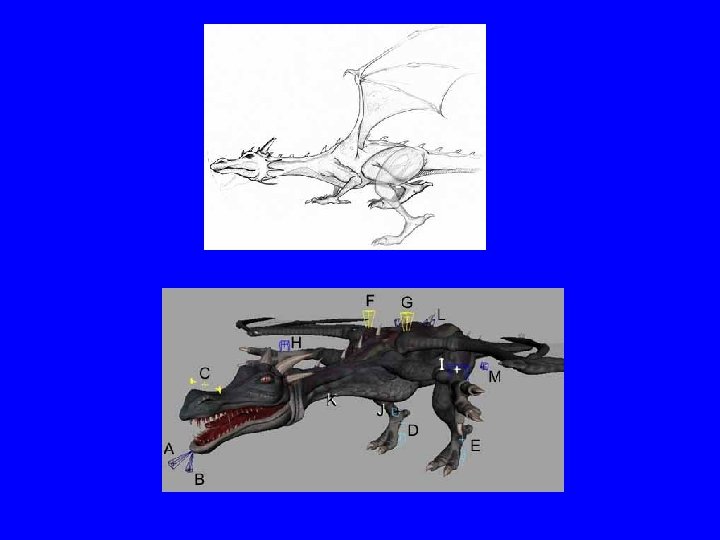
Modeling • Create geometric models of environment, props, characters • Keep in mind the ultimate purpose of the model – feature film, game, etc. • Set up internal skeleton and animation handles appropriately for that character’s behaviors
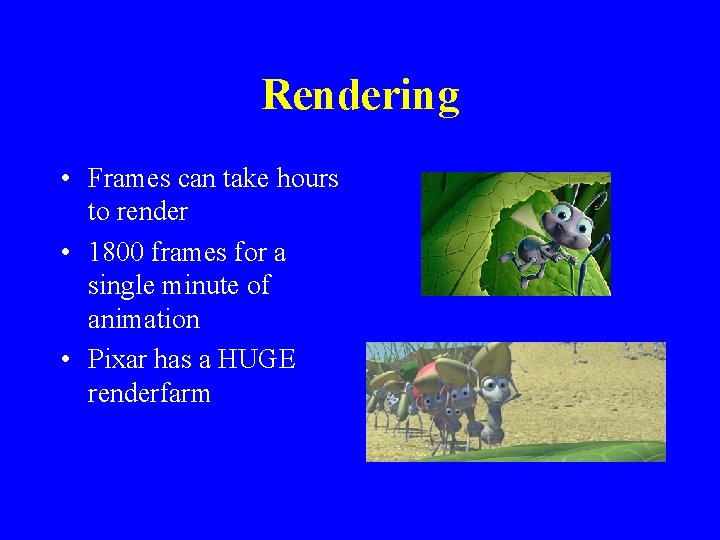
Rendering • Frames can take hours to render • 1800 frames for a single minute of animation • Pixar has a HUGE renderfarm
Post Production • Sound track sync • Titles • Cuts and effects (dissolves, fades, etc)
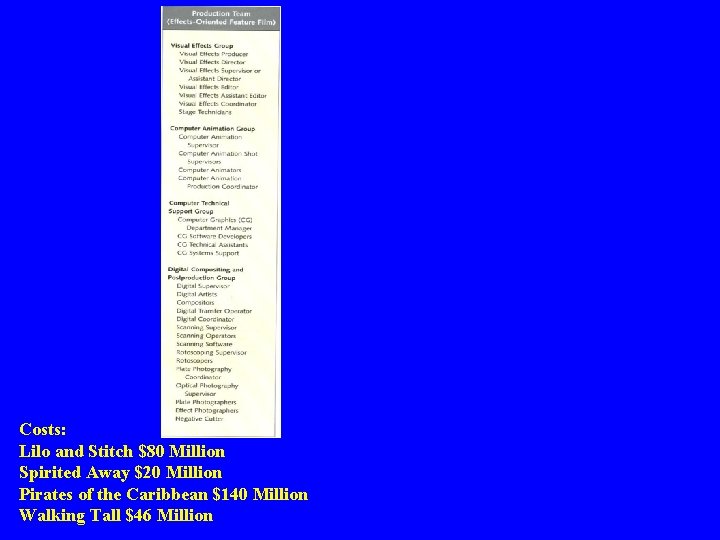
Costs: Lilo and Stitch $80 Million Spirited Away $20 Million Pirates of the Caribbean $140 Million Walking Tall $46 Million
Production Pipeline
Computer Graphics Animation Jobs • • • Character Animators Effects/Prop Animtors Modelers Lighting Artists Technical Directors – the interface to technology.
Long List of CG Jobs • • • Character animators Effects animators Modelers Lighting artists Compositors Motion Technical Directors Modeling Technical Directors Look Development Artists Production Software Technical Directors
Critical CG Activities • • • Modeling Animation Shading and Texturing Lighting Rendering
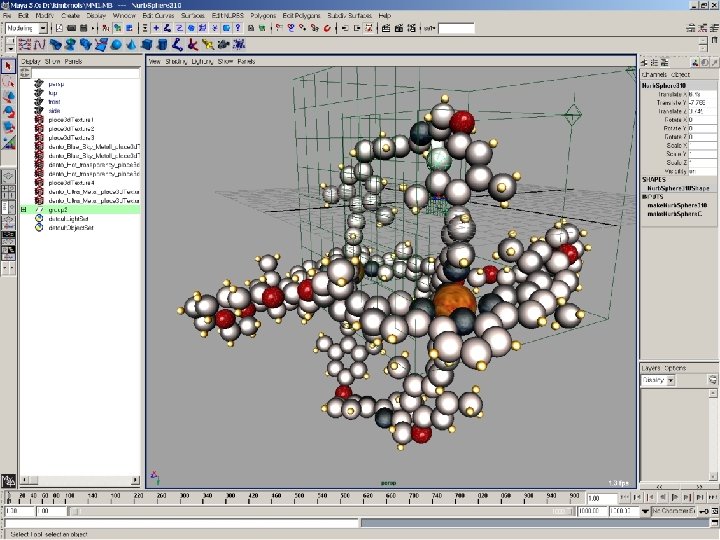
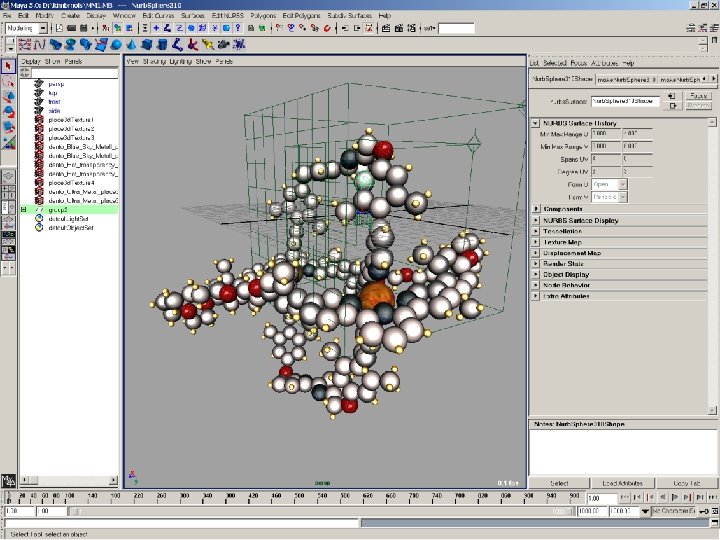
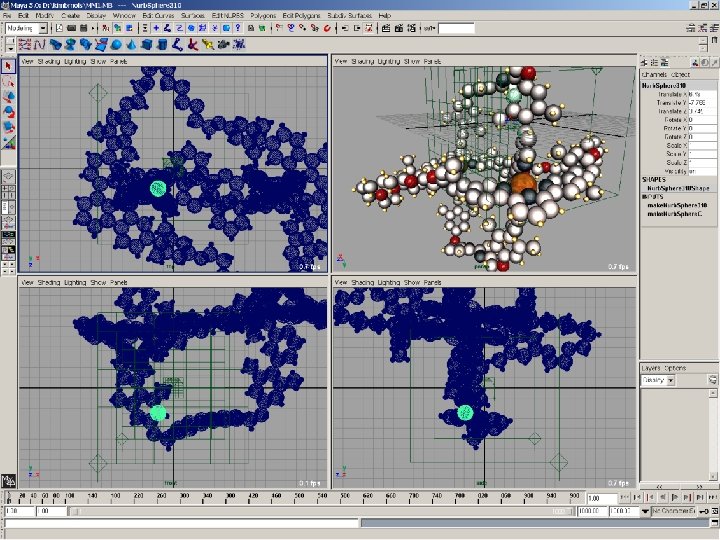
Maya Terminology • Scene – the entire scene, what we are animating. Your work gets stored in a scene file. • Project – a way to collect resources together, including multiple scene files. • The Dependency Graph/Scene Graph • Nodes • Attributes • Transform Node • Shape Node • Input Node
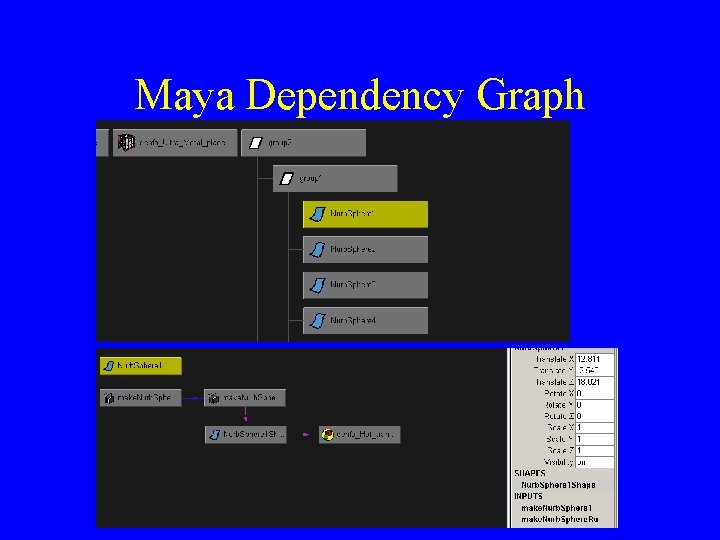
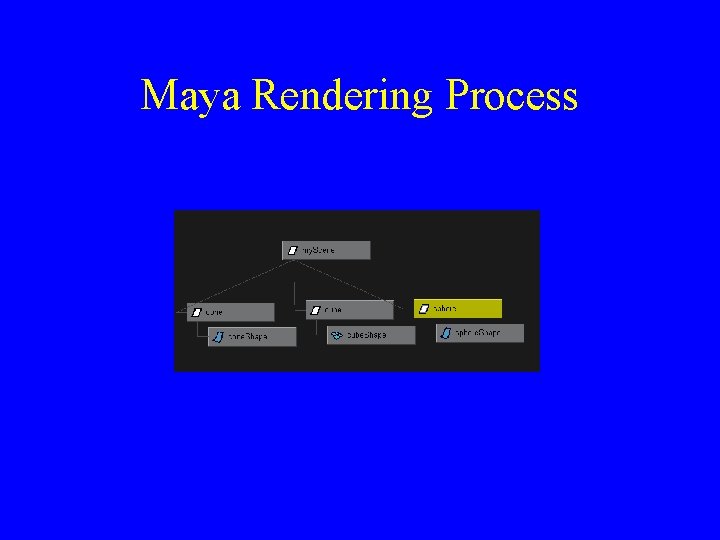
Maya Dependency Graph
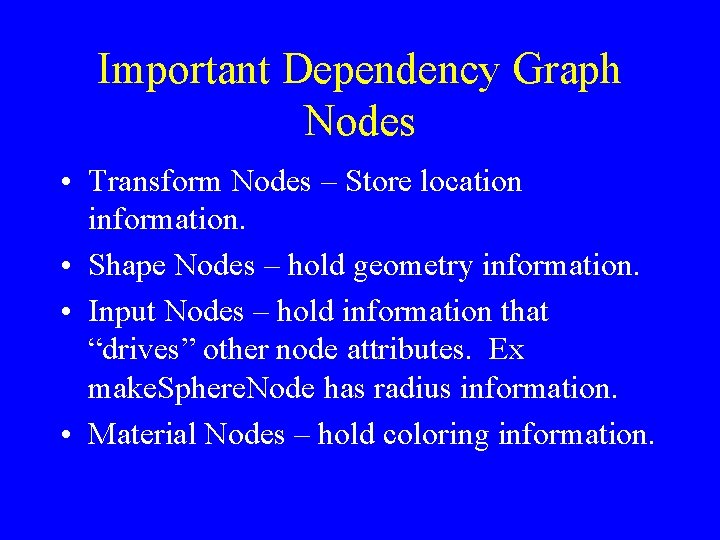
Important Dependency Graph Nodes • Transform Nodes – Store location information. • Shape Nodes – hold geometry information. • Input Nodes – hold information that “drives” other node attributes. Ex make. Sphere. Node has radius information. • Material Nodes – hold coloring information.
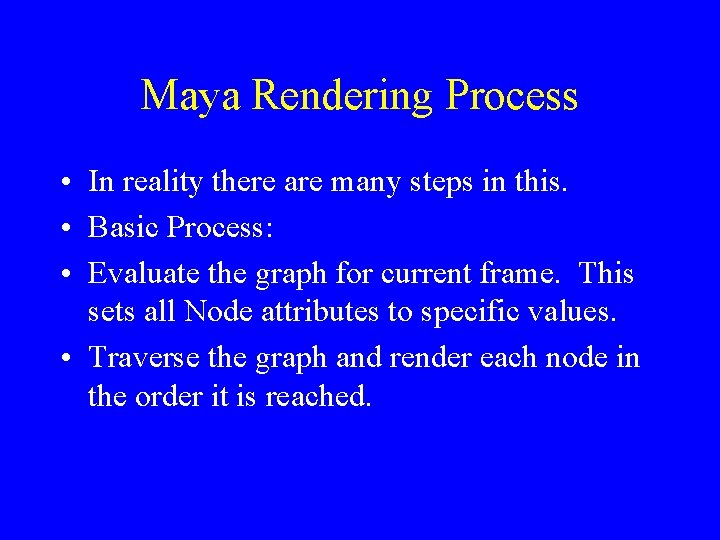
Maya Rendering Process • In reality there are many steps in this. • Basic Process: • Evaluate the graph for current frame. This sets all Node attributes to specific values. • Traverse the graph and render each node in the order it is reached.
Maya Rendering Process
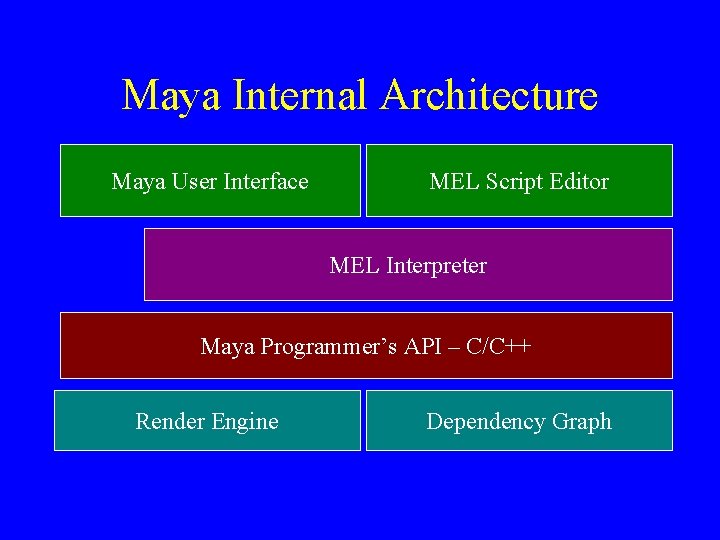
Maya Internal Architecture Maya User Interface MEL Script Editor MEL Interpreter Maya Programmer’s API – C/C++ Render Engine Dependency Graph