
LESSON 1 CHAPTER 1 B TERMINOLOGY In this
LESSON 1 – CHAPTER 1 B – TERMINOLOGY In this lesson, you will: ➔ Learn important Trifacta terminology: ➔ Data Source ➔ Dataset ➔ Wrangler Script ➔ Sample ➔ Job/Results Trifacta. Confidential & Proprietary.
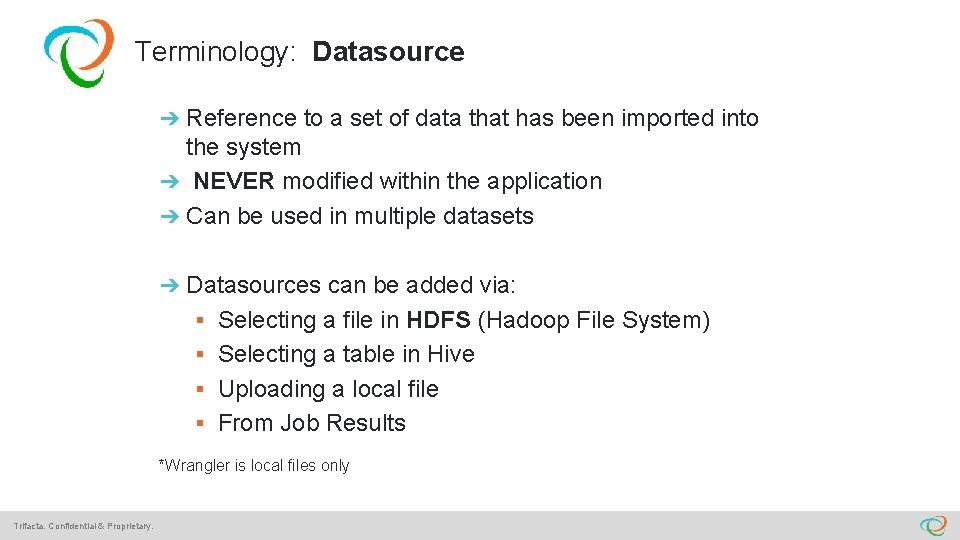
Terminology: Datasource ➔ Reference to a set of data that has been imported into the system ➔ NEVER modified within the application ➔ Can be used in multiple datasets ➔ Datasources can be added via: § Selecting a file in HDFS (Hadoop File System) § Selecting a table in Hive § Uploading a local file § From Job Results *Wrangler is local files only Trifacta. Confidential & Proprietary.
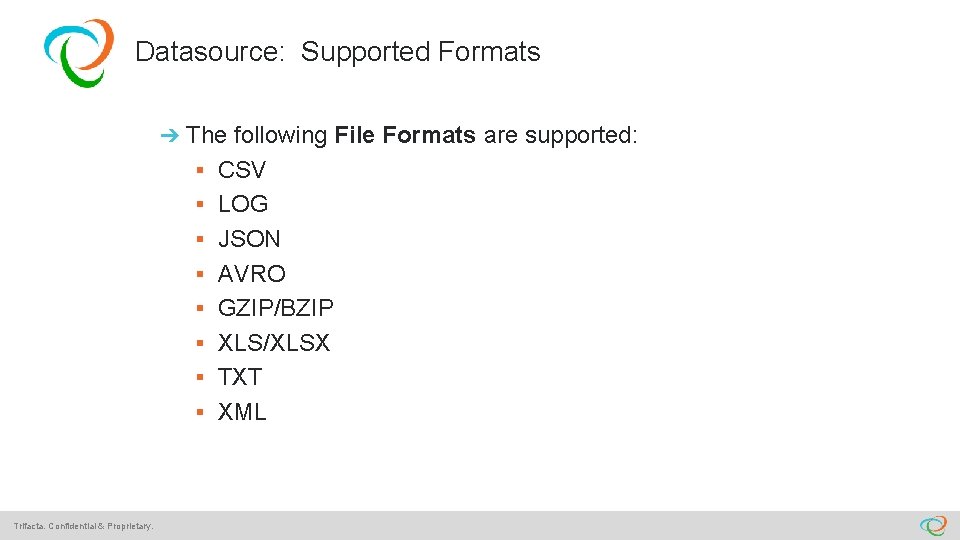
Datasource: Supported Formats ➔ The following File Formats are supported: § CSV § LOG § JSON § AVRO § GZIP/BZIP § XLS/XLSX § TXT § XML Trifacta. Confidential & Proprietary.
Terminology: Datasets ➔ A Dataset must be created before data can be transformed ➔ A Dataset includes a reference to: § One (or more) Datasource(s) § A Wrangle Script (sequential set of steps that you define to cleanse and transform your data) § Jobs (any number of executions using the script to transform the data in the datasource) Trifacta. Confidential & Proprietary.
Terminology: Sample ➔ Data in the Transformer is a Sample (not entire source) q Except for small files ( <500 kb) q Sample can be: § First 500 kb from the source (default) § Random sample § New Random sample Trifacta. Confidential & Proprietary.
Terminology: Jobs ➔ Created when you run a Wrangle script “at scale” (on the entire data set) ➔ Jobs can be run: § On the Trifacta Server § In Hadoop (>100 MB) ➔ You can do the following from the Job Results: § View and analyze Job Results (using column data quality bars and histograms) § Add sample rows to Transformer (if sample rows are available) § Download Job Results (CSV, JSON, or Tableau TDE) Trifacta. Confidential & Proprietary.
- Slides: 7