
LEGO MINDSTORM BY MELISSA CHIAPPONE WHAT IS LEGO
LEGO MINDSTORM BY MELISSA CHIAPPONE
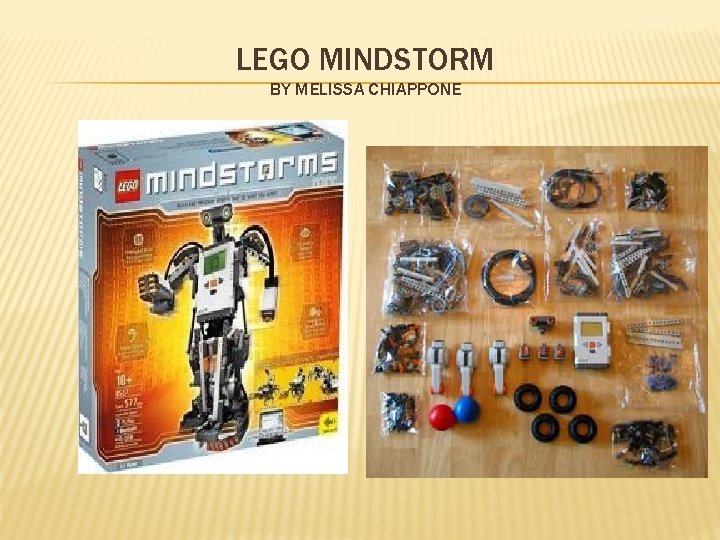
WHAT IS LEGO® MINDSTORMS®? � LEGO MINDSTORMS is a programmable robotics construction set that gives you the power to create and command your own LEGO robots. The new LEGO MINDSTORMS EV 3 set includes everything you need to create robots that walk, talk, move and do whatever you want them to. Create your own robot and command it through the intuitive Software program, the intelligent EV 3 Brick or your smart device
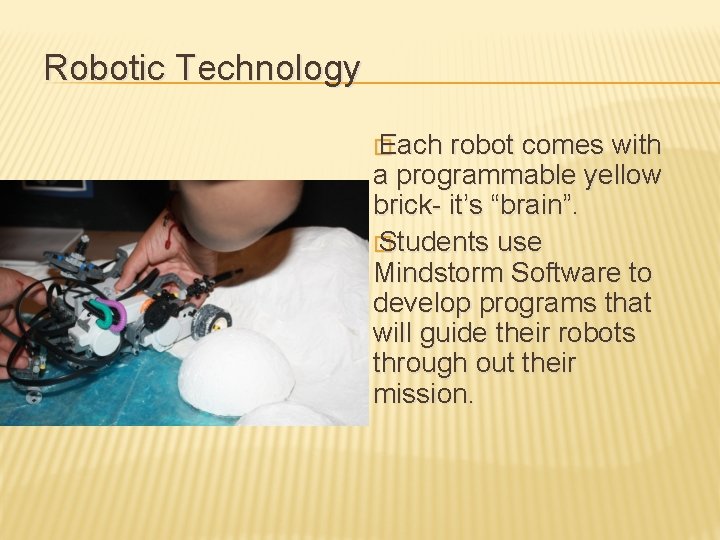
Robotic Technology � Each robot comes with a programmable yellow brick- it’s “brain”. � Students use Mindstorm Software to develop programs that will guide their robots through out their mission.
ARE THERE ANY APPS FOR EV 3 AVAILABLE? Yes. There are three free-to-download LEGO® MINDSTORMS® EV 3 Apps available on both i. OS and Android smart devices. � EV 3 Fix the Factory – the fun & challenging robot puzzle game from LEGO® MINDSTORMS® � EV 3 Robot Commander – the official robot command app from LEGO® MINDSTORMS® � EV 3 3 D Builder - the official 3 D building experience from LEGO® MINDSTORMS® � � What does EV 3 stand for? The “EV” stands for evolution.
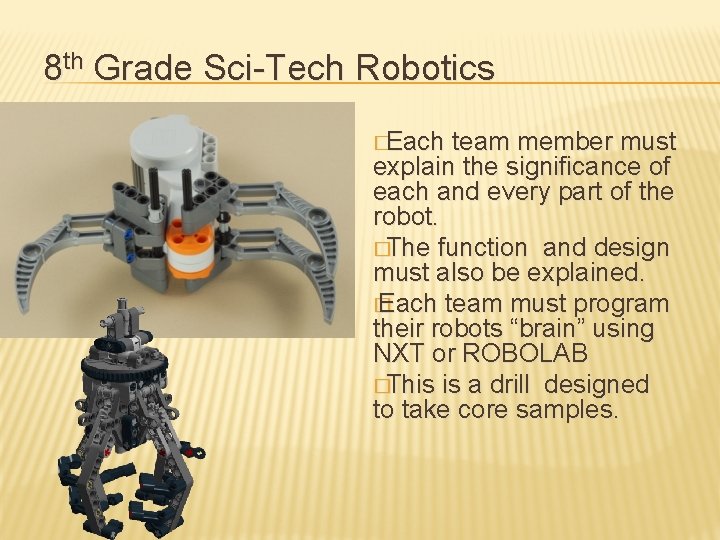
8 th Grade Sci-Tech Robotics �Each team member must explain the significance of each and every part of the robot. �The function and design must also be explained. � Each team must program their robots “brain” using NXT or ROBOLAB �This is a drill designed to take core samples.
LEGO MINDSTORMS VIDEO TRAINER � LEGO Mindstorms Education Base Set and ROBOLAB Video Trainer software available from LEGO education (www. legoeducation. com under LEGO Mindstorms) � LEGO MINDSTORMS Education software has a builtin reference tool – Robot Educator, that walks you through simple challenges Additional software can be found at the Robotics Academy (http: //www-education. rec. ri. cmu. edu/ � How to video: http: //www. youtube. com/watch? v=Az. RRul. Yv. Vd. Y �
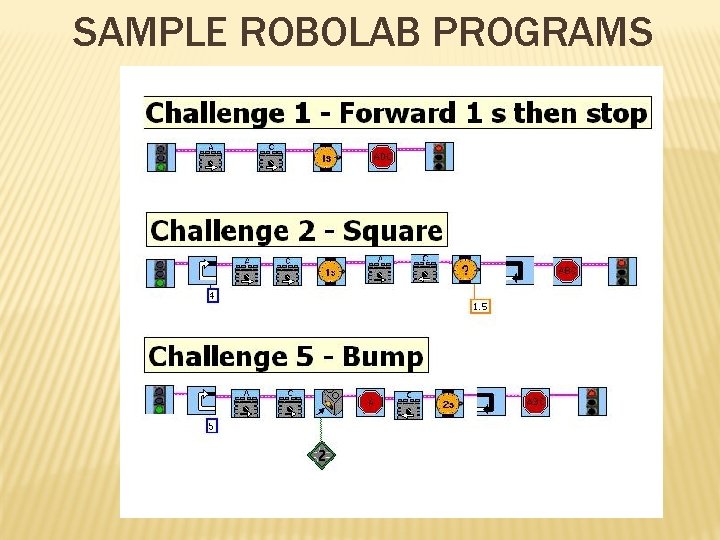
SAMPLE ROBOLAB PROGRAMS
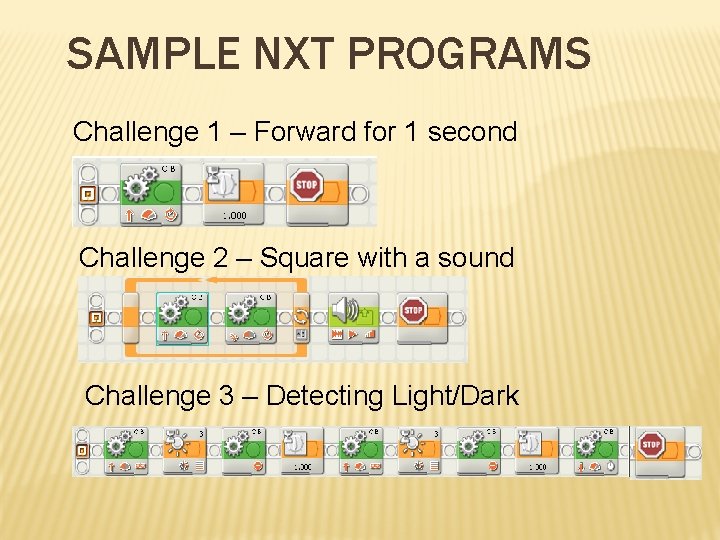
SAMPLE NXT PROGRAMS Challenge 1 – Forward for 1 second Challenge 2 – Square with a sound Challenge 3 – Detecting Light/Dark
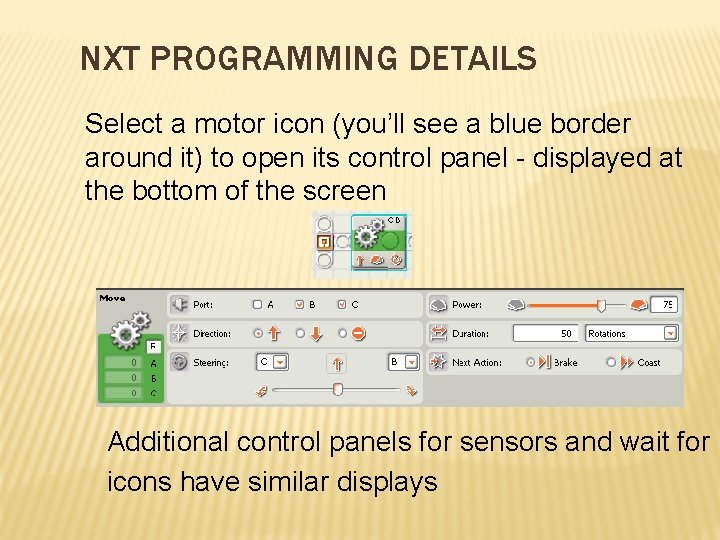
NXT PROGRAMMING DETAILS Select a motor icon (you’ll see a blue border around it) to open its control panel - displayed at the bottom of the screen Additional control panels for sensors and wait for icons have similar displays
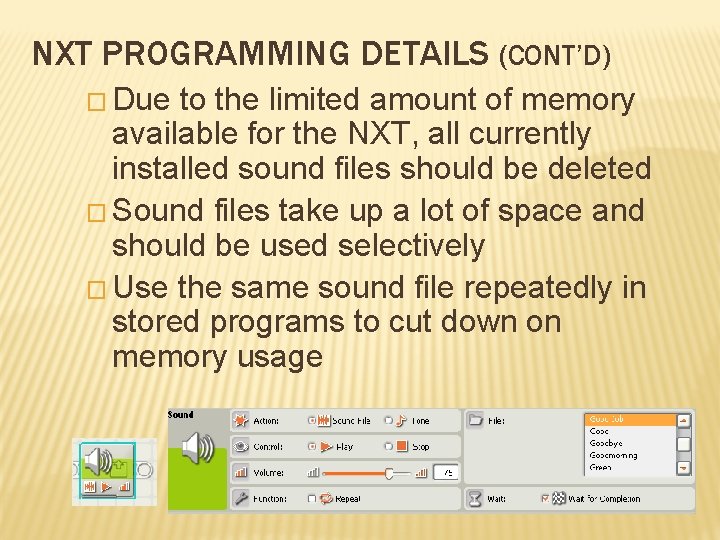
NXT PROGRAMMING DETAILS (CONT’D) � Due to the limited amount of memory available for the NXT, all currently installed sound files should be deleted � Sound files take up a lot of space and should be used selectively � Use the same sound file repeatedly in stored programs to cut down on memory usage
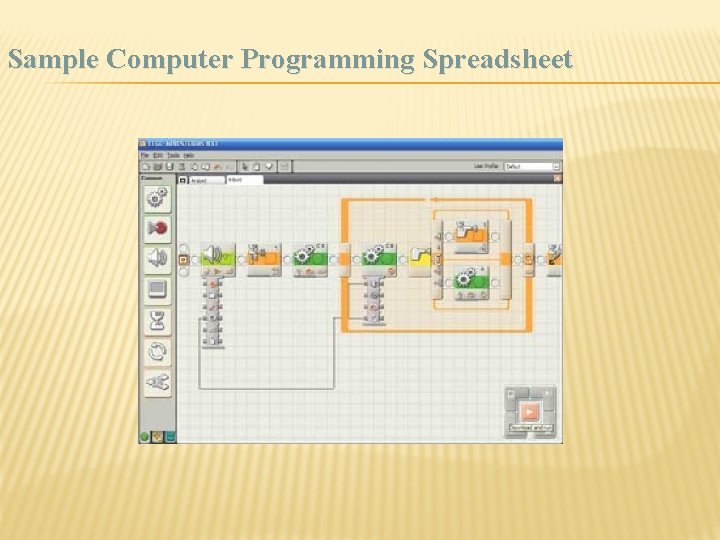
Sample Computer Programming Spreadsheet

Legos Mindstorms Kit Amazon Price: $463
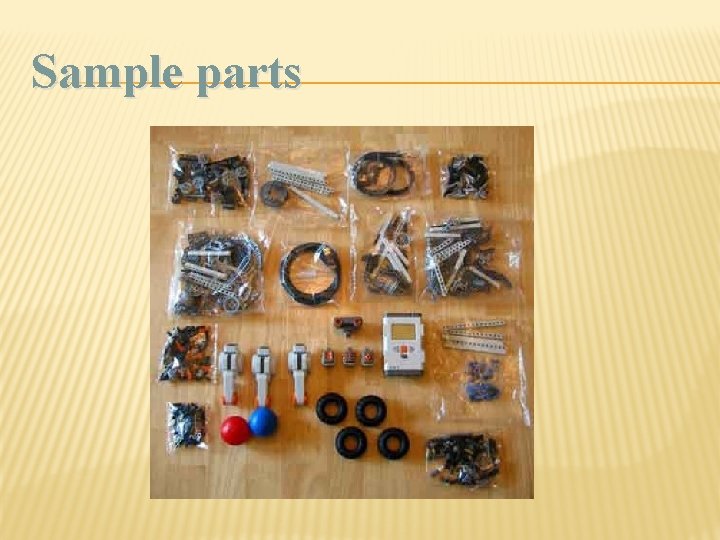
Sample parts
Some Sample Robots
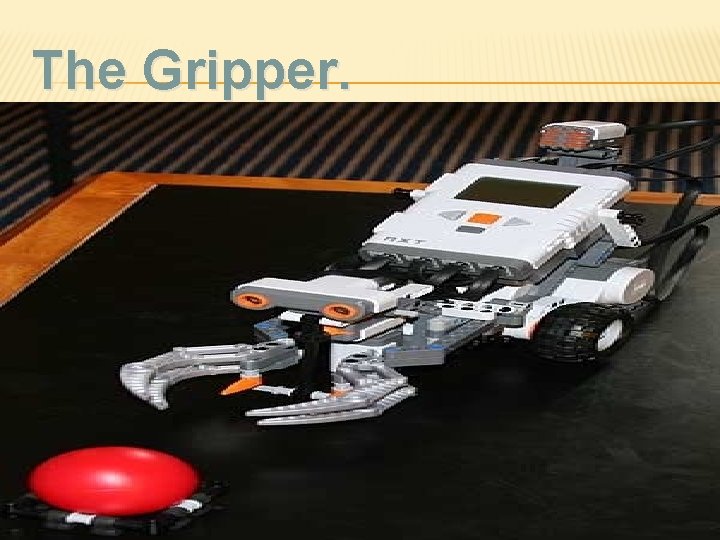
The Gripper.
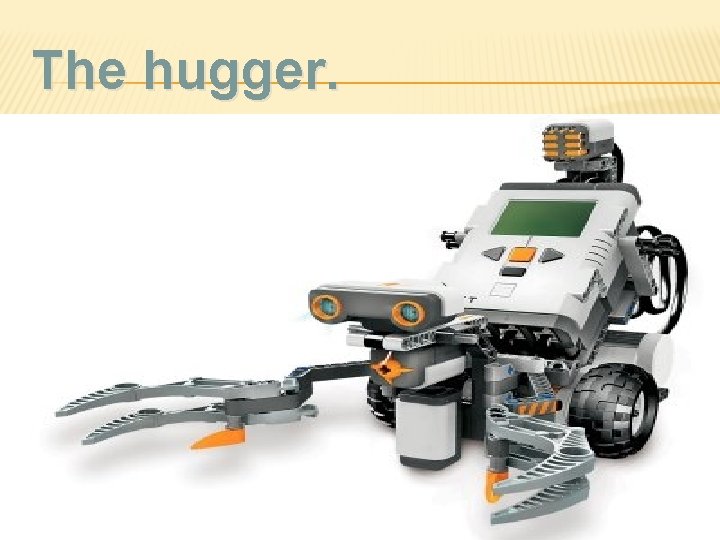
The hugger.
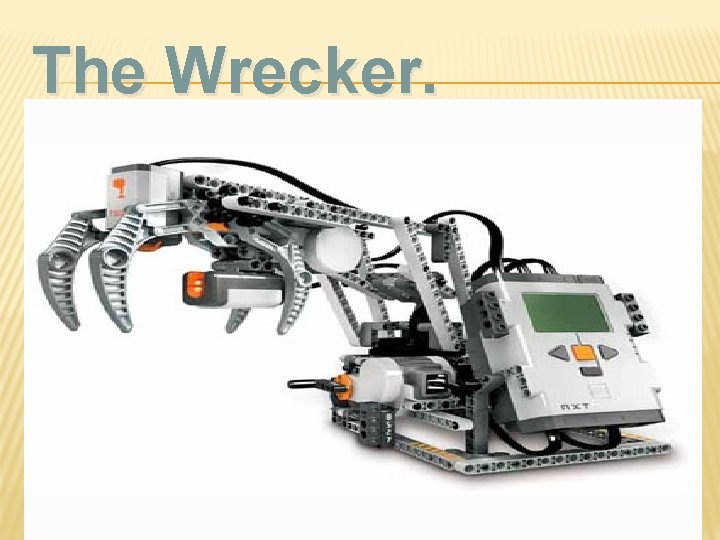
The Wrecker.
- Slides: 17