
Leeds High School Library Orientation 2014 2015 Services
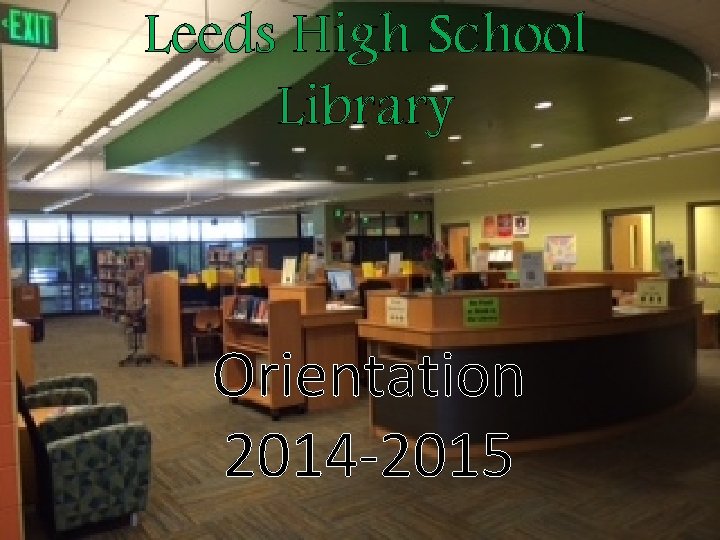
Leeds High School Library Orientation 2014 -2015
Services & Resources • • • Check out a book for pleasure reading Books & Encyclopedias for research Computers with Wi-Fi access Magazines College reference section A quiet place to study or read School supply store Printing – black & white or color Help from the Librarian with research & presentation or just locating a book
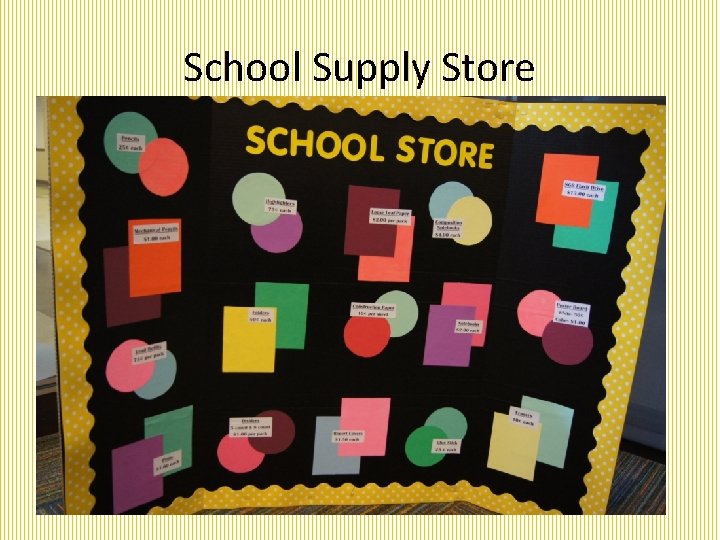
School Supply Store
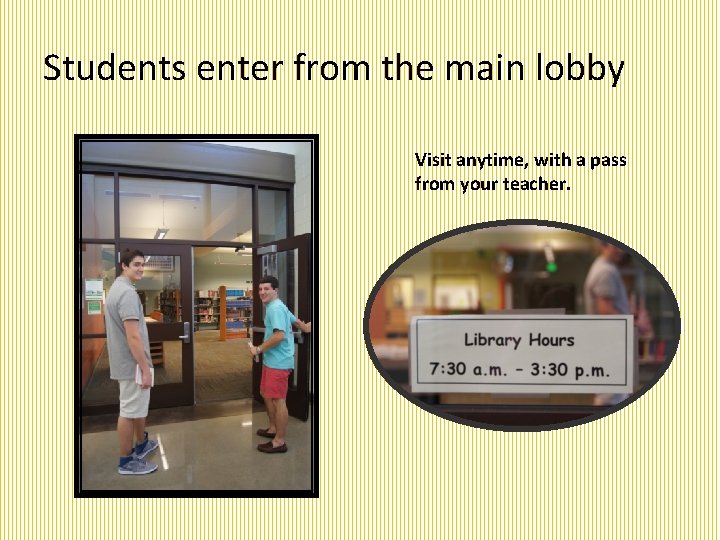
Students enter from the main lobby Visit anytime, with a pass from your teacher.
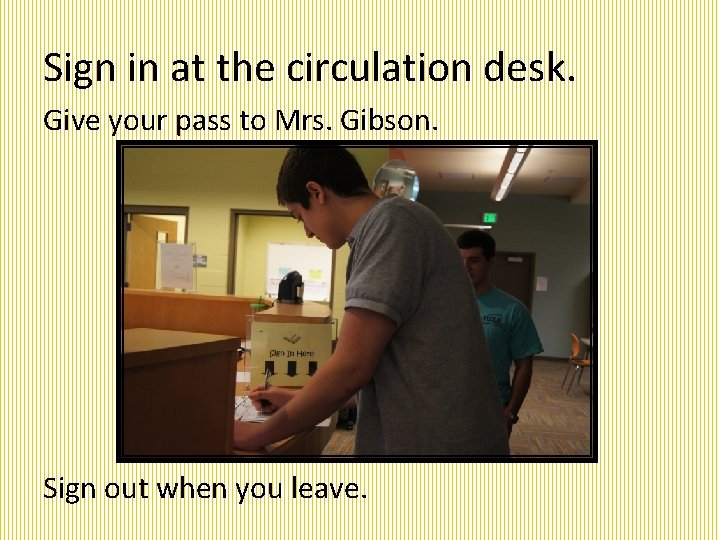
Sign in at the circulation desk. Give your pass to Mrs. Gibson. Sign out when you leave.
Rules & Regulations • No food or drink • Teacher pass required • Enter only through front entrance (Unless side doors are propped open. ) • Exit from front entrance or the two side doors. • Students may not use back double doors. • Leave the facility as you found it… Pick up your trash Return chairs to their original locations Push chairs in at tables.
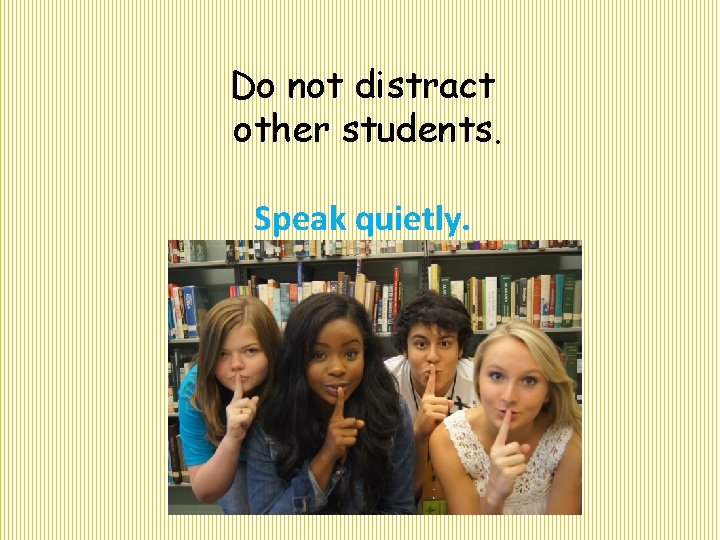
Do not distract other students. Speak quietly.
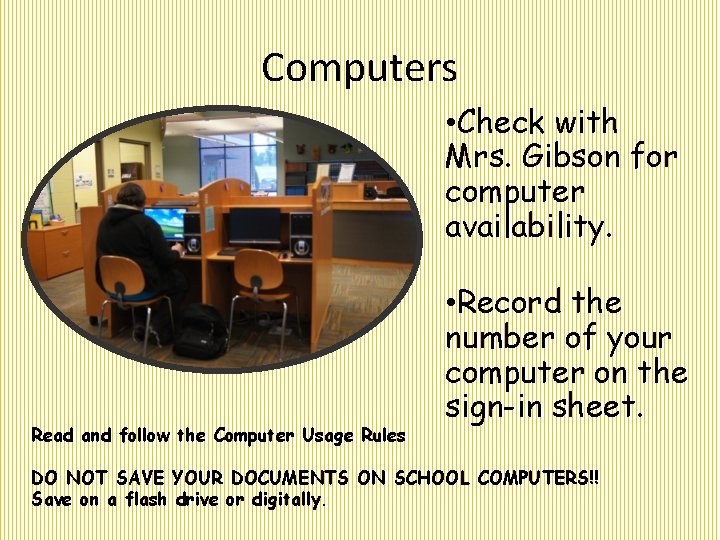
Computers • Check with Mrs. Gibson for computer availability. Read and follow the Computer Usage Rules • Record the number of your computer on the sign-in sheet. DO NOT SAVE YOUR DOCUMENTS ON SCHOOL COMPUTERS!! Save on a flash drive or digitally.

Library Computers Computer Use Policy 1. Available to all students unless reserved for a class 2. Students must sign in and record the number of the computer. 3. For school-related work only. 4. Do not save work on the library computer. Save through email, drop box, flashdrive, or other means. 5. Do not change settings on the computer. 6. Before printing, see Mrs. Gibson. Charges must be paid before printing.
Printing • See Mrs. Gibson before printing. • The print button should only be pressed one time. • Charges: 20¢ per page for black and white 50¢ per page for color • Charges will be assessed for all pages printed regardless of whether you accidentally print. • Charges must be paid at the time of printing, so verify that you have the required amount before printing.
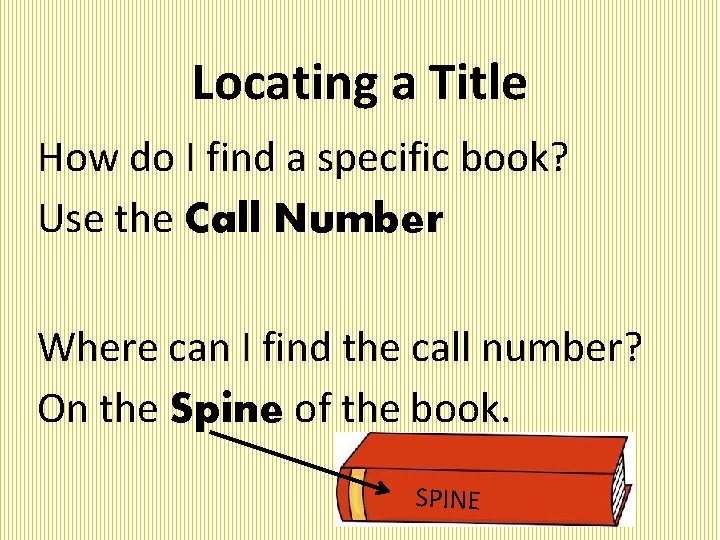
Locating a Title How do I find a specific book? Use the Call Number Where can I find the call number? On the Spine of the book. SPINE
What is the difference between fiction and nonfiction? Fiction Nonfiction • Literature created from • Writing that is about the imagination, not real events and facts presented as fact, rather than stories that though it may be based have been invented. on a true story or • Types of writing that situation. are in the nonfiction • Types of writing genre include history, included in the fiction science, and biography. genre include the novel, short story, and novella. Encyclopedia Britannica Online Cambridge Dictionaries Online
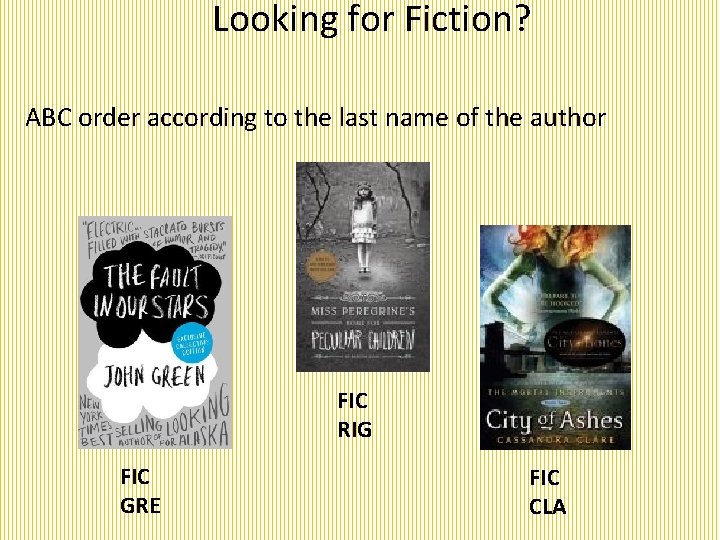
Looking for Fiction? ABC order according to the last name of the author FIC RIG FIC GRE FIC CLA
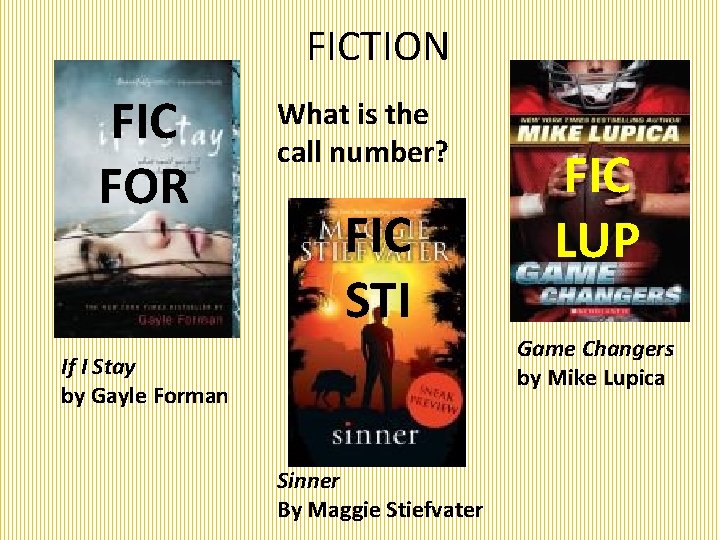
FICTION FIC FOR What is the call number? FIC STI FIC LUP Game Changers by Mike Lupica If I Stay by Gayle Forman Sinner By Maggie Stiefvater

FICTION Section
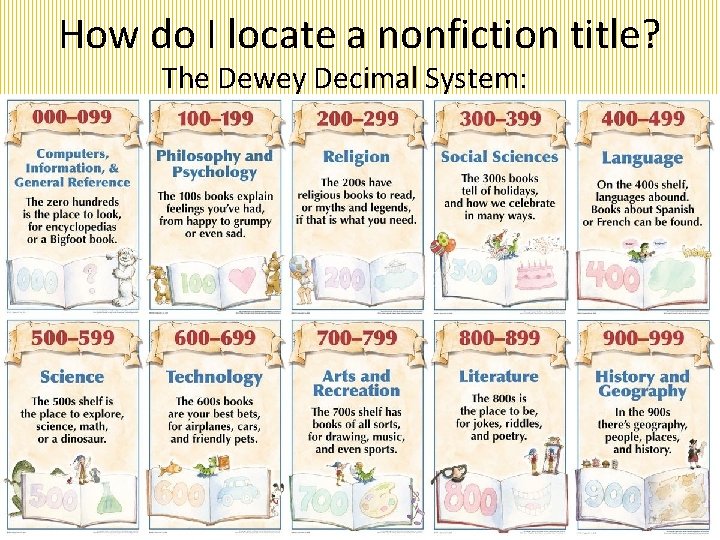
How do I locate a nonfiction title? The Dewey Decimal System:
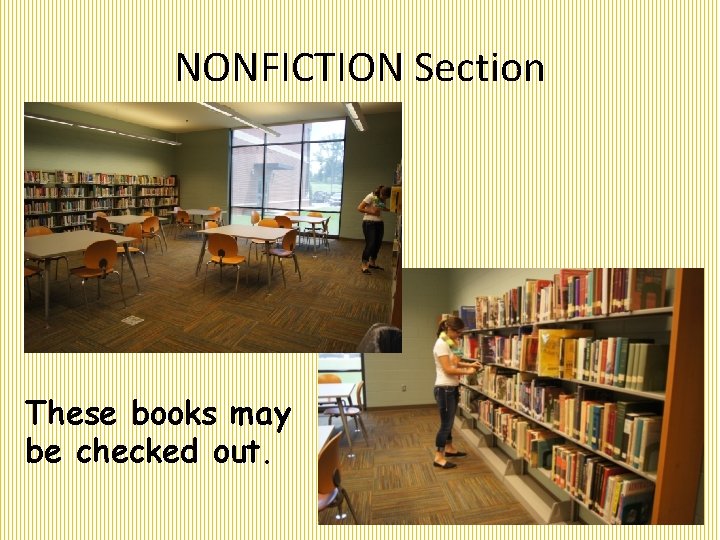
NONFICTION Section These books may be checked out.
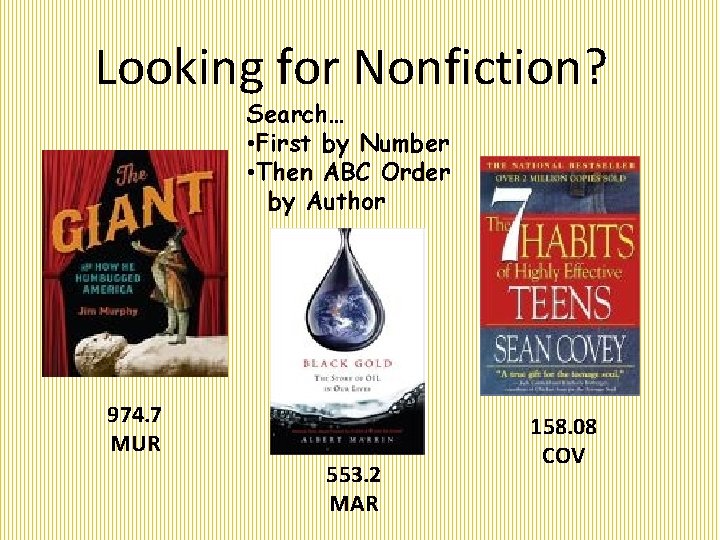
Looking for Nonfiction? Search… • First by Number • Then ABC Order by Author 974. 7 MUR 553. 2 MAR 158. 08 COV
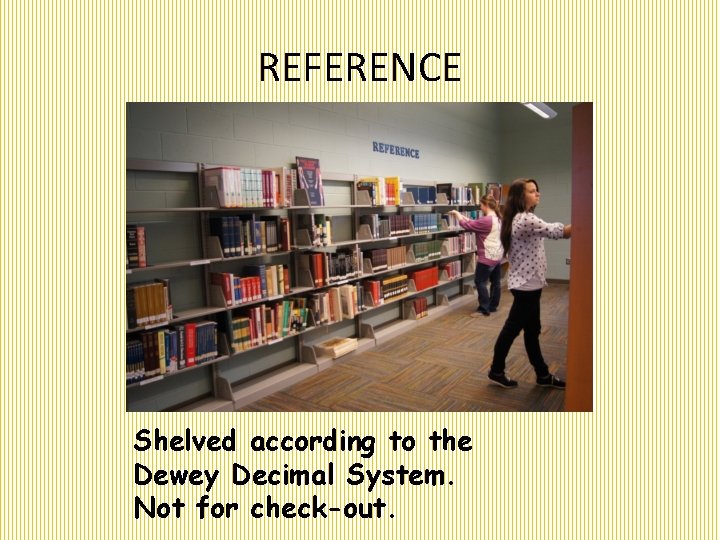
REFERENCE Shelved according to the Dewey Decimal System. Not for check-out.
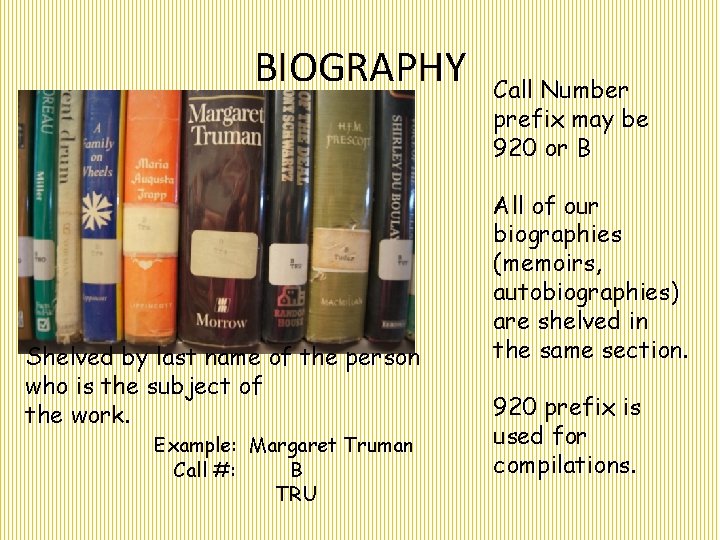
BIOGRAPHY Shelved by last name of the person who is the subject of the work. Example: Margaret Truman Call #: B TRU Call Number prefix may be 920 or B All of our biographies (memoirs, autobiographies) are shelved in the same section. 920 prefix is used for compilations.
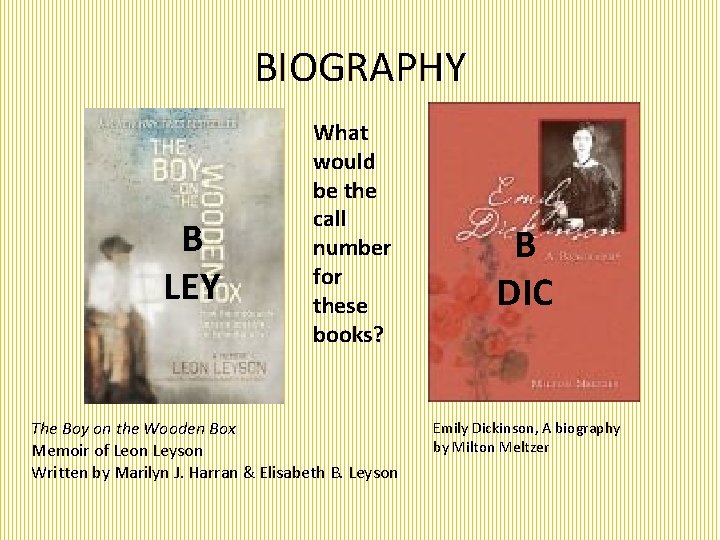
BIOGRAPHY B LEY What would be the call number for these books? The Boy on the Wooden Box Memoir of Leon Leyson Written by Marilyn J. Harran & Elisabeth B. Leyson B DIC Emily Dickinson, A biography by Milton Meltzer
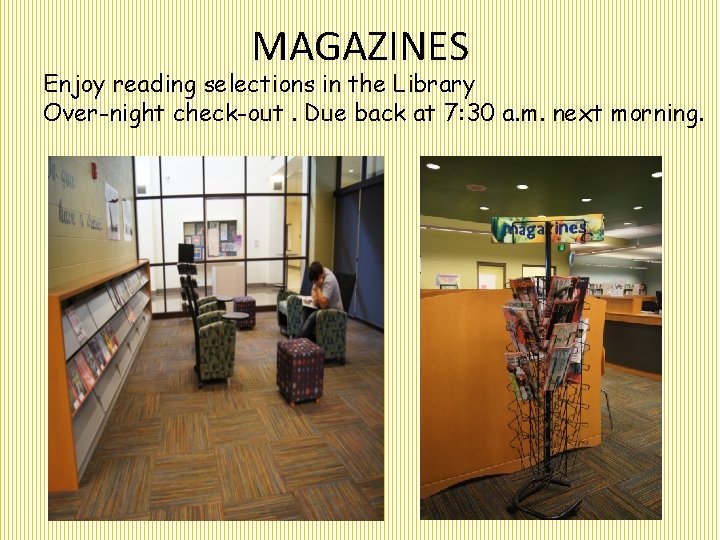
MAGAZINES Enjoy reading selections in the Library Over-night check-out. Due back at 7: 30 a. m. next morning.
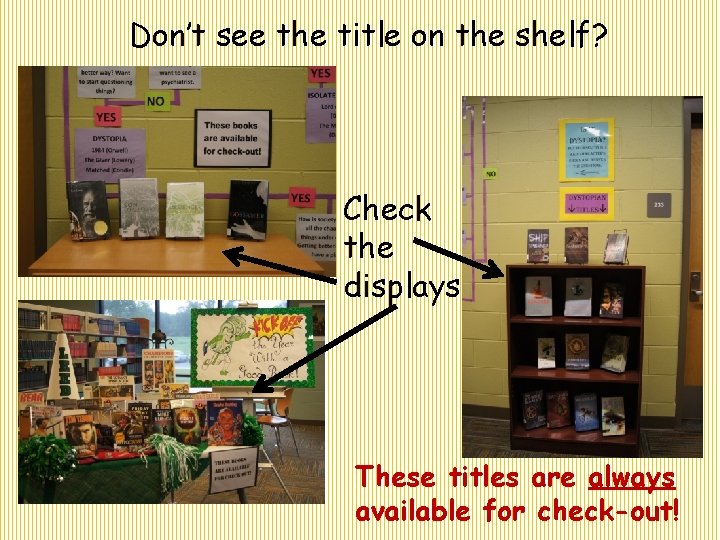
Don’t see the title on the shelf? Check the displays These titles are always available for check-out!
Do we have the title in the library? Search the LHS Library Online Public Access Catalog
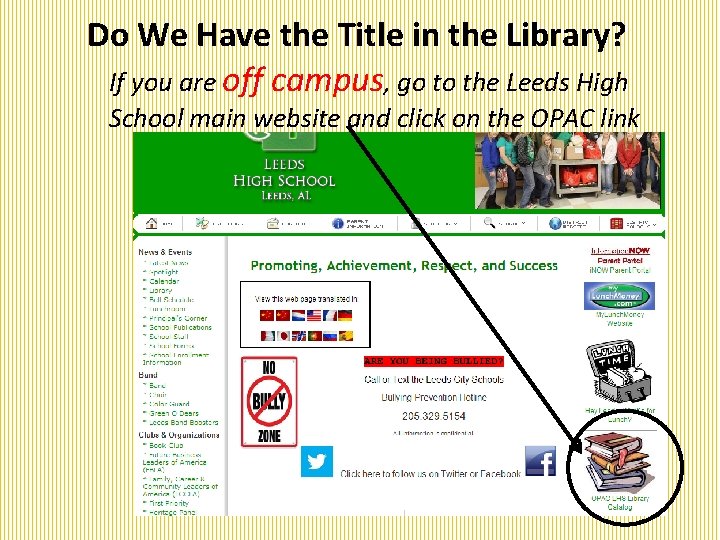
Do We Have the Title in the Library? If you are off campus, go to the Leeds High School main website and click on the OPAC link
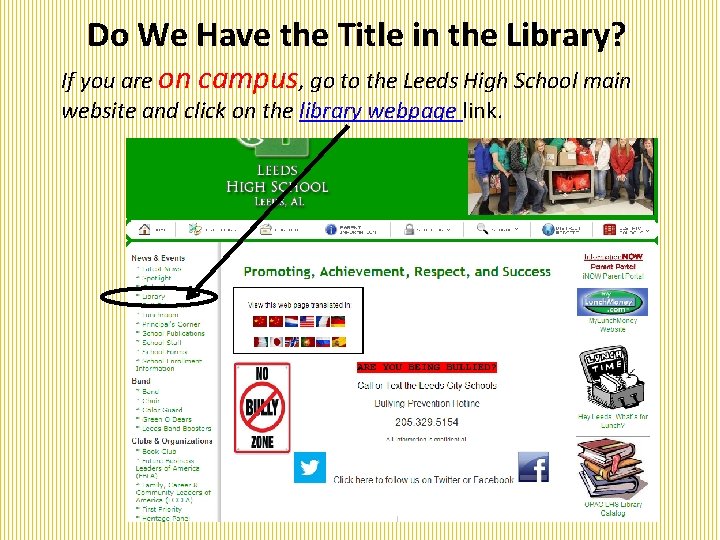
Do We Have the Title in the Library? If you are on campus, go to the Leeds High School main website and click on the library webpage link.
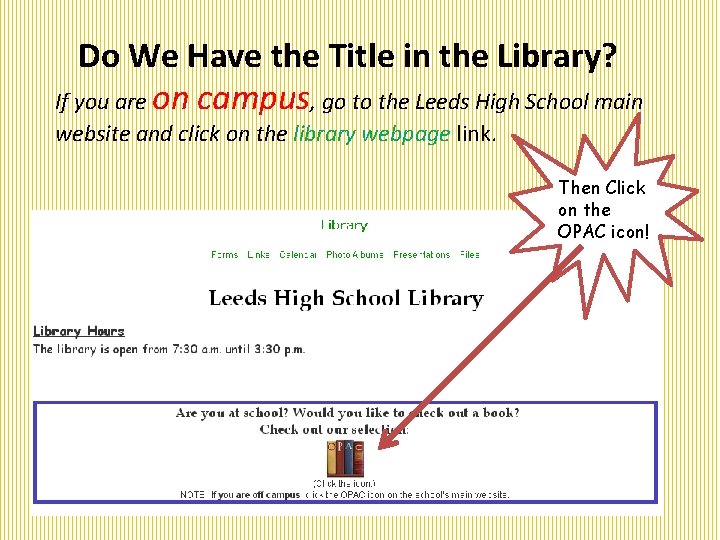
Do We Have the Title in the Library? If you are on campus, go to the Leeds High School main website and click on the library webpage link. Then Click on the OPAC icon!
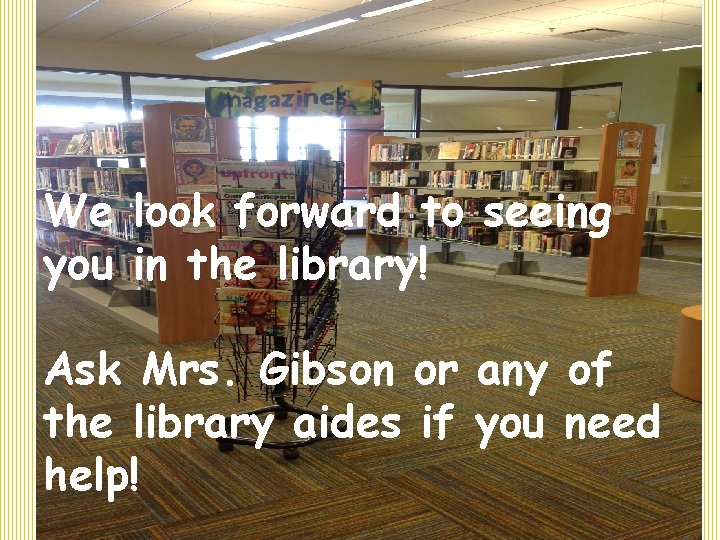
We look forward to seeing you in the library! Ask Mrs. Gibson or any of the library aides if you need help!
- Slides: 28