
Lectures 2 Introduction to SQL 1 Lecture and
- Slides: 20
Lectures 2: Introduction to SQL 1 Lecture and activity contents are based on what Prof Chris Ré used in his CS 145 in the fall 2016 term with permission.
Lecture 2: SQL Part I
Lecture 2 Today’s Lecture 1. SQL introduction & schema definitions • ACTIVITY: Table creation 2. Basic single-table queries • ACTIVITY: Single-table queries! 3. Multi-table queries • ACTIVITY: Multi-table queries! 3
Lecture 2 > Section 1 1. SQL Introduction & Definitions 4
Lecture 2 > Section 1 What you will learn about in this section 1. What is SQL? 2. Basic schema definitions 3. Keys & constraints intro 4. ACTIVITY: CREATE TABLE statements 5
Lecture 2 > Section 1 > SQL Basic SQL 6
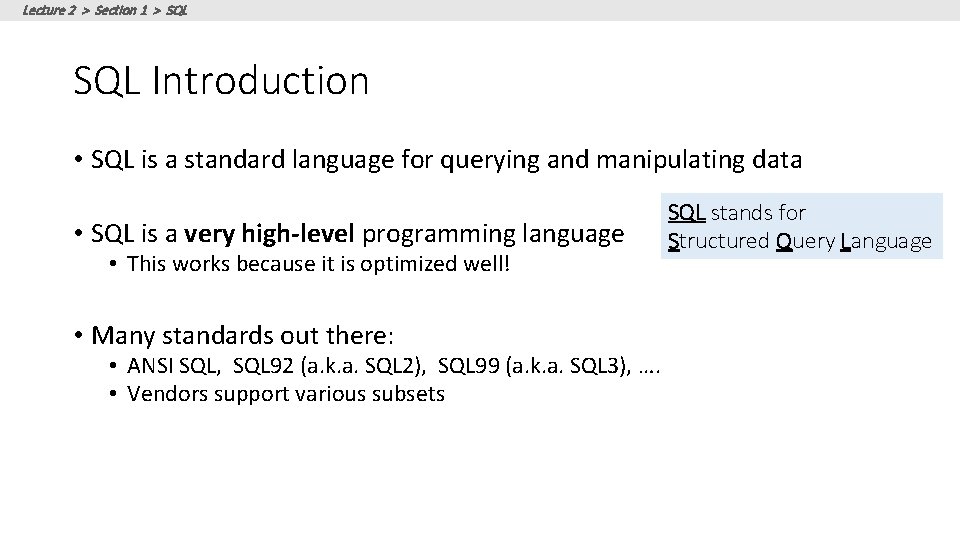
Lecture 2 > Section 1 > SQL Introduction • SQL is a standard language for querying and manipulating data • SQL is a very high-level programming language • This works because it is optimized well! • Many standards out there: • ANSI SQL, SQL 92 (a. k. a. SQL 2), SQL 99 (a. k. a. SQL 3), …. • Vendors support various subsets SQL stands for Structured Query Language
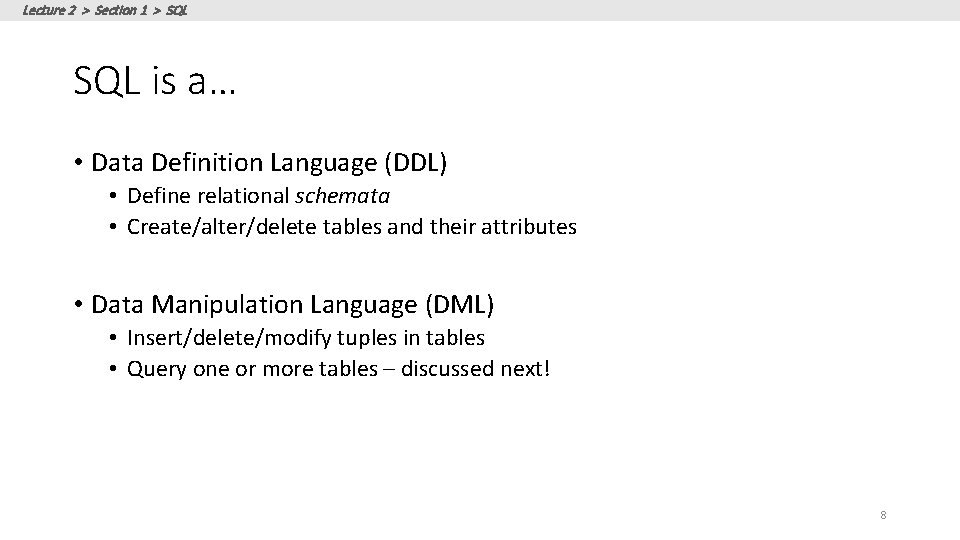
Lecture 2 > Section 1 > SQL is a… • Data Definition Language (DDL) • Define relational schemata • Create/alter/delete tables and their attributes • Data Manipulation Language (DML) • Insert/delete/modify tuples in tables • Query one or more tables – discussed next! 8
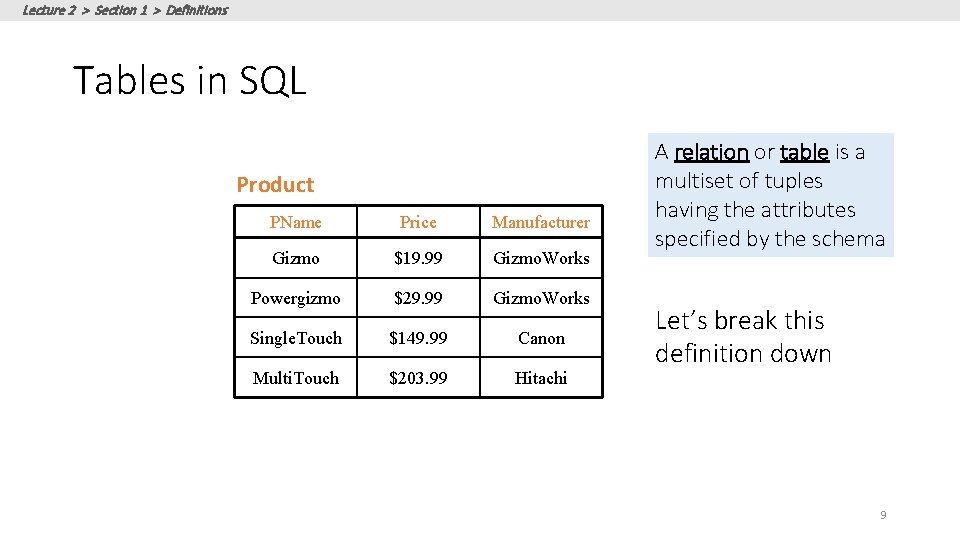
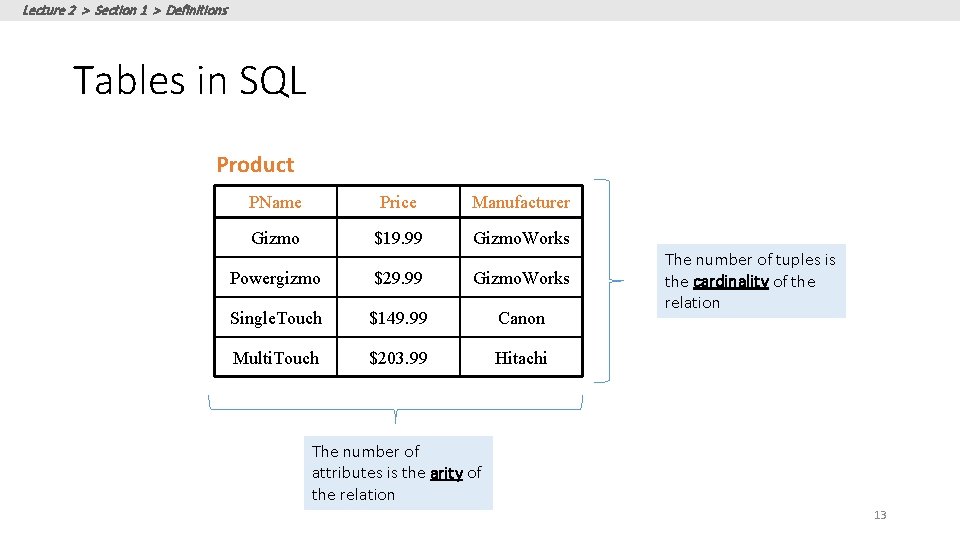
Lecture 2 > Section 1 > Definitions Tables in SQL Product PName Price Manufacturer Gizmo $19. 99 Gizmo. Works Powergizmo $29. 99 Gizmo. Works Single. Touch $149. 99 Canon Multi. Touch $203. 99 Hitachi A relation or table is a multiset of tuples having the attributes specified by the schema Let’s break this definition down 9
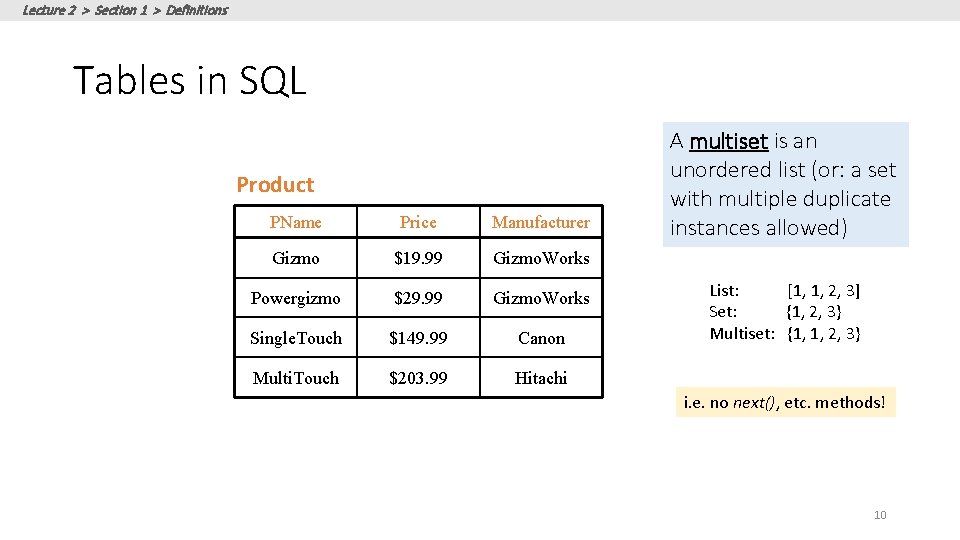
Lecture 2 > Section 1 > Definitions Tables in SQL Product PName Price Manufacturer Gizmo $19. 99 Gizmo. Works Powergizmo $29. 99 Gizmo. Works Single. Touch $149. 99 Canon Multi. Touch $203. 99 Hitachi A multiset is an unordered list (or: a set with multiple duplicate instances allowed) List: [1, 1, 2, 3] Set: {1, 2, 3} Multiset: {1, 1, 2, 3} i. e. no next(), etc. methods! 10
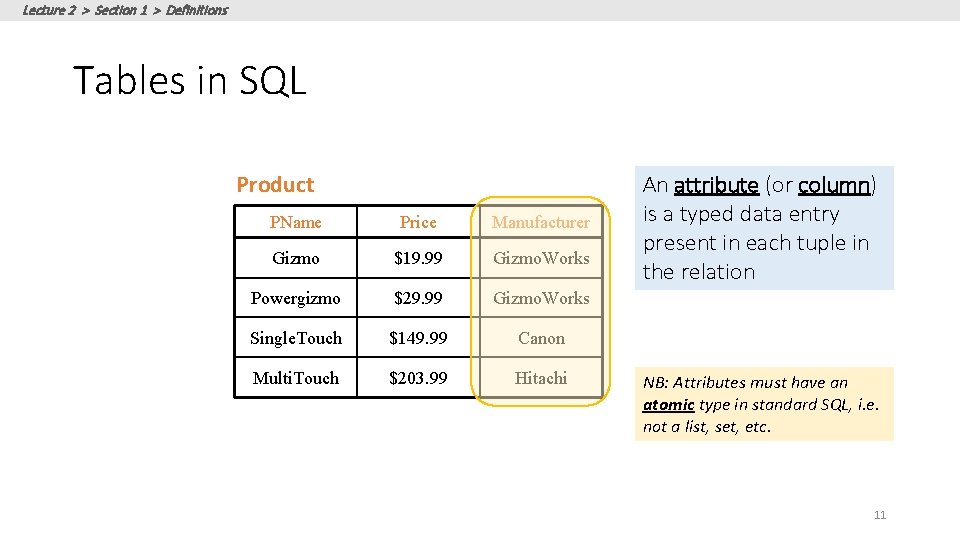
Lecture 2 > Section 1 > Definitions Tables in SQL Product PName Price Manufacturer Gizmo $19. 99 Gizmo. Works Powergizmo $29. 99 Gizmo. Works Single. Touch $149. 99 Canon Multi. Touch $203. 99 Hitachi An attribute (or column) is a typed data entry present in each tuple in the relation NB: Attributes must have an atomic type in standard SQL, i. e. not a list, set, etc. 11
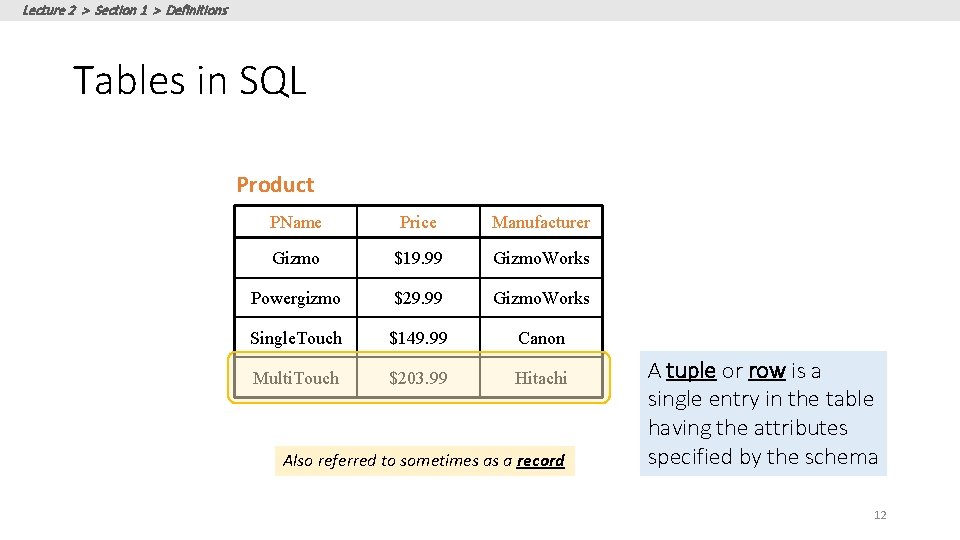
Lecture 2 > Section 1 > Definitions Tables in SQL Product PName Price Manufacturer Gizmo $19. 99 Gizmo. Works Powergizmo $29. 99 Gizmo. Works Single. Touch $149. 99 Canon Multi. Touch $203. 99 Hitachi Also referred to sometimes as a record A tuple or row is a single entry in the table having the attributes specified by the schema 12
Lecture 2 > Section 1 > Definitions Tables in SQL Product PName Price Manufacturer Gizmo $19. 99 Gizmo. Works Powergizmo $29. 99 Gizmo. Works Single. Touch $149. 99 Canon Multi. Touch $203. 99 Hitachi The number of tuples is the cardinality of the relation The number of attributes is the arity of the relation 13
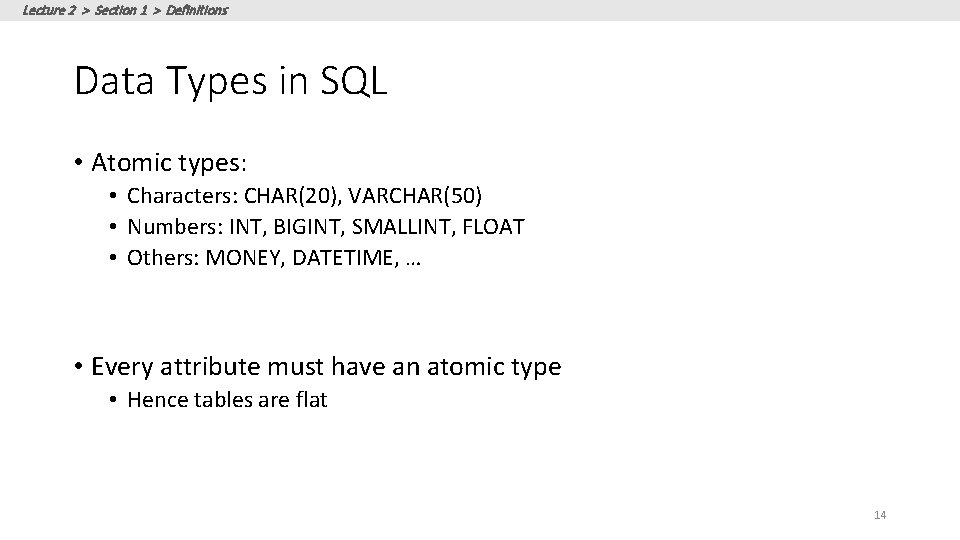
Lecture 2 > Section 1 > Definitions Data Types in SQL • Atomic types: • Characters: CHAR(20), VARCHAR(50) • Numbers: INT, BIGINT, SMALLINT, FLOAT • Others: MONEY, DATETIME, … • Every attribute must have an atomic type • Hence tables are flat 14
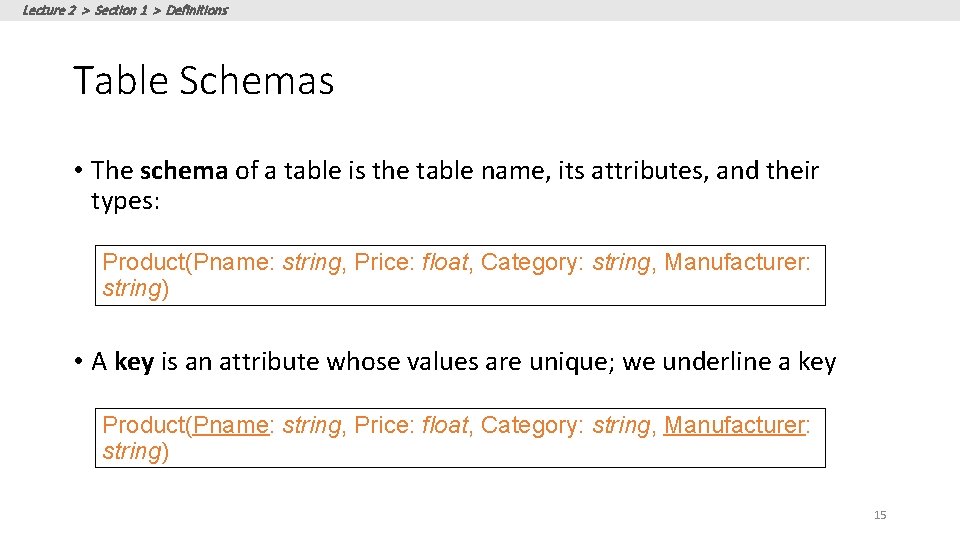
Lecture 2 > Section 1 > Definitions Table Schemas • The schema of a table is the table name, its attributes, and their types: Product(Pname: string, Price: float, Category: string, Manufacturer: string) • A key is an attribute whose values are unique; we underline a key Product(Pname: string, Price: float, Category: string, Manufacturer: string) 15
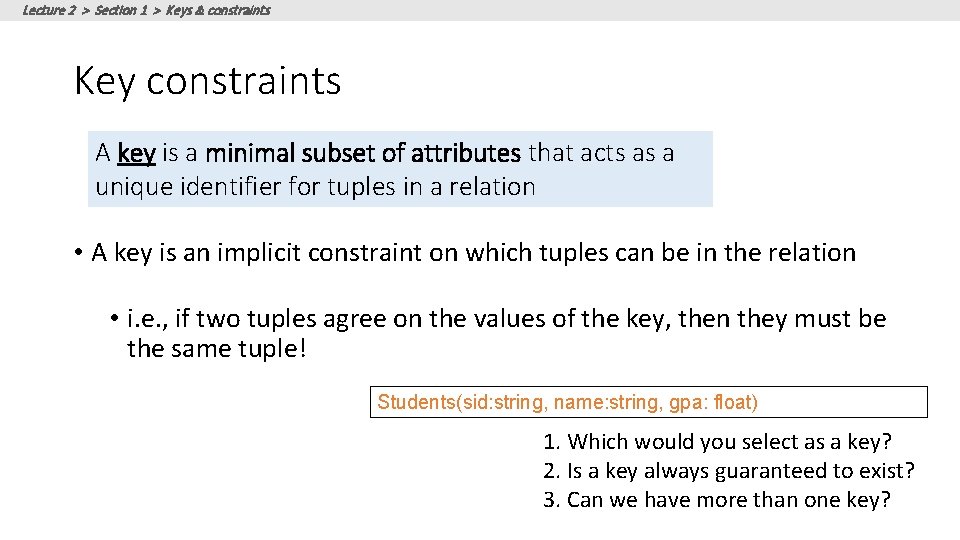
Lecture 2 > Section 1 > Keys & constraints Key constraints A key is a minimal subset of attributes that acts as a unique identifier for tuples in a relation • A key is an implicit constraint on which tuples can be in the relation • i. e. , if two tuples agree on the values of the key, then they must be the same tuple! Students(sid: string, name: string, gpa: float) 1. Which would you select as a key? 2. Is a key always guaranteed to exist? 3. Can we have more than one key?
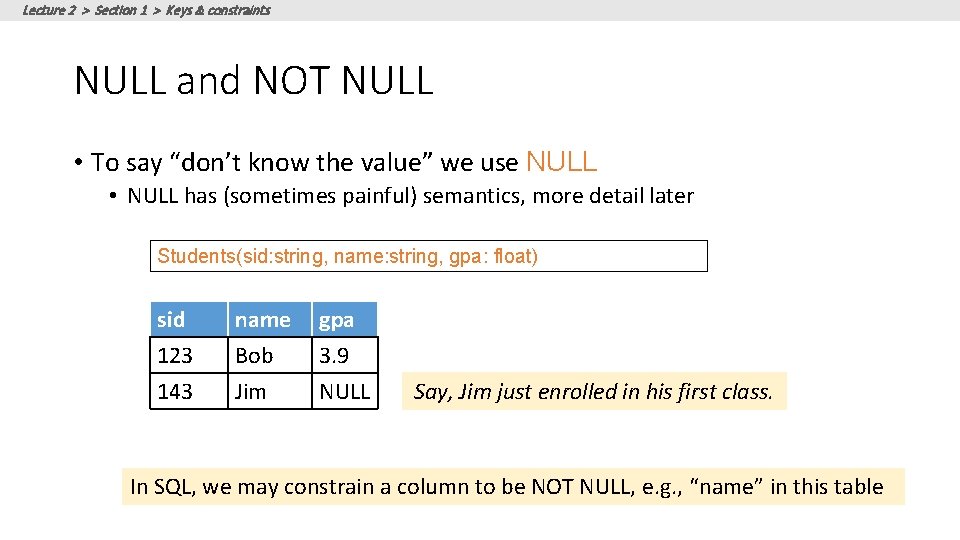
Lecture 2 > Section 1 > Keys & constraints NULL and NOT NULL • To say “don’t know the value” we use NULL • NULL has (sometimes painful) semantics, more detail later Students(sid: string, name: string, gpa: float) sid 123 143 name Bob Jim gpa 3. 9 NULL Say, Jim just enrolled in his first class. In SQL, we may constrain a column to be NOT NULL, e. g. , “name” in this table
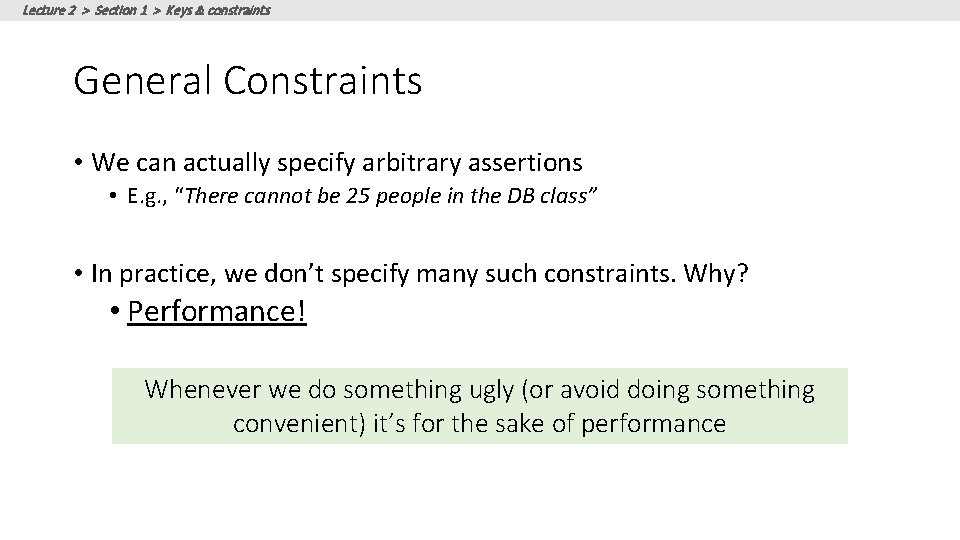
Lecture 2 > Section 1 > Keys & constraints General Constraints • We can actually specify arbitrary assertions • E. g. , “There cannot be 25 people in the DB class” • In practice, we don’t specify many such constraints. Why? • Performance! Whenever we do something ugly (or avoid doing something convenient) it’s for the sake of performance
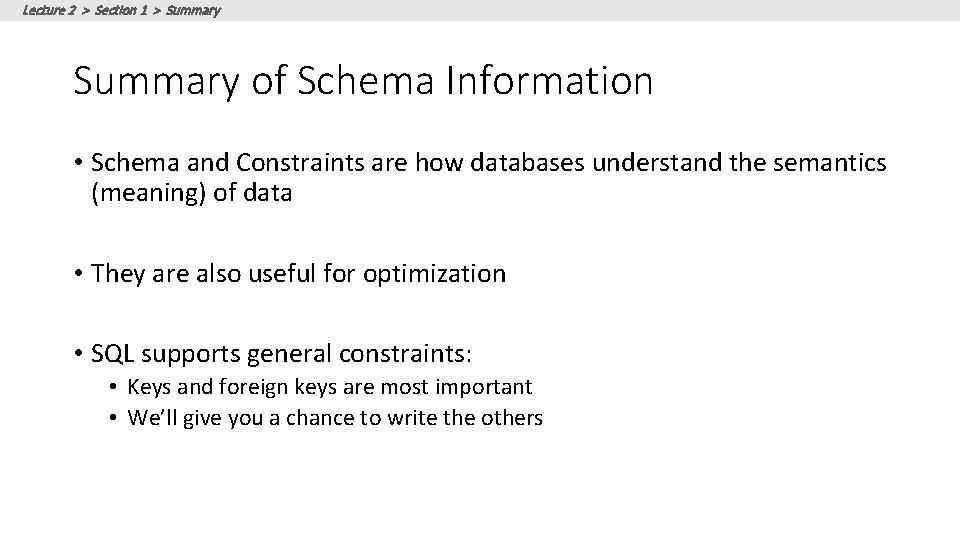
Lecture 2 > Section 1 > Summary of Schema Information • Schema and Constraints are how databases understand the semantics (meaning) of data • They are also useful for optimization • SQL supports general constraints: • Keys and foreign keys are most important • We’ll give you a chance to write the others
Lecture 2 > Section 1 > ACTIVITY: Activity-2 -1. ipynb 20