
LECTURE7 Console Input Overview l Introduction to Wrapper


- Slides: 11
LECTURE#7: Console Input Overview l Introduction to Wrapper classes. l Introduction to Exceptions (Java run-time errors). l Console input using the Buffered. Reader class. l Preview: Catching Exceptions. 1
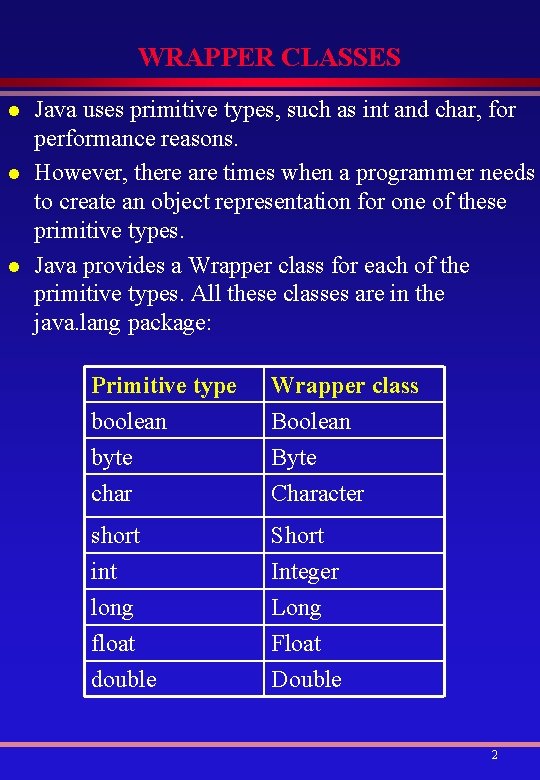
WRAPPER CLASSES l l l Java uses primitive types, such as int and char, for performance reasons. However, there are times when a programmer needs to create an object representation for one of these primitive types. Java provides a Wrapper class for each of the primitive types. All these classes are in the java. lang package: Primitive type boolean byte char Wrapper class Boolean Byte Character short int long float double Short Integer Long Float Double 2
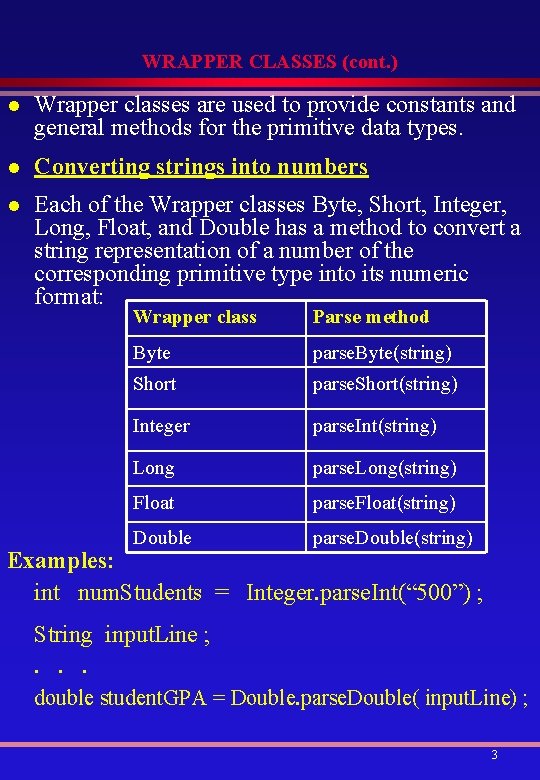
WRAPPER CLASSES (cont. ) l Wrapper classes are used to provide constants and general methods for the primitive data types. l Converting strings into numbers l Each of the Wrapper classes Byte, Short, Integer, Long, Float, and Double has a method to convert a string representation of a number of the corresponding primitive type into its numeric format: Wrapper class Parse method Byte parse. Byte(string) Short parse. Short(string) Integer parse. Int(string) Long parse. Long(string) Float parse. Float(string) Double parse. Double(string) Examples: int num. Students = Integer. parse. Int(“ 500”) ; String input. Line ; . . . double student. GPA = Double. parse. Double( input. Line) ; 3
INTRODUCTION TO EXCEPTIONS l A program may have one or more of three types of errors: 1. Syntax errors or Compile-time errors. 2. Run-time or Execution-time errors. 3. Logic errors. l A Java exception is an object that describes a runtime error condition that has occurred in a piece of Java code or in the Java run-time System. l All Java exception classes are subclasses of the Throwable class. l Most exception classes are defined in the java. io and java. lang packages. other packages like: java. util, java. awt, java. net, java. text also define exception classes. l Catching and throwing an exception A piece of Java code containing statements to handle an exception is said to catch the exception; otherwise it is said to throw that exception. l l An exception that is not caught by any portion of a Java program will ultimately be caught by the default exception handler. The default exception handler displays a string describing the exception. 4
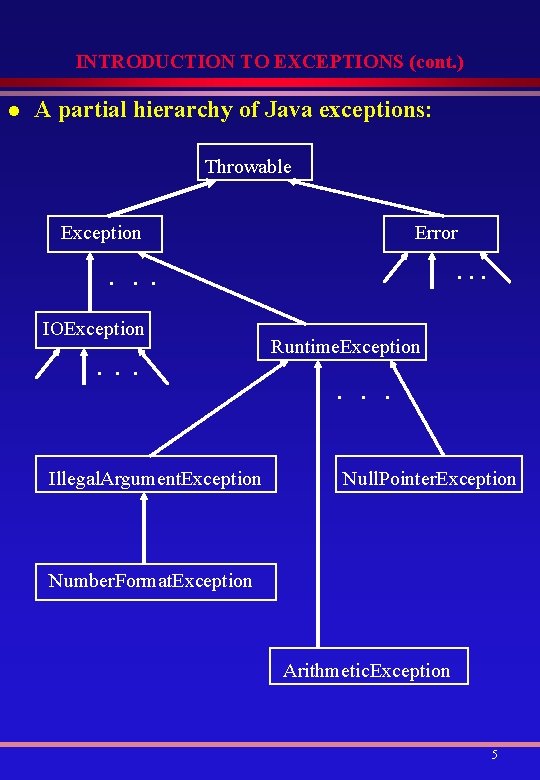
INTRODUCTION TO EXCEPTIONS (cont. ) l A partial hierarchy of Java exceptions: Throwable Exception Error . . . IOException . . . Illegal. Argument. Exception Runtime. Exception . . . Null. Pointer. Exception Number. Format. Exception Arithmetic. Exception 5
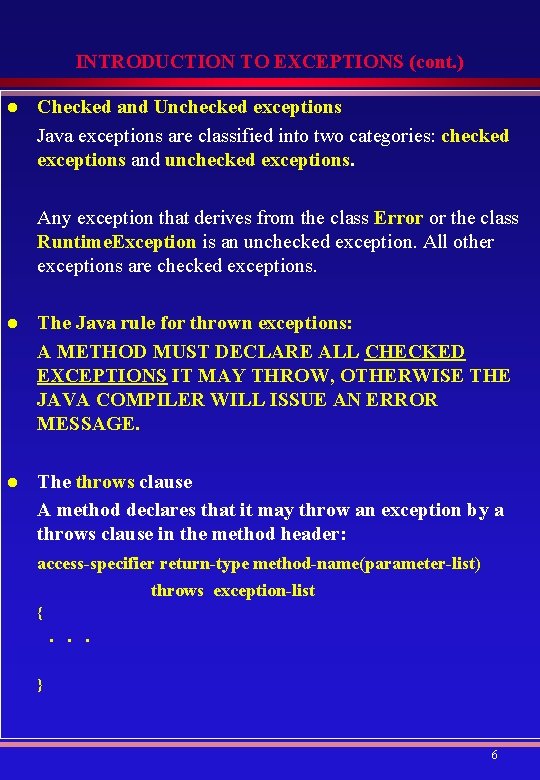
INTRODUCTION TO EXCEPTIONS (cont. ) l Checked and Unchecked exceptions Java exceptions are classified into two categories: checked exceptions and unchecked exceptions. Any exception that derives from the class Error or the class Runtime. Exception is an unchecked exception. All other exceptions are checked exceptions. l The Java rule for thrown exceptions: A METHOD MUST DECLARE ALL CHECKED EXCEPTIONS IT MAY THROW, OTHERWISE THE JAVA COMPILER WILL ISSUE AN ERROR MESSAGE. l The throws clause A method declares that it may throw an exception by a throws clause in the method header: access-specifier return-type method-name(parameter-list) throws exception-list { . . . } 6
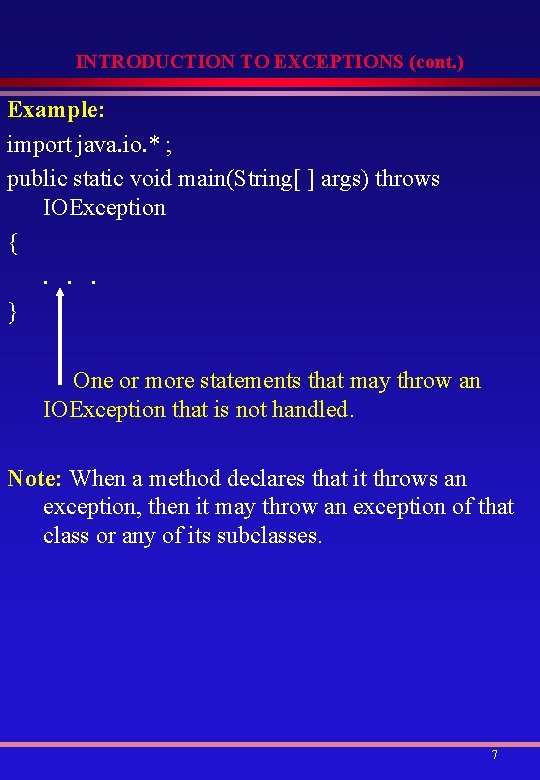
INTRODUCTION TO EXCEPTIONS (cont. ) Example: import java. io. * ; public static void main(String[ ] args) throws IOException {. . . } One or more statements that may throw an IOException that is not handled. Note: When a method declares that it throws an exception, then it may throw an exception of that class or any of its subclasses. 7
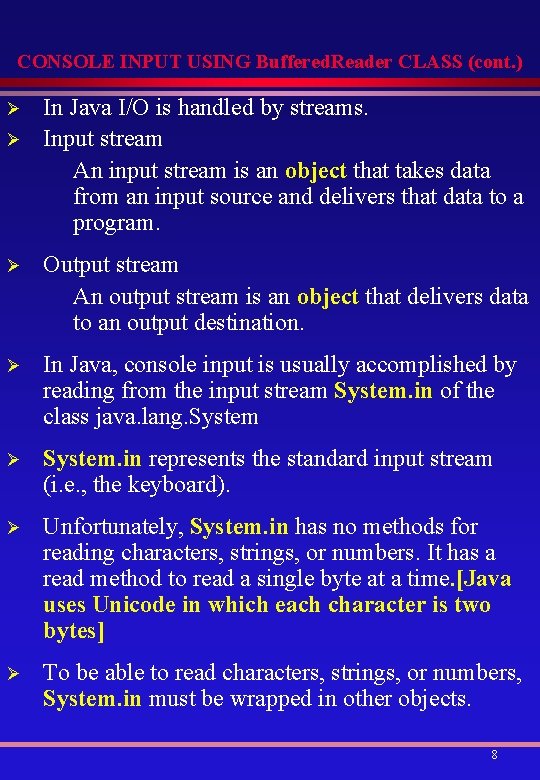
CONSOLE INPUT USING Buffered. Reader CLASS (cont. ) Ø Ø In Java I/O is handled by streams. Input stream An input stream is an object that takes data from an input source and delivers that data to a program. Ø Output stream An output stream is an object that delivers data to an output destination. Ø In Java, console input is usually accomplished by reading from the input stream System. in of the class java. lang. System Ø System. in represents the standard input stream (i. e. , the keyboard). Ø Unfortunately, System. in has no methods for reading characters, strings, or numbers. It has a read method to read a single byte at a time. [Java uses Unicode in which each character is two bytes] Ø To be able to read characters, strings, or numbers, System. in must be wrapped in other objects. 8
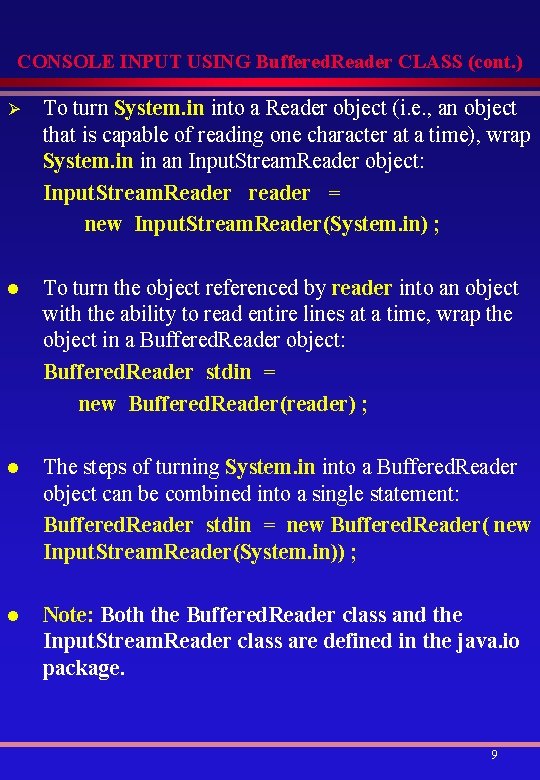
CONSOLE INPUT USING Buffered. Reader CLASS (cont. ) Ø To turn System. in into a Reader object (i. e. , an object that is capable of reading one character at a time), wrap System. in in an Input. Stream. Reader object: Input. Stream. Reader reader = new Input. Stream. Reader(System. in) ; l To turn the object referenced by reader into an object with the ability to read entire lines at a time, wrap the object in a Buffered. Reader object: Buffered. Reader stdin = new Buffered. Reader(reader) ; l The steps of turning System. in into a Buffered. Reader object can be combined into a single statement: Buffered. Reader stdin = new Buffered. Reader( new Input. Stream. Reader(System. in)) ; l Note: Both the Buffered. Reader class and the Input. Stream. Reader class are defined in the java. io package. 9
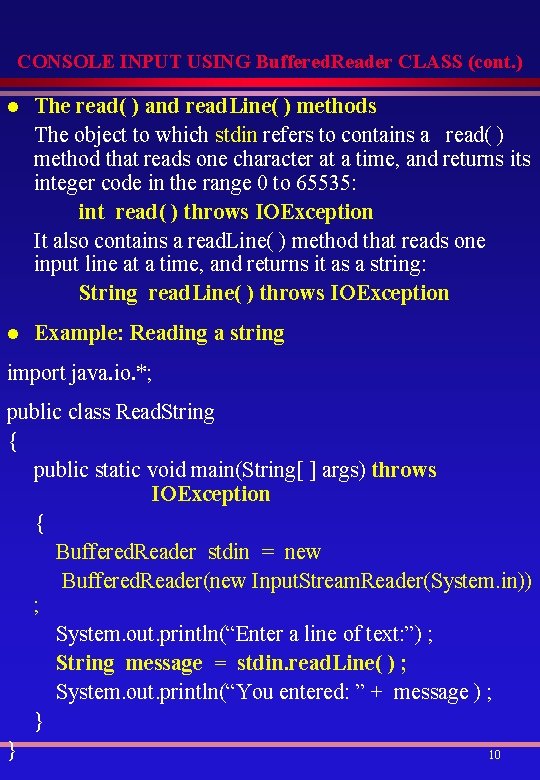
CONSOLE INPUT USING Buffered. Reader CLASS (cont. ) l The read( ) and read. Line( ) methods The object to which stdin refers to contains a read( ) method that reads one character at a time, and returns its integer code in the range 0 to 65535: int read( ) throws IOException It also contains a read. Line( ) method that reads one input line at a time, and returns it as a string: String read. Line( ) throws IOException l Example: Reading a string import java. io. *; public class Read. String { public static void main(String[ ] args) throws IOException { Buffered. Reader stdin = new Buffered. Reader(new Input. Stream. Reader(System. in)) ; System. out. println(“Enter a line of text: ”) ; String message = stdin. read. Line( ) ; System. out. println(“You entered: ” + message ) ; } } 10
CONSOLE INPUT USING Buffered. Reader CLASS (cont. ) l Example: Reading a character char ch = (char) stdin. read( ) ; l Numeric input The Java library contains no classes to read numbers directly. One way of processing numeric input is to read it as a string using the read. Line( ) method then convert it to its corresponding numeric value, using the parse method of an appropriate Wrapper class. l Example: String input. Line = stdin. read. Line( ) ; int num. Students = Integer. parse. Int(input. Line) ; double speed = Double. parse. Double(stdin. read. Line( )) ; float height = Float. parse. Float(stdin. read. Line( ). trim( )); Note: Each parse method can throw an unchecked Number. Format. Exception 11