
Lecture Topics 1025 Introduction to Operating Systems What
- Slides: 18
Lecture Topics: 10/25 • Introduction to Operating Systems – What is an OS? – Issues in operating systems – A little history • Applications, Address Spaces, and Processes
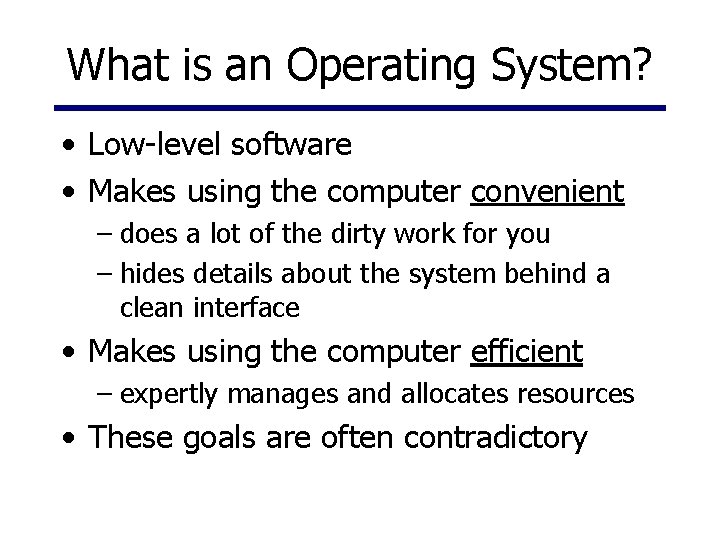
What is an Operating System? • Low-level software • Makes using the computer convenient – does a lot of the dirty work for you – hides details about the system behind a clean interface • Makes using the computer efficient – expertly manages and allocates resources • These goals are often contradictory
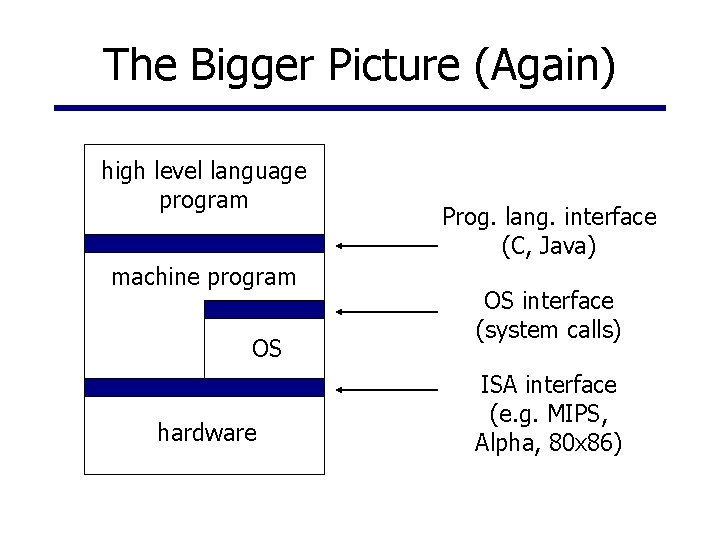
The Bigger Picture (Again) high level language program machine program OS hardware Prog. lang. interface (C, Java) OS interface (system calls) ISA interface (e. g. MIPS, Alpha, 80 x 86)
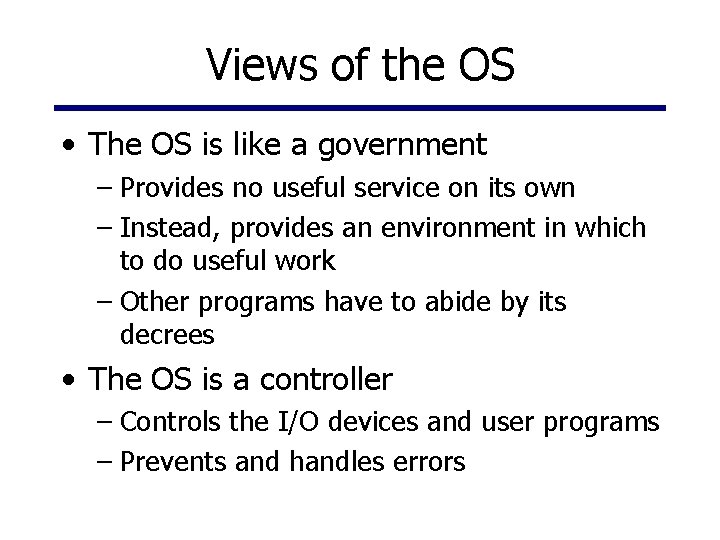
Views of the OS • The OS is like a government – Provides no useful service on its own – Instead, provides an environment in which to do useful work – Other programs have to abide by its decrees • The OS is a controller – Controls the I/O devices and user programs – Prevents and handles errors
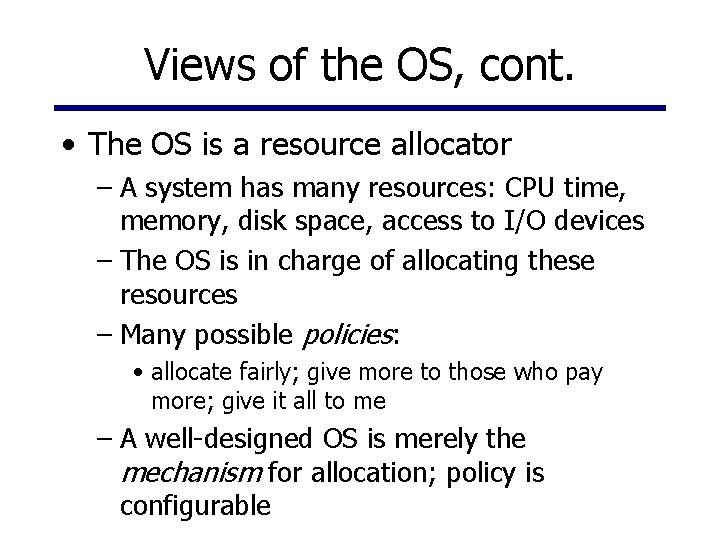
Views of the OS, cont. • The OS is a resource allocator – A system has many resources: CPU time, memory, disk space, access to I/O devices – The OS is in charge of allocating these resources – Many possible policies: • allocate fairly; give more to those who pay more; give it all to me – A well-designed OS is merely the mechanism for allocation; policy is configurable
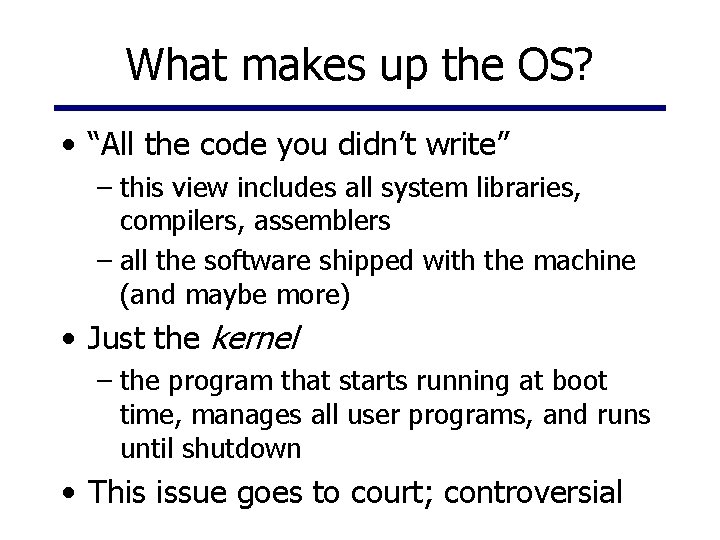
What makes up the OS? • “All the code you didn’t write” – this view includes all system libraries, compilers, assemblers – all the software shipped with the machine (and maybe more) • Just the kernel – the program that starts running at boot time, manages all user programs, and runs until shutdown • This issue goes to court; controversial
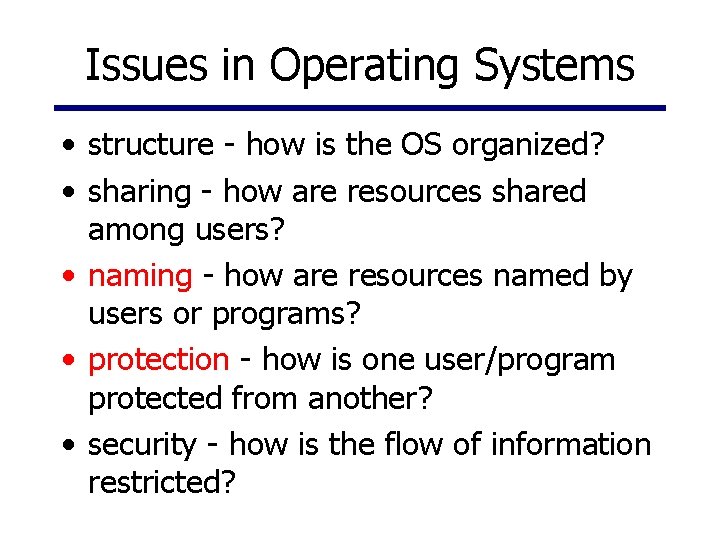
Issues in Operating Systems • structure - how is the OS organized? • sharing - how are resources shared among users? • naming - how are resources named by users or programs? • protection - how is one user/program protected from another? • security - how is the flow of information restricted?
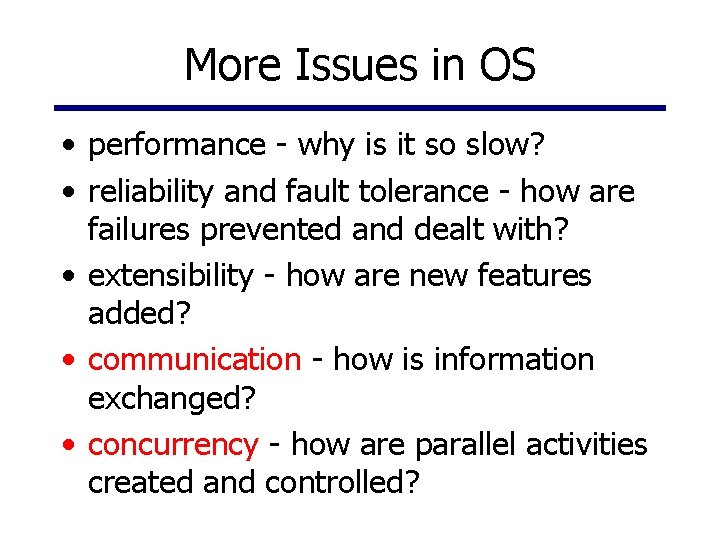
More Issues in OS • performance - why is it so slow? • reliability and fault tolerance - how are failures prevented and dealt with? • extensibility - how are new features added? • communication - how is information exchanged? • concurrency - how are parallel activities created and controlled?
Yet More Issues in OS • scale and growth - what happens as demands or resources increase? • persistence - how to make data last longer than programs • compatibility - can we ever do anything new? • distribution - can the components of the system be geographically separated? • accounting - who pays the bills? how do we control resource usage?
In Olden Times. . . • The first operating systems were called batch systems – OS was stored in part of memory – Programs were “written” on punch cards – One at a time, programs were loaded from cards into memory and run – Each program came with control cards telling the OS what to do • An optimization: read the next program into memory while this one runs
Multiprogramming • Goal: increase utilization of the processor • Motivation: decrease in memory prices • Keep multiple jobs loaded in memory • While one program waits for I/O, run another one for a while
Timesharing • Goal: allow multiple users/programs to share a single system concurrently • Optimize response time • Based on time-slicing - divide the CPU equally among the users • For the first time, users could actively view, edit, and debug • MIT Multics system (mid 1960’s) was the first large timesharing system
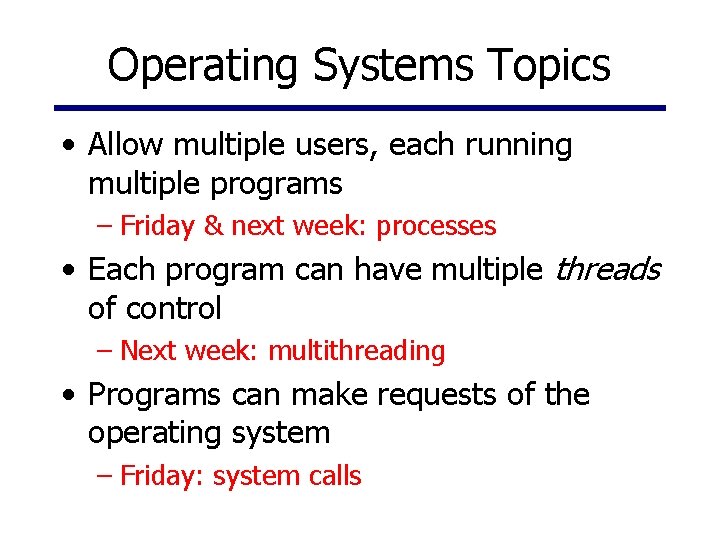
Operating Systems Topics • Allow multiple users, each running multiple programs – Friday & next week: processes • Each program can have multiple threads of control – Next week: multithreading • Programs can make requests of the operating system – Friday: system calls
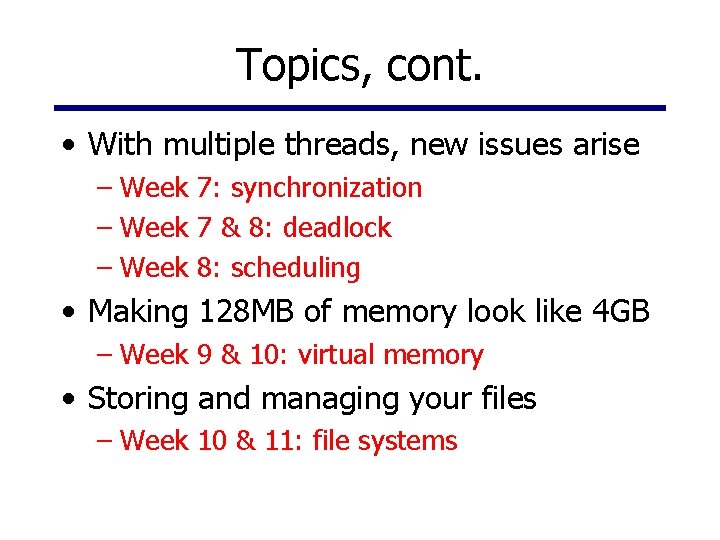
Topics, cont. • With multiple threads, new issues arise – Week 7: synchronization – Week 7 & 8: deadlock – Week 8: scheduling • Making 128 MB of memory look like 4 GB – Week 9 & 10: virtual memory • Storing and managing your files – Week 10 & 11: file systems
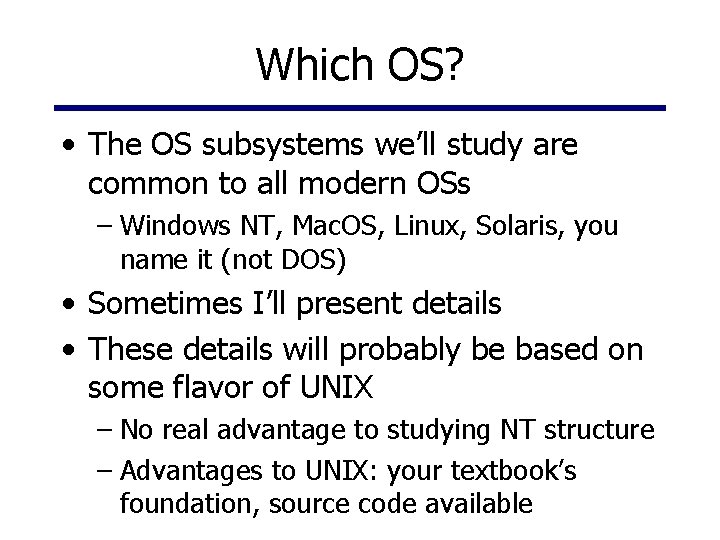
Which OS? • The OS subsystems we’ll study are common to all modern OSs – Windows NT, Mac. OS, Linux, Solaris, you name it (not DOS) • Sometimes I’ll present details • These details will probably be based on some flavor of UNIX – No real advantage to studying NT structure – Advantages to UNIX: your textbook’s foundation, source code available
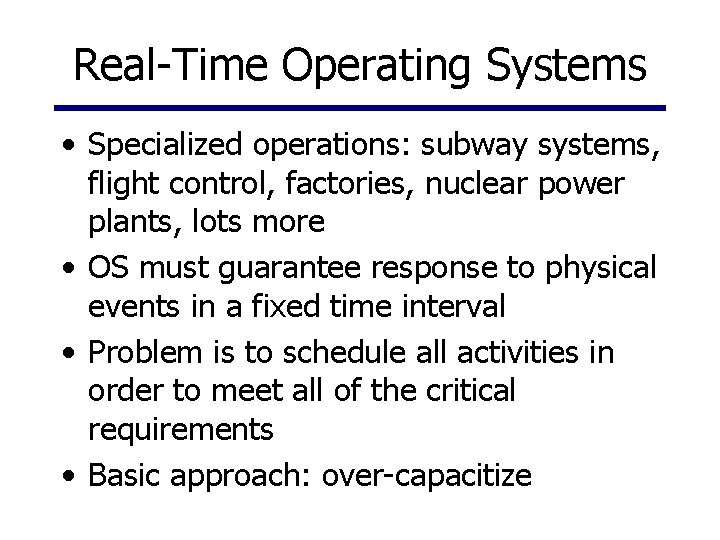
Real-Time Operating Systems • Specialized operations: subway systems, flight control, factories, nuclear power plants, lots more • OS must guarantee response to physical events in a fixed time interval • Problem is to schedule all activities in order to meet all of the critical requirements • Basic approach: over-capacitize
Parallel Operating Systems • Support parallel applications wishing to get speedup of computationally complex tasks • Needs basic primitives for dividing one task into multiple parallel activities • Supports efficient communication between those activities • Supports synchronization of activities to coordinate sharing of information
Distributed Operating Systems • Distributed systems facilitate use of geographically distributed resources • Supports communication between parts of a job or different jobs • Sharing of distributed resources, hardware, and software to improve utilization – speedup through parallelism – improve reliability