
Lecture Set 5 Control Structures Part C Groups
- Slides: 8
Lecture Set 5 Control Structures Part C – Groups of Controls
Objectives n n Slide 2 Learn first how to construct grouped controls with statically defined choices (Later – not in this Lecture Set) Learn at least one way to populate a grouped control from a dynamically changeable source such as a simple sequential file or even a database 9/8/2021 5: 06 PM
Control Groups n Container controls are used to group control instances together n n Slide 3 The Group. Box control is a container control Visual Studio supports several other container controls 9/8/2021 5: 06 PM
The Group. Box Control (Syntax) n n Slide 4 The Back. Color and Fore. Color properties define the color Visual text appears in the Text property 9/8/2021 5: 06 PM
The Radio. Button Control n n The end user selects one button from a group of buttons Members n n n Slide 5 The Text property contains the visible text The Checked property defines whether the Radio. Button is selected The Checked. Changed event fires when the button is clicked 9/8/2021 5: 06 PM
Multicast Event Handlers (Introduction) n n One event handler handles the same event for many control instances The Handles clause contains a commaseparated list of control instances and event names n Slide 6 A period separates the control instance and event name 9/8/2021 5: 06 PM
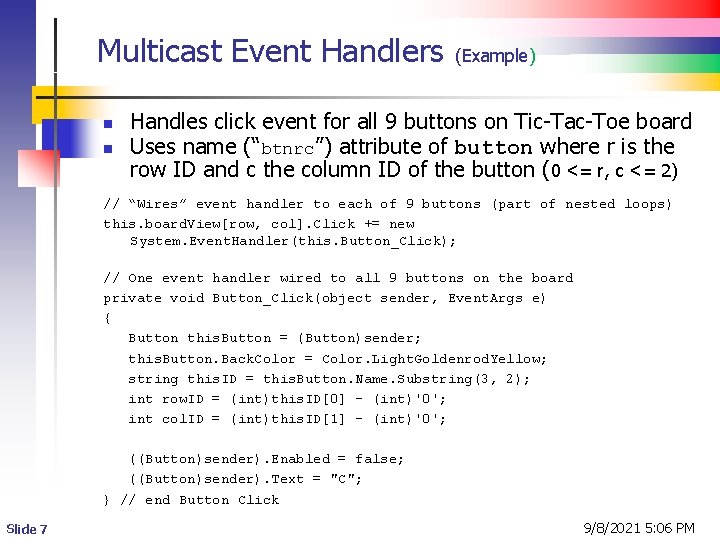
Multicast Event Handlers n n (Example) Handles click event for all 9 buttons on Tic-Tac-Toe board Uses name (“btnrc”) attribute of button where r is the row ID and c the column ID of the button (0 <= r, c <= 2) // “Wires” event handler to each of 9 buttons (part of nested loops) this. board. View[row, col]. Click += new System. Event. Handler(this. Button_Click); // One event handler wired to all 9 buttons on the board private void Button_Click(object sender, Event. Args e) { Button this. Button = (Button)sender; this. Button. Back. Color = Color. Light. Goldenrod. Yellow; string this. ID = this. Button. Name. Substring(3, 2); int row. ID = (int)this. ID[0] - (int)'0'; int col. ID = (int)this. ID[1] - (int)'0'; ((Button)sender). Enabled = false; ((Button)sender). Text = "C"; } // end Button Click Slide 7 9/8/2021 5: 06 PM
Multi-cast Event Handlers n (Another Example) For more examples, look at Lecture Set 07, particularly: Lecture. Set 07 XSender Lecture. Set 07 XDynamic Slide 8 9/8/2021 5: 06 PM