
Lecture Overview The 4 Ws of courseware Reasons

- Slides: 25
Lecture Overview • • The 4 W’s of courseware Reasons for courseware Timeline of training Types of courseware
Lecture Overview (continued) • • • Types of courseware Courseware design Real world example Courseware exercise Available courseware sites
The 4 W’s of Courseware • • What is courseware? Who uses it? Where is it used? When is it used? ? ? ?
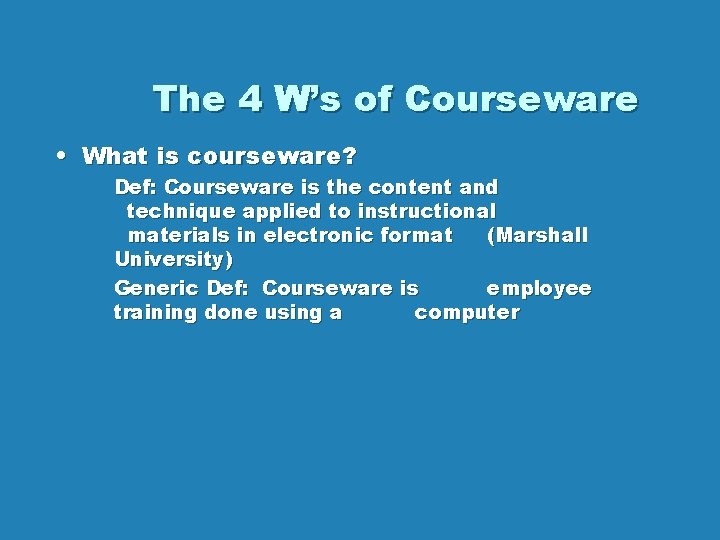
The 4 W’s of Courseware • What is courseware? Def: Courseware is the content and technique applied to instructional materials in electronic format (Marshall University) Generic Def: Courseware is employee training done using a computer
The 4 W’s of Courseware • Who uses courseware? – Managers to train employees • Where is it used? – Any business or organization that feels the need to train their staff • When is it used? – When technology increases and employees need to update theirs skills
Reasons for Courseware • Technology is one of the biggest reasons for courseware – Train old employees “New Tricks” • Employees must constantly refine and update their skills – Even the brainy, nerdy people!! – Train new employees “All the tricks”
Technology • Technology is always increasing – Ex: AOL 4. 0 AOL 6. 0 Windows 95/98 Windows 2000
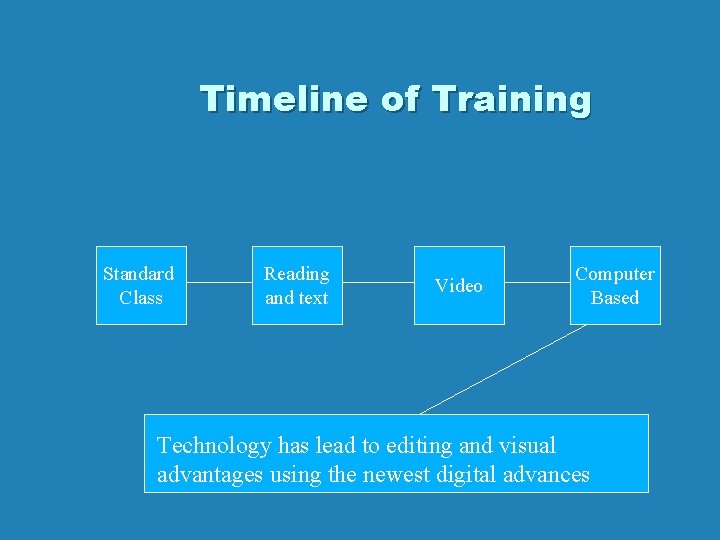
Timeline of Training Standard Class Reading and text Video Computer Based Technology has lead to editing and visual advantages using the newest digital advances
Types of Courseware • “Different strokes for different folks” Visual – “hands on” type of person; Need pictures, graphs, etc. to learn and apply material Non-Visual - can apply learned just reading it material from
Types of Courseware • On CD-ROMs – visual and customizable • Books and Text – non-visual and very standardized • On the internet – visual and accessible
Courseware Design • What makes a good courseware design? 3 Principles in courseware design (according to PPI) 1. 2. 3. Sound Instructional Plan - gives targets, learning objectives and goals Adults learn best by doing - Define, Show, Do, Review Customization - Learning experience is set up for the individual so there is maximum retention of the information to be learned
Making a courseware program
Making a courseware program • Good Design Personnel – Make features easy to use; computer friendly design • Expertise Personnel – Understands the information perfectly and makes sure everything is correctly stated; helps create the lesson to be taught • Computer Programming Personnel – Combines the information and easy features into a computer based program
Real World • How does a company implement a courseware program? Ex: A manufacturing company wants to increase it’s productivity. They decide to purchase some state of the art equipment. This equipment is expected to double the output production of the company. Problem The employees to do not understand exactly how the new system works
Real World • Solution Train your employees to use the new system • Train them by using a computer based program!!!
Real World • Begin the Training Process Who and What? - Who needs to be trained? - What do your employees already know?
Real World “You have to make sure you don’t train the right people in the wrong areas and the wrong people in the right areas!” ~ Gloria Sumka (Product marketing manager of training at Allen. Bradley)
Real World • Gather data about your employee knowledge – Design a suitable learning program for the right people in the right areas – Depending on the size of the business, this could mean hiring an organization that specializes in courseware design – Lastly, Implement your training program • Lastly, Implement your training program
Real World • The Before and After Before • Employees are not fully capable demands of their job • New system causes confusion • Employees become bored to meet the
Real World After • Higher Employee moral • Employees are more knowledgeable • Knowledge brings a freshness to the workplace • Employees are excited to to back and apply their knowledge to their jobs • Employees feel they have more power because they have the knowledge to make more decisions • Productivity • Employees know more, ask less questions • Understand new system runs more efficient
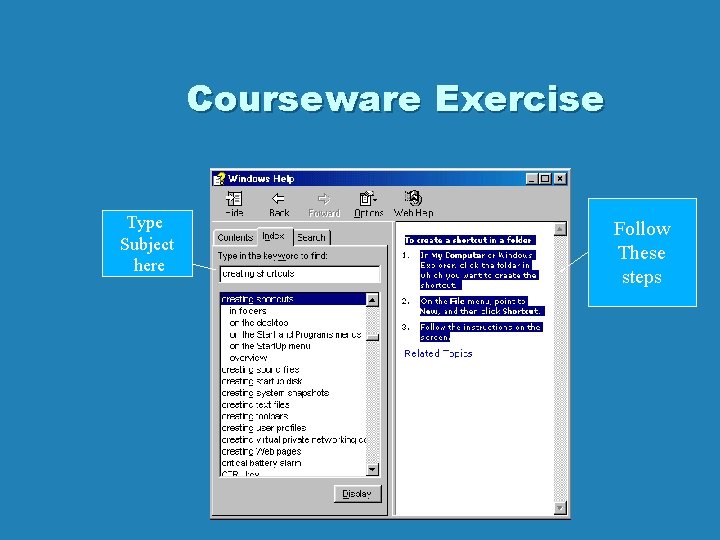
Courseware Exercise • Courseware can be as simple as the help software that comes implemented in your Windows operating system Lets Take a look! – For this example pretend you do not know how to make a shortcut for an icon on the desktop. • Go to the start menu and select HELP • Next, under the index, type in Creating shortcuts and then select: on the desktop
Courseware Exercise Type Subject here Follow These steps
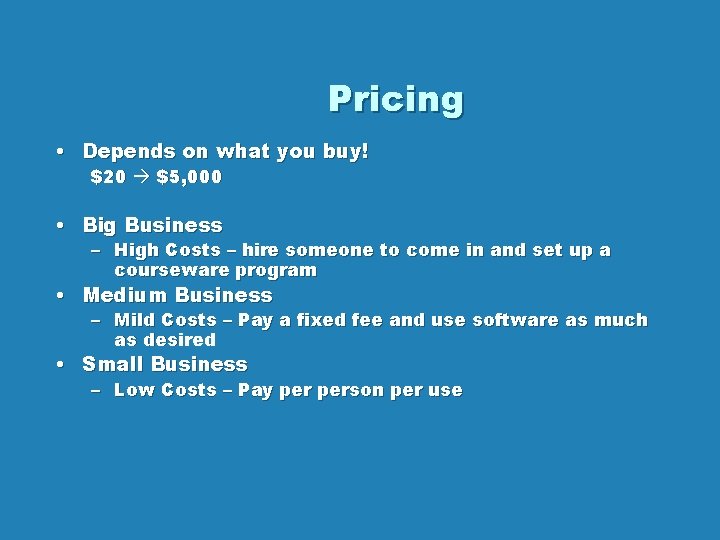
Pricing • Depends on what you buy! $20 $5, 000 • Big Business – High Costs – hire someone to come in and set up a courseware program • Medium Business – Mild Costs – Pay a fixed fee and use software as much as desired • Small Business – Low Costs – Pay person per use
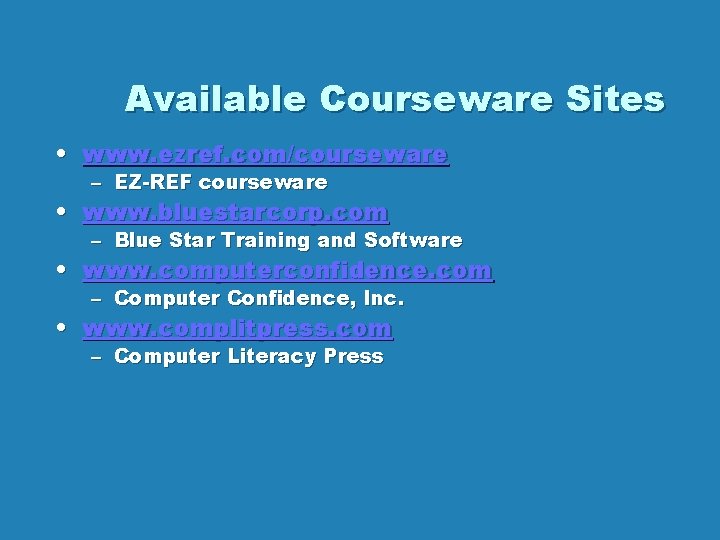
Available Courseware Sites • www. ezref. com/courseware – EZ-REF courseware • www. bluestarcorp. com – Blue Star Training and Software • www. computerconfidence. com – Computer Confidence, Inc. • www. complitpress. com – Computer Literacy Press
Courseware Summary • • • The 4 W’s of courseware Reasons for courseware Types of courseware Courseware design Making a courseware program Available courseware sites