
Lecture No 2 Problem Solving with Computer Overview
Lecture No. 2 Problem Solving with Computer
Overview • • Learning Objectives Learning Outcomes Types of Problems Problem Solving with Computer Difficulties with Problem Solving Variables and Constants Summary
Learning Objectives • To explain types of problems • To explain the various examples of problem solving with computers • To explain the difficulties of problem solving with computers • To differentiate between variables and constants. • To differentiate between character, numeric, and logical data
Learning Outcomes • • The Students are able to: Understand the types of problems Understand problem solving with computes Understand the difficulties of problem solving with computers • Use the variables and constants. • Differentiate between character, numeric, and logical data.
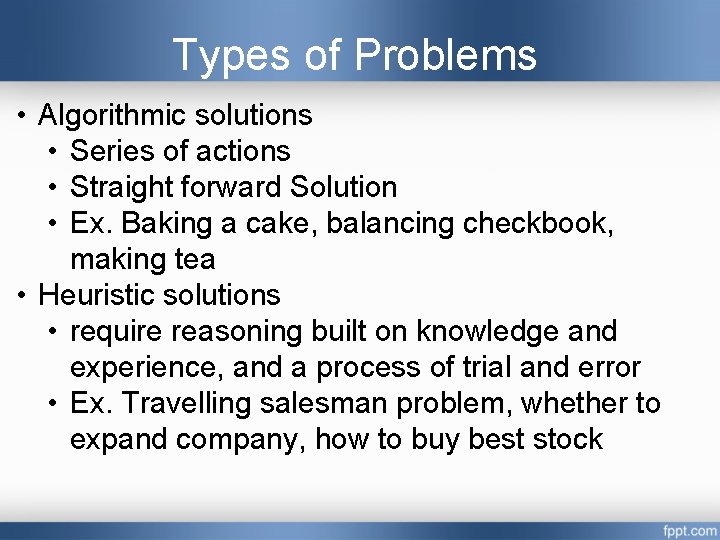
Types of Problems • Algorithmic solutions • Series of actions • Straight forward Solution • Ex. Baking a cake, balancing checkbook, making tea • Heuristic solutions • require reasoning built on knowledge and experience, and a process of trial and error • Ex. Travelling salesman problem, whether to expand company, how to buy best stock

Think Pair and Share Activity • Think individually about algorithmic and heuristic problems • Discuss with your friend • Share the various problems
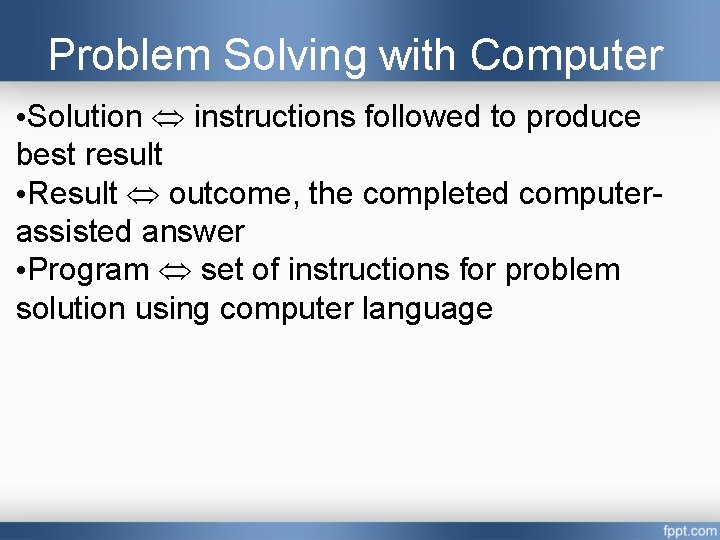
Problem Solving with Computer • Solution instructions followed to produce best result • Result outcome, the completed computerassisted answer • Program set of instructions for problem solution using computer language
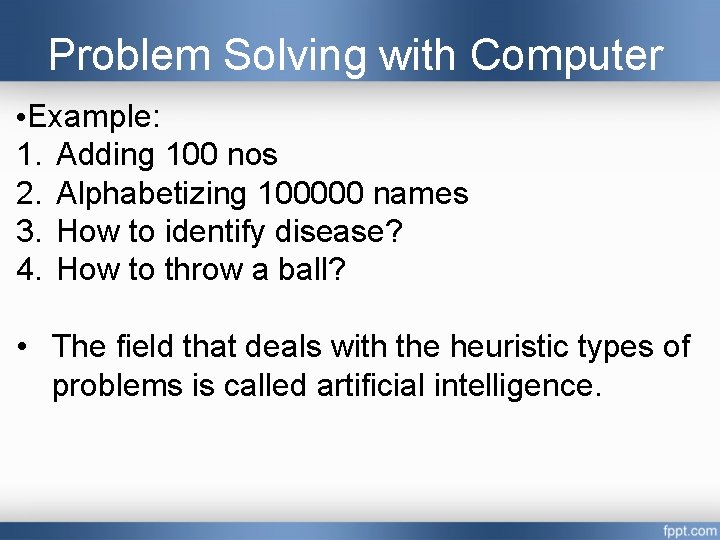
Problem Solving with Computer • Example: 1. Adding 100 nos 2. Alphabetizing 100000 names 3. How to identify disease? 4. How to throw a ball? • The field that deals with the heuristic types of problems is called artificial intelligence.
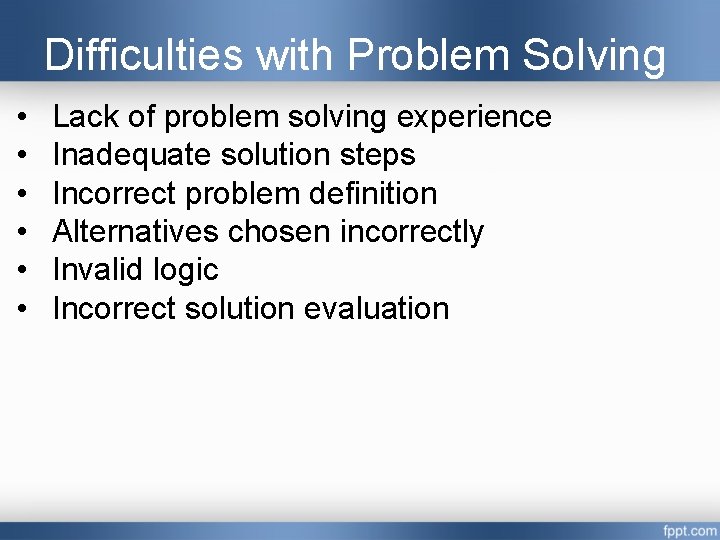
Difficulties with Problem Solving • • • Lack of problem solving experience Inadequate solution steps Incorrect problem definition Alternatives chosen incorrectly Invalid logic Incorrect solution evaluation
Problem Solving Process • • • Not Easy Required practice Required time Perfectness Giving a lots of benefit
Constant • A Constant- is a value that is, a specific alphabetical and/or numeric value that never changes during the processing of all the instructions in a solution. • Constant can not be changed • It can be type of data numeric, alphabetical, or special symbols. • It cannot be changed after it is initially given a value. Storage location given a name. Referred to by the given name.
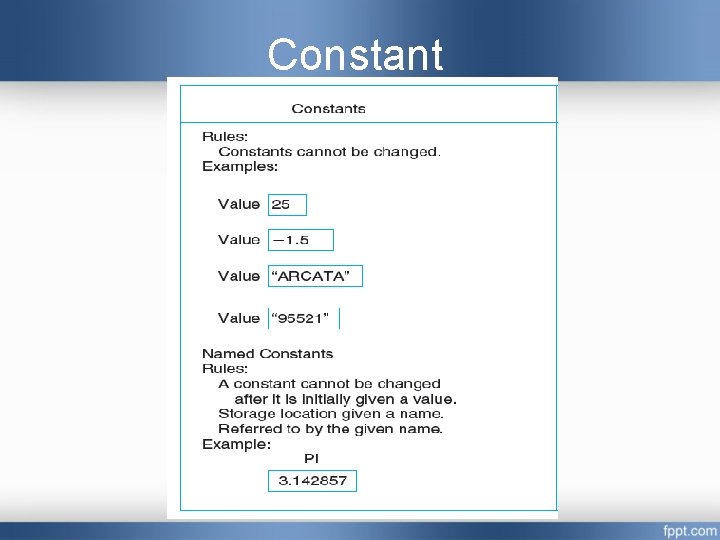
Constant
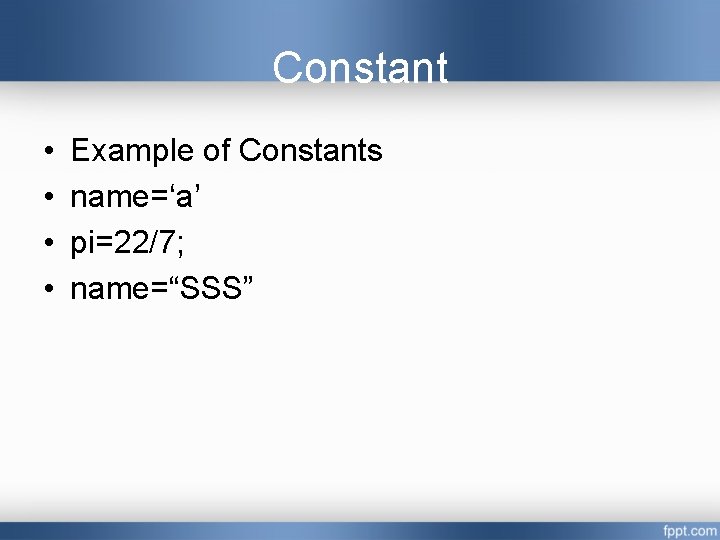
Constant • • Example of Constants name=‘a’ pi=22/7; name=“SSS”
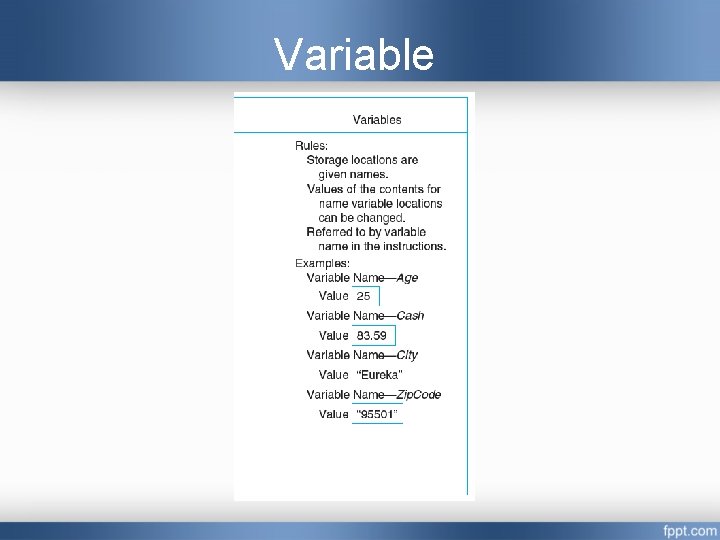
Variable • The value of a variable may change during processing. • It is also called identifiers since the name identifies what the value represents. • Storage locations are given names. • Values of the contents for name variable locations can be changed. • Referred to by variable name in the instructions
Variable
Summary • • Problem solving with computer Difficulties with Problem Solving Use the variables and constants. Use of character, numeric, and logical data
Home Assignment • List Name of three current problems in your life that might be solved through the computer. • Write any three mathematical expressions.
Important Questions • List Name of three current problems in your life that might be solved through the computer. • Write any three mathematical expressions. • Explain difficulties with problem solving with computer. • Explain how to solve problem with computer. • Explain two types of problems. • Differentiate between constant and variables. • Define constant and variable. • Give two examples of constant and variables.
References 1. “Problem Solving and Programming Concepts “, Maureen Sprankle , Pearson Publication, Seventh Edition, ISBN 81 -3170711 -3.

Great Thought
- Slides: 20