
Lecture Internet and Networks Introduction to Computing The
- Slides: 45
Lecture Internet and Networks Introduction to Computing
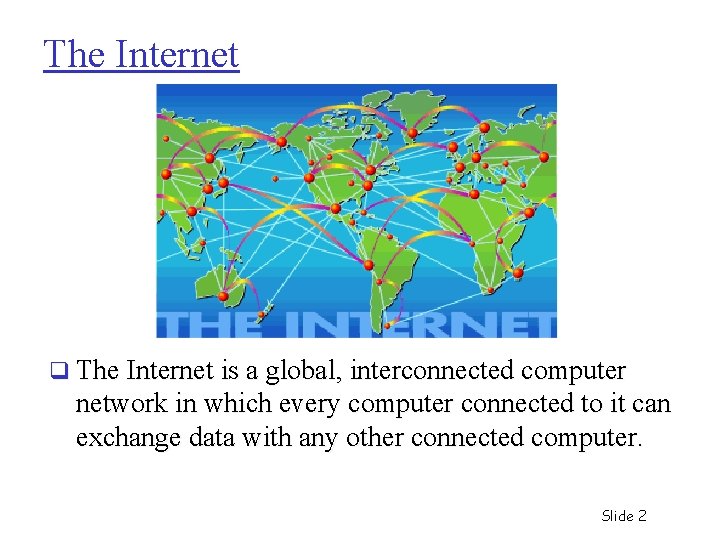
The Internet q The Internet is a global, interconnected computer network in which every computer connected to it can exchange data with any other connected computer. Slide 2
The Significance of the Internet q It’s the first mass medium that involves computers and uses digitized data. q It provides the potential for media convergence, the unification of all media. q It’s transforming medium of how we communicate, obtain information, learn, seek jobs, and maintain professional growth. q Businesses find it an indispensable tool for their needs. Slide 3
The Future of the Internet q Key changes in the Internet need to take place to handle the growing number of users and the speed of the connections. q Future changes include: v More bandwidth • Internet 2 (I 2) is being developed and tested to establish gigabits per second Points of Presence (giga POP). v Cyber Security Slide 4
The Internet and Web: What’s the Difference? q The Internet is the physical connection of millions of networks. q The Web uses the Internet for its existence. q The Web consists of hyper text embedded on Web pages that are hosted on Web sites. Slide 5
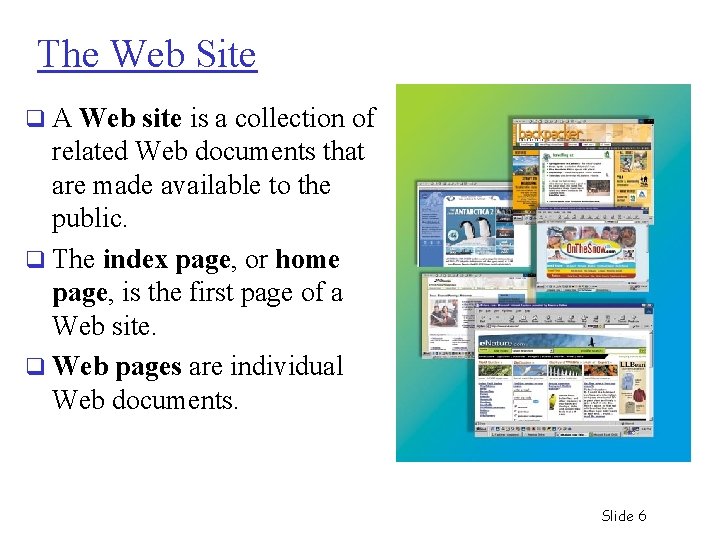
The Web Site q A Web site is a collection of related Web documents that are made available to the public. q The index page, or home page, is the first page of a Web site. q Web pages are individual Web documents. Slide 6
The Hypertext Concept q Hypertext is a way of presenting information so that the order in which it’s read is left up to the reader. q Hyperlinks are underlined or highlighted words that can be used to view another document or Web page. q Hypermedia refers to a link to multimedia, such as music and movies. q The Web is a distributed hypermedia system or a system where the responsibility for creating content is distributed among many people. Slide 7
Web Browsers and Servers q Web browsers display a Web document and enable users to link to other Web pages. The first browsers were text-only. v Mosaic was the first graphical browser. v q Web servers respond to the requests of browsers. They find and send requested resources back to the browser. Slide 8
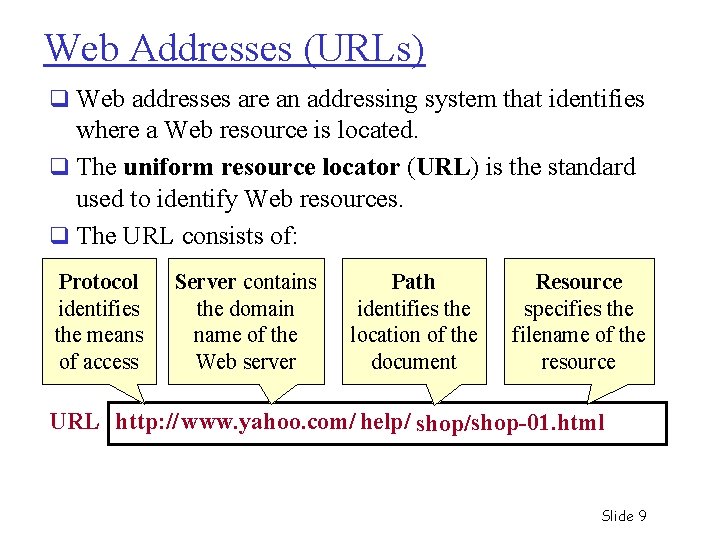
Web Addresses (URLs) q Web addresses are an addressing system that identifies where a Web resource is located. q The uniform resource locator (URL) is the standard used to identify Web resources. q The URL consists of: Protocol identifies the means of access Server contains the domain name of the Web server Path identifies the location of the document Resource specifies the filename of the resource URL http: // www. yahoo. com/ help/ shop/shop-01. html Slide 9
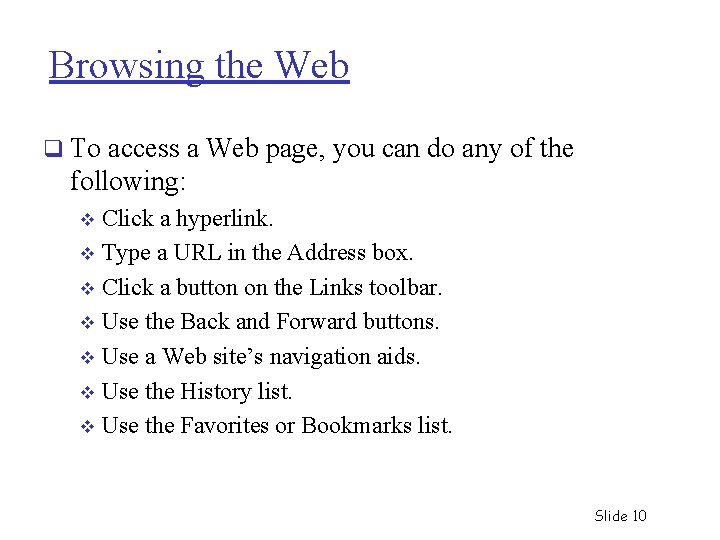
Browsing the Web q To access a Web page, you can do any of the following: Click a hyperlink. v Type a URL in the Address box. v Click a button on the Links toolbar. v Use the Back and Forward buttons. v Use a Web site’s navigation aids. v Use the History list. v Use the Favorites or Bookmarks list. v Slide 10
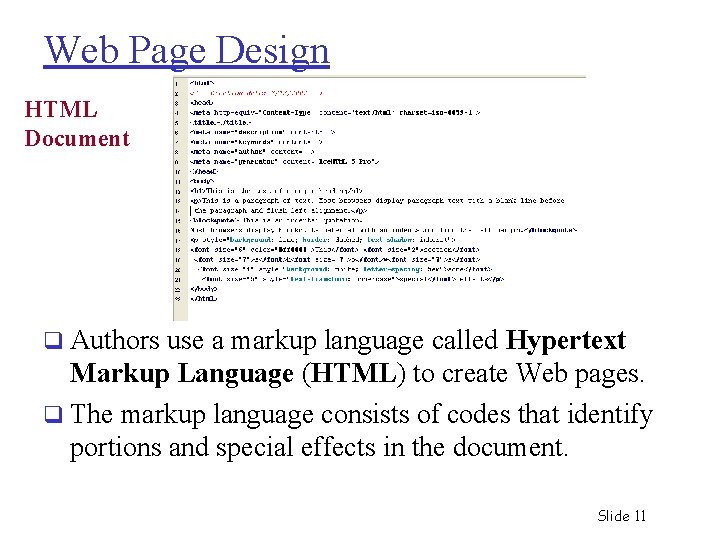
Web Page Design HTML Document q Authors use a markup language called Hypertext Markup Language (HTML) to create Web pages. q The markup language consists of codes that identify portions and special effects in the document. Slide 11
How the Internet Works q The Internet provides immediate and direct contact with all computers on the network. All Internet computers have an Internet address (IP address). v Internet service providers (ISPs) sell subscriptions to the public. v Its interoperability feature enables access for all types of computers. v q Large organizations maintain the Internet. v Many private and public networks are linked together to provide a worldwide networking system. q Packet switching technology is used to transmit data. Slide 12
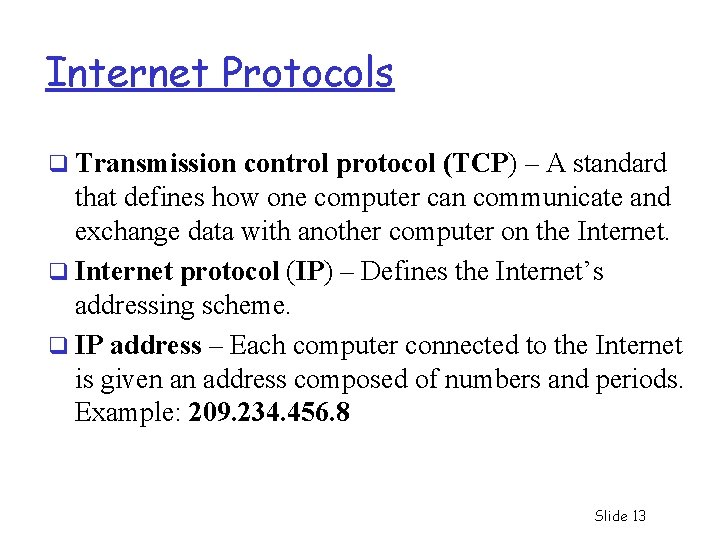
Internet Protocols q Transmission control protocol (TCP) – A standard that defines how one computer can communicate and exchange data with another computer on the Internet. q Internet protocol (IP) – Defines the Internet’s addressing scheme. q IP address – Each computer connected to the Internet is given an address composed of numbers and periods. Example: 209. 234. 456. 8 Slide 13
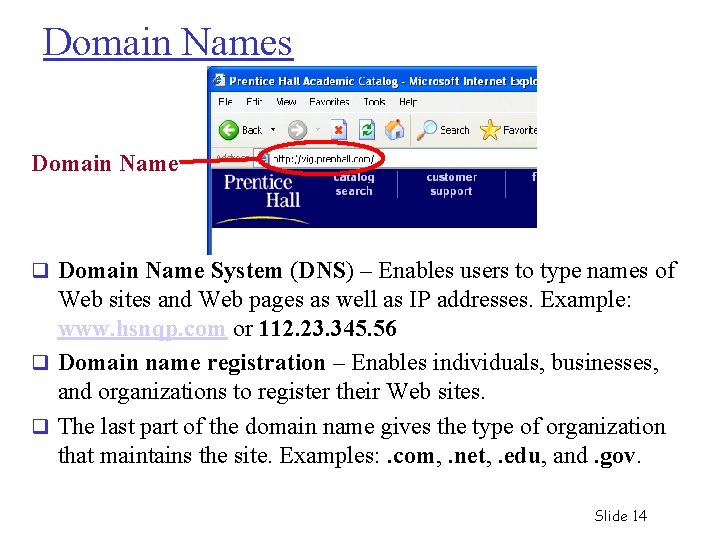
Domain Names Domain Name q Domain Name System (DNS) – Enables users to type names of Web sites and Web pages as well as IP addresses. Example: www. hsnqp. com or 112. 23. 345. 56 q Domain name registration – Enables individuals, businesses, and organizations to register their Web sites. q The last part of the domain name gives the type of organization that maintains the site. Examples: . com, . net, . edu, and. gov. Slide 14
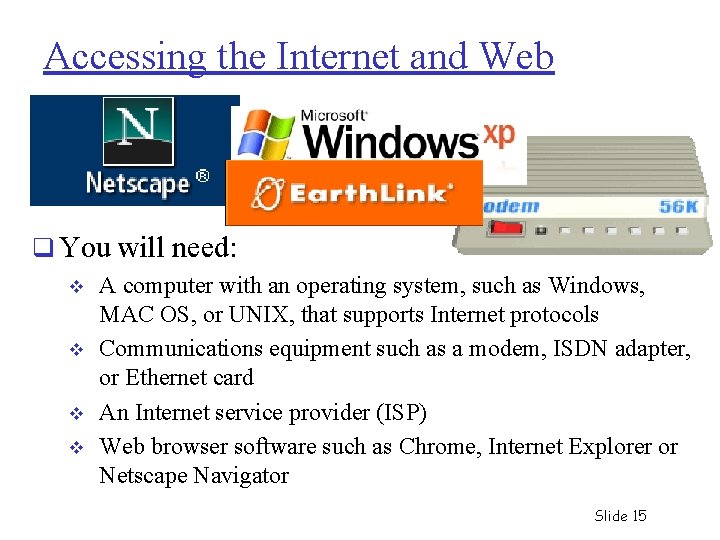
Accessing the Internet and Web q You will need: v v A computer with an operating system, such as Windows, MAC OS, or UNIX, that supports Internet protocols Communications equipment such as a modem, ISDN adapter, or Ethernet card An Internet service provider (ISP) Web browser software such as Chrome, Internet Explorer or Netscape Navigator Slide 15
Accessing the Internet q The Internet can be accessed in the following ways: Dial-up access with Point-to-Point Protocol (PPP) v Digital Subscriber Line (DSL) v Cable and satellite access v LAN access v Slide 16
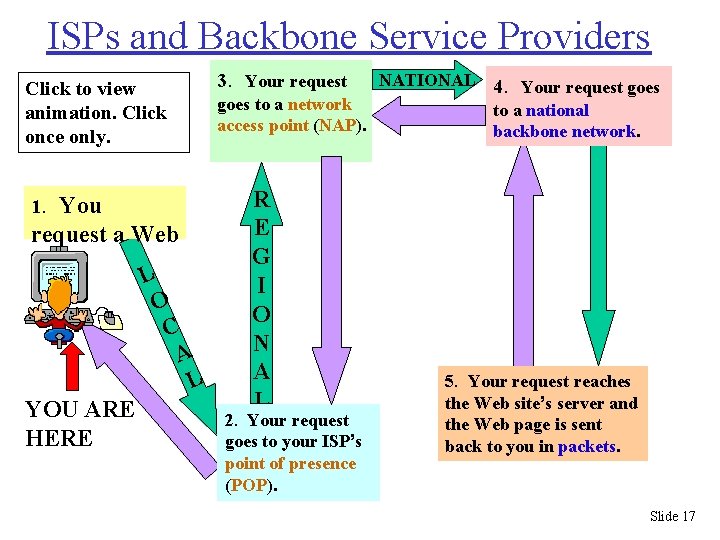
ISPs and Backbone Service Providers Click to view animation. Click once only. 1. You request a Web page. L O C A L YOU ARE HERE 3. Your request NATIONAL 4. Your request goes to a network to a national access point (NAP). backbone network. R E G I O N A L 2. Your request goes to your ISP’s point of presence (POP). 5. Your request reaches the Web site’s server and the Web page is sent back to you in packets. Slide 17
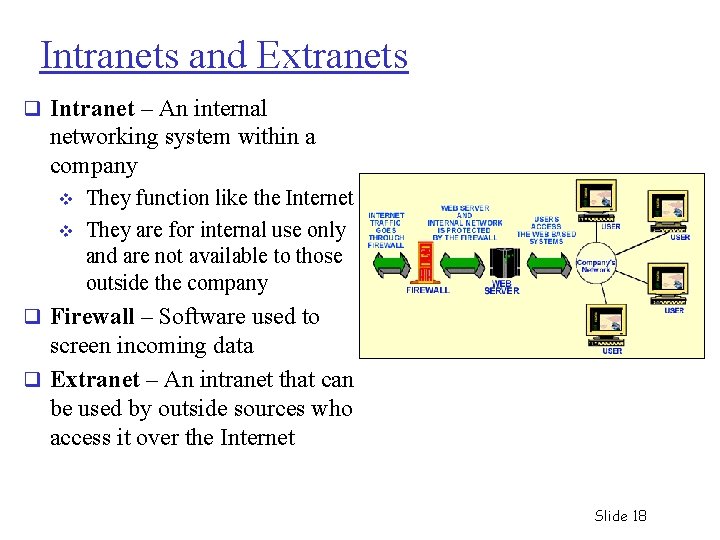
Intranets and Extranets q Intranet – An internal networking system within a company v v They function like the Internet They are for internal use only and are not available to those outside the company q Firewall – Software used to screen incoming data q Extranet – An intranet that can be used by outside sources who access it over the Internet Slide 18
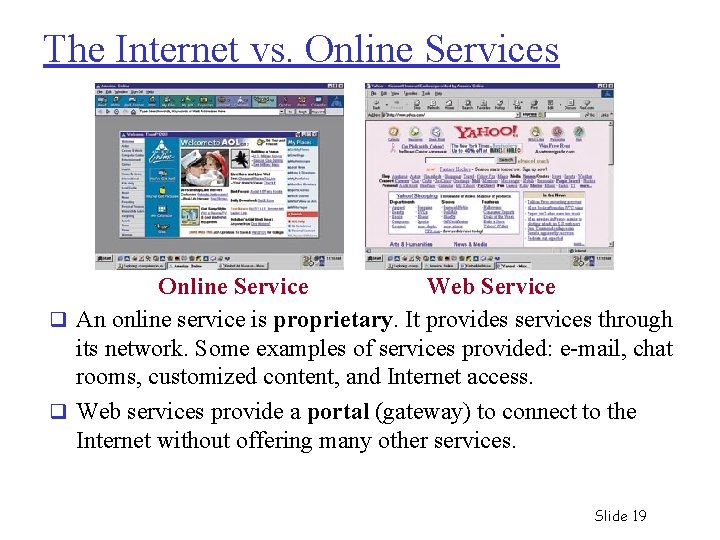
The Internet vs. Online Services Online Service Web Service q An online service is proprietary. It provides services through its network. Some examples of services provided: e-mail, chat rooms, customized content, and Internet access. q Web services provide a portal (gateway) to connect to the Internet without offering many other services. Slide 19
E-Mail: Staying in Touch q E-mail is short for electronic mail. q It’s the most popular of the Internet services. q Messages are sent and received in a few seconds. q Attachments such as photos, music files, and any document may be sent with the message. Slide 20
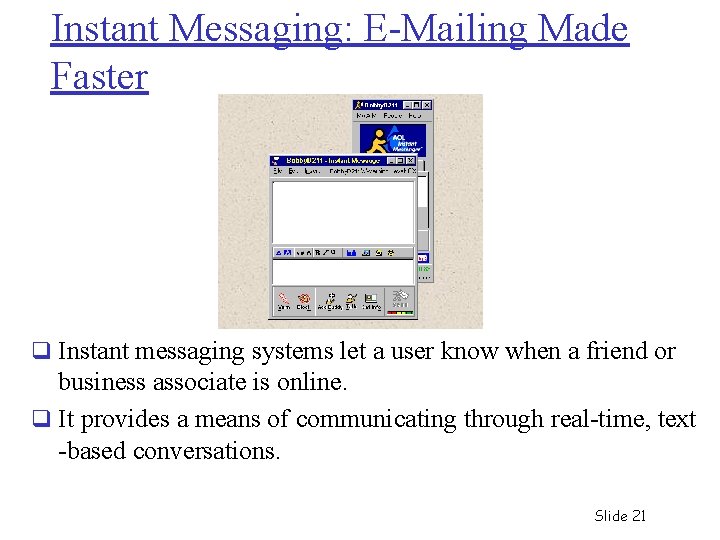
Instant Messaging: E-Mailing Made Faster q Instant messaging systems let a user know when a friend or business associate is online. q It provides a means of communicating through real-time, text -based conversations. Slide 21
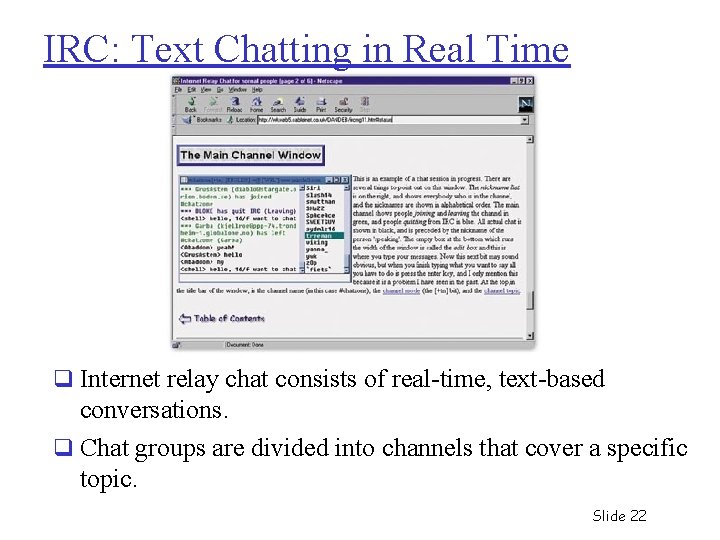
IRC: Text Chatting in Real Time q Internet relay chat consists of real-time, text-based conversations. q Chat groups are divided into channels that cover a specific topic. Slide 22
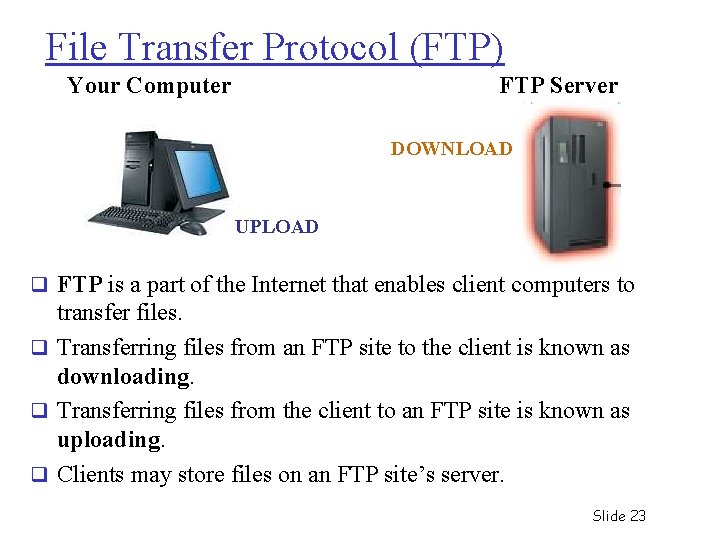
File Transfer Protocol (FTP) Your Computer FTP Server DOWNLOAD UPLOAD q FTP is a part of the Internet that enables client computers to transfer files. q Transferring files from an FTP site to the client is known as downloading. q Transferring files from the client to an FTP site is known as uploading. q Clients may store files on an FTP site’s server. Slide 23
Network: “. . . communication system for connecting endsystems” End-systems a. k. a. “hosts” 1. PCs, workstations 2. Dedicated computers 3. Network components 24
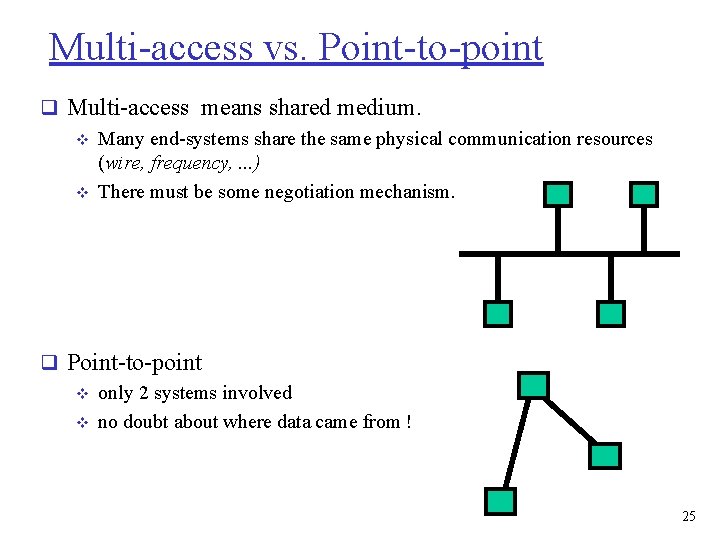
Multi-access vs. Point-to-point q Multi-access means shared medium. v Many end-systems share the same physical communication resources (wire, frequency, . . . ) v There must be some negotiation mechanism. q Point-to-point v only 2 systems involved v no doubt about where data came from ! 25
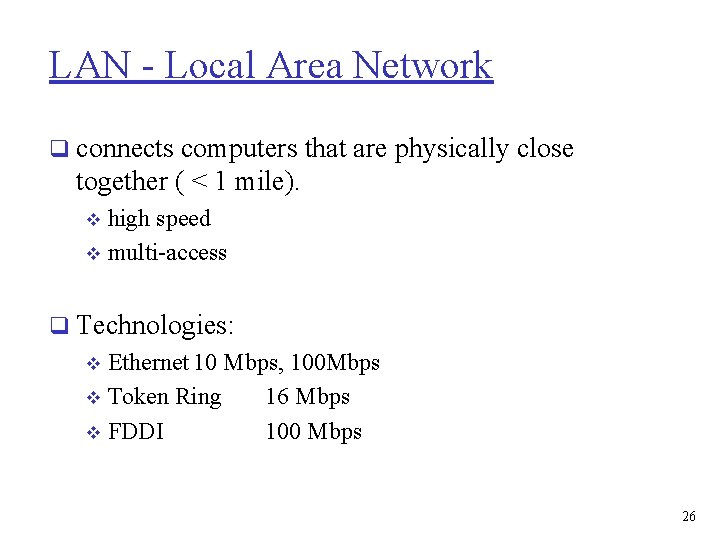
LAN - Local Area Network q connects computers that are physically close together ( < 1 mile). high speed v multi-access v q Technologies: v Ethernet 10 Mbps, 100 Mbps v Token Ring 16 Mbps v FDDI 100 Mbps 26
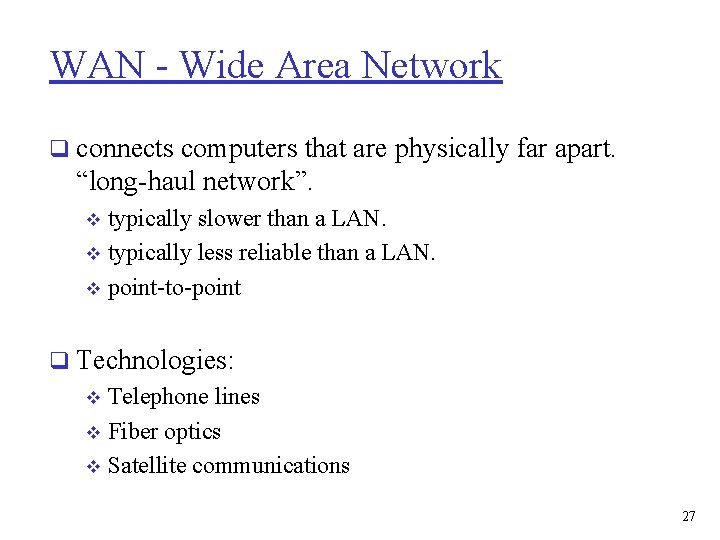
WAN - Wide Area Network q connects computers that are physically far apart. “long-haul network”. typically slower than a LAN. v typically less reliable than a LAN. v point-to-point v q Technologies: v Telephone lines v Fiber optics v Satellite communications 27
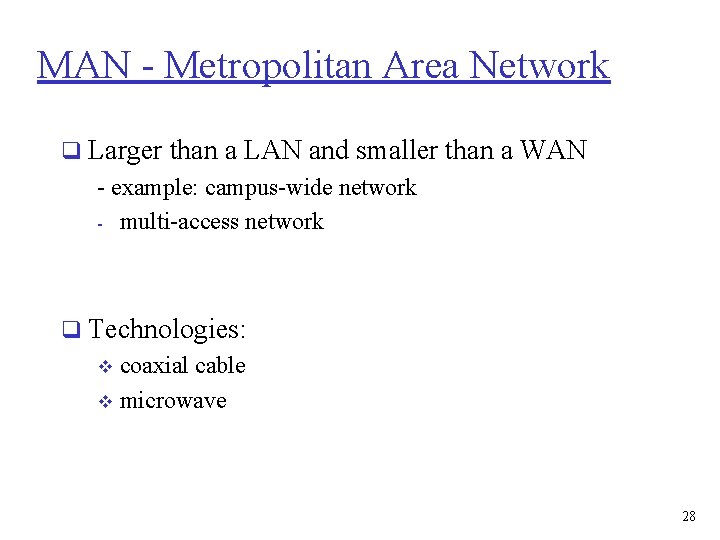
MAN - Metropolitan Area Network q Larger than a LAN and smaller than a WAN - example: campus-wide network - multi-access network q Technologies: v coaxial cable v microwave 28
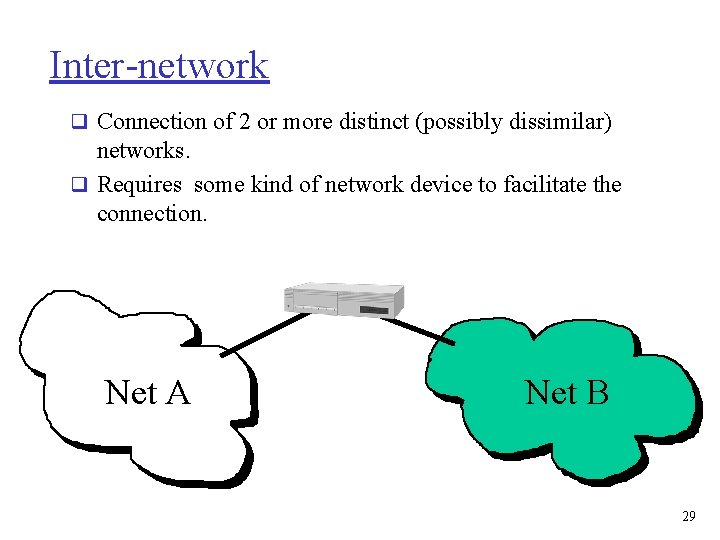
Inter-network q Connection of 2 or more distinct (possibly dissimilar) networks. q Requires some kind of network device to facilitate the connection. Net A Net B 29
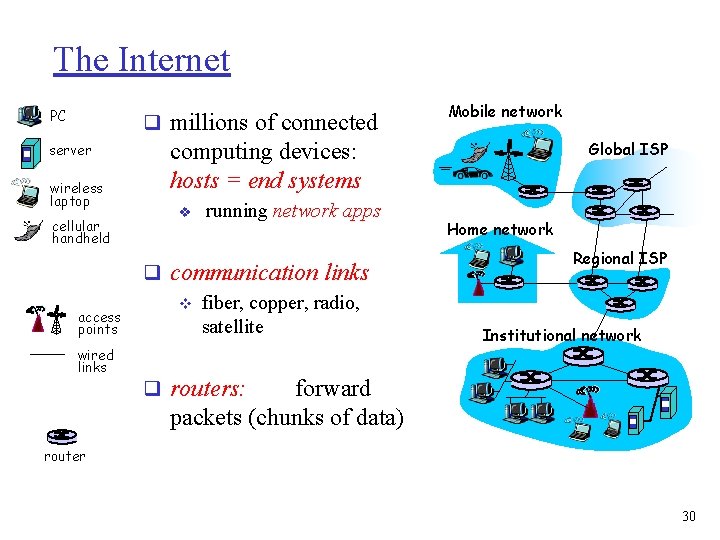
The Internet PC q millions of connected server wireless laptop cellular handheld access points wired links Mobile network computing devices: hosts = end systems v running network apps q communication links v fiber, copper, radio, satellite Global ISP Home network Regional ISP Institutional network q routers: forward packets (chunks of data) router 30
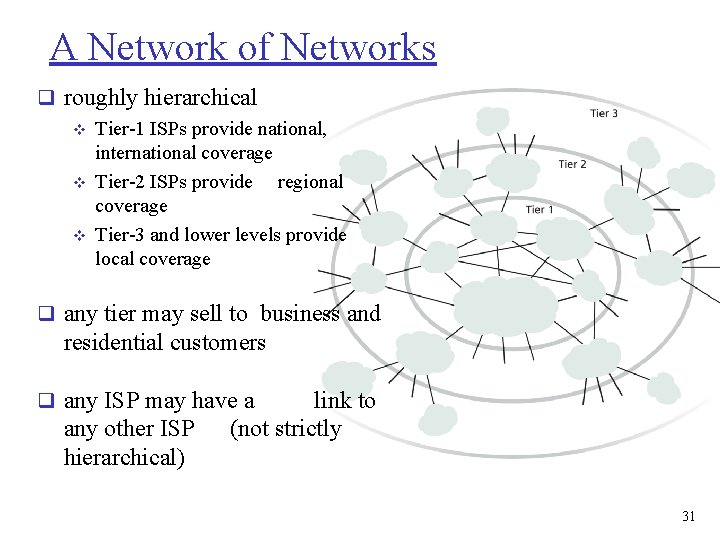
A Network of Networks q roughly hierarchical v Tier-1 ISPs provide national, international coverage v Tier-2 ISPs provide regional coverage v Tier-3 and lower levels provide local coverage q any tier may sell to business and residential customers q any ISP may have a any other ISP hierarchical) link to (not strictly 31
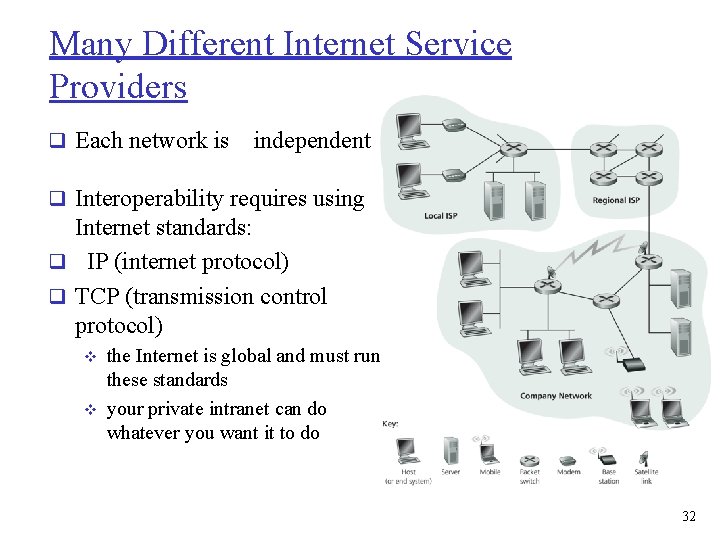
Many Different Internet Service Providers q Each network is independent q Interoperability requires using Internet standards: q IP (internet protocol) q TCP (transmission control protocol) v v the Internet is global and must run these standards your private intranet can do whatever you want it to do 32
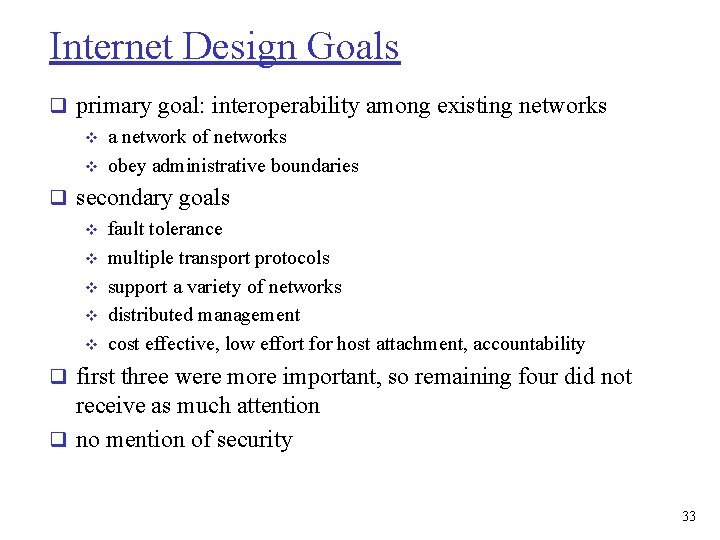
Internet Design Goals q primary goal: interoperability among existing networks v a network of networks v obey administrative boundaries q secondary goals v fault tolerance v multiple transport protocols v support a variety of networks v distributed management v cost effective, low effort for host attachment, accountability q first three were more important, so remaining four did not receive as much attention q no mention of security 33
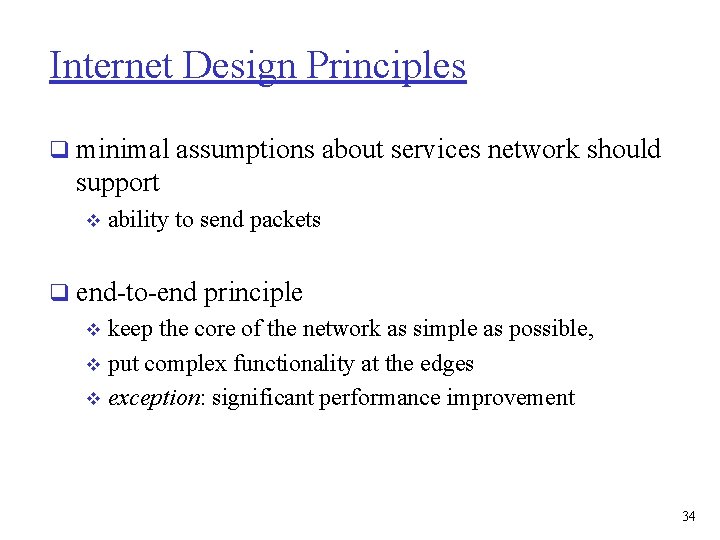
Internet Design Principles q minimal assumptions about services network should support v ability to send packets q end-to-end principle v keep the core of the network as simple as possible, v put complex functionality at the edges v exception: significant performance improvement 34
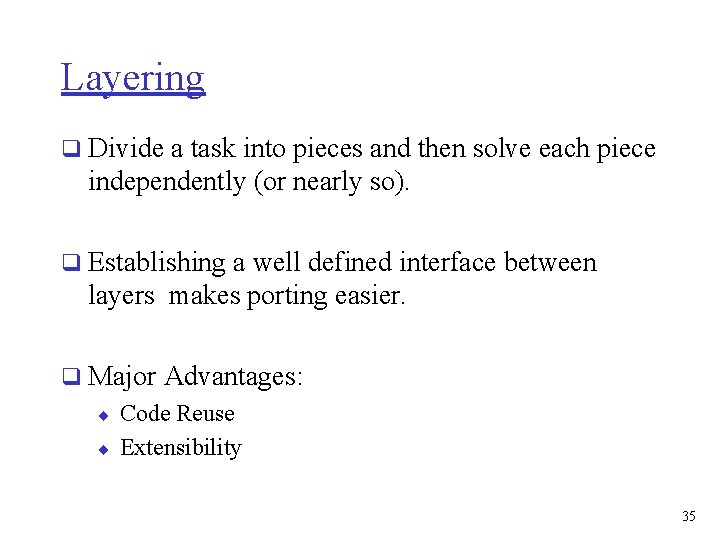
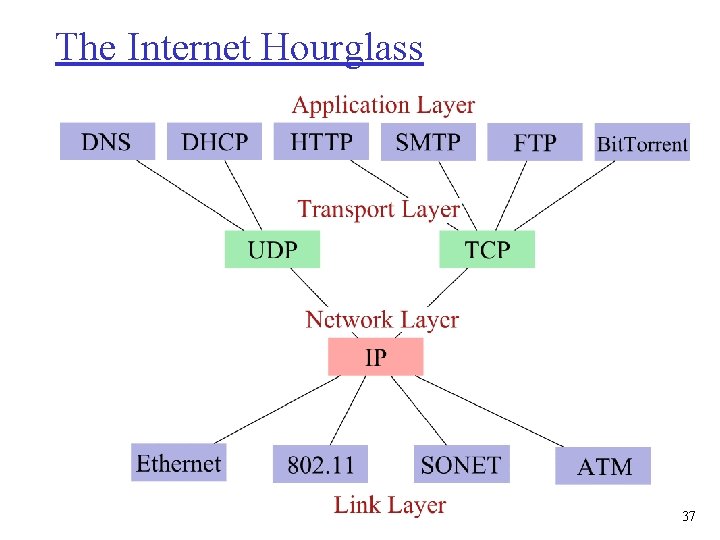
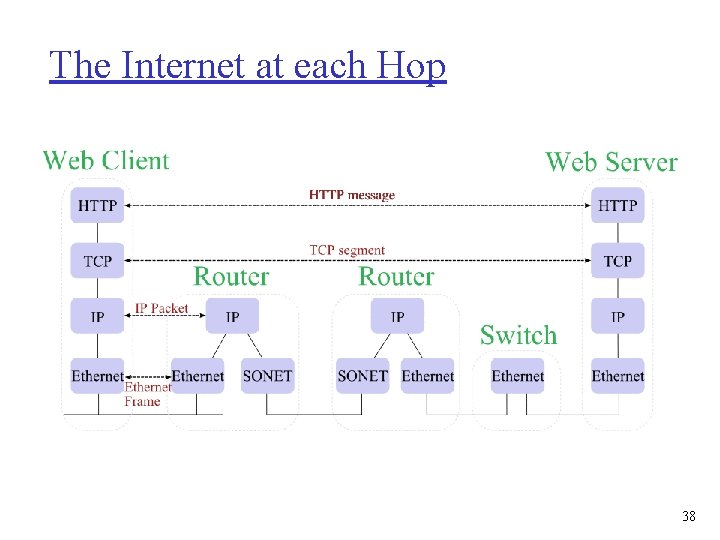
Layering q Divide a task into pieces and then solve each piece independently (or nearly so). q Establishing a well defined interface between layers makes porting easier. q Major Advantages: ¨ Code Reuse ¨ Extensibility 35
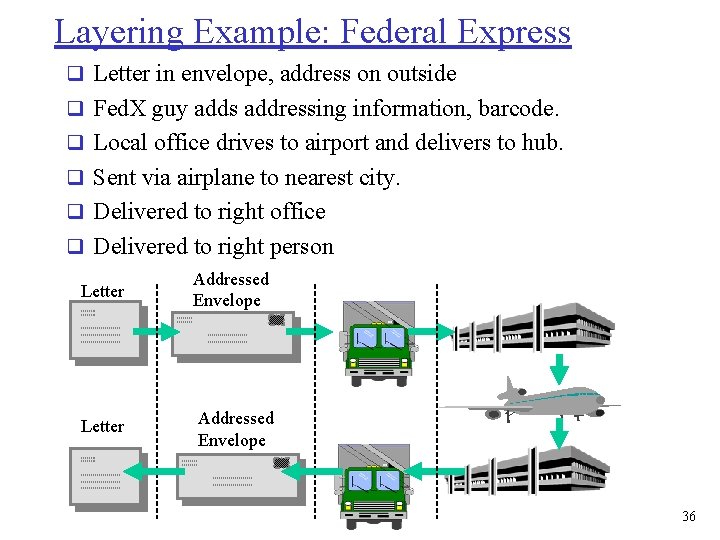
Layering Example: Federal Express q Letter in envelope, address on outside q Fed. X guy adds addressing information, barcode. q Local office drives to airport and delivers to hub. q Sent via airplane to nearest city. q Delivered to right office q Delivered to right person Letter Addressed Envelope 36
The Internet Hourglass 37
The Internet at each Hop 38
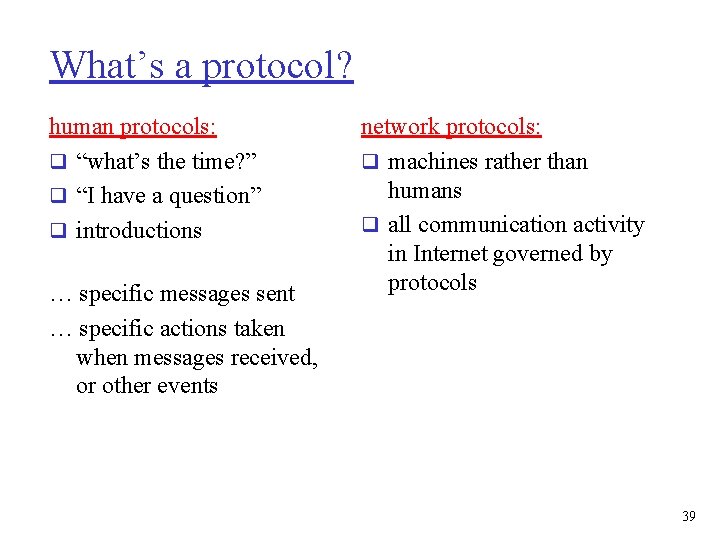
What’s a protocol? human protocols: q “what’s the time? ” q “I have a question” q introductions … specific messages sent … specific actions taken when messages received, or other events network protocols: q machines rather than humans q all communication activity in Internet governed by protocols 39
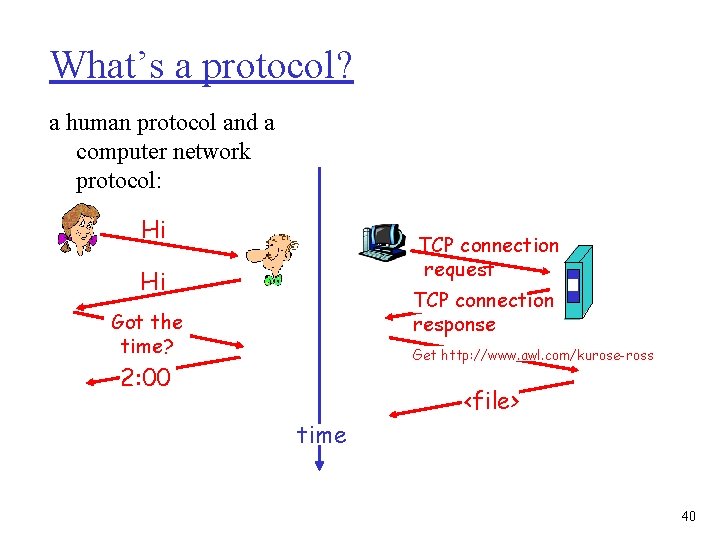
What’s a protocol? a human protocol and a computer network protocol: Hi TCP connection request Hi TCP connection response Got the time? Get http: //www. awl. com/kurose-ross 2: 00 <file> time 40
Protocol q An agreed upon rule for communication. v both endpoints need to understand the protocol. q Protocols must be formally defined and clear! q Protocols define v format, v order of messages sent and received among network entities, v actions taken on messages transmission, receipt 41
Client - Server q A server is a process - not a machine ! q A server waits for a request from a client. q A client is a process that sends a request to an existing server and (usually) waits for a reply. 42
Programs & Processes q A program is an executable file. q A process or task is an instance of a program that is being executed. q A single program can generate multiple processes. 43
Client - Server Examples q Server returns the time-of-day. q Server returns a document. q Server prints a file for client. q Server does a disk read or write. q Server records a transaction. 44
Servers q Servers are generally more complex (more interesting). q Basic types of servers: ¨ Iterative - server handles one client at a time. ¨ Concurrent - server handles many clients at a time. 45