
Lecture Digital Video With a Primer on CODECs


- Slides: 45
Lecture Digital Video ! With a Primer on CODECs
• The Very First Videos (Movies) made in the U. S. • Circa 1895 • https: //www. youtube. com/watch? v=QRgym. D_CO 8 k
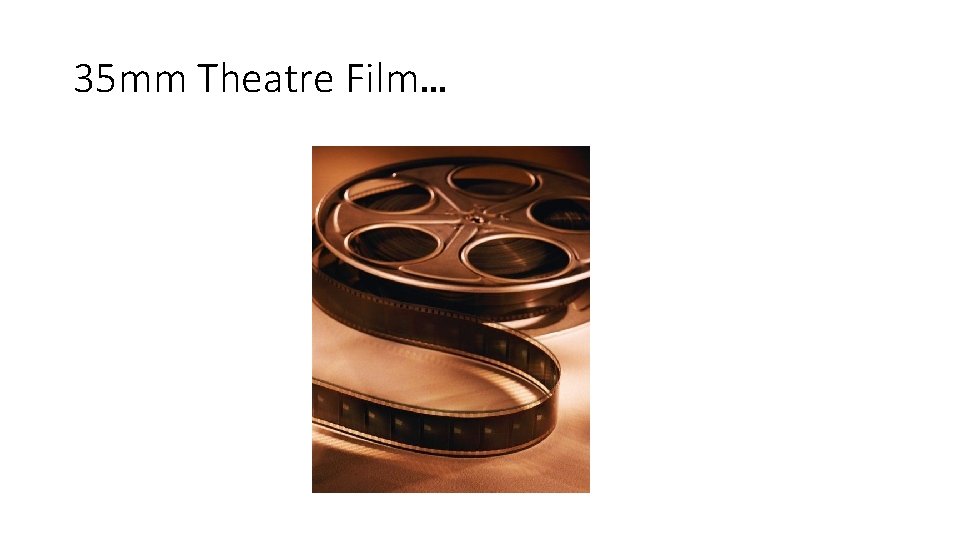
35 mm Theatre Film…
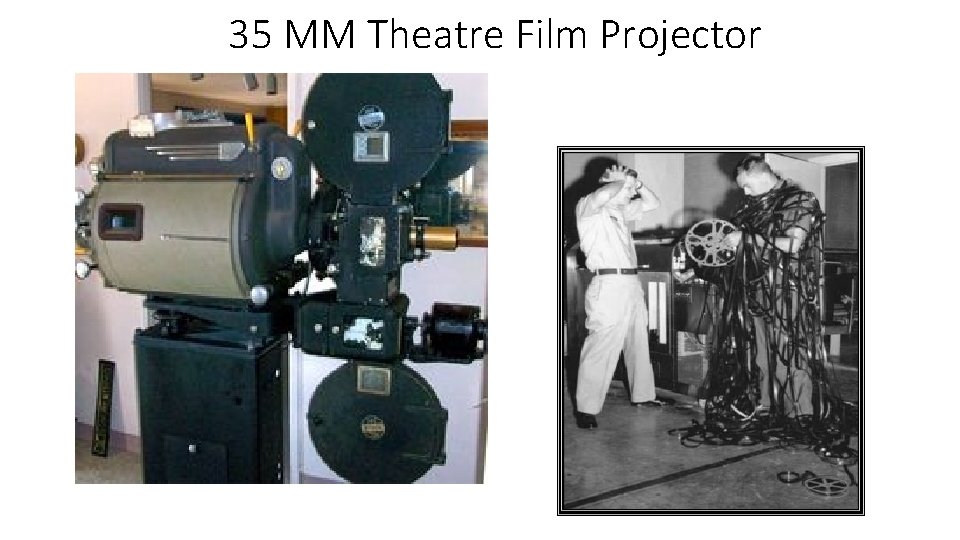
35 MM Theatre Film Projector
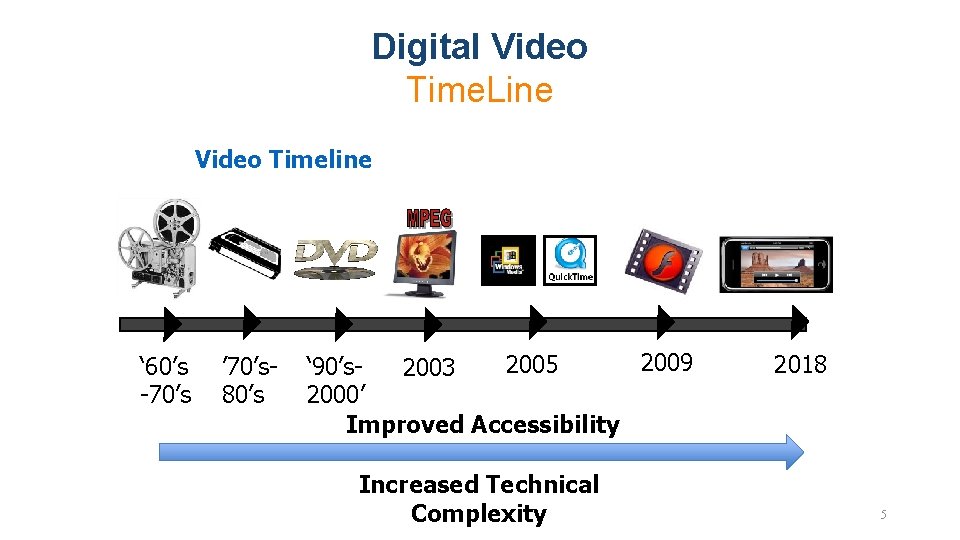
Digital Video Time. Line Video Timeline ‘ 60’s -70’s ’ 70’s 80’s 2009 2005 ‘ 90’s 2003 2000’ Improved Accessibility Increased Technical Complexity 2018 5
Film vs. Video • Film captures motion at 24 frames (Images) per second • Video typically operates at 30 frames per second • Video inherits many of its characteristics from broadcast television, developed in the 1930’s – 40’s
Video Starts off as Analog Information • Just as in Imaging, the original information contained in video is analog by nature • Intensity • Color • Speed / Motion (30 Frames per Second) • Digital technology allows us to convert it to bits, store it and manipulate it much easier than its analog counterpart
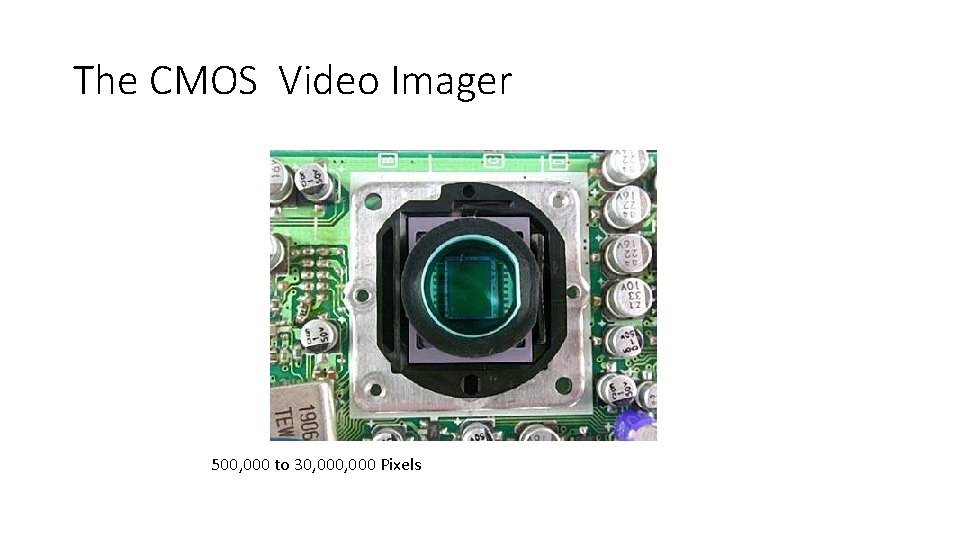
The CMOS Video Imager CCD 500, 000 to 30, 000 Pixels
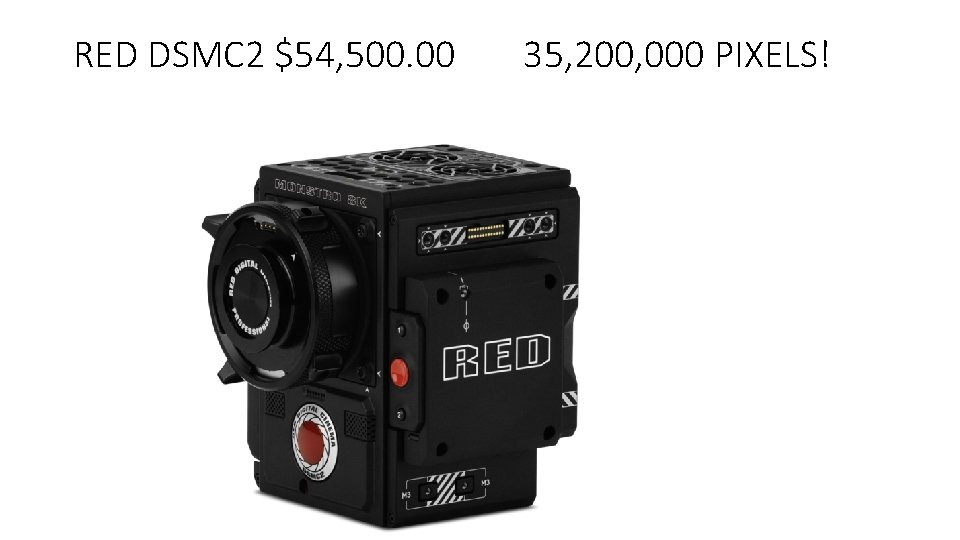
RED DSMC 2 $54, 500. 00 35, 200, 000 PIXELS!
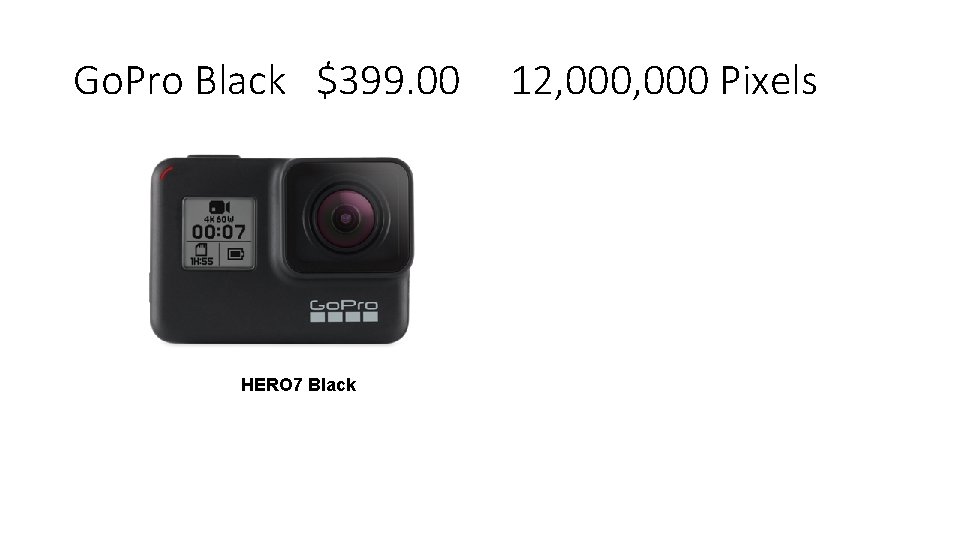
Go. Pro Black $399. 00 HERO 7 Black 12, 000 Pixels
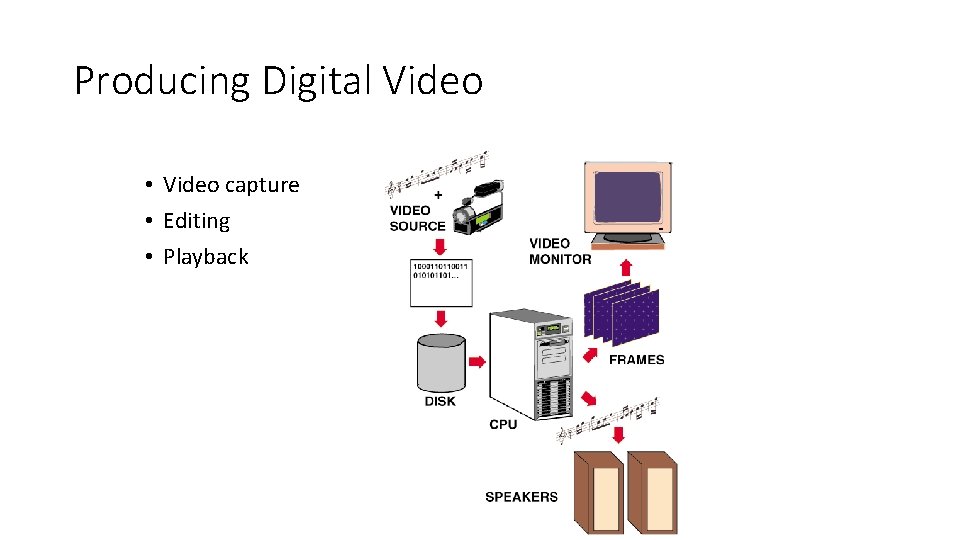
Producing Digital Video • Video capture • Editing • Playback
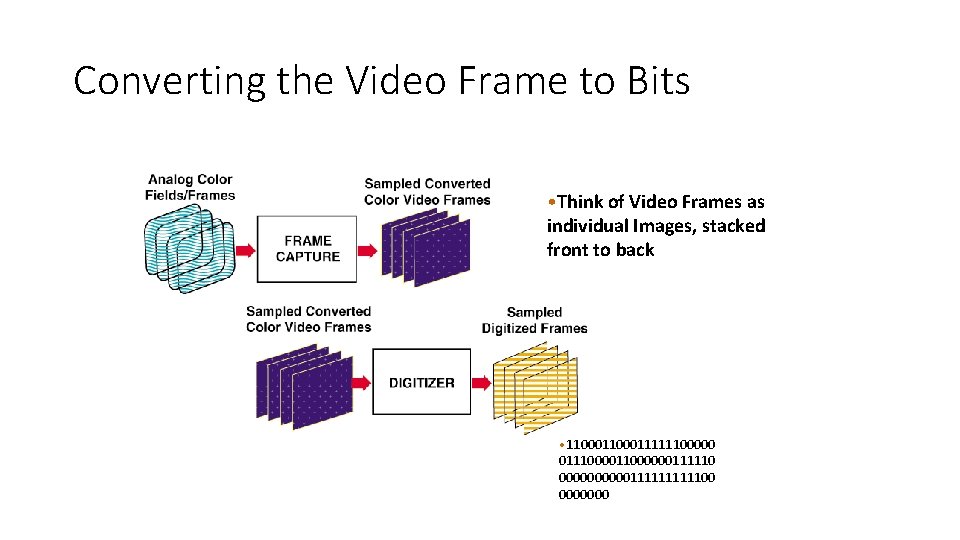
Converting the Video Frame to Bits • Think of Video Frames as individual Images, stacked front to back • 1100011111100000 01110000001111100 0000000
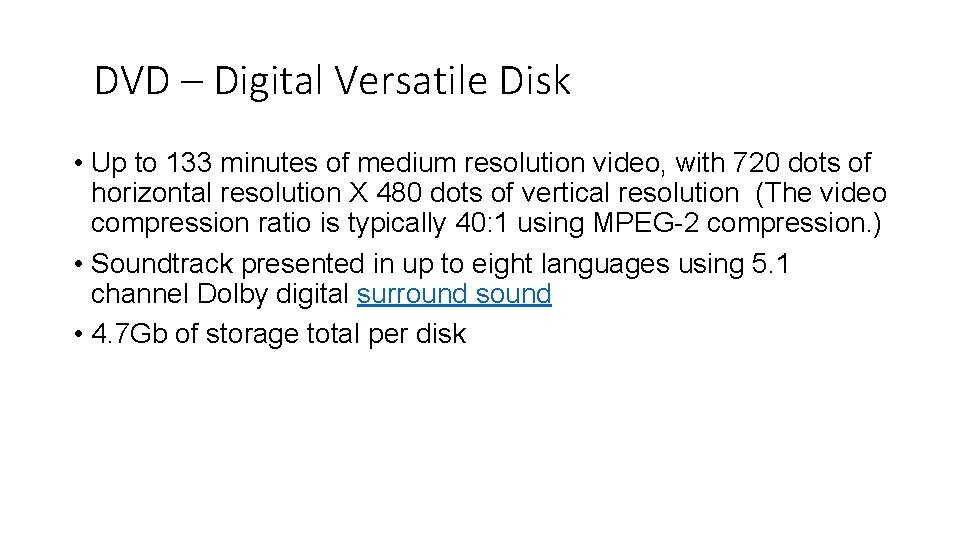
DVD – Digital Versatile Disk • Up to 133 minutes of medium resolution video, with 720 dots of horizontal resolution X 480 dots of vertical resolution (The video compression ratio is typically 40: 1 using MPEG-2 compression. ) • Soundtrack presented in up to eight languages using 5. 1 channel Dolby digital surround sound • 4. 7 Gb of storage total per disk
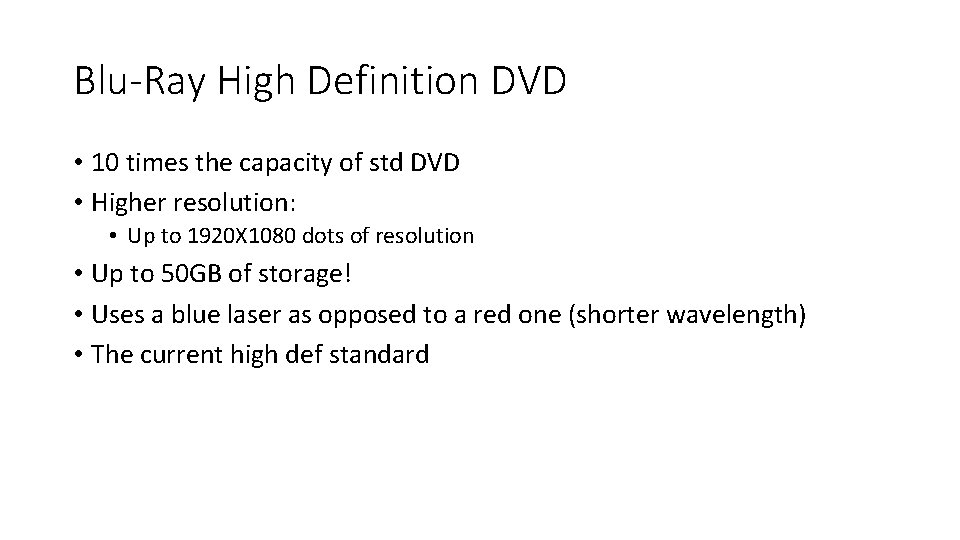
Blu-Ray High Definition DVD • 10 times the capacity of std DVD • Higher resolution: • Up to 1920 X 1080 dots of resolution • Up to 50 GB of storage! • Uses a blue laser as opposed to a red one (shorter wavelength) • The current high def standard
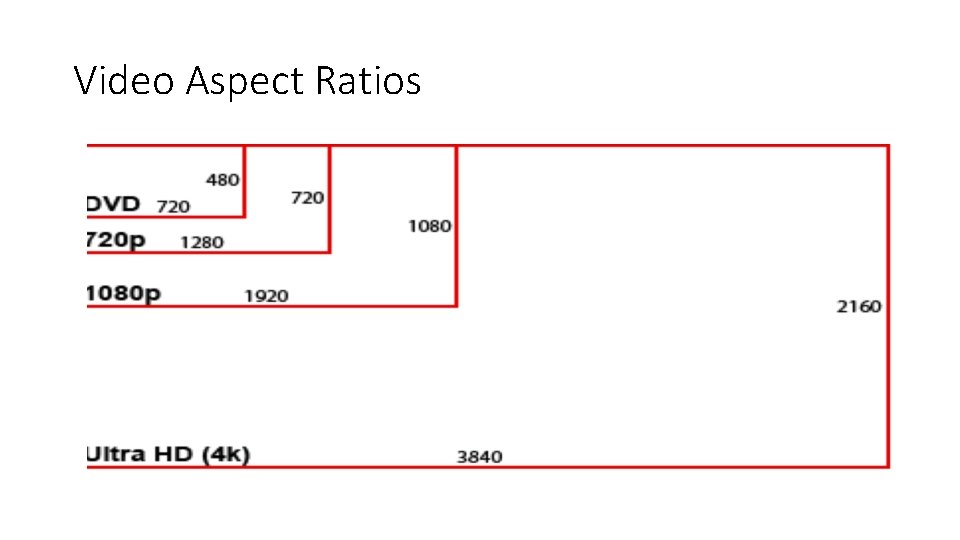
Video Aspect Ratios
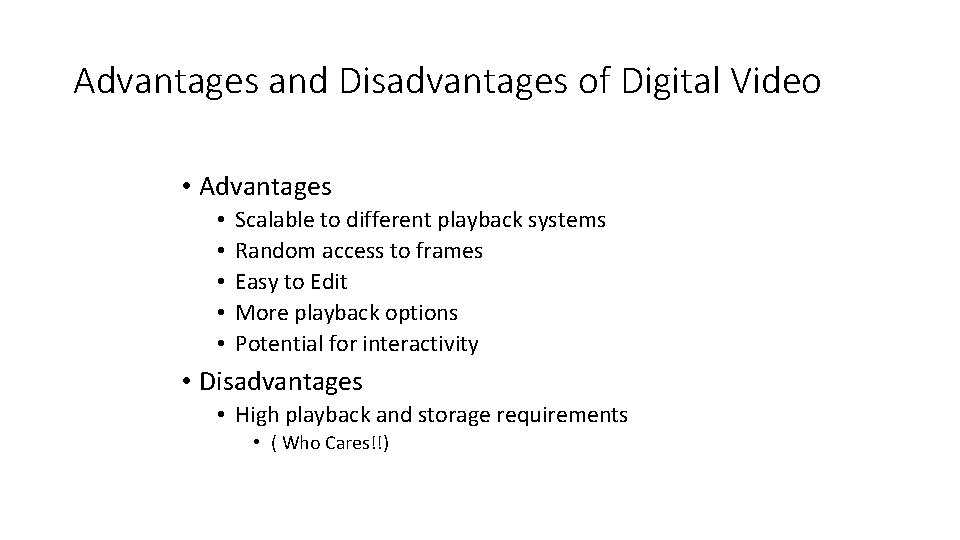
Advantages and Disadvantages of Digital Video • Advantages • • • Scalable to different playback systems Random access to frames Easy to Edit More playback options Potential for interactivity • Disadvantages • High playback and storage requirements • ( Who Cares!!)
Video Resolution • Standard definition video was typically delivered at 440 X 320 or 720 X 480 depending upon whether it was broadcast, stored on VHS videotape or standard DVD • High definition video is delivered at: 1280 × 720 pixels, Or 1920 × 1080 pixels, Or 3840 x 2160 pixels 3 -5 fold increase in pixel resolution…lot’s more data… How is it possible that we can afford to transmit this over cable, satellite and over the air given this drastic increase in resolution
But, there is soooo much data! • If we didn’t have a way to efficiently compress all of the information in the video frames, we would quickly run out of cost effective storage capacity for consumer applications. • Thus the need for Compression/Decompression
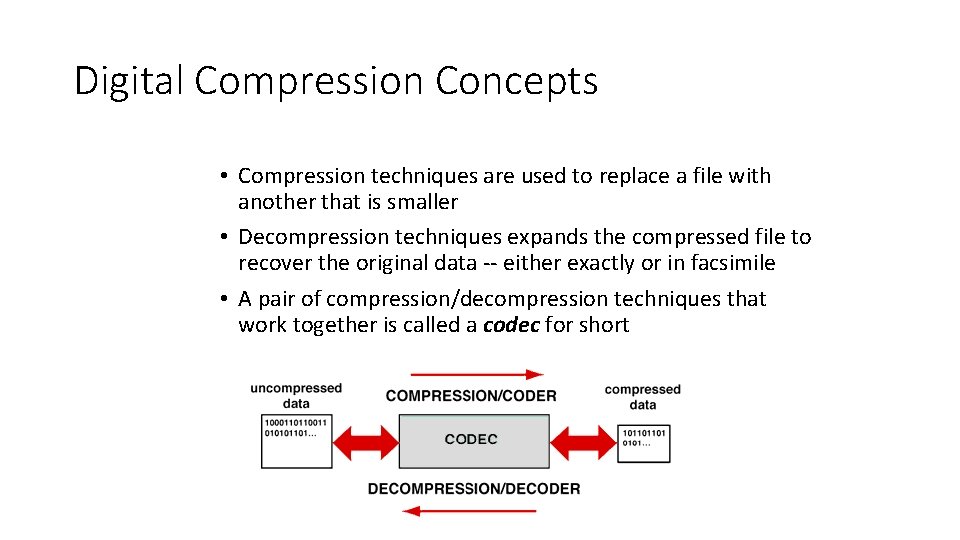
Digital Compression Concepts • Compression techniques are used to replace a file with another that is smaller • Decompression techniques expands the compressed file to recover the original data -- either exactly or in facsimile • A pair of compression/decompression techniques that work together is called a codec for short
Redundancy • Data compression is possible because many messages (images, etc. ) are redundant, and they can theoretically be reconstructed from a smaller set of bits.
Types of Data Compression We can divide up data-compression techniques in many different ways: • Lossy as opposed to lossless compression • Syntactic as opposed to semantic compression.
Assumptions • One way to look at data compression techniques is to ask what fact about the world they assume. • Syntactic techniques make very broad assumptions, semantic techniques can depend on very specific ones.
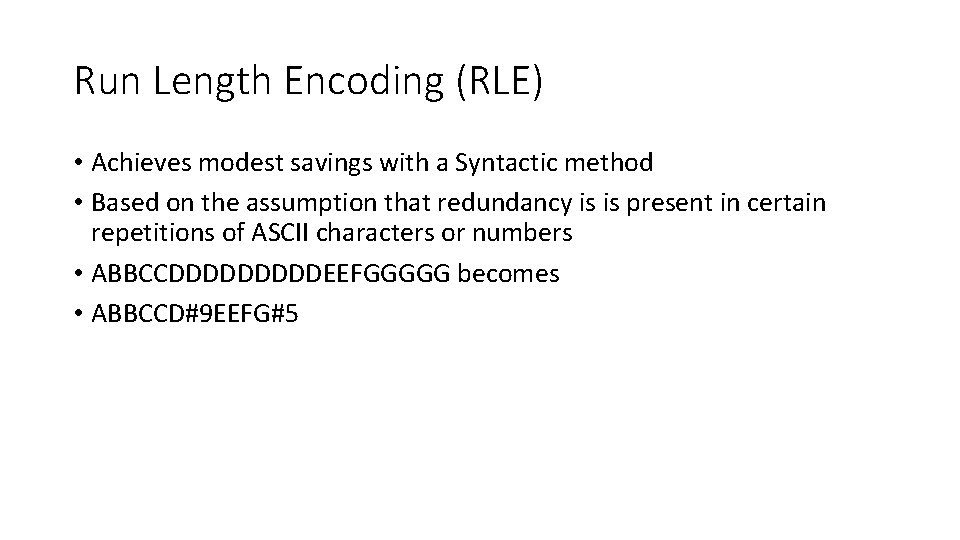
Run Length Encoding (RLE) • Achieves modest savings with a Syntactic method • Based on the assumption that redundancy is is present in certain repetitions of ASCII characters or numbers • ABBCCDDDDDEEFGGGGG becomes • ABBCCD#9 EEFG#5
Image Compression • The basic assumption of image compression is that pixel intensity values do not change much between neighboring pixels. • So record, say, the center pixel, and work out in a spiral. For each new pixel, just record the difference between it and the previous one.
JPEG • JPEG is set of lossy image compression standards. • JPEG combines a lossy scheme much like the one we just described, and then further compresses the data using a lossless scheme. If we have a long string of 0’s (no change) this could be represented by a pointer back to a previous such string or the use of Run Length Encoding • JPEG results in some loss of detail due to averaging as well as slight discoloration
Video Compression: Coping with Large Files • Video Compression is an encoding process that filters the original file in several successive stages • Without powerful compression we would NOT be able to produce CDs, DVDs, or Video Downloads over the Internet
Types of Codecs • Codecs that upon decompression always reproduce the original file exactly are called lossless codecs • Codecs that reproduce only an approximation of the original file upon decompression are called lossy codecs • Codecs that take approximately the same amount of time to compress and decompress a file are referred to as symmetric codecs • By contrast, codecs that feature simple fast decompression but significantly slower compression are called asymmetric codecs
Codec Methods • Syntactic encoding methods attempt to reduce the redundancy of symbolic patterns in a file without any regard to the type of information represented • Semantic methods consider special properties of the type of information represented to reduce nonessential information in a file • Hybrid methods combine both syntactic and semantic methods
Compressing Video • Video compression employs both spatial and temporal compression techniques • spatial techniques compress individual frames • temporal methods compress data in frames over time • Quick. Time and AVI (Audio Video Interleaved) are two popular (and incompatible with each other) compression formats used on PCs
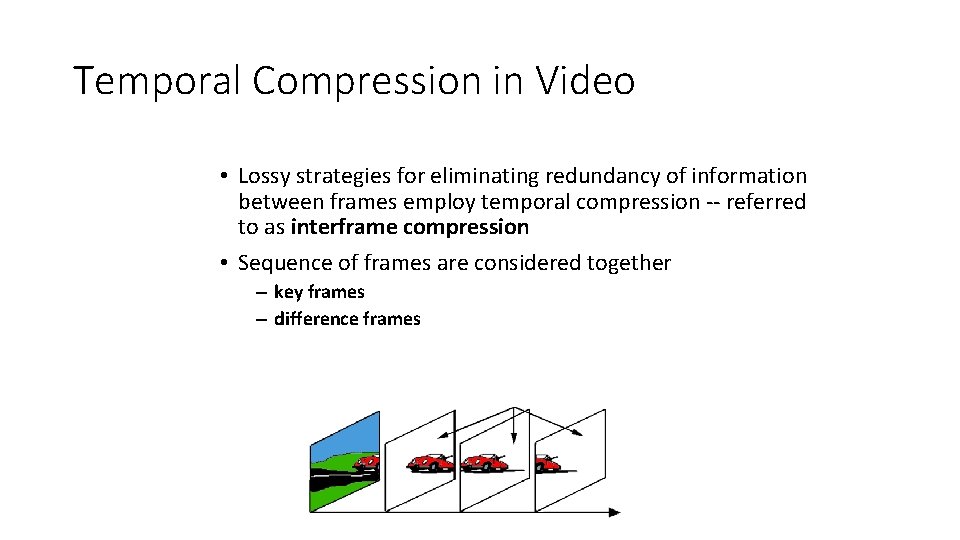
Temporal Compression in Video • Lossy strategies for eliminating redundancy of information between frames employ temporal compression -- referred to as interframe compression • Sequence of frames are considered together – key frames – difference frames
Other Brute Force Methods for Reducing Demands • Frame rate adjustment – slow it from 30 to 24 fps • Lower resolution on individual frames – sometimes hard to notice by average viewer
MPEG 2 - The Mother of all Video Compression!…. so far • Uses : Temporal and Spatial Redundancy • Basically it predicts what subsequent frames of video are going to be based on previous and future frames • It encodes that knowledge such that only one out of 12 frames has a complete set of digital binary information…. the others have a combo of binary and vector information • 40: 1 Compression Ratio…. . makes DVDs possible
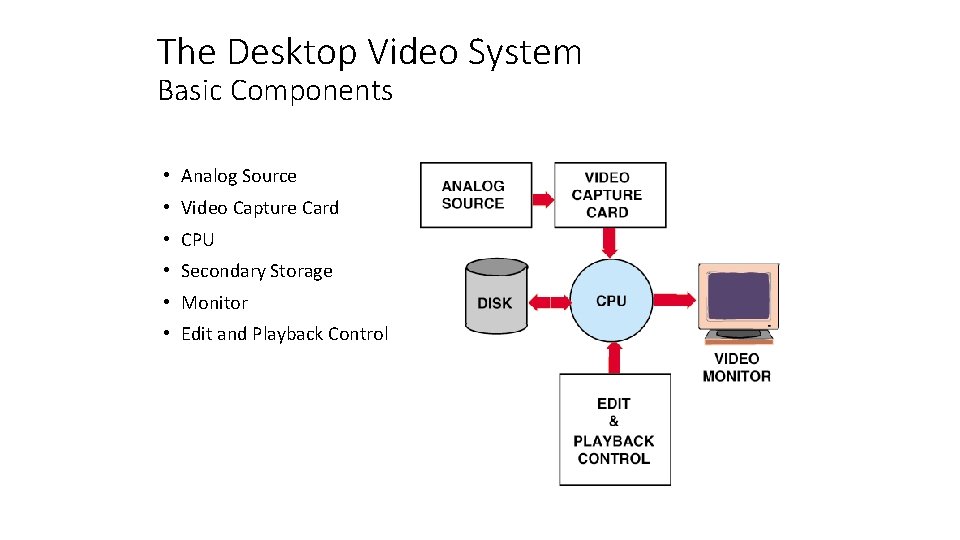
The Desktop Video System Basic Components • Analog Source • Video Capture Card • CPU • Secondary Storage • Monitor • Edit and Playback Control
Editing Digital Video • Clip Logging • Assembling • Transitions • dissolves • wipes, etc. • Rotoscoping • Frame Editing (Digital Effects) • Compositing • keying • titling
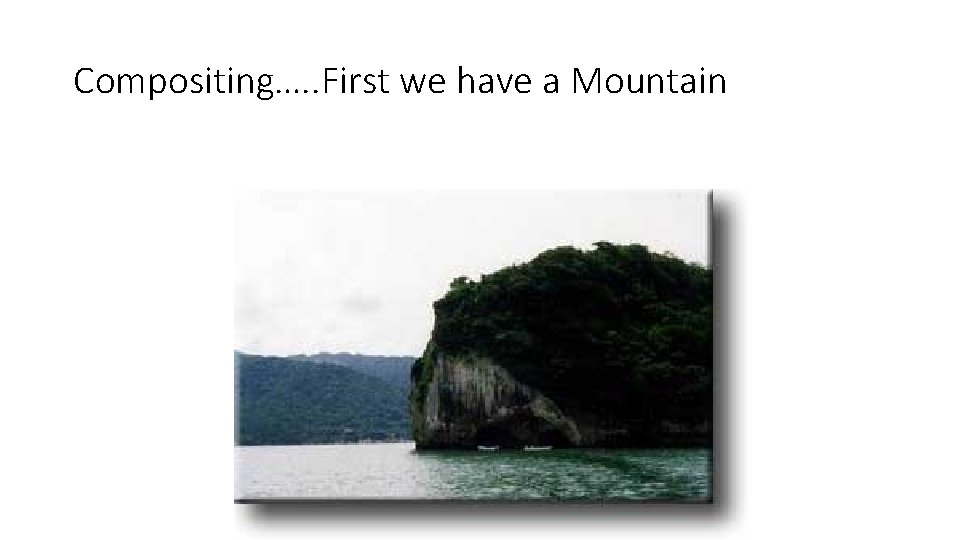
Compositing…. . First we have a Mountain
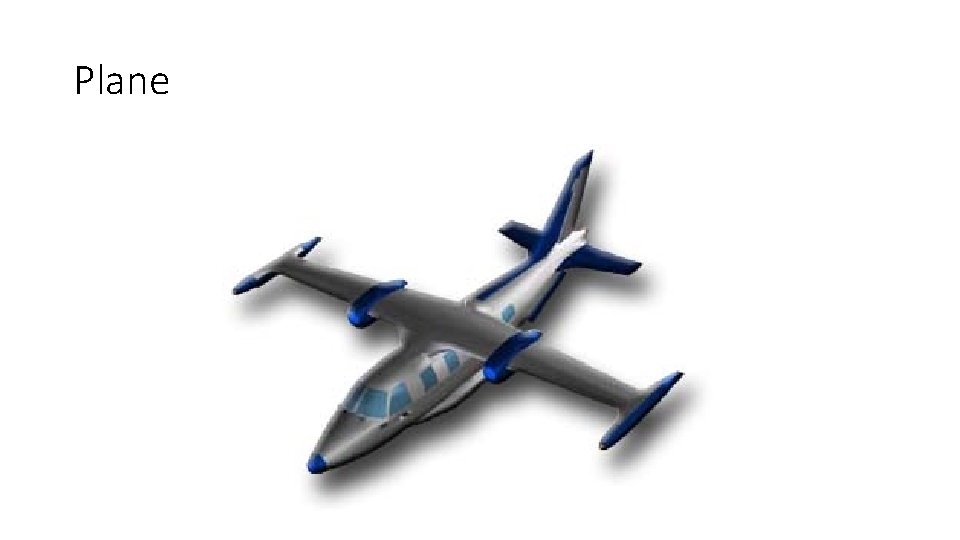
Plane
Mountain and Plane…. . Together !!
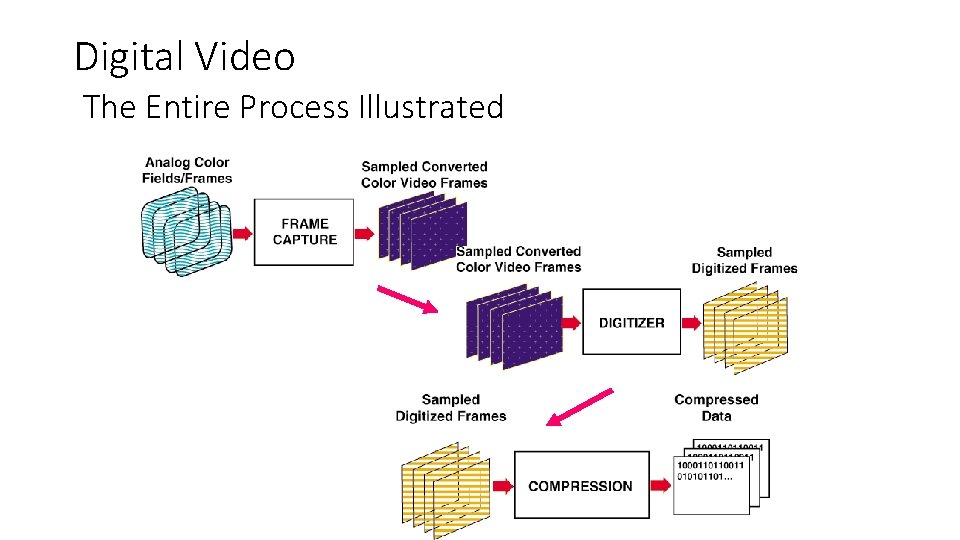
Digital Video The Entire Process Illustrated
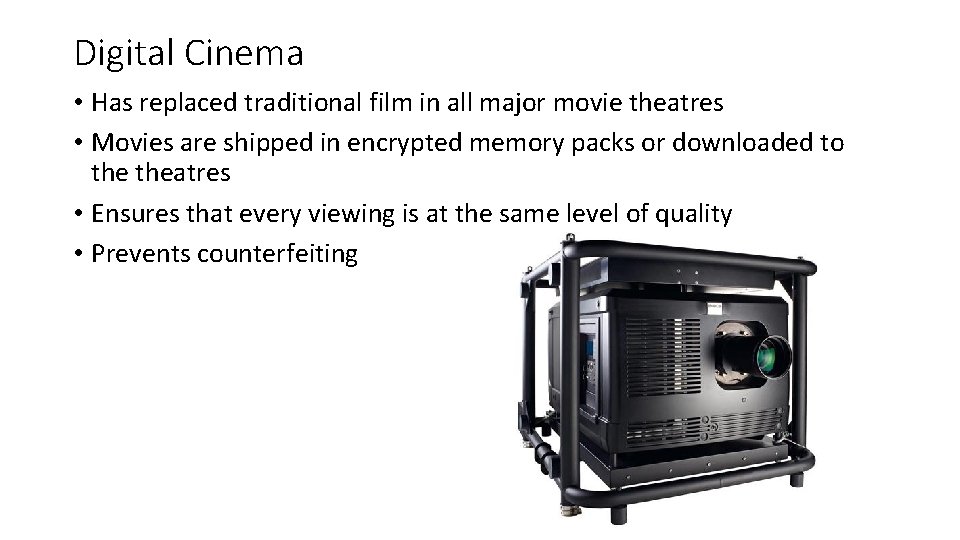
Digital Cinema • Has replaced traditional film in all major movie theatres • Movies are shipped in encrypted memory packs or downloaded to theatres • Ensures that every viewing is at the same level of quality • Prevents counterfeiting
So What does Digital Video make possible? • Anyone can produce, direct, shoot, edit and publish a hi-def video • Portability • Self publishing over the net • Video on Demand – Downloading – Streaming – Purchasing And it gets cheaper every day!
Summary • Digital video is: • scalable • allows unlimited editing • has interactive potential • Digital video can be produced with desktop systems • Flexible editing and playback options are major advantages • Storage requirement is biggest challenge • But, Remember Moore’s Law !!
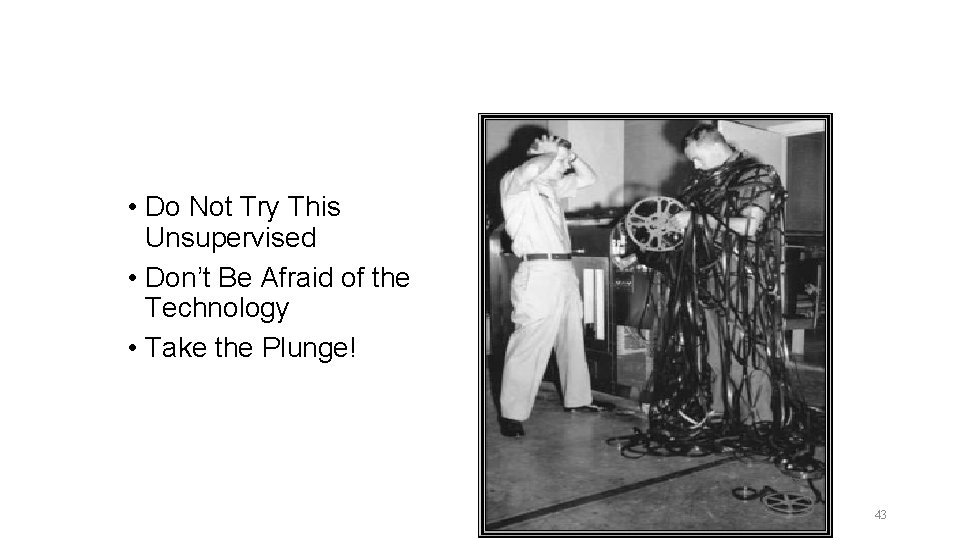
• Do Not Try This Unsupervised • Don’t Be Afraid of the Technology • Take the Plunge! 43
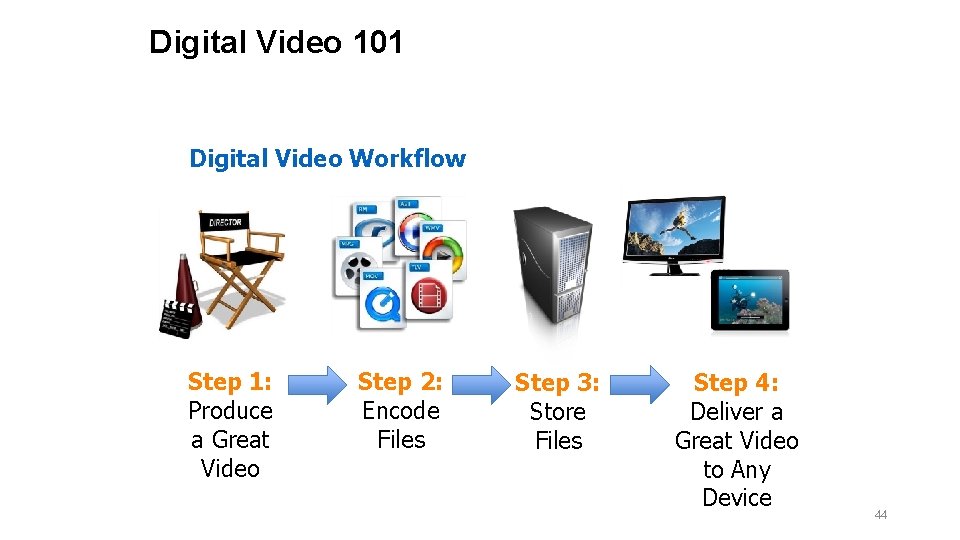
Digital Video 101 Digital Video Workflow Step 1: Produce a Great Video Step 2: Encode Files Step 3: Store Files Step 4: Deliver a Great Video to Any Device 44
Questions? 45