
Lecture 8 Video Editing Principles Short Movie Example
- Slides: 63
Lecture 8 Video Editing Principles – Short Movie Example – Basic Film / Video Editing – Compress Time – Create Illusion of Continuity – Create Illusion of Cause & Effect Storyboarding – Videos | Readings | Resources © Anselm Spoerri
Video Editing Principles ‒ Short Movie Example ‒ Meaning – Basic Film Editing ‒ Compress Time ‒ Create Illusion of Continuity ‒ Create Illusion of Cause & Effect ‒ Parallel Editing ‒ Motivate Cuts © Anselm Spoerri
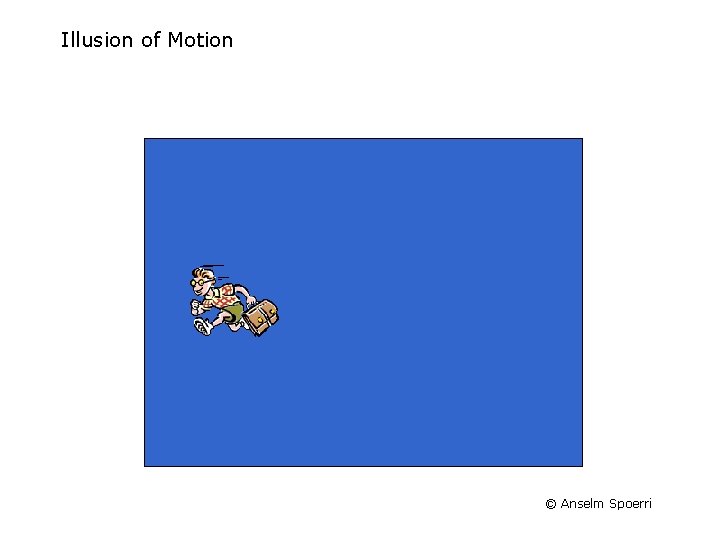
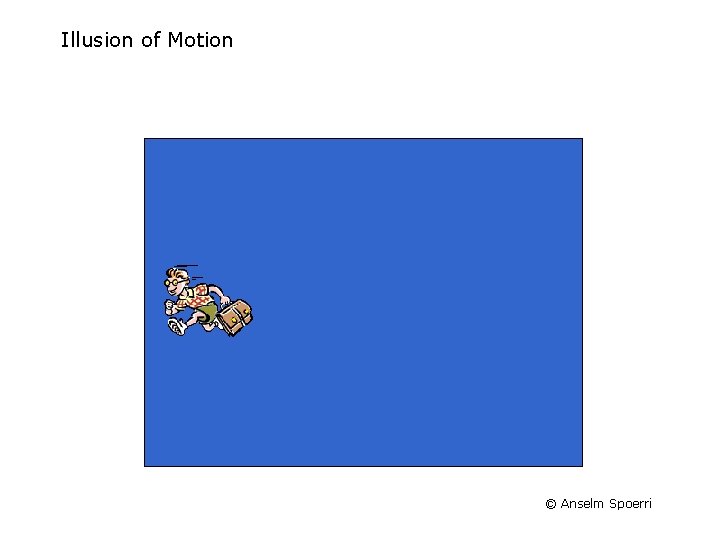
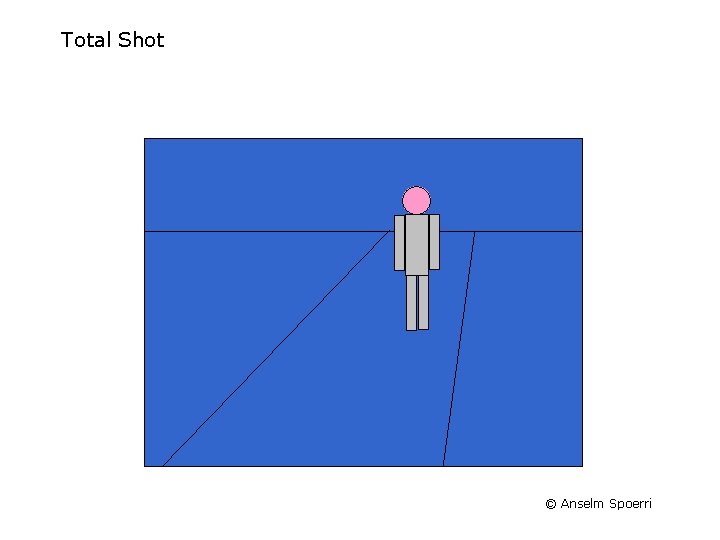
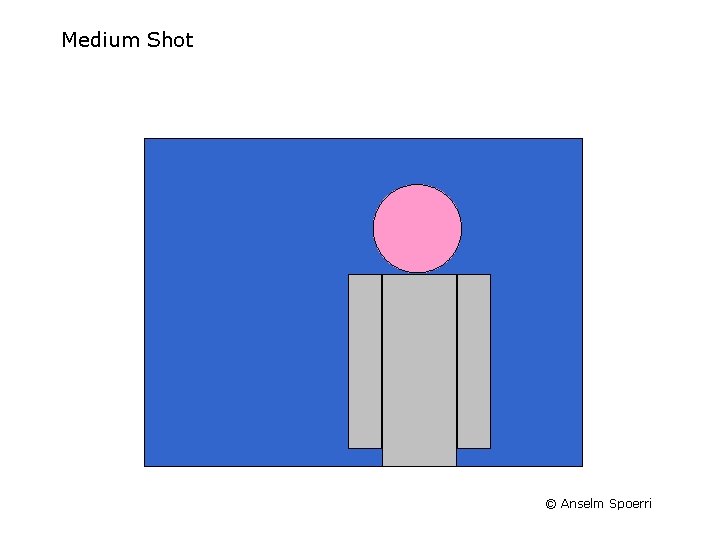
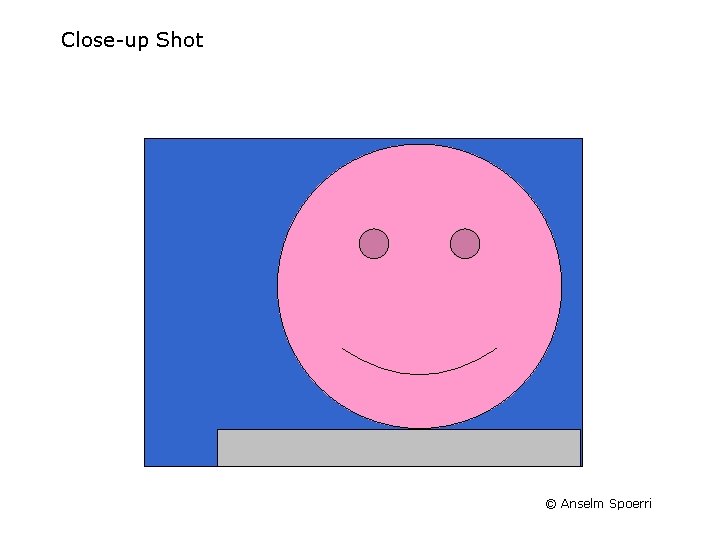
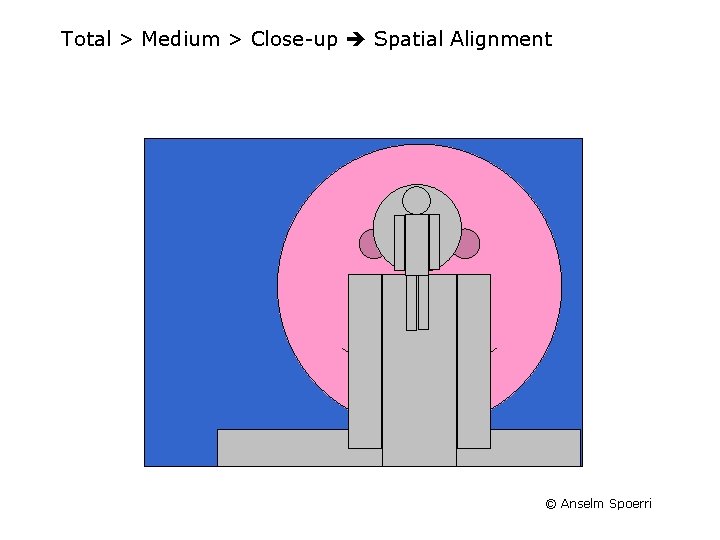
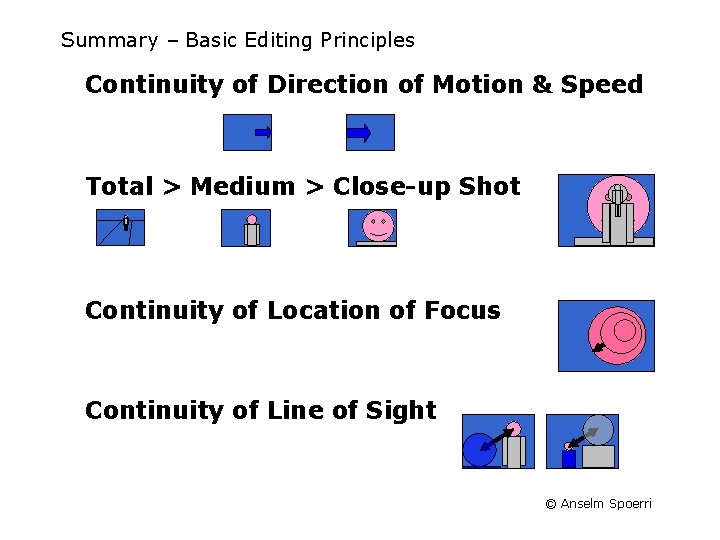
Film Editing – Tools & Devices Illusion of Motion Continuity of Direction of Motion & Speed Total > Medium > Close-up Shot Continuity of Location of Focus Continuity of Line of Sight © Anselm Spoerri
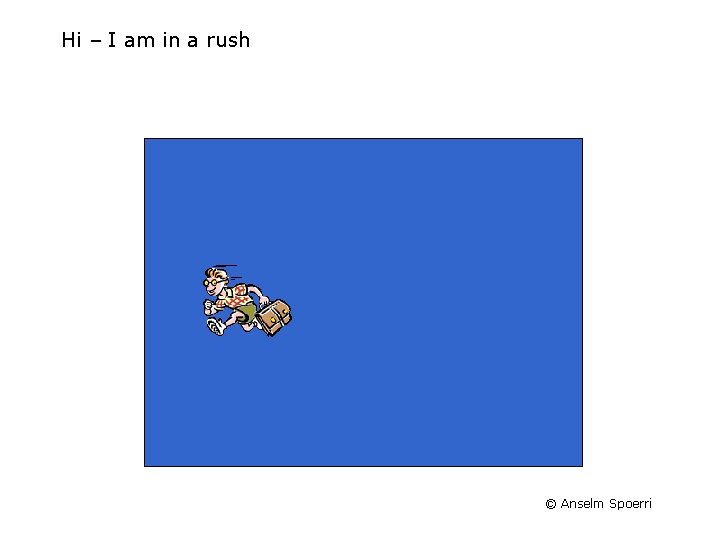
Hi – I am in a rush © Anselm Spoerri
Illusion of Motion © Anselm Spoerri
Illusion of Motion © Anselm Spoerri
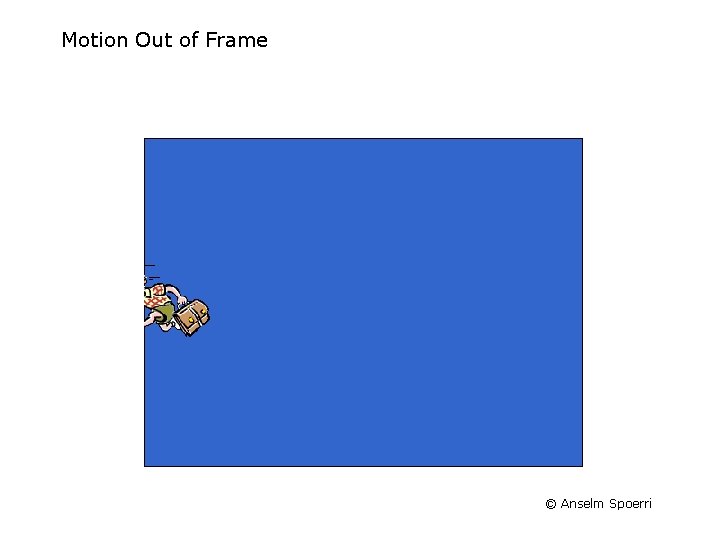
Motion Out of Frame © Anselm Spoerri
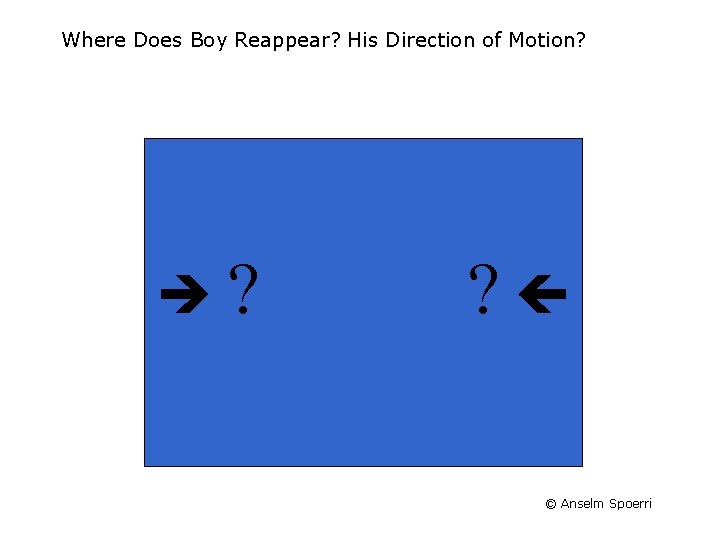
Where Does Boy Reappear? His Direction of Motion? ? ? © Anselm Spoerri
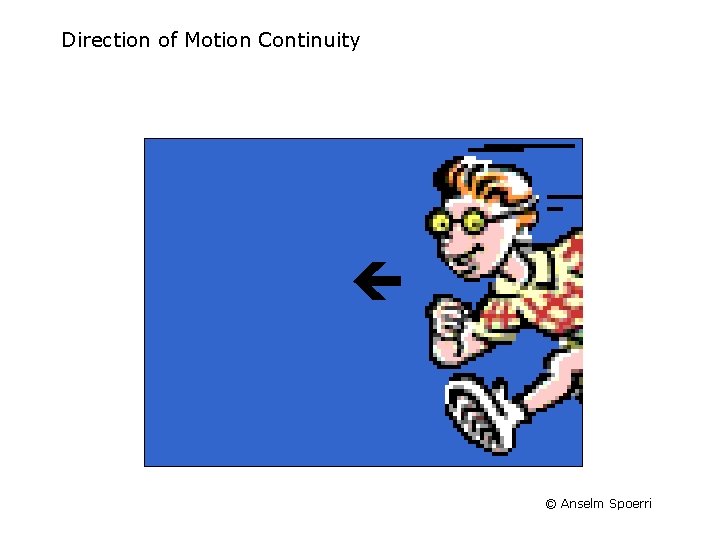
Direction of Motion Continuity © Anselm Spoerri
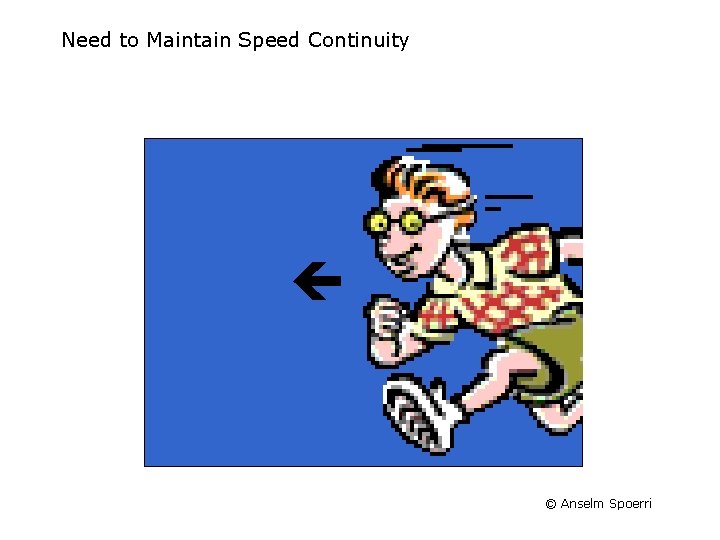
Need to Maintain Speed Continuity © Anselm Spoerri
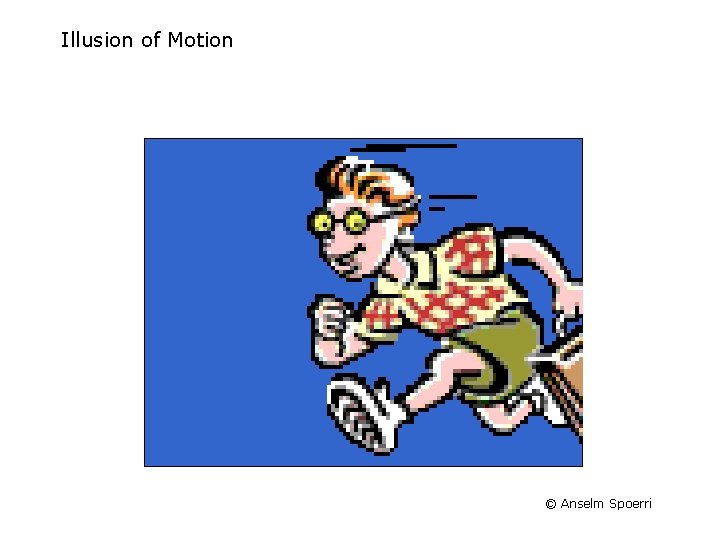
Illusion of Motion © Anselm Spoerri
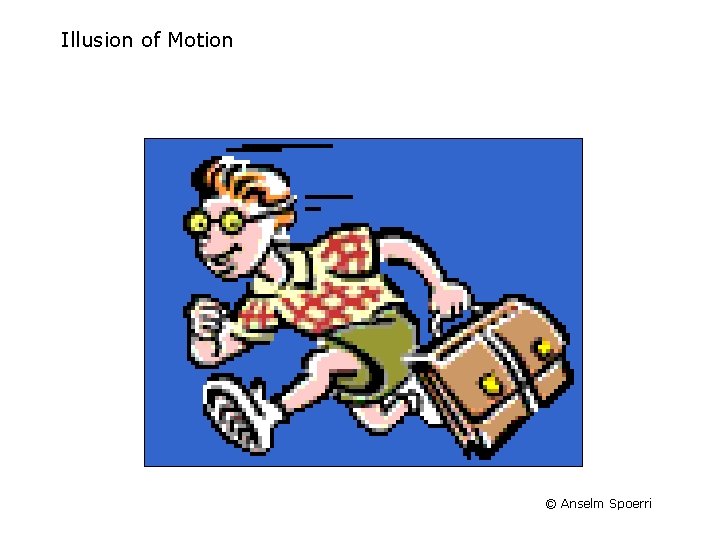
Illusion of Motion © Anselm Spoerri
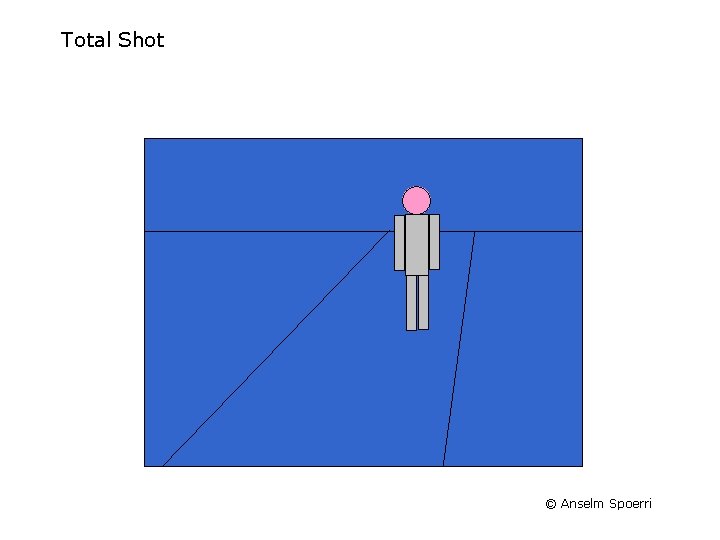
Total Shot © Anselm Spoerri
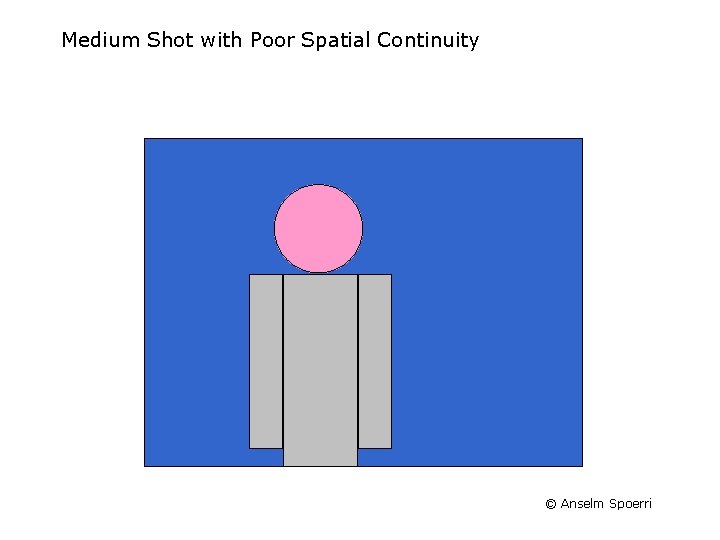
Medium Shot © Anselm Spoerri
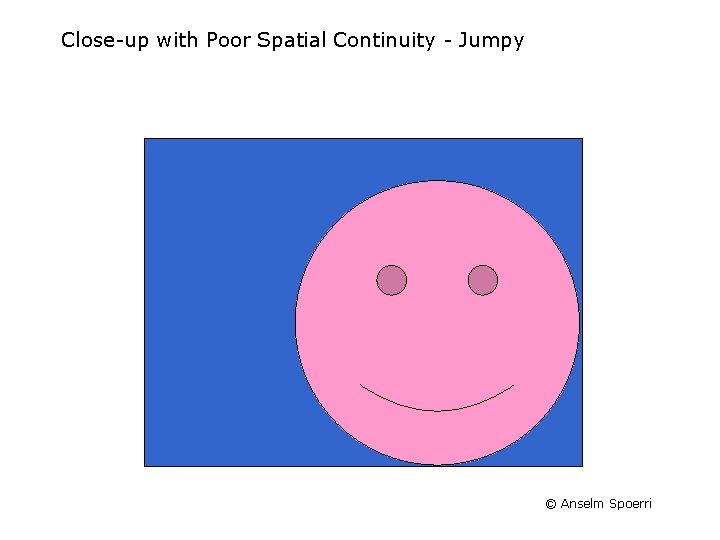
Close-up Shot © Anselm Spoerri
Total > Medium > Close-up Spatial Alignment © Anselm Spoerri
Total Shot © Anselm Spoerri
Medium Shot with Poor Spatial Continuity © Anselm Spoerri
Close-up with Poor Spatial Continuity - Jumpy © Anselm Spoerri
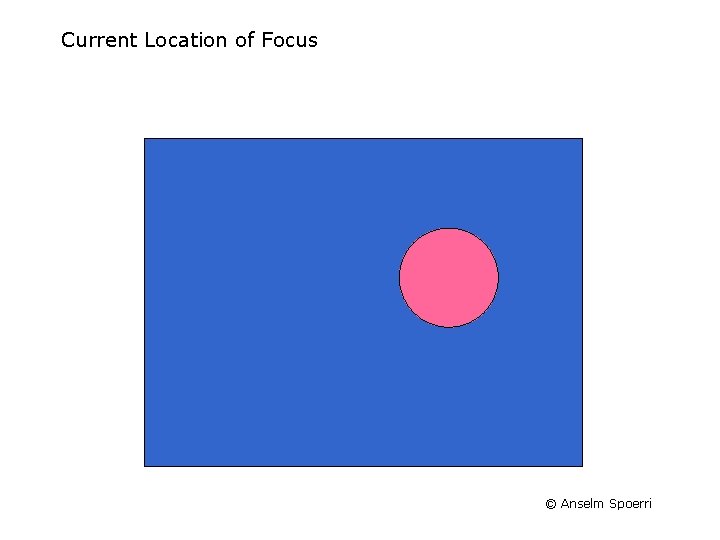
Current Location of Focus © Anselm Spoerri
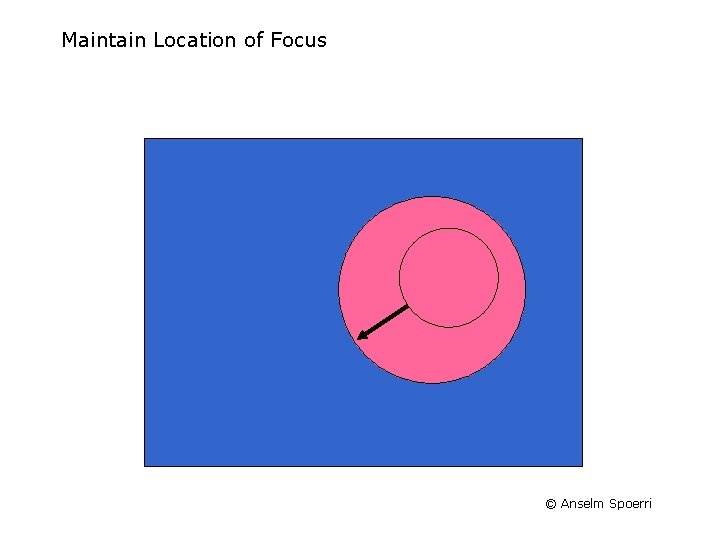
Maintain Location of Focus © Anselm Spoerri
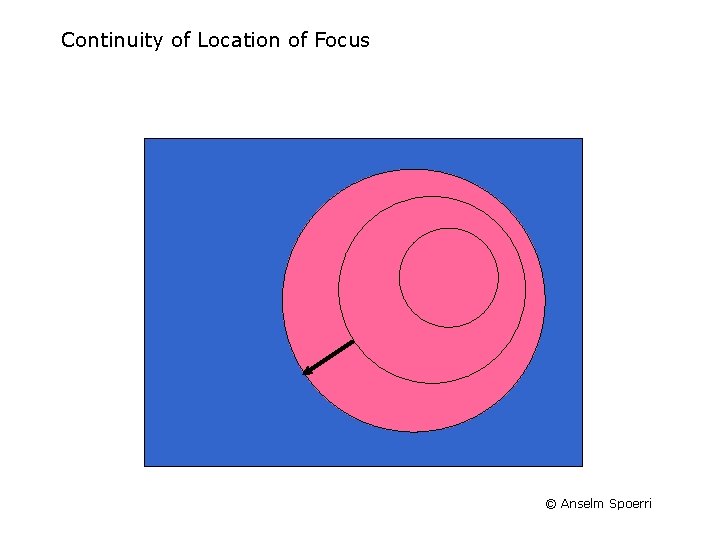
Continuity of Location of Focus © Anselm Spoerri
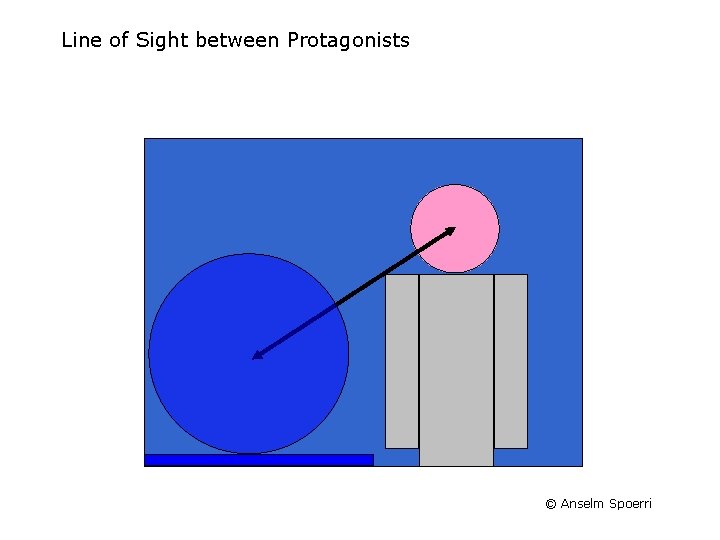
Line of Sight between Protagonists © Anselm Spoerri
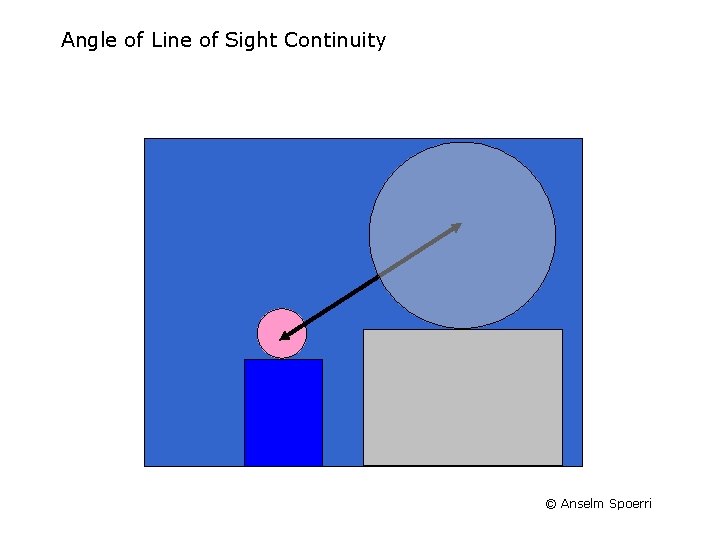
Angle of Line of Sight Continuity © Anselm Spoerri
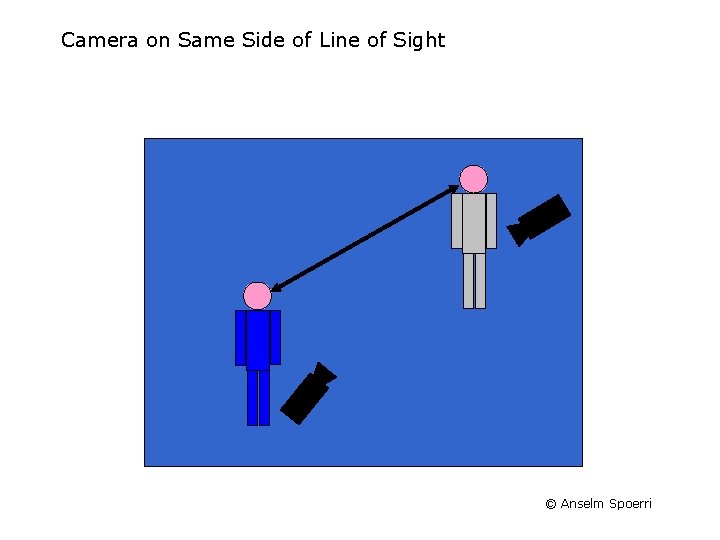
Camera on Same Side of Line of Sight © Anselm Spoerri
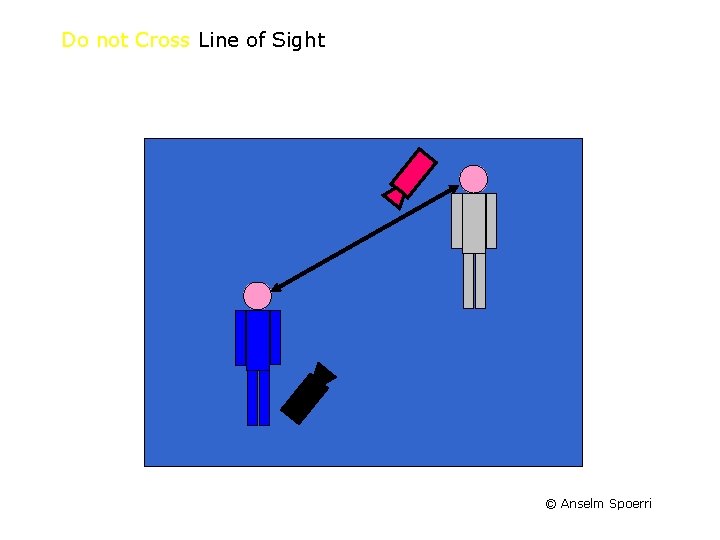
Do not Cross Line of Sight © Anselm Spoerri
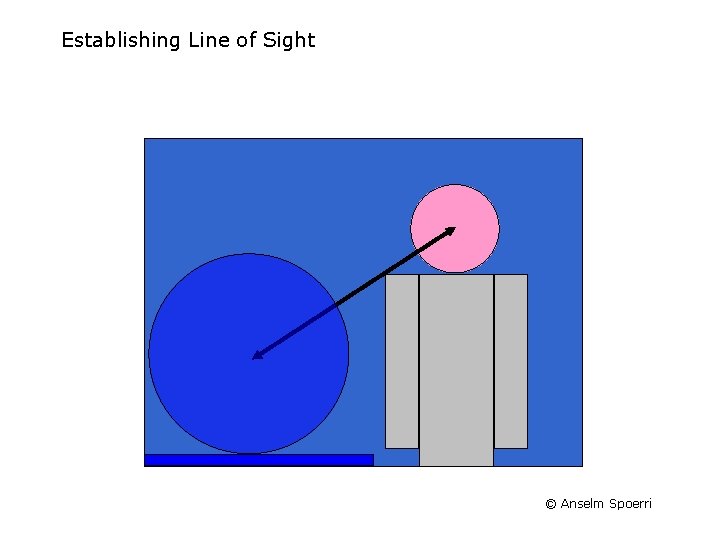
Establishing Line of Sight © Anselm Spoerri
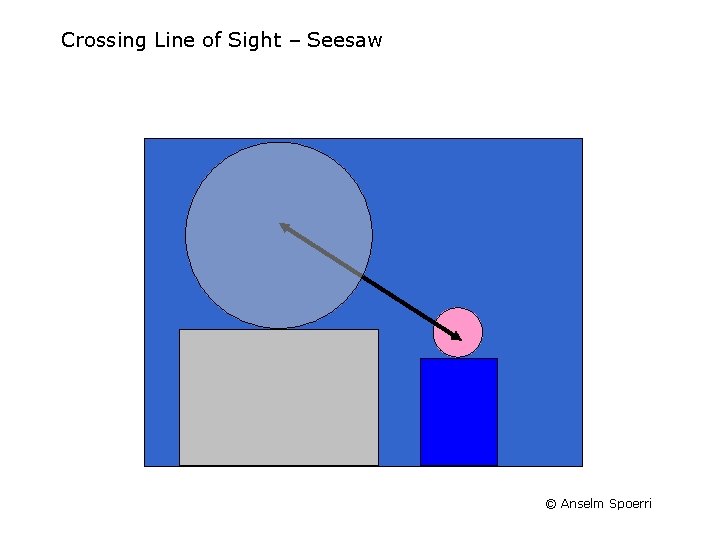
Crossing Line of Sight – Seesaw © Anselm Spoerri
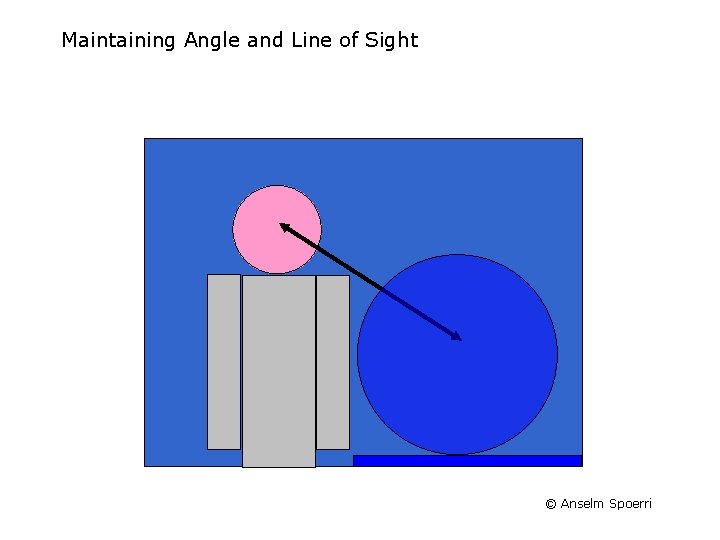
Maintaining Angle and Line of Sight © Anselm Spoerri
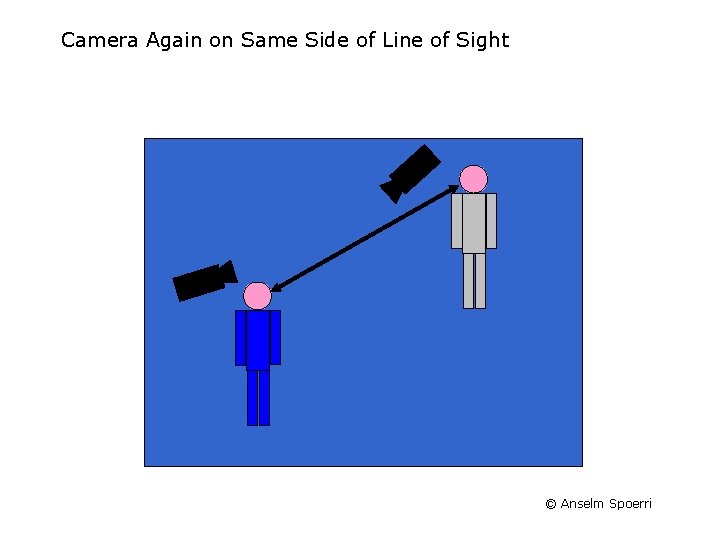
Camera Again on Same Side of Line of Sight © Anselm Spoerri
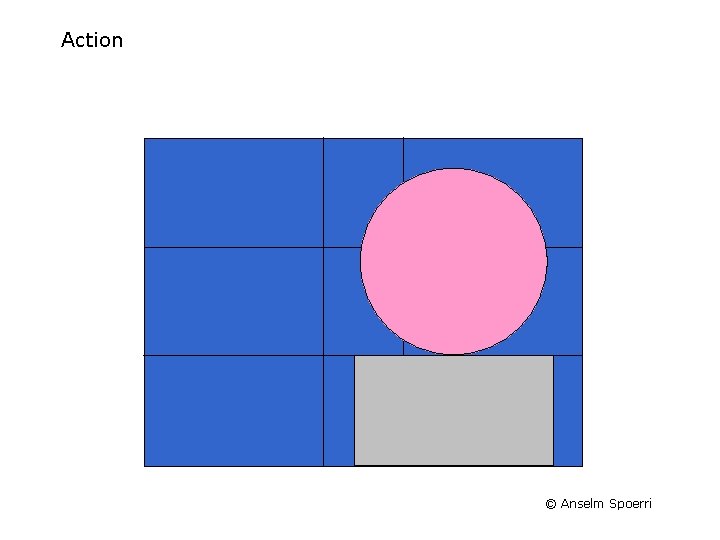
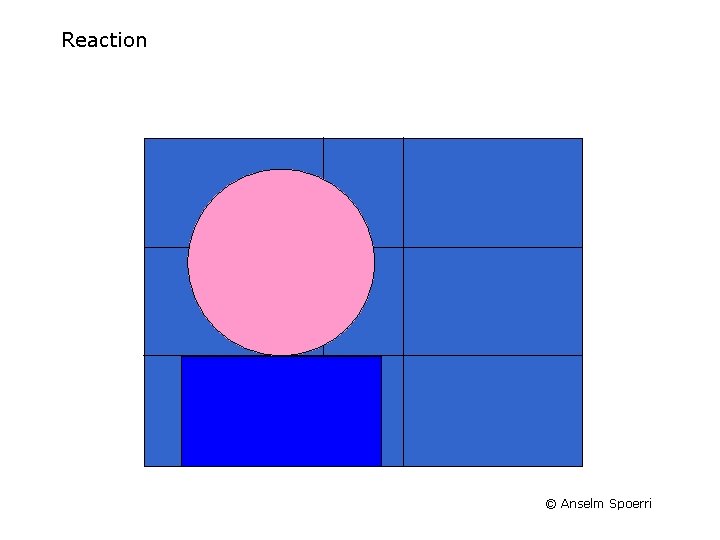
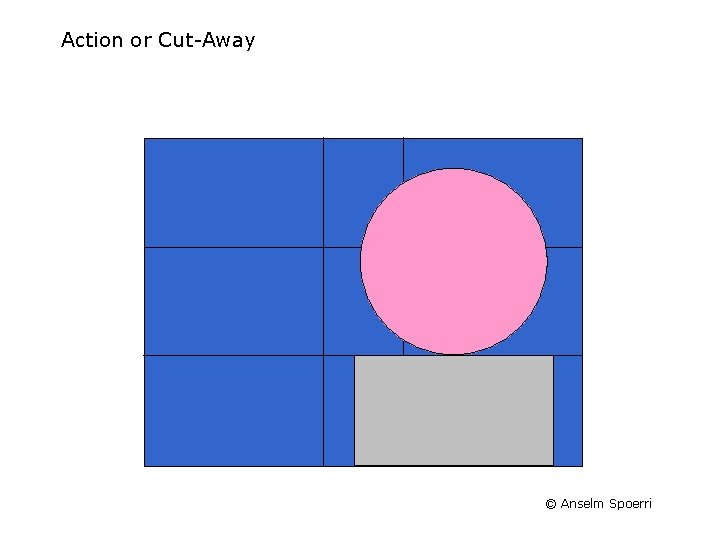
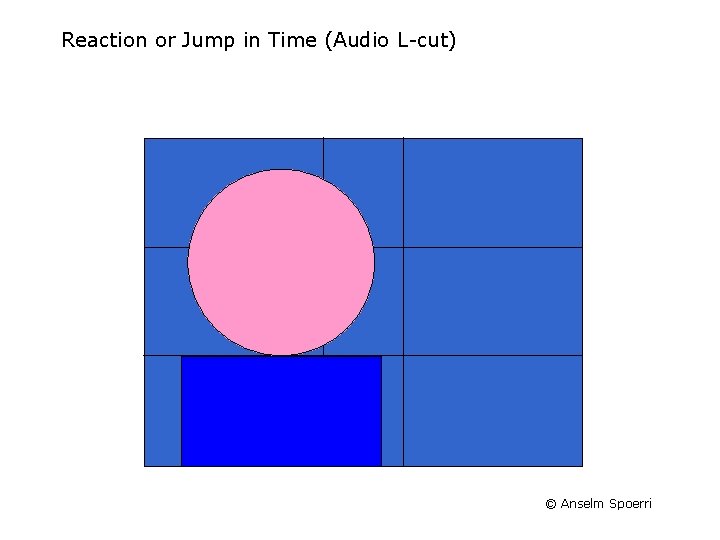
Film Editing – Tools & Devices (cont. ) Frame Grid Action Reaction Cut-Away & Audio L-cut Establishing Subjective POV © Anselm Spoerri
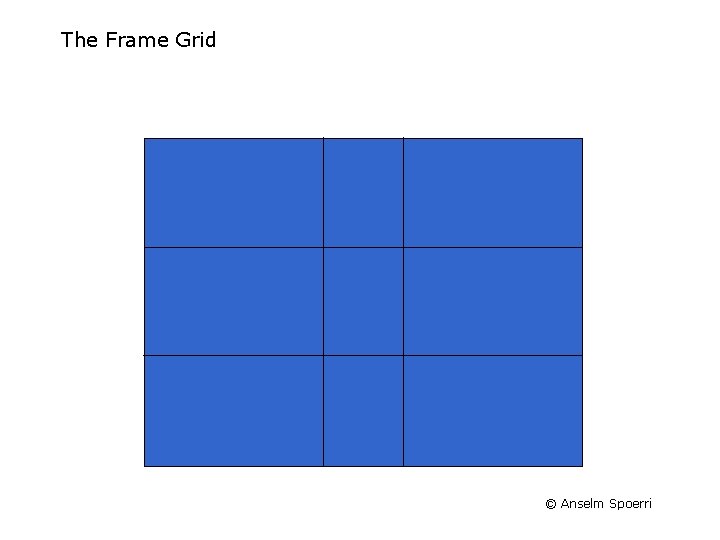
The Frame Grid © Anselm Spoerri
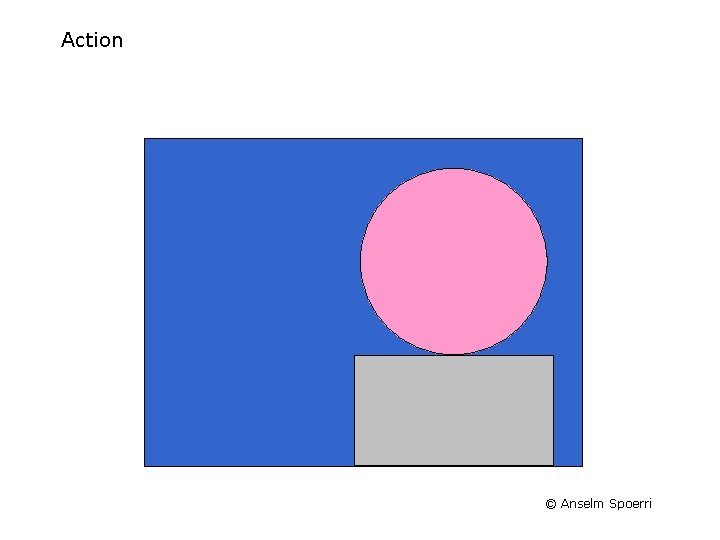
Action © Anselm Spoerri
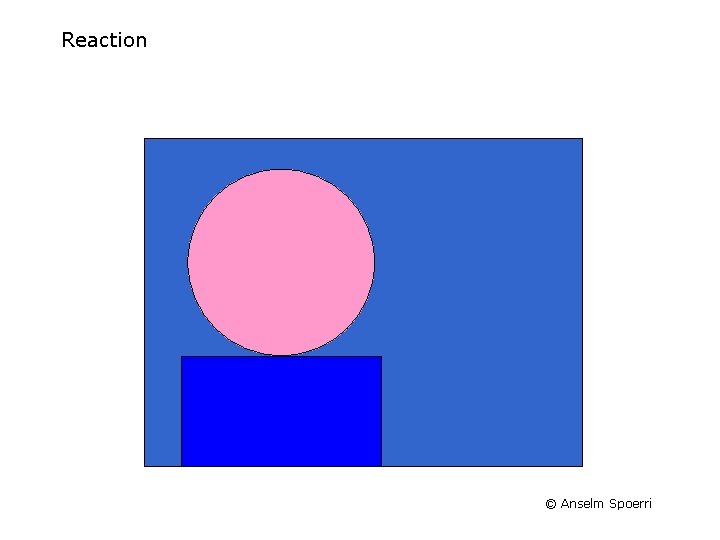
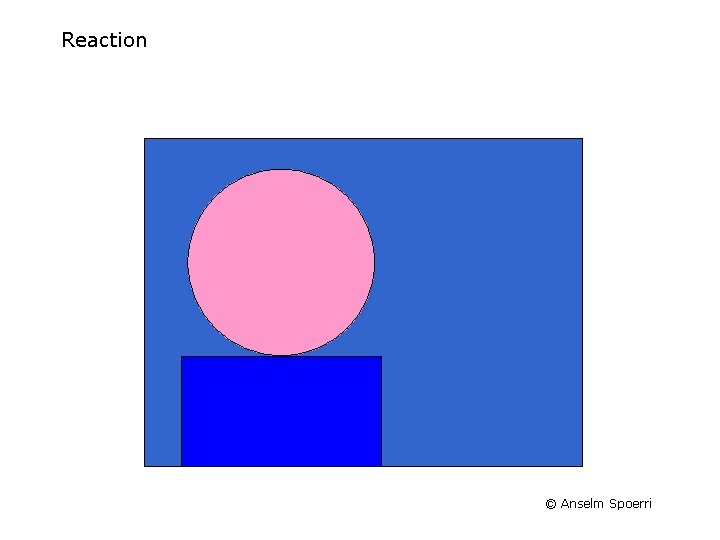
Reaction © Anselm Spoerri
Action or Cut-Away © Anselm Spoerri
Reaction or Jump in Time (Audio L-cut) © Anselm Spoerri
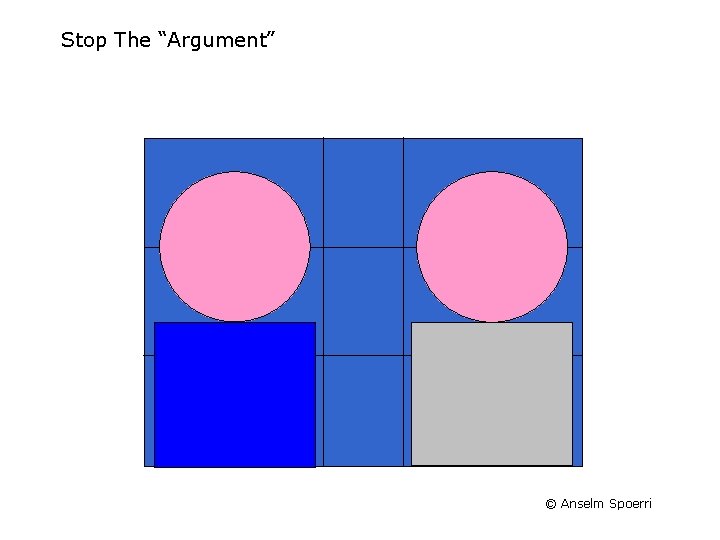
Stop The “Argument” © Anselm Spoerri
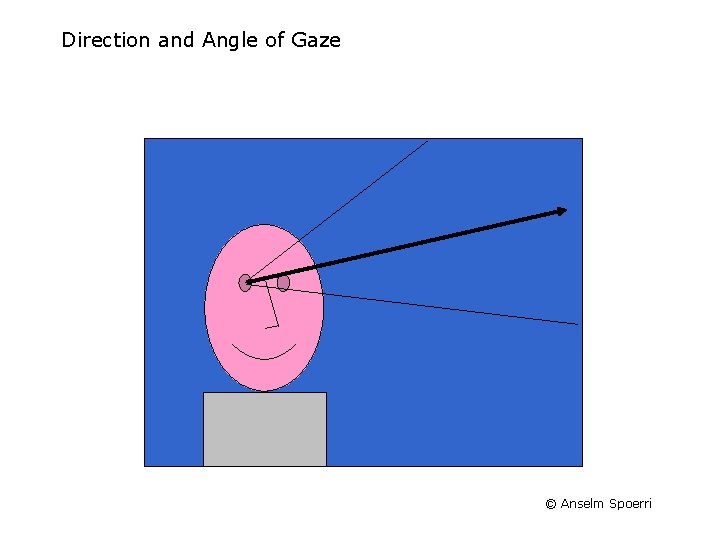
Direction and Angle of Gaze © Anselm Spoerri
Subjective Point of View © Anselm Spoerri
Film Editing - Create Illusion of Continuity Compress Time by Selecting "Highlights" Viewer Fills In "Real time" = "Screen time" Maintain Continuity for: – – Location of Focus Motion & Speed Line of Sight Theme: similarity in subject & background in terms of shapes, color, texture, motion Leverage Conventions & Viewer Expectations © Anselm Spoerri
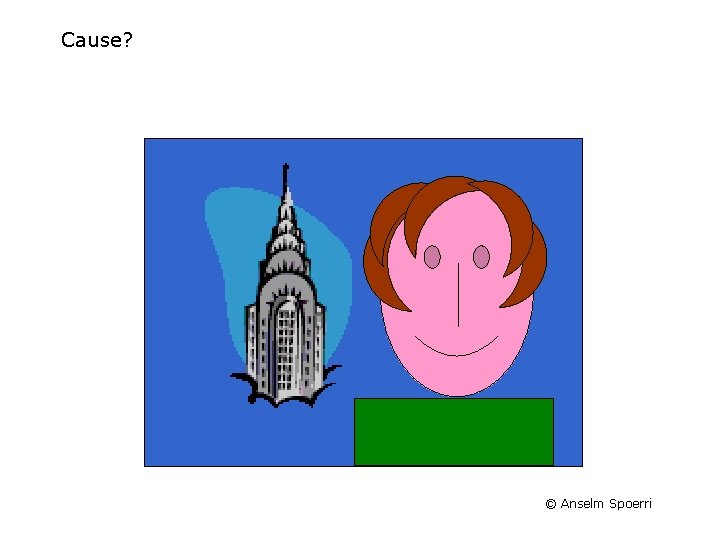
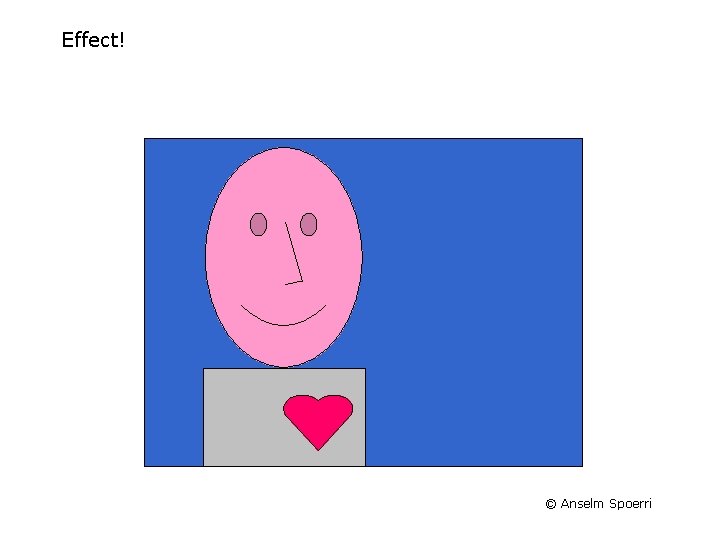
Create Illusion of Cause & Effect Sequence Shots Use Continuity Principles Viewers Create Relationships that Do Not Exit in Reality © Anselm Spoerri
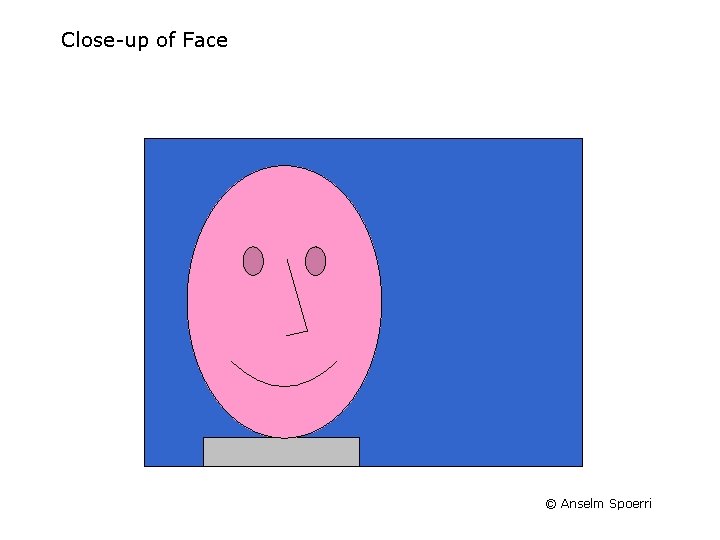
Close-up of Face © Anselm Spoerri
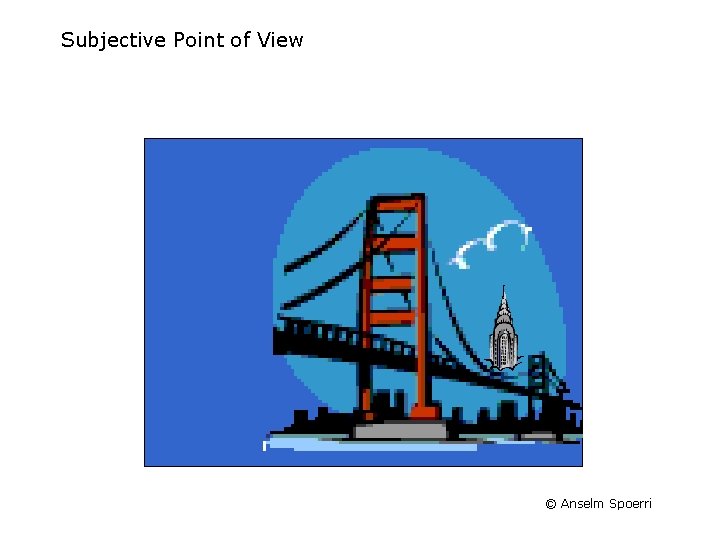
Subjective Point of View © Anselm Spoerri
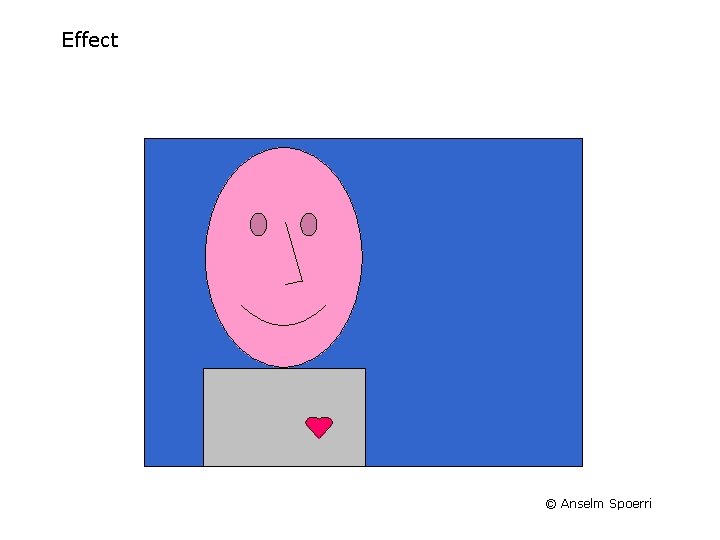
Effect © Anselm Spoerri
Cause? © Anselm Spoerri
Effect! © Anselm Spoerri
Parallel Editing Cut Back and Forth between Different Storylines Creates Illusion of Events Happening at the Same Time Enhances Anticipation or Anxiety © Anselm Spoerri
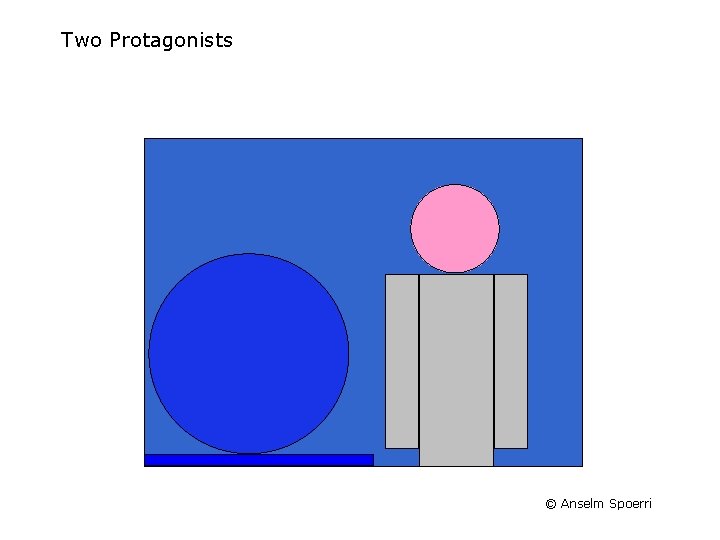
Two Protagonists © Anselm Spoerri
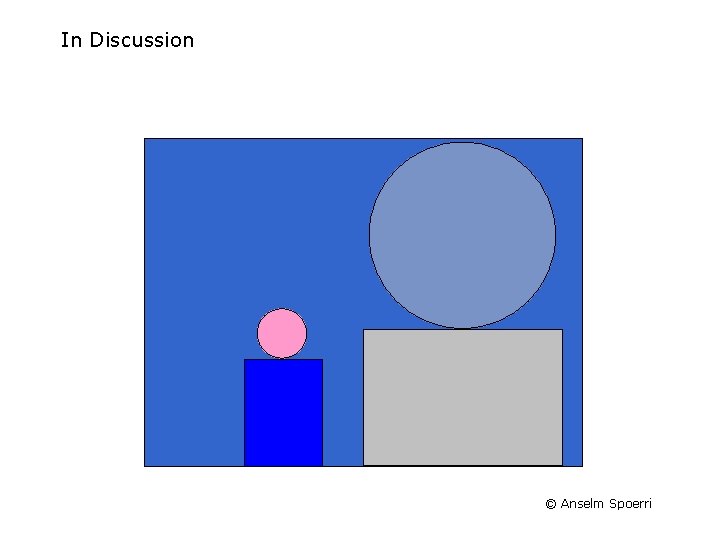
In Discussion © Anselm Spoerri
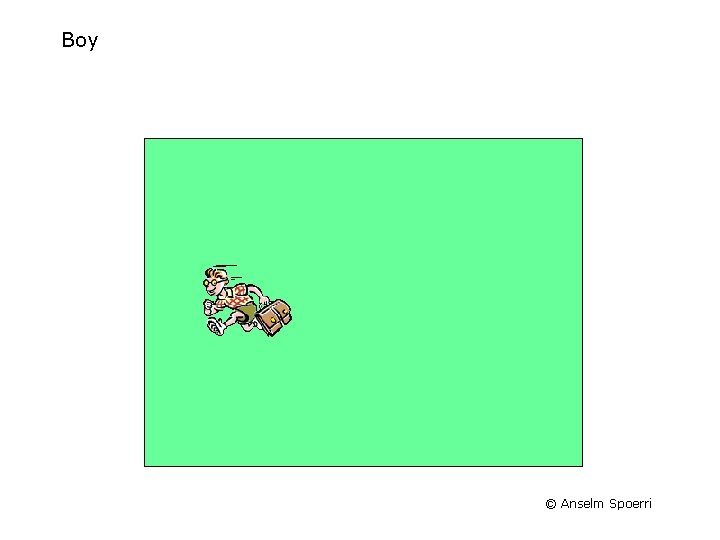
Boy © Anselm Spoerri
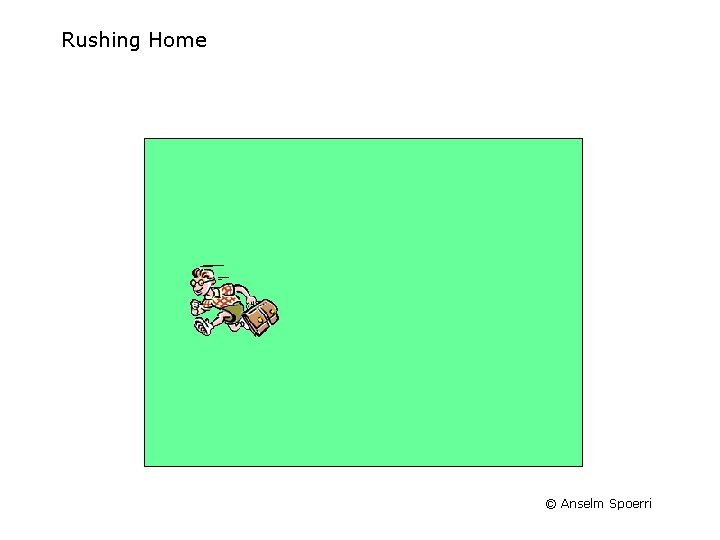
Rushing Home © Anselm Spoerri
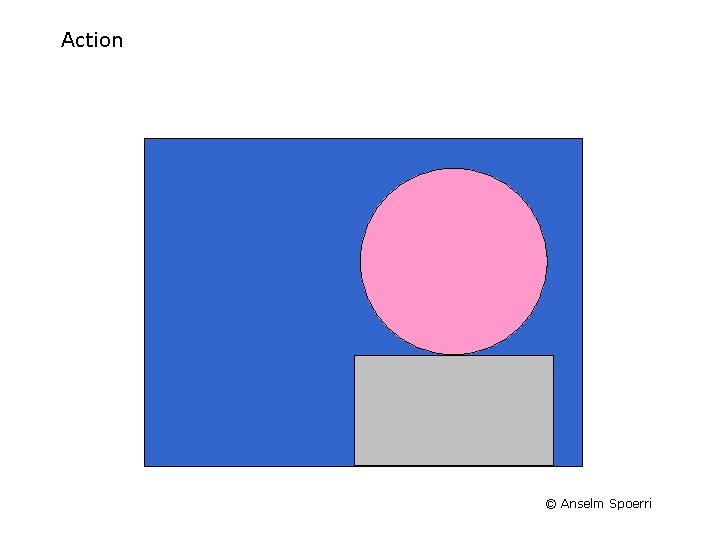
Action © Anselm Spoerri
Reaction © Anselm Spoerri
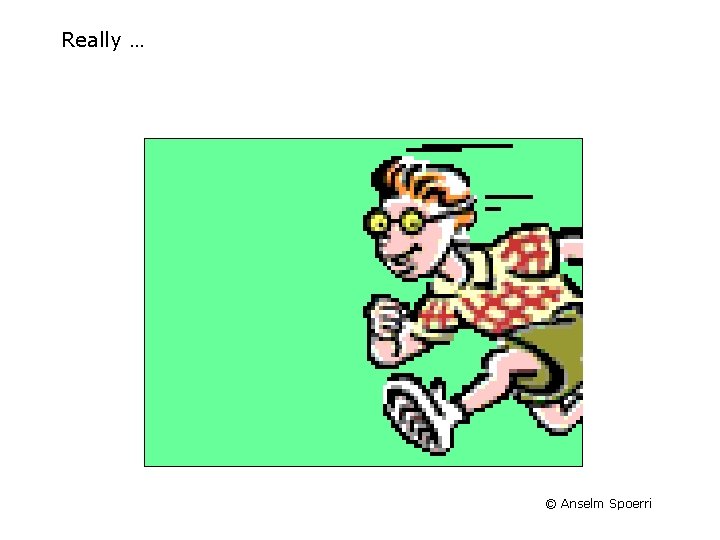
Really … © Anselm Spoerri
Action © Anselm Spoerri
Reaction © Anselm Spoerri
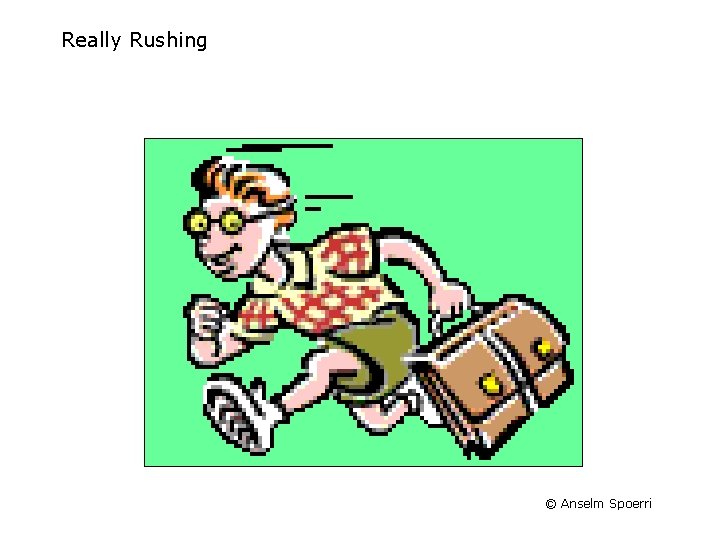
Really Rushing © Anselm Spoerri
Resolution … © Anselm Spoerri
Short Movie Example NIKE AD slow – Click on http: //www. scils. rutgers. edu/~aspoerri/Teaching/MPOnline/Video/ Please click on “nikeadslow. wmv” link to play video (it may take a while) – Analyze happens to the focus of attention and which continuity principles are employed. © Anselm Spoerri
Summary – Basic Film Editing Compress Time Create Illusion of Continuity – – Location of Focus Motion & Speed Line of Sight Theme: similarity in subject & background in terms of shapes, color, texture, motion Create Illusion of Cause & Effect Parallel Editing Motivate Cuts – – Any Edit Has Potential of Breaking Illusion of Continuity Use or Break Conventions & Viewer Expectations Use Cuts to Create Rhythm Maintain or Break Continuity As Storyline Requires © Anselm Spoerri
Summary – Basic Editing Principles Continuity of Direction of Motion & Speed Total > Medium > Close-up Shot Continuity of Location of Focus Continuity of Line of Sight © Anselm Spoerri
Summary - Create Illusion of Continuity Compress Time by Selecting "Highlights" Viewer Fills In "Real time" = "Screen time" Maintain Continuity for: – – Motion & Speed Location of Focus Line of Sight Theme: similarity in subject & background in terms of shapes, color, texture, motion Leverage Conventions & Viewer Expectations © Anselm Spoerri
Storyboarding Videos AFI’s Storyboarding Guide http: //www. youtube. com/watch? v=p. WPjjo. OFIu 8 – – Help you visualize what you want to see in your video or film Show what the camera is looking at a specific moment Taxonomy of Shots: Long | Medium | Close-up | Point of View … Sequence of Camera Shots to Capture Essence of Idea Vimeo Storyboarding Basics – http: //vimeo. com/videoschool/lesson/4/storyboarding-basics How To Make a Storyboard – http: //www. youtube. com/watch? v=65_3 bq_0 e. SY Readings Knight Digital Media Center: Storyboarding Story Cookbook: Storyboarding AFI’s Screen Shot Reference Resources website | video http: //filmmakeriq. com/2010/10/500 -storyboard-tutorials-resources/ © Anselm Spoerri