
Lecture 8 Network System Management 2 nd semester

- Slides: 19
Lecture 8: Network & System Management 2 nd semester 1439 - 2018 By: : Adal Alashban Edited by: Sara Alhajjam and Elham Sunbu
What is Network Management? - Goal: To ensure that the users of a network receive the IT services with the quality of service (Qo. S) that they expect. - Network management includes the deployment, integration and coordination of the hardware, software, and human elements to monitor, test, configure, analyze, evaluate, and control the network and element resources to meet the real-time, operational performance, and Quality of Service requirements at a reasonable cost. 2
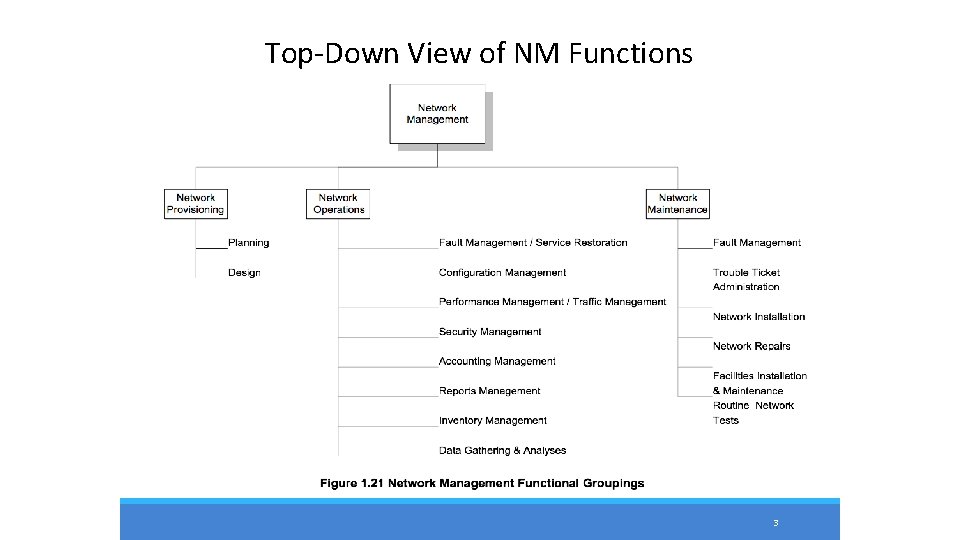
Top-Down View of NM Functions 3
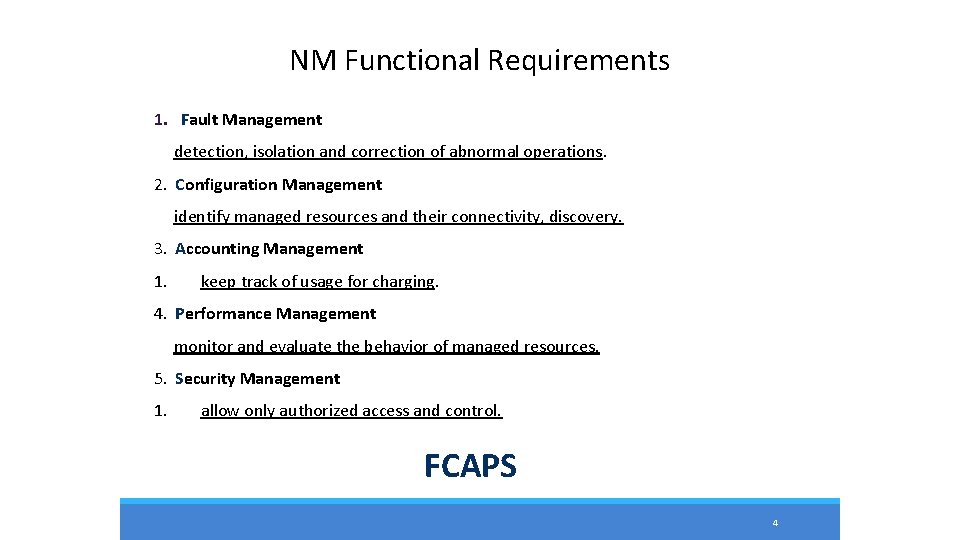
NM Functional Requirements 1. Fault Management detection, isolation and correction of abnormal operations. 2. Configuration Management identify managed resources and their connectivity, discovery. 3. Accounting Management 1. keep track of usage for charging. 4. Performance Management monitor and evaluate the behavior of managed resources. 5. Security Management 1. allow only authorized access and control. FCAPS 4
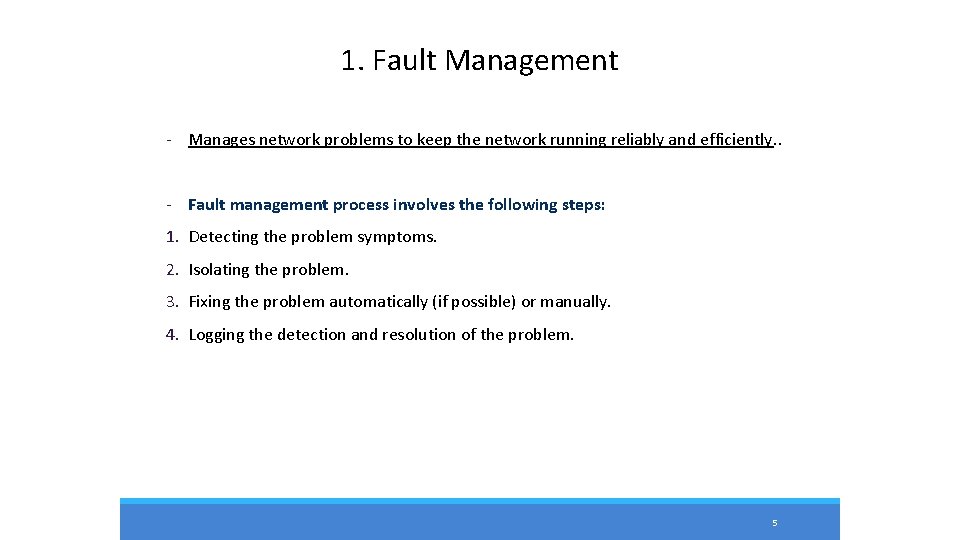
1. Fault Management - Manages network problems to keep the network running reliably and efficiently. . - Fault management process involves the following steps: 1. Detecting the problem symptoms. 2. Isolating the problem. 3. Fixing the problem automatically (if possible) or manually. 4. Logging the detection and resolution of the problem. 5
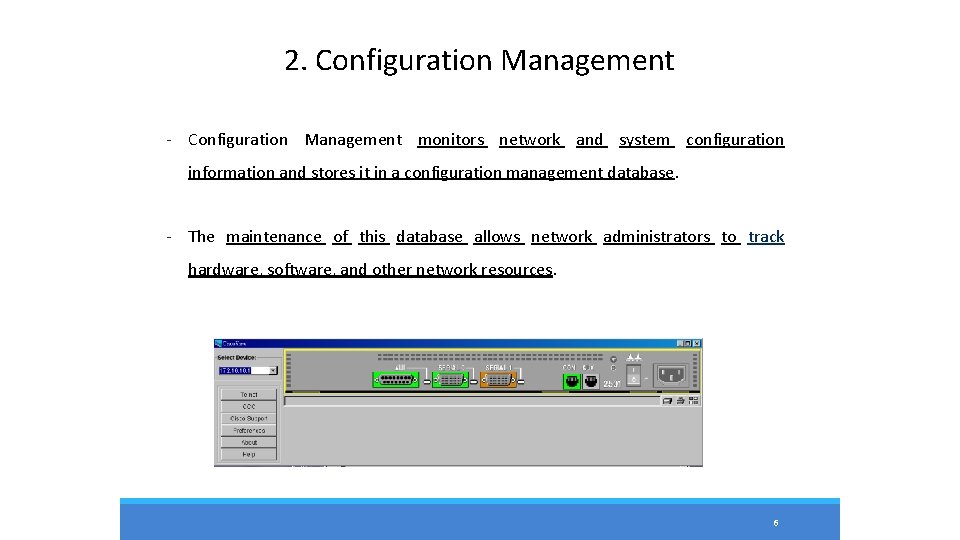
2. Configuration Management - Configuration Management monitors network and system configuration information and stores it in a configuration management database. - The maintenance of this database allows network administrators to track hardware, software, and other network resources. 6
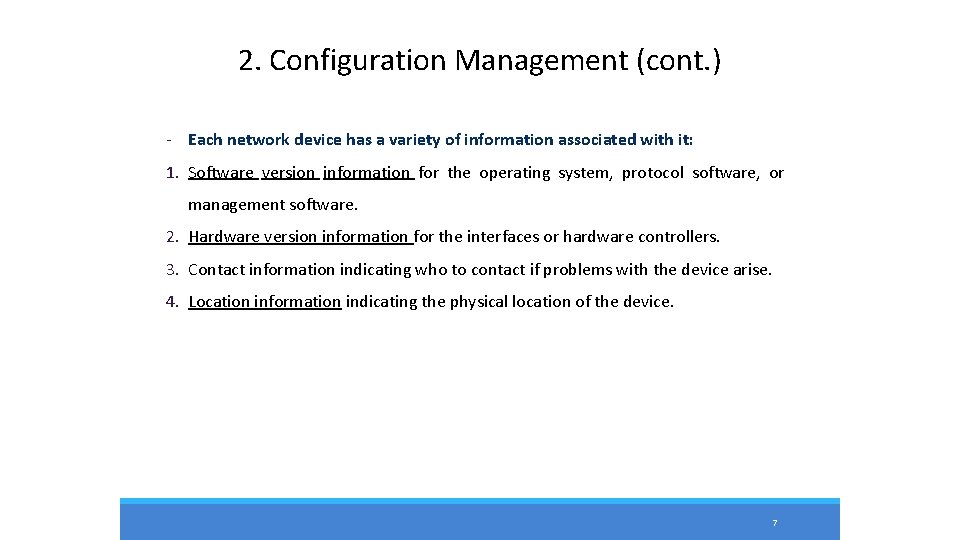
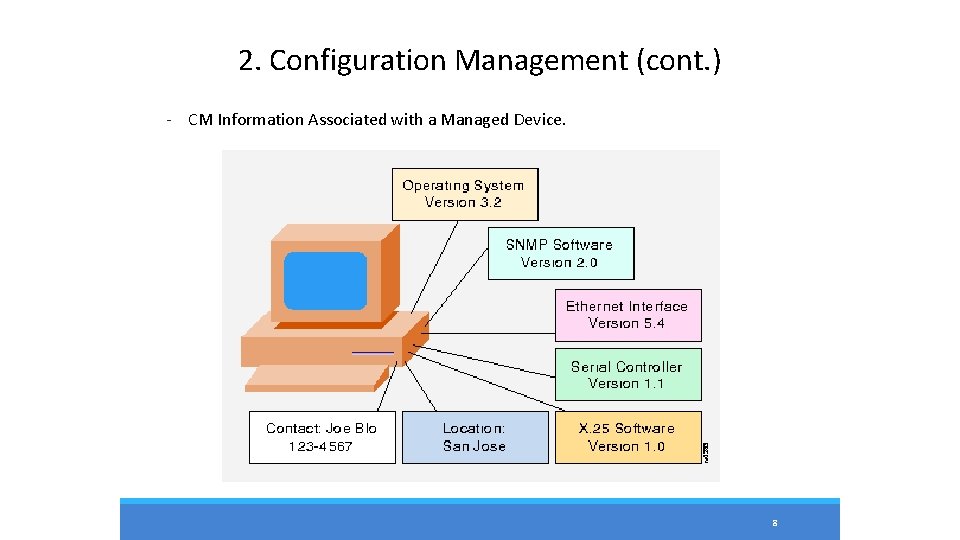
2. Configuration Management (cont. ) - Each network device has a variety of information associated with it: 1. Software version information for the operating system, protocol software, or management software. 2. Hardware version information for the interfaces or hardware controllers. 3. Contact information indicating who to contact if problems with the device arise. 4. Location information indicating the physical location of the device. 7
2. Configuration Management (cont. ) - CM Information Associated with a Managed Device. 8
3. Accounting Management - Measures network utilization parameters in order to regulate individual and group uses of the network. - Minimizes network problems and maximizes fairness of user access to the network because network resources can be portioned based on network capacity and user needs. 9
4. Performance Management - Maintains internetwork performance at acceptable levels by measuring and managing various network performance variables. - Performance variables include network throughput, user response times, line utilization, and others. - Performance management involves three basic steps: 1. Gathering data relating to key performance variables. 2. Analyzing data to determine the normal (baseline) performance levels. • Determining appropriate performance levels for each variable so that exceeding these levels indicates a network problem worthy of attention. 10
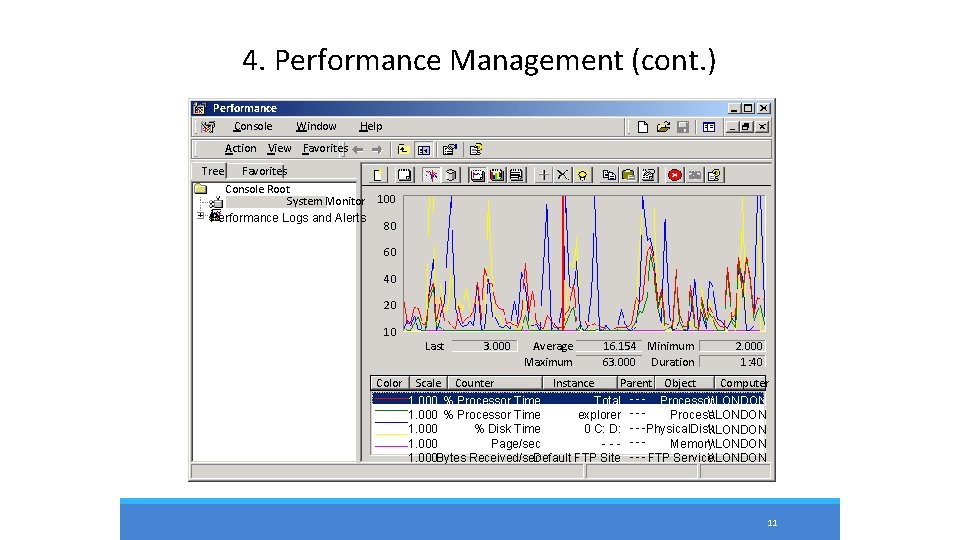
4. Performance Management (cont. ) Performance Console Window Help Action View Favorites Tree Favorites Console Root System Monitor Performance Logs and Alerts 100 80 60 40 20 10 Color Last 3. 000 Average Maximum 16. 154 Minimum 63. 000 Duration 2. 000 1: 40 Scale Counter Instance Parent Object Computer 1. 000 % Processor Time _Total - - - Processor\LONDON 1. 000 % Processor Time explorer - - Process\LONDON 1. 000 % Disk Time 0 C: D: Physical. Disk\LONDON 1. 000 Page/sec --- --Memory\LONDON 1. 000 Bytes Received/sec Default FTP Site - - - FTP Service\LONDON 11
4. Performance Management (cont. ) - Reactive: When performance becomes unacceptable (that is, a user-defined threshold is exceeded), the managed device reacts by sending an alert to the network management system (NMS). - Reactive PM Components: 1. The management entity continually monitors performance variables in managed devices. 2. When a particular performance threshold is exceeded, the NMS or the managed device detects the problem. 3. If the managed device detects the problem, it generates an alert and sends it to the NMS. 4. The NMS takes an appropriate action, such as alerting the network administrator. 12
4. Performance Management (cont. ) - Proactive: Simulation is used to project how network growth will affect performance metrics. These simulations alert administrators to impending problems before they affect network users. 13
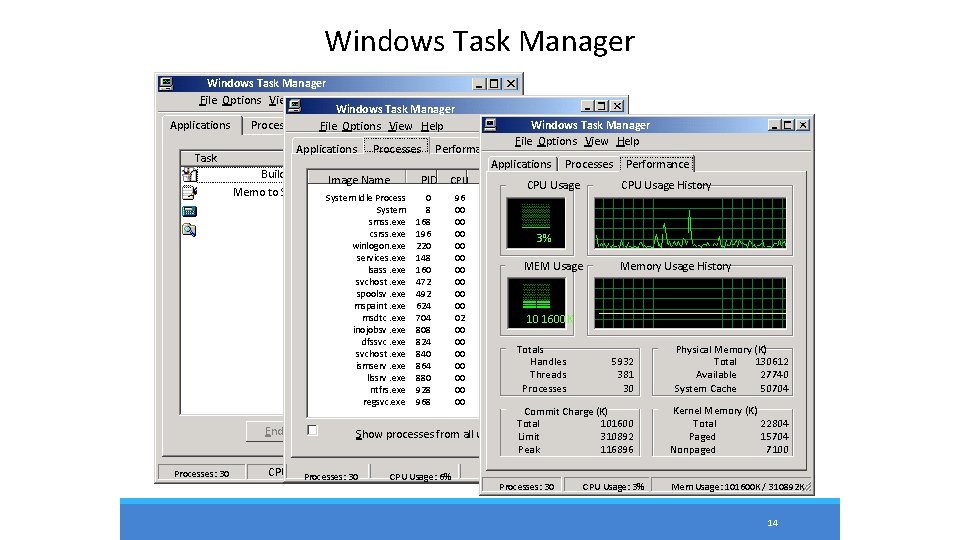
Windows Task Manager File Options View Windows Help Windows Task Manager Applications Processes Performance File Options View Help Task Applications Processes Performance Status Applications Processes Performance Building Schematic Paint Running Image Name PID CPU Time. CPU Mem Usage CPU Usage History Memo to Supervisor Word. Pad Running System Idle Process 0 96 4: 52: 37 16 K System 8 00 0: 00: 27 212 K Calculator Running smss. exe 168 00 0: 00 344 K My Computer Running csrss. exe 196 00 0: 00: 20 1, 820 K 3% winlogon. exe services. exe lsass. exe svchost. exe spoolsv. exe mspaint. exe msdtc. exe inojobsv. exe dfssvc. exe svchost. exe ismserv. exe llssrv. exe ntfrs. exe regsvc. exe End Task Processes: 30 Windows Task Manager File Options View Help 220 148 160 472 492 624 704 808 824 840 864 880 928 968 00 00 00 02 00 00 0: 09 4, 408 K 0: 00: 14 8, 228 K 0: 00: 32 MEM Usage 15, 768 K 0: 00 2, 648 K 0: 00 4, 184 K 0: 04 352 K 0: 0010 1600 K 3, 428 K 0: 07: 46 5, 704 K 0: 00 2, 336 K Totals 3, 416 K 0: 00: 00 Handles 5, 348 K 0: 01 Threads 3, 860 K Processes 0: 09 1, 108 K 0: 00 844 K Switch Show To processes. New from. Task. . . all users Memory Usage History 5932 381 30 Physical Memory (K) Total 130612 Available 27740 System Cache 50704 Commit Charge (K) Total 101600 Limit End Process 310892 Peak 116896 Kernel Memory (K) Total 22804 Paged 15704 Nonpaged 7100 CPU Usage: 2% 30 Mem. CPU Usage: 103500 K /Mem 310892 K Usage: 6% Usage: 103452 K / 310892 K Processes: 30 CPU Usage: 3% Mem Usage: 101600 K / 310892 K 14
5. Security Management - Access control: - Controls access to network resources, and prevents network sabotage (intentional or unintentional) and unauthorized access to sensitive information. - Aids administrators in creating a secure network environment. This includes: 1. partitioning network resources into authorized and unauthorized areas, 2. mapping groups of users to those areas, and monitoring, policing, and logging user access to resources in those areas. - Security monitoring: - Security event collection. - Event analysis, correlation and alert generation. - Alert handling. 15
Network Management Systems - A network management system (NMS) is a collection of tools for network monitoring and control based on the manager-agent paradigm. - NMS typically provides a GUI through which most or all management tasks can be performed. - Many commercial and freely available NMSs exist: 1. Commercial: HP Open. View, IBM Net. View, Sun Net Manager, Cisco works and etc. 2. Open source: Open. NMS , Nagios and etc. 16
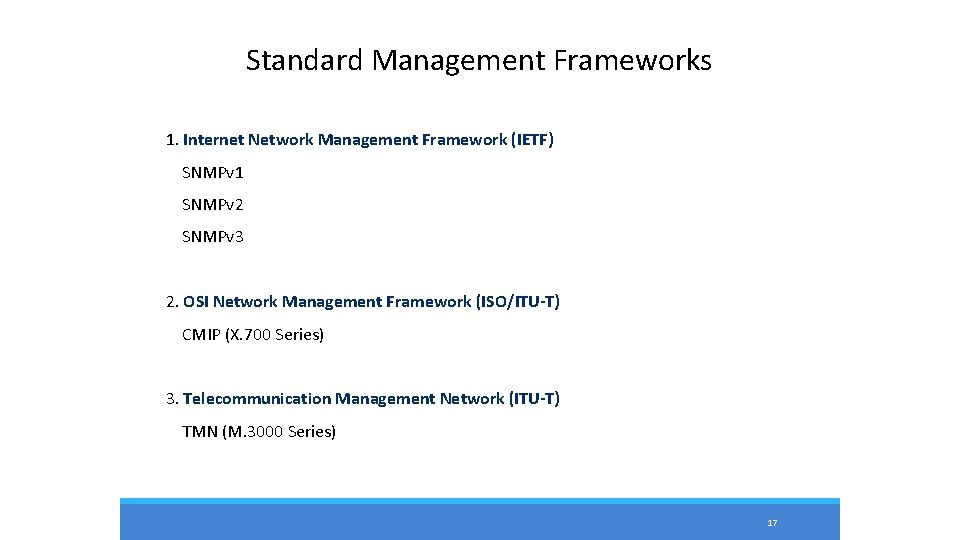
Standard Management Frameworks 1. Internet Network Management Framework (IETF) SNMPv 1 SNMPv 2 SNMPv 3 2. OSI Network Management Framework (ISO/ITU-T) CMIP (X. 700 Series) 3. Telecommunication Management Network (ITU-T) TMN (M. 3000 Series) 17
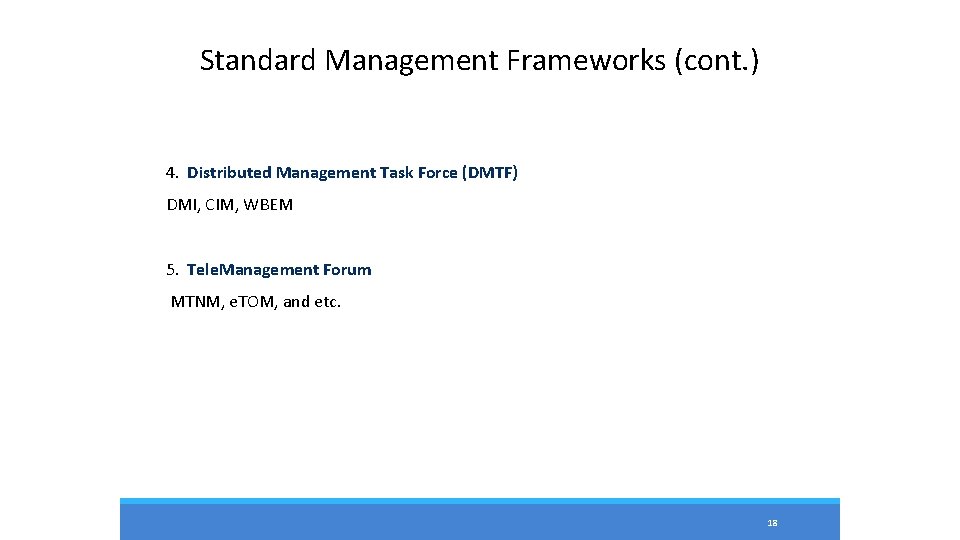
Standard Management Frameworks (cont. ) 4. Distributed Management Task Force (DMTF) DMI, CIM, WBEM 5. Tele. Management Forum MTNM, e. TOM, and etc. 18
Thank You 19