
Lecture 8 Loop Structure Xiaojuan Cai cxjsjtu edu
![Built-in types and bool • response[0] == "y" or "Y" will always evaluate to](https://slidetodoc.com/presentation_image_h2/c841a4b31f84797673390d01fad50c3a/image-25.jpg "Built-in types and bool • response[0] == \"y\" or \"Y\" will always evaluate to")
![Flexibility • ans = raw_input("What flavor [vanilla]? ") if ans != "": flavor =](https://slidetodoc.com/presentation_image_h2/c841a4b31f84797673390d01fad50c3a/image-27.jpg "Flexibility • ans = raw_input(\"What flavor [vanilla]? \") if ans != \"\": flavor =")
- Slides: 33
Lecture 8 Loop Structure Xiaojuan Cai(蔡小娟) cxj@sjtu. edu. cn Fall, 2015 Xiaojuan Cai Computational Thinking 1
Objective • To understand the concepts of loops: • definite loops: for • indefinite loops: while • To understand interactive loop, sentinel loop and end-of-file loop • To understand the basic ideas of Boolean algebra Xiaojuan Cai Computational Thinking 2
Roadmap • For loops • Indefinite loops • Interactive, sentinel, file, nested loops • Boolean algebra • Other loop patterns: • post-test, loop and a half Xiaojuan Cai Computational Thinking 3
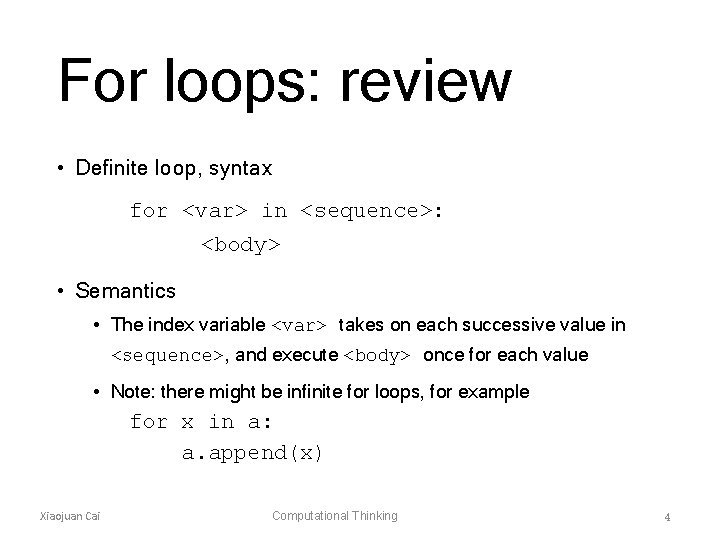
For loops: review • Definite loop, syntax for <var> in <sequence>: <body> • Semantics • The index variable <var> takes on each successive value in <sequence>, and execute <body> once for each value • Note: there might be infinite for loops, for example for x in a: a. append(x) Xiaojuan Cai Computational Thinking 4
Roadmap • For loops • Indefinite loops • Interactive, sentinel, file, nested loops • Boolean algebra • Other loop patterns: • post-test, loop and a half Xiaojuan Cai Computational Thinking 5
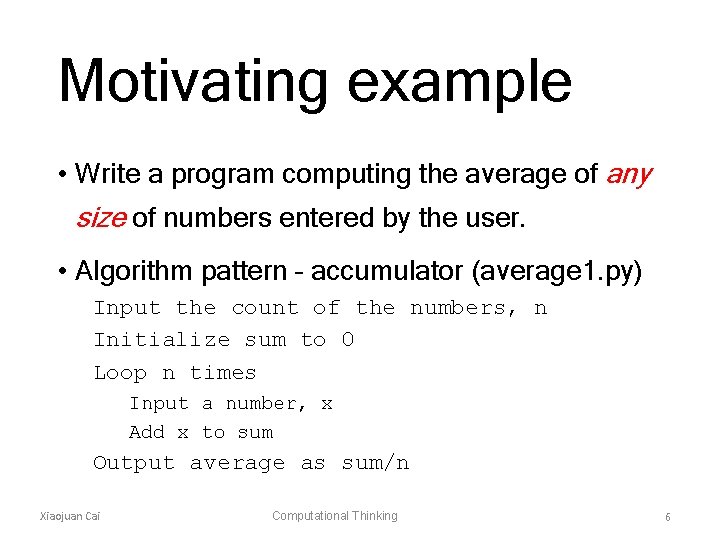
Motivating example • Write a program computing the average of any size of numbers entered by the user. • Algorithm pattern – accumulator (average 1. py) Input the count of the numbers, n Initialize sum to 0 Loop n times Input a number, x Add x to sum Output average as sum/n Xiaojuan Cai Computational Thinking 6
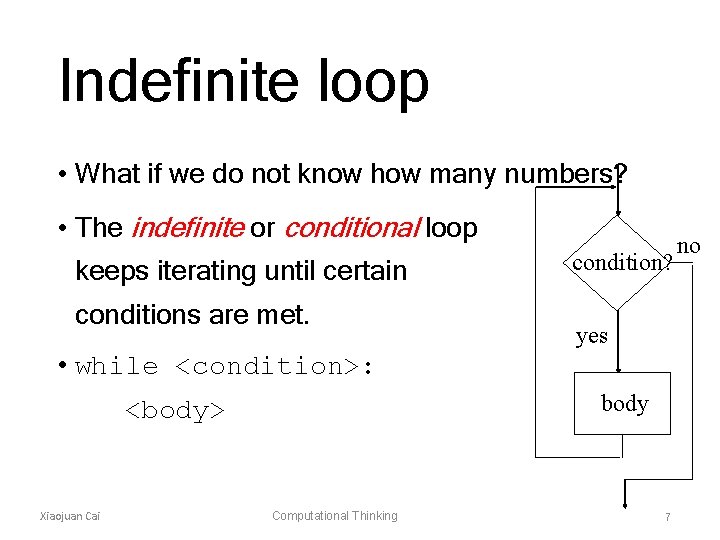
Indefinite loop • What if we do not know how many numbers? • The indefinite or conditional loop keeps iterating until certain conditions are met. condition? yes • while <condition>: body <body> Xiaojuan Cai Computational Thinking 7 no
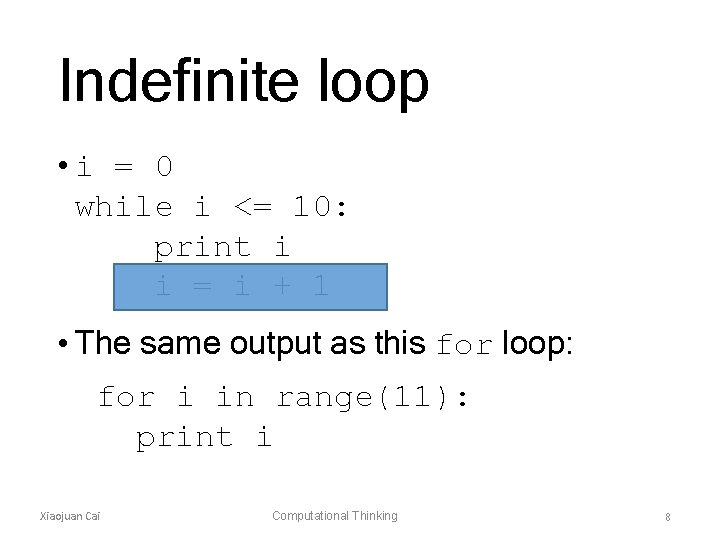
Indefinite loop • i = 0 while i <= 10: print i i = i + 1 • The same output as this for loop: for i in range(11): print i Xiaojuan Cai Computational Thinking 8
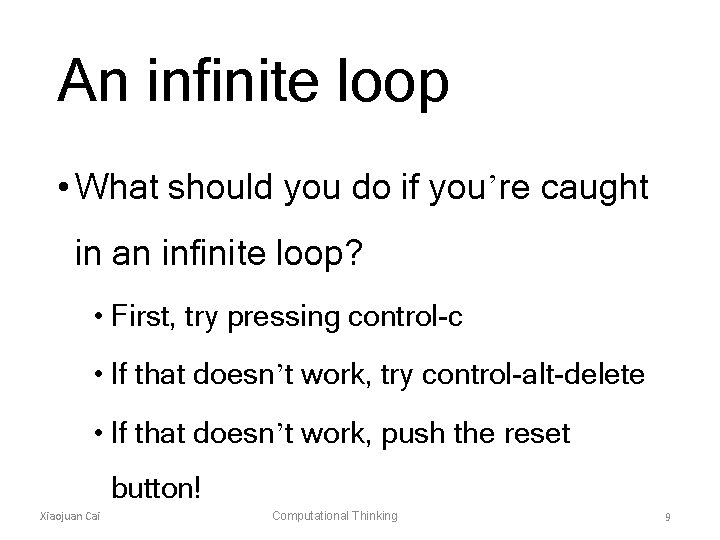
An infinite loop • What should you do if you’re caught in an infinite loop? • First, try pressing control-c • If that doesn’t work, try control-alt-delete • If that doesn’t work, push the reset button! Xiaojuan Cai Computational Thinking 9
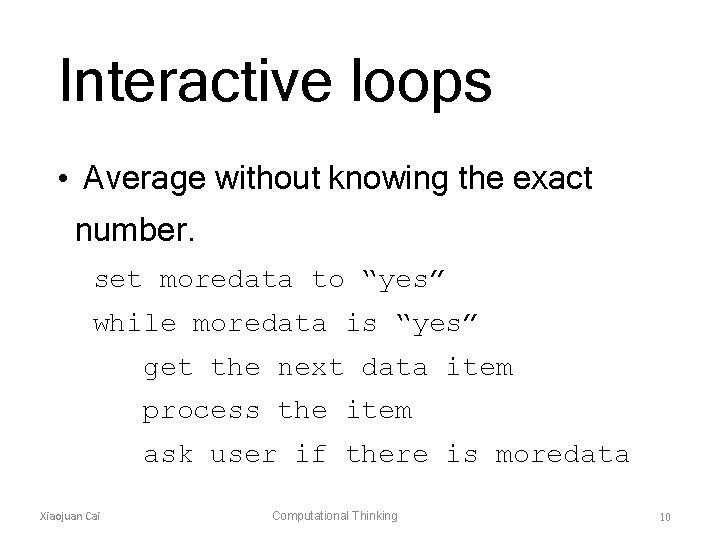
Interactive loops • Average without knowing the exact number. set moredata to “yes” while moredata is “yes” get the next data item process the item ask user if there is moredata Xiaojuan Cai Computational Thinking 10
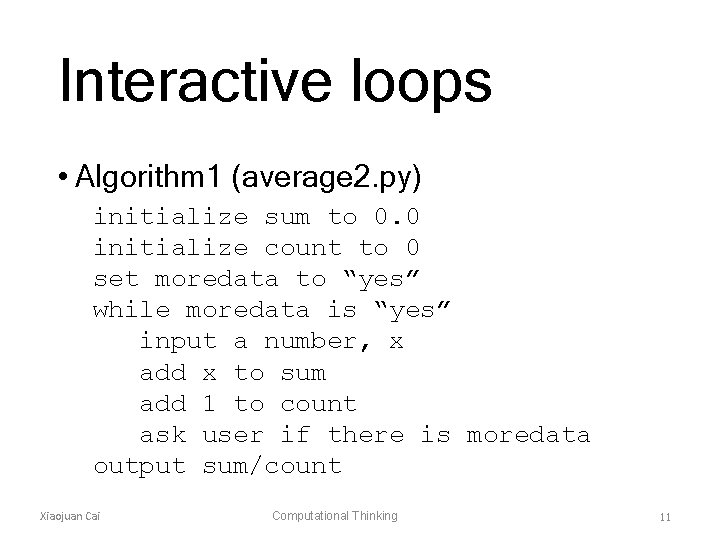
Interactive loops • Algorithm 1 (average 2. py) initialize sum to 0. 0 initialize count to 0 set moredata to “yes” while moredata is “yes” input a number, x add x to sum add 1 to count ask user if there is moredata output sum/count Xiaojuan Cai Computational Thinking 11
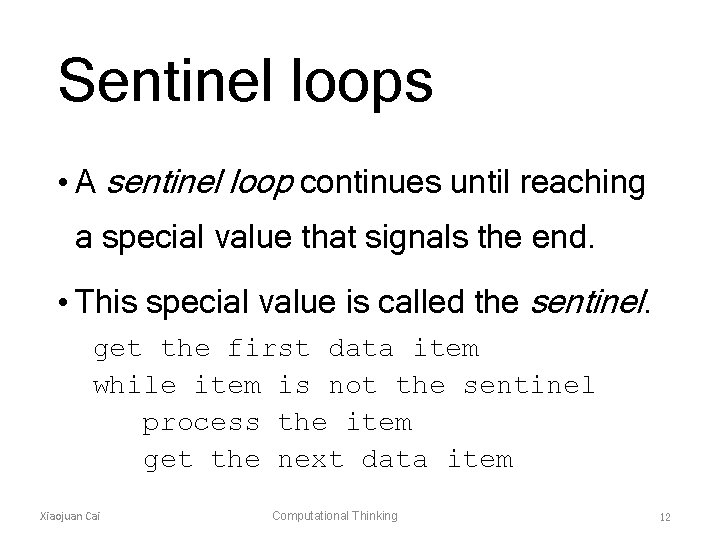
Sentinel loops • A sentinel loop continues until reaching a special value that signals the end. • This special value is called the sentinel. get the first data item while item is not the sentinel process the item get the next data item Xiaojuan Cai Computational Thinking 12
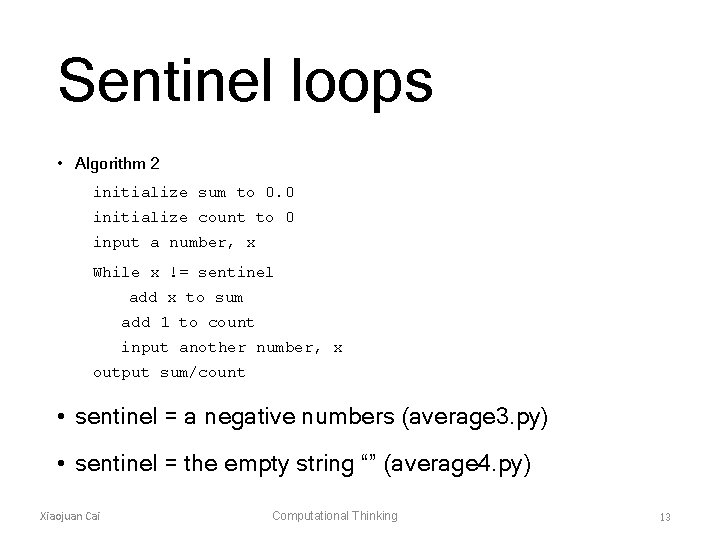
Sentinel loops • Algorithm 2 initialize sum to 0. 0 initialize count to 0 input a number, x While x != sentinel add x to sum add 1 to count input another number, x output sum/count • sentinel = a negative numbers (average 3. py) • sentinel = the empty string “” (average 4. py) Xiaojuan Cai Computational Thinking 13
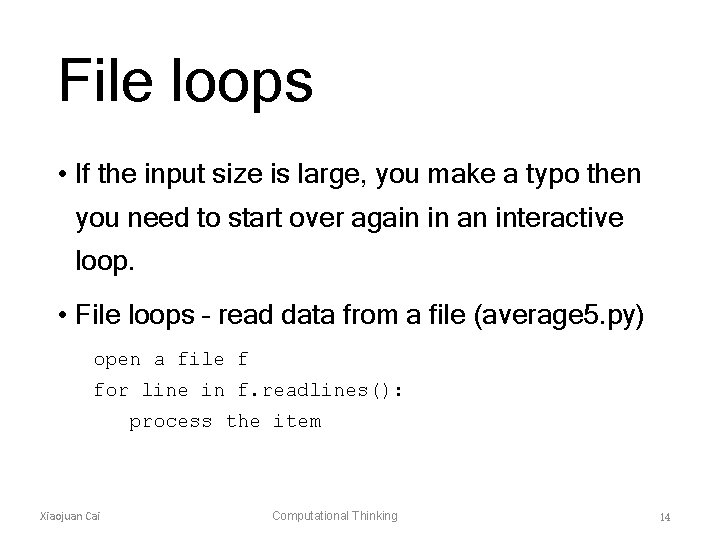
File loops • If the input size is large, you make a typo then you need to start over again in an interactive loop. • File loops – read data from a file (average 5. py) open a file f for line in f. readlines(): process the item Xiaojuan Cai Computational Thinking 14
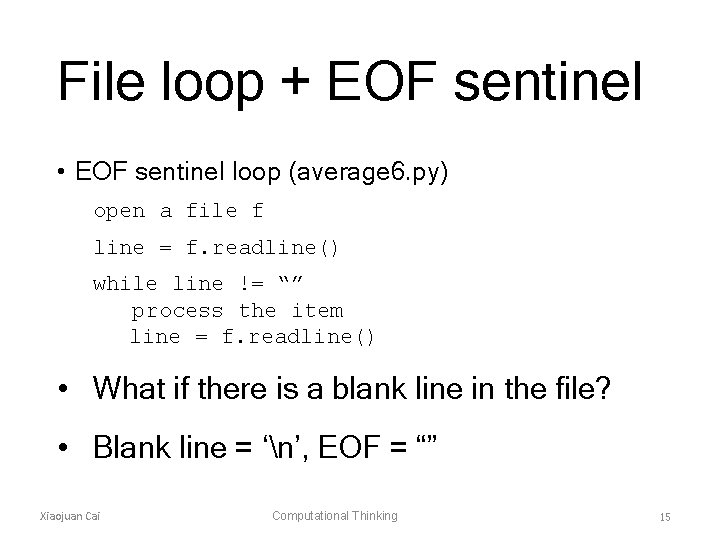
File loop + EOF sentinel • EOF sentinel loop (average 6. py) open a file f line = f. readline() while line != “” process the item line = f. readline() • What if there is a blank line in the file? • Blank line = ‘n’, EOF = “” Xiaojuan Cai Computational Thinking 15
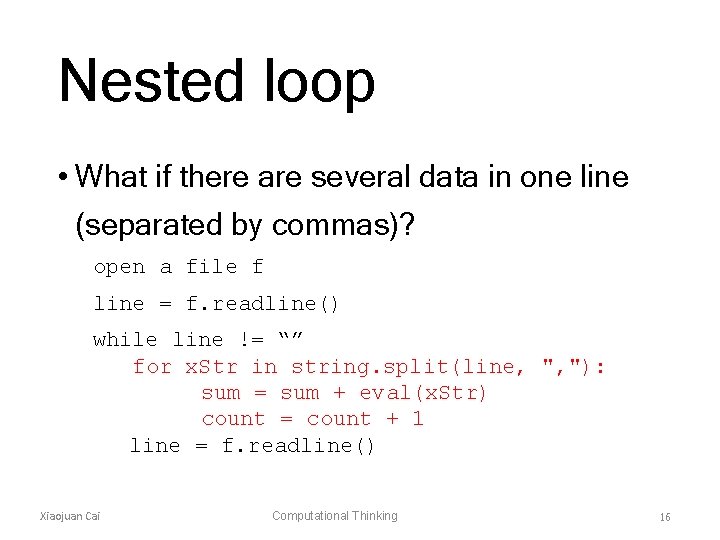
Nested loop • What if there are several data in one line (separated by commas)? open a file f line = f. readline() while line != “” for x. Str in string. split(line, ", "): sum = sum + eval(x. Str) count = count + 1 line = f. readline() Xiaojuan Cai Computational Thinking 16
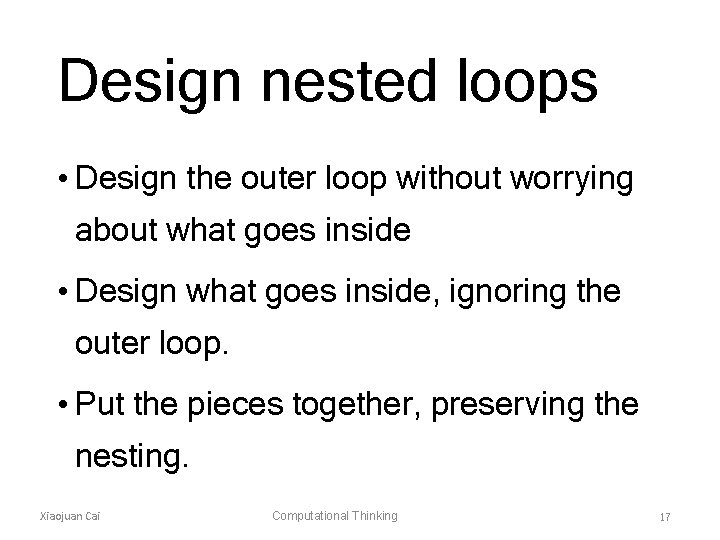
Design nested loops • Design the outer loop without worrying about what goes inside • Design what goes inside, ignoring the outer loop. • Put the pieces together, preserving the nesting. Xiaojuan Cai Computational Thinking 17
Roadmap • For loops • Indefinite loops • Interactive, sentinel, file, nested loops • Boolean algebra • Other loop patterns: • post-test, loop and a half Xiaojuan Cai Computational Thinking 18
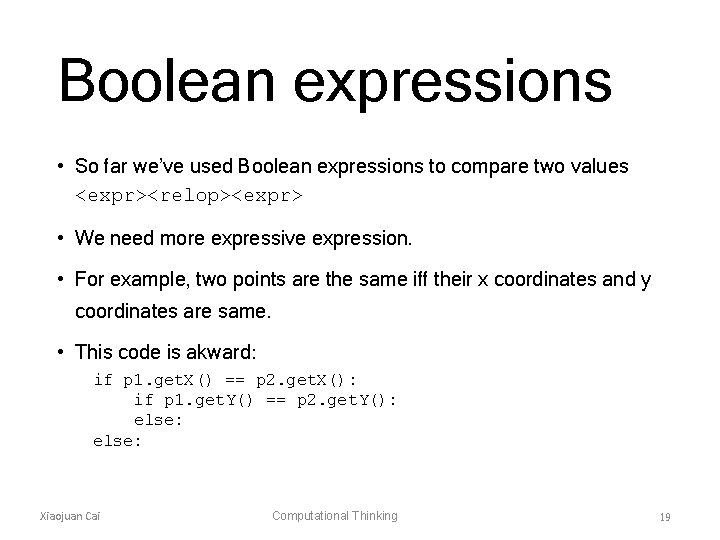
Boolean expressions • So far we’ve used Boolean expressions to compare two values <expr><relop><expr> • We need more expressive expression. • For example, two points are the same iff their x coordinates and y coordinates are same. • This code is akward: if p 1. get. X() == p 2. get. X(): if p 1. get. Y() == p 2. get. Y(): else: Xiaojuan Cai Computational Thinking 19
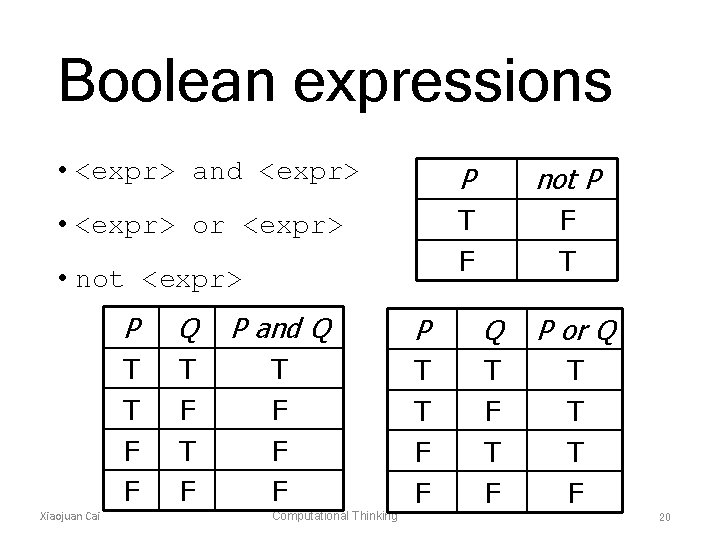
Boolean expressions • <expr> and <expr> P not P • <expr> or <expr> T F F T • not <expr> Xiaojuan Cai P Q P and Q P or Q T T F F T F T F F F T T F F T F T T T F Computational Thinking 20
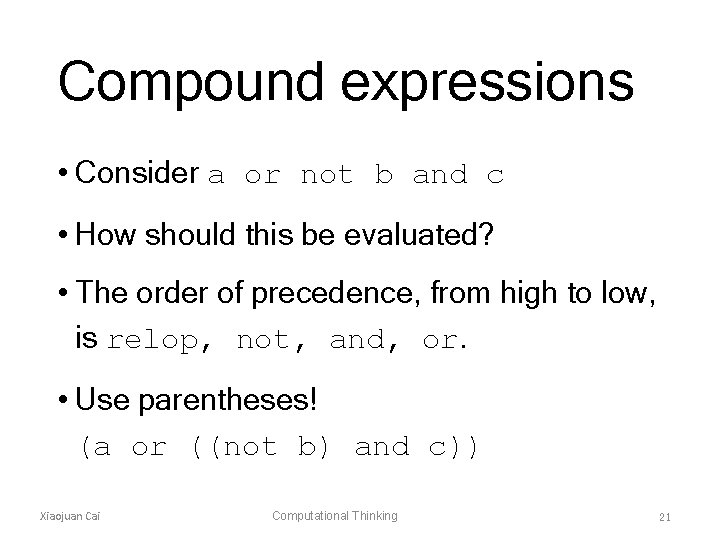
Compound expressions • Consider a or not b and c • How should this be evaluated? • The order of precedence, from high to low, is relop, not, and, or. • Use parentheses! (a or ((not b) and c)) Xiaojuan Cai Computational Thinking 21
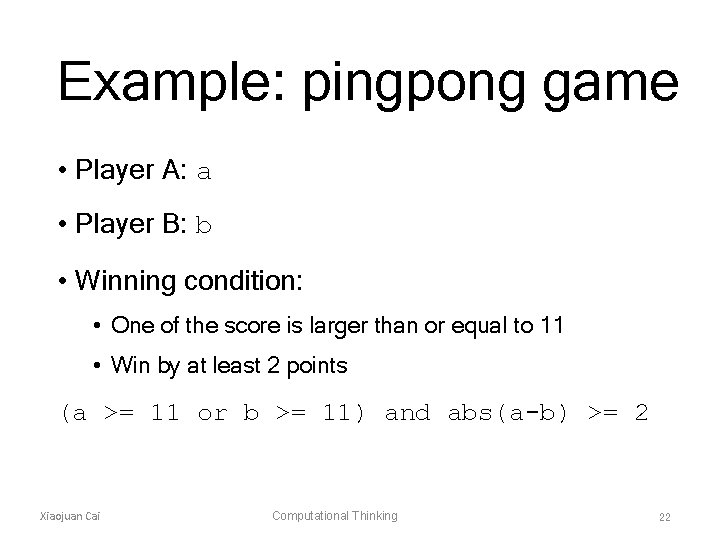
Example: pingpong game • Player A: a • Player B: b • Winning condition: • One of the score is larger than or equal to 11 • Win by at least 2 points (a >= 11 or b >= 11) and abs(a-b) >= 2 Xiaojuan Cai Computational Thinking 22
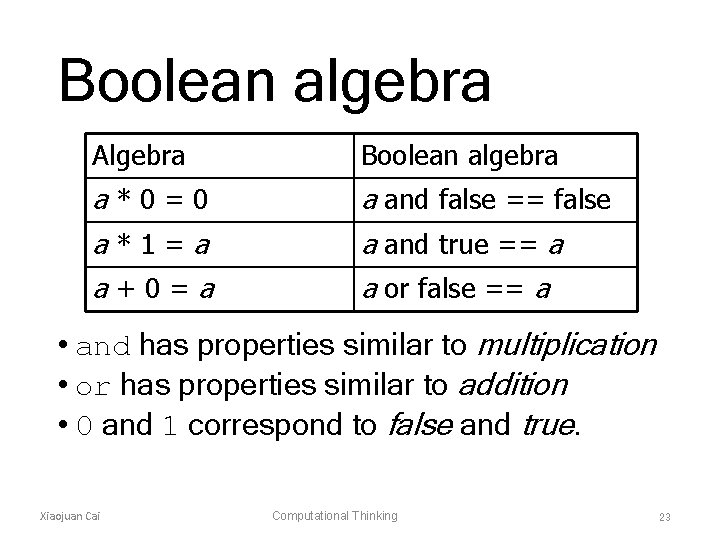
Boolean algebra Algebra Boolean algebra a*0=0 a and false == false a*1=a a and true == a a+0=a a or false == a • and has properties similar to multiplication • or has properties similar to addition • 0 and 1 correspond to false and true. Xiaojuan Cai Computational Thinking 23
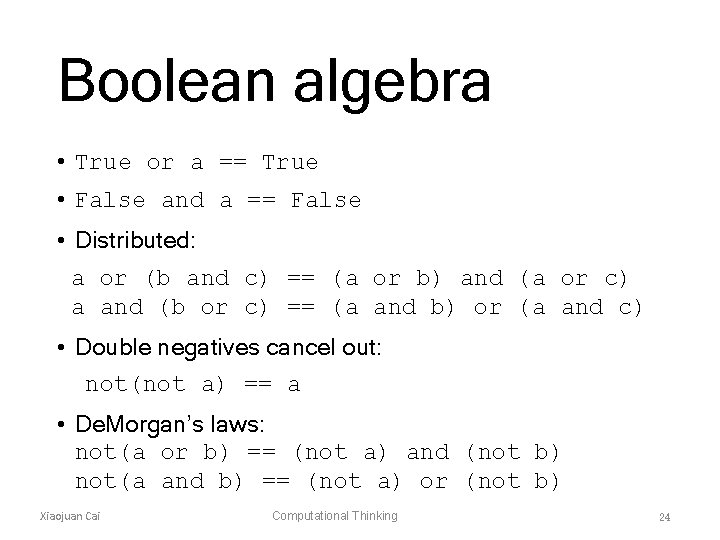
Boolean algebra • True or a == True • False and a == False • Distributed: a or (b and c) == (a or b) and (a or c) a and (b or c) == (a and b) or (a and c) • Double negatives cancel out: not(not a) == a • De. Morgan’s laws: not(a or b) == (not a) and (not b) not(a and b) == (not a) or (not b) Xiaojuan Cai Computational Thinking 24
Built-in types and bool • response[0] == "y" or "Y" will always evaluate to True. Why? • Python 2. 7 has bool type with two values: True and False • Older versions use 1 and 0 • Zero int/float/long is interpreted as False, while non-zero int/float/long is True. • An empty sequence is interpreted as False while any nonempty sequence is True. Xiaojuan Cai Computational Thinking 25
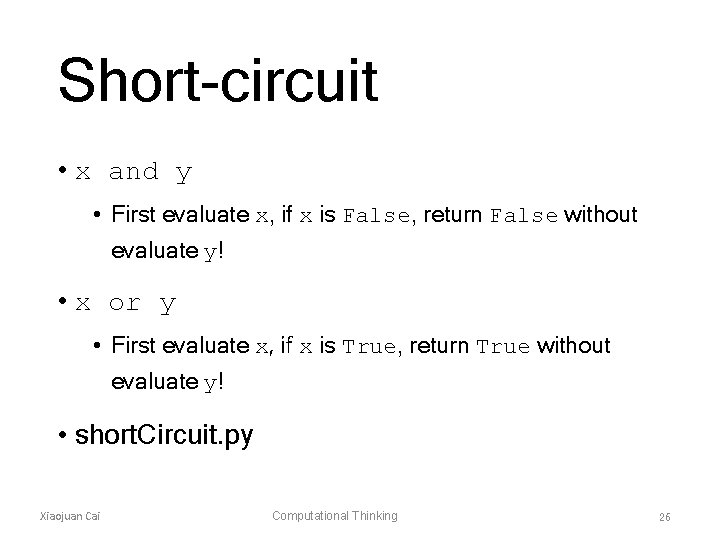
Short-circuit • x and y • First evaluate x, if x is False, return False without evaluate y! • x or y • First evaluate x, if x is True, return True without evaluate y! • short. Circuit. py Xiaojuan Cai Computational Thinking 26
Flexibility • ans = raw_input("What flavor [vanilla]? ") if ans != "": flavor = ans else: flavor = "vanilla" • ans = raw_input("What flavor [vanilla]? ") if ans: flavor = ans else: flavor = "vanilla" • ans = raw_input("What flavor [vanilla]? ") flavor = ans or "vanilla" • flavor = raw_input("What flavor [vanilla]? ") or "vanilla" Xiaojuan Cai Computational Thinking 27
Roadmap • For loops • Indefinite loops • Interactive, sentinel, file, nested loops • Boolean algebra • Other loop patterns: • post-test, loop and a half Xiaojuan Cai Computational Thinking 28
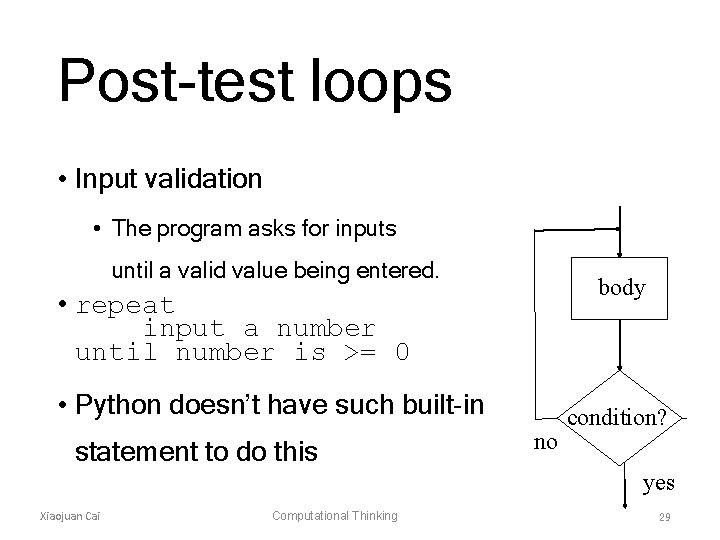
Post-test loops • Input validation • The program asks for inputs until a valid value being entered. body • repeat input a number until number is >= 0 • Python doesn’t have such built-in statement to do this no condition? yes Xiaojuan Cai Computational Thinking 29
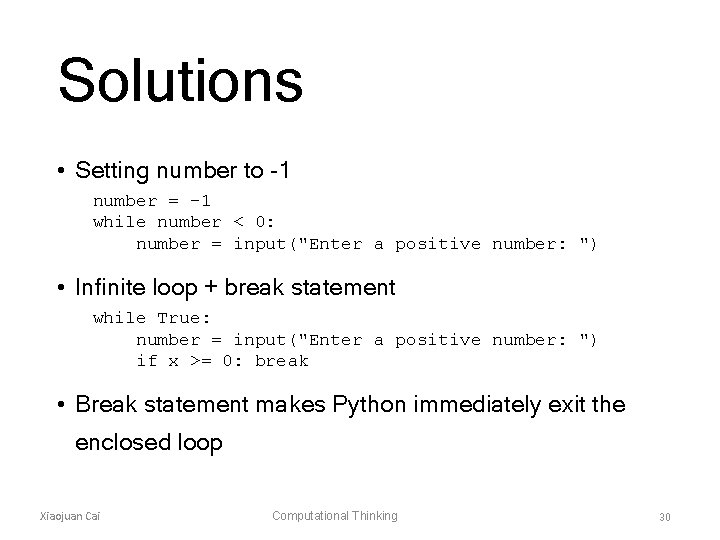
Solutions • Setting number to -1 number = -1 while number < 0: number = input("Enter a positive number: ") • Infinite loop + break statement while True: number = input("Enter a positive number: ") if x >= 0: break • Break statement makes Python immediately exit the enclosed loop Xiaojuan Cai Computational Thinking 30
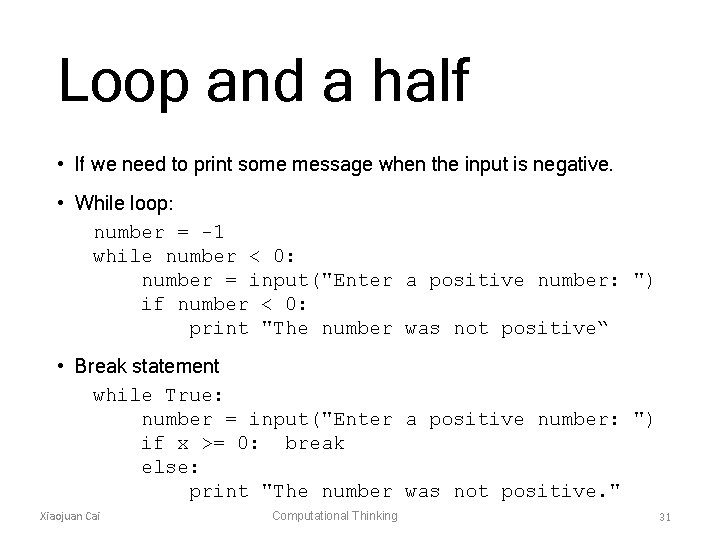
Loop and a half • If we need to print some message when the input is negative. • While loop: number = -1 while number < 0: number = input("Enter a positive number: ") if number < 0: print "The number was not positive“ • Break statement while True: number = input("Enter a positive number: ") if x >= 0: break else: print "The number was not positive. " Xiaojuan Cai Computational Thinking 31
Loop and a half • The loop exit is in the middle of the loop body. • The use of break is mostly a matter of style and taste. • The logic of a loop is hard to follow when there are multiple exits (break statements). Xiaojuan Cai Computational Thinking 32
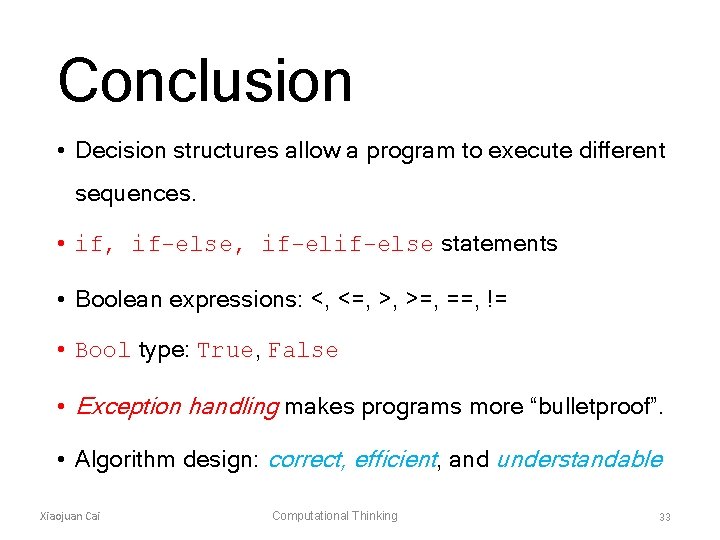
Conclusion • Decision structures allow a program to execute different sequences. • if, if-else, if-else statements • Boolean expressions: <, <=, >, >=, ==, != • Bool type: True, False • Exception handling makes programs more “bulletproof”. • Algorithm design: correct, efficient, and understandable Xiaojuan Cai Computational Thinking 33