
Lecture 8 AST Visiting and Code Generation Xiaoyin
- Slides: 37
Lecture 8 AST Visiting and Code Generation Xiaoyin Wang CS 5363 Programming Languages and Compilers
Code Generation • Tree Walking • Code Generation Rules • Control Flow Graph
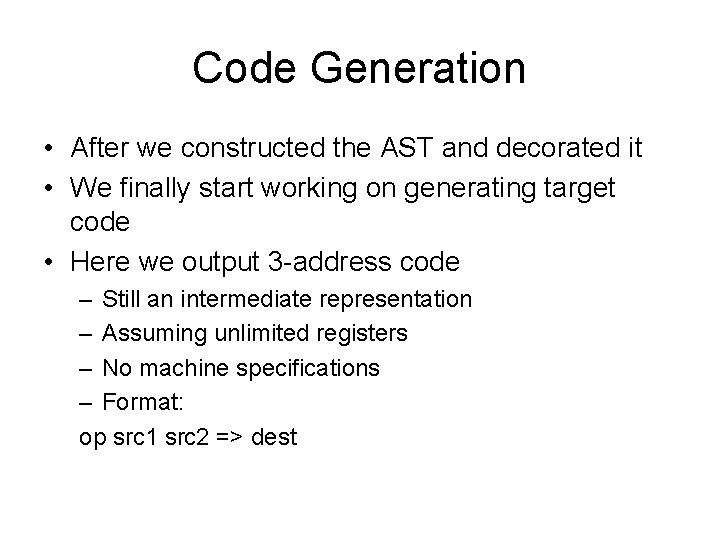
Code Generation • After we constructed the AST and decorated it • We finally start working on generating target code • Here we output 3 -address code – Still an intermediate representation – Assuming unlimited registers – No machine specifications – Format: op src 1 src 2 => dest
Code Generation • It is surprisingly simple: – You just need to walk the tree from top to bottom – Apply rules for each AST Node – Then, we are done!
Code Generation • Basic Operations – Emit: write an instruction or a label to the instruction stream – Register. Next(): get the next available register – Label. Next(): get the next available label – For expression AST Nodes, add a register field to save the register that stores its value
Tree walking • Depth-first tree walking • Always visit children left to right
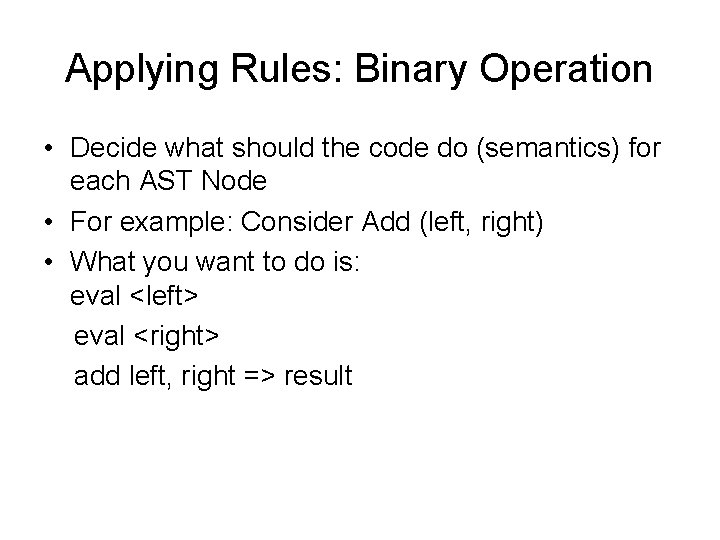
Applying Rules: Binary Operation • Decide what should the code do (semantics) for each AST Node • For example: Consider Add (left, right) • What you want to do is: eval <left> eval <right> add left, right => result
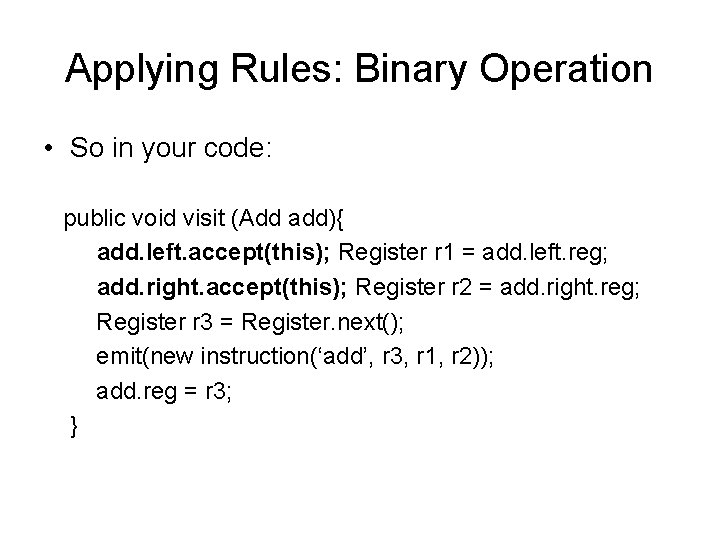
Applying Rules: Binary Operation • So in your code: public void visit (Add add){ add. left. accept(this); Register r 1 = add. left. reg; add. right. accept(this); Register r 2 = add. right. reg; Register r 3 = Register. next(); emit(new instruction(‘add’, r 3, r 1, r 2)); add. reg = r 3; }
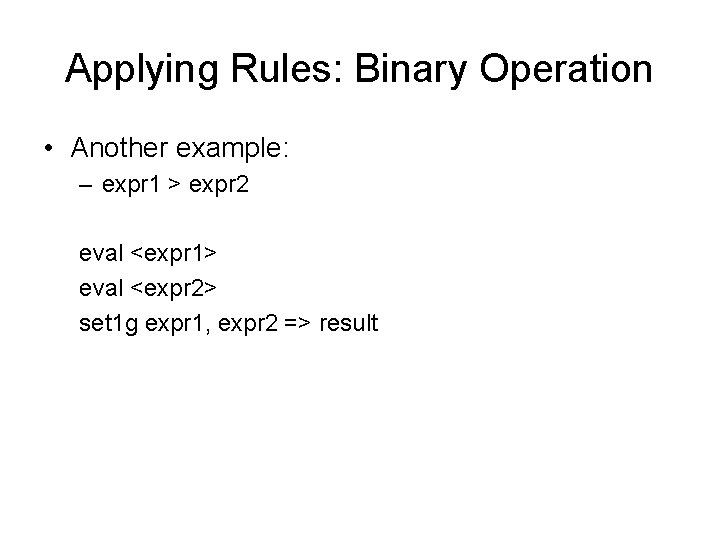
Applying Rules: Binary Operation • Another example: – expr 1 > expr 2 eval <expr 1> eval <expr 2> set 1 g expr 1, expr 2 => result
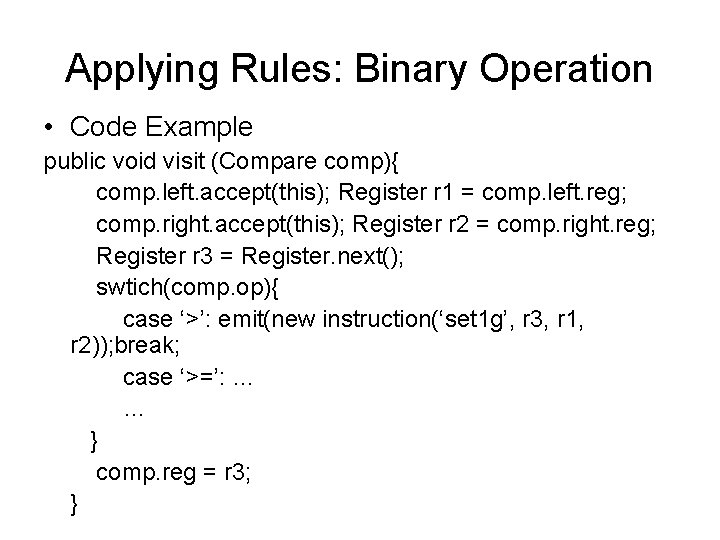
Applying Rules: Binary Operation • Code Example public void visit (Compare comp){ comp. left. accept(this); Register r 1 = comp. left. reg; comp. right. accept(this); Register r 2 = comp. right. reg; Register r 3 = Register. next(); swtich(comp. op){ case ‘>’: emit(new instruction(‘set 1 g’, r 3, r 1, r 2)); break; case ‘>=’: … … } comp. reg = r 3; }
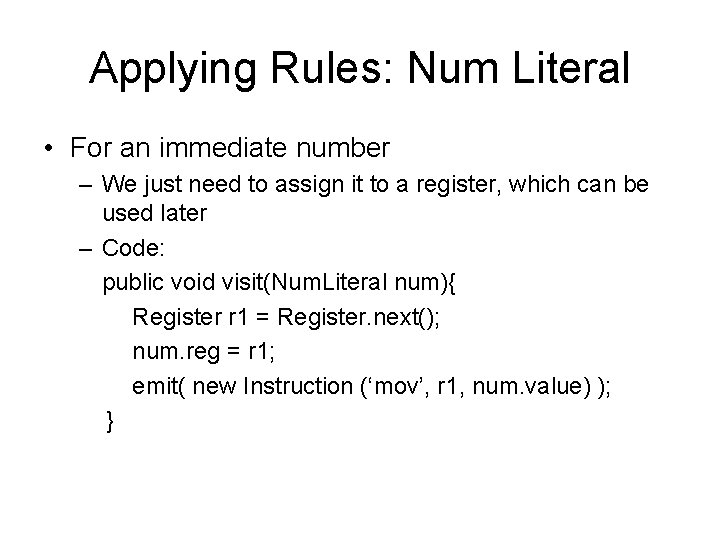
Applying Rules: Num Literal • For an immediate number – We just need to assign it to a register, which can be used later – Code: public void visit(Num. Literal num){ Register r 1 = Register. next(); num. reg = r 1; emit( new Instruction (‘mov’, r 1, num. value) ); }
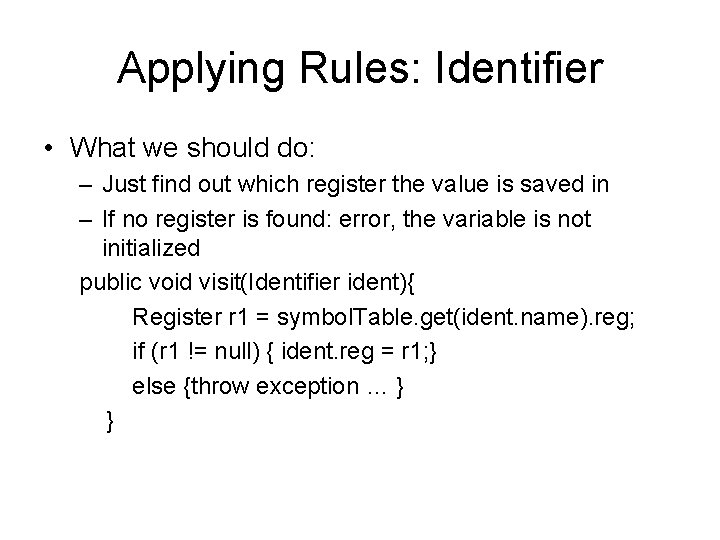
Applying Rules: Identifier • What we should do: – Just find out which register the value is saved in – If no register is found: error, the variable is not initialized public void visit(Identifier ident){ Register r 1 = symbol. Table. get(ident. name). reg; if (r 1 != null) { ident. reg = r 1; } else {throw exception … } }
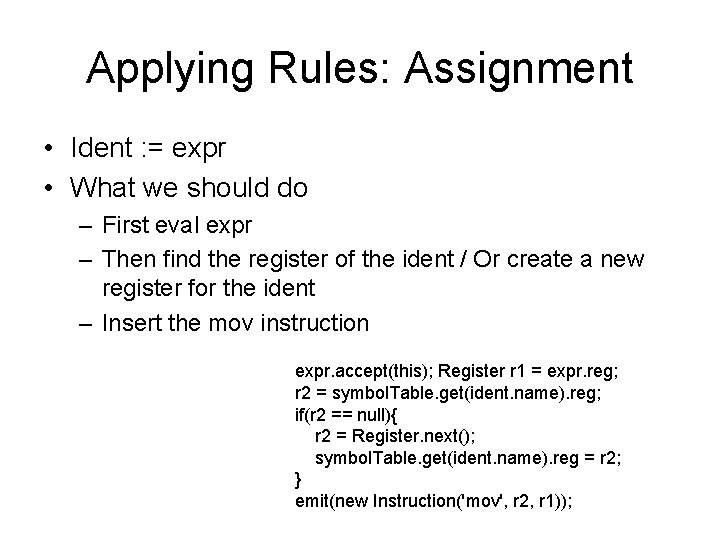
Applying Rules: Assignment • Ident : = expr • What we should do – First eval expr – Then find the register of the ident / Or create a new register for the ident – Insert the mov instruction
Applying Rules: Assignment • Ident : = expr • What we should do – First eval expr – Then find the register of the ident / Or create a new register for the ident – Insert the mov instruction expr. accept(this); Register r 1 = expr. reg; r 2 = symbol. Table. get(ident. name). reg; if(r 2 == null){ r 2 = Register. next(); symbol. Table. get(ident. name). reg = r 2; } emit(new Instruction('mov', r 2, r 1));
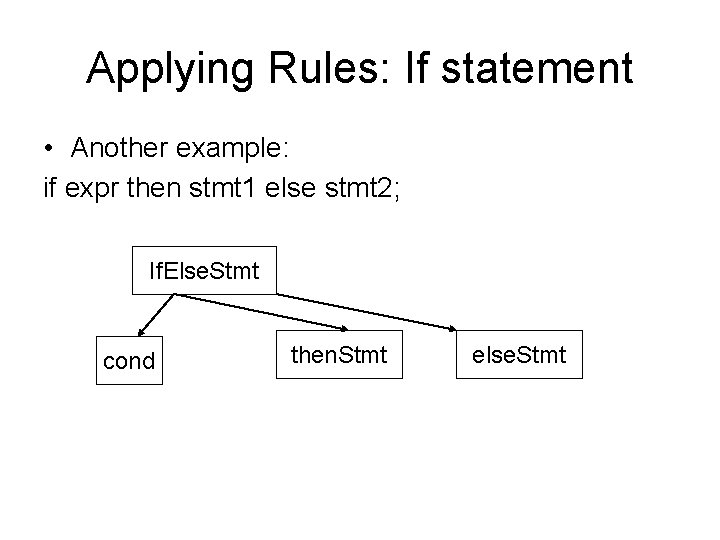
Applying Rules: If statement • Another example: if expr then stmt 1 else stmt 2; If. Else. Stmt cond then. Stmt else. Stmt
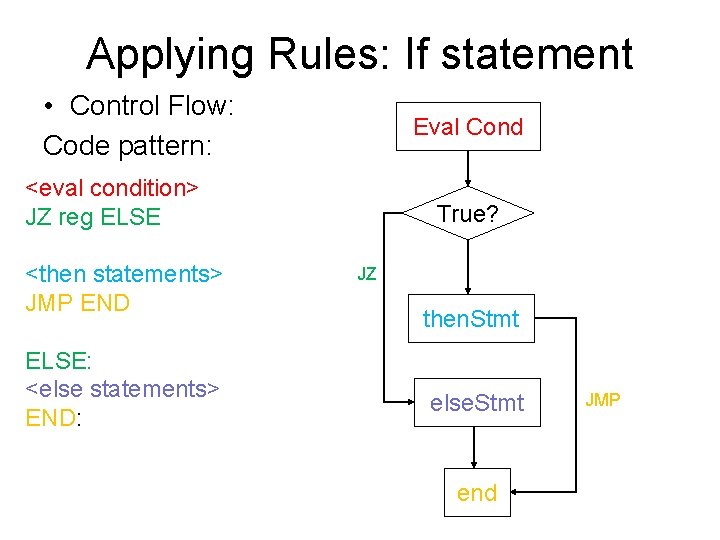
Applying Rules: If statement • What we want is: 1. evaluate cond expression 2. if return true: goto then stmt 3. else: goto else stmt 4. goto the end of the stmt on each of the branches
Applying Rules: If statement • Control Flow: Code pattern: Eval Cond <eval condition> JZ reg ELSE <then statements> JMP END ELSE: <else statements> END: True? JZ then. Stmt else. Stmt end JMP
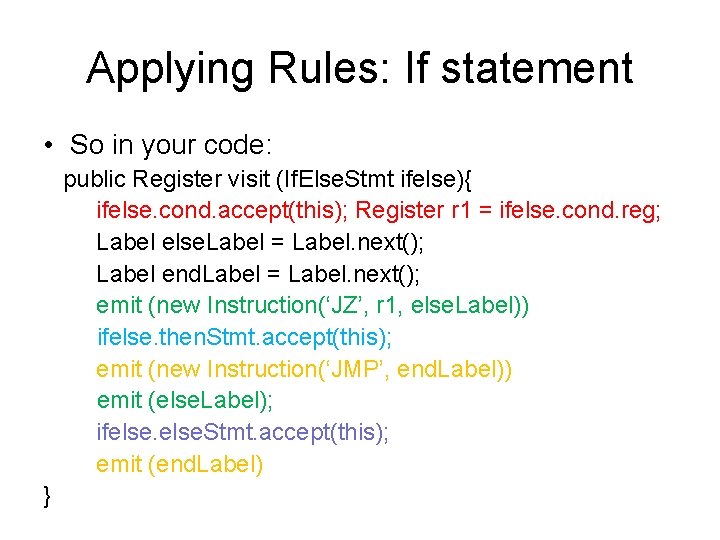
Applying Rules: If statement • So in your code: public Register visit (If. Else. Stmt ifelse){ ifelse. cond. accept(this); Register r 1 = ifelse. cond. reg; Label else. Label = Label. next(); Label end. Label = Label. next(); emit (new Instruction(‘JZ’, r 1, else. Label)) ifelse. then. Stmt. accept(this); emit (new Instruction(‘JMP’, end. Label)) emit (else. Label); ifelse. Stmt. accept(this); emit (end. Label) }
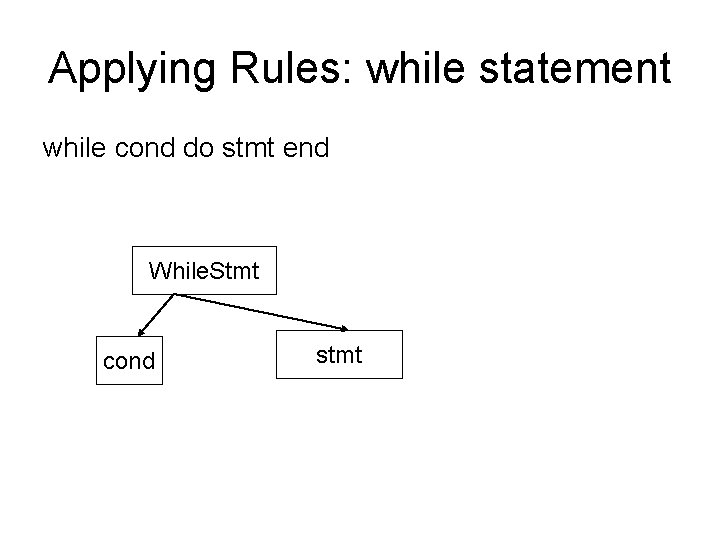
Applying Rules: while statement while cond do stmt end While. Stmt cond stmt
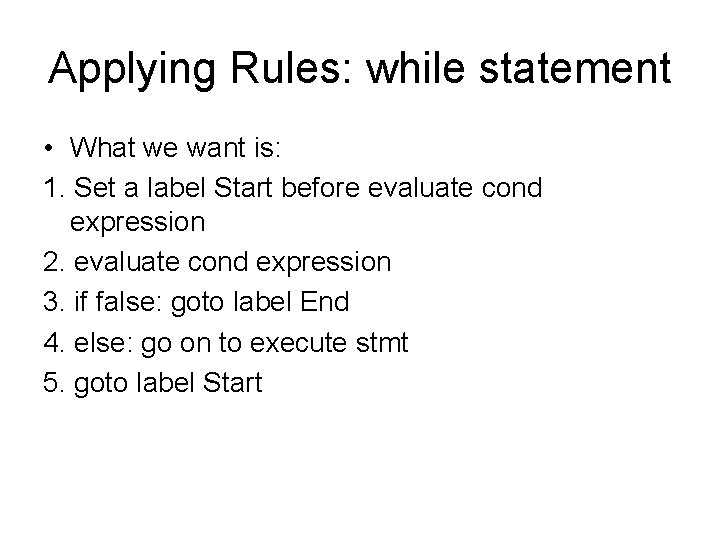
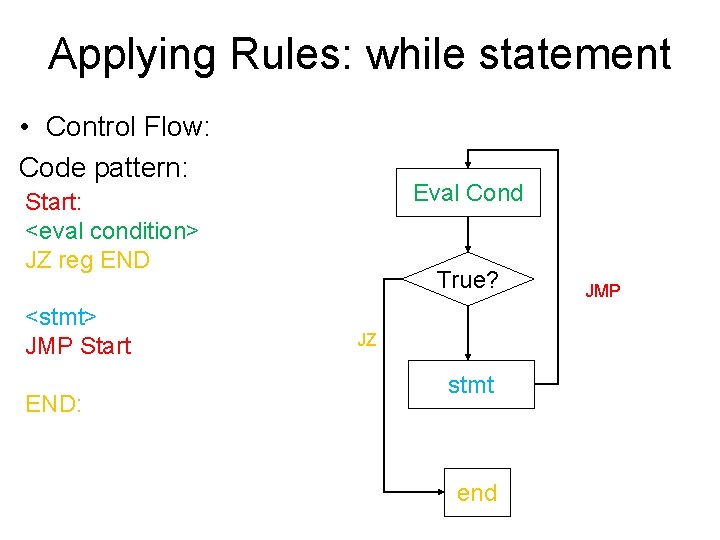
Applying Rules: while statement • What we want is: 1. Set a label Start before evaluate cond expression 2. evaluate cond expression 3. if false: goto label End 4. else: go on to execute stmt 5. goto label Start
Applying Rules: while statement • Control Flow: Code pattern: Eval Cond Start: <eval condition> JZ reg END <stmt> JMP Start END: True? JZ stmt end JMP
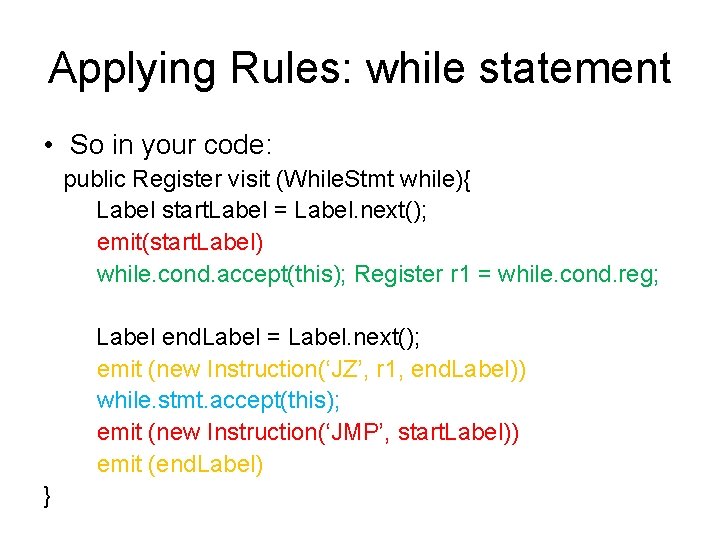
Applying Rules: while statement • So in your code: public Register visit (While. Stmt while){ Label start. Label = Label. next(); emit(start. Label) while. cond. accept(this); Register r 1 = while. cond. reg; Label end. Label = Label. next(); emit (new Instruction(‘JZ’, r 1, end. Label)) while. stmt. accept(this); emit (new Instruction(‘JMP’, start. Label)) emit (end. Label) }
Instruction Set • The Appendix A of MIPS Assembly Specification • On the course website • A more brief summary at http: //xywang. 100871. net/SPIM_instr. pdf
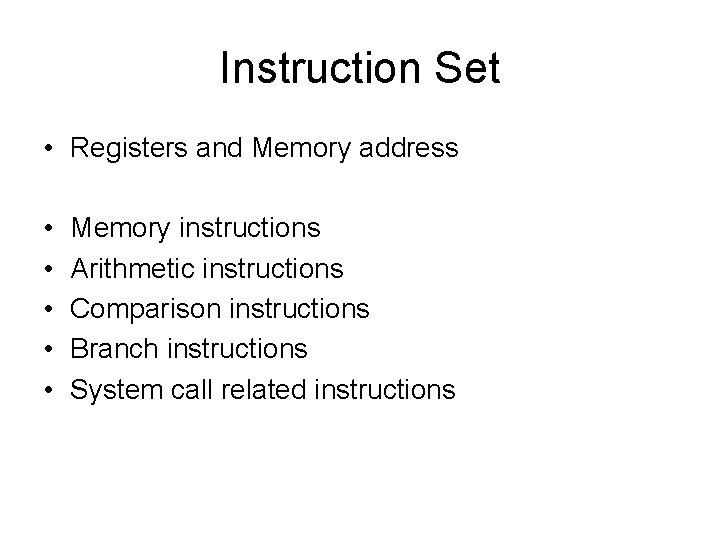
Instruction Set • Registers and Memory address • • • Memory instructions Arithmetic instructions Comparison instructions Branch instructions System call related instructions
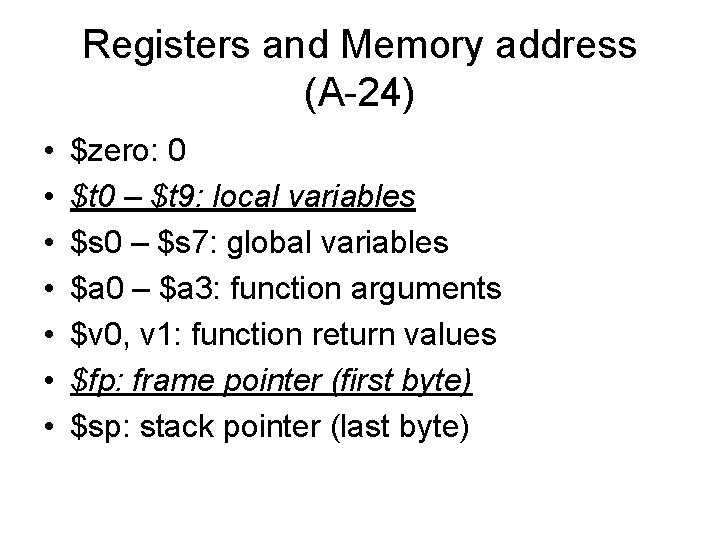
Registers and Memory address (A-24) • • $zero: 0 $t 0 – $t 9: local variables $s 0 – $s 7: global variables $a 0 – $a 3: function arguments $v 0, v 1: function return values $fp: frame pointer (first byte) $sp: stack pointer (last byte)
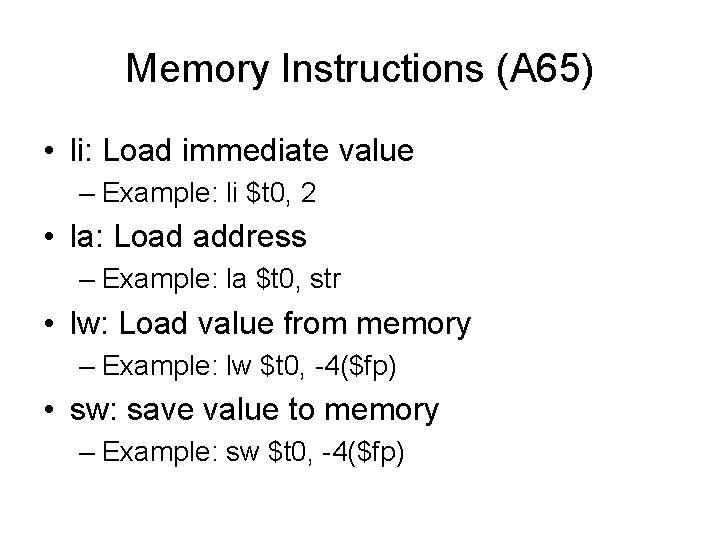
Memory Instructions (A 65) • li: Load immediate value – Example: li $t 0, 2 • la: Load address – Example: la $t 0, str • lw: Load value from memory – Example: lw $t 0, -4($fp) • sw: save value to memory – Example: sw $t 0, -4($fp)
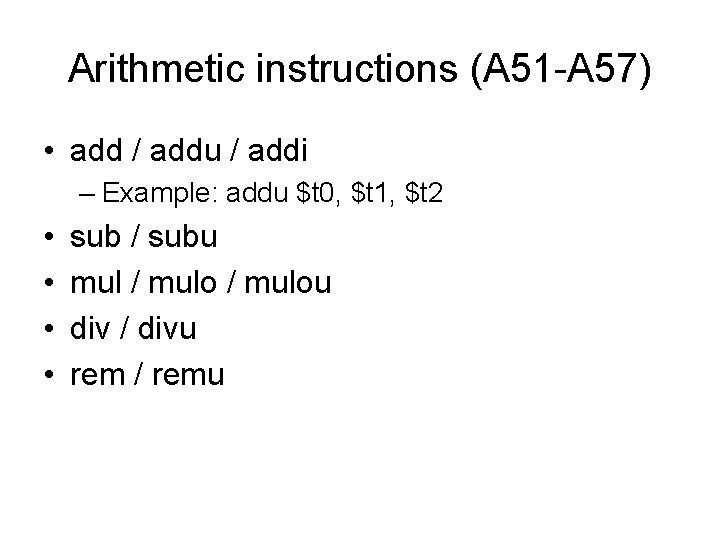
Arithmetic instructions (A 51 -A 57) • add / addu / addi – Example: addu $t 0, $t 1, $t 2 • • sub / subu mul / mulou div / divu rem / remu
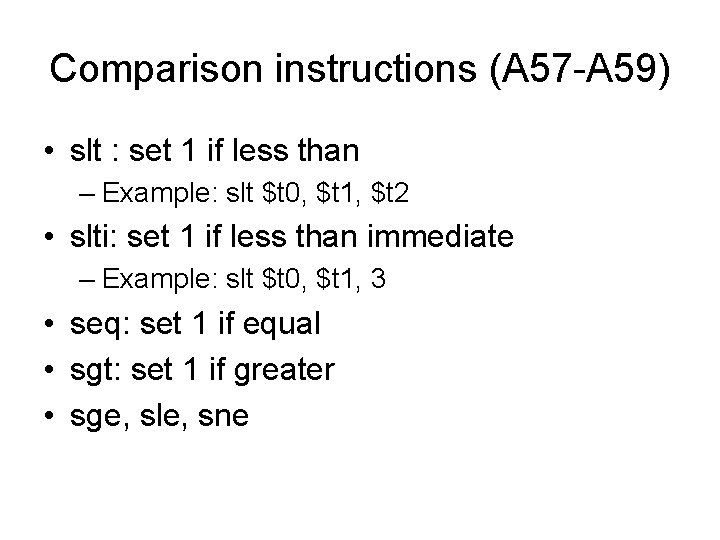
Comparison instructions (A 57 -A 59) • slt : set 1 if less than – Example: slt $t 0, $t 1, $t 2 • slti: set 1 if less than immediate – Example: slt $t 0, $t 1, 3 • seq: set 1 if equal • sgt: set 1 if greater • sge, sle, sne
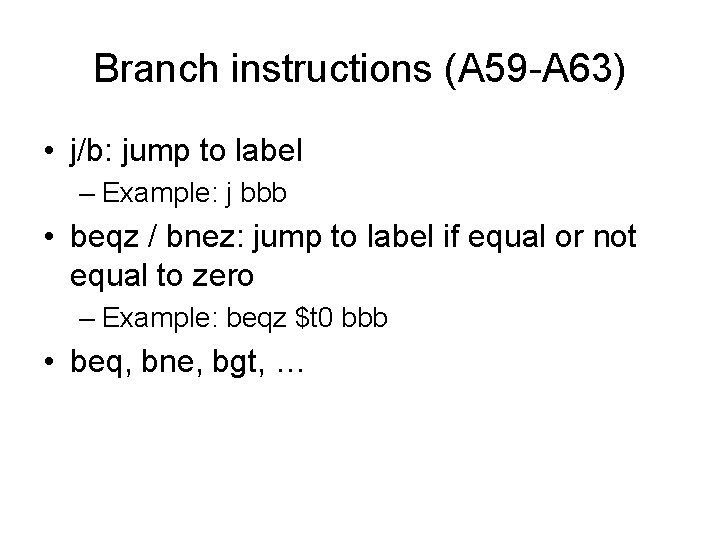
Branch instructions (A 59 -A 63) • j/b: jump to label – Example: j bbb • beqz / bnez: jump to label if equal or not equal to zero – Example: beqz $t 0 bbb • beq, bne, bgt, …
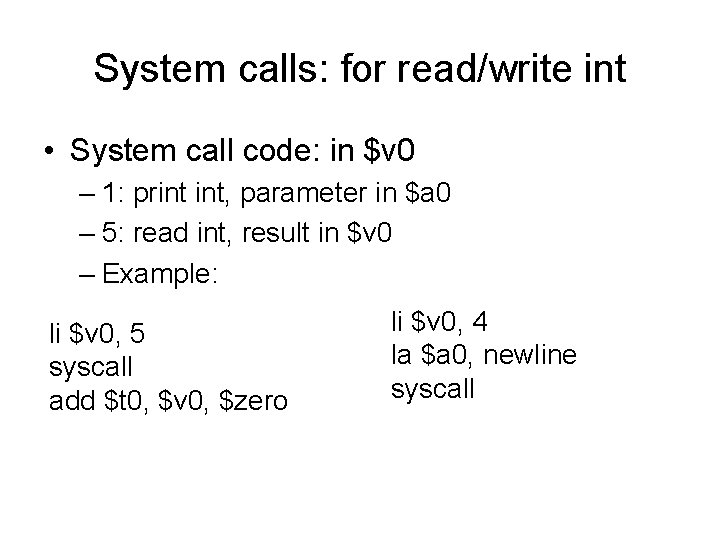
System calls: for read/write int • System call code: in $v 0 – 1: print int, parameter in $a 0 – 5: read int, result in $v 0 – Example: li $v 0, 5 syscall add $t 0, $v 0, $zero li $v 0, 4 la $a 0, newline syscall
Control Flow Graph • An intermediate presentation of target code • Enables flow-oriented code optimization • Better understanding of the code
Basic Blocks • A block of the code that will be sequentially executed • With no jump instructions and labels for other instructions to jump to • Nodes in the control flow graph
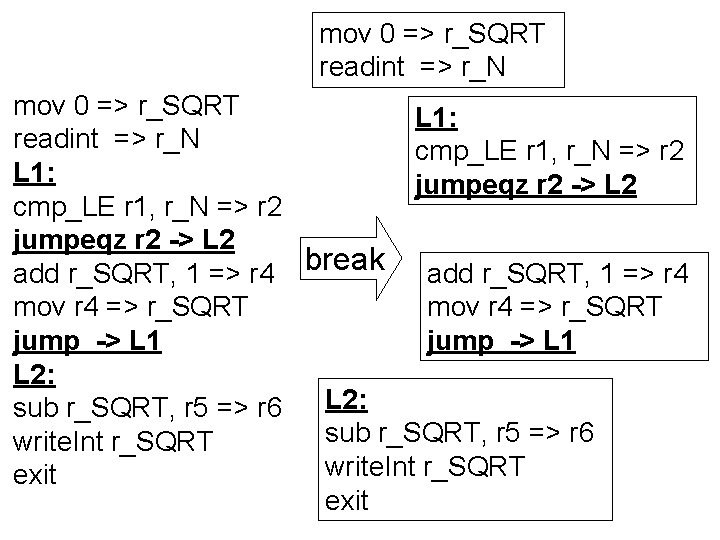
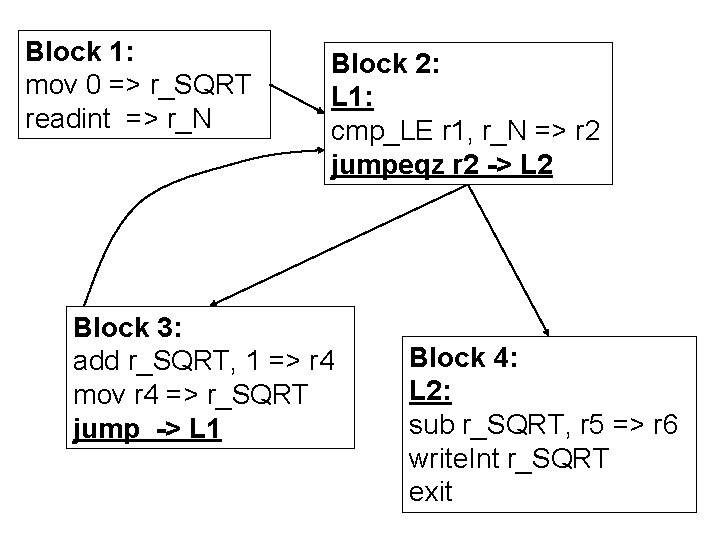
Generate Control Flow Graph with Basic Blocks • In the generated code • Step 1: split the code to a number of basic blocks • Step 2: find the relationship between all basic blocks, for each basic block: – Its predecessors are the basic block directly before it (if no unconditional jump at the end), and all blocks can jump to it – Its successors are the basic block directly after it (if no unconditional jump at the end), and all blocks it jumps to
mov 0 => r_SQRT readint => r_N mov 0 => r_SQRT L 1: readint => r_N cmp_LE r 1, r_N => r 2 L 1: jumpeqz r 2 -> L 2 cmp_LE r 1, r_N => r 2 jumpeqz r 2 -> L 2 add r_SQRT, 1 => r 4 break mov r 4 => r_SQRT jump -> L 1 L 2: sub r_SQRT, r 5 => r 6 write. Int r_SQRT exit
Block 1: mov 0 => r_SQRT readint => r_N Block 2: L 1: cmp_LE r 1, r_N => r 2 jumpeqz r 2 -> L 2 Block 3: add r_SQRT, 1 => r 4 mov r 4 => r_SQRT jump -> L 1 Block 4: L 2: sub r_SQRT, r 5 => r 6 write. Int r_SQRT exit
Basic Transformation From 3 address code to MIPS code • 3 address code: – Assumes unlimited number of registers • MIPS code: – Only limited number of registers, but memory can be normally viewed as unlimited
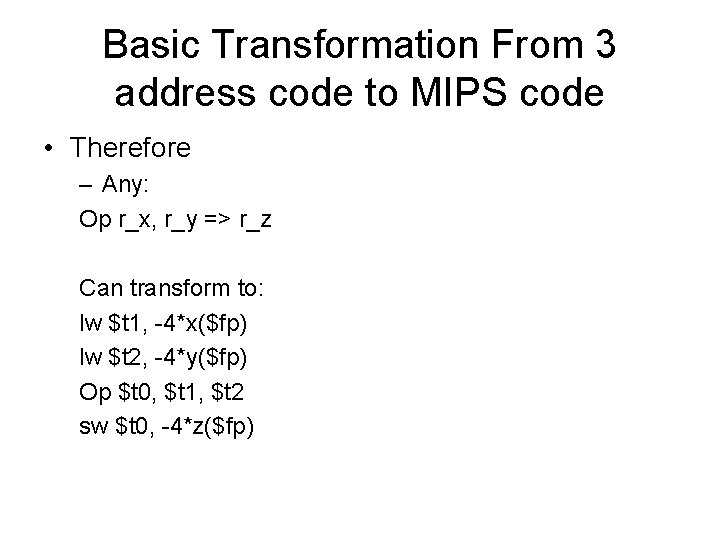
Basic Transformation From 3 address code to MIPS code • Therefore – Any: Op r_x, r_y => r_z Can transform to: lw $t 1, -4*x($fp) lw $t 2, -4*y($fp) Op $t 0, $t 1, $t 2 sw $t 0, -4*z($fp)