
LECTURE 8 Announcements Final TAs Jeff Ben Carmen

LECTURE 8 Announcements
Final TAs • Jeff – Ben, Carmen, Audrey • Tyler – Ruiqi – Mason • Ben – Loudon – Jordan, Nick • David – Trent – Vijay
Final Design Checks • Optional this week • Required for Final III
Playtesting Feedback • Need three people to playtest your game – One will be in class – Two will be out of class (friends, Sun. Lab, etc. ) • Should watch your victim volunteer play your game – Don’t comment unless necessary – Take notes – Pay special attention to when the player is lost and when the player is having the most fun
LECTURE 8 Networking

Networking STRATEGIES
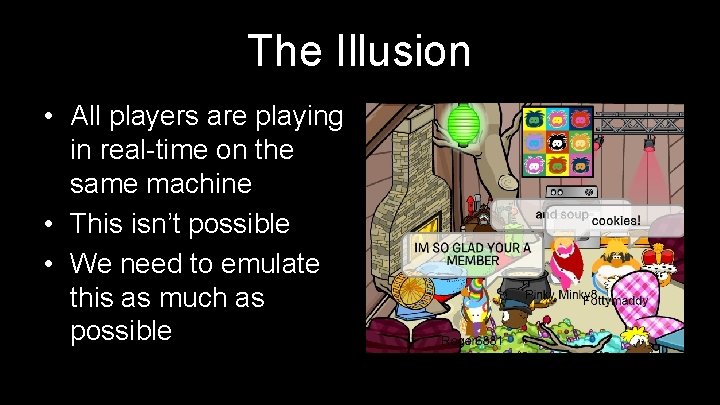
The Illusion • All players are playing in real-time on the same machine • This isn’t possible • We need to emulate this as much as possible
The Illusion • What the player should see: – Consistent game state – Responsive controls – Difficult to cheat • Things working against us: – Game state > bandwidth – Variable or high latency – Antagonistic users
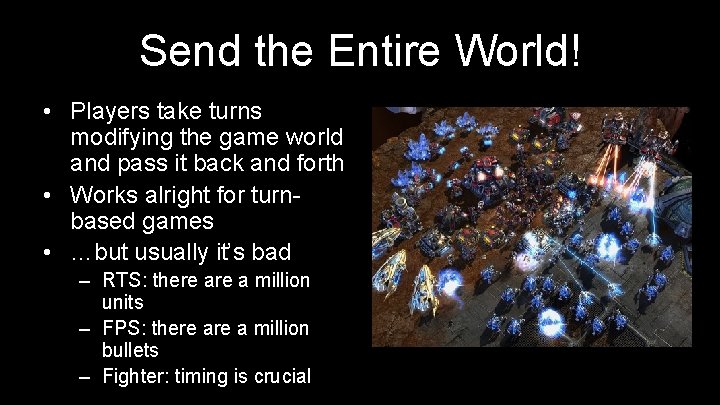
Send the Entire World! • Players take turns modifying the game world and pass it back and forth • Works alright for turnbased games • …but usually it’s bad – RTS: there a million units – FPS: there a million bullets – Fighter: timing is crucial
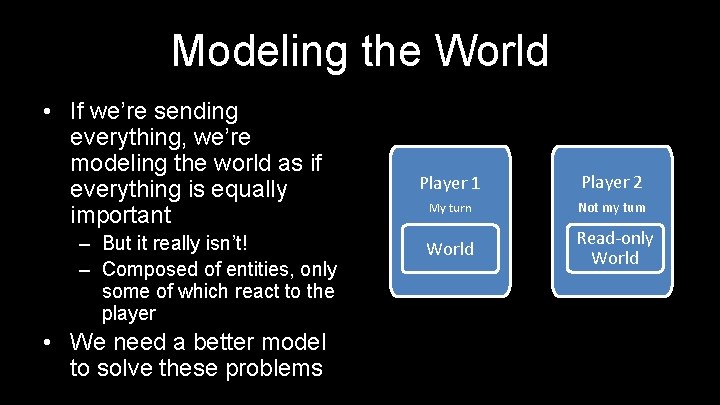
Modeling the World • If we’re sending everything, we’re modeling the world as if everything is equally important – But it really isn’t! – Composed of entities, only some of which react to the player • We need a better model to solve these problems Player 1 Player 2 My turn Not my turn World Read-only World State 1
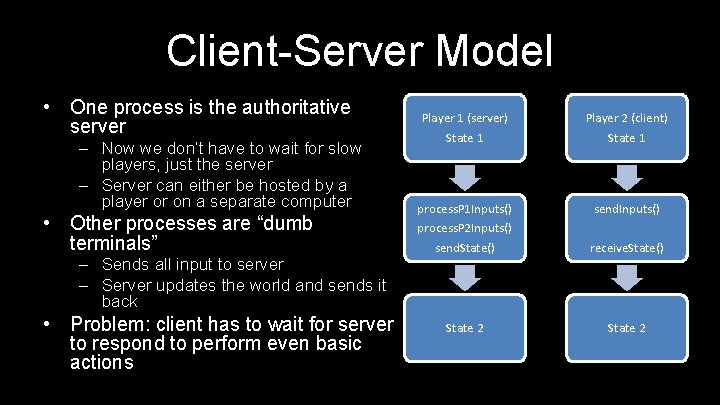
Client-Server Model • One process is the authoritative server – Now we don’t have to wait for slow players, just the server – Server can either be hosted by a player or on a separate computer • Other processes are “dumb terminals” – Sends all input to server – Server updates the world and sends it back • Problem: client has to wait for server to respond to perform even basic actions Player 1 (server) State 1 Player 2 (client) State 1 process. P 1 Inputs() process. P 2 Inputs() send. State() send. Inputs() receive. State() State 2
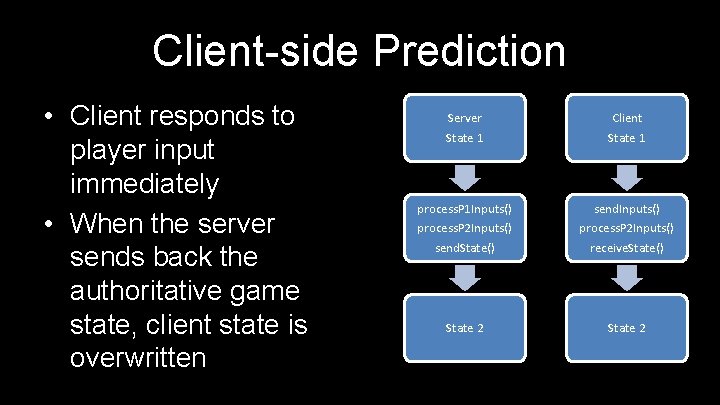
Client-side Prediction • Client responds to player input immediately • When the server sends back the authoritative game state, client state is overwritten Server State 1 Client State 1 process. P 1 Inputs() process. P 2 Inputs() send. State() send. Inputs() process. P 2 Inputs() receive. State() State 2
Rollback • But the server just sent a state that was 100 ms in the past! • We can’t just replace our game world or we’ll lose commands from the local player – Client has to roll back the world and integrate commands since the last known good state
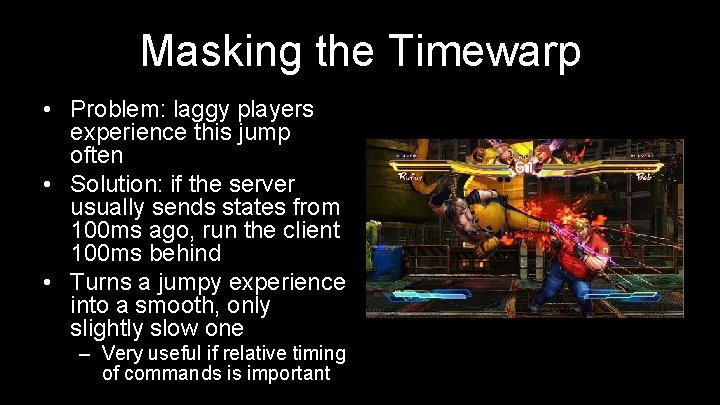
Masking the Timewarp • Problem: laggy players experience this jump often • Solution: if the server usually sends states from 100 ms ago, run the client 100 ms behind • Turns a jumpy experience into a smooth, only slightly slow one – Very useful if relative timing of commands is important
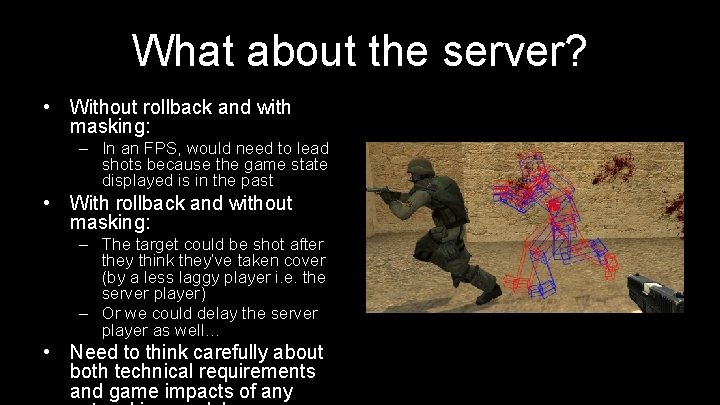
What about the server? • Without rollback and with masking: – In an FPS, would need to lead shots because the game state displayed is in the past • With rollback and without masking: – The target could be shot after they think they’ve taken cover (by a less laggy player i. e. the server player) – Or we could delay the server player as well… • Need to think carefully about both technical requirements and game impacts of any
Networking Strategies QUESTIONS?
Networking IMPLEMENTATION
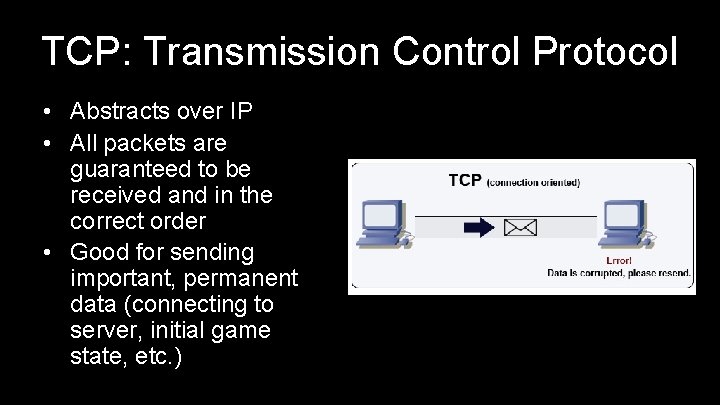
TCP: Transmission Control Protocol • Abstracts over IP • All packets are guaranteed to be received and in the correct order • Good for sending important, permanent data (connecting to server, initial game state, etc. )
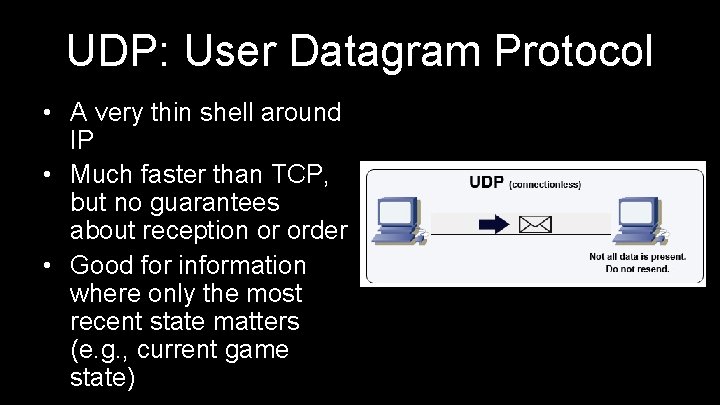
UDP: User Datagram Protocol • A very thin shell around IP • Much faster than TCP, but no guarantees about reception or order • Good for information where only the most recent state matters (e. g. , current game state)
TCP vs UDP • (Very) generally: action games use UDP and turnbased games use TCP – World state updates can be lost without worry, commands not so much • Can potentially combine them – TCP sends one-time messages – UDP streams updates • Best choice varies by project
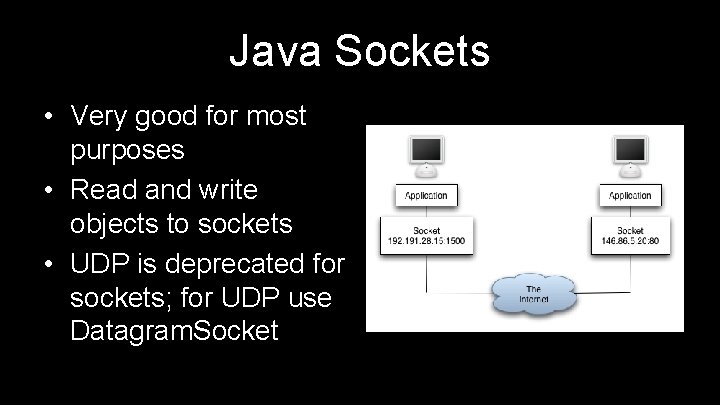
Java Sockets • Very good for most purposes • Read and write objects to sockets • UDP is deprecated for sockets; for UDP use Datagram. Socket
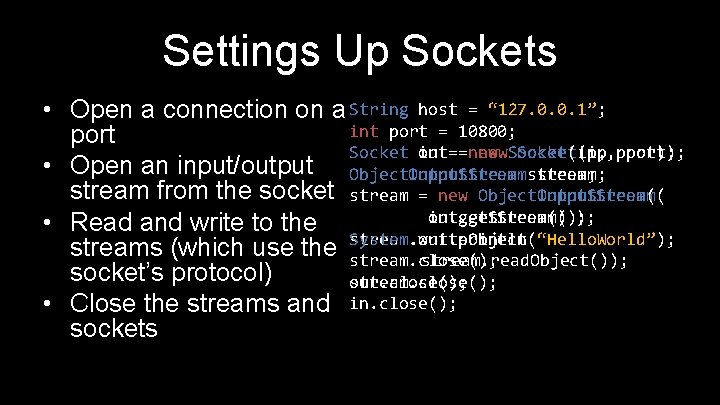
Settings Up Sockets • Open a connection on a String host = “ 127. 0. 0. 1”; int port = 10800; port Socket in out==new new. Socket(ip, port); • Open an input/output Object. Input. Stream Object. Output. Streamstream; stream from the socket stream = new Object. Input. Stream( Object. Output. Stream( in. get. Stream()); out. get. Stream()); • Read and write to the stream. write. Object(“Hello. World”); streams (which use the System. out. println( stream. read. Object()); stream. close(); socket’s protocol) stream. close(); out. close(); • Close the streams and in. close(); sockets
Edge Cases • What if… – The client disconnects – The server dies – The client goes insane and sends gibberish – The client loses internet for 30 seconds – The client is malicious – The client changes IP address • Handling errors well is vital to player experience
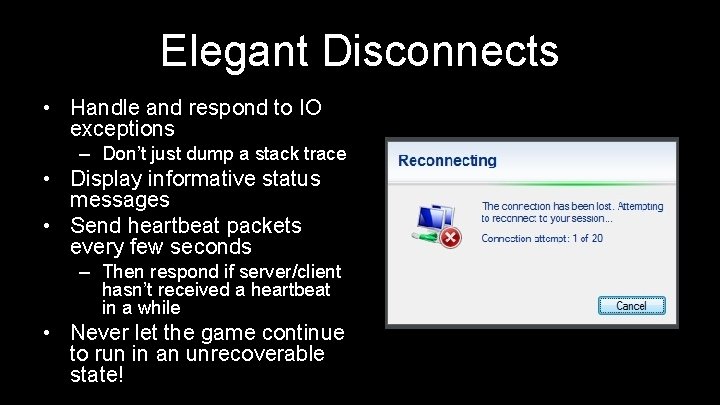
Elegant Disconnects • Handle and respond to IO exceptions – Don’t just dump a stack trace • Display informative status messages • Send heartbeat packets every few seconds – Then respond if server/client hasn’t received a heartbeat in a while • Never let the game continue to run in an unrecoverable state!
Networking QUESTIONS?
LECTURE 8 Procedural Generation
Procedural Generation WHITE NOISE
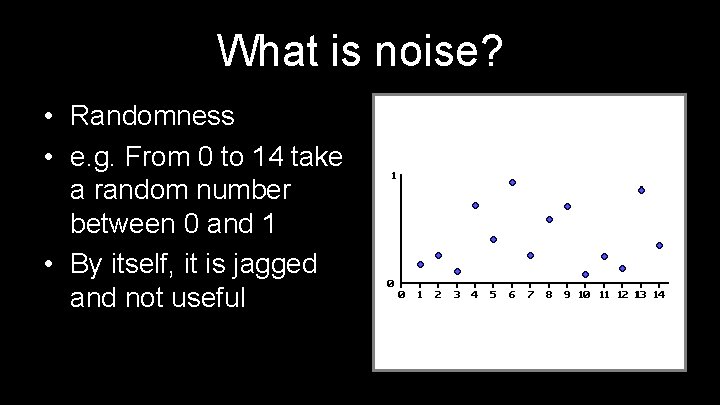
What is noise? • Randomness • e. g. From 0 to 14 take a random number between 0 and 1 • By itself, it is jagged and not useful
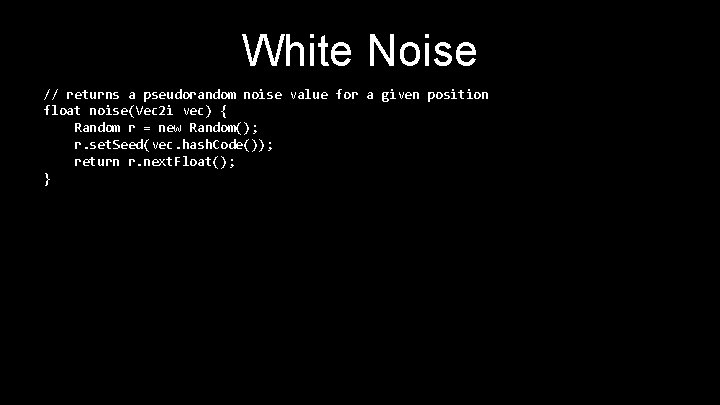
White Noise // returns a pseudorandom noise value for a given position float noise(Vec 2 i vec) { Random r = new Random(); r. set. Seed(vec. hash. Code()); return r. next. Float(); }
Procedural Generation VALUE NOISE
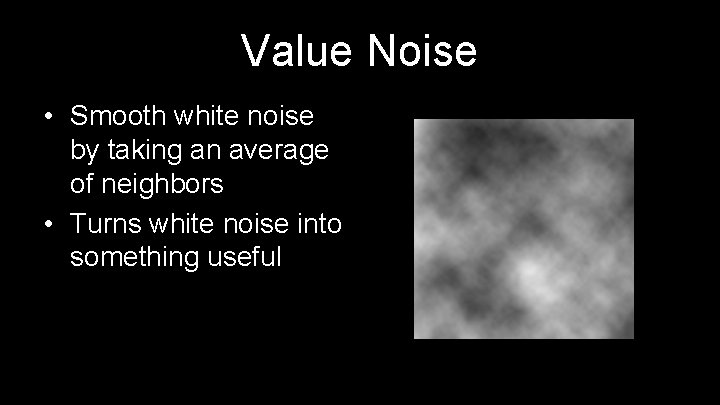
Value Noise • Smooth white noise by taking an average of neighbors • Turns white noise into something useful
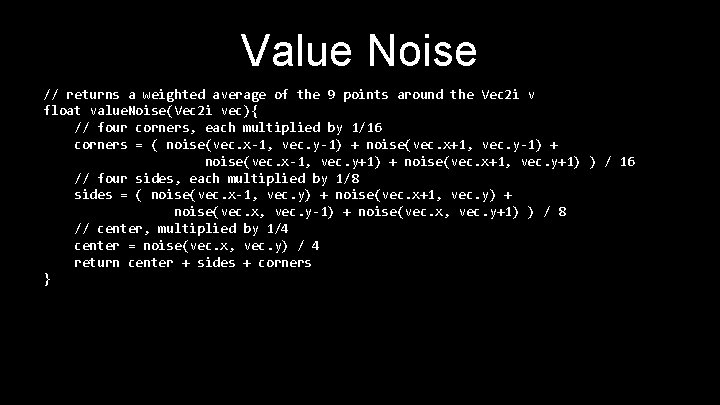
Value Noise // returns a weighted average of the 9 points around the Vec 2 i v float value. Noise(Vec 2 i vec){ // four corners, each multiplied by 1/16 corners = ( noise(vec. x-1, vec. y-1) + noise(vec. x+1, vec. y-1) + noise(vec. x-1, vec. y+1) + noise(vec. x+1, vec. y+1) ) / 16 // four sides, each multiplied by 1/8 sides = ( noise(vec. x-1, vec. y) + noise(vec. x+1, vec. y) + noise(vec. x, vec. y-1) + noise(vec. x, vec. y+1) ) / 8 // center, multiplied by 1/4 center = noise(vec. x, vec. y) / 4 return center + sides + corners }
Procedural Generation INTERPOLATION
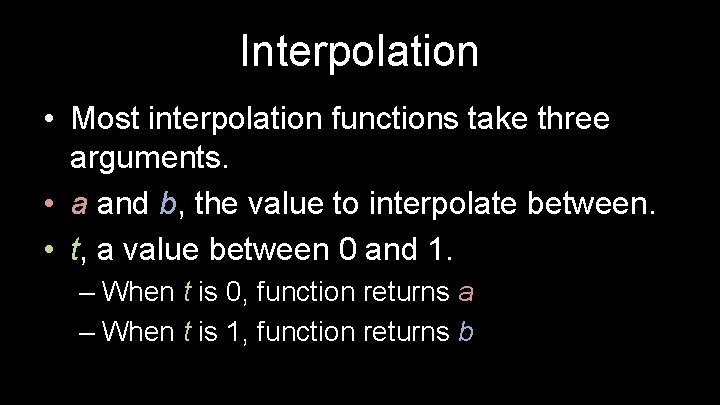
Interpolation • Most interpolation functions take three arguments. • a and b, the value to interpolate between. • t, a value between 0 and 1. – When t is 0, function returns a – When t is 1, function returns b
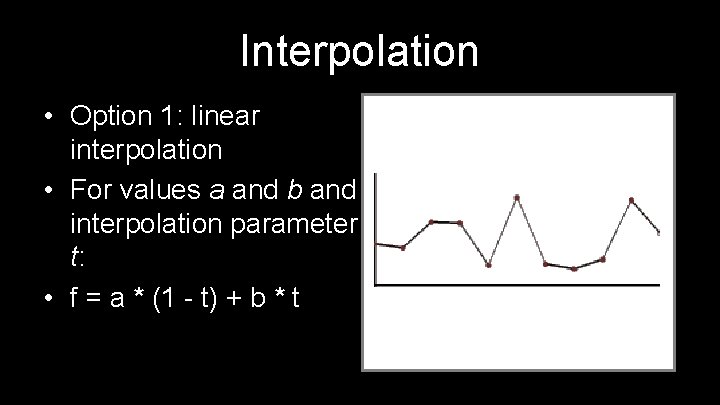
Interpolation • Option 1: linear interpolation • For values a and b and interpolation parameter t: • f = a * (1 - t) + b * t
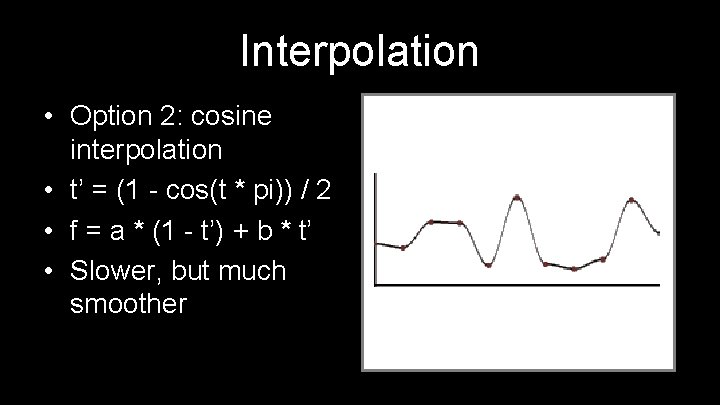
Interpolation • Option 2: cosine interpolation • t’ = (1 - cos(t * pi)) / 2 • f = a * (1 - t’) + b * t’ • Slower, but much smoother
Interpolation • Option 3: cubic interpolation • t’ = 3 t 2 - 2 t 3 • f = a * (1 - t’) + b * t’ • Similar to cosine
Interpolation • Option 4: Perlin interpolation • t’ = 6 t 5 - 15 t 4 - 10 t 3 • f = a * (1 - t’) + b * t’ • Slightly slower than cubic • Super smooth
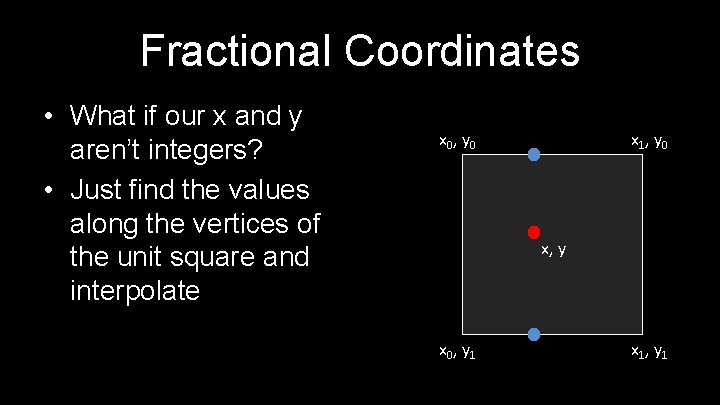
Fractional Coordinates • What if our x and y aren’t integers? • Just find the values along the vertices of the unit square and interpolate x 0, y 0 x 1, y 0 x, y x 0, y 1 x 1, y 1
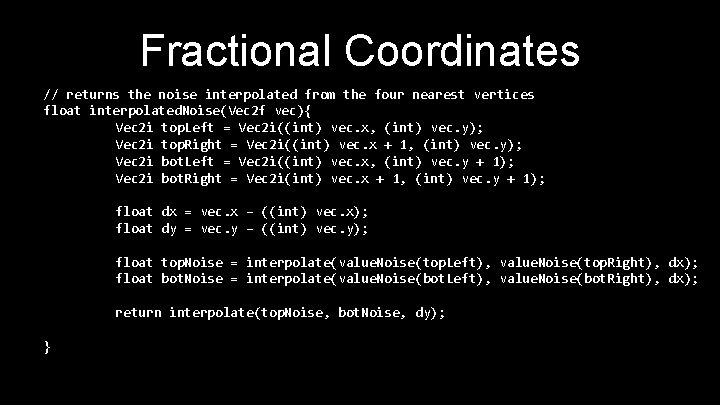
Fractional Coordinates // returns the noise interpolated from the four nearest vertices float interpolated. Noise(Vec 2 f vec){ Vec 2 i top. Left = Vec 2 i((int) vec. x, (int) vec. y); Vec 2 i top. Right = Vec 2 i((int) vec. x + 1, (int) vec. y); Vec 2 i bot. Left = Vec 2 i((int) vec. x, (int) vec. y + 1); Vec 2 i bot. Right = Vec 2 i(int) vec. x + 1, (int) vec. y + 1); float dx = vec. x – ((int) vec. x); float dy = vec. y – ((int) vec. y); float top. Noise = interpolate(value. Noise(top. Left), value. Noise(top. Right), dx); float bot. Noise = interpolate(value. Noise(bot. Left), value. Noise(bot. Right), dx); return interpolate(top. Noise, bot. Noise, dy); }
Procedural Generation PERLIN NOISE
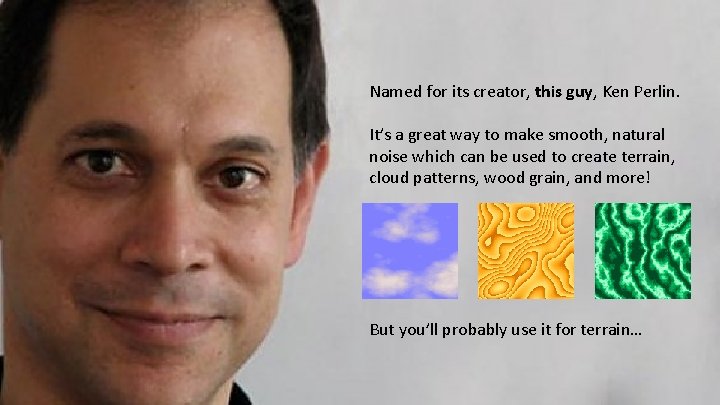
Perlin Noise Named for its creator, this guy, Ken Perlin. It’s a great way to make smooth, natural noise which can be used to create terrain, cloud patterns, wood grain, and more! But you’ll probably use it for terrain…
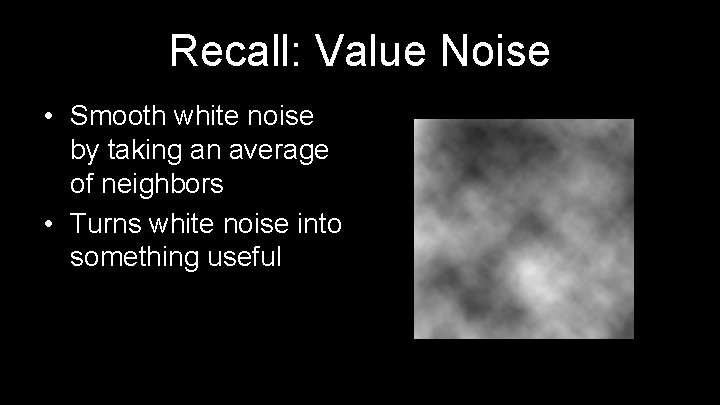
Recall: Value Noise • Smooth white noise by taking an average of neighbors • Turns white noise into something useful
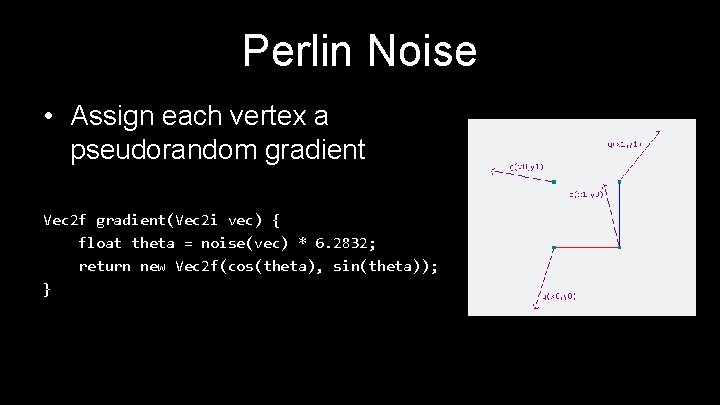
Perlin Noise • Assign each vertex a pseudorandom gradient Vec 2 f gradient(Vec 2 i vec) { float theta = noise(vec) * 6. 2832; return new Vec 2 f(cos(theta), sin(theta)); }
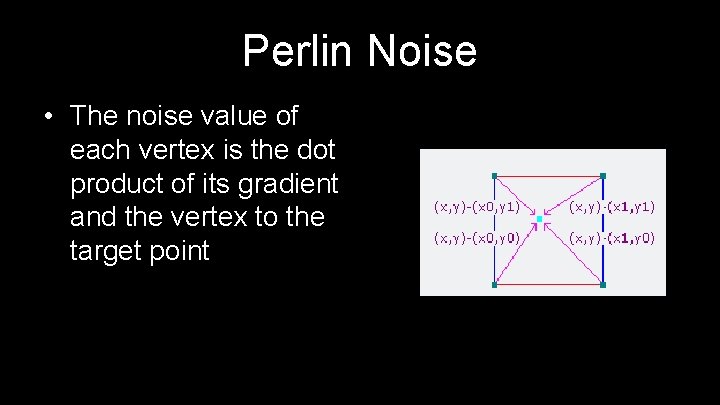
Perlin Noise • The noise value of each vertex is the dot product of its gradient and the vertex to the target point
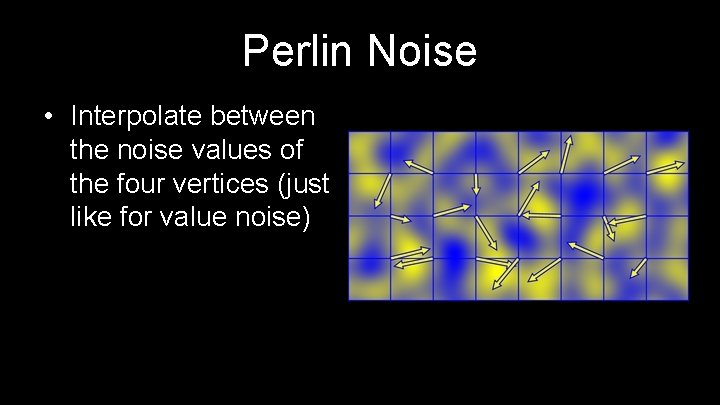
Perlin Noise • Interpolate between the noise values of the four vertices (just like for value noise)
Procedural Generation PERLIN NOISE VS VALUE NOISE
Perlin Noise vs Value Noise • Value noise is easier • Perlin noise has fewer plateaus
Procedural Generation ADDING NOISE
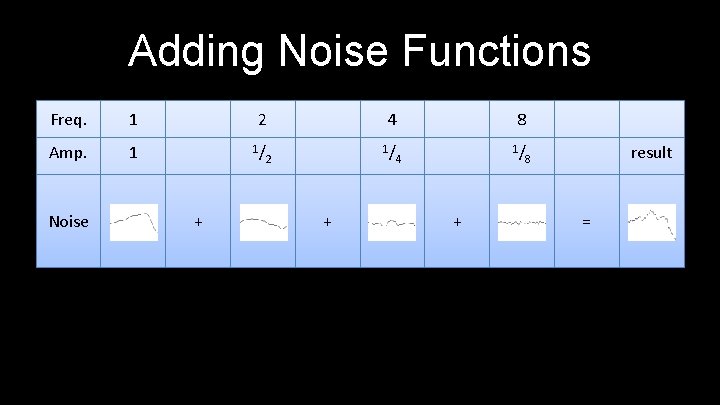
Adding Noise Functions Freq. 1 2 4 8 Amp. 1 1/ 1/ 1/ Noise + 2 + 4 + result 8 =
A Good Noise Function • What does our noise function need? – Given an (x, y) pair and a seed, returns the same value between 0 and 1 every time • Random. set. Seed() only takes a single seed as an argument
A Good Noise Function • TA suggestion: use the Vec 2 f. hashcode() method – Returns a single integer that is unique to each pair – Will return the same integer every time • Use this number to generate your seed for Random. next. Float() call
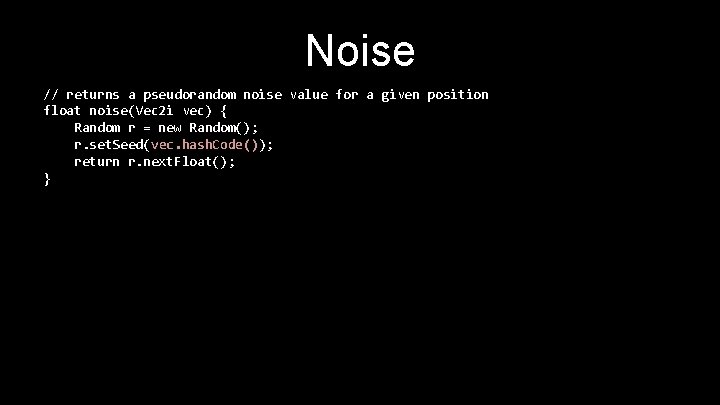
Noise // returns a pseudorandom noise value for a given position float noise(Vec 2 i vec) { Random r = new Random(); r. set. Seed(vec. hash. Code()); return r. next. Float(); }
References • What follows is a lot of pseudocode that contains concepts that we haven’t discussed – Persistence, octaves, etc. • Use this website as a reference for value noise: – https: //web. archive. org/web/20160310084426/http: //freespace. vir gin. net/hugo. elias/models/m_perlin. htm – Also covers an even smoother version of cubic interpolation • Use this website as a reference for Perlin noise: – http: //flafla 2. github. io/2014/08/09/perlinnoise. html – We stole our Perlin noise pictures from them
Procedural Generation QUESTIONS?

M III / TAC V Playtesting!!! : D
- Slides: 56