
Lecture 8 Amulet Input Model Brad Myers 05
Lecture 8: Amulet Input Model Brad Myers 05 -631: Software Architecture for User Interfaces 1
Goals n n n Try to provide more support so input handling isn't so difficult Make easy things simple and complex things possible Based on the "Model-View-Controller" architecture from Smalltalk n 10/9/01 True separation of graphics (view) and input handling (controller) © - Brad Myers 2
Types of Input n n Also called “logical devices” Foley&Wallace: identify types of input handlers: n n n 10/9/01 move grow rotate text edit gesture select (pick) © - Brad Myers 3
Innovations: n n Identifying primitive "Interactor" objects and correct parameterizations so most direct manipulation UIs can be constructed by re-using built-in objects. Only a few kinds of behaviors, and standard parameters Real separation between input and output handling Handles all input n insides of widgets n and for application programs + First successful separation of View from Controller in Smalltalk MVC n + Integration of gestures with conventional interaction. n + Easier to code because substantial re-use n + Built-in support for multi-window 10/9/01 © - Brad Myers dragging n 4

Overview n Attach invisible interactor objects to a set of graphical objects to handle their input. n n n Interactors can operate on multiple objects Strategy: pick the right type of Interactor, attach to the objects to be moved, fill in necessary slots of interactor Widgets use interactors internally Can have multiple interactors on an object n n (e. g. , different mouse buttons) Interactors directly set slots of objects, n n Graphical objects don't handle input No "event methods" in objects constraints can be used to map those slots into behaviors: Details of input events and event processing is hidden 10/9/01 © - Brad Myers 5
Types of Interactors n n n Am_Choice_Interactor : select one or more of a set of objects Am_One_Shot_Interactor - single action, like Choice Am_Move_Grow_Interactor : move or grow objects with the mouse Am_New_Points_Interactor: to create new objects by entering points while getting feedback "rubber band" objects Am_Text_Edit_Interactor : mouse and keyboard edit of text Am_Gesture_Interactor: interpret freehand gestures 10/9/01 © - Brad Myers 6
Parameters for all Interactors n set of objects to operate on: n n n 10/9/01 To be active, Interactor must be attached to an object which is (recursively) attached to the screen Can be attached to any object: rect. Add_Part(my_inter); mygroup. Add_Part(group_inter) Default: operates on the object attached to But also common to operate on any member of a group. Controlled by the Am_Start_Where_Test slot, which should contain a method © - Brad Myers 7
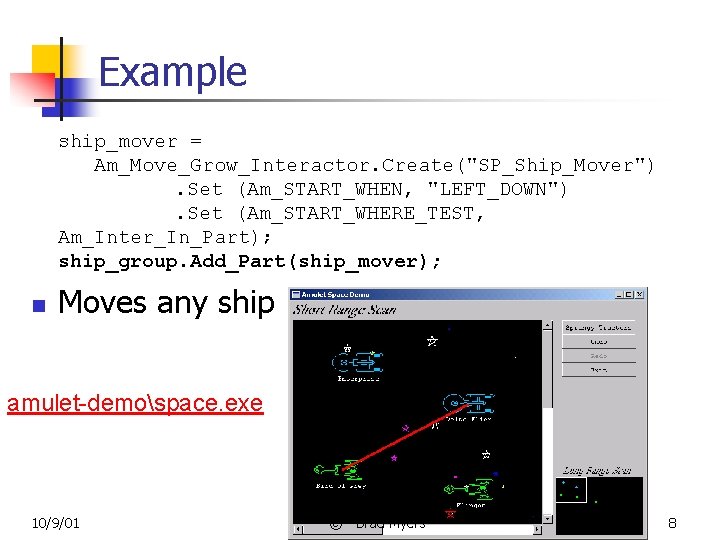
Example ship_mover = Am_Move_Grow_Interactor. Create("SP_Ship_Mover"). Set (Am_START_WHEN, "LEFT_DOWN"). Set (Am_START_WHERE_TEST, Am_Inter_In_Part); ship_group. Add_Part(ship_mover); n Moves any ship amulet-demospace. exe 10/9/01 © - Brad Myers 8
Issue: Hit Testing n What object clicked on? n n n Immediate children of the group The object itself (even if a group) Homework: Graphical. Object. contains(x, y) n n Issue: picking lines n n See sample code Another way: n n Each interactor object has a group it is connected to. using Graphics 2 D. hit() or Line 2 D. pt. Seg. Dist. Sq Issue: coordinate systems 10/9/01 © - Brad Myers 9
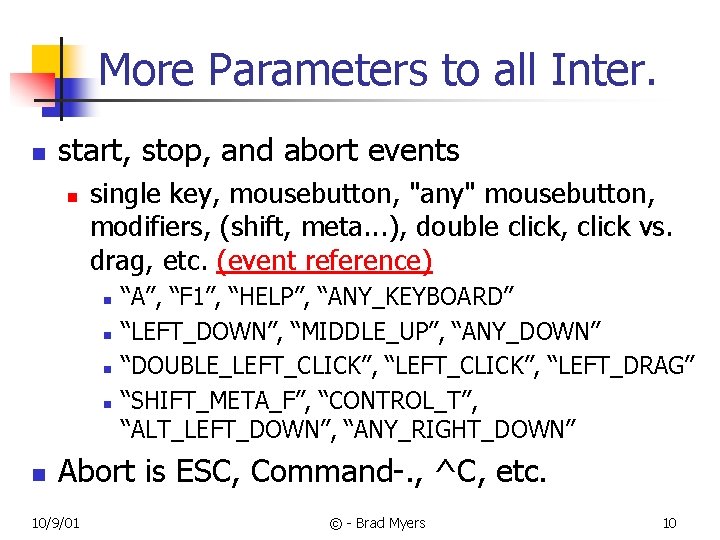
More Parameters to all Inter. n start, stop, and abort events n single key, mousebutton, "any" mousebutton, modifiers, (shift, meta. . . ), double click, click vs. drag, etc. (event reference) n n n “A”, “F 1”, “HELP”, “ANY_KEYBOARD” “LEFT_DOWN”, “MIDDLE_UP”, “ANY_DOWN” “DOUBLE_LEFT_CLICK”, “LEFT_DRAG” “SHIFT_META_F”, “CONTROL_T”, “ALT_LEFT_DOWN”, “ANY_RIGHT_DOWN” Abort is ESC, Command-. , ^C, etc. 10/9/01 © - Brad Myers 10
Move_Grow_Interactor n n n Amulet reference Move and Grow behaviors were pretty separate Simple interface; complex implementation Moving line-like vs. rectangle-like objects Feedback? n 10/9/01 Move object itself or move a feedback object © - Brad Myers 11
Move parameters n WHERE_ATTACH: n At a specific side or corner n n ATTACH_WHERE_HIT: n 10/9/01 Am_ATTACH_NW, Am_ATTACH_NE, Am_ATTACH_SE, Am_ATTACH_SW, Am_ATTACH_CENTER Issue: moving from right side? How grow from any point? How implemented? © - Brad Myers 12
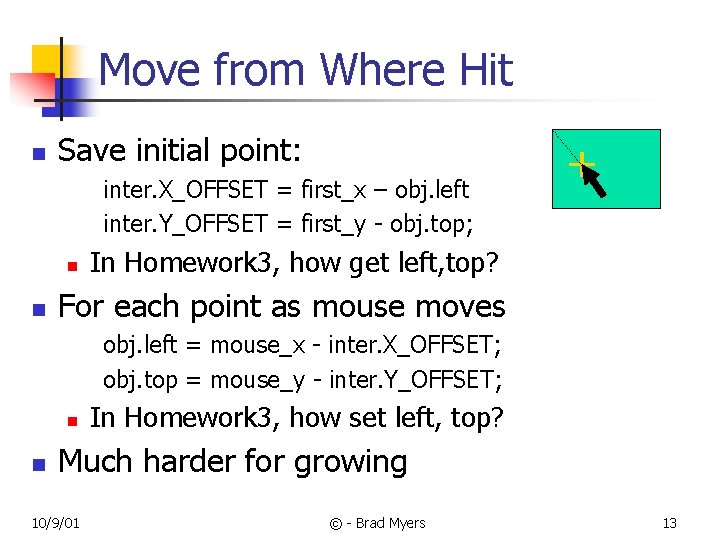
Move from Where Hit n Save initial point: inter. X_OFFSET = first_x – obj. left inter. Y_OFFSET = first_y - obj. top; n n + In Homework 3, how get left, top? For each point as mouse moves obj. left = mouse_x - inter. X_OFFSET; obj. top = mouse_y - inter. Y_OFFSET; n n In Homework 3, how set left, top? Much harder for growing 10/9/01 © - Brad Myers 13
More move_inter params n Gridding n n n X, Y offsets for grid X, Y origins for grid Or general grid_method n n n Issue: position for mouse or for object? n n n 10/9/01 Useful for many “special” behaviors E. g. , keeping inside a region Especially if using “where-hit” (also center, etc. ) Do grid before or after where hit calculation? Round or truncate to grid? © - Brad Myers 14
More Parameters for Growing n n Growing line-like or rectangle-like Minimum size (minimum length) Abort-if-too-small Flip-if-change-sides 10/9/01 © - Brad Myers 15
Choice Interactor n Choose one or more of a set of objects n n n 10/9/01 Items of a menu Set of checkboxes Set of radio buttons One or more buttons Selecting objects in a graphics program © - Brad Myers 16
How Set for Choice Interactor n CHOICE_SET: Single selection n n CHOICE_CLEAR: no selection n n object under the mouse becomes selected, and the previously selected object is de-selected (useful for single selection menus and radio buttons). object under the mouse becomes de-selected. Rarely useful. CHOICE_TOGGLE: Single or no selection n if the object under the mouse is selected, it becomes deselected, otherwise it becomes selected any previous object become de-selected. This is useful when you want zero or one selection (the user is able to turn off the selection). 10/9/01 © - Brad Myers 17
How Set, cont. n CHOICE_LIST_TOGGLE: multiple selection n 10/9/01 if the object under the mouse is selected, then it is deselected, otherwise it becomes selected, but other objects are left alone. This allows multiple selection, and is useful for check boxes. © - Brad Myers 18
Other CHOICE parameters n n Events (start, stop, abort) FIRST_ONE_ONLY n n FINAL_FEEDBACK n n Selection moves from one item to another or not. Menus vs. radio buttons. Stays selected when done CONTINUOUS vs. ONE-SHOT n 10/9/01 Whether happens immediately on mouse down or can edit behavior © - Brad Myers 19
How Affects the Graphics n n Amulet Choice_Interactor sets Interim_Feedback and Final_Feedback slots of objects Constraints connect those slots to graphics 10/9/01 © - Brad Myers 20
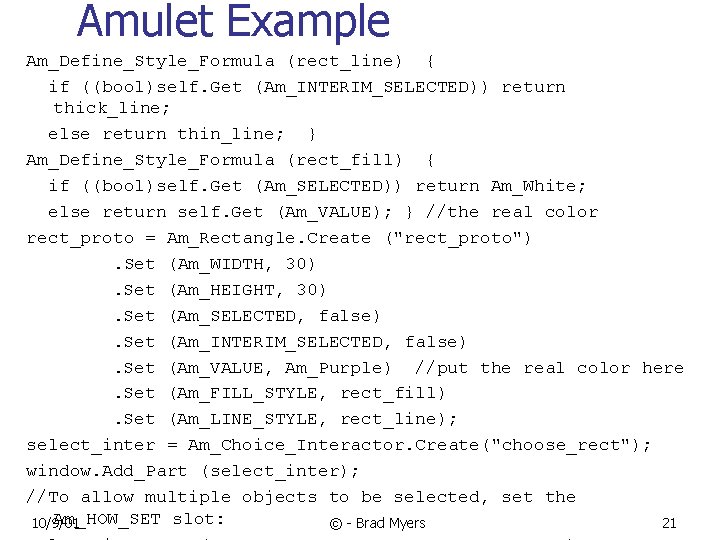
Amulet Example Am_Define_Style_Formula (rect_line) { if ((bool)self. Get (Am_INTERIM_SELECTED)) return thick_line; else return thin_line; } Am_Define_Style_Formula (rect_fill) { if ((bool)self. Get (Am_SELECTED)) return Am_White; else return self. Get (Am_VALUE); } //the real color rect_proto = Am_Rectangle. Create ("rect_proto"). Set (Am_WIDTH, 30). Set (Am_HEIGHT, 30). Set (Am_SELECTED, false). Set (Am_INTERIM_SELECTED, false). Set (Am_VALUE, Am_Purple) //put the real color here. Set (Am_FILL_STYLE, rect_fill). Set (Am_LINE_STYLE, rect_line); select_inter = Am_Choice_Interactor. Create("choose_rect"); window. Add_Part (select_inter); //To allow multiple objects to be selected, set the Am_HOW_SET slot: 10/9/01 © - Brad Myers 21
Feedback in the Homework n Selectable interface of graphical objects n n n set. Interim. Selected(true/false) set. Selected(true/false) Public class Selection. Handles implements Group, Selectable 10/9/01 © - Brad Myers 22
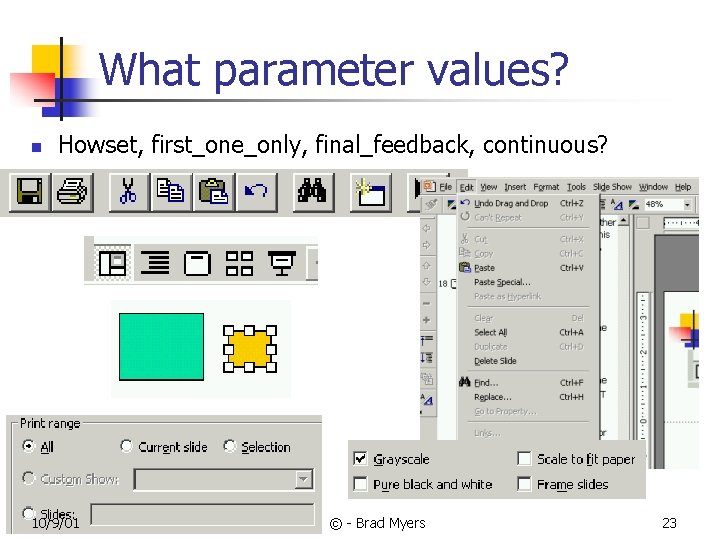
What parameter values? n Howset, first_one_only, final_feedback, continuous? 10/9/01 © - Brad Myers 23
Other Amulet Interactors n New_Points_Interactor n n Text_Edit_Interactor n n Creating new objects Single-line text editing Gesture_Interactor n n 10/9/01 Gesture recognition and freehand drawing Uses Dean Rubine’s recognition algorithm (like James Landay’s and Chris Long’s work) © - Brad Myers 24
New_Points_Interactor n Parameters: 10/9/01 © - Brad Myers 25
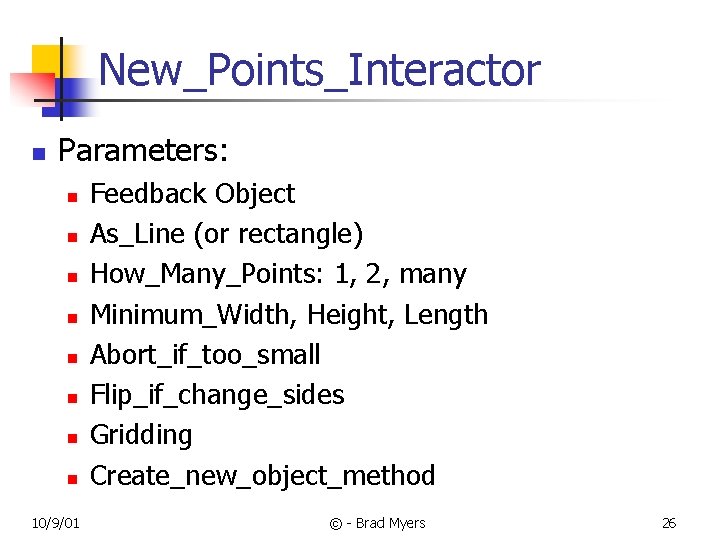
New_Points_Interactor n Parameters: n n n n 10/9/01 Feedback Object As_Line (or rectangle) How_Many_Points: 1, 2, many Minimum_Width, Height, Length Abort_if_too_small Flip_if_change_sides Gridding Create_new_object_method © - Brad Myers 26
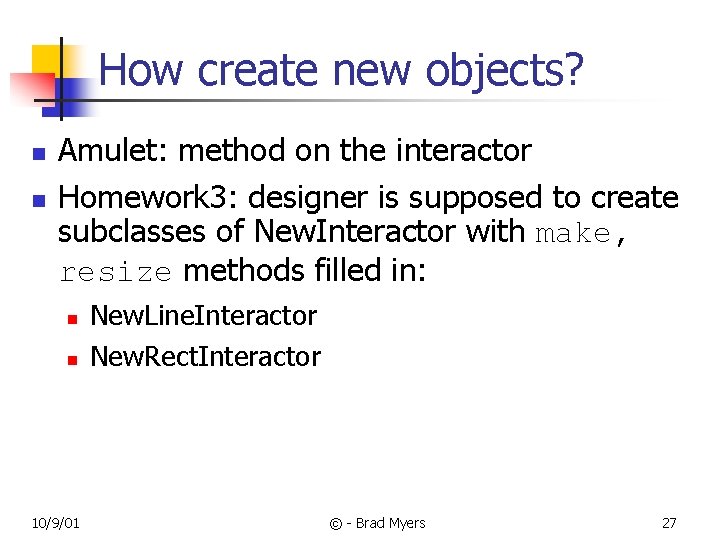
How create new objects? n n Amulet: method on the interactor Homework 3: designer is supposed to create subclasses of New. Interactor with make, resize methods filled in: n n 10/9/01 New. Line. Interactor New. Rect. Interactor © - Brad Myers 27
Text_Edit_Interactor n Parameters: 10/9/01 © - Brad Myers 28
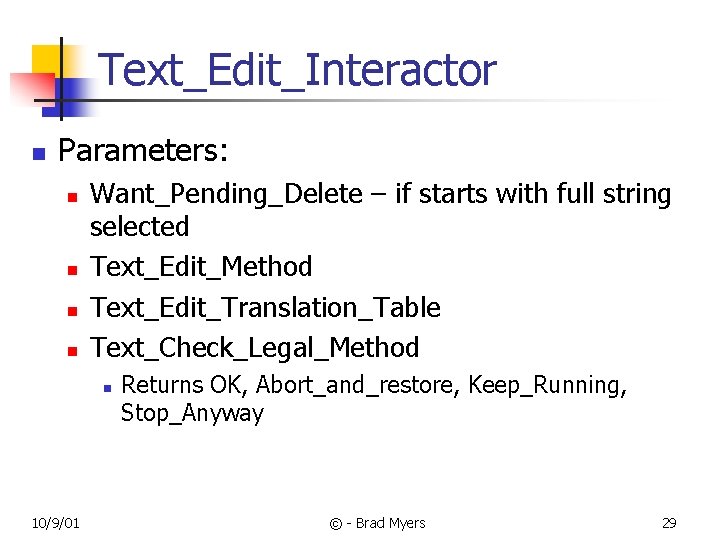
Text_Edit_Interactor n Parameters: n n Want_Pending_Delete – if starts with full string selected Text_Edit_Method Text_Edit_Translation_Table Text_Check_Legal_Method n 10/9/01 Returns OK, Abort_and_restore, Keep_Running, Stop_Anyway © - Brad Myers 29
Gesture_Interactor Parameters: 10/9/01 © - Brad Myers 30
Gesture_Interactor Parameters: n Feedback_Object n n n Gesture Classifier List of command objects n 10/9/01 Must be a polygon or polyline (One for each gesture) © - Brad Myers 31
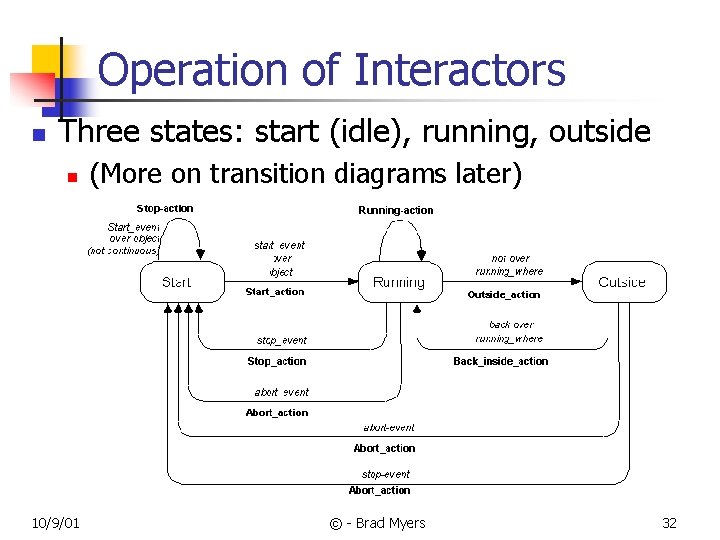
Operation of Interactors n Three states: start (idle), running, outside n 10/9/01 (More on transition diagrams later) © - Brad Myers 32
Making something else happen n So far, just affect the graphics n n No way for other actions (do something) How make an menu item out of the choice interactor? Need action methods Standard way: call-back methods n n 10/9/01 Procedure parameters to the interactor Start_action(object), stop_action(object) … © - Brad Myers 33
Actions as Methods n n Similar to call-backs Create sub-classes and override methods n n 10/9/01 E. g. , menu-choice has stop-method that does super’s stuff then does custom action Issue: hard to extend, reuse How get different behaviors for each menu item? Code for application ends up in menu handler © - Brad Myers 34
Command Objects n n Each Interactor and Widget has a Command object parameter On stop, creates an instance of the "Command Object" and executes its "Do" method Customize by overriding default method What’s the difference? 10/9/01 © - Brad Myers 35
Why Command Objects? n n Provides a single place for all methods about an operation Provides a place to store state information for undo Standard architecture for enabling and disabling menu / button items Standard architecture for undo / redo 10/9/01 © - Brad Myers 36
Slots of command object: n n n n DO_METHOD UNDO_METHOD REDO_METHOD (undo the undo) SELECTIVE_UNDO SELECTIVE_REPEAT and SELECTIVE_REPEAT_On_NEW HELP: for "balloon" or status line LONG_HELP ACTIVE (enabled) -- usually contains a constraint n n n Also used for graying out menu items VALUE, OLD_VALUE etc. 10/9/01 © - Brad Myers 37
For Command Objects in Widgets n List of items for menus in the Am_ITEMS slot n n n Contents of list can be strings, graphical objects, or instances of Am_Command If commands, then the Am_LABEL field is used, and the DO_METHOD of that command is called For menu_bar, Am_ITEMS slot of each toplevel command contains list of the subcommands 10/9/01 © - Brad Myers 38
Handling Undo n n Do method saves information in the command object Command object is copied, and copy is attached to global history list n n 10/9/01 For one-level, just replace top item of list For infinite undo, pop items off list © - Brad Myers 39
Advanced Features n Selective Undo n n Ability to undo any previous operation Must check if possible n n Meaning of undoing something back in the history? n 10/9/01 Enabled if object is still available Amulet’s answer: add inverse of operation to the top of the history list © - Brad Myers 40
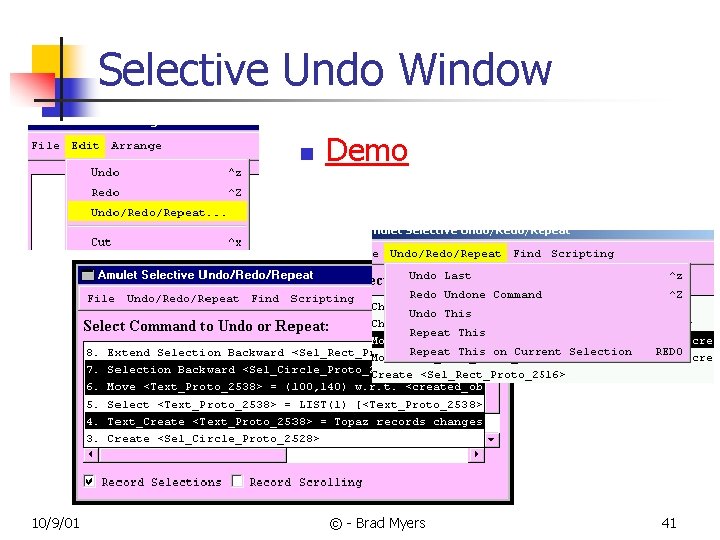
Selective Undo Window n 10/9/01 Demo © - Brad Myers 41
Selective Undo Enables Scripts n n n Selective Redo of each command in script Innovation is in generalization of parameters of commands Also can record changes of which object is selected and scrolling operations Scripting for “free” if application supports selective-repeat Pictures… 10/9/01 © - Brad Myers 42
Summary of Innovations in Amulet Interactor Model n + Better reuse n n n Many commands are in the library and are usually used without change Cut, Copy, Paste, Create-Object, Delete-object, To-Top, etc. Usually can be used without change Easier to customize when necessary + Better modularization n 10/9/01 Hierarchical means each level only has to deal with its own actions © - Brad Myers 43
Innovations, cont. n + New form of selective undo, repeat n n + Single place for enabling, help, label, etc. n n Includes undo/repeat of selections and scrolling Can be computed by constraints + Makes scripting easier n n 10/9/01 End-User programming by demonstration Parameterization possible without help from application © - Brad Myers 44
- Slides: 44