
Lecture 7 Lectures 7 Intro to Transactions Logging

- Slides: 51
Lecture 7 Lectures 7: Intro to Transactions & Logging
Lecture 7 Goals for this pair of lectures • Transactions are a programming abstraction that enables the DBMS to handle recovery and concurrency for users. • Application: Transactions are critical for users • Even casual users of data processing systems! • Fundamentals: The basics of how TXNs work • Transaction processing is part of the debate around new data processing systems • Give you enough information to understand how TXNs work, and the main concerns with using them Note that we are not implementing it
Lecture 7 Today’s Lecture 1. Transactions 2. Properties of Transactions: ACID 3. Logging 3
Lecture 7 > Section 1 1. Transactions 4
Lecture 7 > Section 1 What you will learn about in this section 1. Our “model” of the DBMS / computer 2. Transactions basics 3. Motivation: Recovery & Durability 4. Motivation: Concurrency [next lecture] 5
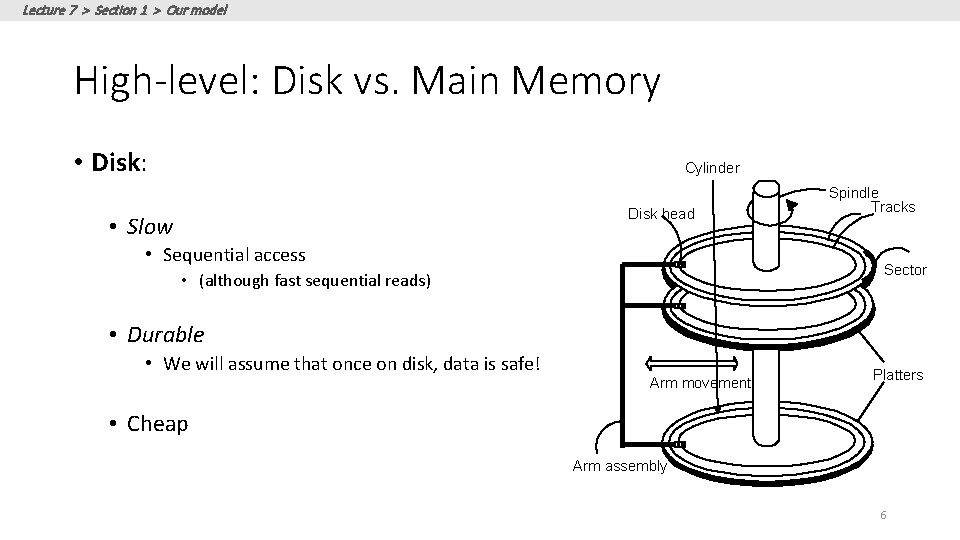
Lecture 7 > Section 1 > Our model High-level: Disk vs. Main Memory • Disk: Cylinder Disk head • Slow • Sequential access Spindle Tracks Sector • (although fast sequential reads) • Durable • We will assume that once on disk, data is safe! Arm movement Platters • Cheap Arm assembly 6
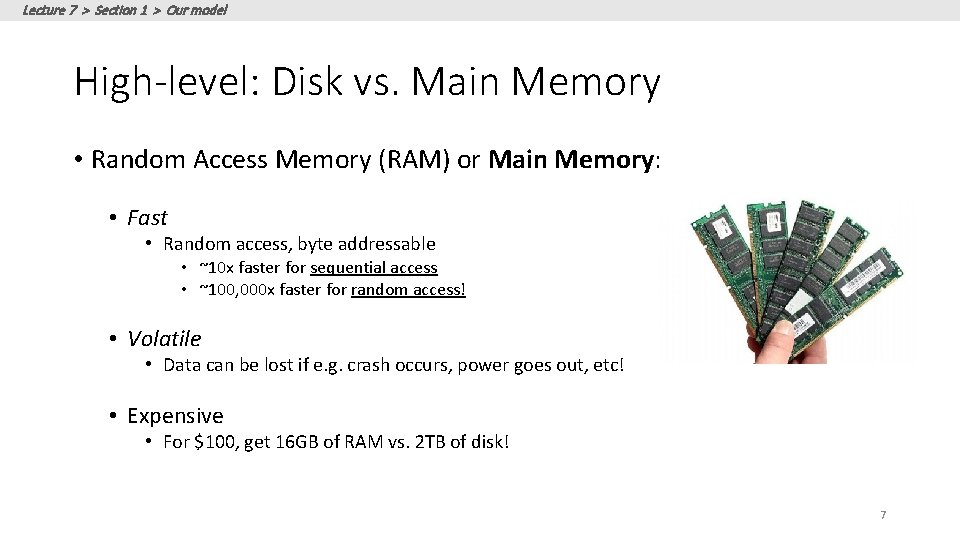
Lecture 7 > Section 1 > Our model High-level: Disk vs. Main Memory • Random Access Memory (RAM) or Main Memory: • Fast • Random access, byte addressable • ~10 x faster for sequential access • ~100, 000 x faster for random access! • Volatile • Data can be lost if e. g. crash occurs, power goes out, etc! • Expensive • For $100, get 16 GB of RAM vs. 2 TB of disk! 7
Lecture 7 > Section 1 > Our model: Three Types of Regions of Memory Main 1. Local: In our model each process in a DBMS has its own local memory, where it stores values that only it “sees” 2. Global: Each process can read from / write to shared data in main memory 3. Disk: Global memory can read from / flush to disk 4. Log: Assume on stable disk storage- spans both main memory and disk… Memory (RAM) Disk Local 1 Global 2 4 3 Log is a sequence from main memory -> disk “Flushing to disk” = writing to disk from main memory
Lecture 7 > Section 1 > Our model High-level: Disk vs. Main Memory • Keep in mind the tradeoffs here as motivation for the mechanisms we introduce • Main memory: fast but limited capacity, volatile • Vs. Disk: slow but large capacity, durable How do we effectively utilize both ensuring certain critical guarantees? 9
Lecture 7 > Section 1 > Transactions Basics Transactions 10
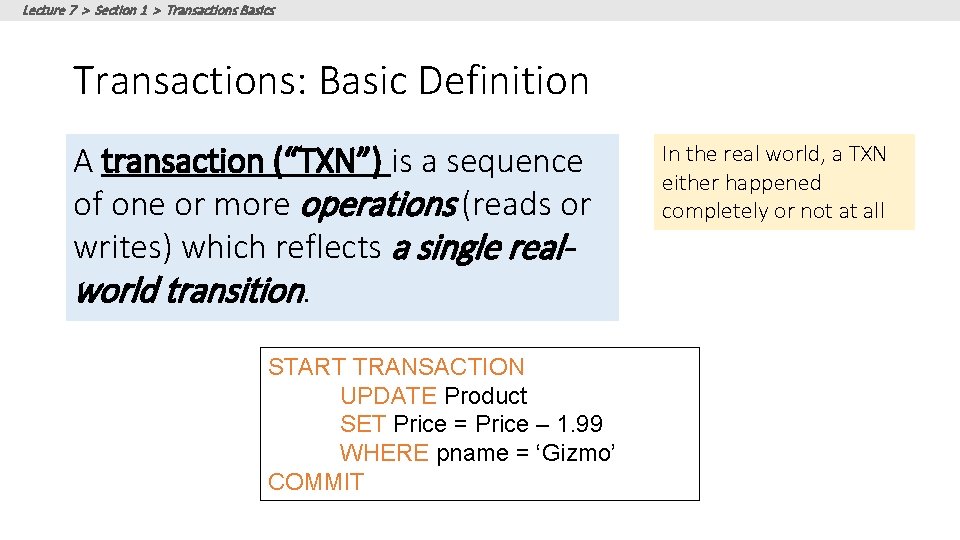
Lecture 7 > Section 1 > Transactions Basics Transactions: Basic Definition A transaction (“TXN”) is a sequence of one or more operations (reads or writes) which reflects a single realworld transition. START TRANSACTION UPDATE Product SET Price = Price – 1. 99 WHERE pname = ‘Gizmo’ COMMIT In the real world, a TXN either happened completely or not at all
Lecture 7 > Section 1 > Transactions Basics Transactions: Basic Definition A transaction (“TXN”) is a sequence of one or more operations (reads or writes) which reflects a single real-world transition. Examples: • Transfer money between accounts • Purchase a group of products • Register for a class (either waitlist or allocated) In the real world, a TXN either happened completely or not at all
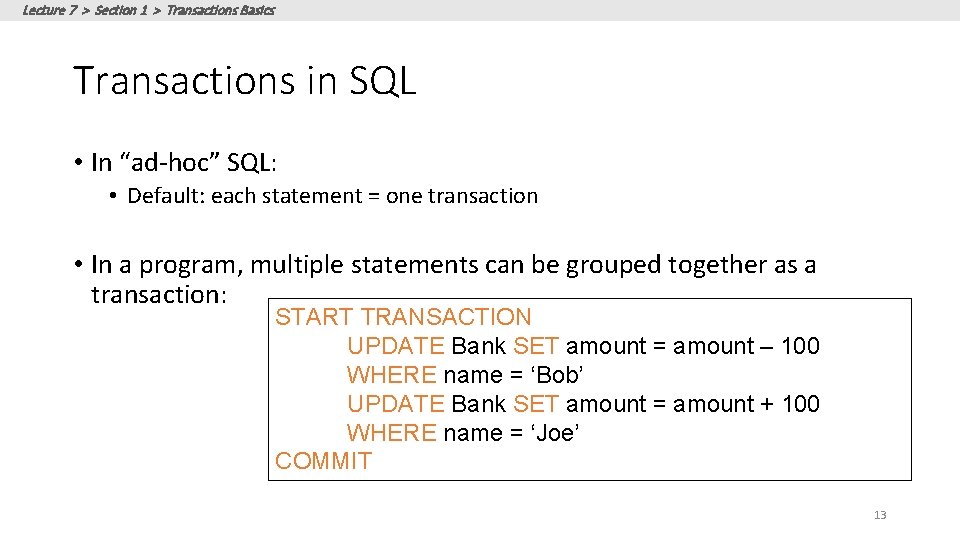
Lecture 7 > Section 1 > Transactions Basics Transactions in SQL • In “ad-hoc” SQL: • Default: each statement = one transaction • In a program, multiple statements can be grouped together as a transaction: START TRANSACTION UPDATE Bank SET amount = amount – 100 WHERE name = ‘Bob’ UPDATE Bank SET amount = amount + 100 WHERE name = ‘Joe’ COMMIT 13
Lecture 7 > Section 1 > Transactions Basics Model of Transaction for CS 145 Note: For 145, we assume that the DBMS only sees reads and writes to data • User may do much more • In real systems, databases do have more info. . .
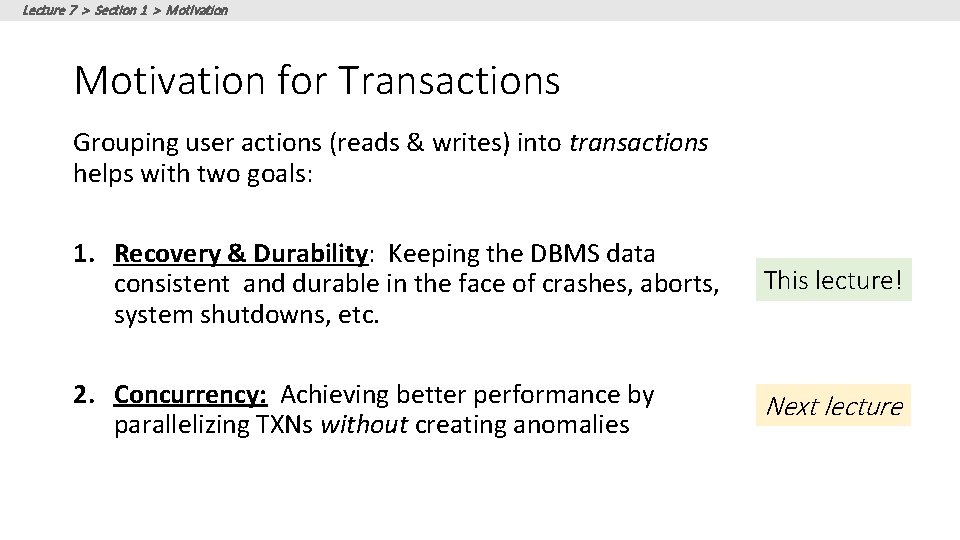
Lecture 7 > Section 1 > Motivation for Transactions Grouping user actions (reads & writes) into transactions helps with two goals: 1. Recovery & Durability: Keeping the DBMS data consistent and durable in the face of crashes, aborts, system shutdowns, etc. This lecture! 2. Concurrency: Achieving better performance by parallelizing TXNs without creating anomalies Next lecture
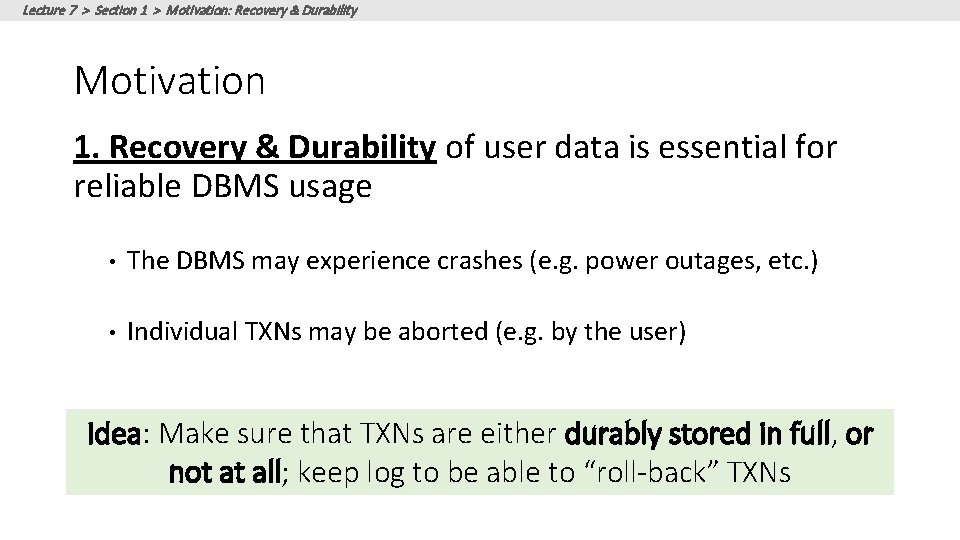
Lecture 7 > Section 1 > Motivation: Recovery & Durability Motivation 1. Recovery & Durability of user data is essential for reliable DBMS usage • The DBMS may experience crashes (e. g. power outages, etc. ) • Individual TXNs may be aborted (e. g. by the user) Idea: Make sure that TXNs are either durably stored in full, or not at all; keep log to be able to “roll-back” TXNs
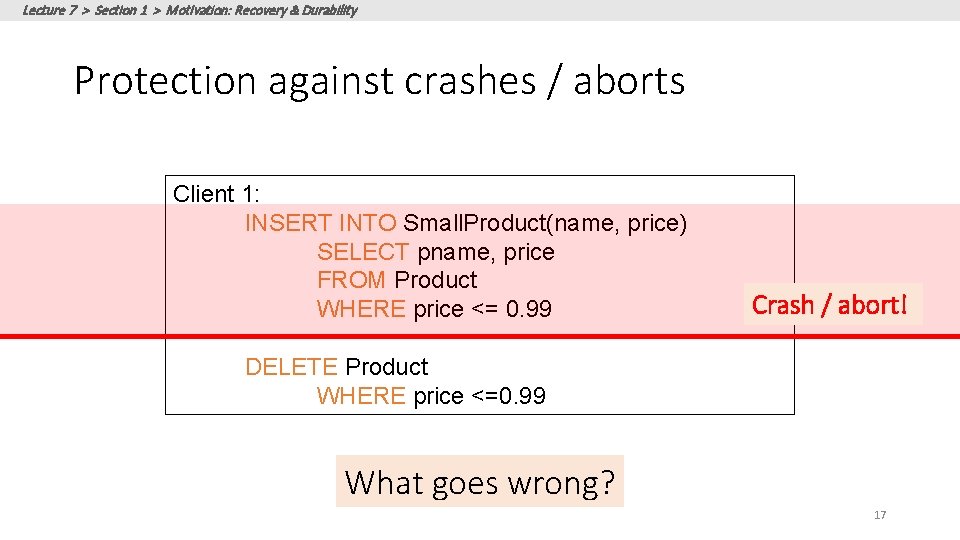
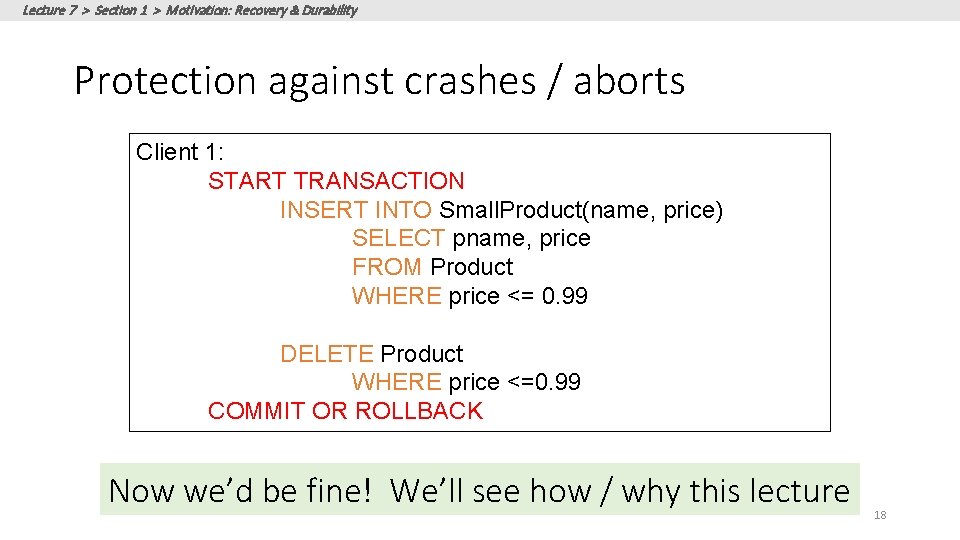
Lecture 7 > Section 1 > Motivation: Recovery & Durability Protection against crashes / aborts Client 1: INSERT INTO Small. Product(name, price) SELECT pname, price FROM Product WHERE price <= 0. 99 Crash / abort! DELETE Product WHERE price <=0. 99 What goes wrong? 17
Lecture 7 > Section 1 > Motivation: Recovery & Durability Protection against crashes / aborts Client 1: START TRANSACTION INSERT INTO Small. Product(name, price) SELECT pname, price FROM Product WHERE price <= 0. 99 DELETE Product WHERE price <=0. 99 COMMIT OR ROLLBACK Now we’d be fine! We’ll see how / why this lecture 18
Lecture 7 > Section 1 > Motivation: Concurrency Motivation 2. Concurrent execution of user programs is essential for good DBMS performance. • Disk accesses may be frequent and slow- optimize for throughput (# of TXNs), trade for latency (time for any one TXN) • Users should still be able to execute TXNs as if in isolation and such that consistency is maintained Idea: Have the DBMS handle running several user TXNs concurrently, in order to keep CPUs humming…
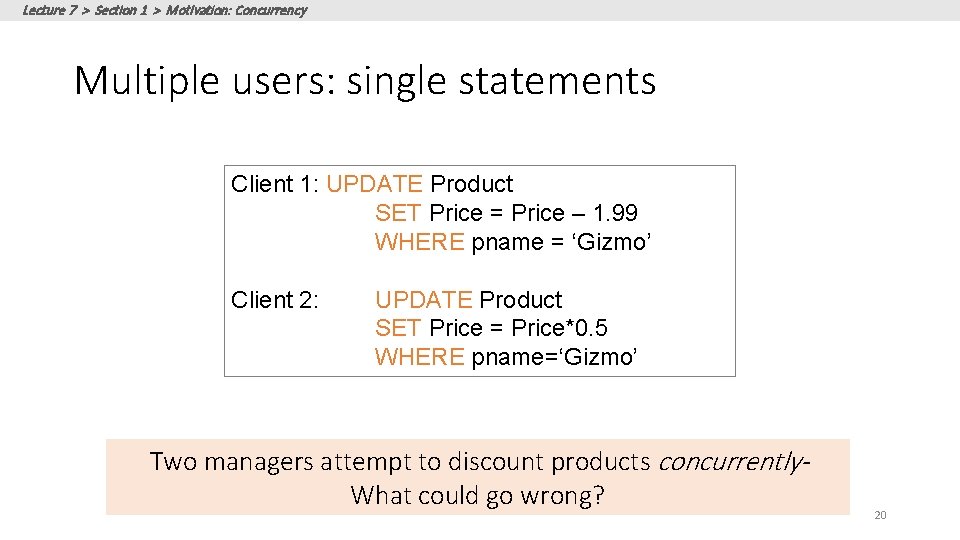
Lecture 7 > Section 1 > Motivation: Concurrency Multiple users: single statements Client 1: UPDATE Product SET Price = Price – 1. 99 WHERE pname = ‘Gizmo’ Client 2: UPDATE Product SET Price = Price*0. 5 WHERE pname=‘Gizmo’ Two managers attempt to discount products concurrently. What could go wrong? 20
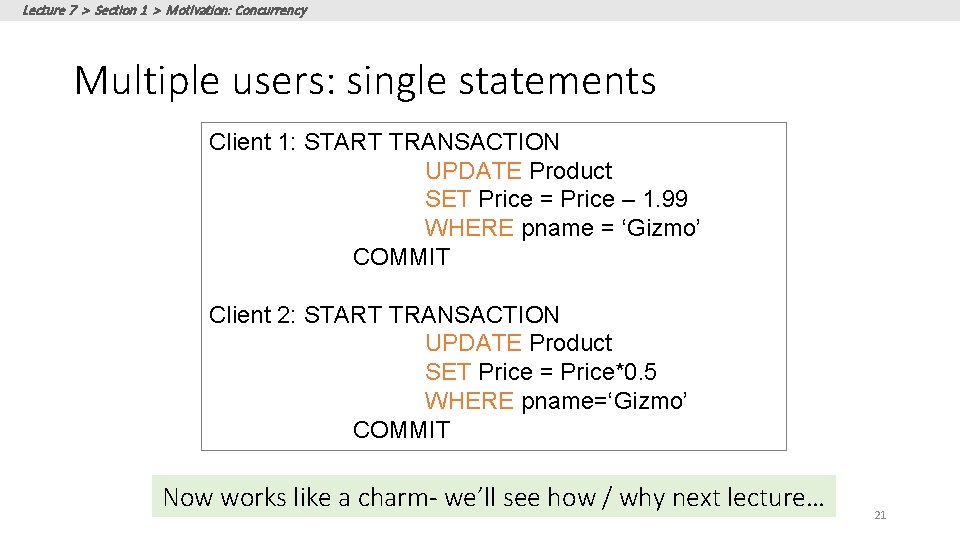
Lecture 7 > Section 1 > Motivation: Concurrency Multiple users: single statements Client 1: START TRANSACTION UPDATE Product SET Price = Price – 1. 99 WHERE pname = ‘Gizmo’ COMMIT Client 2: START TRANSACTION UPDATE Product SET Price = Price*0. 5 WHERE pname=‘Gizmo’ COMMIT Now works like a charm- we’ll see how / why next lecture… 21
Lecture 7 > Section 2 2. Properties of Transactions 22
Lecture 7 > Section 2 What you will learn about in this section 1. Atomicity 2. Consistency 3. Isolation 4. Durability 5. ACTIVITY? 23
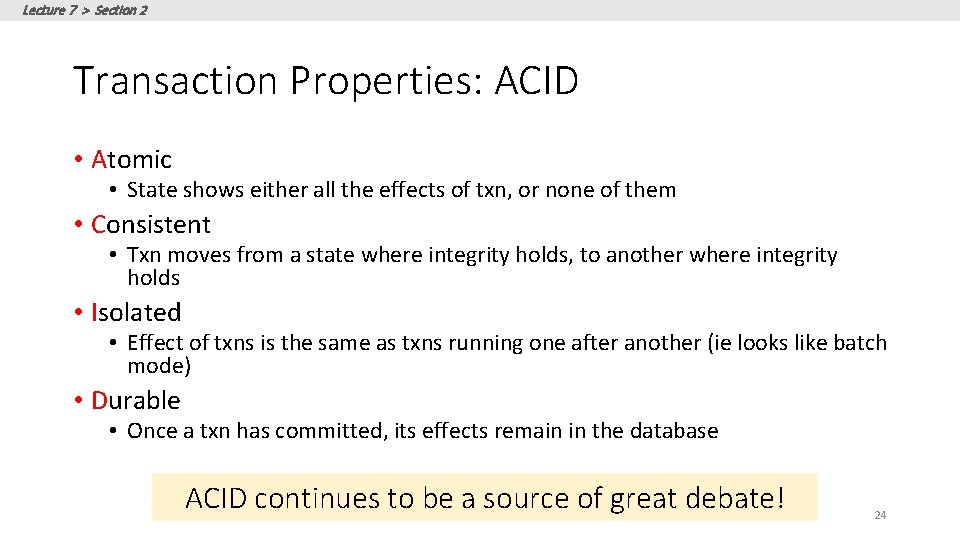
Lecture 7 > Section 2 Transaction Properties: ACID • Atomic • State shows either all the effects of txn, or none of them • Consistent • Txn moves from a state where integrity holds, to another where integrity holds • Isolated • Effect of txns is the same as txns running one after another (ie looks like batch mode) • Durable • Once a txn has committed, its effects remain in the database ACID continues to be a source of great debate! 24
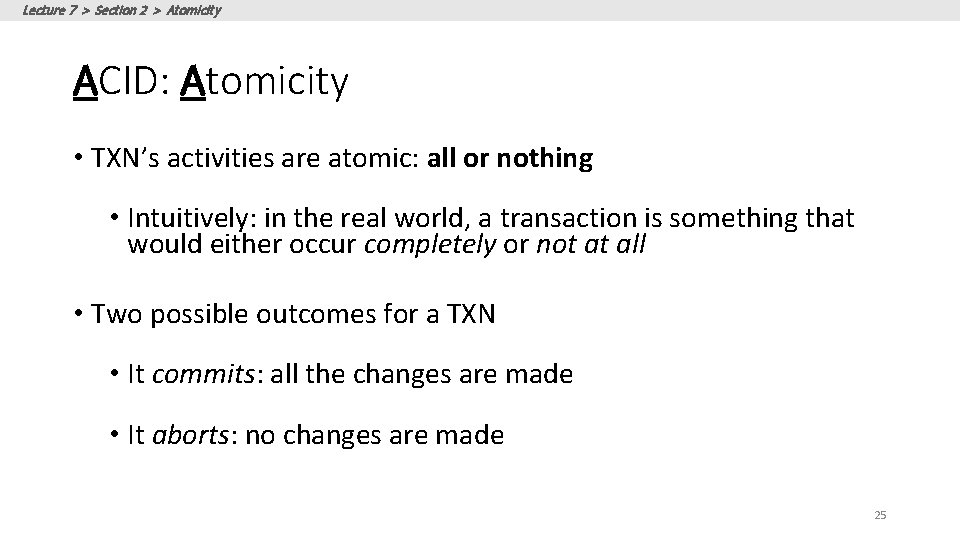
Lecture 7 > Section 2 > Atomicity ACID: Atomicity • TXN’s activities are atomic: all or nothing • Intuitively: in the real world, a transaction is something that would either occur completely or not at all • Two possible outcomes for a TXN • It commits: all the changes are made • It aborts: no changes are made 25
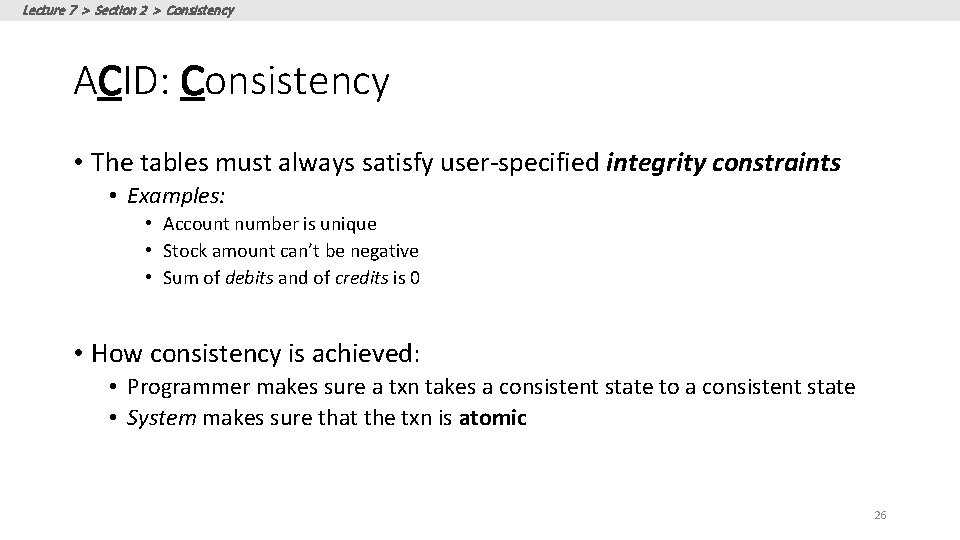
Lecture 7 > Section 2 > Consistency ACID: Consistency • The tables must always satisfy user-specified integrity constraints • Examples: • Account number is unique • Stock amount can’t be negative • Sum of debits and of credits is 0 • How consistency is achieved: • Programmer makes sure a txn takes a consistent state to a consistent state • System makes sure that the txn is atomic 26
Lecture 7 > Section 2 > Isolation ACID: Isolation • A transaction executes concurrently with other transactions • Isolation: the effect is as if each transaction executes in isolation of the others. • E. g. Should not be able to observe changes from other transactions during the run 27
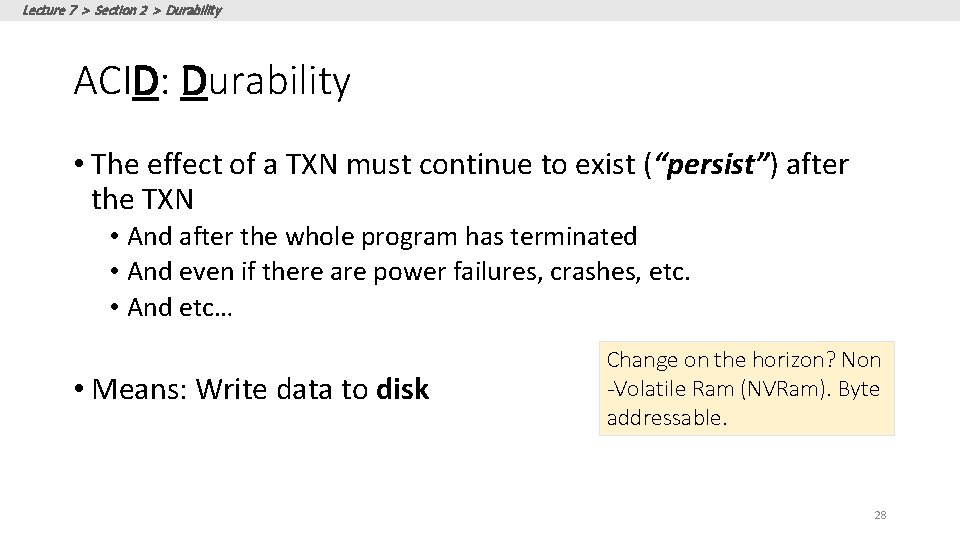
Lecture 7 > Section 2 > Durability ACID: Durability • The effect of a TXN must continue to exist (“persist”) after the TXN • And after the whole program has terminated • And even if there are power failures, crashes, etc. • And etc… • Means: Write data to disk Change on the horizon? Non -Volatile Ram (NVRam). Byte addressable. 28
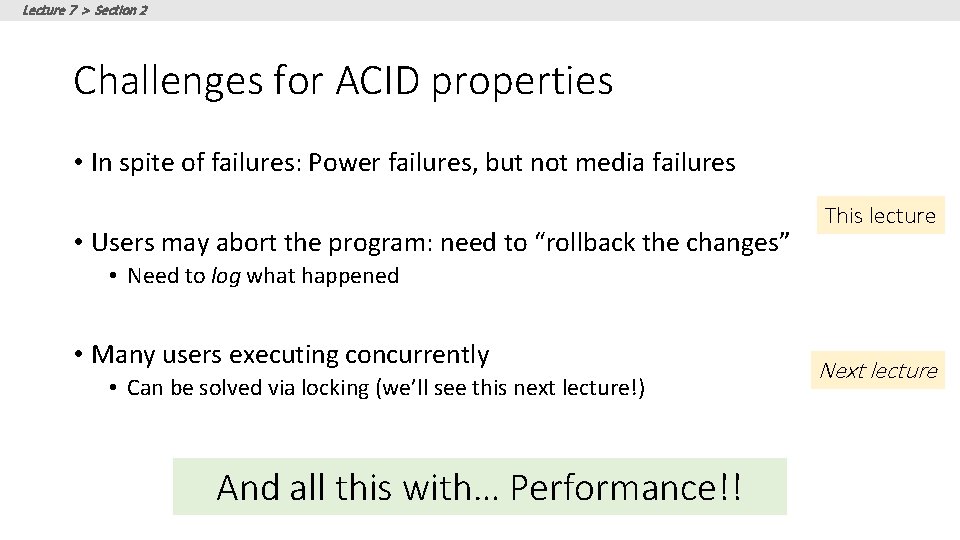
Lecture 7 > Section 2 Challenges for ACID properties • In spite of failures: Power failures, but not media failures • Users may abort the program: need to “rollback the changes” This lecture • Need to log what happened • Many users executing concurrently • Can be solved via locking (we’ll see this next lecture!) And all this with… Performance!! Next lecture
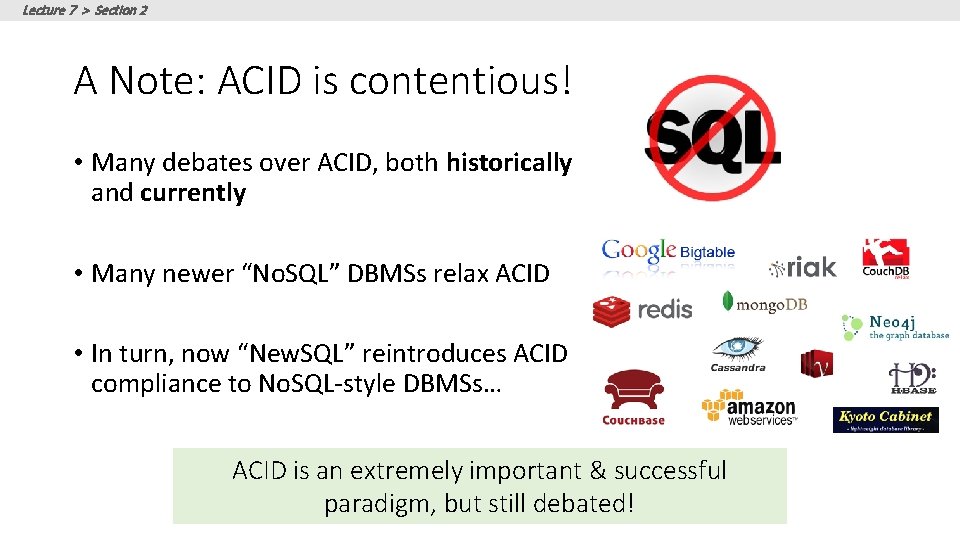
Lecture 7 > Section 2 A Note: ACID is contentious! • Many debates over ACID, both historically and currently • Many newer “No. SQL” DBMSs relax ACID • In turn, now “New. SQL” reintroduces ACID compliance to No. SQL-style DBMSs… ACID is an extremely important & successful paradigm, but still debated!
Lecture 7 > Section 3 3. Atomicity & Durability via Logging 31
Lecture 7 > Section 3 > Motivation & Basics
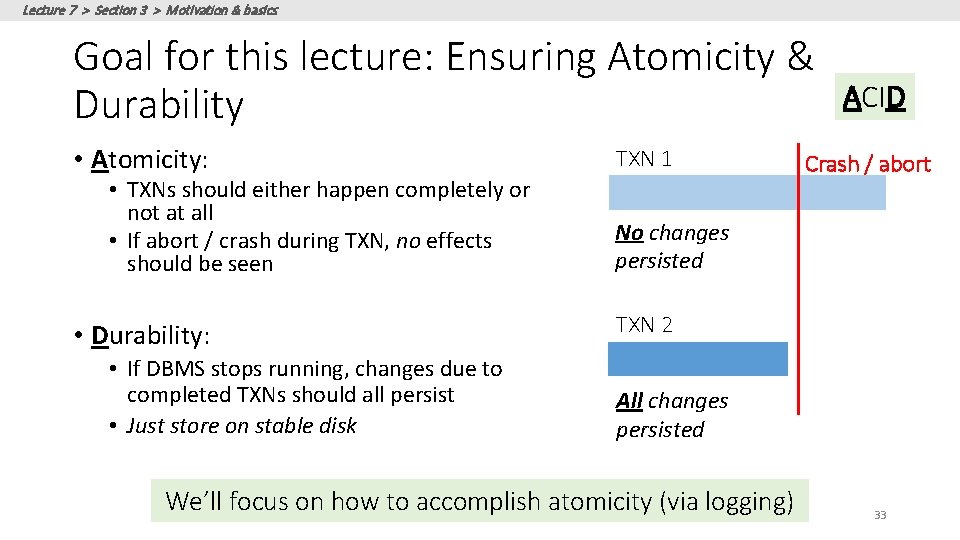
Lecture 7 > Section 3 > Motivation & basics Goal for this lecture: Ensuring Atomicity & Durability • Atomicity: • TXNs should either happen completely or not at all • If abort / crash during TXN, no effects should be seen • Durability: • If DBMS stops running, changes due to completed TXNs should all persist • Just store on stable disk TXN 1 ACID Crash / abort No changes persisted TXN 2 All changes persisted We’ll focus on how to accomplish atomicity (via logging) 33
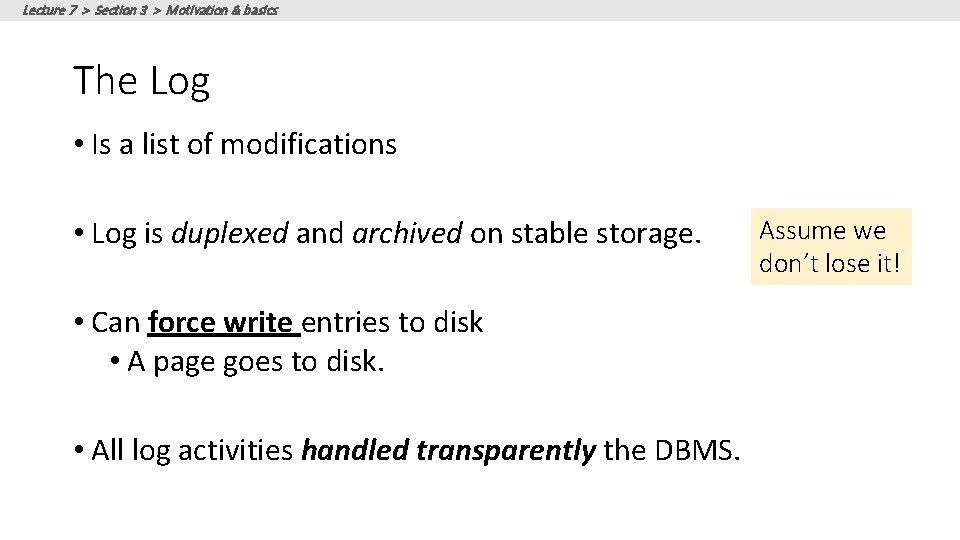
Lecture 7 > Section 3 > Motivation & basics The Log • Is a list of modifications • Log is duplexed and archived on stable storage. • Can force write entries to disk • A page goes to disk. • All log activities handled transparently the DBMS. Assume we don’t lose it!
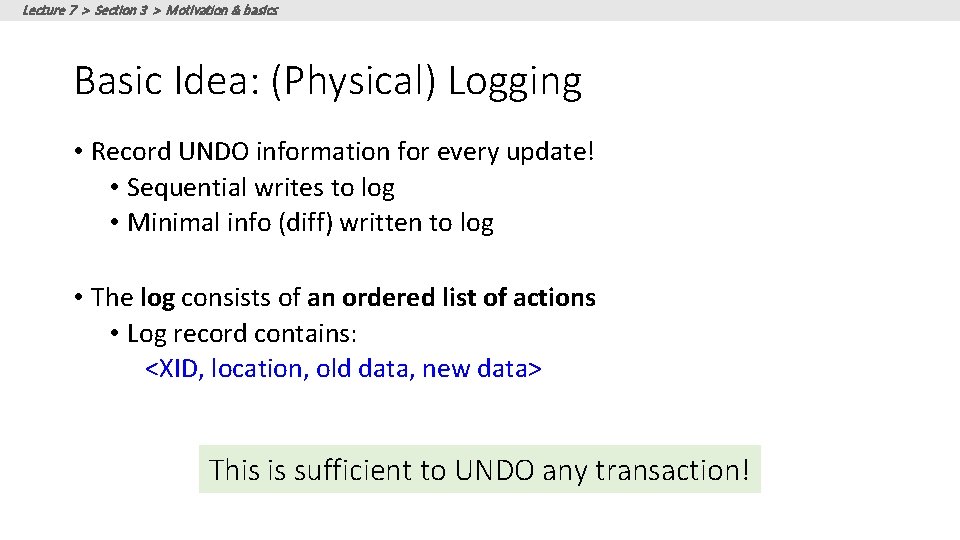
Lecture 7 > Section 3 > Motivation & basics Basic Idea: (Physical) Logging • Record UNDO information for every update! • Sequential writes to log • Minimal info (diff) written to log • The log consists of an ordered list of actions • Log record contains: <XID, location, old data, new data> This is sufficient to UNDO any transaction!
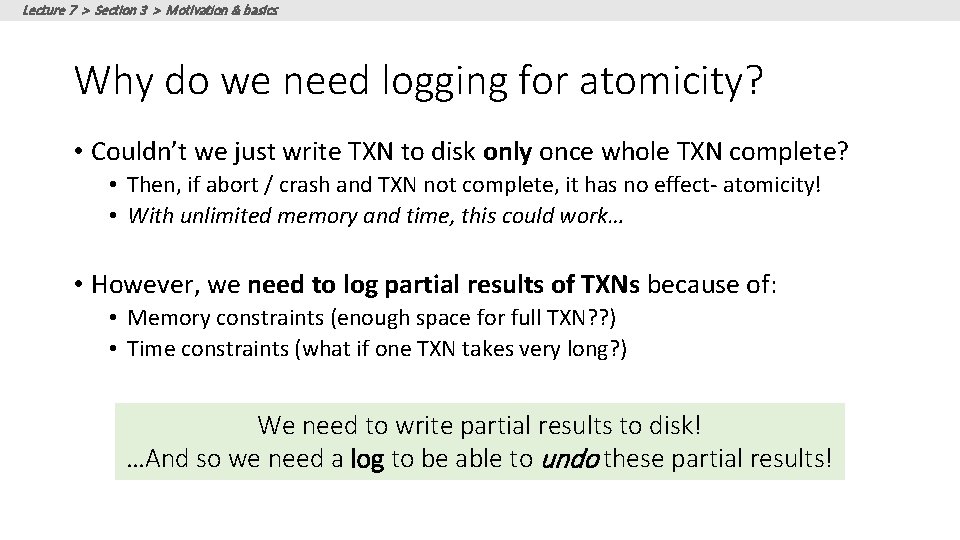
Lecture 7 > Section 3 > Motivation & basics Why do we need logging for atomicity? • Couldn’t we just write TXN to disk only once whole TXN complete? • Then, if abort / crash and TXN not complete, it has no effect- atomicity! • With unlimited memory and time, this could work… • However, we need to log partial results of TXNs because of: • Memory constraints (enough space for full TXN? ? ) • Time constraints (what if one TXN takes very long? ) We need to write partial results to disk! …And so we need a log to be able to undo these partial results!
Lecture 7 > Section 3 What you will learn about in this section 1. Logging: An animation of commit protocols 37
Lecture 7 > Section 3 > Logging commit protocol A Picture of Logging
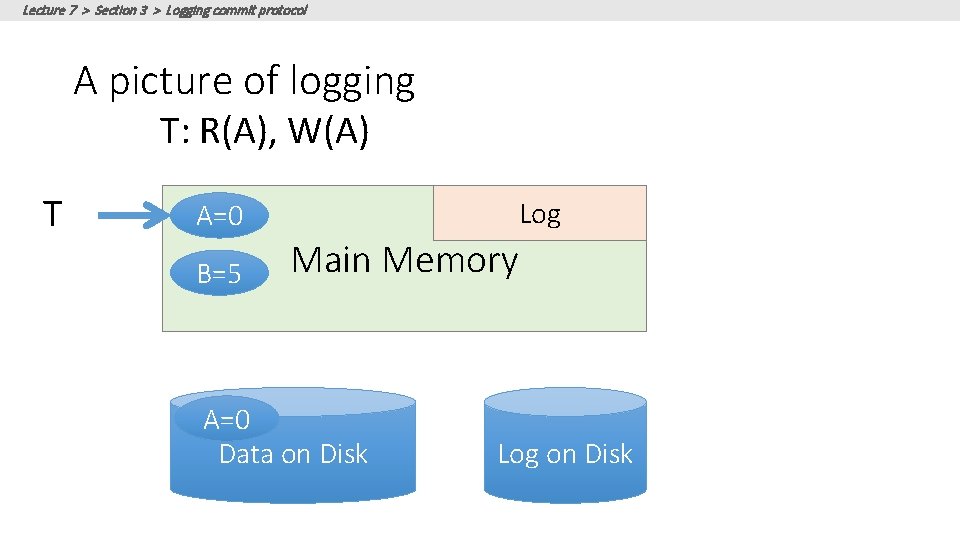
Lecture 7 > Section 3 > Logging commit protocol A picture of logging T: R(A), W(A) T Log A=0 B=5 Main Memory A=0 Data on Disk Log on Disk
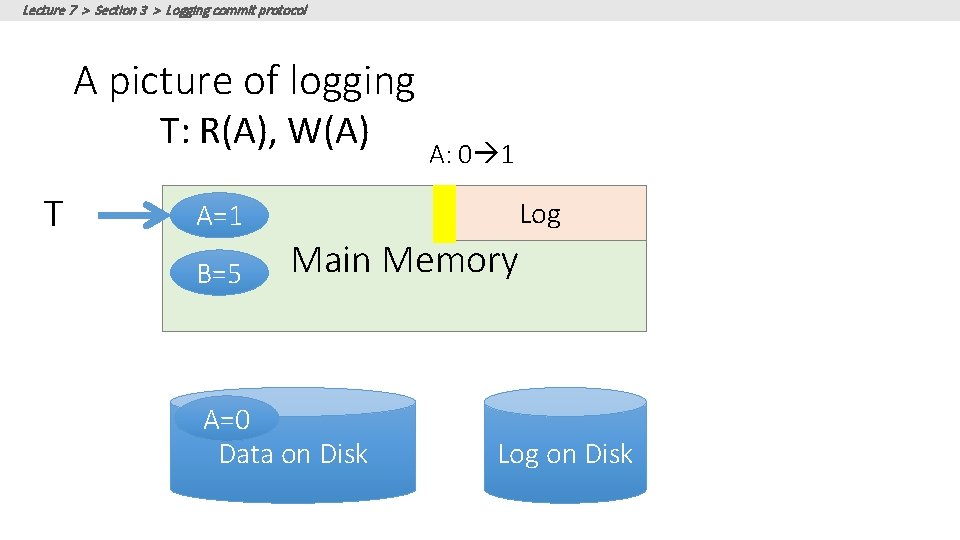
Lecture 7 > Section 3 > Logging commit protocol A picture of logging T: R(A), W(A) T A: 0 1 Log A=1 B=5 Main Memory A=0 Data on Disk Log on Disk
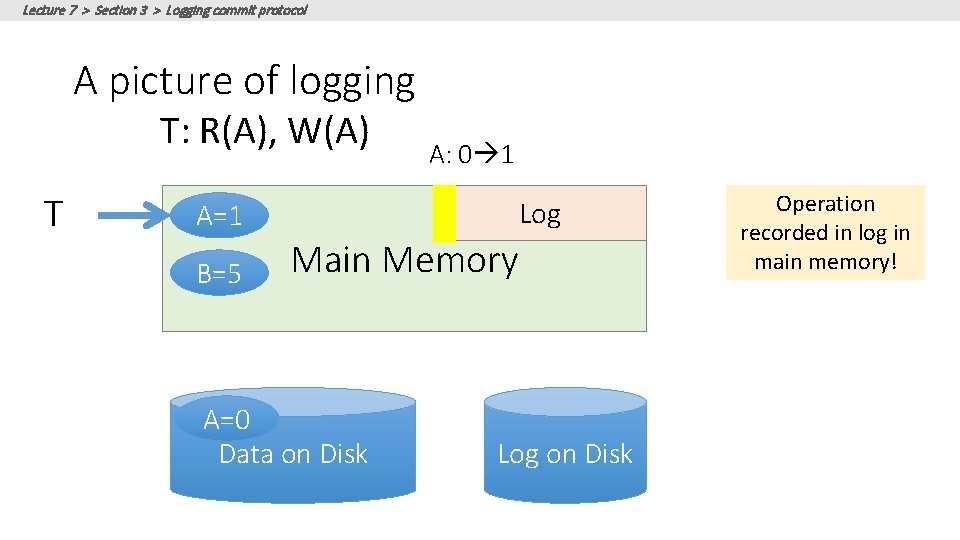
Lecture 7 > Section 3 > Logging commit protocol A picture of logging T: R(A), W(A) T A: 0 1 Log A=1 B=5 Main Memory A=0 Data on Disk Log on Disk Operation recorded in log in main memory!
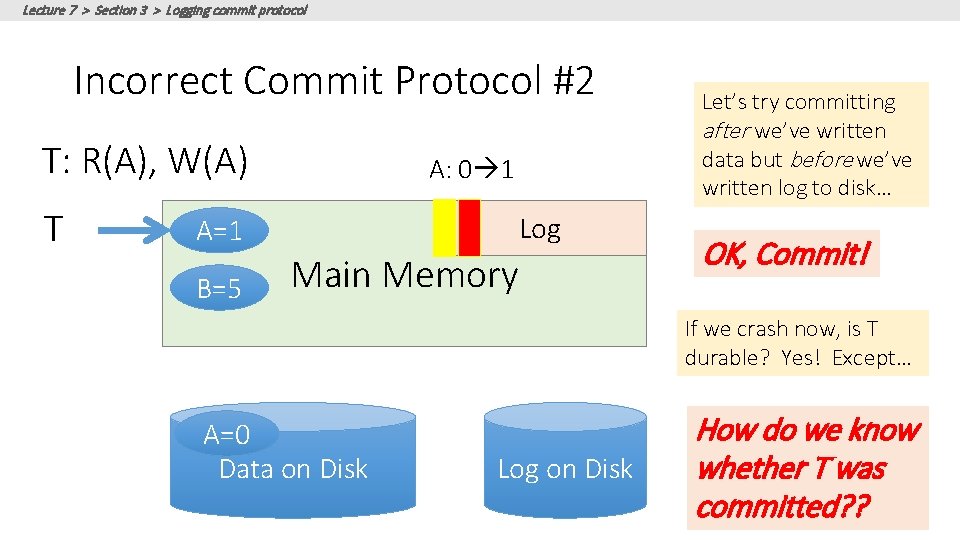
What is the correct way to write this all to disk? • We’ll look at the Write-Ahead Logging (WAL) protocol • We’ll see why it works by looking at other protocols which are incorrect! Remember: Key idea is to ensure durability while maintaining our ability to “undo”! 42
Lecture 7 > Section 3 > Logging commit protocol Write-Ahead Logging (WAL) TXN Commit Protocol
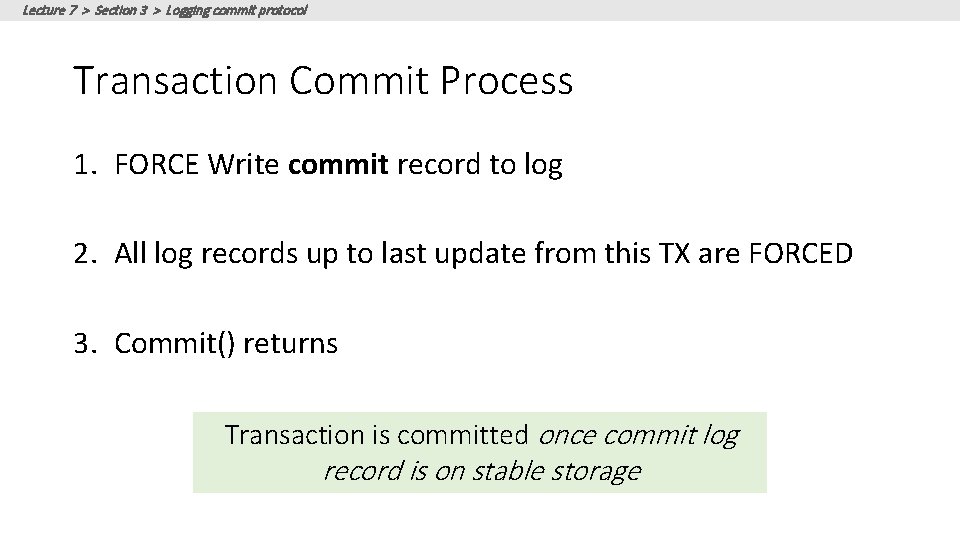
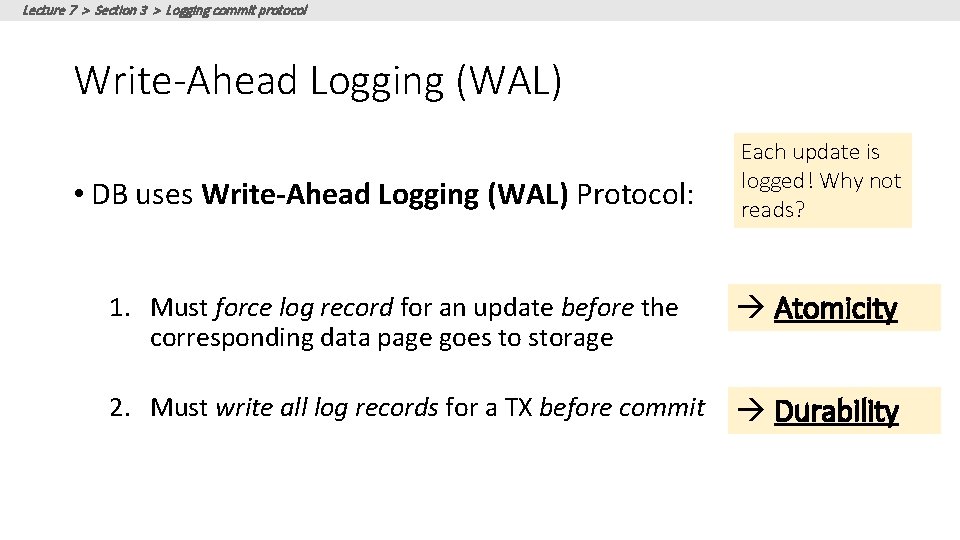
Lecture 7 > Section 3 > Logging commit protocol Transaction Commit Process 1. FORCE Write commit record to log 2. All log records up to last update from this TX are FORCED 3. Commit() returns Transaction is committed once commit log record is on stable storage
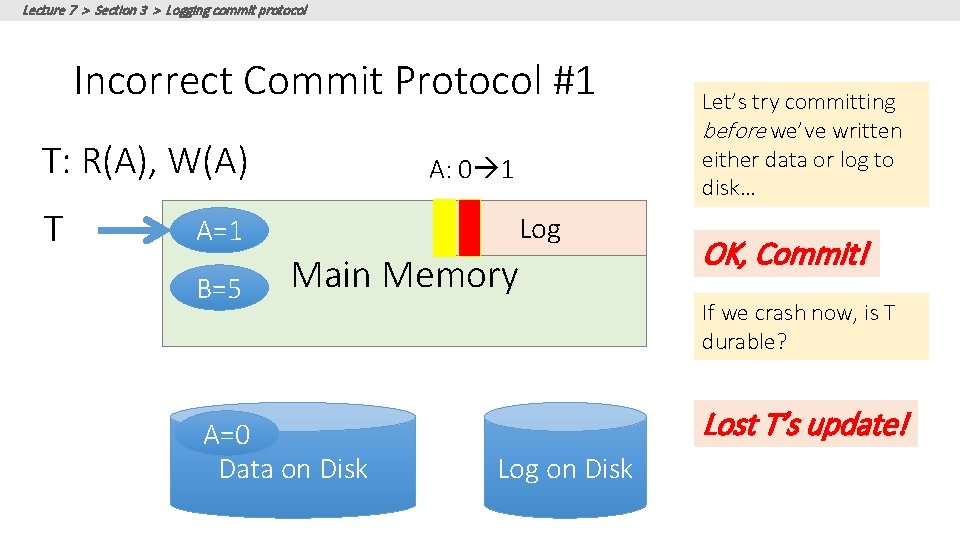
Lecture 7 > Section 3 > Logging commit protocol Incorrect Commit Protocol #1 T: R(A), W(A) T A: 0 1 Log A=1 B=5 Main Memory A=0 Data on Disk Let’s try committing before we’ve written either data or log to disk… OK, Commit! If we crash now, is T durable? Lost T’s update! Log on Disk
Lecture 7 > Section 3 > Logging commit protocol Incorrect Commit Protocol #2 T: R(A), W(A) T A: 0 1 Log A=1 B=5 Main Memory Let’s try committing after we’ve written data but before we’ve written log to disk… OK, Commit! If we crash now, is T durable? Yes! Except… A=0 Data on Disk Log on Disk How do we know whether T was committed? ?
Lecture 7 > Section 3 > Logging commit protocol Improved Commit Protocol (WAL)
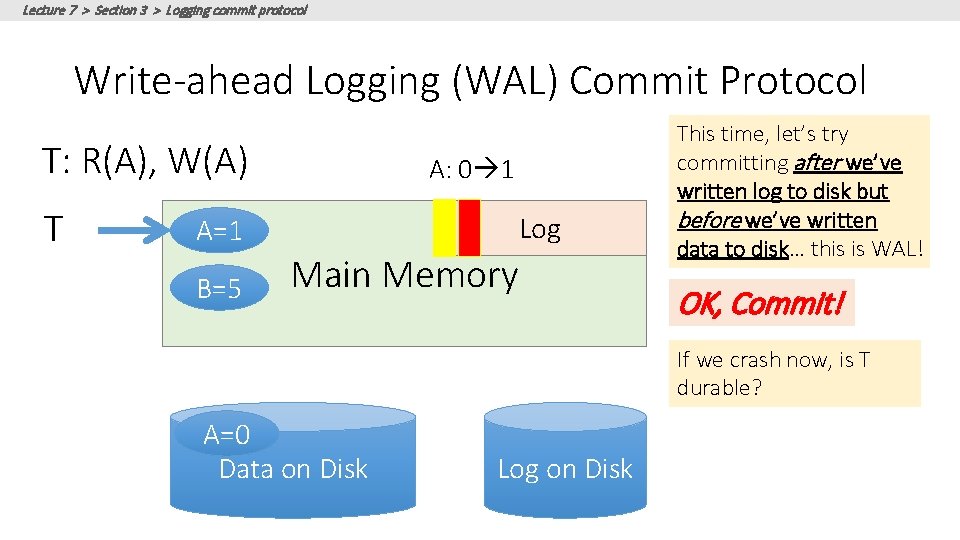
Lecture 7 > Section 3 > Logging commit protocol Write-ahead Logging (WAL) Commit Protocol T: R(A), W(A) T A: 0 1 Log A=1 B=5 Main Memory This time, let’s try committing after we’ve written log to disk but before we’ve written data to disk… this is WAL! OK, Commit! If we crash now, is T durable? A=0 Data on Disk Log on Disk
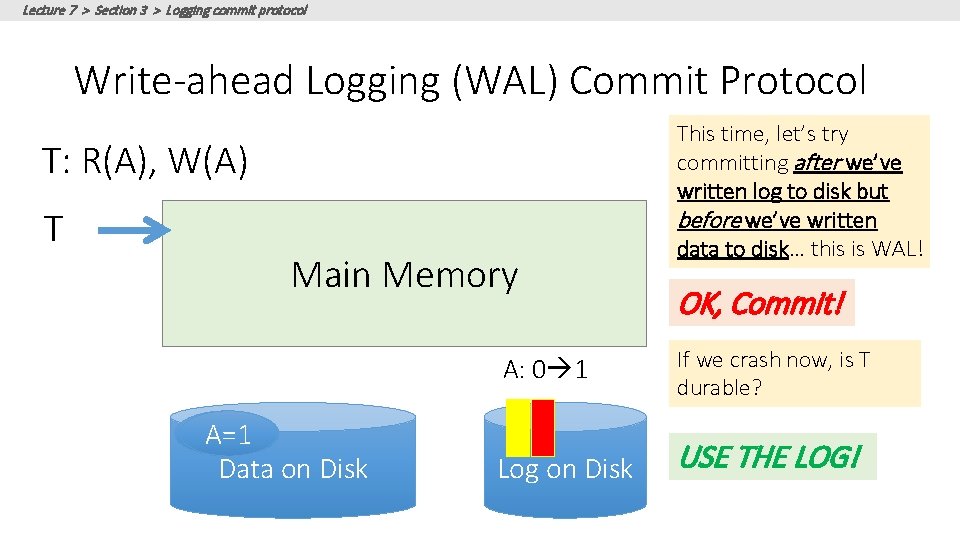
Lecture 7 > Section 3 > Logging commit protocol Write-ahead Logging (WAL) Commit Protocol T: R(A), W(A) T Main Memory A=0 A=1 Data on Disk This time, let’s try committing after we’ve written log to disk but before we’ve written data to disk… this is WAL! OK, Commit! A: 0 1 If we crash now, is T durable? Log on Disk USE THE LOG!
Lecture 7 > Section 3 > Logging commit protocol Write-Ahead Logging (WAL) • DB uses Write-Ahead Logging (WAL) Protocol: Each update is logged! Why not reads? 1. Must force log record for an update before the corresponding data page goes to storage Atomicity 2. Must write all log records for a TX before commit Durability
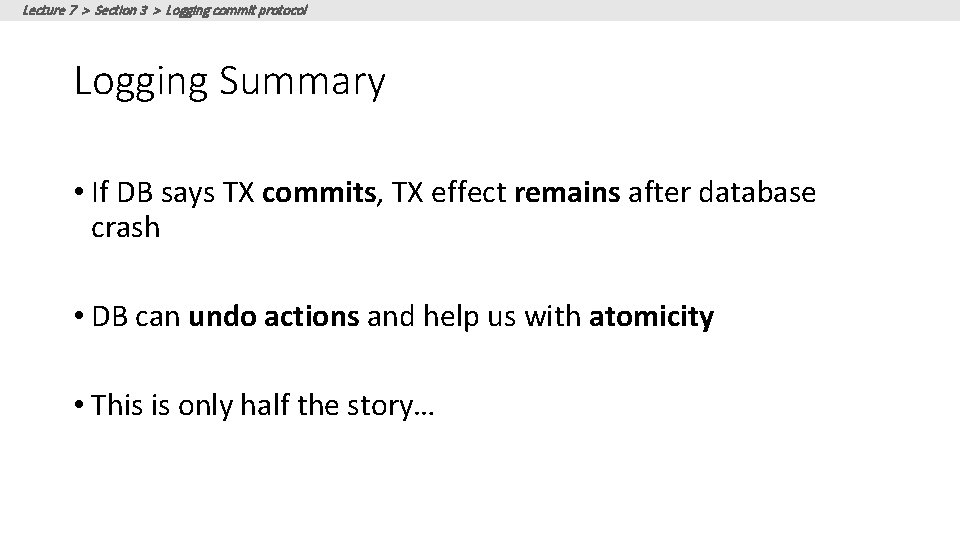
Lecture 7 > Section 3 > Logging commit protocol Logging Summary • If DB says TX commits, TX effect remains after database crash • DB can undo actions and help us with atomicity • This is only half the story…