
Lecture 7 Implementing a Prototype Overview of Using
- Slides: 28
Lecture 7: Implementing a Prototype: Overview of Using Power. Point, Adobe Illustrator, Adobe Fireworks, Balsamiq, Omni. Graffle, html, etc. Brad Myers 05 -863 / 08 -763 / 46 -863: Introduction to Human Computer Interaction for Technology Executives Fall, 2011, Mini 2 1
Housekeeping l Propose change to TA office hour: l l No one shows up for Anthony’s on Wed 1: 30 -2: 30 Lots of people at Preethi’s on Sunday 3: 00 pm 4: 00 pm l l l Move both to Sunday? Have on Saturday? Third TA l l Brian Yee byee@cmu. edu Office hours on Friday 3 -4 in NSH 2507?
From my Email l l Homeworks on the wall outside my office, NSH 3517, in the black folders. The average of the grades on HW #1 was 86%. The main reason people lost points was because of not following the directions. Reminder of late policy: 10 points per class period. Option for revised HW #2. Note updated HW #3 description.
Implementing your Prototype l How “complete” an implementation for HW 4? l l l Screen transitions must work All buttons should do something, even if go to a “not implemented yet” page Search, other computation does not have to work “Click-through” level of behaviors Level of complexity required: l l (Same as listed on homework 0 page) At least 30 “controls” (widgets: buttons, text fields) About 10 different screens/pages/windows/modes Must be done in one (1) week – no extensions!
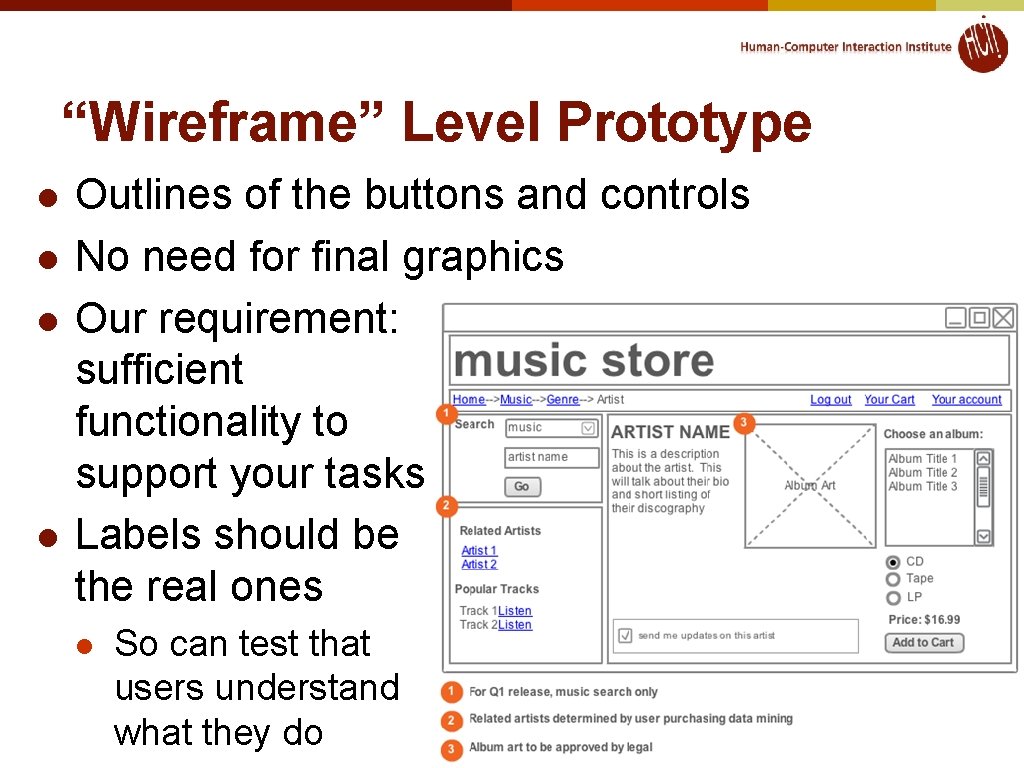
“Wireframe” Level Prototype l l Outlines of the buttons and controls No need for final graphics Our requirement: sufficient functionality to support your tasks Labels should be the real ones l So can test that users understand what they do
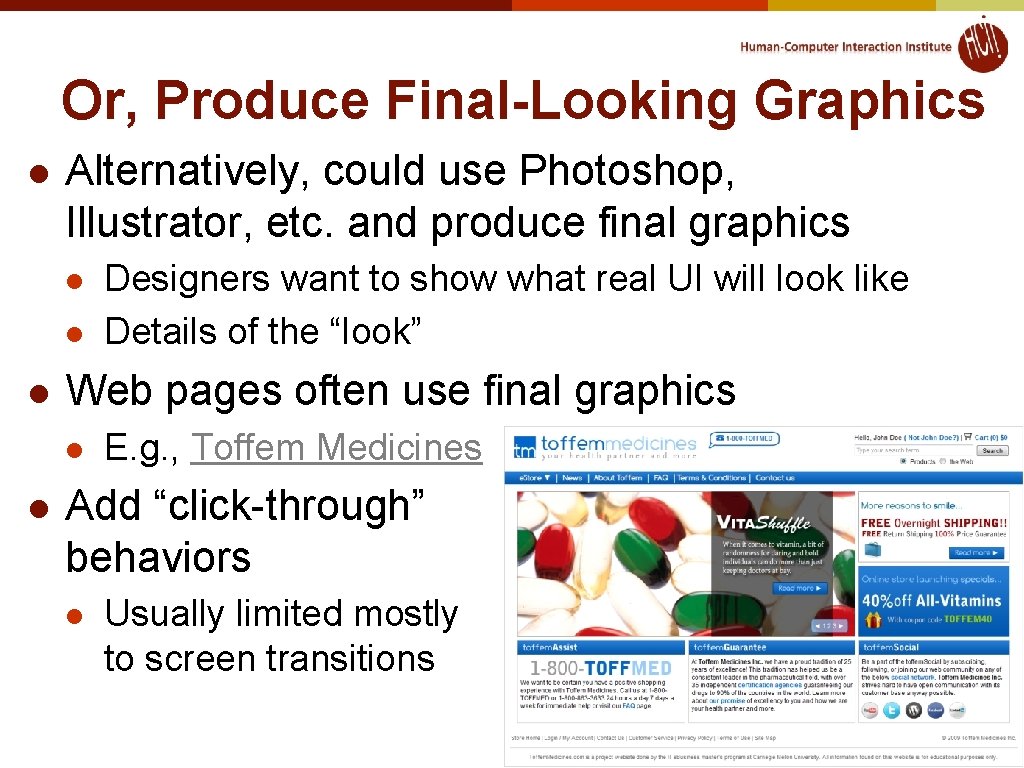
Or, Produce Final-Looking Graphics l Alternatively, could use Photoshop, Illustrator, etc. and produce final graphics l l l Web pages often use final graphics l l Designers want to show what real UI will look like Details of the “look” E. g. , Toffem Medicines Add “click-through” behaviors l Usually limited mostly to screen transitions
Implementation Options for HW 4 l Pretty much any way you want l l l Must “work” – not just paintings “Click-through prototypes ” Note: TAs and prof. will probably not be able to help you with your code We recommend you do not use Java, C++, Objective C (i. Phone) or other “professional” language Note: you must be able to create software that is easy for others to run l Output a set of web pages, or a Windows. exe file
Recommended Options l These are easiest to use: l l l Power. Point – Brad demo Mockingbird web app (gomockingbird. com) – Brad demo Adobe Illustrator / Adobe Fireworks – Preethi demo l l Balsamiq – Anthony demo Omni. Graffle (Macintosh only) – Anthony demo Html + Imagemaps l l Free 30 day trials Using editor like Dreamweaver – Brad demo Dreamweaver has a free 30 -day trial Html + Javascript (more programming) Adobe Flash – free trial
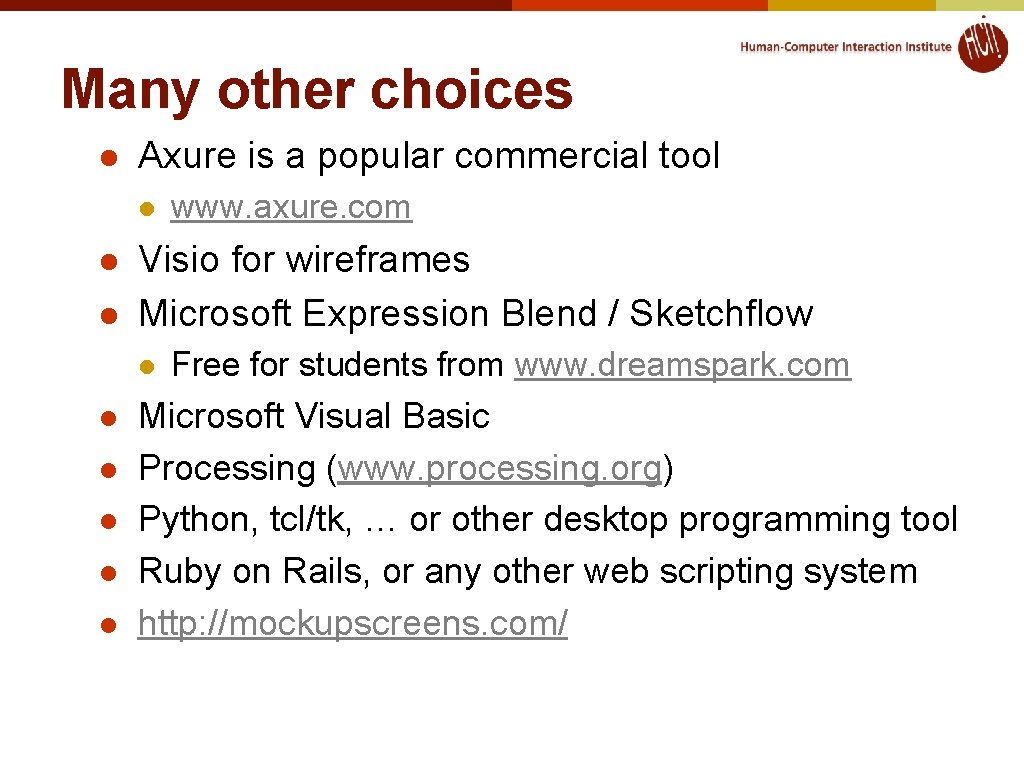
Many other choices l Axure is a popular commercial tool l Visio for wireframes Microsoft Expression Blend / Sketchflow l l l www. axure. com Free for students from www. dreamspark. com Microsoft Visual Basic Processing (www. processing. org) Python, tcl/tk, … or other desktop programming tool Ruby on Rails, or any other web scripting system http: //mockupscreens. com/
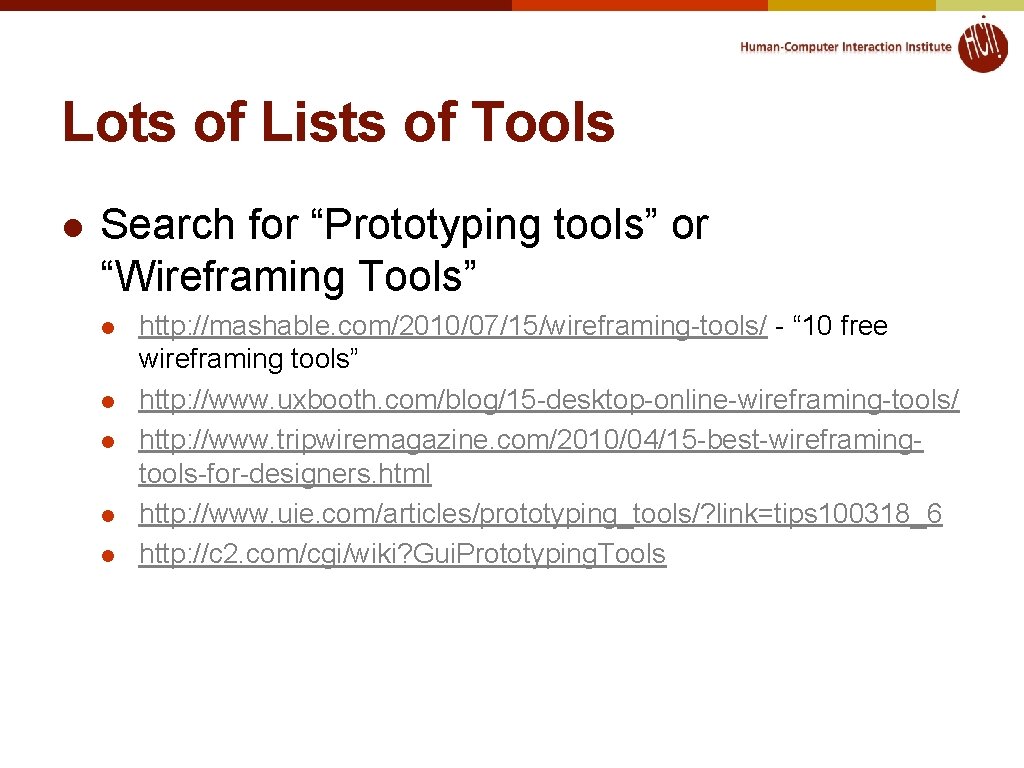
Lots of Lists of Tools l Search for “Prototyping tools” or “Wireframing Tools” l l l http: //mashable. com/2010/07/15/wireframing-tools/ - “ 10 free wireframing tools” http: //www. uxbooth. com/blog/15 -desktop-online-wireframing-tools/ http: //www. tripwiremagazine. com/2010/04/15 -best-wireframingtools-for-designers. html http: //www. uie. com/articles/prototyping_tools/? link=tips 100318_6 http: //c 2. com/cgi/wiki? Gui. Prototyping. Tools
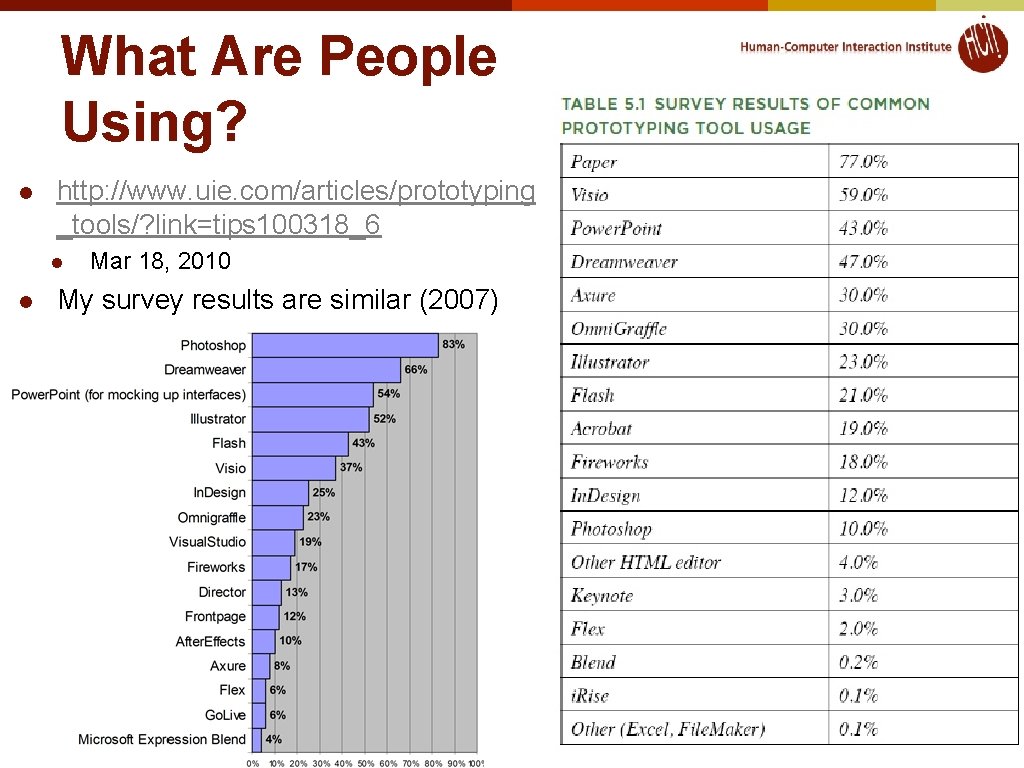
What Are People Using? l http: //www. uie. com/articles/prototyping _tools/? link=tips 100318_6 l l Mar 18, 2010 My survey results are similar (2007)
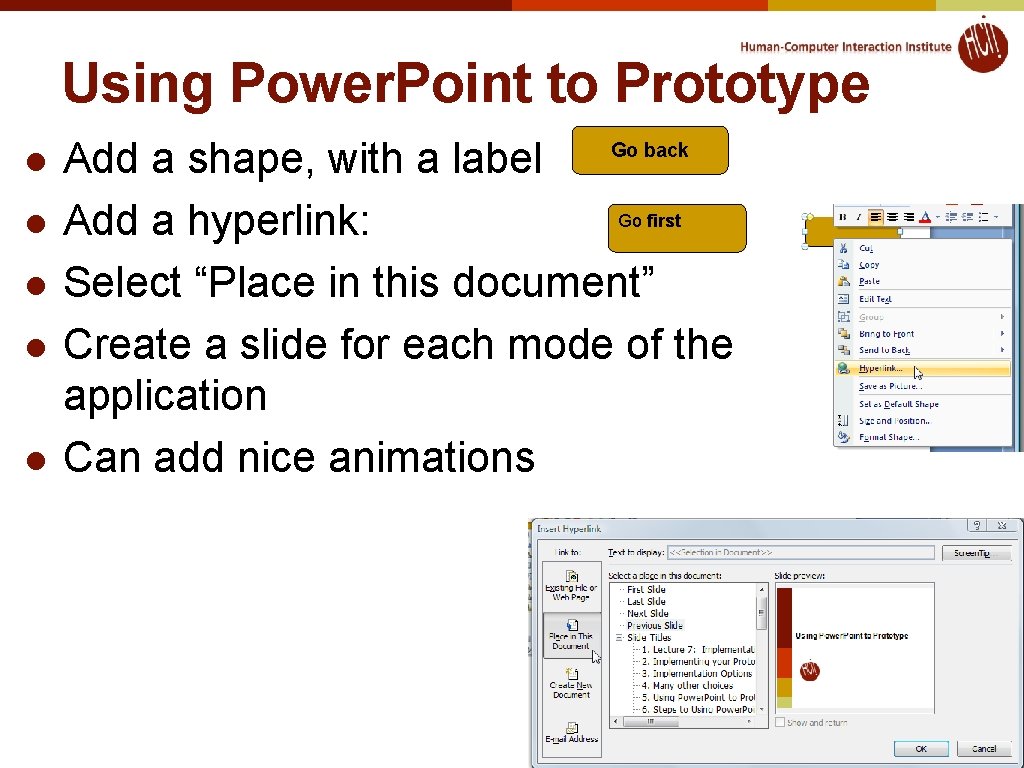
Using Power. Point to Prototype l l l Add a shape, with a label Go first Add a hyperlink: Select “Place in this document” Create a slide for each mode of the application Can add nice animations Go back
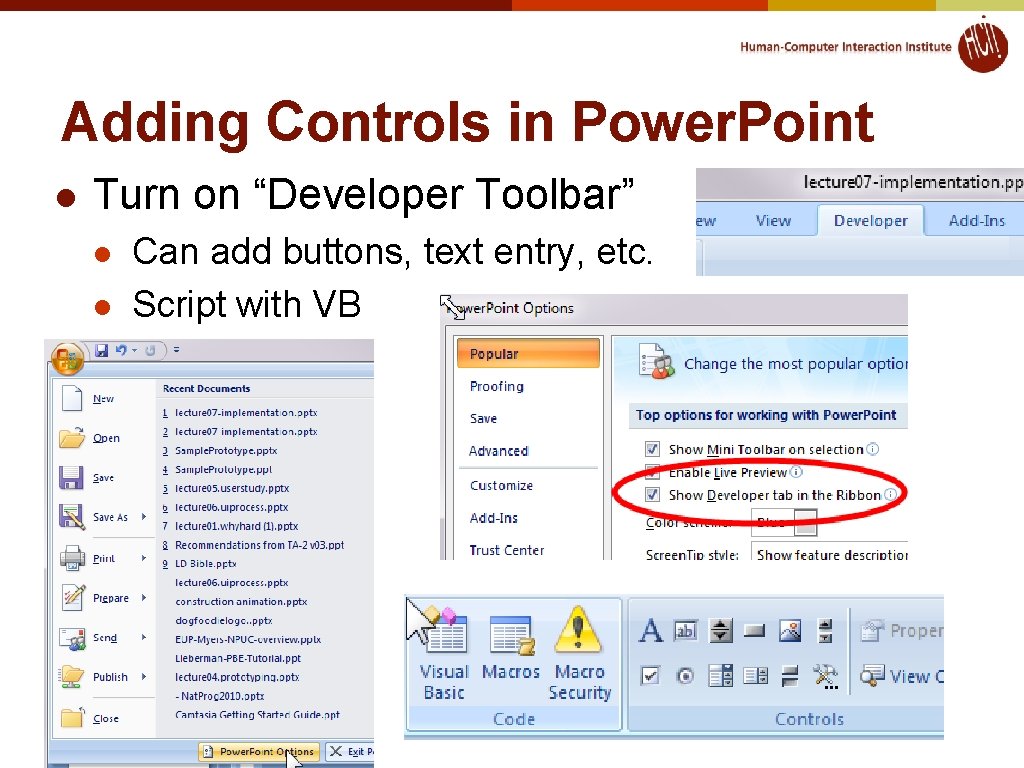
Adding Controls in Power. Point l Turn on “Developer Toolbar” l l Can add buttons, text entry, etc. Script with VB
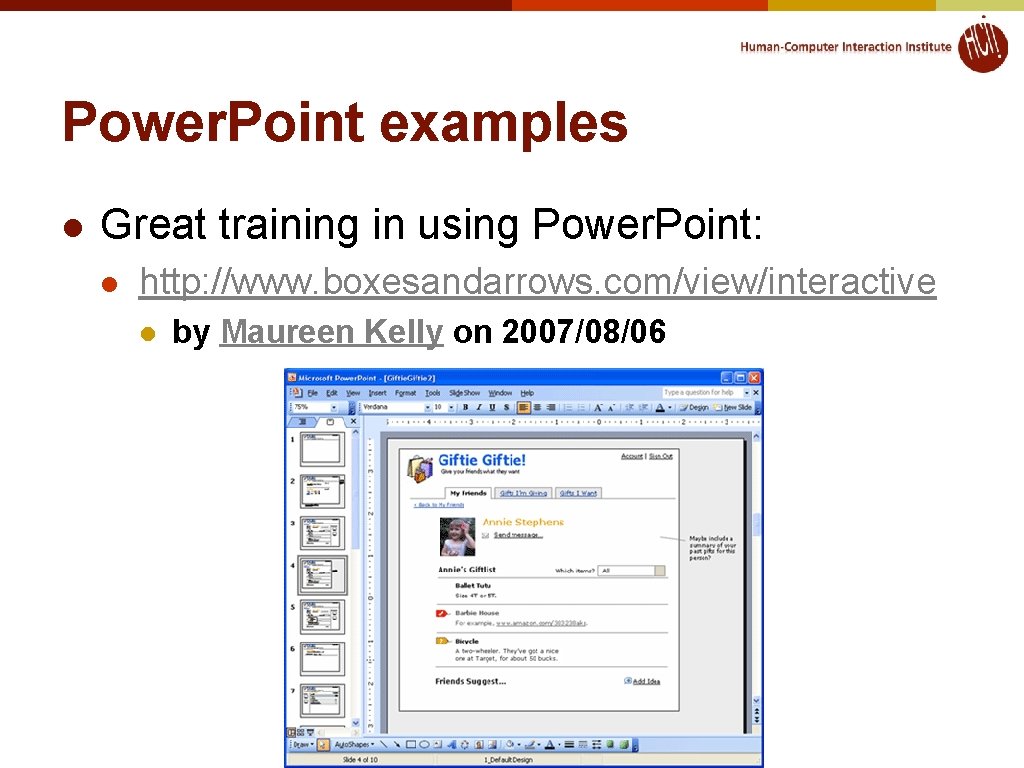
Power. Point examples l Great training in using Power. Point: l http: //www. boxesandarrows. com/view/interactive l by Maureen Kelly on 2007/08/06
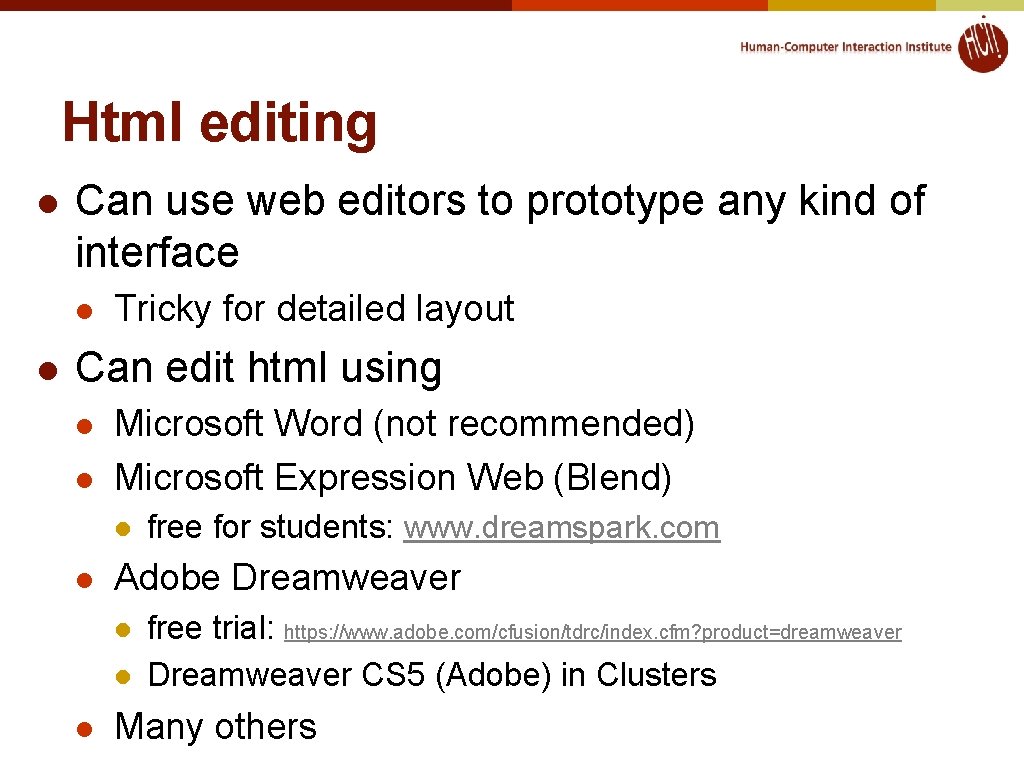
Html editing l Can use web editors to prototype any kind of interface l l Tricky for detailed layout Can edit html using l l Microsoft Word (not recommended) Microsoft Expression Web (Blend) l l Adobe Dreamweaver l l l free for students: www. dreamspark. com free trial: https: //www. adobe. com/cfusion/tdrc/index. cfm? product=dreamweaver Dreamweaver CS 5 (Adobe) in Clusters Many others
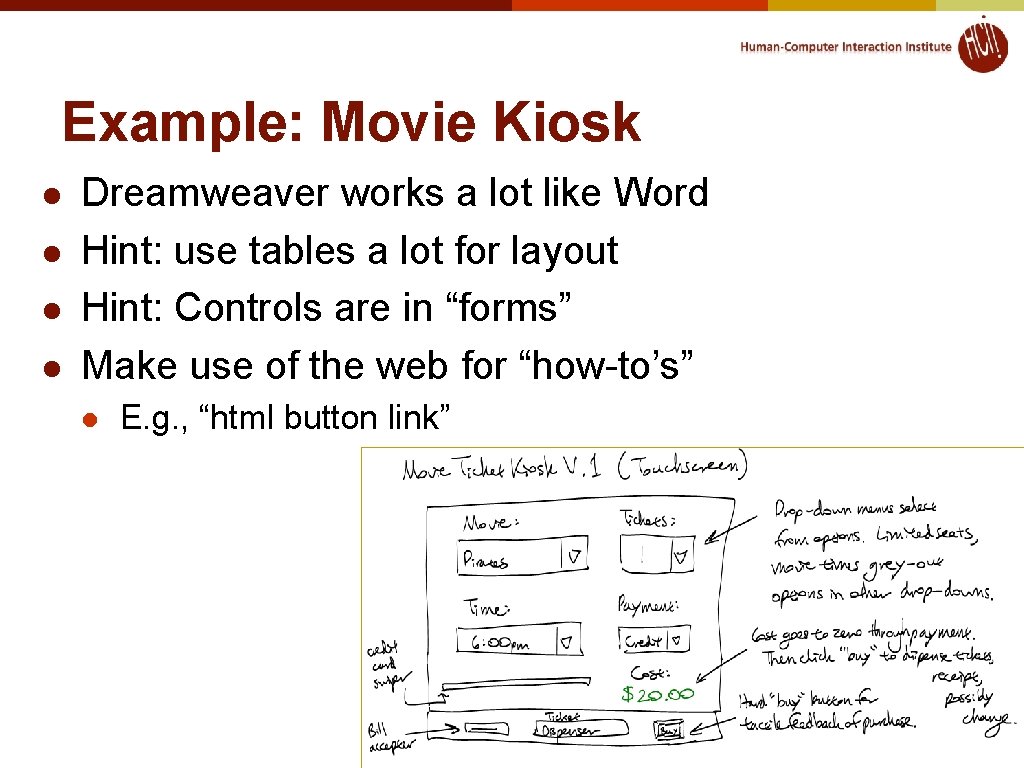
Example: Movie Kiosk l l Dreamweaver works a lot like Word Hint: use tables a lot for layout Hint: Controls are in “forms” Make use of the web for “how-to’s” l E. g. , “html button link”
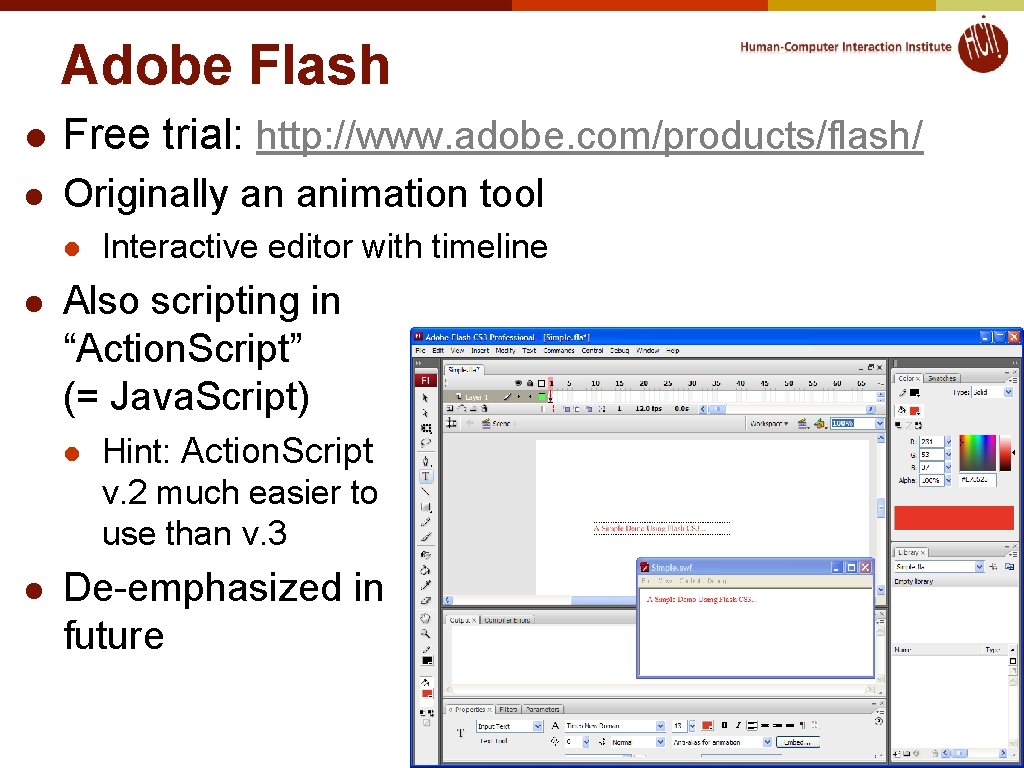
Adobe Flash l Free trial: http: //www. adobe. com/products/flash/ l Originally an animation tool l l Also scripting in “Action. Script” (= Java. Script) l l Interactive editor with timeline Hint: Action. Script v. 2 much easier to use than v. 3 De-emphasized in future
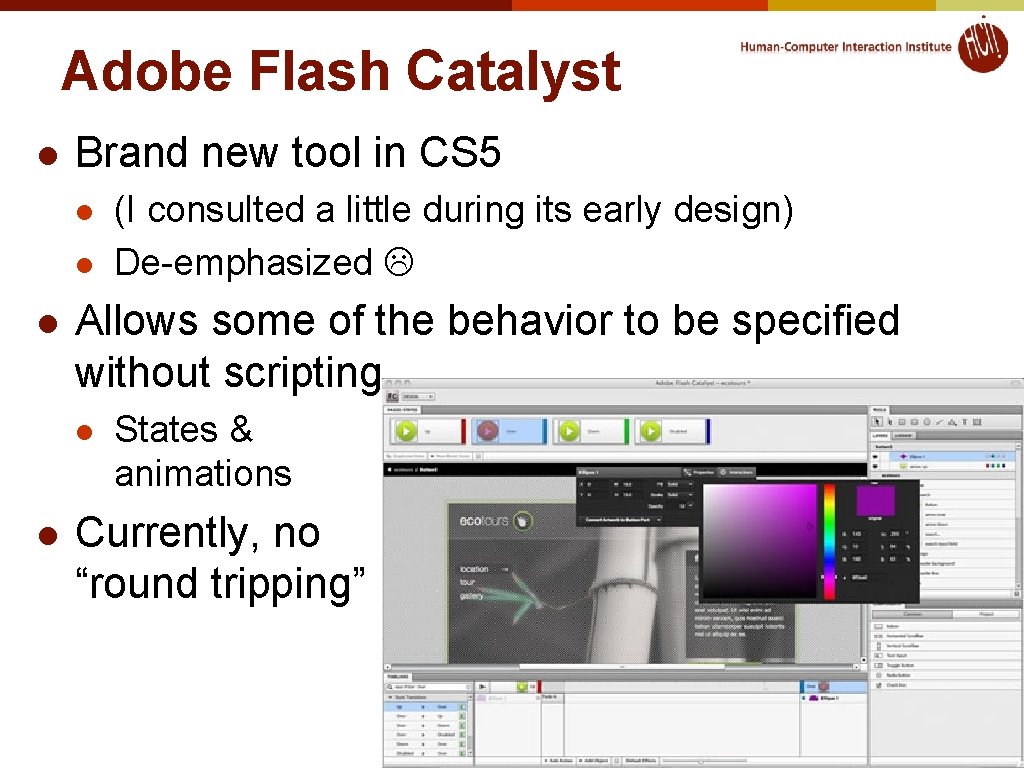
Adobe Flash Catalyst l Brand new tool in CS 5 l l l Allows some of the behavior to be specified without scripting l l (I consulted a little during its early design) De-emphasized States & animations Currently, no “round tripping”
TA-Run Demos l Adobe Illustrator / Adobe Fireworks – Preethi demo l l l Free 30 day trials Balsamiq – Anthony demo Omni. Graffle (Macintosh only) – Anthony demo
Omni. Graffle l l l Generally used for diagramming and modeling Allows clickable prototypes by linking canvases and export each page to HTML Download: l l Konigi Stencils: l l http: //www. omnigroup. com/products/omnigraffle http: //konigi. com/tools/omnigraffle-wireframe-stencils Yahoo Design Stencil Kit: l http: //developer. yahoo. com/ypatterns/about/stencils/
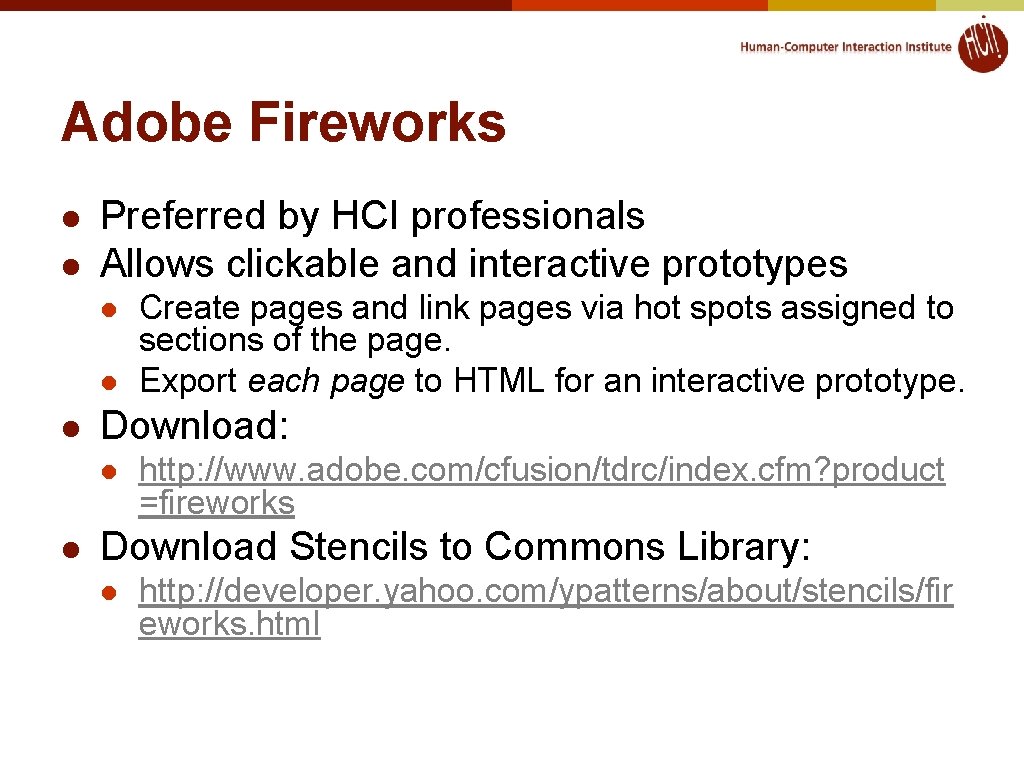
Adobe Fireworks l l Preferred by HCI professionals Allows clickable and interactive prototypes l l l Download: l l Create pages and link pages via hot spots assigned to sections of the page. Export each page to HTML for an interactive prototype. http: //www. adobe. com/cfusion/tdrc/index. cfm? product =fireworks Download Stencils to Commons Library: l http: //developer. yahoo. com/ypatterns/about/stencils/fir eworks. html
PROTOTYPING TOOLS Balsamiq & Adobe Illustrator
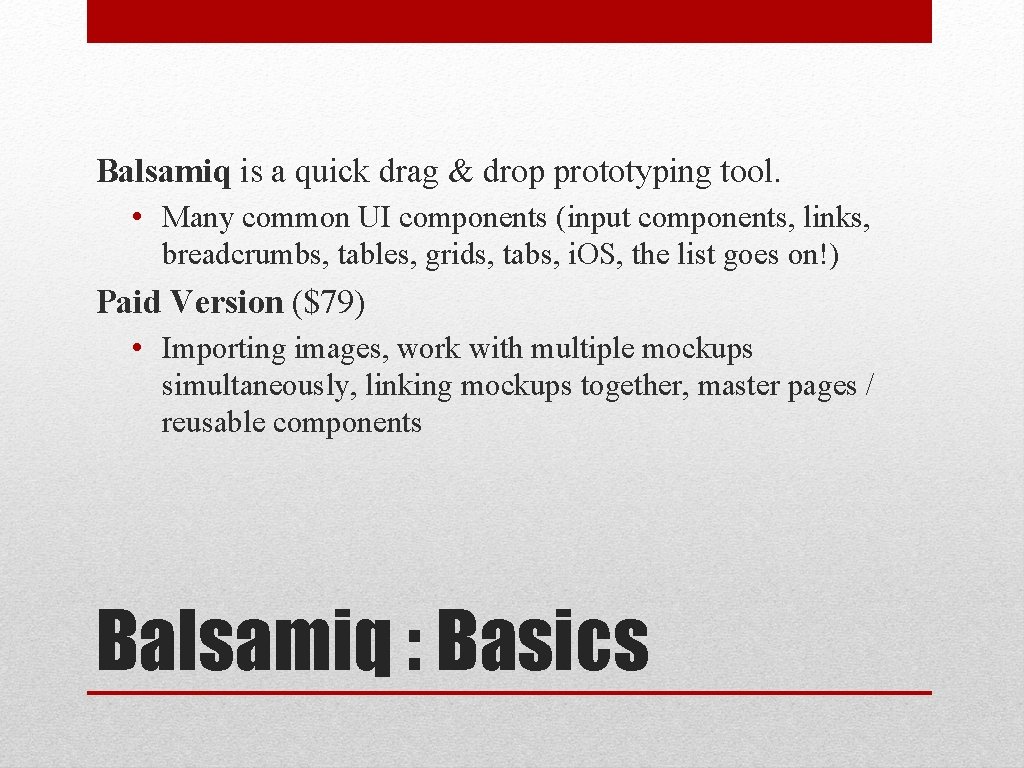
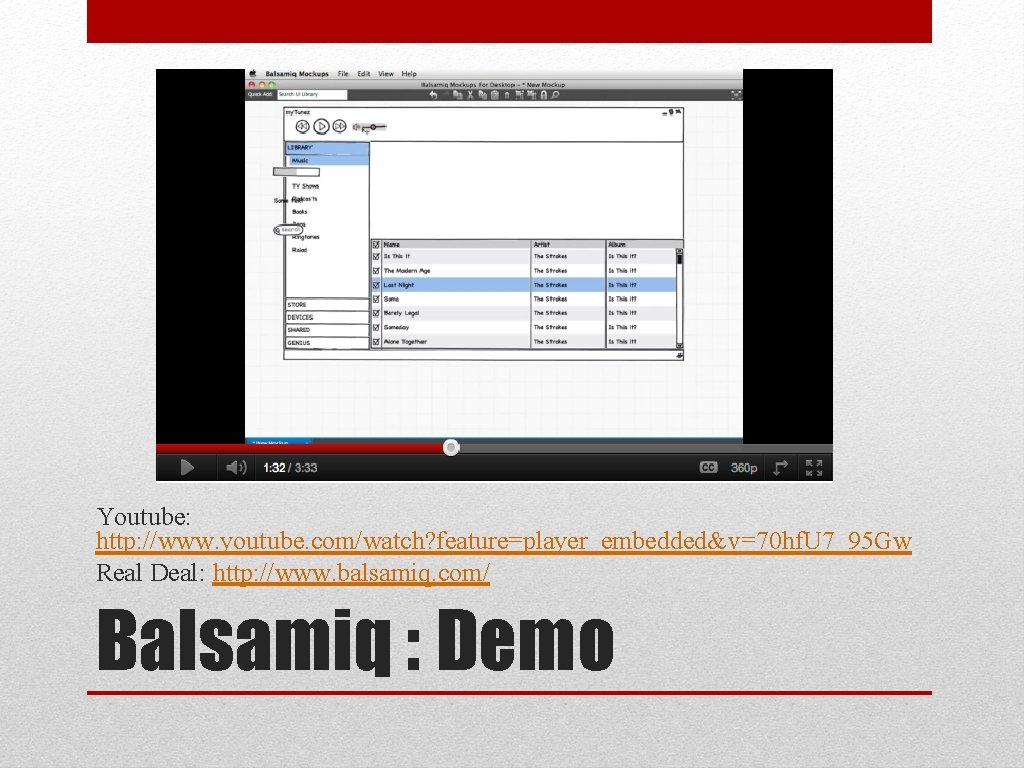
Balsamiq is a quick drag & drop prototyping tool. • Many common UI components (input components, links, breadcrumbs, tables, grids, tabs, i. OS, the list goes on!) Paid Version ($79) • Importing images, work with multiple mockups simultaneously, linking mockups together, master pages / reusable components Balsamiq : Basics
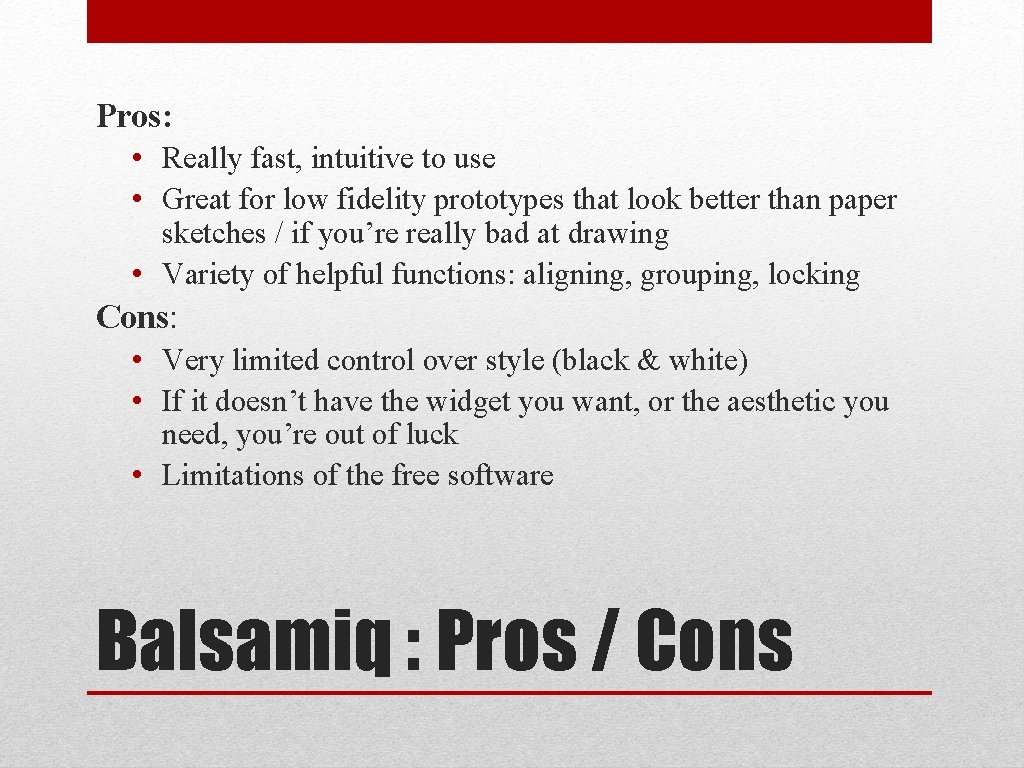
Pros: • Really fast, intuitive to use • Great for low fidelity prototypes that look better than paper sketches / if you’re really bad at drawing • Variety of helpful functions: aligning, grouping, locking Cons: • Very limited control over style (black & white) • If it doesn’t have the widget you want, or the aesthetic you need, you’re out of luck • Limitations of the free software Balsamiq : Pros / Cons
Youtube: http: //www. youtube. com/watch? feature=player_embedded&v=70 hf. U 7_95 Gw Real Deal: http: //www. balsamiq. com/ Balsamiq : Demo
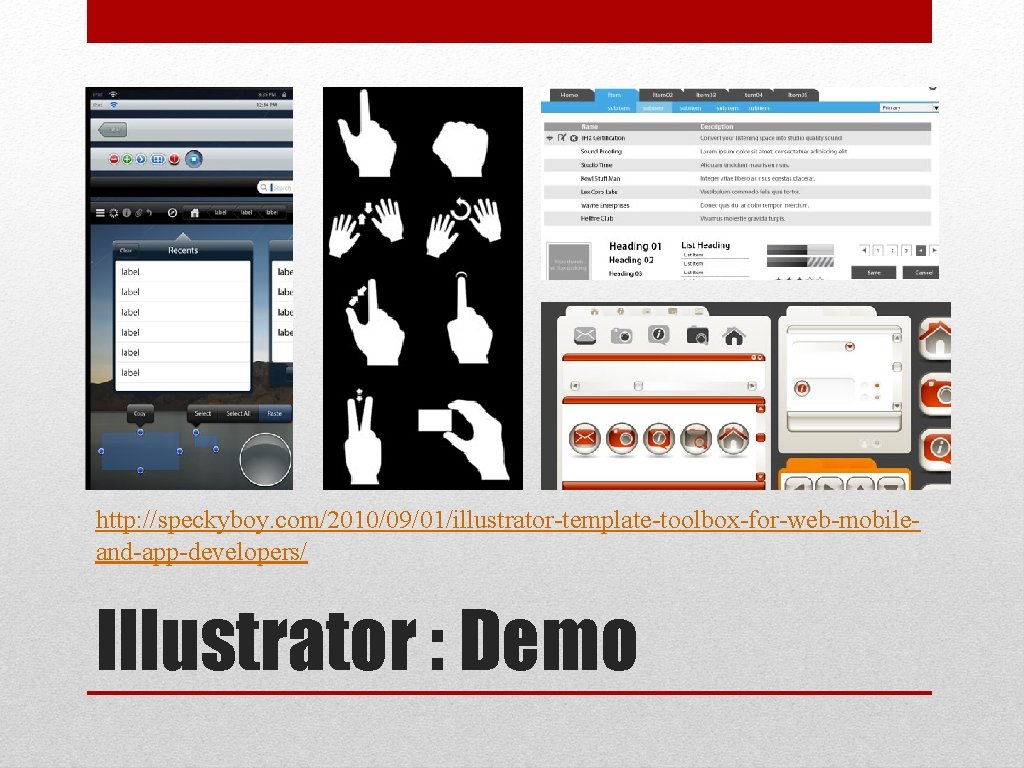
Adobe Illustrator is a vector-based drawing software part of the Adobe Creative Suite. • Huge flexibility in the work you can do. Fantastic tool for creating things from scratch, but our focus will be on the publicly available UI templates online. Illustrator : Basics
Pros: • Infinite amount of resources, how-tos and many public libraries of UI components available online. • It’s vector drawing! So everything stretches and even public libraries can be edited. • Great for all levels of fidelities, particularly useful for making high fidelity mockups. Cons: • Significant learning curve for some things. • Takes a bit longer to get stuff done. • Costs $200 to buy / install. Illustrator : Pros / Cons
http: //speckyboy. com/2010/09/01/illustrator-template-toolbox-for-web-mobileand-app-developers/ Illustrator : Demo