
Lecture 6 Graphics Number Systems Bitmap Graphics Similar
Lecture 6 • Graphics, Number Systems
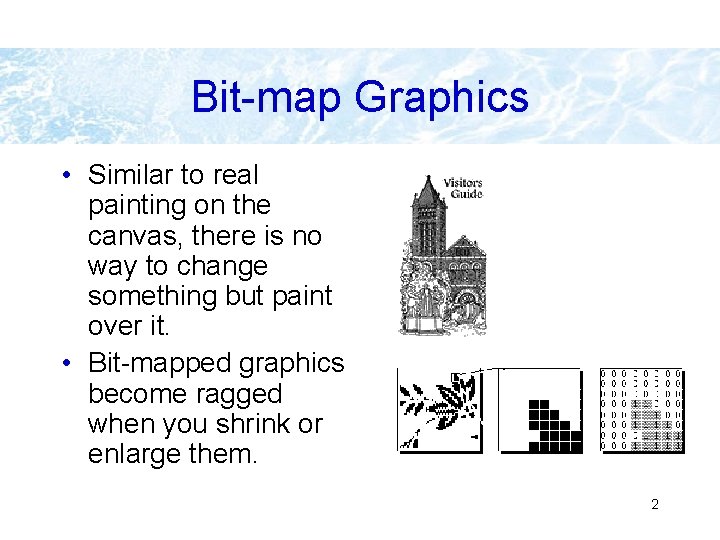
Bit-map Graphics • Similar to real painting on the canvas, there is no way to change something but paint over it. • Bit-mapped graphics become ragged when you shrink or enlarge them. 2
Painting: Bit-Mapped Graphics • Paint pixels on the screen with a pointing device – Select painting tools from a tools palette – Create bit-mapped graphics – Realism of the images is determined by the amount of memory allocation per pixel – Resolution is determined by the density of pixels 3
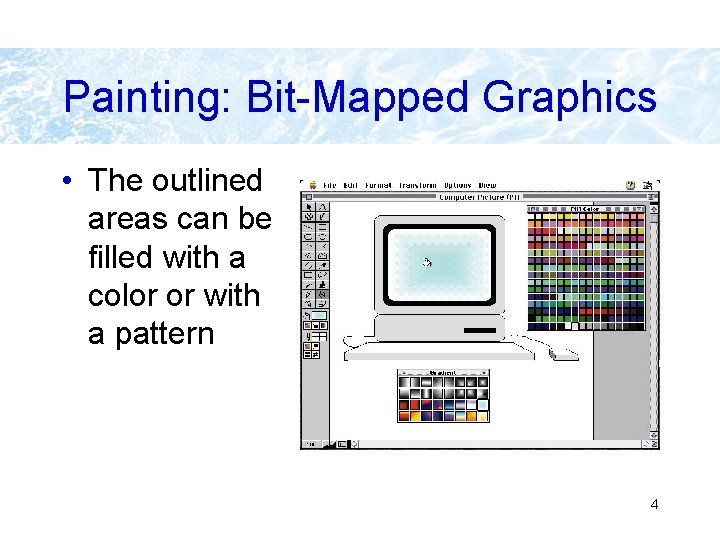
Painting: Bit-Mapped Graphics • The outlined areas can be filled with a color or with a pattern 4
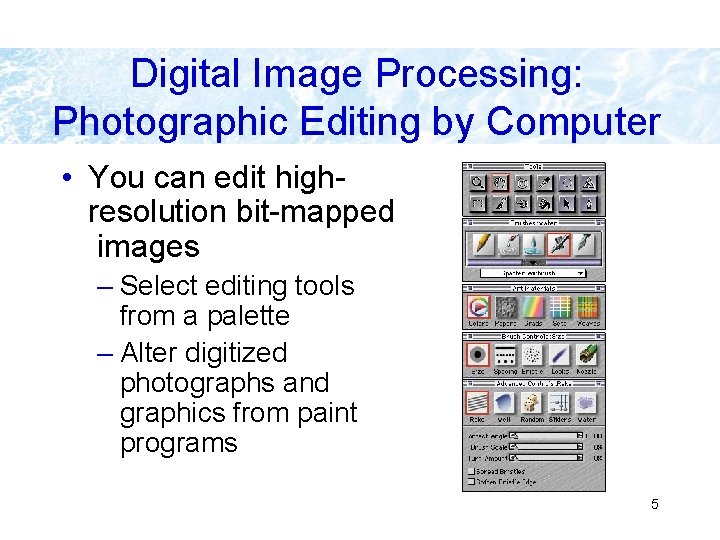
Digital Image Processing: Photographic Editing by Computer • You can edit highresolution bit-mapped images – Select editing tools from a palette – Alter digitized photographs and graphics from paint programs 5
Image Formats • BMP – The bit-mapped file format used by Microsoft Windows. • TIFF (Tagged Image File Format) – A standard file format for storing images as bit maps. It is used especially for scanned images because it can support any size, resolution, and color depth 6
Image Formats (cont) • GIF (Graphics Interchange Format) – A standard for digitized images compressed with the LZW algorithm (not image-specific, can be used for any data, in Unix a command compress). Allows for features such a transparent background, animation. Used in the Internet for small icon-like images. 7
Image Formats (cont) • JPEG (Joint Photographic Experts Group) – JPEG is designed for compressing either full-color or gray-scale digital images of "natural", real-world scenes. It does not work so well on non-realistic images, such as cartoons or line drawings. JPEG does not handle compression of black-and-white (1 bit-per-pixel) images or moving pictures. Used in the Internet for photos. 8
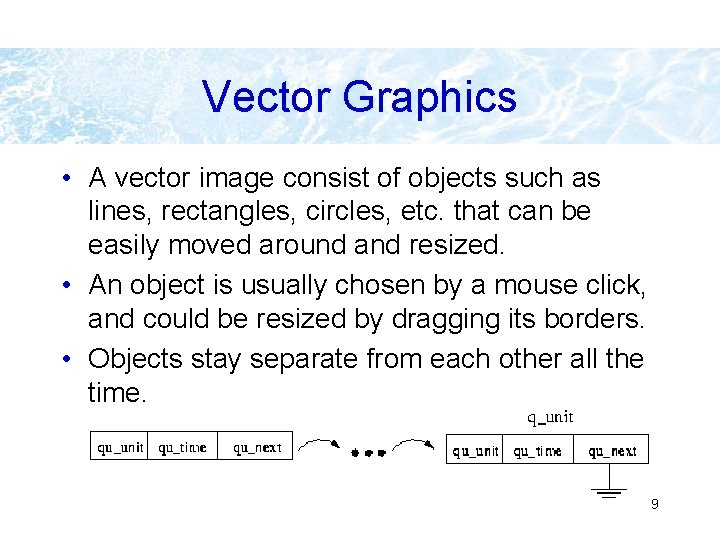
Vector Graphics • A vector image consist of objects such as lines, rectangles, circles, etc. that can be easily moved around and resized. • An object is usually chosen by a mouse click, and could be resized by dragging its borders. • Objects stay separate from each other all the time. 9
Vector Graphics • Such properties of an object as line thickness, color, fill pattern can be easily changed after the object was created. • Several objects may be grouped in on composed object. • A composed object can be broken down to the original objects it was made from. • Objects can be arranged in several layers, so that they overlap in a defined manner. 10

Drawing: Object-Oriented Graphics • Draw the shapes of objects with a pointing device – The palette of drawing software differs from that of painting software 11
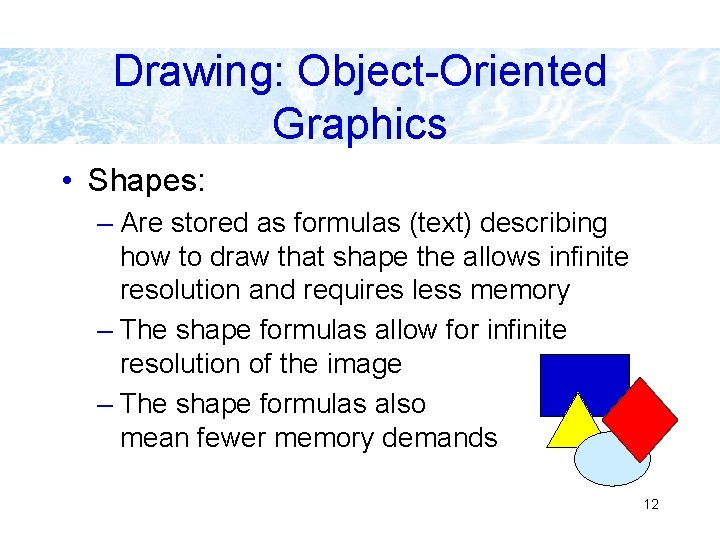
Drawing: Object-Oriented Graphics • Shapes: – Are stored as formulas (text) describing how to draw that shape the allows infinite resolution and requires less memory – The shape formulas allow for infinite resolution of the image – The shape formulas also mean fewer memory demands 12
Image Formats • Formats of drawing programs (e. g. xfig) • Post. Script, PDF – Graphics file format developed by Adobe Systems. Postscript is widely used on Unix for distributing and printing documents. Portable Document Format (PDF) is defacto standard for documents in the Internet 13
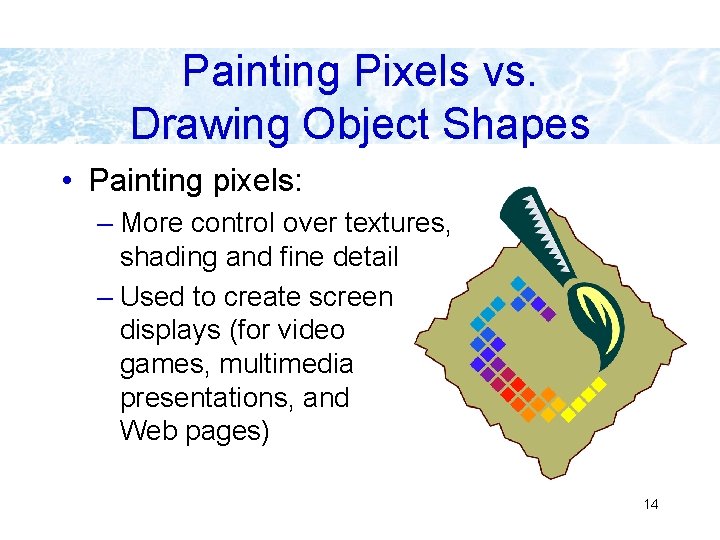
Painting Pixels vs. Drawing Object Shapes • Painting pixels: – More control over textures, shading and fine detail – Used to create screen displays (for video games, multimedia presentations, and Web pages) 14
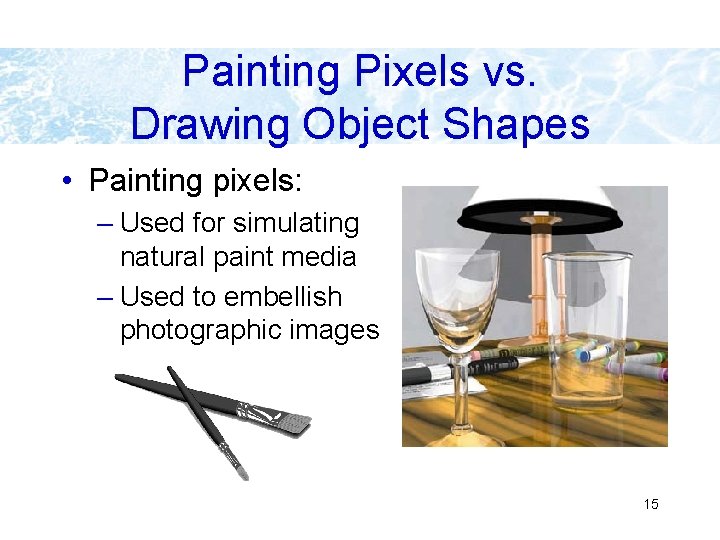
Painting Pixels vs. Drawing Object Shapes • Painting pixels: – Used for simulating natural paint media – Used to embellish photographic images 15
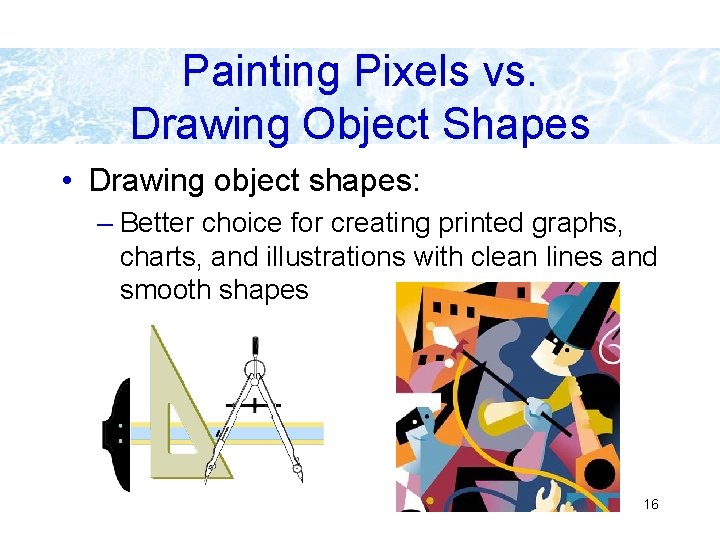
Painting Pixels vs. Drawing Object Shapes • Drawing object shapes: – Better choice for creating printed graphs, charts, and illustrations with clean lines and smooth shapes 16
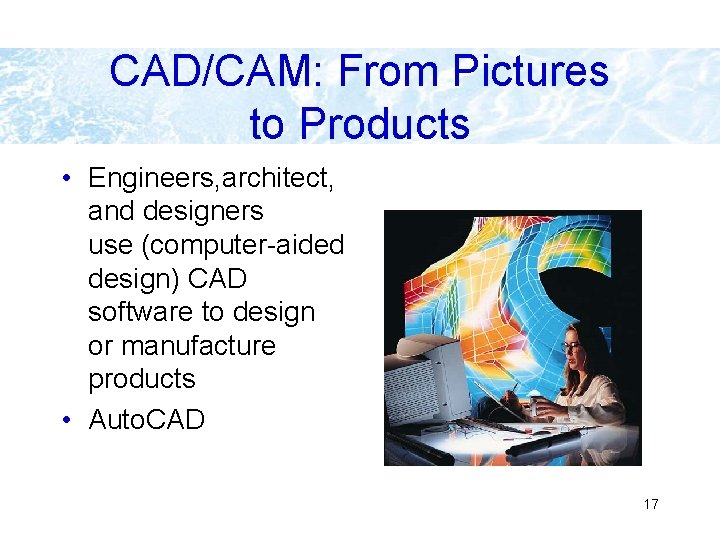
CAD/CAM: From Pictures to Products • Engineers, architect, and designers use (computer-aided design) CAD software to design or manufacture products • Auto. CAD 17
Screen shot • In Linux it is possible to save an image of whole display, a fragment of the display or a window using Grab-feature in the xv-program. • In Windows it is possible to take save an image of the currently active window by pressing <Alt>-<Print. Screen>, or of the whole display by pressing just <Print. Screen>. The image is then place into clipboard, and can be pasted for example into a Word. Perfect document or into Paint program. 18
Number and Character Representation in Computers 19
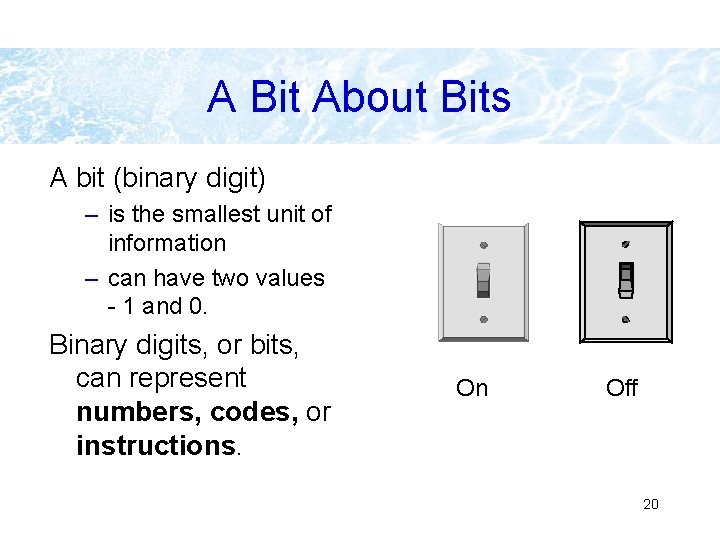
A Bit About Bits A bit (binary digit) – is the smallest unit of information – can have two values - 1 and 0. Binary digits, or bits, can represent numbers, codes, or instructions. On Off 20
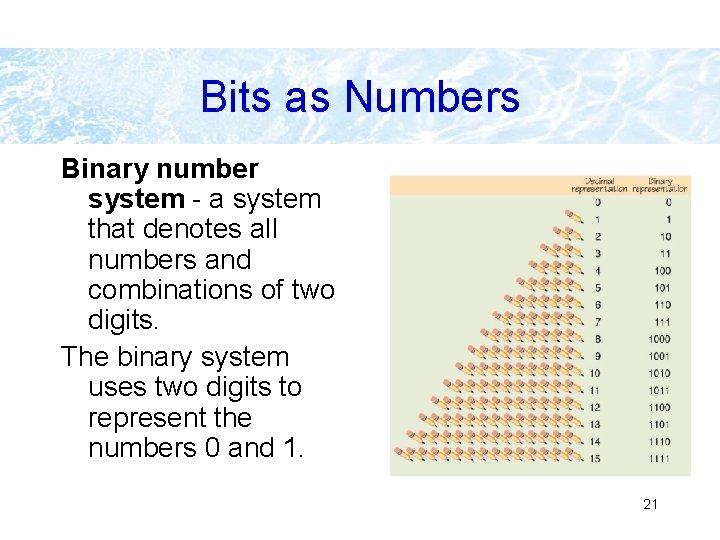
Bits as Numbers Binary number system - a system that denotes all numbers and combinations of two digits. The binary system uses two digits to represent the numbers 0 and 1. 21
Bits, Bytes, and Buzzwords Common terms might describe file size or memory size: Bit: smallest unit of information Byte: a grouping of eight bits of information K: (kilobyte); about 1, 000 bytes of information - technically 1024 bytes equals 1 K of storage. 22
Bits, Bytes, and Buzzwords MB: (megabyte); about 1 million bytes of information GB: (gigabyte); about 1 billion bytes of information TB: (terabyte); about 1 million megabytes of information 23
Decimal System • Humans have 10 fingers: count in DECIMAL • Numbers 0, 1, 2, 3, 4, 5, 6, 7, 8, 9, 10, 11, 12, 13, 14, 15, . . . • Use 10 digits: 0, 1, 2, 3, 4, 5, 6, 7, 8, 9 • We know that 5304 = 5*103+3*102+0*101+4*100 • Base 10 24
Binary System • BINARY numbers: – 0, 1, 10, 11, 100, 101, 110, 111, 1000, 1001, 1010, 1011, . . • Written with only 2 digits: "0" and "1" • In the same way as for decimal, 1011 (binary) = 1*23+0*22+1*21+1*20= 11 (decimal) • Base 2 • Converting from binary to decimal is simple, just as for 1011 above. 25
Binary System (contd. ) • How to know if 1011 is in binary or in decimal? Subscripts are used to show the base: 10112 (binary number), 101110 (decimal number) • Converting from decimal to binary a little bit more tricky, we skip this, check some book if you are interested. • Large binary numbers are cumbersome to write 26
Hexadecimal System • Heavily used in modern computers to represent binary data • Numbers: 0, 1, 2, 3, 4, 5, 6, 7, 8, 9, A, B, C, D, E, F, 10, 11, 12, 13, 14, 15, 16, 17, 18, 19, 1 A, 1 B, . . . • Base 16 • Again the same idea: – 1 A 16 =1*161+10*160 = 2610 27
Hex (cont. ) • Groups of 4 bits • 4 bits: 24 = 16 combinations. . . use digits 0 -9 and A, B, C, D, E, F • Converting between binary and hex is straightforward: • 101112 => 10 1111 0111 => 10(=2) 1111(=F) 0111(=7) => 2 F 716 28
Octal System • Octal was used in computers with byte length of 6 bits • Numbers: 0, 1, 2, 3, 4, 5, 6, 7, 10, 11, 12, 13, 14, 15, 16, 17, 20, . . . • Base 8 • Groups of 3 bits • 3 bits: 23 = 8 combinations. . . use digits 0 -7 29
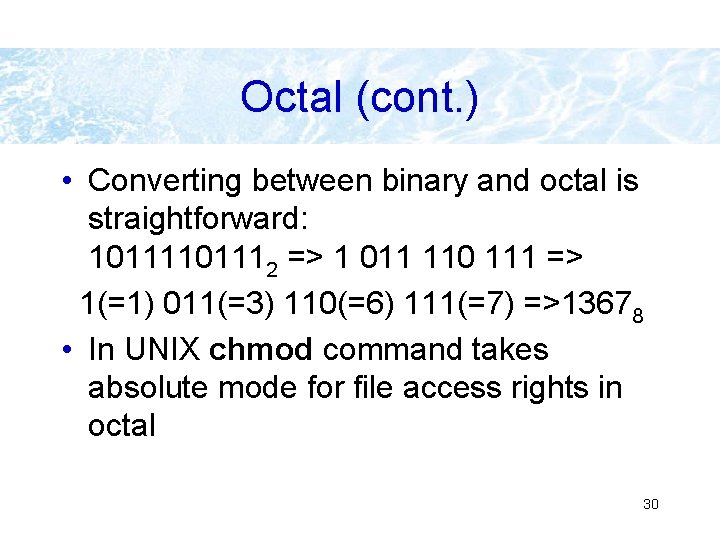
Octal (cont. ) • Converting between binary and octal is straightforward: 101112 => 1 011 110 111 => 1(=1) 011(=3) 110(=6) 111(=7) =>13678 • In UNIX chmod command takes absolute mode for file access rights in octal 30
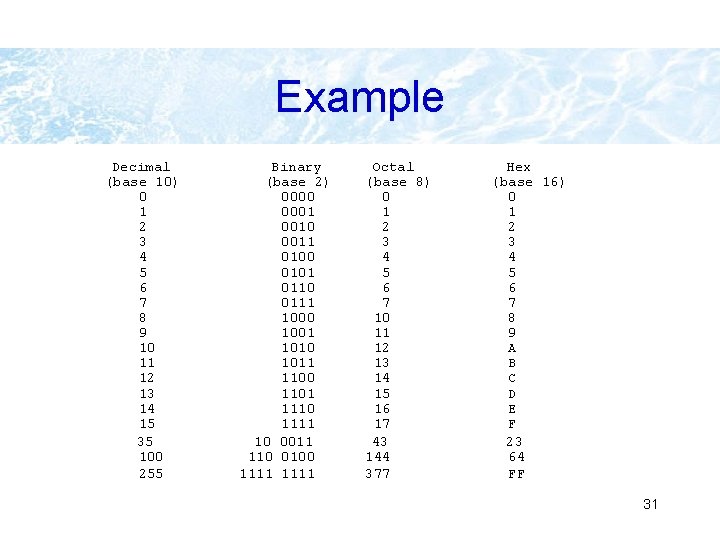
Example Decimal (base 10) 0 1 2 3 4 5 6 7 8 9 10 11 12 13 14 15 35 100 255 Binary (base 2) 0000 0001 0010 0011 0100 0101 0110 0111 1000 1001 1010 1011 1100 1101 1110 1111 10 0011 110 0100 1111 Octal (base 8) 0 1 2 3 4 5 6 7 10 11 12 13 14 15 16 17 43 144 377 Hex (base 16) 0 1 2 3 4 5 6 7 8 9 A B C D E F 23 64 FF 31
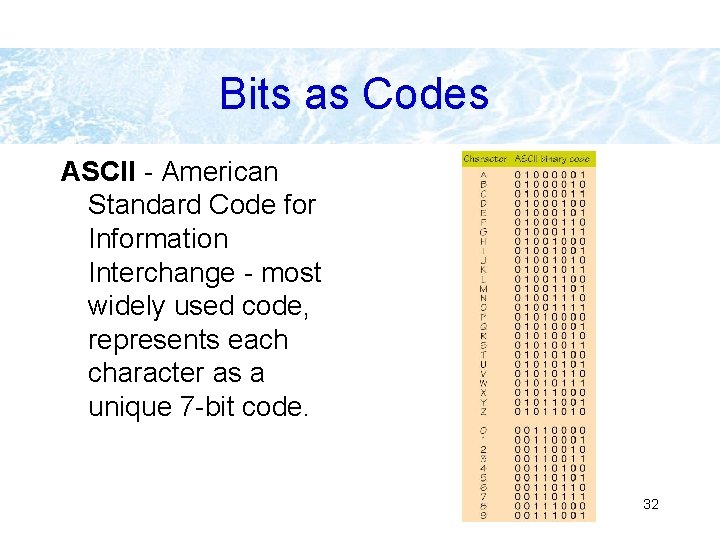
Bits as Codes ASCII - American Standard Code for Information Interchange - most widely used code, represents each character as a unique 7 -bit code. 32
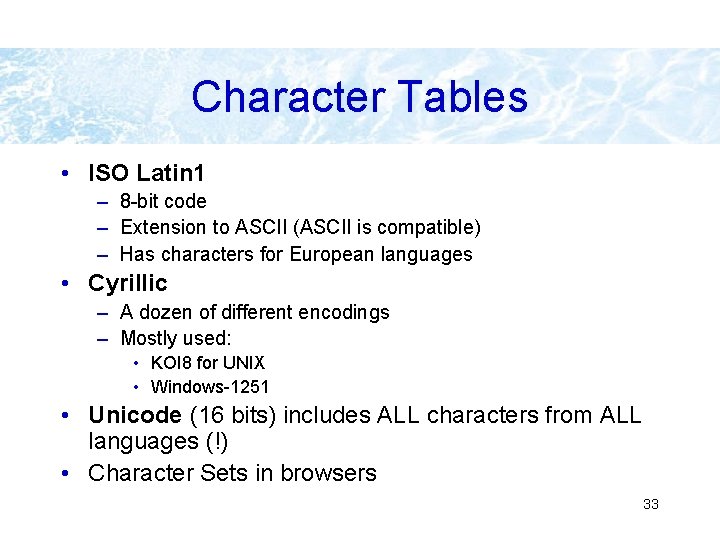
Character Tables • ISO Latin 1 – 8 -bit code – Extension to ASCII (ASCII is compatible) – Has characters for European languages • Cyrillic – A dozen of different encodings – Mostly used: • KOI 8 for UNIX • Windows-1251 • Unicode (16 bits) includes ALL characters from ALL languages (!) • Character Sets in browsers 33
- Slides: 33