
LECTURE 6 Advanced Functions and OOP FUNCTIONS Before

LECTURE 6 Advanced Functions and OOP
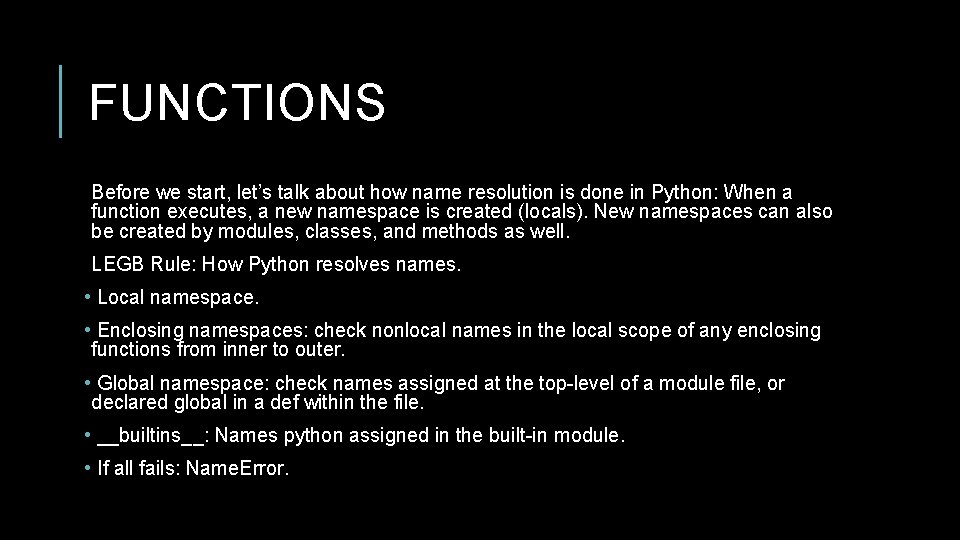
FUNCTIONS Before we start, let’s talk about how name resolution is done in Python: When a function executes, a new namespace is created (locals). New namespaces can also be created by modules, classes, and methods as well. LEGB Rule: How Python resolves names. • Local namespace. • Enclosing namespaces: check nonlocal names in the local scope of any enclosing functions from inner to outer. • Global namespace: check names assigned at the top-level of a module file, or declared global in a def within the file. • __builtins__: Names python assigned in the built-in module. • If all fails: Name. Error.

FUNCTIONS AS FIRST-CLASS OBJECTS We noted a few lectures ago that functions are first-class objects in Python. What exactly does this mean? In short, it basically means that whatever you can do with a variable, you can do with a function. These include: • Assigning a name to it. • Passing it as an argument to a function. • Returning it as the result of a function. • Storing it in data structures. • etc.

FUNCTION FACTORY a. k. a. Closures. As first-class objects, you can wrap functions within functions. Outer functions have free variables that are bound to inner functions. A closure is a function object that remembers values in enclosing scopes regardless of whether those scopes are still present in memory. def make_inc(x): def inc(y): # x is closed in # the definition of inc return x + y return inc 5 = make_inc(5) inc 10 = make_inc(10) print(inc 5(5)) # returns 10 print(inc 10(5)) # returns 15

CLOSURE Closures are hard to define so follow these three rules for generating a closure: 1. We must have a nested function (function inside a function). 2. The nested function must refer to a value defined in the enclosing function. 3. The enclosing function must return the nested function.

DECORATORS Wrappers to existing functions. def say_hello(name): You can extend the functionality of existing functions without having to modify them. return "Hello, " + str(name) + "!" def p_decorate(func): def func_wrapper(name): return "<p>" + func(name) + "</p>" return func_wrapper my_say_hello = p_decorate(say_hello) print my_say_hello("John") # Output is: <p>Hello, John!</p>

DECORATORS Wrappers to existing functions. def say_hello(name): You can extend the functionality of existing functions without having to modify them. Closure return "Hello, " + str(name) + "!" def p_decorate(func): def func_wrapper(name): return "<p>" + func(name) + "</p>" return func_wrapper my_say_hello = p_decorate(say_hello) print my_say_hello("John") # Output is: <p>Hello, John!</p>
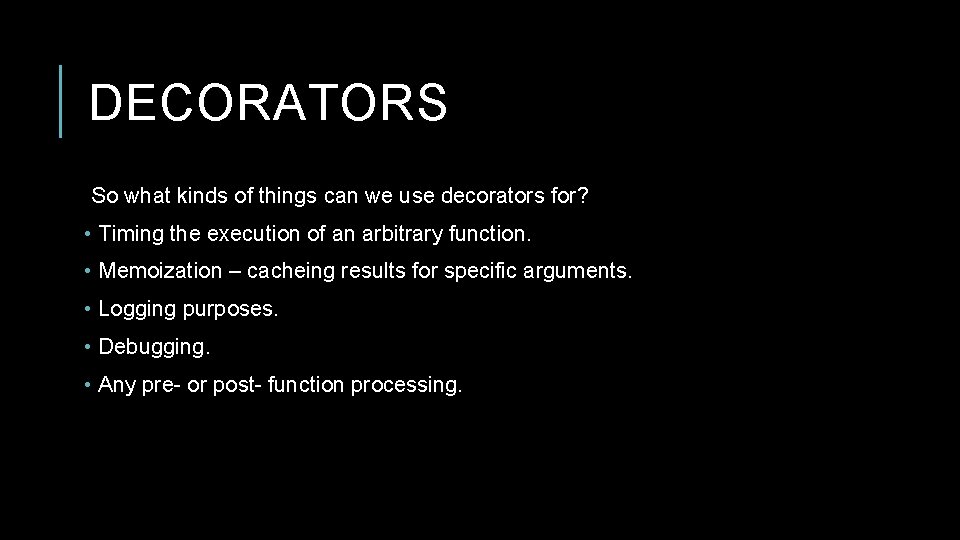
DECORATORS So what kinds of things can we use decorators for? • Timing the execution of an arbitrary function. • Memoization – cacheing results for specific arguments. • Logging purposes. • Debugging. • Any pre- or post- function processing.
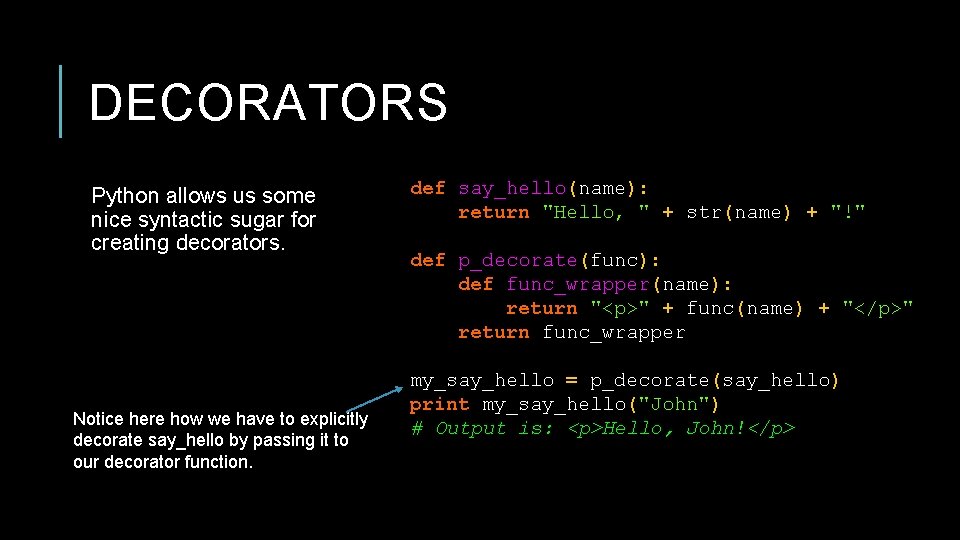
DECORATORS Python allows us some nice syntactic sugar for creating decorators. Notice here how we have to explicitly decorate say_hello by passing it to our decorator function. def say_hello(name): return "Hello, " + str(name) + "!" def p_decorate(func): def func_wrapper(name): return "<p>" + func(name) + "</p>" return func_wrapper my_say_hello = p_decorate(say_hello) print my_say_hello("John") # Output is: <p>Hello, John!</p>
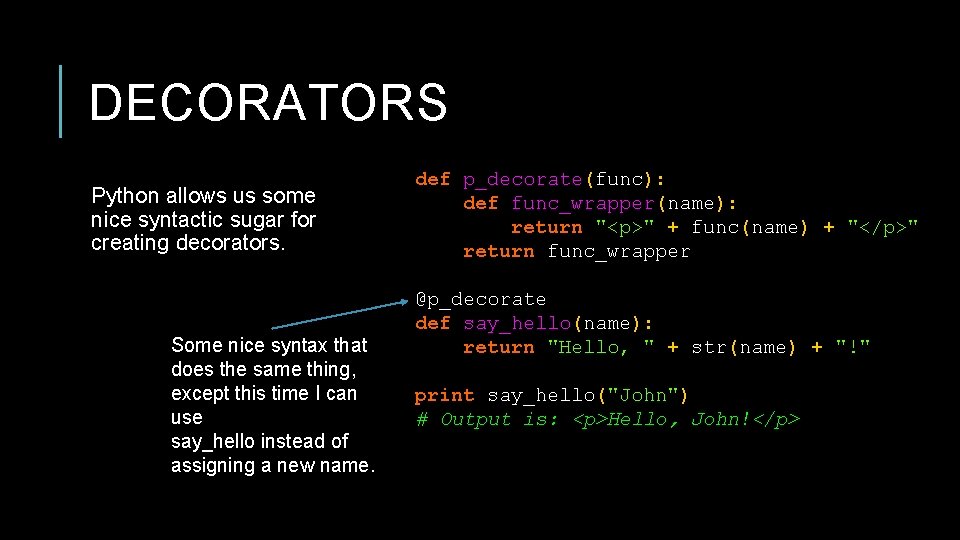
DECORATORS Python allows us some nice syntactic sugar for creating decorators. Some nice syntax that does the same thing, except this time I can use say_hello instead of assigning a new name. def p_decorate(func): def func_wrapper(name): return "<p>" + func(name) + "</p>" return func_wrapper @p_decorate def say_hello(name): return "Hello, " + str(name) + "!" print say_hello("John") # Output is: <p>Hello, John!</p>
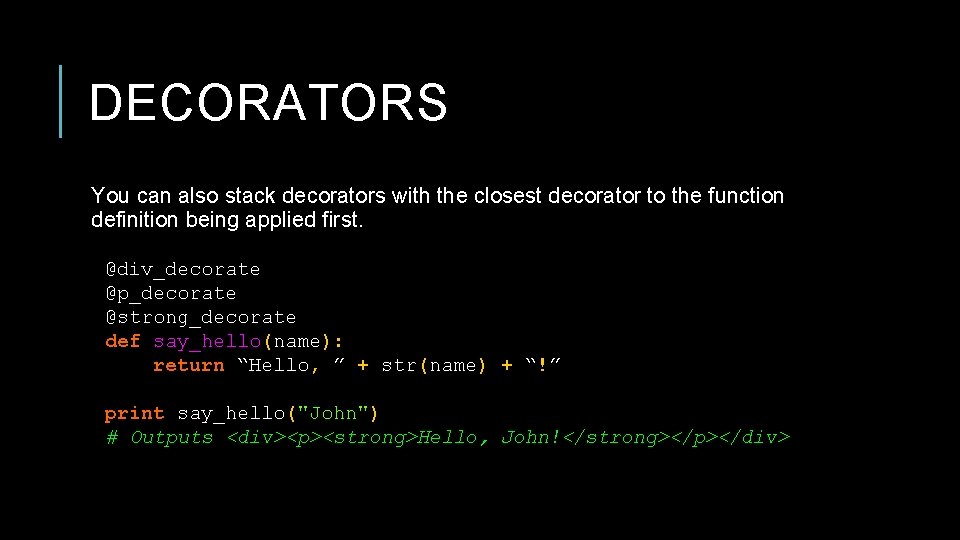
DECORATORS You can also stack decorators with the closest decorator to the function definition being applied first. @div_decorate @p_decorate @strong_decorate def say_hello(name): return “Hello, ” + str(name) + “!” print say_hello("John") # Outputs <div><p><strong>Hello, John!</strong></p></div>
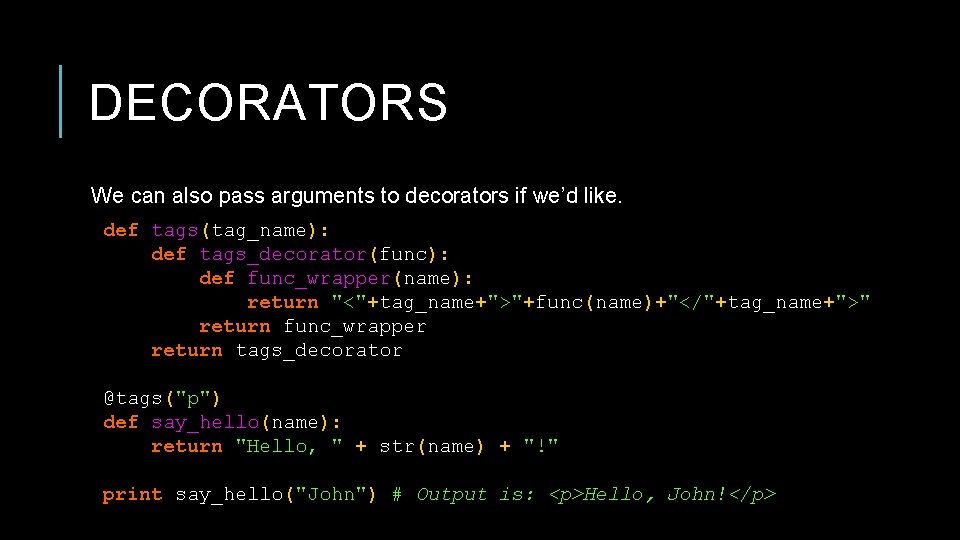
DECORATORS We can also pass arguments to decorators if we’d like. def tags(tag_name): def tags_decorator(func): def func_wrapper(name): return "<"+tag_name+">"+func(name)+"</"+tag_name+">" return func_wrapper return tags_decorator @tags("p") def say_hello(name): return "Hello, " + str(name) + "!" print say_hello("John") # Output is: <p>Hello, John!</p>
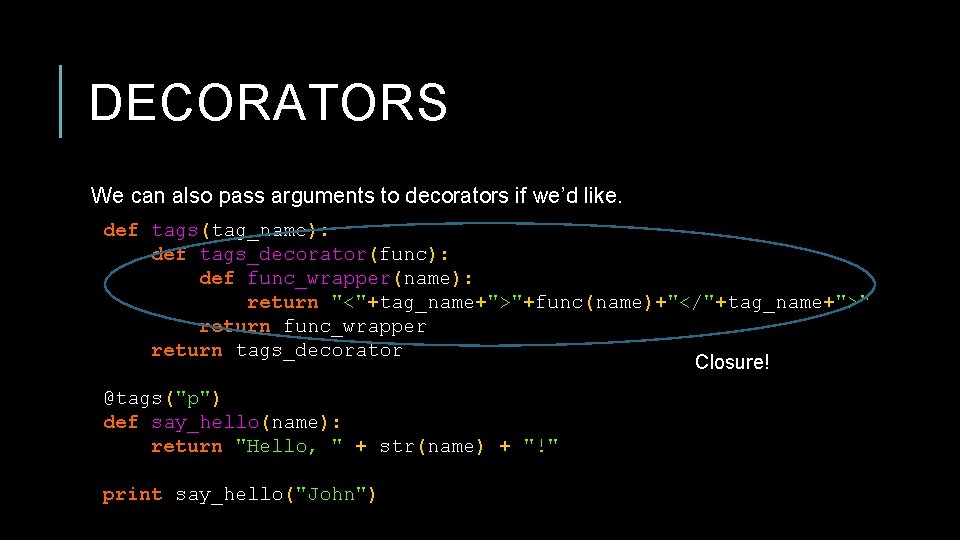
DECORATORS We can also pass arguments to decorators if we’d like. def tags(tag_name): def tags_decorator(func): def func_wrapper(name): return "<"+tag_name+">"+func(name)+"</"+tag_name+">" return func_wrapper return tags_decorator Closure! @tags("p") def say_hello(name): return "Hello, " + str(name) + "!" print say_hello("John")
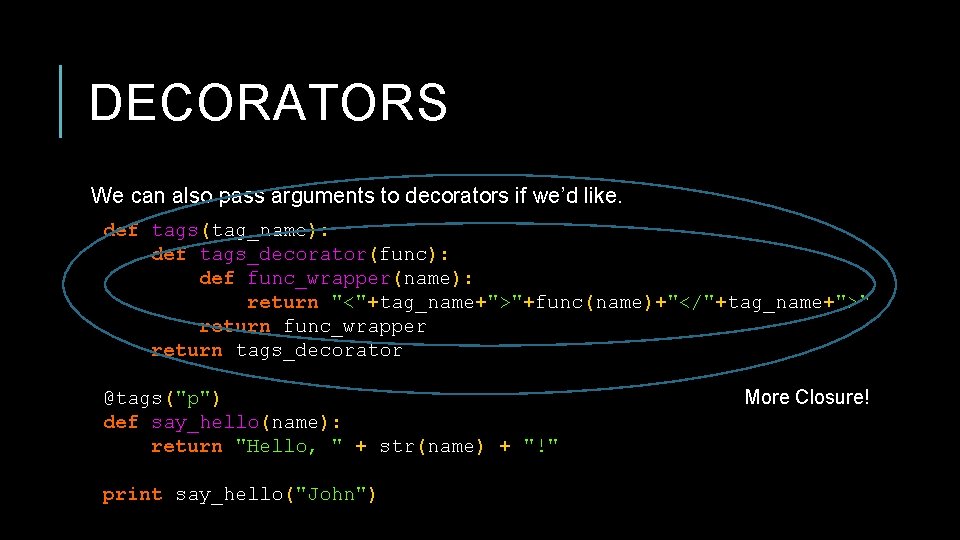
DECORATORS We can also pass arguments to decorators if we’d like. def tags(tag_name): def tags_decorator(func): def func_wrapper(name): return "<"+tag_name+">"+func(name)+"</"+tag_name+">" return func_wrapper return tags_decorator @tags("p") def say_hello(name): return "Hello, " + str(name) + "!" print say_hello("John") More Closure!
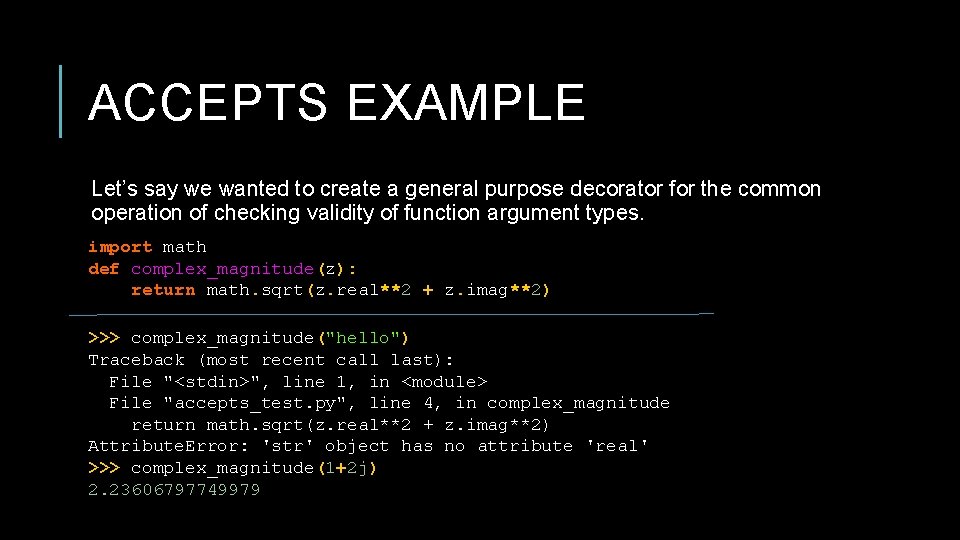
ACCEPTS EXAMPLE Let’s say we wanted to create a general purpose decorator for the common operation of checking validity of function argument types. import math def complex_magnitude(z): return math. sqrt(z. real**2 + z. imag**2) >>> complex_magnitude("hello") Traceback (most recent call last): File "<stdin>", line 1, in <module> File "accepts_test. py", line 4, in complex_magnitude return math. sqrt(z. real**2 + z. imag**2) Attribute. Error: 'str' object has no attribute 'real' >>> complex_magnitude(1+2 j) 2. 23606797749979
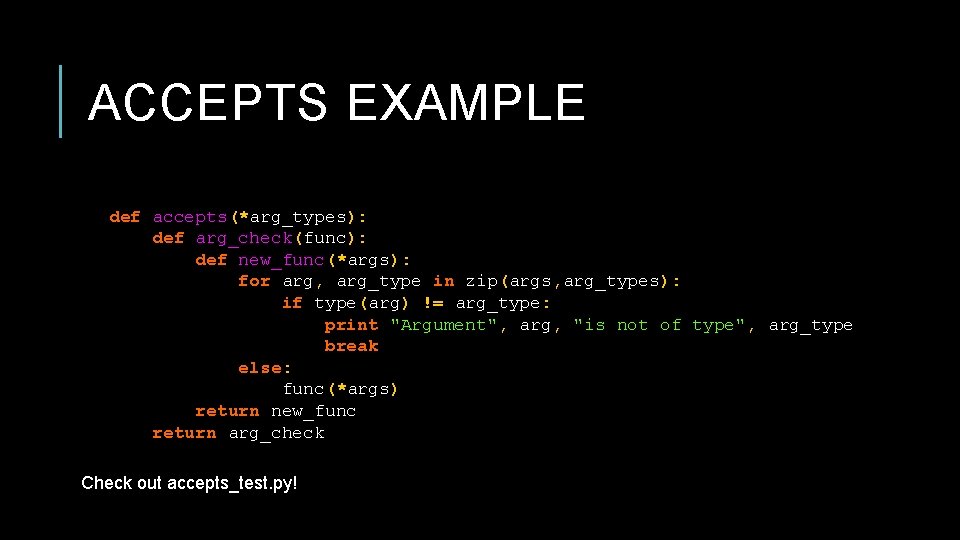
ACCEPTS EXAMPLE def accepts(*arg_types): def arg_check(func): def new_func(*args): for arg, arg_type in zip(args, arg_types): if type(arg) != arg_type: print "Argument", arg, "is not of type", arg_type break else: func(*args) return new_func return arg_check Check out accepts_test. py!
OOP IN PYTHON Python is a multi-paradigm language and, as such, supports OOP as well as a variety of other paradigms. If you are familiar with OOP in C++, for example, it should be very easy for you to pick up the ideas behind Python’s class structures.
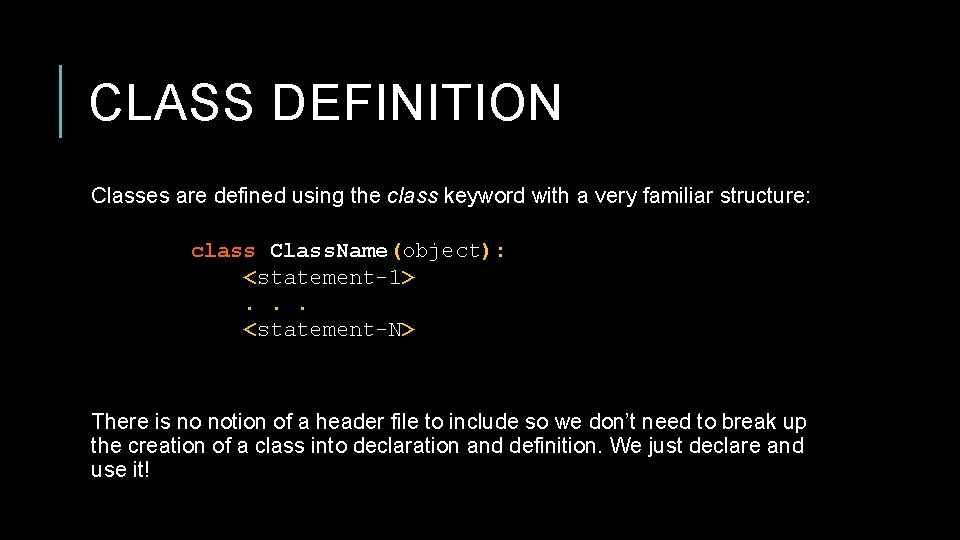
CLASS DEFINITION Classes are defined using the class keyword with a very familiar structure: class Class. Name(object): <statement-1>. . . <statement-N> There is no notion of a header file to include so we don’t need to break up the creation of a class into declaration and definition. We just declare and use it!
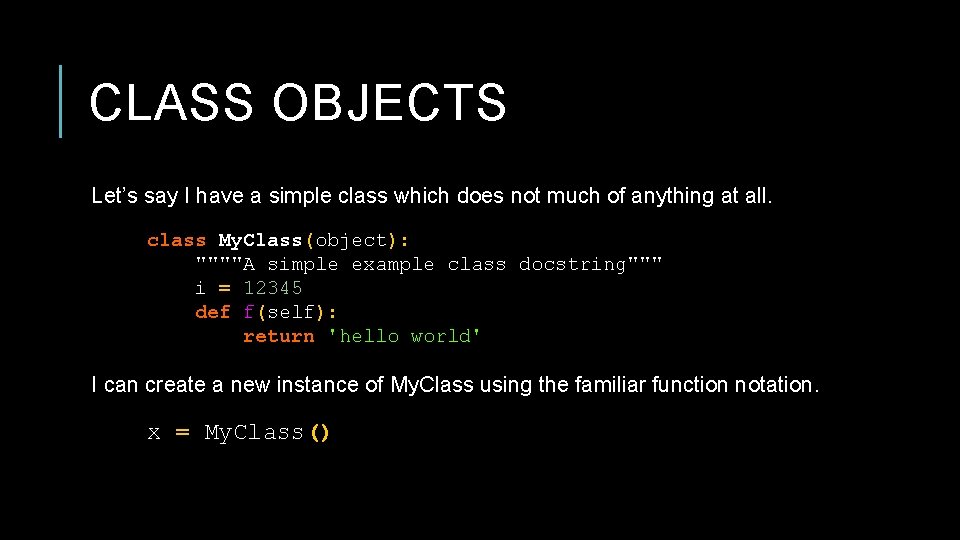
CLASS OBJECTS Let’s say I have a simple class which does not much of anything at all. class My. Class(object): """"A simple example class docstring""" i = 12345 def f(self): return 'hello world' I can create a new instance of My. Class using the familiar function notation. x = My. Class()
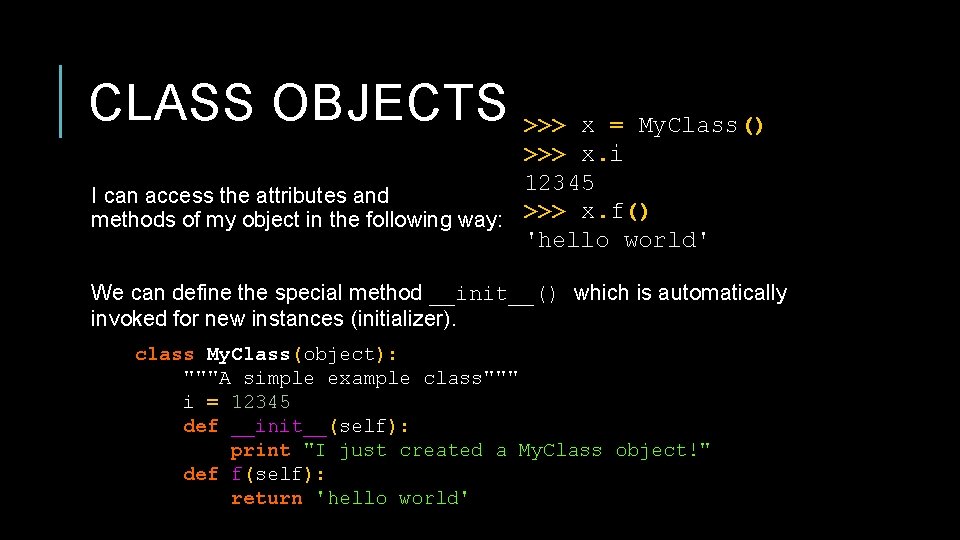
CLASS OBJECTS >>> x = My. Class() >>> x. i 12345 I can access the attributes and methods of my object in the following way: >>> x. f() 'hello world' We can define the special method __init__() which is automatically invoked for new instances (initializer). class My. Class(object): """A simple example class""" i = 12345 def __init__(self): print "I just created a My. Class object!" def f(self): return 'hello world'
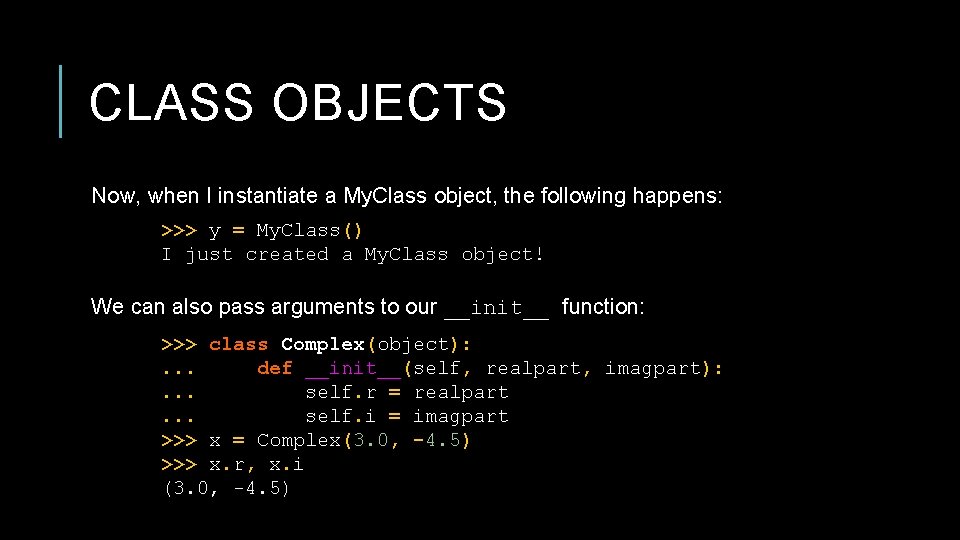
CLASS OBJECTS Now, when I instantiate a My. Class object, the following happens: >>> y = My. Class() I just created a My. Class object! We can also pass arguments to our __init__ function: >>> class Complex(object): . . . def __init__(self, realpart, imagpart): . . . self. r = realpart. . . self. i = imagpart >>> x = Complex(3. 0, -4. 5) >>> x. r, x. i (3. 0, -4. 5)
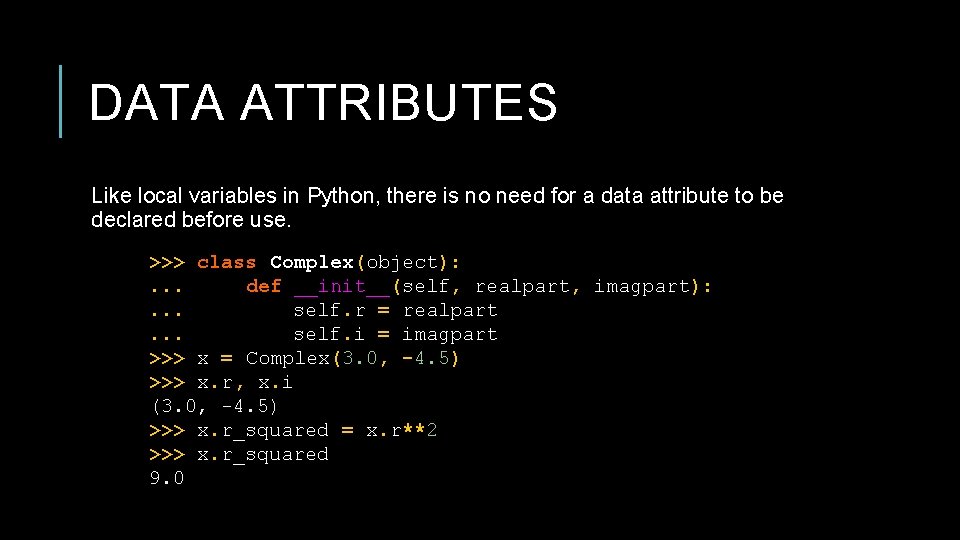
DATA ATTRIBUTES Like local variables in Python, there is no need for a data attribute to be declared before use. >>> class Complex(object): . . . def __init__(self, realpart, imagpart): . . . self. r = realpart. . . self. i = imagpart >>> x = Complex(3. 0, -4. 5) >>> x. r, x. i (3. 0, -4. 5) >>> x. r_squared = x. r**2 >>> x. r_squared 9. 0
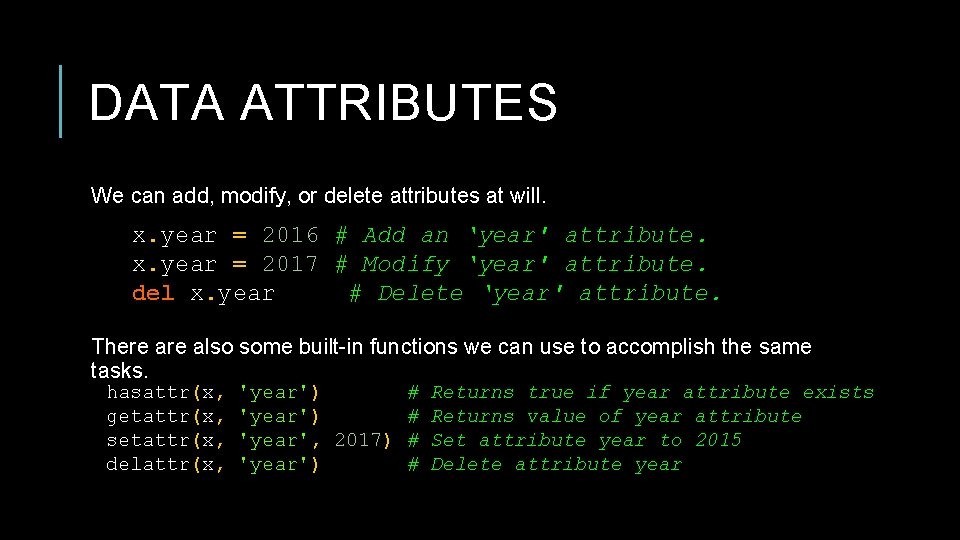
DATA ATTRIBUTES We can add, modify, or delete attributes at will. x. year = 2016 # Add an ‘year' attribute. x. year = 2017 # Modify ‘year' attribute. del x. year # Delete ‘year' attribute. There also some built-in functions we can use to accomplish the same tasks. hasattr(x, getattr(x, setattr(x, delattr(x, 'year') # 'year', 2017) # 'year') # Returns true if year attribute exists Returns value of year attribute Set attribute year to 2015 Delete attribute year
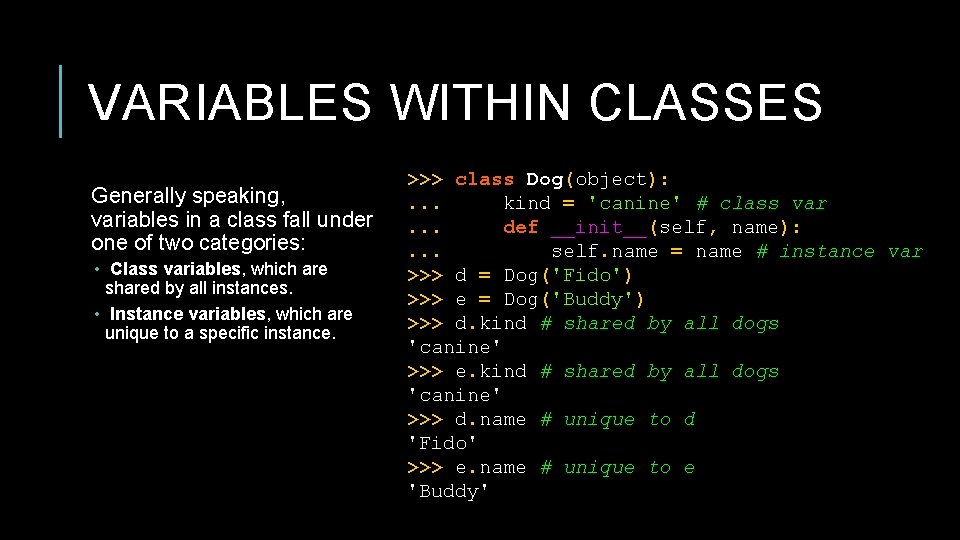
VARIABLES WITHIN CLASSES Generally speaking, variables in a class fall under one of two categories: • Class variables, which are shared by all instances. • Instance variables, which are unique to a specific instance. >>> class Dog(object): . . . kind = 'canine' # class var. . . def __init__(self, name): . . . self. name = name # instance var >>> d = Dog('Fido') >>> e = Dog('Buddy') >>> d. kind # shared by all dogs 'canine' >>> e. kind # shared by all dogs 'canine' >>> d. name # unique to d 'Fido' >>> e. name # unique to e 'Buddy'
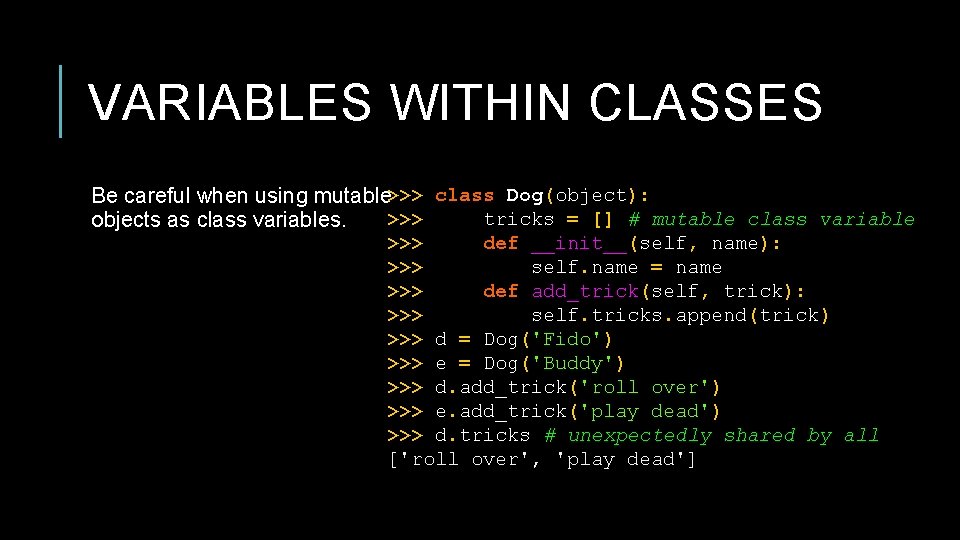
VARIABLES WITHIN CLASSES Be careful when using mutable >>> class Dog(object): >>> tricks = [] # mutable class variable objects as class variables. >>> def __init__(self, name): >>> self. name = name >>> def add_trick(self, trick): >>> self. tricks. append(trick) >>> d = Dog('Fido') >>> e = Dog('Buddy') >>> d. add_trick('roll over') >>> e. add_trick('play dead') >>> d. tricks # unexpectedly shared by all ['roll over', 'play dead']
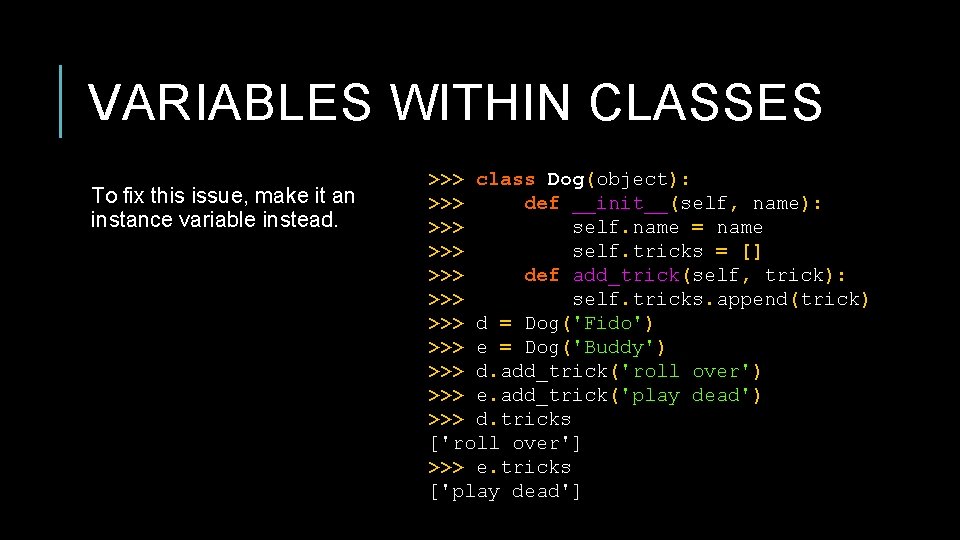
VARIABLES WITHIN CLASSES To fix this issue, make it an instance variable instead. >>> class Dog(object): >>> def __init__(self, name): >>> self. name = name >>> self. tricks = [] >>> def add_trick(self, trick): >>> self. tricks. append(trick) >>> d = Dog('Fido') >>> e = Dog('Buddy') >>> d. add_trick('roll over') >>> e. add_trick('play dead') >>> d. tricks ['roll over'] >>> e. tricks ['play dead']
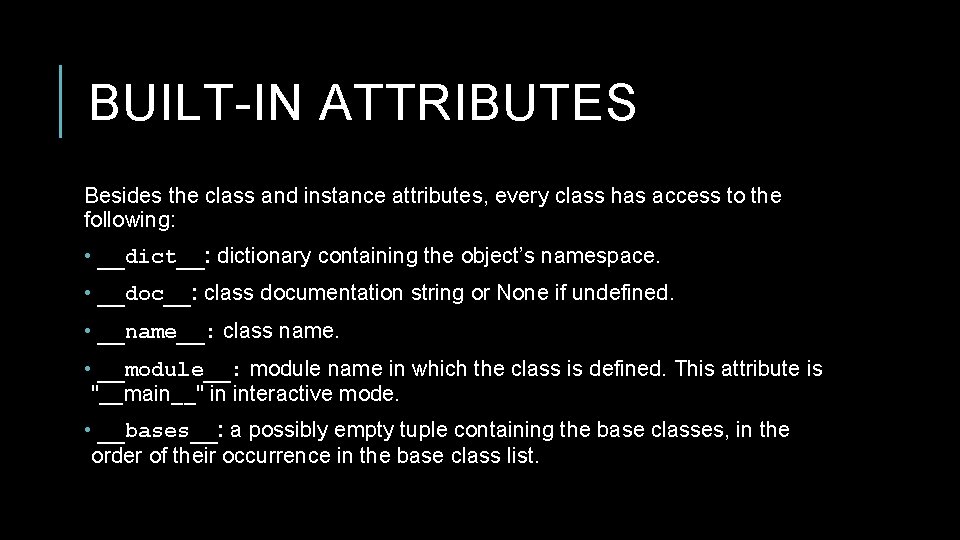
BUILT-IN ATTRIBUTES Besides the class and instance attributes, every class has access to the following: • __dict__: dictionary containing the object’s namespace. • __doc__: class documentation string or None if undefined. • __name__: class name. • __module__: module name in which the class is defined. This attribute is "__main__" in interactive mode. • __bases__: a possibly empty tuple containing the base classes, in the order of their occurrence in the base class list.
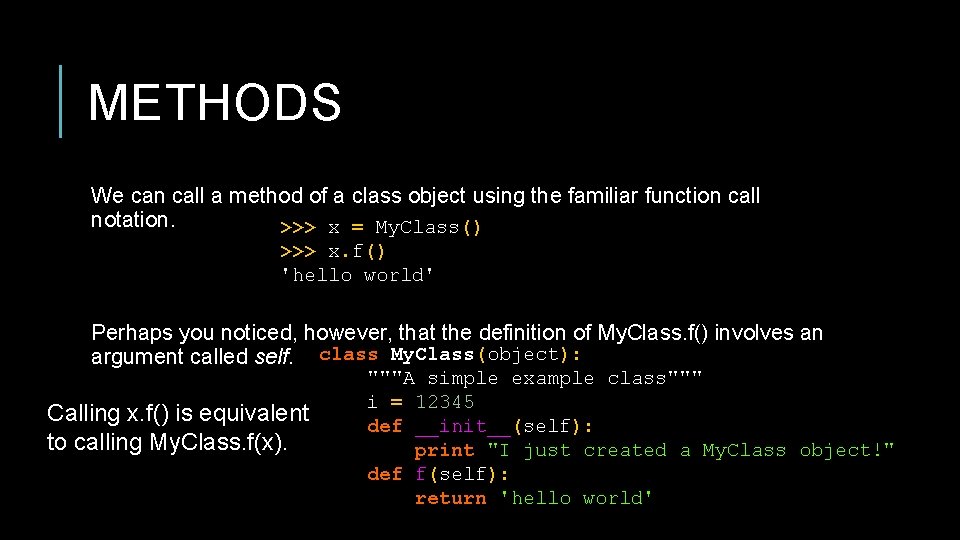
METHODS We can call a method of a class object using the familiar function call notation. >>> x = My. Class() >>> x. f() 'hello world' Perhaps you noticed, however, that the definition of My. Class. f() involves an argument called self. class My. Class(object): Calling x. f() is equivalent to calling My. Class. f(x). """A simple example class""" i = 12345 def __init__(self): print "I just created a My. Class object!" def f(self): return 'hello world'
FRACTION EXAMPLE Check out Bob Myers’ simple fraction class here. Let’s check out an equivalent simple class in Python (frac. py).
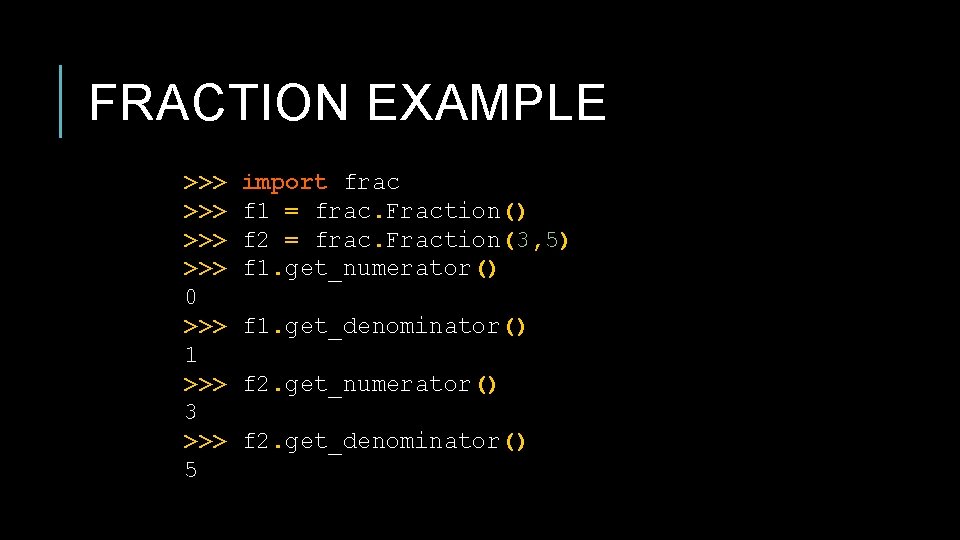
FRACTION EXAMPLE >>> >>> 0 >>> 1 >>> 3 >>> 5 import frac f 1 = frac. Fraction() f 2 = frac. Fraction(3, 5) f 1. get_numerator() f 1. get_denominator() f 2. get_numerator() f 2. get_denominator()
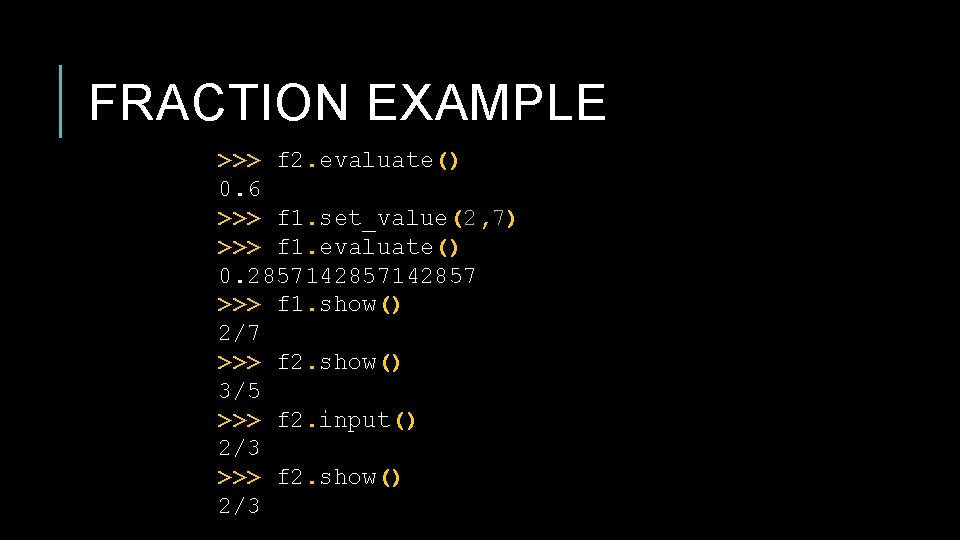
FRACTION EXAMPLE >>> f 2. evaluate() 0. 6 >>> f 1. set_value(2, 7) >>> f 1. evaluate() 0. 2857142857 >>> f 1. show() 2/7 >>> f 2. show() 3/5 >>> f 2. input() 2/3 >>> f 2. show() 2/3
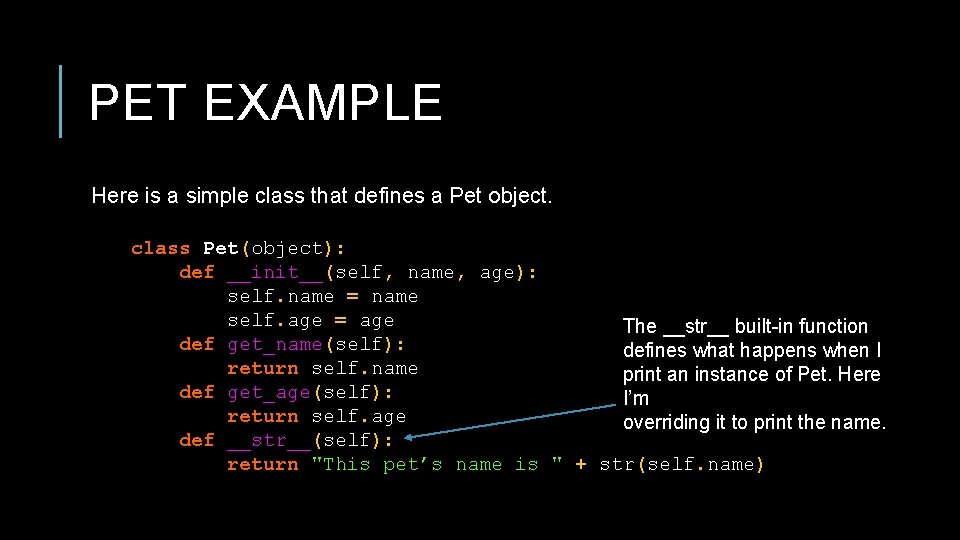
PET EXAMPLE Here is a simple class that defines a Pet object. class Pet(object): def __init__(self, name, age): self. name = name self. age = age The __str__ built-in function def get_name(self): defines what happens when I return self. name print an instance of Pet. Here def get_age(self): I’m return self. age overriding it to print the name. def __str__(self): return "This pet’s name is " + str(self. name)
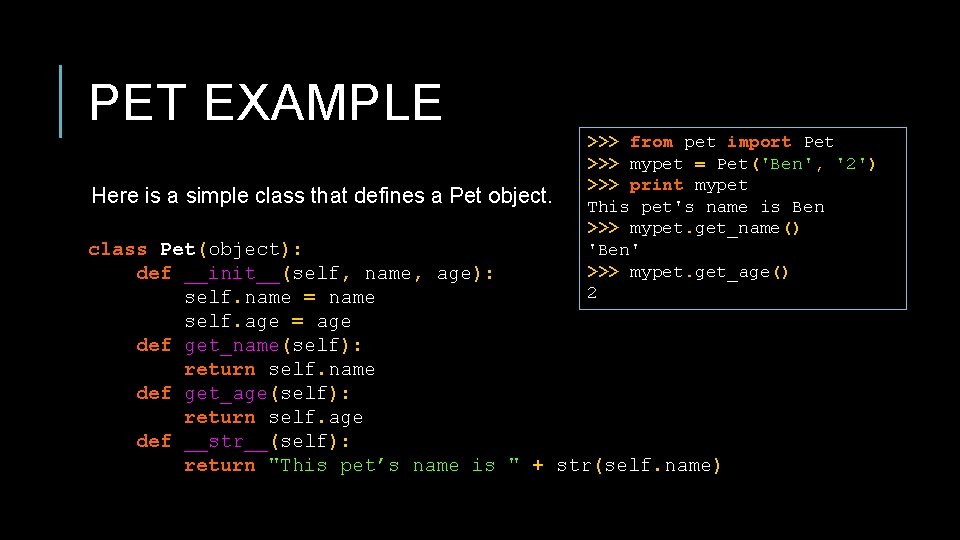
PET EXAMPLE Here is a simple class that defines a Pet object. >>> from pet import Pet >>> mypet = Pet('Ben', '2') >>> print mypet This pet's name is Ben >>> mypet. get_name() 'Ben' >>> mypet. get_age() 2 class Pet(object): def __init__(self, name, age): self. name = name self. age = age def get_name(self): return self. name def get_age(self): return self. age def __str__(self): return "This pet’s name is " + str(self. name)
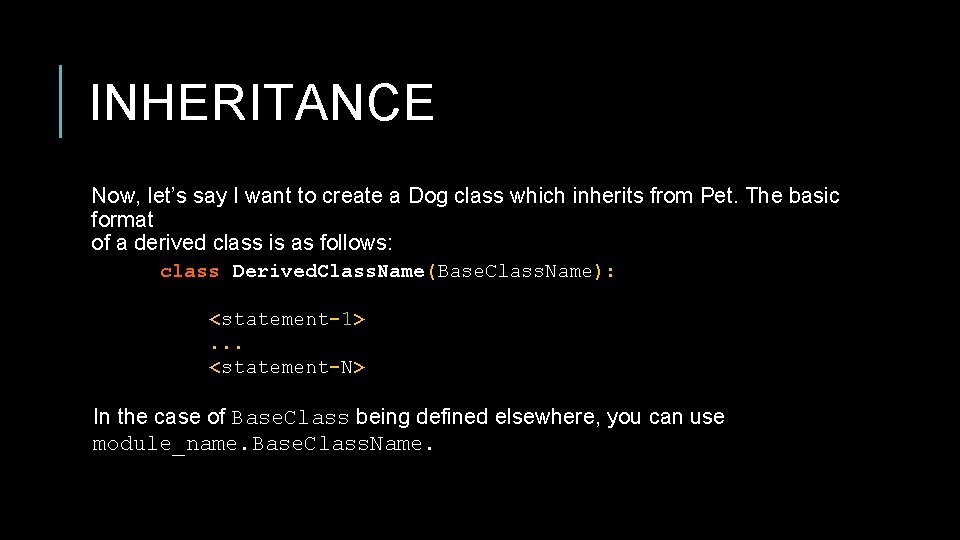
INHERITANCE Now, let’s say I want to create a Dog class which inherits from Pet. The basic format of a derived class is as follows: class Derived. Class. Name(Base. Class. Name): <statement-1>. . . <statement-N> In the case of Base. Class being defined elsewhere, you can use module_name. Base. Class. Name.
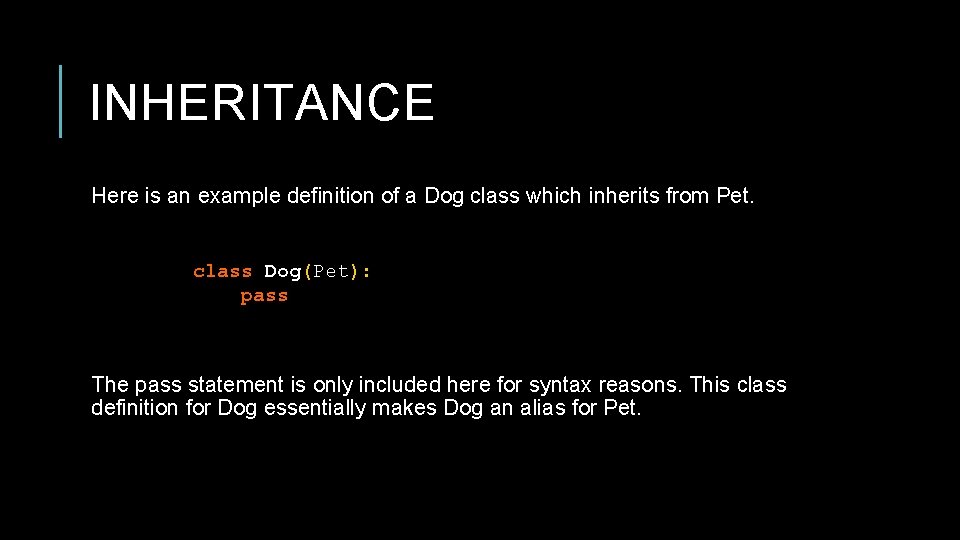
INHERITANCE Here is an example definition of a Dog class which inherits from Pet. class Dog(Pet): pass The pass statement is only included here for syntax reasons. This class definition for Dog essentially makes Dog an alias for Pet.
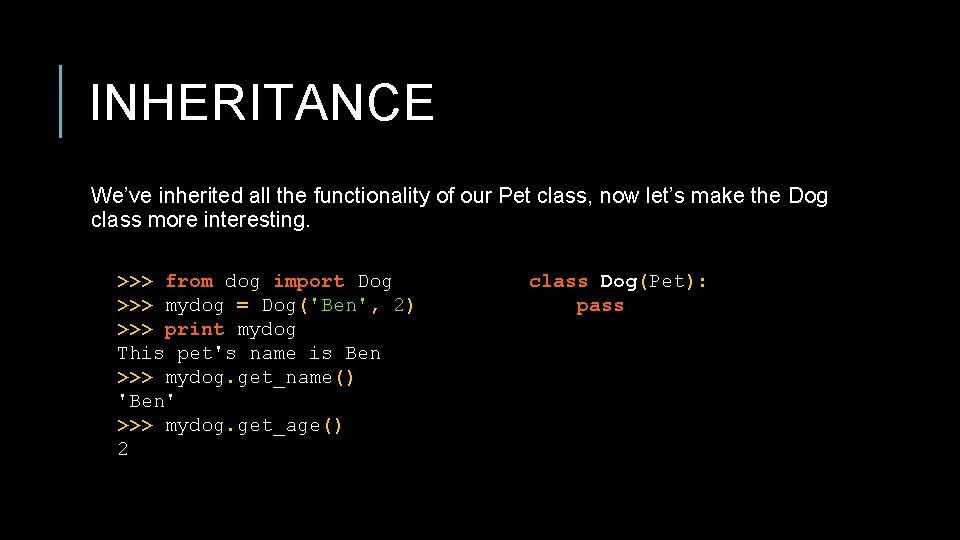
INHERITANCE We’ve inherited all the functionality of our Pet class, now let’s make the Dog class more interesting. >>> from dog import Dog >>> mydog = Dog('Ben', 2) >>> print mydog This pet's name is Ben >>> mydog. get_name() 'Ben' >>> mydog. get_age() 2 class Dog(Pet): pass
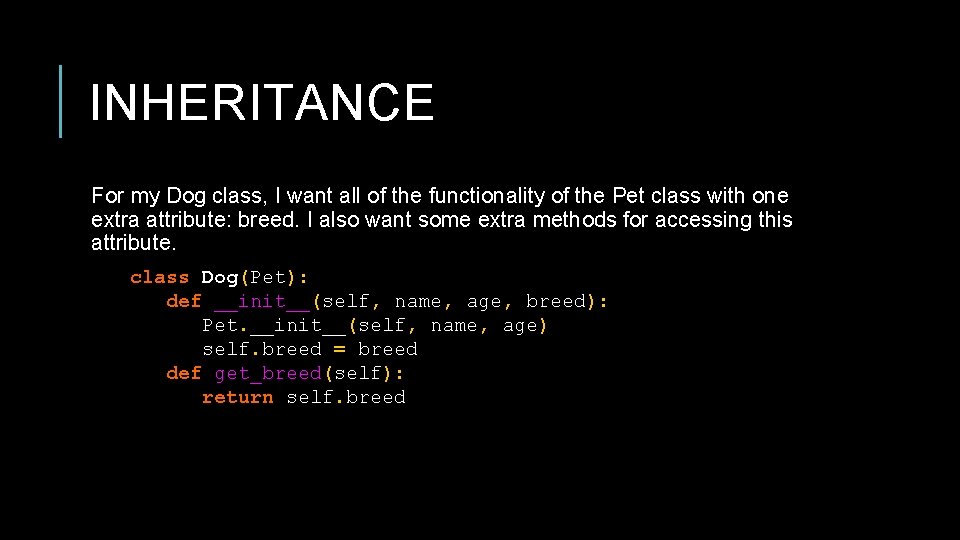
INHERITANCE For my Dog class, I want all of the functionality of the Pet class with one extra attribute: breed. I also want some extra methods for accessing this attribute. class Dog(Pet): def __init__(self, name, age, breed): Pet. __init__(self, name, age) self. breed = breed def get_breed(self): return self. breed
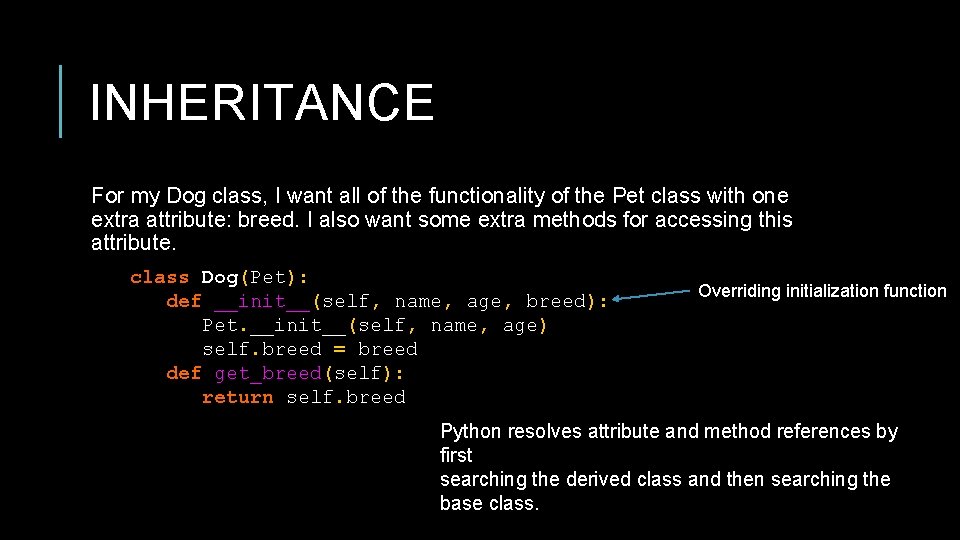
INHERITANCE For my Dog class, I want all of the functionality of the Pet class with one extra attribute: breed. I also want some extra methods for accessing this attribute. class Dog(Pet): def __init__(self, name, age, breed): Pet. __init__(self, name, age) self. breed = breed def get_breed(self): return self. breed Overriding initialization function Python resolves attribute and method references by first searching the derived class and then searching the base class.
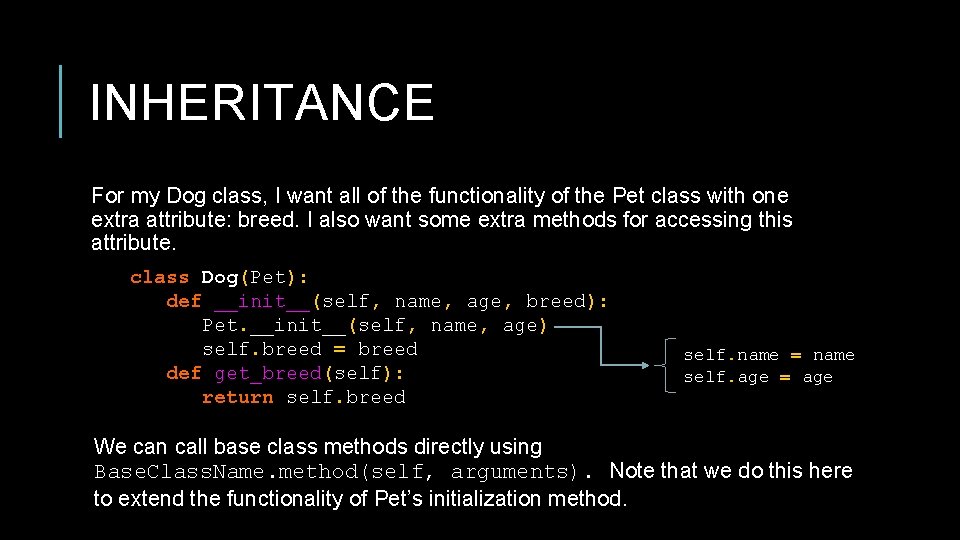
INHERITANCE For my Dog class, I want all of the functionality of the Pet class with one extra attribute: breed. I also want some extra methods for accessing this attribute. class Dog(Pet): def __init__(self, name, age, breed): Pet. __init__(self, name, age) self. breed = breed def get_breed(self): return self. breed self. name = name self. age = age We can call base class methods directly using Base. Class. Name. method(self, arguments). Note that we do this here to extend the functionality of Pet’s initialization method.
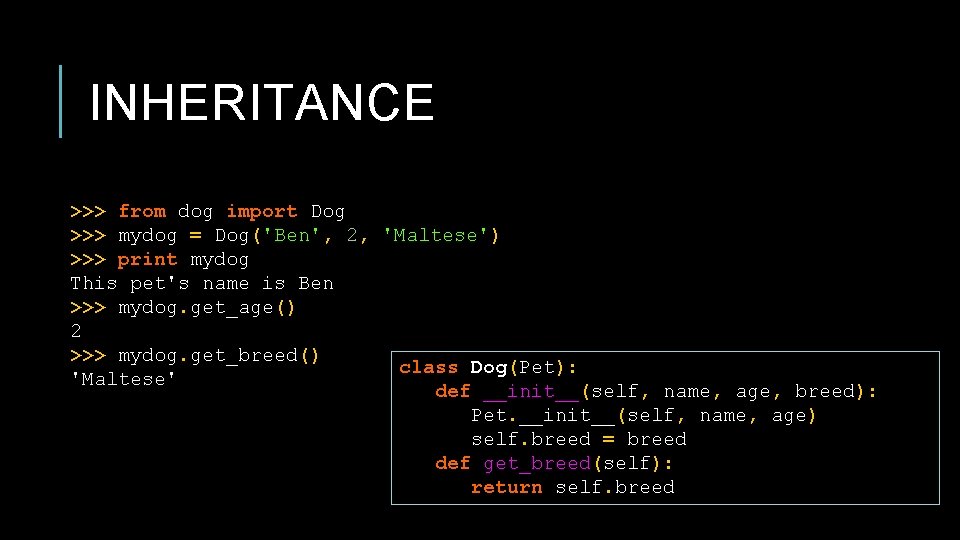
INHERITANCE >>> from dog import Dog >>> mydog = Dog('Ben', 2, 'Maltese') >>> print mydog This pet's name is Ben >>> mydog. get_age() 2 >>> mydog. get_breed() class Dog(Pet): 'Maltese' def __init__(self, name, age, breed): Pet. __init__(self, name, age) self. breed = breed def get_breed(self): return self. breed
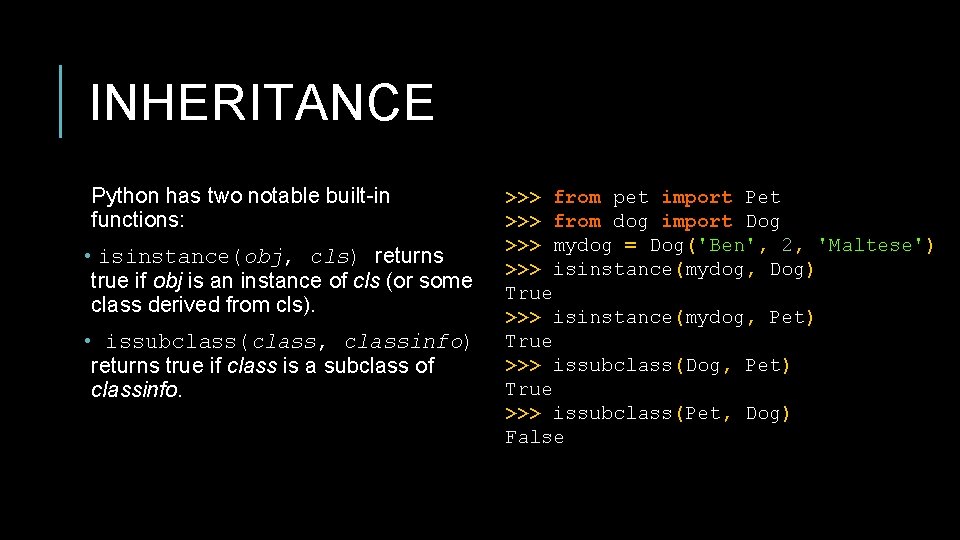
INHERITANCE Python has two notable built-in functions: • isinstance(obj, cls) returns true if obj is an instance of cls (or some class derived from cls). • issubclass(class, classinfo) returns true if class is a subclass of classinfo. >>> from pet import Pet >>> from dog import Dog >>> mydog = Dog('Ben', 2, 'Maltese') >>> isinstance(mydog, Dog) True >>> isinstance(mydog, Pet) True >>> issubclass(Dog, Pet) True >>> issubclass(Pet, Dog) False
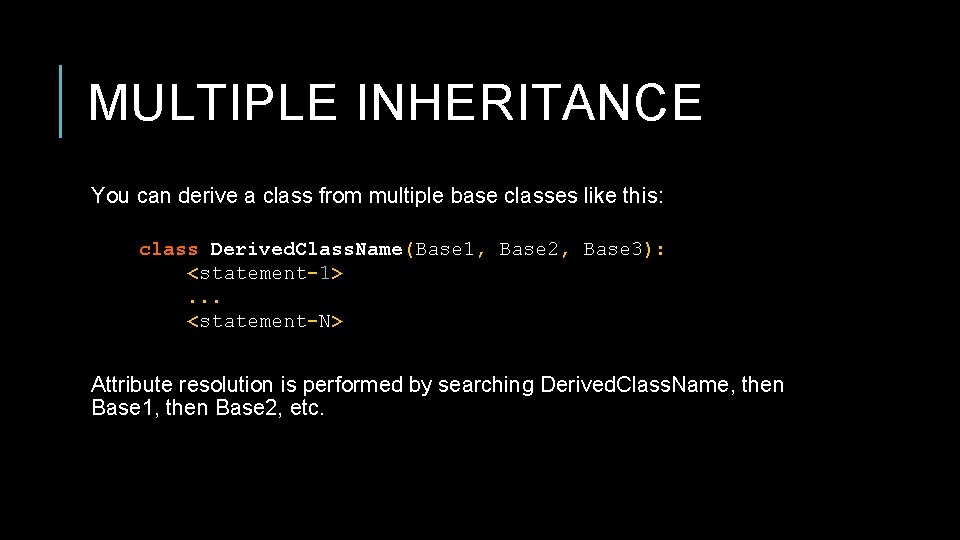
MULTIPLE INHERITANCE You can derive a class from multiple base classes like this: class Derived. Class. Name(Base 1, Base 2, Base 3): <statement-1>. . . <statement-N> Attribute resolution is performed by searching Derived. Class. Name, then Base 1, then Base 2, etc.
PRIVATE VARIABLES There is no strict notion of a private attribute in Python. However, if an attribute is prefixed with a single underscore (e. g. _name), then it should be treated as private. Basically, using it should be considered bad form as it is an implementation detail. To avoid complications that arise from overriding attributes, Python does perform name mangling. Any attribute prefixed with two underscores (e. g. __name) and no more than one trailing underscore is automatically replaced with _classname__name. Bottom line: if you want others developers to treat it as private, use the appropriate prefix.
![NAME MANGLING class Mapping: def __init__(self, iterable): self. items_list = [] self. update(iterable) def](http://slidetodoc.com/presentation_image_h/05d4abd254f028cc5190f6214526db82/image-44.jpg "NAME MANGLING class Mapping: def __init__(self, iterable): self. items_list = [] self. update(iterable) def")
NAME MANGLING class Mapping: def __init__(self, iterable): self. items_list = [] self. update(iterable) def update(self, iterable): for item in iterable: self. items_list. append(item) class Mapping. Subclass(Mapping): def update(self, keys, values): for item in zip(keys, values): self. items_list. append(item) What’s the problem here?
![NAME MANGLING class Mapping: def __init__(self, iterable): self. items_list = [] self. update(iterable) def](http://slidetodoc.com/presentation_image_h/05d4abd254f028cc5190f6214526db82/image-45.jpg "NAME MANGLING class Mapping: def __init__(self, iterable): self. items_list = [] self. update(iterable) def")
NAME MANGLING class Mapping: def __init__(self, iterable): self. items_list = [] self. update(iterable) def update(self, iterable): for item in iterable: self. items_list. append(item) class Mapping. Subclass(Mapping): def update(self, keys, values): for item in zip(keys, values): self. items_list. append(item) What’s the problem here? The update method of Mapping accepts one iterable object as an argument. The update method of Mapping. Subclass, however, accepts keys and values as arguments. Because Mapping. Subclass is derived from Mapping and we haven’t overrided the __init__ method, we will have an error when the __init__ method calls updat with a single argument.
![NAME MANGLING class Mapping: def __init__(self, iterable): self. items_list = [] self. update(iterable) def](http://slidetodoc.com/presentation_image_h/05d4abd254f028cc5190f6214526db82/image-46.jpg "NAME MANGLING class Mapping: def __init__(self, iterable): self. items_list = [] self. update(iterable) def")
NAME MANGLING class Mapping: def __init__(self, iterable): self. items_list = [] self. update(iterable) def update(self, iterable): for item in iterable: self. items_list. append(item) class Mapping. Subclass(Mapping): def update(self, keys, values): for item in zip(keys, values): self. items_list. append(item) To be clearer, because Mapping. Subclass inherits from Mapping but does not provide a definition for __init__, we implicitly have the following __init__ method. def __init__(self, iterable): self. items_list = [] self. update(iterable)
![NAME MANGLING class Mapping: def __init__(self, iterable): self. items_list = [] self. update(iterable) def](http://slidetodoc.com/presentation_image_h/05d4abd254f028cc5190f6214526db82/image-47.jpg "NAME MANGLING class Mapping: def __init__(self, iterable): self. items_list = [] self. update(iterable) def")
NAME MANGLING class Mapping: def __init__(self, iterable): self. items_list = [] self. update(iterable) def update(self, iterable): for item in iterable: self. items_list. append(item) class Mapping. Subclass(Mapping): def update(self, keys, values): for item in zip(keys, values): self. items_list. append(item) This __init__ method references an update method. Python will simply look for the most local definition of update here. def __init__(self, iterable): self. items_list = [] self. update(iterable)
![NAME MANGLING class Mapping: def __init__(self, iterable): self. items_list = [] self. update(iterable) def](http://slidetodoc.com/presentation_image_h/05d4abd254f028cc5190f6214526db82/image-48.jpg "NAME MANGLING class Mapping: def __init__(self, iterable): self. items_list = [] self. update(iterable) def")
NAME MANGLING class Mapping: def __init__(self, iterable): self. items_list = [] self. update(iterable) def update(self, iterable): for item in iterable: self. items_list. append(item) class Mapping. Subclass(Mapping): def update(self, keys, values): for item in zip(keys, values): self. items_list. append(item) The signatures of the update call and the update definition do not match. The __init__ method depends on a certain implementation of update being available. Namely, the update defined in Mapping. def __init__(self, iterable): self. items_list = [] self. update(iterable)
![NAME MANGLING >>> import map >>> x = map. Mapping. Subclass([1, 2, 3]) Traceback](http://slidetodoc.com/presentation_image_h/05d4abd254f028cc5190f6214526db82/image-49.jpg "NAME MANGLING >>> import map >>> x = map. Mapping. Subclass([1, 2, 3]) Traceback")
NAME MANGLING >>> import map >>> x = map. Mapping. Subclass([1, 2, 3]) Traceback (most recent call last): File "<stdin>", line 1, in <module> File "map. py", line 4, in __init__ self. update(iterable) Type. Error: update() takes exactly 3 arguments (2 given)
![NAME MANGLING class Mapping: def __init__(self, iterable): self. items_list = [] self. __update(iterable) def](http://slidetodoc.com/presentation_image_h/05d4abd254f028cc5190f6214526db82/image-50.jpg "NAME MANGLING class Mapping: def __init__(self, iterable): self. items_list = [] self. __update(iterable) def")
NAME MANGLING class Mapping: def __init__(self, iterable): self. items_list = [] self. __update(iterable) def update(self, iterable): for item in iterable: self. items_list. append(item) __update = update # private copy of original update() method class Mapping. Subclass(Mapping): def update(self, keys, values): # provides new signature for update() # but does not break __init__() for item in zip(keys, values): self. items_list. append(item)
![NAME MANGLING >>> >>> [1, import map x = map. Mapping. Subclass([1, 2, 3])](http://slidetodoc.com/presentation_image_h/05d4abd254f028cc5190f6214526db82/image-51.jpg "NAME MANGLING >>> >>> [1, import map x = map. Mapping. Subclass([1, 2, 3])")
NAME MANGLING >>> >>> [1, import map x = map. Mapping. Subclass([1, 2, 3]) x. items_list 2, 3] x. update(['key 1', 'key 2'], ['val 1', 'val 2']) x. items_list 2, 3, ('key 1', 'val 1'), ('key 2', 'val 2')]
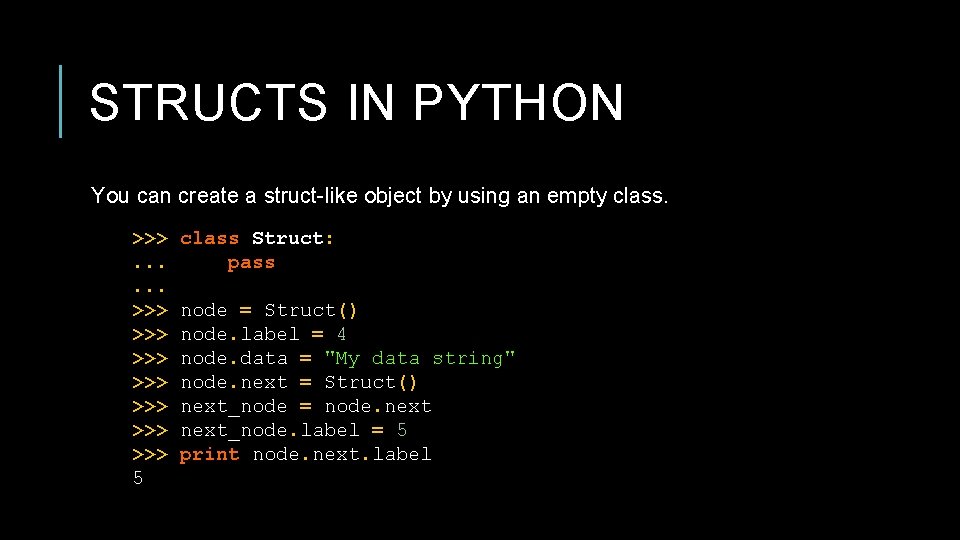
STRUCTS IN PYTHON You can create a struct-like object by using an empty class. >>>. . . >>> >>> 5 class Struct: pass node = Struct() node. label = 4 node. data = "My data string" node. next = Struct() next_node = node. next_node. label = 5 print node. next. label
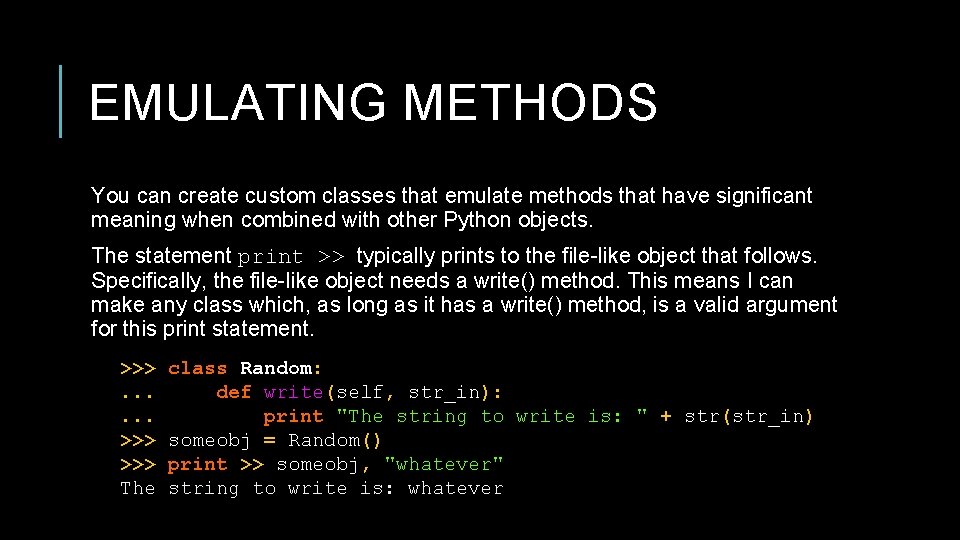
EMULATING METHODS You can create custom classes that emulate methods that have significant meaning when combined with other Python objects. The statement print >> typically prints to the file-like object that follows. Specifically, the file-like object needs a write() method. This means I can make any class which, as long as it has a write() method, is a valid argument for this print statement. >>>. . . >>> The class Random: def write(self, str_in): print "The string to write is: " + str(str_in) someobj = Random() print >> someobj, "whatever" string to write is: whatever
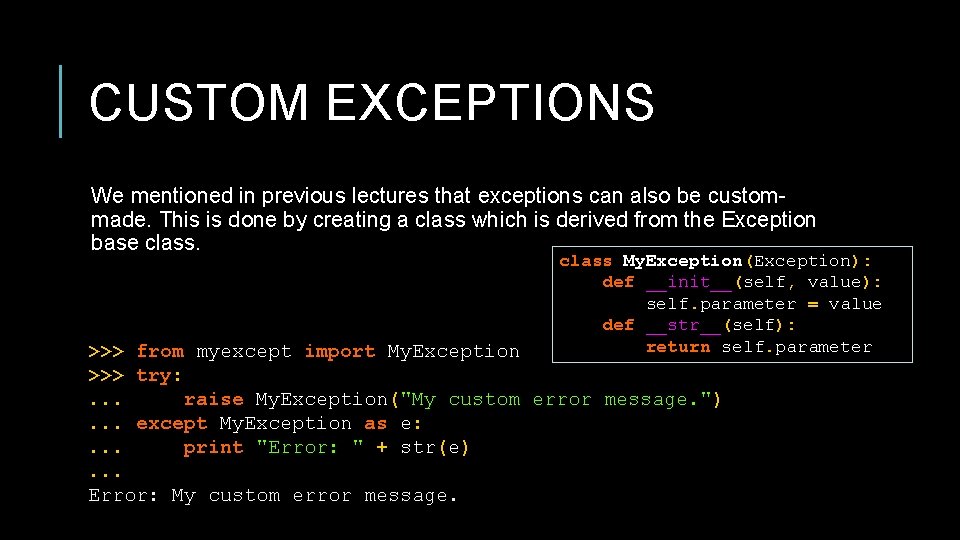
CUSTOM EXCEPTIONS We mentioned in previous lectures that exceptions can also be custommade. This is done by creating a class which is derived from the Exception base class My. Exception(Exception): def __init__(self, value): self. parameter = value def __str__(self): return self. parameter >>> from myexcept import My. Exception >>> try: . . . raise My. Exception("My custom error message. "). . . except My. Exception as e: . . . print "Error: " + str(e). . . Error: My custom error message.
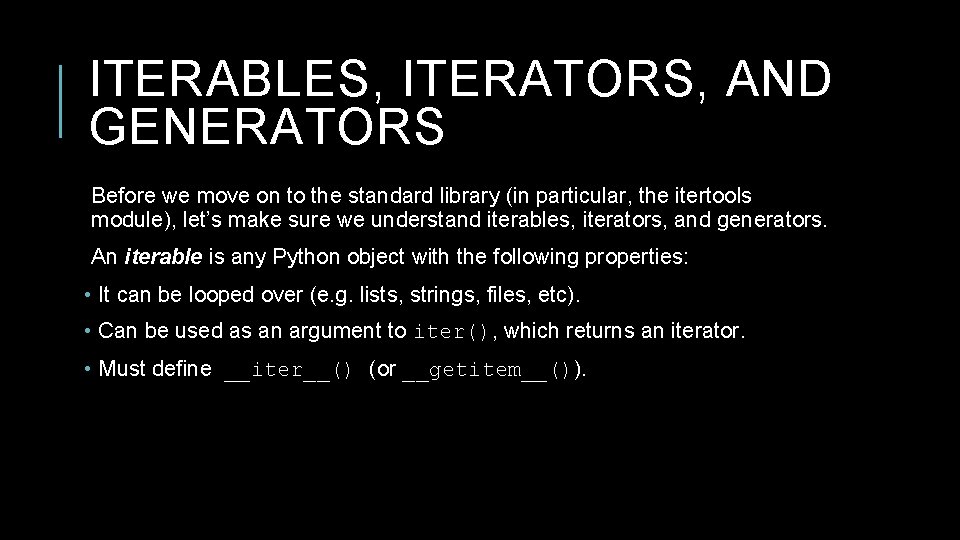
ITERABLES, ITERATORS, AND GENERATORS Before we move on to the standard library (in particular, the itertools module), let’s make sure we understand iterables, iterators, and generators. An iterable is any Python object with the following properties: • It can be looped over (e. g. lists, strings, files, etc). • Can be used as an argument to iter(), which returns an iterator. • Must define __iter__() (or __getitem__()).
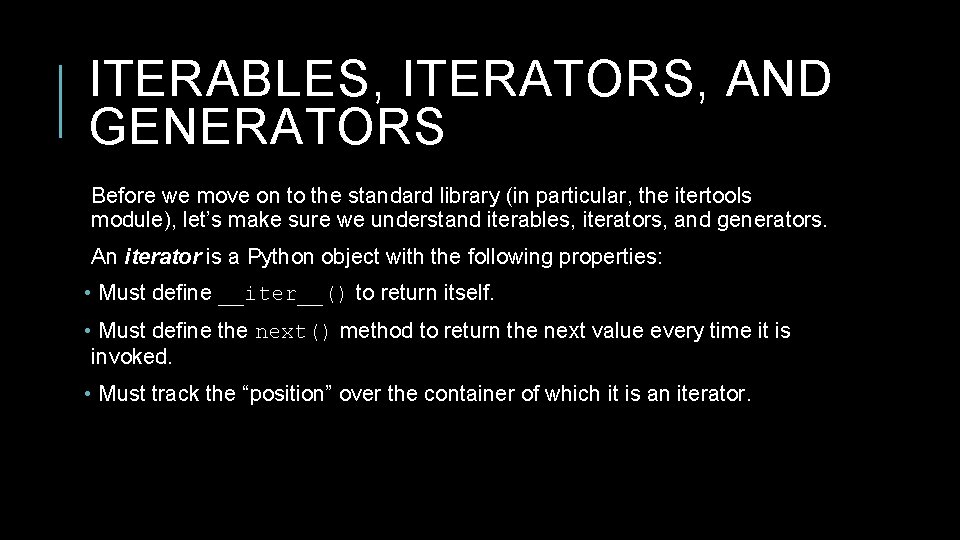
ITERABLES, ITERATORS, AND GENERATORS Before we move on to the standard library (in particular, the itertools module), let’s make sure we understand iterables, iterators, and generators. An iterator is a Python object with the following properties: • Must define __iter__() to return itself. • Must define the next() method to return the next value every time it is invoked. • Must track the “position” over the container of which it is an iterator.

ITERABLES, ITERATORS, AND GENERATORS A common iterable is the list. Lists, however, are not iterators. They are simply Python objects for which iterators may be created. >>> a = [1, 2, 3, 4] >>> # a list is iterable - it has the __iter__ method >>> a. __iter__ <method-wrapper '__iter__' of list object at 0 x 014 E 5 D 78> >>> # a list doesn’t have the next method, so it's not an iterator >>> a. next Attribute. Error: 'list' object has no attribute 'next' >>> # a list is not its own iterator >>> iter(a) is a False
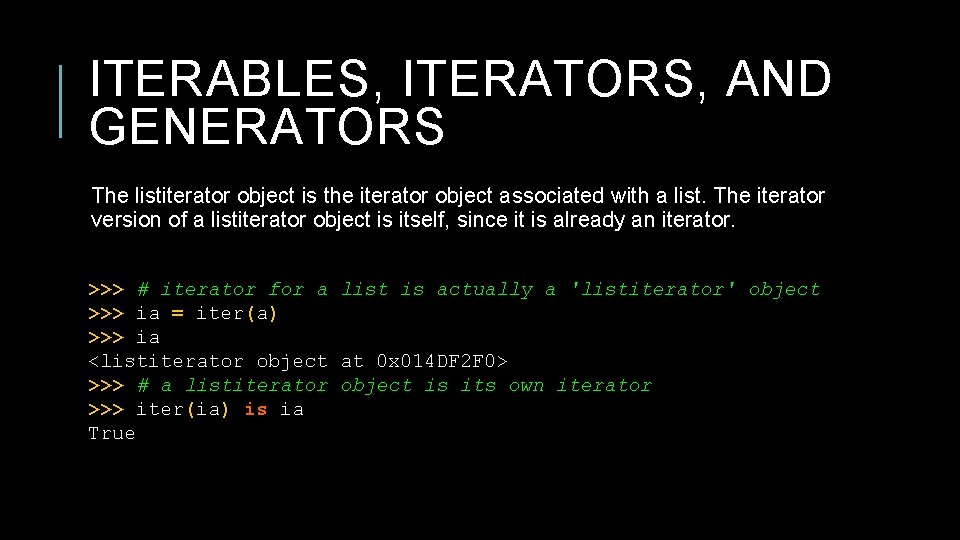
ITERABLES, ITERATORS, AND GENERATORS The listiterator object is the iterator object associated with a list. The iterator version of a listiterator object is itself, since it is already an iterator. >>> # iterator for a list is actually a 'listiterator' object >>> ia = iter(a) >>> ia <listiterator object at 0 x 014 DF 2 F 0> >>> # a listiterator object is its own iterator >>> iter(ia) is ia True
![ITERATORS How does this magic work? for item in [1, 2, 3, 4]: print](http://slidetodoc.com/presentation_image_h/05d4abd254f028cc5190f6214526db82/image-59.jpg "ITERATORS How does this magic work? for item in [1, 2, 3, 4]: print")
ITERATORS How does this magic work? for item in [1, 2, 3, 4]: print item
![ITERATORS >>> mylist = [1, 2, 3, 4] >>> it = iter(mylist) >>> it](http://slidetodoc.com/presentation_image_h/05d4abd254f028cc5190f6214526db82/image-60.jpg "ITERATORS >>> mylist = [1, 2, 3, 4] >>> it = iter(mylist) >>> it")
ITERATORS >>> mylist = [1, 2, 3, 4] >>> it = iter(mylist) >>> it <listiterator object at 0 x 2 af 6 add 16090> The for statement calls the >>> it. next() iter() function on the 1 sequence object. The >>> it. next() iter() call will return an 2 iterator object (as long as the argument has a built- >>> it. next() in __iter__ function) which 3 >>> it. next() defines next() for accessing the elements 4 one at a time. >>> it. next() # Raises Stop. Iteration Exception How does this magic work? Let’s do it manually:
![ITERABLES, ITERATORS, AND GENERATORS >>> mylist = [1, 2, 3, 4] >>> for item](http://slidetodoc.com/presentation_image_h/05d4abd254f028cc5190f6214526db82/image-61.jpg "ITERABLES, ITERATORS, AND GENERATORS >>> mylist = [1, 2, 3, 4] >>> for item")
ITERABLES, ITERATORS, AND GENERATORS >>> mylist = [1, 2, 3, 4] >>> for item in mylist: . . . print item Is equivalent to >>> mylist = [1, 2, 3, 4] >>> i = iter(mylist) # i = mylist. __iter__() >>> print i. next() 1 >>> print i. next() 2 >>> print i. next() 3 >>> print i. next() 4 >>> print i. next() # Stop. Iteration Exception Raised
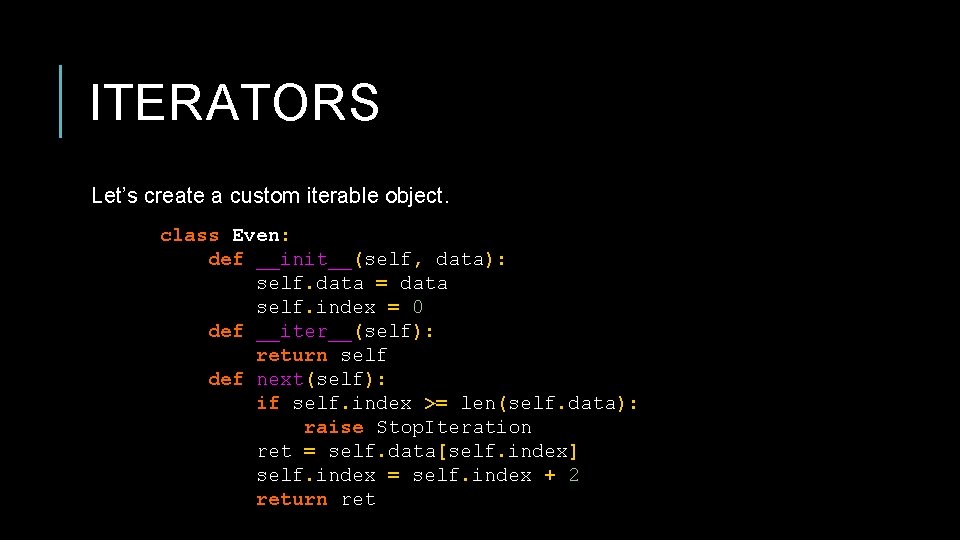
ITERATORS Let’s create a custom iterable object. class Even: def __init__(self, data): self. data = data self. index = 0 def __iter__(self): return self def next(self): if self. index >= len(self. data): raise Stop. Iteration ret = self. data[self. index] self. index = self. index + 2 return ret
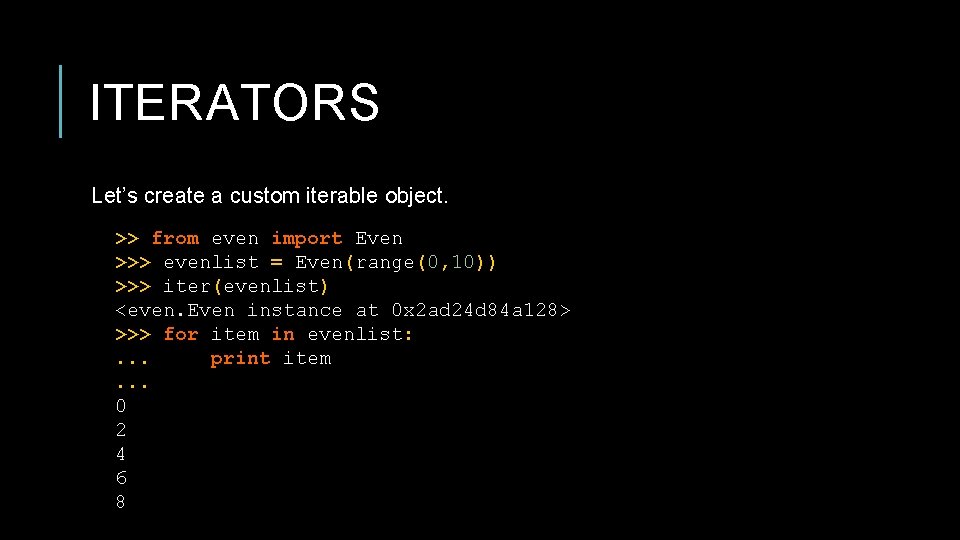
ITERATORS Let’s create a custom iterable object. >> from even import Even >>> evenlist = Even(range(0, 10)) >>> iter(evenlist) <even. Even instance at 0 x 2 ad 24 d 84 a 128> >>> for item in evenlist: . . . print item. . . 0 2 4 6 8
ITERABLES, ITERATORS, AND GENERATORS Generators are a way of defining iterators using a simple function notation. Generators use the yield statement to return results when they are ready, but Python will remember the context of the generator when this happens. Even though generators are not technically iterator objects, they can be used wherever iterators are used. Generators are desirable because they are lazy: they do no work until the first value is requested, and they only do enough work to produce that value. As a result, they use fewer resources, and are usable on more kinds of iterables.
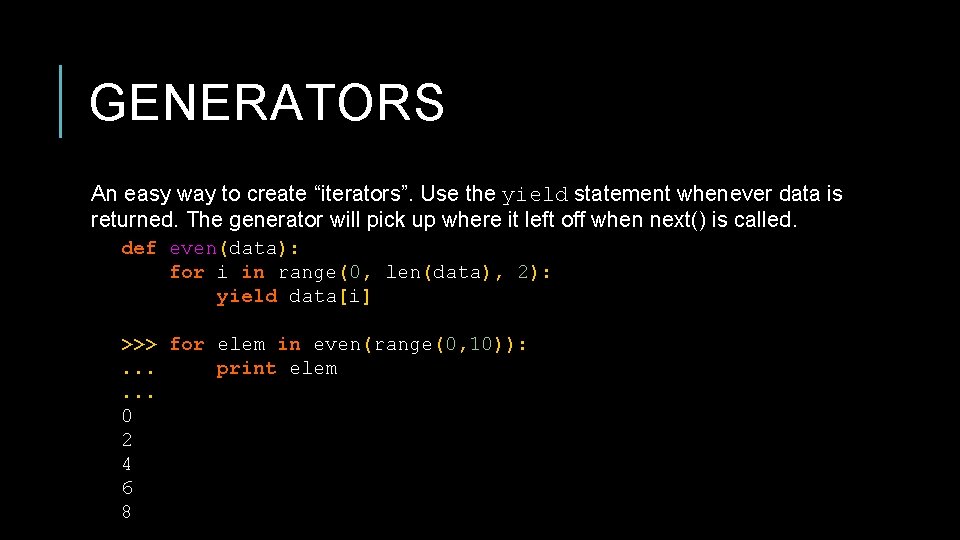
GENERATORS An easy way to create “iterators”. Use the yield statement whenever data is returned. The generator will pick up where it left off when next() is called. def even(data): for i in range(0, len(data), 2): yield data[i] >>> for elem in even(range(0, 10)): . . . print elem. . . 0 2 4 6 8
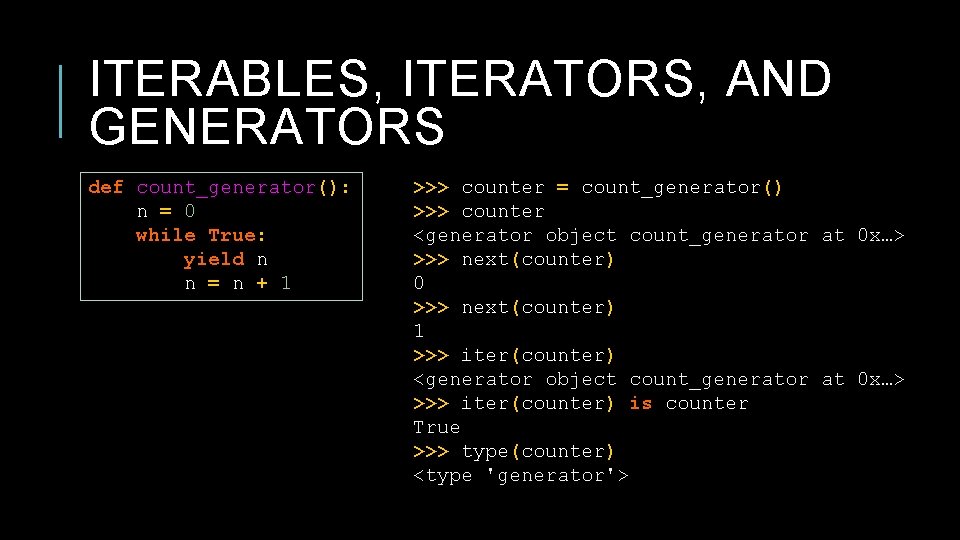
ITERABLES, ITERATORS, AND GENERATORS def count_generator(): n = 0 while True: yield n n = n + 1 >>> counter = count_generator() >>> counter <generator object count_generator at 0 x…> >>> next(counter) 0 >>> next(counter) 1 >>> iter(counter) <generator object count_generator at 0 x…> >>> iter(counter) is counter True >>> type(counter) <type 'generator'>
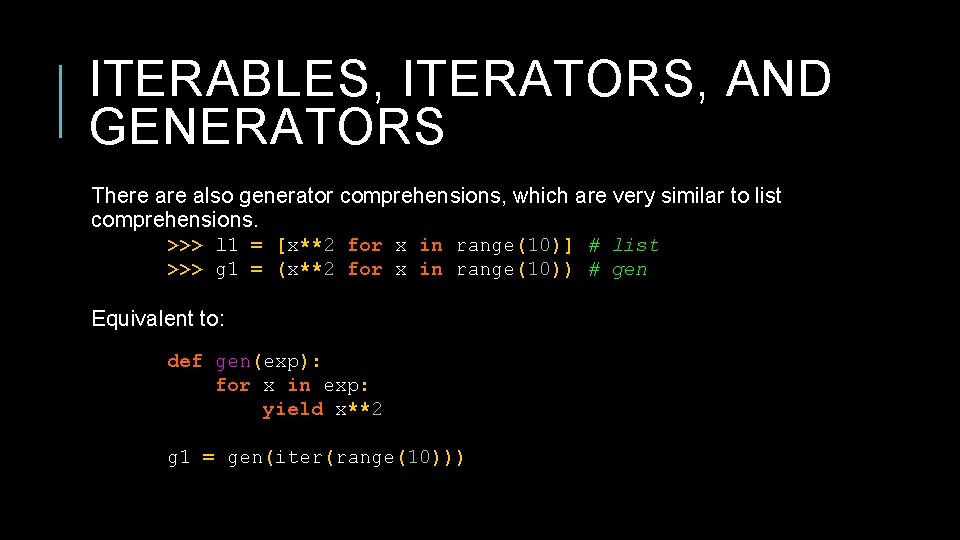
ITERABLES, ITERATORS, AND GENERATORS There also generator comprehensions, which are very similar to list comprehensions. >>> l 1 = [x**2 for x in range(10)] # list >>> g 1 = (x**2 for x in range(10)) # gen Equivalent to: def gen(exp): for x in exp: yield x**2 g 1 = gen(iter(range(10)))
- Slides: 67