
Lecture 5 Conventional Input Models for Window Managers
- Slides: 28
Lecture 5: Conventional Input Models for Window Managers and Toolkits Brad Myers 05 -830 Advanced User Interface Software © 2017 - Brad Myers 1
Homework 2 l line. Thickness of outline. Rects and lines l Review of required algorithm © 2017 - Brad Myers 2
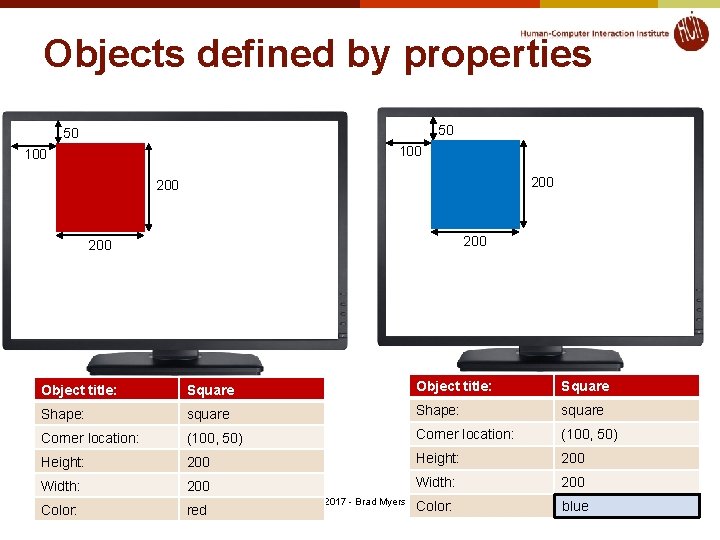
Objects defined by properties 50 50 100 200 200 Object title: Square Shape: square Corner location: (100, 50) Height: 200 Width: 200 Color: red Color: blue red © 2017 - Brad Myers 3
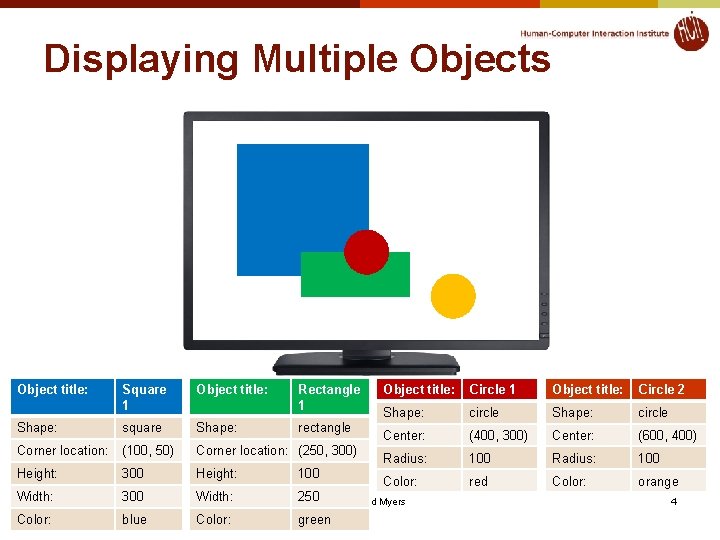
Displaying Multiple Objects Object title: Square 1 Object title: Rectangle 1 Shape: square Shape: Corner location: (100, 50) Corner location: (250, 300) Height: 300 Height: 100 Width: 300 Width: 250© 2017 - Brad Myers Color: blue Color: green rectangle Object title: Circle 1 Object title: Circle 2 Shape: circle Center: (400, 300) Center: (600, 400) Radius: 100 Color: red Color: orange 4
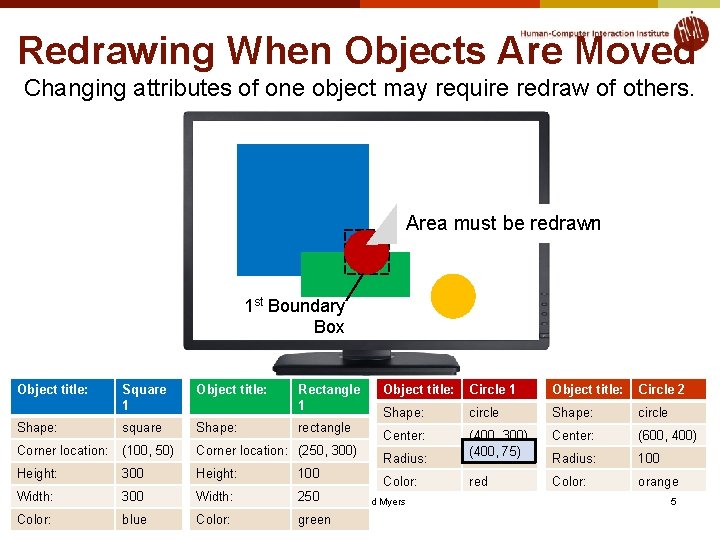
Redrawing When Objects Are Moved Changing attributes of one object may require redraw of others. Area must be redrawn 1 st Boundary Box Object title: Square 1 Object title: Rectangle 1 Shape: square Shape: Corner location: (100, 50) Corner location: (250, 300) Height: 300 Height: 100 Width: 300 Width: 250© 2017 - Brad Myers Color: blue Color: green rectangle Object title: Circle 1 Object title: Circle 2 Shape: circle Center: (600, 400) Radius: (400, 300) (400, 75) 100 Radius: 100 Color: red Color: orange 5
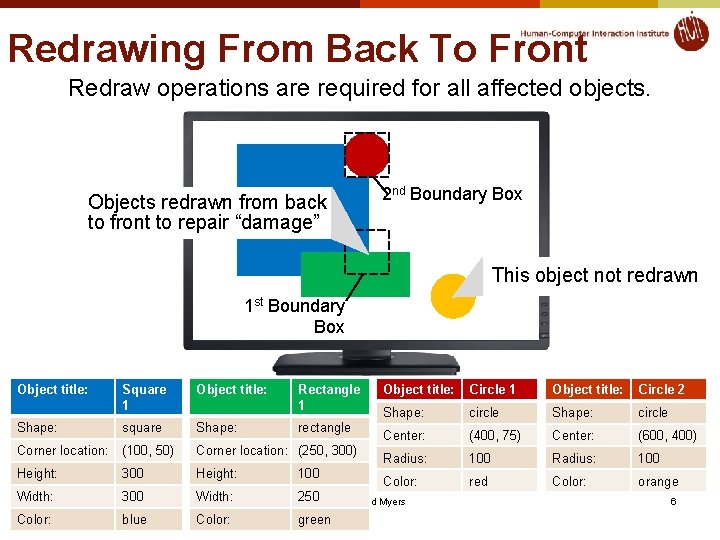
Redrawing From Back To Front Redraw operations are required for all affected objects. Objects redrawn from back to front to repair “damage” 2 nd Boundary Box This object not redrawn 1 st Boundary Box Object title: Square 1 Object title: Rectangle 1 Shape: square Shape: Corner location: (100, 50) Corner location: (250, 300) Height: 300 Height: 100 Width: 300 Width: 250© 2017 - Brad Myers Color: blue Color: green rectangle Object title: Circle 1 Object title: Circle 2 Shape: circle Center: (400, 75) Center: (600, 400) Radius: 100 Color: red Color: orange 6
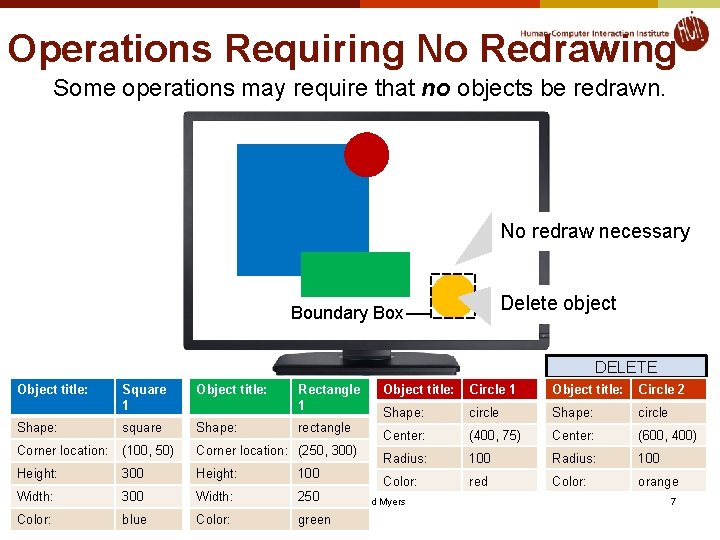
Operations Requiring No Redrawing Some operations may require that no objects be redrawn. No redraw necessary Delete object Boundary Box DELETE Object title: Square 1 Object title: Rectangle 1 Shape: square Shape: Corner location: (100, 50) Corner location: (250, 300) Height: 300 Height: 100 Width: 300 Width: 250© 2017 - Brad Myers Color: blue Color: green rectangle Object title: Circle 1 Object title: Circle 2 Shape: circle Center: (400, 75) Center: (600, 400) Radius: 100 Color: red Color: orange 7
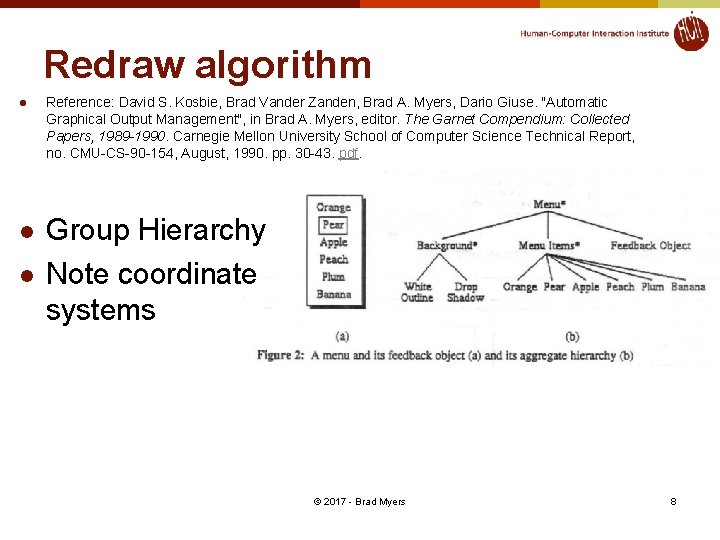
Redraw algorithm l l l Reference: David S. Kosbie, Brad Vander Zanden, Brad A. Myers, Dario Giuse. "Automatic Graphical Output Management", in Brad A. Myers, editor. The Garnet Compendium: Collected Papers, 1989 -1990. Carnegie Mellon University School of Computer Science Technical Report, no. CMU-CS-90 -154, August, 1990. pp. 30 -43. pdf. Group Hierarchy Note coordinate systems © 2017 - Brad Myers 8
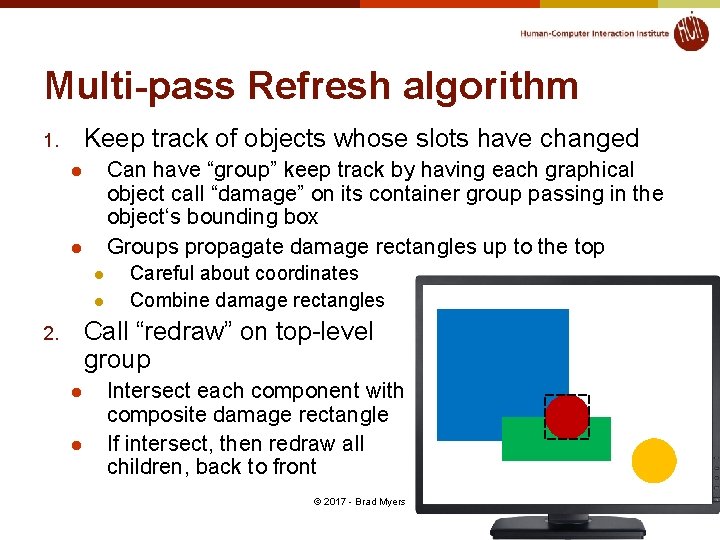
Multi-pass Refresh algorithm Keep track of objects whose slots have changed 1. Can have “group” keep track by having each graphical object call “damage” on its container group passing in the object‘s bounding box Groups propagate damage rectangles up to the top l l Careful about coordinates Combine damage rectangles Call “redraw” on top-level group 2. l l Intersect each component with composite damage rectangle If intersect, then redraw all children, back to front © 2017 - Brad Myers 9
Input © 2017 - Brad Myers 10
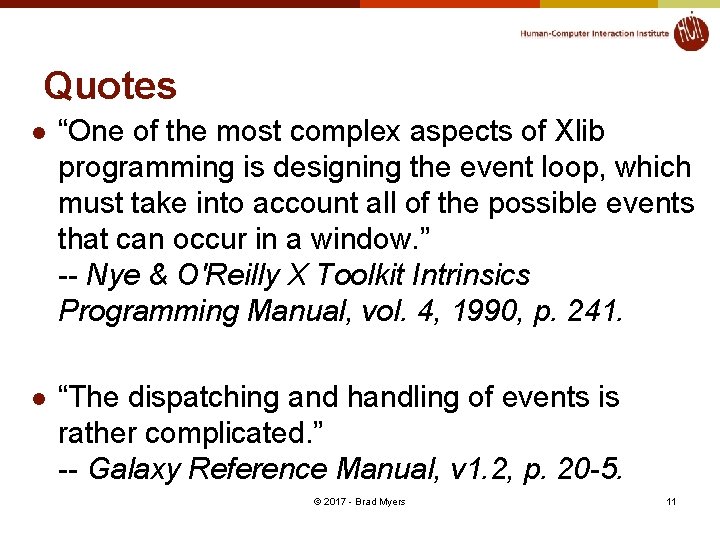
Quotes l “One of the most complex aspects of Xlib programming is designing the event loop, which must take into account all of the possible events that can occur in a window. ” -- Nye & O'Reilly X Toolkit Intrinsics Programming Manual, vol. 4, 1990, p. 241. l “The dispatching and handling of events is rather complicated. ” -- Galaxy Reference Manual, v 1. 2, p. 20 -5. © 2017 - Brad Myers 11
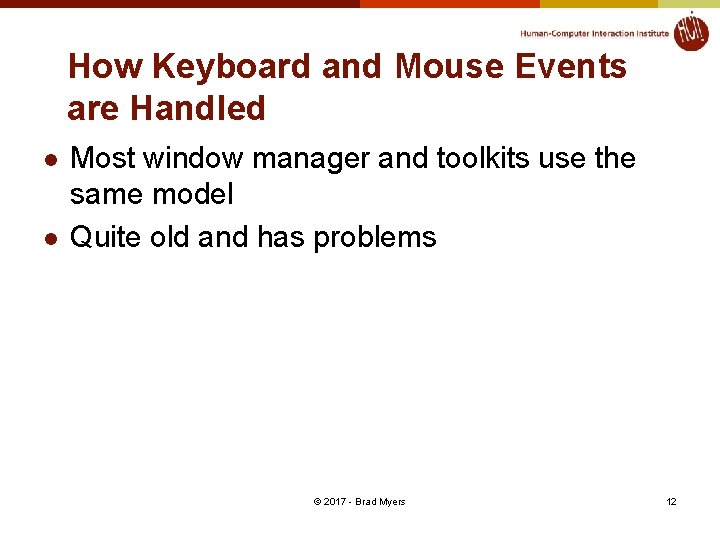
How Keyboard and Mouse Events are Handled l l Most window manager and toolkits use the same model Quite old and has problems © 2017 - Brad Myers 12
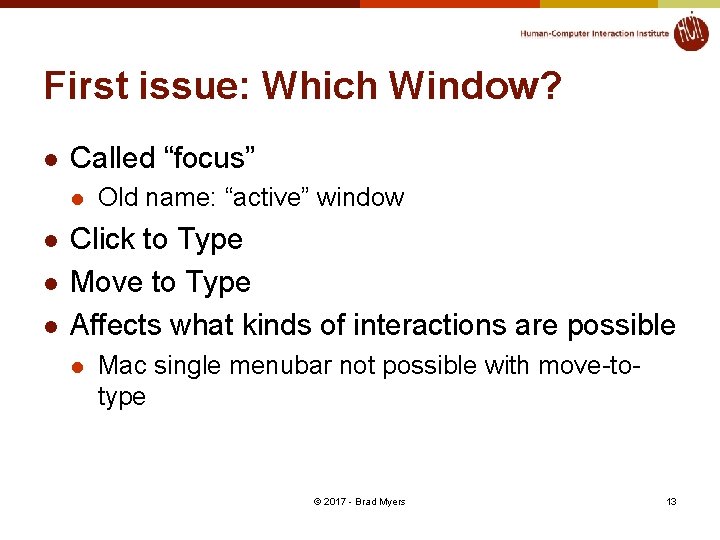
First issue: Which Window? l Called “focus” l l Old name: “active” window Click to Type Move to Type Affects what kinds of interactions are possible l Mac single menubar not possible with move-totype © 2017 - Brad Myers 13
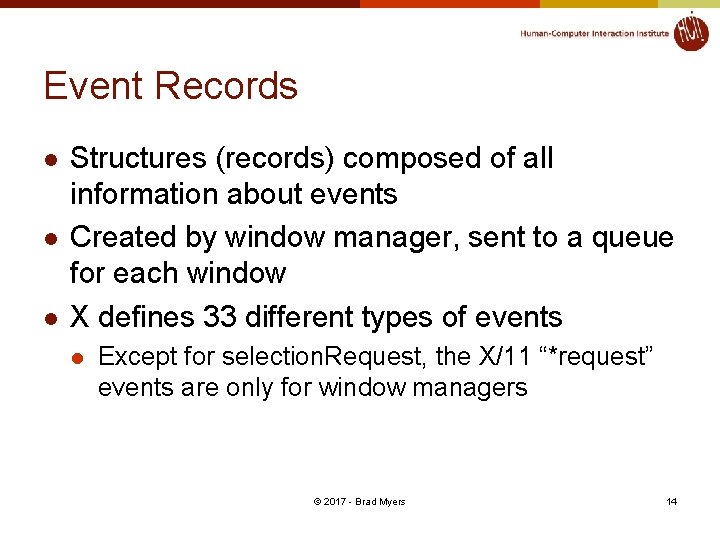
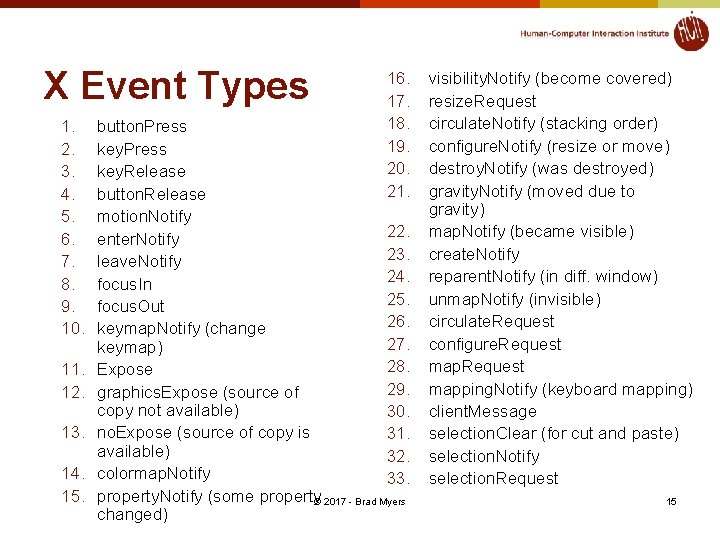
Event Records l l l Structures (records) composed of all information about events Created by window manager, sent to a queue for each window X defines 33 different types of events l Except for selection. Request, the X/11 “*request” events are only for window managers © 2017 - Brad Myers 14
X Event Types 1. 2. 3. 4. 5. 6. 7. 8. 9. 10. 11. 12. 13. 14. 15. 16. 17. 18. 19. 20. 21. button. Press key. Release button. Release motion. Notify 22. enter. Notify 23. leave. Notify 24. focus. In 25. focus. Out 26. keymap. Notify (change 27. keymap) 28. Expose 29. graphics. Expose (source of copy not available) 30. no. Expose (source of copy is 31. available) 32. colormap. Notify 33. property. Notify (some property© 2017 - Brad Myers changed) visibility. Notify (become covered) resize. Request circulate. Notify (stacking order) configure. Notify (resize or move) destroy. Notify (was destroyed) gravity. Notify (moved due to gravity) map. Notify (became visible) create. Notify reparent. Notify (in diff. window) unmap. Notify (invisible) circulate. Request configure. Request mapping. Notify (keyboard mapping) client. Message selection. Clear (for cut and paste) selection. Notify selection. Request 15
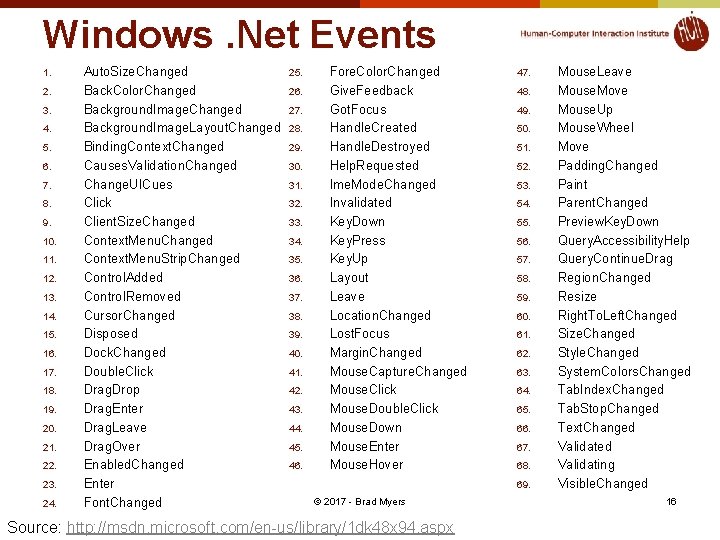
Windows. Net Events 1. 2. 3. 4. 5. 6. 7. 8. 9. 10. 11. 12. 13. 14. 15. 16. 17. 18. 19. 20. 21. 22. 23. 24. Auto. Size. Changed Back. Color. Changed Background. Image. Layout. Changed Binding. Context. Changed Causes. Validation. Changed Change. UICues Click Client. Size. Changed Context. Menu. Strip. Changed Control. Added Control. Removed Cursor. Changed Disposed Dock. Changed Double. Click Drag. Drop Drag. Enter Drag. Leave Drag. Over Enabled. Changed Enter Font. Changed 25. 26. 27. 28. 29. 30. 31. 32. 33. 34. 35. 36. 37. 38. 39. 40. 41. 42. 43. 44. 45. 46. Fore. Color. Changed Give. Feedback Got. Focus Handle. Created Handle. Destroyed Help. Requested Ime. Mode. Changed Invalidated Key. Down Key. Press Key. Up Layout Leave Location. Changed Lost. Focus Margin. Changed Mouse. Capture. Changed Mouse. Click Mouse. Double. Click Mouse. Down Mouse. Enter Mouse. Hover 47. 48. 49. 50. 51. 52. 53. 54. 55. 56. 57. 58. 59. 60. 61. 62. 63. 64. 65. 66. 67. 68. 69. © 2017 - Brad Myers Source: http: //msdn. microsoft. com/en-us/library/1 dk 48 x 94. aspx Mouse. Leave Mouse. Move Mouse. Up Mouse. Wheel Move Padding. Changed Paint Parent. Changed Preview. Key. Down Query. Accessibility. Help Query. Continue. Drag Region. Changed Resize Right. To. Left. Changed Size. Changed Style. Changed System. Colors. Changed Tab. Index. Changed Tab. Stop. Changed Text. Changed Validating Visible. Changed 16
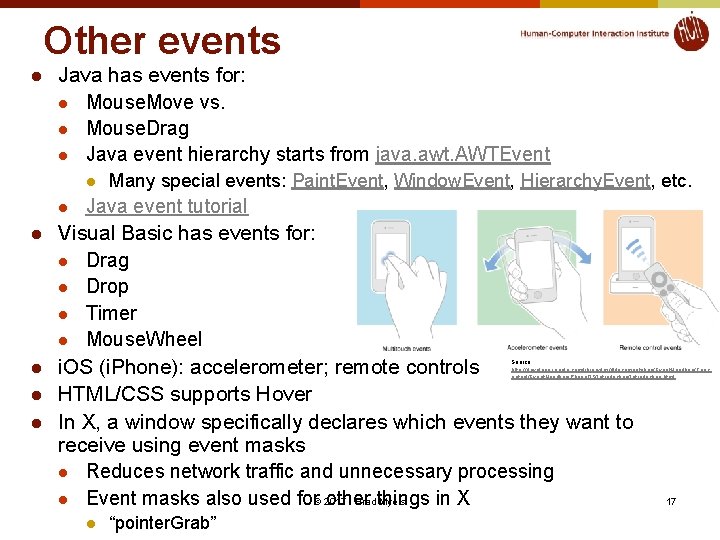
Other events l Java has events for: l Mouse. Move vs. l Mouse. Drag l Java event hierarchy starts from java. awt. AWTEvent l l l Many special events: Paint. Event, Window. Event, Hierarchy. Event, etc. Java event tutorial Visual Basic has events for: l Drag l Drop l Timer l Mouse. Wheel i. OS (i. Phone): accelerometer; remote controls HTML/CSS supports Hover In X, a window specifically declares which events they want to receive using event masks l Reduces network traffic and unnecessary processing l Event masks also used for© 2017 other in X - Brad things Myers Source: http: //developer. apple. com/library/ios/#documentation/Event. Handling/Conc eptual/Event. Handlingi. Phone. OS/Introduction. html l “pointer. Grab” 17
Event Modifiers l Which “modifier” keys l l Can get events when Shift, etc. goes down, but usually ignored Single click, double-click, triple-click, etc. l l Shift, Control, Alt, Function, Command (Mac), Num-Lock Various combinations Click vs. Down vs. Drag Amulet supports string parsing of names: l “SHIFT_CONTROL_DOUBLE_LEFT_DOWN” © 2017 - Brad Myers 18
Gestural “Events” l l l Gestures might come in as if they were regular events So lower-level code doesn’t need to distinguish Android has separate “gesture” classes i. OS: Gesture Recognizers Amulet: added at higher level, as “commands” (see next lecture) © 2017 - Brad Myers 19
Event Handling l l Toolkits (e. g. , Visual Basic) automatically handle expose and some other events for the widgets. Structured graphics systems (e. g. , Amulet) automatically handle many of the events. Events (in X) are C-language union type of many event structures that are all the same size but with different field names. Key and mouse events contain (at least): 1. x position of the mouse 2. y position of the mouse 3. window of the mouse 4. event type 5. event code 6. event modifiers 7. timestamp © 2017 - Brad Myers 20
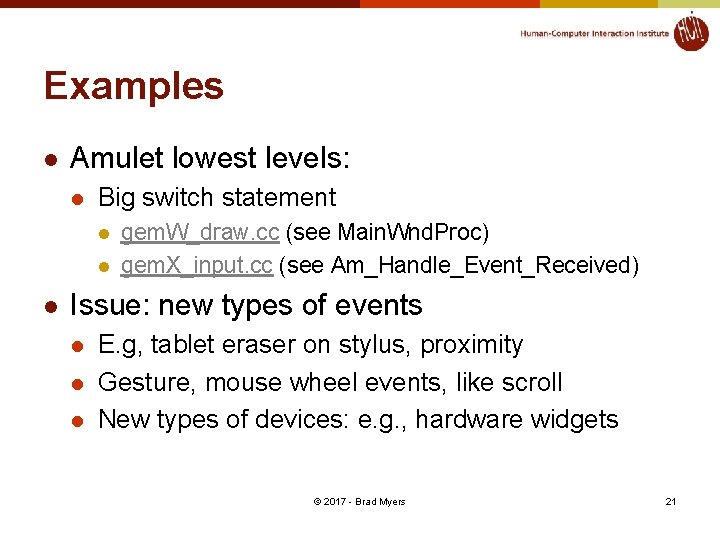
Examples l Amulet lowest levels: l Big switch statement l l l gem. W_draw. cc (see Main. Wnd. Proc) gem. X_input. cc (see Am_Handle_Event_Received) Issue: new types of events l l l E. g, tablet eraser on stylus, proximity Gesture, mouse wheel events, like scroll New types of devices: e. g. , hardware widgets © 2017 - Brad Myers 21
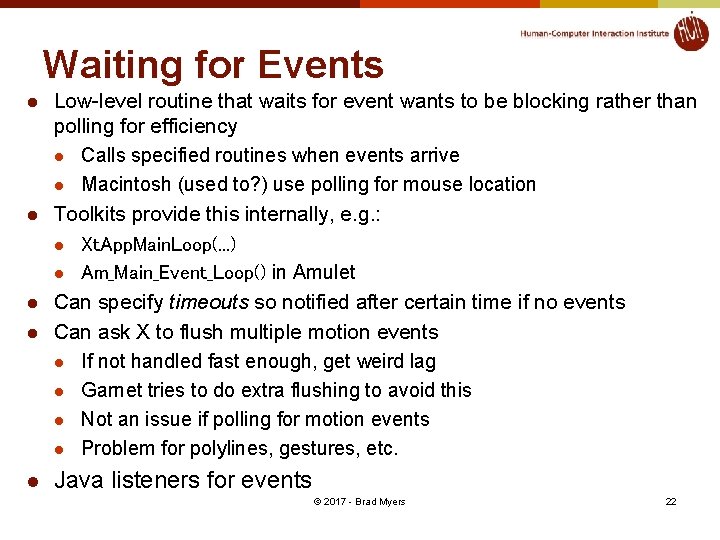
Waiting for Events l l l Low-level routine that waits for event wants to be blocking rather than polling for efficiency l Calls specified routines when events arrive l Macintosh (used to? ) use polling for mouse location Toolkits provide this internally, e. g. : l Xt. App. Main. Loop(. . . ) l Am_Main_Event_Loop() in Amulet Can specify timeouts so notified after certain time if no events Can ask X to flush multiple motion events l If not handled fast enough, get weird lag l Garnet tries to do extra flushing to avoid this l Not an issue if polling for motion events l Problem for polylines, gestures, etc. Java listeners for events © 2017 - Brad Myers 22
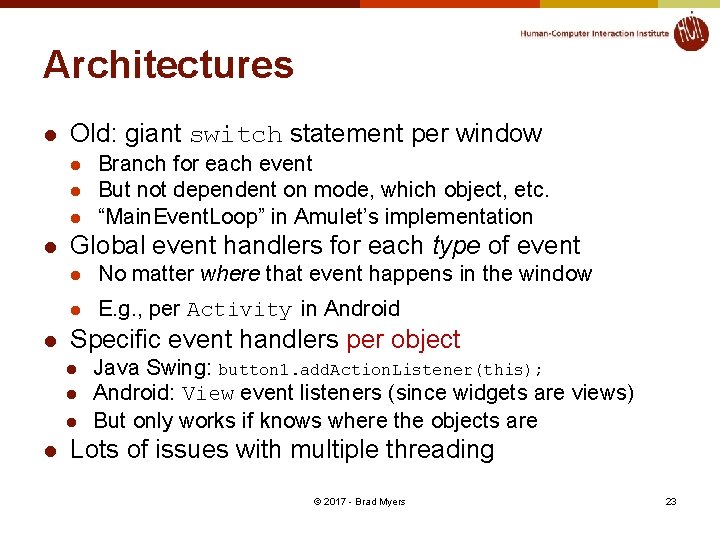
Architectures l Old: giant switch statement per window l l l Global event handlers for each type of event l No matter where that event happens in the window l E. g. , per Activity in Android Specific event handlers per object l l Branch for each event But not dependent on mode, which object, etc. “Main. Event. Loop” in Amulet’s implementation Java Swing: button 1. add. Action. Listener(this); Android: View event listeners (since widgets are views) But only works if knows where the objects are Lots of issues with multiple threading © 2017 - Brad Myers 23
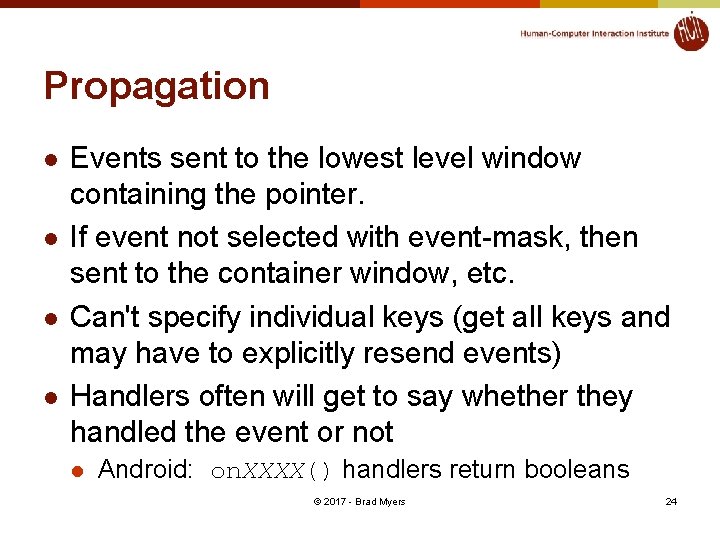
Propagation l l Events sent to the lowest level window containing the pointer. If event not selected with event-mask, then sent to the container window, etc. Can't specify individual keys (get all keys and may have to explicitly resend events) Handlers often will get to say whether they handled the event or not l Android: on. XXXX() handlers return booleans © 2017 - Brad Myers 24
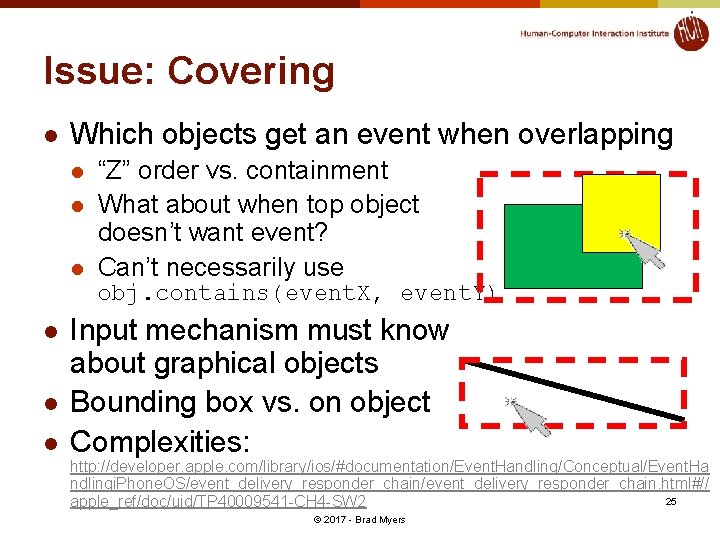
Issue: Covering l Which objects get an event when overlapping l l l “Z” order vs. containment What about when top object doesn’t want event? Can’t necessarily use obj. contains(event. X, event. Y) l l l Input mechanism must know about graphical objects Bounding box vs. on object Complexities: http: //developer. apple. com/library/ios/#documentation/Event. Handling/Conceptual/Event. Ha ndlingi. Phone. OS/event_delivery_responder_chain. html#// 25 apple_ref/doc/uid/TP 40009541 -CH 4 -SW 2 © 2017 - Brad Myers
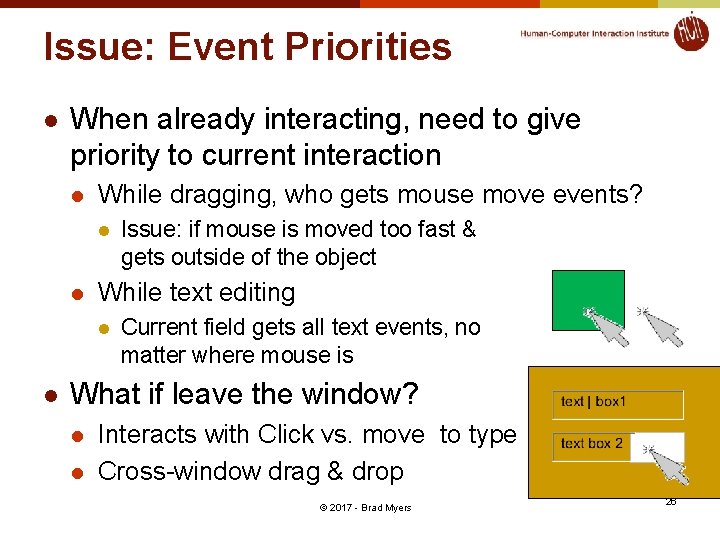
Issue: Event Priorities l When already interacting, need to give priority to current interaction l While dragging, who gets mouse move events? l l While text editing l l Issue: if mouse is moved too fast & gets outside of the object Current field gets all text events, no matter where mouse is What if leave the window? l l Interacts with Click vs. move to type Cross-window drag & drop © 2017 - Brad Myers 26
Translation Tables l l So particular mouse key or keyboard key not hard-wired into application. l Allows user customization and easier changes Supported in Motif by the resources mechanism l e. g. Shift<Btn 1 Down>: doit() can be put in. Xdefaults, and then application deals with doit, and user can change bindings. Keyboard translation is 2 step process in X: l Hardware "keycodes" numbers mapped to "keysyms" l "Keysyms" translated to events For double-clicking, Motif does translation, but not Xlib l For non-widgets, have to do it yourself l Always also get the single click events l Java – no built-in double click support l Does have click vs. drag © 2017 - Brad Myers 27
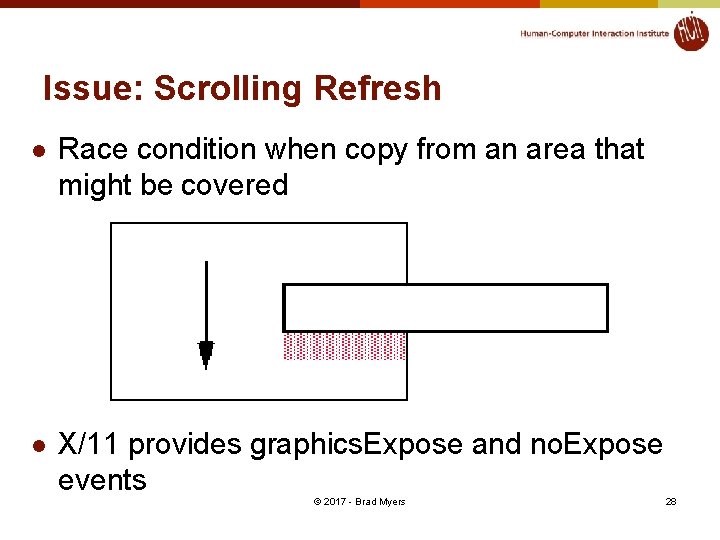
Issue: Scrolling Refresh l Race condition when copy from an area that might be covered l X/11 provides graphics. Expose and no. Expose events © 2017 - Brad Myers 28