
Lecture 4 Output Models Structured Graphics Display Post
- Slides: 19
Lecture 4: Output Models, Structured Graphics & Display Post. Script Brad Myers 05 -830 Advanced User Interface Software 1
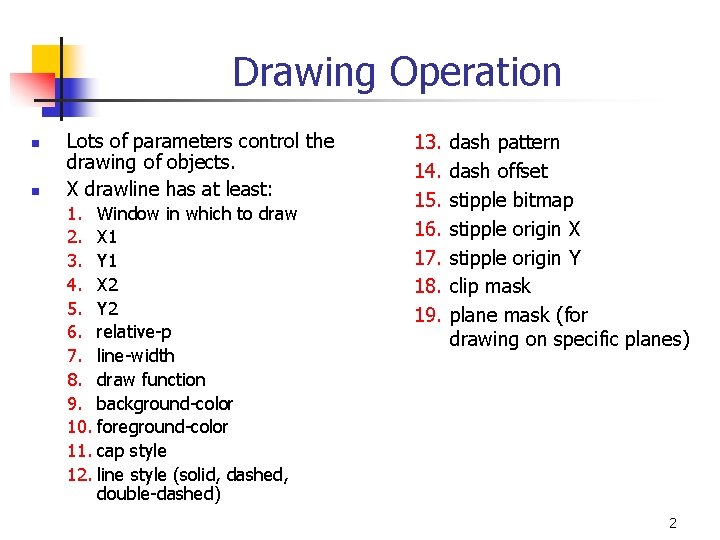
Drawing Operation n n Lots of parameters control the drawing of objects. X drawline has at least: 1. Window in which to draw 2. X 1 3. Y 1 4. X 2 5. Y 2 6. relative-p 7. line-width 8. draw function 9. background-color 10. foreground-color 11. cap style 12. line style (solid, dashed, double-dashed) 13. 14. 15. 16. 17. 18. 19. dash pattern dash offset stipple bitmap stipple origin X stipple origin Y clip mask plane mask (for drawing on specific planes) 2
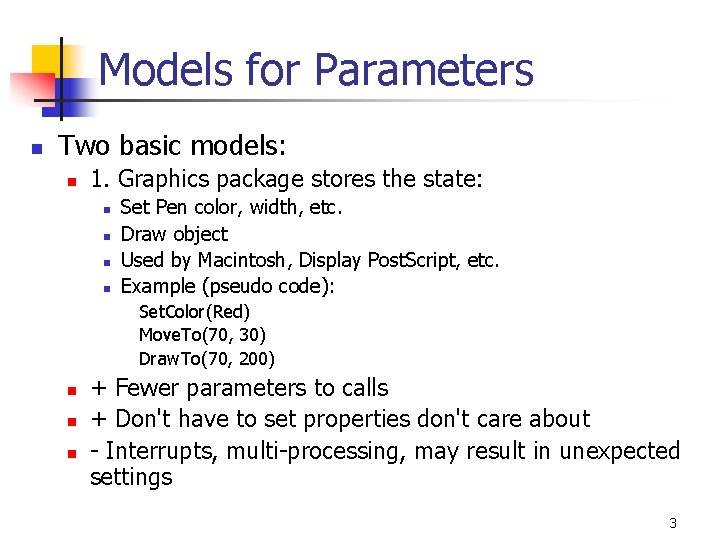
Models for Parameters n Two basic models: n 1. Graphics package stores the state: n n Set Pen color, width, etc. Draw object Used by Macintosh, Display Post. Script, etc. Example (pseudo code): Set. Color(Red) Move. To(70, 30) Draw. To(70, 200) n n n + Fewer parameters to calls + Don't have to set properties don't care about - Interrupts, multi-processing, may result in unexpected settings 3
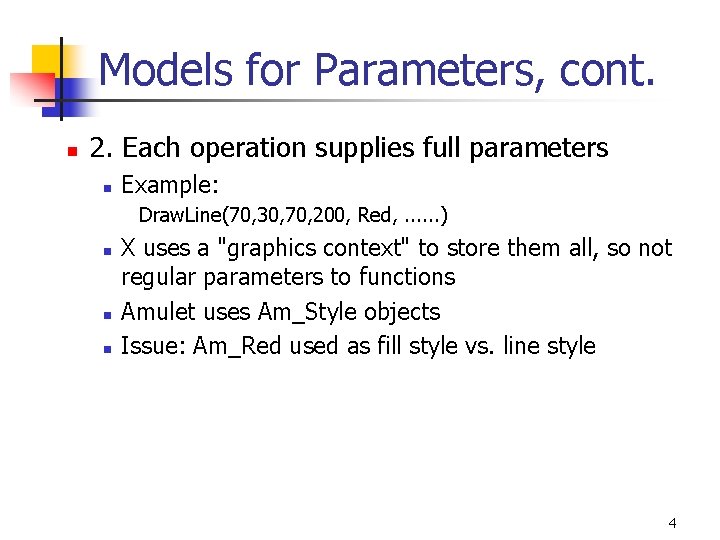
Models for Parameters, cont. n 2. Each operation supplies full parameters n Example: Draw. Line(70, 30, 70, 200, Red, . . . ) n n n X uses a "graphics context" to store them all, so not regular parameters to functions Amulet uses Am_Style objects Issue: Am_Red used as fill style vs. line style 4
Java model n Parameters stored in the “graphics” object n More like global model, since rarely create new graphics objects – just reuse the standard one and pass it around 5
Structured Graphics n Saves a list of all the graphical objects n n n Edit the screen by editing the saved list Also called "display list" or "retained object model" Provided by many toolkits and graphics packages early vector displays n n n CORE (~1977), GKS (1985), PHIGS (1988) Optional in Inter. Views, CLIM, etc. Required in Amulet, Garnet, Rendezvous, etc. 6
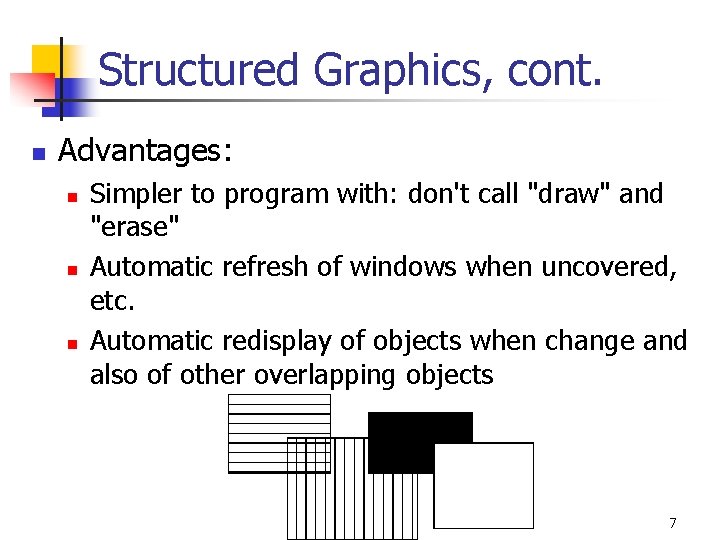
Structured Graphics, cont. n Advantages: n n n Simpler to program with: don't call "draw" and "erase" Automatic refresh of windows when uncovered, etc. Automatic redisplay of objects when change and also of other overlapping objects 7
Structured Graphics Can Support n Ability to support: n n n n high-level behaviors like move, grow, cut/copy/paste, etc. high-level widgets like selection handles constraints among objects automatic layout grouping: "Groups" in Garnet automatic Post. Script printing tutors and monitors external scripting, . . . 8
Structured Graphics Disadvantages n Disadvantages: n Significant space penalties n n n objects take up to 1000 bytes each imagine a scene with 40, 000 dots (200 x 200 fat bits) Time penalties n redisplay doesn't take advantage of special properties of data: n n regularity non-overlapping 9
Amulet and Garnet Videos n n Brad A. Myers, Dario Giuse, Andrew Mickish, Brad Vander Zanden, David Kosbie, Richard Mc. Daniel, James Landay, Matthew Goldberg, and Rajan Parthasarathy. “The Garnet User Interface Development Environment. ” Technical Video Program of the CHI'94 conference. SIGGRAPH Video Review, Issue 97, no. 13. ACM, ISBN 0 -89791 -940 -8. Brad A. Myers, Richard G. Mc. Daniel, Robert C. Miller, Alan Ferrency, Ellen Borison, Andrew Faulring, Andy Mickish, Patrick Doane, and Alex Klimovitski, “The Amulet User Interface Development Environment”. 8 minute video. Technical Video Program of the CHI'97 conference. ACM, 089791 -876 -2. 10
Redisplay Algorithms n Redisplay everything each time n n n Most appropriate for small numbers of objects, and if drawing is really quick compared to computation Used on the Macintosh and many others Used by Amulet Used by homework 2 May add clipping region and/or double-buffering 11
Redisplay only the affected areas of the screen n n Requires computing what areas are affected Garnet: 1. keep track of objects that change any "interesting" slot 2. compute the bounding box of all these changed objects in their old and new locations 3. assert this as the clipping region (must not self-intersect; Garnet uses 2 regions) 4. erase the area 5. go through objects from top-to-bottom, back to front draw those which overlap the bounding box n for step 4: goes through all top level aggregates, and any children of the aggregates that intersect (recursively) n Other techniques: quad trees 12
Issue: Anti-Aliasing n n n Can’t assume clipping regions will work Can draw outside of the bounding boxes Mac OS X uses anti-aliasing and seems to redraw lots of windows 13
Optimizing Redraw n Special additions in Garnet; not in Amulet n "Fast-redraws" n n n declared by the programmer objects drawn with XOR on top of other objects those that have a solid color behind them (nothing in front) so can be erased with a rectangle or by redrawing with the background color When change, have to be erased using old values No bounding boxes, no intersections, etc. "Virtual aggregates" n n only pretend to allocate storage for elements provide table and arbitrary layouts 14
Optimizing Redraw n “Glyphs” in Inter. Views n n n Calder, P. R. and Linton, M. A. “Glyphs: Flyweight Objects for User Interfaces, ” in Proceedings UIST'90: ACM SIGGRAPH Symposium on User Interface Software and Technology. 1990. Snowbird, Utah: pp. 92 -101. Don't include position information, etc. so very small Much of the layout retained by the aggregate (computed as needed) Object can be reused in many places: e. g. : the letter "a" Used for a text editor Issue: why is location special? What about red vs. blue "a"s? 15
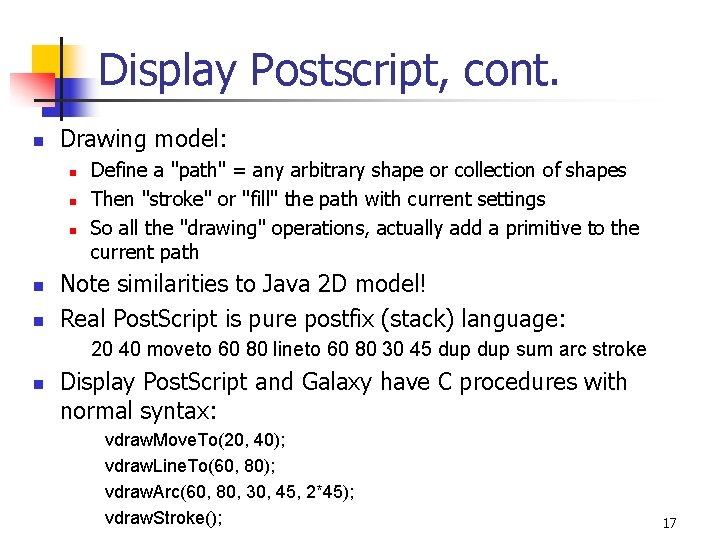
Display Post. Script n n Used by Ne. XT, Galaxy Post. Script™ developed by Adobe Systems Inc. to describe documents for printing Display Post. Script™ is Post. Script adapted for drawing on the screen Machine independent graphics model: n n colors are always full color coordinates are always in physical units (point, inch) Global graphics state containing all the parameters Coordinates from lower-left, in points 16
Display Postscript, cont. n Drawing model: n n n Define a "path" = any arbitrary shape or collection of shapes Then "stroke" or "fill" the path with current settings So all the "drawing" operations, actually add a primitive to the current path Note similarities to Java 2 D model! Real Post. Script is pure postfix (stack) language: 20 40 moveto 60 80 lineto 60 80 30 45 dup sum arc stroke n Display Post. Script and Galaxy have C procedures with normal syntax: vdraw. Move. To(20, 40); vdraw. Line. To(60, 80); vdraw. Arc(60, 80, 30, 45, 2*45); vdraw. Stroke(); 17
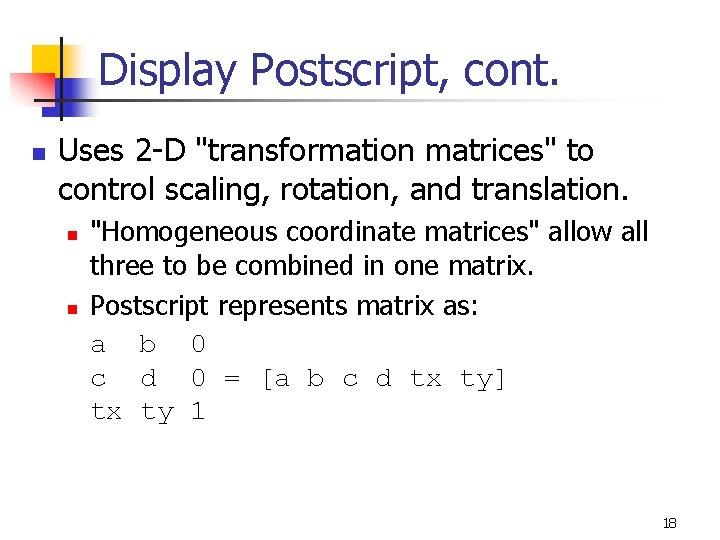
Display Postscript, cont. n Uses 2 -D "transformation matrices" to control scaling, rotation, and translation. n n "Homogeneous coordinate matrices" allow all three to be combined in one matrix. Postscript represents matrix as: a b 0 c d 0 = [a b c d tx ty] tx ty 1 18
Display PDF used in OS-X n Display-PDF n n Successor to Display Postscript Used in Macintosh OS X 19