
Lecture 4 Looping Building on the foundation Now
Lecture 4 Looping

Building on the foundation Now that we know a little about cout cin math operators boolean operators making decisions using if statements
Advantages of Computers are really quick Computers don't get bored They can do the same thing over and be “happy”
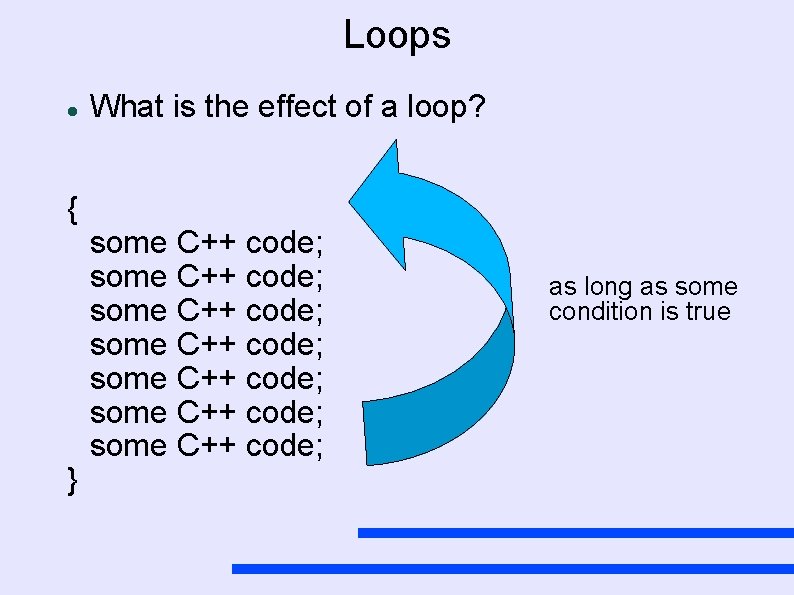
Loops { } What is the effect of a loop? some C++ code; some C++ code; as long as some condition is true

While loops while ( num < 10 ) { cout << “num = ” << num << endl; num = num + 1; } Bool Exp True Code Block False

While loops while ( num < 10 ) cout << “Hello there n” ; As before if there is only one line in the body of the loop, the { } are not needed. But. . what is the problem? Bool Exp True Code Block False
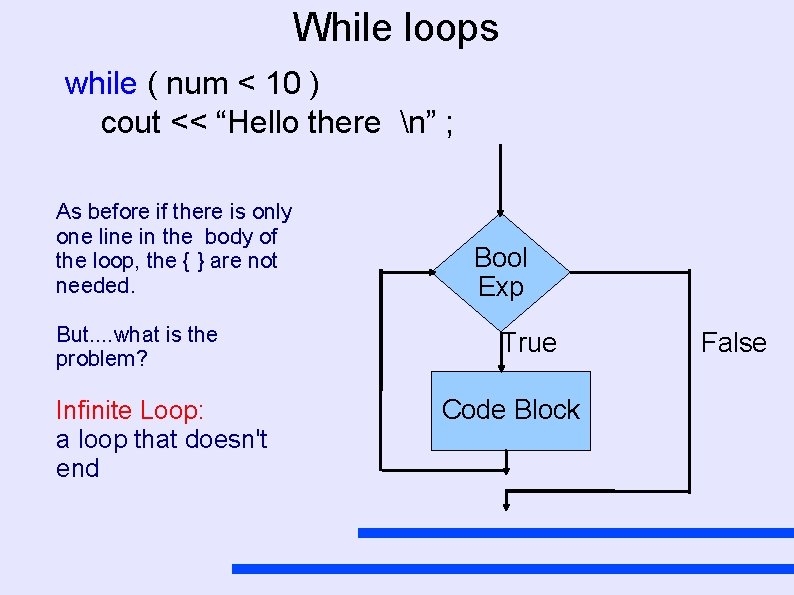
While loops while ( num < 10 ) cout << “Hello there n” ; As before if there is only one line in the body of the loop, the { } are not needed. But. . what is the problem? Infinite Loop: a loop that doesn't end Bool Exp True Code Block False
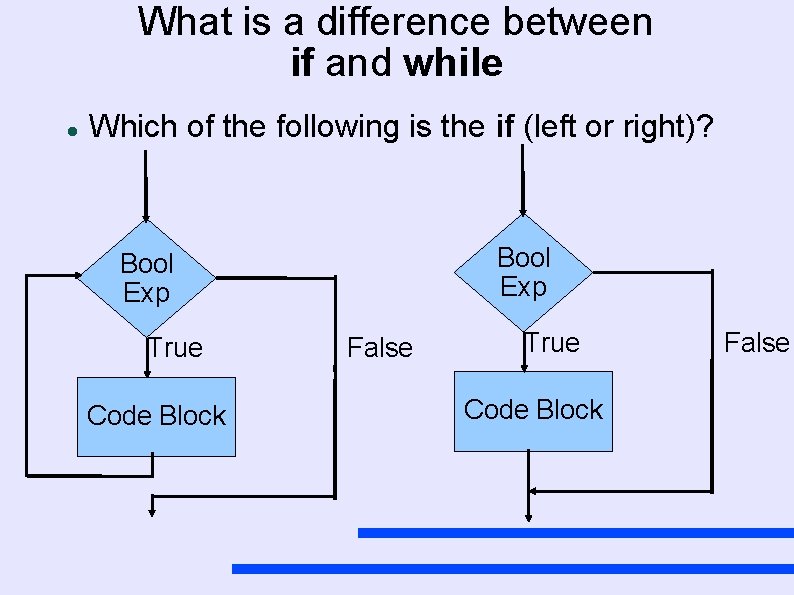
What is a difference between if and while Which of the following is the if (left or right)? Bool Exp True Code Block False
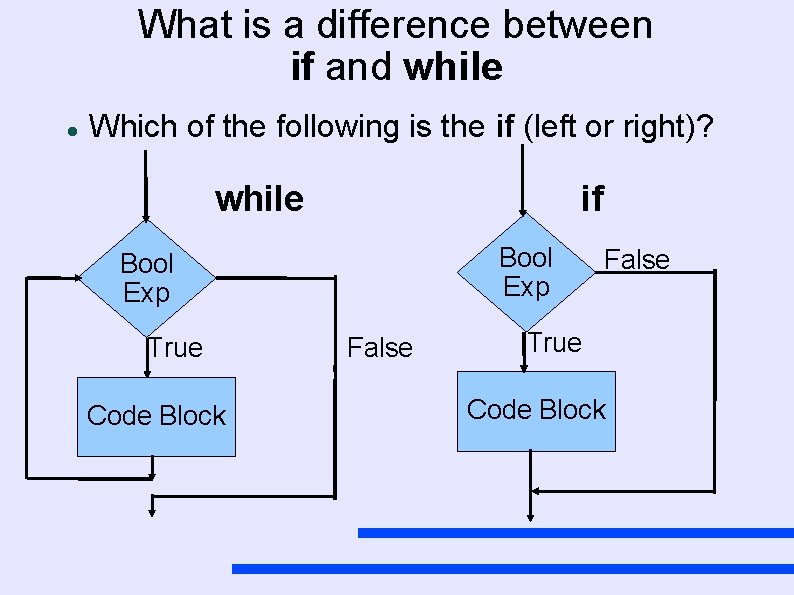
What is a difference between if and while Which of the following is the if (left or right)? while if Bool Exp True Code Block False True Code Block
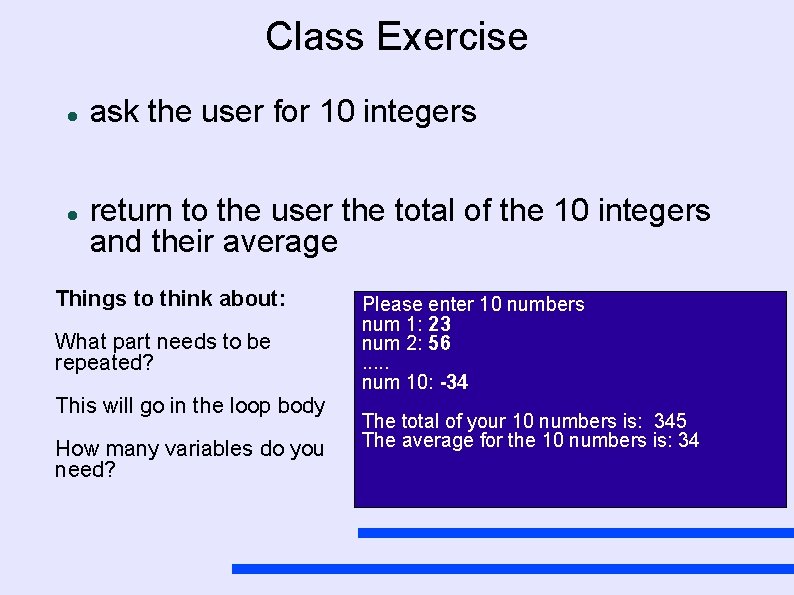
Class Exercise ask the user for 10 integers return to the user the total of the 10 integers and their average Things to think about: What part needs to be repeated? This will go in the loop body How many variables do you need? Please enter 10 numbers num 1: 23 num 2: 56. . . num 10: -34 The total of your 10 numbers is: 345 The average for the 10 numbers is: 34
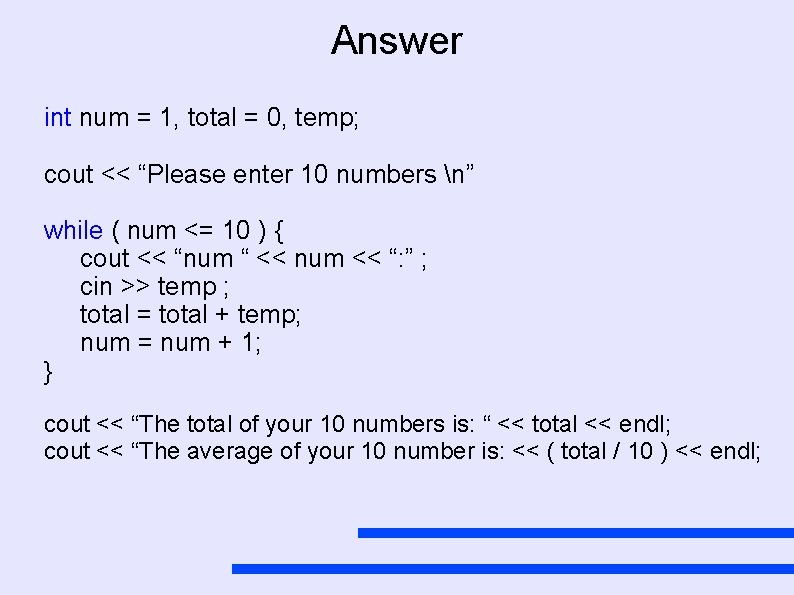
Answer int num = 1, total = 0, temp; cout << “Please enter 10 numbers n” while ( num <= 10 ) { cout << “num “ << num << “: ” ; cin >> temp ; total = total + temp; num = num + 1; } cout << “The total of your 10 numbers is: “ << total << endl; cout << “The average of your 10 number is: << ( total / 10 ) << endl;
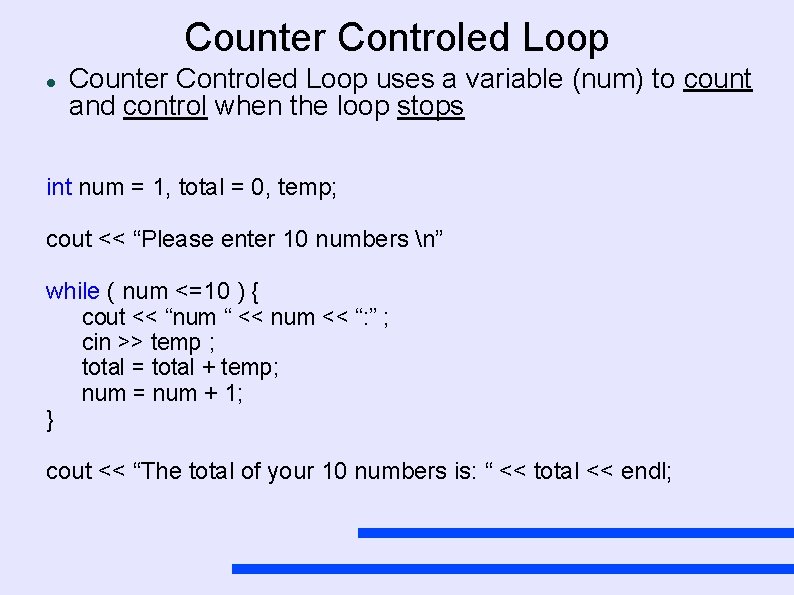
Counter Controled Loop uses a variable (num) to count and control when the loop stops int num = 1, total = 0, temp; cout << “Please enter 10 numbers n” while ( num <=10 ) { cout << “num “ << num << “: ” ; cin >> temp ; total = total + temp; num = num + 1; } cout << “The total of your 10 numbers is: “ << total << endl;
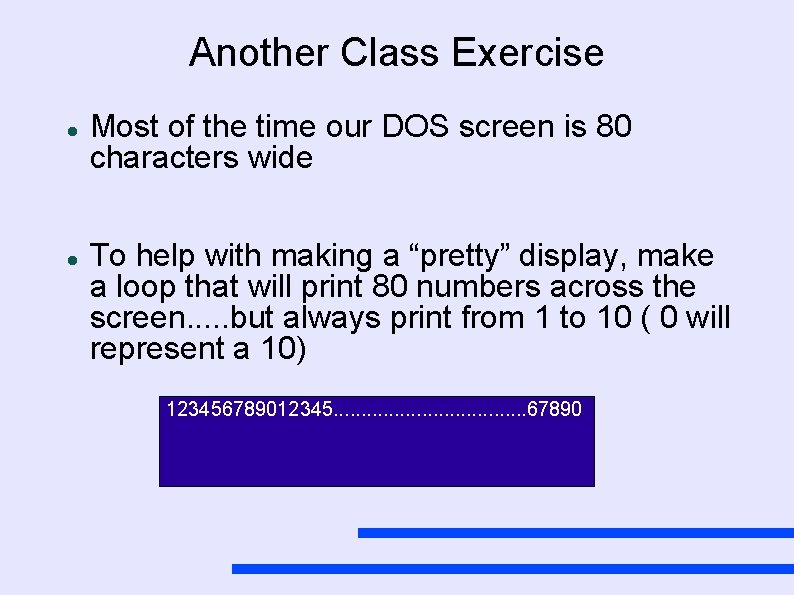
Another Class Exercise Most of the time our DOS screen is 80 characters wide To help with making a “pretty” display, make a loop that will print 80 numbers across the screen. . . but always print from 1 to 10 ( 0 will represent a 10) 123456789012345. . . . . 67890
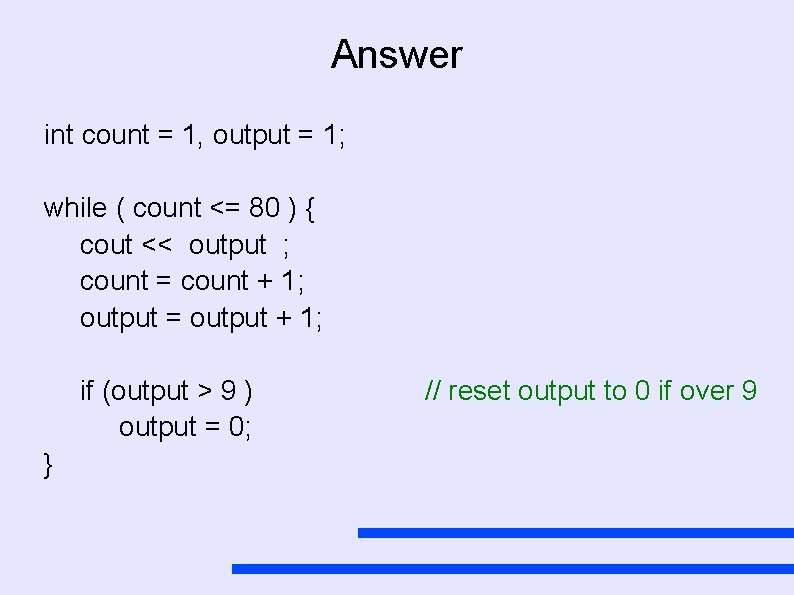
Answer int count = 1, output = 1; while ( count <= 80 ) { cout << output ; count = count + 1; output = output + 1; if (output > 9 ) output = 0; } // reset output to 0 if over 9
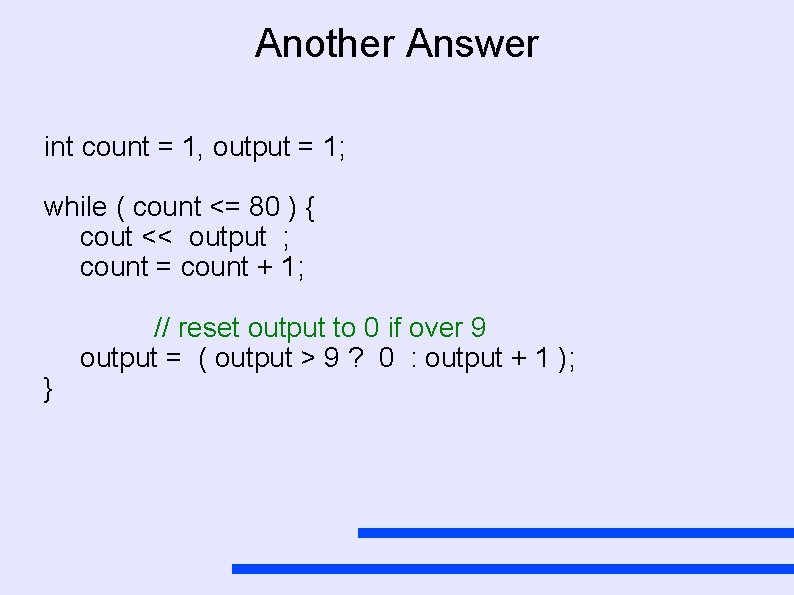
Another Answer int count = 1, output = 1; while ( count <= 80 ) { cout << output ; count = count + 1; } // reset output to 0 if over 9 output = ( output > 9 ? 0 : output + 1 );
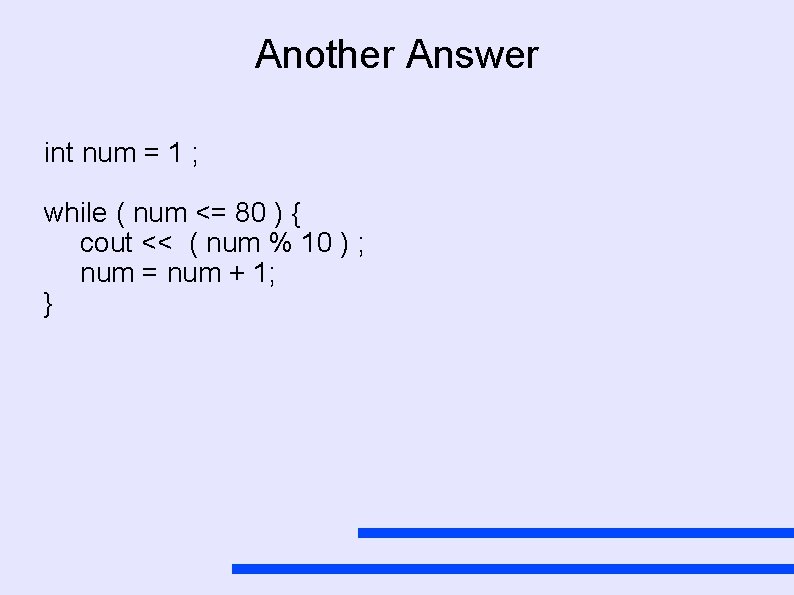
Another Answer int num = 1 ; while ( num <= 80 ) { cout << ( num % 10 ) ; num = num + 1; }
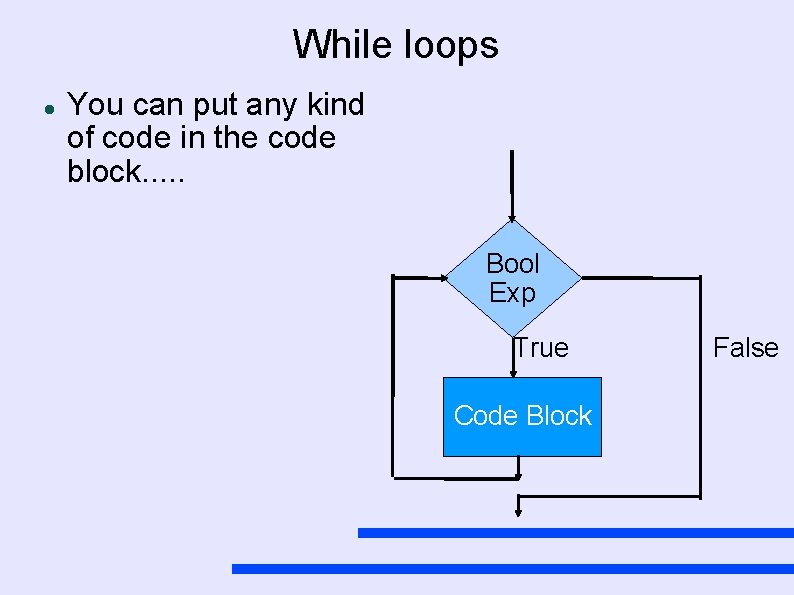
While loops You can put any kind of code in the code block. . . Bool Exp True Code Block False
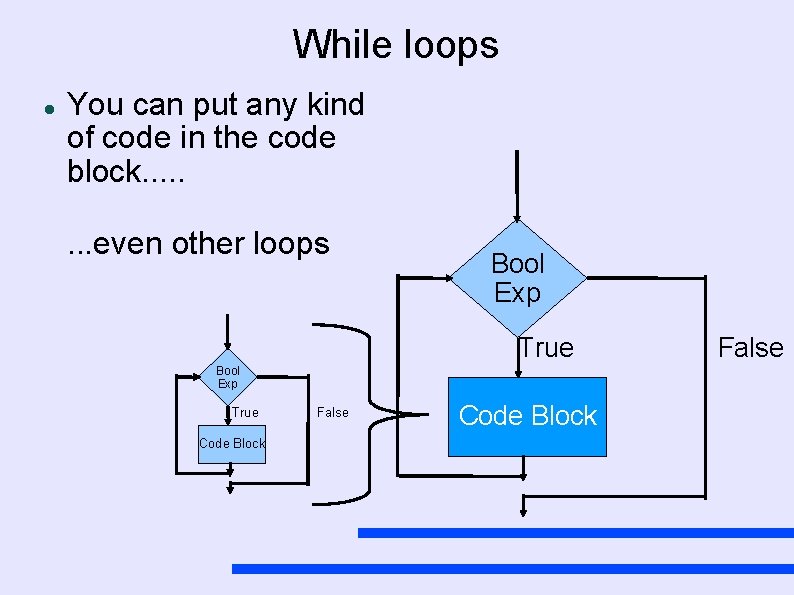
While loops You can put any kind of code in the code block. . . . even other loops Bool Exp True Code Block False
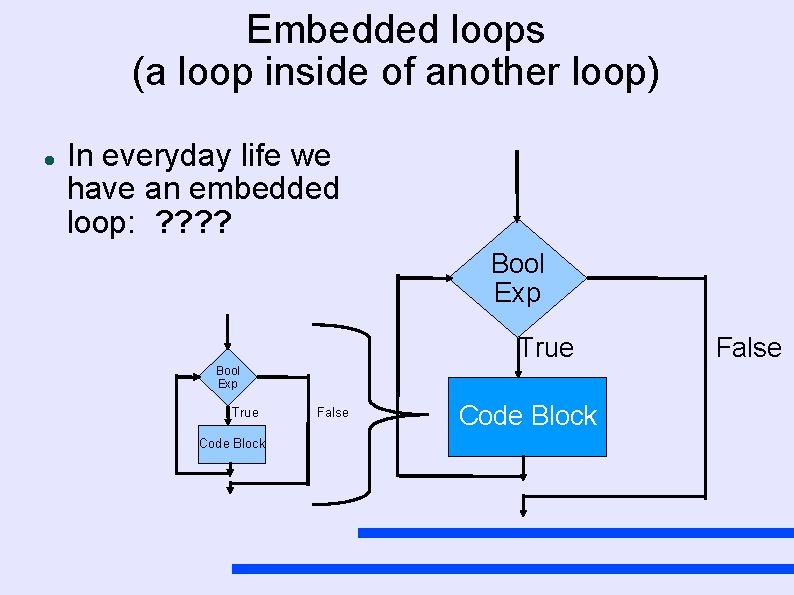
Embedded loops (a loop inside of another loop) In everyday life we have an embedded loop: ? ? Bool Exp True Code Block False
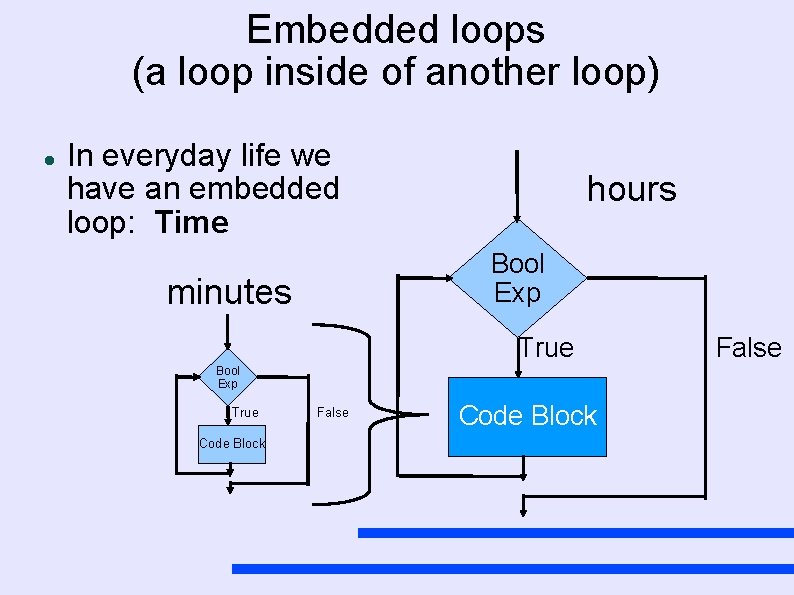
Embedded loops (a loop inside of another loop) In everyday life we have an embedded loop: Time hours Bool Exp minutes True Bool Exp True Code Block False
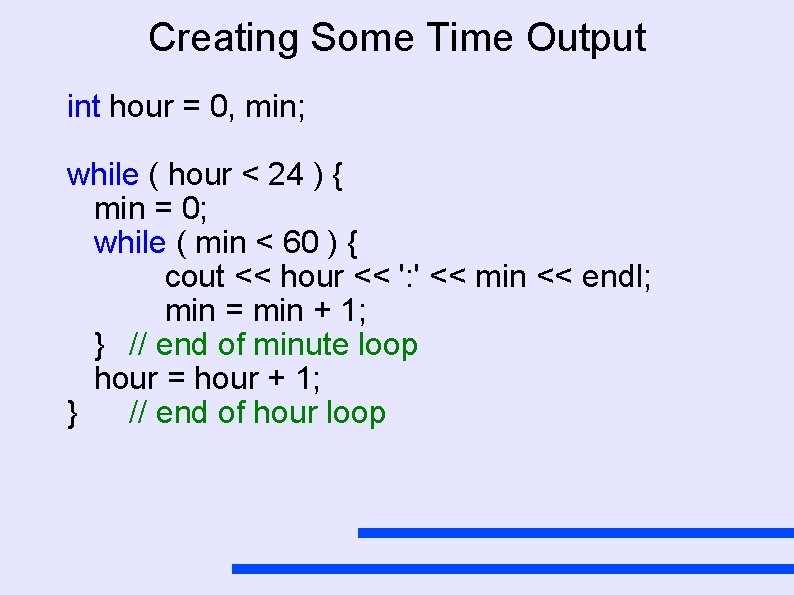
Creating Some Time Output int hour = 0, min; while ( hour < 24 ) { min = 0; while ( min < 60 ) { cout << hour << ': ' << min << endl; min = min + 1; } // end of minute loop hour = hour + 1; } // end of hour loop
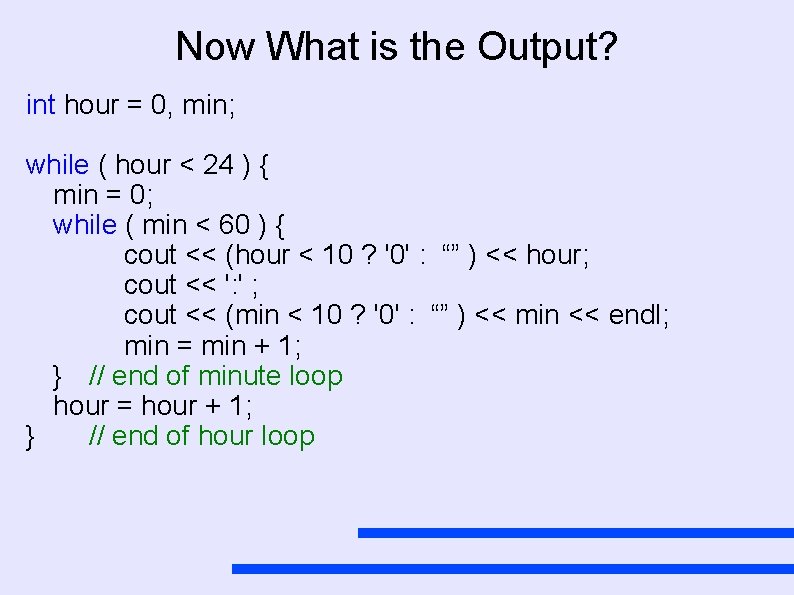
Now What is the Output? int hour = 0, min; while ( hour < 24 ) { min = 0; while ( min < 60 ) { cout << (hour < 10 ? '0' : “” ) << hour; cout << ': ' ; cout << (min < 10 ? '0' : “” ) << min << endl; min = min + 1; } // end of minute loop hour = hour + 1; } // end of hour loop
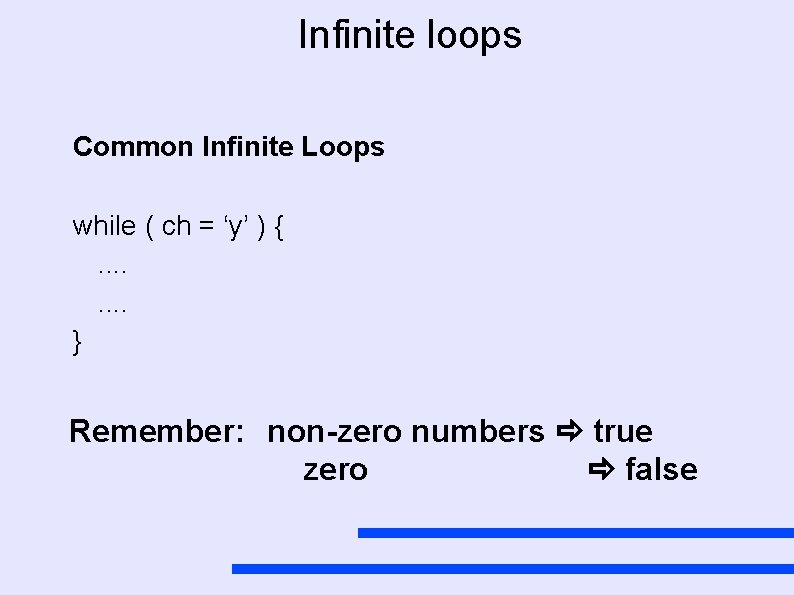
Infinite loops Common Infinite Loops while ( ch = ‘y’ ) {. . . . } Remember: non-zero numbers true zero false
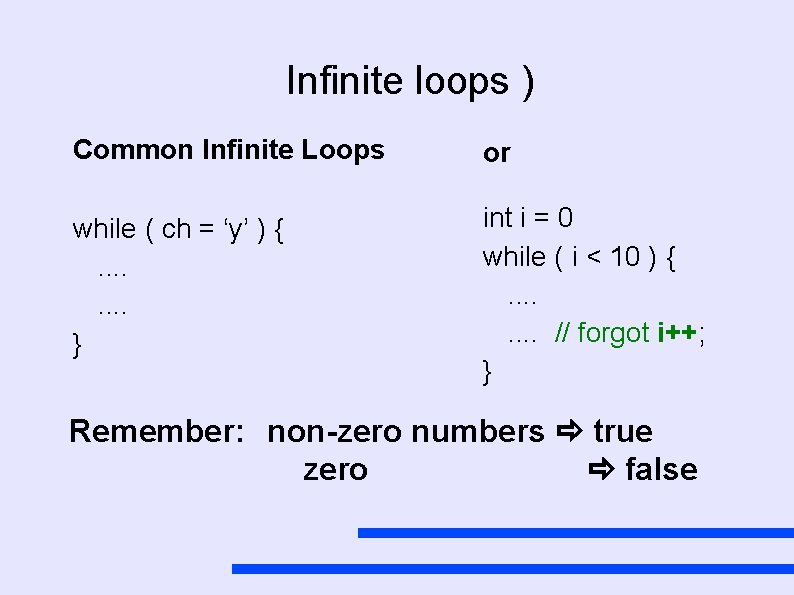
Infinite loops ) Common Infinite Loops or while ( ch = ‘y’ ) {. . . . } int i = 0 while ( i < 10 ) {. . . . // forgot i++; } Remember: non-zero numbers true zero false
Looping Control Structures Three different commands while statement do-while statement . . .
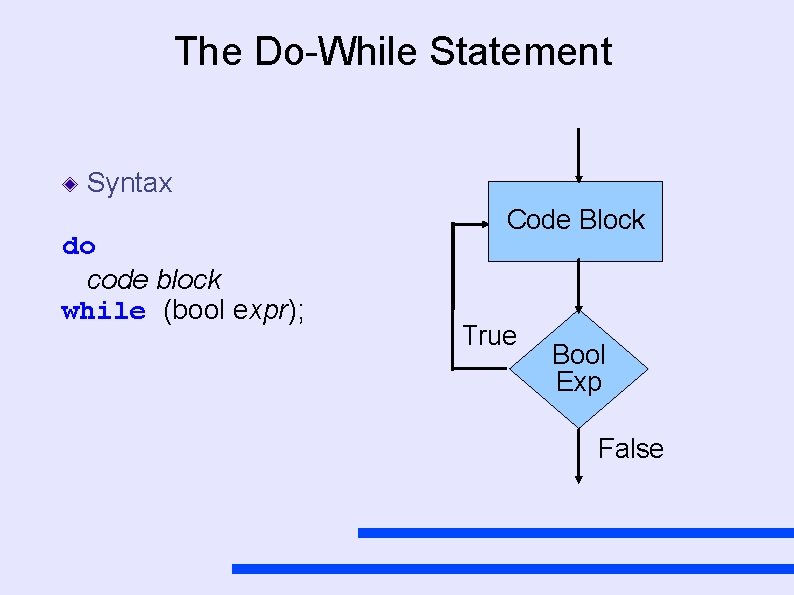
The Do-While Statement Syntax do code block while (bool expr); Code Block True Bool Exp False
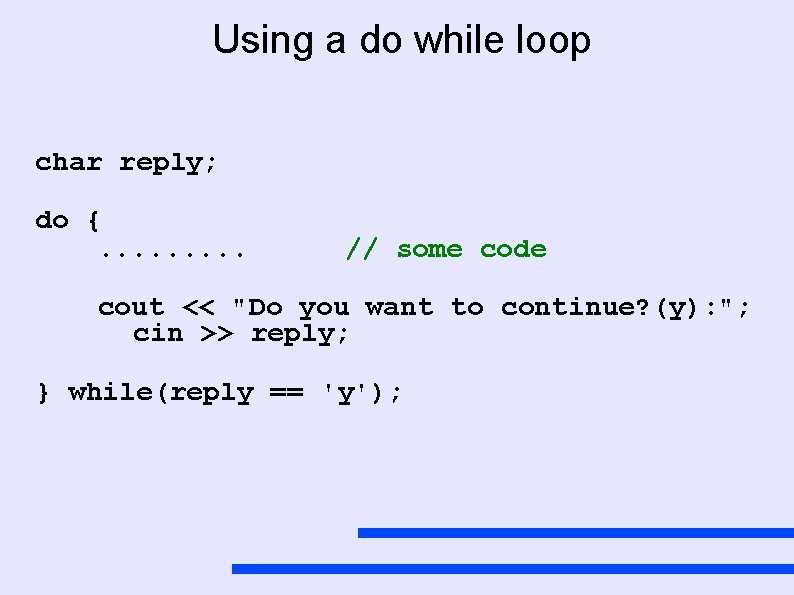
Using a do while loop char reply; do {. . // some code cout << "Do you want to continue? (y): "; cin >> reply; } while(reply == 'y');
Why use a. . . . ? What is the advantage of a while: do. . . while:
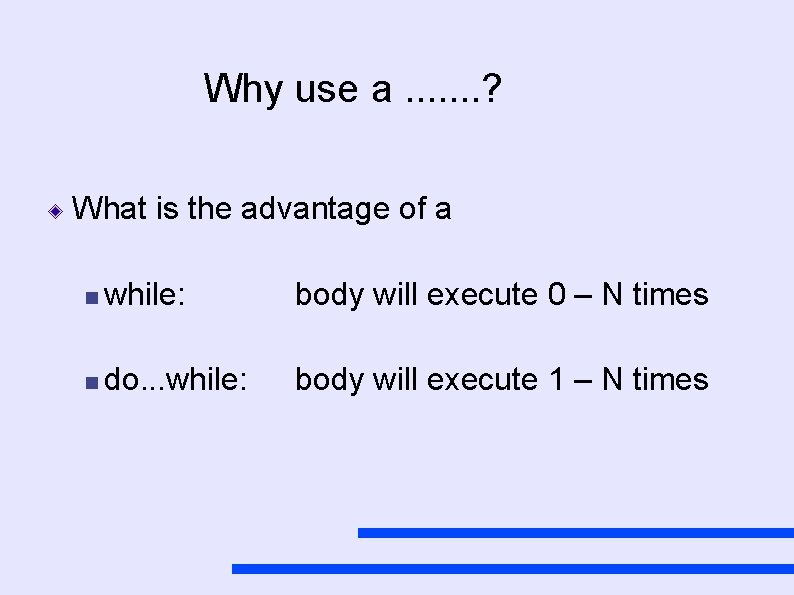
Why use a. . . . ? What is the advantage of a while: body will execute 0 – N times do. . . while: body will execute 1 – N times
Looping Control Structures Three different commands while statement do-while statement for statement
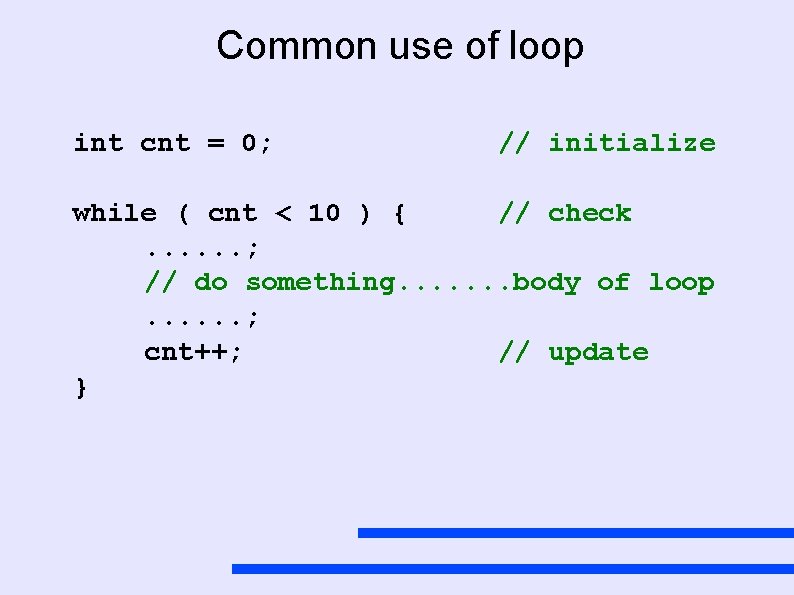
Common use of loop int cnt = 0; // initialize while ( cnt < 10 ) { // check. . . ; // do something. . . . body of loop. . . ; cnt++; // update }
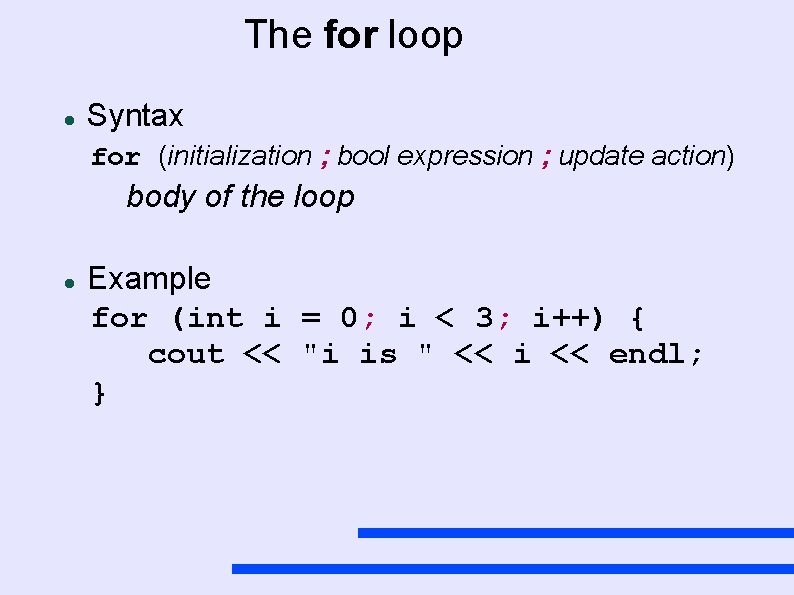
The for loop Syntax for (initialization ; bool expression ; update action) body of the loop Example for (int i = 0; i < 3; i++) { cout << "i is " << i << endl; }
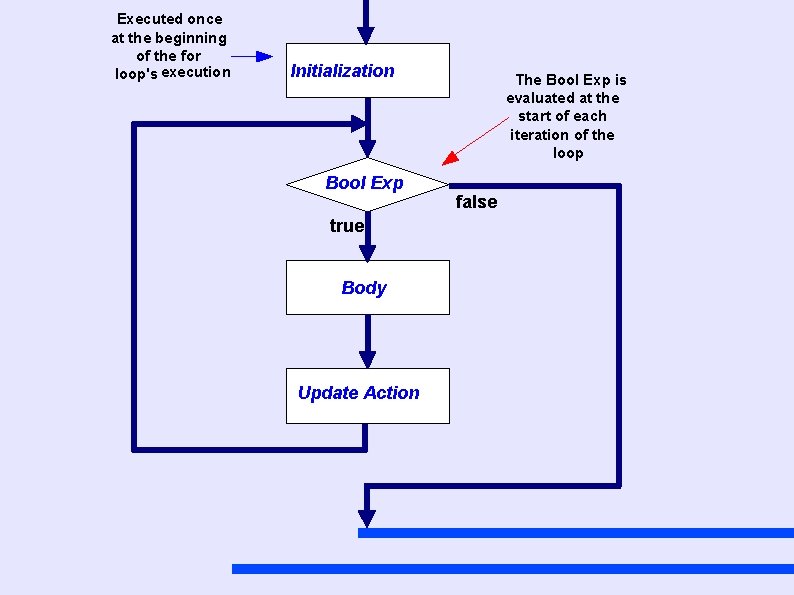
Executed once at the beginning of the for loop's execution Initialization Bool Exp true Body Update Action The Bool Exp is evaluated at the start of each iteration of the loop false
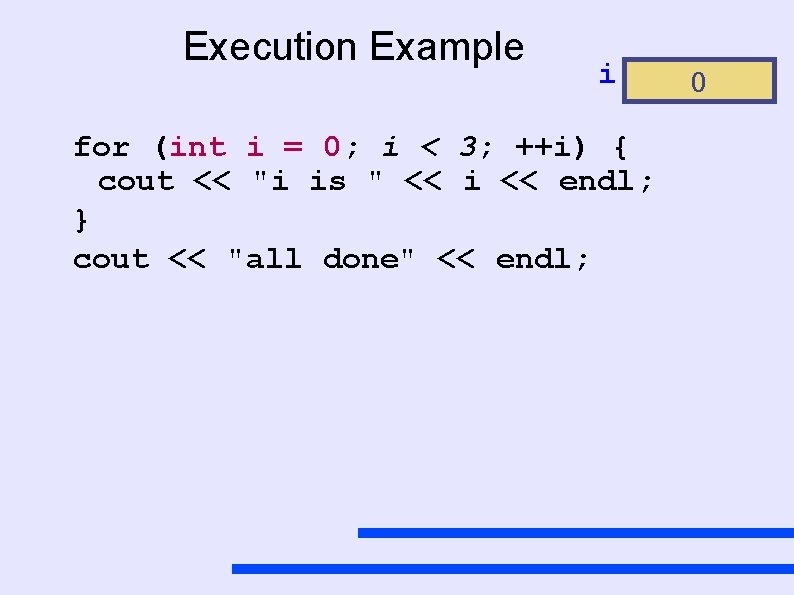
Execution Example i for (int i = 0; i < 3; ++i) { cout << "i is " << i << endl; } cout << "all done" << endl; 0
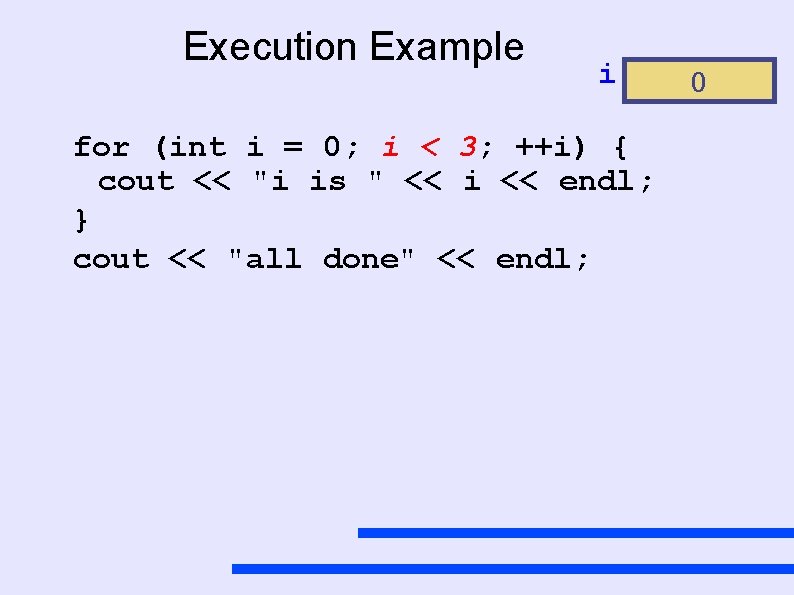
Execution Example i for (int i = 0; i < 3; ++i) { cout << "i is " << i << endl; } cout << "all done" << endl; 0
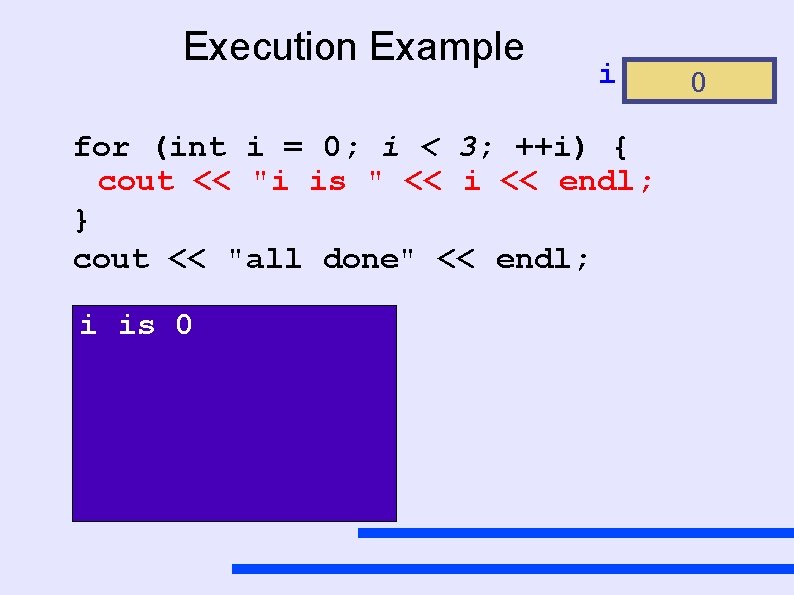
Execution Example i for (int i = 0; i < 3; ++i) { cout << "i is " << i << endl; } cout << "all done" << endl; i is 0 0
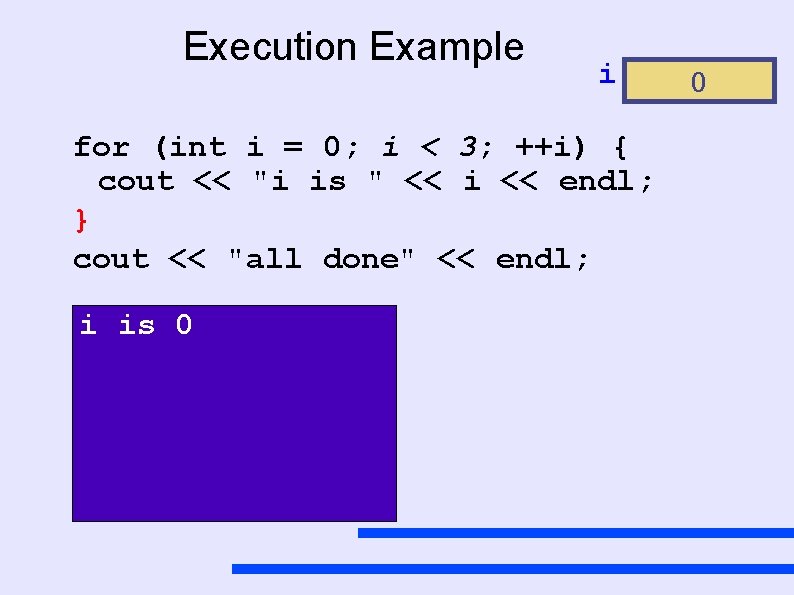
Execution Example i for (int i = 0; i < 3; ++i) { cout << "i is " << i << endl; } cout << "all done" << endl; i is 0 0
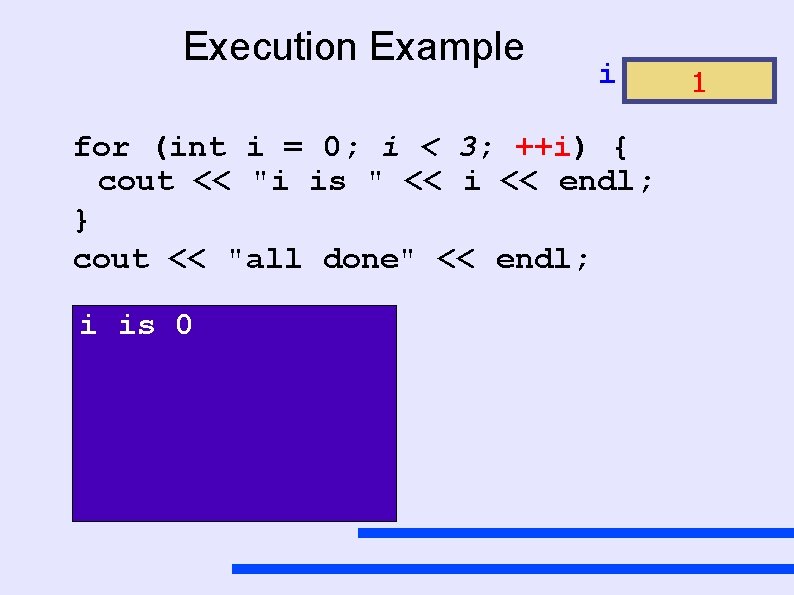
Execution Example i for (int i = 0; i < 3; ++i) { cout << "i is " << i << endl; } cout << "all done" << endl; i is 0 1
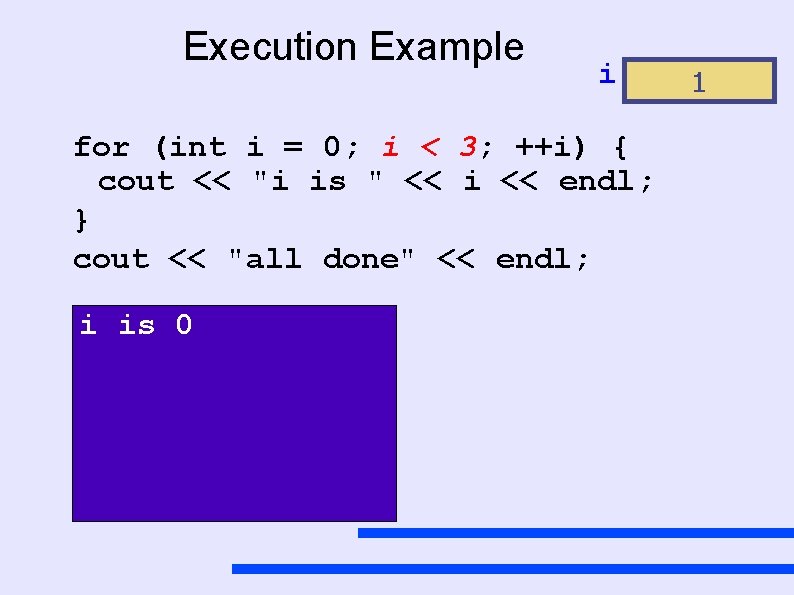
Execution Example i for (int i = 0; i < 3; ++i) { cout << "i is " << i << endl; } cout << "all done" << endl; i is 0 1
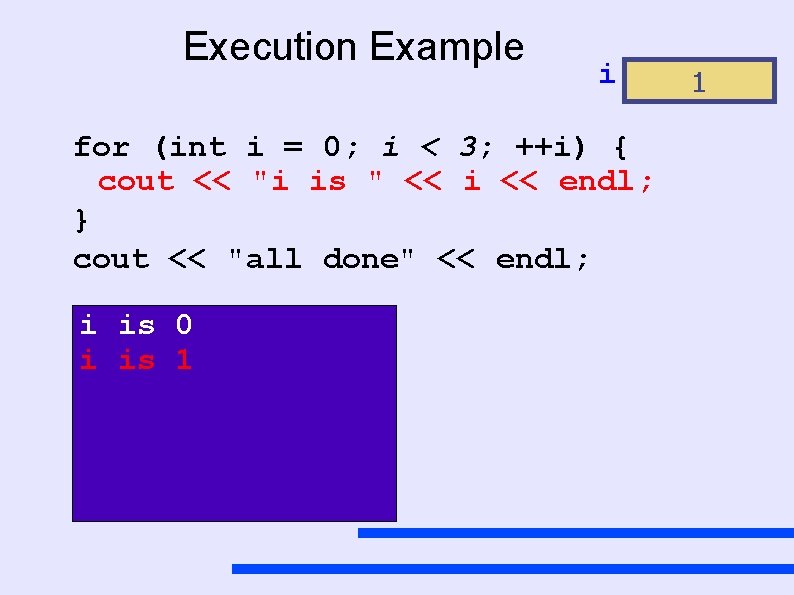
Execution Example i for (int i = 0; i < 3; ++i) { cout << "i is " << i << endl; } cout << "all done" << endl; i is 0 i is 1 1
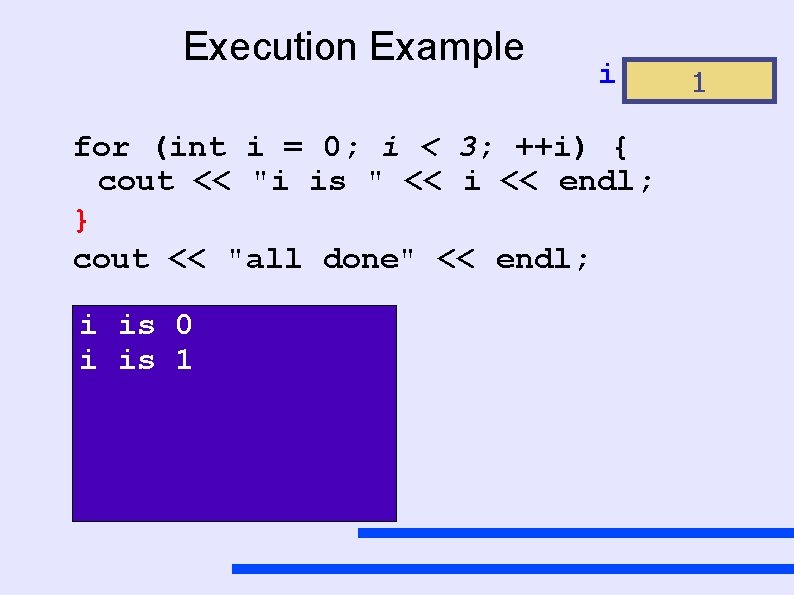
Execution Example i for (int i = 0; i < 3; ++i) { cout << "i is " << i << endl; } cout << "all done" << endl; i is 0 i is 1 1
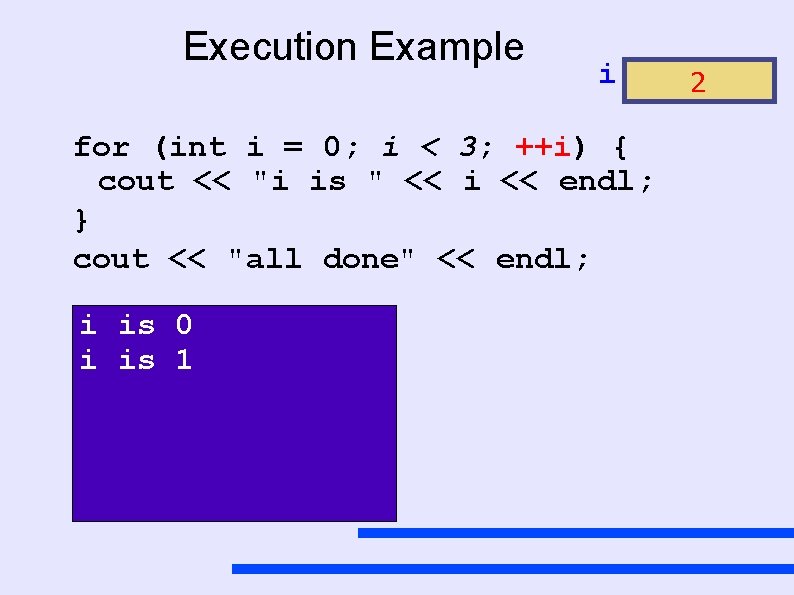
Execution Example i for (int i = 0; i < 3; ++i) { cout << "i is " << i << endl; } cout << "all done" << endl; i is 0 i is 1 2
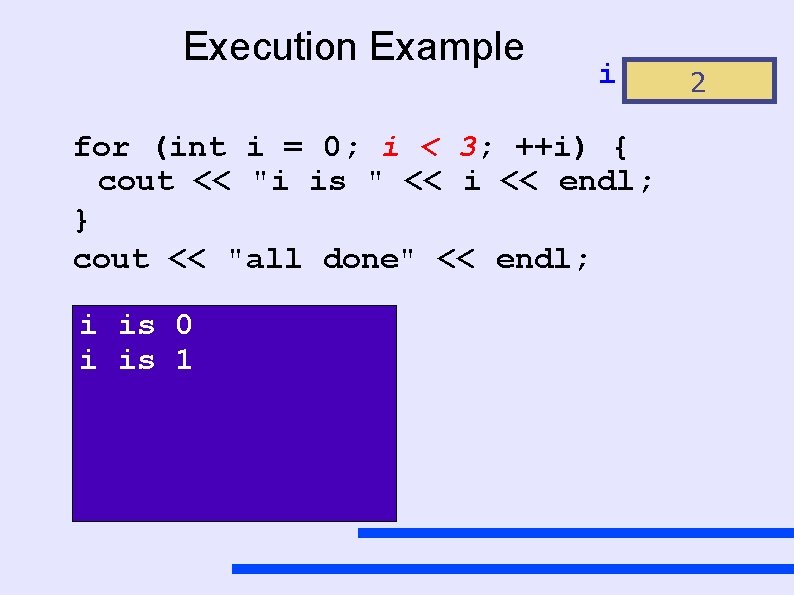
Execution Example i for (int i = 0; i < 3; ++i) { cout << "i is " << i << endl; } cout << "all done" << endl; i is 0 i is 1 2
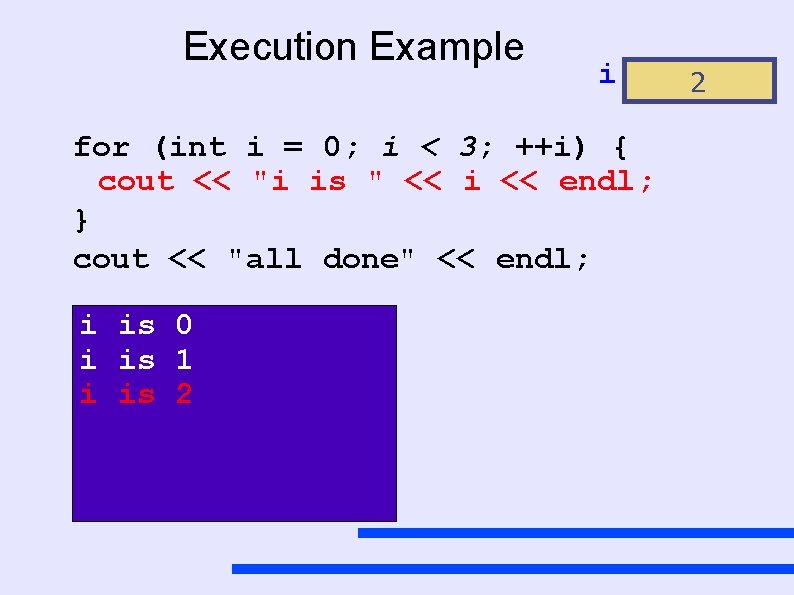
Execution Example i for (int i = 0; i < 3; ++i) { cout << "i is " << i << endl; } cout << "all done" << endl; i is 0 i is 1 i is 2 2
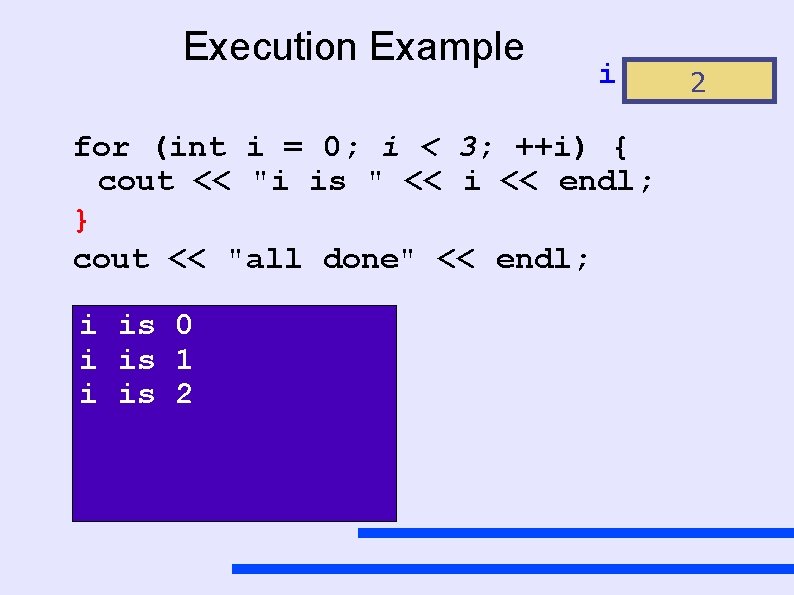
Execution Example i for (int i = 0; i < 3; ++i) { cout << "i is " << i << endl; } cout << "all done" << endl; i is 0 i is 1 i is 2 2
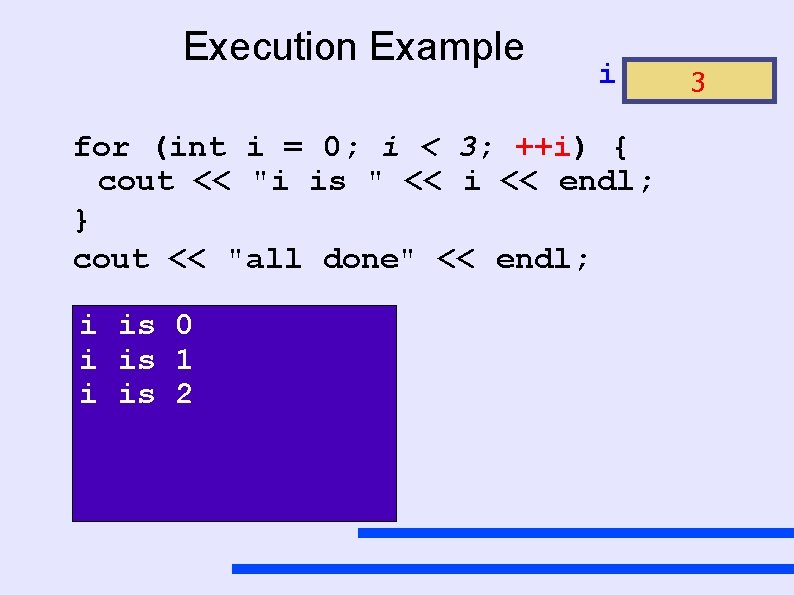
Execution Example i for (int i = 0; i < 3; ++i) { cout << "i is " << i << endl; } cout << "all done" << endl; i is 0 i is 1 i is 2 3
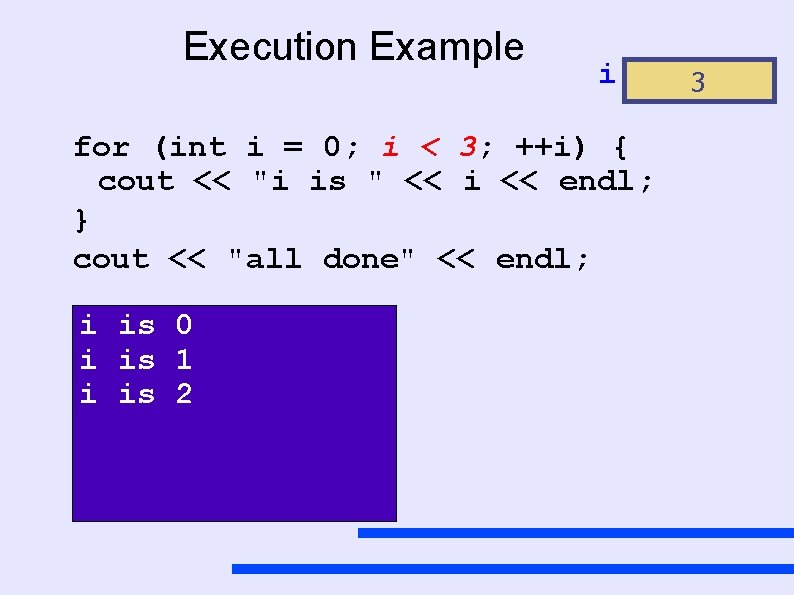
Execution Example i for (int i = 0; i < 3; ++i) { cout << "i is " << i << endl; } cout << "all done" << endl; i is 0 i is 1 i is 2 3
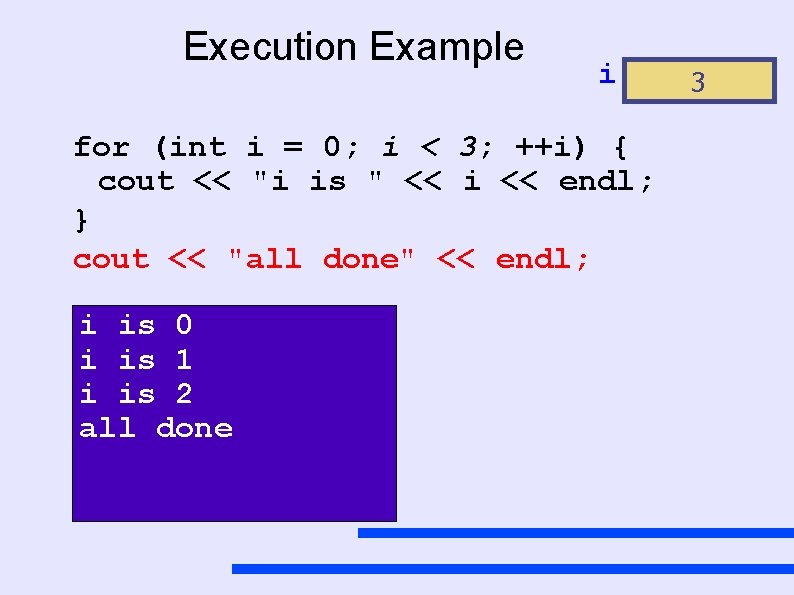
Execution Example i for (int i = 0; i < 3; ++i) { cout << "i is " << i << endl; } cout << "all done" << endl; i is 0 i is 1 i is 2 all done 3
Embedding for loops Just like while loops, for loops can also be embedded inside other loops in fact, due to there compactness (information being easier to read) many embedded loops will be for loops
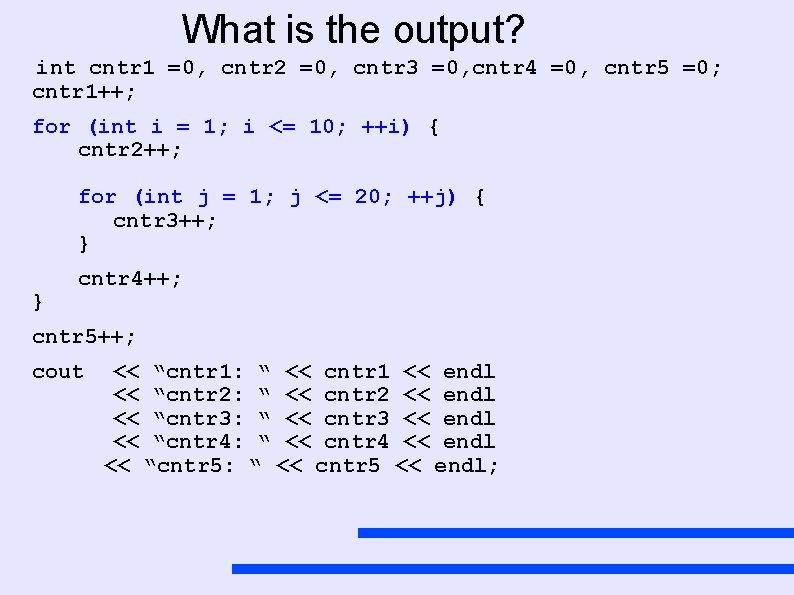
What is the output? int cntr 1 =0, cntr 2 =0, cntr 3 =0, cntr 4 =0, cntr 5 =0; cntr 1++; for (int i = 1; i <= 10; ++i) { cntr 2++; for (int j = 1; j <= 20; ++j) { cntr 3++; } } cntr 4++; cntr 5++; cout << “cntr 1: “ << cntr 1 << endl << “cntr 2: “ << cntr 2 << endl << “cntr 3: “ << cntr 3 << endl << “cntr 4: “ << cntr 4 << endl << “cntr 5: “ << cntr 5 << endl;
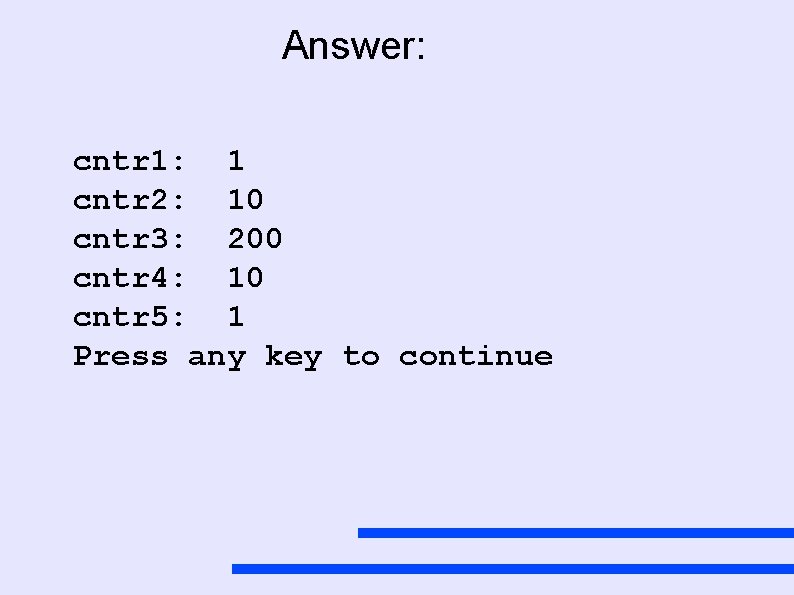
Answer: cntr 1: 1 cntr 2: 10 cntr 3: 200 cntr 4: 10 cntr 5: 1 Press any key to continue
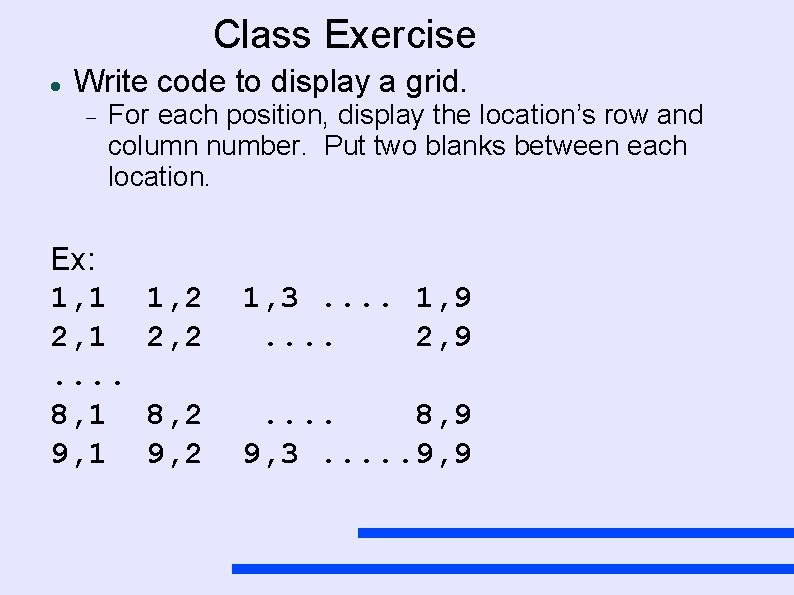
Class Exercise Write code to display a grid. For each position, display the location’s row and column number. Put two blanks between each location. Ex: 1, 1 2, 1. . 8, 1 9, 1 1, 2 2, 2 1, 3. . 1, 9. . 2, 9 8, 2 9, 2 . . 8, 9 9, 3. . . 9, 9
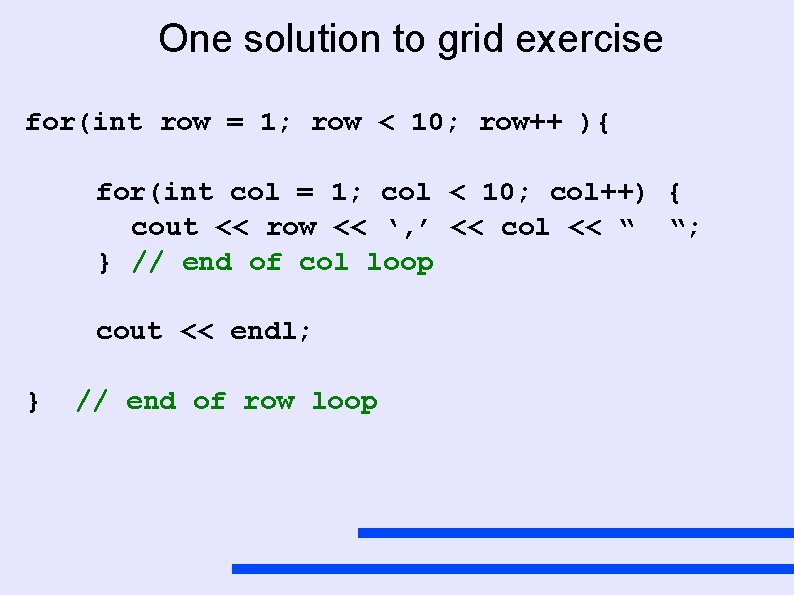
One solution to grid exercise for(int row = 1; row < 10; row++ ){ for(int col = 1; col < 10; col++) { cout << row << ‘, ’ << col << “ “; } // end of col loop cout << endl; } // end of row loop
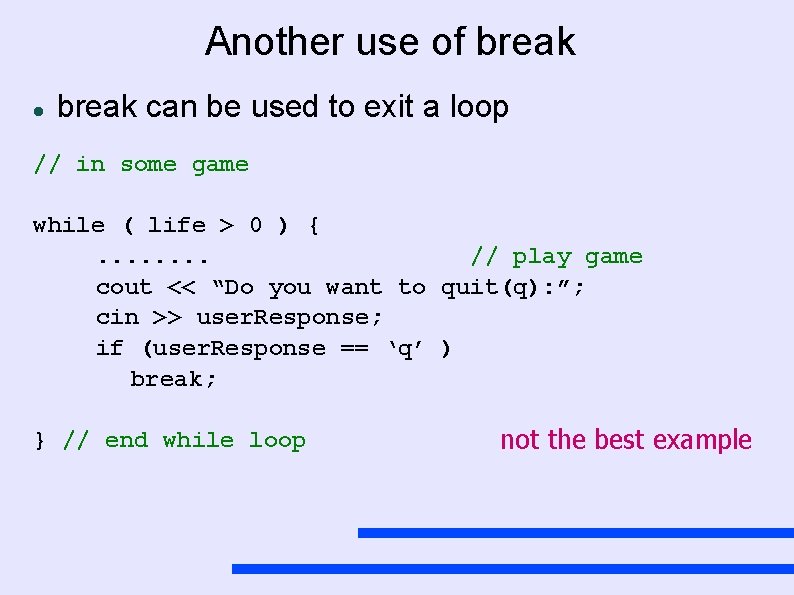
Another use of break can be used to exit a loop // in some game while ( life > 0 ) {. . . . // play game cout << “Do you want to quit(q): ”; cin >> user. Response; if (user. Response == ‘q’ ) break; } // end while loop not the best example
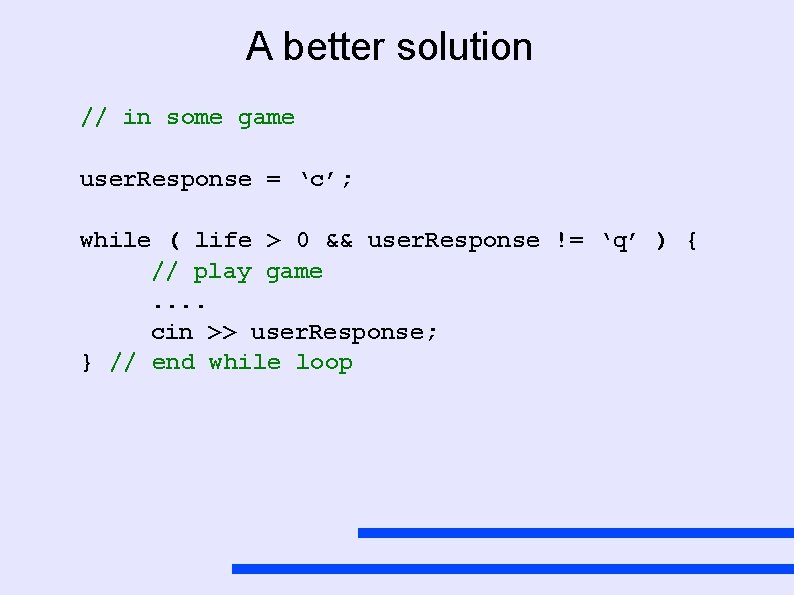
A better solution // in some game user. Response = ‘c’; while ( life > 0 && user. Response != ‘q’ ) { // play game. . cin >> user. Response; } // end while loop
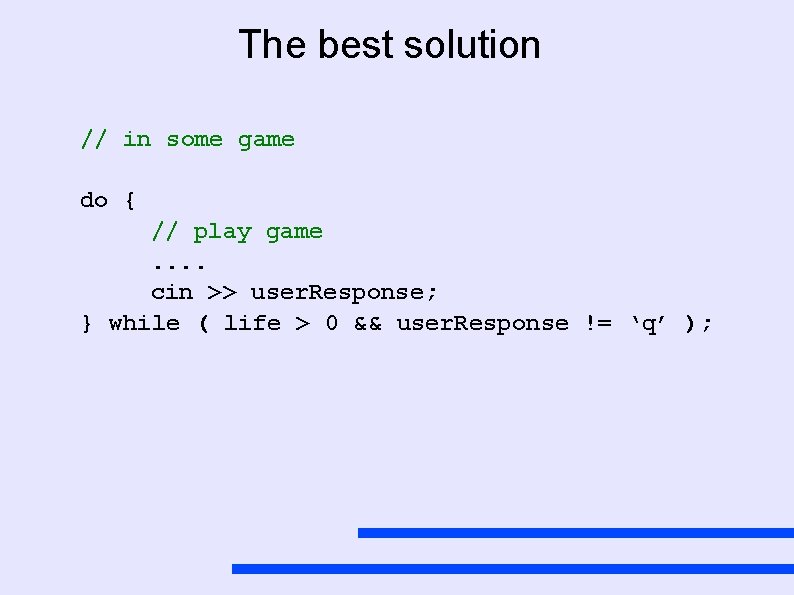
The best solution // in some game do { // play game. . cin >> user. Response; } while ( life > 0 && user. Response != ‘q’ );
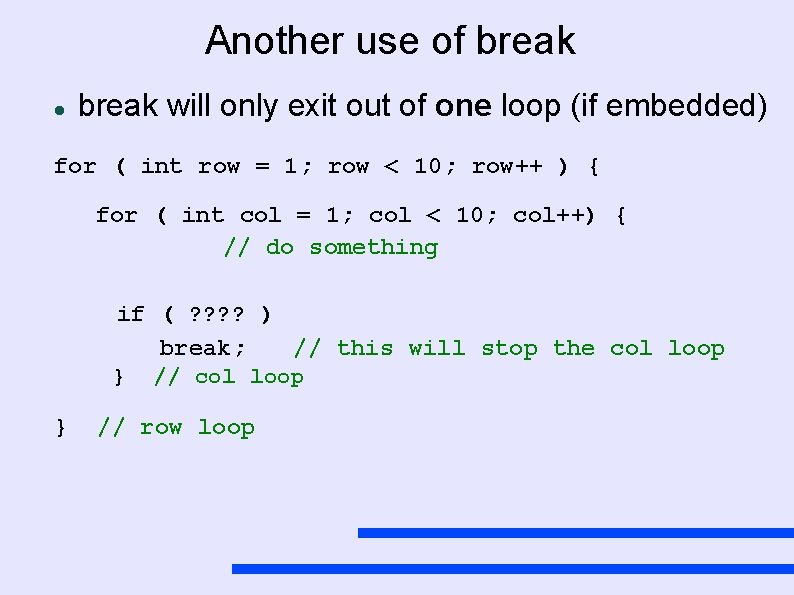
Another use of break will only exit out of one loop (if embedded) for ( int row = 1; row < 10; row++ ) { for ( int col = 1; col < 10; col++) { // do something if ( ? ? ) break; // this will stop the col loop } // row loop
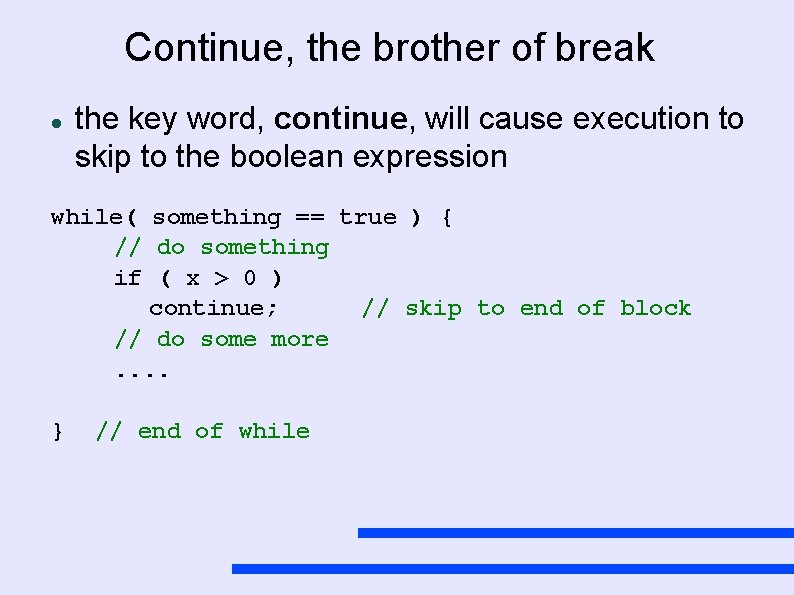
Continue, the brother of break the key word, continue, will cause execution to skip to the boolean expression while( something == true ) { // do something if ( x > 0 ) continue; // skip to end of block // do some more. . } // end of while
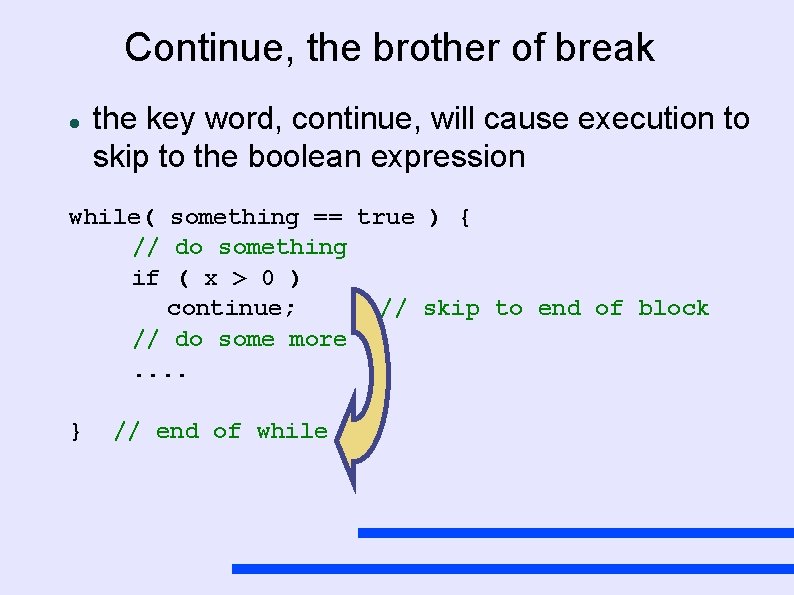
Continue, the brother of break the key word, continue, will cause execution to skip to the boolean expression while( something == true ) { // do something if ( x > 0 ) continue; // skip to end of block // do some more. . } // end of while
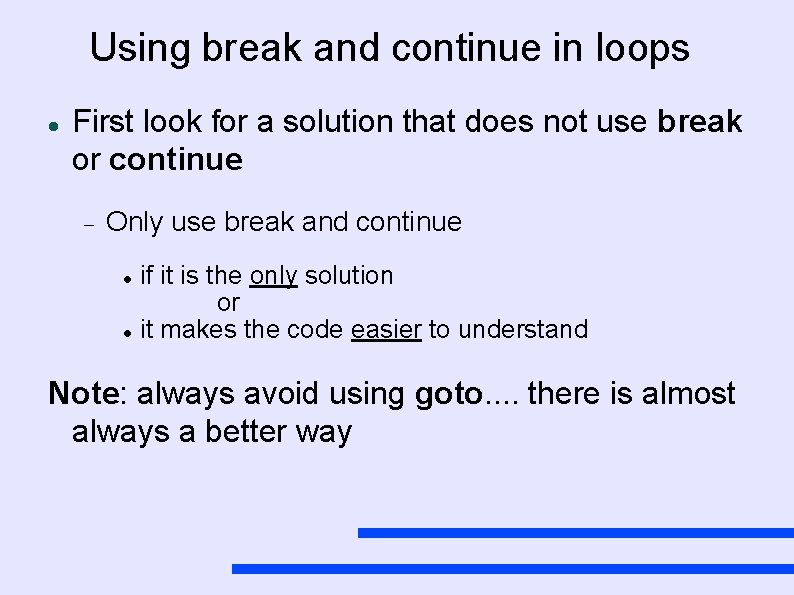
Using break and continue in loops First look for a solution that does not use break or continue Only use break and continue if it is the only solution or it makes the code easier to understand Note: always avoid using goto. . there is almost always a better way
Sentinel Controled Loops Continue doing the loop until a special value (the sentinel) is encounter
Sentinel Controled Loops Continue doing the loop until a special value (the sentinel) is encounter Example: Before we asked the user for 10 numbers and then we told the user total of the 10 numbers average of the 10 numbers
Sentinel Controled Loops Continue doing the loop until a special value (the sentinel) is encounter Example: Before we asked the user for 10 numbers and then we told the user total of the 10 numbers average of the 10 numbers Now we want the user to enter as many numbers as they want a negative number is the signal that they are done ( the sentinel )
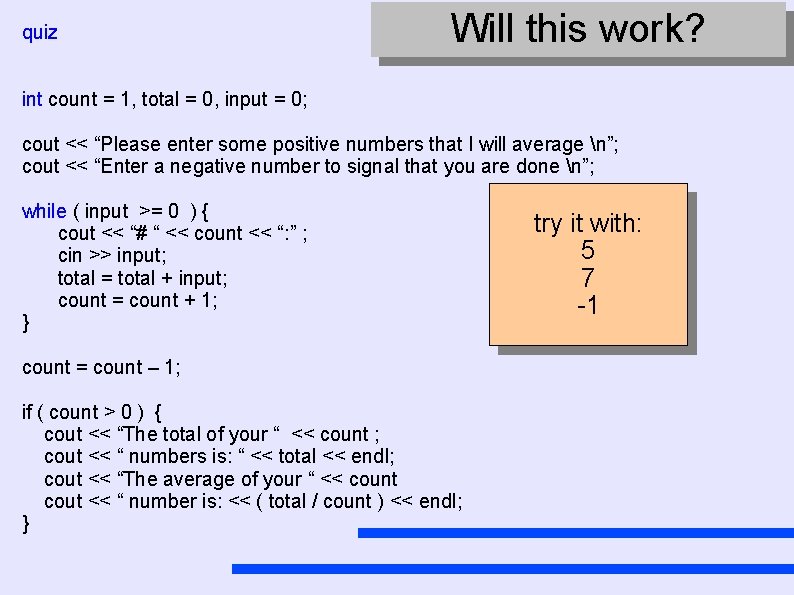
quiz Will this work? int count = 1, total = 0, input = 0; cout << “Please enter some positive numbers that I will average n”; cout << “Enter a negative number to signal that you are done n”; while ( input >= 0 ) { cout << “# “ << count << “: ” ; cin >> input; total = total + input; count = count + 1; } count = count – 1; if ( count > 0 ) { cout << “The total of your “ << count ; cout << “ numbers is: “ << total << endl; cout << “The average of your “ << count cout << “ number is: << ( total / count ) << endl; } try it with: 5 7 -1

- Slides: 65